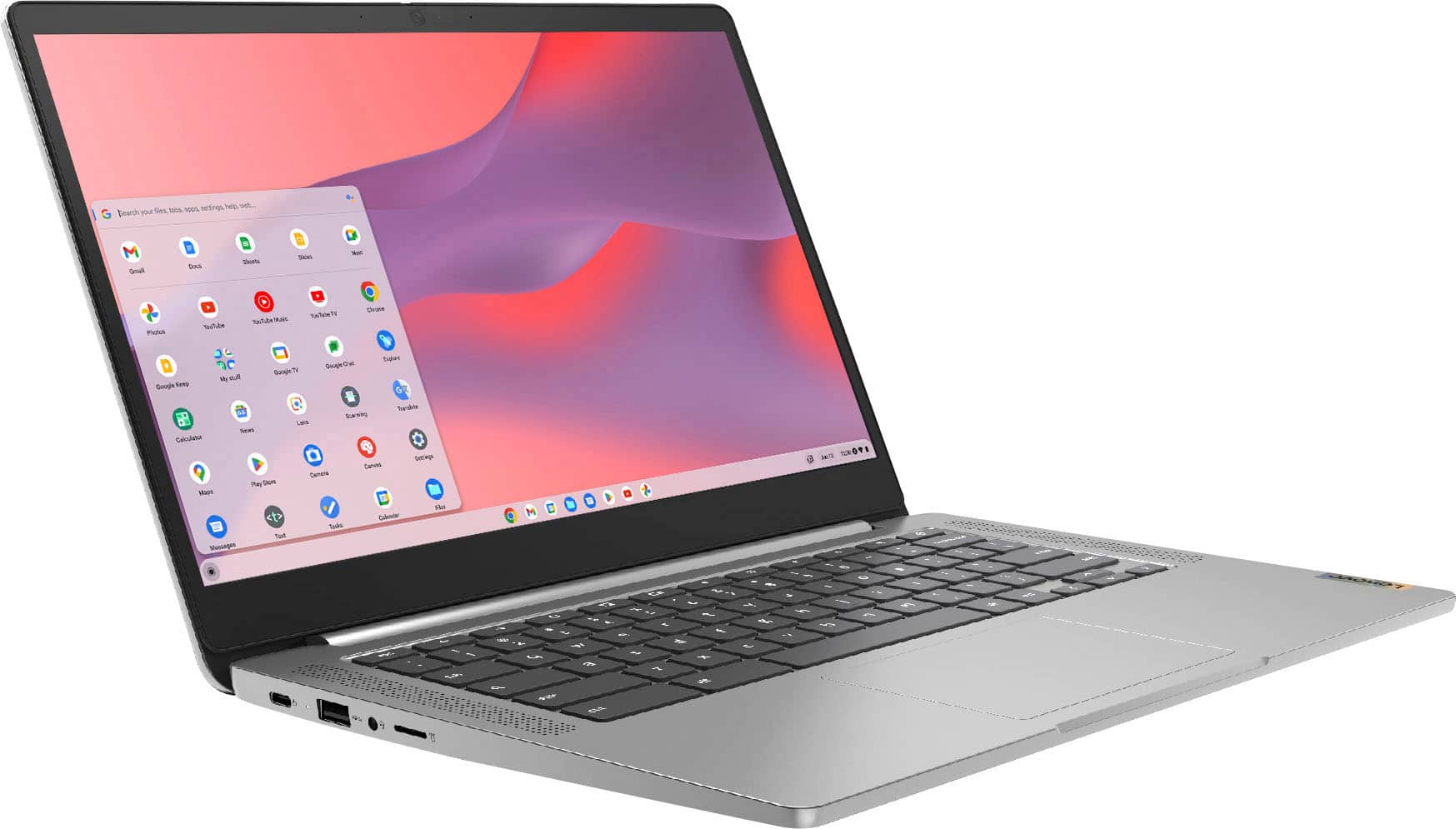
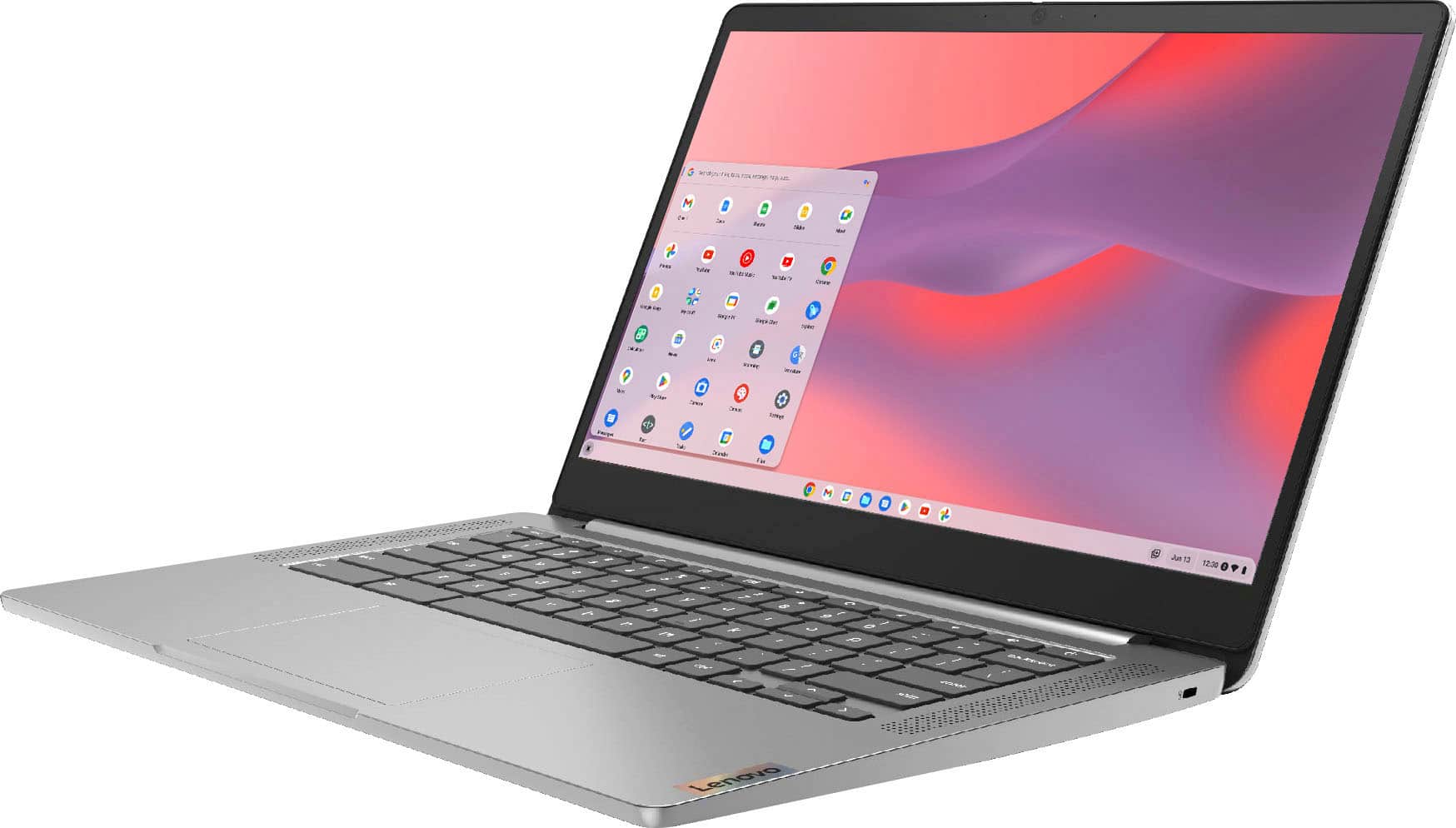
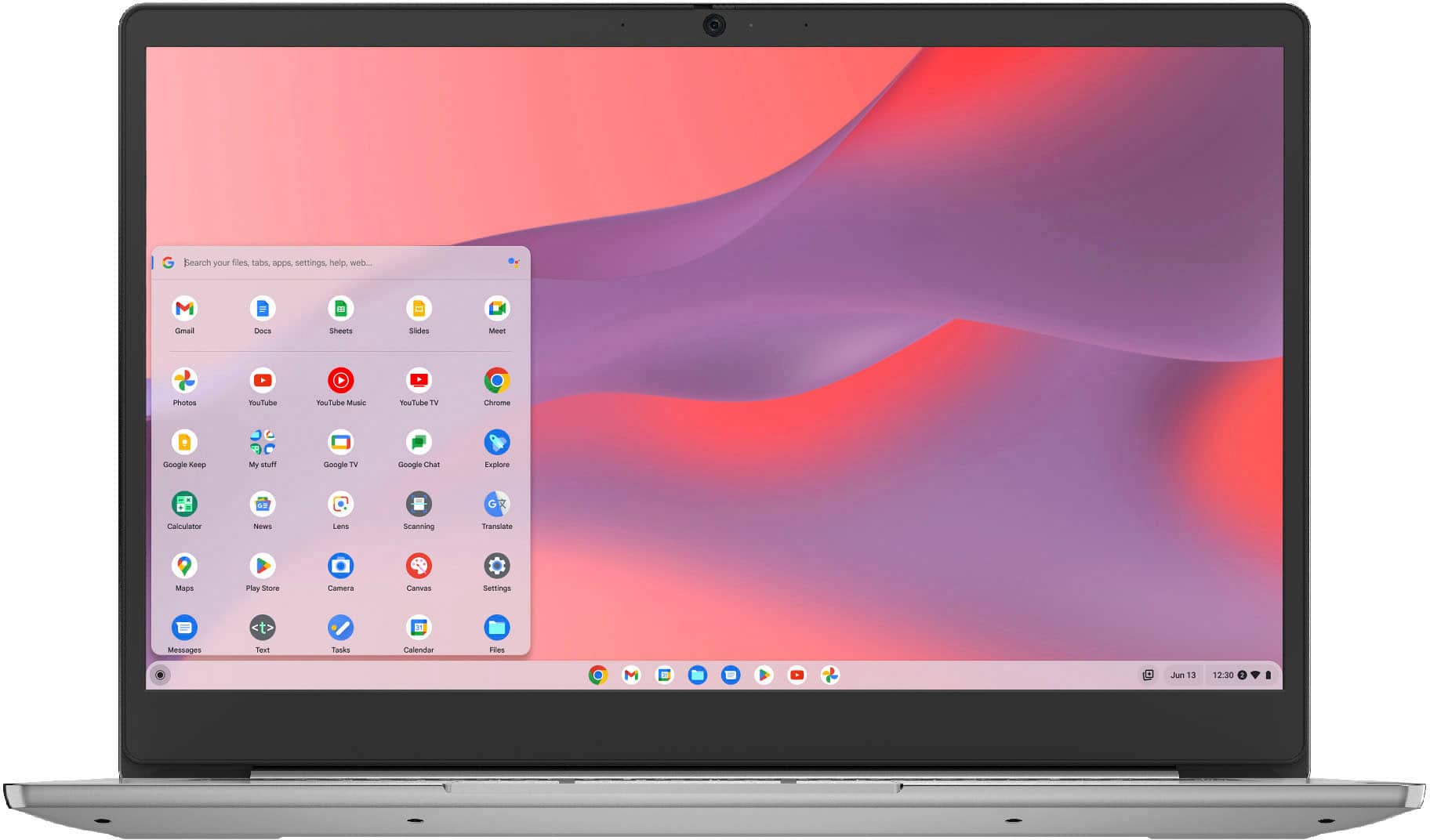
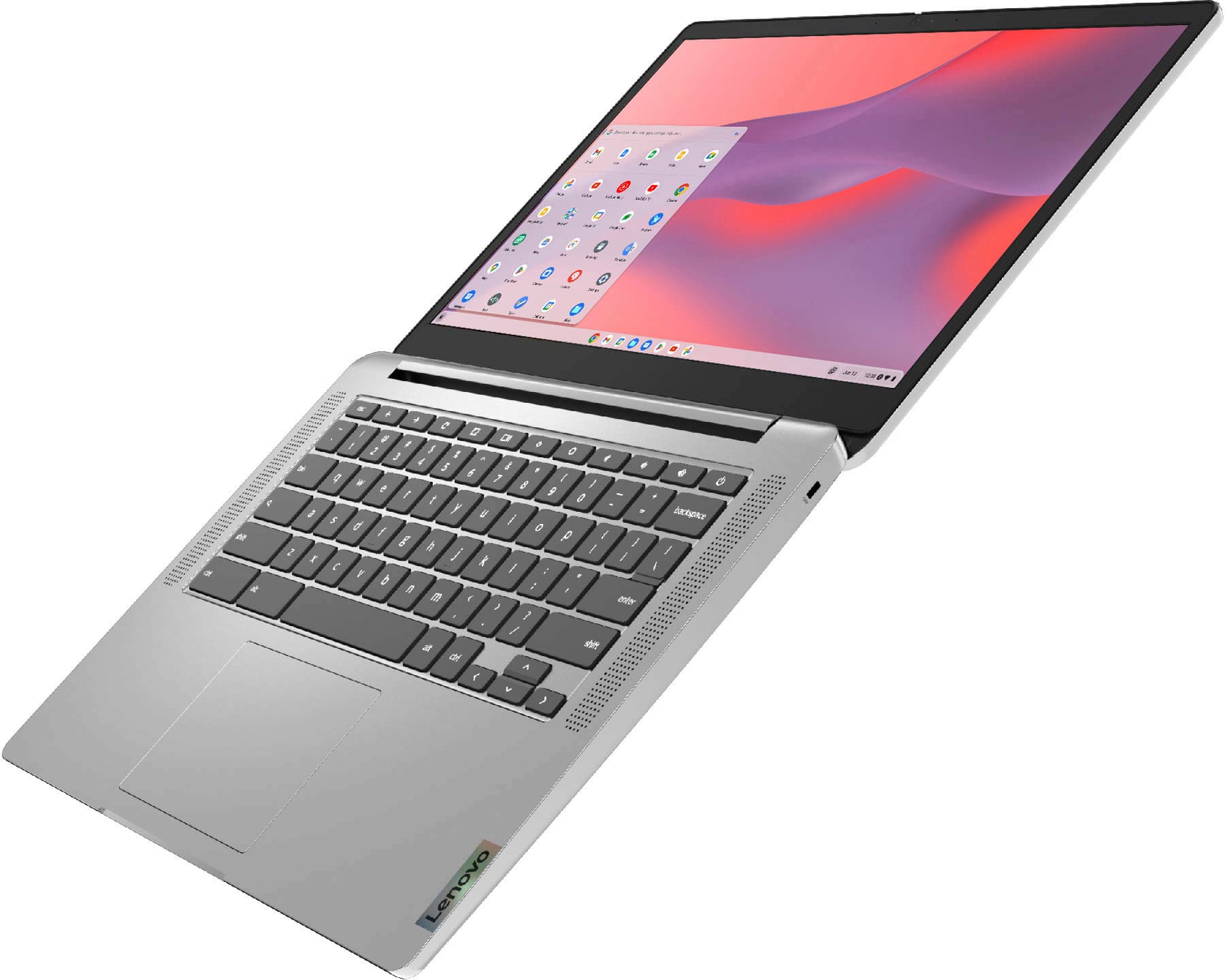
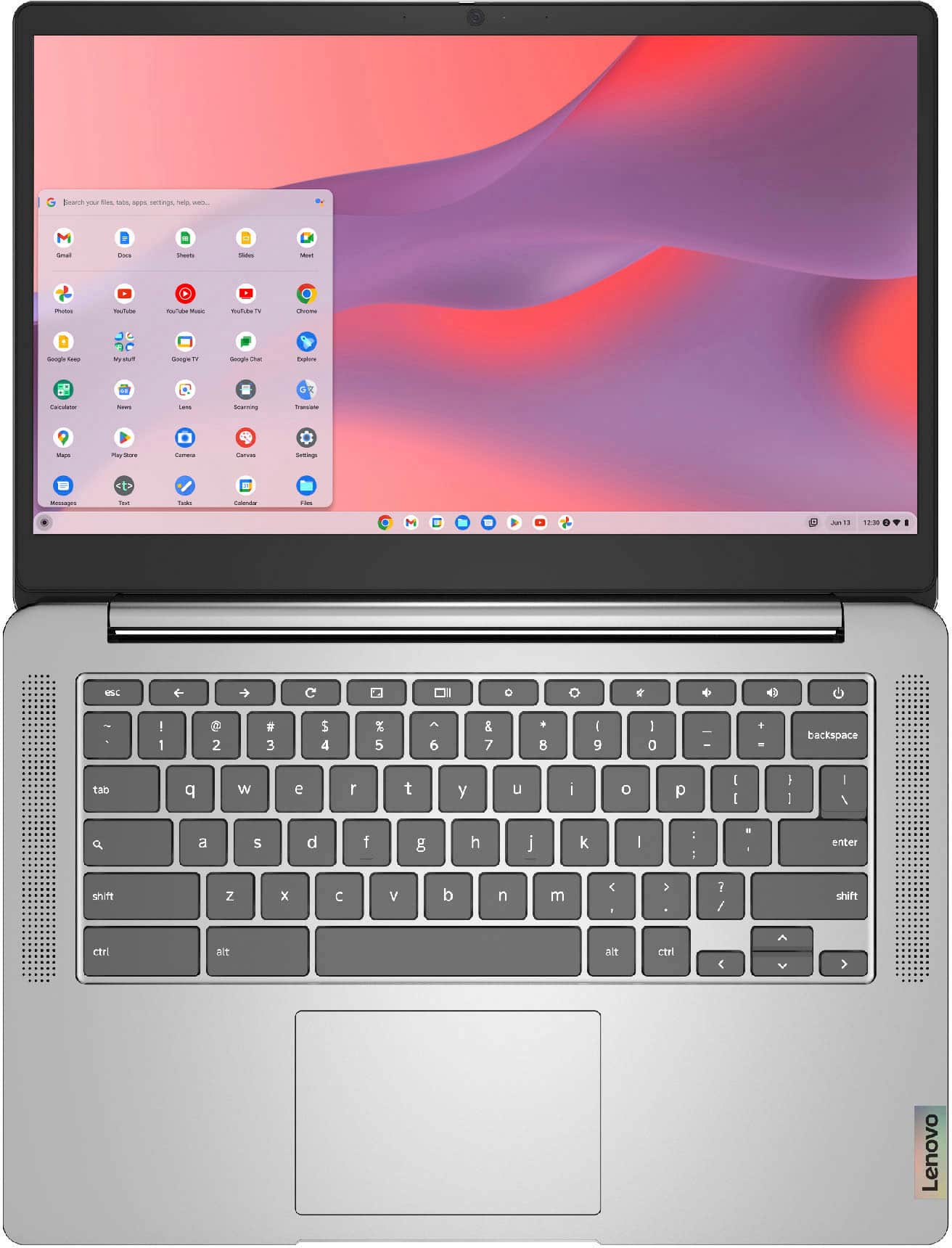
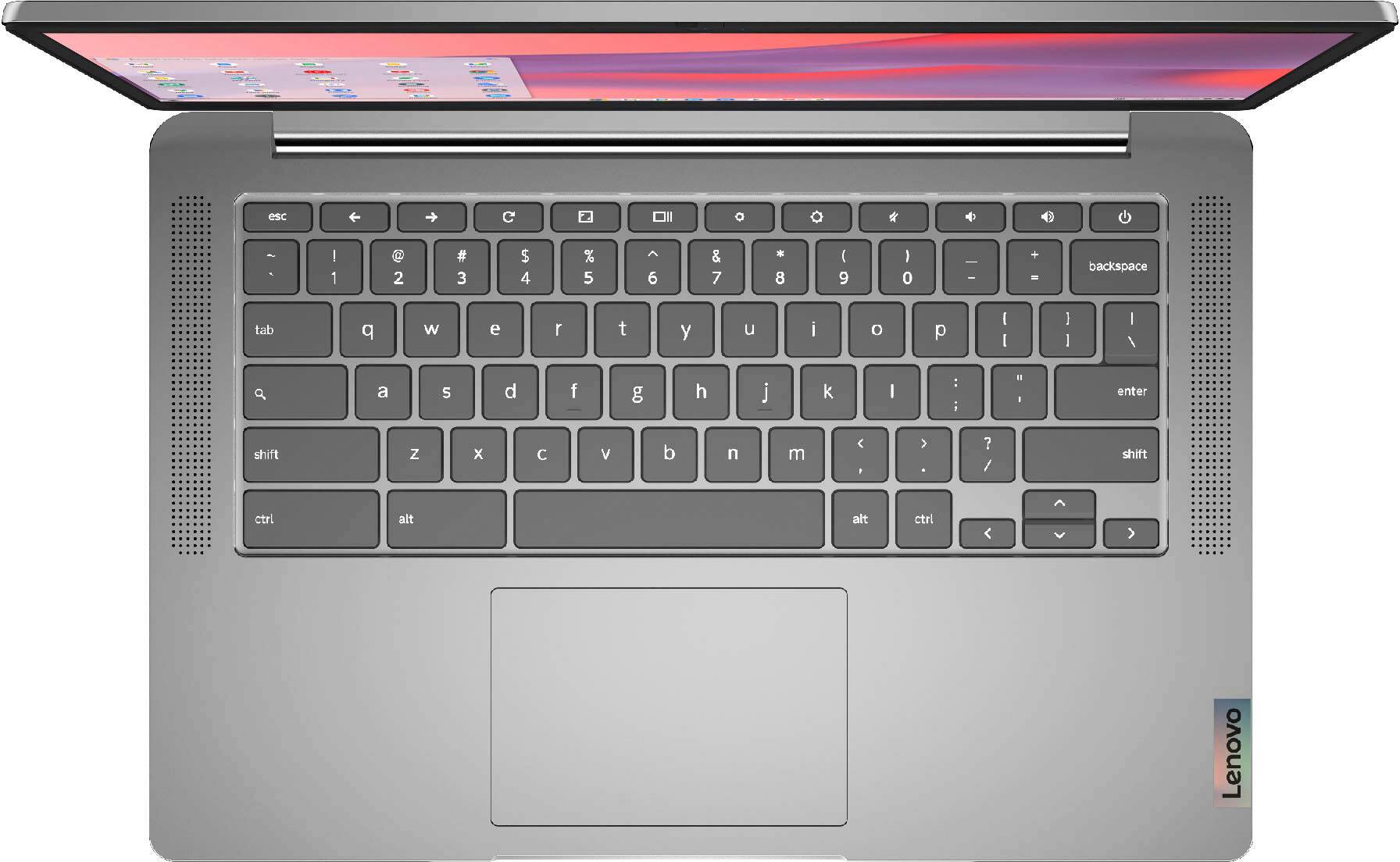
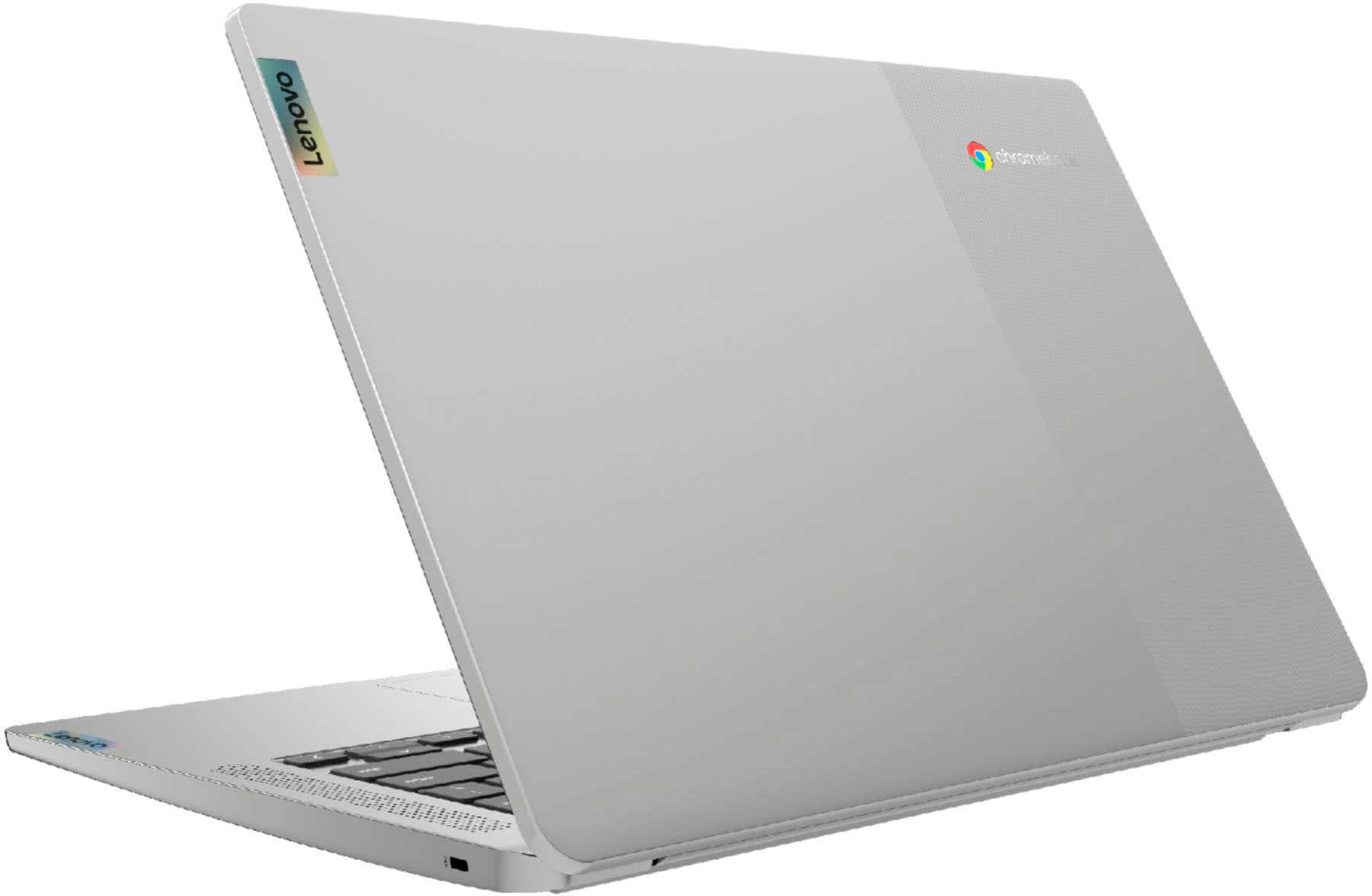
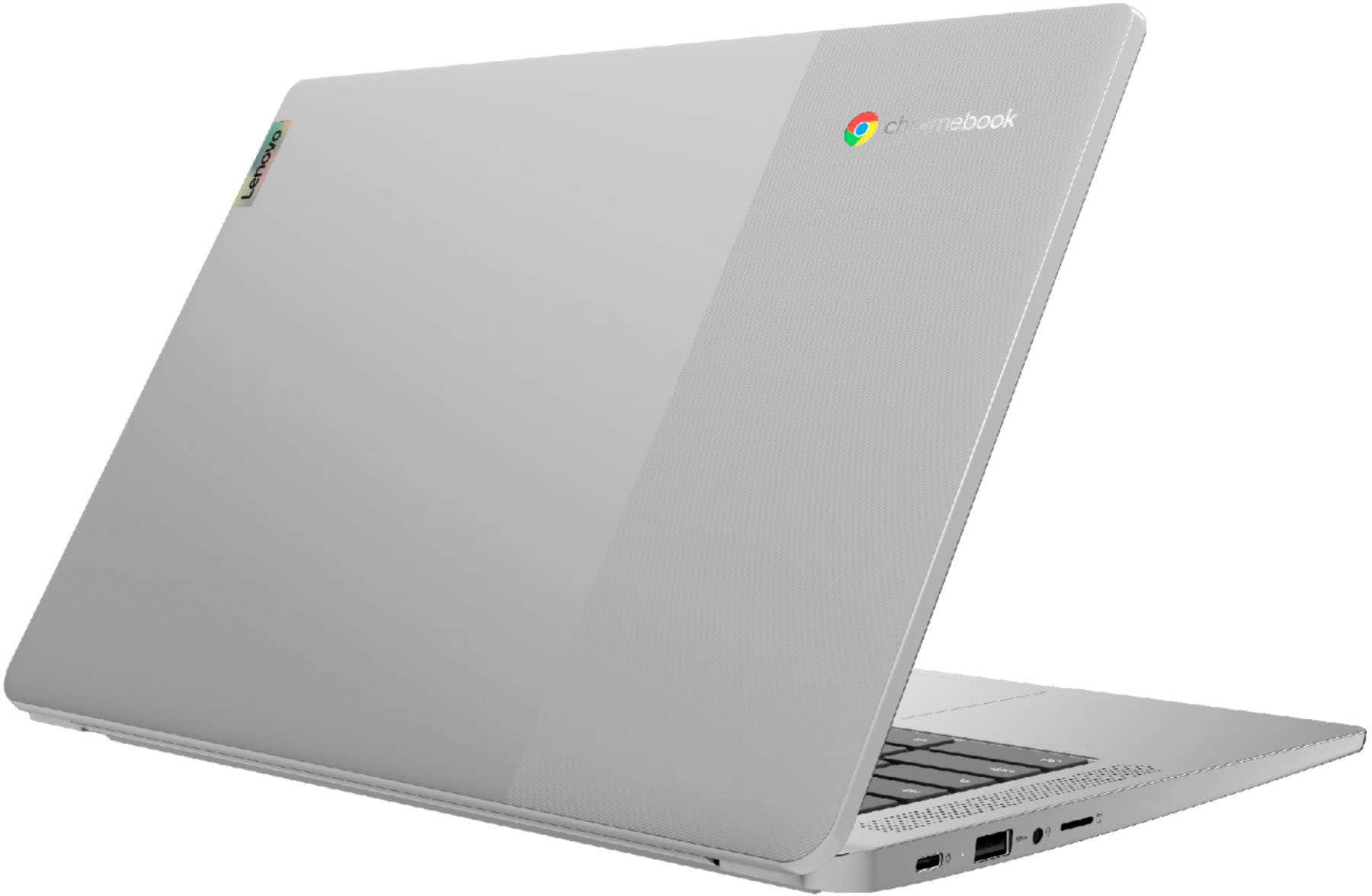
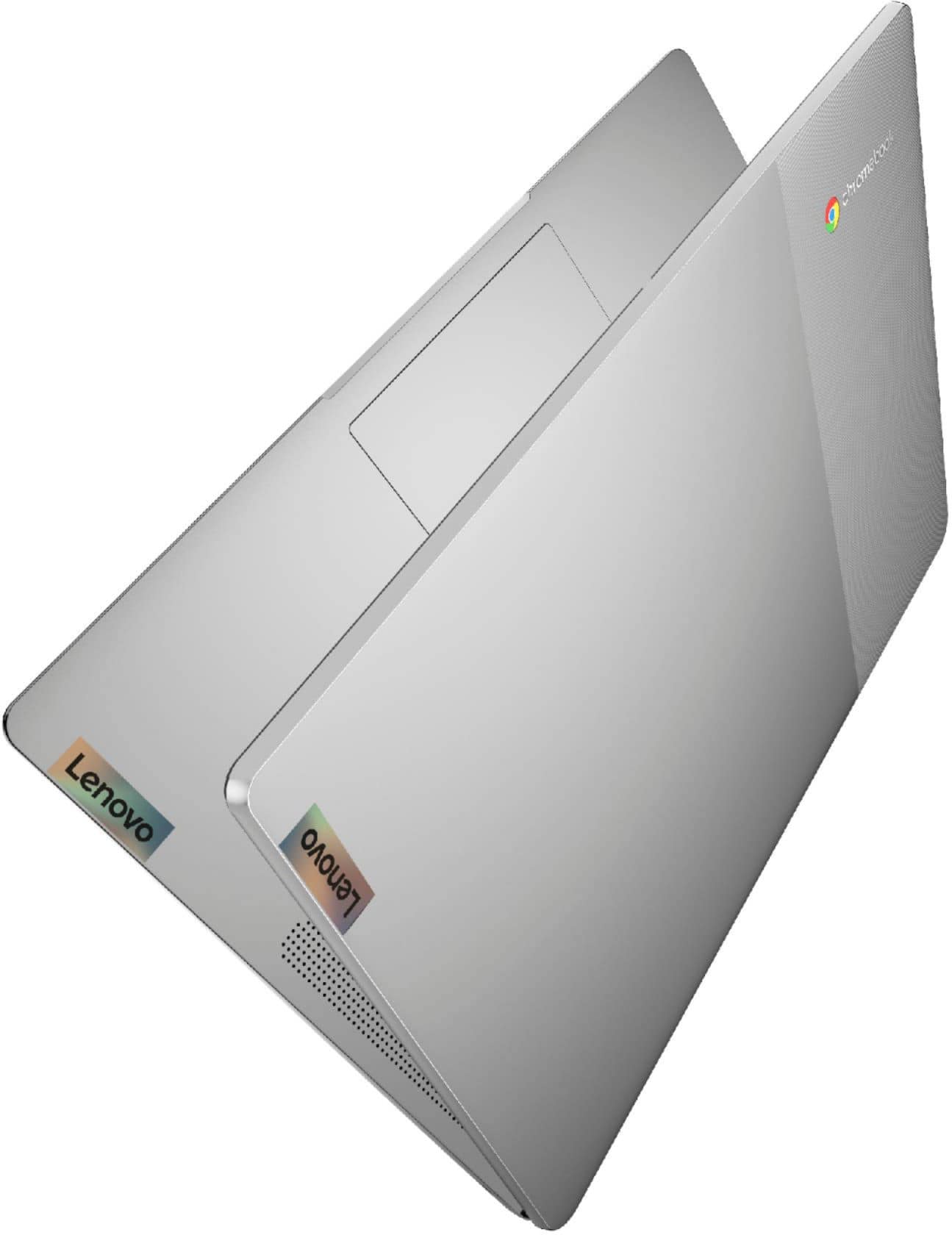
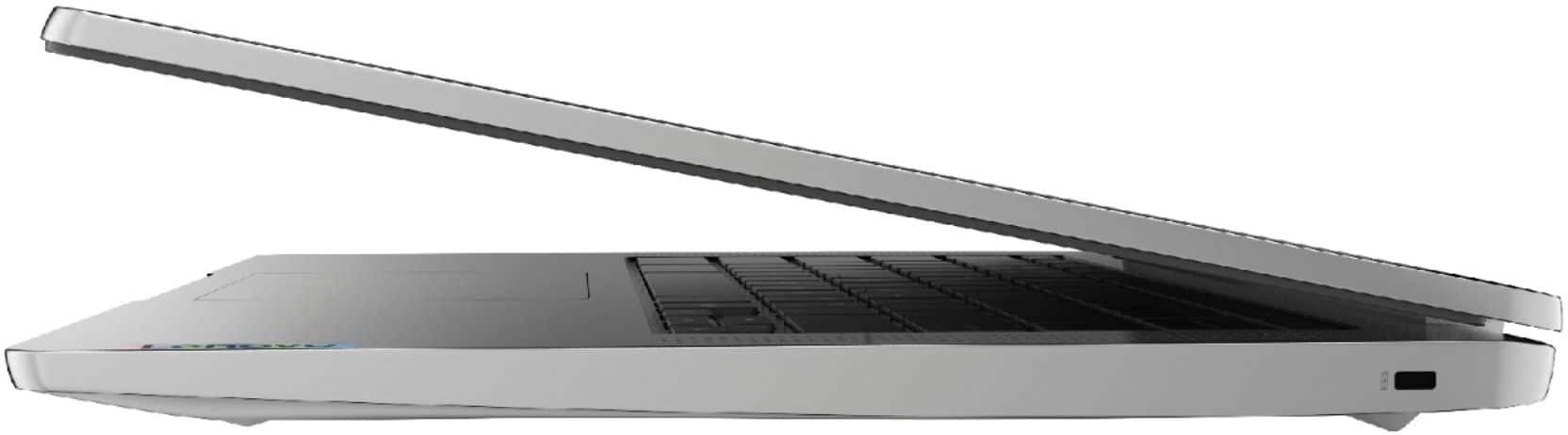
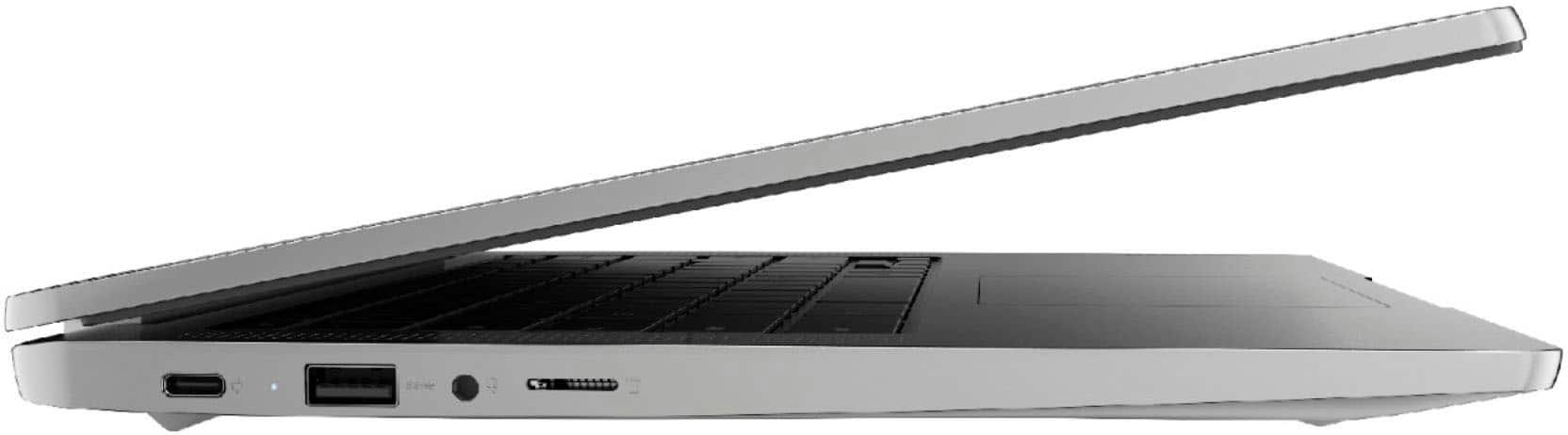
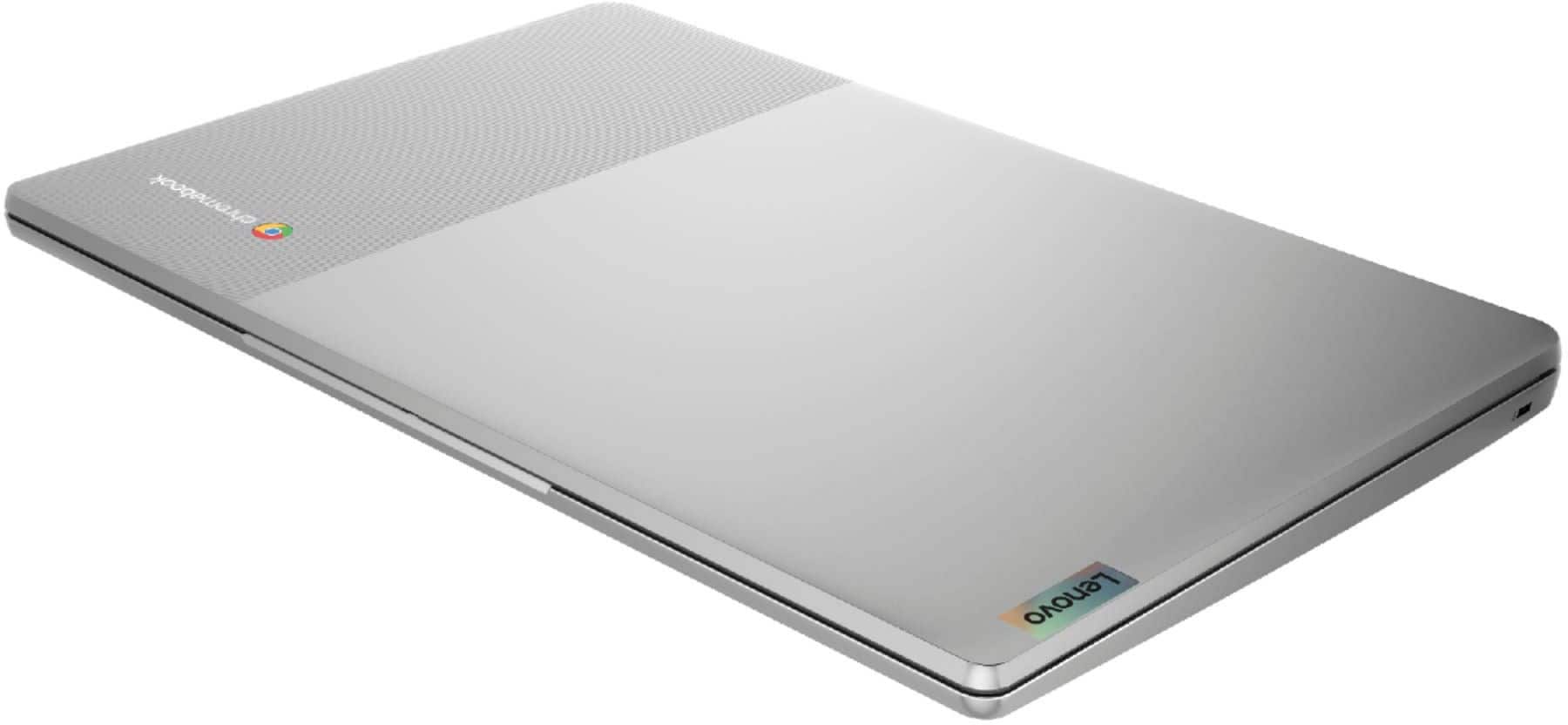
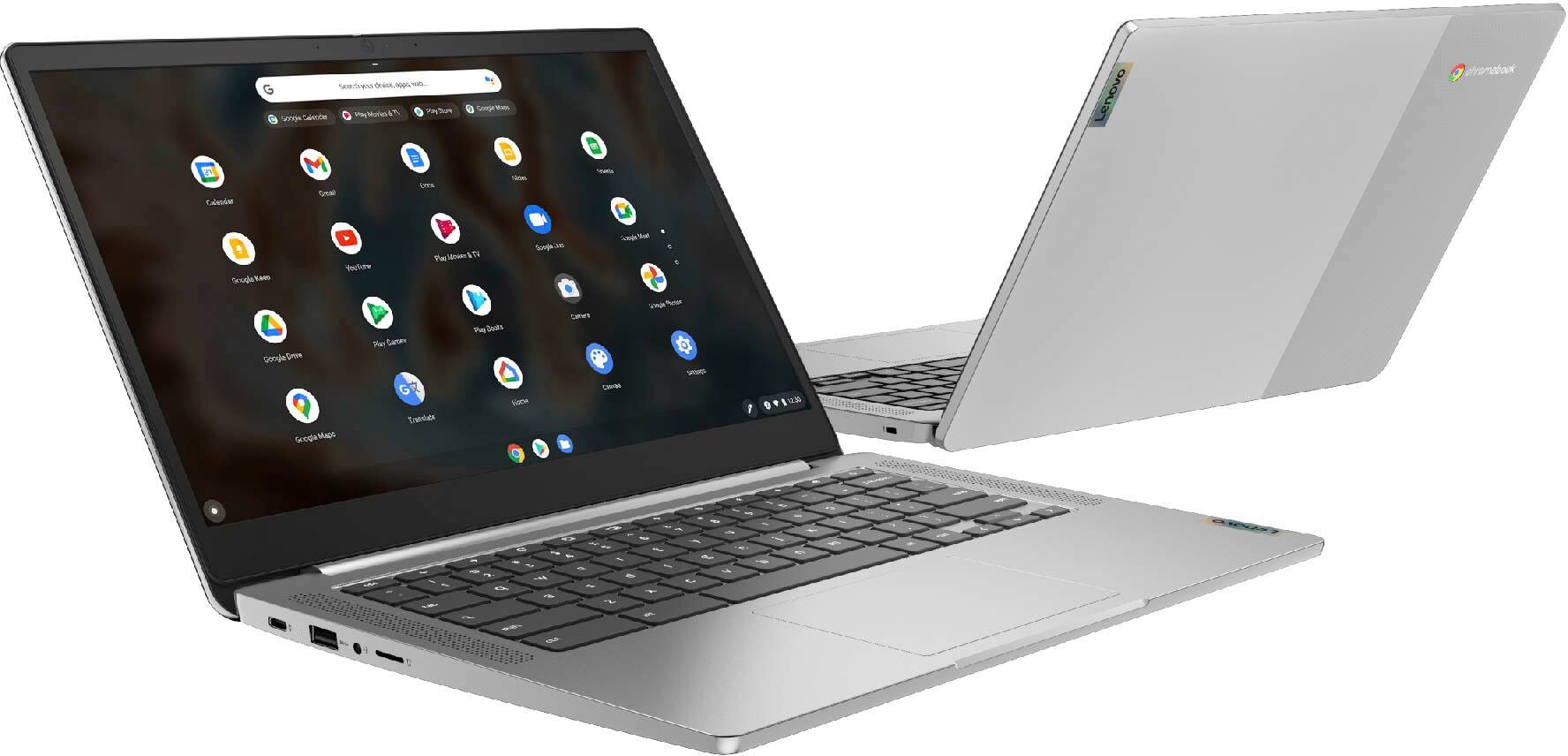
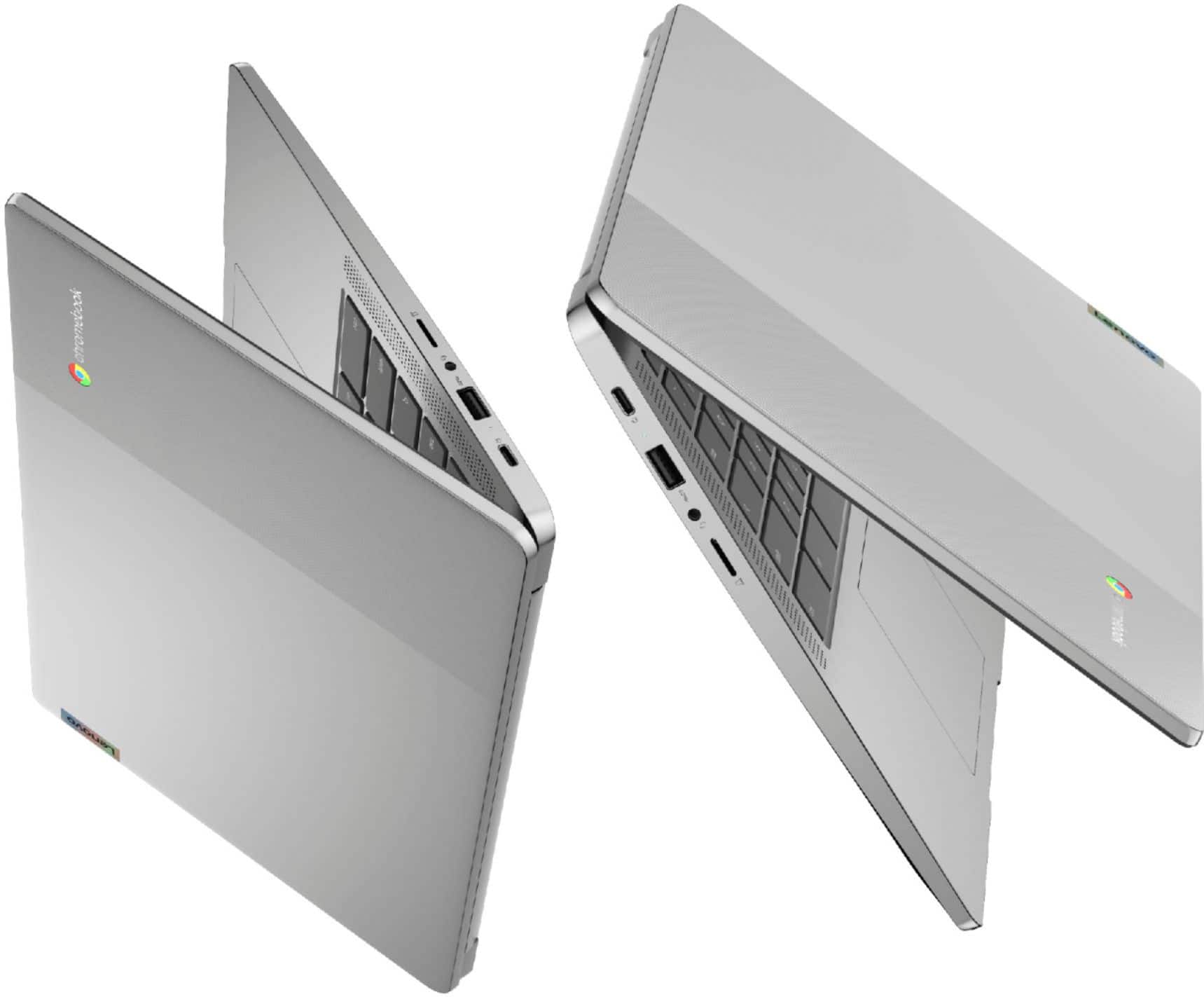
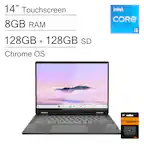
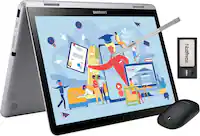
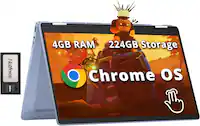
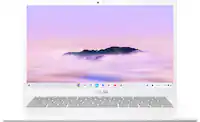
A:AnswerThe Lenovo Chromebook 3 14 Laptop, model number 82KN0001US, ships with a 14 inch (screen size measured diagonally) IPS - FHD (1920x1080) 10-point Multi-touch screen, with a brightness level of 300 nits, has an Anti-glare coating. The Chromebook 3 14 ships with the MediaTek MT8183 processor, with a Integrated ARM Mali-G72 MP3 GPU. The Chromebook 3 14 supports up to 2 independent displays via native display and 1 external monitor; supports external monitor via USB-C (up to 1920x1080@60Hz).
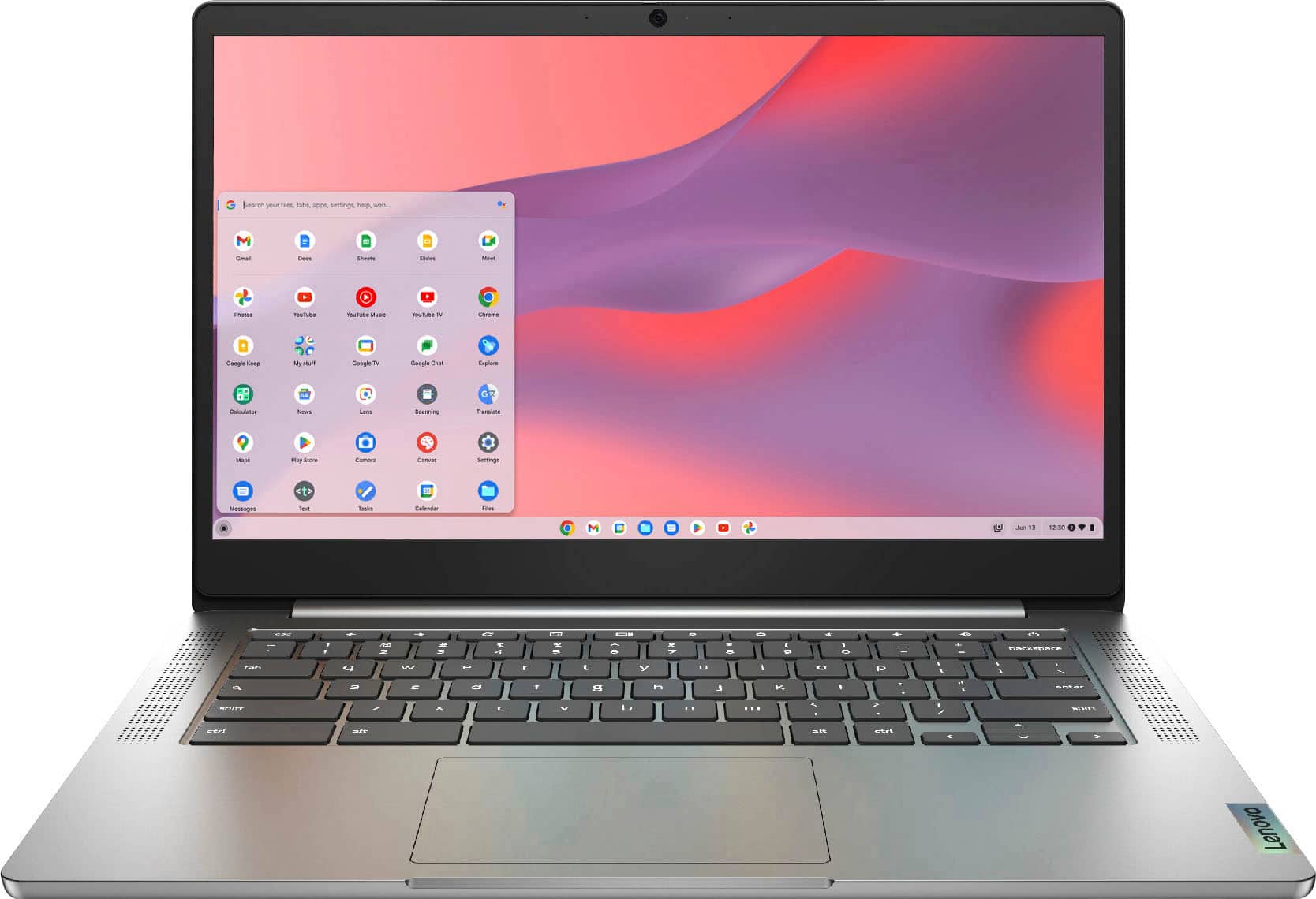
A:AnswerNo. The Lenovo Chromebook 3 14 ships with the Chrome Operating System installed. You will need to activate and setup Chrome at your initial startup of your new Chromebook. Here is a link to instructions about setting up a new Chromebook for the first time: https://chromebook.guide/chromebook-setup-guide/. If you need additional help, we recommend you contact Lenovo Tech Support for Chromebooks at: 800-426-7378.
A:AnswerThe Lenovo Chromebook 3 14 model number 82KN0001US has a 10-point Multi-touch screen. Chromebooks have built-in security, so you're protected against viruses and malware that is provided by the Google Server every time the Chromebook connects to the internet. So while there's no question that Chromebooks are among the most secure computers you can buy, it's not a bad idea to back them up with additional antivirus software. Here is a link to more information: https://www.security.org/antivirus/chromebooks/#:~:text=So%20while%20there's%20no%20question,up%20with%20additional%20antivirus%20software.
A:AnswerYes. The Lenovo Chromebook 3 14 is compatible with Google Play Store APPs. Not all APPs at the Google Play Store are formatted for Chromebooks. We recommend you check with the specific APPs software publisher's web site for their compatibility with the Chrome operating system and the minimum/recommended hardware requirements (Is a Graphics card required, the processor speed and the minimum required system RAM and the minimum available hard drive space) to run their program, then compare those requirements to this system's configuration.
A:AnswerNo. The Lenovo Chromebook 3 14 model number 82KN0001US uses WiFi only for connecting to the internet. It has no cellular/broadband capability. You can create a WiFi Hotspot with a compatible cell phone, then connect this Chromebook 3 14 to that WiFi signal. We recommend you contact your cellular provider for additional details, requirements and compatibility.
A:AnswerIn general, Chromebooks and Chrome OS are both capped at 60hz across the board., but here is a link to more information about refresh rates within the Chrome Operating System: https://www.androidcentral.com/does-chrome-os-support-high-refresh-rate-displays
A:AnswerThat really will depend on the software you will need to use and requirements and compatibility of that software. The Lenovo Chromebook 3 14 ships with the Chrome Operating System and is compatible with Google Play Store APPs. We recommend you check with the specific APPs software publisher's web sites, of the APPs you will need to use, for their compatibility with the Chrome operating system and the minimum/recommended hardware requirements (Is a Graphics card required, the processor speed and the minimum required system RAM and the minimum available hard drive space) to run their program, then compare those requirements to this system's configuration.
A:AnswerFind my phone? That free service from google you can access from the web browser. I believe this only works with android devices only.
https://myaccount.google.com/find-your-phone?pli=1
A:AnswerThe Lenovo Chromebook 3 14 model number 82KN0001US, will work with any printer that is compatible with the Chrome Operating System. We recommend you check with your printer manufacturer for the compatibility of your specific printer model with the Chrome Operating System. Here is a link to more information about printing from a Chromebook: https://support.google.com/chromebook/answer/7225252?hl=en
A:AnswerThe Lenovo Chromebook 3 14 Laptop, model number 82KN0001US is compatible with Google Play Store APPs. Check there for the specific game APPs you are looking for.
A:AnswerThe Lenovo Chromebook 3 14 model number 82KN0001US, ships with Bluetooth 4.2 version compatibility built in. Whether this Chromebook is compatible with a specific peripheral device will depend on the requirements and compatibility of the specific peripheral device. We recommend you check with the device manufacturer for compatibility with Bluetooth 4.2 version and the Chrome Operating System.