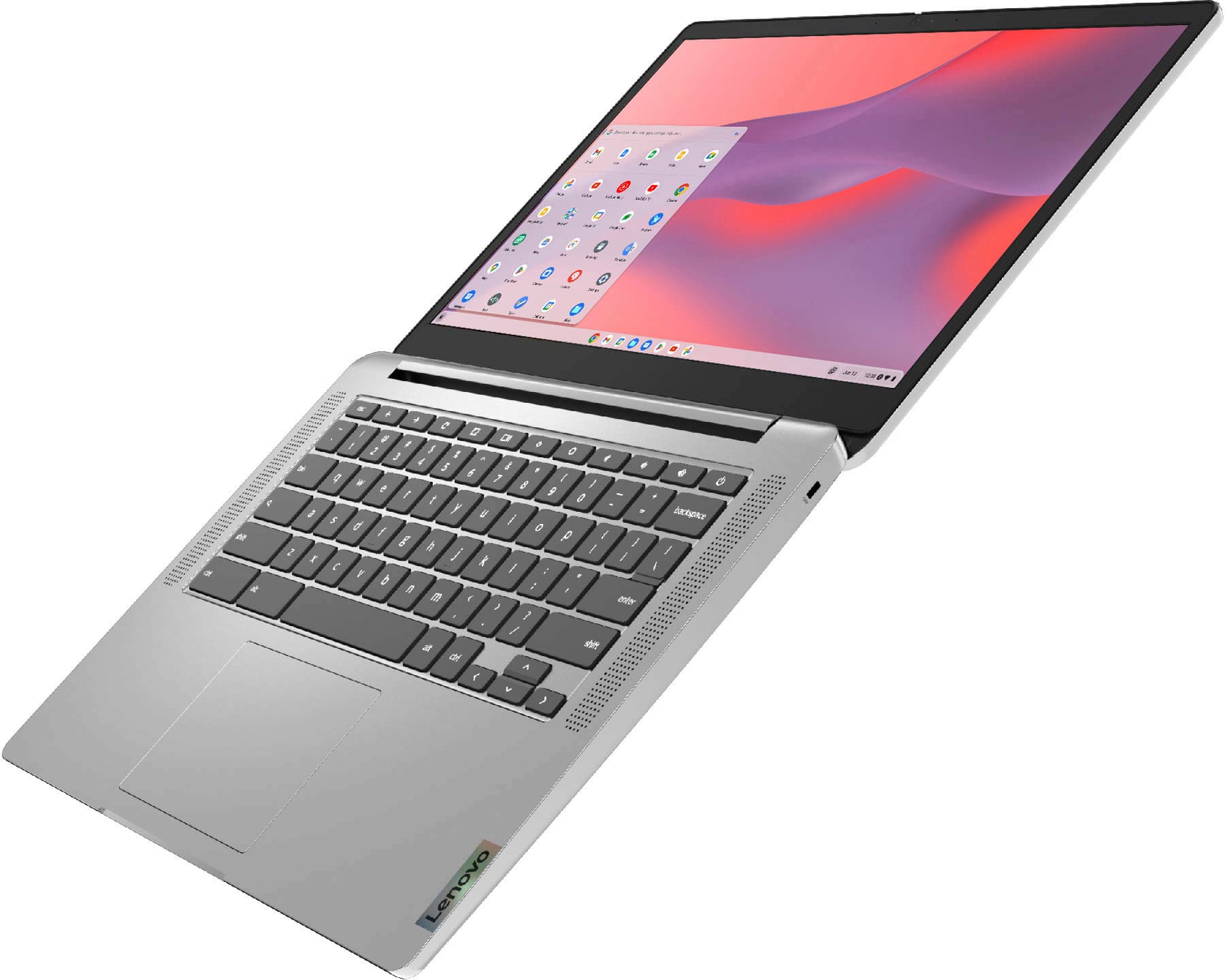
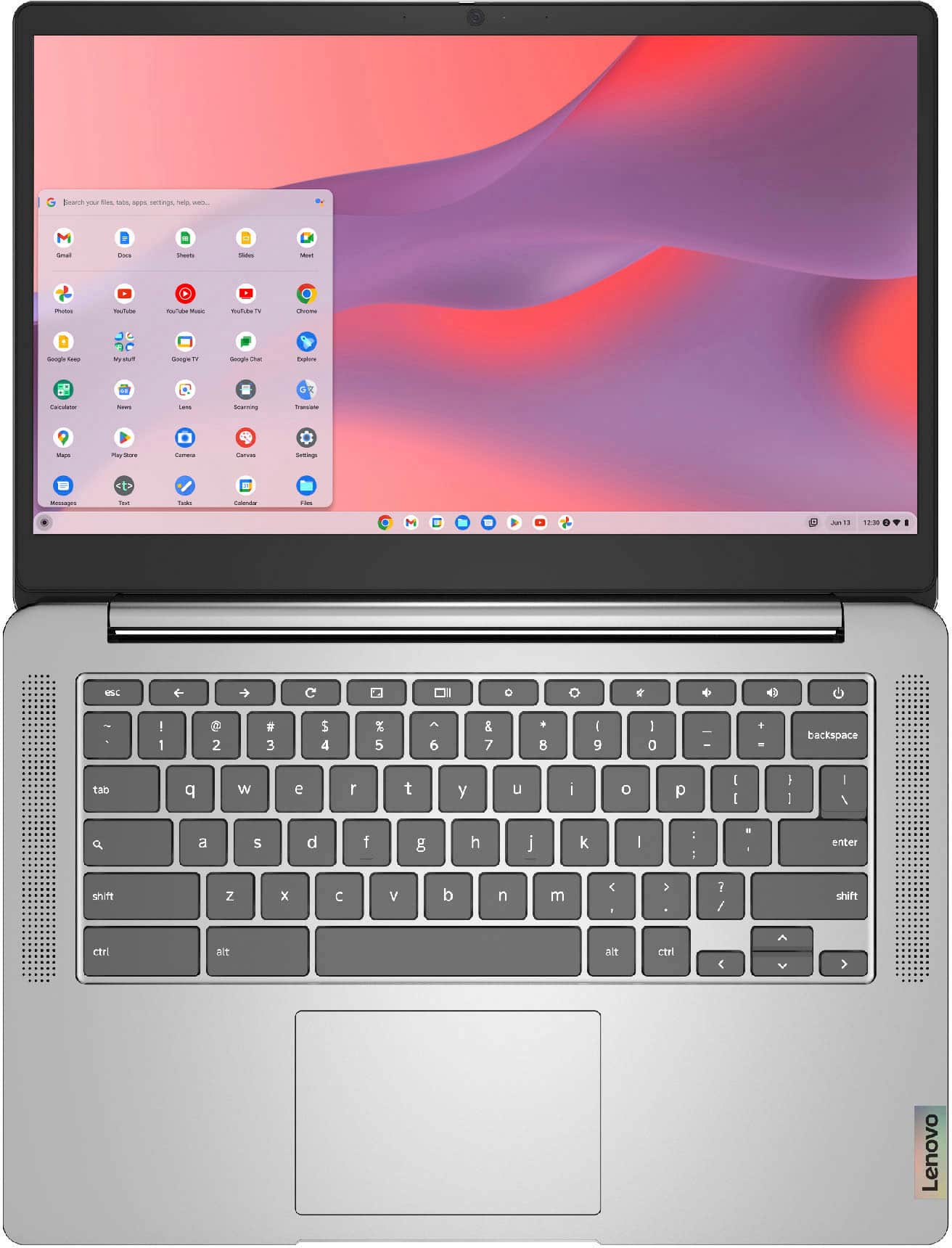
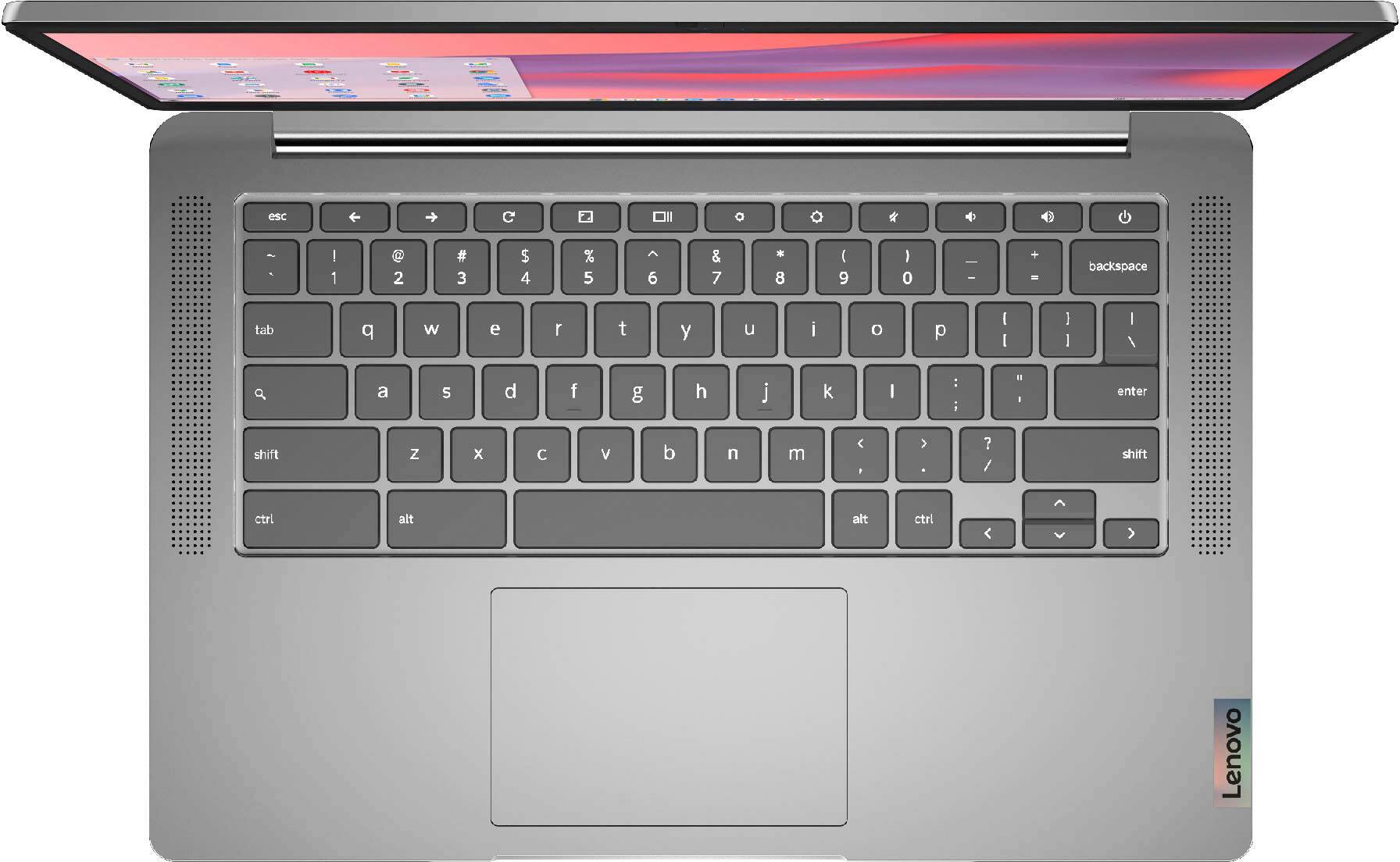
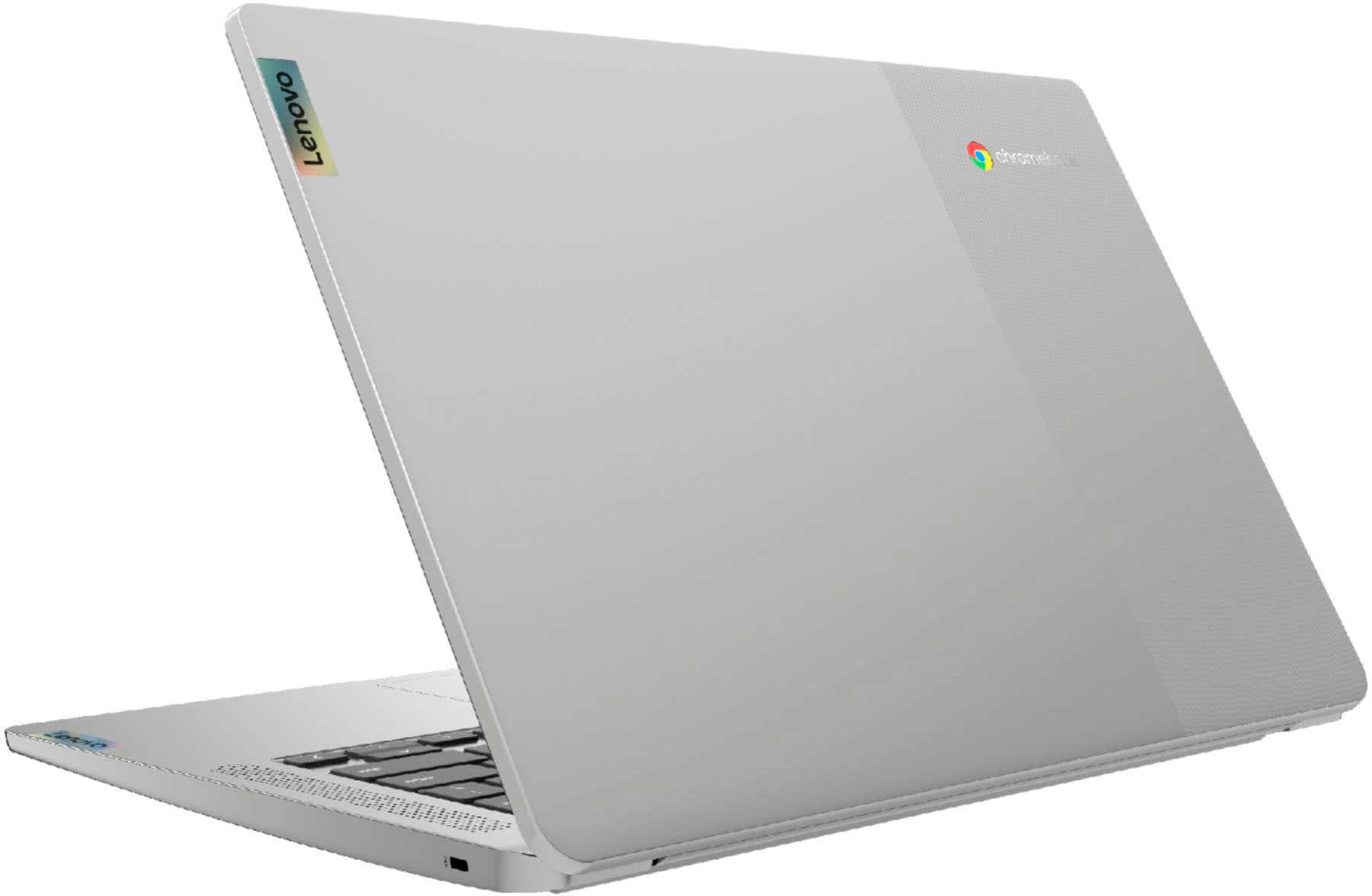
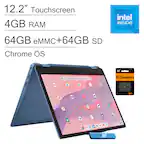
A:AnswerYes it does I was going through the settings and there's several options for dimming and other display settings as well there is an intelligent brightness setting as well as an eye comfort setting
A:AnswerHere is a link to the Best Buy, Holiday Return Policy: https://www.bestbuy.com/site/help-topics/return-exchange-policy/pcmcat260800050014.c?id=pcmcat260800050014
A:AnswerThat will depend on the requirements and compatibility of the device you want to use with this Lenovo Chromebook 3 14. This Chromebook 3 14 ships with the Chrome Operating System and is compatible with Google Play Store APPs. We recommend you check with the device manufacturer's web site for their compatibility with the Chrome operating system and the minimum/recommended hardware requirements (Is a Graphics card required, the processor speed and the minimum required system RAM and the minimum available hard drive space) to run their program, then compare those requirements to this system's configuration.
A:AnswerThat will depend on the requirements and compatibility of both the streaming service and the specific game you want to play. This Lenovo Chromebook 3 14 ships with the Chrome Operating System and is compatible with Google Play Store APPs. We recommend you check with both the streaming service as well as the specific game's software publisher's web sites for their compatibility with the Chrome operating system and the minimum/recommended hardware requirements (Is a Graphics card required, the processor speed and the minimum required system RAM and the minimum available hard drive space) to run their program, then compare those requirements to this system's configuration.
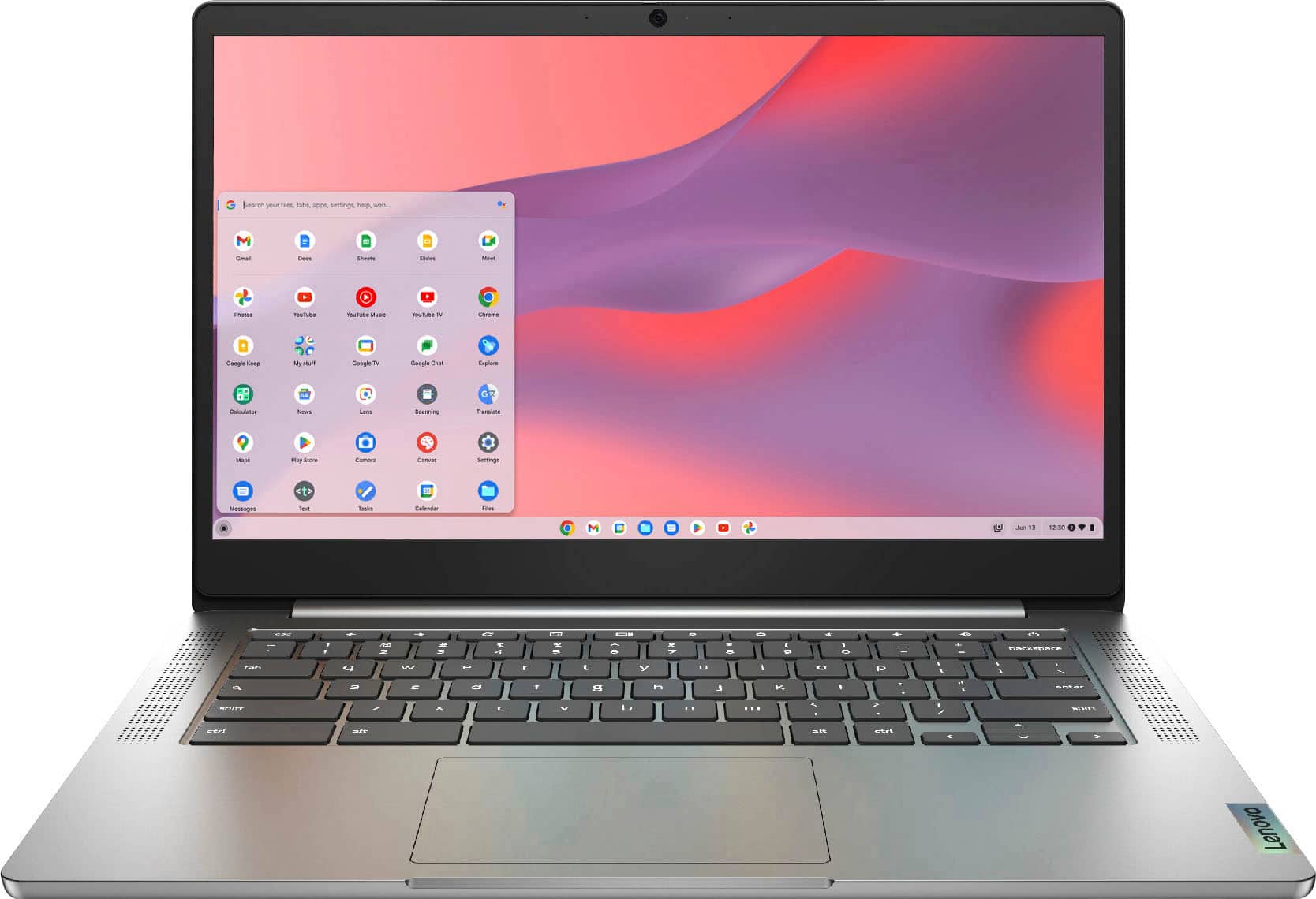
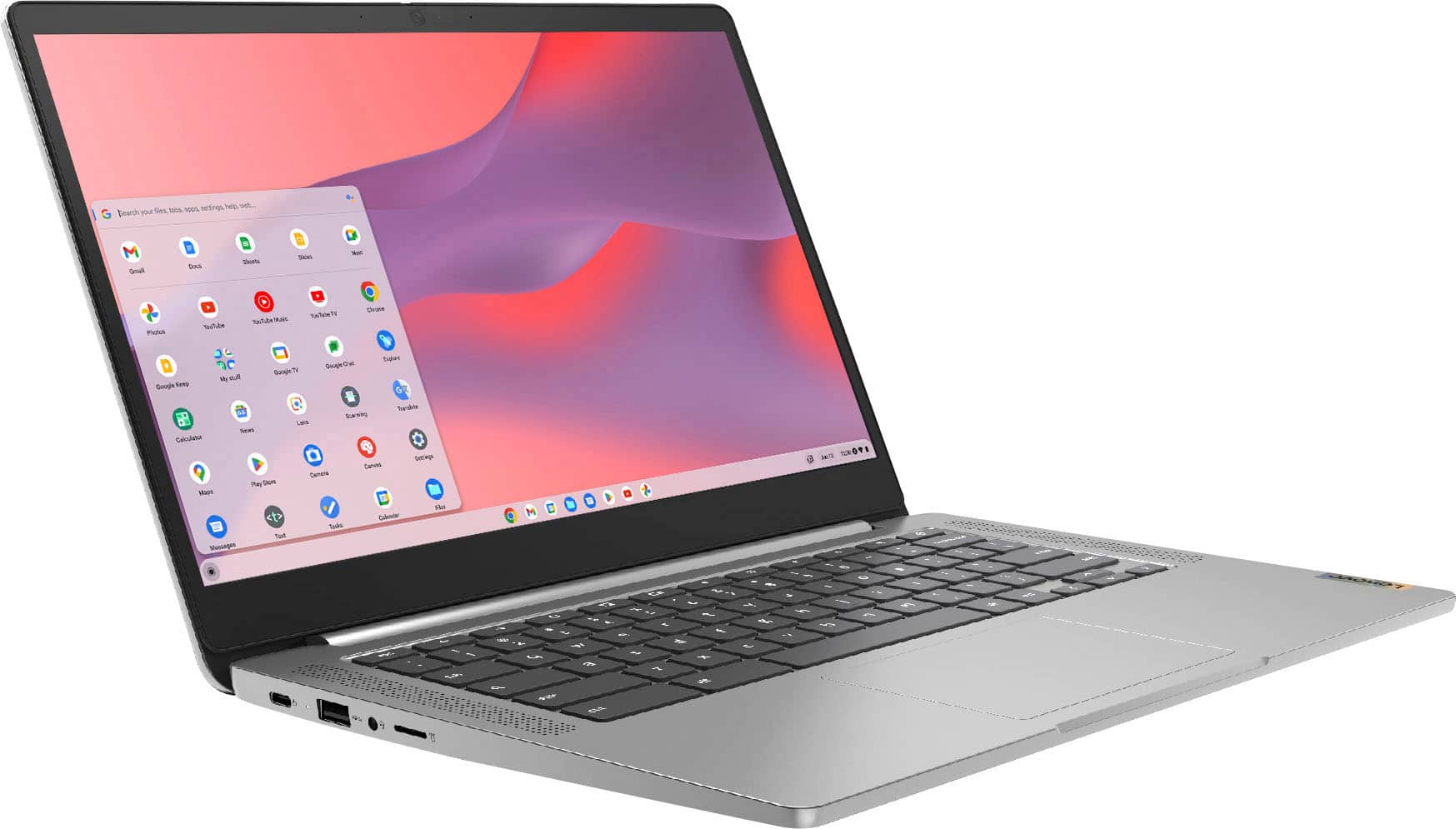
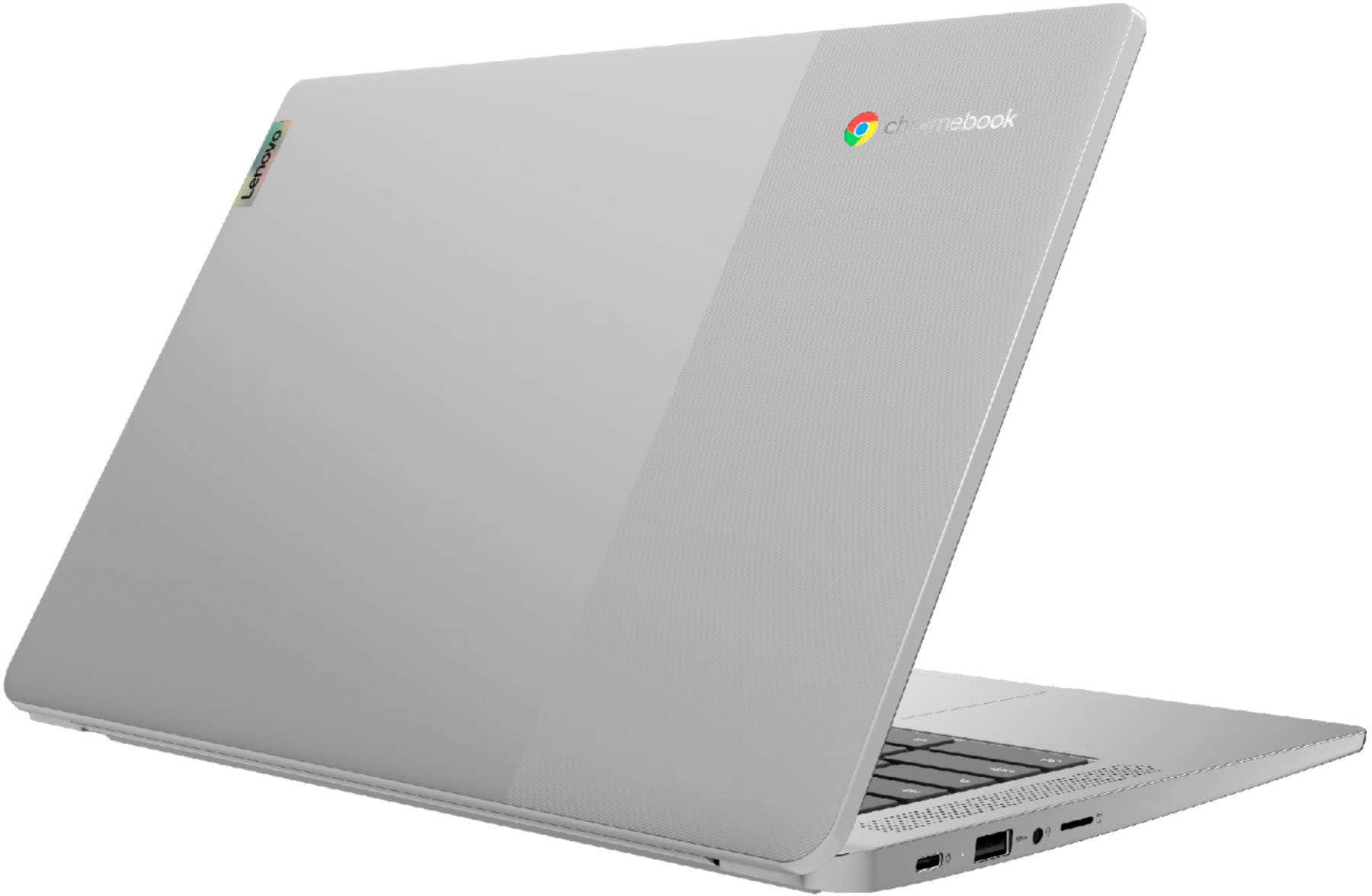
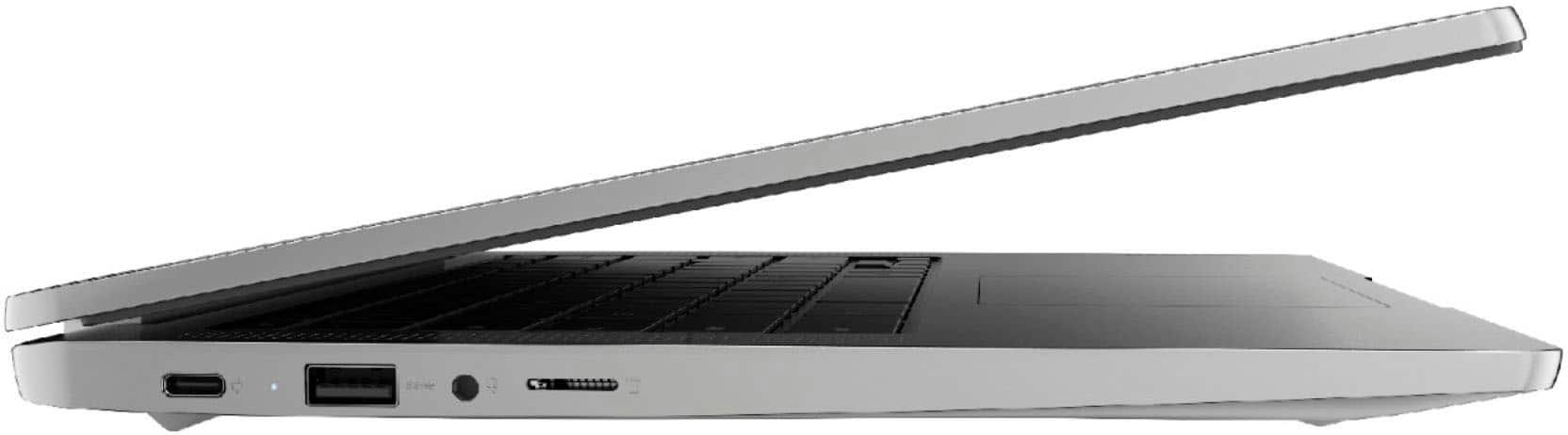
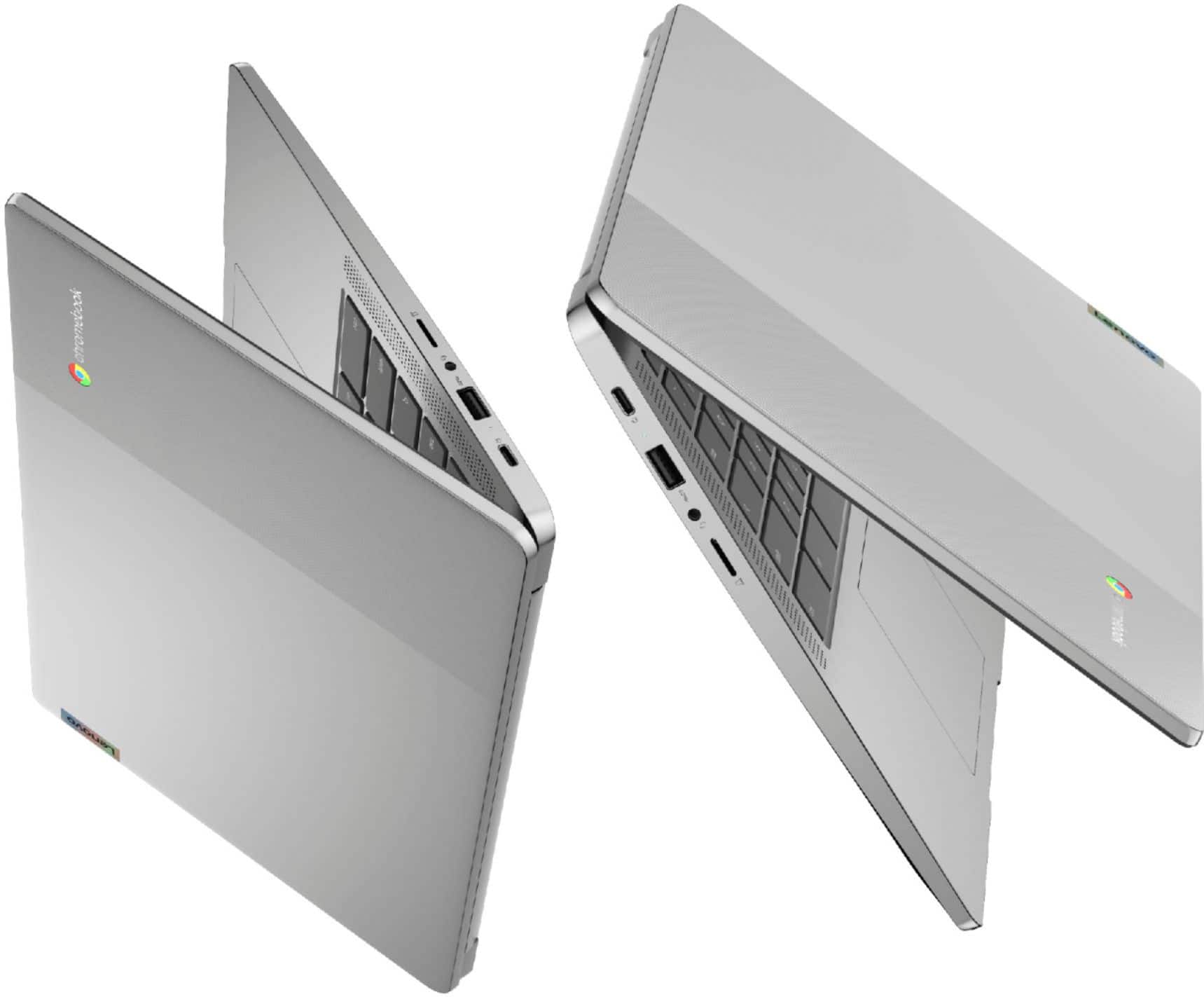
A:AnswerThe Lenovo Chromebook 3 14 model number 82KN0001US, ships with these ports: 1x microSD card slot, 1x USB-C 2.0 (support data transfer, Power Delivery 2.0 and DisplayPort 1.1a), 1x Headphone / microphone combo jack (3.5mm), 1x USB 2.0.
A:AnswerThat will depend on the requirements and compatibility of the specific games that will be played. This Lenovo Chromebook 3 14 ships with the Chrome Operating System and is compatible with Google Play Store APPs. We recommend you check with the specific game's software publisher's web sites, of the games that will be played, for their compatibility with the Chrome operating system and the minimum/recommended hardware requirements (Is a Graphics card required, the processor speed and the minimum required system RAM and the minimum available hard drive space) to run their program, then compare those requirements to this system's configuration.
A:AnswerThe Lenovo Chromebook 3 14 model number 82KN0001US, ships with Bluetooth 4.2 Version capability built in. There is 1x Headphone / microphone combo jack (3.5mm) also built in.
A:AnswerYes. The Lenovo Chromebook 3 14 model number 82KN0001US, ships with an HD (720p) webcam with Privacy Shutter and Dual Array Microphones built in.
A:AnswerYes. Here is a link to instructions for activating Voice Command on a Chromebook like this Lenovo Chromebook 3 14: https://support.google.com/chromebook/answer/177893?hl=en#:~:text=%2B%20Shift%20%2B%20s.-,Select%20Settings%20.,dictation%20(speak%20to%20type).
A:AnswerThat will depend on the requirements and compatibility of the software APPs you will be using. This Lenovo Chromebook 3 14 ships with the Chrome Operating System and is compatible with Google Play Store APPs. We recommend you check with the specific APPs software publisher's web sites, of the APPs you will need to use, for their compatibility with Chrome operating system and the minimum/recommended hardware requirements (Is a Graphics card required, the processor speed and the minimum required system RAM and the minimum available hard drive space) to run their program, then compare those requirements to this system's configuration. This Lenovo Chromebook 3 14 is compatible with any printer that is compatible with the Chrome Operating System. We recommend you check with your printer manufacturer's web site for the compatibility of your specific printer model with the Chrome Operating System. Here is a link to instructions for connecting a compatible printer to a Chromebook: https://support.google.com/chromebook/answer/7225252?hl=en
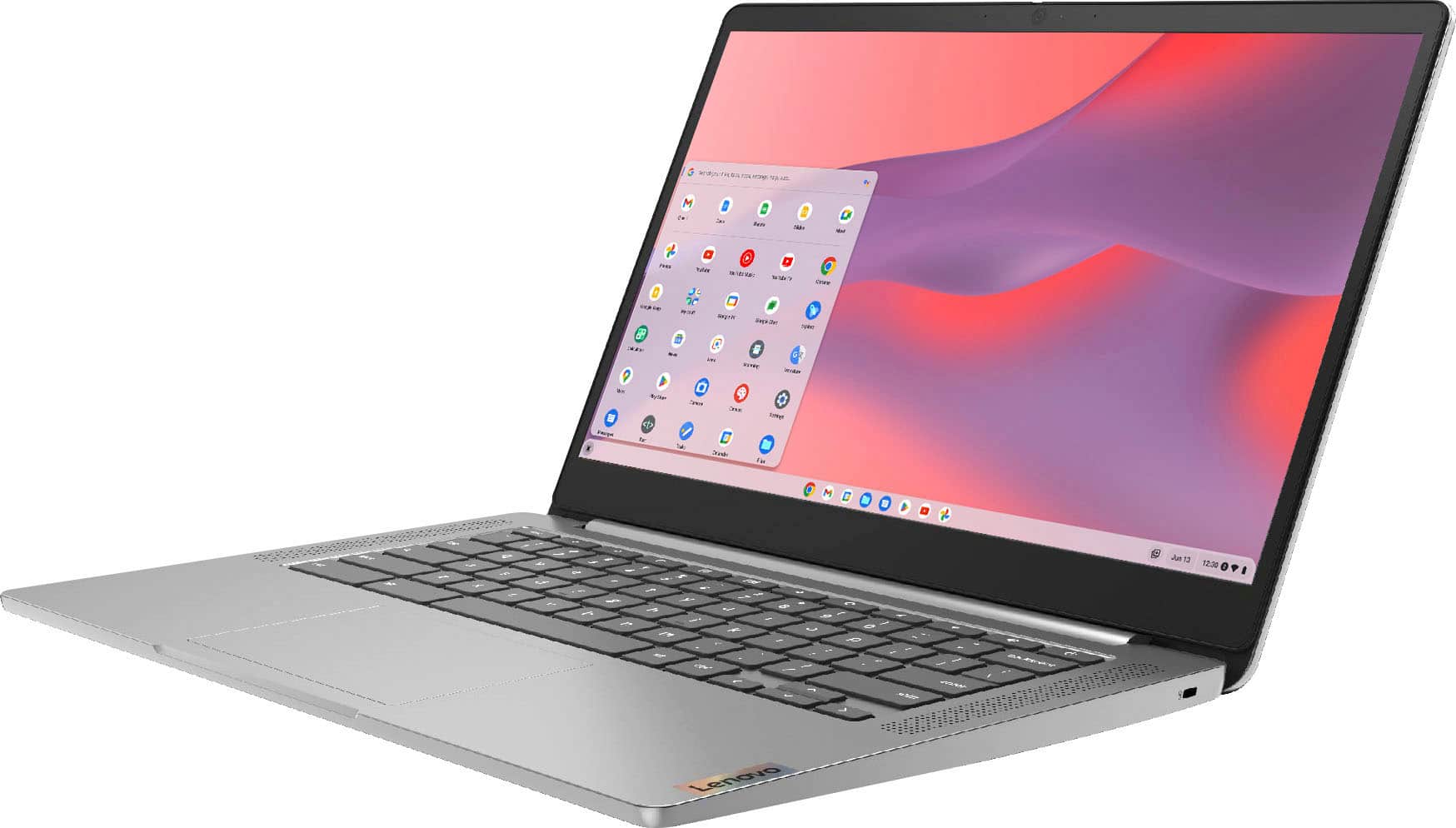
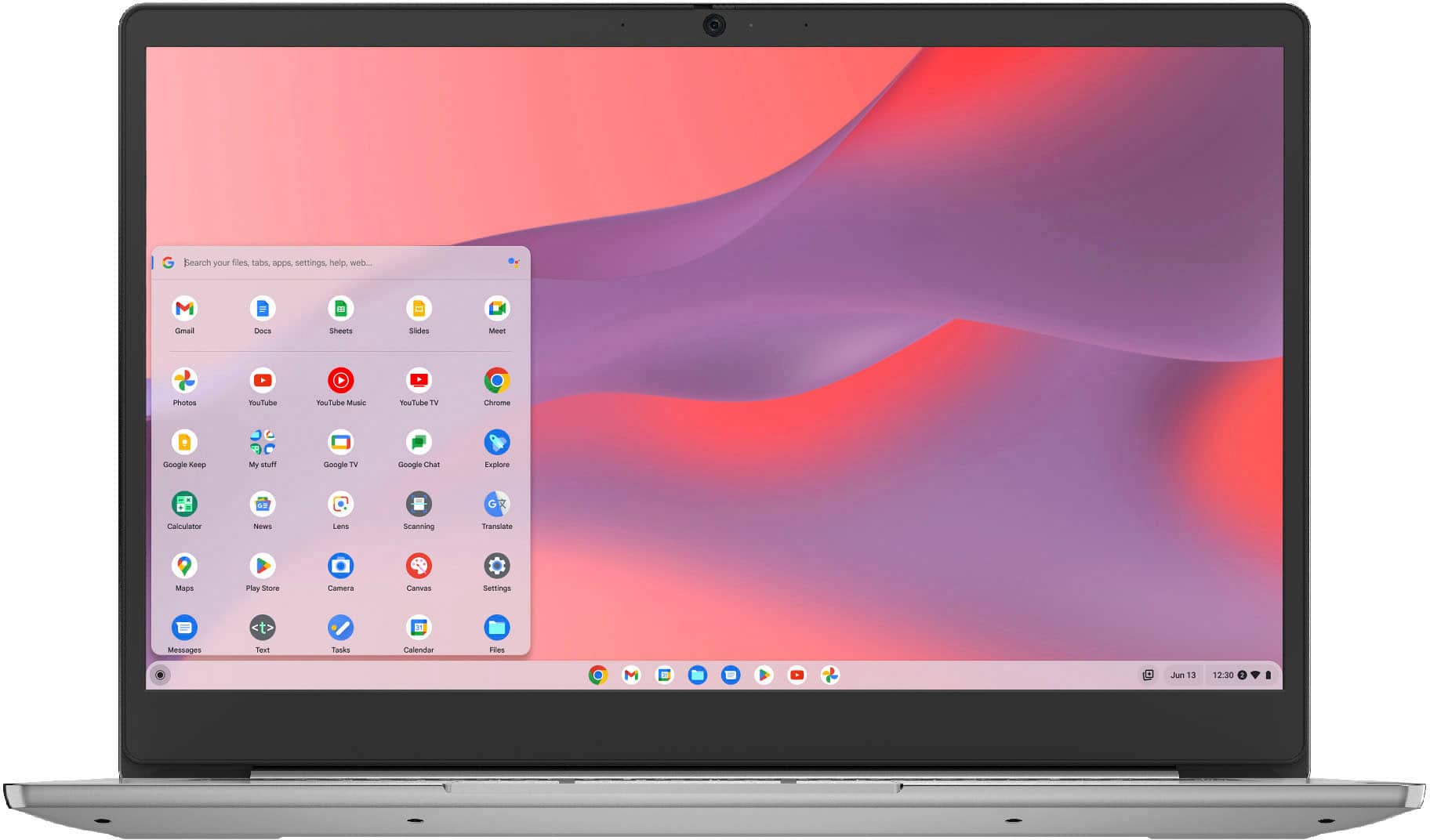
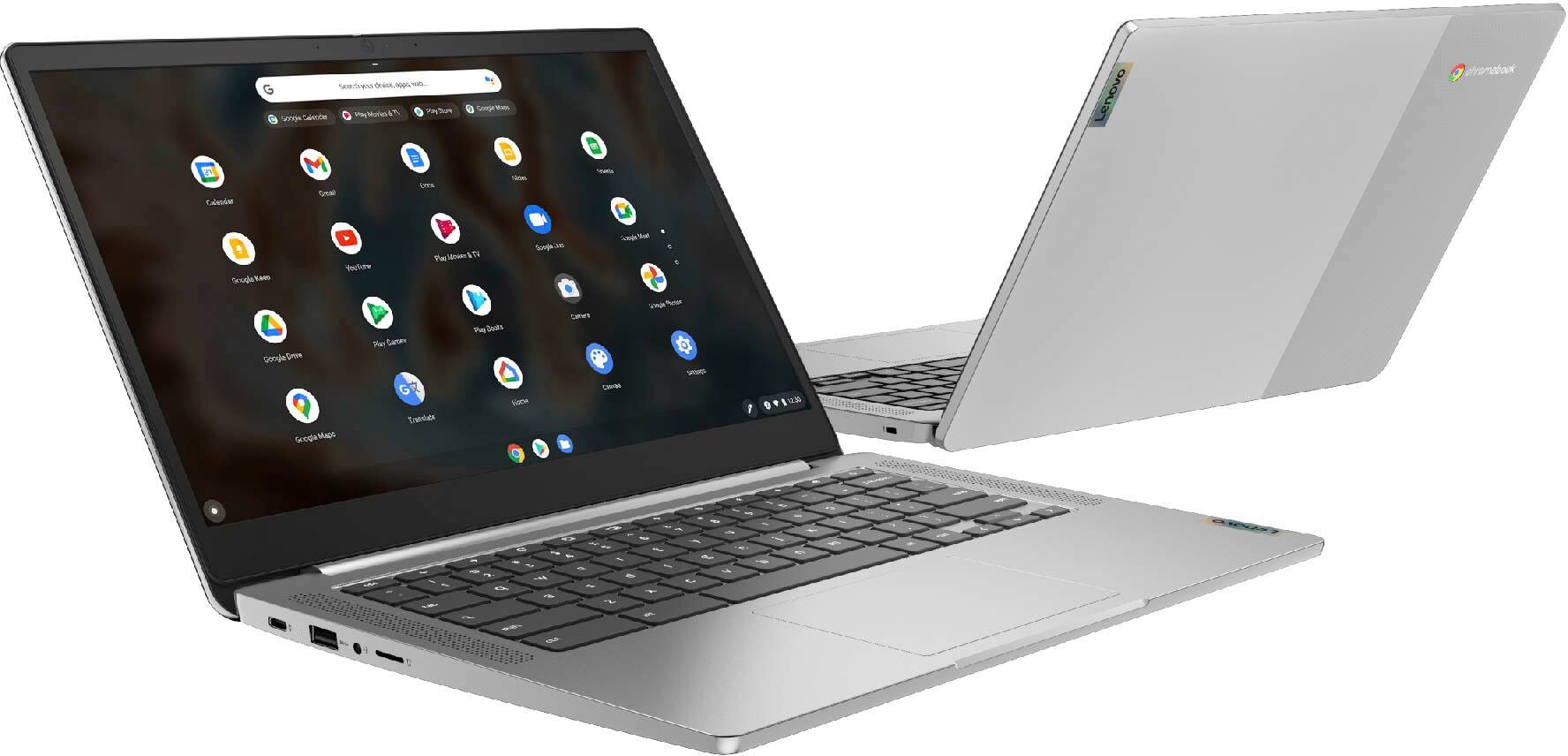
A:AnswerThe Lenovo Chromebook 3 14 model number 82KN0001US, ships with a 14 inch (screen size measured diagonally) IPS - FHD (1920x1080) 10-point Multi-touch screen, with a brightness level of 300 nits and has an Anti-glare coating.
A:AnswerThat will depend on the requirements and compatibility of the specific APP you want to use. This Lenovo Chromebook 3 14 ships with the Chrome Operating System and is compatible with Google Play Store APPs. We recommend you check with the specific APPs software publisher's web site for their compatibility with the Chrome operating system and the minimum/recommended hardware requirements (Is a Graphics card required, the processor speed and the minimum required system RAM and the minimum available hard drive space) to run their program, then compare those requirements to this system's configuration.
A:AnswerThe Lenovo Chromebook 3 14 uses Google Docs for office type programs. Google Docs is completely compatible with Microsoft Office Programs and this is a free service through the Google Server. If you must have the actual Microsoft Office Programs, you can purchase Microsoft Office 365 for this Chromebook at the Google Play Store.