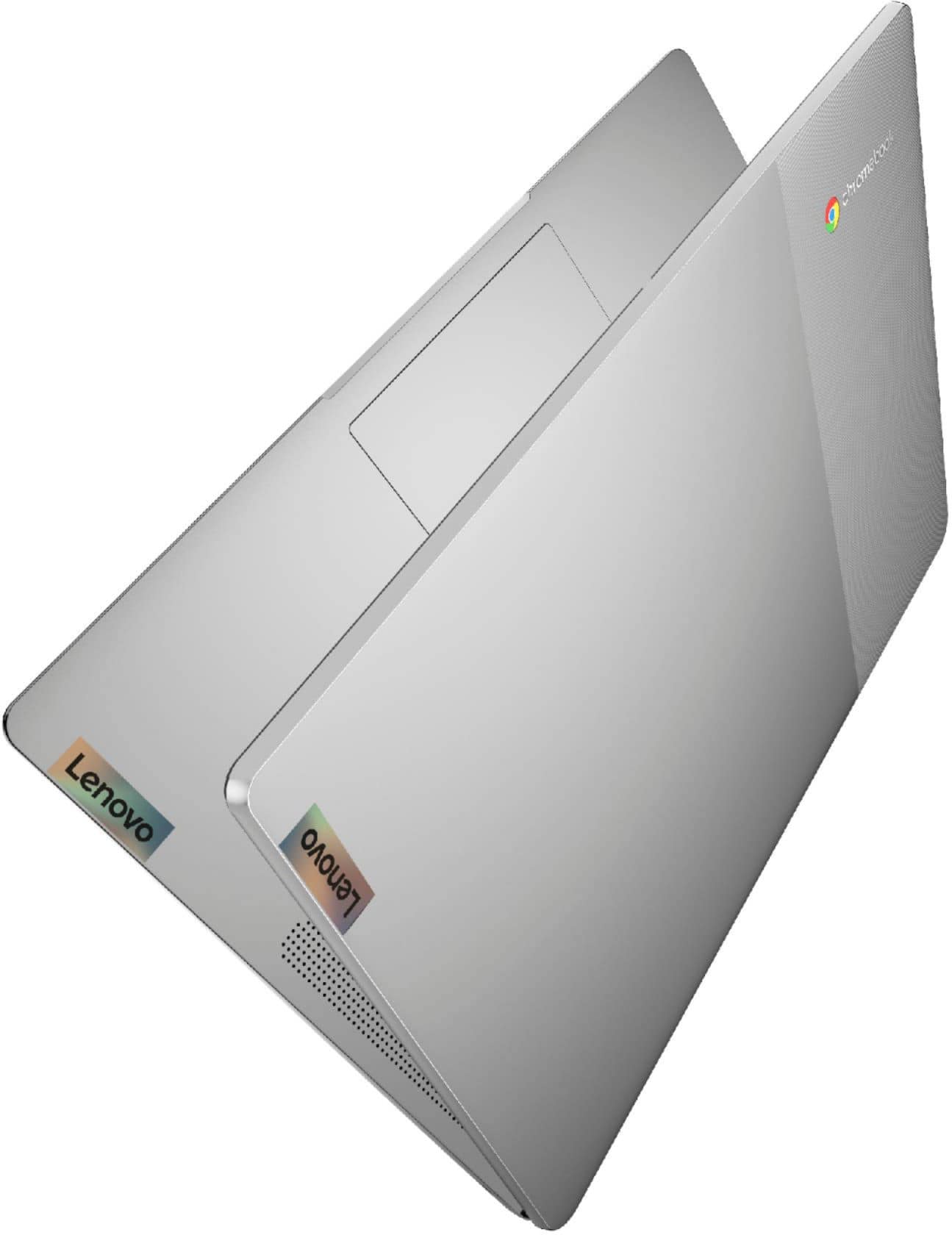
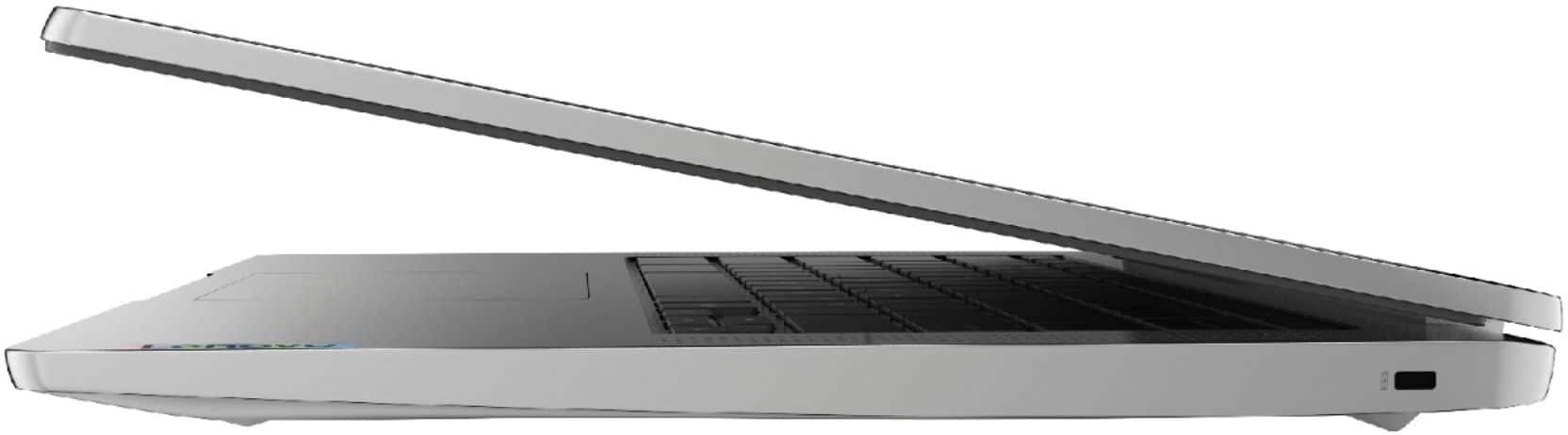
A:AnswerYou can use it in the web browser or the android app I believe it might be simplified but it's free. Google docs work great tho and can be saved as .docx files.
https://www.microsoft.com/en-us/microsoft-365/free-office-online-for-the-web
You might need to copy and paste the link in your web browser.
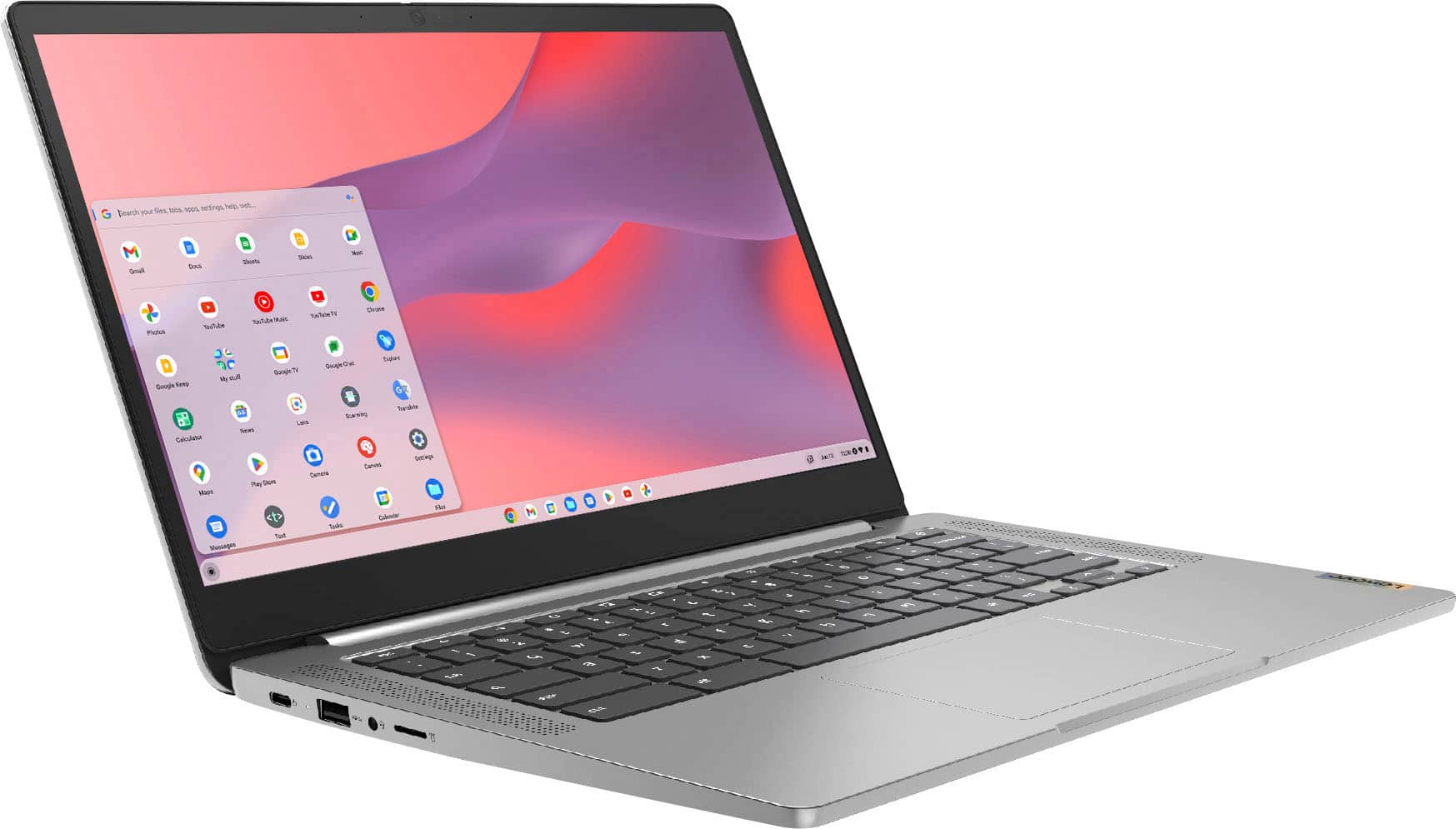
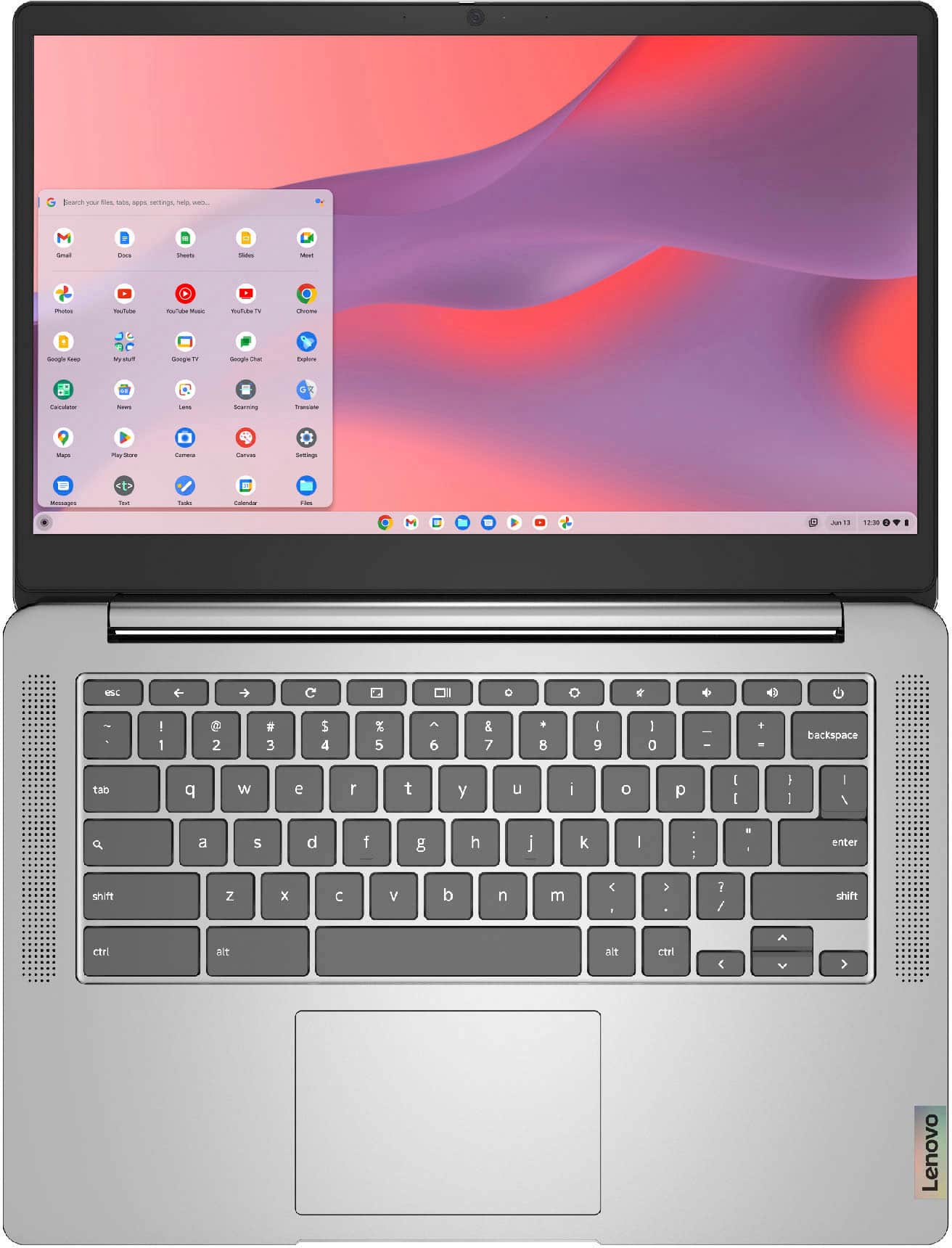
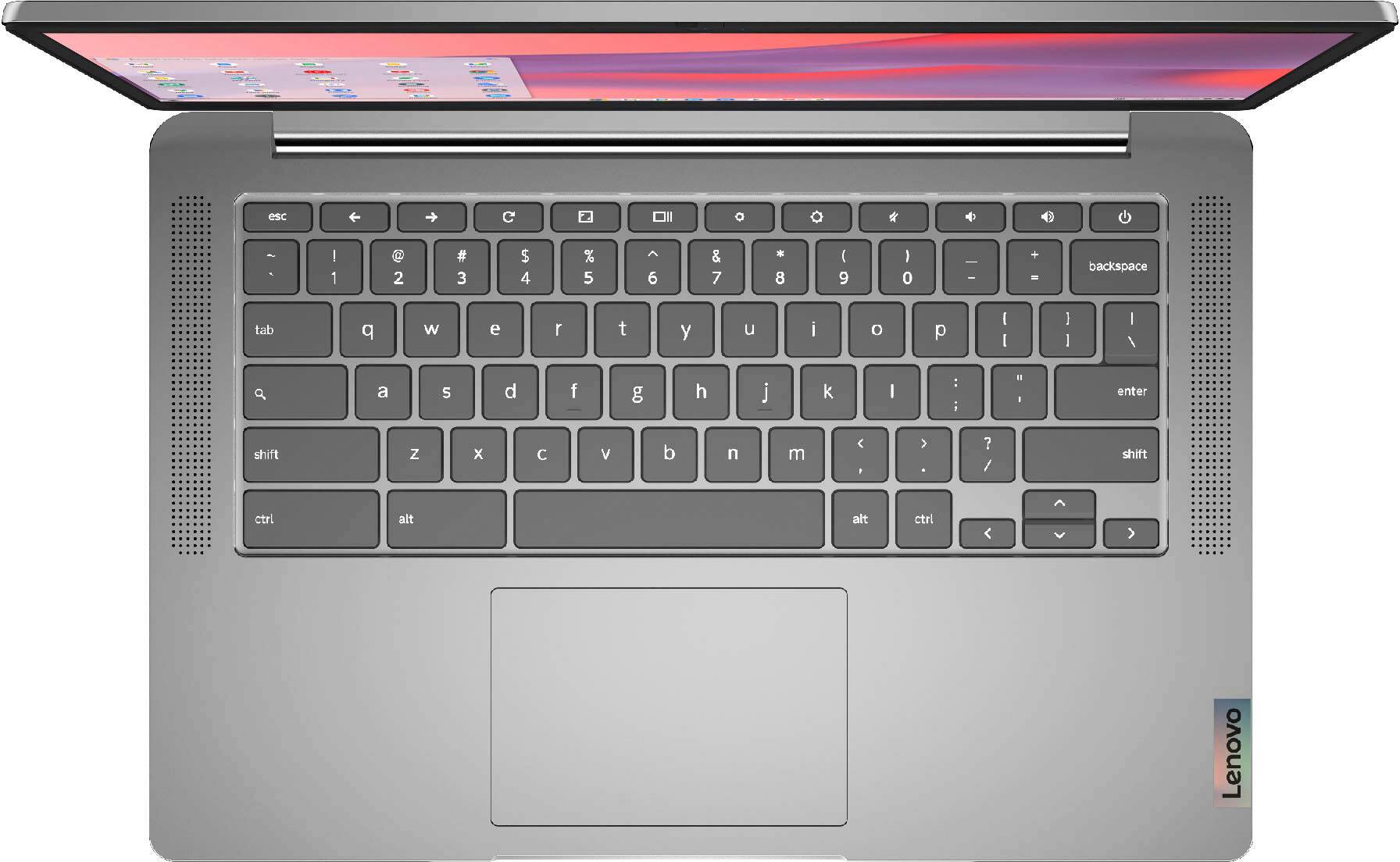
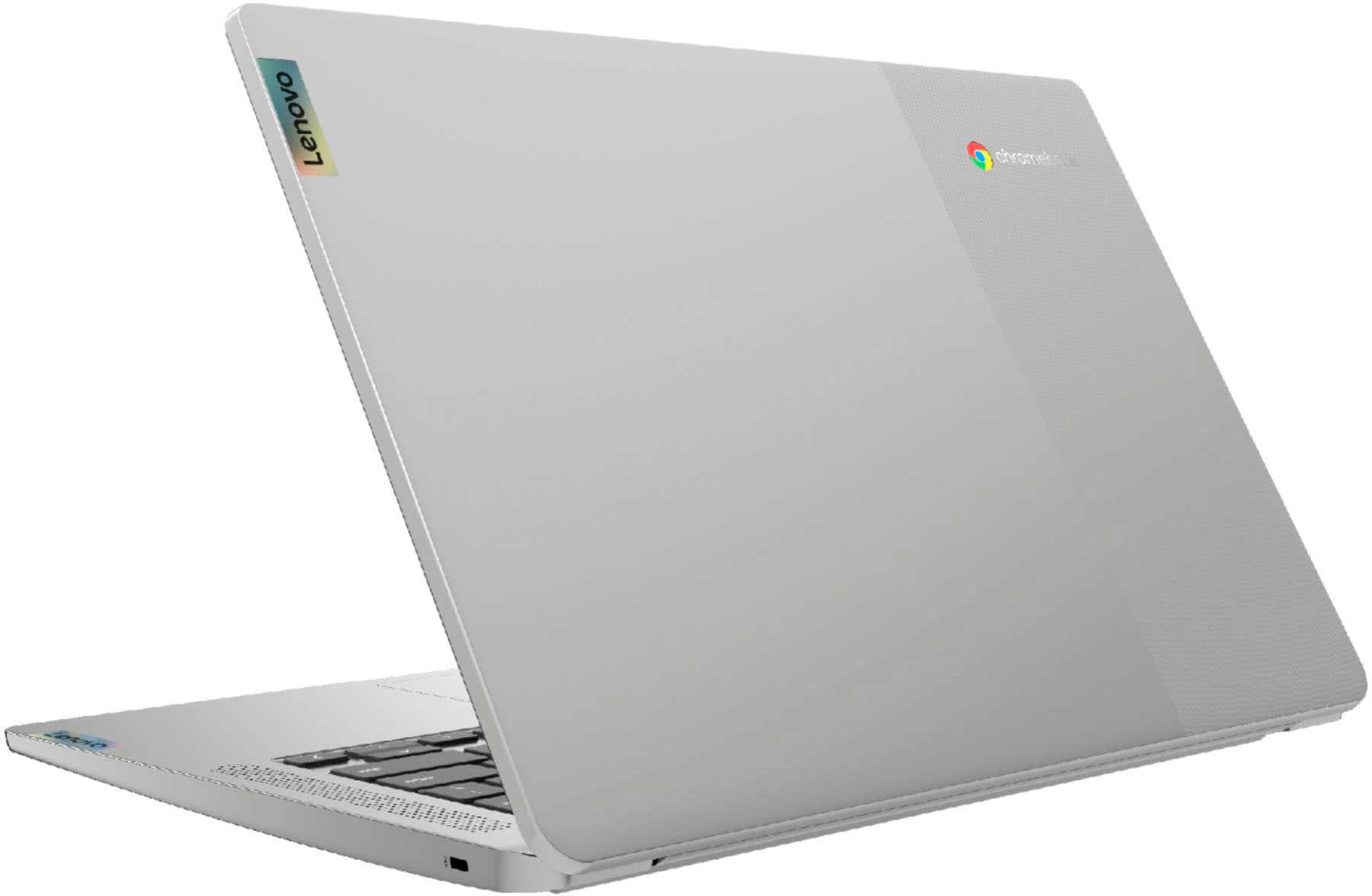
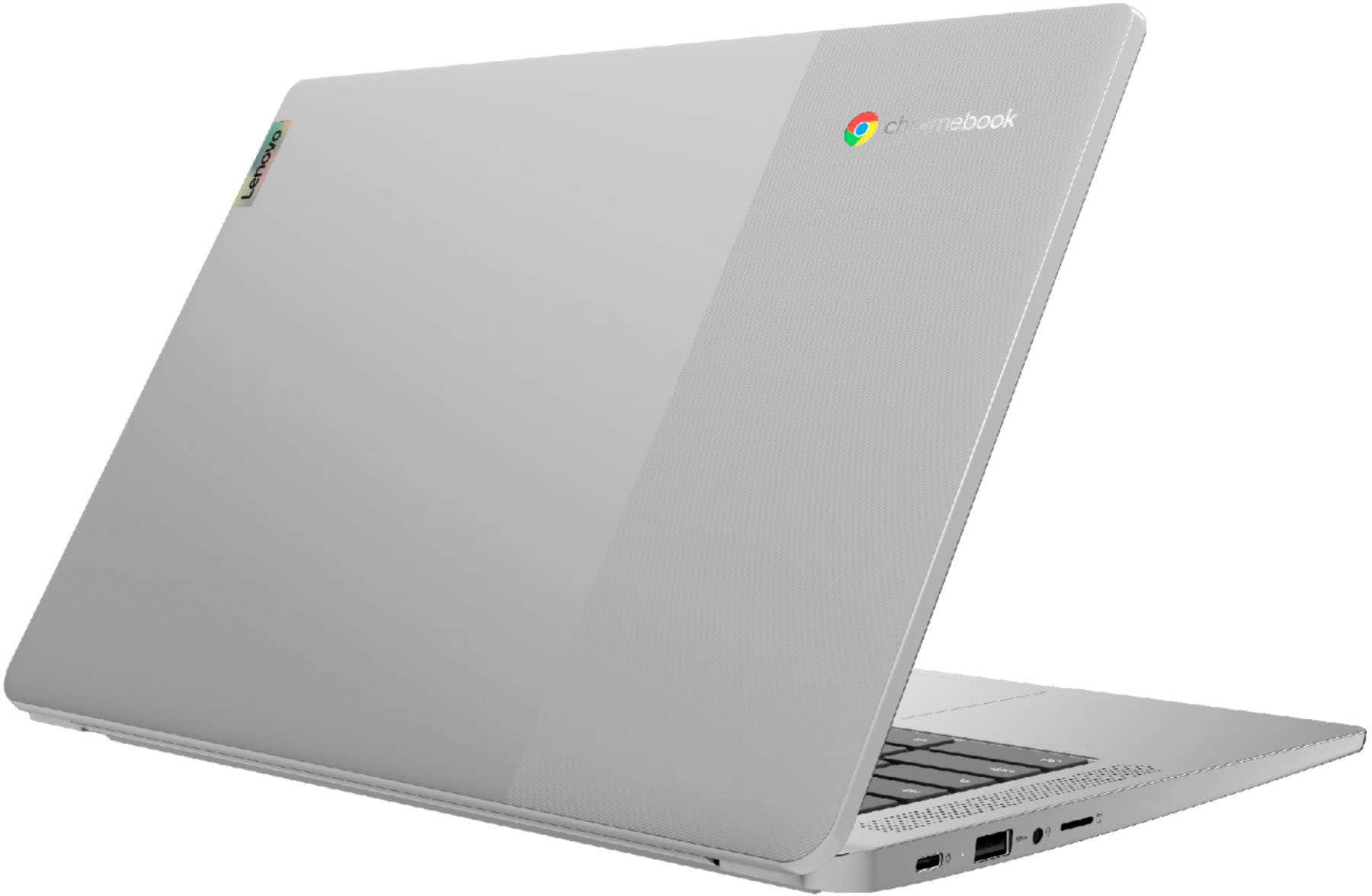
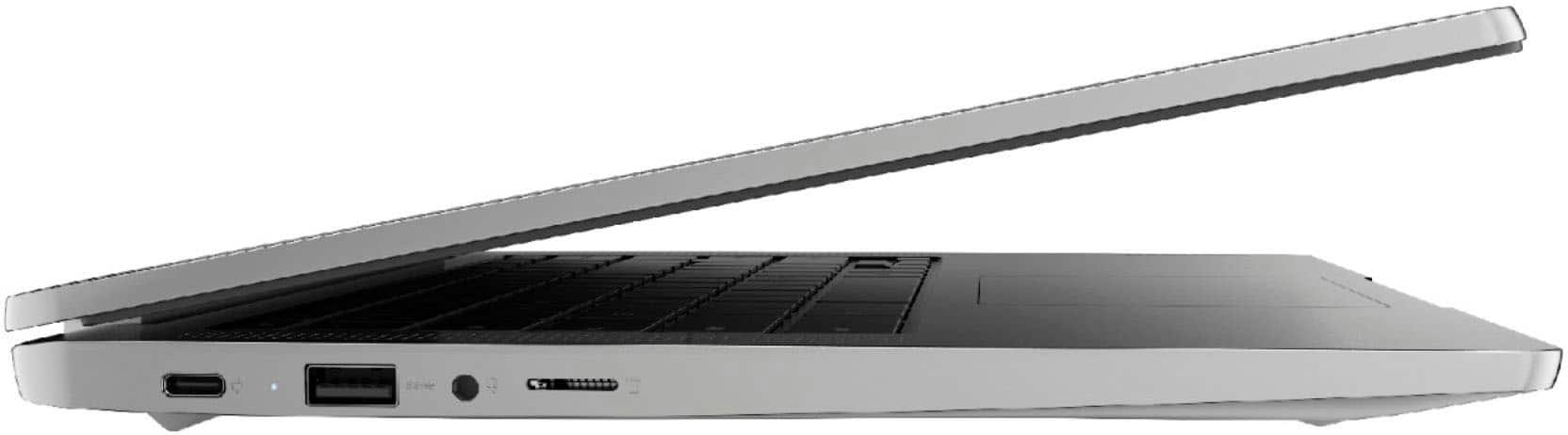
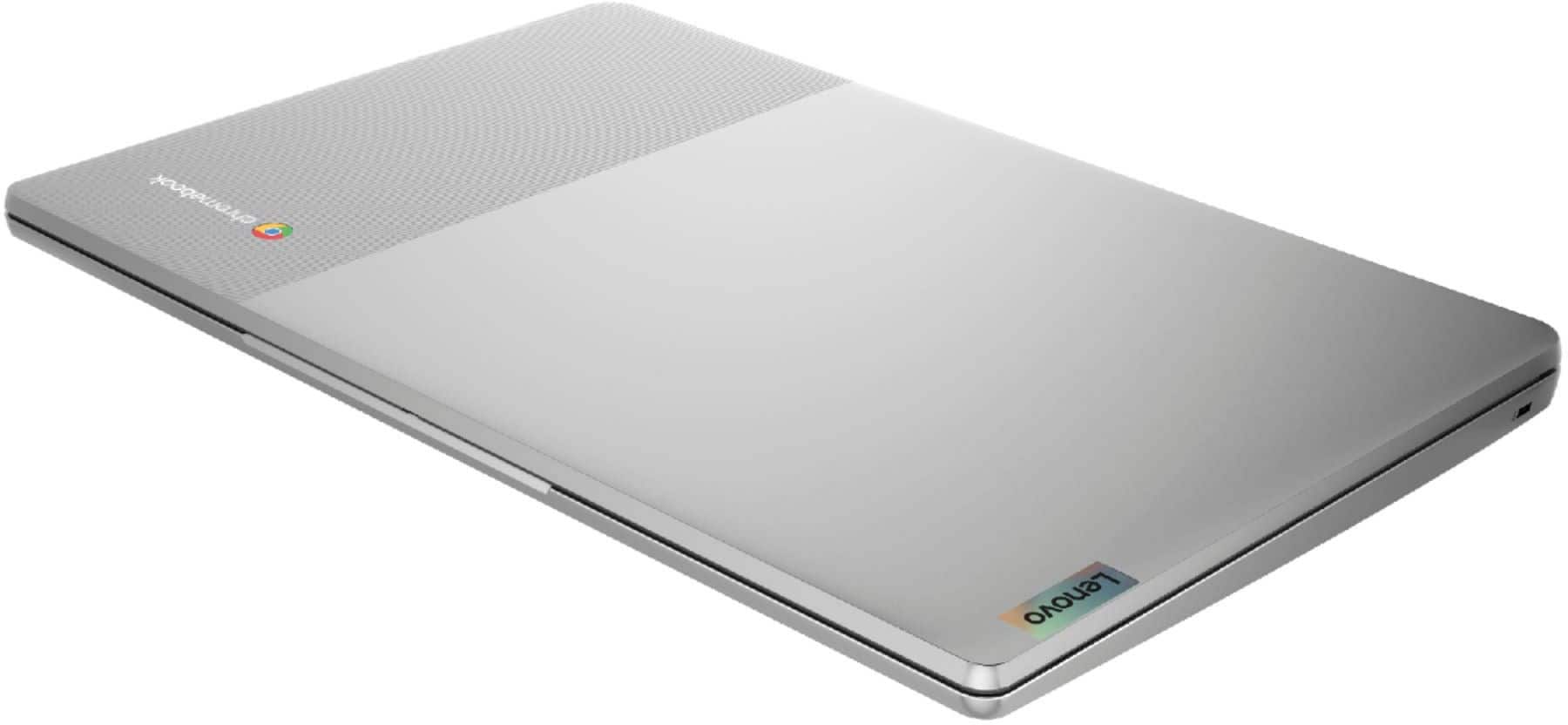
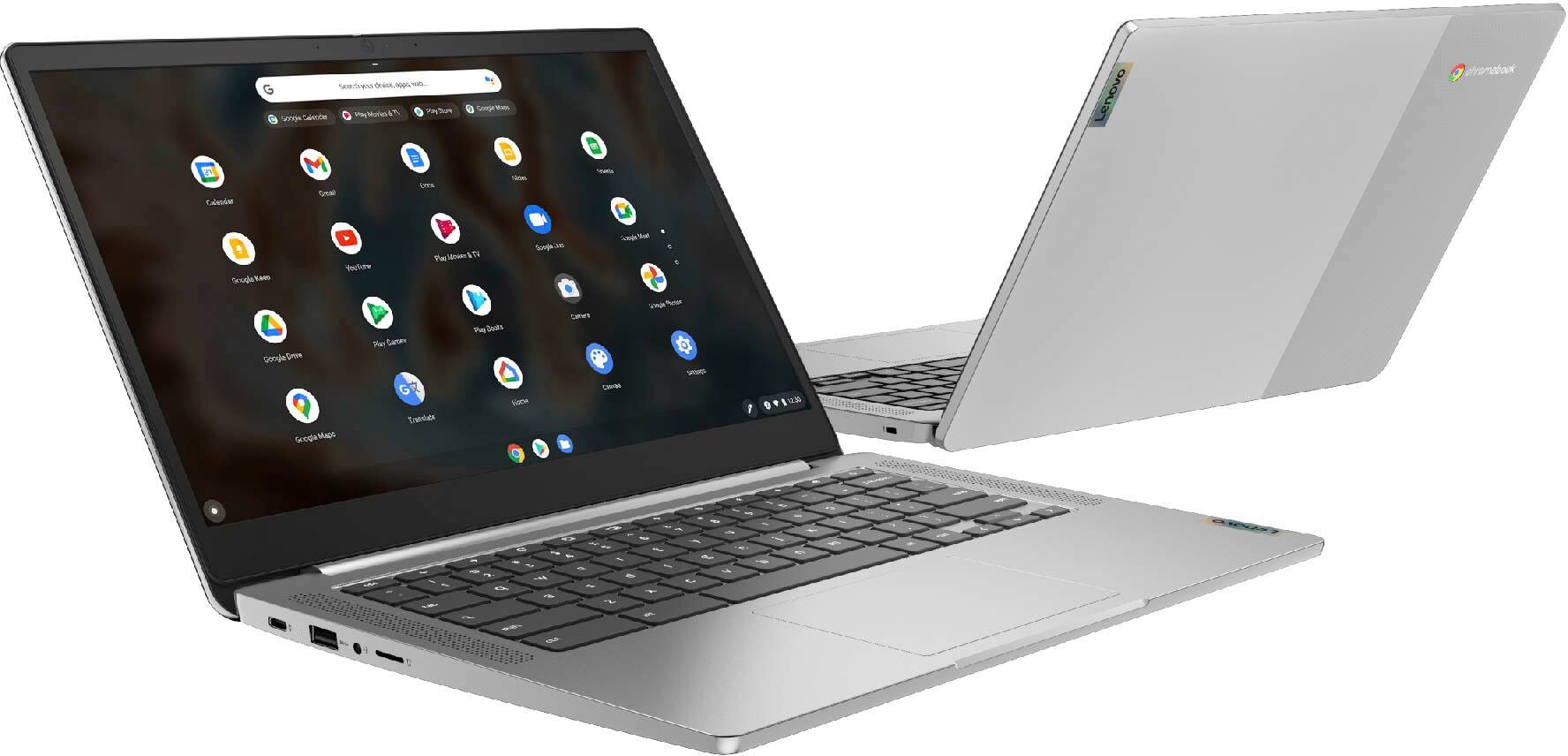
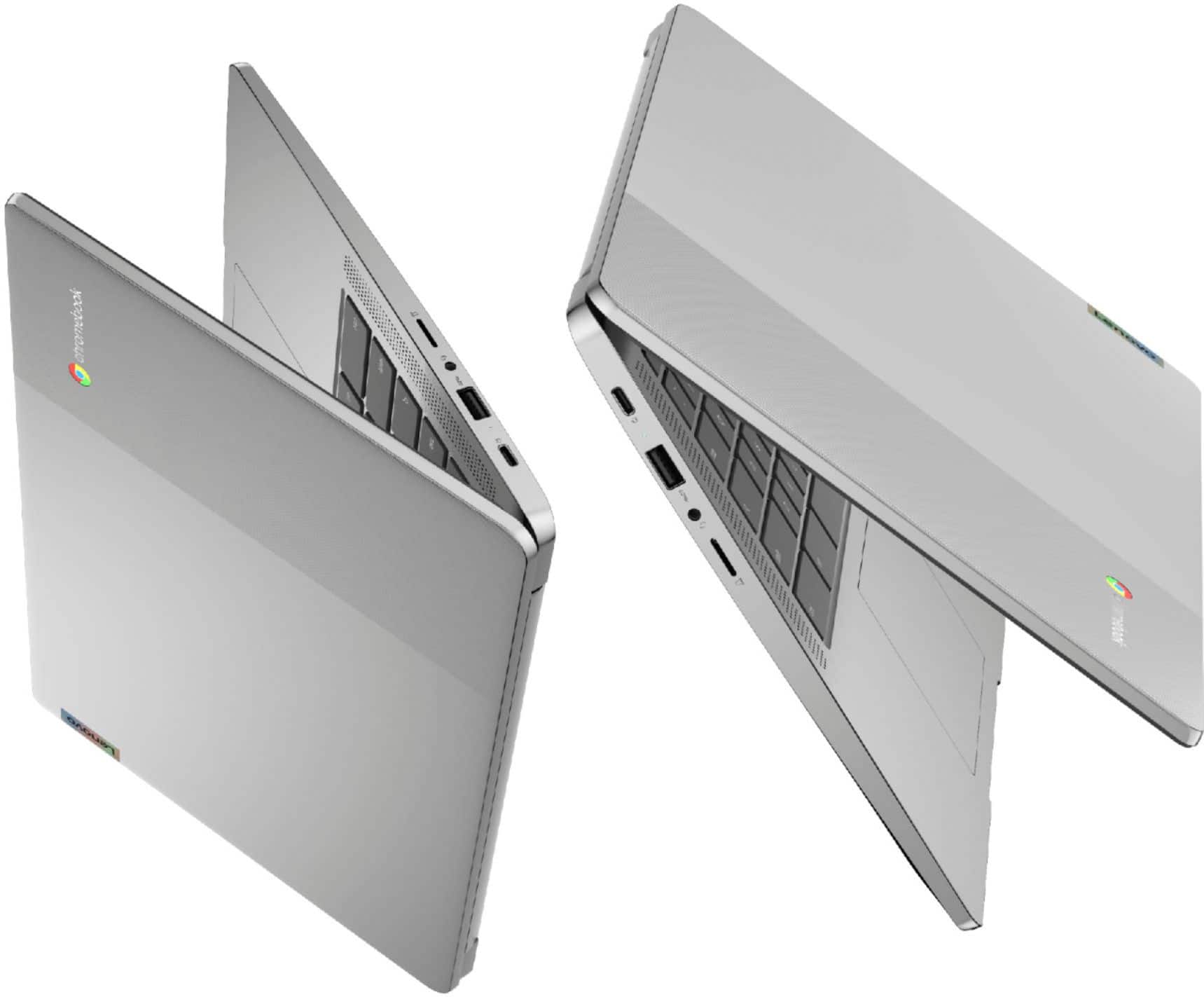
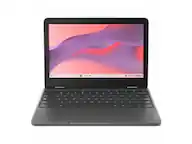
A:AnswerThe Lenovo Chromebook 3 14 model number 82KN0001US, ships with 1x USB-C 2.0 (support data transfer, Power Delivery 2.0 and DisplayPort 1.1a) port, with video out capability to an external monitor. You can connect an HDMI monitor to this Chromebook by using a USB-c to HDMI adapter, like this one: https://www.bestbuy.com/site/insignia-usb-c-to-hdmi-adapter-white/6424886.p?skuId=6424886
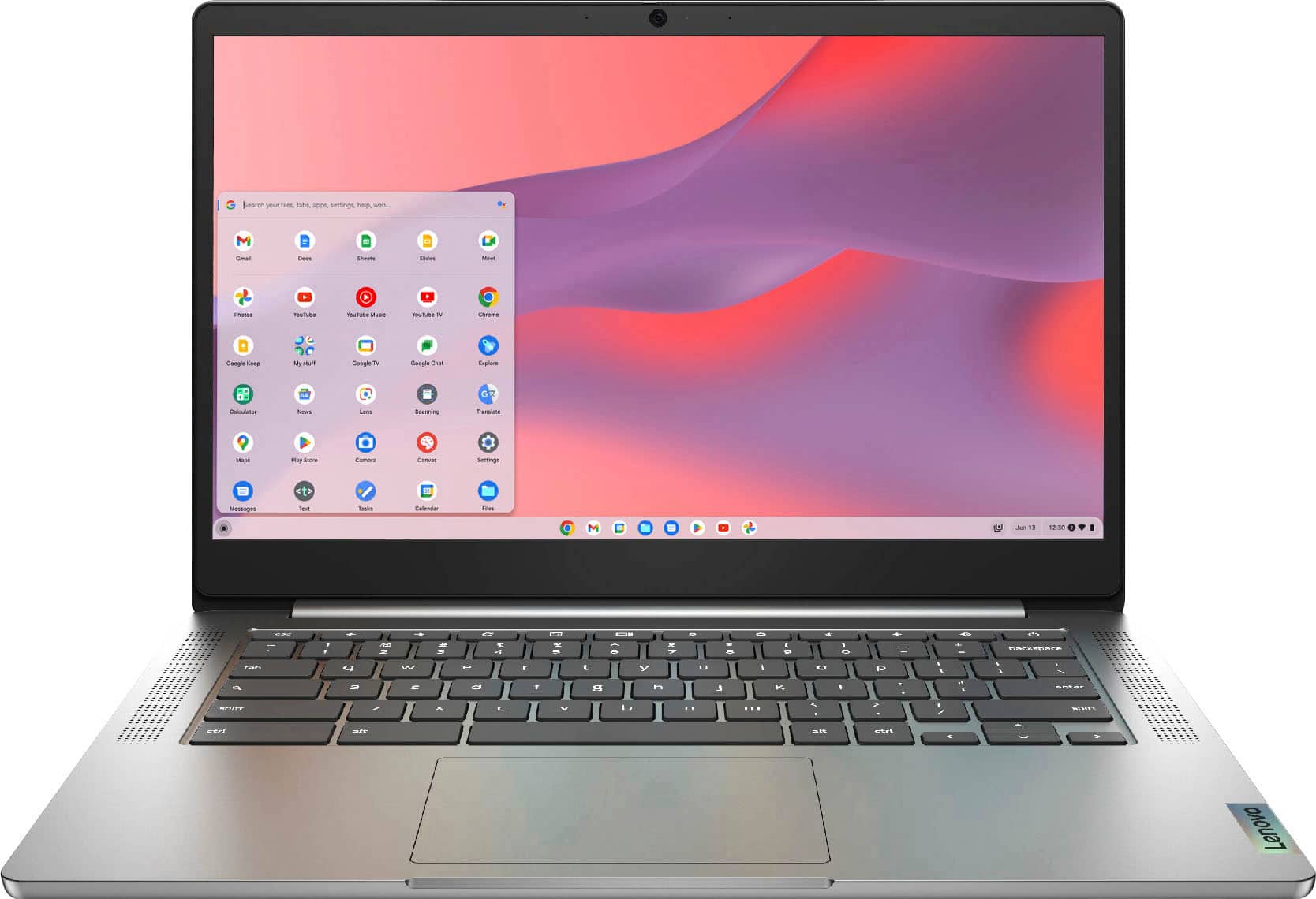
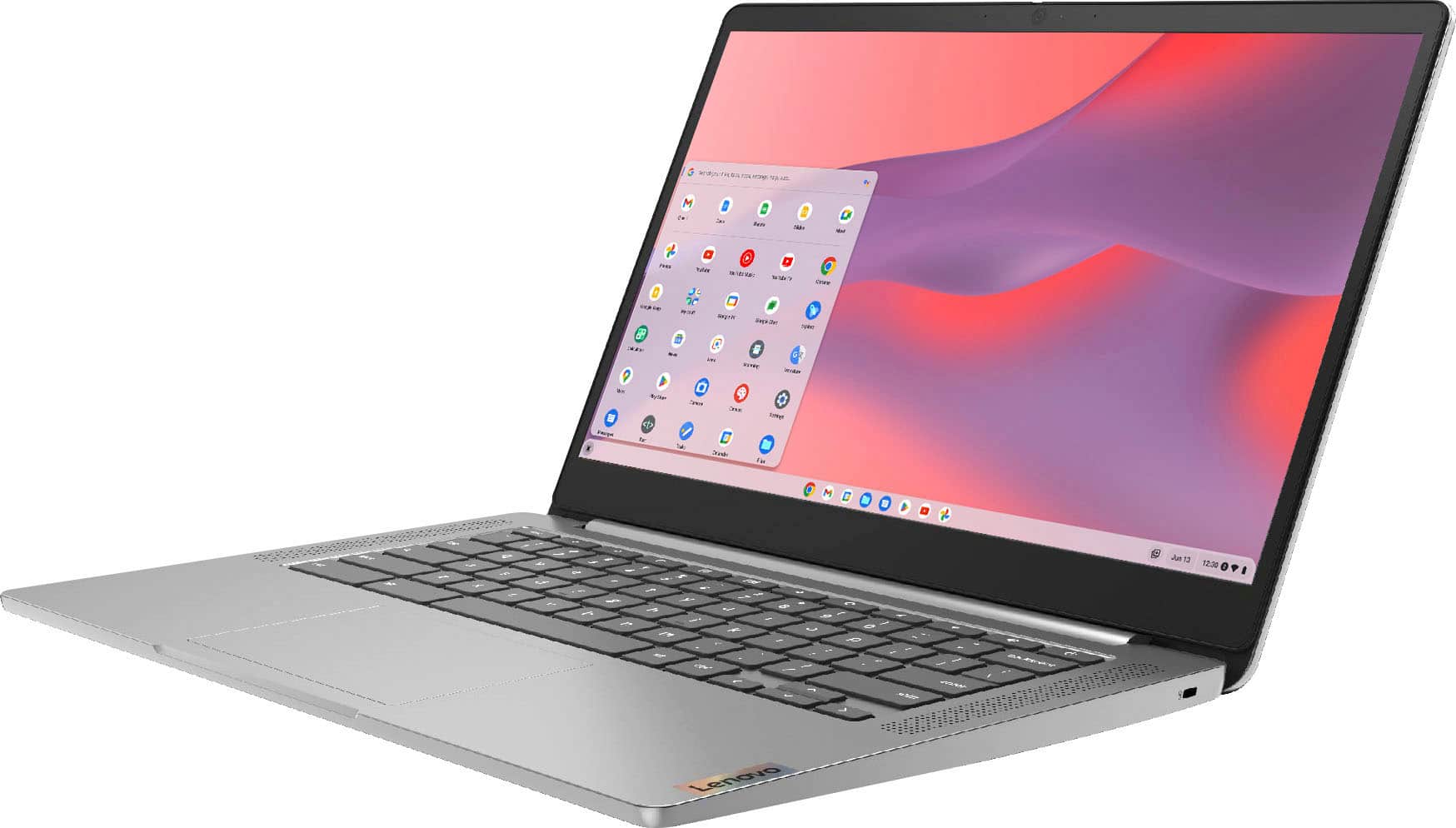
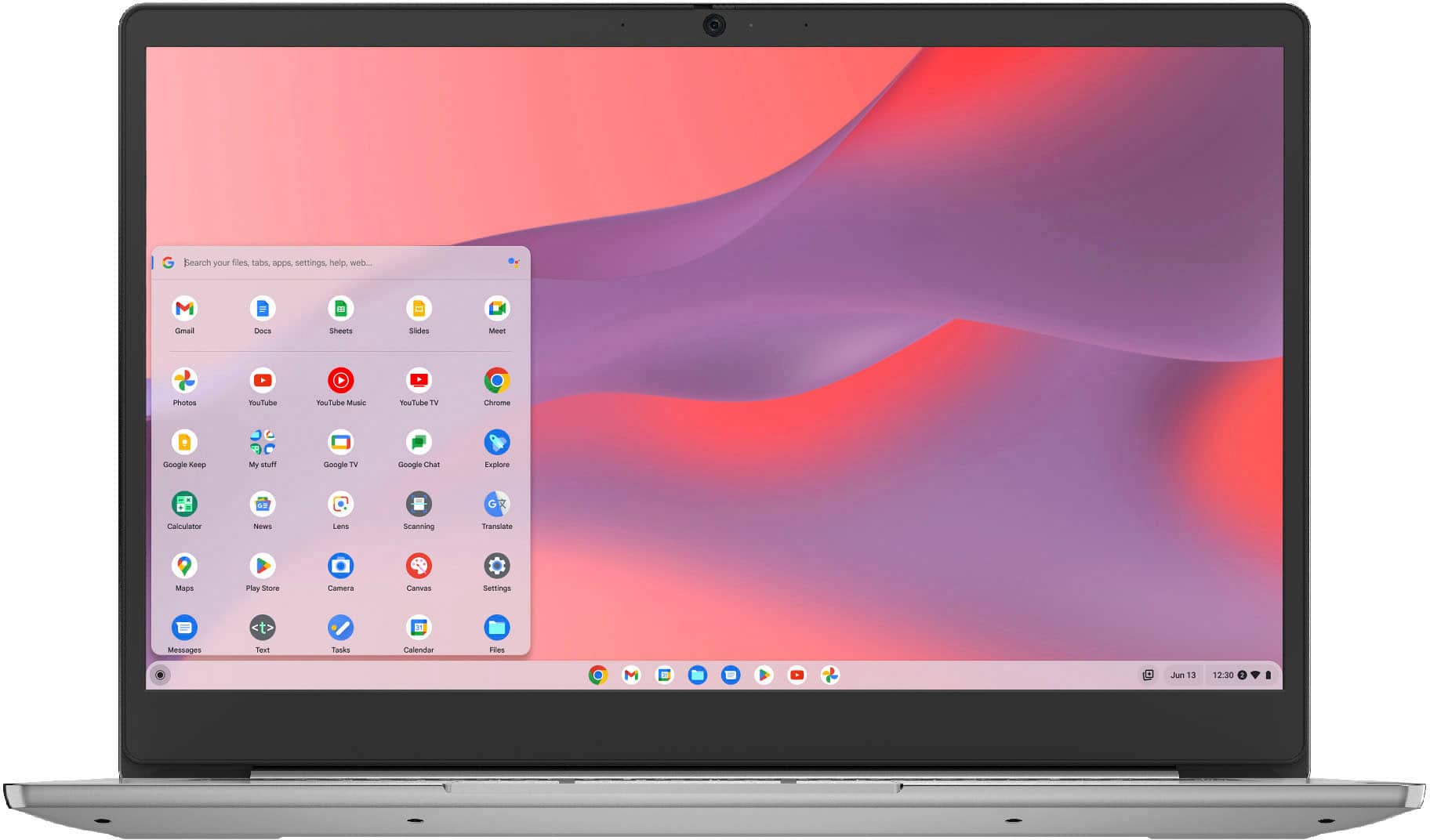
A:AnswerThe Lenovo Chromebook 3 14 uses Google Docs for office type programs. Google Docs is completely compatible with Microsoft Office Programs and this is a free service through the Google Server. If you must have the actual Microsoft Office Programs, you can purchase Microsoft Office 365 for this Chromebook at the Google Play Store.
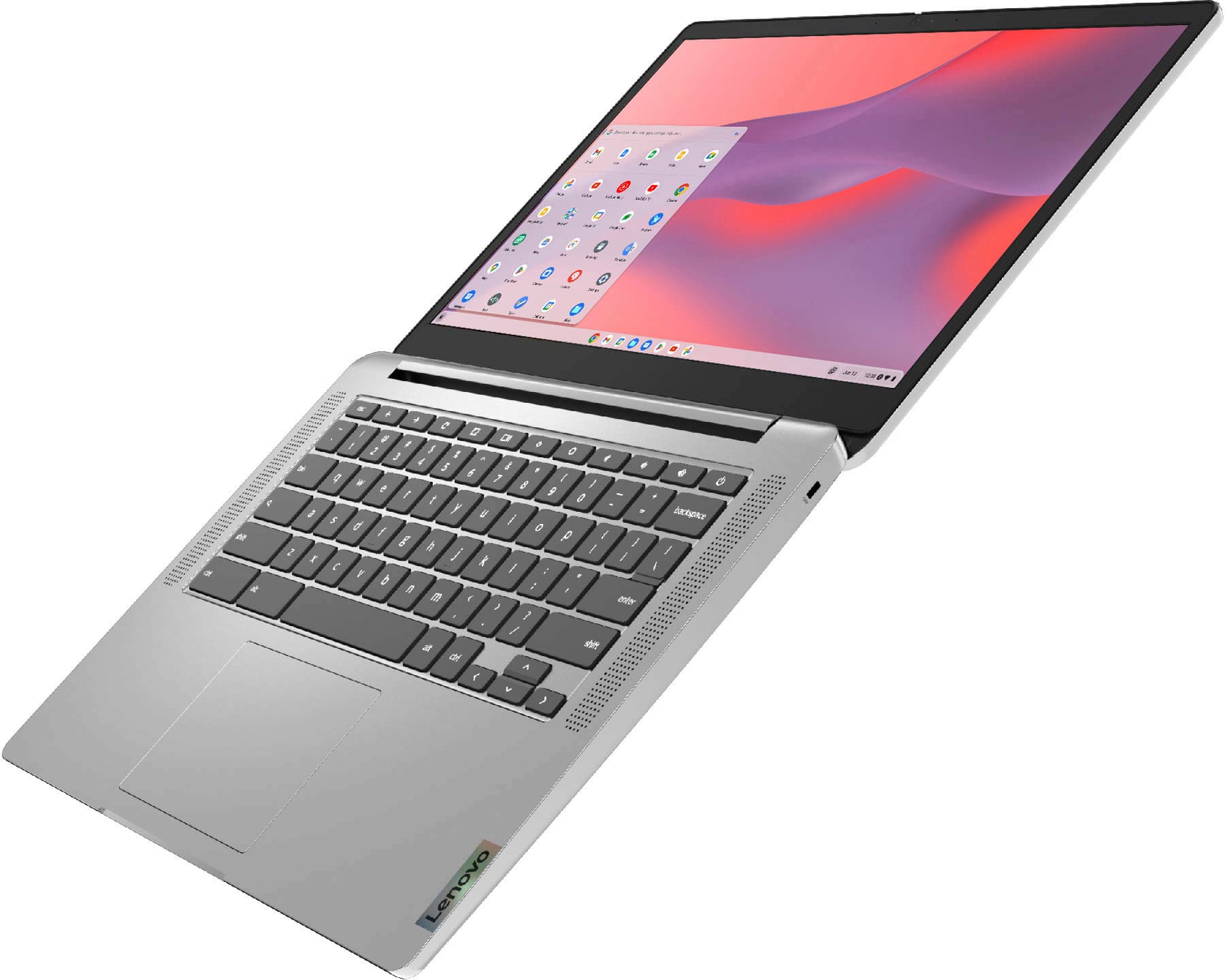
A:AnswerThe Lenovo Chromebook 3 14 model number 82KN0001US, is not compatible with any active/digital pen. You can use a capacitive touch stylus on the touch screen of this Chromebook, like this one: https://www.bestbuy.com/site/insignia-stylus-silver/3695185.p?skuId=3695185. The Chromebook 3 14 model number 82KN0001US, does not have a fingerprint reader.
A:AnswerThe Lenovo Chromebook 3 14 model number 82KN0001US, ships with a 64GB eMMC 5.1 solid state hard drive for storage. Approximately 59GB will be available for the user. Chromebooks use the Google Chrome Browser for browsing the internet.
A:AnswerThat will depend on the requirements and compatibility of the specific APP you want to use. The Lenovo Chromebook 3 14 ships with the Chrome Operating System and is compatible with Google Play Store APPs. We recommend you check with the specific APPs software publisher's web site, of the specific APP you want to use, for their compatibility with the Chrome operating system and the minimum/recommended hardware requirements (Is a Graphics card required, the processor speed and the minimum required system RAM and the minimum available hard drive space) to run their program, then compare those requirements to this system's configuration.