A:AnswerGreetings from the Intel team. Thank you for your question.
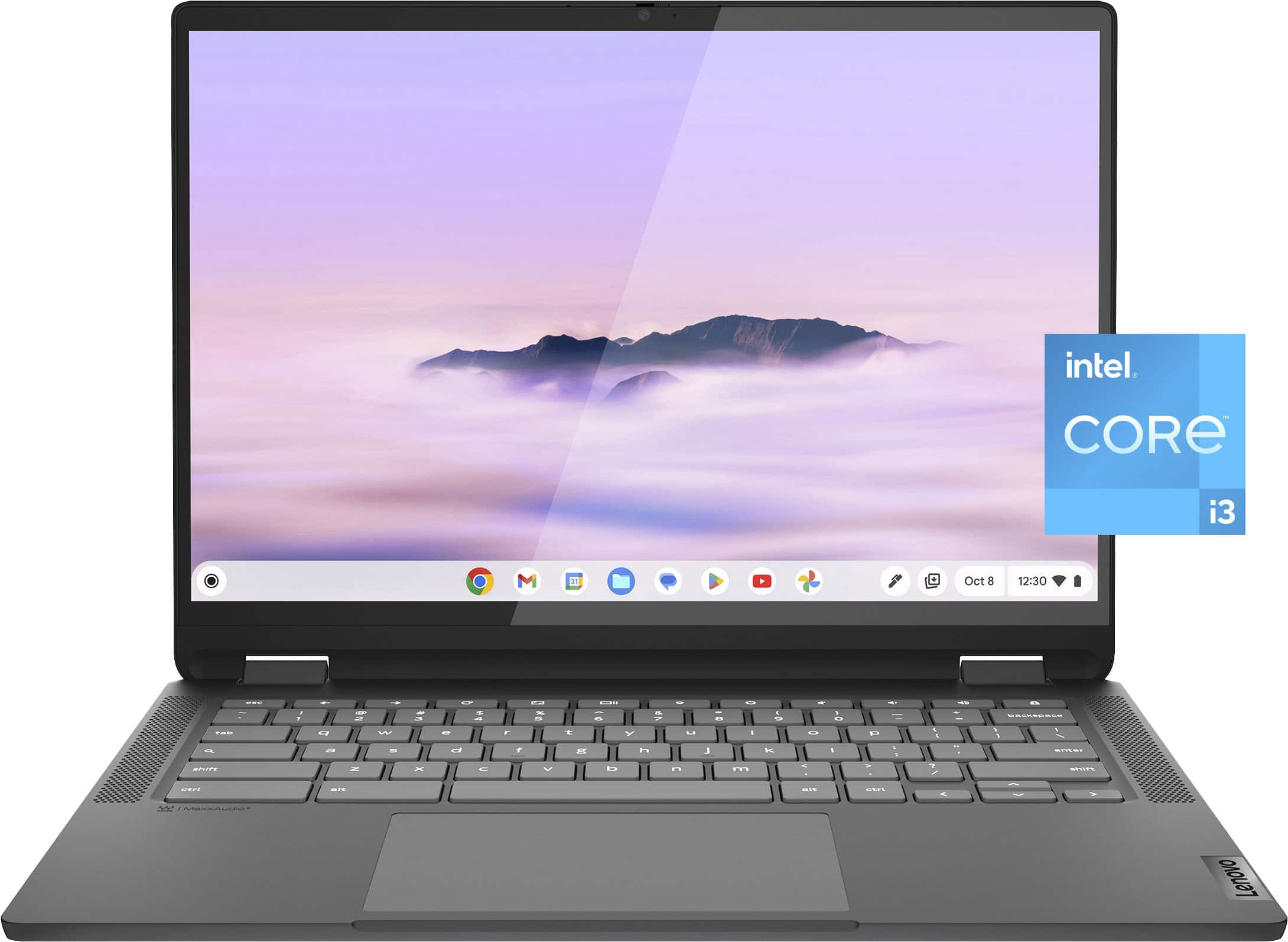
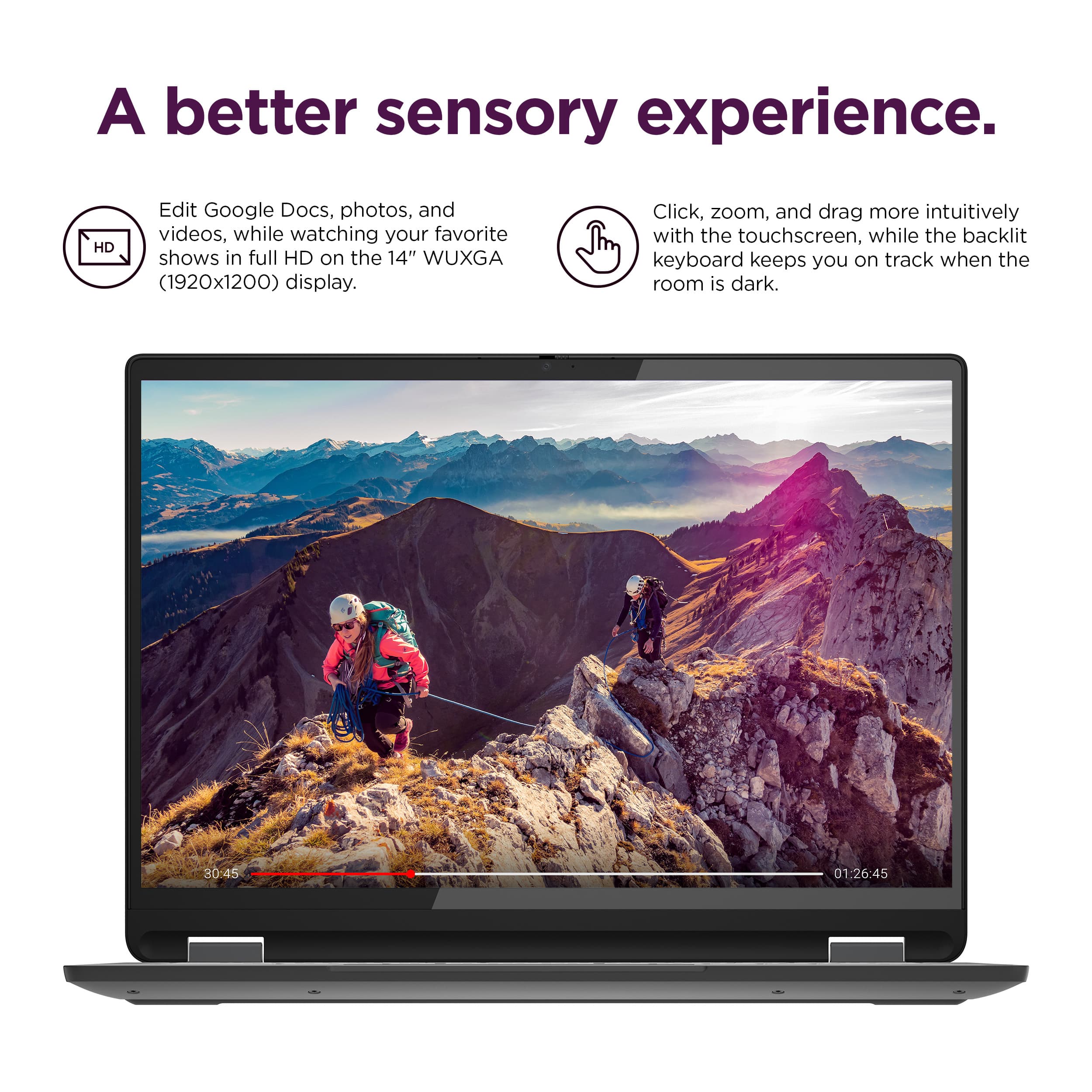
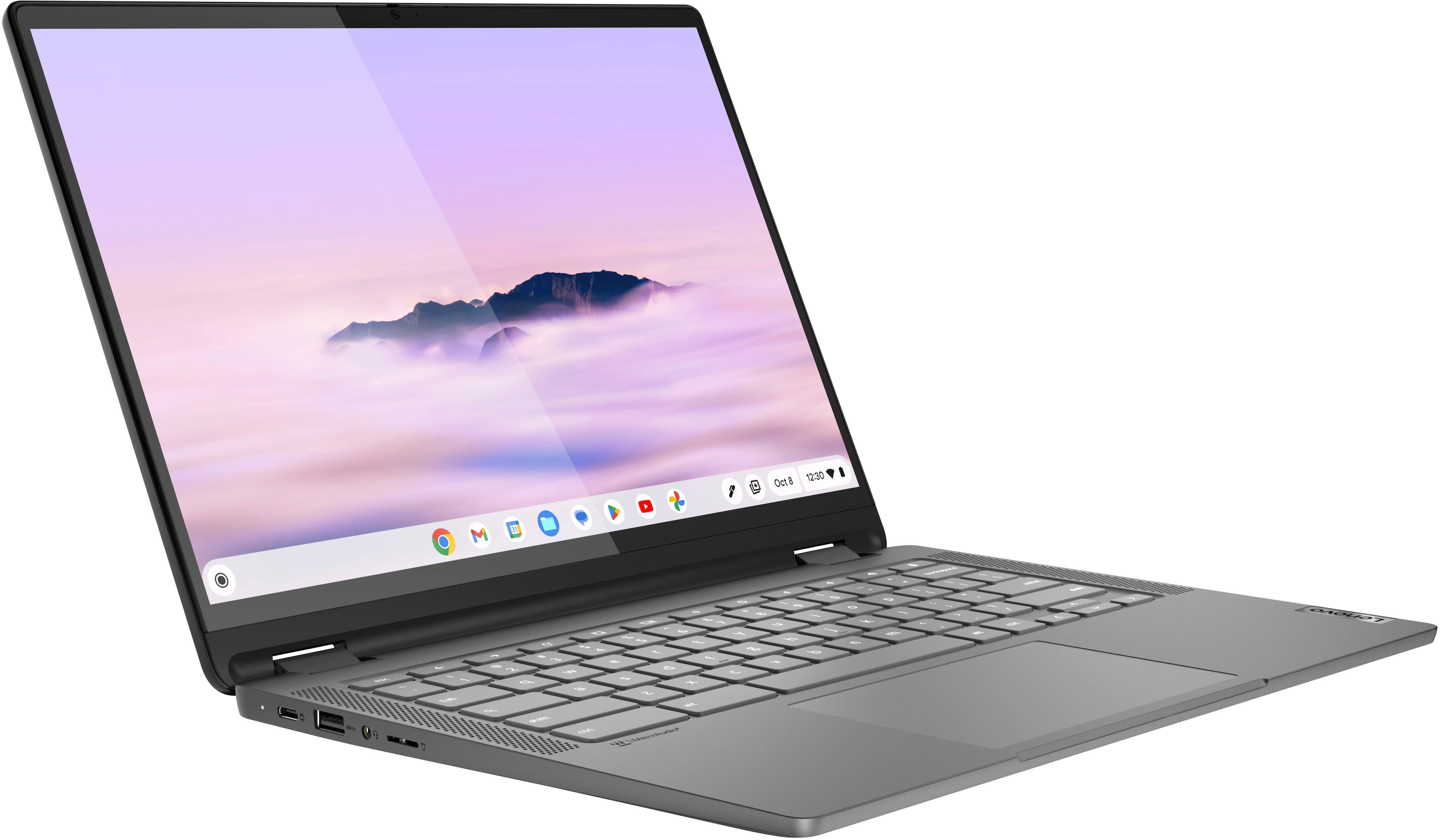
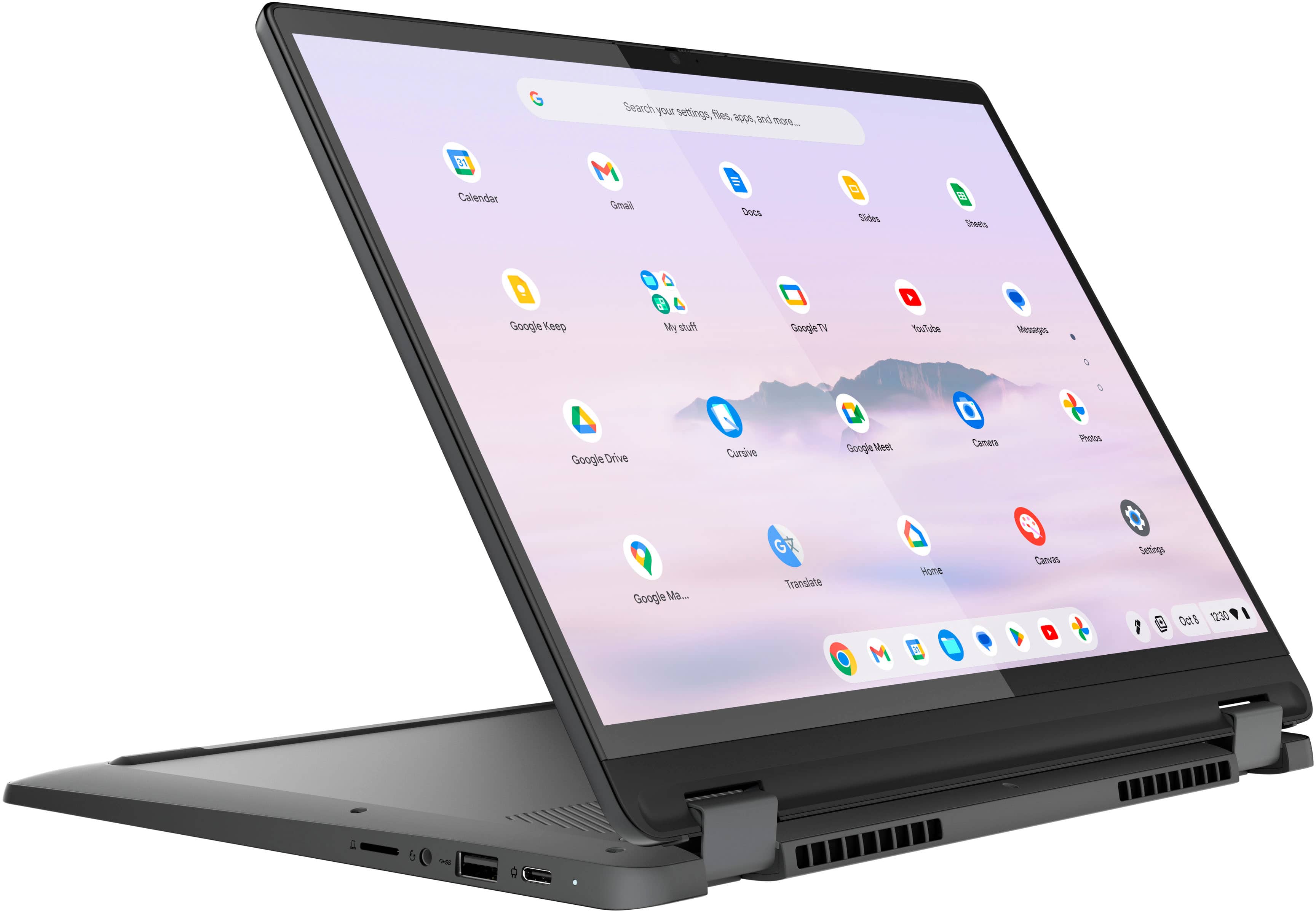
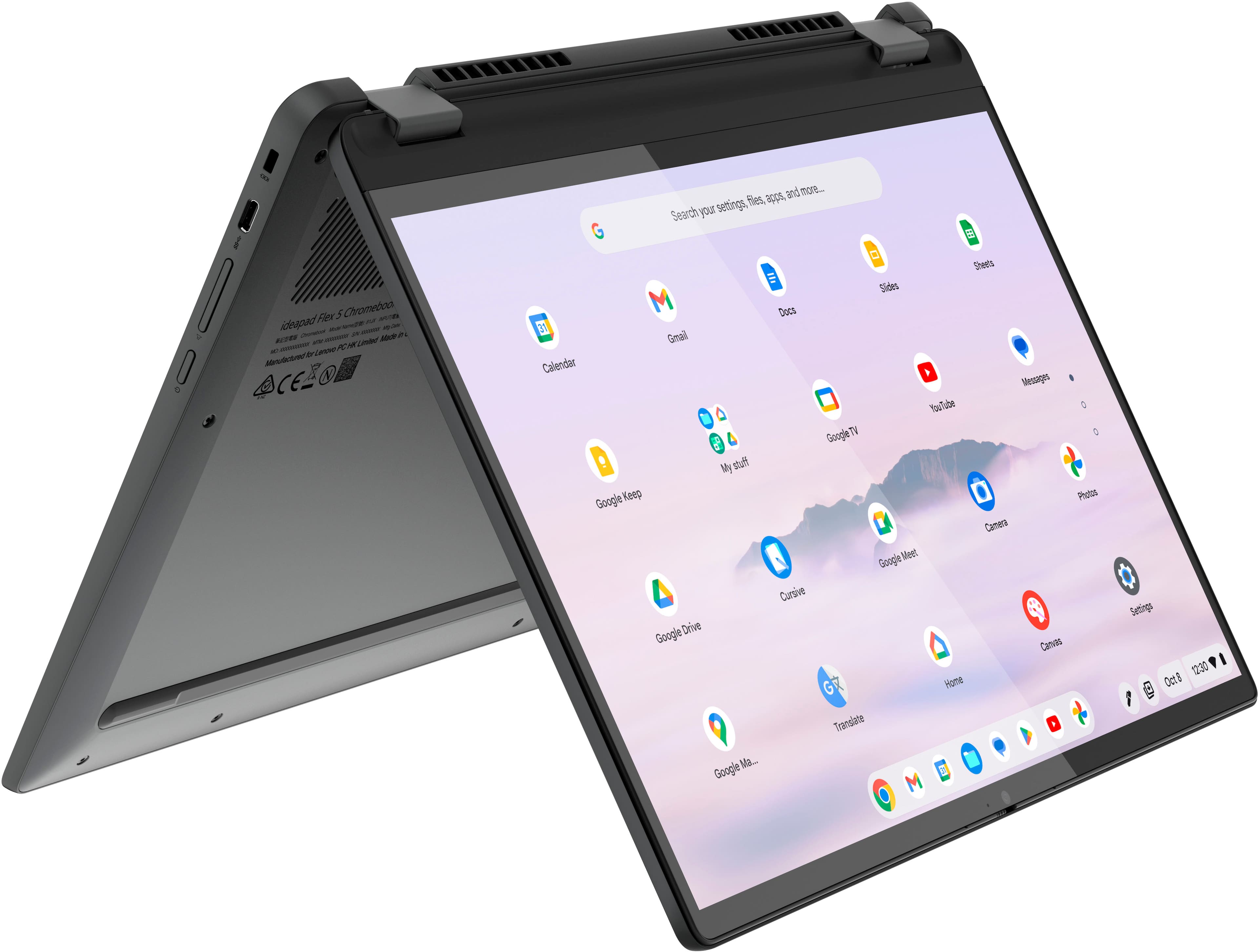
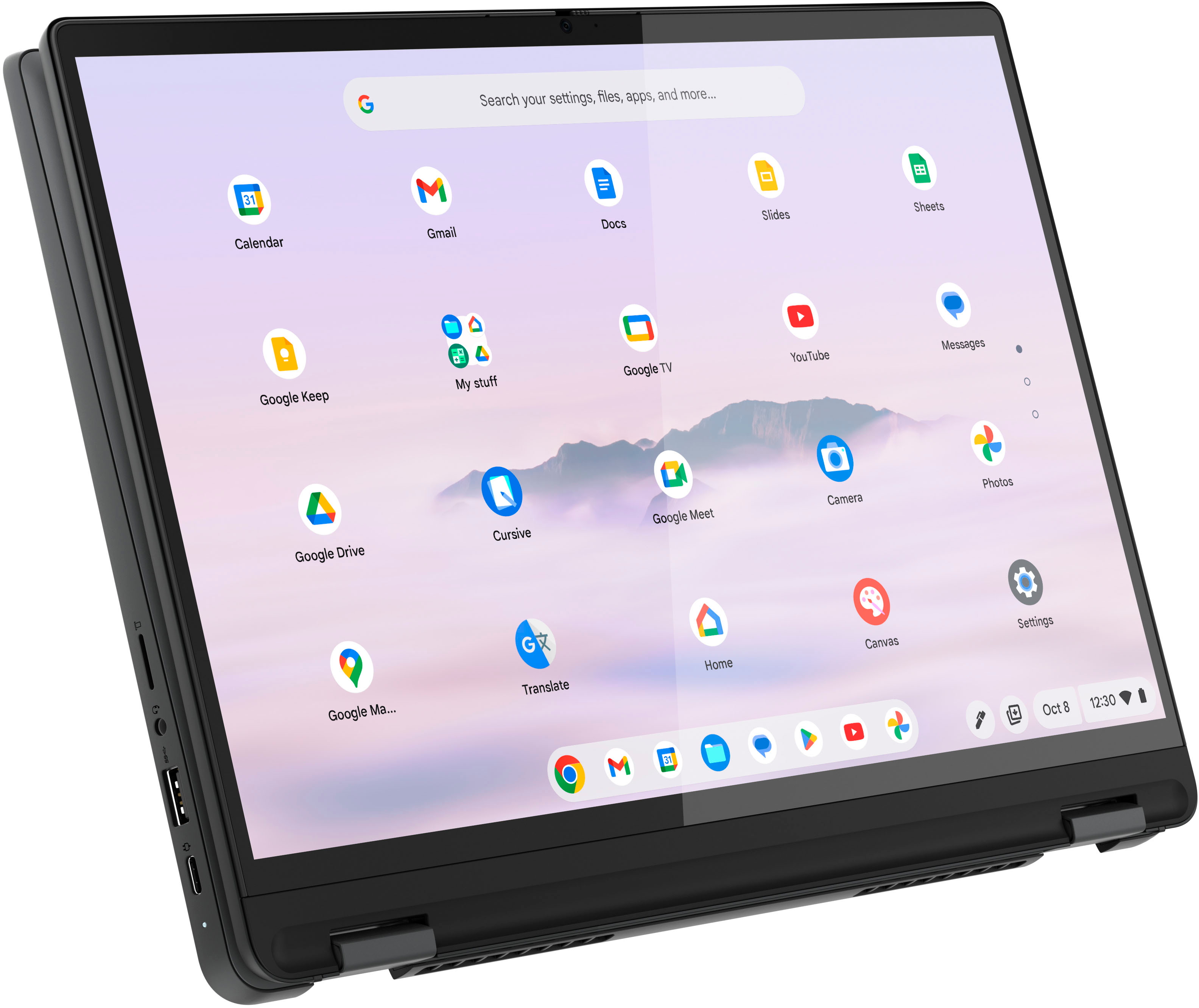
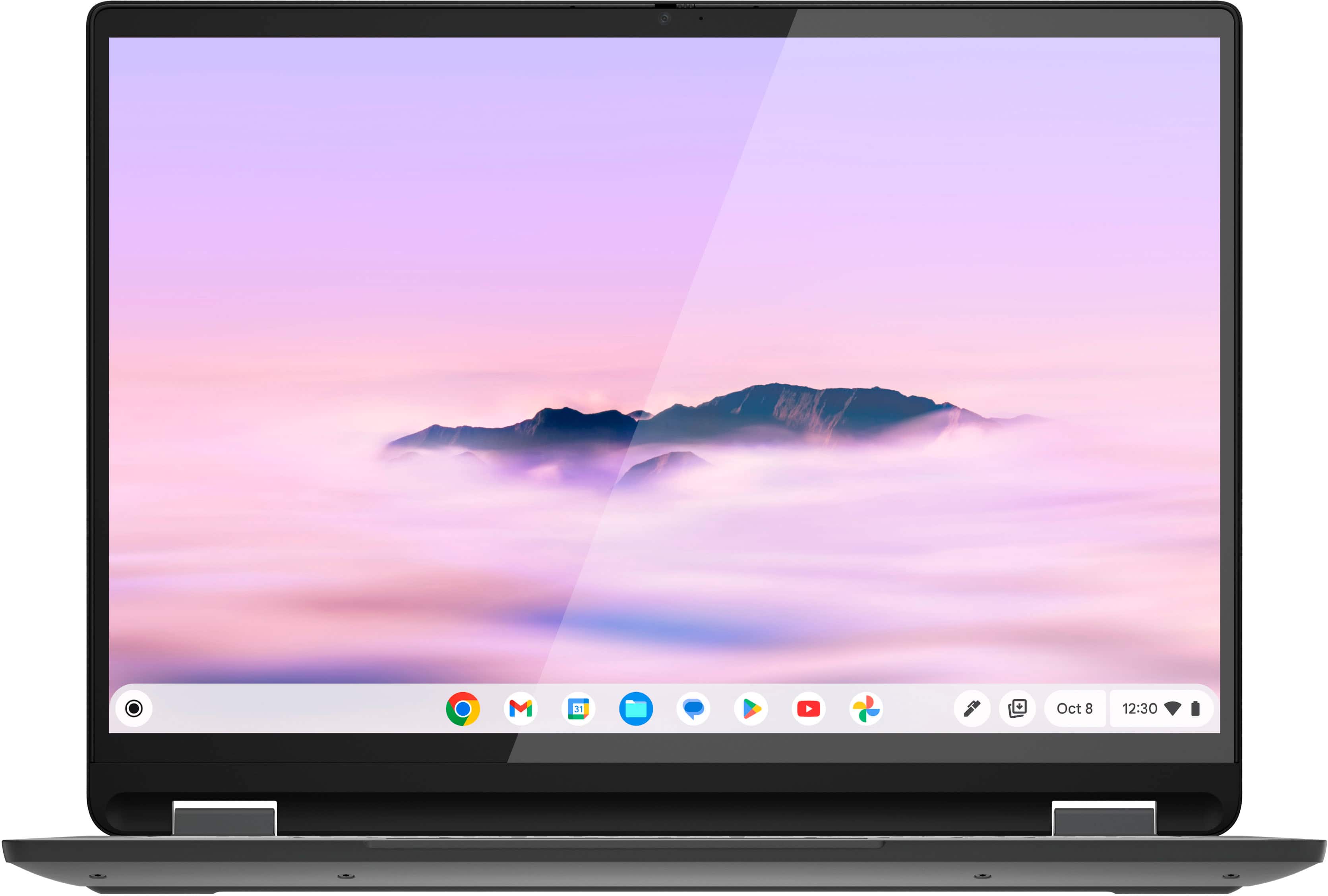
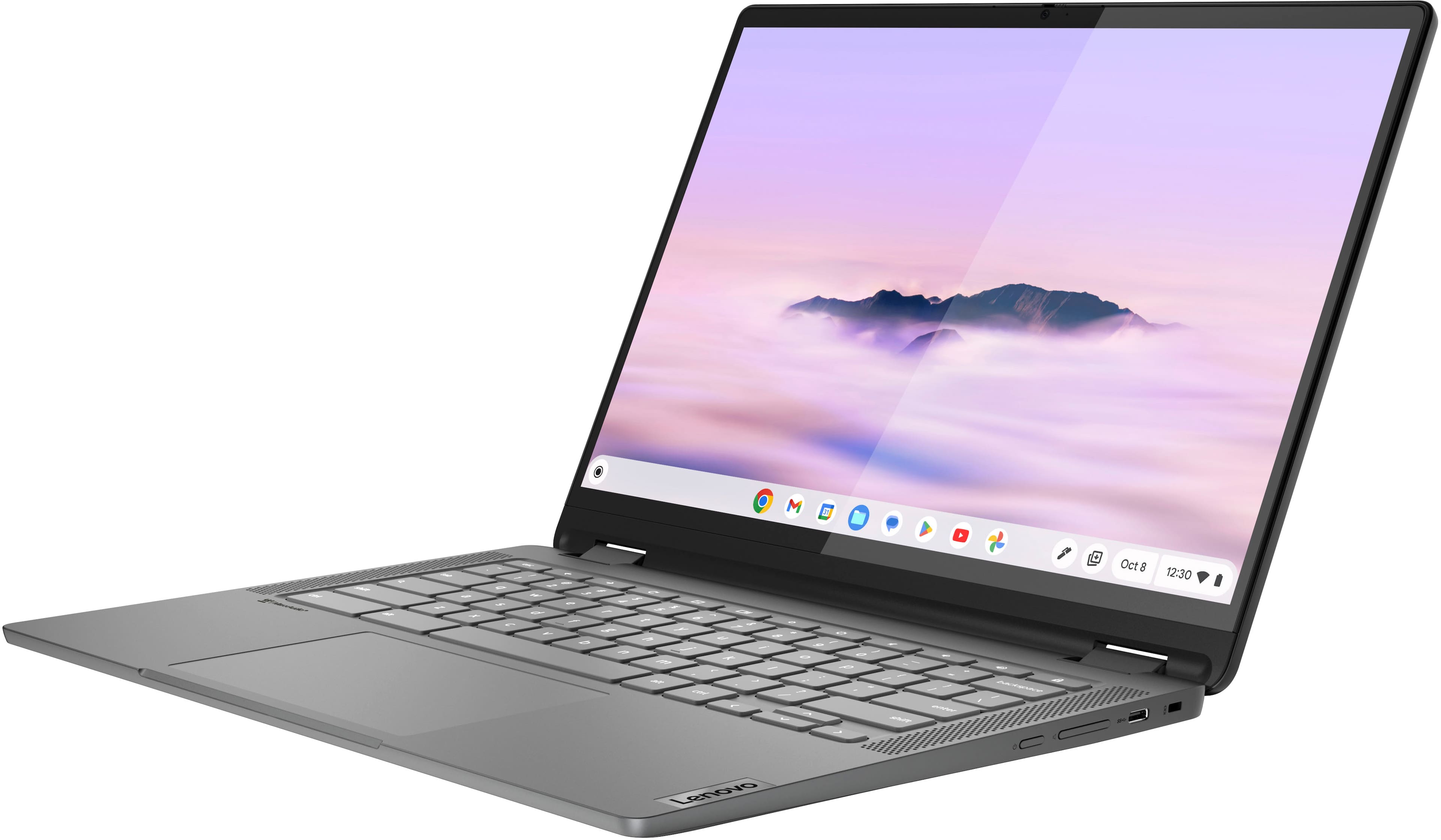
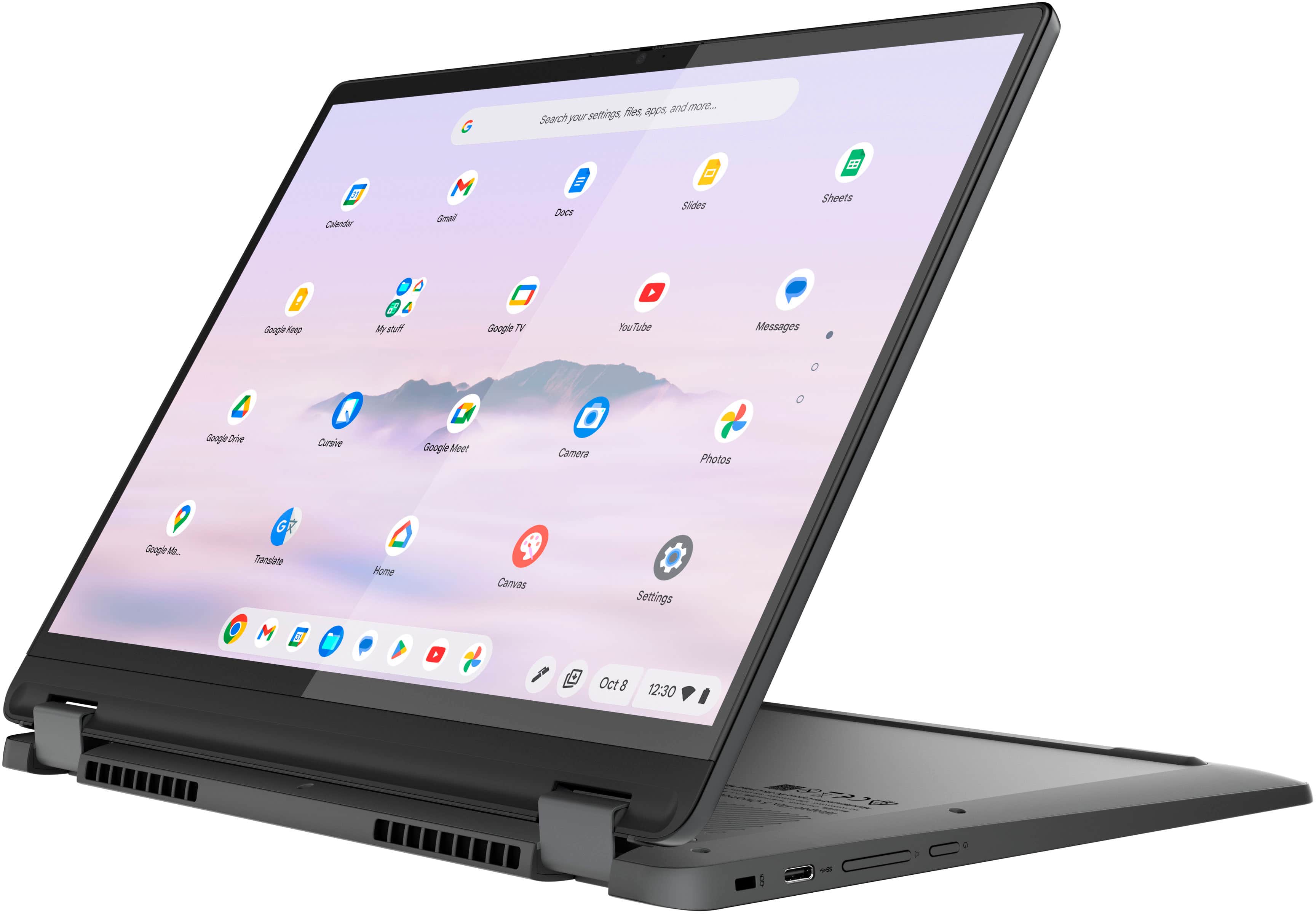
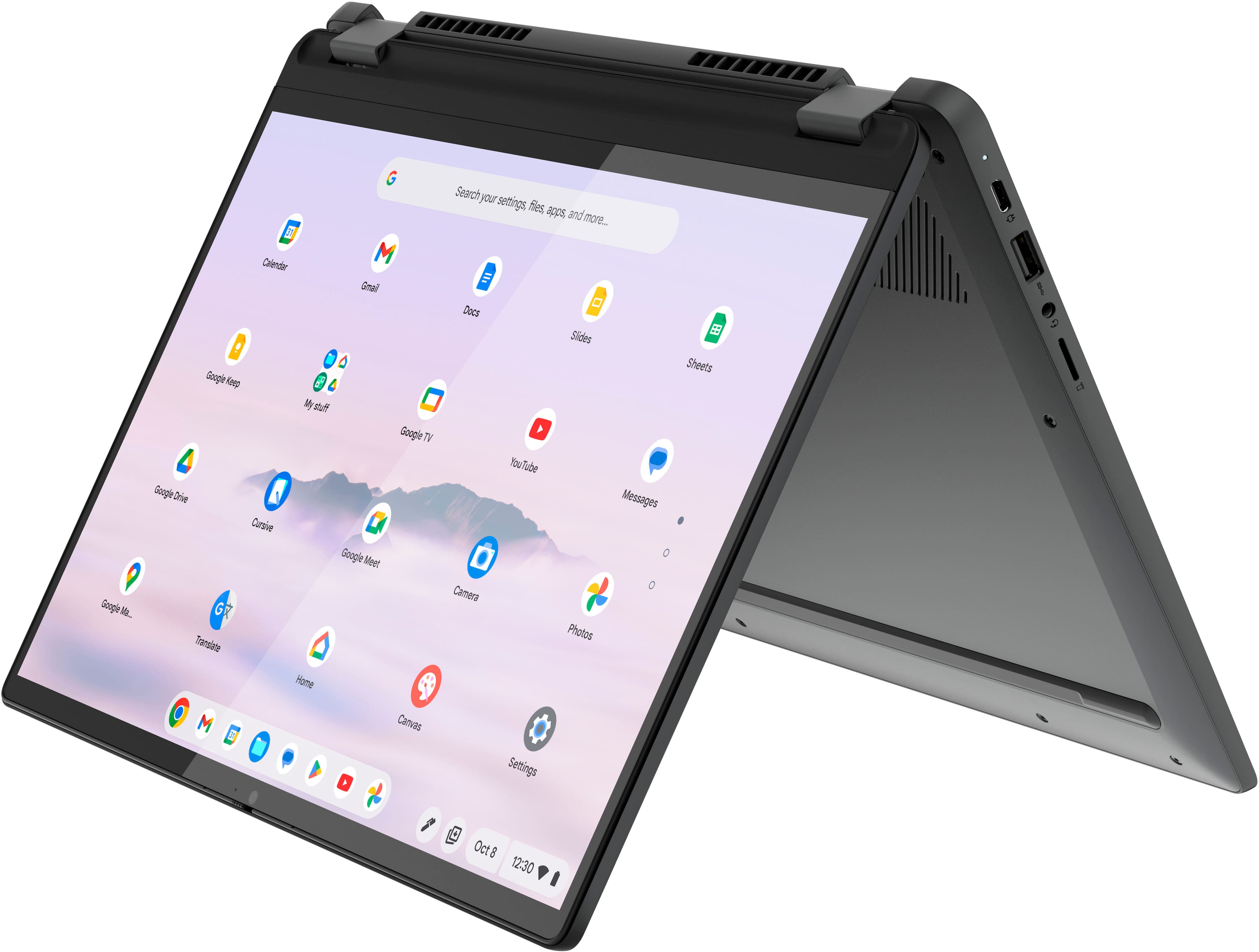
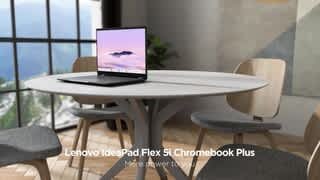
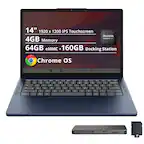
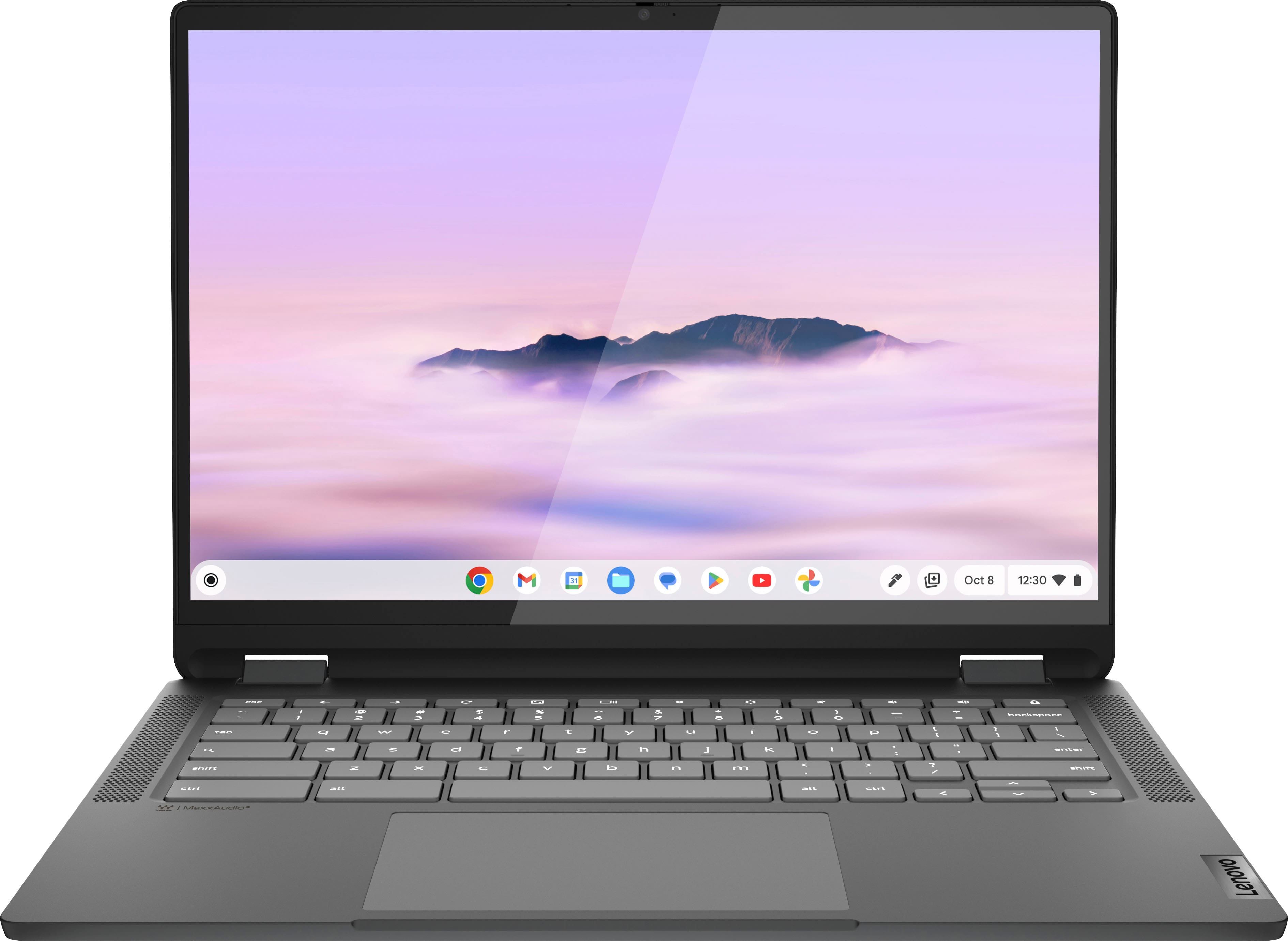
Based on the product specifications reference (PSREF), the Lenovo - IdeaPad Flex 5i model 83EK0000UX has the following display features: 14" WUXGA (1920x1200) IPS 300nits Glossy, 45% NTSC, Touch. For further information, check the PSREF:
https://psref.lenovo.com/Detail/IP_Flex_5_Chrome_14IAU7_Plus?M=83EK0000UX
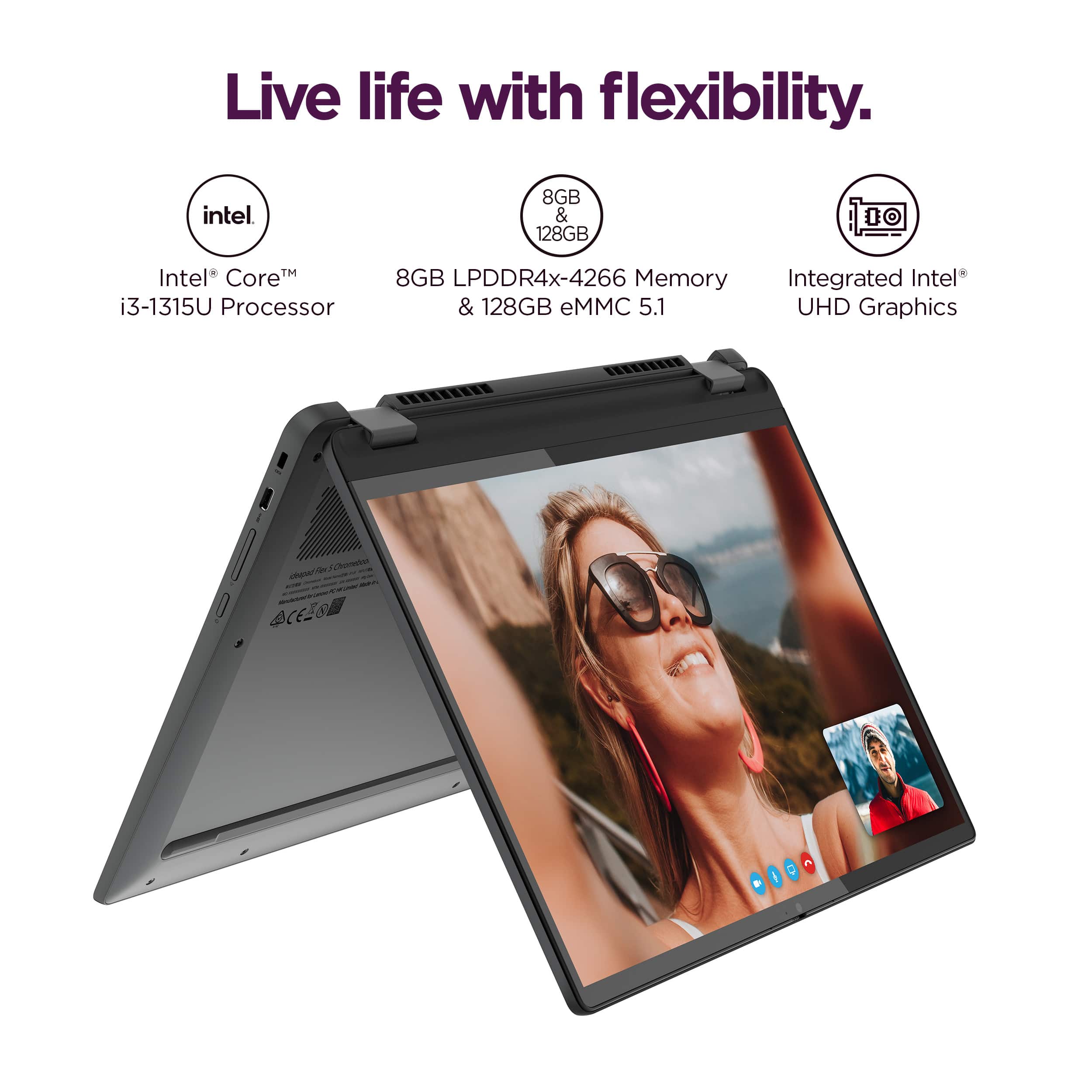
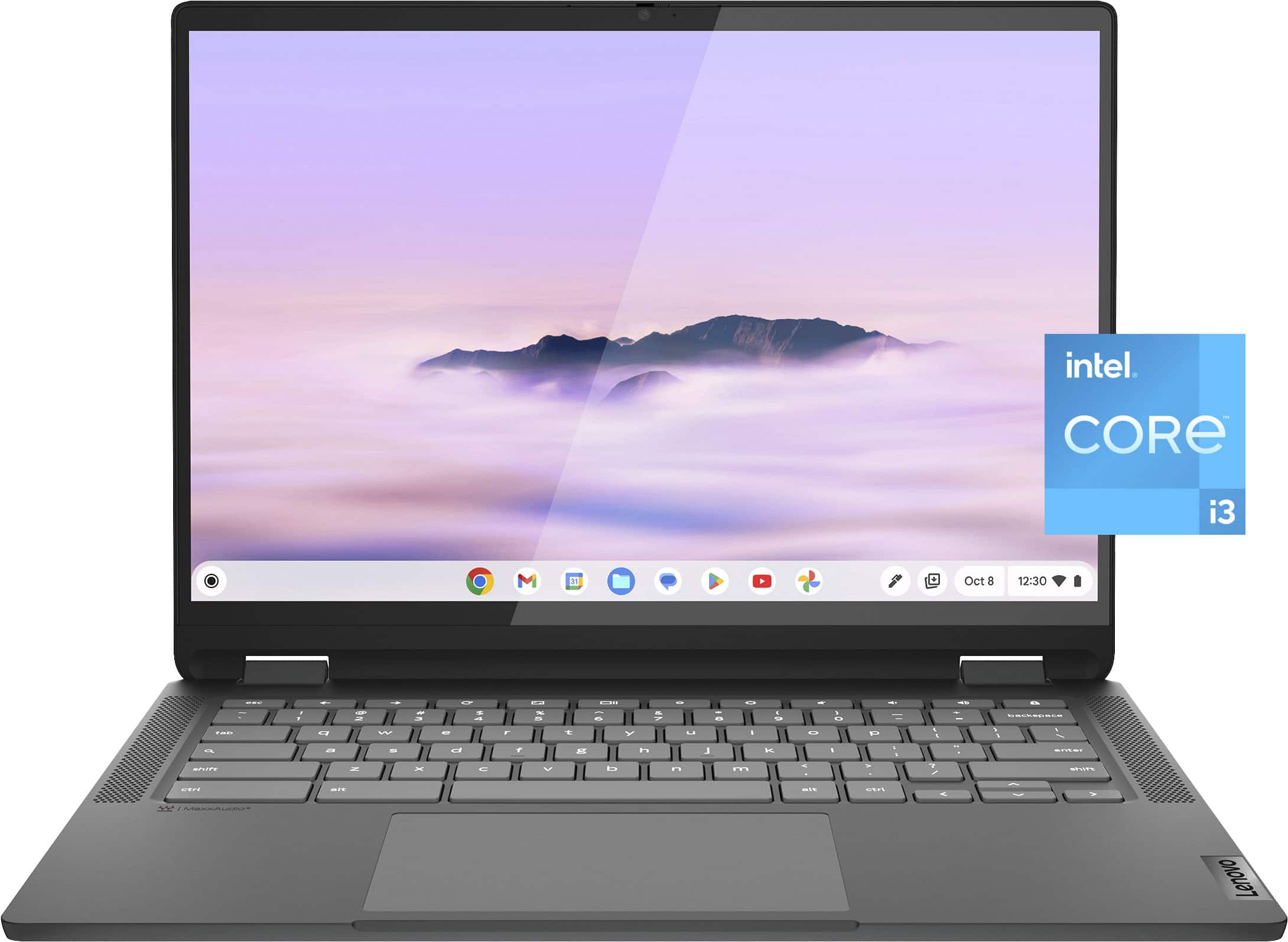
For detailed information about the Intel® Core™ i3-1315U processor, visit:
https://ark.intel.com/content/www/us/en/ark/products/232136/intel-core-i31315u-processor-10m-cache-up-to-4-50-ghz.html
Thank you for choosing Intel! Emilio_Intel
A:AnswerIt's a Chromebook, not a PC. I guess you could try and get WINE running in LINUX on this laptop? But, out of the box, those games won't install on a Chromebook.
A:AnswerHey Ducky,
You can use DuckDuckGo on this Flex 5i Chromebook Plus by downloading the app from the Google Play Store or via an extension and/or setting DuckDuckGo as your default search engine in Chrome.
Please let us know if you have any other questions!
A:AnswerHi, IsaacMom. It would depend on what you mean totally by making it functional, but out of the box, it is secure, quick, and ready for multi-tasking when completing schoolwork. The device itself can have a varying lifespan depending on its conditions, but what we can assure you is that this system is set to receive auto updates from Google until June 2032. Also, you can use a similar access control service by Google called Family Link. Here's a link to learn more (https://families.google/familylink/), and please let us know if you have any other questions!
A:AnswerHello, thank you for your question. While Roblox can be downloaded through the Google Play store, performance cannot be predetermined per this Roblox system requirement webpage from their site: https://en.help.roblox.com/hc/en-us/articles/203312800-Computer-Hardware-Operating-System-Requirements | We recommend reviewing the information from the previously listed link to aid in your decision before you make a purchase.
A:AnswerI also bought the open box Flex 5i but I was very lucky. The content of the box was complete and there was no damage to the computer itself. I guess it is a gamble to order open box computers.
A:AnswerYes, it does; one year from the date of purchase, one year manufacturer's warranty. If you register it with Lenovo, which is recommended, you might be able to buy an extended warranty from Lenovo.
A:AnswerHey Susie,
This Chromebook uses G-Suite for office type programs like Docs for word processing, Slides for presentations, Sheets for spreadsheets, and more. Most G-Suite apps are preinstalled on Chromebooks and are compatible with most Microsoft Office program file types. If you currently have a Microsoft Office 365 subscription, you can access that existing account and use the available apps via the Microsoft 365 app on your Chromebook.
Please feel free to reach out to us with any other questions!
A:AnswerHey Kev,
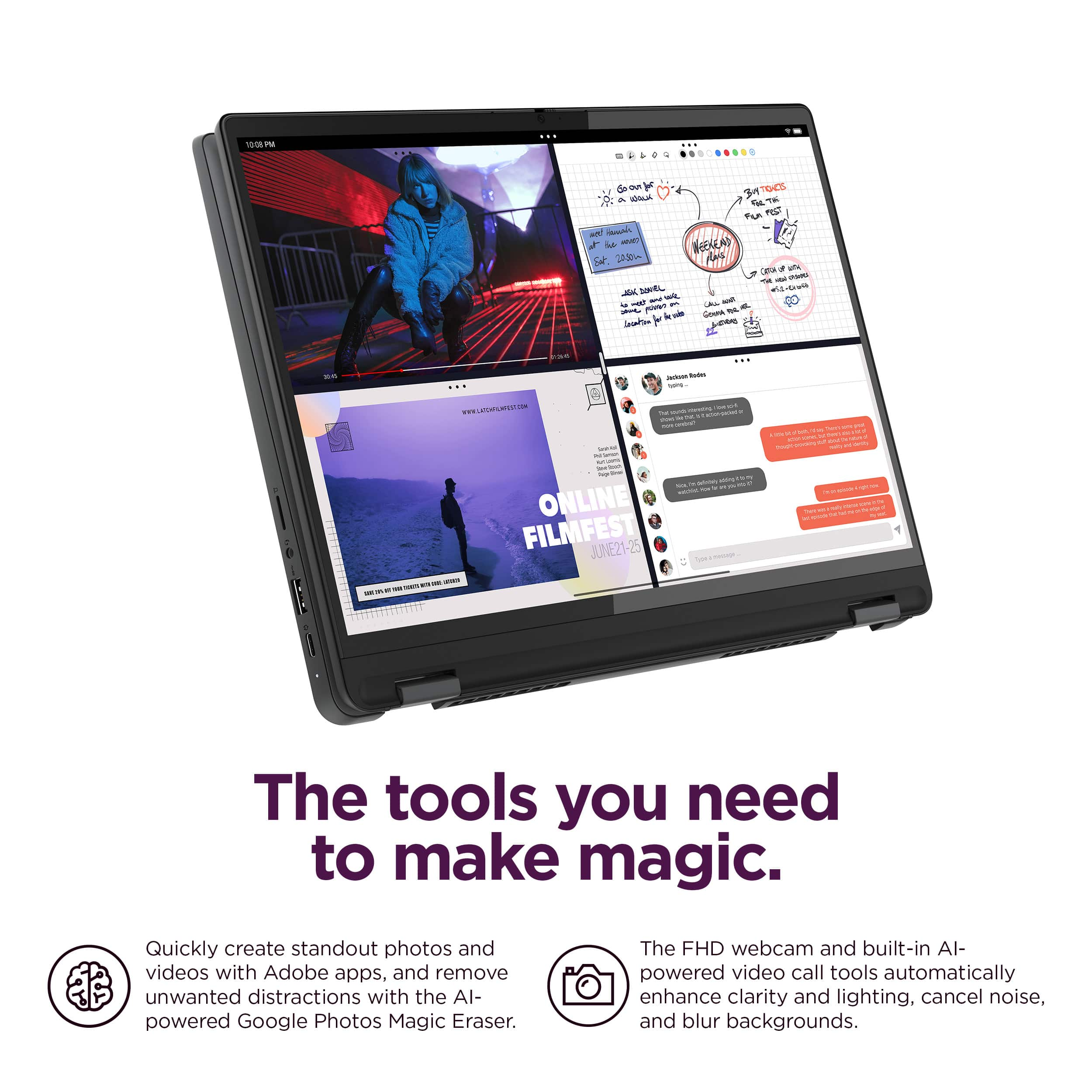
Yes, this Flex 5i Chromebook Plus features an FHD, 1080p camera with a privacy shutter for added security and peace of mind.
Please feel free to reach out to us with any other questions!
A:AnswerHey Tree,
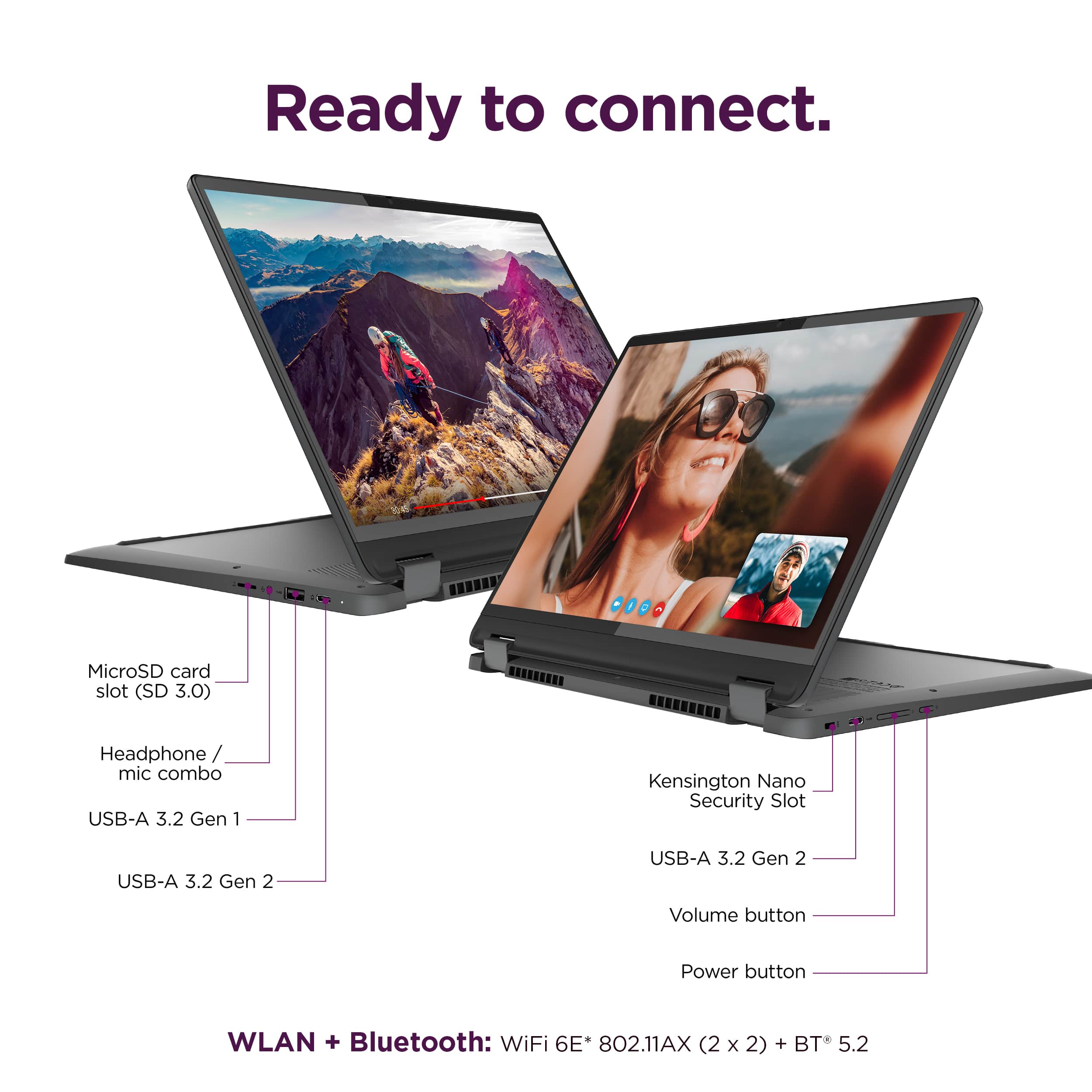
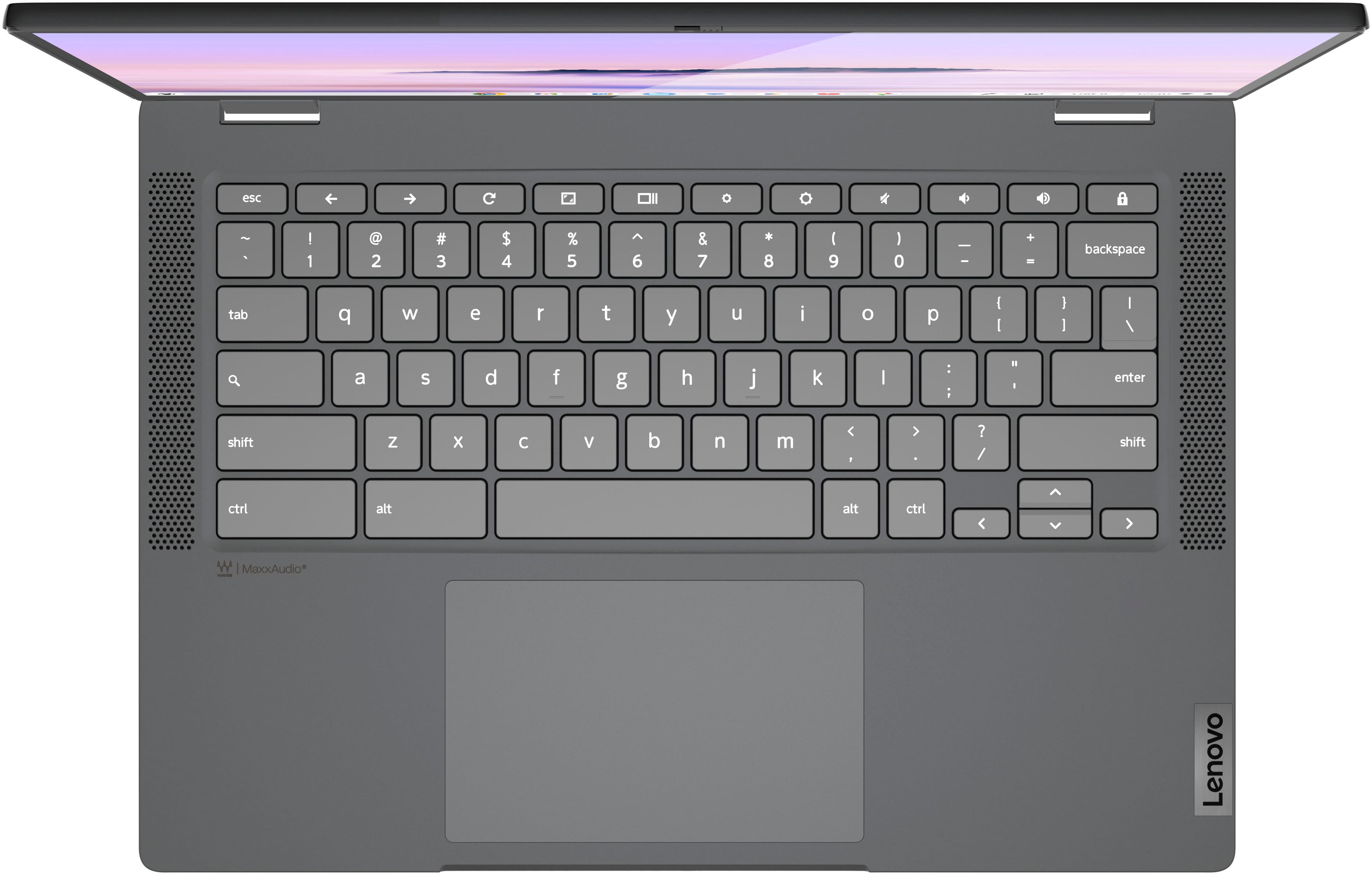
Yes, you should simply be able to pair the Bluetooth mouse with the Flex 5i Chromebook Plus via system settings, or even more quickly, using Quick Settings by selecting the bottom right of the screen (in the shelf).
Please feel free to reach out to us with any other questions!