Questions & Answers
- Model:
- 66A3GCCBUS
- |
- SKU:
- 6404029
Highly rated by customers for: Refresh rate, Gaming, Curved
Page Showing 101-110 of 110 questions
Q: Questioncan i come pick up this item in the store?
Asked by trane.
- A:Answer Yes, I ordered it on line and went to nearest Best Buy and was met at the front door by sales associate. Provided my order information and in less than five minutes the product was brought to the front door and I was on my way. With all the covid precautions, Best Buy provided a safe, fast protocol to complete the purchase.
Answered by Loutec
Q: QuestionWhenever I use a display port adapter to plug in an hdmi to my Xbox and the display port into the monitor it says Cable not connected
Asked by Nate.
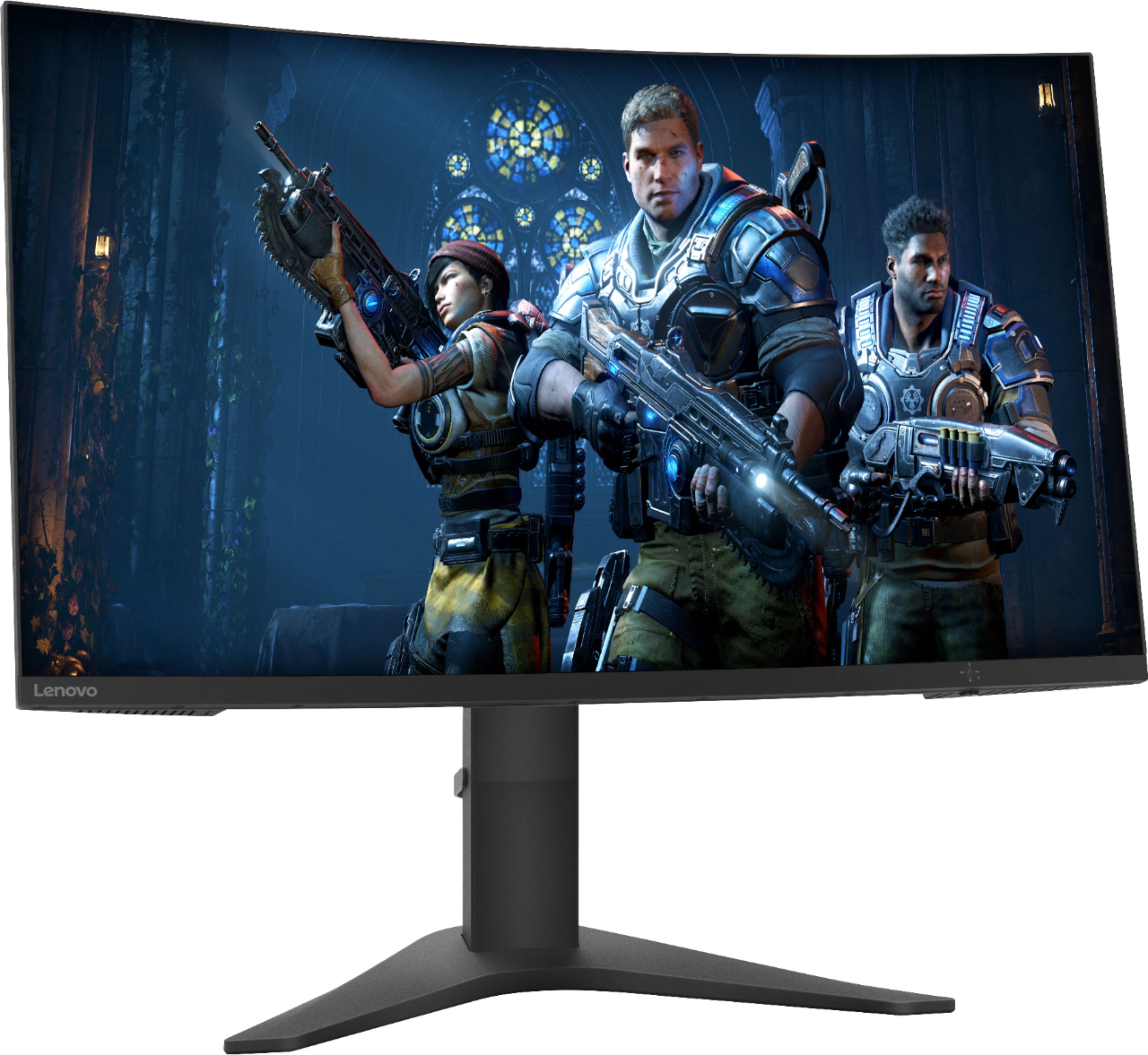
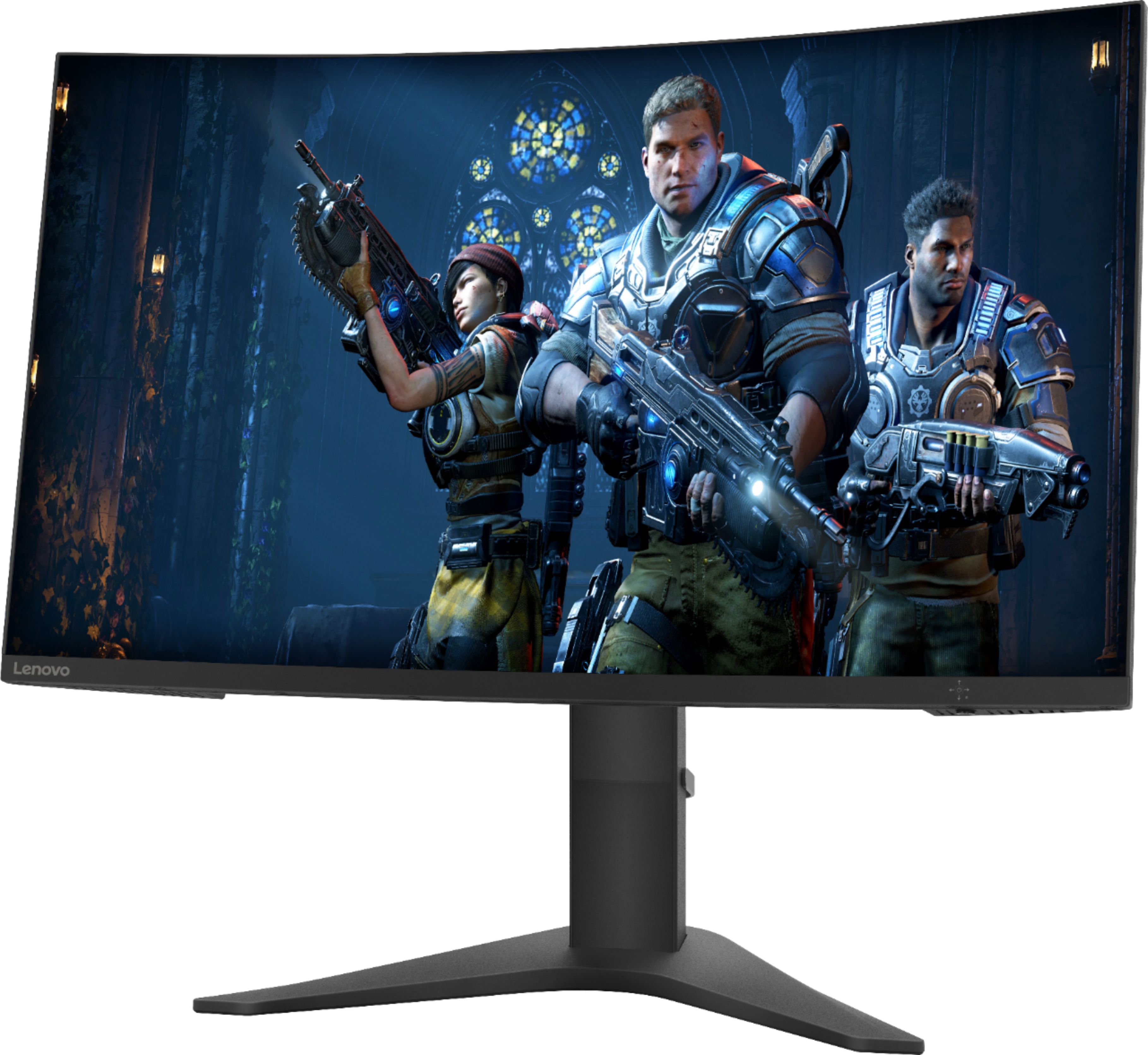
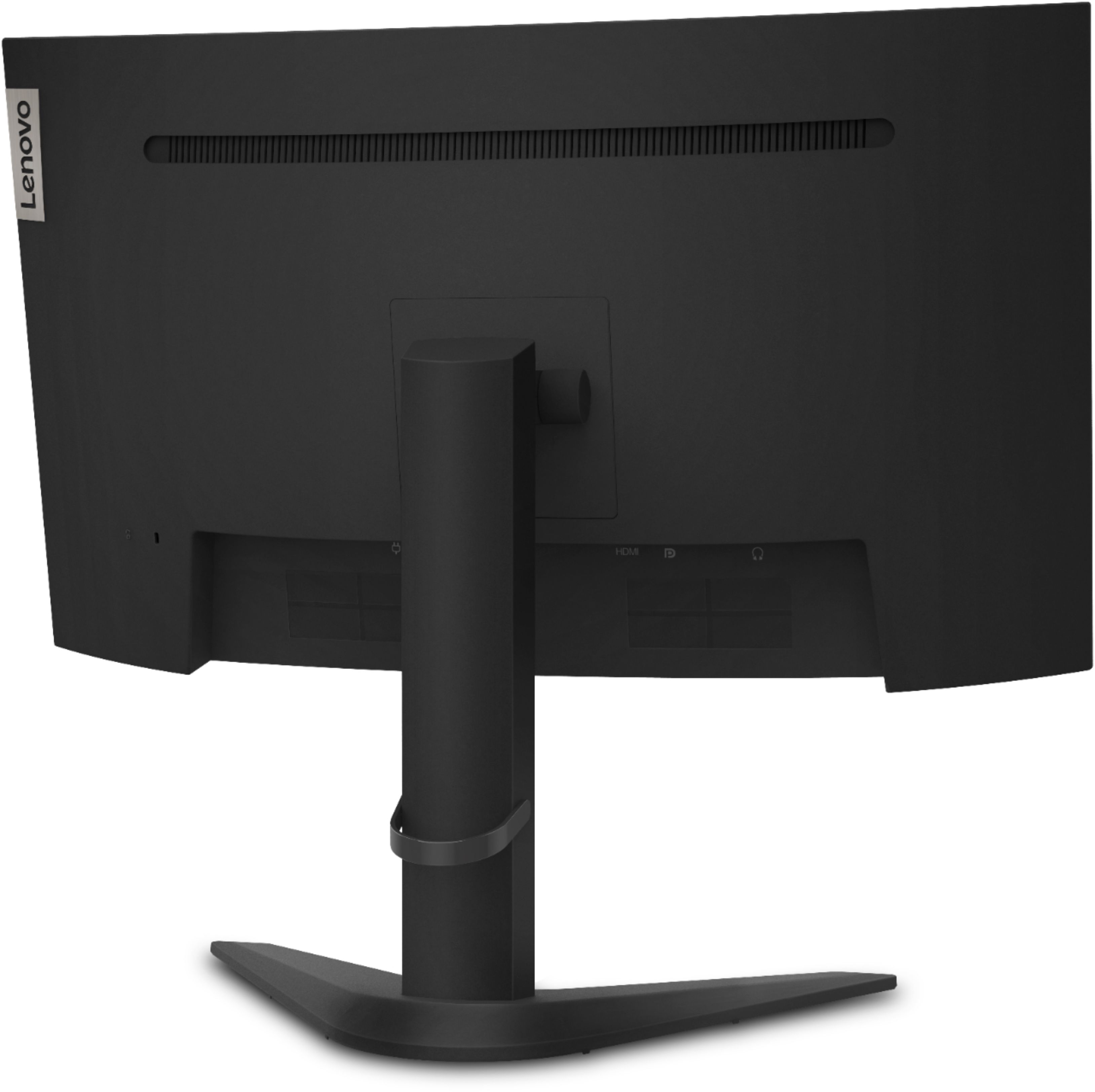

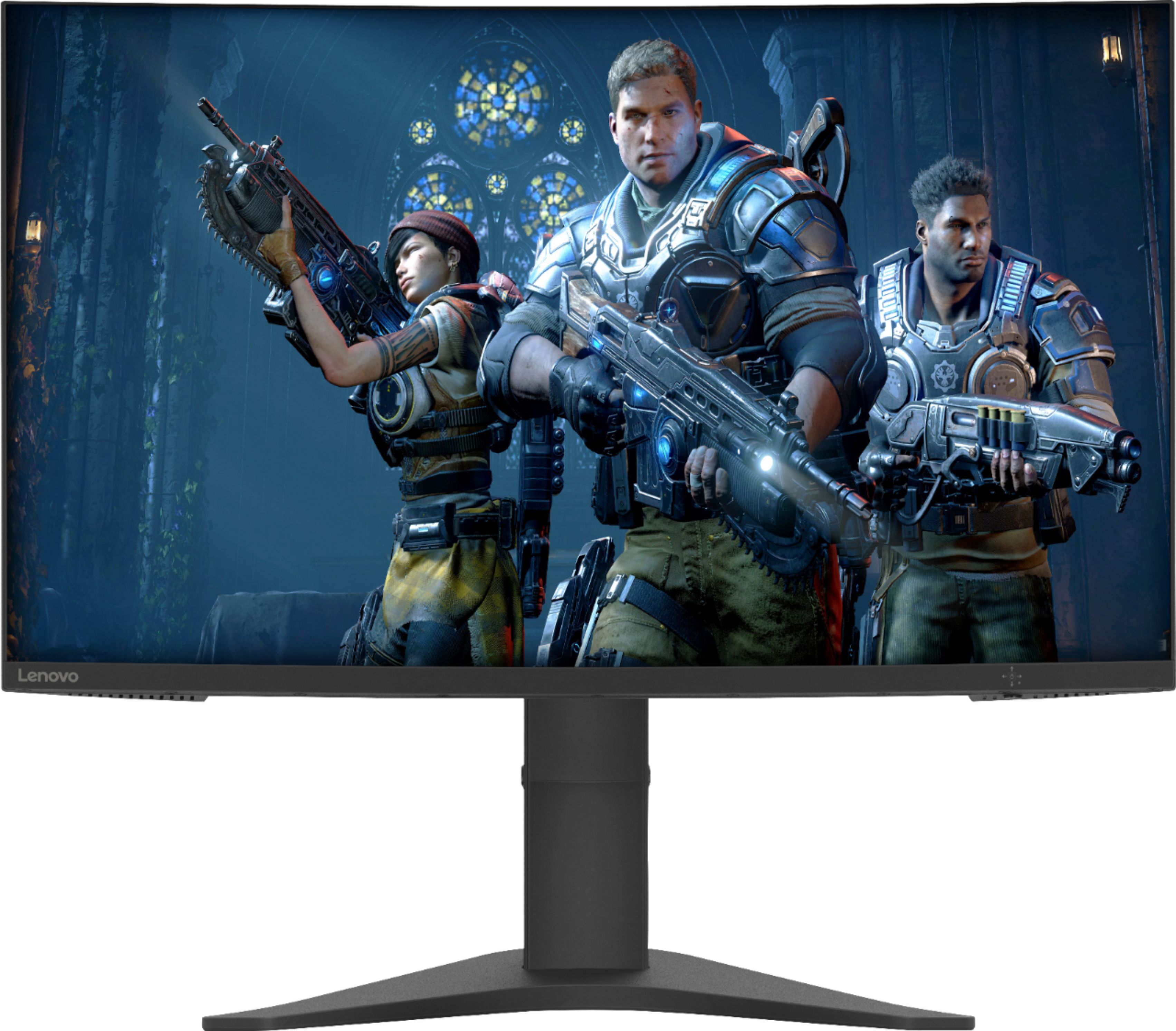
- A:Answer The Lenovo G27c-10 Monitor, model number 66A3GCCBUS, ships with both an HDMI 2.0 version port and a DisplayPort 1.2 version port for connecting a video source, like a gaming console to this monitor. Be sure the gaming console you are using is compatible with this monitor's features. If you are using DisplayPort to connect to this monitor, connect directly to the monitor's DisplayPort 1.2 version port.
Answered by Lenovo Product Expert

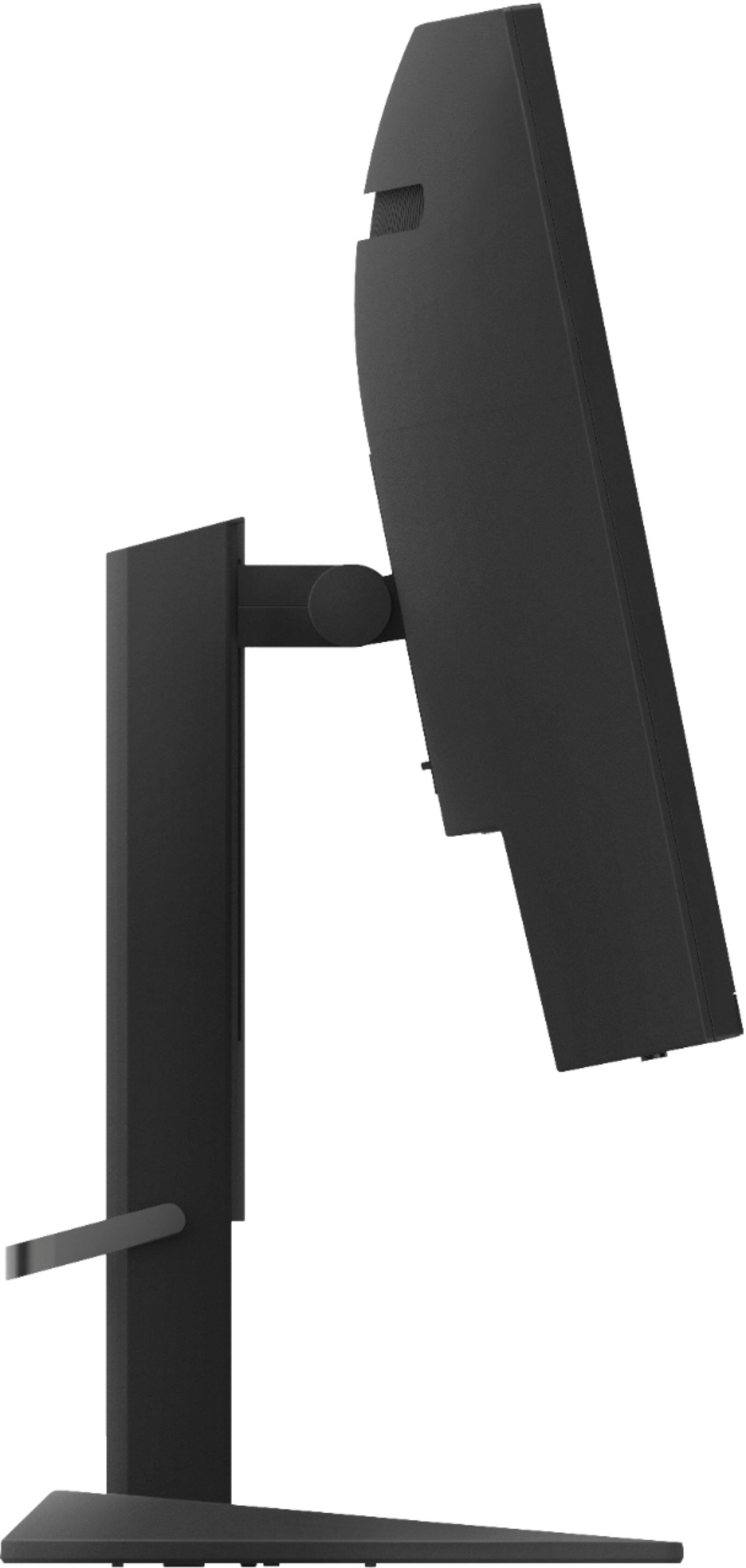
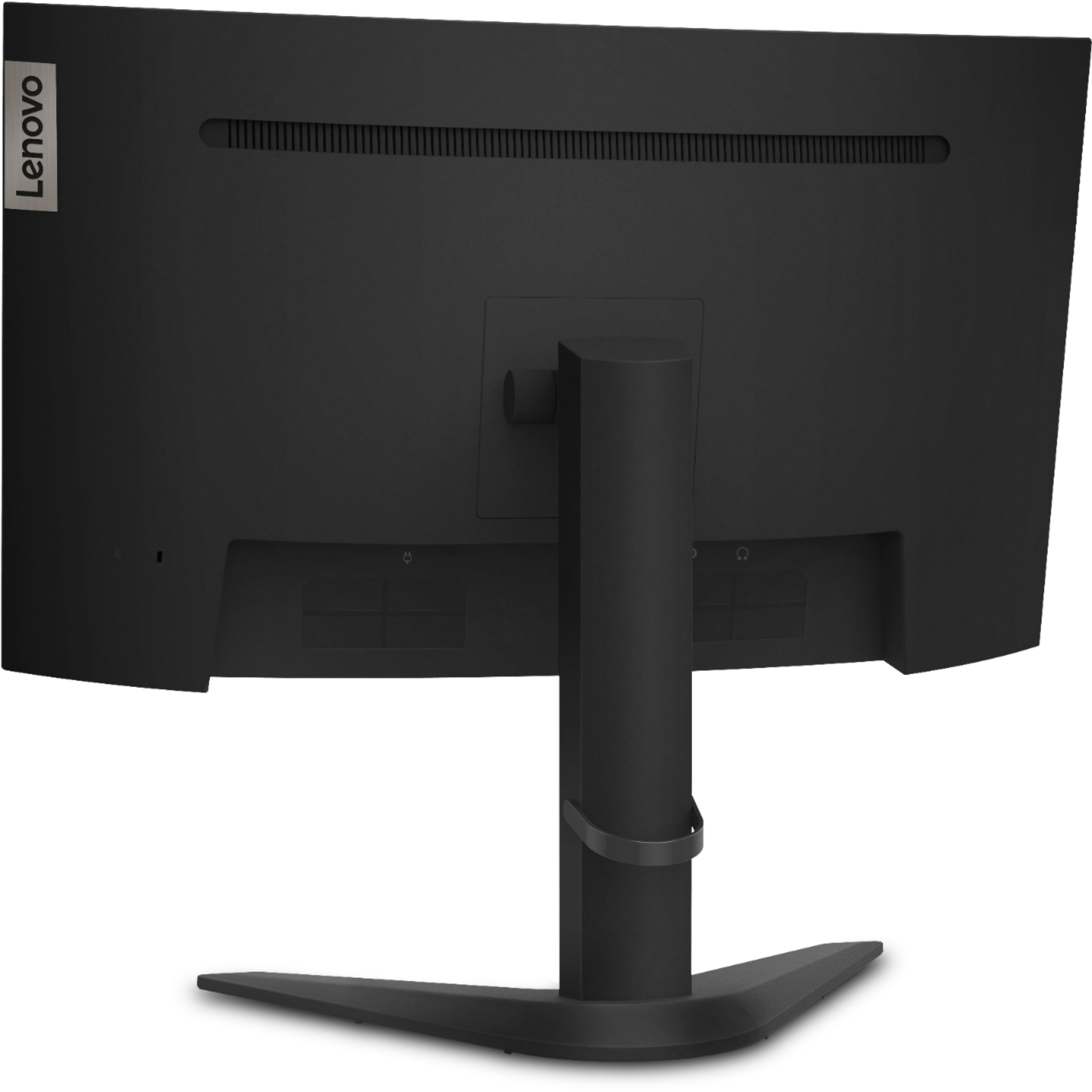
Q: QuestionDoes the monitor stand go up and down?
Asked by Noni.
- A:Answer Yes. The Lenovo G27c-10 Monitor has a maximum lift range of 0 to 130mm (5.12 inches).
Answered by Lenovo Product Expert

Q: QuestionSo I play fortnite and was trying to run 120 FPS I put my ps5 in performance mode and still nothing I went in the monitor settings information and it said 60hz is there something I need to do to get it to run 120 FPS
Asked by Anonymous.
- A:Answer Hello to ensure you are getting 120 FPS please ensure you are using HDMI 2.0 with a compatible HDMI Cable. Then check your console settings. Here is a Google Search link with instructions https://www.google.com/search?q=how+to+get+120fps+on+ps5&rlz=1C1CHBF_enUS907US907&oq=how+to+get+120fps+&aqs=chrome.1.69i57j0i457j0l6.5710j0j7&sourceid=chrome&ie=UTF-8#kpvalbx=__zjxX_rZB5SE9PwPqIWF4Ak13
Answered by Lenovo Product Expert

Q: QuestionIs anyone running a PS5 1080p @ 120hz on this monitor? I’ve read the PS5 will not run at 120hz on some monitors (even if monitor has HDMI 2.0 & native 144hz) but want to be sure before purchasing.
Asked by CatsBy90.
- A:Answer It works with the ps5 they confirmed it
Answered by Julian
Q: QuestionIs the monitor wall mountable
Asked by Gman.
- A:Answer Yes. It has a standard vesa mount point on the back
Answered by Jared
Q: QuestionI have a Xbox series x and I try to run 120 hertz but its only letting me run 60
Asked by Nathan.
- A:Answer First, be sure the gaming console you are connecting to this monitor is compatible with this monitor's specifications. The Lenovo G27c-10 Monitor, model number 66A3GCCBUS, ships with an HDMI 2.0 version port and a DisplayPort 1.2 version port for connecting a gaming console. If the gaming console is compatible with this monitor, you will need to use the On-screen Settings Menu to adjust the screen to the proper settings. Here is a link to the User Guide for this monitor with illustrations and explanations of the settings available within the On-screen Settings Menu: https://download.lenovo.com/consumer/monitor/g27c_10_ug_en.pdf. If you continue to have issues with this monitor, we recommend you contact Lenovo Tech Support for monitors at: 866-426-0911.
Answered by Lenovo Product Expert

Q: QuestionDoes it support HDMI 2.1?
Asked by King.
- A:Answer The Lenovo G27c-10 monitor, model number 66A3GCCBUS, ships with one DisplayPort 1.2 version + HDMI 2.0 version connections.
Answered by Lenovo Product Expert

Q: QuestionWhat is the height and width of monitor with the stand as the specifications say without?
Asked by AndrewA98.
- A:Answer Head only Dimensions are 87.51 x 361.95 x 611.99 mm, 3.45 × 14.25 × 24.09 inches according to the Lenovo product page at https://www.lenovo.com/us/en/accessories-and-monitors/new-arrivals/G27c-10G19270FG027inch-Monitor-HDMI/p/66A3GCCBUS
Answered by Lenovo Product Expert
Q: QuestionIs this monitor compatible with Nvidia cards?
Asked by Woody.
- A:Answer Yes, all monitors are compatible with all graphics cards if they have the correct connectors. This monitor is not certified for G-Sync but if you have windows 10 it should work anyway but YMMV because again it's not certified.
Answered by RlyLENOVO
Most-viewed items
- $499.99$499.99The price was $779.99
- $329.99$329.99The price was $469.99
- $139.00$139.00The price was $399.00
- $449.99$449.99The price was $649.99
- $122.00$122.00The price was $129.99