


Questions & Answers
- Model:
- 91B20000UT
- |
- SKU:
- 11577341
Q: QuestionDoes it include CD/DVD capability ?
Asked by D.
- A:Answer Not internally but you can connect an external optical disc drive. This is the trend nowadays - few PCs come equipped with an internal optical drive.
Answered by HappyCamper
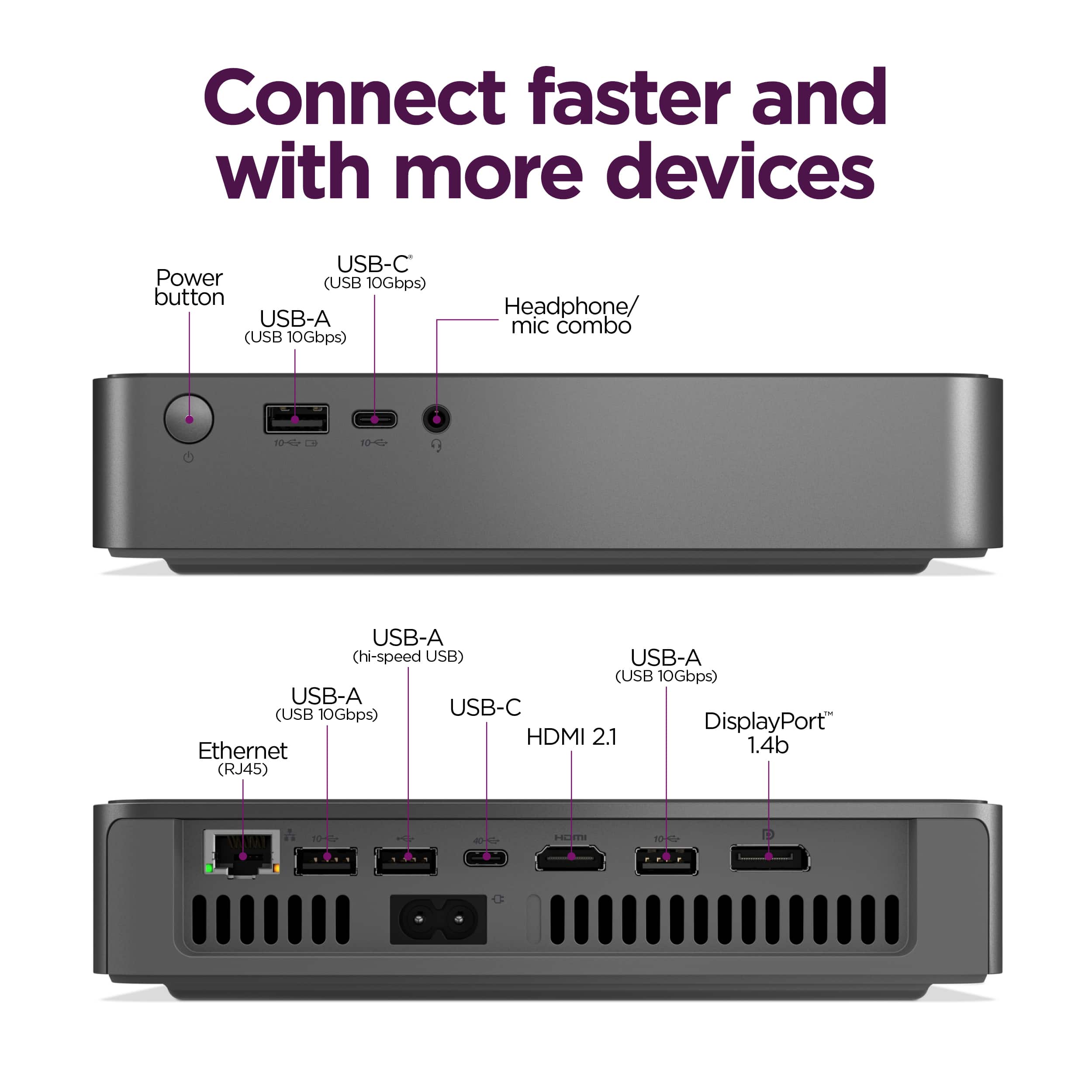
Q: QuestionIs it possible to power the computer through the Thunderbolt 4 interface?
Asked by liuc.
- A:Answer Hey liuc, This system is not designed to be powered via its Thunderbolt 4 port, as it uniquely does not support Power Delivery via the Thunderbolt 4 port. Please feel free to reach out to us with any other questions!
Answered by Lenovo Product Expert
Q: QuestionDoes this have built in speakers
Asked by Anonymous.
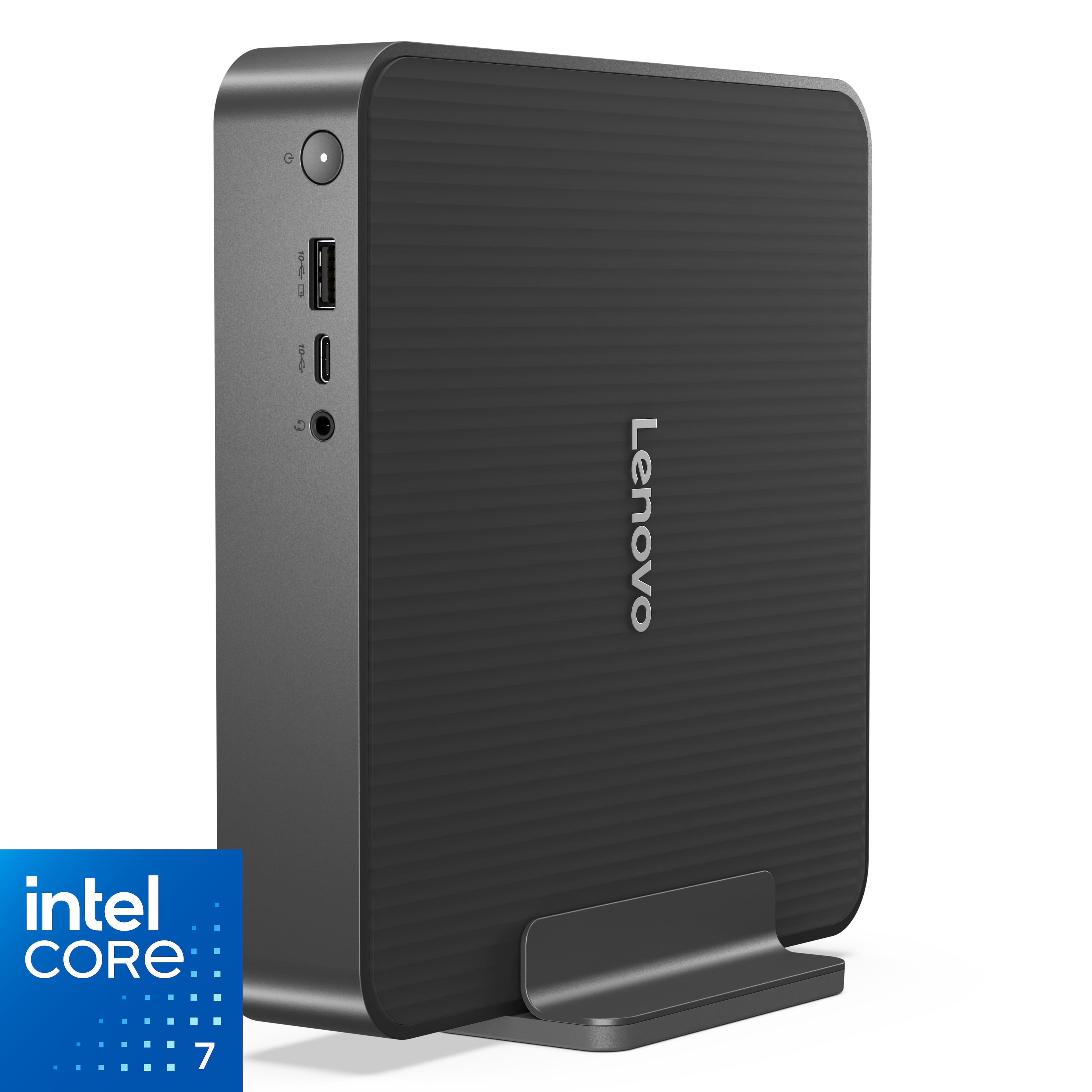
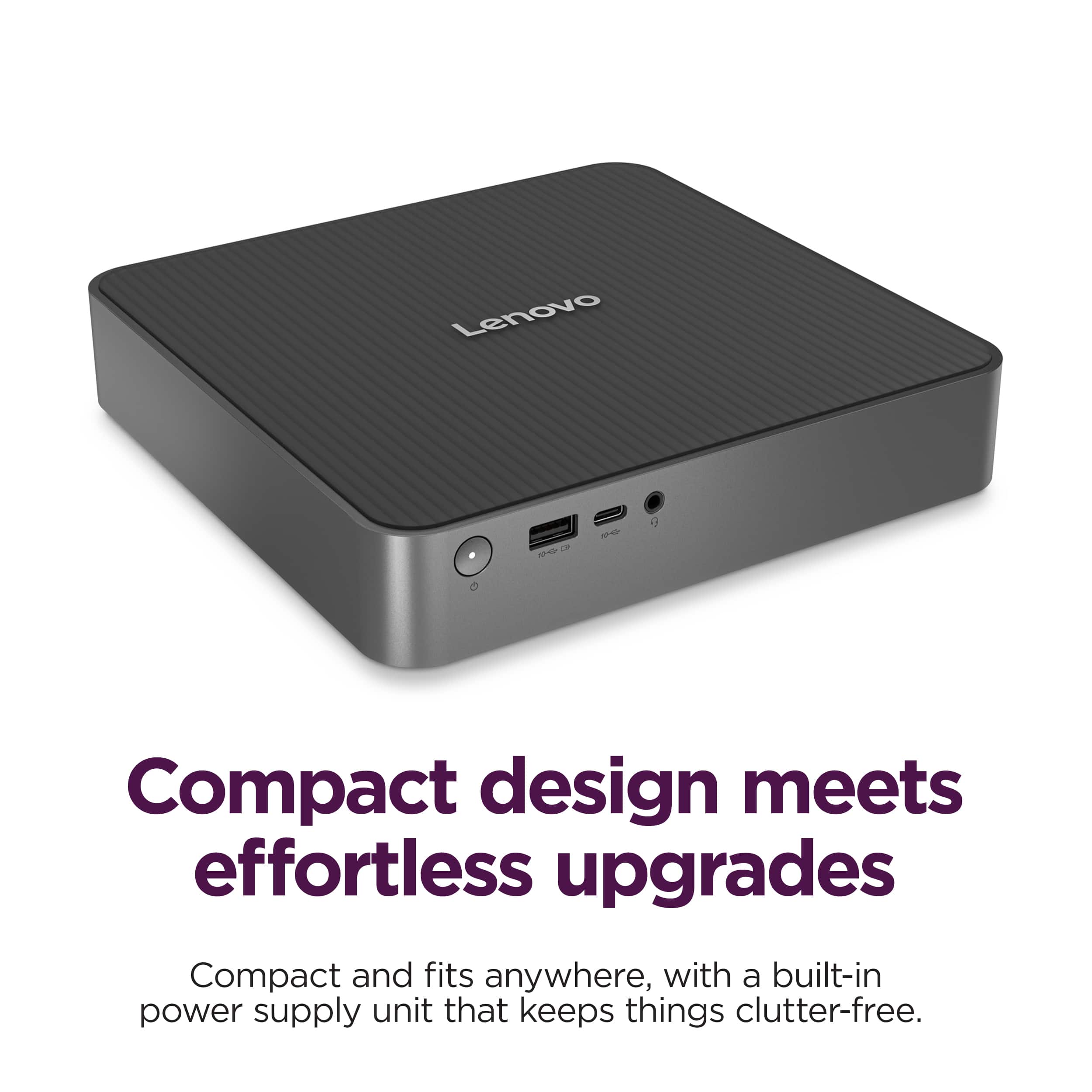
- A:Answer No, it does not. The headphone/mic jack is located in the front of the unit as shown by my unit connected to external speakers.
Answered by WaltB
Q: QuestionHow is it with gaming ?
Asked by Tyro.
- A:Answer Hey Tyro, While the system wasn't designed for gaming, it should perform well so long as the specifications of this IdeaCentre Mini align with the recommended system requirements of the games you'd like to play. Please feel free to reach out to us with any other questions!
Answered by Lenovo Product Expert
Q: QuestionDoes this PC work well with emulation?
Asked by Anonymous.
- A:Answer Hey, This can depend on the requirements of the specific emulation software you're trying to run, but based on its specifications and the average system requirements for the most popular emulators out there, it should work well. Please feel free to reach out to us with any other questions!
Answered by Lenovo Product Expert
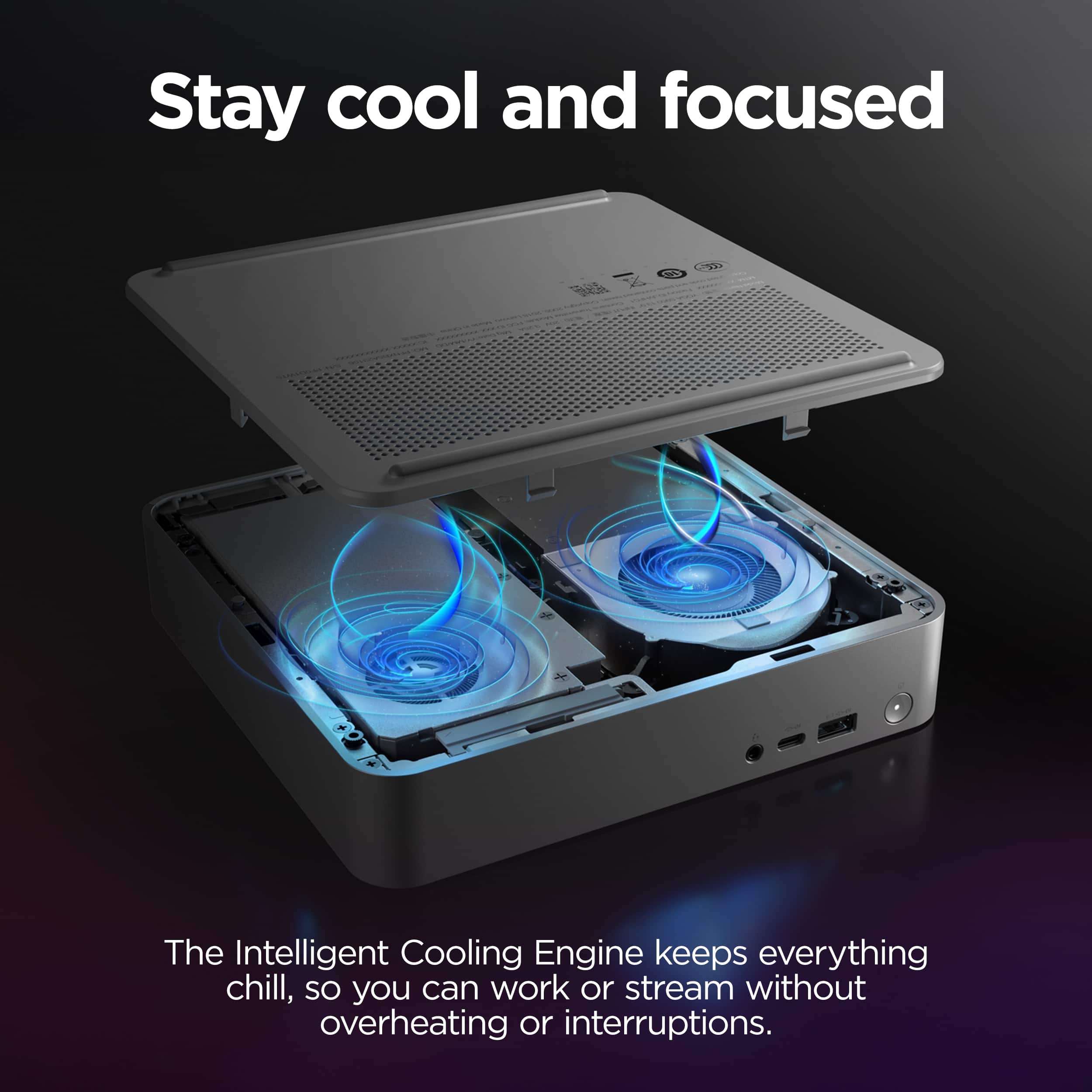
Q: QuestionCan I add or exchange the ram?
Asked by Cezary.
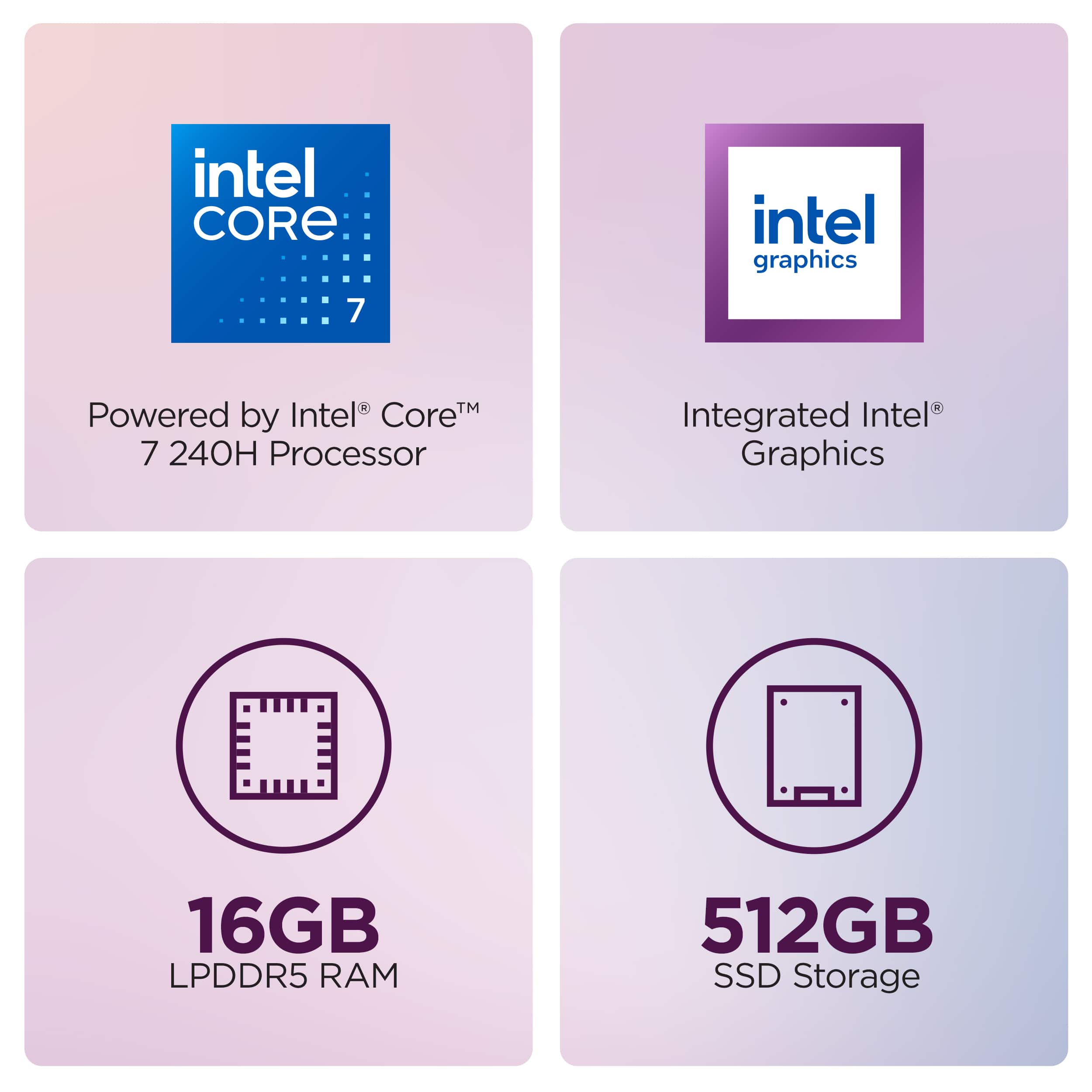
- A:Answer Hey Cezfast, You can add memory right out of the box, as the system features 1x 16GB memory module installed with two DDR5 SODIMM slots, leaving one open for easy expansion. You can also take out the preinstalled memory and add two sticks of what you prefer. Please feel free to reach out to us with any other questions!
Answered by Lenovo Product Expert
Q: QuestionIs the CR2032 Battery replaceable?
Asked by Denny.
- A:Answer Hey Denny, The CMOS battery on the systemboard can be replaced. Please feel free to reach out to us with any other questions!
Answered by Lenovo Product Expert
Q: Questioncan i use the canon pixma mp280 printer and benwin sound system with it.
Asked by moose.
- A:Answer Hey moose, This IdeaCentre Mini should work fine with the printer after downloading the respective drivers and adding the printer to your system. As for the speakers, so long as they have the appropriate audio connector for the IdeaCentre Mini, a 3.5mm jack, this should work fine was well. Please feel free to reach out to us with any other questions!
Answered by Lenovo Product Expert
Q: QuestionWhere can I get info on how to open and add a second drive and more memory?
Asked by speedrider.
- A:Answer Hey Speed, You can view these details in the hardware maintenance manual for this model IdeaCentre Mini. If you don't have a copy, please visit the following Lenovo Support webpage: https://download.lenovo.com/consumer/desktop_pub/ideacentre_mini_01irh10r_hmm.pdf | Please feel free to reach out to us with any other questions!
Answered by Lenovo Product Expert
Q: QuestionIs this unit compatible with 220 V electrical current?
Asked by Anonymous.
- A:Answer Hey, Yes, this IdeaCentre Mini will support up to 240V. Please feel free to reach out to us with any other questions!
Answered by Lenovo Product Expert
Q: QuestionCan this computer push a 4k monitor @ 120hz?
Asked by Hoothoot.
- A:Answer Hey likeyaneverdidse, Yes, this IdeaCentre Mini can support this function via its Thunderbolt 4, DisplayPort (1.4) and HDMI (2.1) ports. Please feel free to reach out to us with any other questions!
Answered by Lenovo Product Expert
Q: QuestionDo you have this ideaCenter mini desktop wirh windows 11 Pro, 15gb memory and 512 dg ssd ?
Asked by erich.
- A:Answer yes
Answered by LarryG
Q: QuestionI have an Anker docking station with a three monitor setup. Connects via a singular USBC connection. Does the USB4 port on the back of this unit support that?
Asked by Monitors.
- A:Answer no
Answered by LarryG
Q: QuestionIs this a Lenovo IdeaCentre Mini Desktop a good mini desktop to store and edit photos? Which SSD is compatible with this to add?
Asked by lmw429.
- A:Answer Hi Imw429, Generally speaking, this IdeaCentre Mini should work well for your use. Also, most M.2 2280 SSDs should fit just fine into the system. Please feel free to reach out to us with any other questions!
Answered by Lenovo Product Expert
Q: QuestionIS THIS COMPUTER BACKWARDS COMPATIBLE.
Asked by DEAN.
- A:Answer Sorry i was thinking about the router i got a netgear router and i have also ordered this pc cannot wait to see how it does
Answered by Anonymous
Q: QuestionI have a 3-monitor setup for my X1 carbon laptop using the ThinkPad USB-C Dock Gen 2 and want to alternate between my laptop and a desktop - is this mini desktop compatible with the ThinkPad USB-C Dock Gen 2? And if not, is there another dock that works?
Asked by kbimh824.
- A:Answer Hey kbimh824, Based on the specifications for the USB-C port on this IdeaCentre Mini, it should work just fine with your ThinkPad USB-C Dock Gen 2. Although for disclosure, this IdeaCentre isn't listed on the compatibility matrix for this model Dock. This is most likely due to this IdeaCentre Mini not being tested with this specific dock, as the docking stations are most commonly used with laptops. Please feel free to reach out to us with any other questions!
Answered by Lenovo Product Expert
Q: QuestionWhat is the maximum number of external monitors it supports. I understand I may need a docking station if more than 2.
Asked by powellk00.
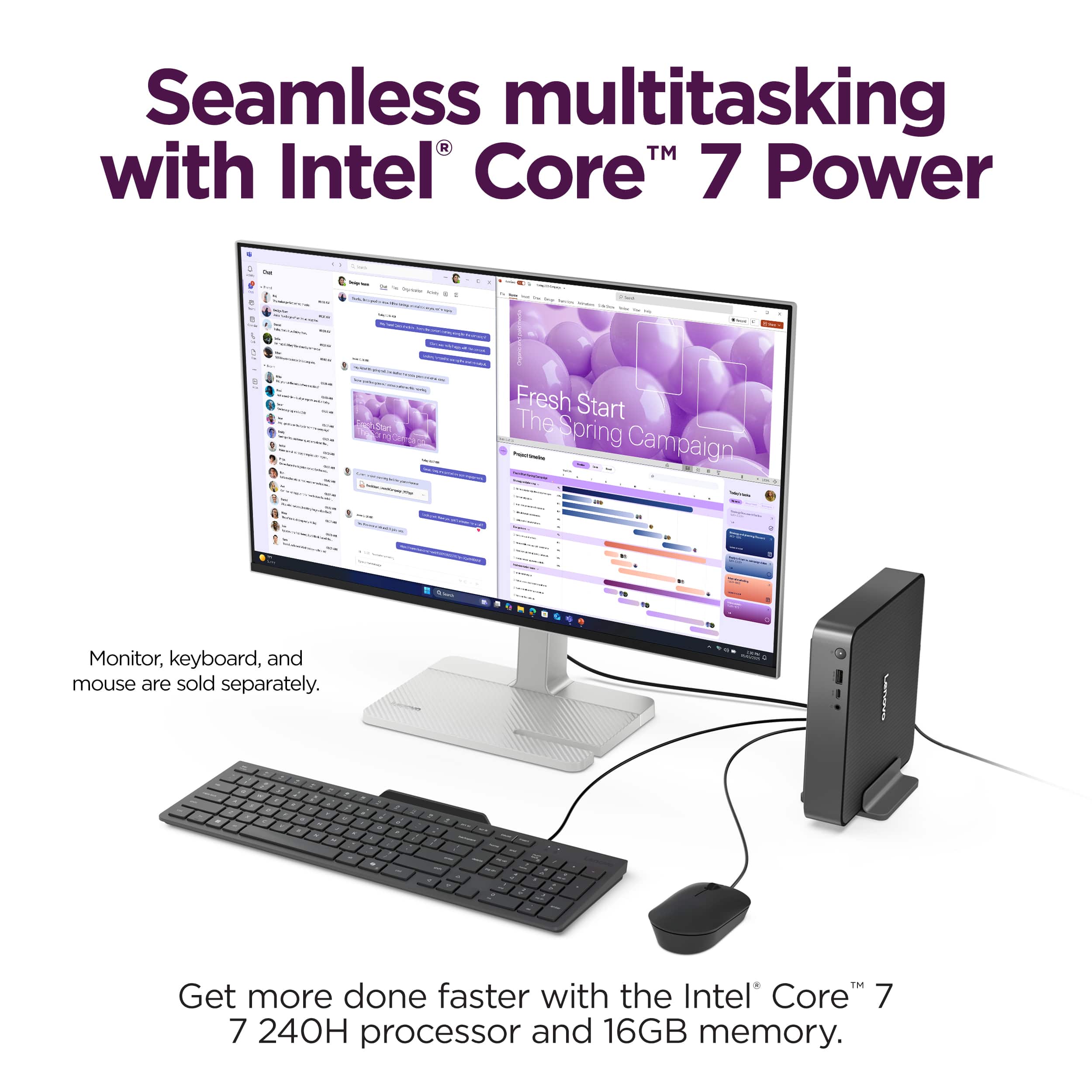
- A:Answer Hey powellk00, The system is noted to support up to 3 independent displays via onboard ports: 1x DisplayPort, 1x HDMI, and 1x Thunderbolt 4 port. Please feel free to reach out to us with any other questions!
Answered by Lenovo Product Expert
Q: QuestionCan you add another SSD on this PC? Also, is the SSD upgradeable?
Asked by PABLO1.
- A:Answer Hey Pablojuan, Yes, and yes. You can install another M.2 2280 SSD in the system, and the preinstalled 512GB drive can be swapped out for one of a higher capacity. Please feel free to reach out to us with any other questions!
Answered by Lenovo Product Expert
Q: QuestionDoes this support dual monitors? (i.e. one running from HDMI and one running from the Display Port)
Asked by KingsleyZissou.
- A:Answer Hey KingsleyZissou, Yes, you can connect dual external monitors, one via HDMI and the other via DisplayPort. Please feel free to reach out to us with any other questions!
Answered by Lenovo Product Expert
Best-selling Mini PCs
- $599.00Your price for this item is $599.00
- $799.00Your price for this item is $799.00
- $999.00Your price for this item is $999.00
- $1,399.00Your price for this item is $1,399.00
- $209.00Your price for this item is $209.00$399.00The comparable value for this item is $399.00
- $499.99Your price for this item is $499.99
- $429.00Your price for this item is $429.00$699.00The comparable value for this item is $699.00
- $699.99Your price for this item is $699.99
- $209.00Your price for this item is $209.00$399.00The comparable value for this item is $399.00
- $296.79Your price for this item is $296.79$318.28The comparable value for this item is $318.28
- $499.79Your price for this item is $499.79$525.02The comparable value for this item is $525.02
- $629.99Your price for this item is $629.99$649.99The comparable value for this item is $649.99
- $192.98Your price for this item is $192.98$218.11The comparable value for this item is $218.11
- $264.99Your price for this item is $264.99$306.67The comparable value for this item is $306.67
- $3,999.99Your price for this item is $3,999.99
- $266.89Your price for this item is $266.89$289.93The comparable value for this item is $289.93
- $799.99Your price for this item is $799.99$899.99The comparable value for this item is $899.99