


A:AnswerHey Pops,
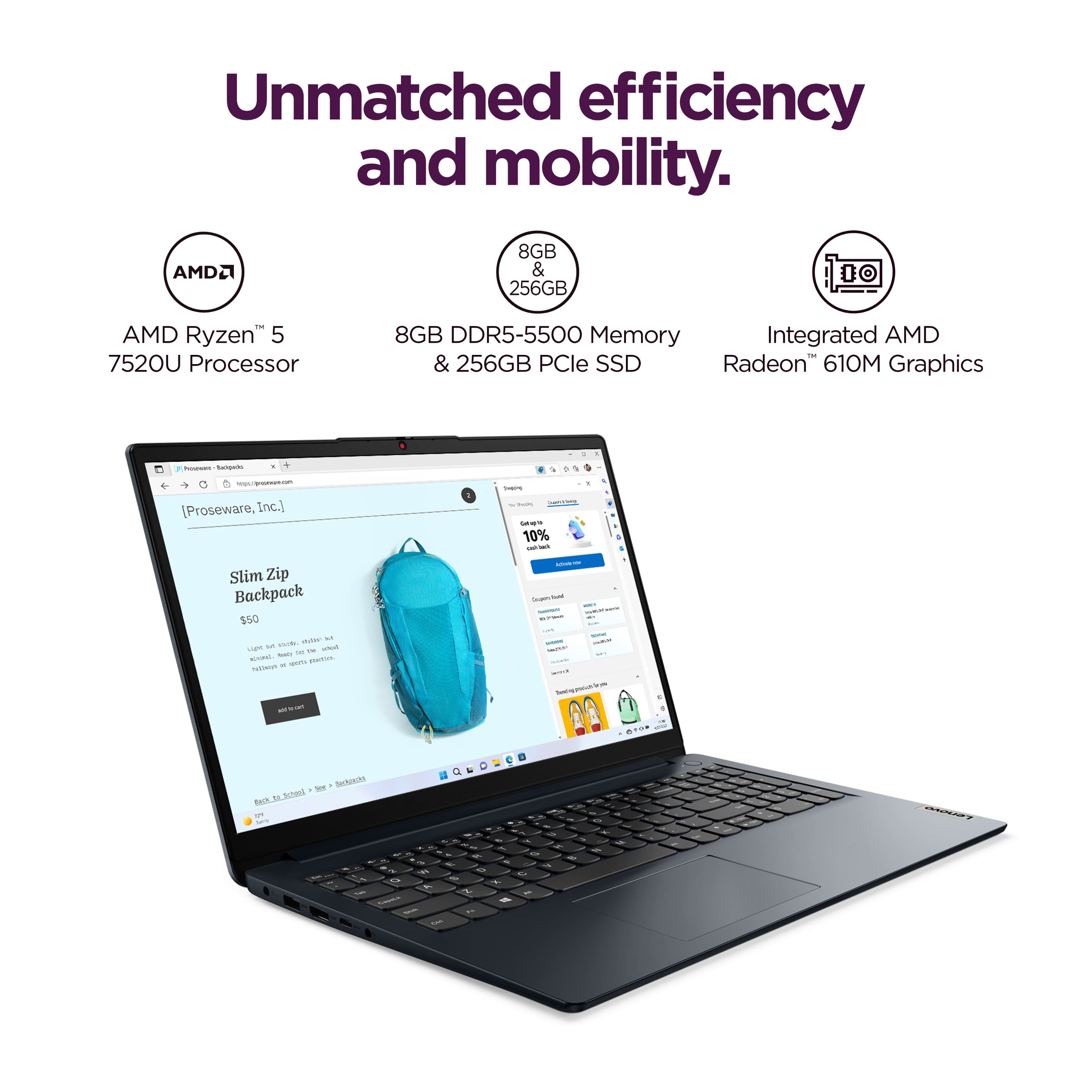
With this model IdeaPad 1, memory cannot be upgraded, as it is soldered to the systemboard, but you can upgrade storage by swapping out the included 256GB drive preinstalled in the laptop's single M.2 2280 PCIe 3.0 x2 slot for one of higher capacity.
Please feel free to reach out to us with any other questions!
A:AnswerHey Felix,
This IdeaPad 1 is only offered with Windows 11 Home preinstalled on the system drive, so you'd have to remove it yourself should you desire to have a single OS installed.
Please feel free to reach out to us with any other questions!
A:AnswerHey mmex,
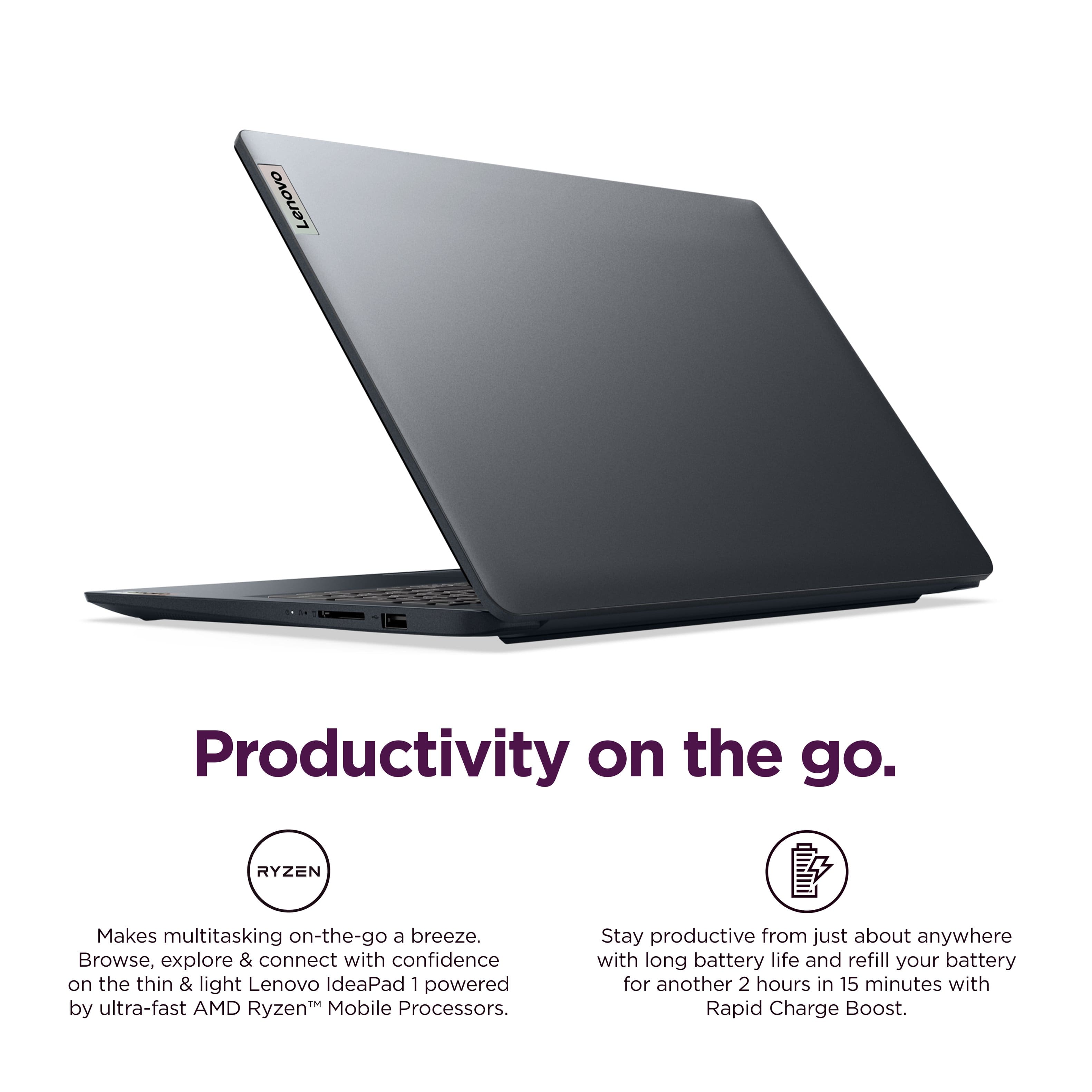
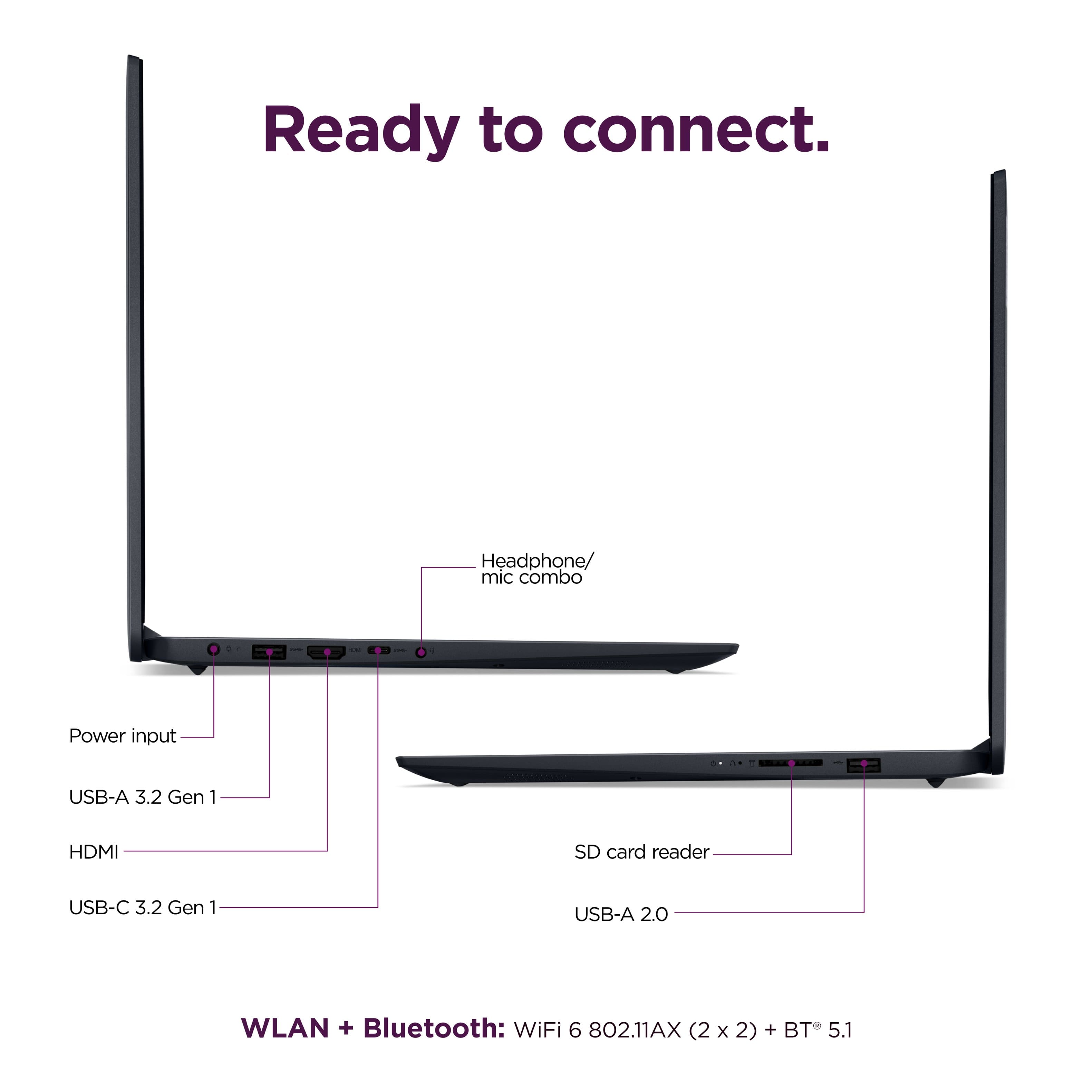
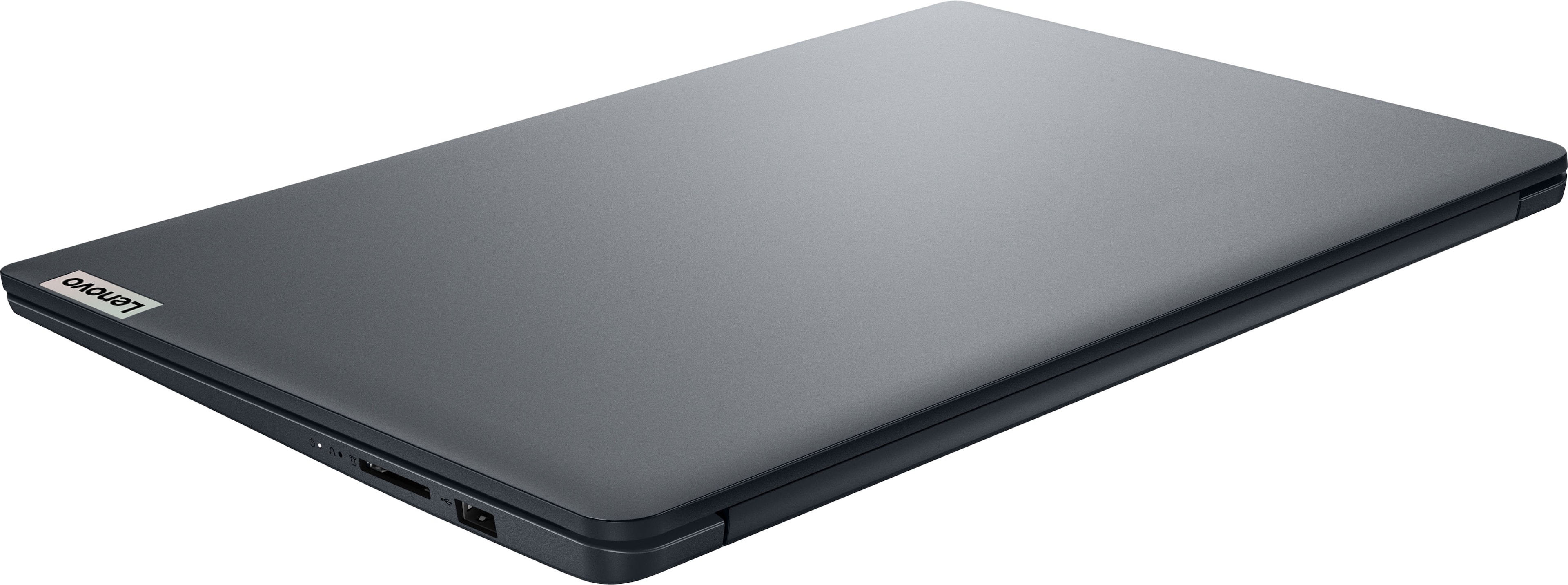
Yes, this IdeaPad 1 features two USB-A ports (1x USB 2.0, 1x USB 3.2 Gen 1) and one USB-C 3.2 Gen 1 port (supports data transfer only).
Please feel free to reach out to us with any other questions!
A:AnswerHey Brent,
This will depend on the depth of video editing, what software you may wish to use, and the type / quality of video is that you may be editing. If the video editing platform used is light, possibly web based, and the video quality isn't higher than 4K/60Hz, this system should work sufficiently. If this isn't the case, to start, we recommend reviewing the system requirements of the editing software you have in mind, then compare these requirements to the specifications of the computers you're interested in to help ensure you find the right fit for you.
Please feel free to reach out to us with any other questions!
A:AnswerHey Heather,
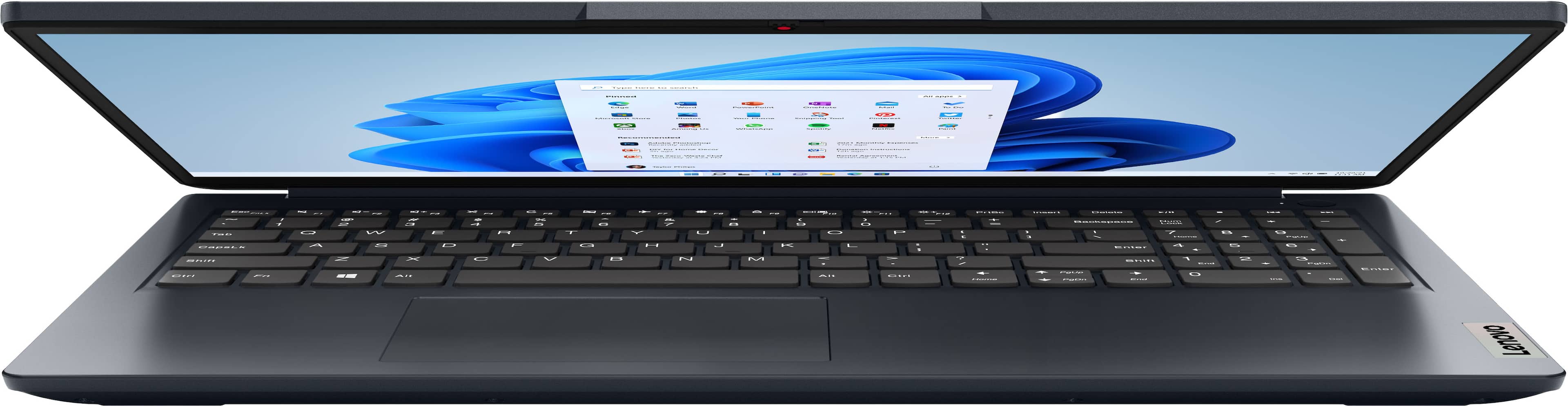
This IdeaPad 1 does feature an HD, 720p camera and it should work with most testing software like LockDown browser.
Please feel free to reach out to us with any other questions!
A:AnswerHey Brian,
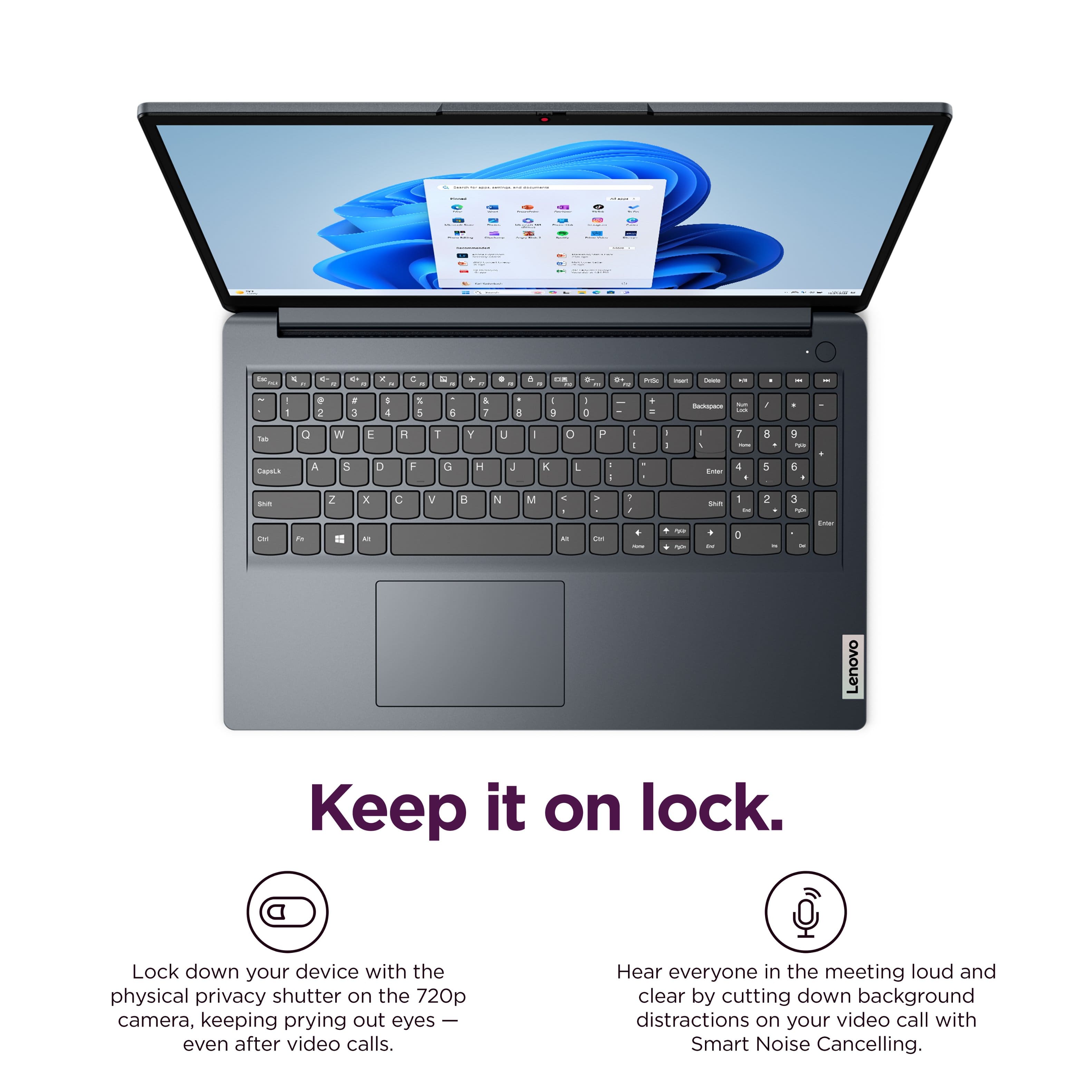
This IdeaPad 1 does feature an HD, 720p camera with a privacy shutter for security.
Please feel free to reach out to us with any other questions!
A:AnswerHey,
We're sorry to hear that you're having an issue. Are you having difficulty with locating the serial number on your system or are you stating that your serial number couldn't be found within a system? If you could include any details in another question, we can use this to answer your question more precisely.
Please feel free to reach out to us with any other questions!
A:AnswerHey kd,
From the manufacturer, this model IdeaPad is covered by International Warranty Services. By visiting the webpage tied to the following link: (https://pcsupport.lenovo.com/us/en/iwslookup#/ideapad), you can view local Lenovo support options for the supported countries. You can lookup options by entering the product serial number in the search box at the previously listed link, selecting “International Warranty Services” within “Warranty & Repair”. Full disclosure, there can be some limitations with repairs abroad as US components and onsite repair may not be available in another country.
Please feel free to reach out to us with any other questions!
A:AnswerHey Staton,
By purchasing this IdeaPad from Best Buy, you get 1-month of Xbox Game Pass for free. During or after the system's setup, you are given the option to opt in for a 3-month trial for Game Pass. If you did not claim this during setup, you can do so in the Xbox app.
Please feel free to reach out to us with any other questions!
A:AnswerHey dan,
The system takes around an hour to completely charge. It's recommended to not leave the system plugged in at all times, as this will negatively impact battery health, which will lead to decreased charge capacity and average battery life. Some Lenovo models are equipped with power management programs that extend the life of the battery. This battery threshold setting can be found in the Lenovo Vantage app which will allow you to manage when the battery starts and stops charging in order to preserve the battery’s life.
Please feel free to reach out to us with any other questions!