A:AnswerCheck with the software publisher for the minimum/recommended requirements for this game, then compare those requirements to the configuration of this system.
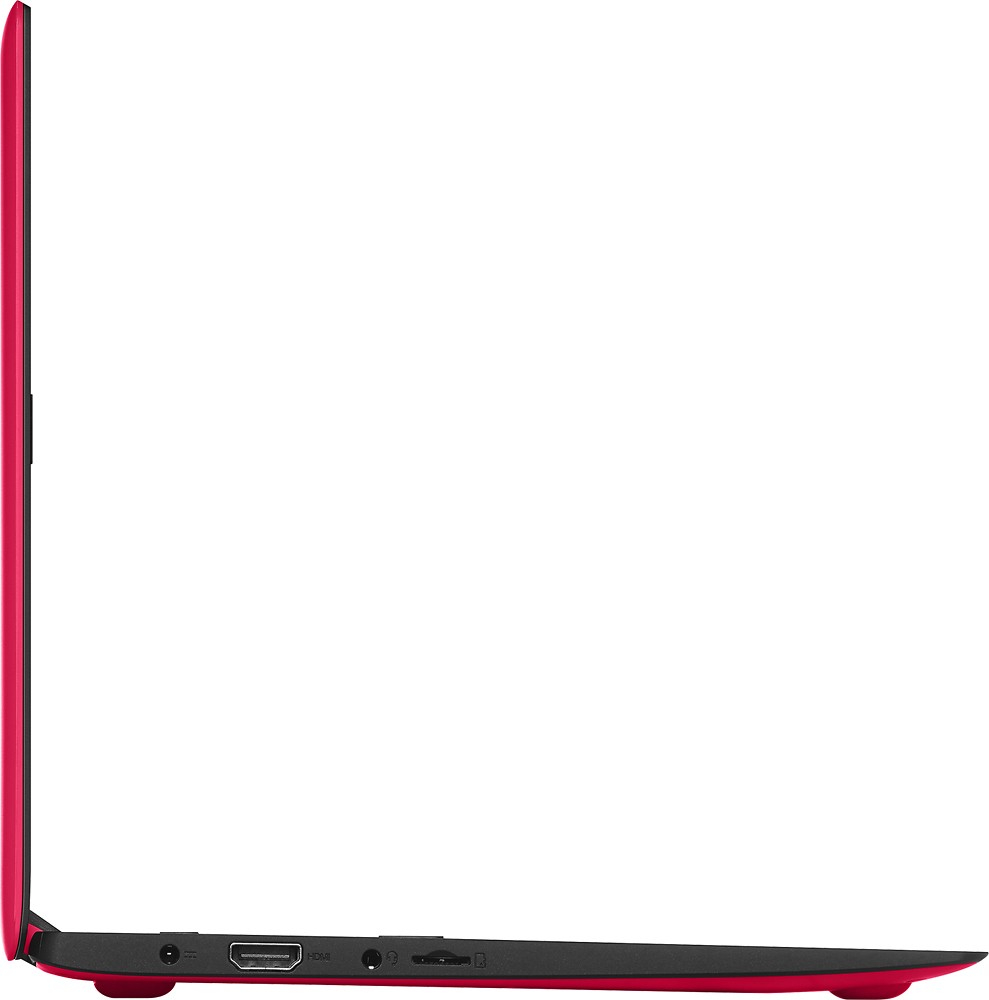
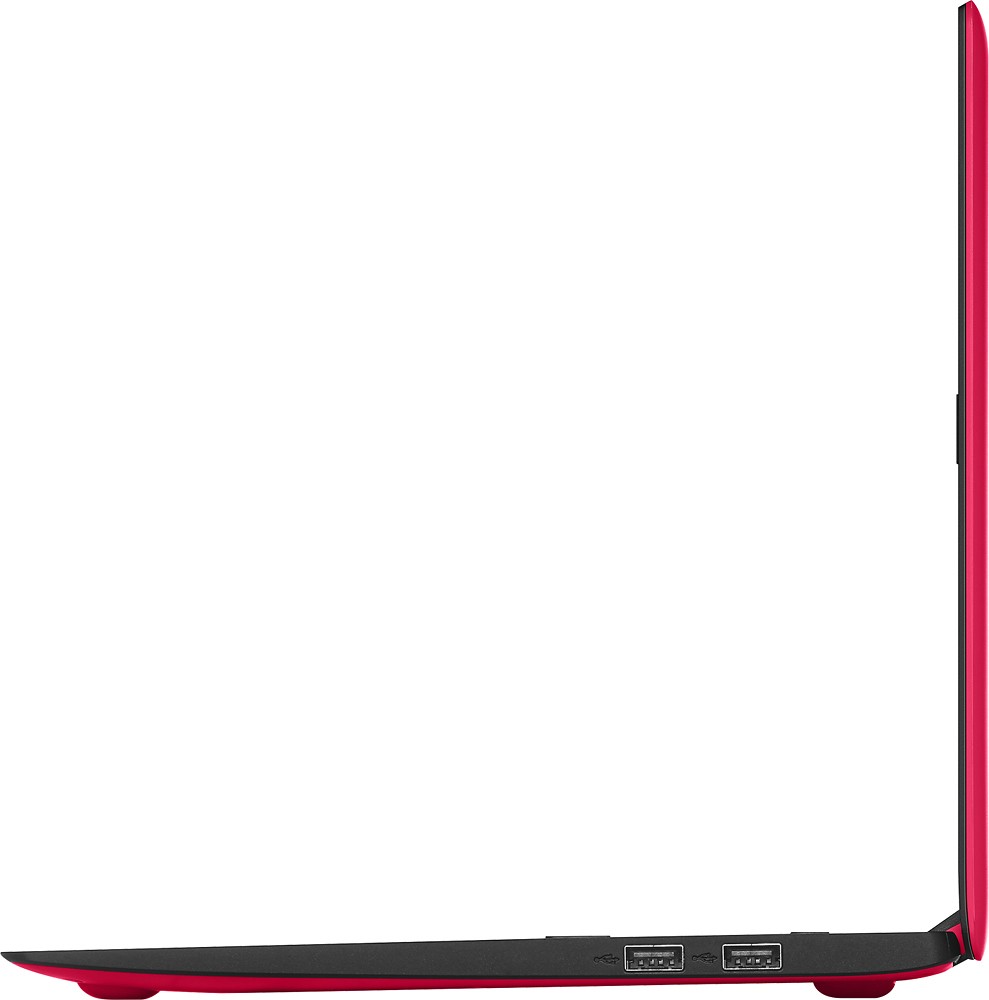
A:AnswerYou can plug a USB 3.0 device in to this system's USB 2.0 ports and it will recognize it. You will not gain the speed improvement of USB 3.0 though.
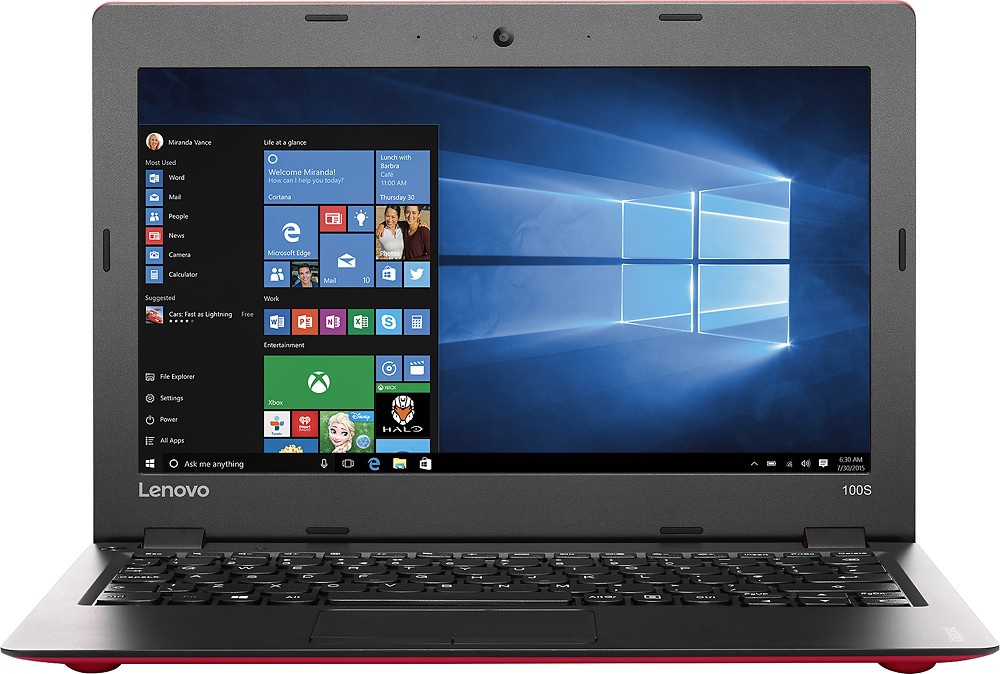
A:AnswerThis system uses the 32 bit version of Windows 10 Home, so the idle RAM used will be around 1GB of RAM or less, depending on the programs you have set for automatic start up at boot.
A:AnswerWe recommend you contact the game software publisher for the minimum/recommended requirements to play their game then compare those requirements to this system's configuration.
A:AnswerWe suggest you check with the software publisher as to what the minimum/recommended requirements to run the game are, then compare those requirements to this system's specifications.
A:AnswerYou can follow the link below to the Lenovo.com international warranty information page. You can find information there about the Lenovo international warranty. There is a phone number there for the Philippines for additional direct information.
A:AnswerWe recommend you check with the game software publisher for the minimum/recommended requirements to run their game, then compare those requirements to this system's configuration.
A:AnswerWe recommend you contact Western Digital for the requirements necessary to run their system, then compare those requirements to the configuration of this system.