A:AnswerYes, Web-Ex is compatible with Windows 10 Home 32-bit. You will need to download the Web-Ex APP, Windows 10 version to this device from the Microsoft Store.
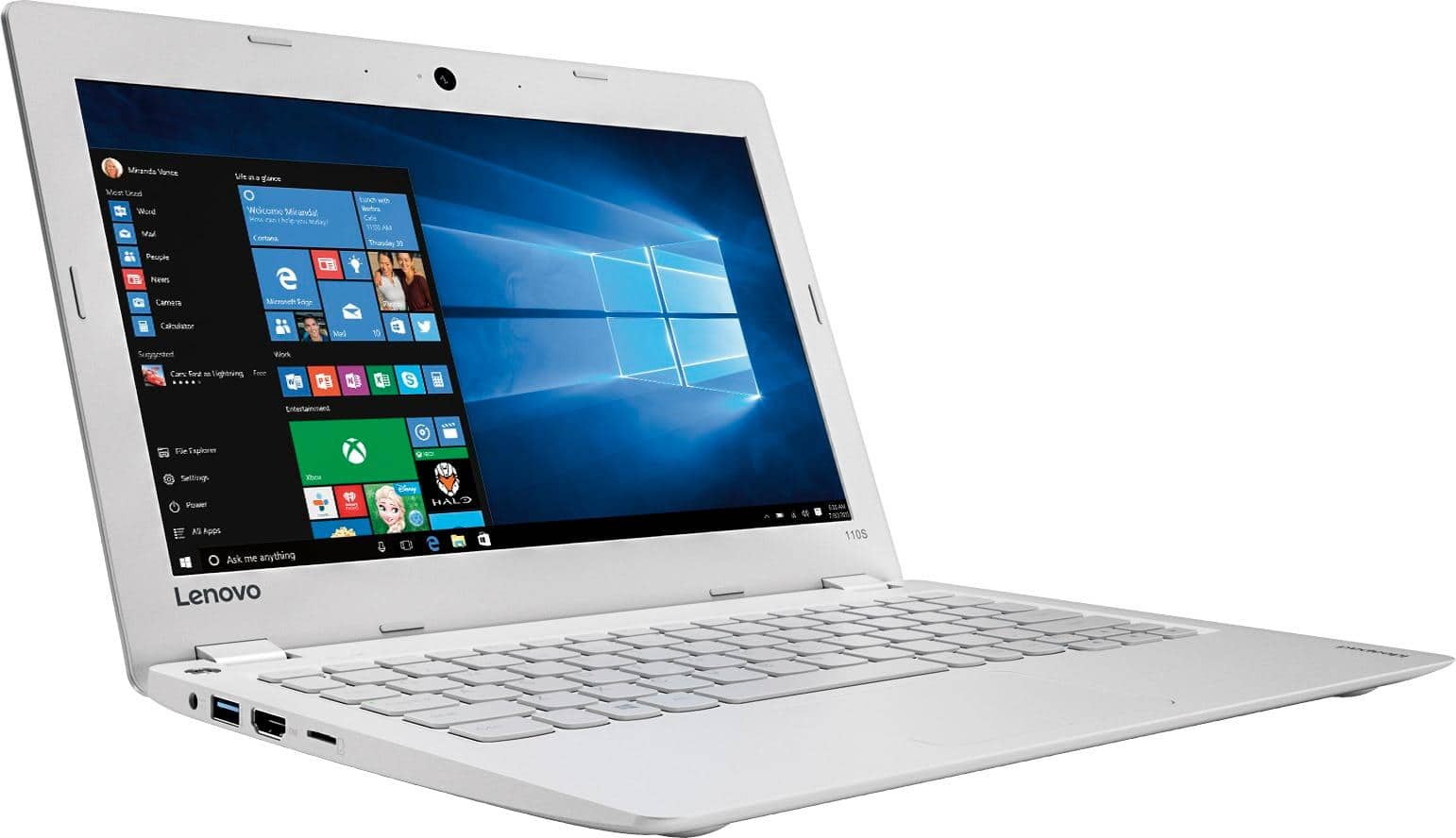
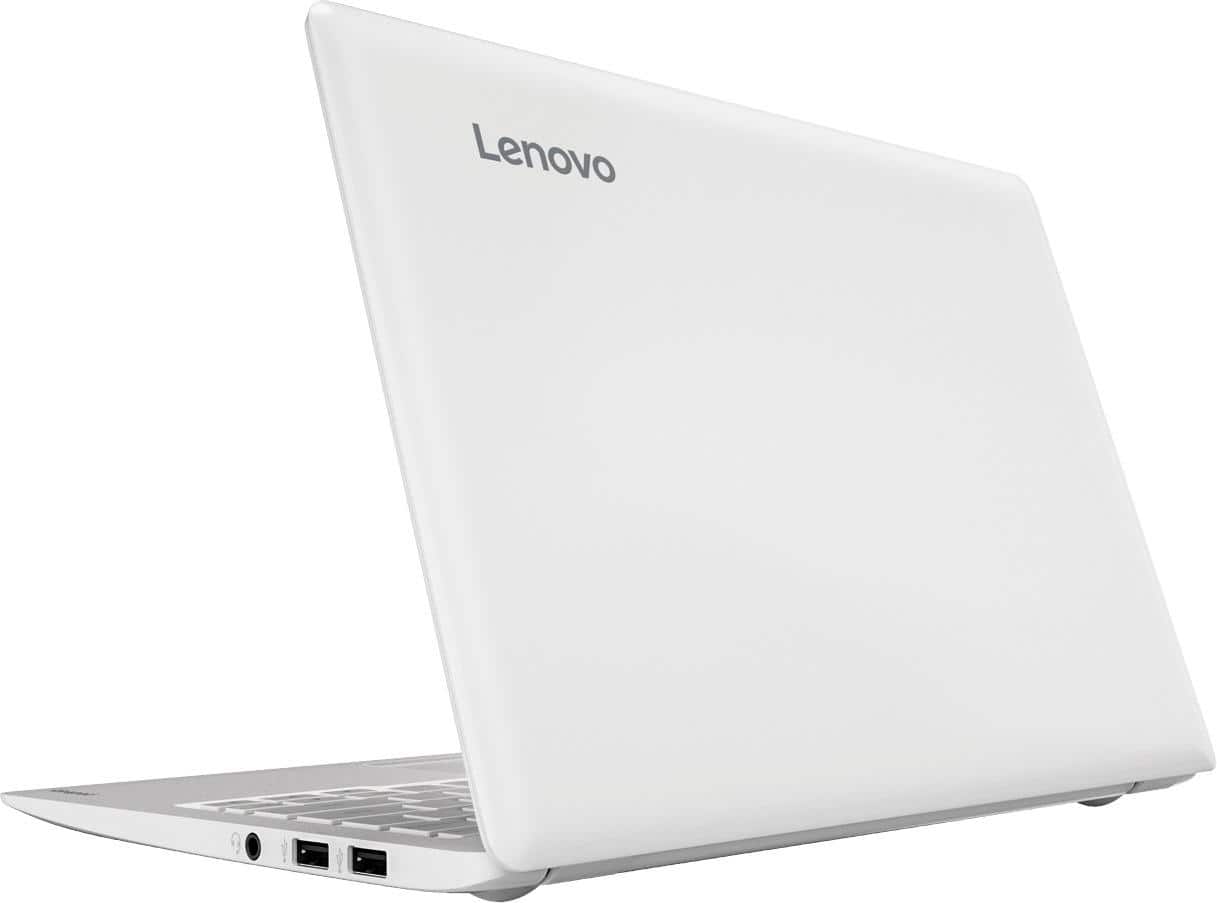
A:AnswerThis is an entry level, light use system. It uses Windows 10 Home 32-Bit as its operating system, which requires less than 1GB of RAM to run. There is a 32GB solid state hard drive for quick boot up and quick loading of programs and files. This device has the latest WiFi capability, with 802.11AC connectivity. It comes with a free 1-year subscription to Microsoft Office 365. If your requirements fit this profile, this device is a good choice. We recommend you check with your school for direction on the best configuration for a computer to use with their program.
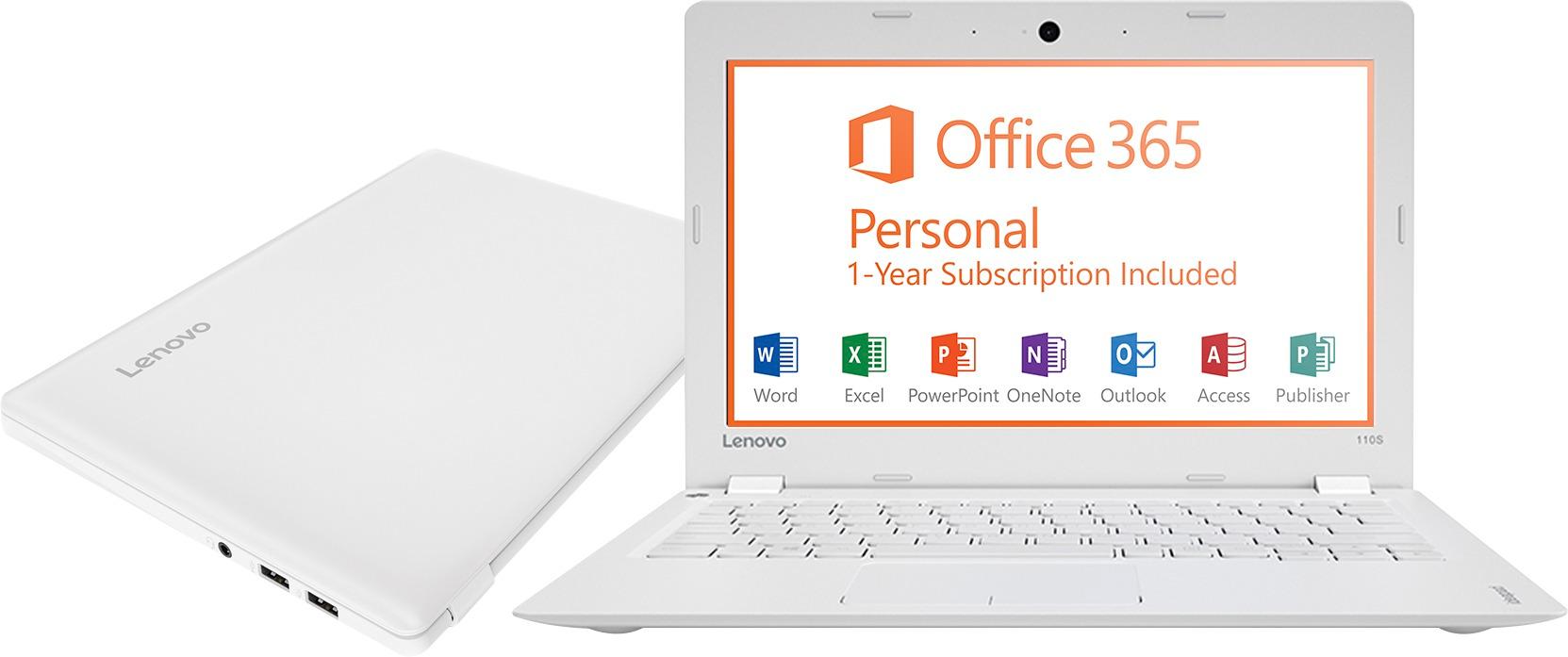
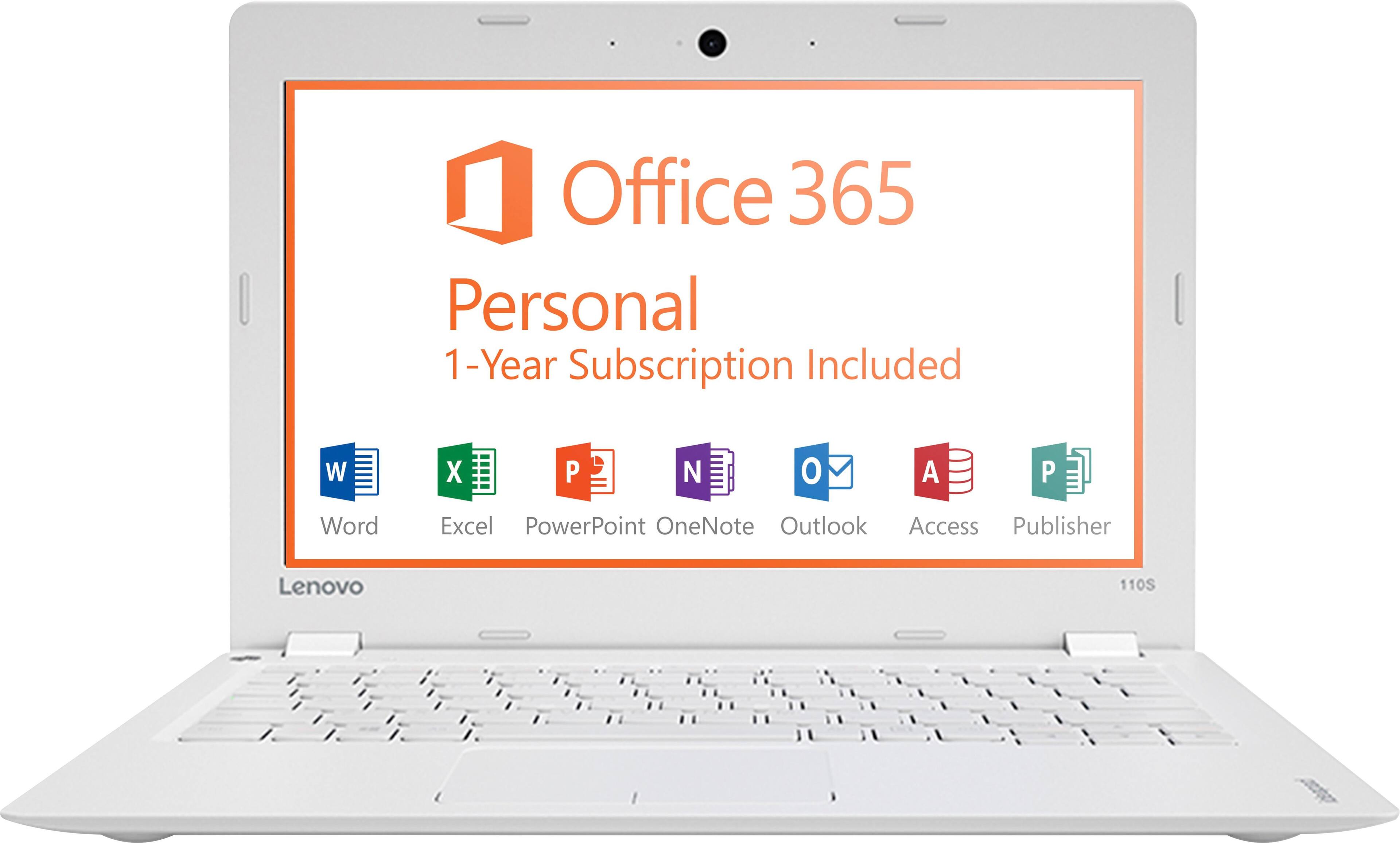
A:AnswerYes, this device comes with a free 1-year subscription to Microsoft Office 365. You will be able to use it while you are not connected to the internet.
A:AnswerThis is an entry level, light use system. It uses Windows 10 Home 32-Bit as its operating system, which requires less than 1GB of RAM to run. There is a 32GB solid state hard drive for quick boot up and quick loading of programs and files. This device has the latest WiFi capability, with 802.11AC connectivity. It comes with a free 1-year subscription to Microsoft Office 365. If your requirements fit this profile, this device is a good choice.
A:AnswerThis system is equipped with OneKey Recovery System. There is a very small pin hole on the left keyboard side of the device, right near the power button on the device. You will need a pen to push this reset button. Plug the device in. Let the battery charge for about 15 minutes. Push the reset button. The system should boot to a choice screen where you can choose "Restore To Factory Default". Select this. It will delete everything from the hard drive except the original factory install of the operating system. You will need to reinstall all programs and files after the reset. If you don't have copies of the files, try to make one before you restore by selecting "Boot to desktop" and trying to back up your files.
A:AnswerLook at the Samsung warranty packed with the Chromebook for info on replacing the charger. Best Buy sells a $29 compact universal charger with six sizes of charging pins that can be used to verify if the problem is in the charger or in the laptop itself.
A:AnswerYour computer should not need a massive amount of storage space for Windows 10. Please remember that any saved files on your device, including photos and movies and music, will require physical disk space.
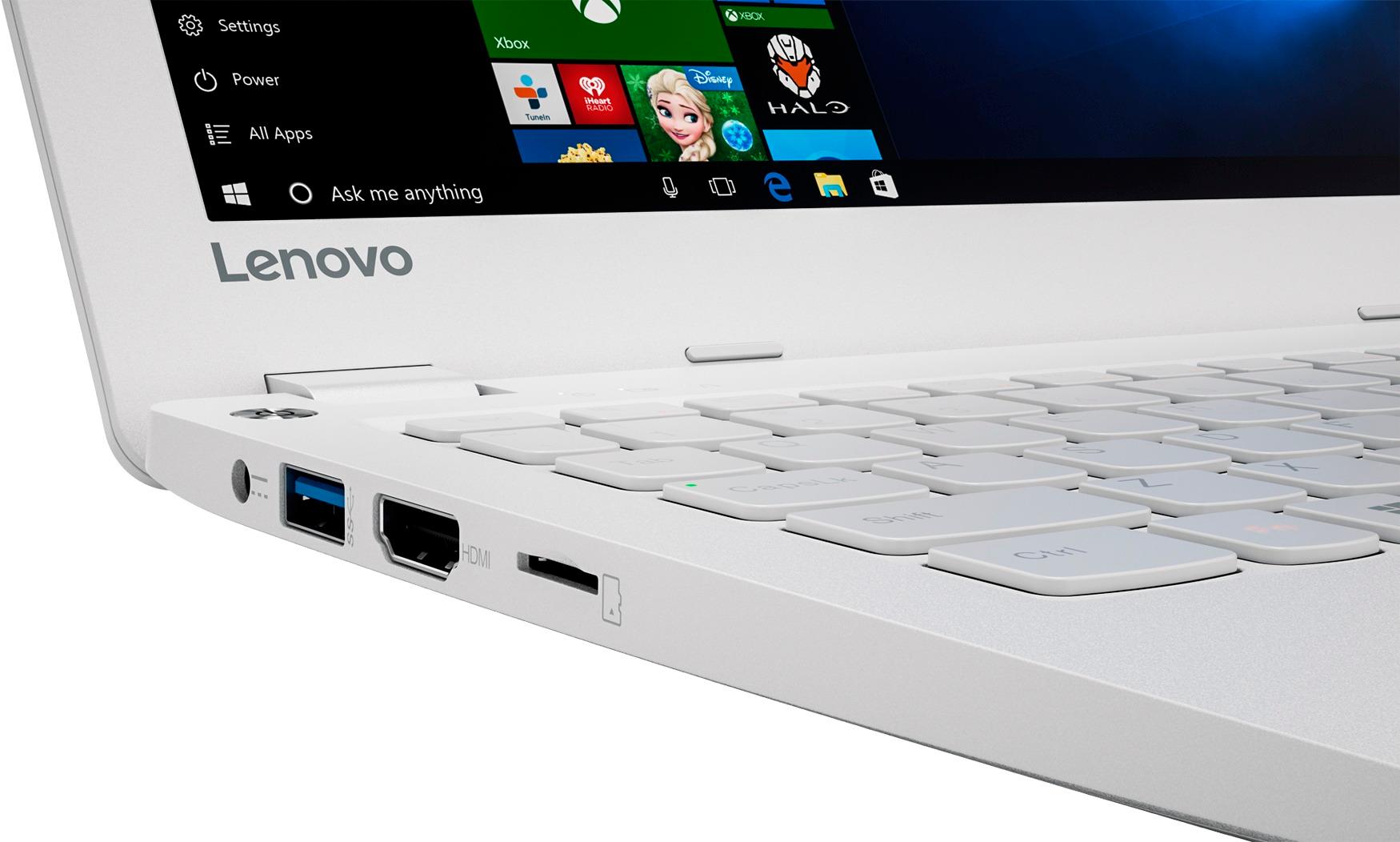
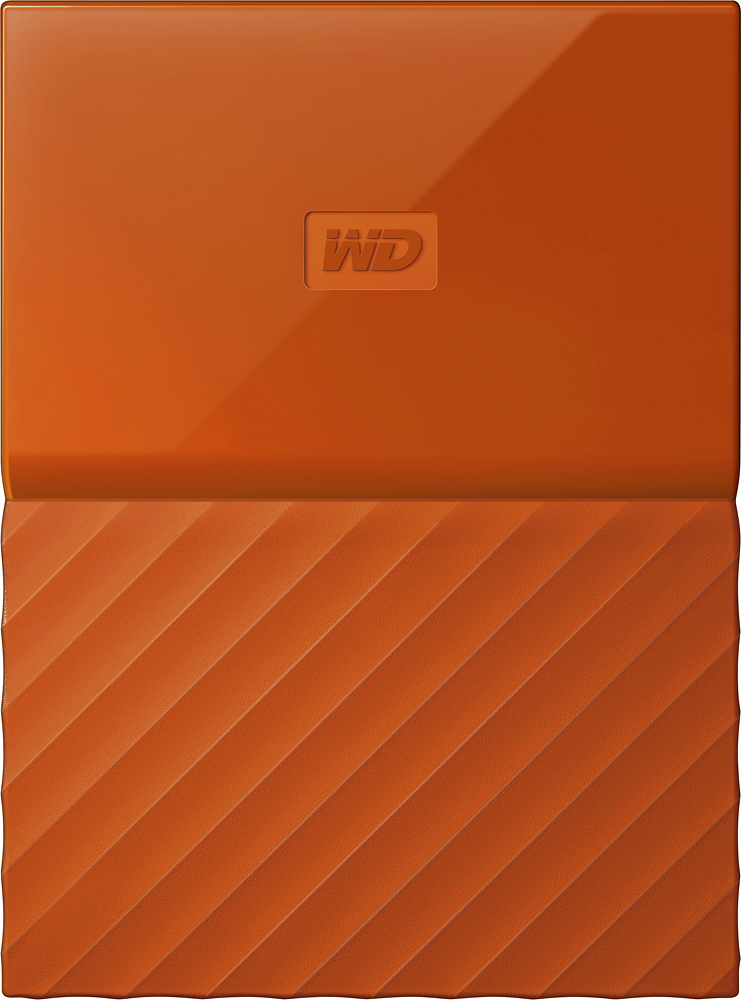
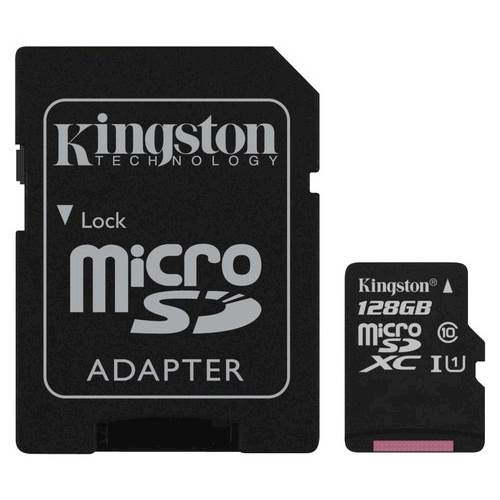
Your only options for expanding your storage are to buy an external hard drive that is USB, or to buy a micro-SD card. I know that Windows 10 will not install OS files to an external hard drive, and I doubt you would be able to store OS files on the SD card.
I have included links to a micro-SD card and a reliable external hard drive for your consideration.
A:AnswerI use it primarily for mobile data collection and radio analysis and I have not had any slow-down issues. I don't think I will since what I am using it for is not very demanding on the operating system. I got mine for about $100 and am very happy with my decision.