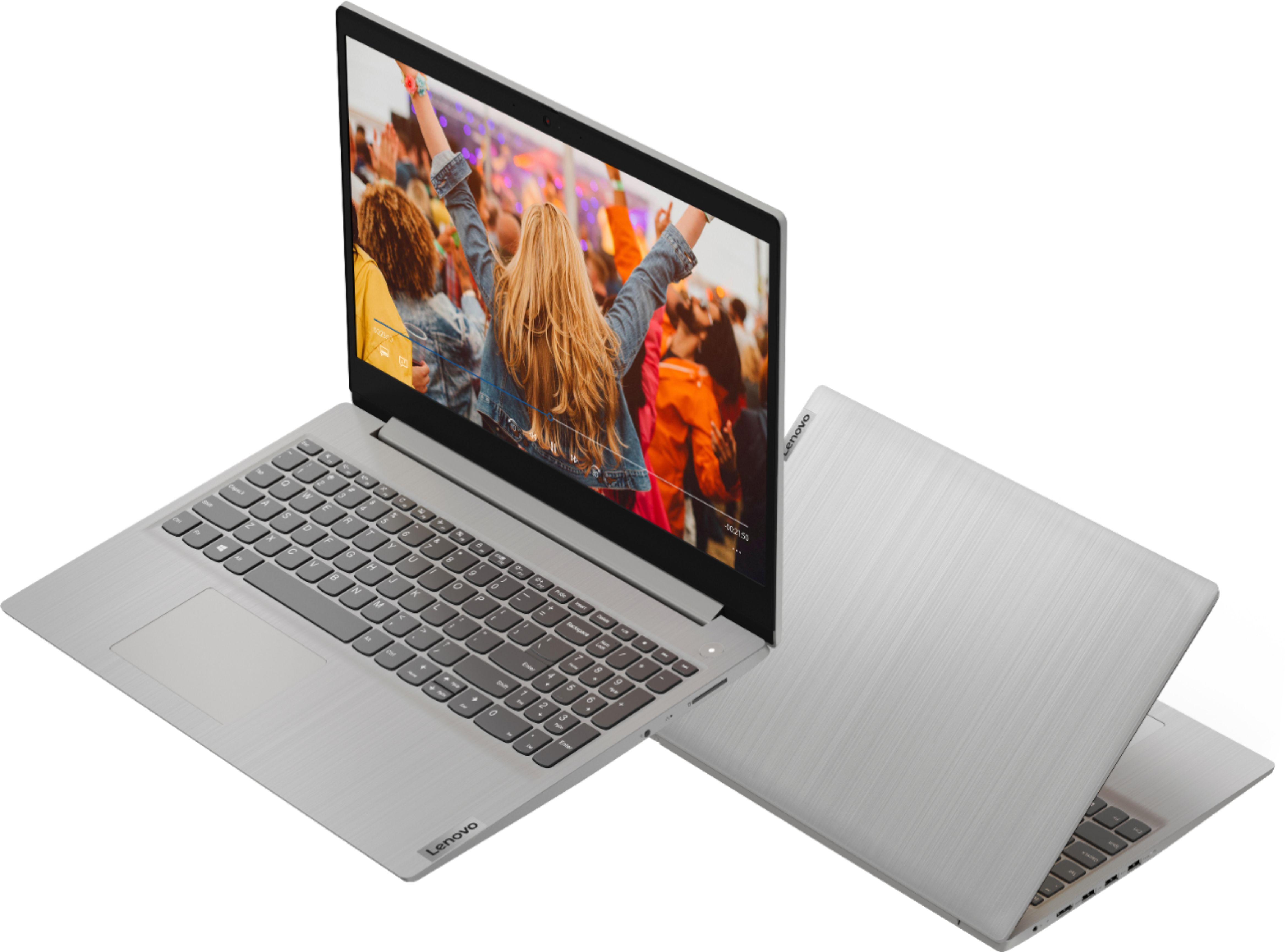
A:AnswerThere is a 30-day trial of Microsoft Office 365 included as part of the Windows 10 operating system. In order to keep the program active after the trial period, you will need to purchase a product key. You will not need to download any additional software. Additionally, the Lenovo IdeaPad 3 15 Laptop, model number 81W1018XUS, ships with Windows 10 S-Mode, 64-bit Operating System. Windows 10 S-Mode provides added security by only allowing APPs available ( and therefore certified by Microsoft) at the Microsoft Store. If you don't need the added security or you need to install APPs not available at the Microsoft Store, you can switch to standard Windows 10 Home 64-bit Operating System, at no additional cost. If you choose to switch from S-Mode to Windows 10 Home Operating System, here is a link to instructions for switching from Windows 10 S-Mode to Windows 10 Home: https://support.microsoft.com/en-us/help/4456067/windows-10-switch-out-of-s-mode
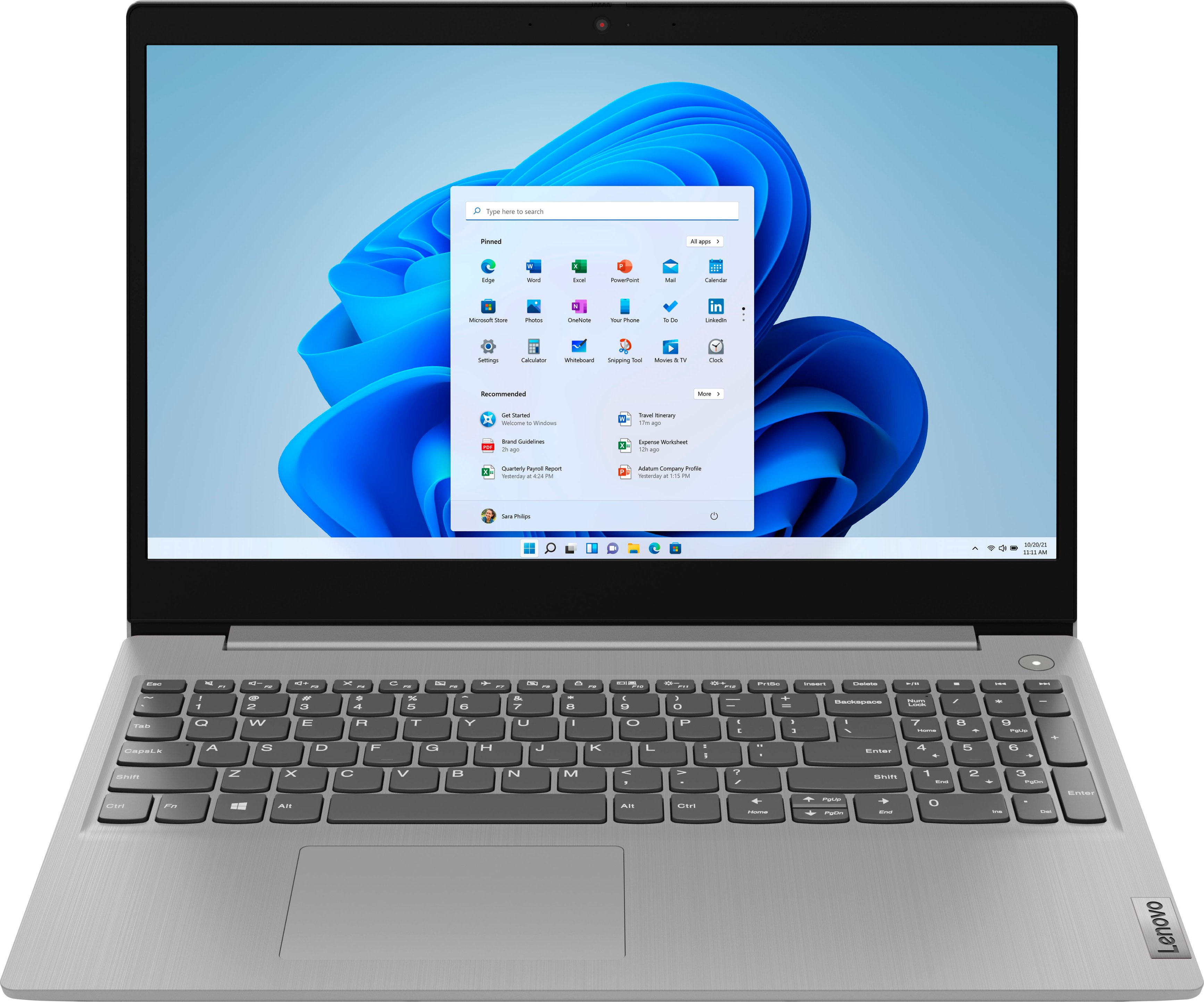
A:AnswerThat will depend on the requirements and compatibility of the specific software you want to use. The Lenovo IdeaPad 3 15 Laptop, model number 81W1018XUS, ships with Windows 10 S-Mode 64-bit Operating System. Windows 10 S-Mode provides added security by only allowing APPs available ( and therefore certified by Microsoft) at the Microsoft Store. If you don't need the added security or you need to install APPs not available at the Microsoft Store, you can switch to standard Windows 10 Home 64-bit Operating System, at no additional cost. We recommend you check with the specific software publisher's web site, of the APP you want to use, for their compatibility with Windows 10 S-Mode 64-bit operating system and the minimum/recommended hardware requirements (Is a Graphics card required, the processor speed and the minimum required system RAM and the minimum available hard drive space) to run their program, then compare those requirements to this system's configuration. If you choose to switch out of S-Mode to Windows 10 Home, here is a link to instructions for switching from Windows 10 S-Mode to Windows 10 Home: https://support.microsoft.com/en-us/help/4456067/windows-10-switch-out-of-s-mode
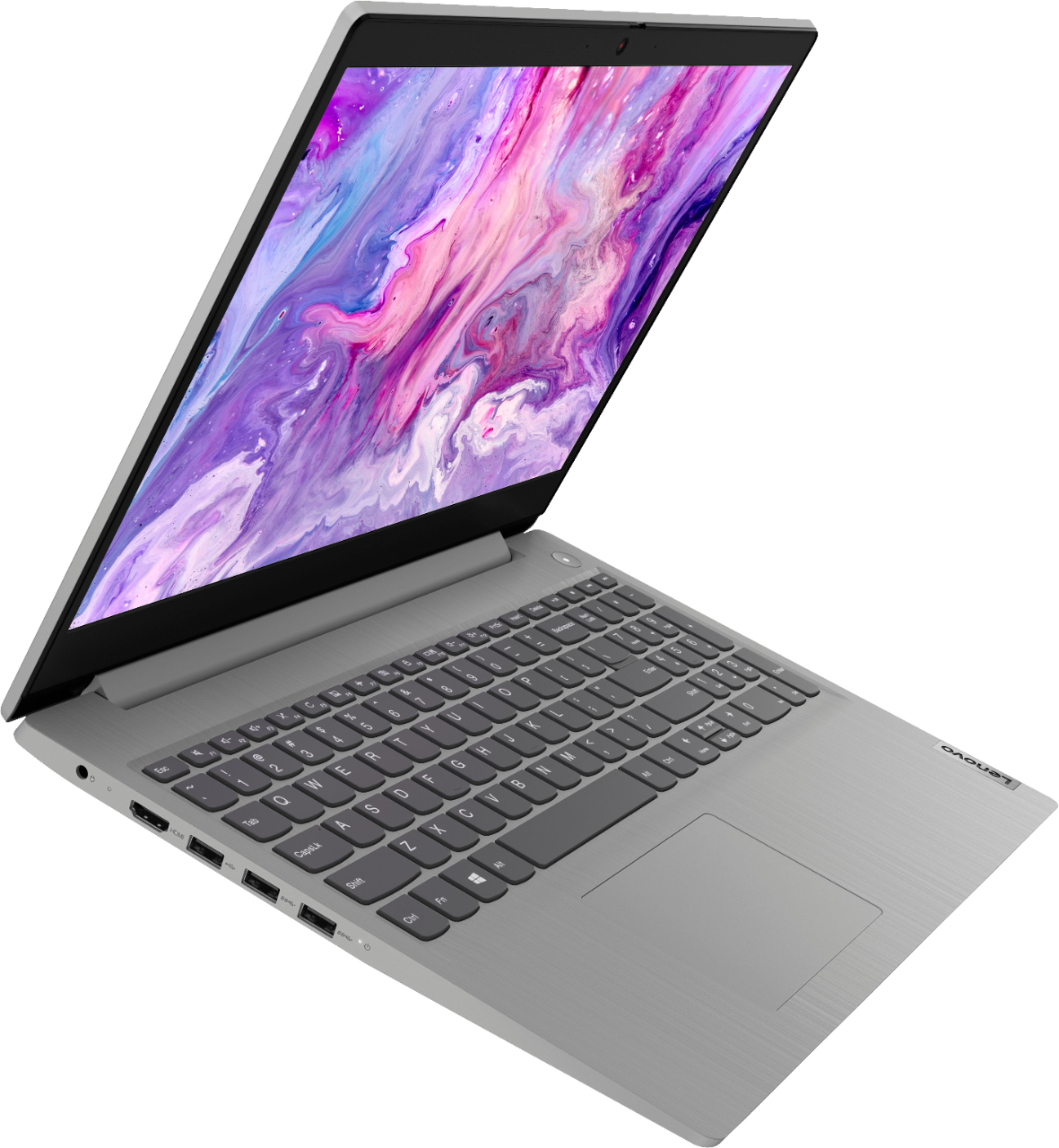
A:AnswerHere is a link to information about legacy versions of Microsoft Office Products and use with Windows 10: https://support.microsoft.com/en-us/office/which-versions-of-office-work-with-windows-10-0fc85c97-da69-466e-b2b4-54f7d7275705#:~:text=They%20will%20still%20be%20installed,to%20Windows%2010%20is%20complete.&text=Office%202010%20(Version%2014)%20and,not%20work%20on%20Windows%2010.
A:AnswerNo. The Lenovo IdeaPad 3 15 Laptop, model number 81W1018XUS, ships with Integrated AMD Radeon Graphics, within the AMD Ryzen 3 3250U processor.
A:AnswerAlthough the Lenovo IdeaPad 3 15 laptop, model number 81W1018XUS, does not ship with a built in CD/DVD drive, you can attach an external, USB-based Windows 10 Compatible CD/DVD drive to this laptop like this one: https://www.bestbuy.com/site/lg-8x-external-usb-double-layer-dvdrw-cd-rw-drive-black/5852919.p?skuId=5852919
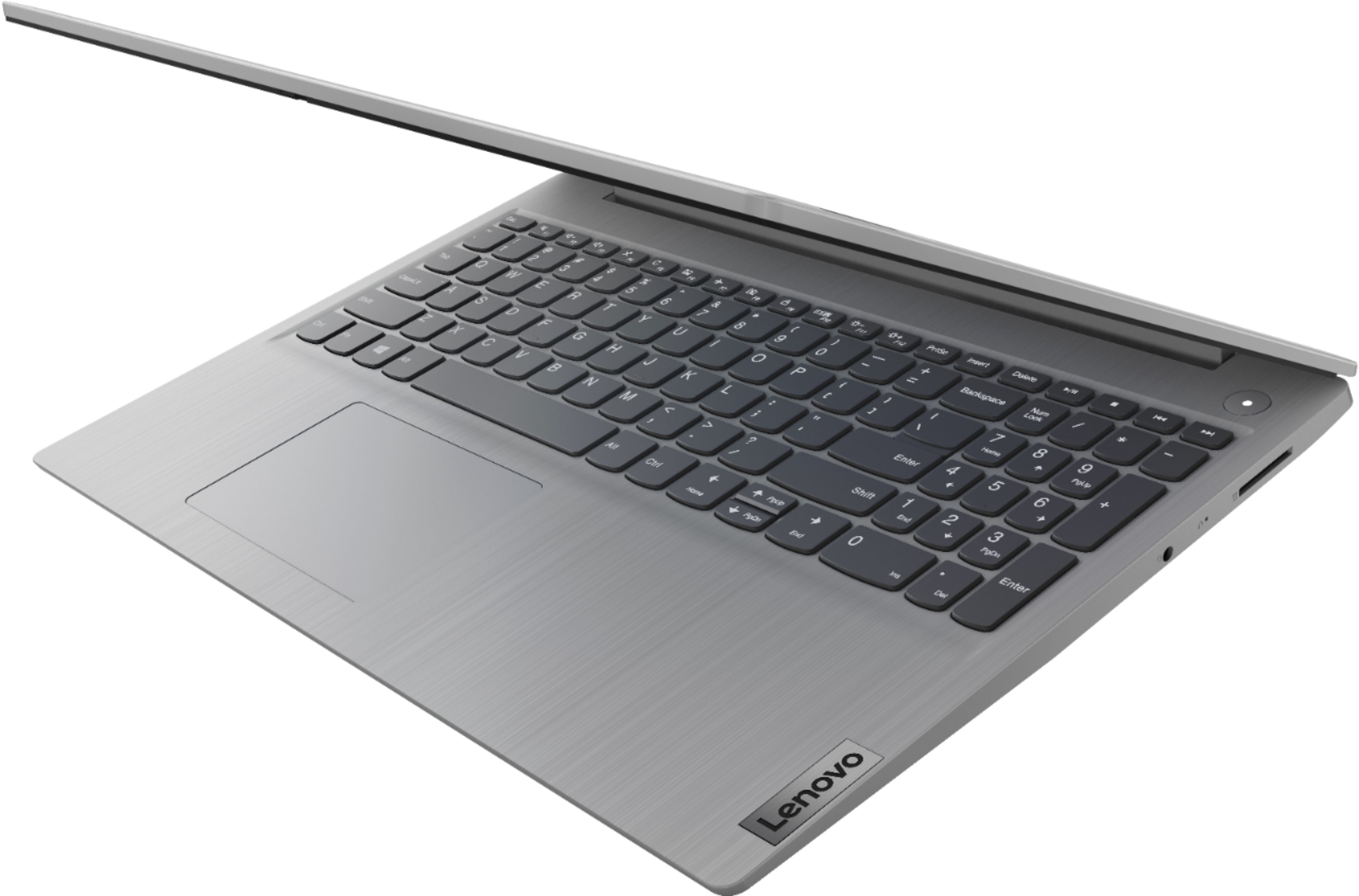
A:AnswerYou can hold down the Fn Key then tap the HotKey in the F6 position on your Lenovo IdeaPad 3 15 Laptop, model number 81W1018XUS, to toggle the touchpad function on/off.
A:AnswerThe Lenovo IdeaPad 3 15 Laptop, model number 81W1018XUS, ships with a 2CELL_35WH_INTERNAL, Lithium Polymer Battery, which within this configuration, has a battery life of up to 6 hours, depending on the work the device is performing.
A:AnswerThe Lenovo IdeaPad 3 15 Laptop, model number 81W1018XUS, ships with the Firmware TPM 2.0 Security Chip that is required for upgrading to Windows 11. Microsoft is still finalizing the requirements to upgrade from the latest version of Windows 10 to Windows 11 at this time. Here is a link to more information about upgrading to Windows 11: https://docs.microsoft.com/en-us/windows/whats-new/windows-11-requirements
A:AnswerHere is a link to a 10 foot extension cord with surge protection: https://www.bestbuy.com/site/cordinate-10-2-outlet-2-usb-extension-cord-with-surge-protection-black-heather/6282605.p?skuId=6282605
A:AnswerThe Lenovo IdeaPad 3 15 Laptop, model number 81W1018XUS, is not user upgradable. A certified technician must do all of the work, so as to not void the warranty. This configuration ships with 8GB DDR4-2400MHz RAM (4GB Soldered DDR4-2400 + 4GB SO-DIMM DDR4-2400MHz RAM), one memory soldered to systemboard, one DDR4 SO-DIMM slot, dual-channel capable. The maximum supported RAM memory for this model is: Up to 12GB (4GB soldered + 8GB SO-DIMM) DDR4-2400MHz RAM. We recommend you consult your certified technician about your RAM upgrade options.
A:AnswerThe Lenovo IdeaPad 3 15 Laptop, model number 81W1018XUS, ships with a 128GB M.2 2242 PCIe 3.0x2 NVMe solid state hard drive, which will have approximately 90GB of available storage space, useable by the owner.
A:AnswerThe Lenovo IdeaPad 3 15 Laptop, model number 81W1018XUS, is not user upgradable. A certified technician must do all of the work, so as to not void the warranty. This model ships with a 128GB M.2 2242 PCIe 3.0x2 NVMe solid state hard drive. The maximum supported storage space for this configuration is: Model with 35Wh battery: up to 2 drives, 1x 2.5 inch HDD + 1x M.2 SSD. 2.5 inch HDD up to 1TB, Plus M.2 2242 SSD up to 512GB or M.2 2280 SSD up to 512GB. We recommend you contact your certified technician about your storage upgrade options.
A:AnswerThat will depend on the requirements and compatibility of the remote desktop software you will be using. The Lenovo IdeaPad 3 15 Laptop, model number 81W1018XUS, ships with Windows 10 S-Mode 64-bit Operating System. Windows 10 S-Mode provides added security by only allowing APPs available ( and therefore certified by Microsoft) at the Microsoft Store. If you don't need the added security or you need to install APPs not available at the Microsoft Store, you can switch to standard Windows 10 Home 64-bit Operating System, at no additional cost. We recommend you check with the remote desktop software publisher's web site for their compatibility with Windows 10 S-Mode 64-bit operating system and the minimum/recommended hardware requirements (Is a Graphics card required, the processor speed and the minimum required system RAM and the minimum available hard drive space) to run their program, then compare those requirements to this system's configuration. It may be necessary to switch out of S-Mode to Windows 10 Home to use the specific remote desktop software you want. Here is a link to instructions for switching from Windows 10 S-Mode to Windows 10 Home: https://support.microsoft.com/en-us/help/4456067/windows-10-switch-out-of-s-mode