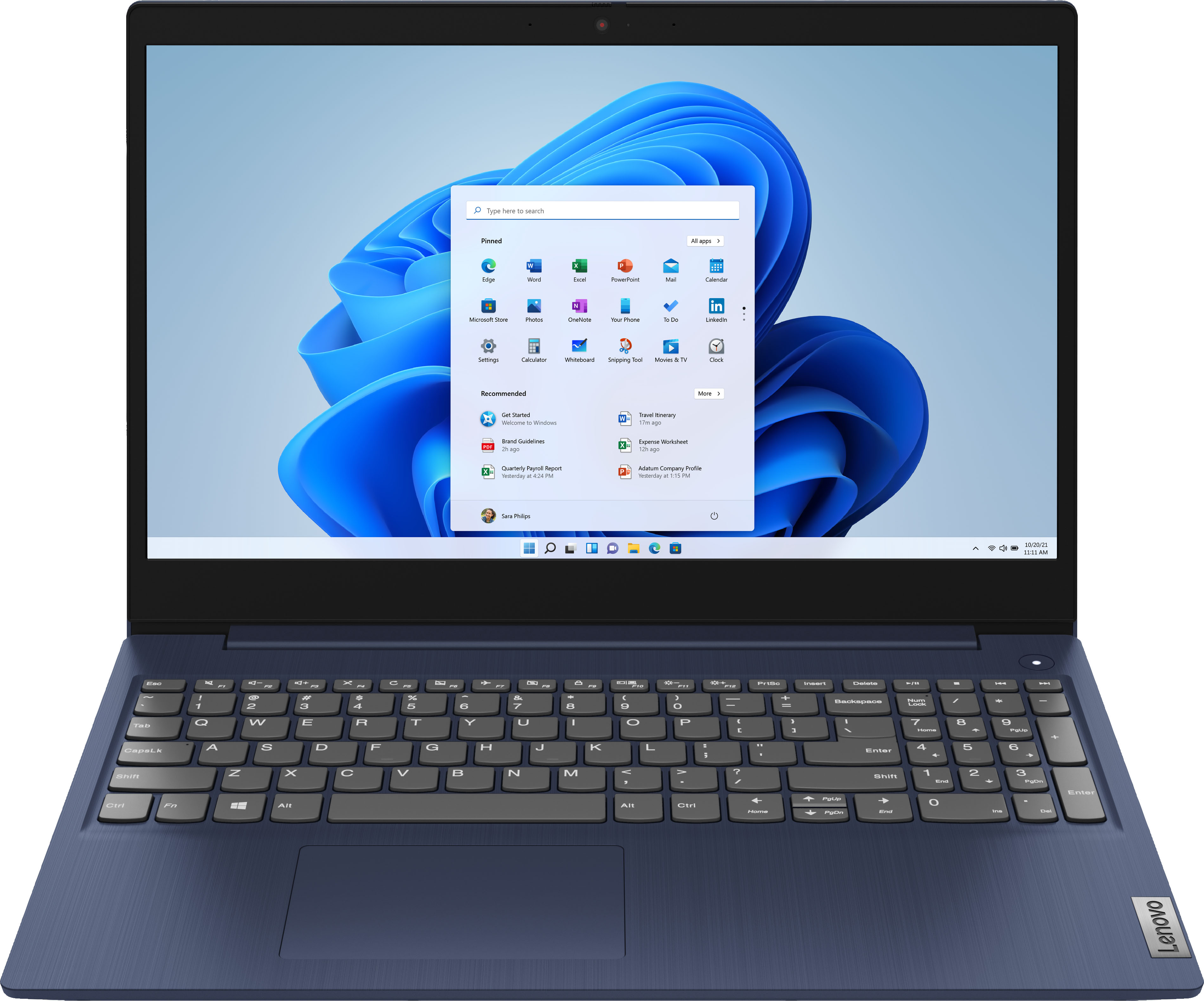
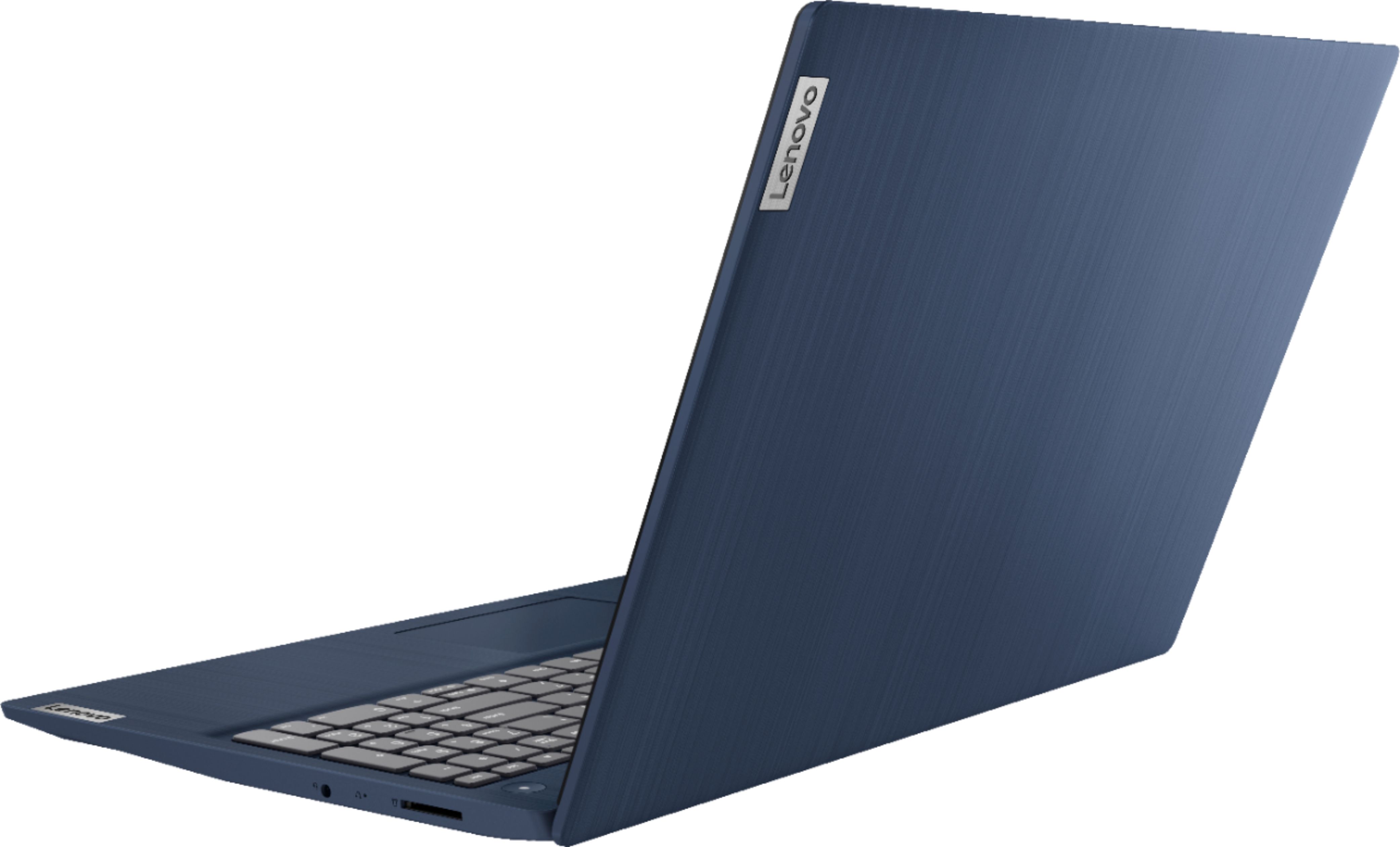
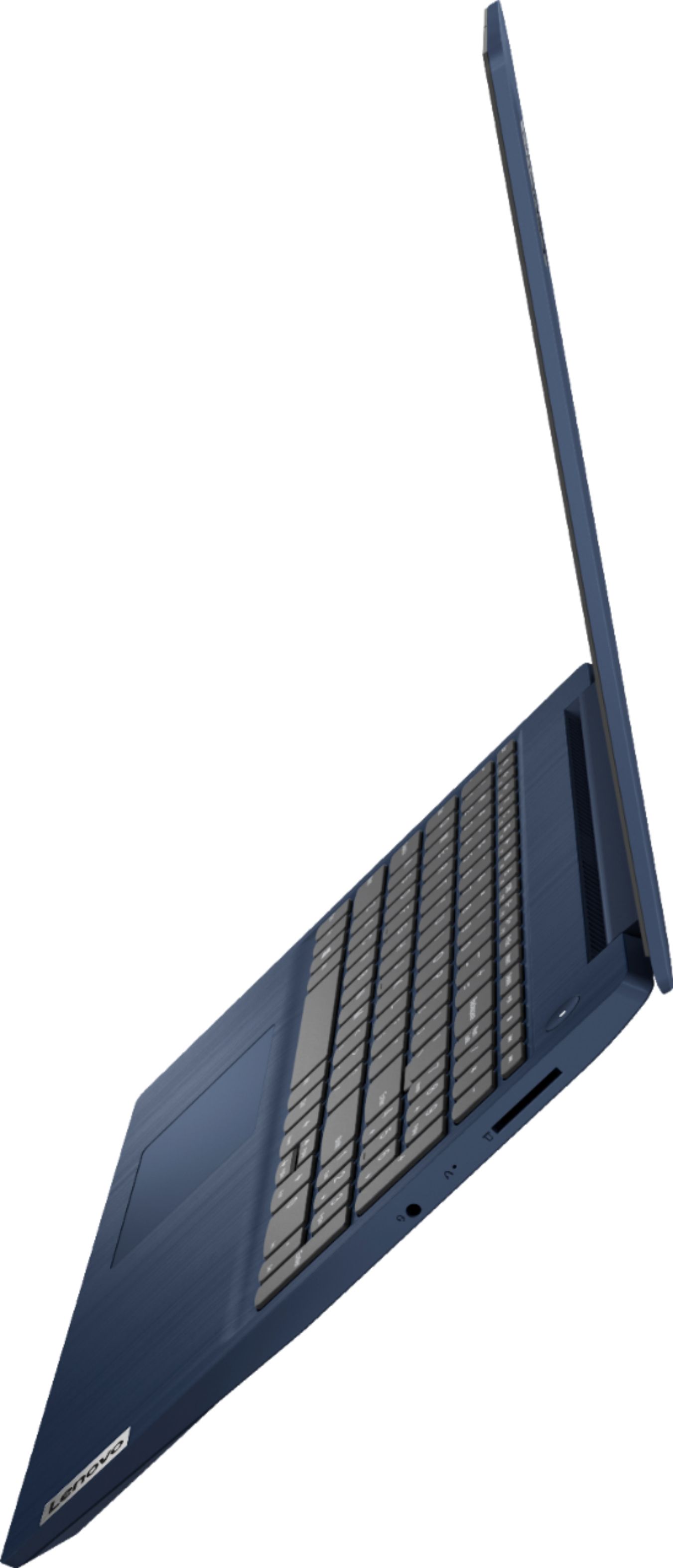
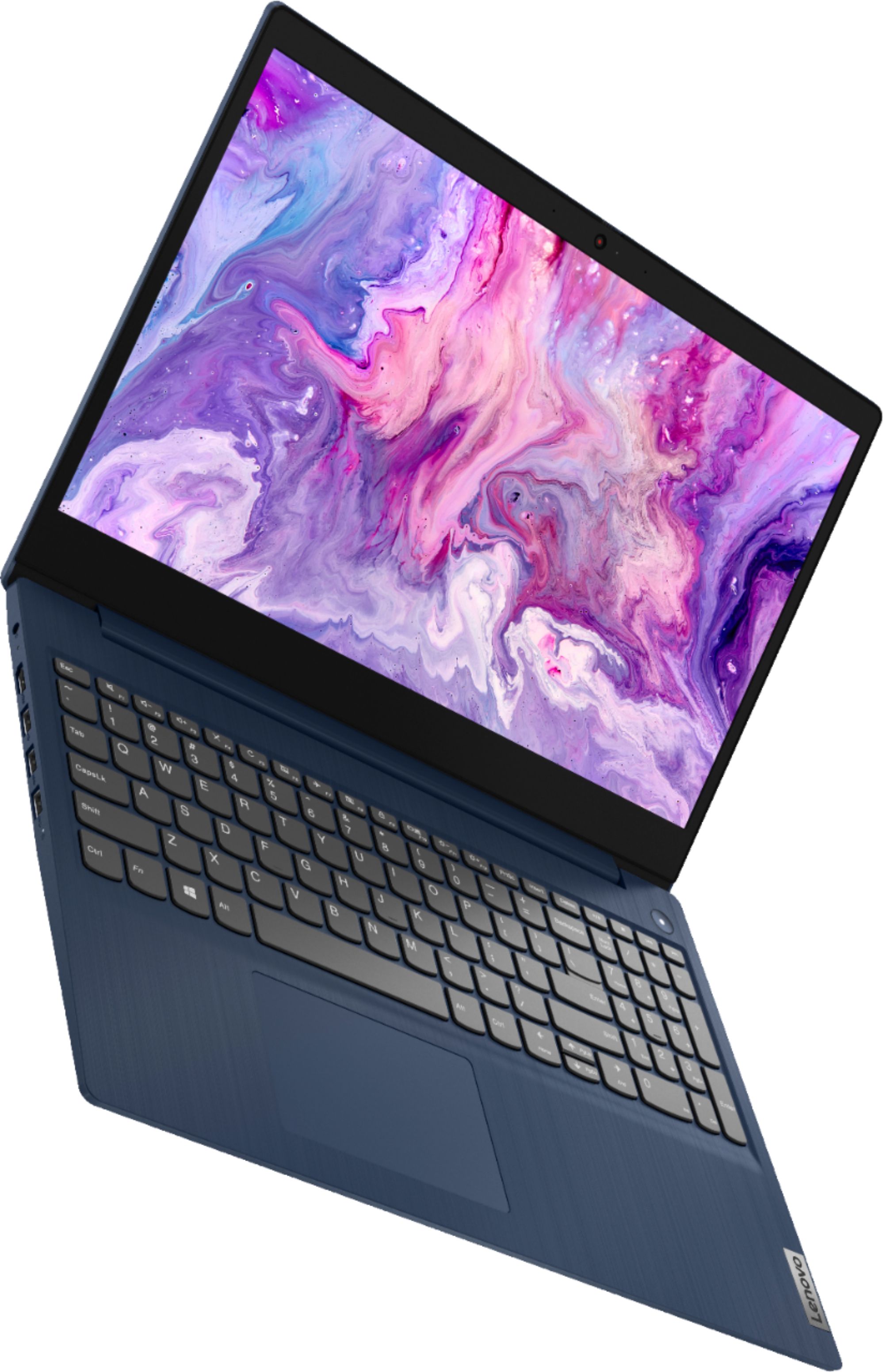
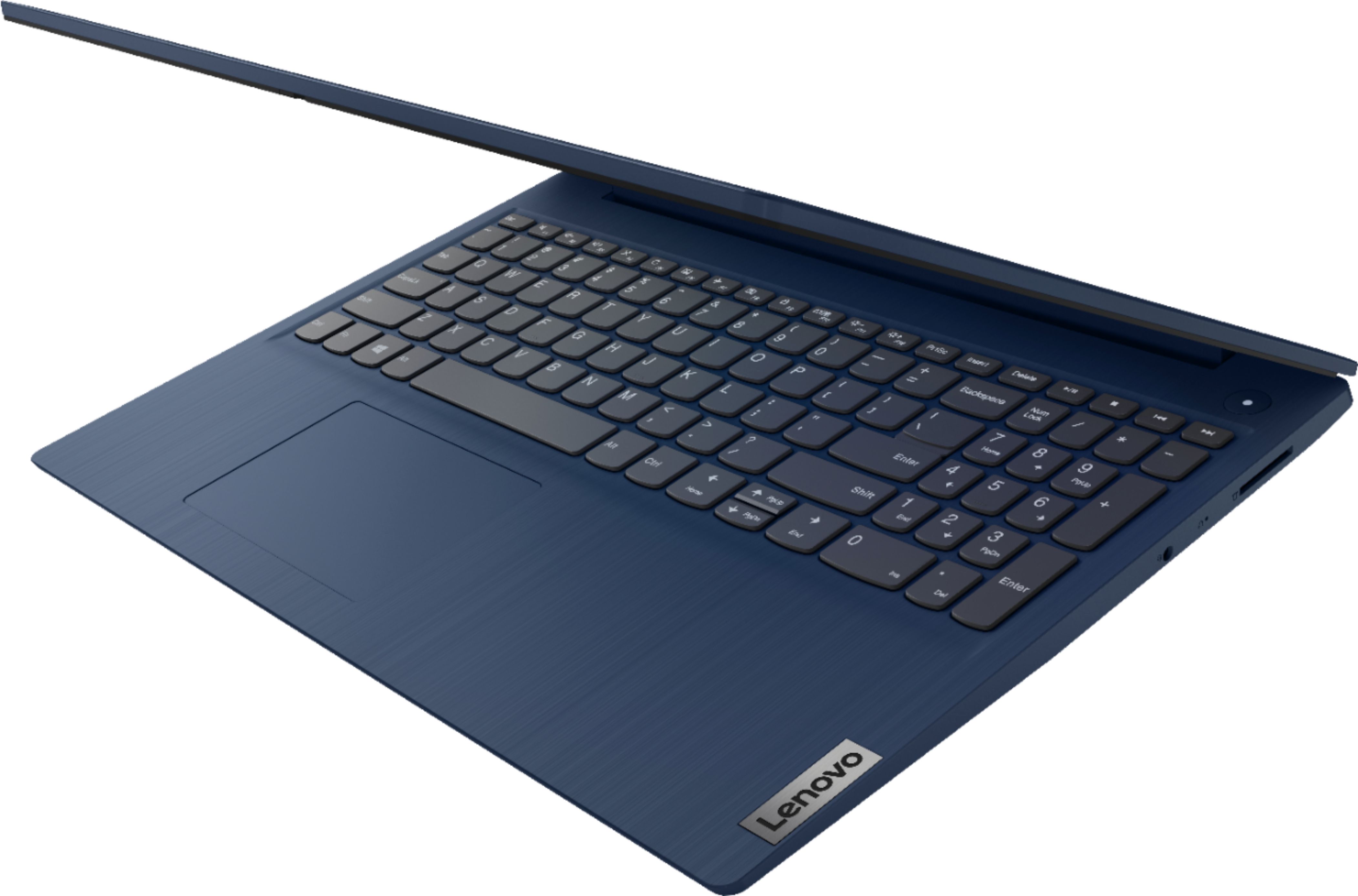
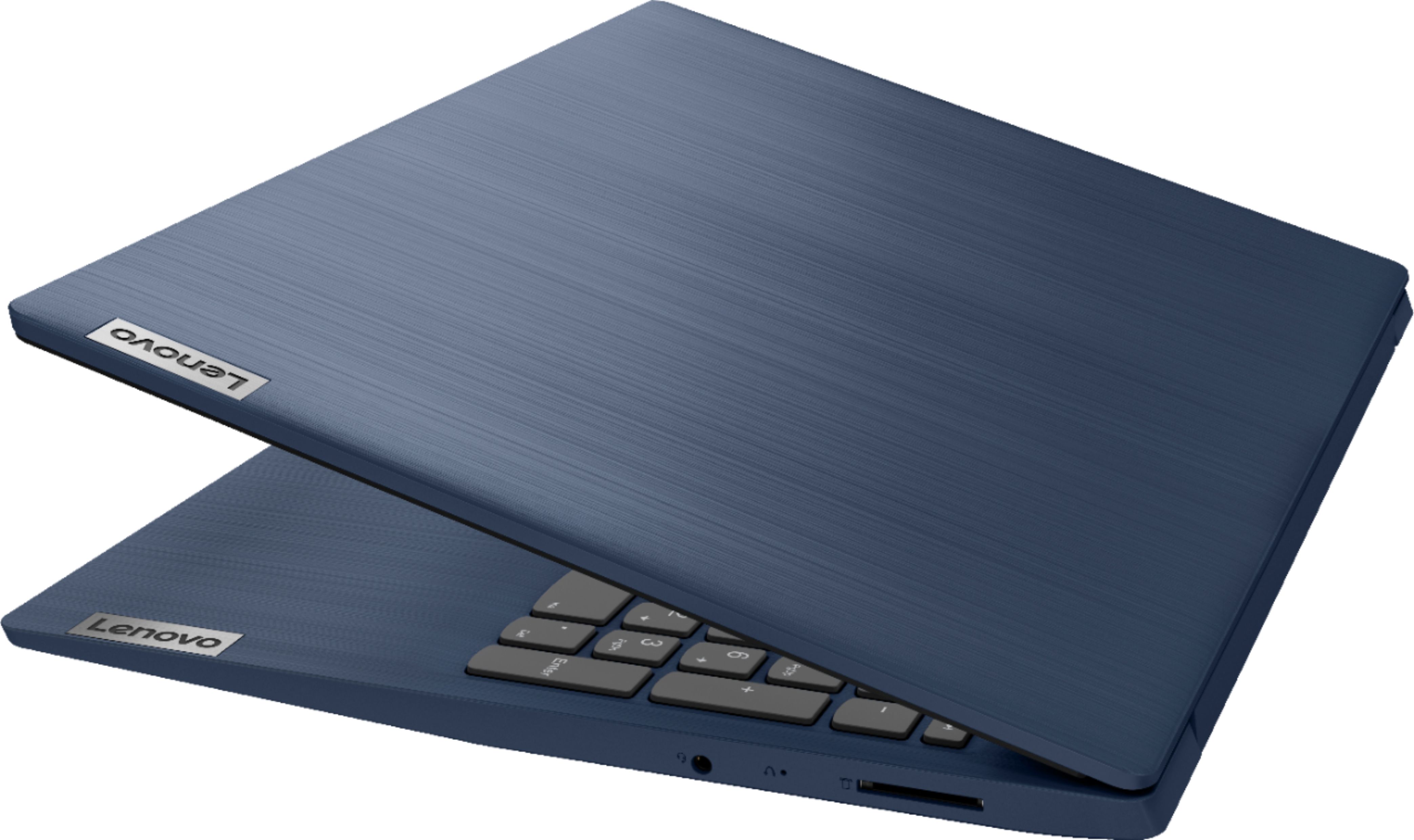
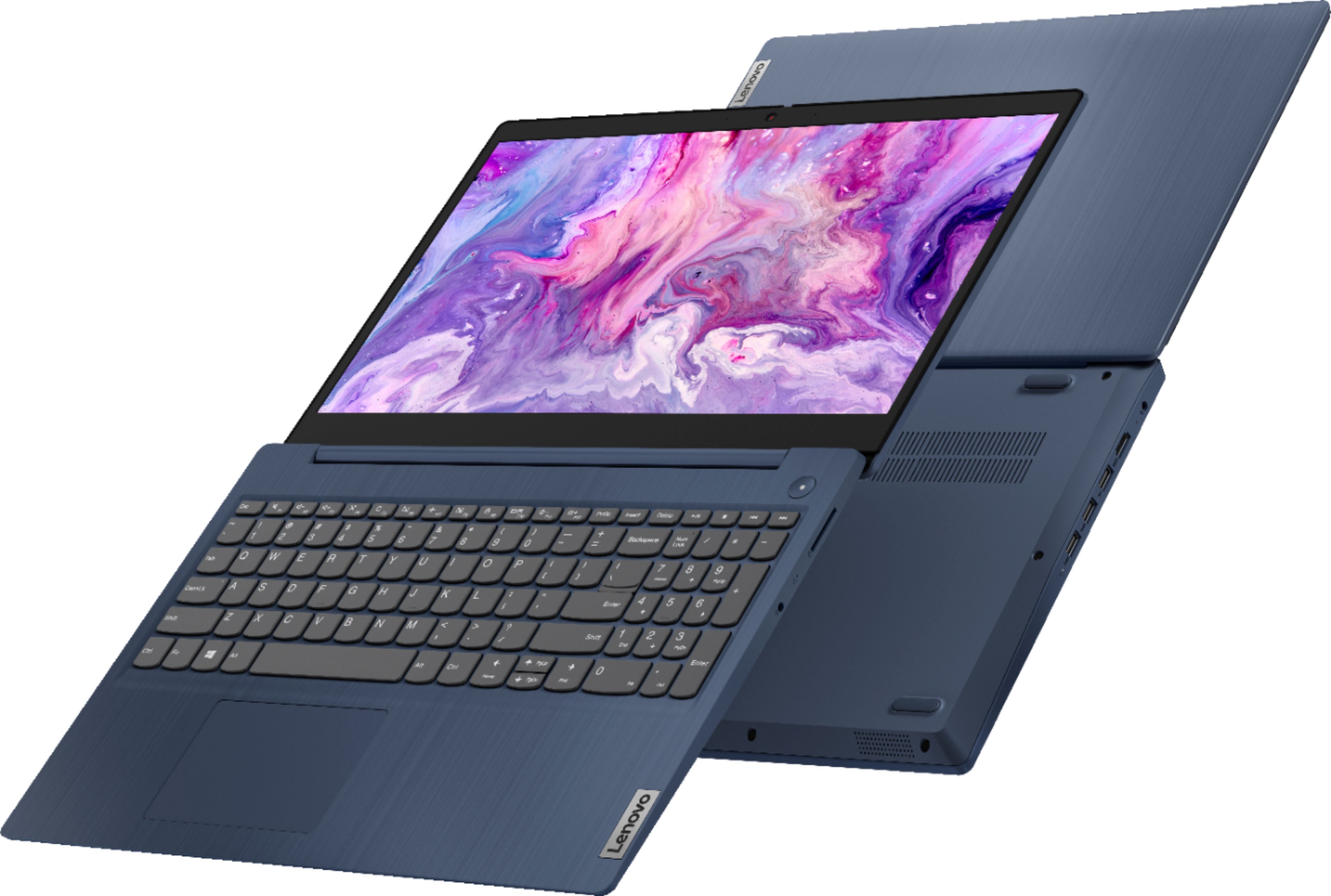
A:AnswerA customizable keyboard light will shine down on the keyboard from a position on the lid frame, where as backlit keyboard lighting shines up from under the keys on the keyboard.
A:AnswerThe Lenovo IdeaPad 3 15 Laptop, model number 81WR000FUS, ships with Windows 10 S-Mode 64-bit Operating System installed. Windows 10 S-Mode provides added security by only allowing APPs available ( and therefore certified by Microsoft) at the Microsoft Store. If you don't need the added security or you need to install APPs not available at the Microsoft Store, you can switch to standard Windows 10 Home 64-bit Operating System, at no additional cost. There is a 30-day trial of Microsoft Office 365 included as part of the Windows 10 operating system. In order to keep the program active after the trial period, you will need to purchase a product key. You will not need to download any additional software.
A:AnswerHi love! So as someone who loves the sims and has over 10 expansion packs, this laptop runs very well with the sims so far! I would recommended it if you’re going for something cheaper! Just make sure to turn of safe mode or it won’t run origin!
A:AnswerNo, there is no CD drive in this computer. As someone who buys many computers for my clients, let me say it is hard to find a new computer with a Cd/Dvd drive
You would need to get a laptop with a 17 in display that MIGHT have a CD/DVD drive
A:AnswerYes, the Lenovo IdeaPad 3 15 Laptop, model number 81WR000FUS, ships with Windows 10 S-Mode 64-bit Operating System. Windows 10 S-Mode provides added security by only allowing APPs available ( and therefore certified by Microsoft) at the Microsoft Store. If you don't need the added security or you need to install APPs not available at the Microsoft Store, you can switch to standard Windows 10 Home 64-bit Operating System, at no additional cost. Here is a link to instructions for switching from Windows 10 S-Mode to Windows 10 Home: https://support.microsoft.com/en-us/help/4456067/windows-10-switch-out-of-s-mode
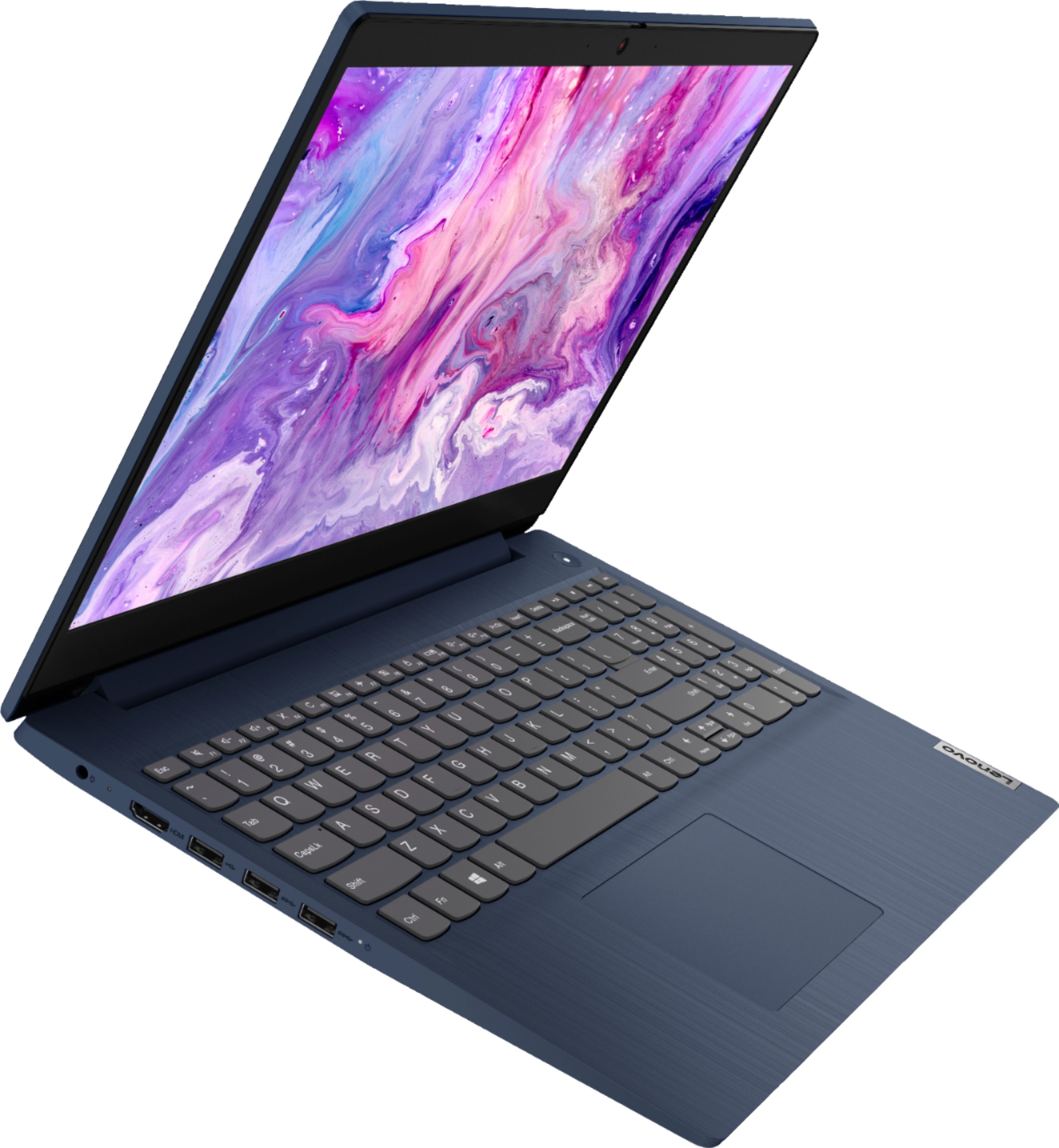
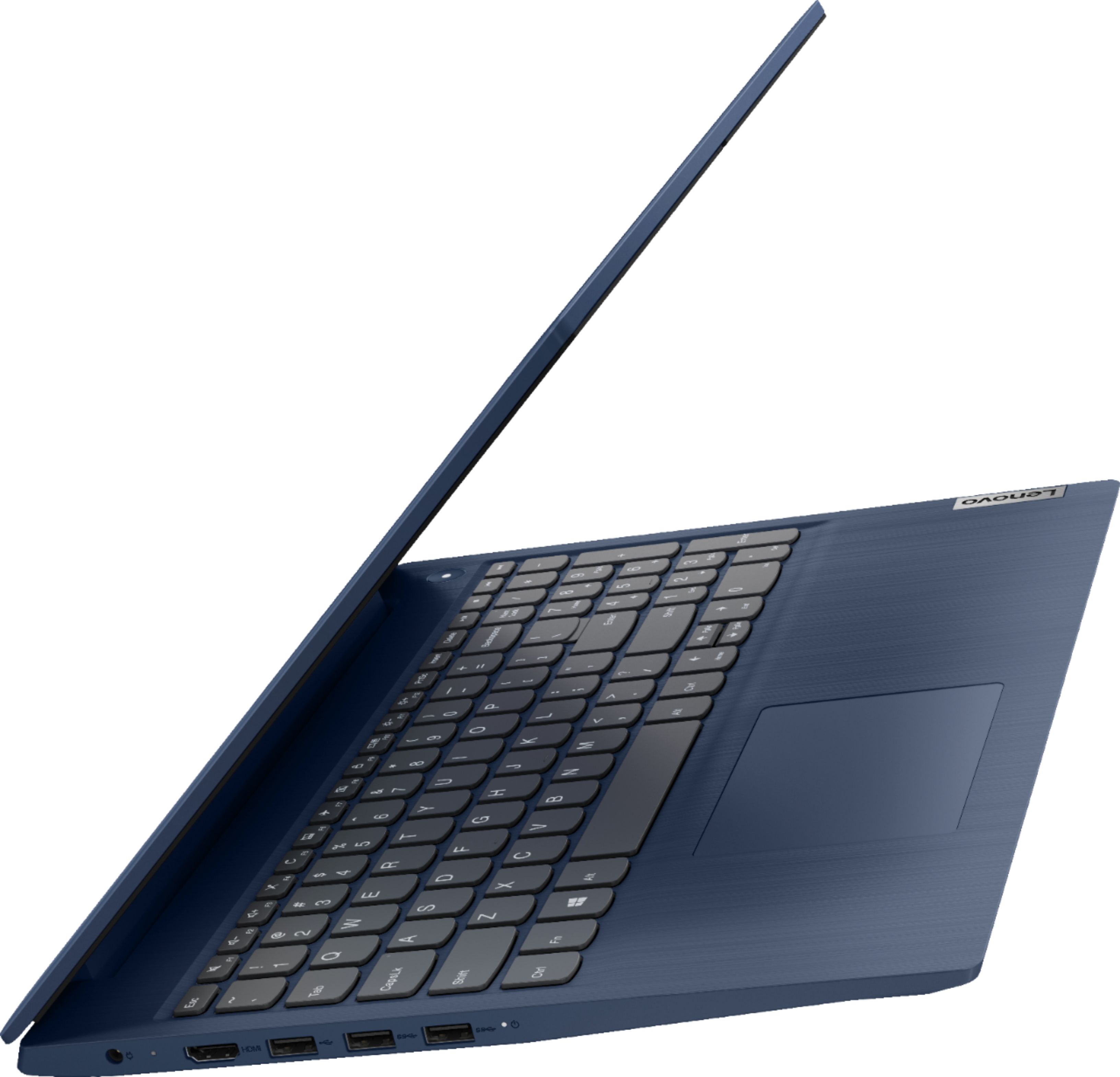
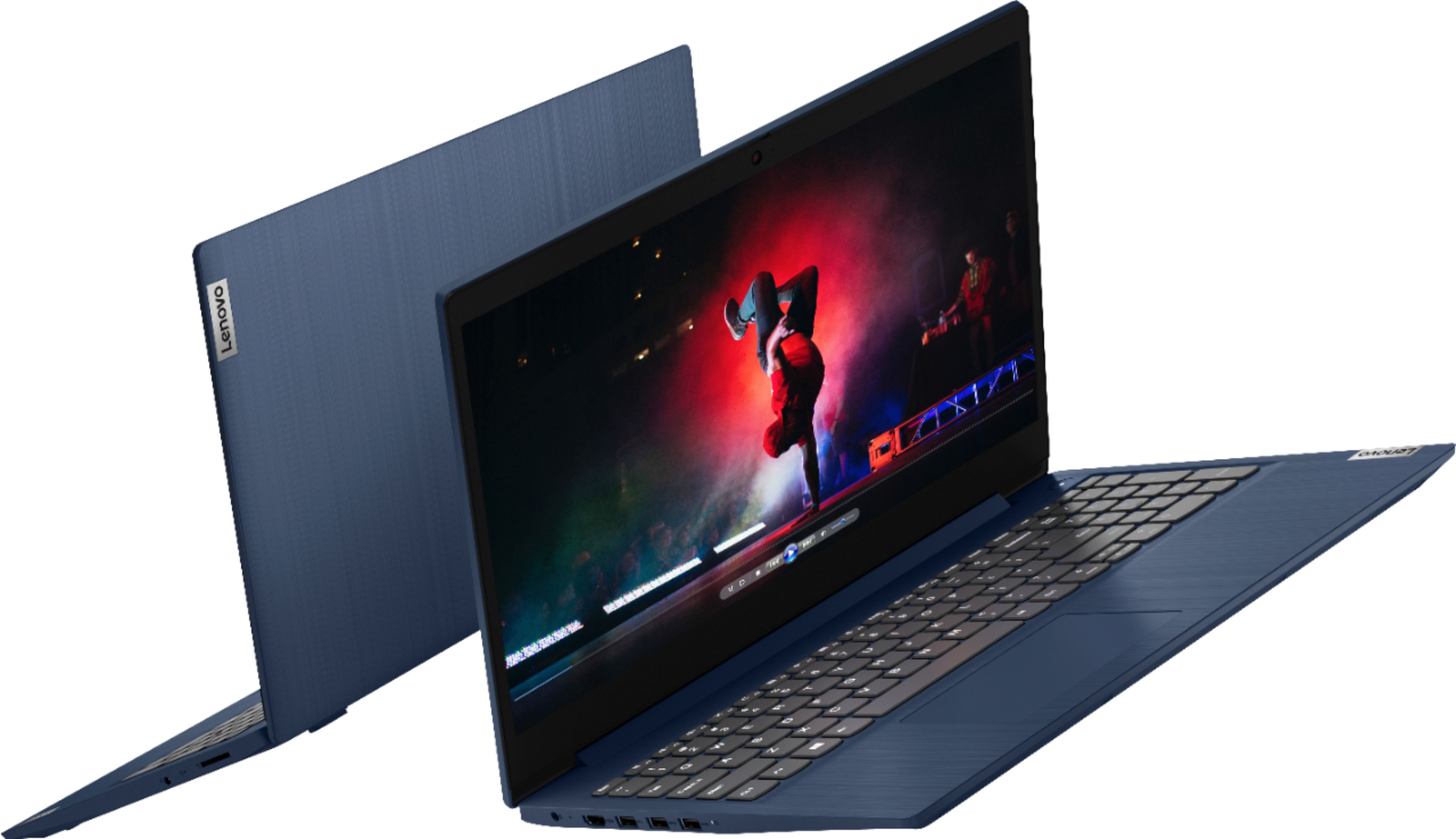
A:AnswerAlthough the Lenovo IdeaPad 3 15 Laptop, model number 81WR000FUS, does not have a built in ethernet port, you can connect this laptop to an ethernet cable by using a USB to ethernet adapter like this one: https://www.bestbuy.com/site/insignia-usb-to-ethernet-adapter-white/6418345.p?skuId=6418345
A:AnswerThere is a 30-day trial of Microsoft Office 365 included as part of the Windows 10 operating system. In order to keep the program active after the trial period, you will need to purchase a product key. You will not need to download any additional software. You can purchase singles 1-device licenses for each of the Microsoft Programs. We recommend you check the Best Buy website for the software you need: https://www.bestbuy.com/site/office-home-student-2019-1-device-digital-mac-windows-digital/6402557.p?skuId=6402557
A:AnswerJust sign in the the installed copy of Microsoft Office 365 with your existing credentials (User Name and Password) to access your current Microsoft Office 365 Account.
A:AnswerThe Lenovo IdeaPad 3 15 Laptop, model number 81WR000FUS does have an internal fan for system cooling. You will hear the fan when it is running, this is normal. You can use Lenovo Q-Control to manually control fan and system performance: ( Fn + Q ) option to change the fan by undervolting the processor.
A:AnswerAll Lenovo Laptops will receive a battery charge at the factory. This may not be a full 100 Percent battery charge, but a partial charge to test the battery capabilities. During transit the battery may drain to zero, this is normal. We always recommend plugging your new laptop computer in before beginning the initial setup and activation of Windows 10. The charging time from zero percent charge to 100 percent charge is approximately 3 hrs.
A:AnswerWe bare sorry to hear that you are having issues with the 720p (HD) webcam built into your lenovo IdeaPad 3 15 Laptop, model number 81WR000FUS. This model ships with a 720p (HD) webcam with manual Privacy Shutter built in. Be sure the Privacy Shutter is completely open before trying to use the webcam or the webcam will not operate properly and may cause the image distortion you describe. There is a small slider, directly above the webcam lens. Move the tab to the right to open the Privacy Shutter. There is a red dot over the webcam lens that will disappear when the Privacy Shutter is fully open. This will indicate that the webcam is really to use. You can close the Privacy Shutter when you are done with the webcam for your security, by sliding the tab to the left to close the Privacy Shutter. The Red Dot will appear over the webcam lens when the Privacy Shutter is closed. If the Privacy Shutter is completely open, but the image distortion continues, now check to be sure you have the latest version of Windows 10 on the computer. Then update all BIOS files and drivers up to that latest version of Windows 10. You can easily accomplish this by scanning the computer with the Lenovo Utility software available on this computer. This system has Lenovo utilities installed to help maintain the health of the device and keep the operating system software up to date. Type "Lenovo Vantage" in the Cortana Search window (if Lenovo Vantage is not installed on your device, you can download the APP and install it now). Select Lenovo Vantage from the list. In the window that opens, click on "Health and Support". In the expanded menu, select "Hardware Scan" In the window that opens, select "Run Quick Tests". This will scan your entire system for errors. Follow any directions that may pop up. If the problem continues after this scan, now click on "System Update". First select Windows update from the menu. Scan your system to be sure you have the latest version of Windows 10. Once that scan is complete, select "Additional Updates". This will scan your device to be sure there are no new BIOS/Driver updates needed. Follow any instructions that may pop up. If the issue still continues after these updates, we recommend you call Lenovo Tech Support at: 877-453-6686 for additional help.
A:AnswerYes, so long as you have the game APP downloaded and installed on this computer, you would not need to be connected to the internet to play the game. If the game only functions online, this obviously would not work offline.
A:AnswerThe Lenovo IdeaPad 3 15 Laptop, model number 81WR000FUS, ships with a 256GB NVMe-2242 TLC solid state hard drive. There will be approximately 183GB of space that will be available to the user for storage.
A:AnswerThe Lenovo IdeaPad 3 15 Laptop, model number 81WR000FUS, is not compatible with any active/digital pen. You can use a capacitive touch stylus as a finger replacement on the touchscreen like this one: https://www.bestbuy.com/site/insignia-stylus-silver/3695185.p?skuId=3695185
A:AnswerTo start the trial, you have to put in your credit card info, which will auto bill after the trial, so make sure you cancel before the trial ends unless you want to continue. Office is available for free online at Office.com, or buy Office 2019 for a one time fee. There are also other programs such as Office Libre' that are free.