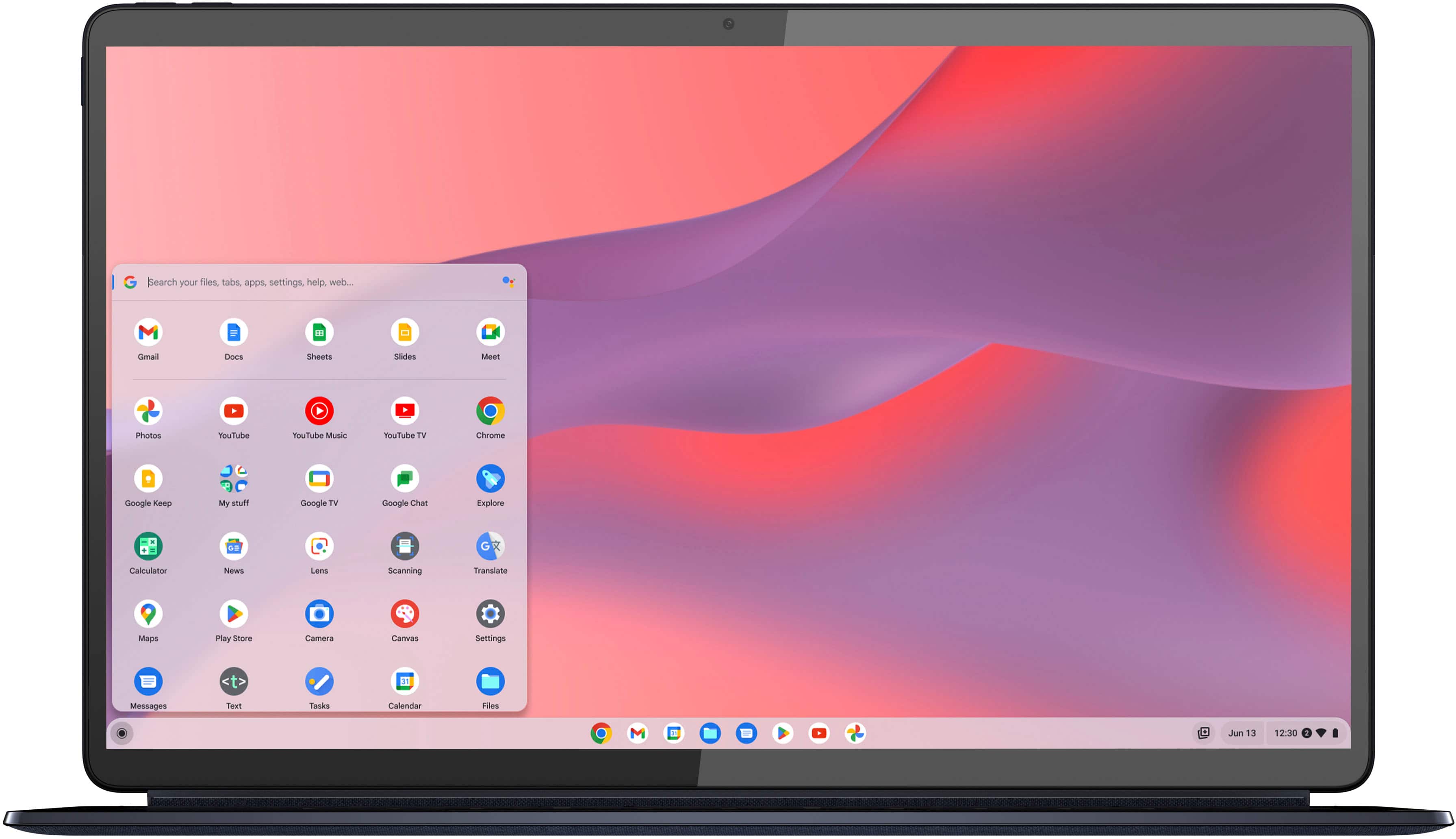
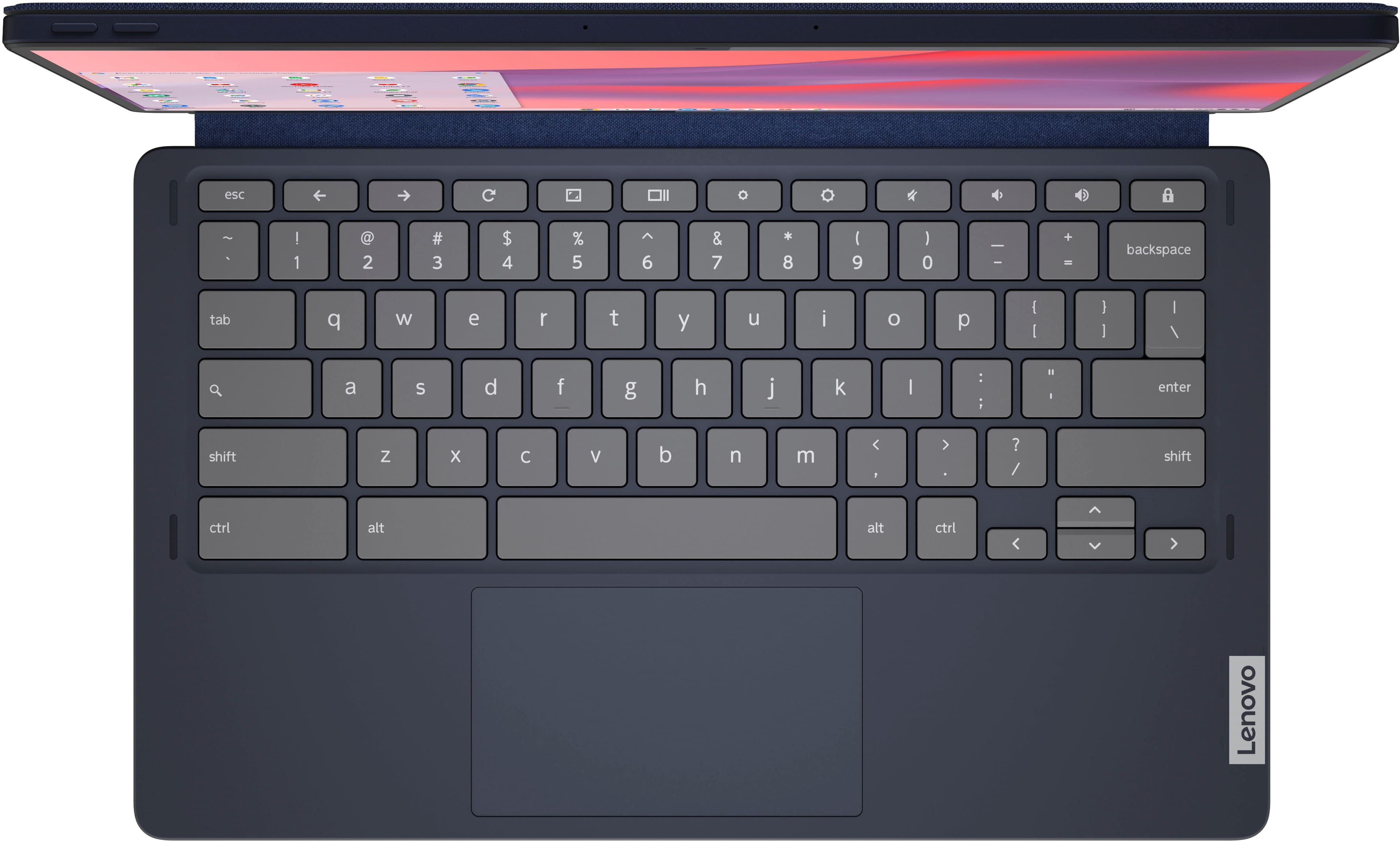
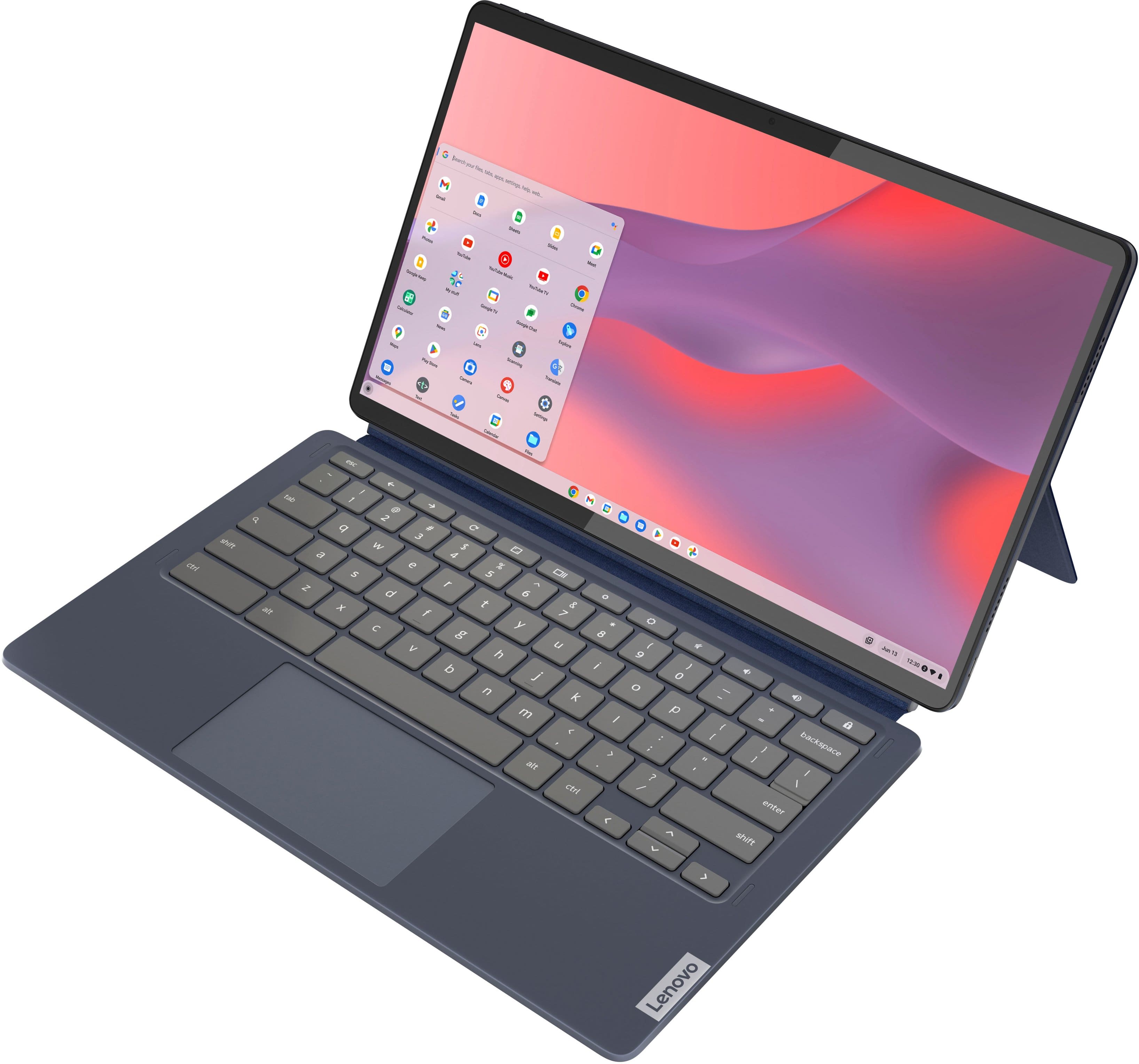
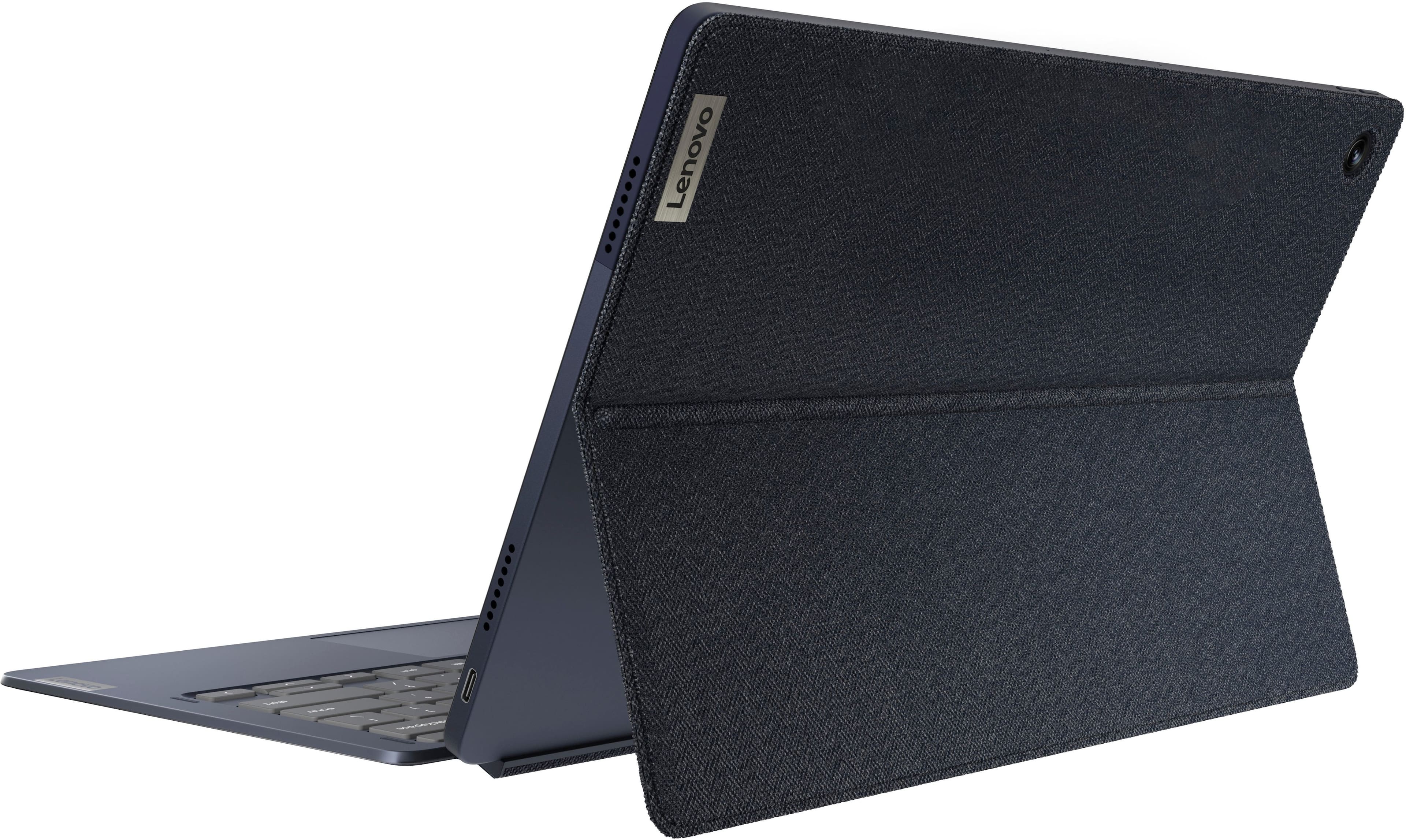
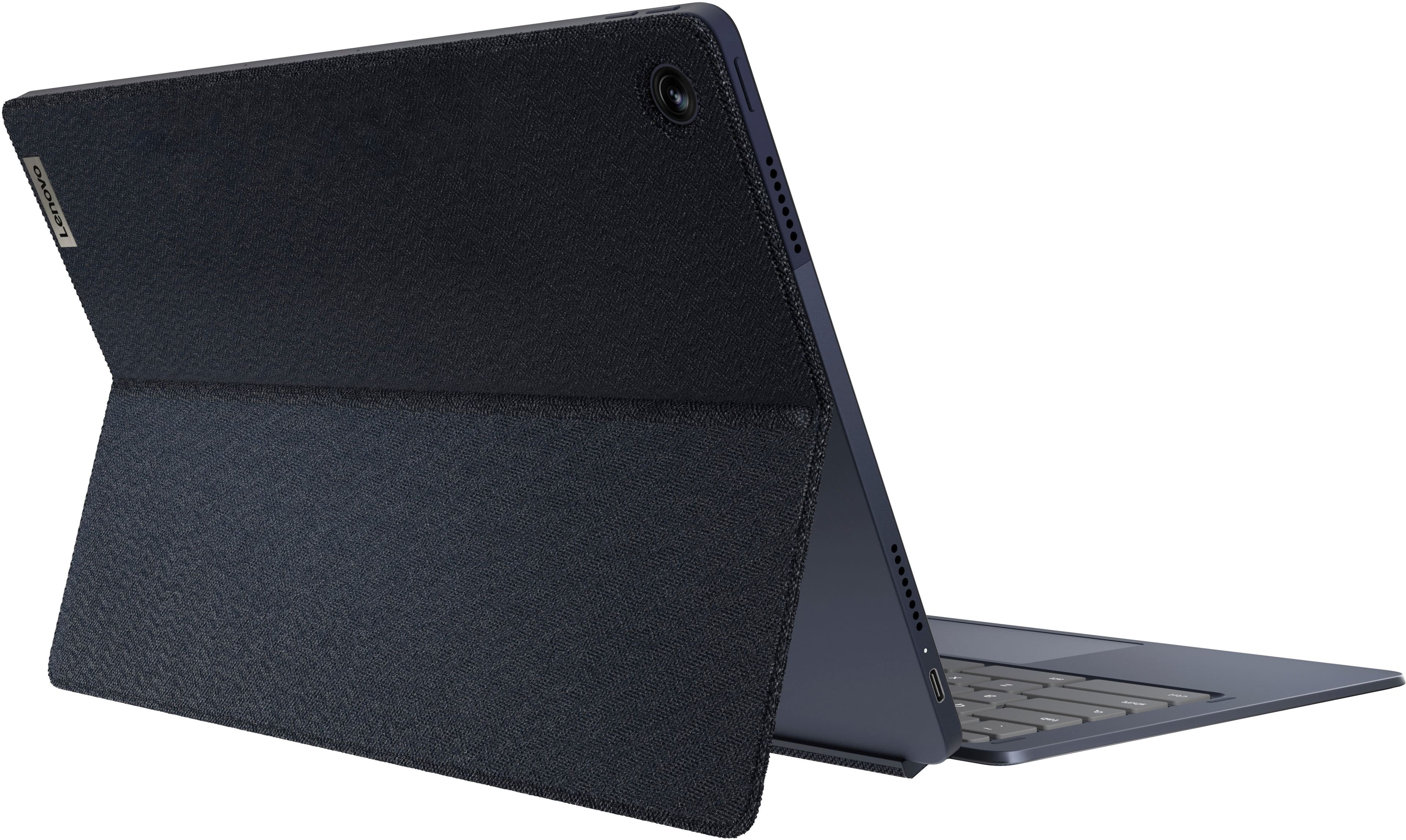
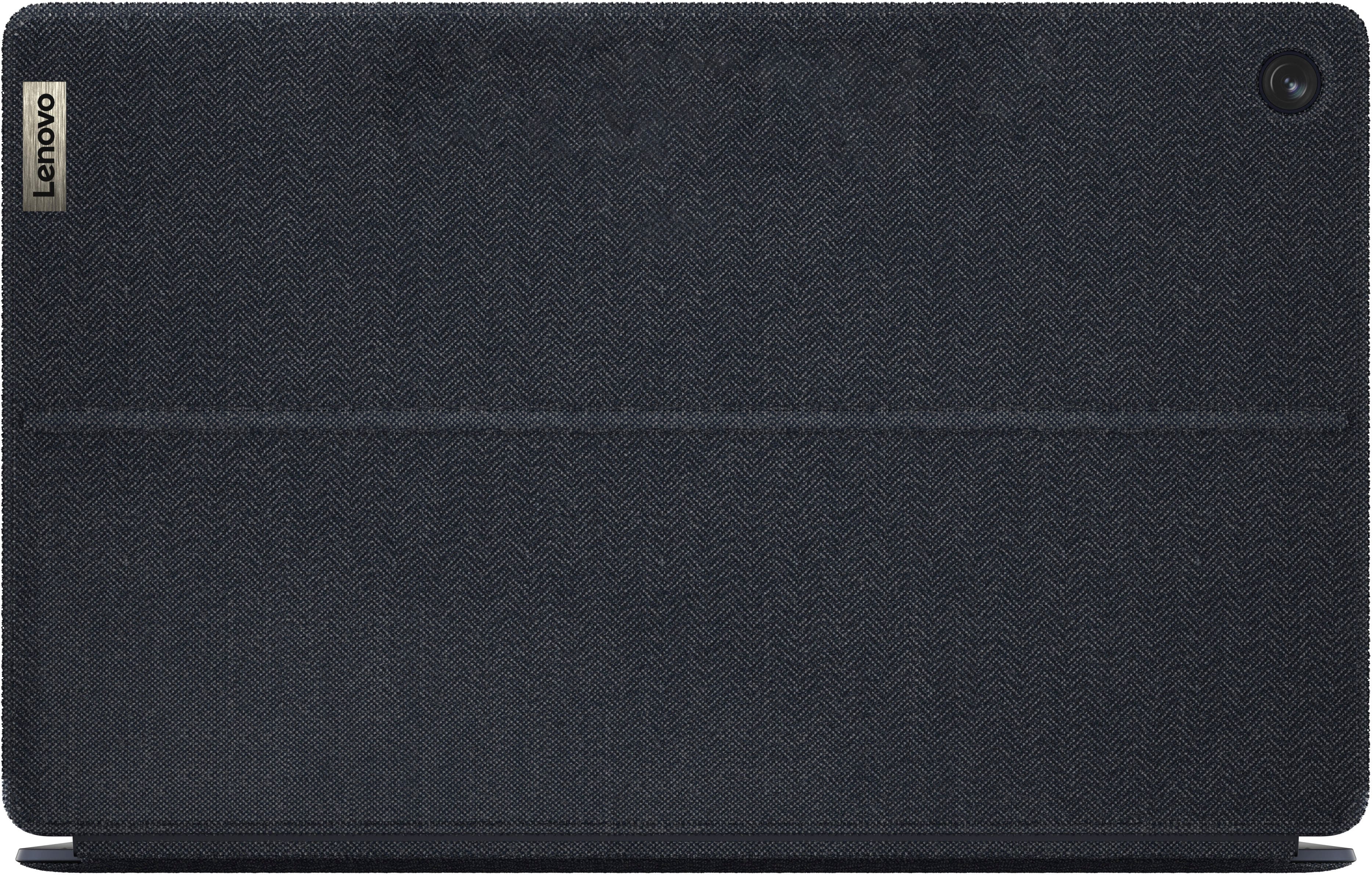
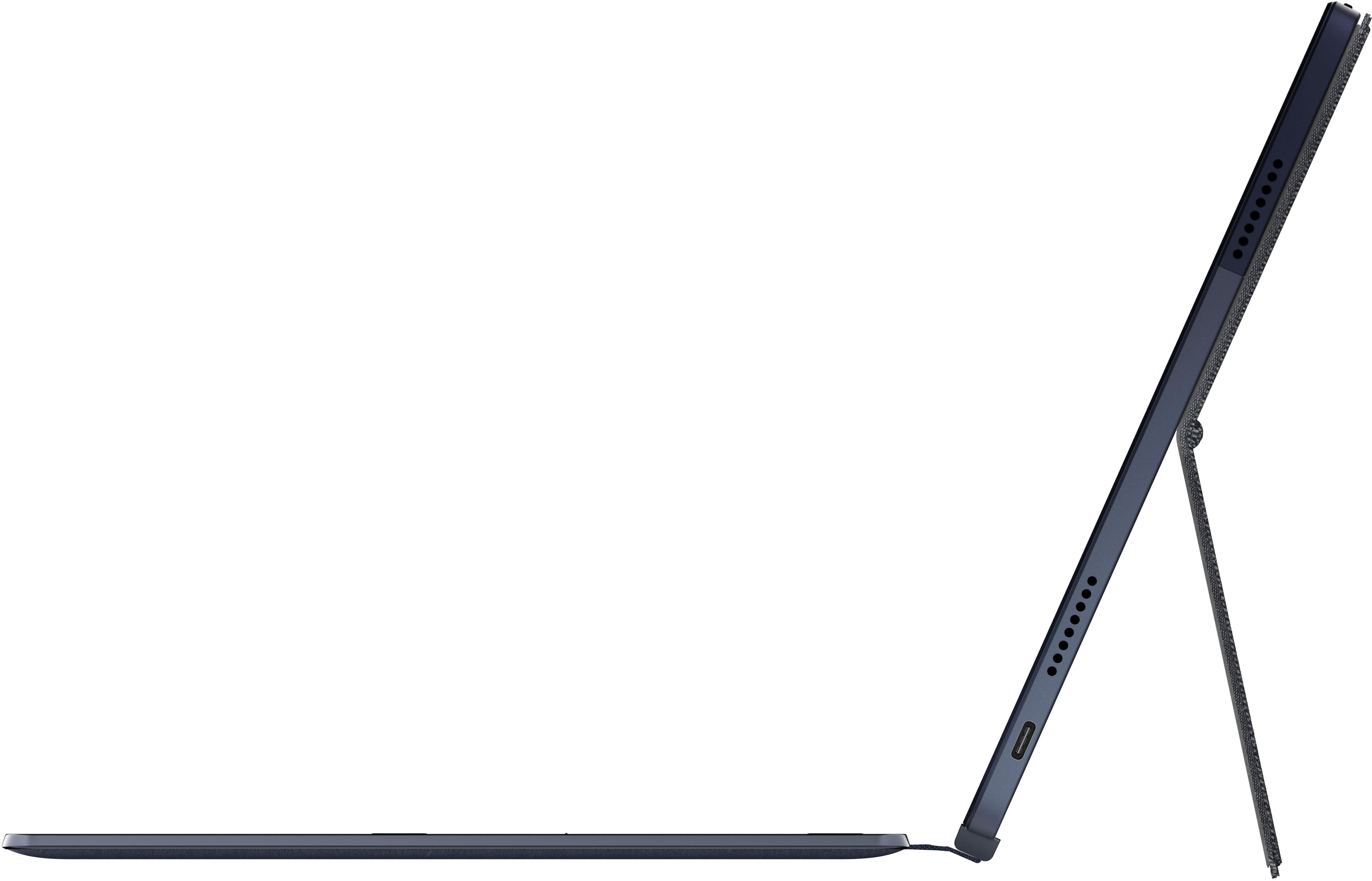
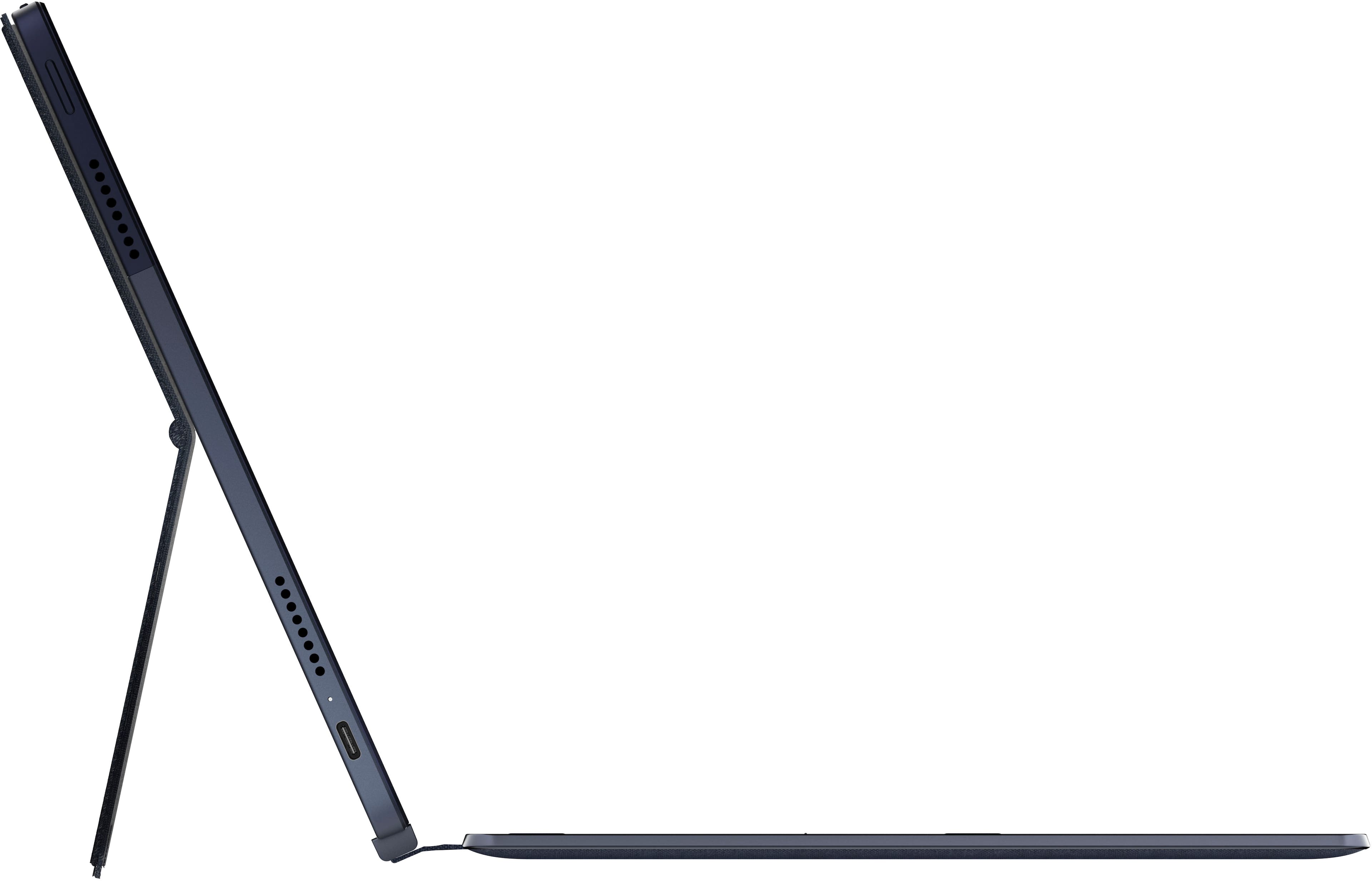
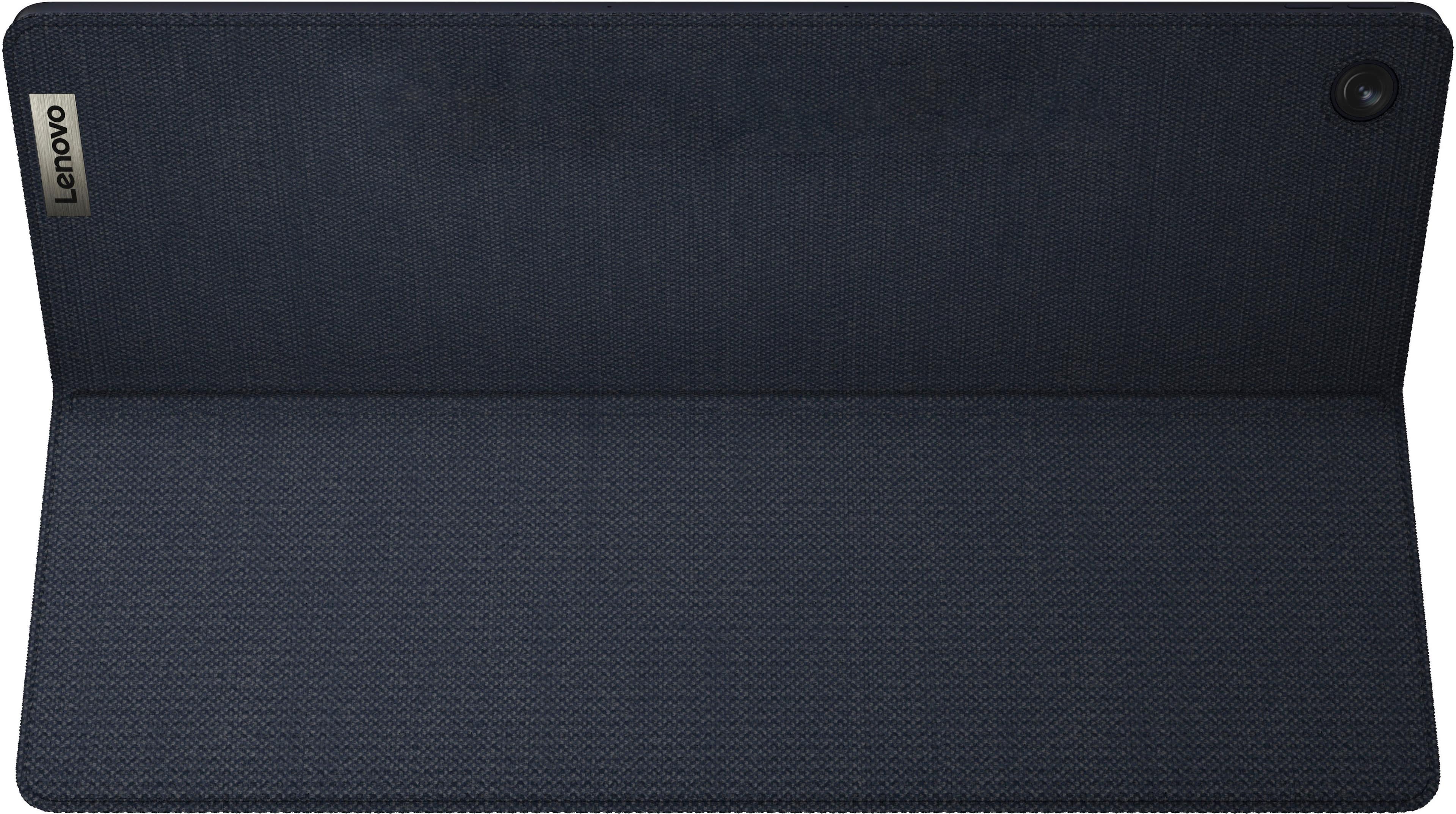
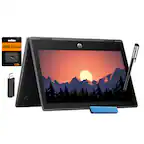
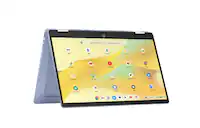
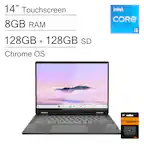
A:Answer Yes, it has a setting to switch the display to 0, 90, 180, and 270 degrees. ChromeOS opens in portrait (180), as do some of the Play Store apps. However, many apps do not open in that mode. Most of the Google apps do open. Some apps can be accessed via ChromeOS, like Libby, and they seem to display well. Libby looks good in that mode. Some apps, like Words with Friends 2, will not even load on this Chromebook in either setting. There may be a keyboard shortcut that would facilitate flipping the display setting. Each app has to be designed by the author to make the information readable; so usefullness is hit or miss. [Corrected reply][