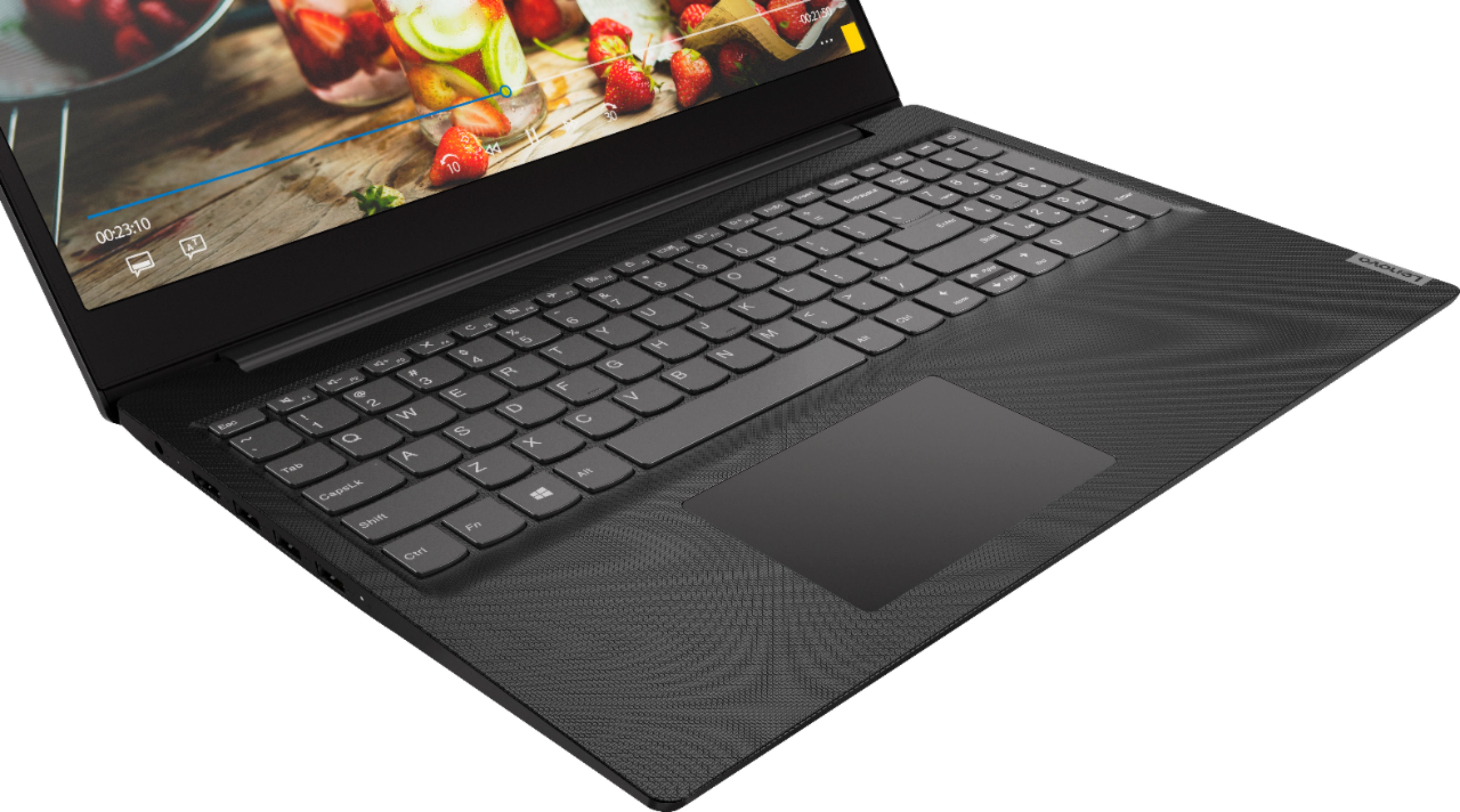
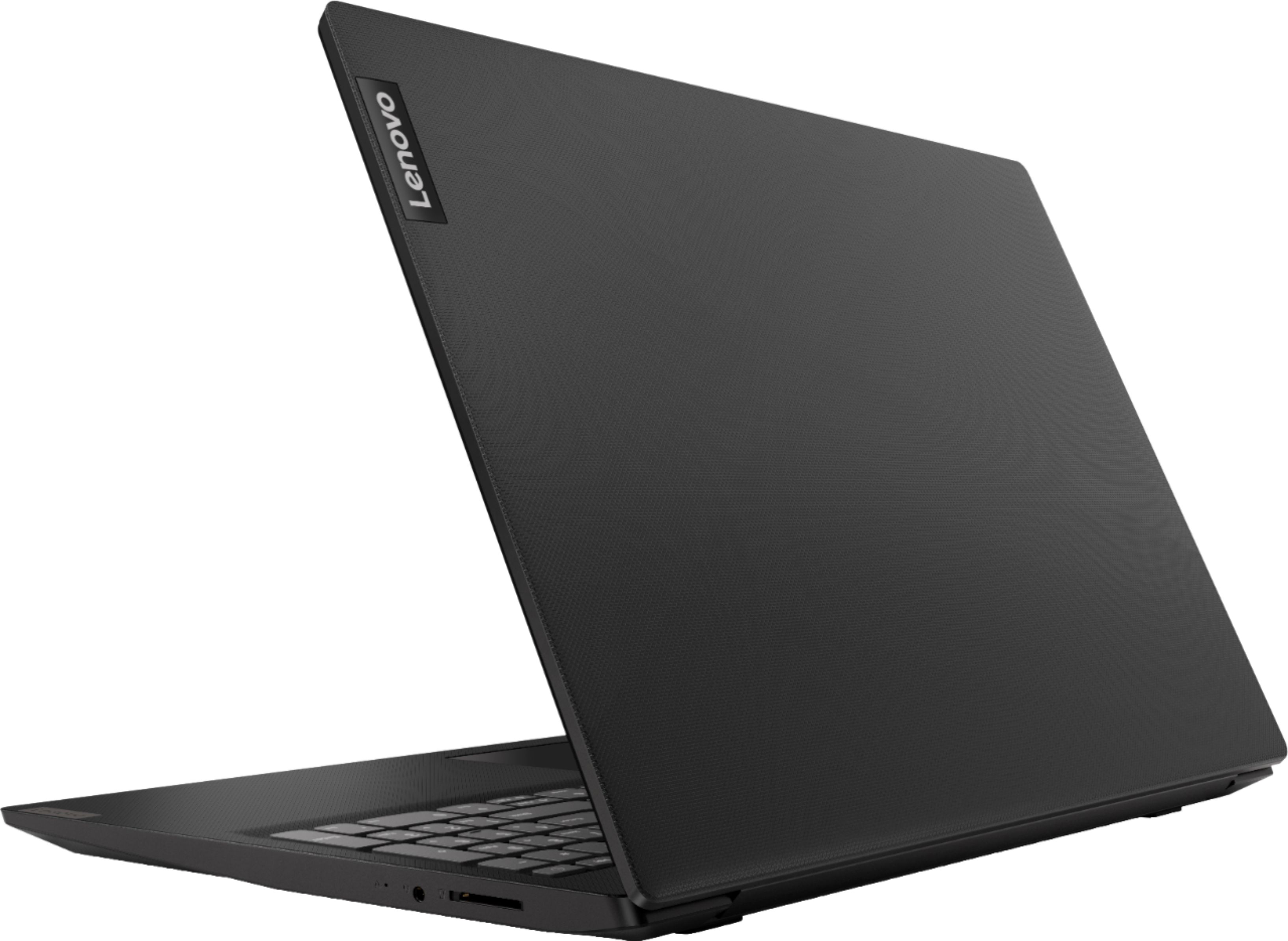
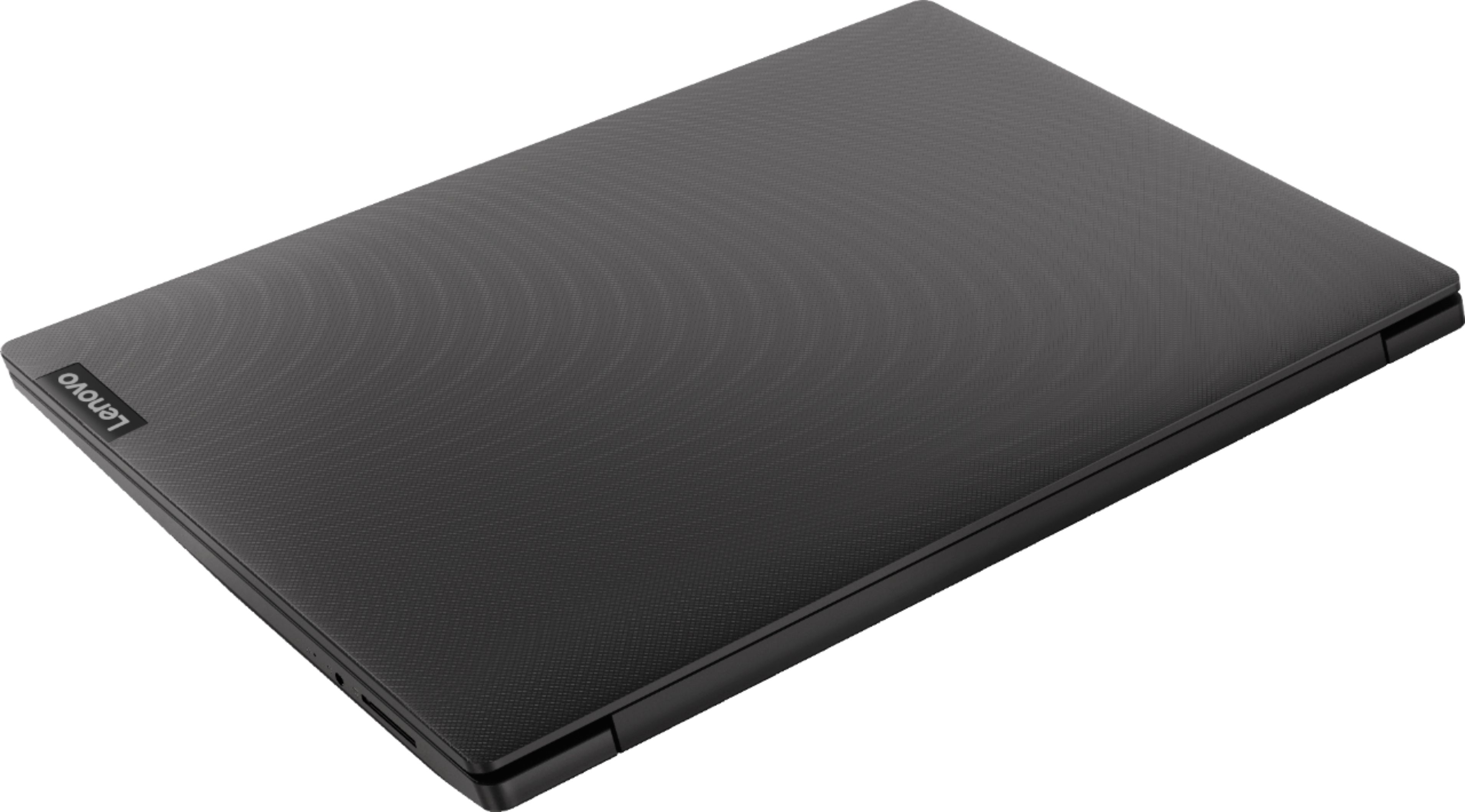
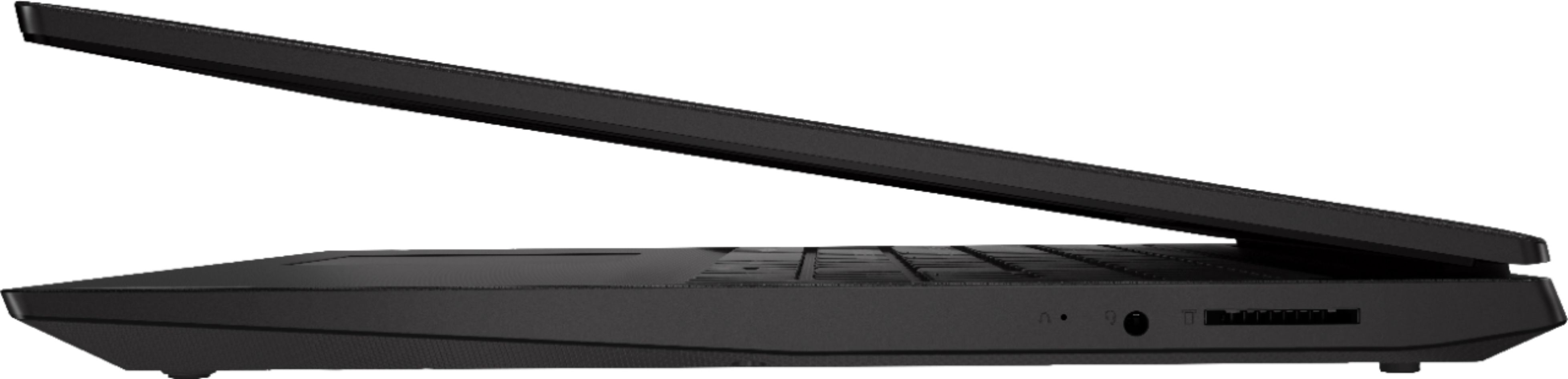
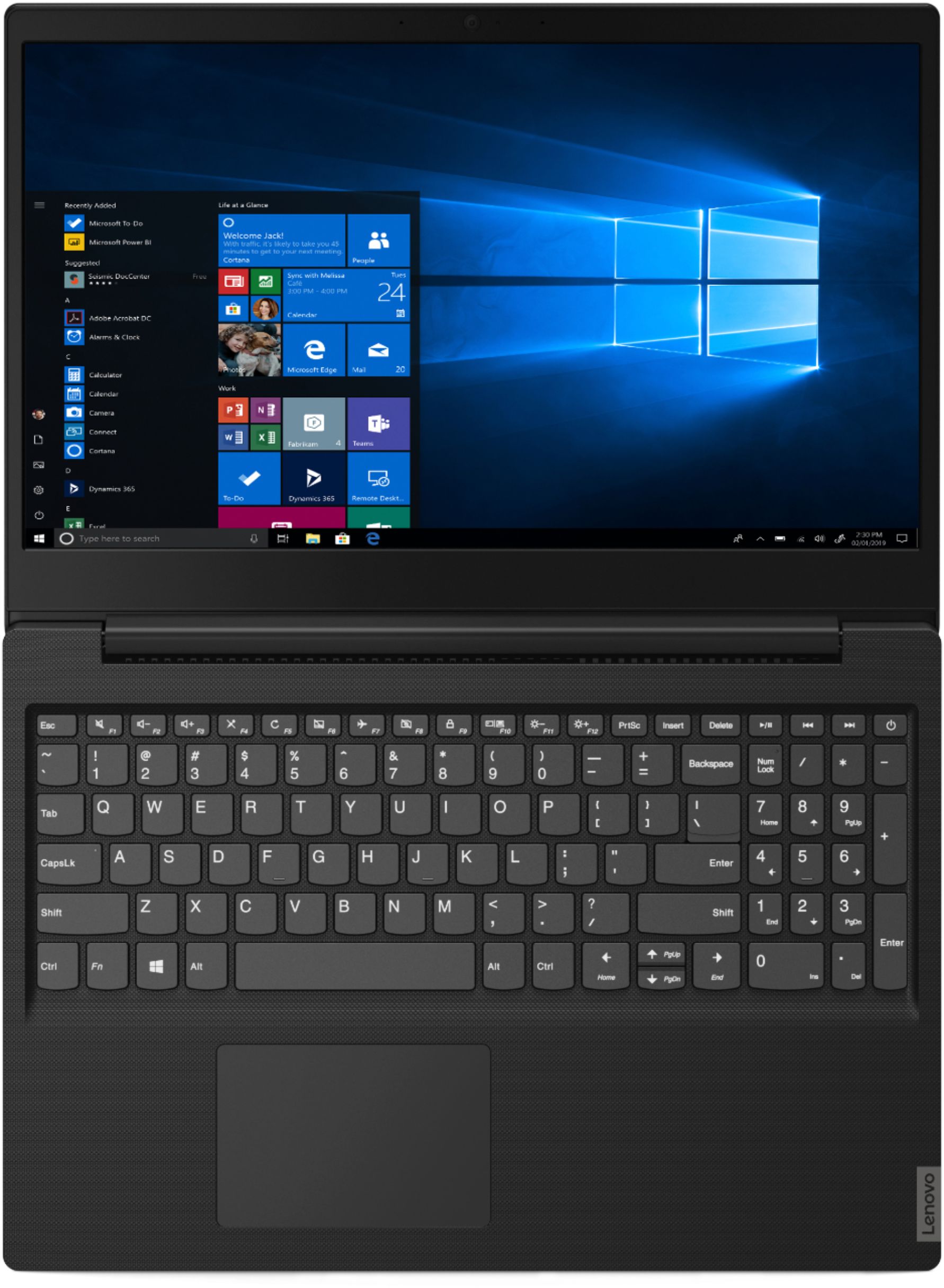
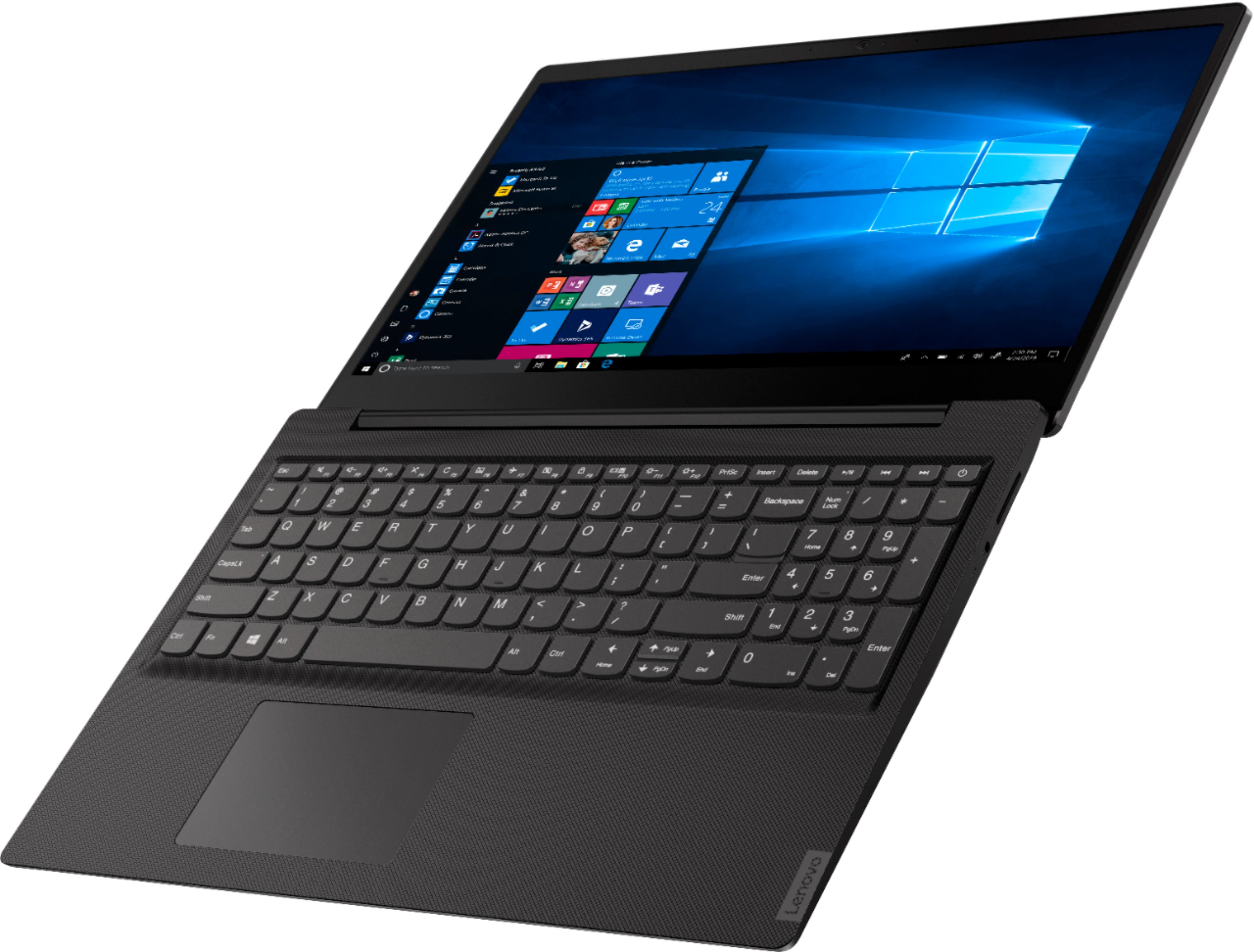
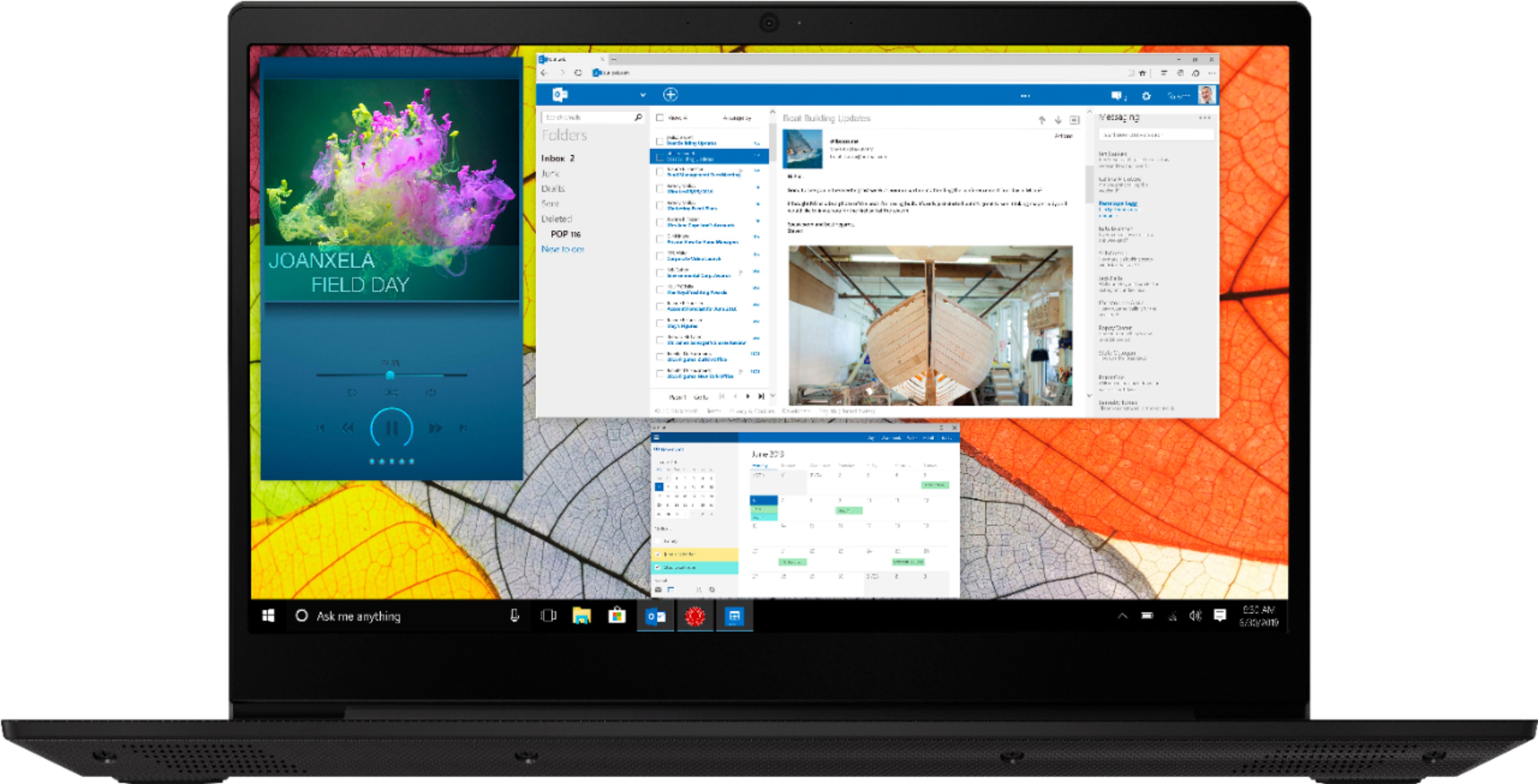
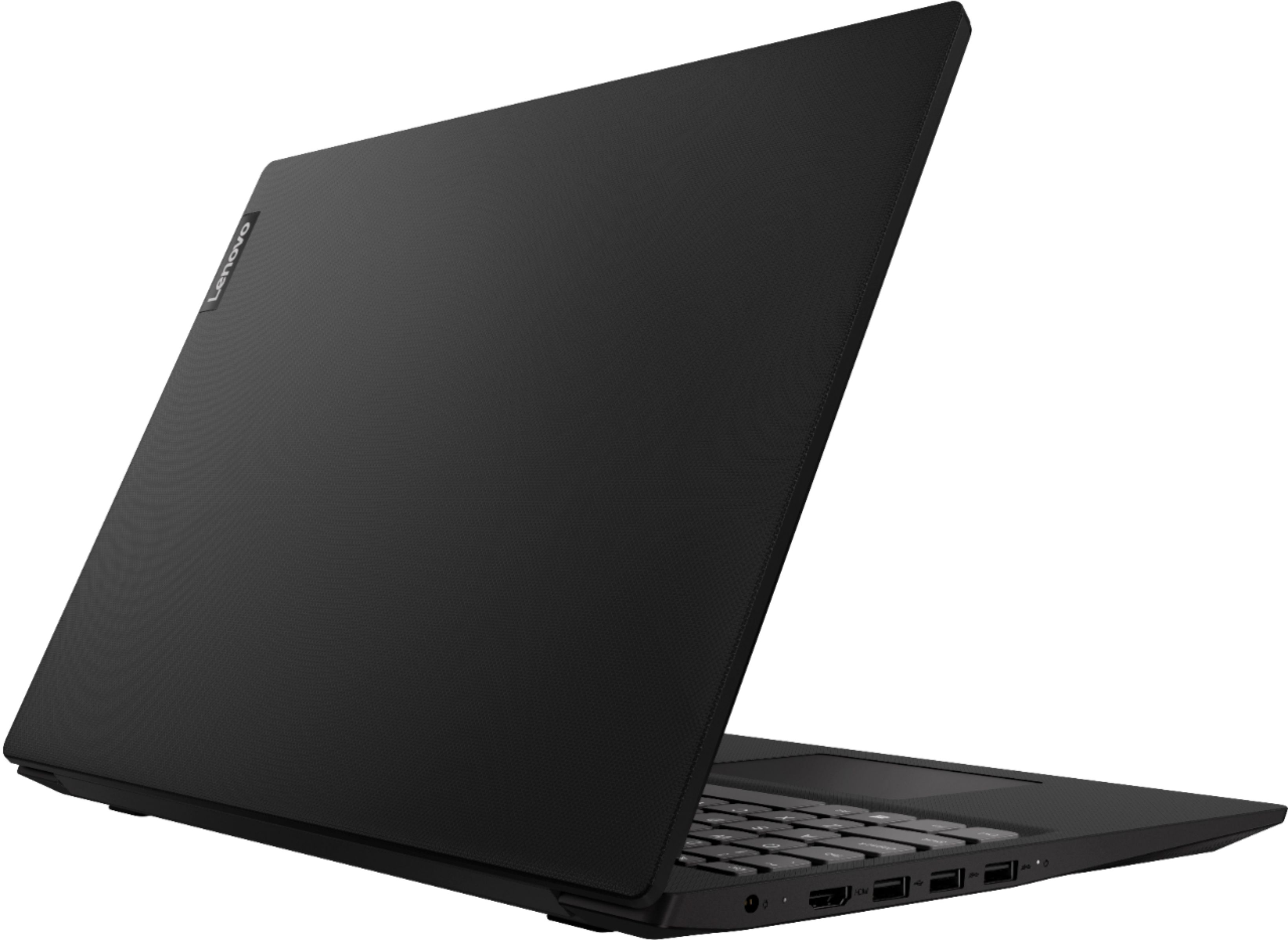
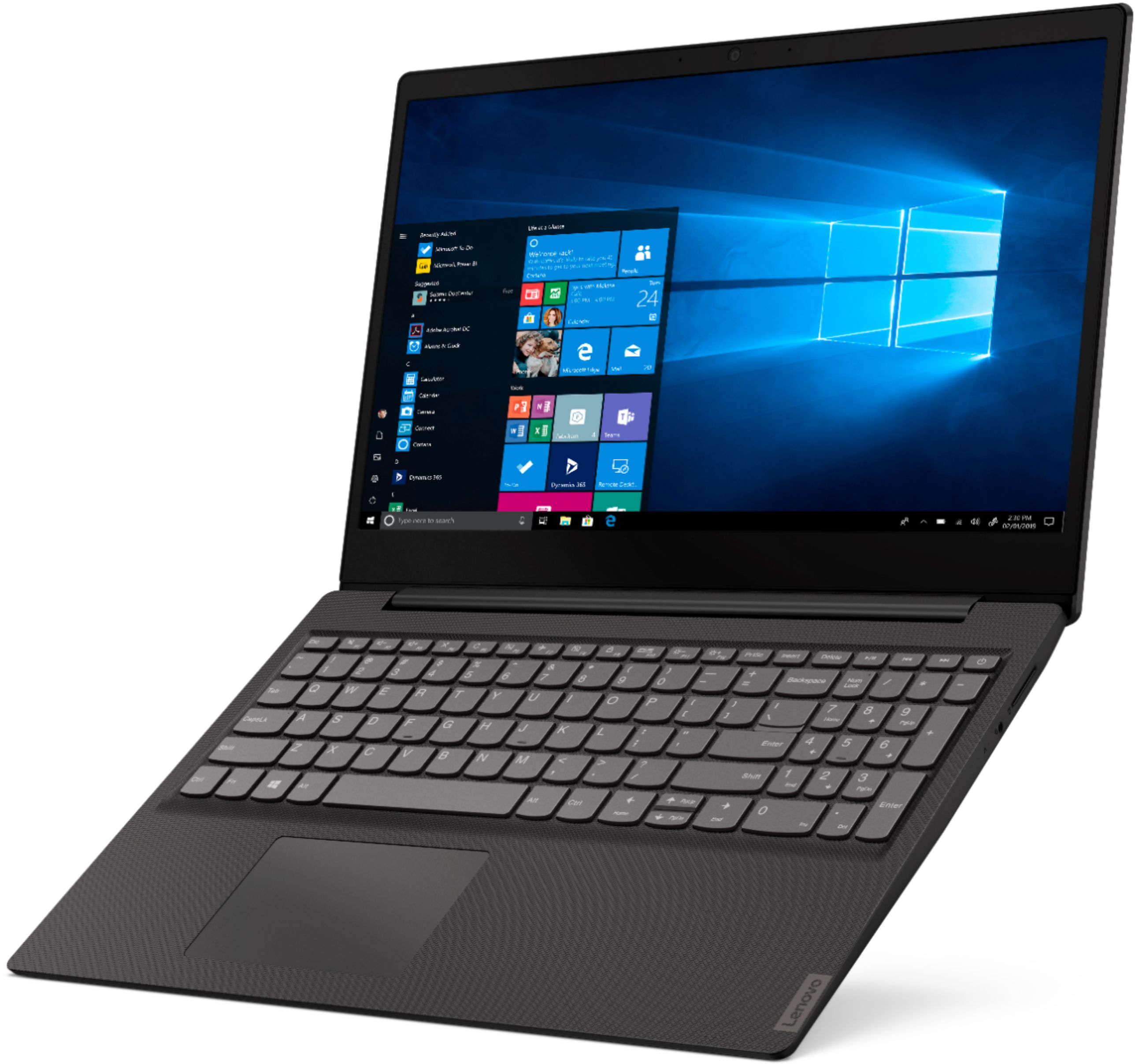
A:AnswerYes, model number 81MV0001US has a 300p web cam built in. This is an entry level, light use system with its Intel Pentium processor. It is not meant for multi-tasking or demanding programs. It is good for Microsoft Office and light internet browsing, including Social Media. If this describes your computing needs, the IdeaPad S145-15 would be a good choice.
A:AnswerYes, the 4GB RAM is expandable, but not without removing the 4GB stick already present (ie, there are no open slots). The answer to this question given by the Lenovo Product Expert (reproduced below for convenience) is *incorrect*. The truth is that there is nothing soldered onto the motherboard, and there is one slot containing a 4GB stick of ram. Please have a look at my review (DNADoc) where I've added two photos of the guts of this laptop. I have personally added a 16GB stick of DDR4, and it was recognized perfectly. Again, the answer below that was given by the Lenovo Product Expert is *not* correct.
"Model number 81MV0001US is not user upgradable. A certified technician must do all of the work, so as to not void the warranty. There is 4GB of RAM soldered to the motherboard. Additionally there is one RAM memory slot that can support 8GB RAM stick, so your certified technician can add 8GB to make the system total 12GB."
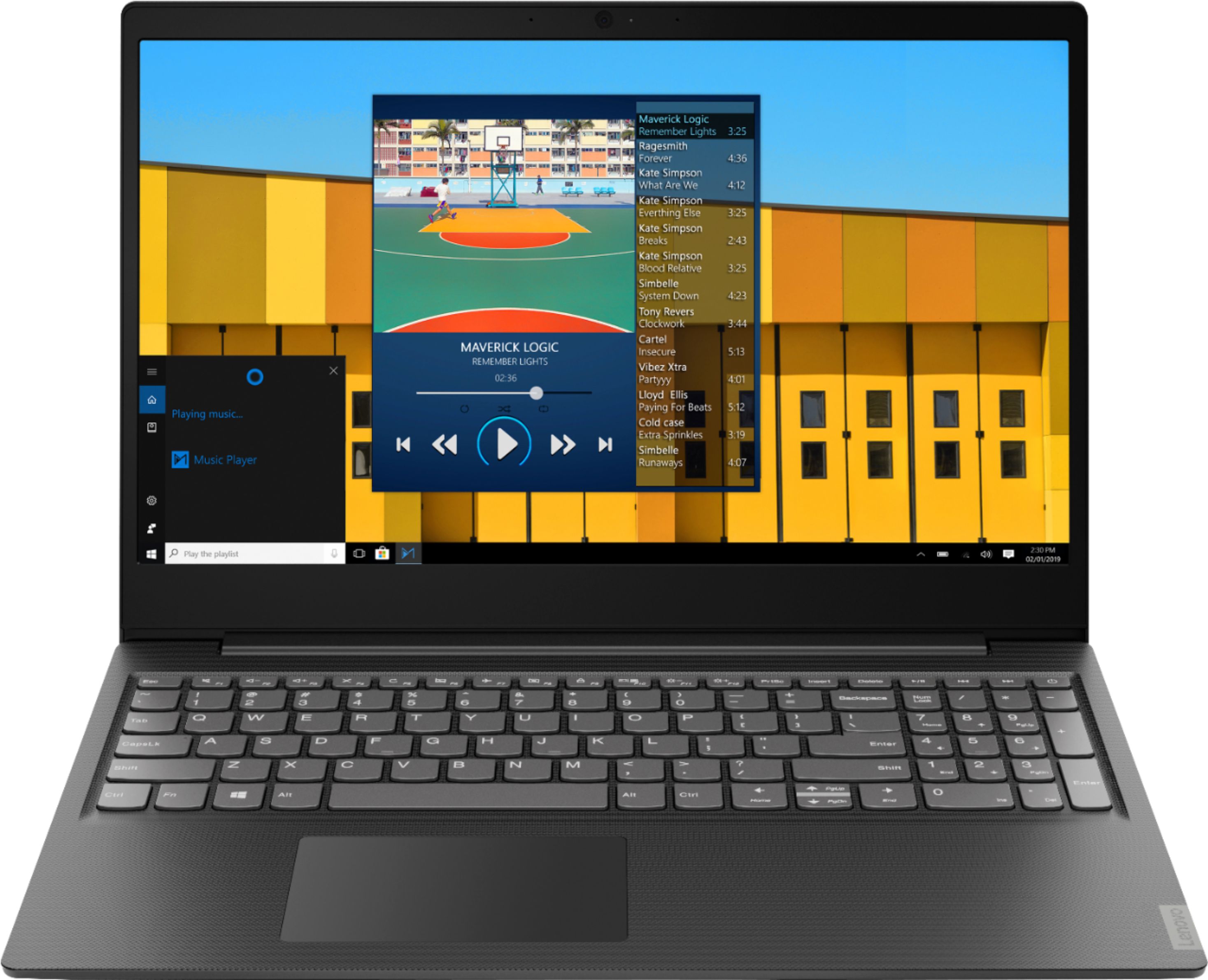
A:AnswerYes the Ideapad S 145 has served me basically well since I bought it. Sometimes internet response is a bit slow, but that may be the ISP, not the computer. It works best with an external mouse rather than the built in mouse which is sluggish and not too accurate.
A:AnswerThis model ships with Windows 10 S-Mode 64-bit Operating System. Windows 10 S-Mode provides added security by only allowing APPs available ( and therefore certified by Microsoft) at the Microsoft Store. If you don't need the added security or you need to install APPs not available at the Microsoft Store, you can switch to standard Windows 10 Home 64-bit Operating System, at no additional cost.
A:AnswerModel number 81MV0001US does not have a CD/DVD drive built in. Yes this system is easy to initially setup. Just follow the audio instructions provided by Microsoft Cortana when you boot up the computer for the first time, or follow the onscreen instructions to activate Windows 10 for the first time. The heart of the Lenovo IdeaPad S145-15 laptop is the Windows 10 operating system. With regard to learning your way around Windows 10, you may want to try YouTube.com (just type that address in your browser address window). There are hundreds for free instructional videos there about Windows 10. Just type Windows 10 Introduction in to the YouTube search window. You can watch free videos there that will show you the basics all the way up to tips and tricks videos and they're all free. Finally, The lenovo S145-15 is an entry level, light use system with its Intel Pentium processor. It is not meant for multi-tasking or demanding programs. It is good for Microsoft Office and light internet browsing. If this describes your computing needs, the IdeaPad S145-15 would be a good choice. For 2018, Lenovo retained its place for a second year as the best laptop vendor:
https://www.laptopmag.com/articles/laptop-brand-ratings
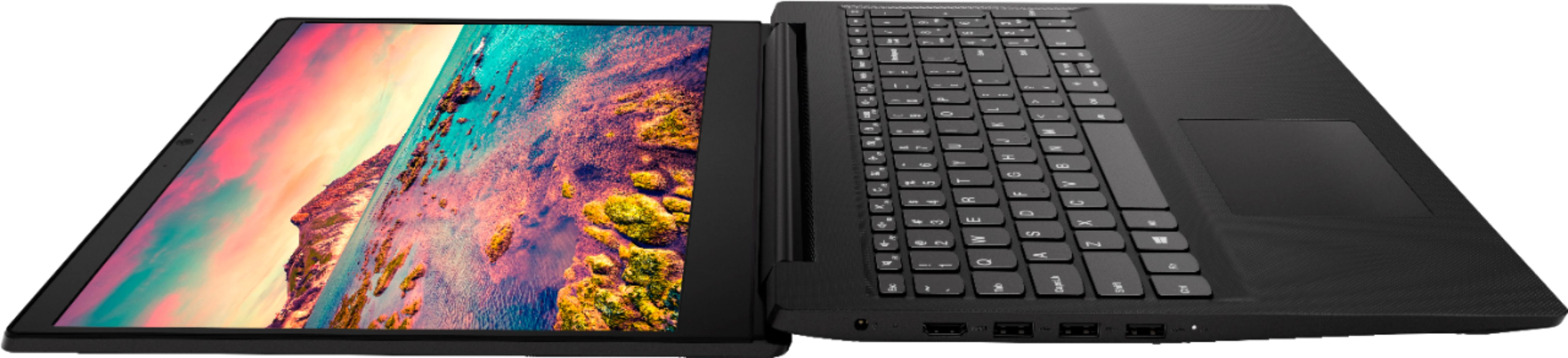
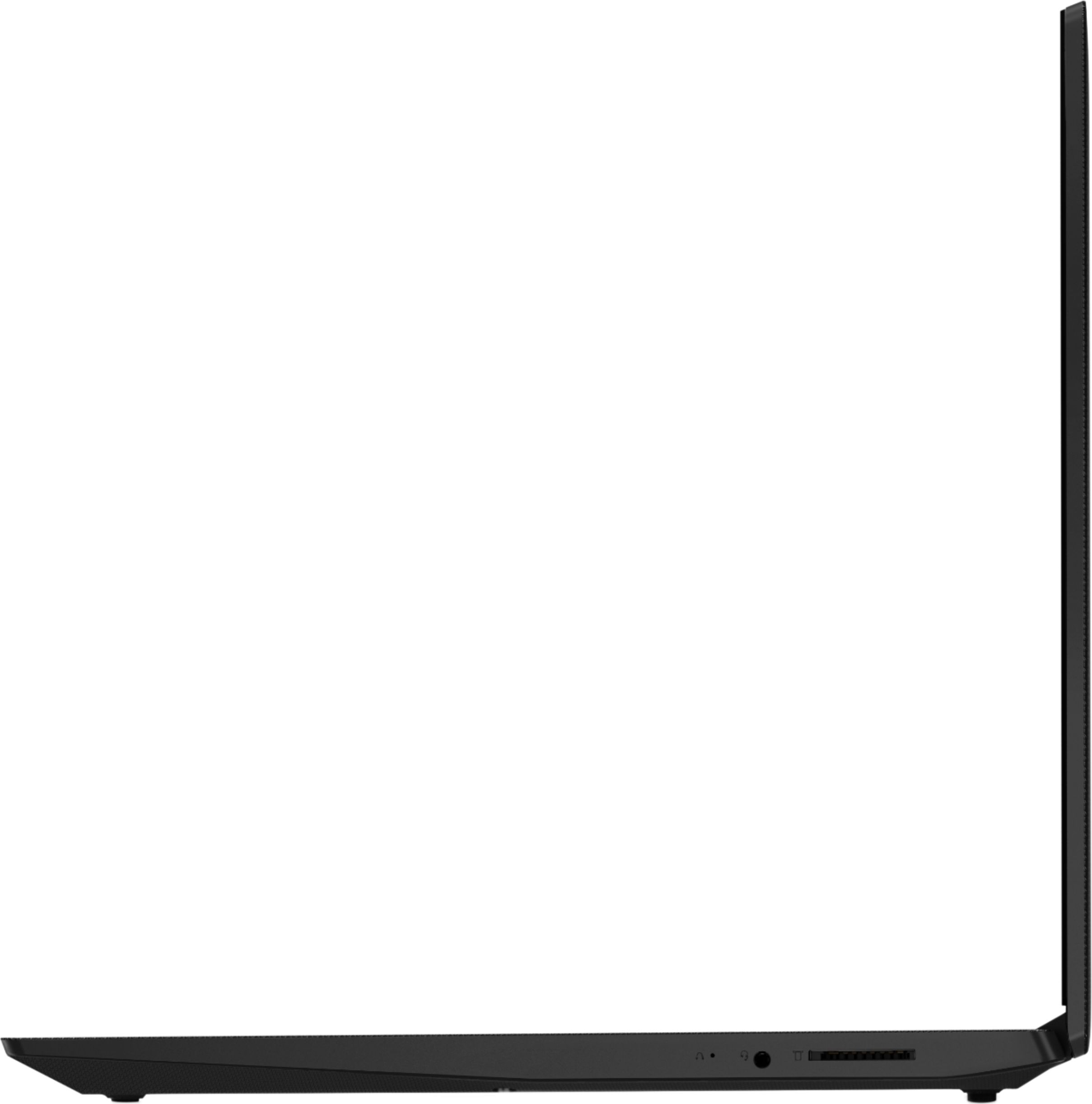
A:AnswerNo. The Lenovo IdeaPad S145-15 laptop model number 81MV0001US does not ship with a ethernet port. You can connect this device to an ethernet cable by using a USB to ethernet adapter with this device.
A:AnswerYes, The Lenovo IdeaPad S145-15 laptop ships with Windows 10 Home in S mode as its operating system. iTunes is compatible with Windows 10 Home in S mode, just download the APP from the Microsoft Store.