Refund Refresh 4-Day SaleEnds Monday. Limited quantities. No rainchecks.Shop now

Main Content

Questions & Answers

Page Showing 141-146 of 146 questions
  • QuestionHi, can you use stylus pen to write on the touch screen for distant teaching?

    Asked by Zara.

    • Answer The Lenovo IdeaPad S340-15 model number 81QG000DUS, is not compatible with any active/digital pen. You can use a capacitive touch stylus as a finger replacement on the touchscreen like this one: https://www.bestbuy.com/site/insignia-stylus-silver/3695185.p?skuId=3695185

      Answered by Lenovo Product Expert

  • QuestionCan you disable the touch screen??

    Asked by Andrew.

    • Answer Here is a link to information about disabling the touchscreen feature on your Windows 10 laptop: https://support.microsoft.com/en-us/windows/enable-and-disable-your-touchscreen-in-windows-10-b774e29d-be94-990f-c20f-e02892e572fc

      Answered by Lenovo Product Expert

  • QuestionDoes this laptop have a FireWire to add an external drive? Does the graphics card have its own memory? If so, how much? And can the buyer add extra memory to the 512 GB memory -post purchase? Iff so, how much can be added?

    Asked by SAVYShOPPER.

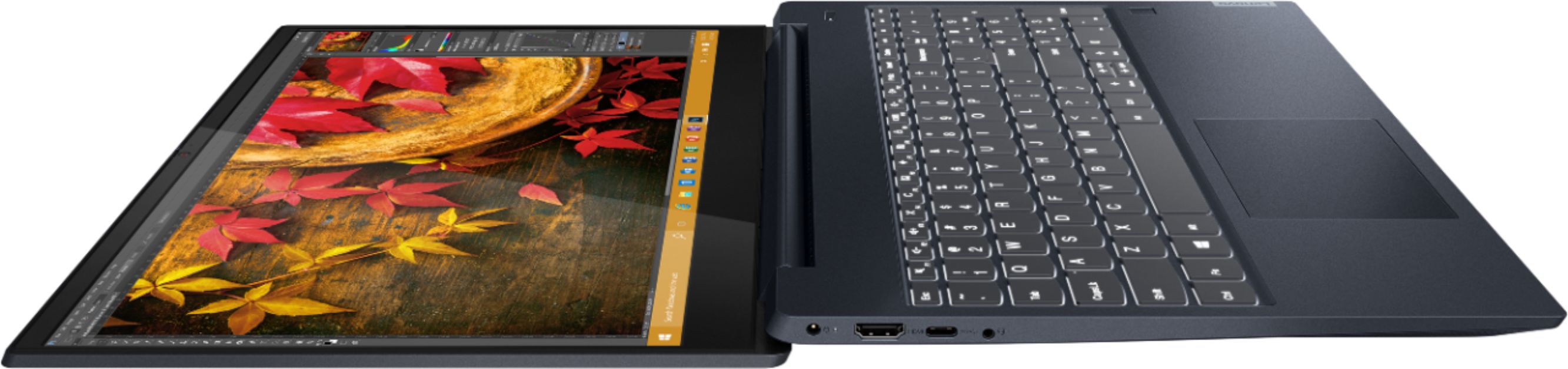
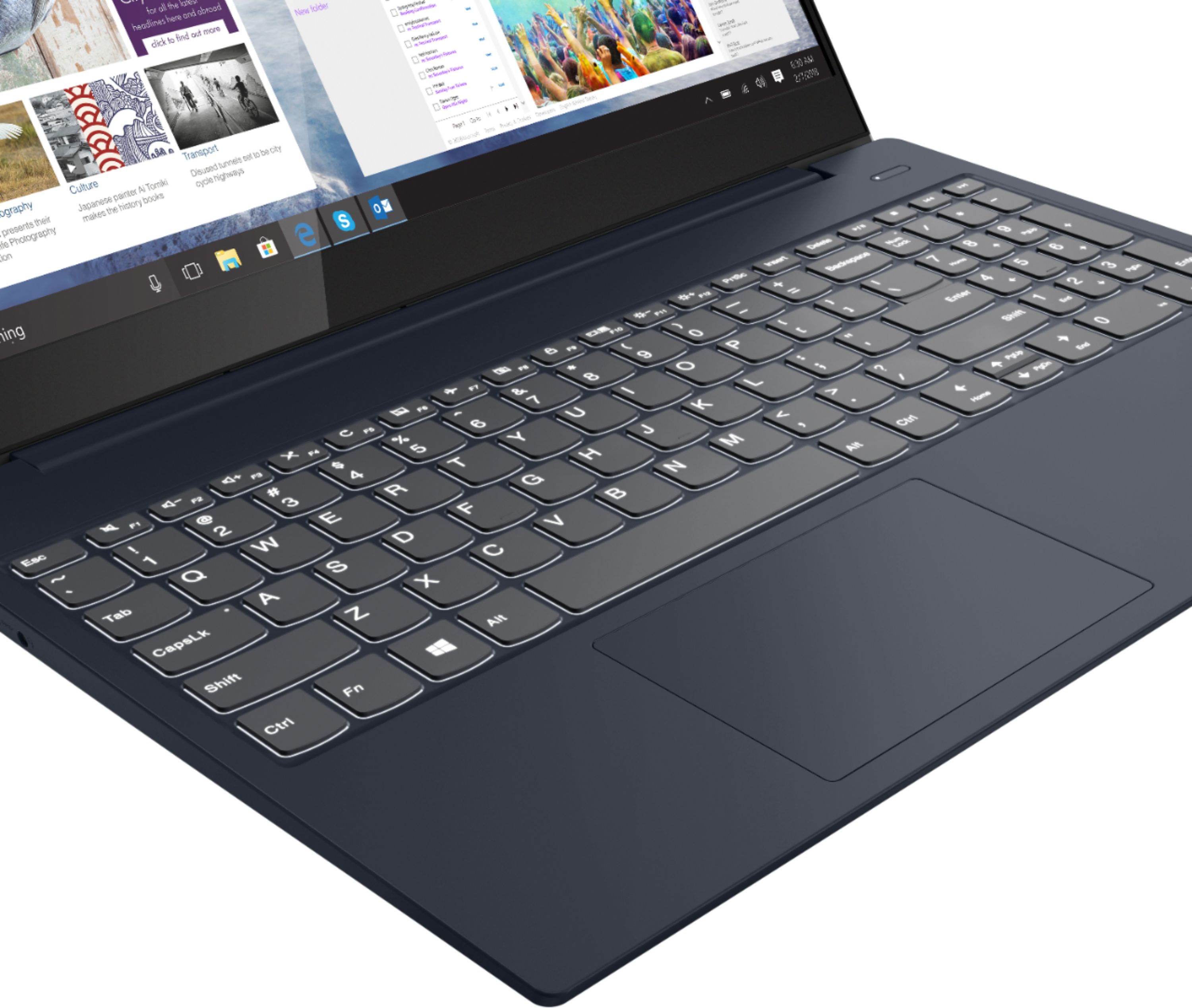
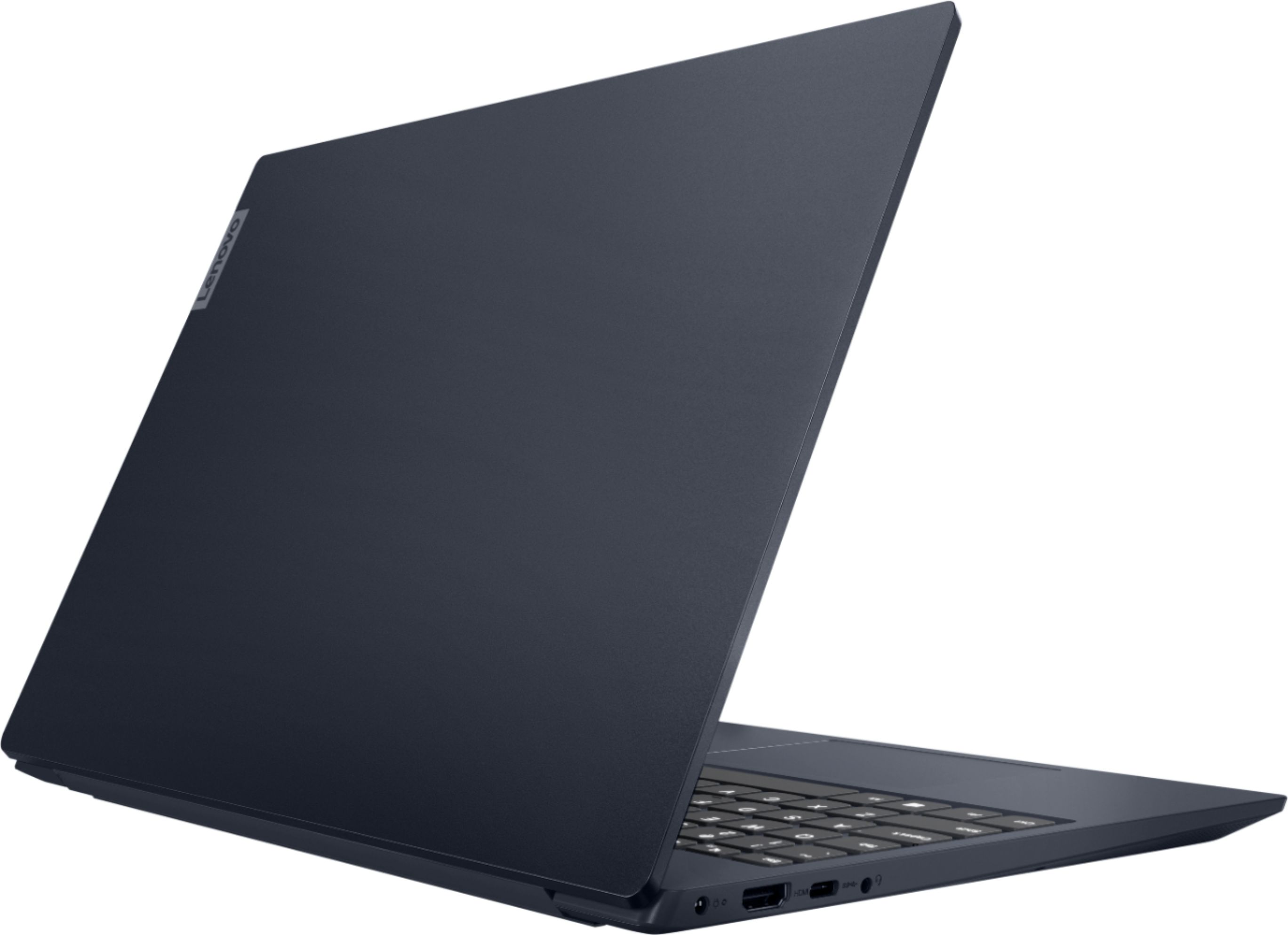
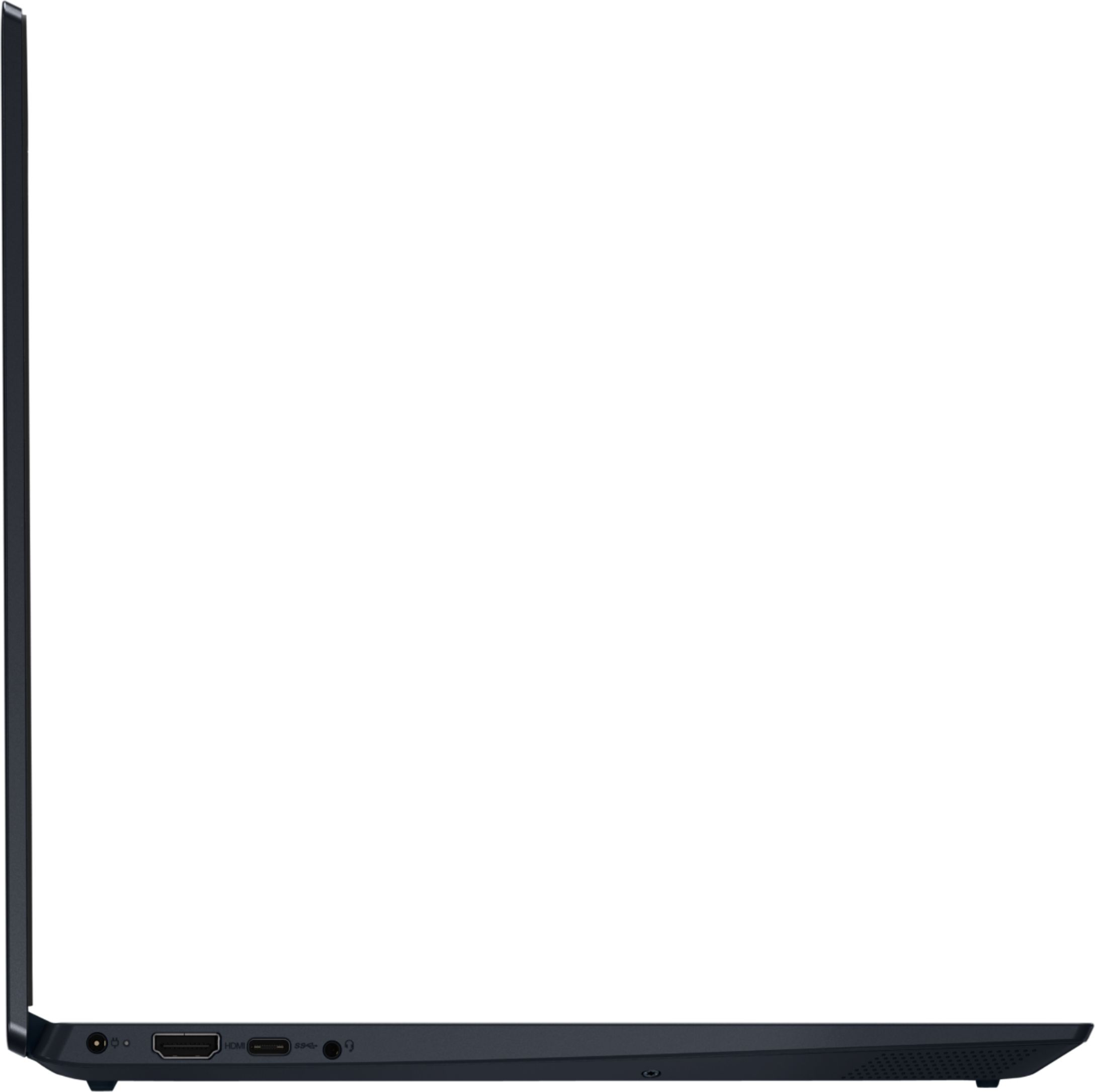
    • Answer There is no Firewire connection on the Lenovo IdeaPad S340-15 Laptop, model number 81QG000DUS. This confirmation uses integrated graphics processing within the AMD Ryzen 7 3700U processor. It is the integrated, Integrated Radeon Vega 10 Graphics version. It shares the 12GB DDR4-2400MHz System RAM. This model is not user upgradable. A certified technician must do all of the work, so as to not void the warranty. This configuration ships with a 512GB M.2 NVMe solid state hard drive. We recommend you consult your certified technician about your storage upgrade options.

      Answered by Lenovo Product Expert

  • QuestionWould this handle World of Warcraft on medium settings at decent fps?

    Asked by Itsme.

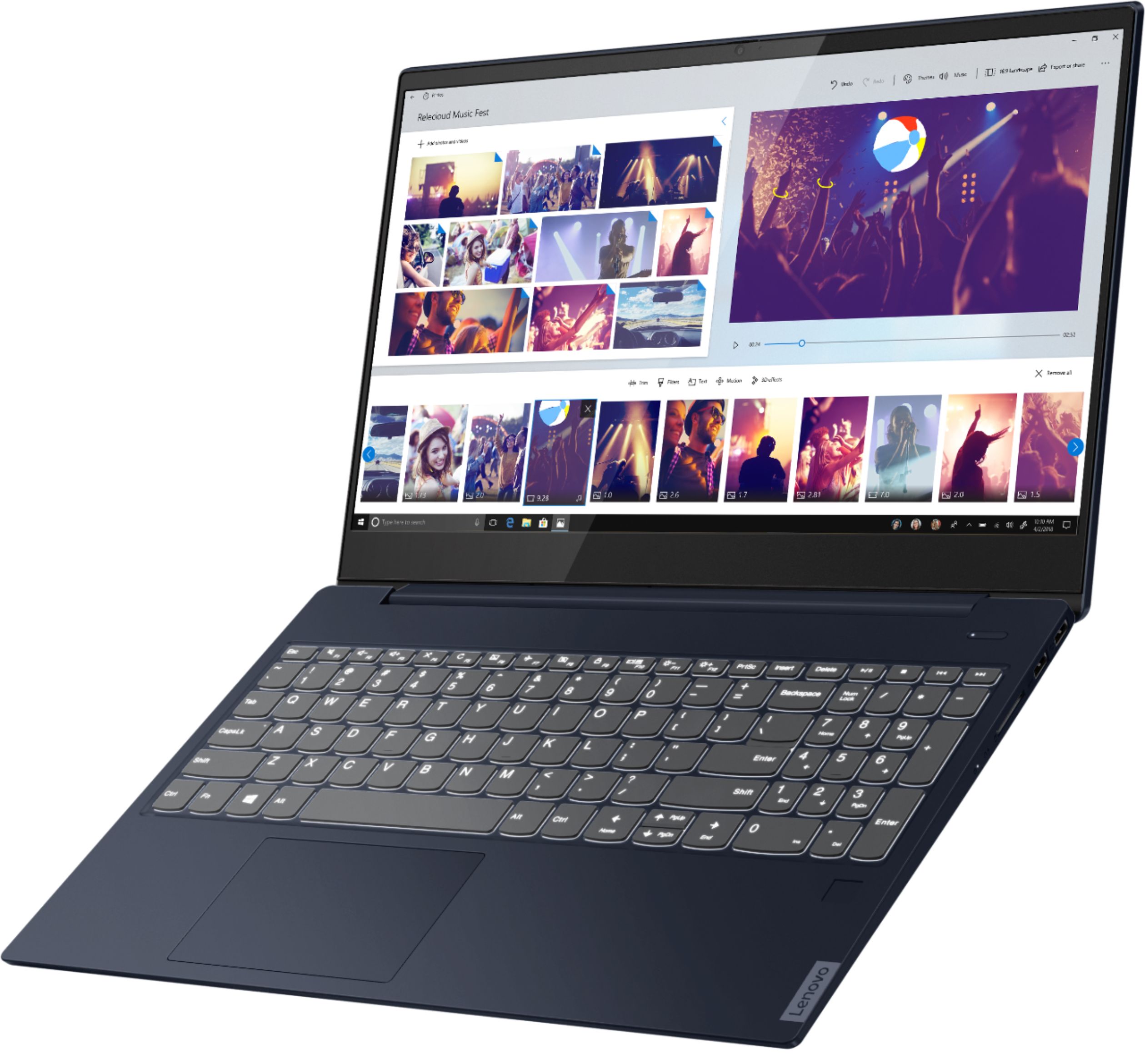
    • Answer That will depend on the requirements and compatibility of the specific game. The Lenovo IdeaPad S340-15 Laptop, model number 81QG000DUS, ships with Windows 10 S-Mode Operating System. Windows 10 S-Mode provides added security by only allowing APPs available ( and therefore certified by Microsoft) at the Microsoft Store. If you don't need the added security or you need to install APPs not available at the Microsoft Store, you can switch to standard Windows 10 Home 64-bit Operating System, at no additional cost. We recommend you check with the game's software publisher's web site for their compatibility with Windows 10 S-Mode 64-bit operating system and the minimum/recommended hardware requirements (Is a Graphics card required, the processor speed and the minimum required system RAM and the minimum available hard drive space) to run their program, then compare those requirements to this system's configuration.
      Answered by Lenovo Product Expert

  • QuestionIs this laptop capable for gaming, well known games at a higher fps? Example: 7 days to die

    Asked by carpfoon.

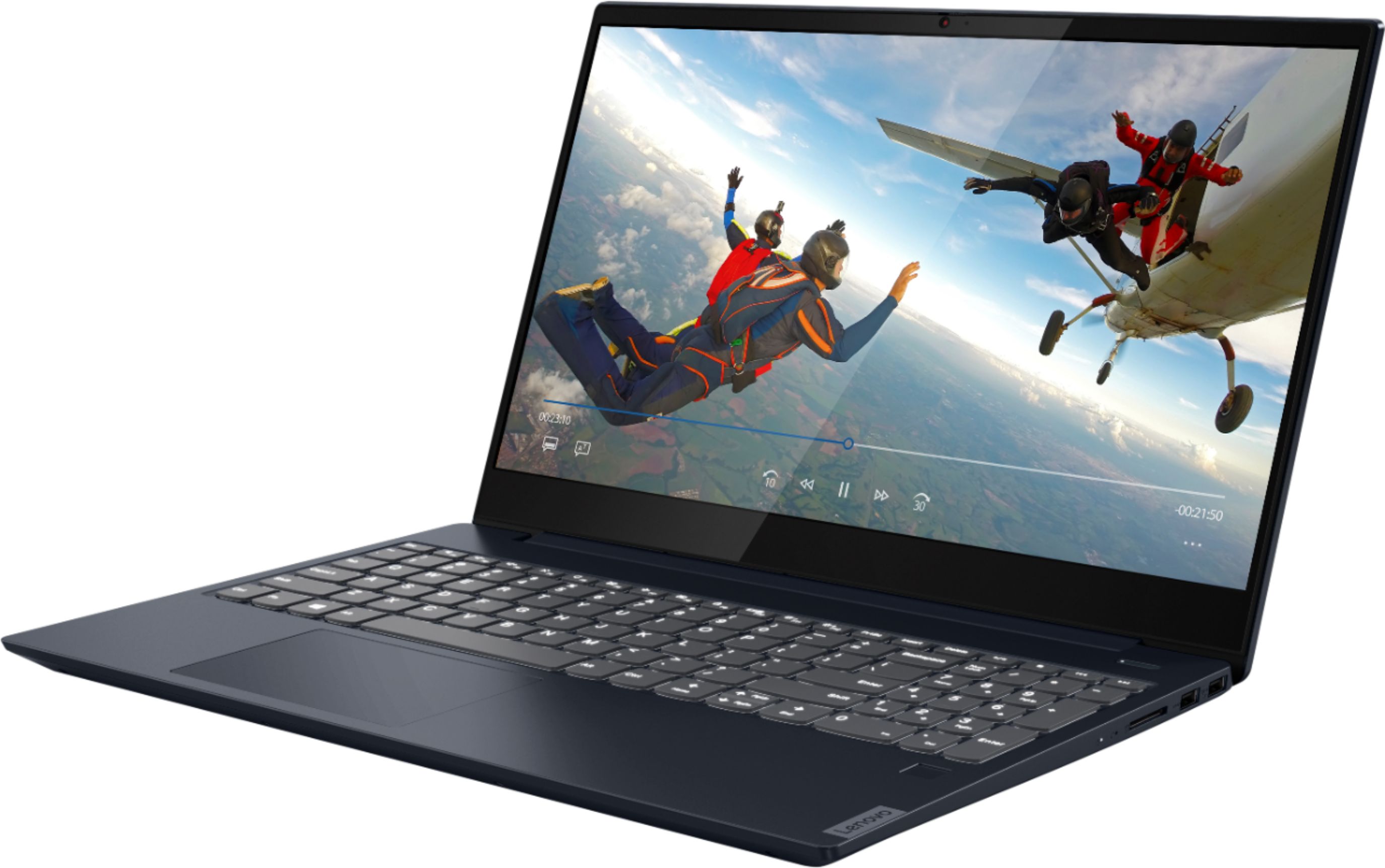
    • Answer That will depend on the requirements and compatibility of the specific games. We recommend you check with the game's software publisher's web sites for their compatibility with Windows 10 Home 64-bit operating system and the minimum/recommended hardware requirements (Is a Graphics card required, the processor speed and the minimum required system RAM and the minimum available hard drive space) to run their program, then compare those requirements to this system's configuration.
      Answered by Lenovo Product Expert

  • QuestionIs it good for light gaming and school work

    Asked by Pjmaxhg.

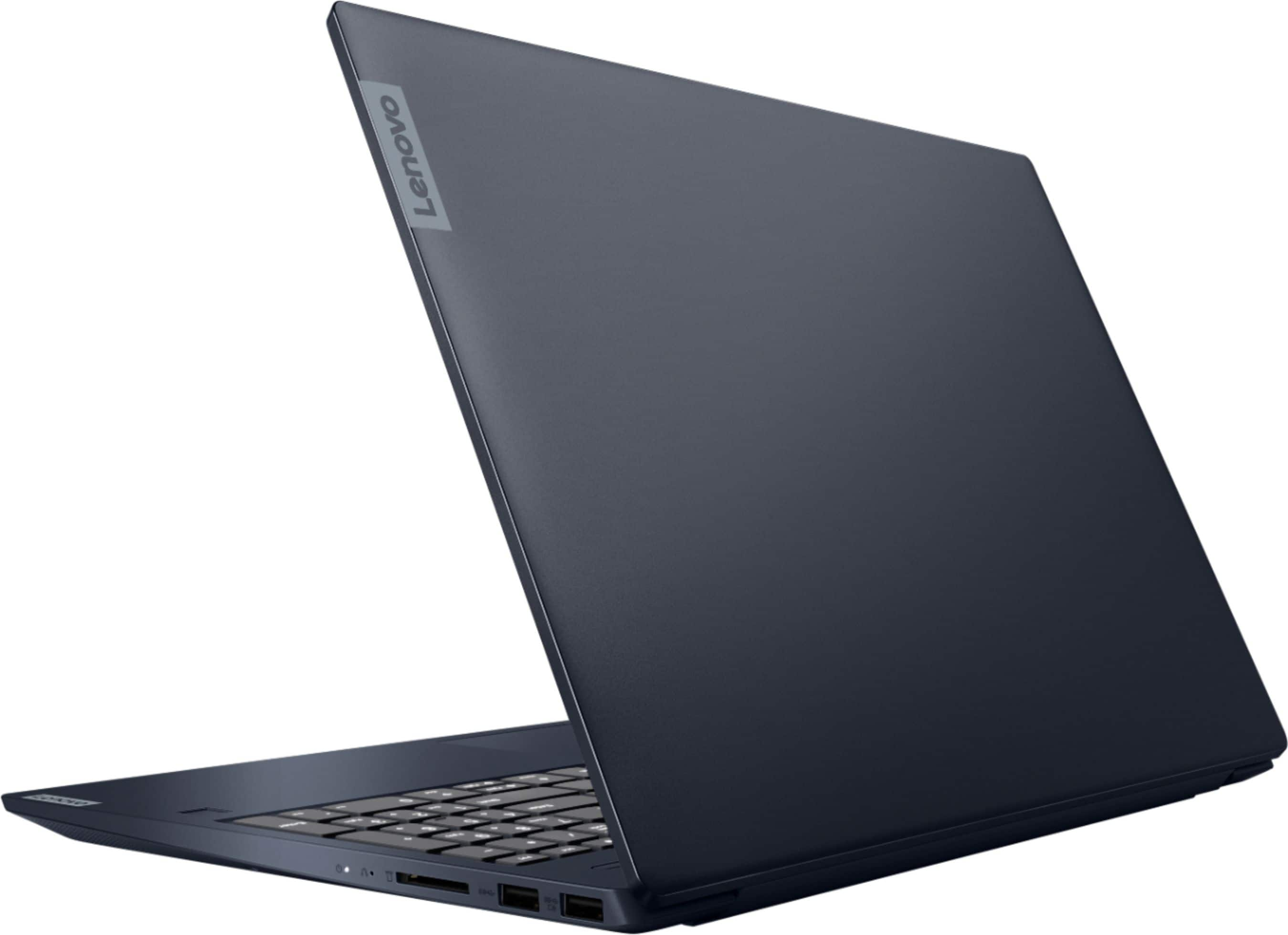
    • Answer That really will depend on the requirements and compatibility of the specific games and software you want to use with the computer. The Lenovo IdeaPad S340-15 Laptop, model number 81QG000DUS, ships with Windows 10 S-Mode Operating System. Windows 10 S-Mode provides added security by only allowing APPs available ( and therefore certified by Microsoft) at the Microsoft Store. If you don't need the added security or you need to install APPs not available at the Microsoft Store, you can switch to standard Windows 10 Home 64-bit Operating System, at no additional cost. We recommend you check with the game's software publisher's web site for their compatibility with Windows 10 Home 64-bit operating system and the minimum/recommended hardware requirements (Is a Graphics card required, the processor speed and the minimum required system RAM and the minimum available hard drive space) to run their program, then compare those requirements to this system's configuration.
      Answered by Lenovo Product Expert