A:Answer Hey Queried,
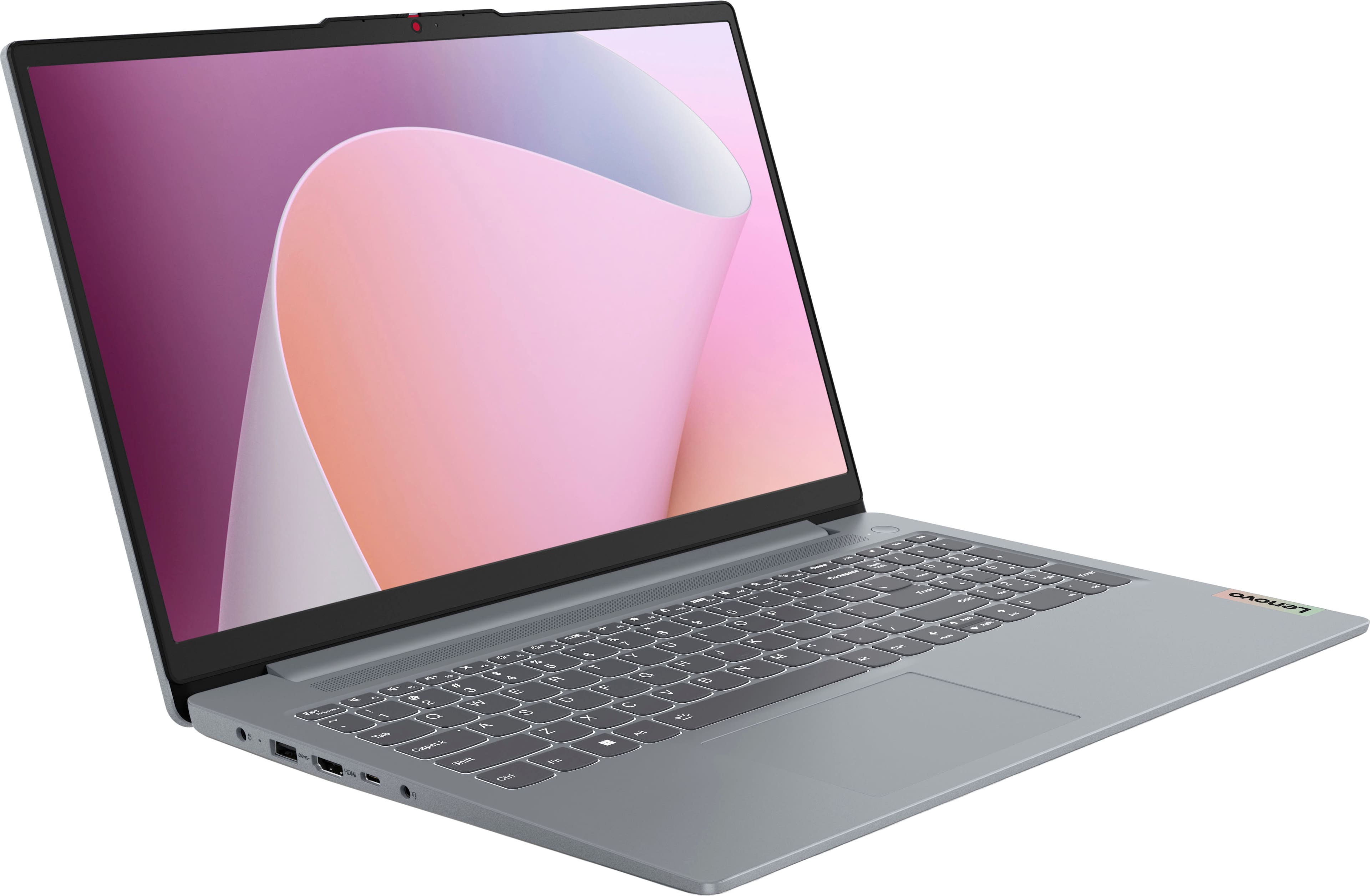
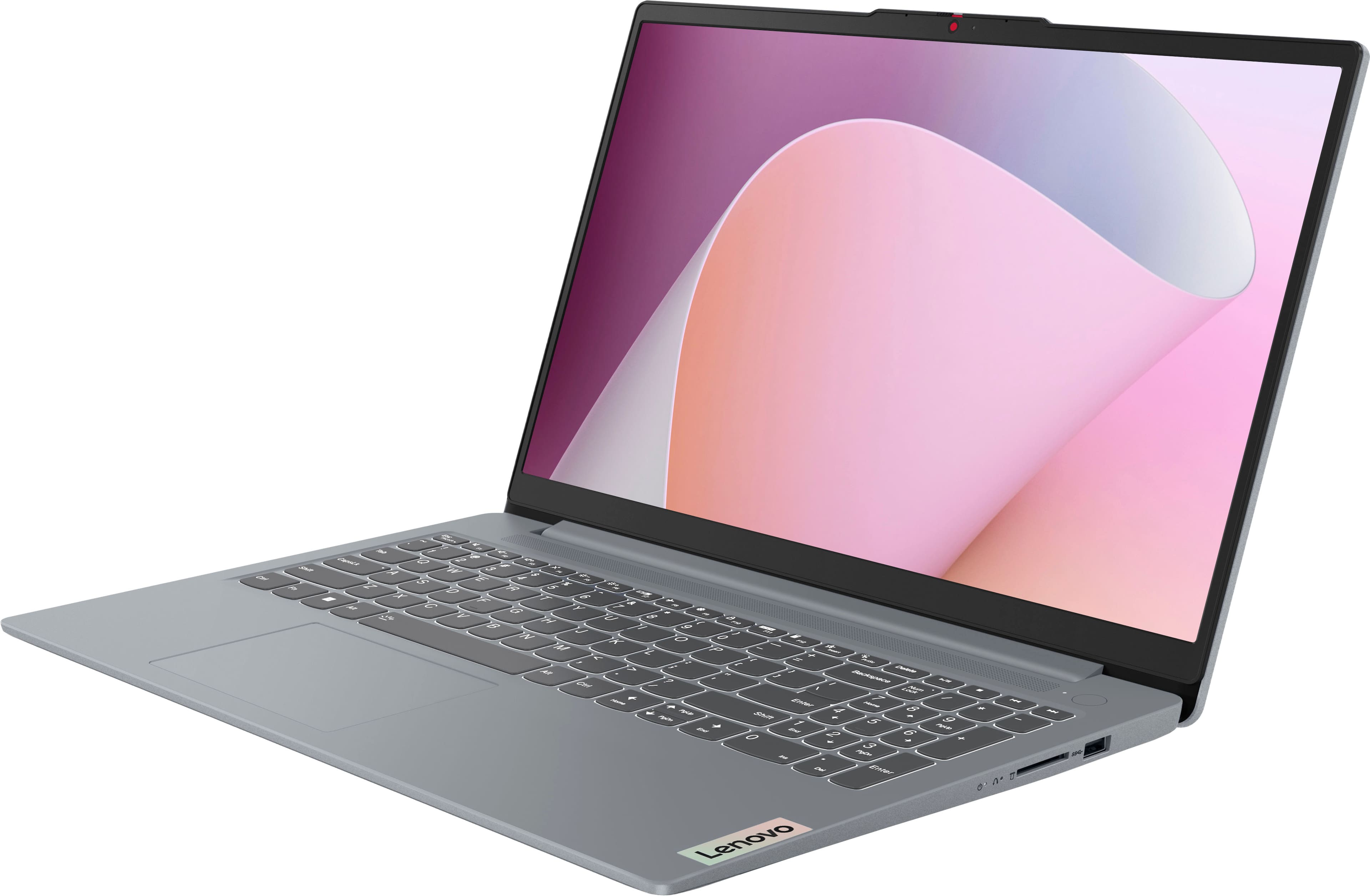
While the system was not designed for gaming, you could game on it depending on the titles you wish to play. To help determine if this is the case, we recommend searching for and reviewing the system requirements of the game you wish to play. These requirements are usually posted by the game publisher on their website and help pages, or it can be posted to the game's store page on platforms like Steam. We then recommend reviewing the system requirements listed and comparing them with the specifications of any computer you’re interested in to help ensure you find the right fit for you. Also, feel free to post another question on a product's webpage and include details like the games you wish to play, and we'd be happy to assist you.
Please feel free to reach out to us with any other questions!
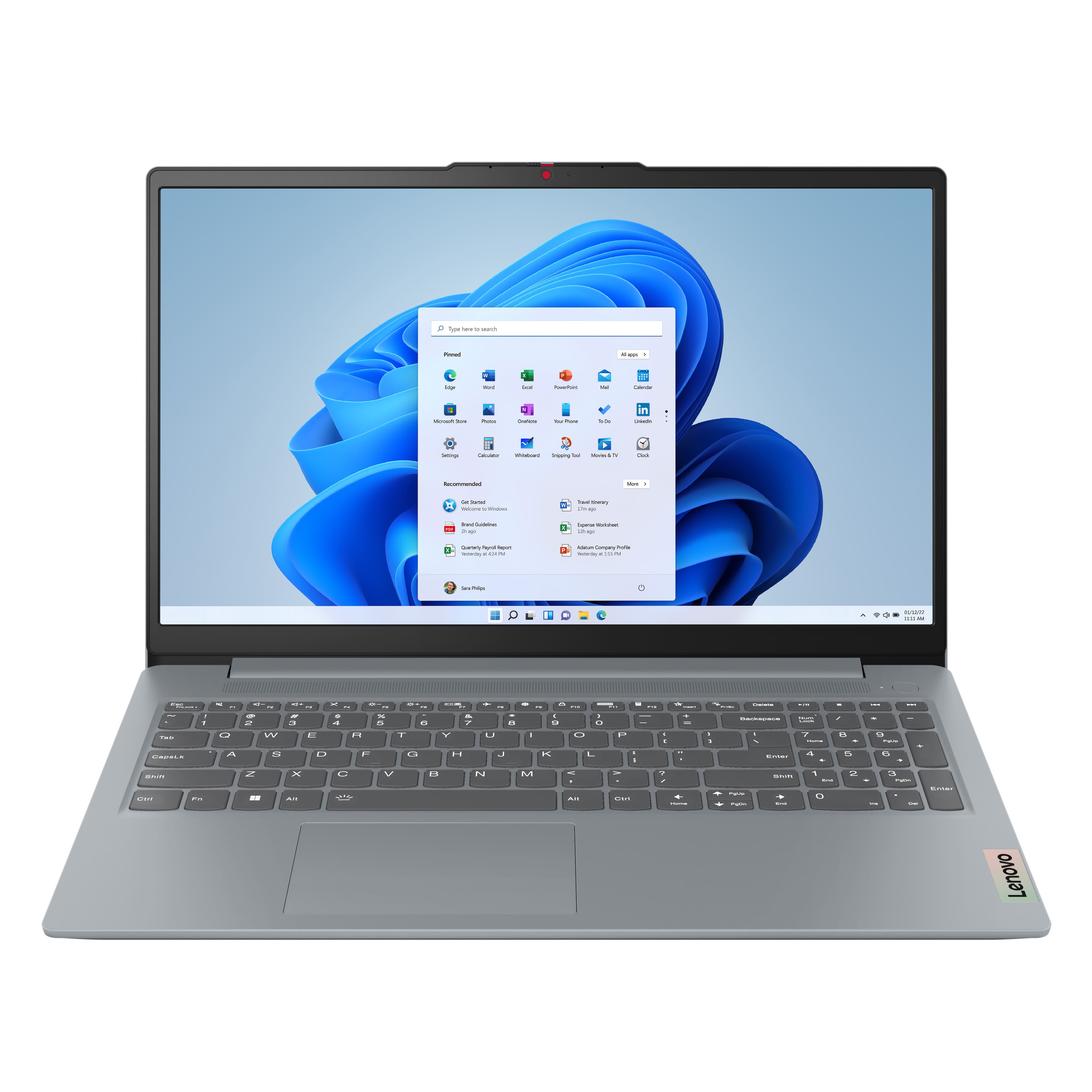




![Sure, here is the corrected and grouped text from the image:
---
**Top Row:**
- Esc
- Fn
- F1
- F2
- F3
- F4
- F5
- F6
- F7
- F8
- F9
- F10
- F11
- F12
**Number Row:**
- 1
- 2
- 3
- 4
- 5
- 6
- 7
- 8
- 9
- 0
- -
- =
- Backspace
**Letter Row:**
- Tab
- Q
- W
- E
- R
- T
- Y
- U
- I
- O
- P
- [
- ]
- \
- Delete
**Letter Row:**
- Caps Lock
- A
- S
- D
- F
- G
- H
- J
- K
- L
- ;
- '
- Enter
**Letter Row:**
- Shift
- Z
- X
- C
- V
- B
- N
- M
- ,
- .
- /
- Shift](https://pisces.bbystatic.com/image2/BestBuy_US/images/products/f79b3ed3-e46f-4e66-923f-76d4538361a2.jpg)