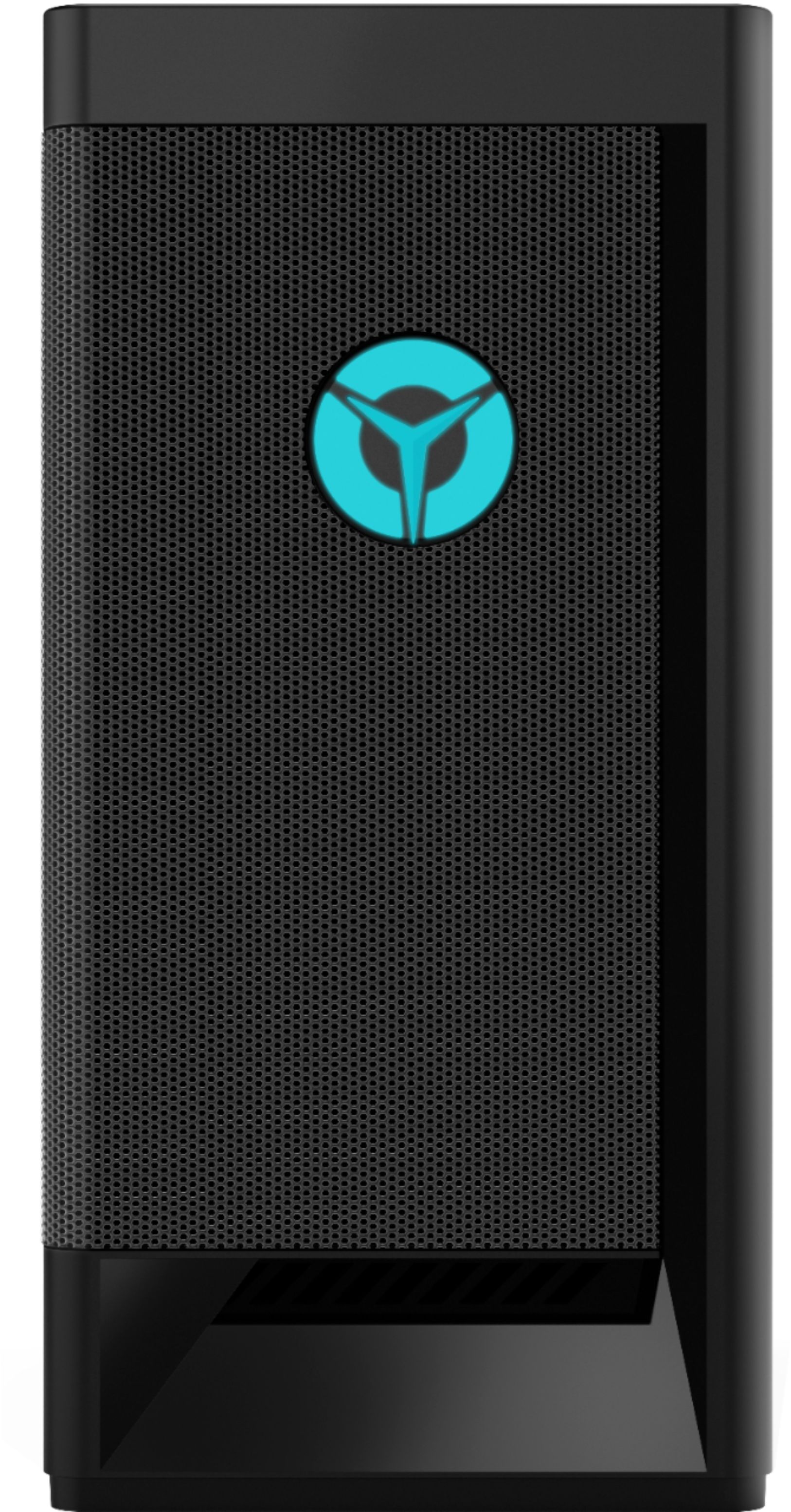
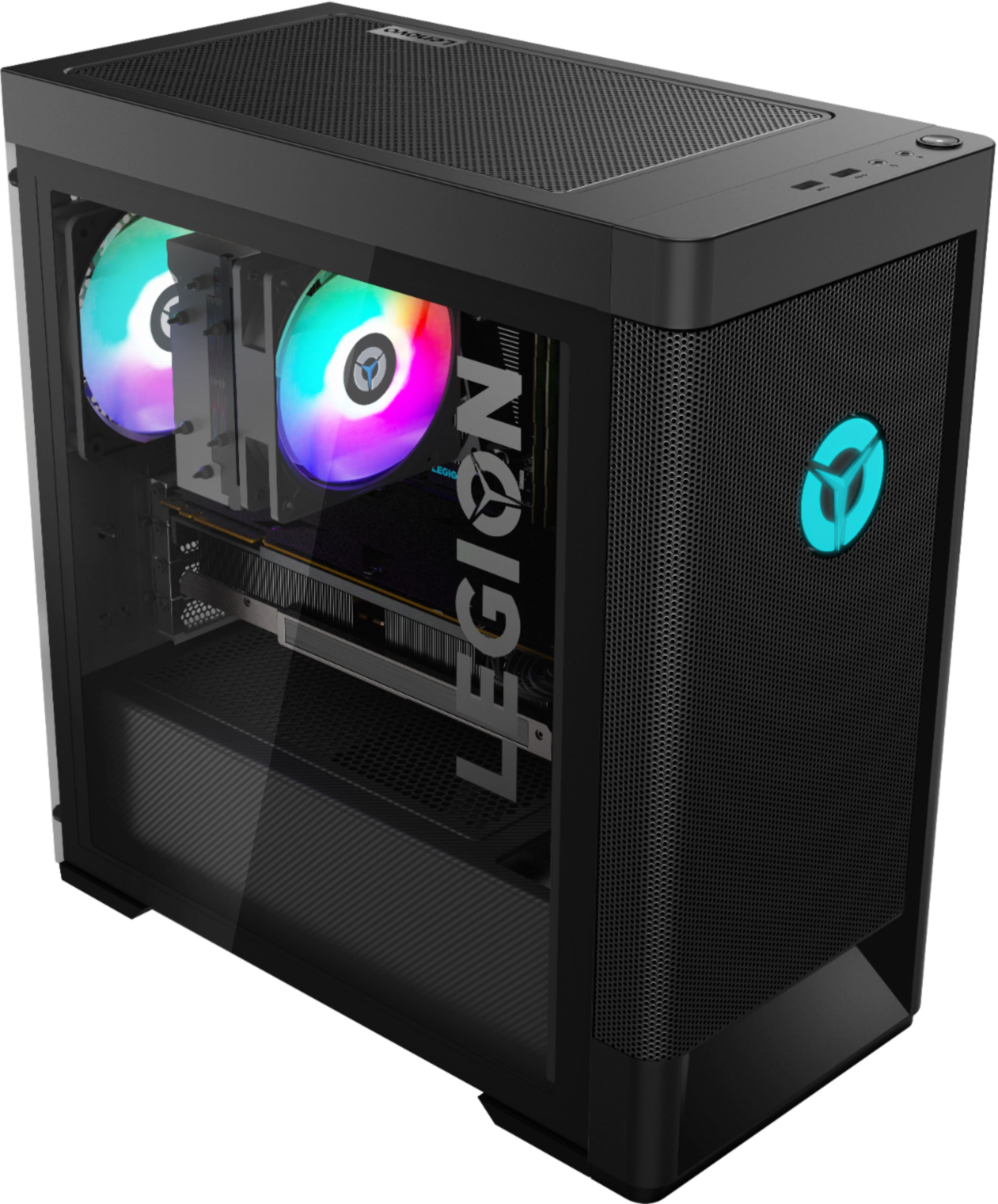
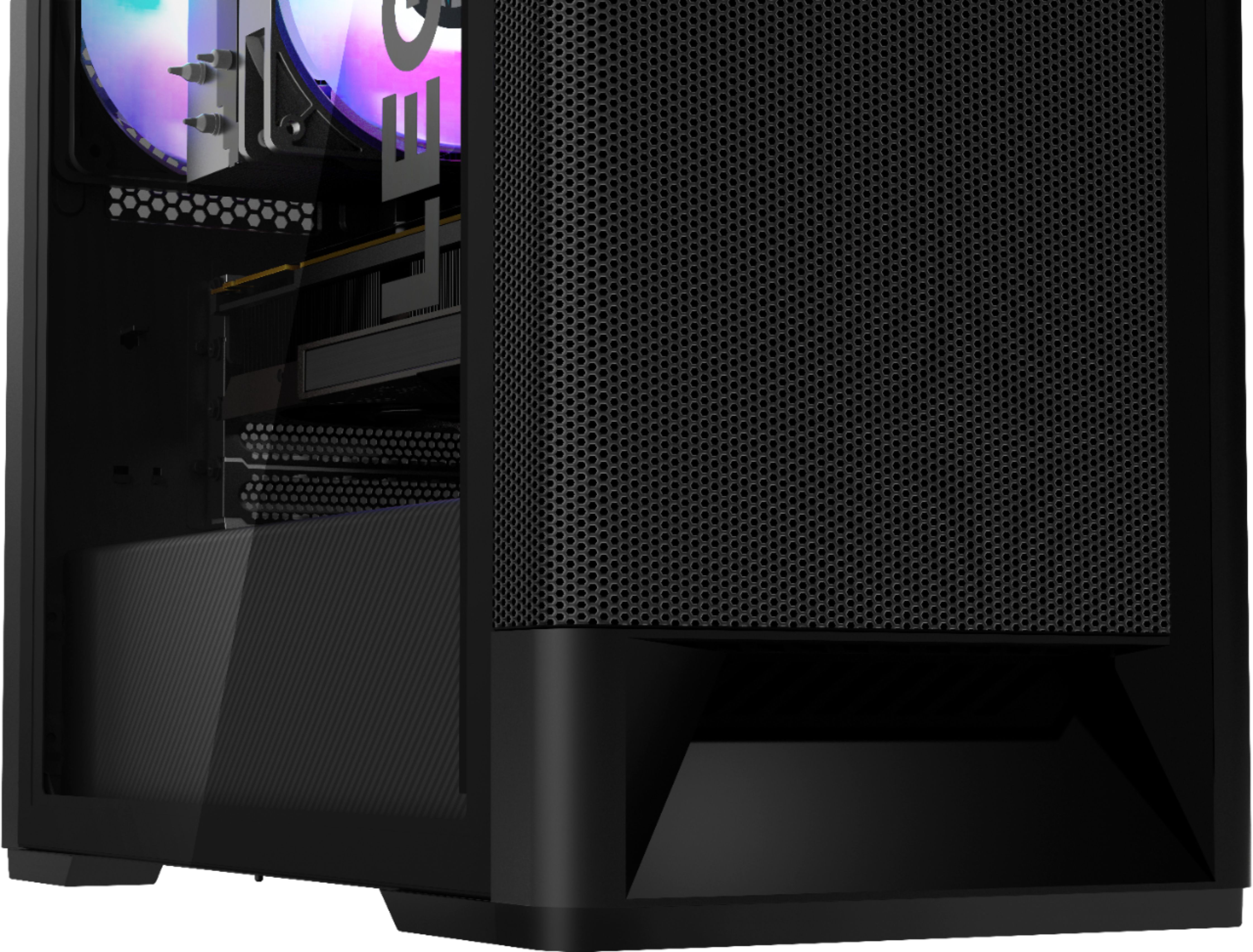
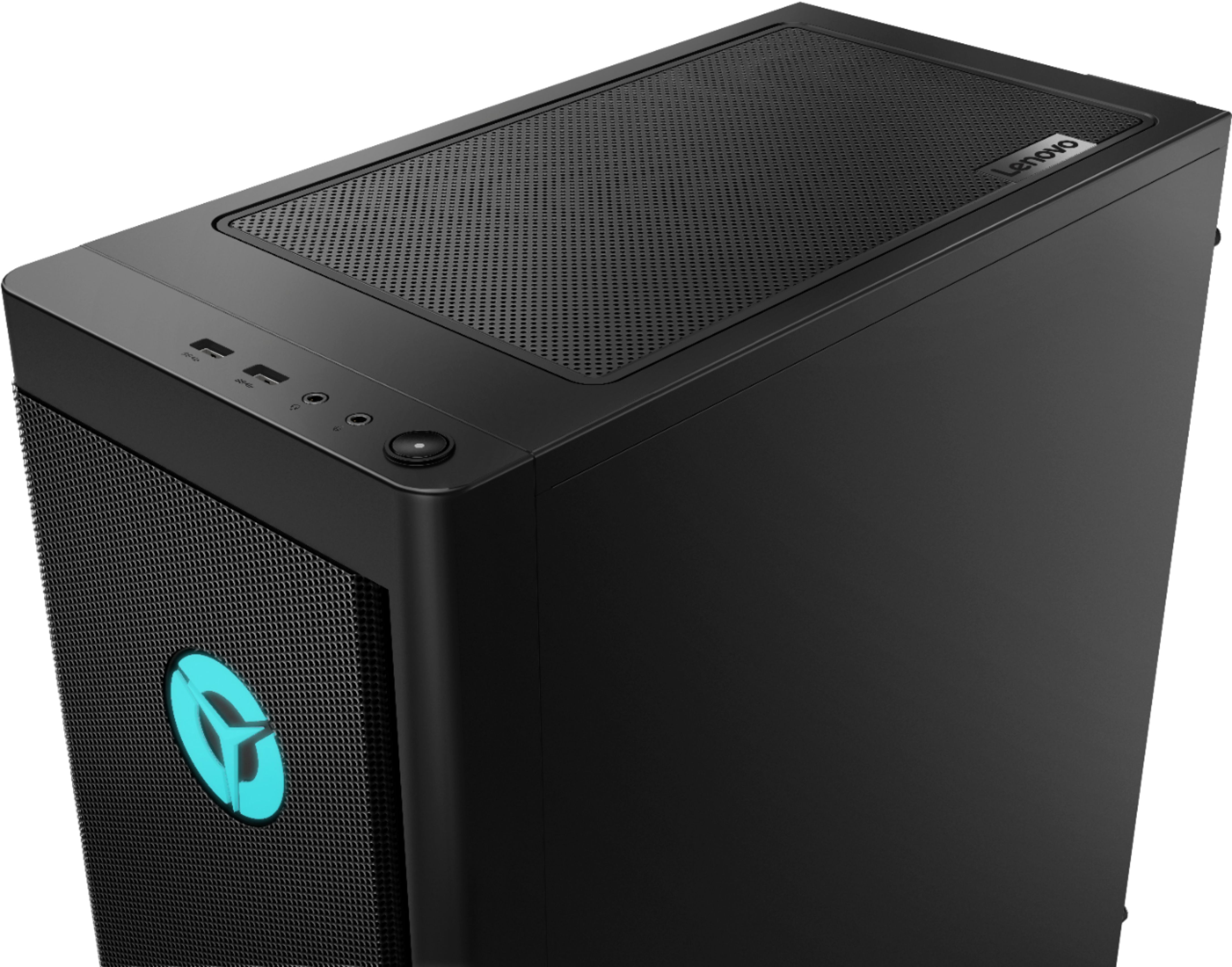
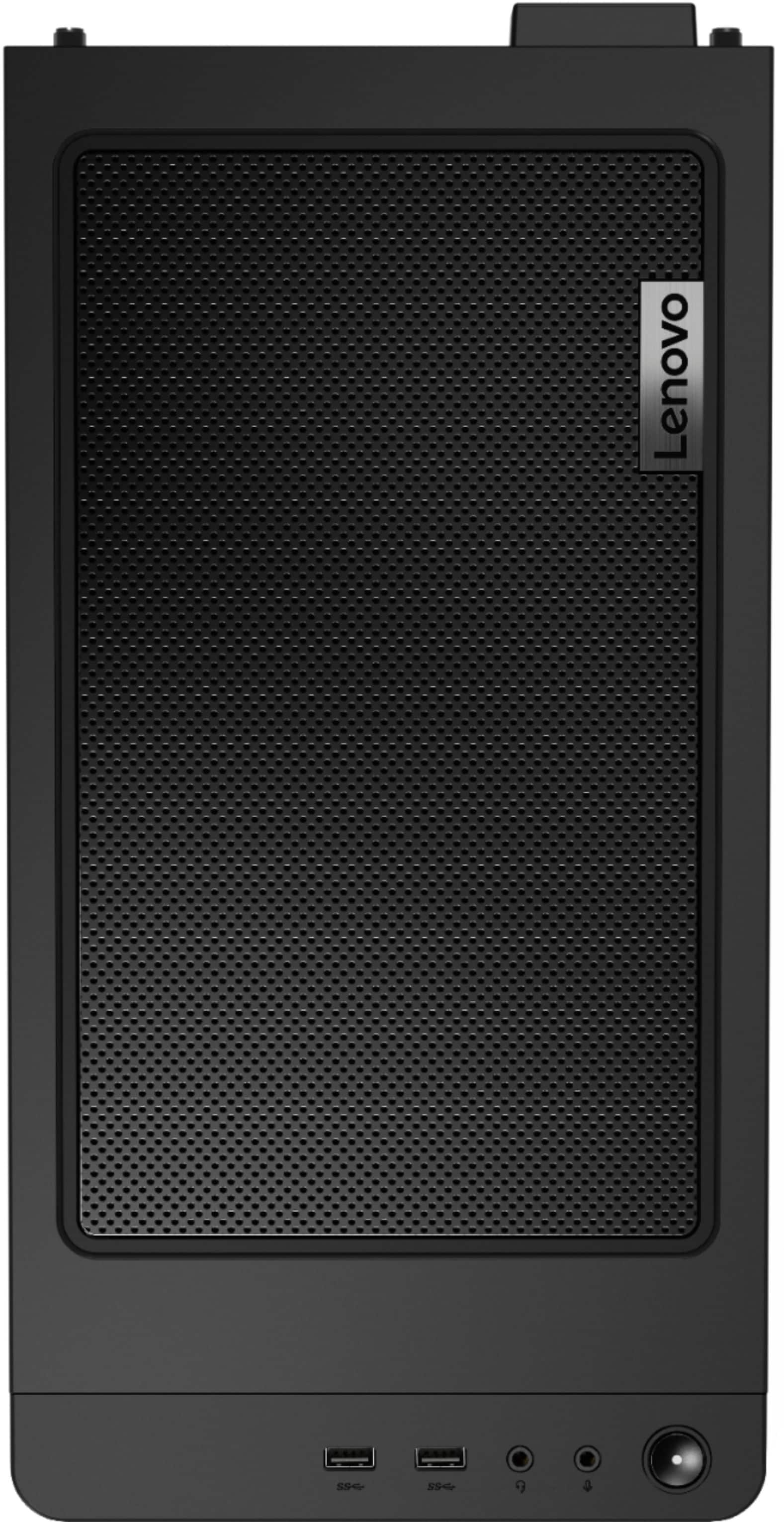
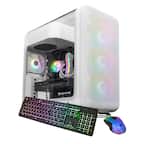
A:AnswerThe Lenovo Legion Tower 5 AMD Gaming Desktop Computer, model number 90RB001AUS, ships with a basic, wired keyboard and mouse. There is not built in CD/DVD drive within this model but you can use an external, USB-base Windows 10 compatible CD/DVD drive with this system.
A:AnswerThat will really depend on the requirements and compatibility of the specific VR system you will be using. We recommend you check with the VR system's manufacturer's web site for their compatibility with Windows 10 Home 64-bit operating system and the minimum/recommended hardware requirements (Is a Graphics card required, the processor speed and the minimum required system RAM and the minimum available hard drive space) to run their program, then compare those requirements to this system's configuration.
A:AnswerThe Lenovo Legion Tower 5 AMD Gaming Desktop Computer, model number 90RB001AUS, ships with the latest WiFi-6, 2x2 802.11ax frequency WiFi, which is also backward compatible to older, a/b/g/n/ac frequency WiFi. If you are having connectivity issues, first, try turning your router off, wait 30-seconds, then turn the router back on. If the issue continues, use the Legion Vantage Dashboard installed on this computer to check to be sure you have the latest version of Windows 10 on the computer. Then update all BIOS files and drivers up to that latest version of Windows 10. You can easily accomplish this by scanning the computer with the Lenovo Utility software available on this computer. This system has Lenovo utilities installed to help maintain the health of the device and keep the operating system software up to date. Type "Lenovo Vantage" in the Cortana Search window (if Lenovo Vantage is not installed on your device, you can download the APP and install it now). Select Lenovo Vantage from the list. In the window that opens, click on "Health and Support". In the expanded menu, select "Hardware Scan" In the window that opens, select "Run Quick Tests". This will scan your entire system for errors. Follow any directions that may pop up. If the problem continues after this scan, now click on "System Update". First select Windows update from the menu. Scan your system to be sure you have the latest version of Windows 10. Once that scan is complete, select "Additional Updates". This will scan your device to be sure there are no new BIOS/Driver updates needed. Follow any instructions that may pop up. If the issue still continues after these updates, we recommend you call Lenovo Tech Support at: 877-453-6686 for additional help.
A:AnswerThat will depend on the requirements and compatibility of the specific software you want to use. We recommend you check with the specific software publisher's web site for their compatibility with Windows 10 Home 64-bit operating system and the minimum/recommended hardware requirements (Is a Graphics card required, the processor speed and the minimum required system RAM and the minimum available hard drive space) to run their program, then compare those requirements to this system's configuration.
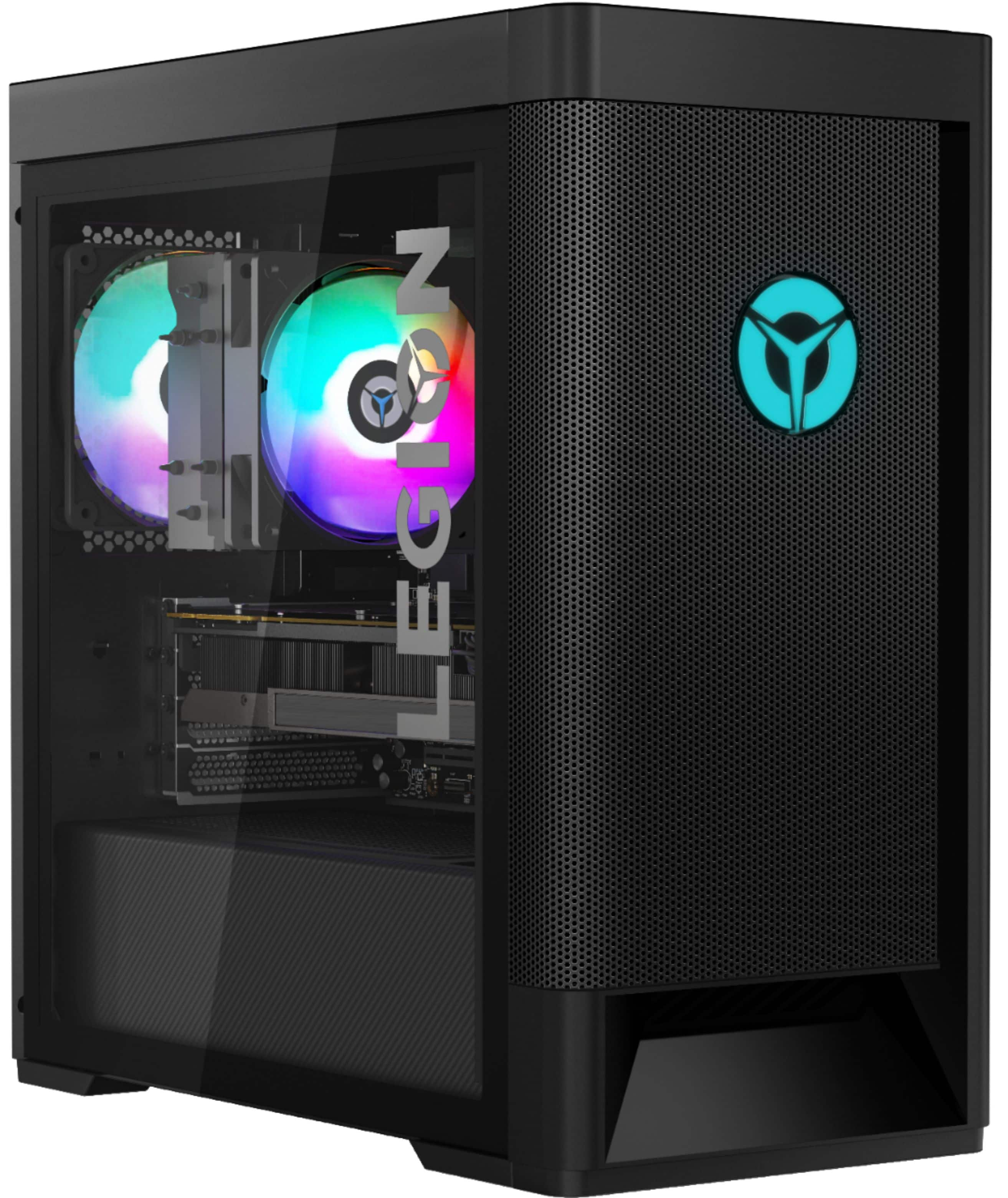
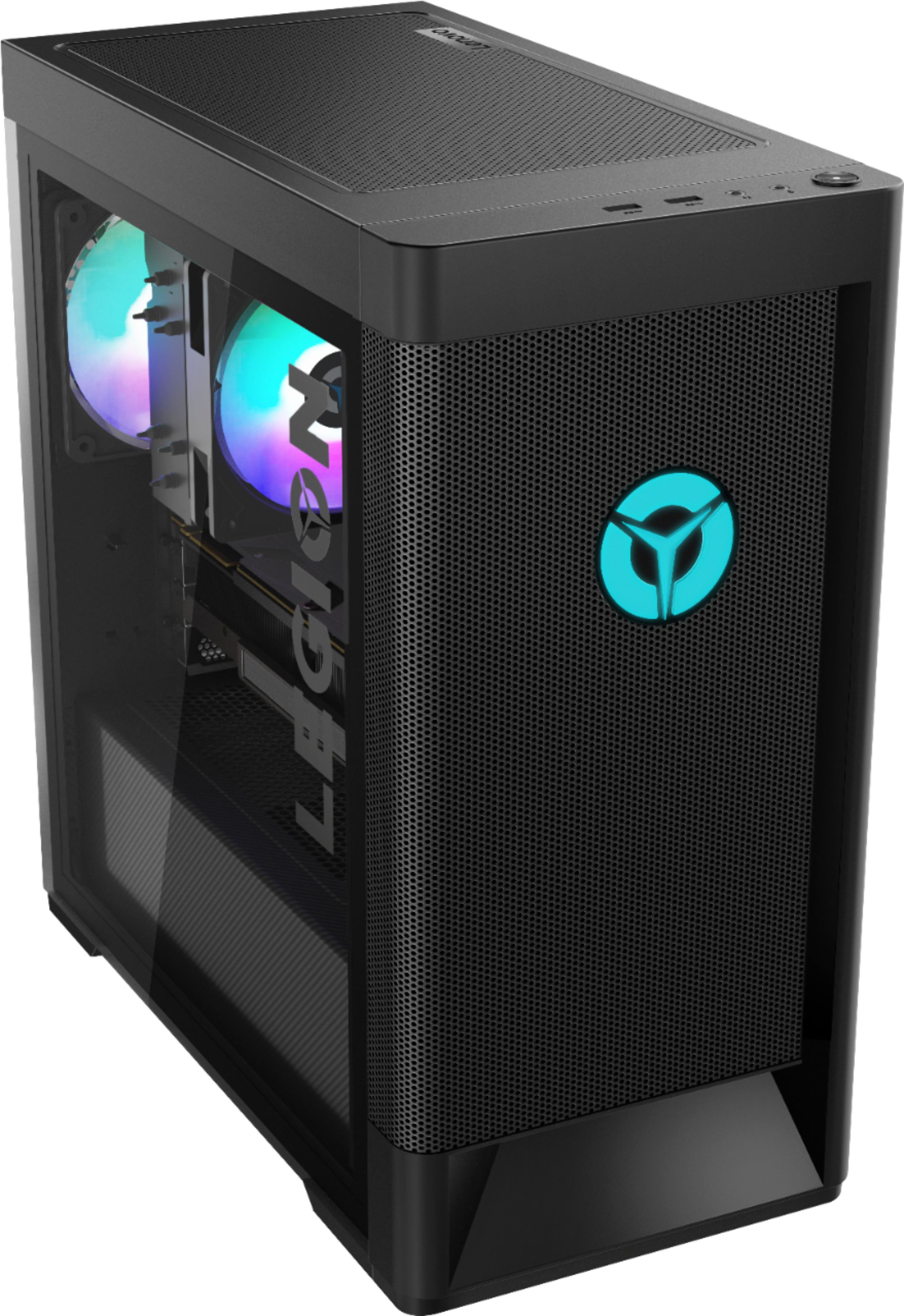
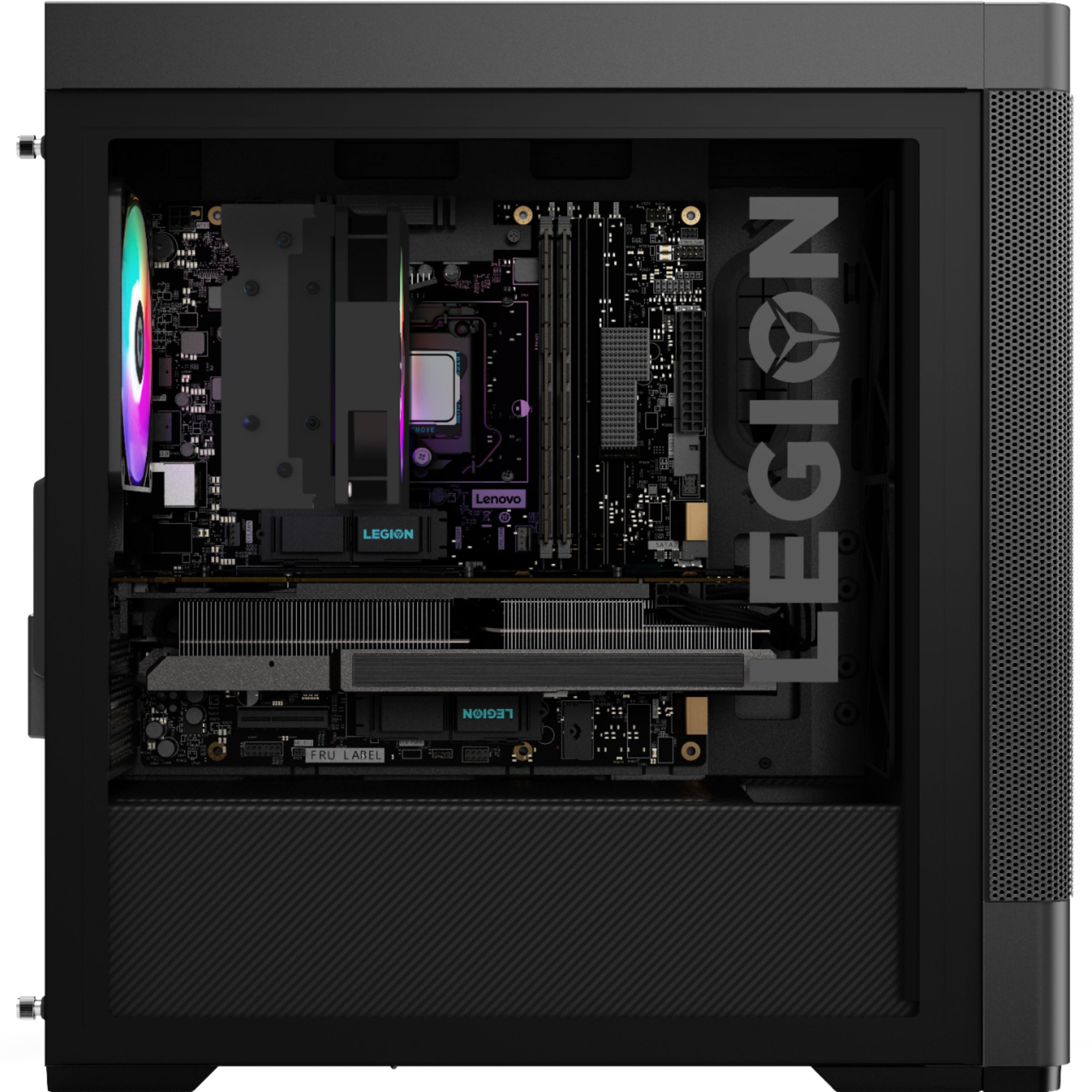
A:AnswerThe Lenovo Legion Tower 5 AMD Gaming Tower ships with 1x 120mmRear Fan (12025 ARGB Rear Fan T7,AVC FAN, Lenovo part number - 5F10X63216) and 2x 180mm system fans (12025 ARGB Fan, Fan_180mm&ARGB FANS, Lenovo part number - 5F10X63217). Here is a link to the complete parts list for this model configuration: https://pcsupport.lenovo.com/us/en/products/desktops-and-all-in-ones/legion-series/legion-t5-26amr5/90rb/90rb001aus/parts/display/model
A:AnswerThe Lenovo Legion Tower 5 AMD Gaming Desktop Computer, model number 90RB001AUS, ships with one DisplayPort and one HDMI port through the Nvidia GeForce GTX1660 Super GPU within this configuration.
A:AnswerThe operating system is installed on the 256GB solid state hard drive, within this Lenovo Legion Tower 5 AMD Gaming Desktop Computer, model number 90RB001AUS.
A:AnswerThe Lenovo Legion Tower 5 AMD Gaming Desktop, model number 90RB001AUS, ships with a Dual Voltage, internal power supply (100-240Vac,400W 90% PSU POWER SUPPLIES INTERNAL), with a USA compatible wall side plug. To use outside the USA, you will need to add a compatible wall side plug adapter, compatible with the country the computer will be used in. This adapter is sold separately.
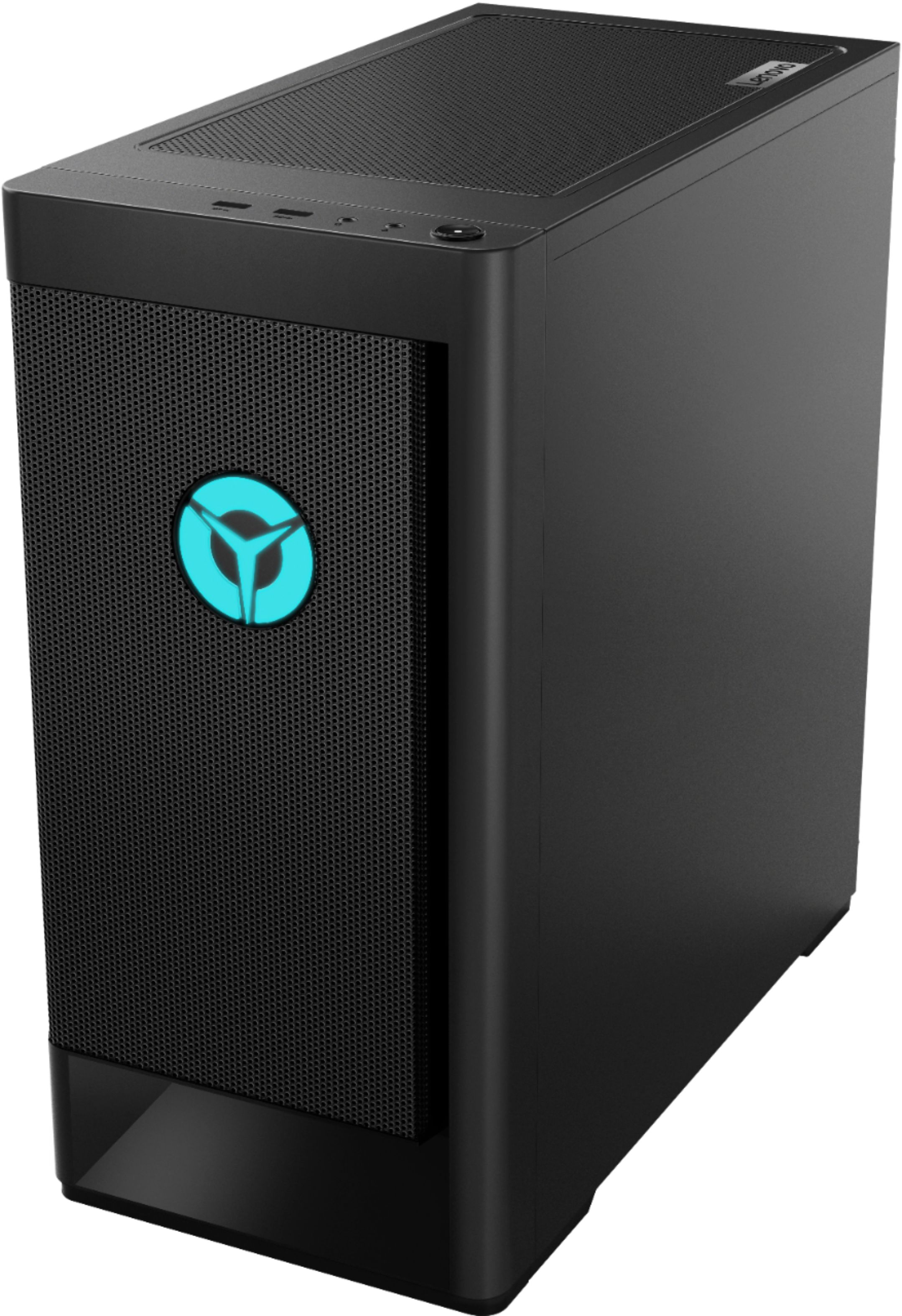
A:AnswerThe Lenovo Legion Tower 5 AMD Gaming Desktop Computer, model number 90RB001AUS, ships with 1 x USB 3.2 Gen 2 Type C port on the rear of the computer.
A:AnswerThe Windows 10 Operating System software will update itself and BIOS/driver files at the time of initial activation of Windows 10. You can also scan for new updates by using the Legion Vantage Dashboard installed on this computer.
A:AnswerThe Windows 10 Operating System software will update itself and BIOS/driver files at the time of initial activation of Windows 10. You can also scan for new updates by using the Legion Vantage Dashboard installed on this computer.
A:AnswerThere's no problem with the power supply even it 400 watts It still can handle the 1660 super with no any problem I been using it for 15 day so far so good if you don't want this 400 watts you can replace a better one.
A:AnswerThe Lenovo Legion Tower 5 AMD Gaming Desktop, model number 90RB001AUS, ships with 16GB DDR4-3200MHz RAM ( 2x UDIMM,8GB,DDR4,3200,Samsung MEMORY - Lenovo Part Number - 5M30V06840) Here is a link to the complete parts listing for this model with compatible substitute parts listed. There are 14 compatible substitute RAM modules listed: https://pcsupport.lenovo.com/us/en/products/desktops-and-all-in-ones/legion-series/legion-t5-26amr5/90rb/90rb001aus/parts/display/model