


A:AnswerHey Axel,
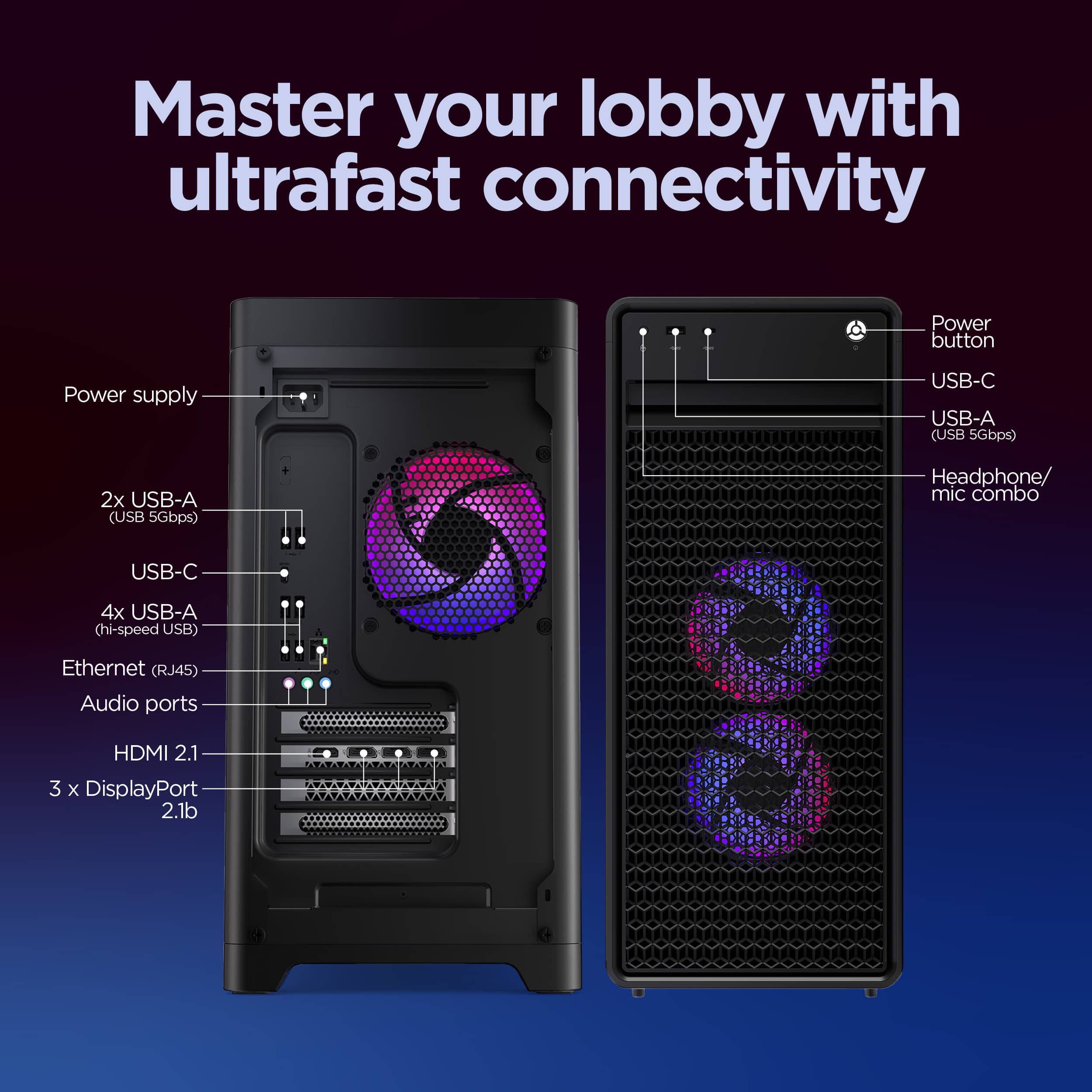
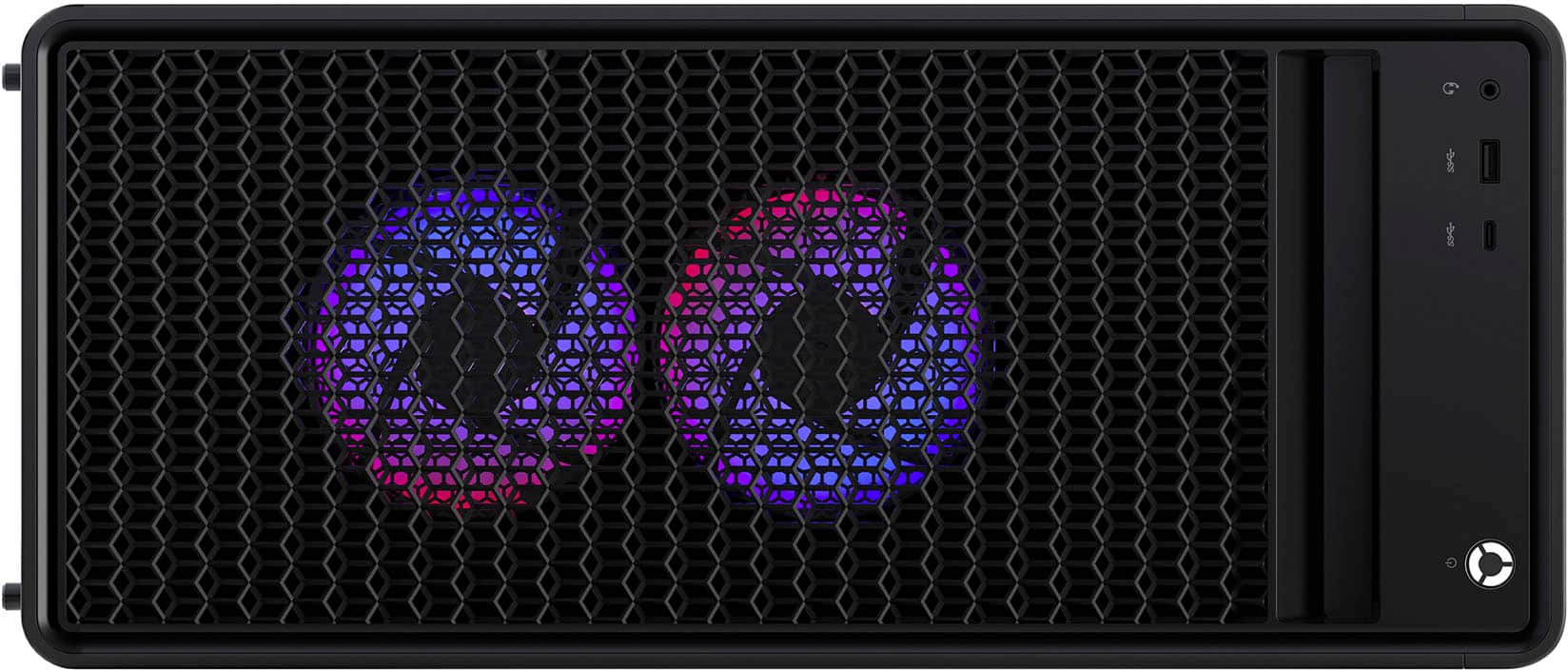
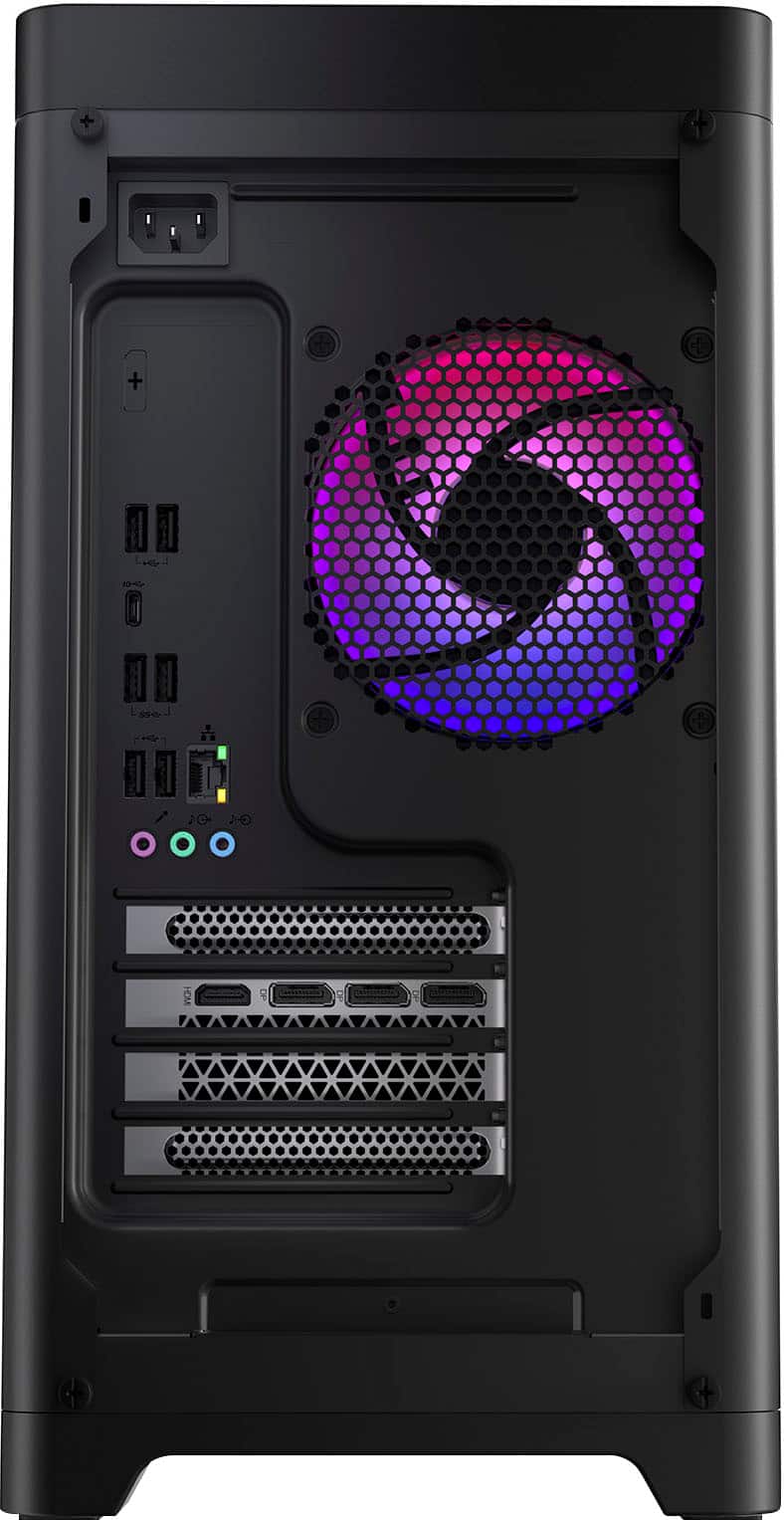
Yes, the Legion T5i features a headphone / microphone combo jack (3.5mm) in the front, along with 3x audio out (5.1 channel) at the rear.
Please feel free to reach out to us with any other questions!
A:AnswerHey BenToven,
This Legion T5i features a unique mATX motherboard that's supplied by Lenovo with no unique model number to review specifications outside of a part number to order a replacement board. If there's a specific feature or function you're inquiring about, please let us know in another question and we'd be happy to help.
Please feel free to reach out to us with any other questions!
A:AnswerHey Mike,
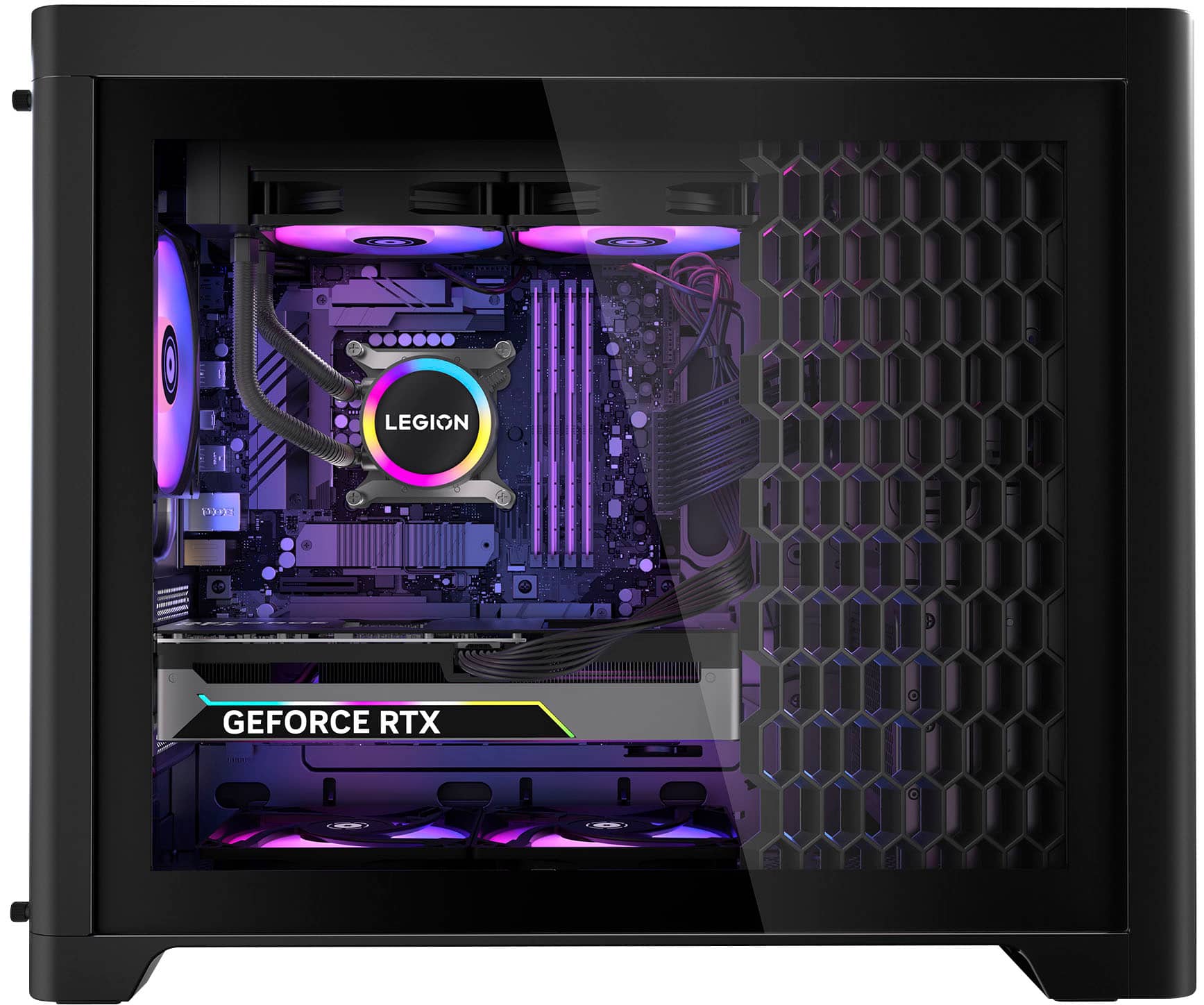
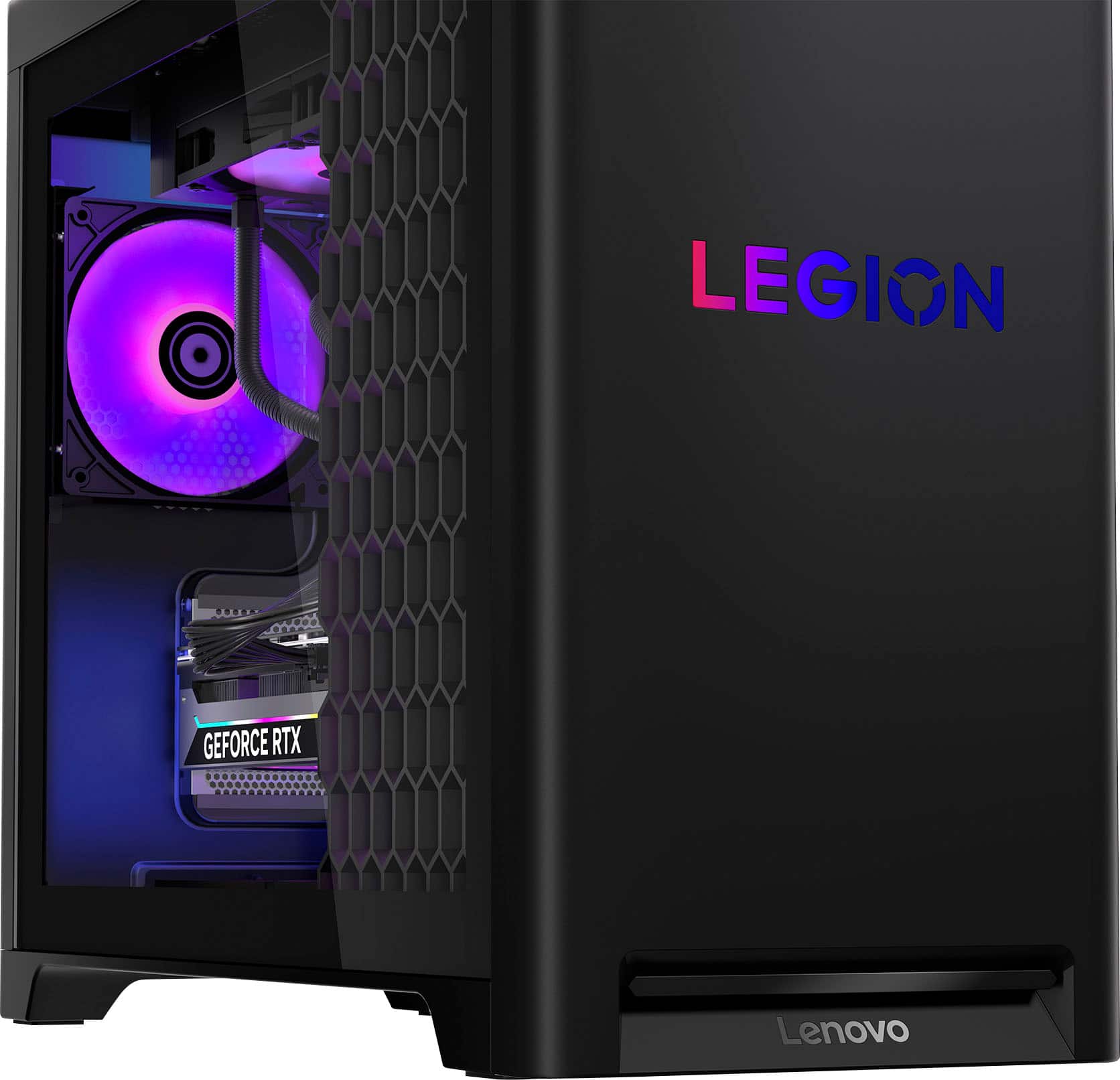
You can toggle and customize chassis lighting via the Legion Space app that's preinstalled on the system.
Please feel free to reach out to us with any other questions!
A:AnswerHey Koko,
The Legion Tower 5i features three M.2 SSD slots, 1x M.2 2280 SSD, PCIe 5.0 x4, and 2x M.2 2280 SSD slots, PCIe 4.0 x4, so we recommend aligning your SSD's performance output with these standards.
Please feel free to reach out to us with any other questions!
A:AnswerHey,
While the CPU model you mentioned is offered with the Legion T5i, we can't recommend this type of system modification without consulting a Lenovo certified technician.
Please feel free to reach out to us with any other questions!
A:AnswerHey Geo,
The included PSU is 500W, but this Legion T5i series is tested to work with Lenovo issued 850W PSUs, so upgrading to this wattage with Lenovo technician advisement is permissible.
Please feel free to reach out to us with any other questions!
A:AnswerHey Michelle,
You can connect four external monitors via the GPU's 3x DisplayPorts and 1x HDMI port.
Please feel free to reach out to us with any other questions!
A:AnswerHey bobob321225,
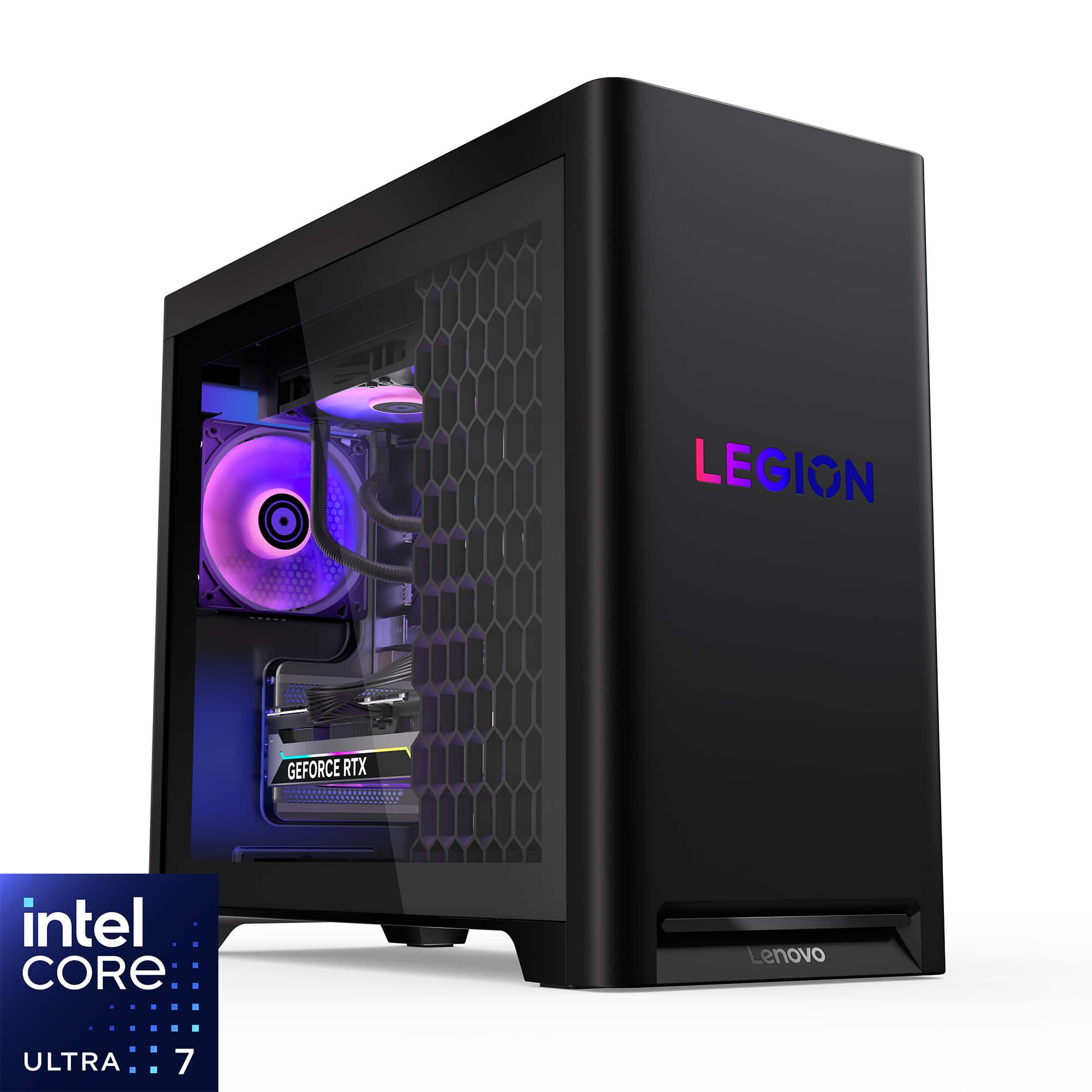
This Legion T5i features the following expansion slots: One PCIe® 5.0 x16, One PCIe® 3.0 x4, and Four M.2 slots (one for WLAN, three for SSDs).
Please feel free to reach out to us with any other questions!
A:AnswerHey JaseDAce,
This Legion T5i features 3x M.2 2280 PCIe slots, this includes the 1TB drive that the system ships with.
Please feel free to reach out to us with any other questions!
A:AnswerHey Jerm03,
We appreciate you choosing our products and giving us a second chance. We're sorry to hear that you're experiencing an issue with your Legion Towers. We strive to provide the best experience possible, so we'd like to work with you and address this.
To start, a few users have experienced this issue, and it seems to be an incompatible partnership of the preinstalled Windows 11 version and a system configuration. While we investigate the matter for more details, in the meantime, please try to update Windows via Settings, but hold off on driver updates. Use the system as normal, and if the issue persists, we recommend applying updates via the Lenovo Vantage app on your T5i, as we'll see if the updated BIOS rectifies the problem.
Please feel free to share any updates that you may have on this and reach out to us with any other questions!
A:AnswerHey ProStarGhost,
The configurations of the product listings on Best Buy's site are set and cannot be modified before purchase. If there's any upgrades you'd like to make, they would have to be after your purchase the system.
Please feel free to reach out to us with any other questions!
A:AnswerI had this issue at first, then reset the PC to factory (Windows reinstall) only to have the issue return after Legion Space prompted me to update the app. Once the app updated, the LED lights immediately turned off. Ultimately, I uninstalled the Legion Space app and rebooted, and I haven't had any issues with the LED lights since.
A:AnswerHey phil,
Yes, the system is assembled and after plugging in the power cord, it's essentially "plug and play".
Please feel free to reach out to us with any other questions!
A:AnswerHey Jo,
This Legion T5i has no difficulty with driving 4 external displays. The only limitation you can run into is with driving certain resolutions and refresh rates when increasing the number of displays.
Please feel free to reach out to us with any other questions!
A:AnswerHey miya,
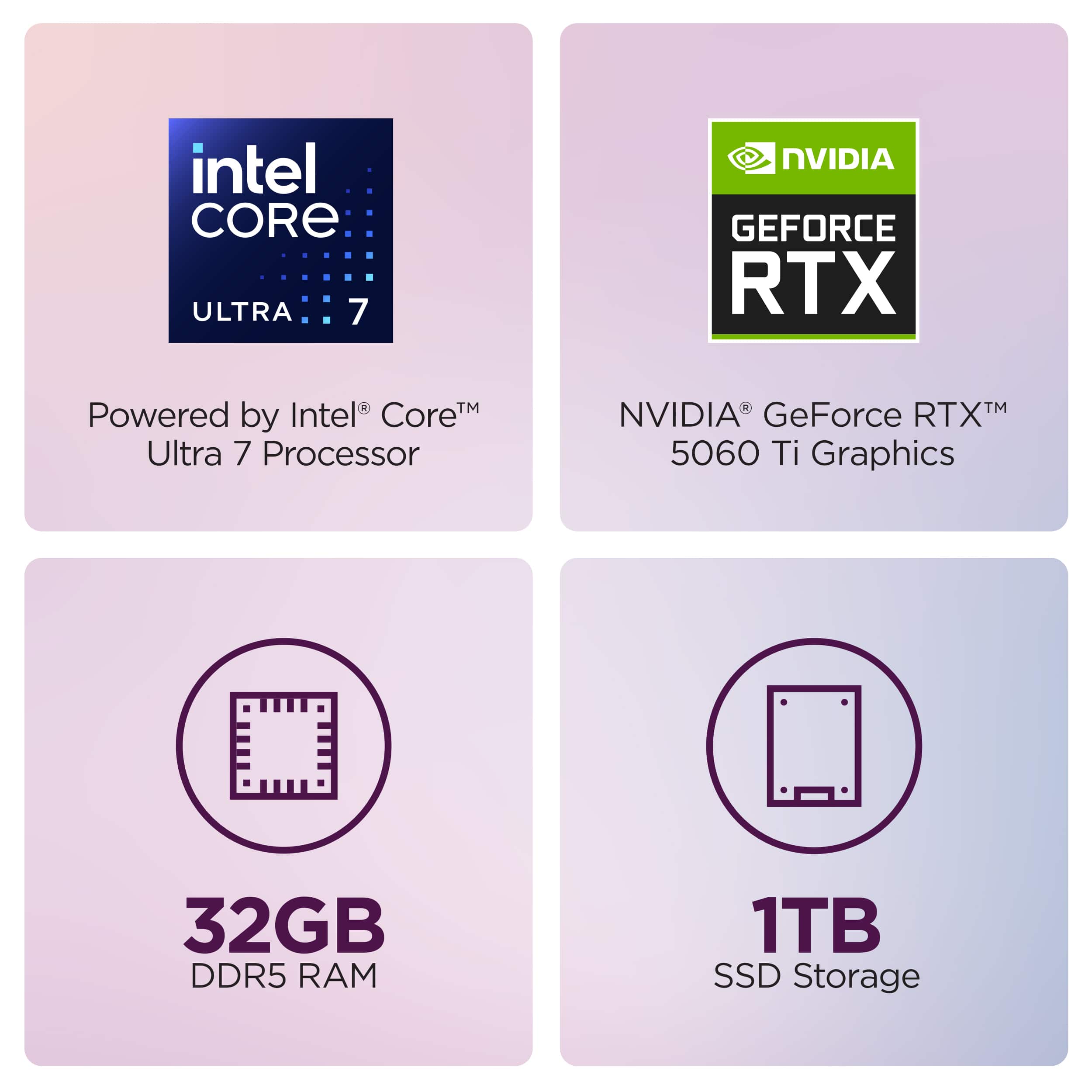
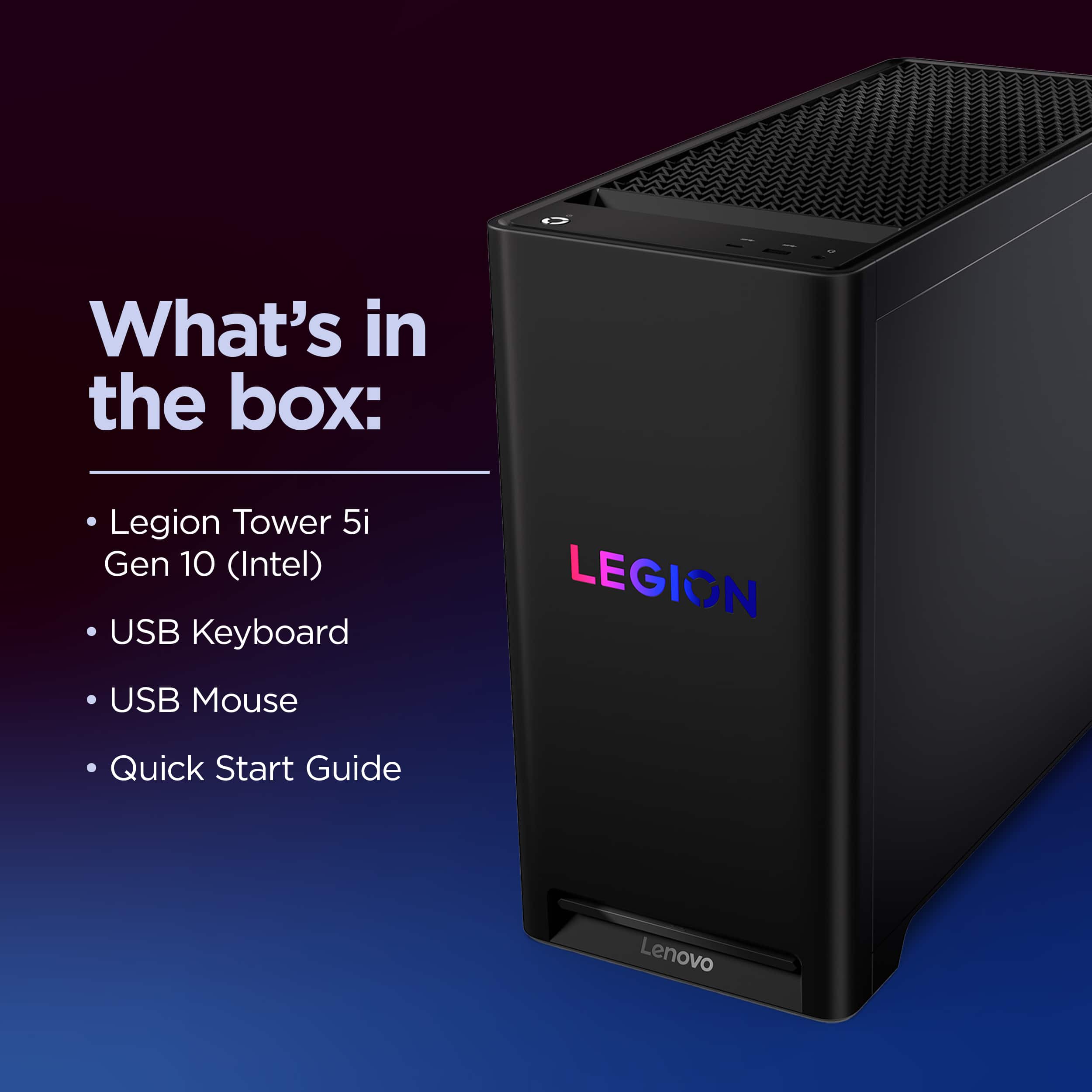
The specifications you see listed and their respective components from which they are related to are included with the system, including a keyboard and mouse, along with a power cable for the Tower.
Please feel free to reach out to us with any other questions!