Save up to 50% on 3-Day Sale deals.Ends 12/7.Shop now

Main Content

Questions & Answers

Your price for this item is $669.99
Clearance
The comparable value price is $1,029.99
Page Showing 1-20 of 75 questions
  • QuestionWould this laptop perform well for video editing? How well could it handle engineering programs?

    Asked by videoeng11.

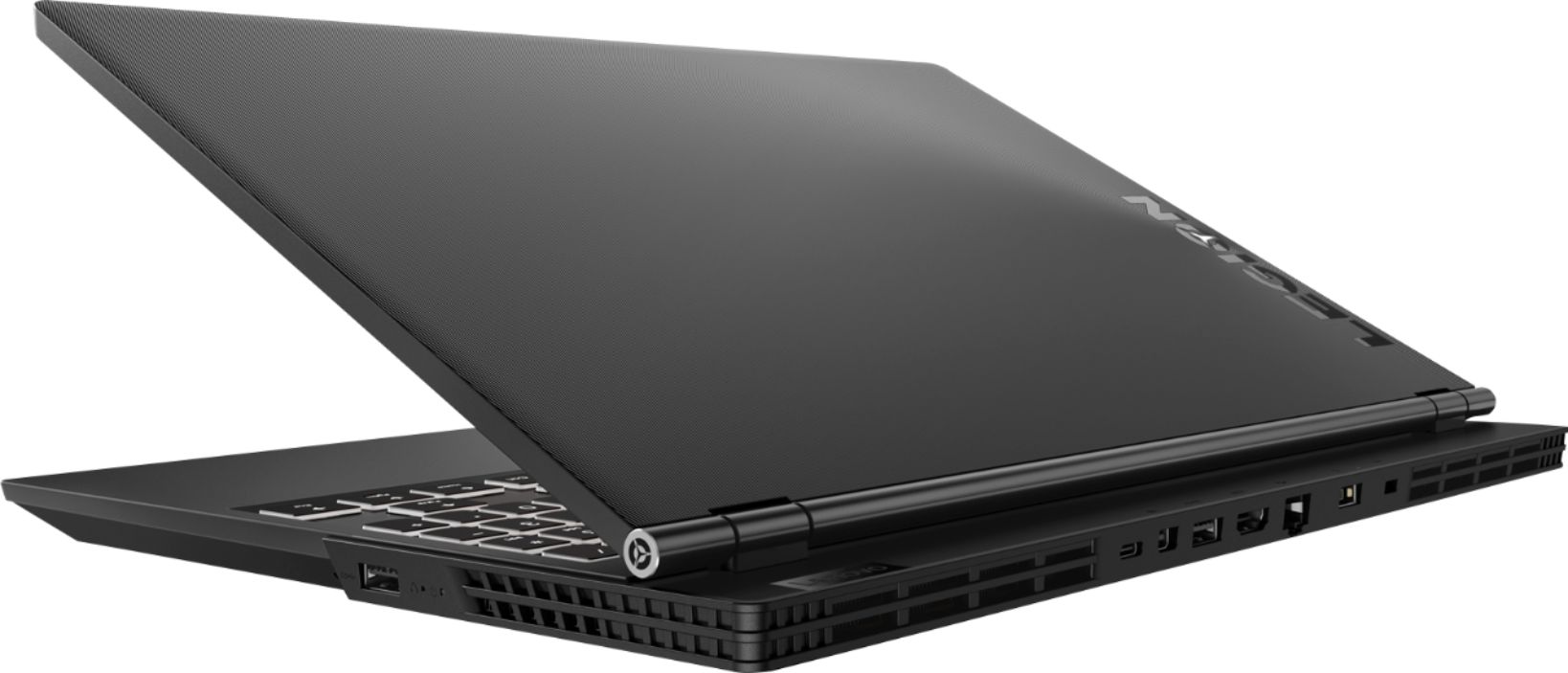
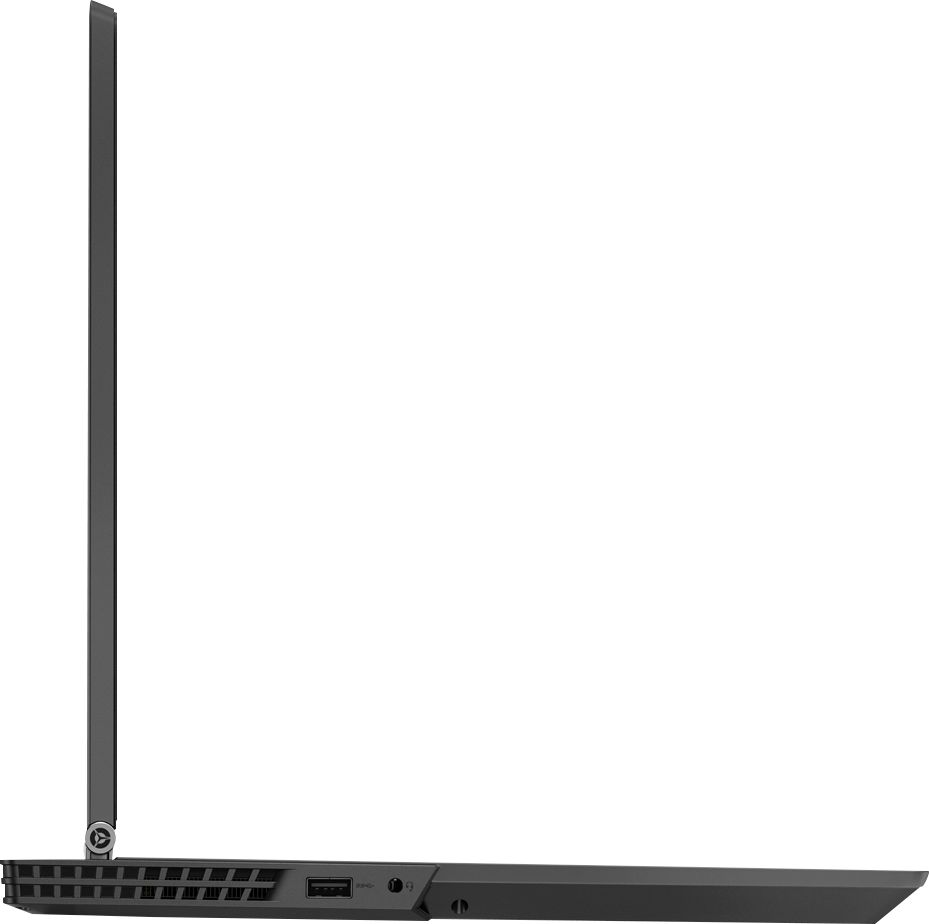
    • Answer I purchased this laptop for that very reason and it does fine. I run Cakewalk's sonar for audio engineering and Sony Vegas for video editing. The great part about this laptop is all the USB ports are 3.1 and it works well when connecting audio interfaces and extra hard drives. the micro USB is actually a fourth USB port. I connect a hard drive to it. I have no problems with dropouts with audio when I am mixing. It will do what you need it to do.

      Answered by MarcusC

  • QuestionIs this computer good with VR like the oculus

    Asked by Lynx.

    • Answer No, this system is not VR ready.

      Answered by Lenovo Product Expert

  • QuestionDoes this device have Bluetooth???

    Asked by Anonymous.

    • Answer Yes it does. Machine is fast and stable. Comes with everything.

      Answered by DjMoEz

  • QuestionIS THIS laptop vr ready

    Asked by jacob.

    • Answer Yes, this configuration meets the minimum requirements for VR: https://www.octopusrift.com/building-a-vr-pc/

      Answered by Lenovo Product Expert

  • QuestionHow do i get the black ops 4 code? I purchased this laptop at the store and did not receive a code for it?

    Asked by Jim.

    • Answer We recommend you check with Best Buy as they are the source of this bundled order.

      Answered by Lenovo Product Expert

  • QuestionDoes this have a matte screen?

    Asked by LisaG.

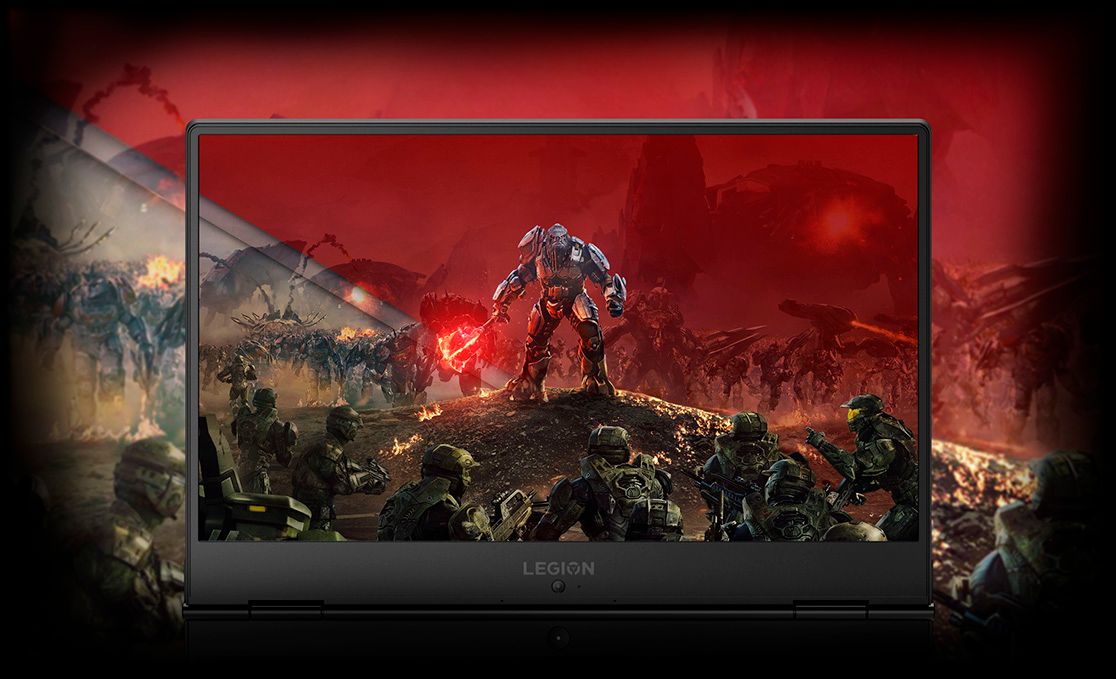
    • Answer Yes, this model has a IPS, anti-glare screen.

      Answered by Lenovo Product Expert

  • QuestionDoes this model come with an ssd card

    Asked by Rick.

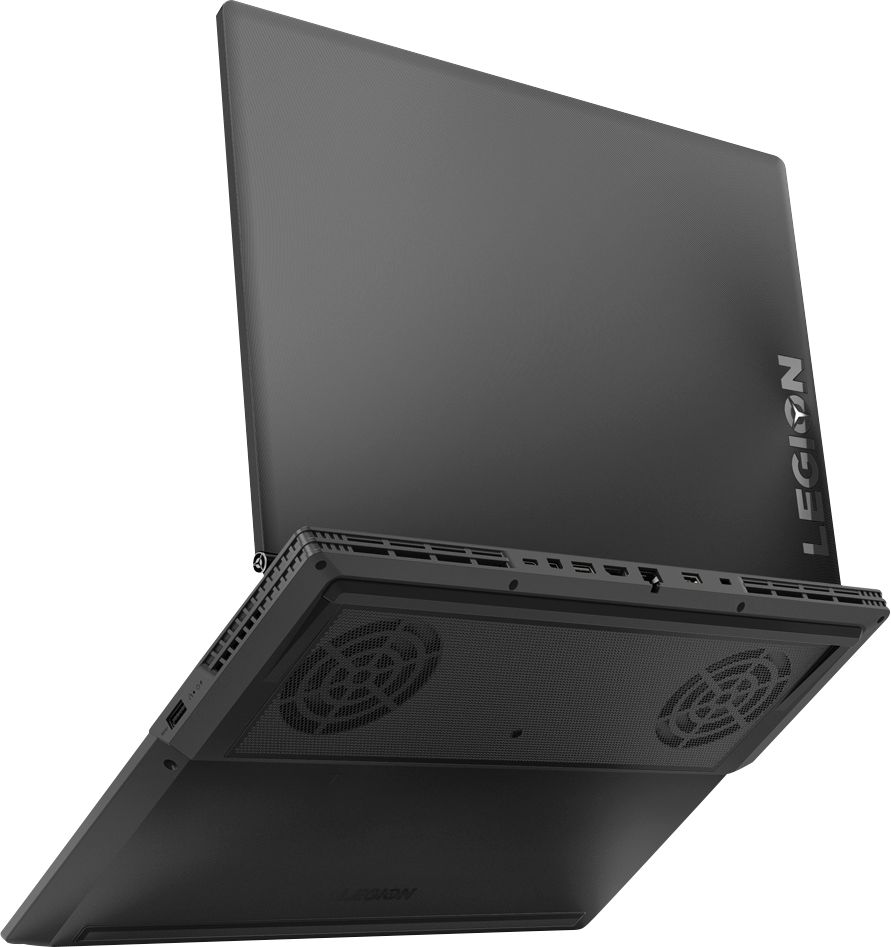
    • Answer This model does not come with a solid state drive. It does however come with a 16gb intel optane in the SSD m.2 slot in addition to the 1tb hard drive. If you are not aware, it basically caches or keeps your most frequently used files for quick access so bootup times, general system responsiveness, and your most frequently accessed files and applications will load similar to SSD speeds. The more you use it, the more it learns and the faster it becomes.

      Answered by AnonymousJK

  • QuestionIs the ram single or duel channel?

    Asked by Eric.

    • Answer Dual channel. It comes with both ram slots filled if that is what you are asking about.

      Answered by AnonymousJK

  • QuestionDoes it include a 1 year manufacturer's warranty?

    Asked by TatoBar.

    • Answer Yes. Lenovo also gives you the option the extend your warranty directly through them to 1, 2, or 3 years with accidental damage protection and an option to do a warranty where you ship the product back or where they send someone out to your current location to fix it.

      Answered by AnonymousJK

  • QuestionIs this the 144hz model?

    Asked by Heya.

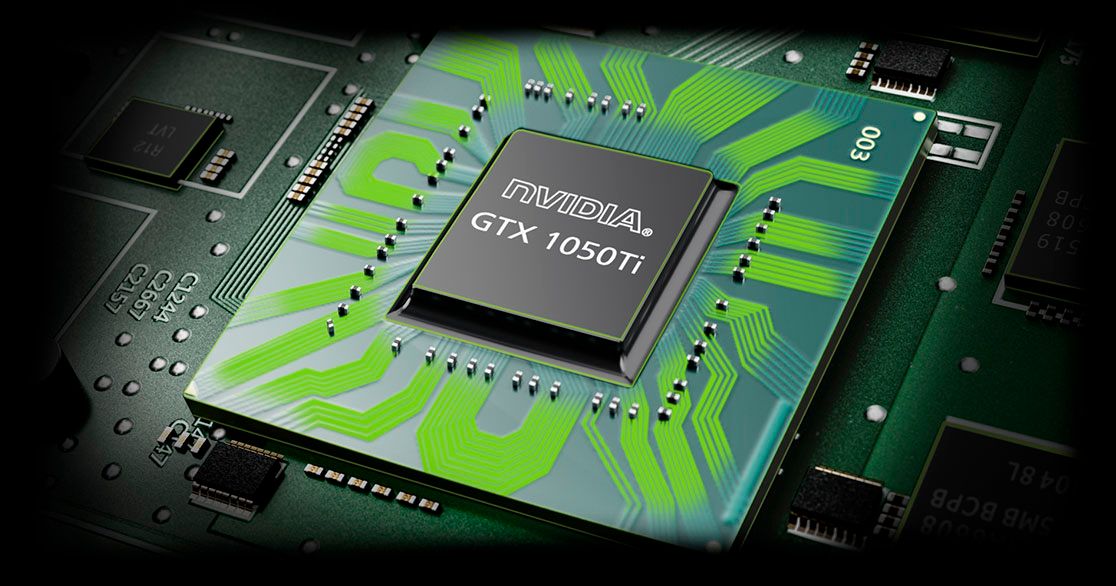
    • Answer "Expert" probably meant to say 60Hz, rather than 60GHz, refresh rate. Would I ever like to see a 60GHz display panel - something far beyond what the unaided human eye can discern... The 60Hz panel is only rated for 250nits, so it will be on the dim side. It has color gamut limitations, too, but not so much as to cripple important details in game play. (Let your own eyes be the final judge of the latter.) There is still no concrete date for Lenovo to deliver the 144Hz/300nits panel. It remains a paper-only spec. One also has to wonder how well a GTX 1050Ti would drive it in actual game play.

      Answered by SpecDeepDiver

  • QuestionCan i have both intel optane memory and ssd at the same time?

    Asked by raj.

    • Answer This model is not user upgradable. A certified technician must do all of the work, so as to not void the warranty. We recommend you consult your certified technician for your options.

      Answered by Lenovo Product Expert

  • Questionwhat is the difference between intel optane and the stadard ram .

    Asked by raj.

    • Answer Intel Optane Memory is not RAM. It is cache memory storage that supports a standard hard drive, giving the standard hard drive fast boot up and quick recall of the select programs and files the user accesses the most.

      Answered by Lenovo Product Expert

  • QuestionIs this VR compatible?

    Asked by Texaspete210.

    • Answer Yes. According to the updated minimum requirements for Oculus Rift, this system meets the minimum requirements for the device. Here is a link to more information: https://www.roadtovr.com/nvidia-geforce-gtx-1050-ti-oculus-minimum-specification-virtual-reality/

      Answered by Lenovo Product Expert

  • QuestionAre people still having the non software black screen problem? I can handle software/windows problems but i'm not trying to send it in for 2 weeks if it dies. Is this problem a real problem?

    Asked by Adam7469.

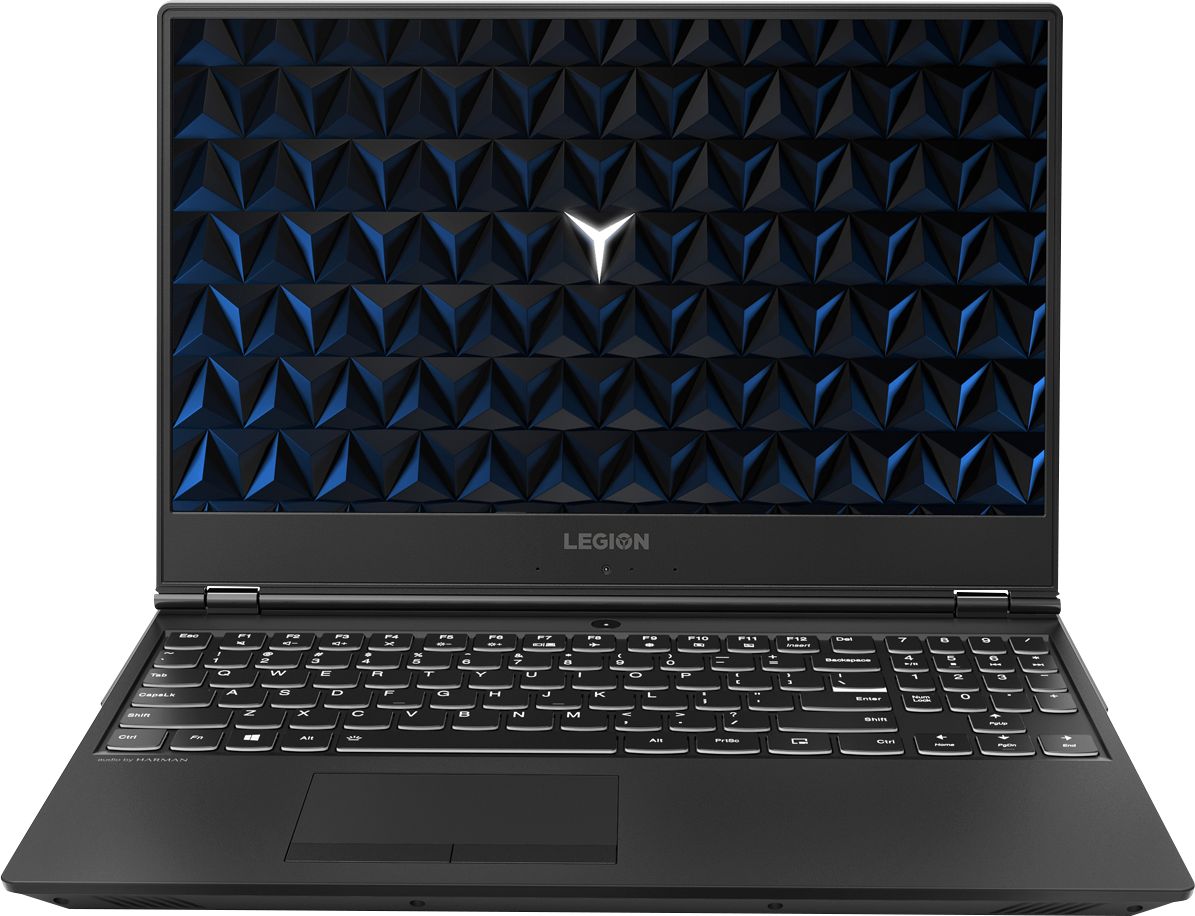
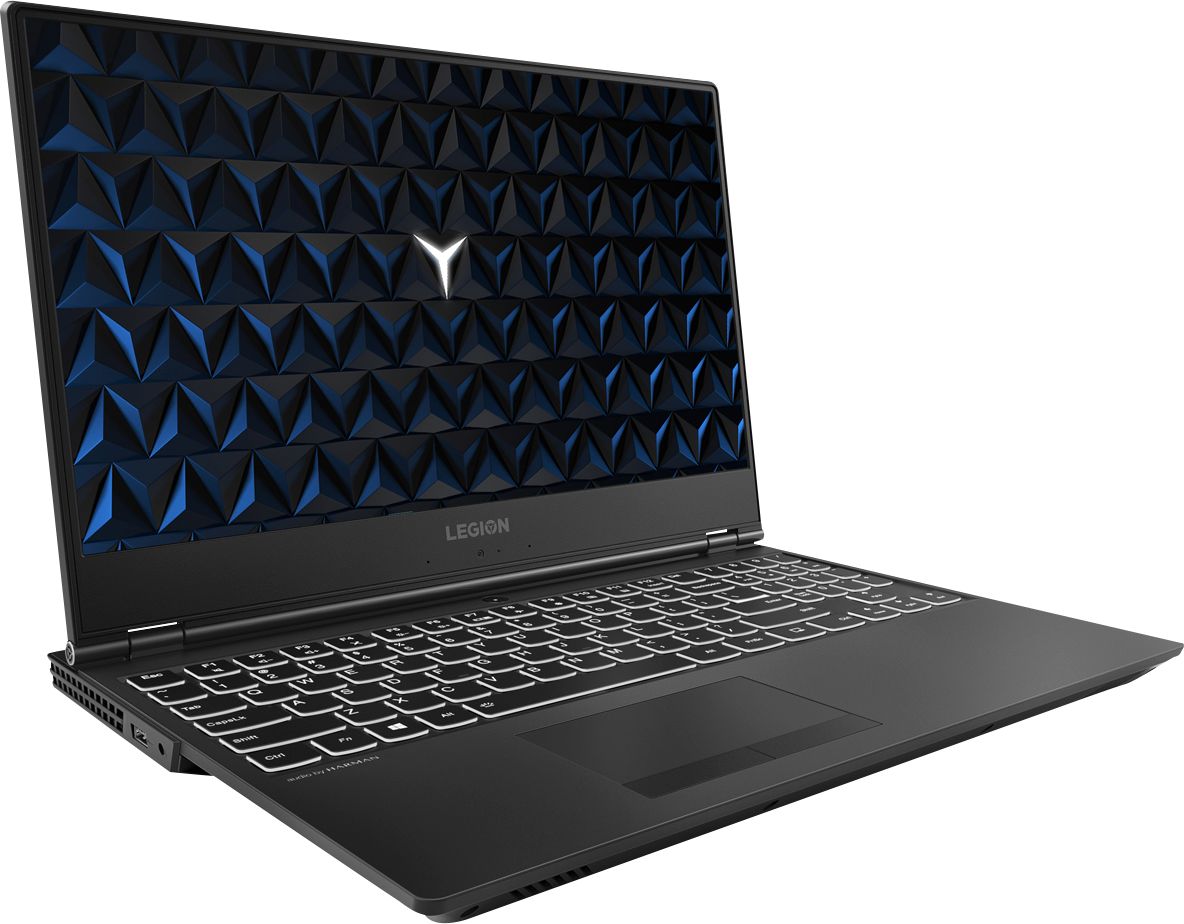
    • Answer Any reported issue with a black screen effect with the Lenovo Legion Y530 laptop with Intel Optane Memory installed, like model number 81FV0002US, is a Windows 10 update issue. In order to restore Windows 10 back to original factory settings, Optane Memory must first be turned off. To restore system, Optane must be disabled first in the BIOS o Power down system, power back on and press F2 to enter BIOS setup o BIOS setup > Configuration > Storage > Intel® Rapid Storage technology > Intel Optane, 931.5GB > Disable > Are you sure you want to disable > Yes > Disable o Wait for 3 minutes o The Disable process should be finished and there will be (2) non-RAID physical disks o Press F10 to Save and Exit - The system should now be able to be Restored - After restoring, you will need to open the Optane UI from the task bar and choose Setup > Enable > Select “Erase all data on Intel “Optane” memory module > Continue > Restart. Now you can restore the Windows 10 operating system to factory original settings by following the instructions at this link: https://www.laptopmag.com/articles/reset-windows-10-pc. Be sure to re-enable the Optane Memory after you restore the system, then restart the device, as listed above. If you continue to have an issue, we recommend you call Lenovo Tech Support at: 877-453-6686.
      Answered by Lenovo Product Expert

  • QuestionWould this be a good choice for video editing?

    Asked by JustWondering.

    • Answer For 4k editing you might have to lower to resolution but otherwise yes, it'll get the job done well.

      Answered by Adam7469

  • QuestionIf I buy this laptop in the states and take it abroad, what kind guarantee will help me anywhere I go? What are the upgradeable options that certified technicians can make on this model?

    Asked by elias22.

    • Answer This is a North American model. The limited manufacturer's warranty is valid in North America only. 3rd party add on warranties may have different rules. Check with the insurer. This model is not user upgradable. A certified technician must do all of the work, so as to not void the warranty. Your certified technician can change the hard drive. 16GB of RAM is the maximum for this configuration.

      Answered by Lenovo Product Expert

  • QuestionI want to install Oracle Virtualbox and run some virtual labs with Kali and maybe another Windows. Has anyone tried setting up virtual labs (VMware, Virtualbox, Parallel) on this machine?

    Asked by MrJay.

    • Answer I run VMware workstation with out any problems. Just check if the hardware assisted virtualization is enabled on the BIOS/UEFI.

      Answered by vRickE

  • QuestionHow is the color accuracy on this model? Does it have 250 nits or 300 nits display?

    Asked by Legiongamer.

    • Answer This model as an IPS screen with a resolution of 1920 x 1080 (FHD) and a brightness of 300 nits. This screen can reproduce 80 percent of the sRGB color spectrum.

      Answered by Lenovo Product Expert

  • QuestionDoes this model come with 250 nits or 300 nits?

    Asked by nits.

    • Answer This model number, 81FV0002US, ships with a 300 nits brightness screen.

      Answered by Lenovo Product Expert

  • QuestionCan this laptop handle 4k video editing ?

    Asked by Roslyn.

    • Answer No way. After about 30 hours use it may just stop working all together like mine did. Editing 4k video not a chance.

      Answered by redcape