A:AnswerHey John,
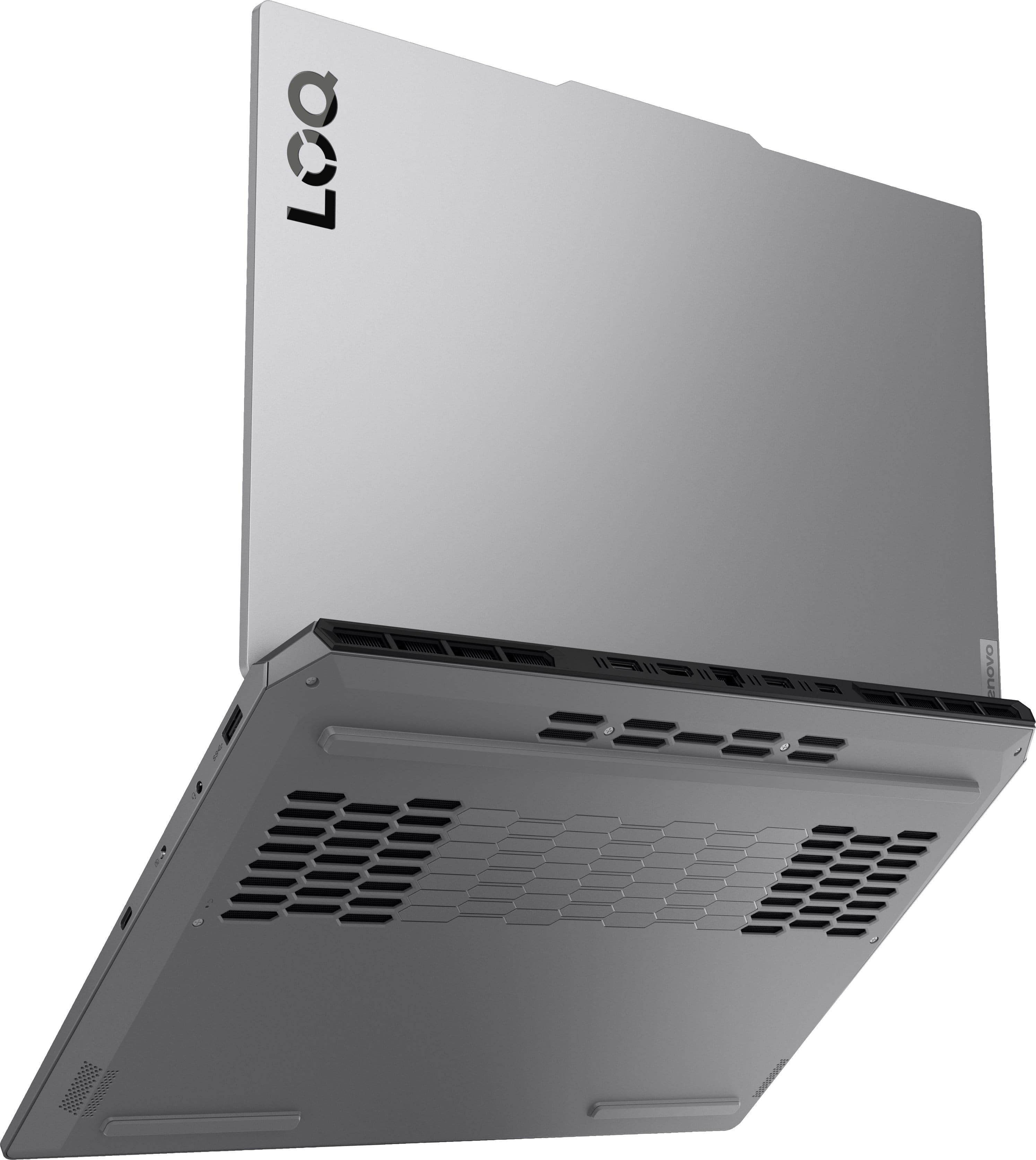
Data suggest that this LOQ can handled well over 1TB, but since the max storage noted for this model is based on test results with the available Lenovo offerings (which tops at 1TB), this model is listed to support 1TB per M.2 storage slot.
Please feel free to reach out to us with any other questions!
A:AnswerHey Cherif,
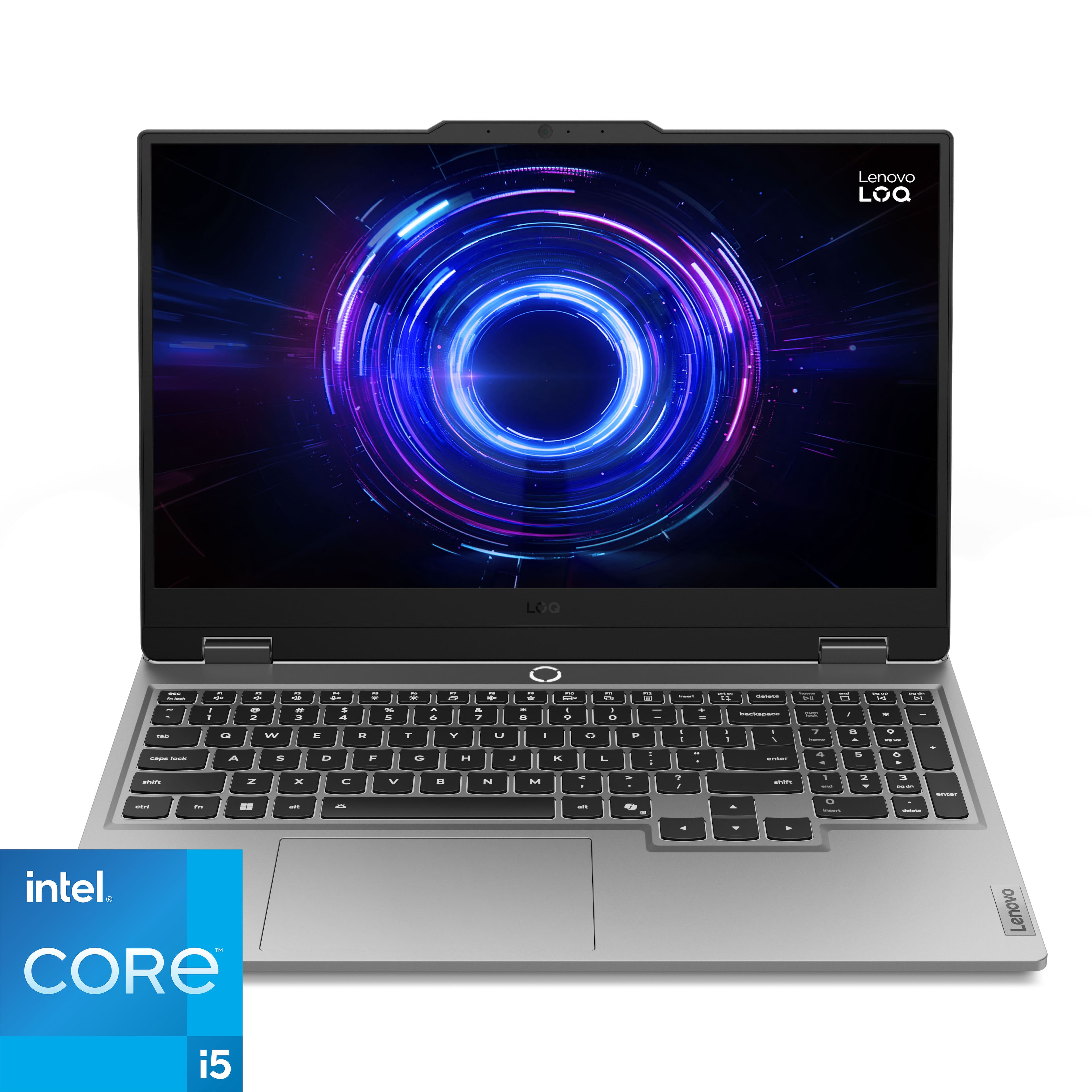
You can customize or upgrade the memory and storage with this LOQ 15. If you're referring to something else, please let us know so that we can assist you more precisely.
Feel free to reach out to us with any other questions!
A:AnswerHey,
The policy, including the details of what's covered, can be viewed at the following web address: https://download.lenovo.com/pccbbs/thinkcentre_pdf/l505-0010-03_en_update.pdf, and installing another M.2 shouldn't void your warranty, but if there are any components damaged during installation, these damages will not be covered.
Please feel free to reach out to us with any other questions!
A:AnswerHey Johns,
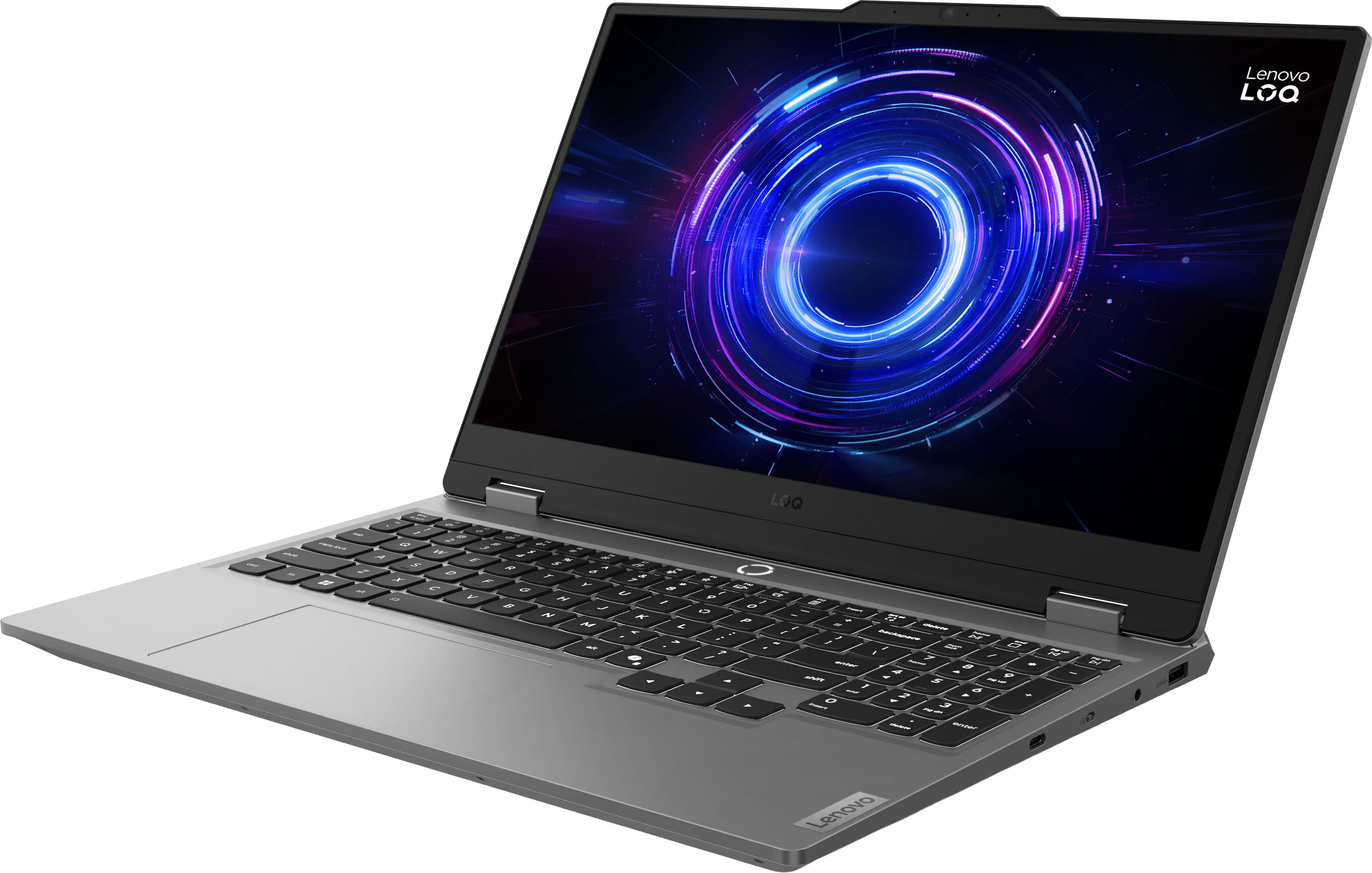
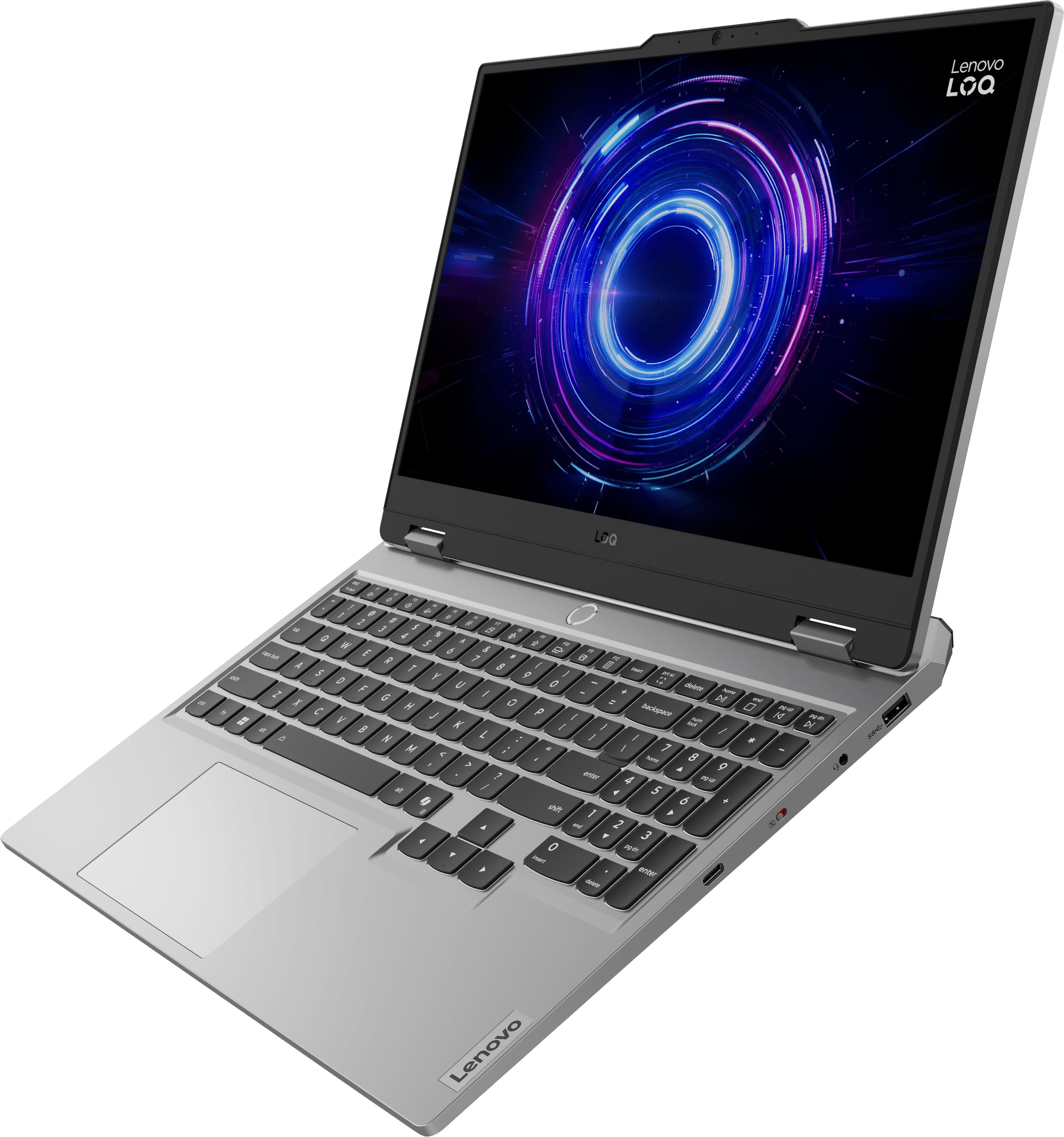
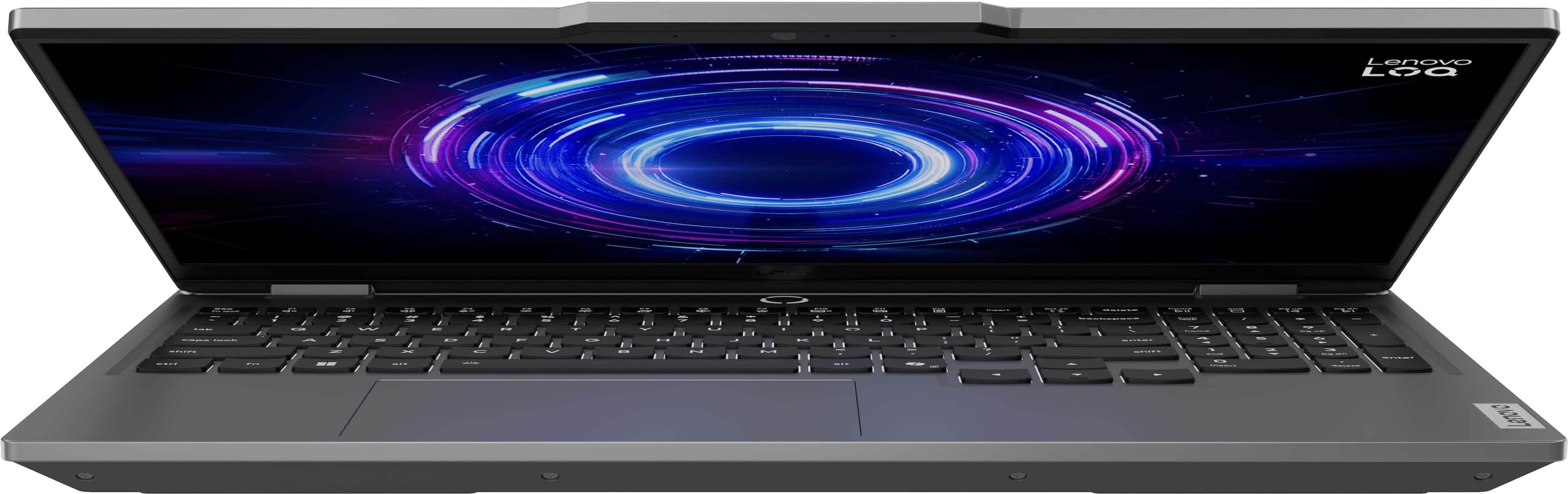
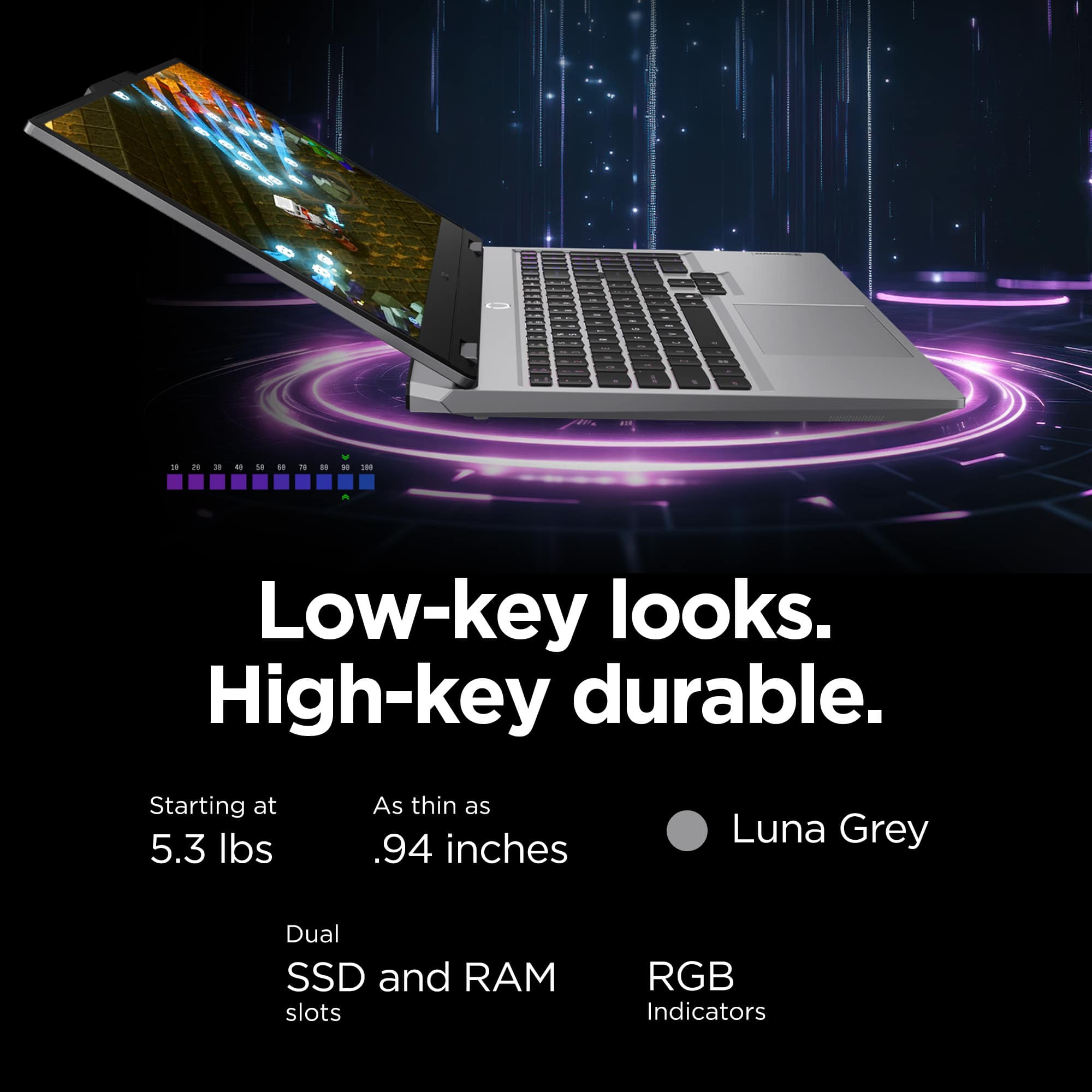
The LOQ 15 is equipped with a number pad, as it is a common feature requested by users for a number of tasks, including gaming and data input. This feature is not removable and there are currently no configurations of the laptop without a number pad.
Please feel free to reach out to us with any other questions!
A:AnswerHey Khaos,
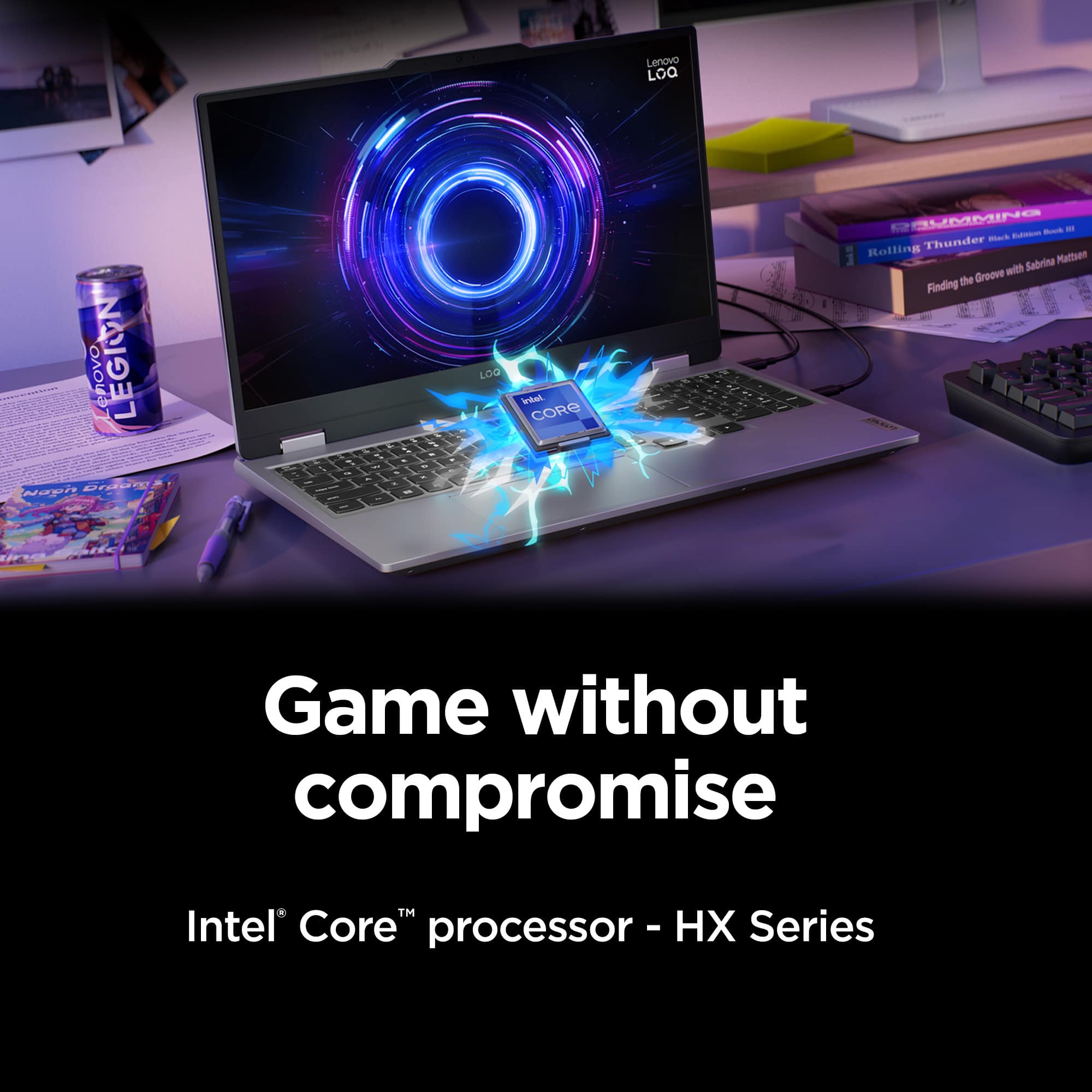
If you're able to minimize as many background tasks as possible, this LOQ 15 could work for your use. Since streaming platforms and creation software can take up a lot of memory, minimizing background tasks will help ensure your system runs smoothly and prevent any sudden app force closures.
Please feel free to reach out to us with any other questions!
A:AnswerHey jad,
Yes, this LOQ 15 listing is offering the product as new in box by default.
Please feel free to reach out to us with any other questions!

A:AnswerHey Drago60,
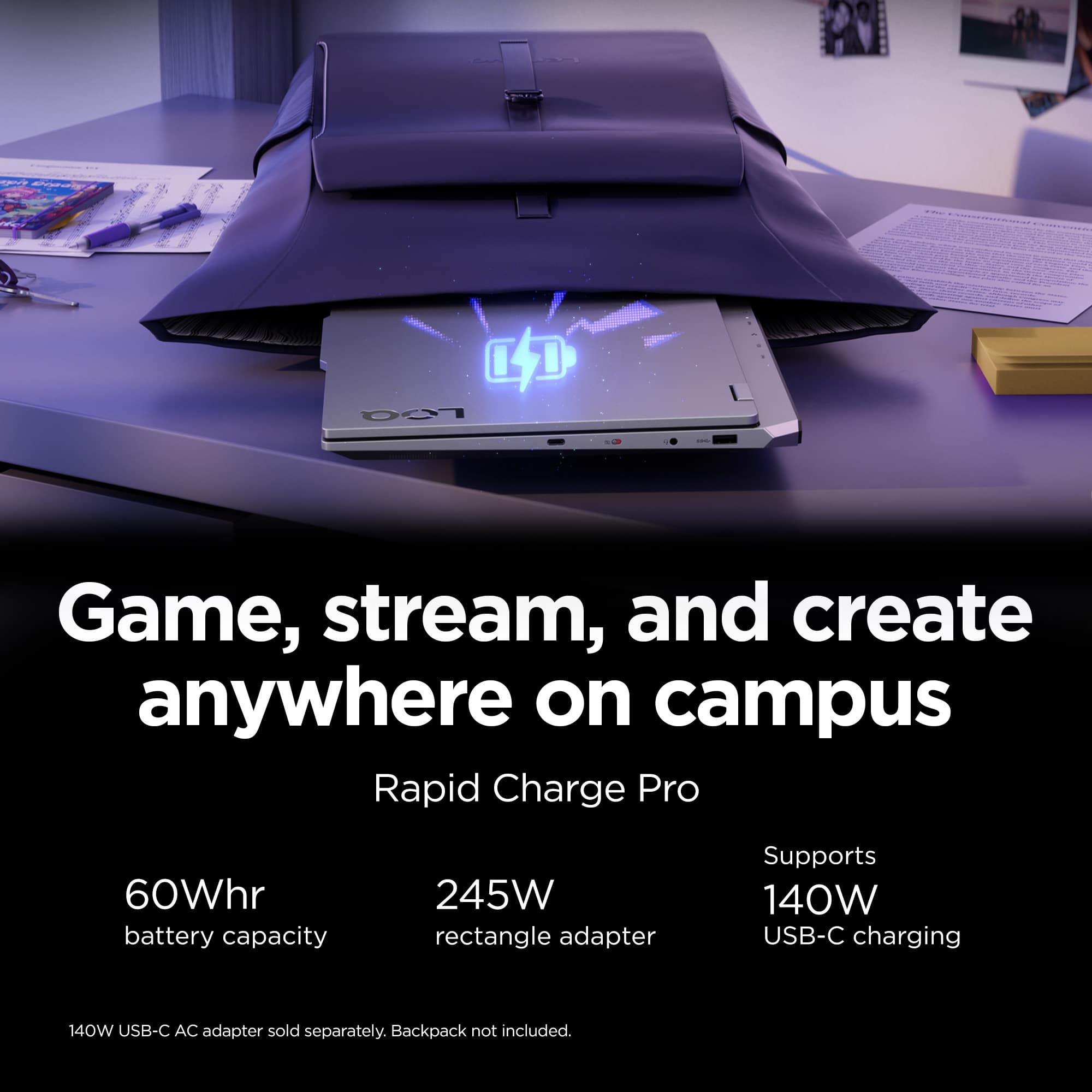
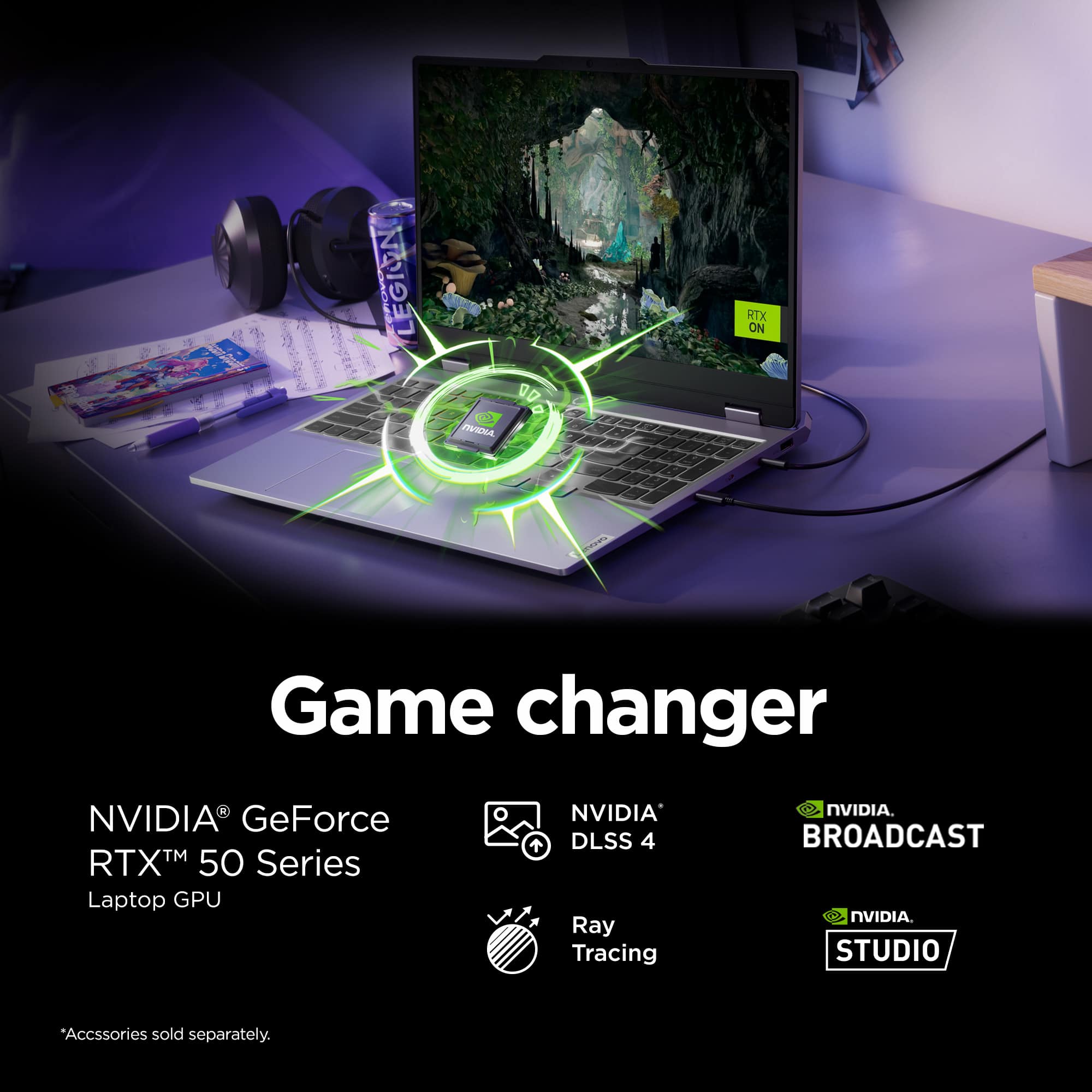
We appreciate your interest and inquiry, and we understand your concern. If you need this level of performance, yet battery life is important, we recommend utilizing the system's MUX switch for classes when the GPU isn't needed to greatly reduce battery consumption. This can be adjusted in the Lenovo Vantage app > Gaming Settings > GPU Working Mode. This and pressing Fn + R to change the screen's refresh rate down to 60Hz can combine to give you more time before having to plug in. Otherwise, you could consider systems like the Lenovo Yoga Pro 9i that features an RTX 5050, but a lower wattage Core Ultra 9 processor for increased power efficiency.
Please feel free to reach out to us with any other questions!

A:AnswerHey x7h4k2mm3,
Unfortunately, the preinstalled operating system cannot be changed before purchase. After owning the system, you can modify the OS.
Please feel free to reach out to us with any other questions!

A:AnswerHey MJ,
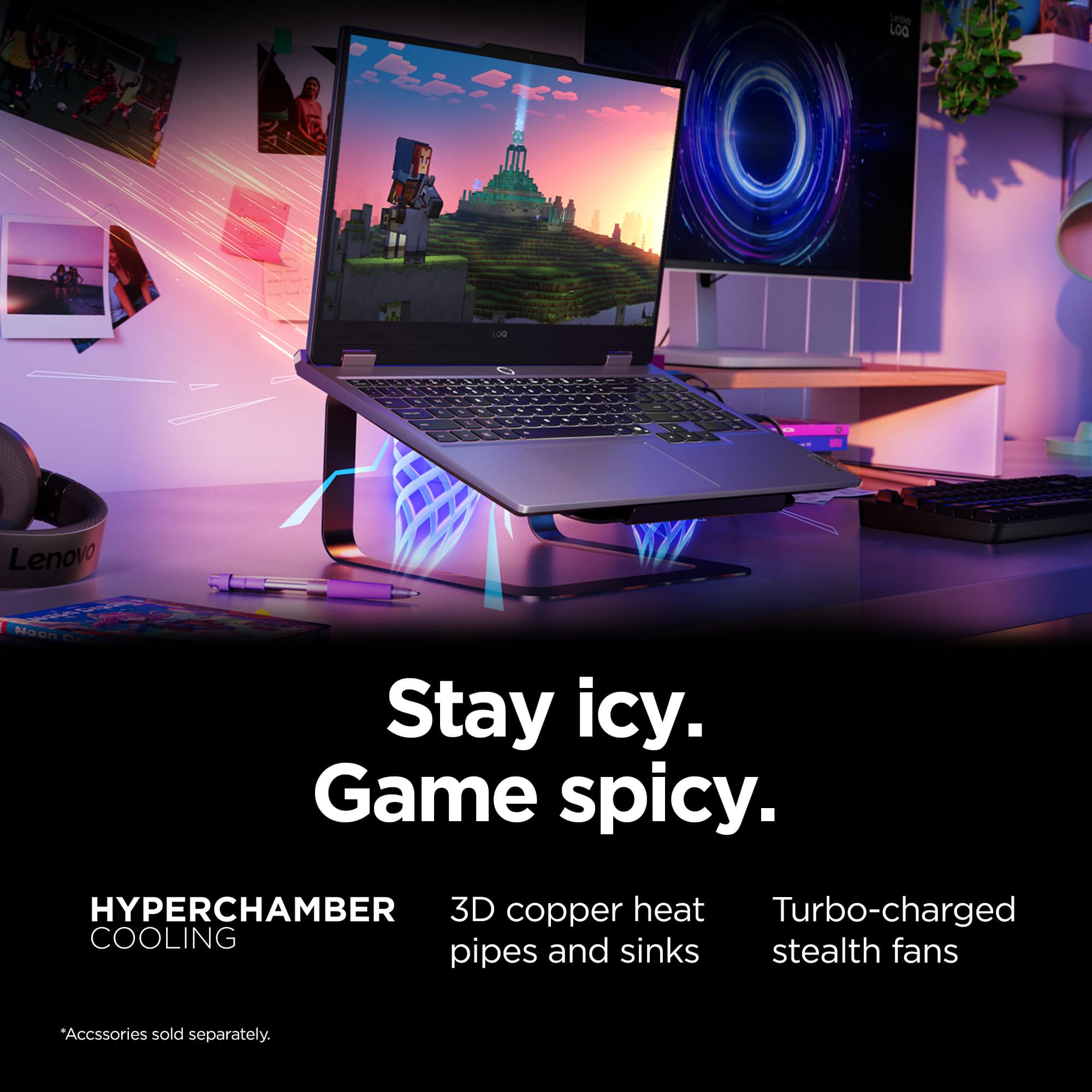
If we understand your question correctly, you can upgrade the preinstalled 512GB drive, along with adding another M.2 drive in the system's open storage slot. If we misunderstood and you were referencing something else, please post another question with details so that we can assist you more precisely.
Please feel free to reach out to us with any other questions!
A:AnswerHi Bryar,
If you could, please share details in another question in what context of which you are inquiring about bitrate, as this can apply to different aspects of the system and its use. This way we can understand your ask more clearly to then assist you precisely.
Please feel free to reach out to us with any other questions!
A:AnswerHi Leon,
The specifics of an open-box item can vary, even within the different tiers of open-box condition. To learn more about this, please visit this Best Buy webpage: https://www.bestbuy.com/site/electronics/outlet-refurbished-clearance/pcmcat142300050026.c?id=pcmcat142300050026, also, you can contact Best Buy customer service and online sales teams.
Please feel free to reach out to us with any other questions!

A:AnswerHey Ahmed,
From the manufacturer, this model LOQ 15 is not covered by International Warranty Services. By visiting the webpage tied to the following link: (https://pcsupport.lenovo.com/us/en/iwslookup#/ideapad), users can view local Lenovo support options for the supported countries. You can lookup options by entering the product serial number in the search box at the previously listed link, selecting “International Warranty Services” within “Warranty & Repair”. Full disclosure, there can be some limitations with repairs abroad as US components and onsite repair may not be available in another country.
Please feel free to reach out to us with any other questions!