A:Answeryes there is one open slot for additional storage.
watch if you upgrade ram though, max speed is 4800 mhz even though the manual says its 5800 mhz. check with Lenovo if upgrade ram from single stick to dual stick ram. they know manual is wrong but still ship it with incorrect manual specs
A:AnswerAssuming that you are not inquiring about the emotional state of a computer, but rather the storage, it comes with a 512GB SSD. It says so, big as life, right in the introduction, as well as the Specs. As the expression goes, "if it was a snake, it woulda bit you."
A:AnswerHey Deezy,
You can make adjustments to the capacity of the system memory (two SO-DIMM DDR5 slots) up to 32GB DDR5-4800, and system storage (two M.2 2280 SSD slots) 1TB (maximum used during testing) each slot, although the GPU is integrated into the systemboard.
A:AnswerHey SaintRupert, you should be able to use a 4TB M.2 2280 SSD, as other users have found success doing so; but, for disclosure, the system was tested using a maximum of 1TB of storage.
A:AnswerHey, thanks for your inquiry. Based off the system requirements that are listed on this SEGA Support webpage (https://support.sega.com/hc/en-us/articles/4417717186833-TOTAL-WAR-WARHAMMER-III-FAQ#h_01HD0HF7K5HJSJ0VPMWHFYD36Q), this LOQ should run the game at medium settings. You may need a higher tier CPU and GPU, along with more memory to run the game at the highest graphic settings. We recommend reviewing the system requirements detailed on the previously linked webpage, then comparing it with the specifications of any computer you’re interested in to help ensure you find the right fit for you. You can also post what games you wish to play in the Q&A of whatever Lenovo item you're interested in, and we can help you further.
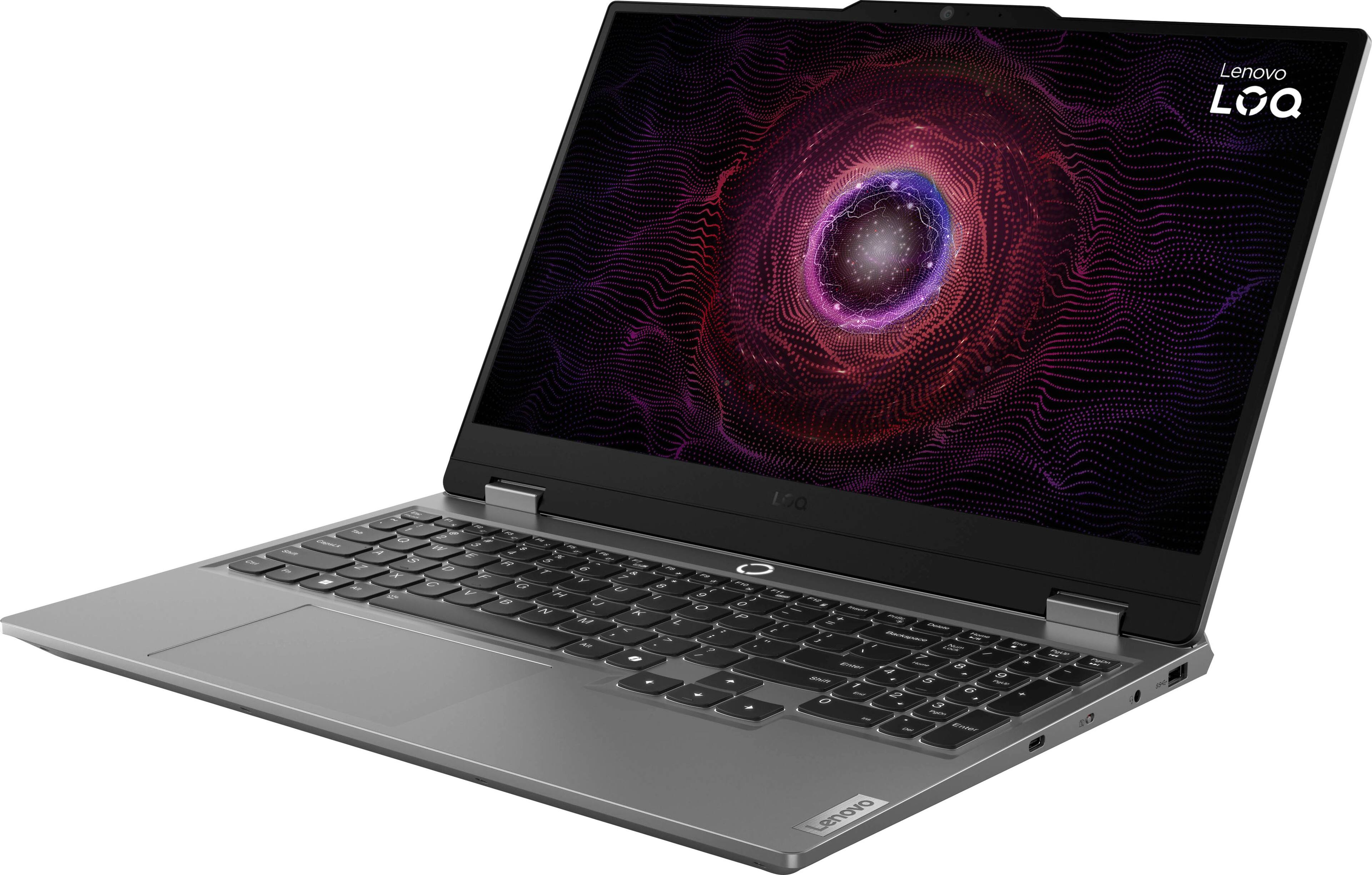
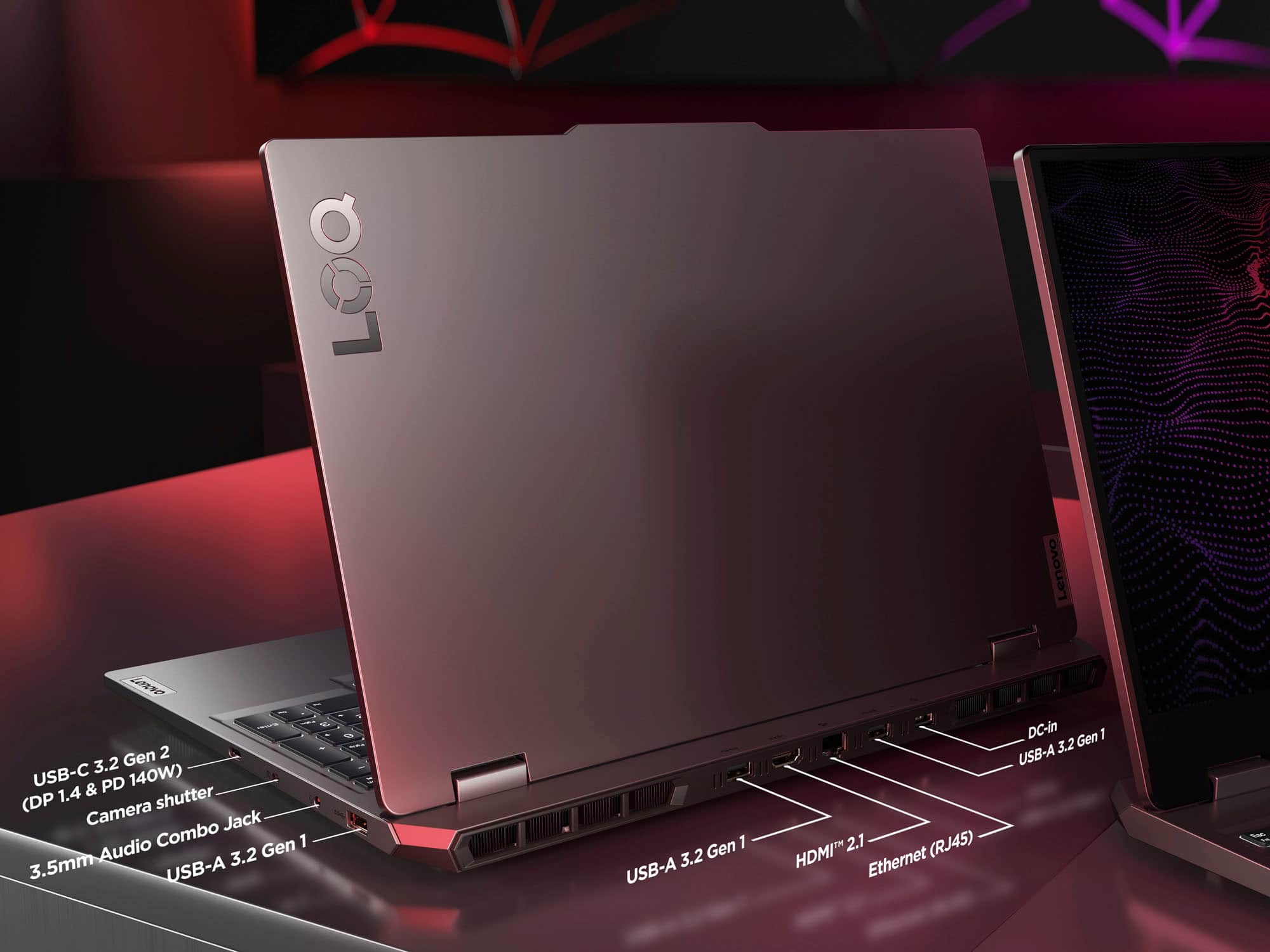
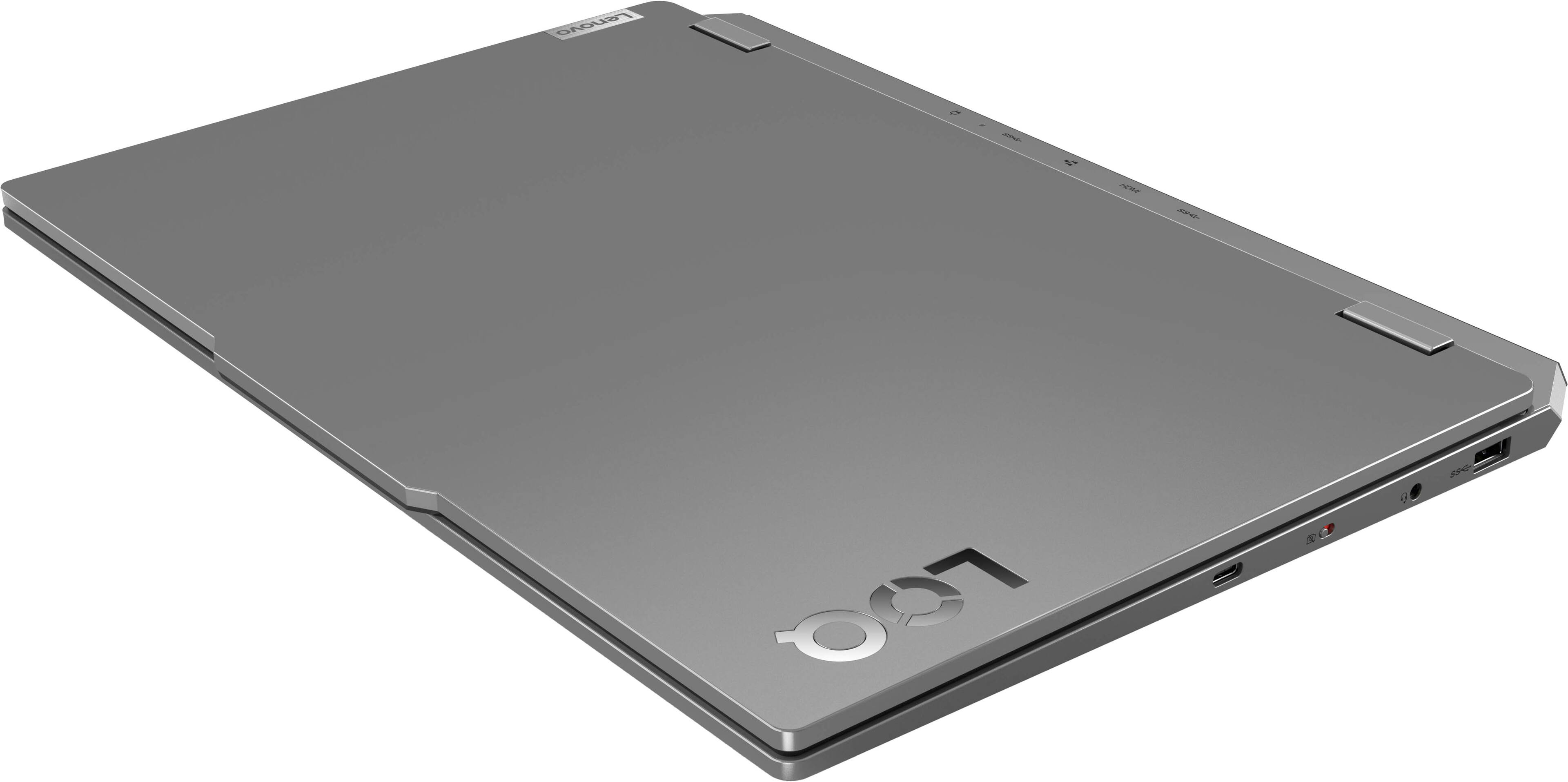
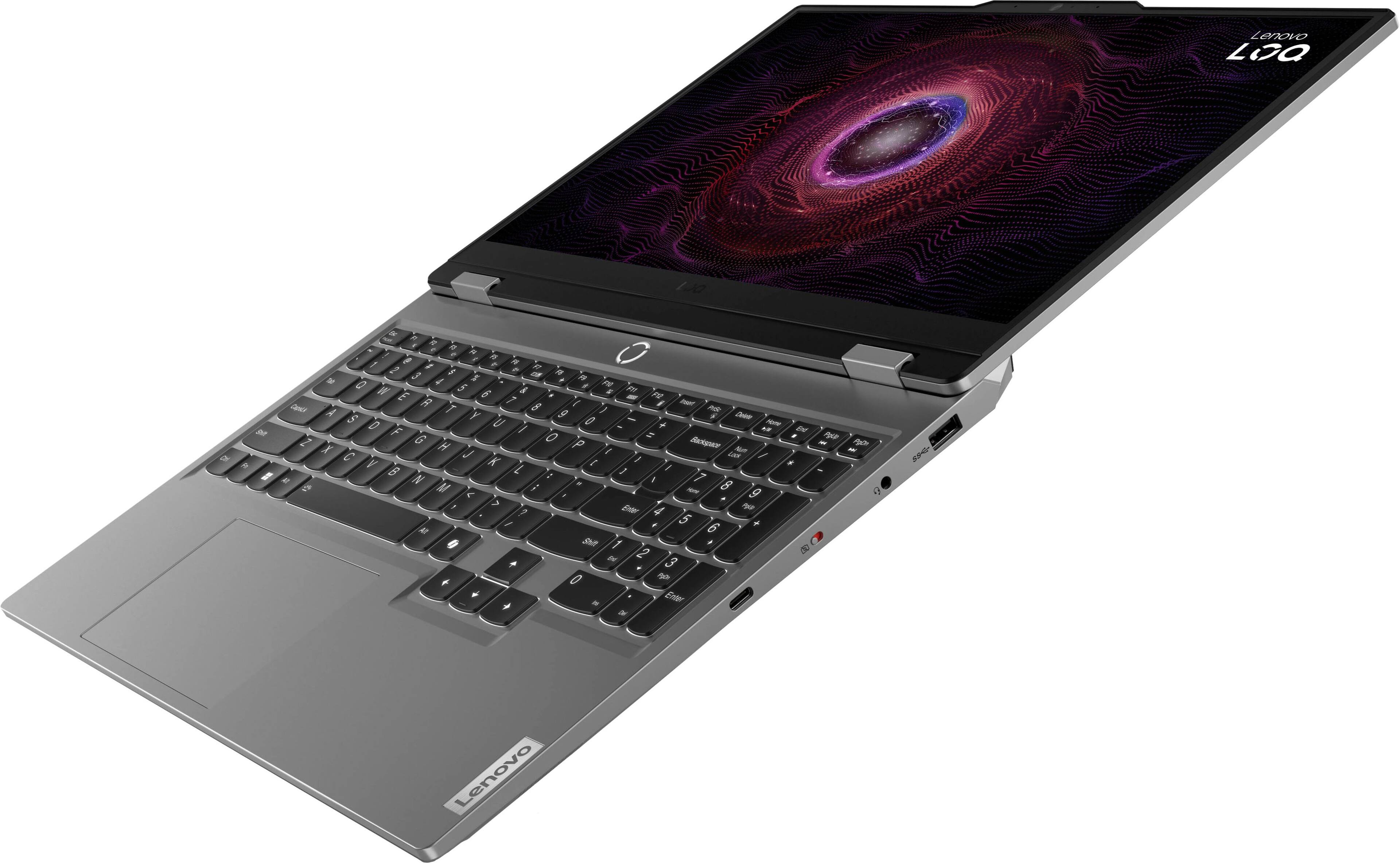
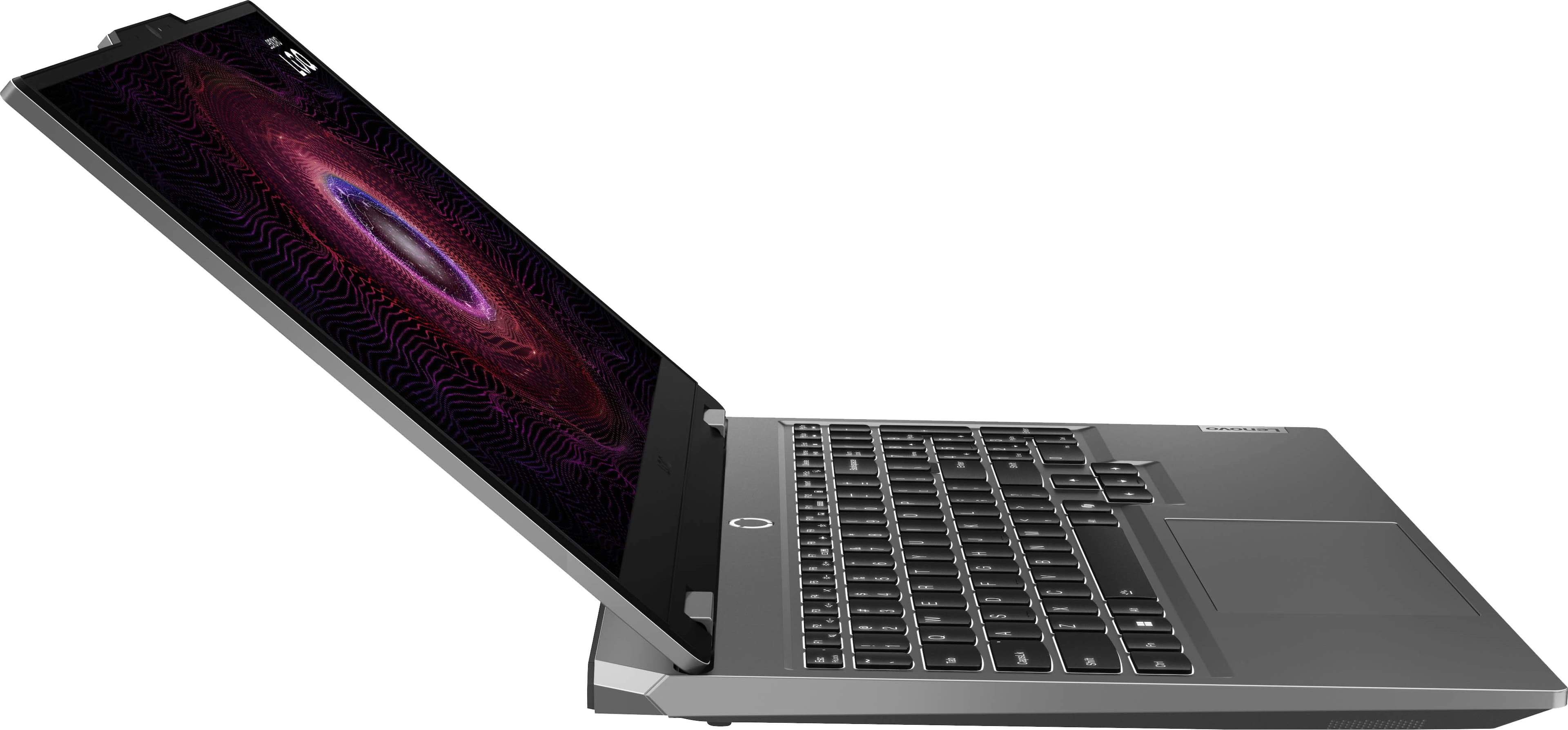
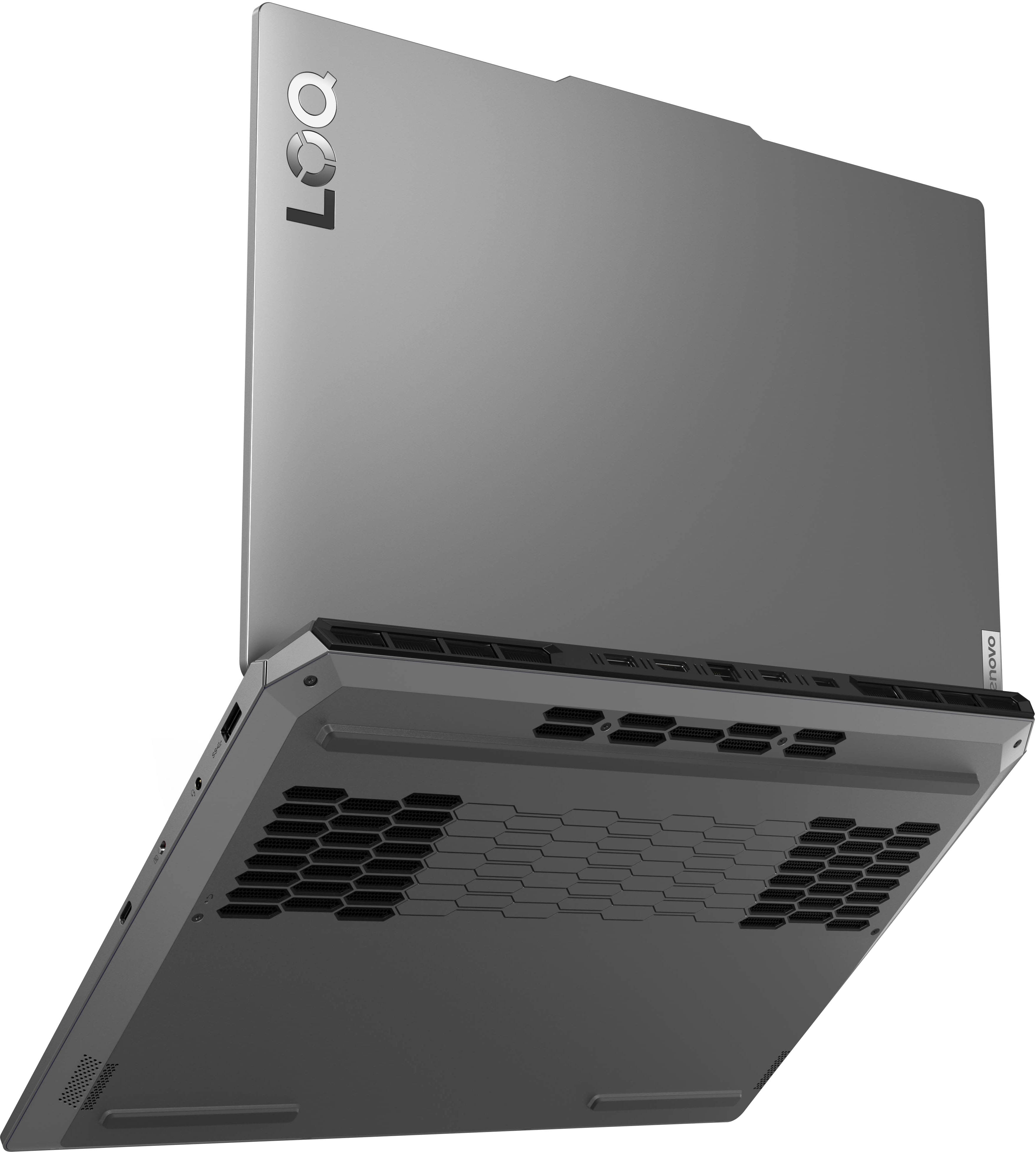
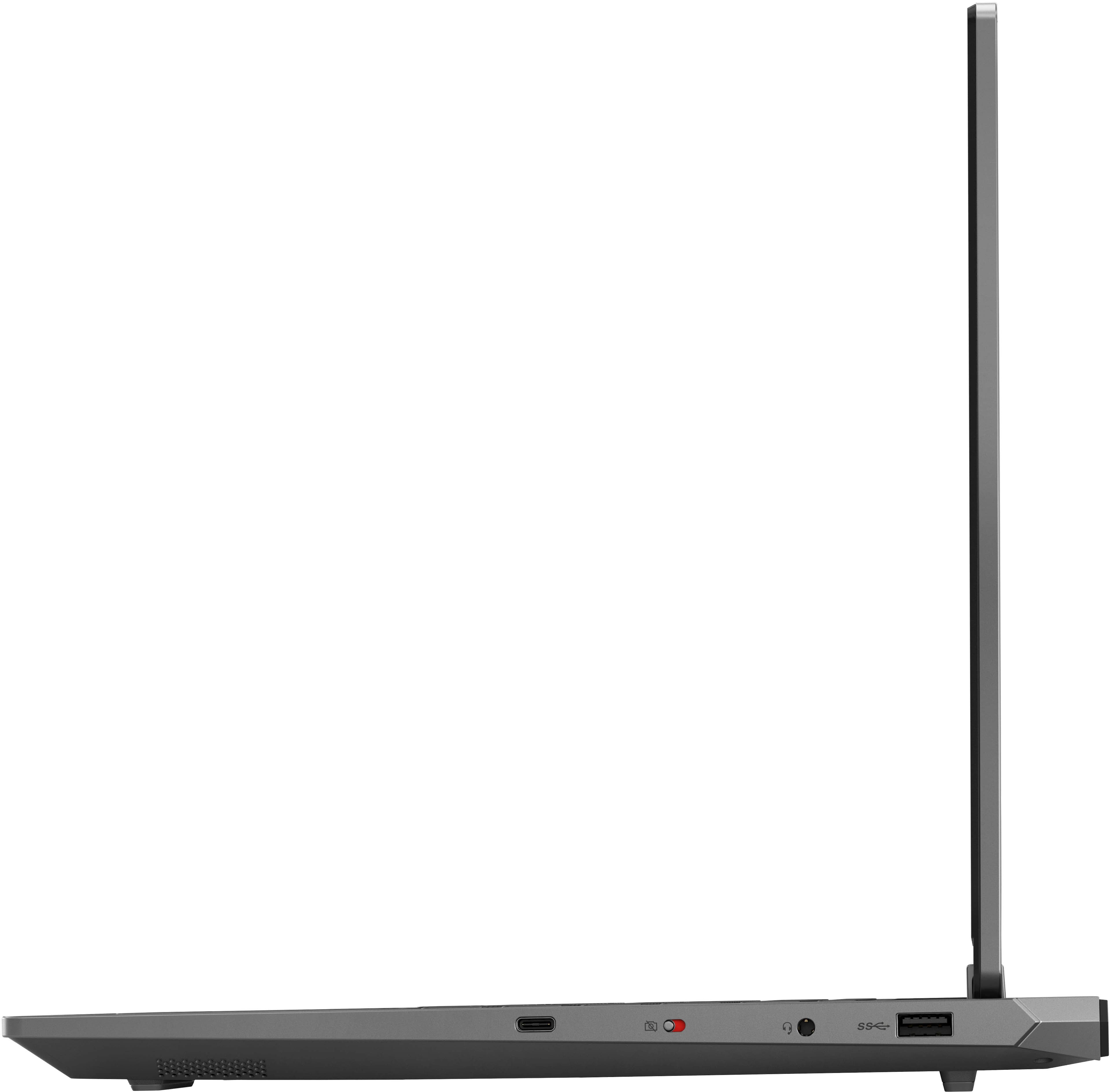
A:AnswerHi, Cdub. You should be able to add up to 3 external monitors via the HDMI 2.1 and USB-C port that supports DisplayPort 1.4 (via hub or docking station).
A:AnswerHi, Angela. It features two DDR5 SO-DIMM slots (1x 12GB DDR5-4800 module installed), and two M.2 2280 PCIe 4.0 x4 slots (1x 512GB M.2 2242 SSD preinstalled). The brand of components inside can vary depending on manufacturing times, and as for what brands to use yourself when upgrading -- it's up to you, so long as the specifications of the components are with compatible with this LOQ 15.
A:AnswerHi, Lyandrah. There are some details necessary before a recommendation can be made to help ensure you find the right USB-C docking station to meet your needs. These details include information about your setup, like how many USB devices may need to be connected to your laptops and how many external monitors would you like to use. Here's a link to search results on Best Buy's website (https://www.bestbuy.com/site/searchpage.jsp?st=usb-c+docking+station&_dyncharset=UTF-8&_dynSessConf=&id=pcat17071&type=page&sc=Global&cp=1&nrp=&sp=&qp=&list=n&af=true&iht=y&usc=All+Categories&ks=960&keys=keys) that could be used as a starting point. By using the filter features on the left side of the page, you can narrow down more precisely what you need out of your dock. One thing to note is that the USB-C port on this LOQ does not support Thunderbolt 4, and that while you can use USB-C charging, the wattage push through most docks and USB-C chargers falls short of what the system was designed to use. This may cause the battery to deplete quicker than it can be charged when the laptop is under a heavy workload, along with drops in performance in these conditions Also, feel free to reach out to Best Buy online support for assistance or ask any other questions you may have here.
A:AnswerSince laptops function as COMPUTERS, with accessories (mouse, keyboard, screen) attached, they NEVER have video inputs. Not HDMI, DisplayPort, VGA. They only have video OUTPUTS, Even the USB ports, whether 3.0 or 4.0, Gen 1 or 2, don't function as video inputs, only outputs. Depending on your particular controller, you probably have either a Mini-USB or USB-C connector, so you might need an adapter, but you should be able to connect your controller with no problem, and it will act as an INPUT to your computer (which is what it is).
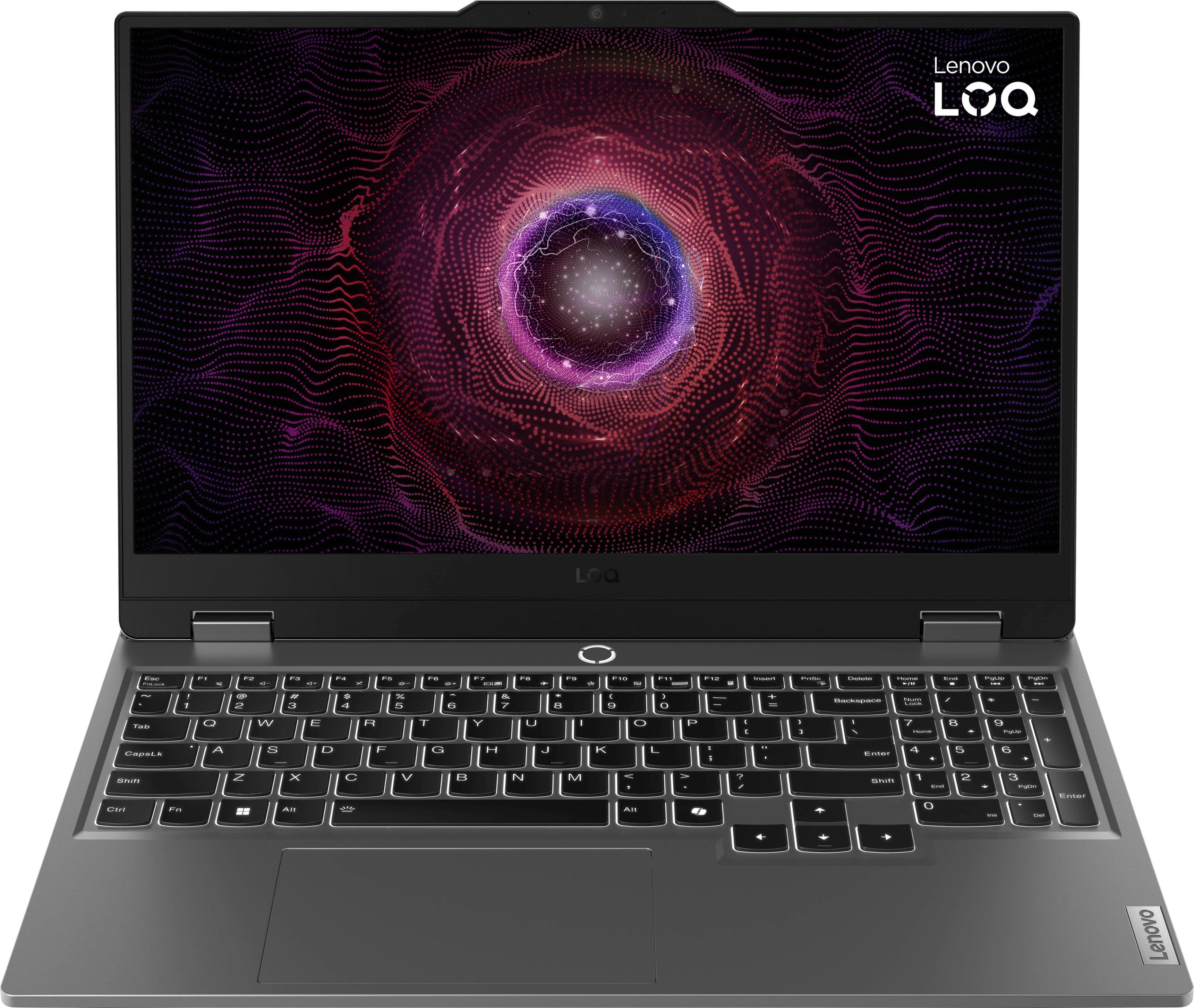
A:AnswerHi, RandomPerson. Based on the system requirements shared for the Alien game series, this LOQ should be able to run the software and other games with similar specification requirements.

A:AnswerHey Kris,
Based on the system requirements for Total War: WARHAMMER, this LOQ 15 should run the game well.
Please feel free to reach out to us with any other questions!