A:AnswerHey Randy,
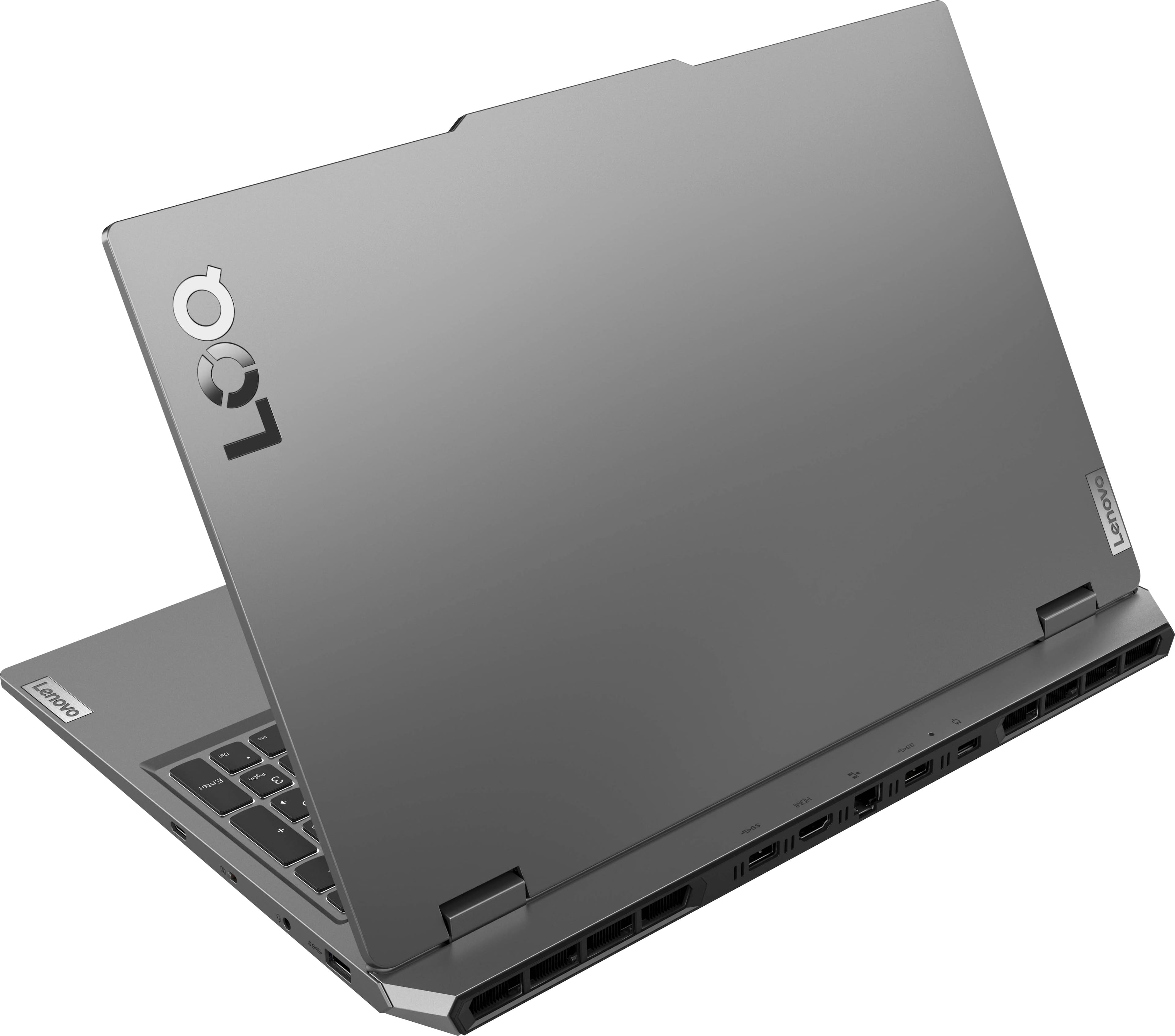
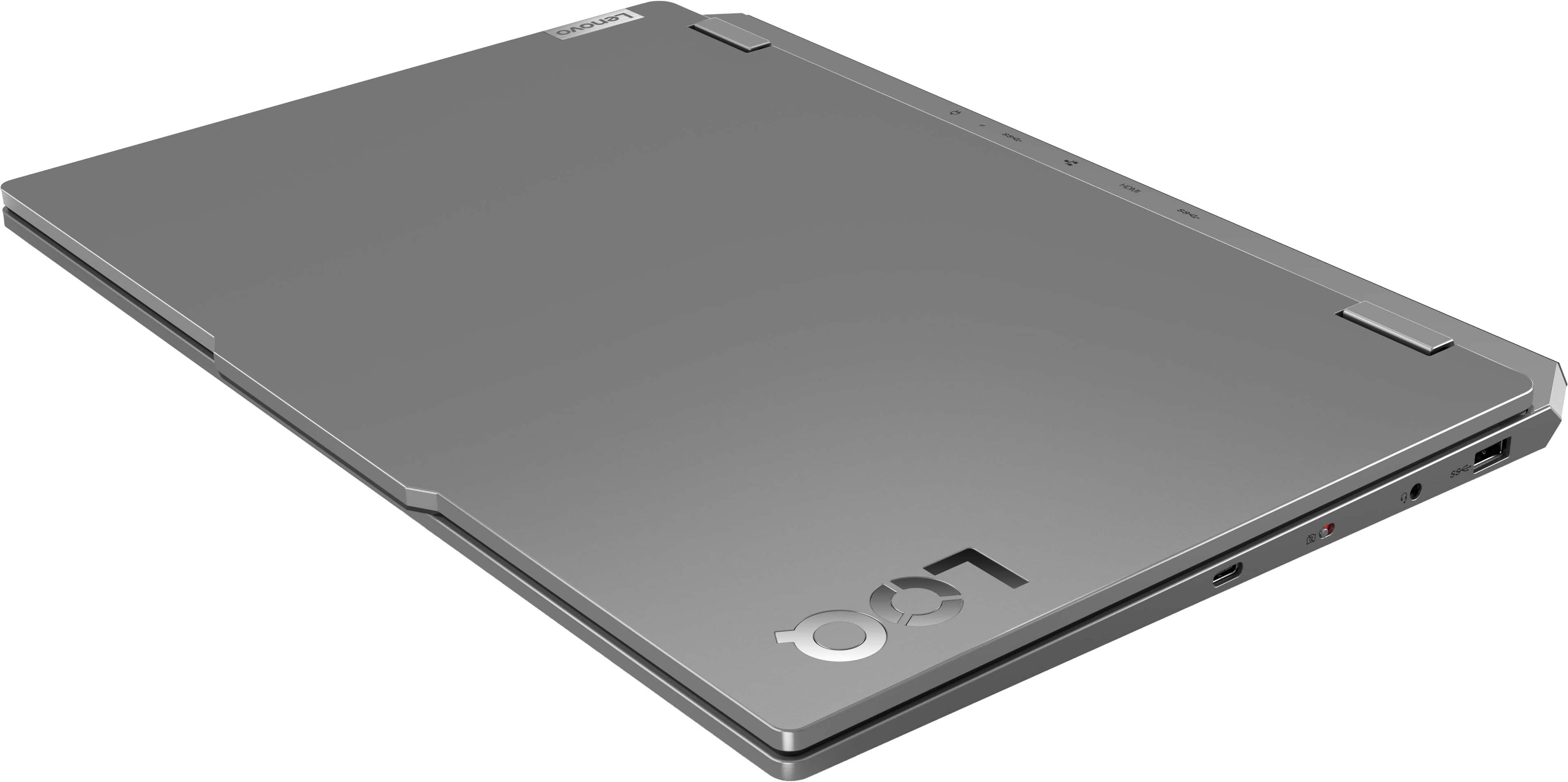
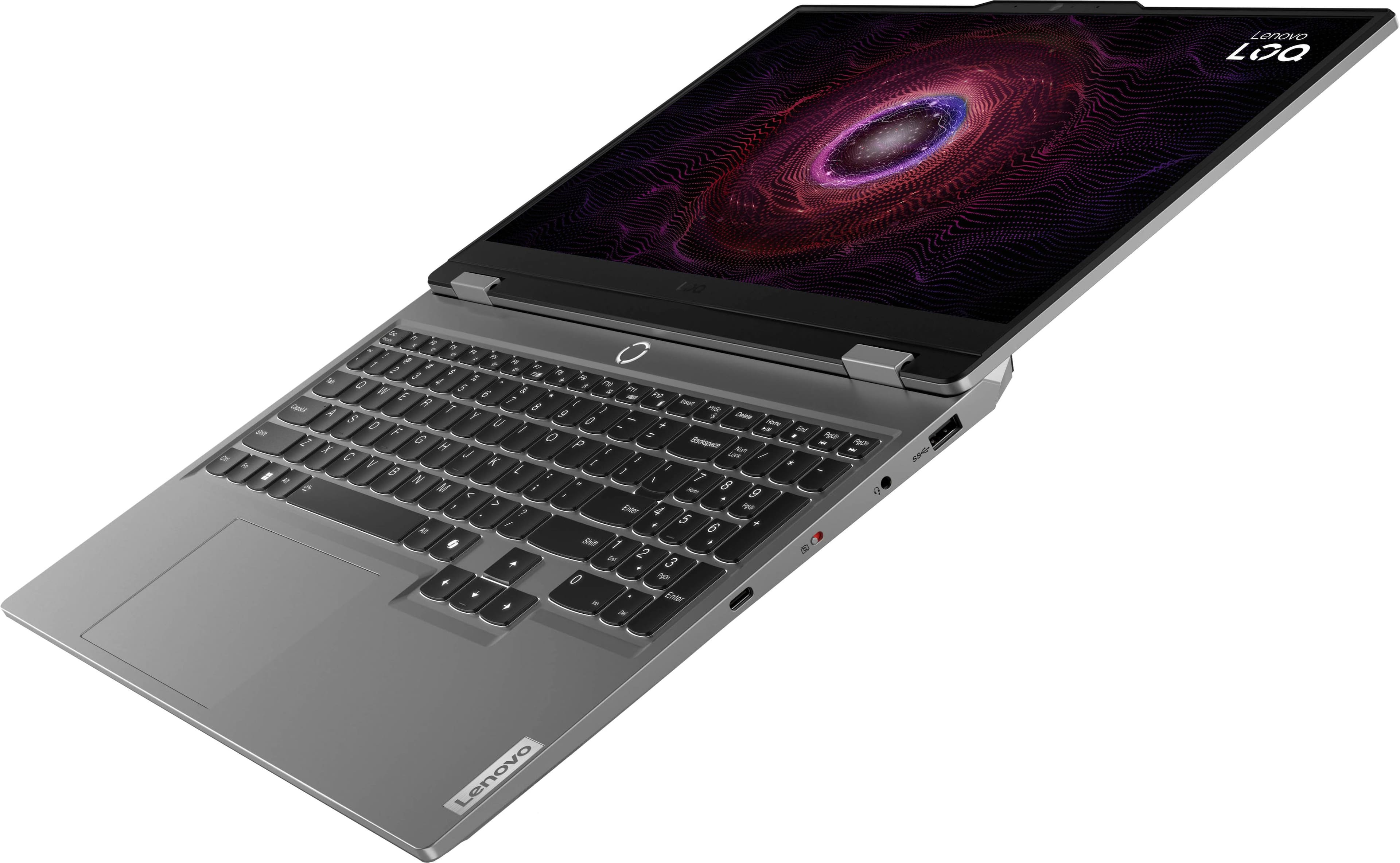
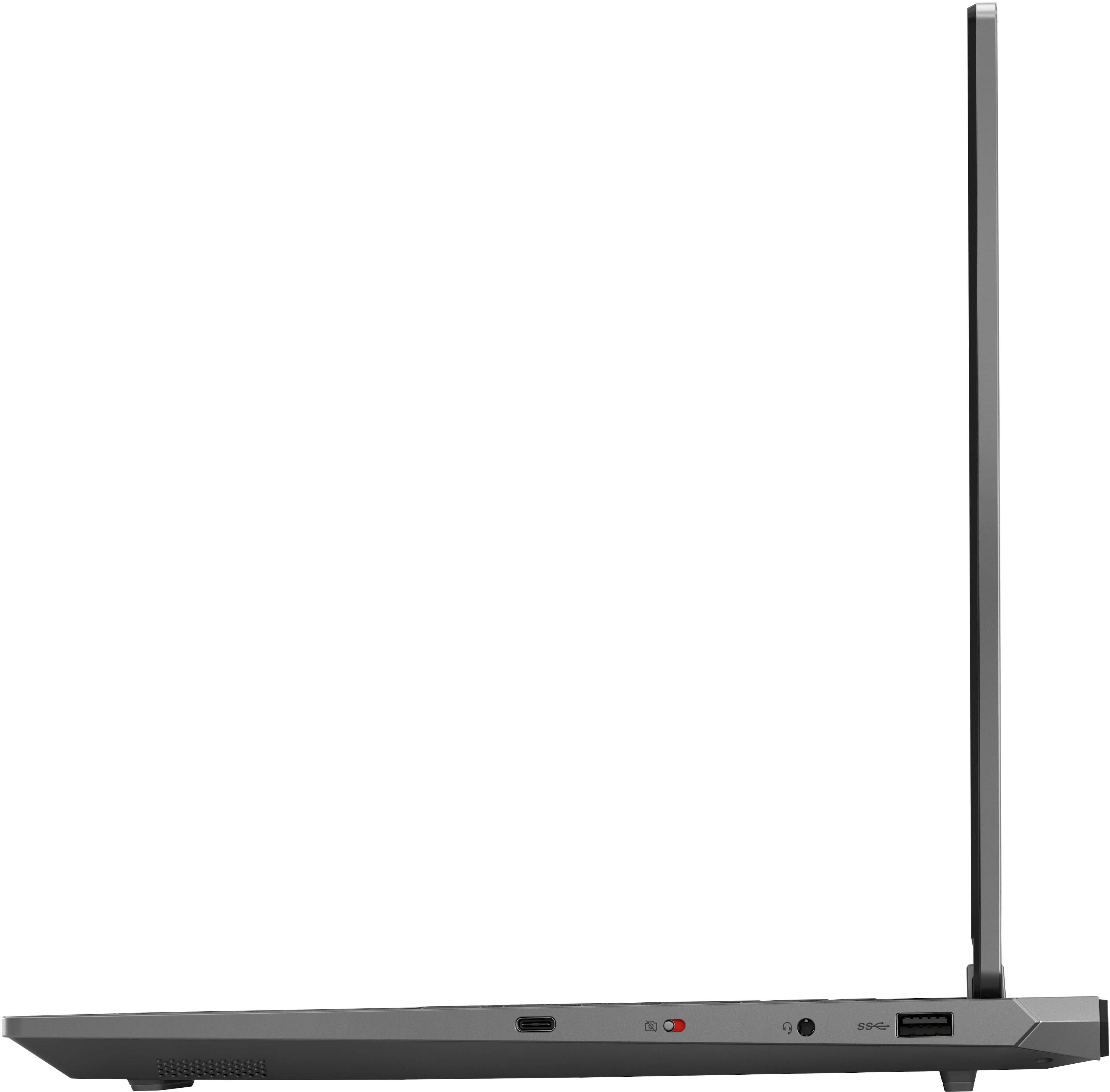
The USB-C port features DisplayPort 1.4 support which can display 8K video resolution up to 60Hz. This is also the case for the HDMI 2.1 port the LOQ 15 features.
A:AnswerI've had no issue gaming with it. Bought it primarily for work but wanted something I could game with when I traveled. After gaming for an hour or so, I did notice the machine warmed up, and the fans were louder but not horribly so.
A:AnswerHey there, thanks for your inquiry. Since there are different system requirements for the various versions of ArcGIS offered, we recommend either sharing which version you plan to use so we can help verify compatibility, or by visiting this webpage (https://desktop.arcgis.com/en/system-requirements/latest/welcome-to-the-arcgis-system-requirements.htm#ESRI_SECTION1_9FF9489173C741DD95472F21B5AD8374), selecting the link tied to the version of ArcGIS that pertains to you, and comparing those system requirements to the specs of this LOQ 15 to help ensure you find the right fit for you.
A:AnswerHey JoyceL, there are a couple other configurations that are currently available at Best Buy for the LOQ 15. Here's a link to view search results that contain all of your options: https://www.bestbuy.com/site/searchpage.jsp?id=pcat17071&qp=modelfamily_facet%3DModel%20Family~Lenovo%20LOQ&st=lenovo+loq+gaming+laptop
A:AnswerHi, 4060Lover. It uses a 170W Lenovo Slim Tip power adapter, but it can accept USB-C charging, up to 140W. Also, based on user reviews, you should see around 3 hours of battery life while unplugged and completing non-intensive tasks, and around 1 1/2-2 hours when gaming, depending on how hard the system is working. Also based on reviews, the display has satisfied most, with a matte finish to cut down on glare.
A:AnswerHi, InterestedConsumer. It depends on more specific graphic settings like the frames per second (FPS) you wish to achieve, shaders, and resolution, but based on the system requirements for both games, this LOQ 15 should be able to run the games smoothly. These two titles can be demanding for the system, so you may need to stick to lower general graphic settings in game to help ensure you get over 100 FPS consistently in game.

A:AnswerHi, Lyago. This LOQ 15 features a 170W power adapter in the box. You shouldn't experience a negative power draw on the battery using the supplied charger, but it you do, please share this with us and work with Lenovo Support so we can resolve this for you.

A:AnswerYes. I use this laptop for video editing (Adobe Premiere Pro) and gaming. It excels at both. I would highly recommend this laptop for your needs.