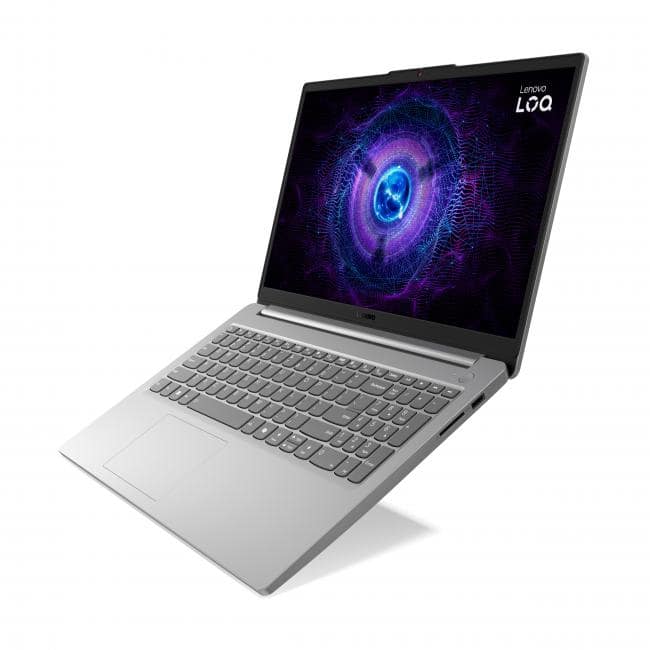
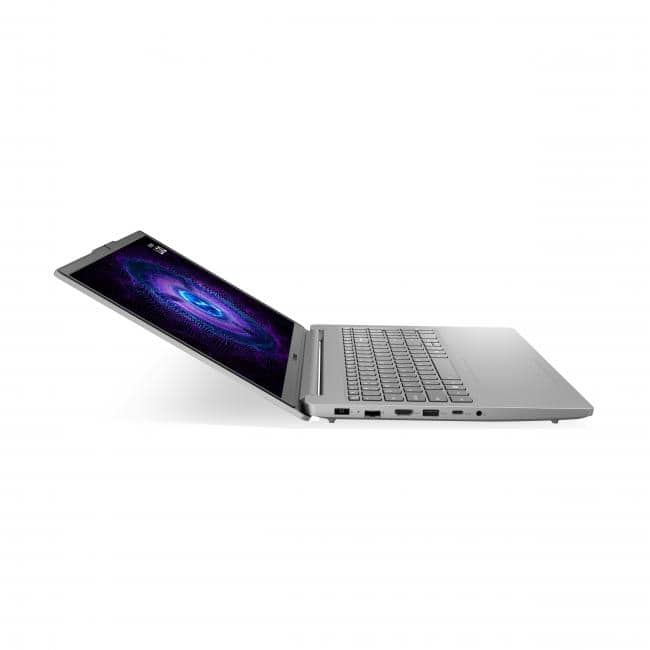
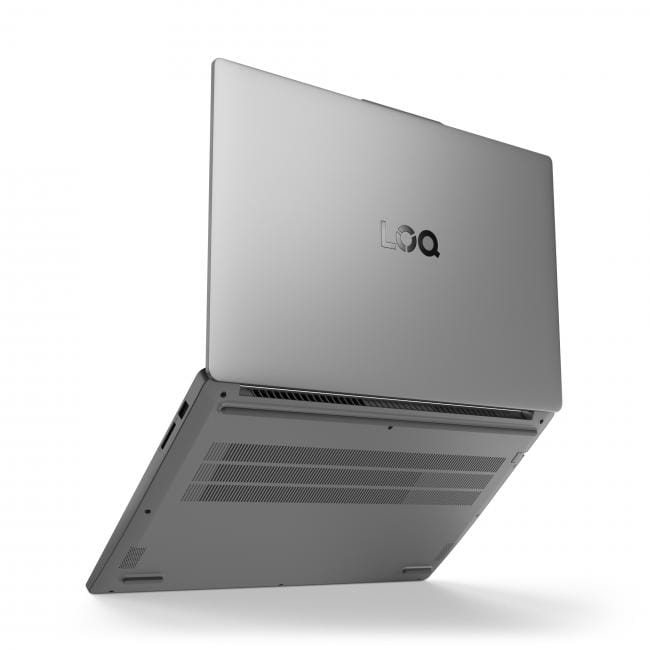
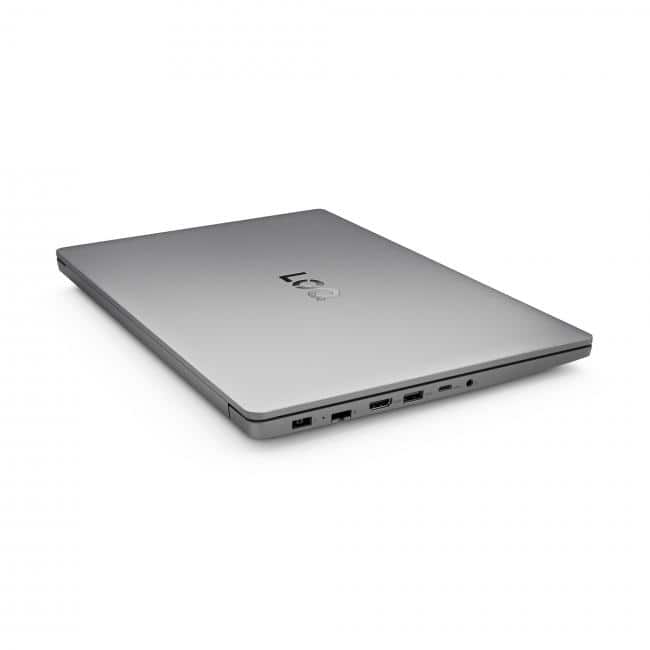
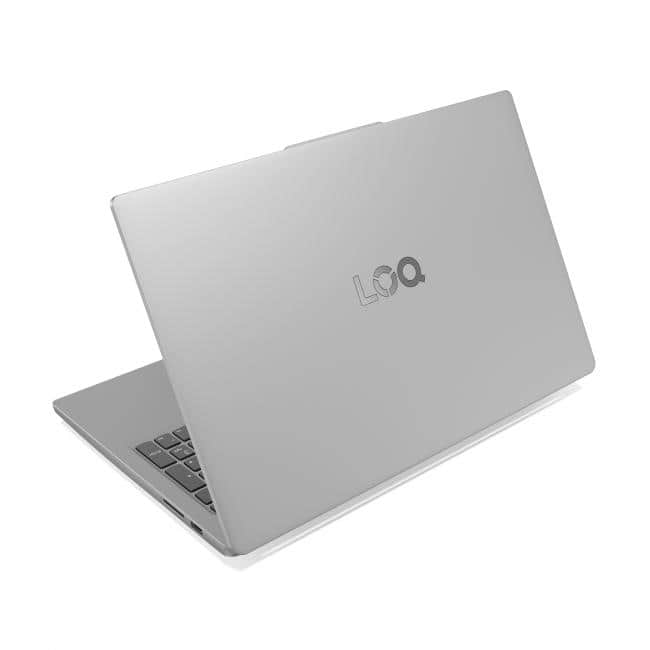
A:Answer An interesting question. I checked with Gemini and found this:
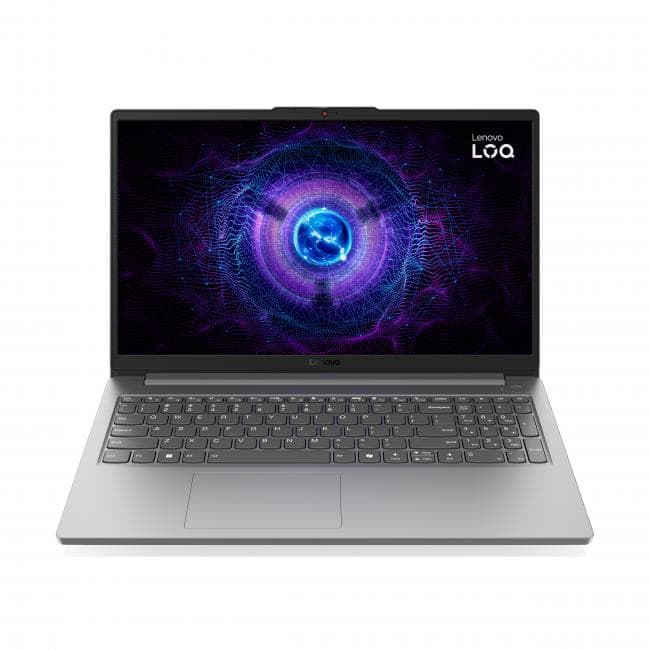
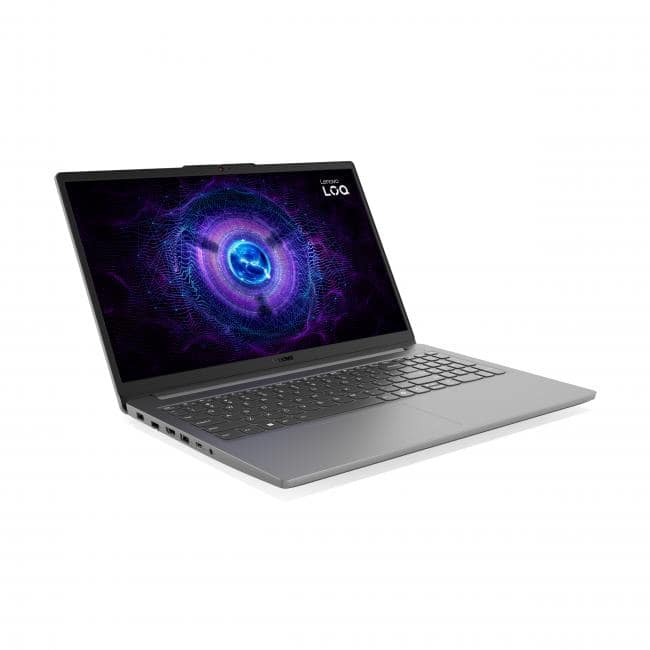
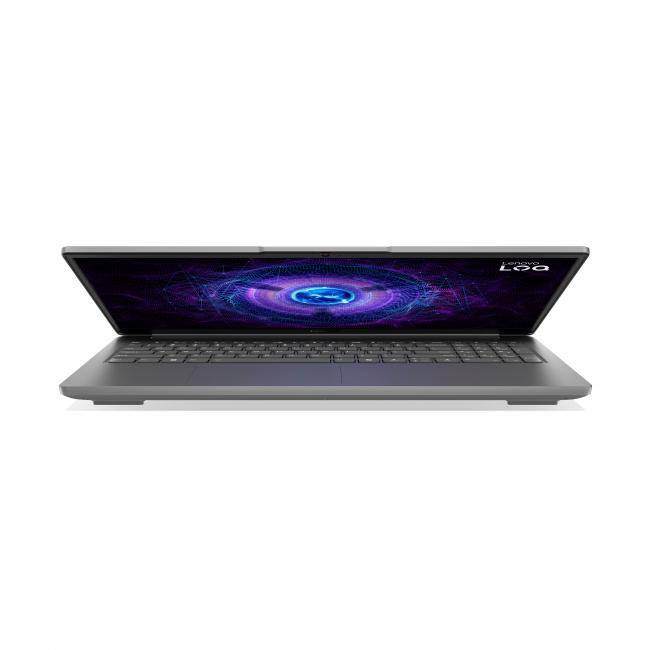
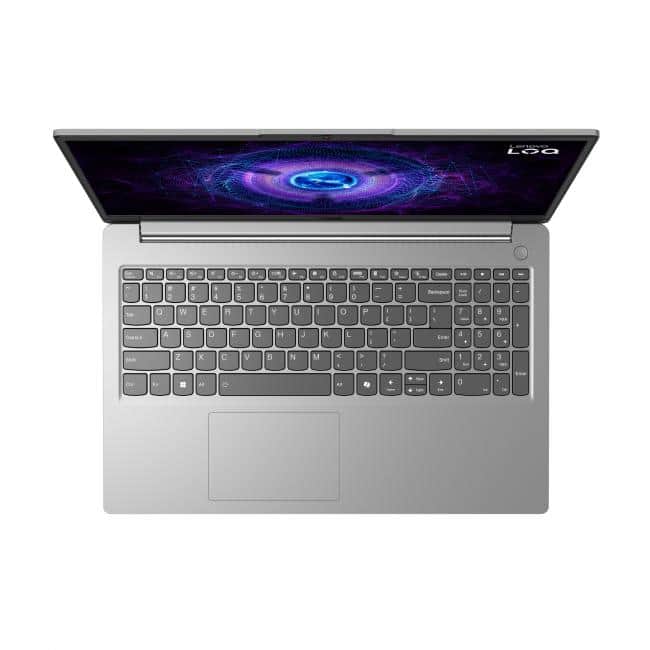
Yes, the battery on the Lenovo LOQ (model 10851450) is generally replaceable and potentially upgradable to a larger capacity, but it involves opening the laptop case and swapping the internal battery, possibly needing a new cable and removing internal plastic if upgrading size, as shown in guides for similar systems.
Key Considerations:
Internal Battery: This laptop has an internal battery, not an external, hot-swappable one, meaning you must open the case.
Upgrading Capacity: You might be able to install a higher-mAh (milliamp-hour) battery for longer life, but you may need to remove filler panels and potentially a new battery cable to fit it, say YouTube video.
Part Numbers: Search for compatible, higher-capacity batteries using your laptop's specific model (Lenovo LOQ 15) and looking for larger-mAh options from reputable sellers, suggests Best Buy's Q&A page for the laptop and another Q&A entry.
Steps (General for this type of laptop):
Power Down: Shut down and unplug the laptop.
Remove Bottom Case: Unscrew and remove the bottom panel.
Disconnect Old Battery: Unplug the connector and remove any screws holding the battery.
Install New Battery: Fit the new, potentially larger battery (removing plastic if needed), reconnect the cable, and secure it.