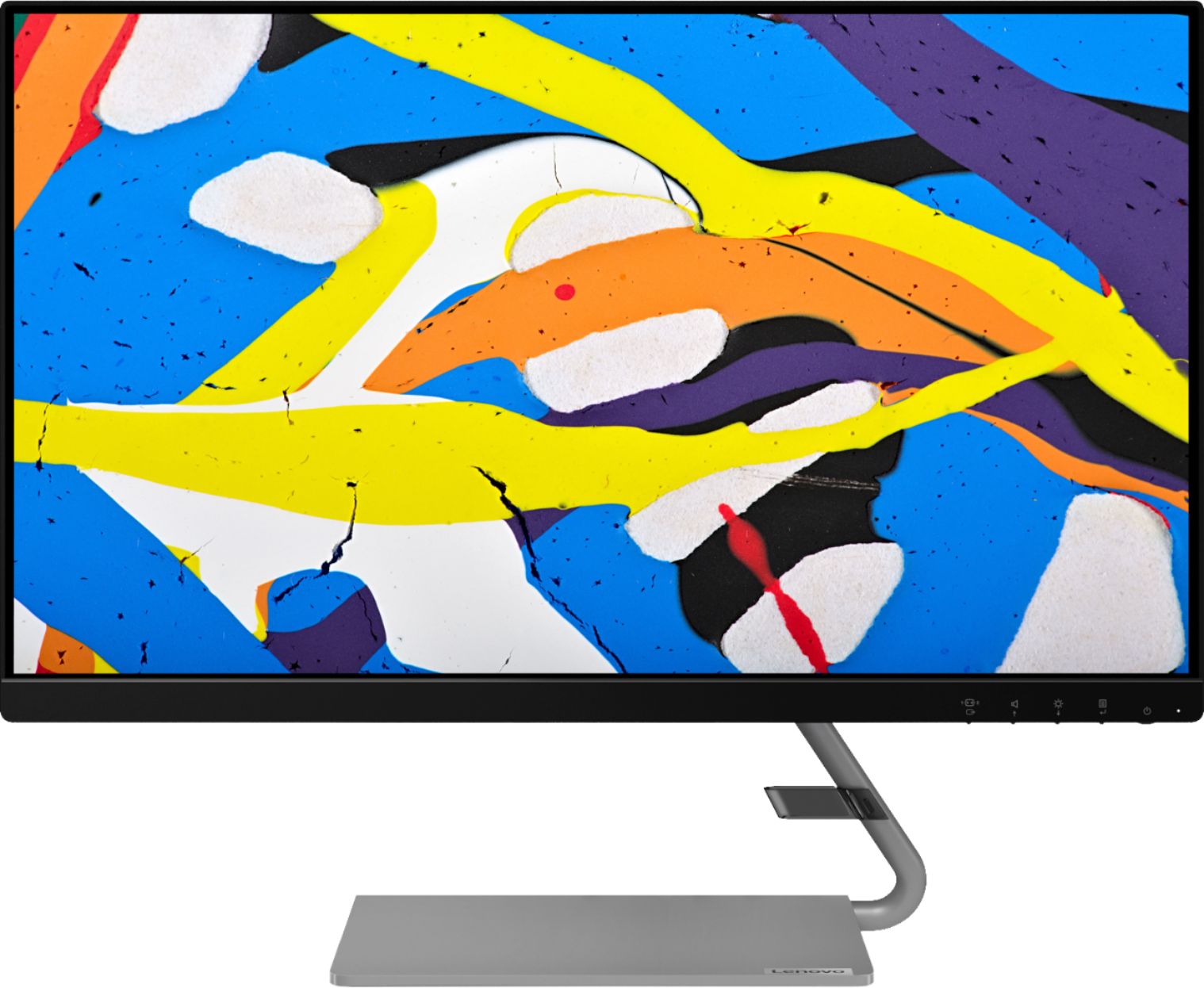
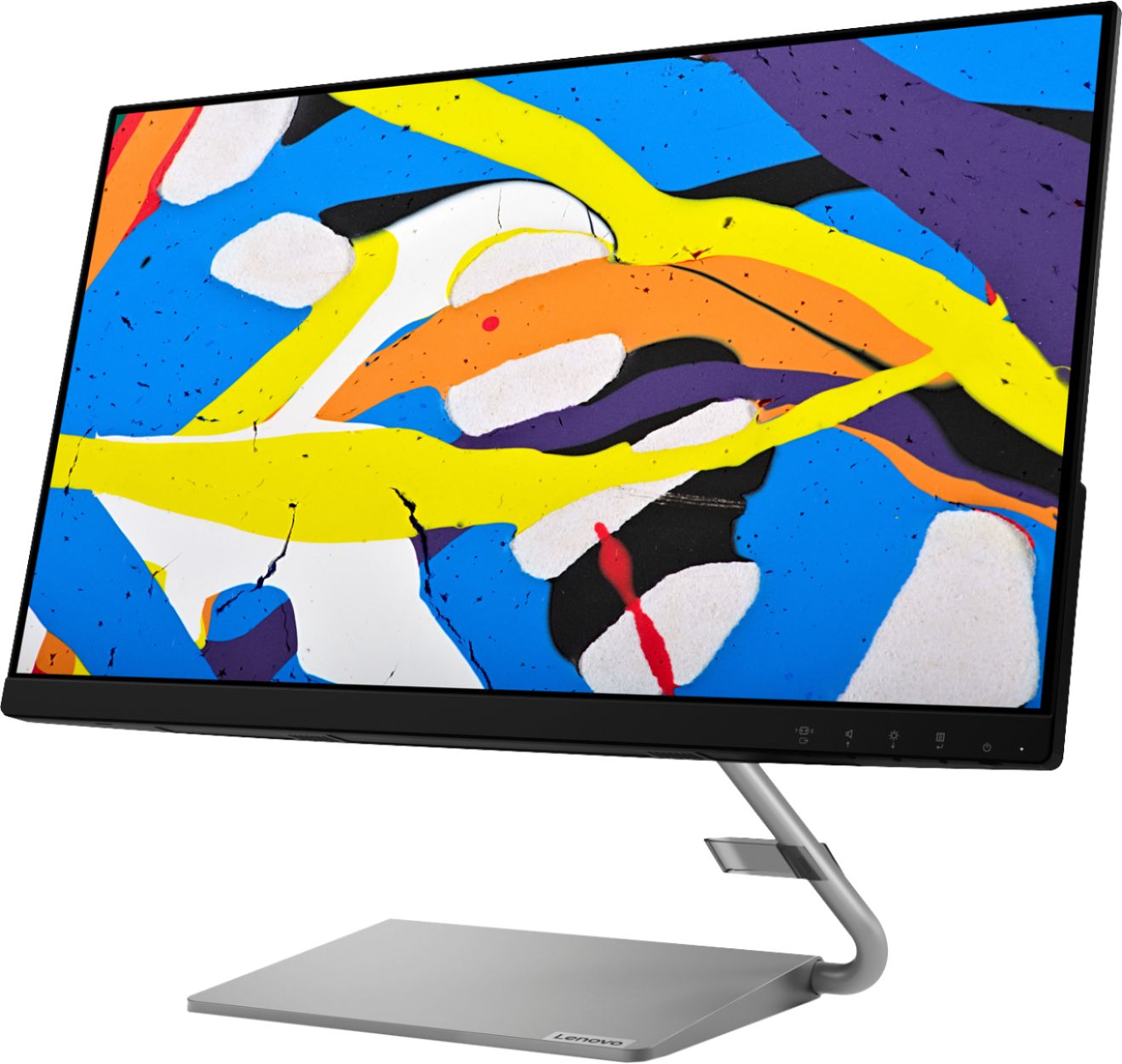
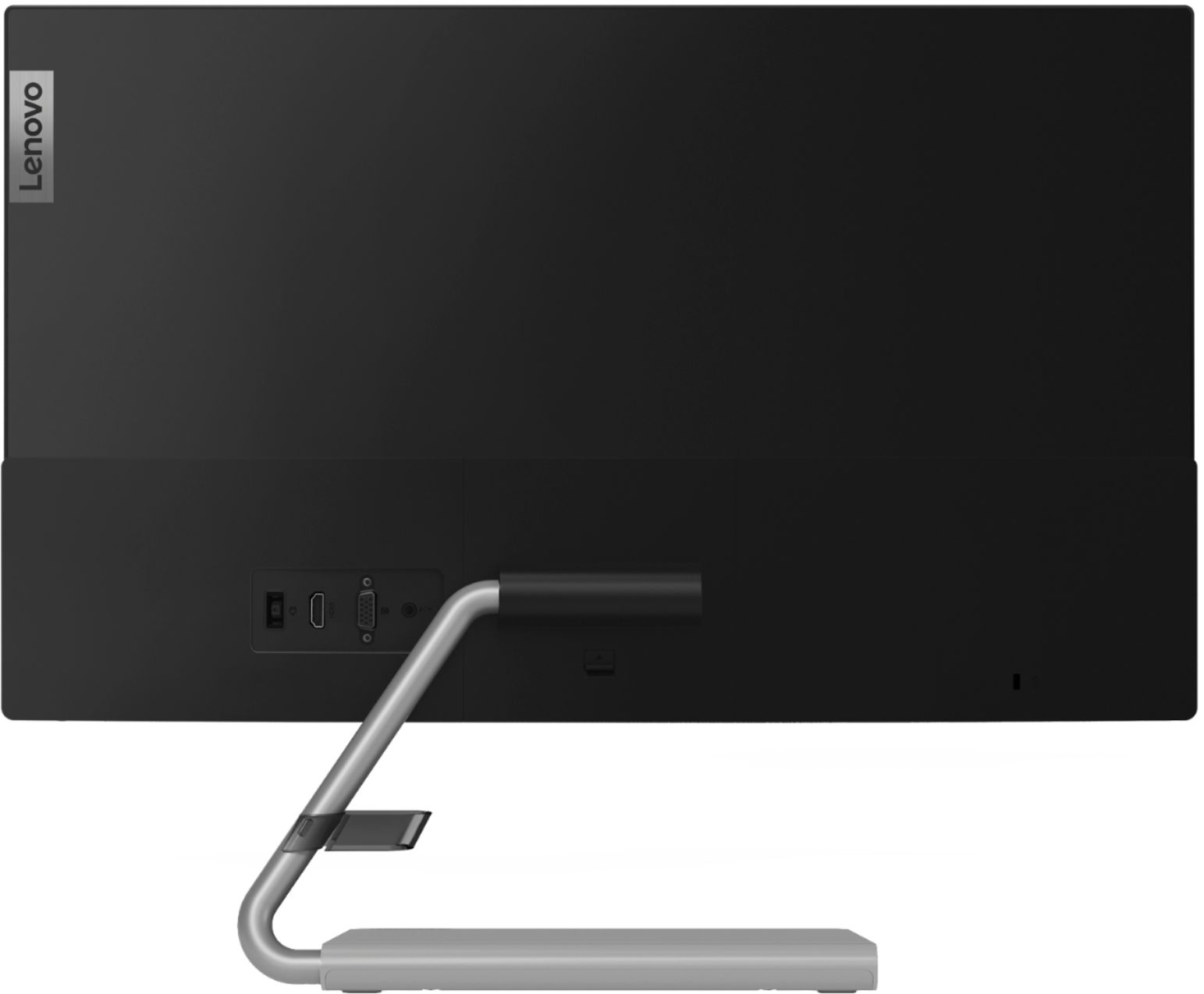
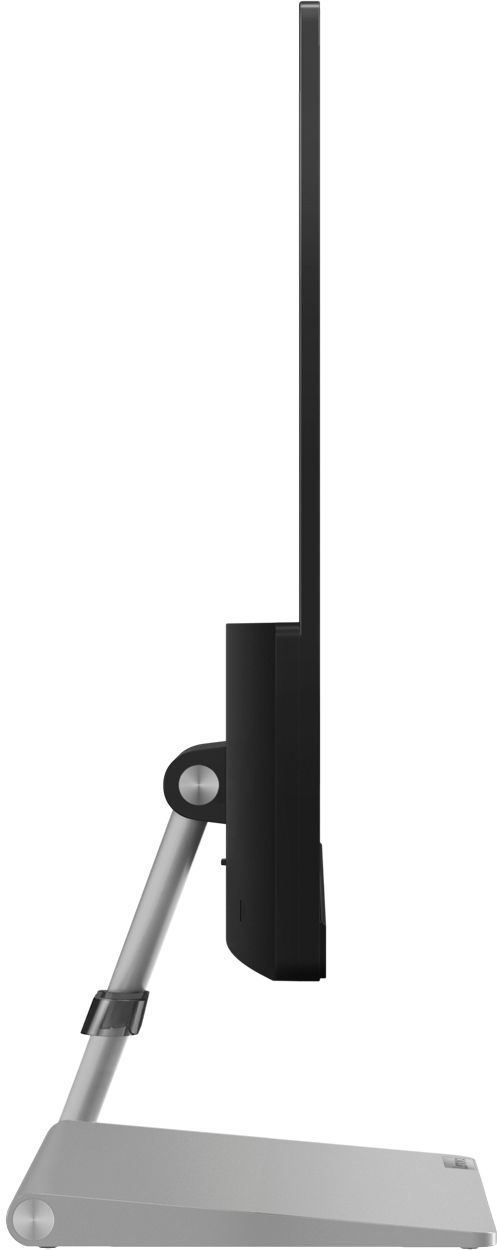
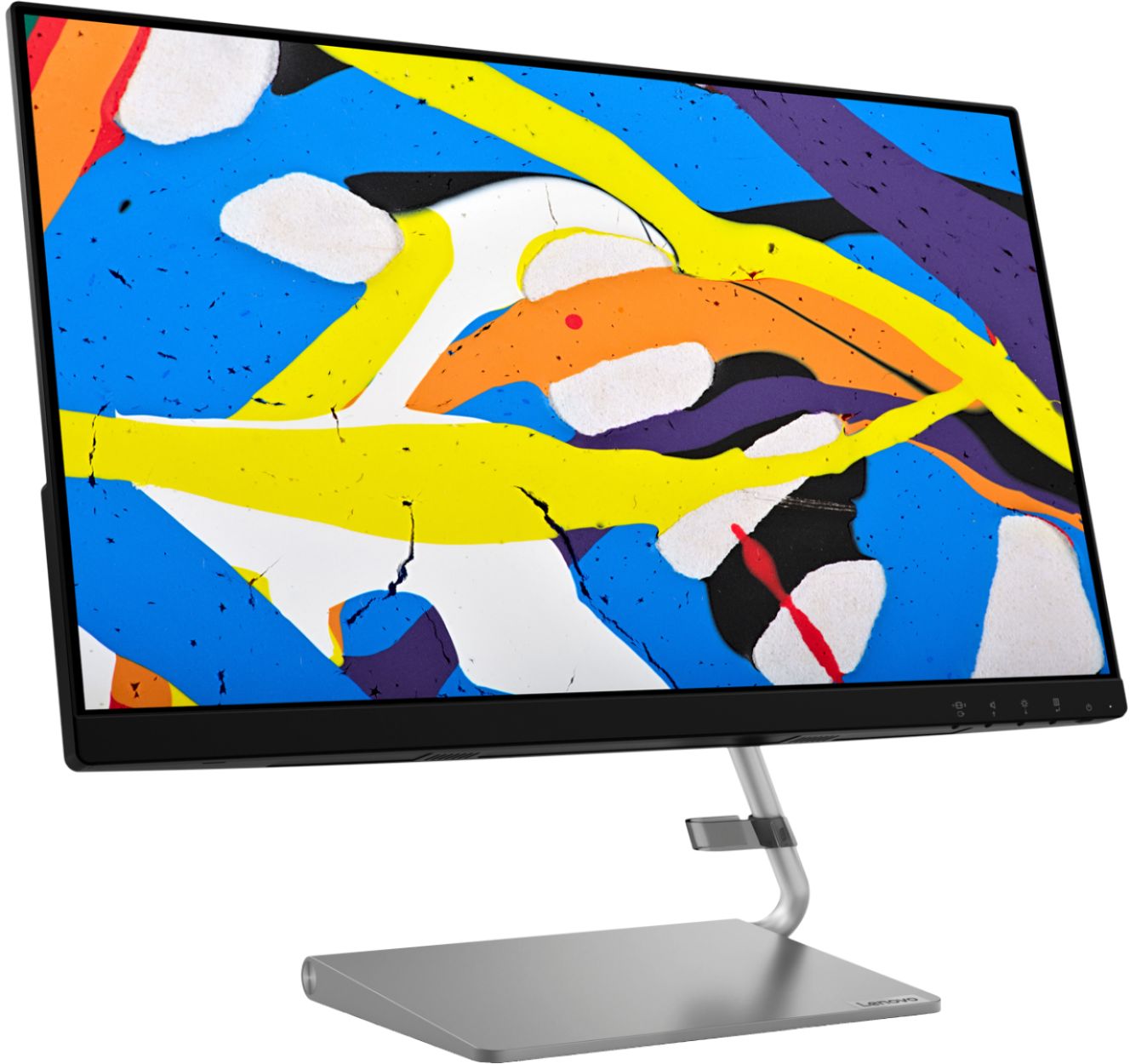
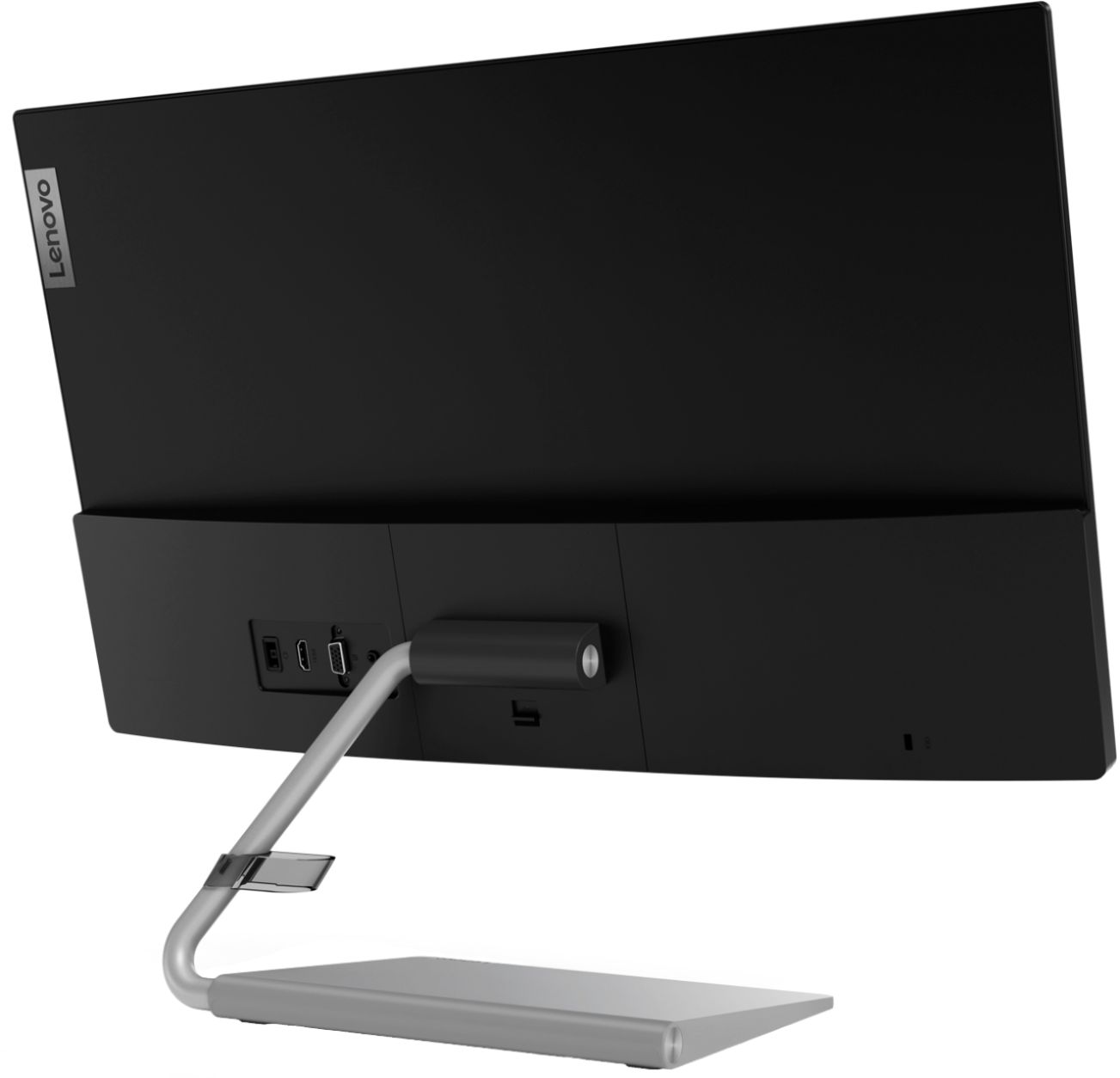
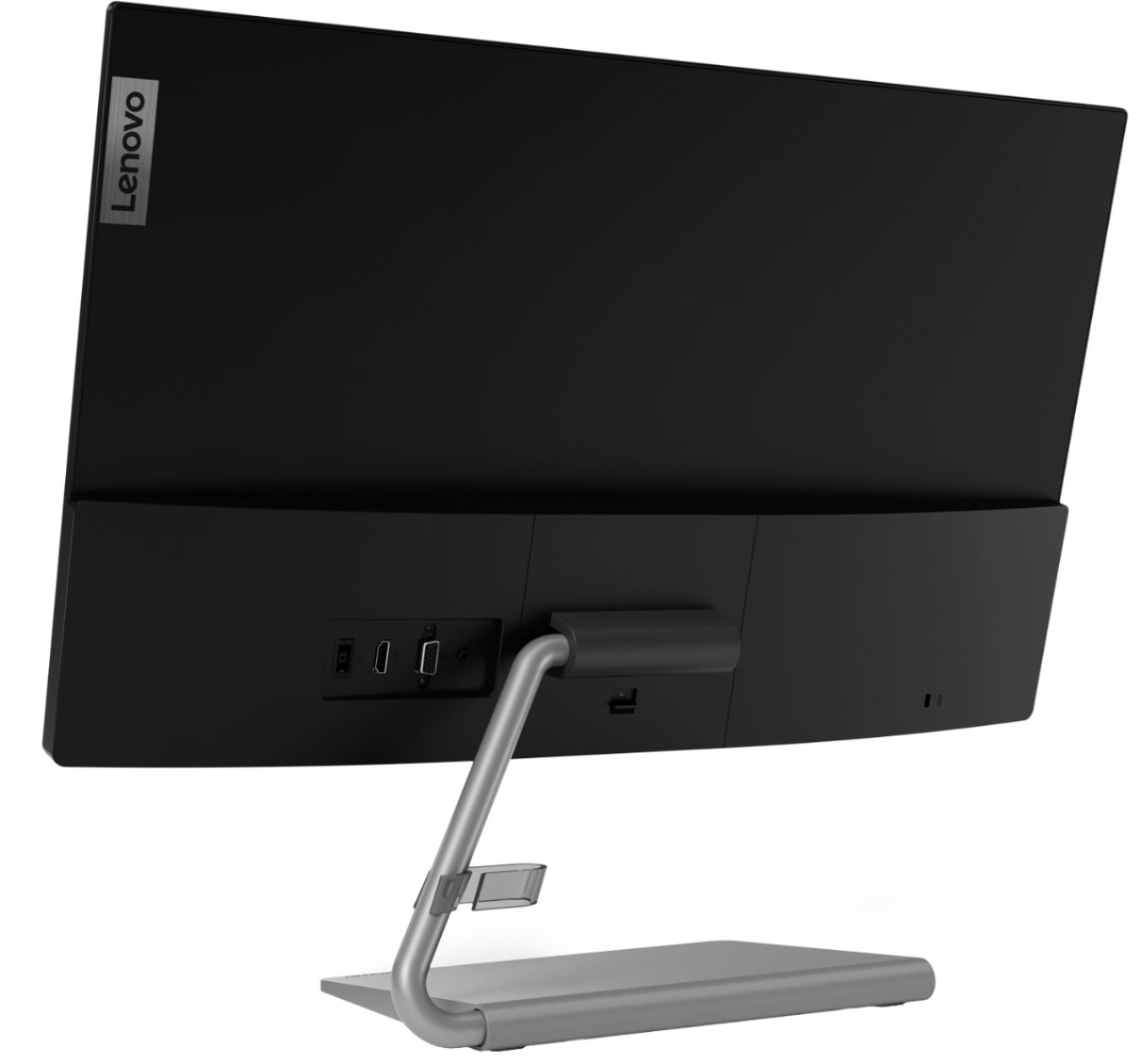
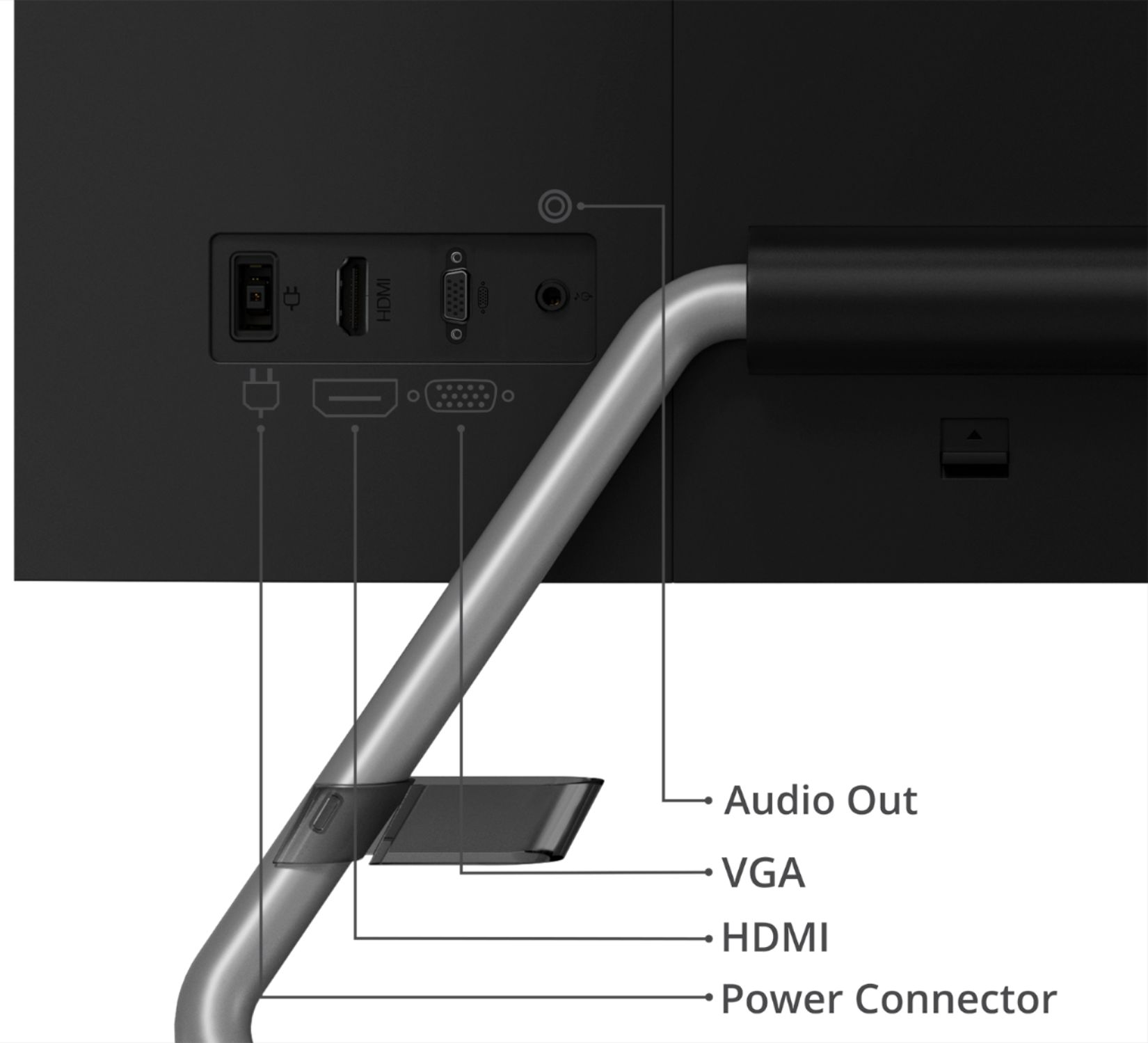
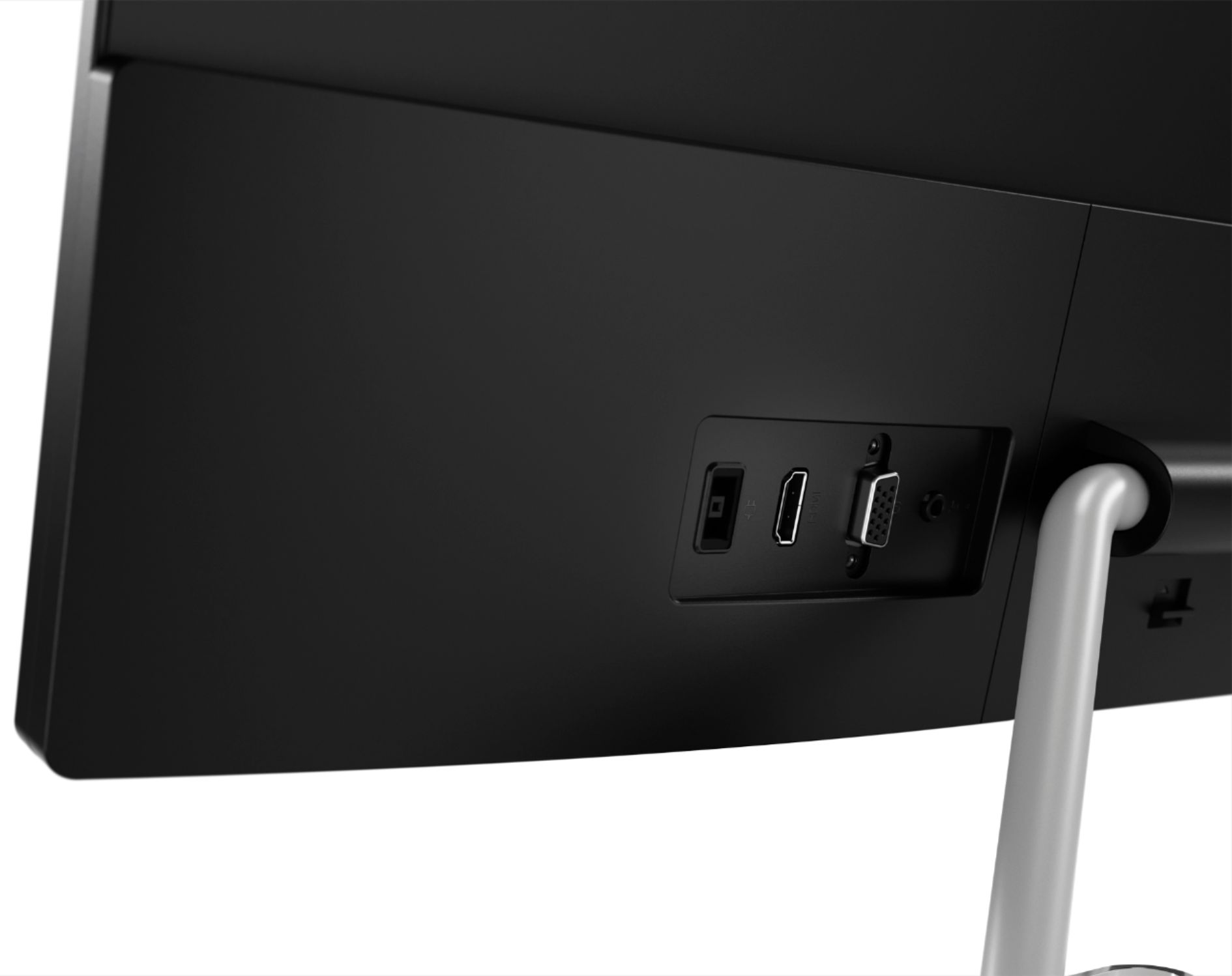
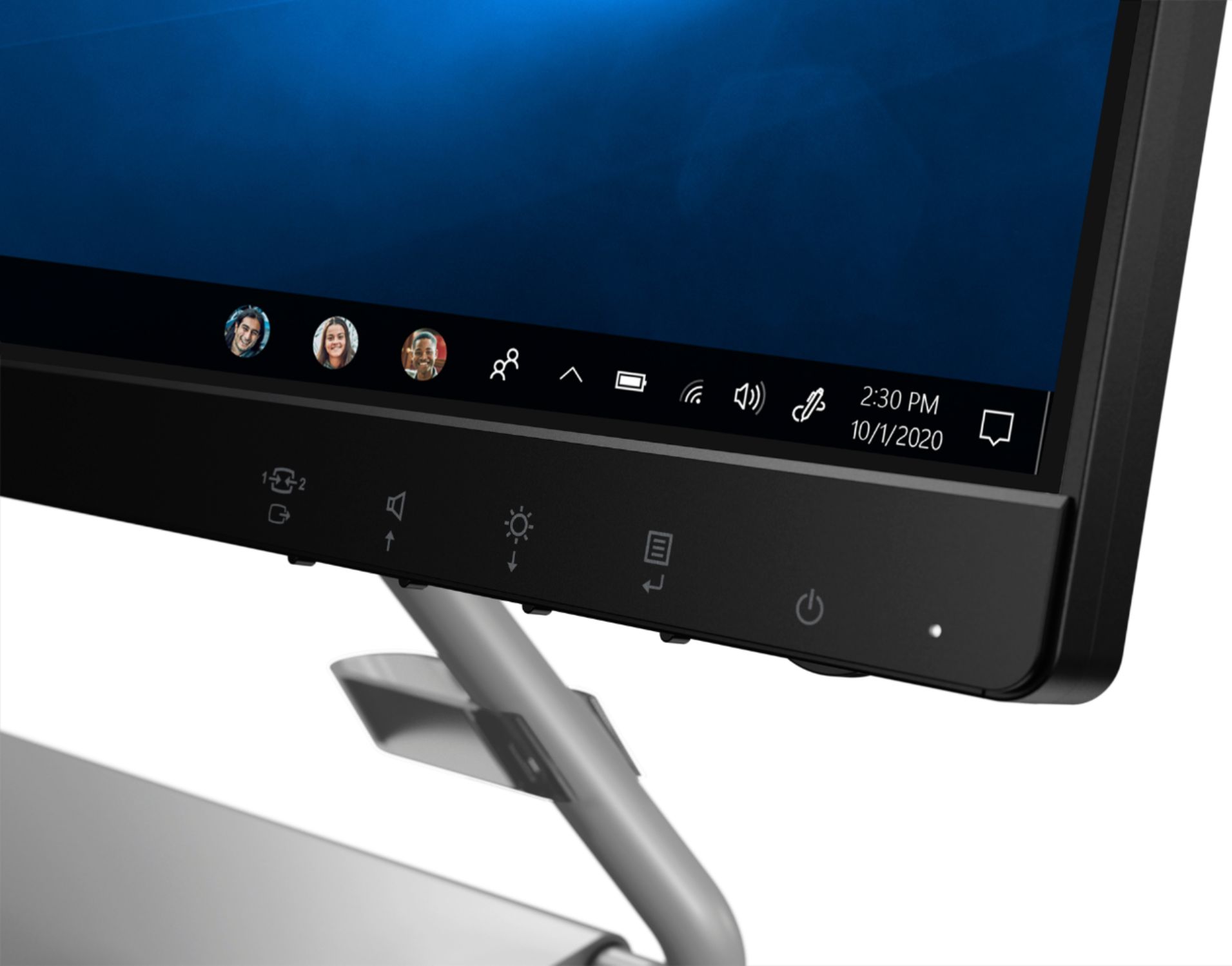
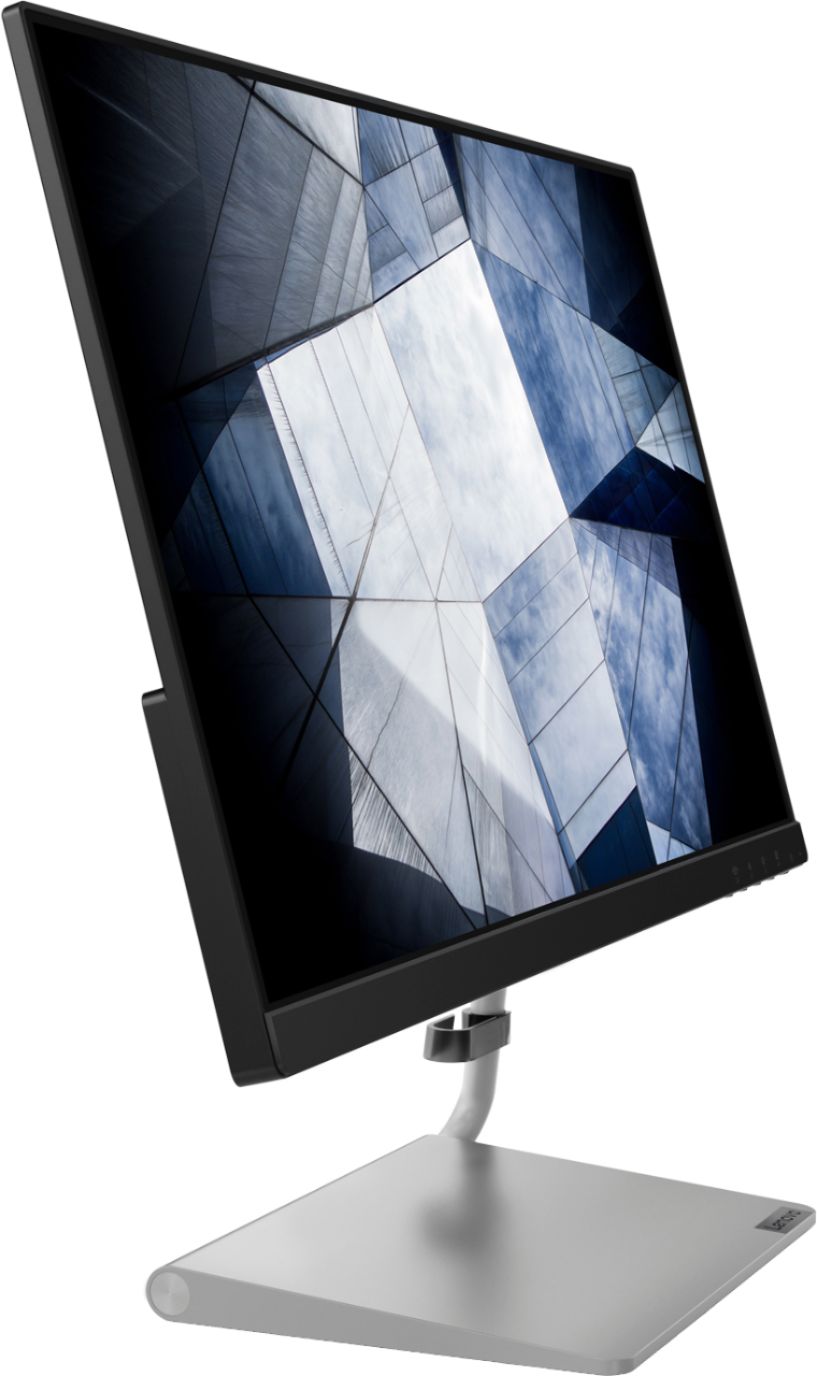
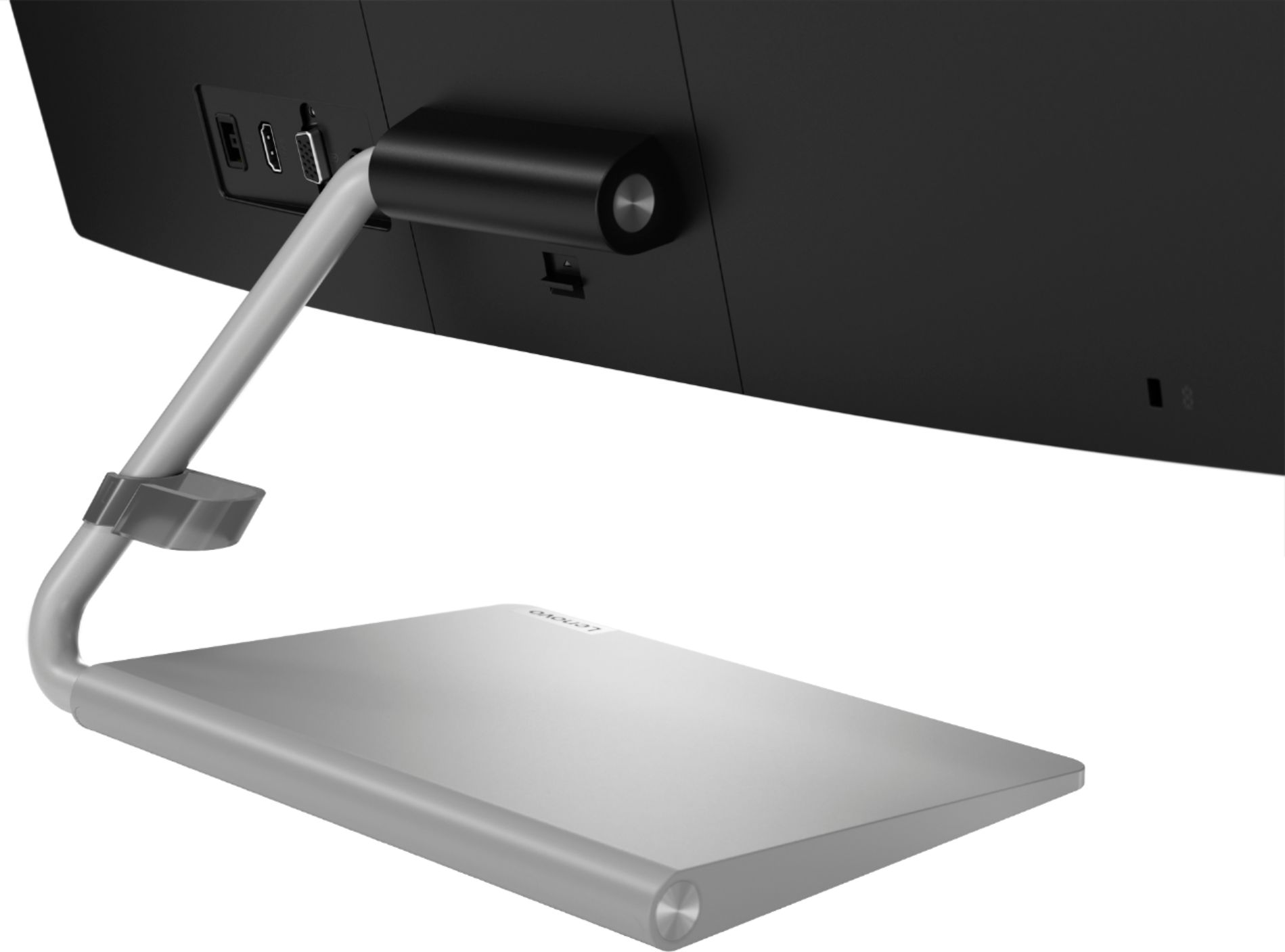
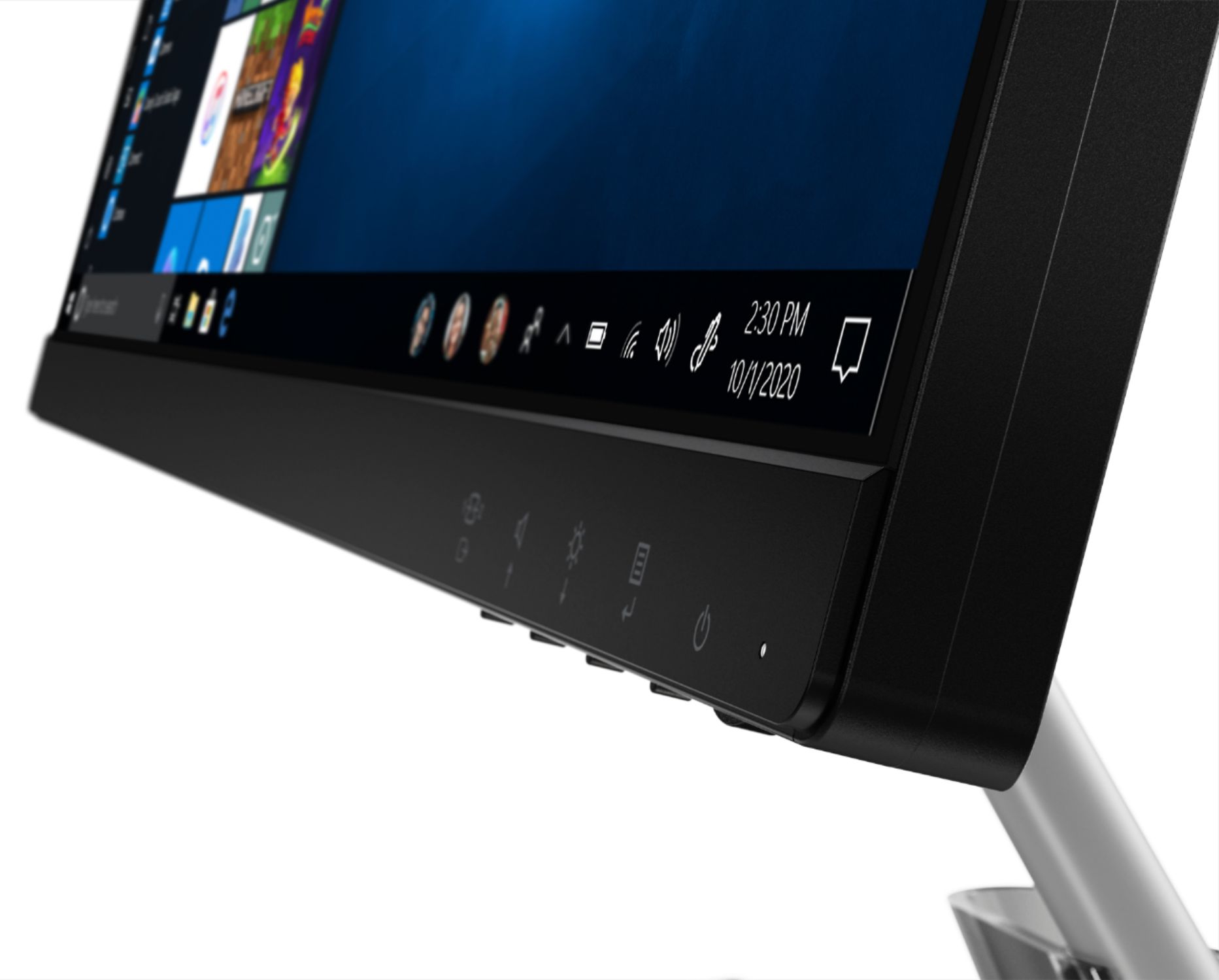
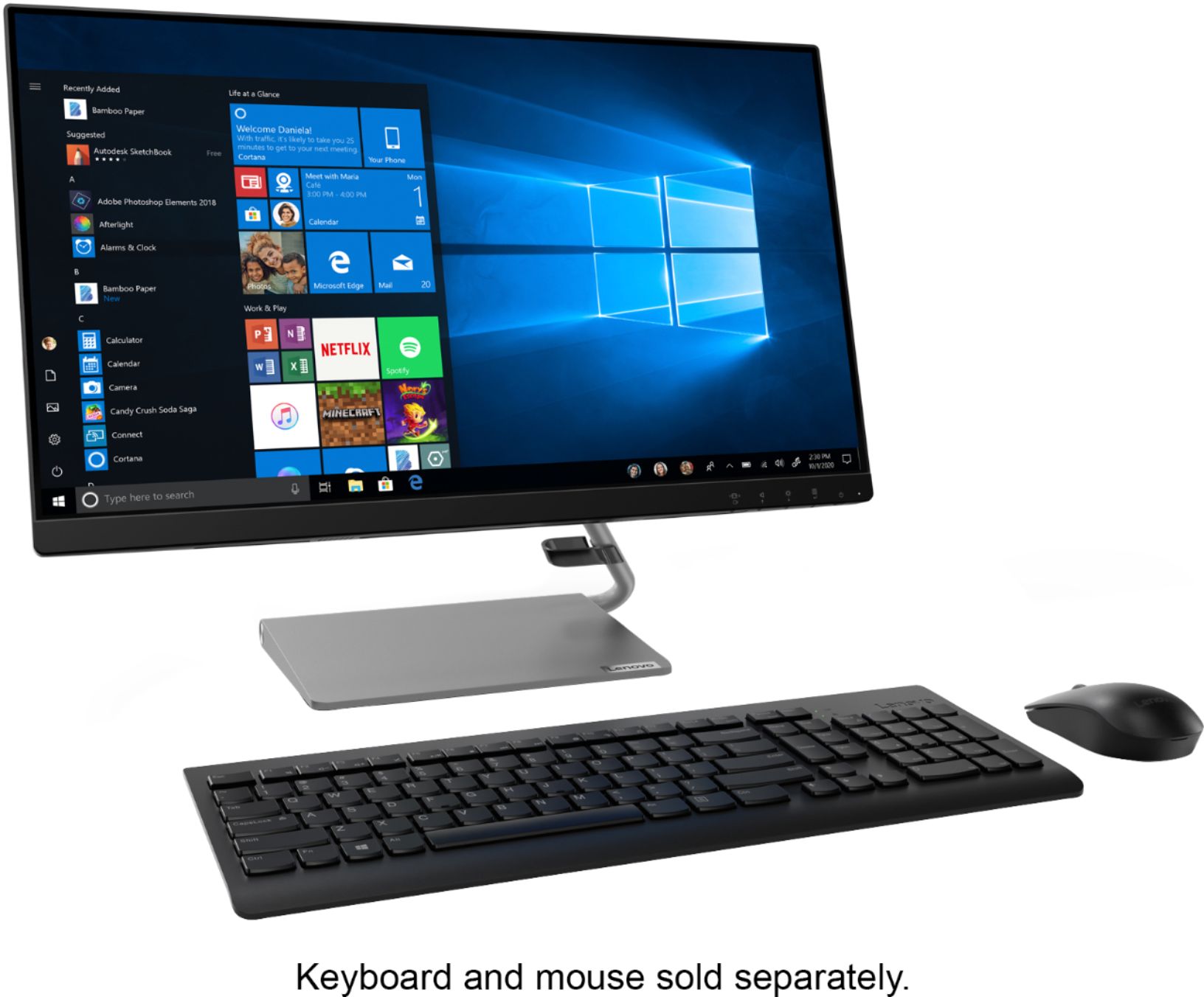
A:Answer We are sorry to hear that you are having issues with your Lenovo Q24i-1L Monitor. Try unplugging the monitor power cable and disconnect the monitor from your computer, wait about 30 seconds, reconnect the cables to power and the computer and then turn on the monitor. This resets the electronics on the monitor. If the issue continues and the monitor has a detachable video cable, obtain a second monitor cable for testing purposes in case the cable is bad. If the issue still continues, we recommend that you contact Lenovo Tech Support for Monitors for additional help at: 866-426-0911.