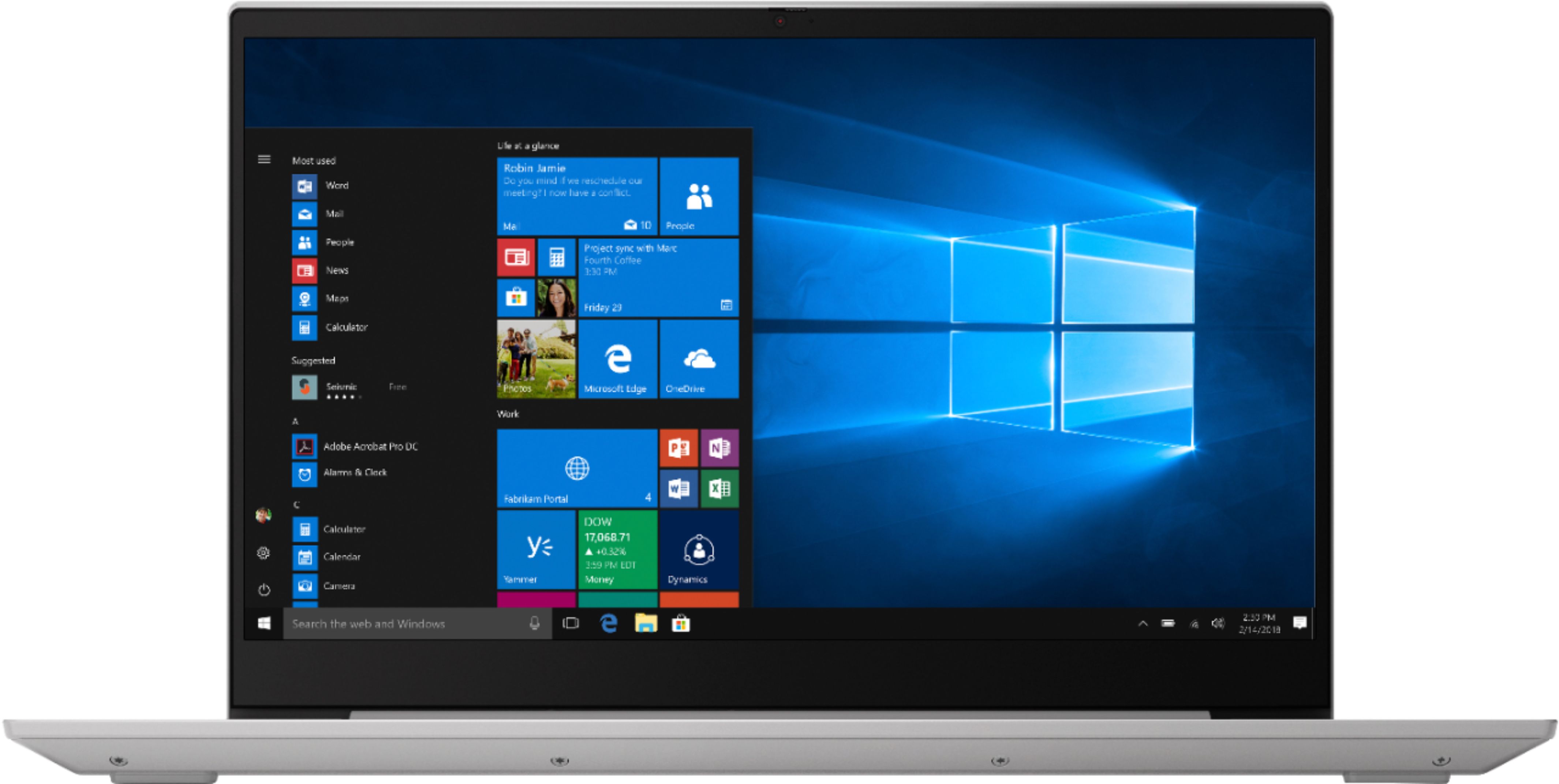
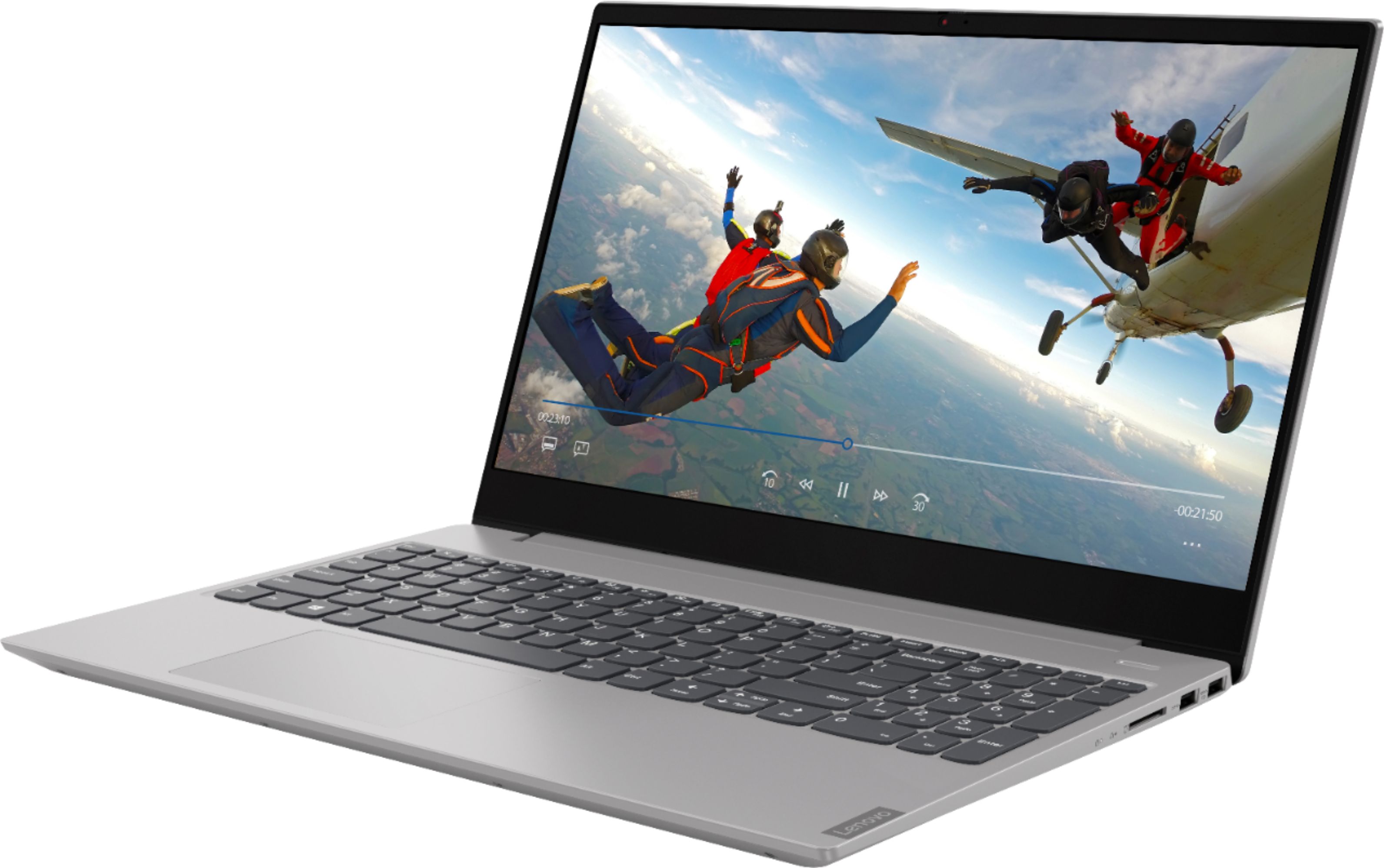
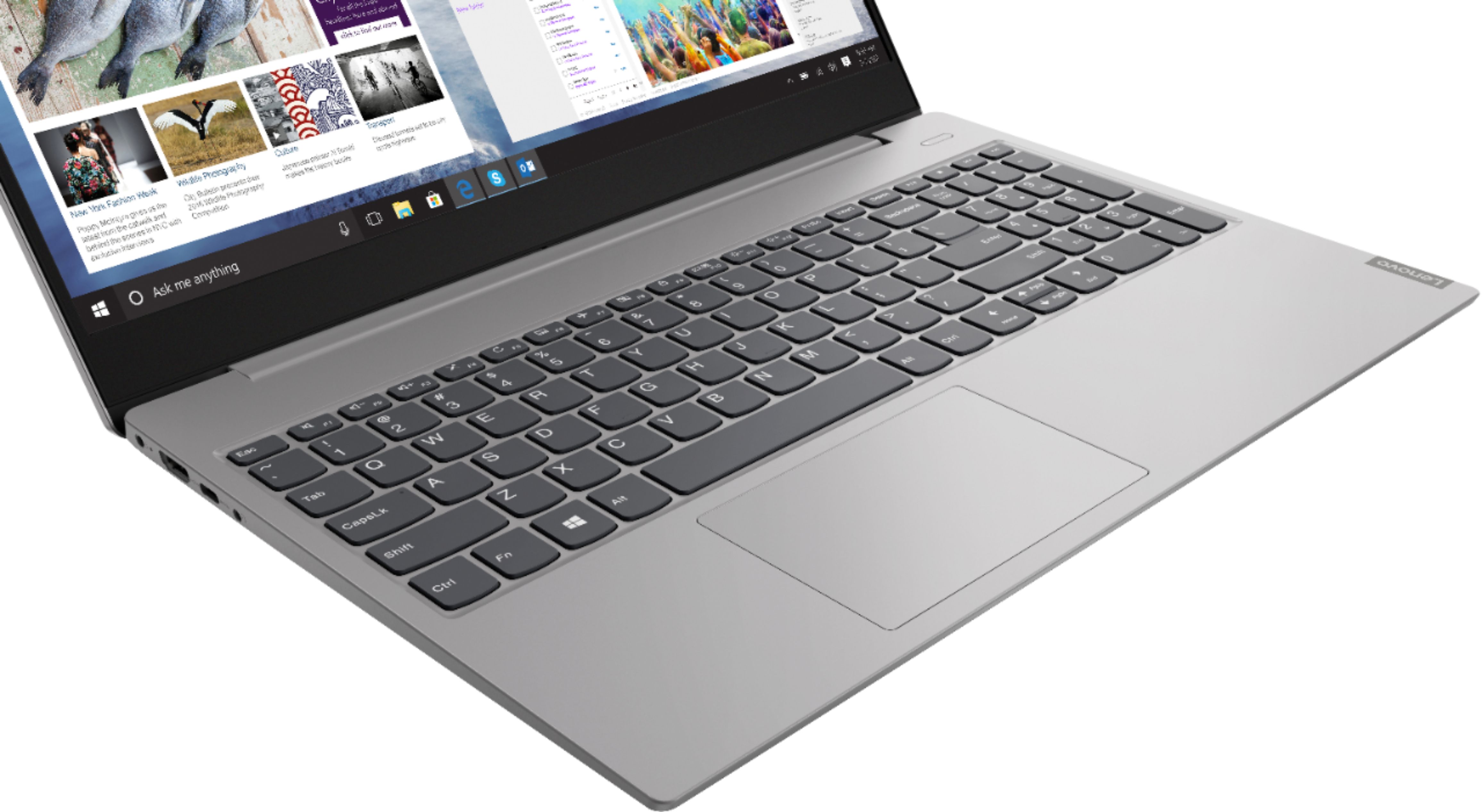
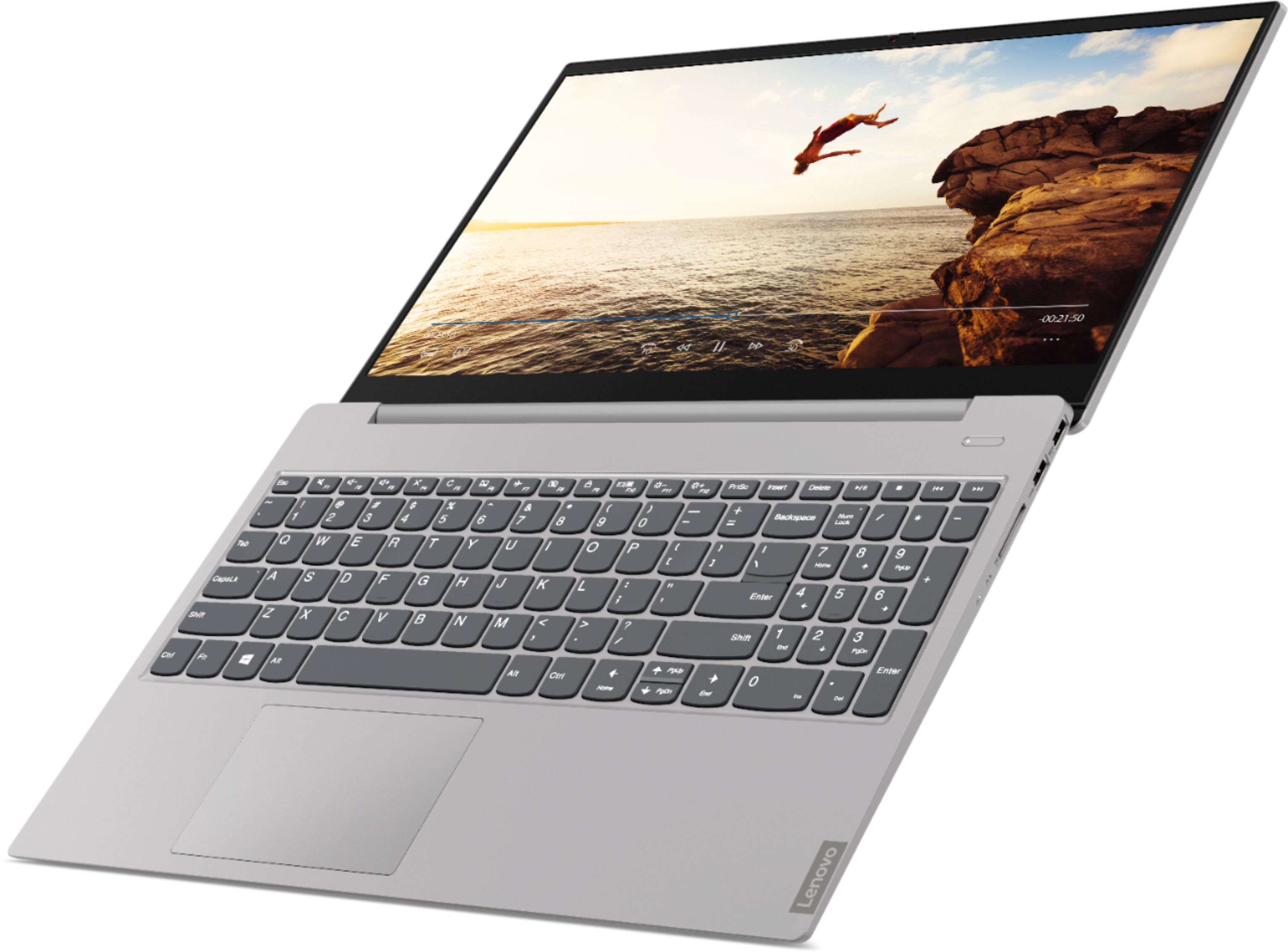
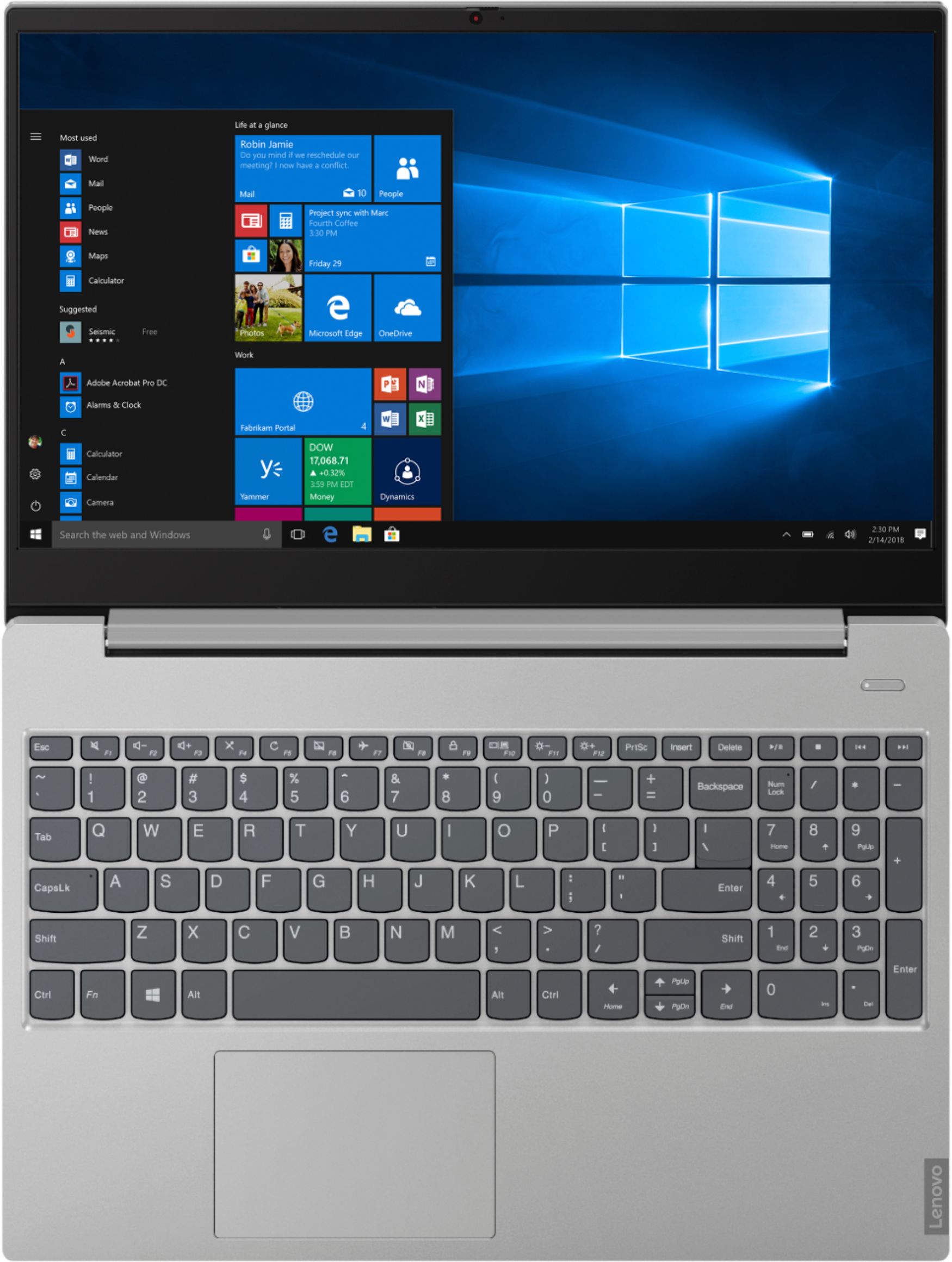
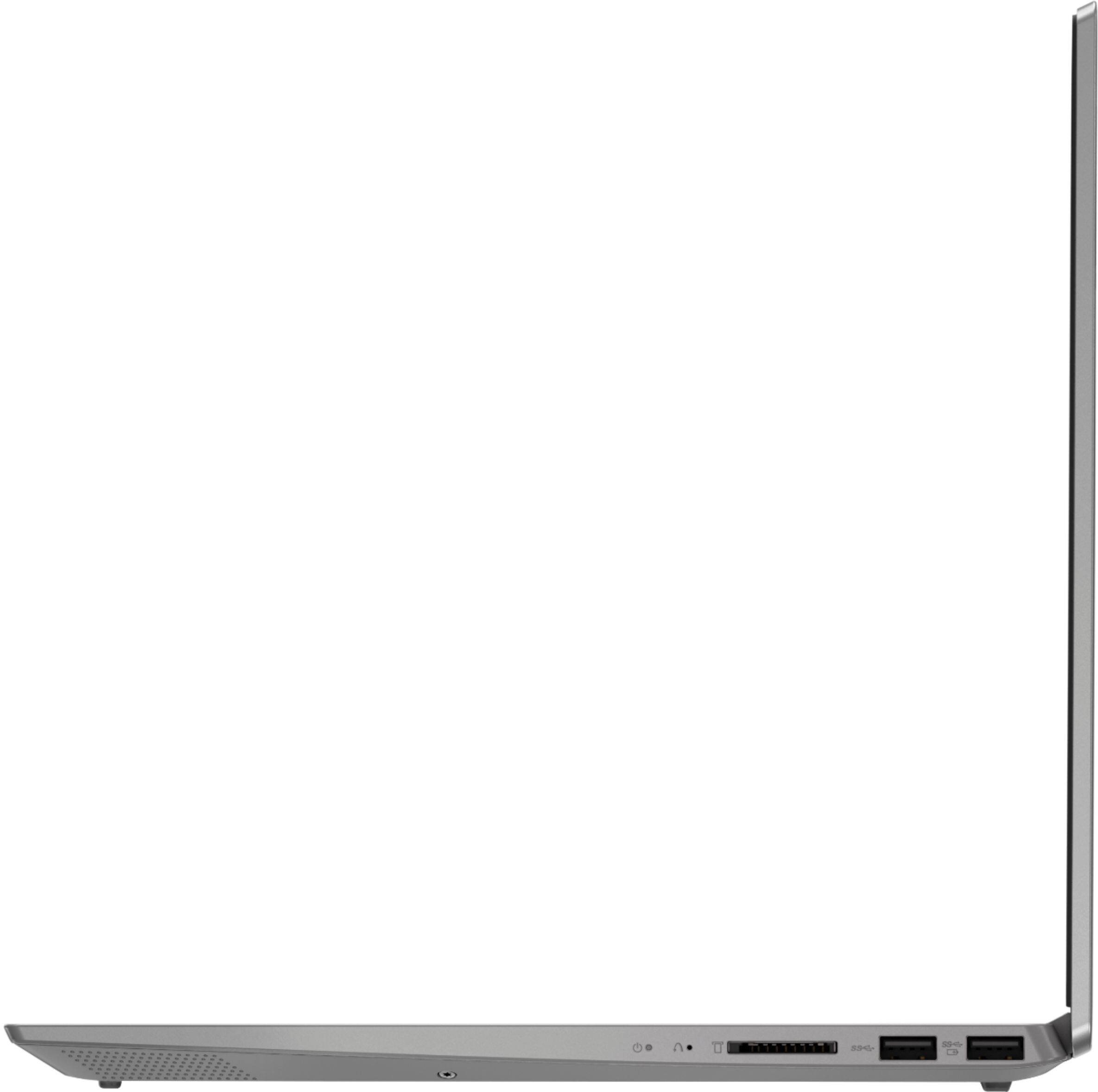
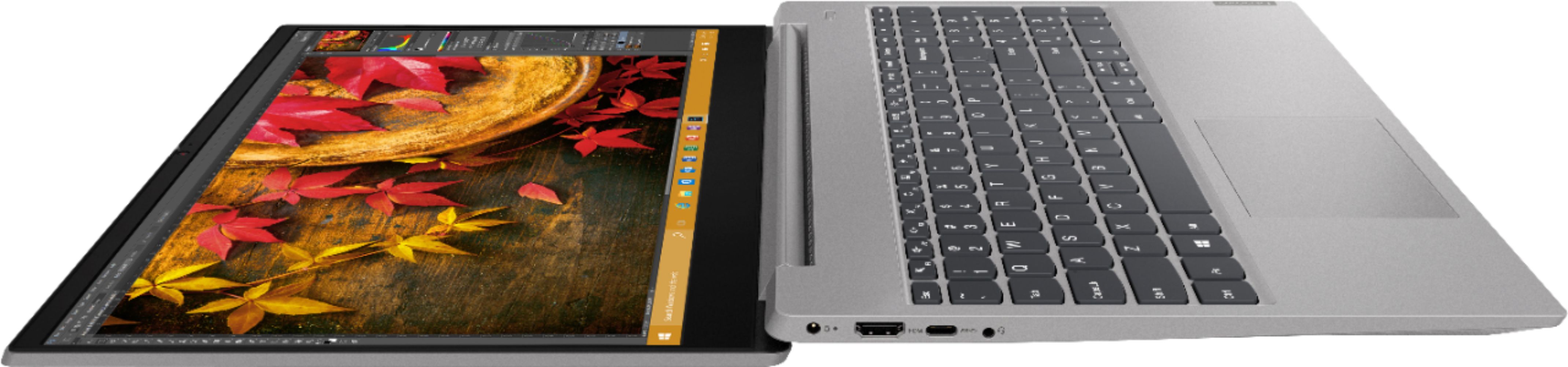
A:AnswerThis model number 81QG0007US, the Lenovo IdeaPad S340-15 does not have a backlit keyboard. All documentation is available online. Here is a link to the documentation for this model: https://pcsupport.lenovo.com/us/en/products/laptops-and-netbooks/ideapad-s-series-netbooks/s340-15api-touch/documentation
A:AnswerYes you can. Here is a link to instructions for switching from Windows 10 S-Mode to Windows 10 Home: https://support.microsoft.com/en-us/help/4456067/windows-10-switch-out-of-s-mode
A:AnswerYes you can, installed a Samsung 970 m.2 nvme. You will need the screw because it's not installed. Also Samsung has free cloning software to clone it so it will boot from the nvme
A:AnswerYou should be able to uninstall the Office and use yours, depending on the age version of Office that you use. The version that is on the laptop is the Office 365, but it is not a full version per say. it is the trial version and you still have to buy the full version or use the Office365 subscription.
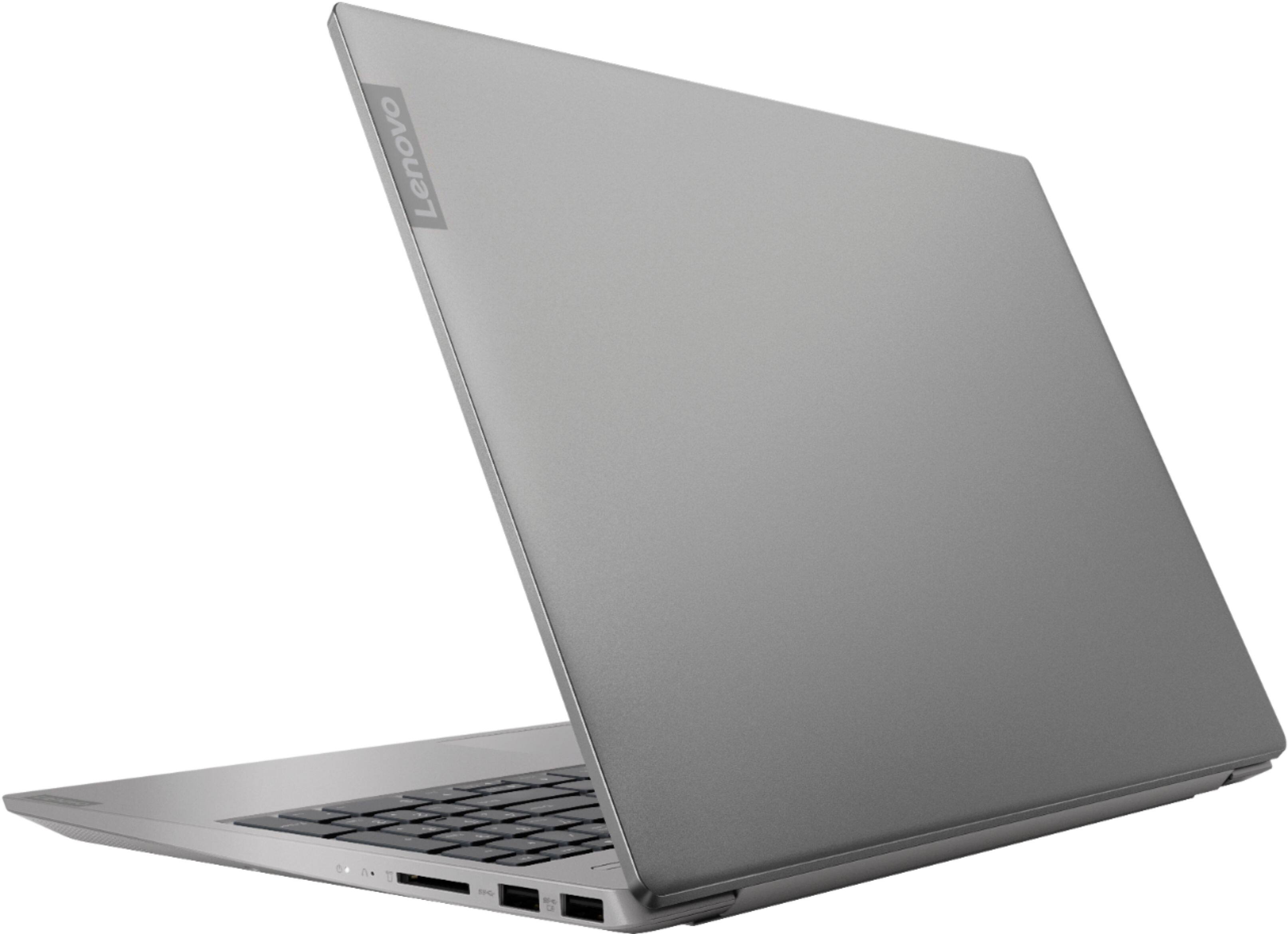
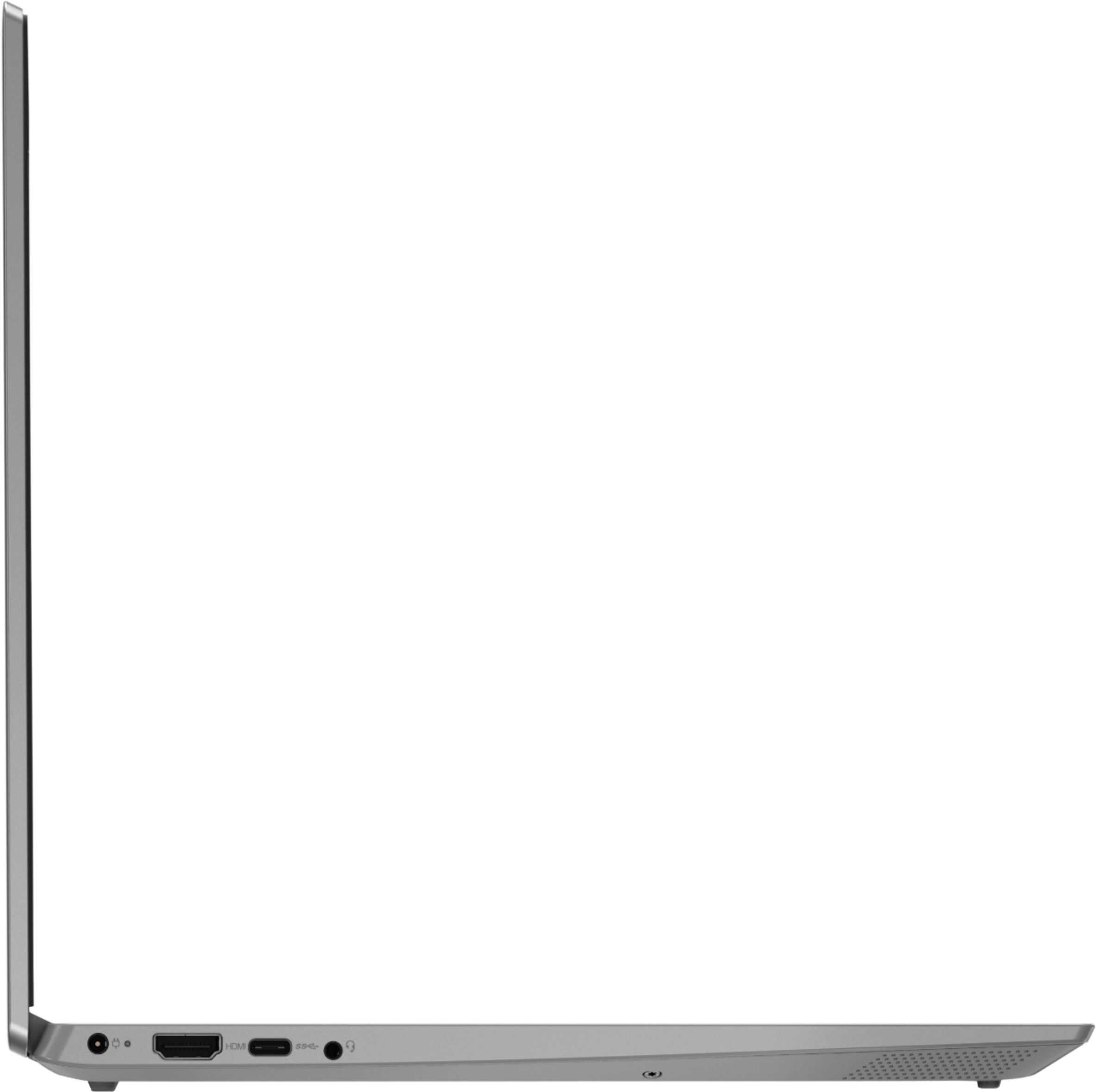
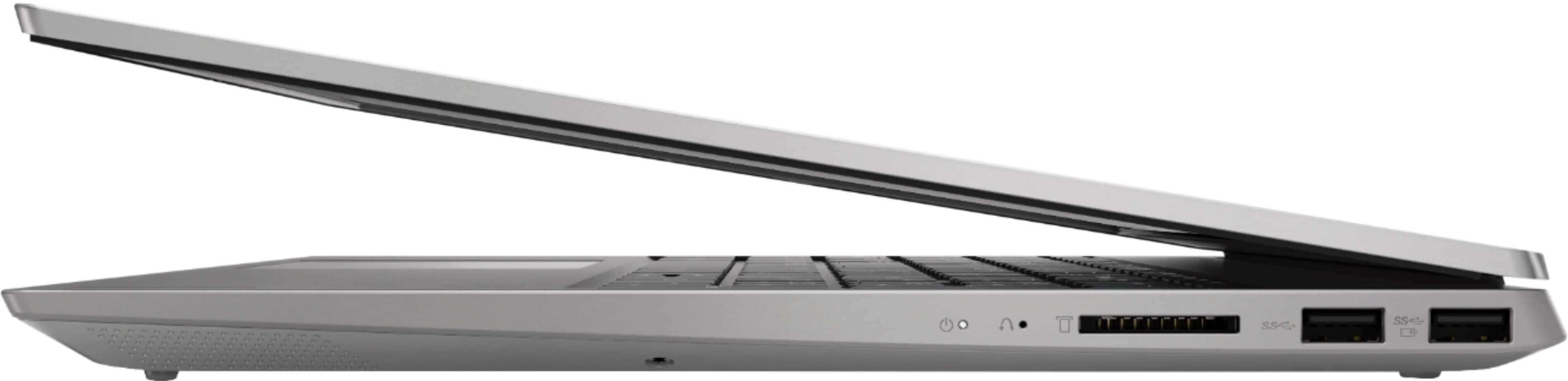
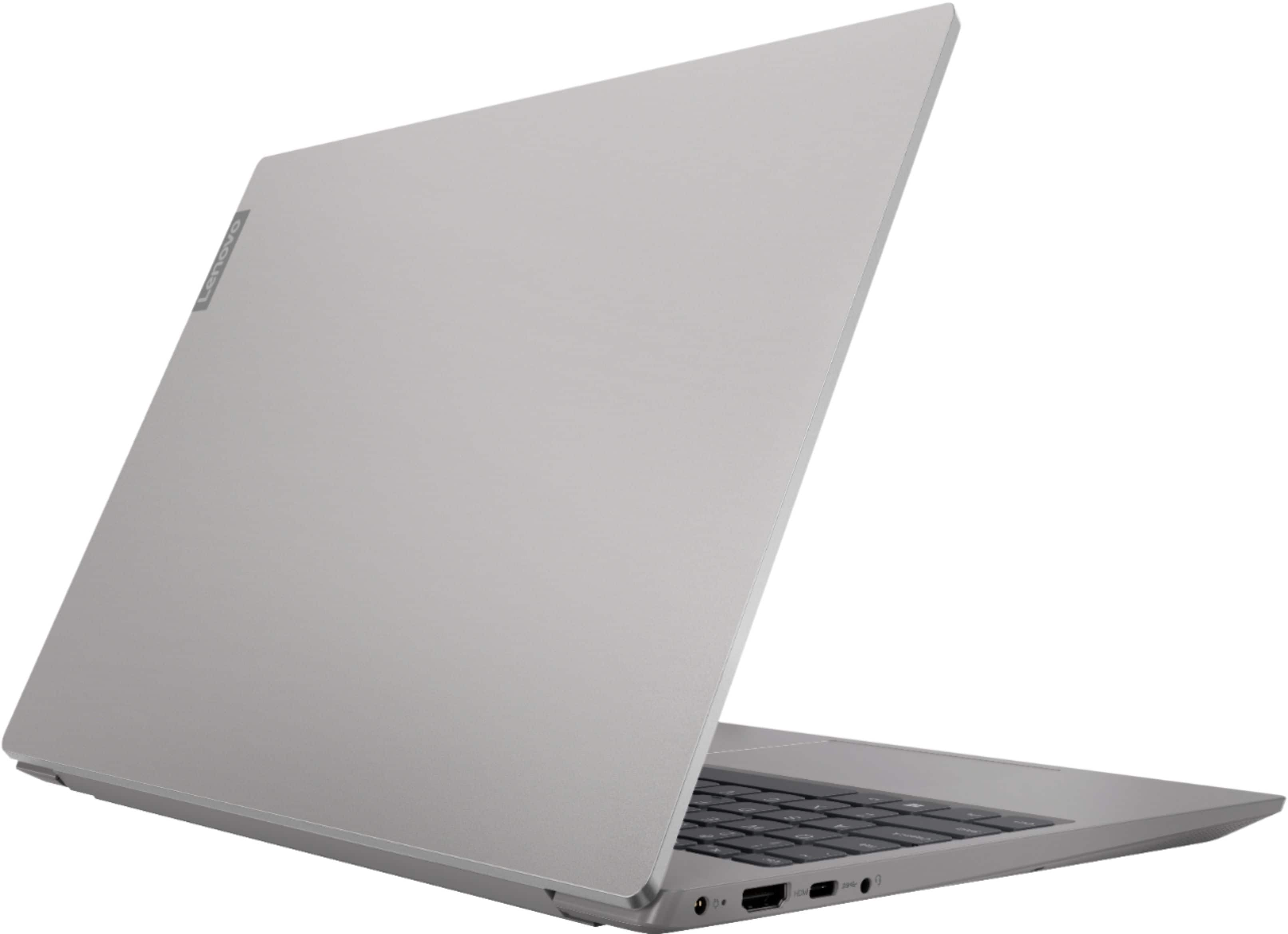
A:AnswerNo. There is no ethernet port on this model. You can still connect this model to an ethernet cable by using a USB to ethernet adapter with this device.
A:AnswerNo, this model does not have a built in CD/DVD drive, but you can use an external, USB-based, Windows 10 Compatible CD/DVD drive with this laptop.
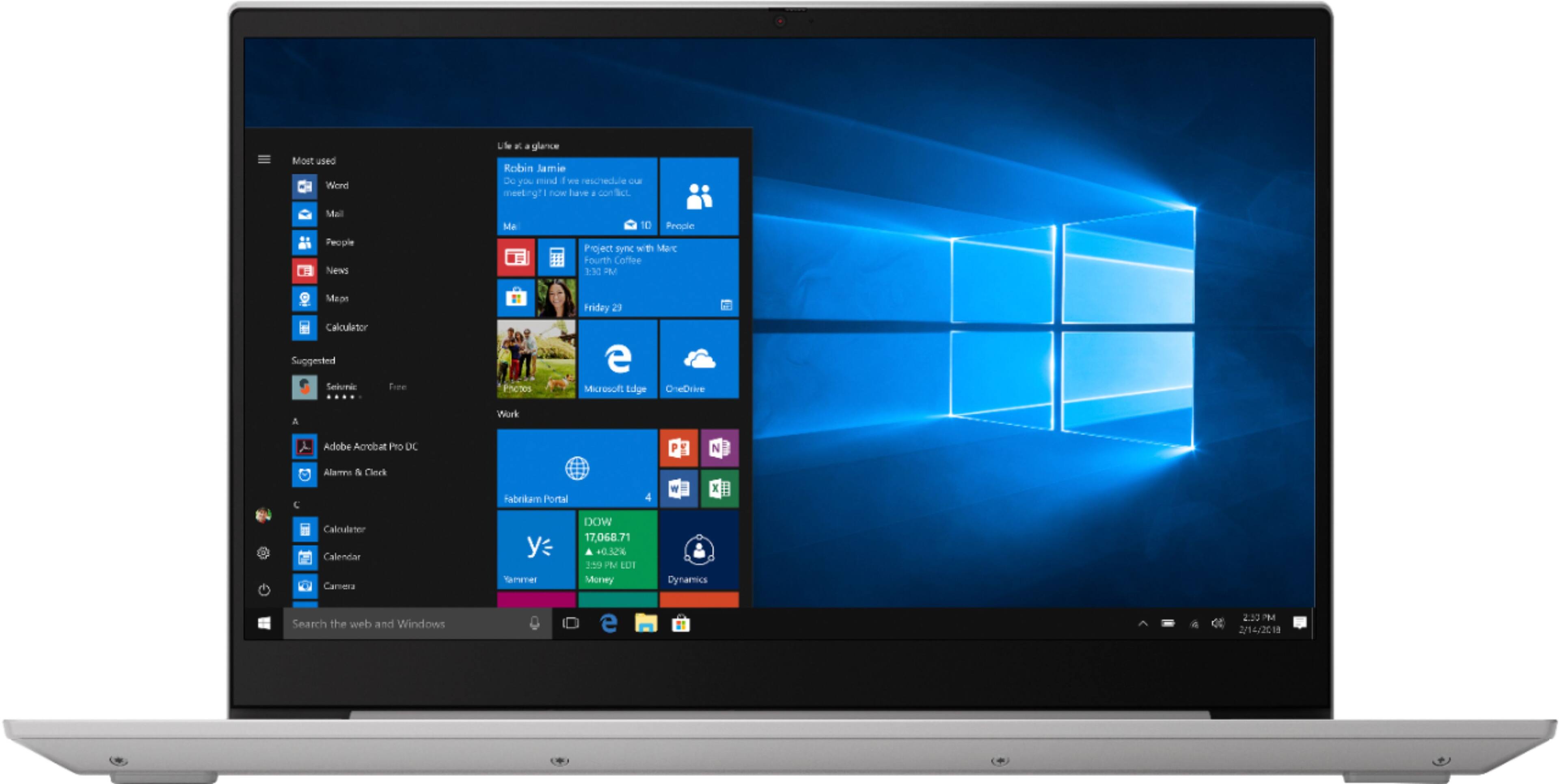
A:AnswerYes. The Lenovo IdeaPad S340-15 Laptop, model number 81QG0007US, ships with an IPS LCD w/LED Backlight (Anti-glare) screen, with a resolution of 1920 x 1080 (FHD) and a brightness level of 250 nits.
A:Answeryes, you need to use Ryzen Controller off github and know roughly what to do in the software. any higher than 50 watts will overheat without extra cooling.
A:AnswerYes it can run fortnite and at 122 when I first started, but you can always change it depending on your connection and change the settings to use less quality display to get higher FPS.
A:AnswerYou can make adjustments to the touchpad in your system settings. You can get there by clicking on the magnifying glass at the bottom left of your Windows 10 screen. Type "touchpad" in the search window. Select "Mouse & touchpad settings" from the list of choices. You can make general adjustments to the touchpad there. You can also select "Additional mouse options" for more detailed adjustments to the touchpad sensitivity by increasing the delay of the touchpad. You can also turn off the touchpad while you are typing, by tapping the HotKey in the F6 position on your keyboard. This HotKey toggles the touchpad on/off.
A:AnswerThere is no discrete graphics card within this model's configuration. The Lenovo S340-15 laptop, model number 81QG0007US, ships with integrated graphics processing within the AMD Ryzen 5 3500U processor. It is the Radeon Vega 8 Graphics version.