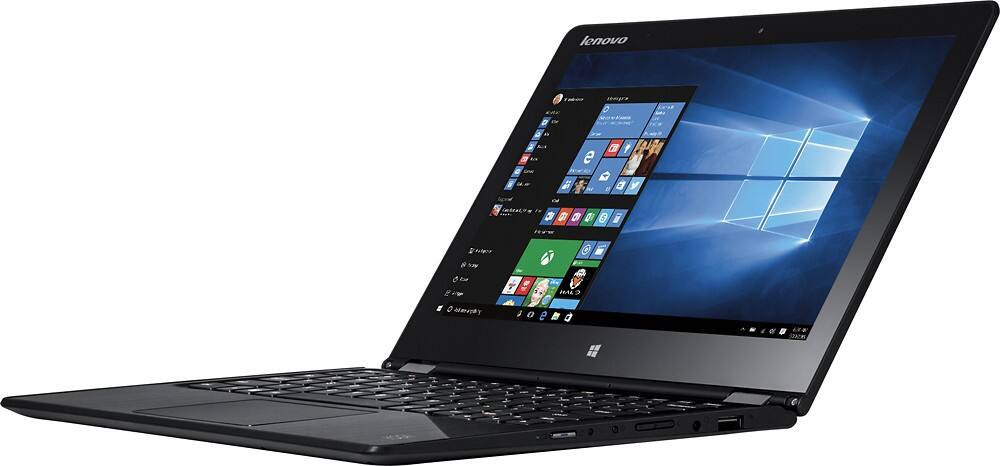
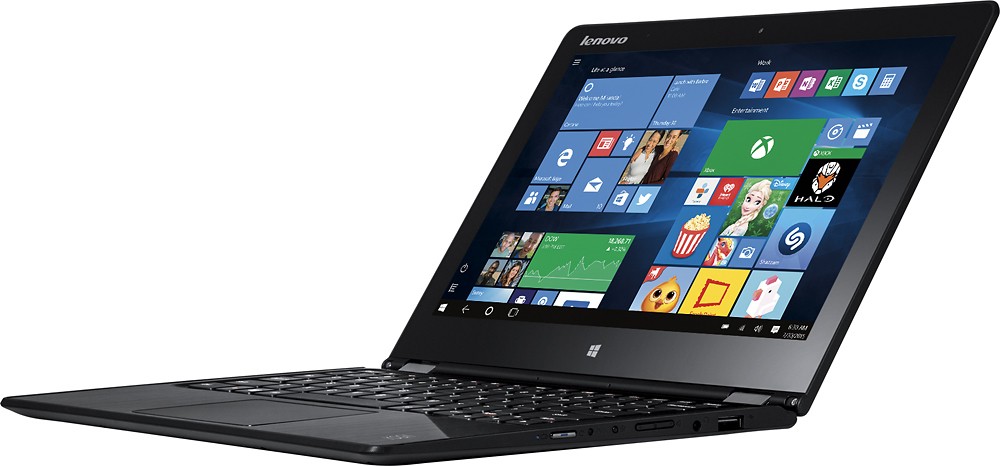
A:AnswerNo- it absolutely does *NOT* have backlit keyboard. Another example of incorrect product description by Best Buy.
Bought this laptop exclusively for the backlight, which it does not have. Other global SKU's do, this one does *NOT*.
A:AnswerThe battery in this system is considered a "Field Replaceable Unit" and can be replaced by a certified technician. Any work not performed by a certified technician on the system could void the warranty.
A:AnswerThere are two options I can think of. First is getting an external DVD/CD drive that hooks up via USB and using that to install. Second is using a different computer of yours to make an ISO image of your Office CD (using a tool like InfaRecorder http://infrarecorder.org/ ) and then using Windows 10's built in support for mounting ISO files (double click on it) to then have it mounted as a virtual CD drive from which you can install it. (You will need the license from your CD copy for this method still, obviously).
A:AnswerIf the headphones are Bluetooth, you need to turn on the Bluetooth receiver within this laptop. Then turn on the headphones, pair them to the laptop.
A:AnswerThe list below is the pre-installed software, in addition to the Windows 10 Home Edition on this system:
o Lenovo™ OneKey Recovery
o Lenovo™ Companion 3.0
o Lenovo™ Photo Master
o Lenovo™ SHAREit
o Lenovo™ REACHit
o McAfee® LiveSafe™
A:AnswerWe recommend you contact the software publisher for the minimum/recommended requirements to run their software, then compare those requirements to the configuration of this system.
A:AnswerThere is no icon or button because there is no backlit keyboard. I do find that the screen often supplies enough light to make the keys identifiable even in very low light.