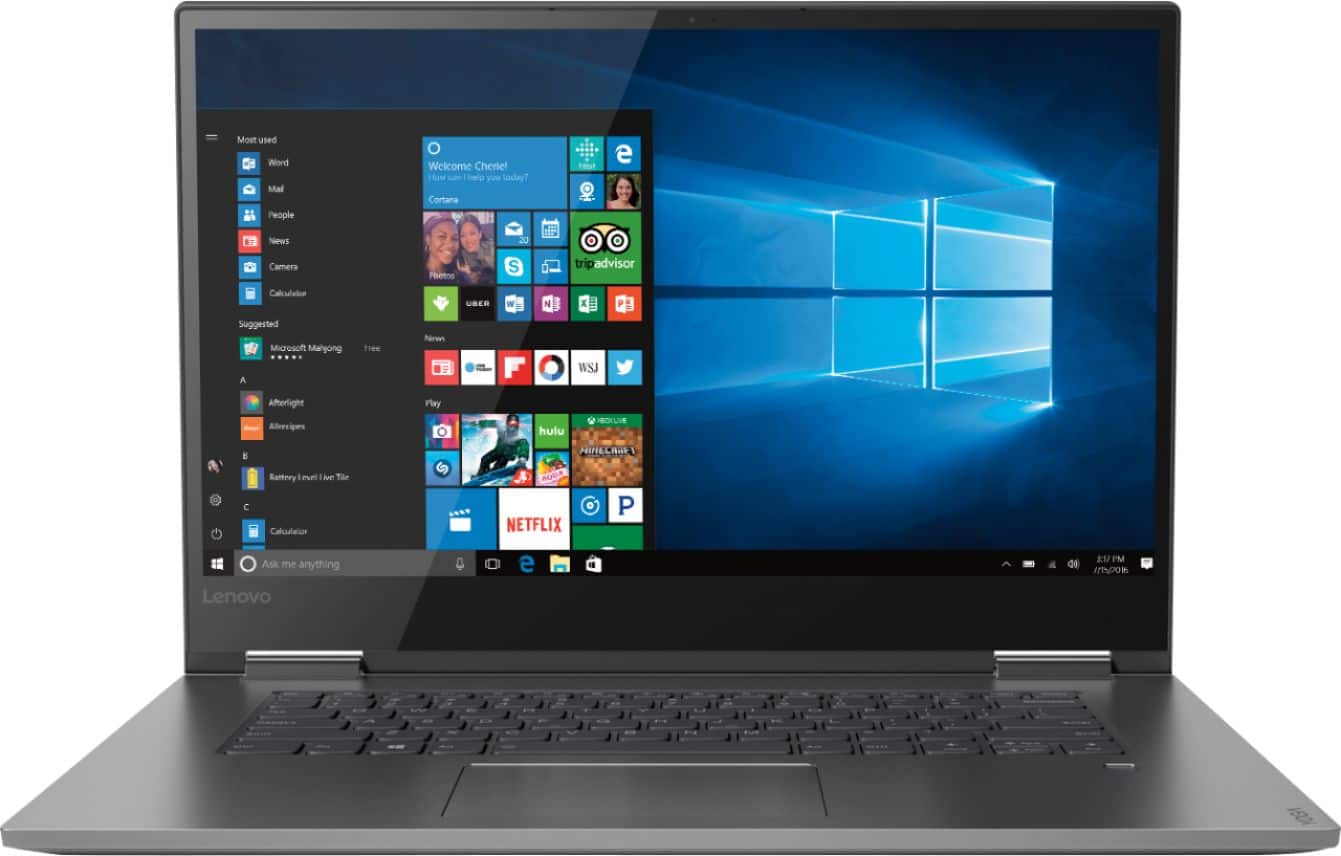
A:Answerwhat does this come with? it comes with defective hinges that lenovo knows about. they will break free and break right through the screen. this is not covered by warrante and if you want it fixed you will have to ship at your own expense and will cost more to fix than a new laptop.
A:AnswerIt is an Intel Dual band 802.11AC WiFi and Bluetooth 4.1 adapter. This system has standard laptop fans with high performance baffles to optimize cooling and reduce noise.
A:AnswerThis system has a 256GB solid state hard drive. You can use an external CD/DVD drive if you need one, by just plugging in to one of the two standard USB ports on the device.
A:AnswerAll in the eye of the beholder. Not more than you would expect and all you have to do is scroll thru and eliminate what you have no interest in. No big deal, so don't fret it.
A:AnswerOne 8gb stick of ram is soldered to the motherboard. There is another slot available that is easily accessible so you can add another 8gb. The SSD is also easily replaced. You do not need a certified technician to do it and it is against the law in the USA to void your warranty for opening your electronics and upgrading yourself. As long as you do not break anything, you are good.
A:AnswerWhen looking for a new computer, start with the work you will be doing with the computer and the programs/software you will need to install on the computer to do that work. Check the specific programs/software of the requirements needed to run those programs/software and the computer hardware needed to run those programs/software. Also decide on the Operating System needed for the programs/software you will need to use. Once you decide on the programs/software you will need to do the work you want to do on your new computer, you can start looking for the right computer for you.
A:AnswerPlastic case
As far as hot, I don't game on it so my most taxing drain is movie watching.
I would say it runs slightly cooler than my Dell did, 2016 Inspiron with an i5 and ssd, doing the same tasks.
A:AnswerCheck to see what programs are running in the background draining your battery. Be sure there are no unwanted programs running in the background, draining the battery. Here is a link to some tips for finding out what is draining your battery:
https://www.laptopmag.com/articles/battery-saver-windows-10
A:AnswerI wanted to know this as well. I contacted Lenovo directly and they told me it depends what they happened to put in in the factory. I told her I wanted the Samsung and she said they can only tell you if they have the serial number. She did tell me that most units are using the Samsung SSD
A:AnswerDoes not have a DVD drive. I don't use a DVD drive very often, but on those few occasions it is important. So, I purchased a separate DVD drive (approximately $50) which can be used on any computer with a USB port.
A:AnswerThe keys are backlit. They light up upon powering up but to keep them on while you typing, you have to activate by pressing the Fn key and tapping the light image on the left side of the spacebar key. The light will stay on until you do the same process again to turn them off. The body of the laptop is aluminum and is easy to show fingerprints but the laptop is very light feeling and does not heat up.