A:AnswerThat really will depend on the editing and production software you will be using. We recommend you check with the editing and production software publisher's web sites for their compatibility with Windows 10 Home 64-bit operating system and the minimum/recommended hardware requirements (Is a Graphics card required, the processor speed and the minimum required system RAM and the minimum available hard drive space) to run their program, then compare those requirements to this system's configuration.
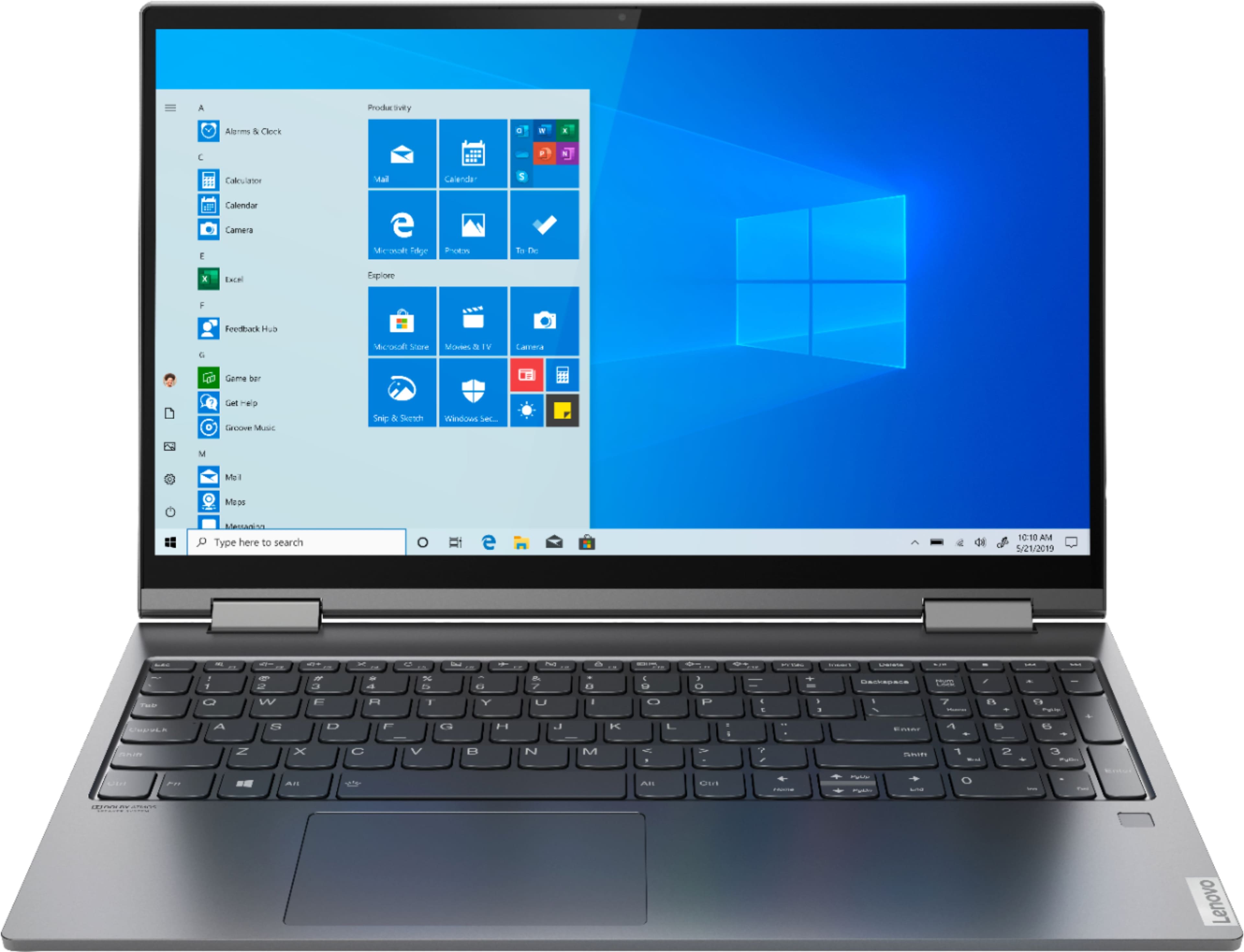
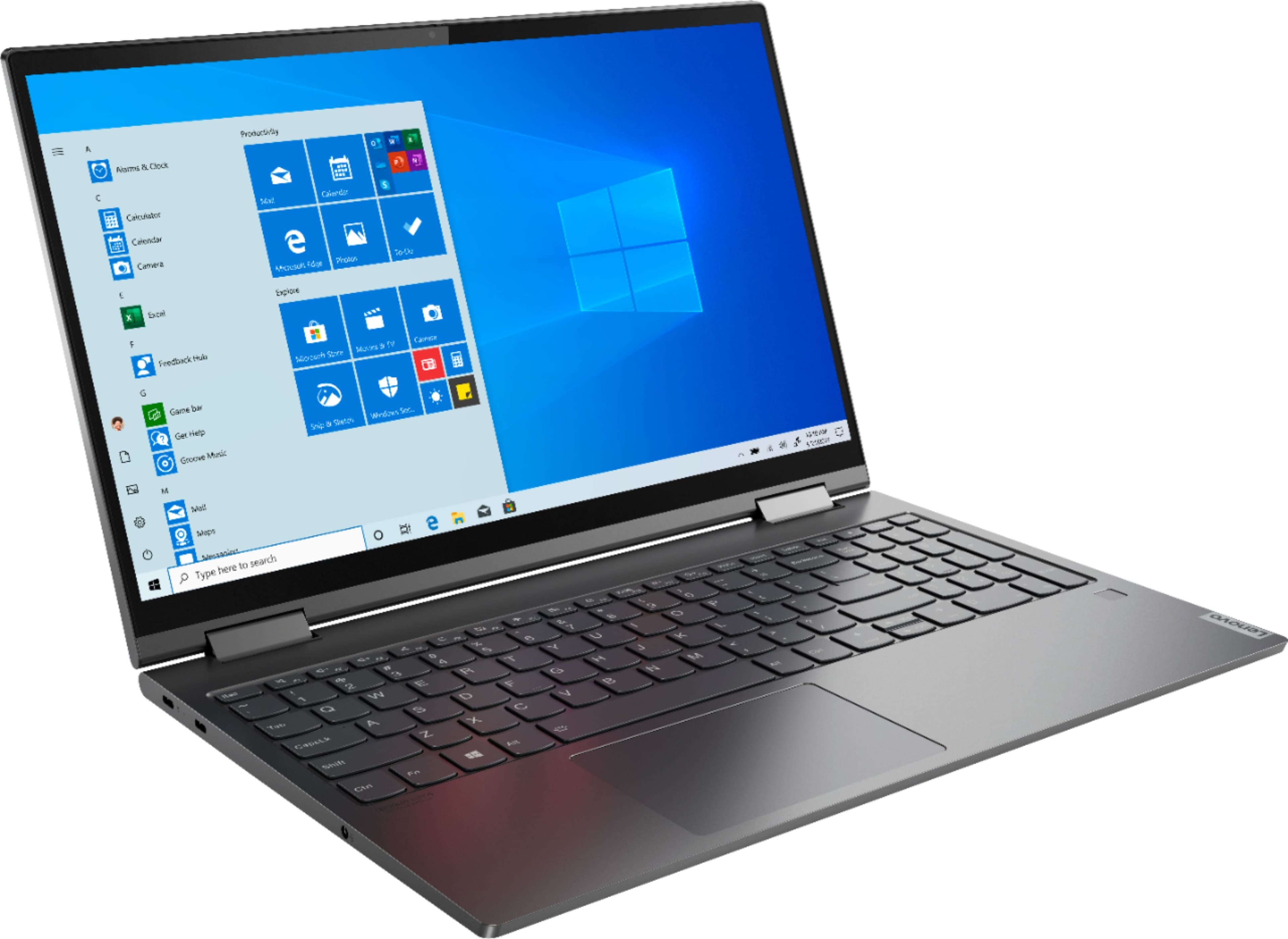
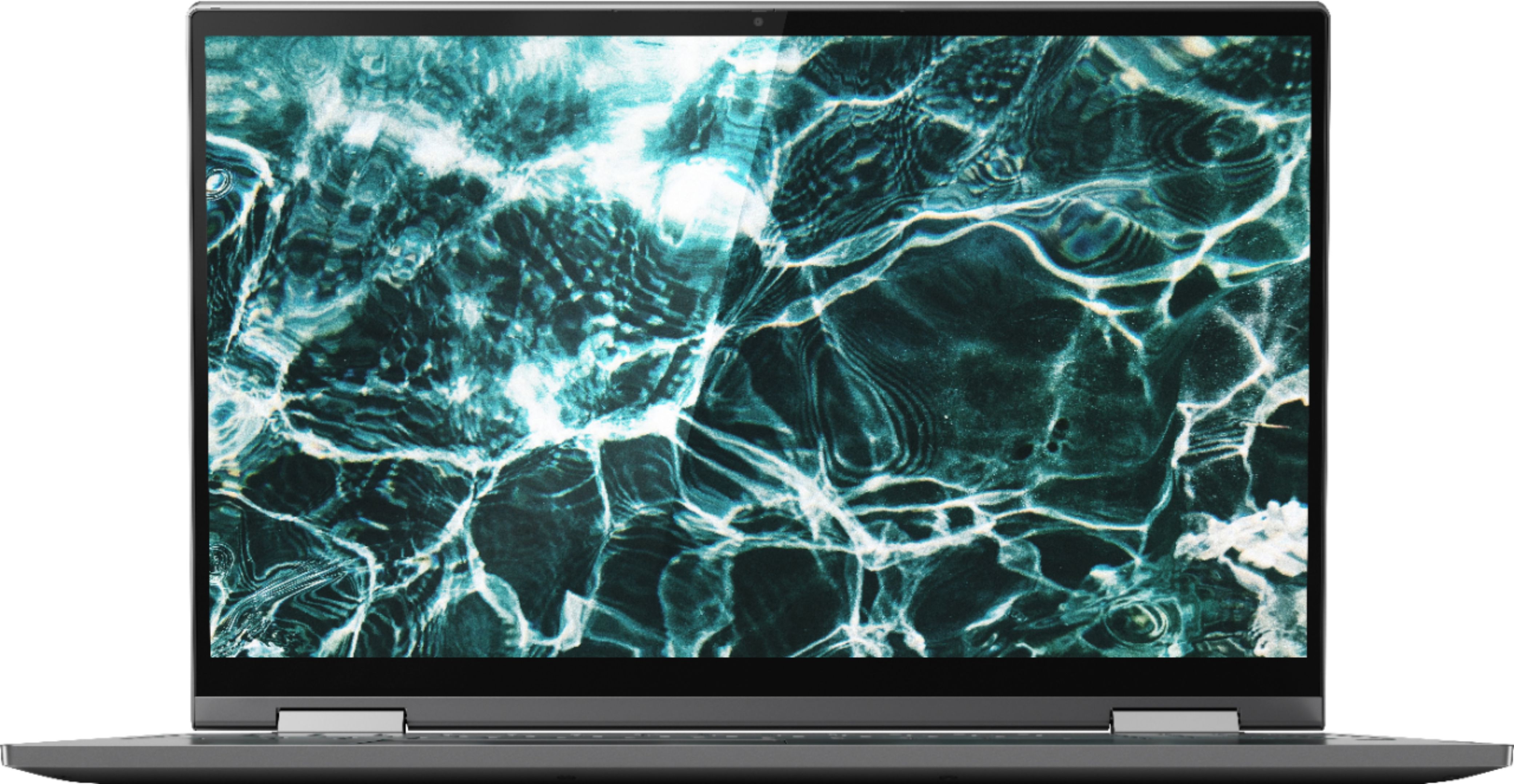
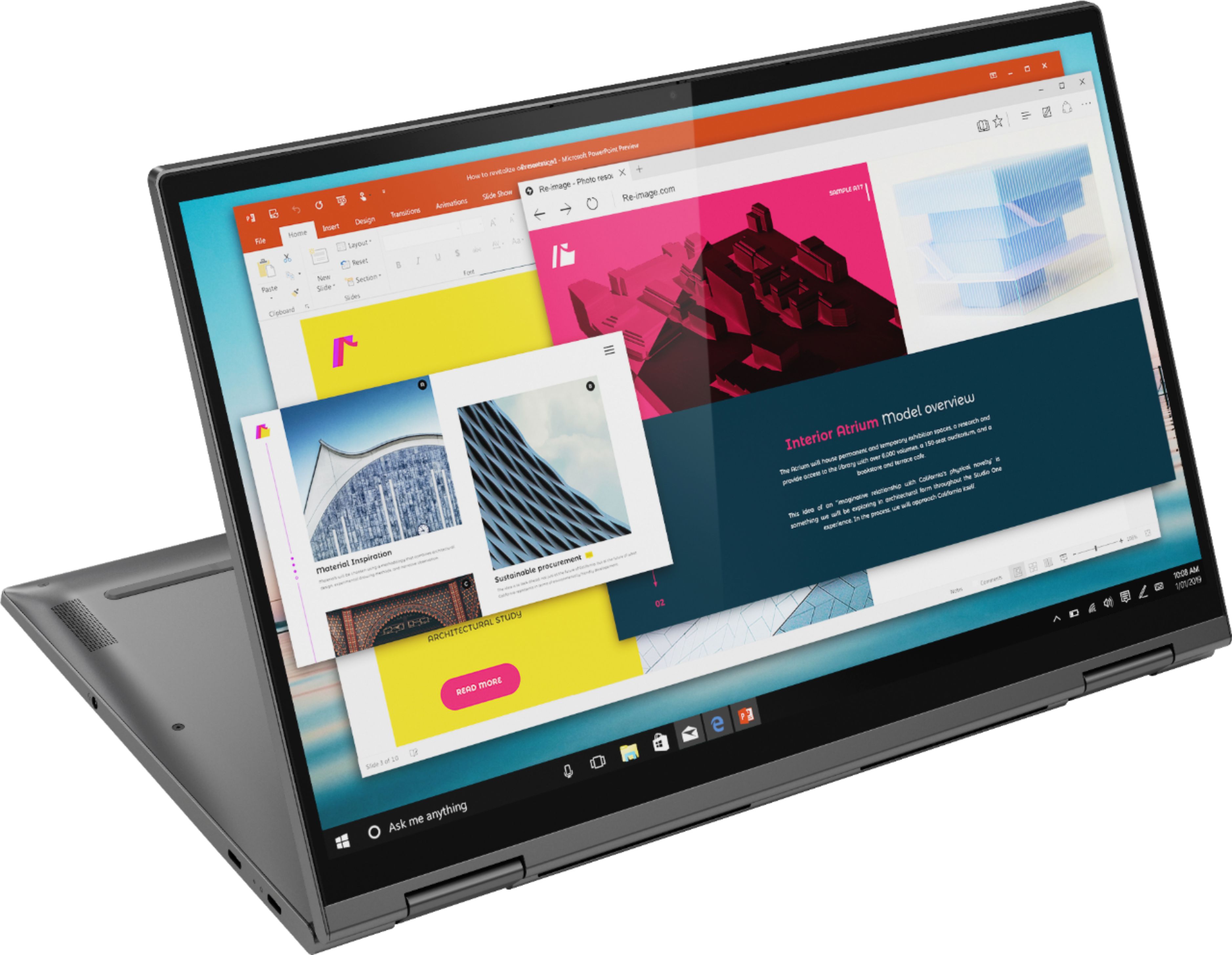
A:AnswerThe Lenovo Yoga C740-15, model number 81TD0020US has a IPS LCD w/LED Backlight (Anti-glare) screen, with a resolution of 1920 x 1080 (FHD) and a brightness level of 250 nits.
A:AnswerThe Lenovo Yoga C740-15, model number 81TD0020US, ships with a 15.6-inch (screen size measured diagonally) IPS LCD w/LED Backlight (Anti-glare) screen, with a resolution of 1920 x 1080 (FHD) and a brightness level of 250 nits. You can make adjustments to color and other visual attributes within Lenovo Vantage Dashboard. Here is a link to more information: https://support.lenovo.com/by/en/solutions/ht506934.
A:AnswerThe Lenovo Yoga C740-15, model number 81TD0003US, ships with a 3CELL_60.3WH_INTERNAL, Lithium Polymer Battery, with a battery life of up to 15 hours, depending on the work the device is performing.
A:AnswerThat really will depend on the requirements and compatibility of both the software and the streaming services. We recommend you check with both the streaming service web site as well as the software publisher's web site for their compatibility with Windows 10 Home 64-bit operating system and the minimum/recommended hardware requirements (Is a Graphics card required, the processor speed and the minimum required system RAM and the minimum available hard drive space) to run their program, then compare those requirements to this system's configuration.
A:AnswerThere is no built in CD/DVD drive within the Lenovo Yoga C740-15. You can use an external, USB-based, Windows 10 Compatible CD/DVD drive with this laptop.
A:AnswerThat will depend on the requirements and compatibility of the specific game. We recommend you check with the game's software publisher's web site for their compatibility with Windows 10 Home 64-bit operating system and the minimum/recommended hardware requirements (Is a Graphics card required, the processor speed and the minimum required system RAM and the minimum available hard drive space) to run their program, then compare those requirements to this system's configuration.
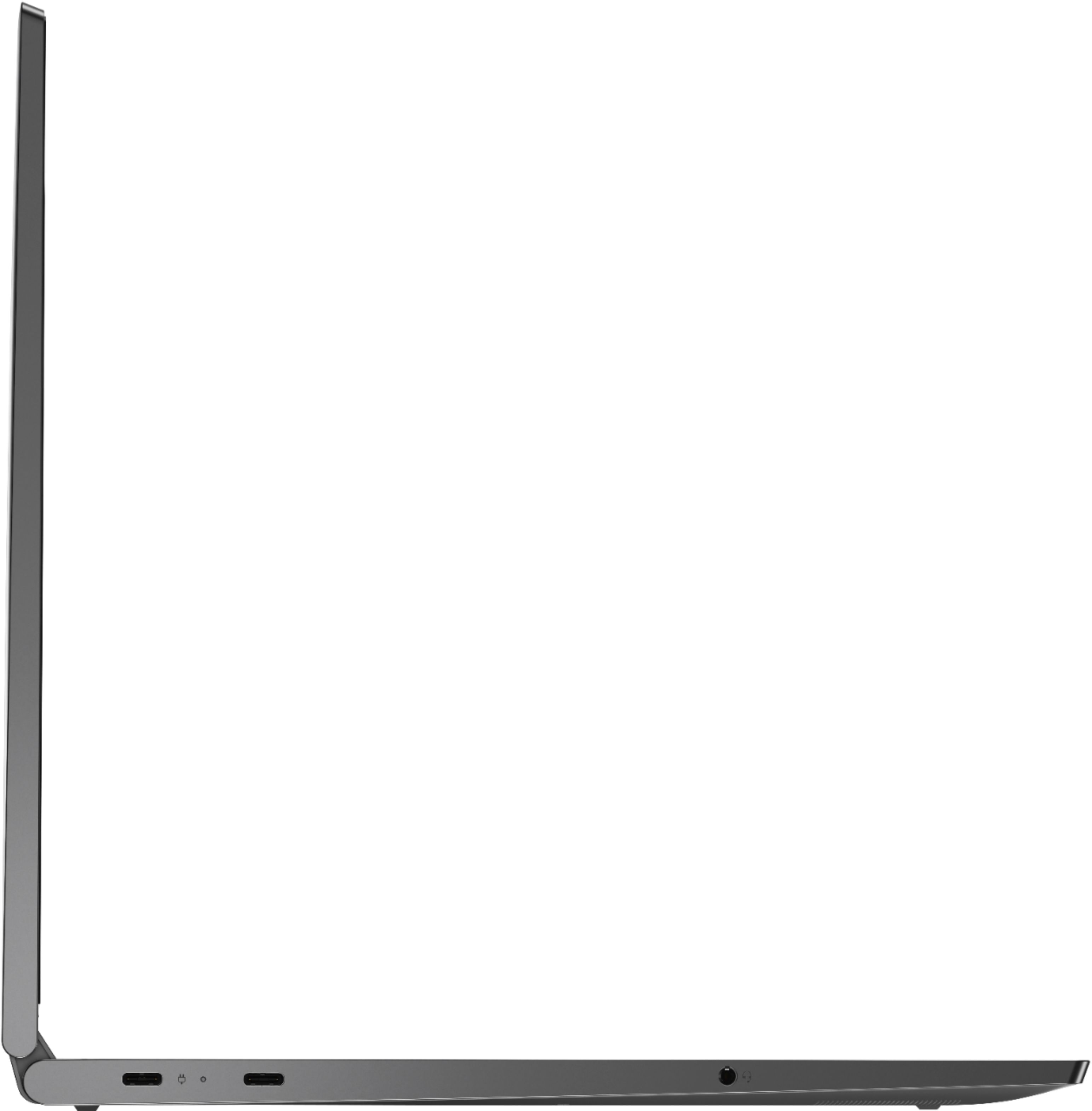
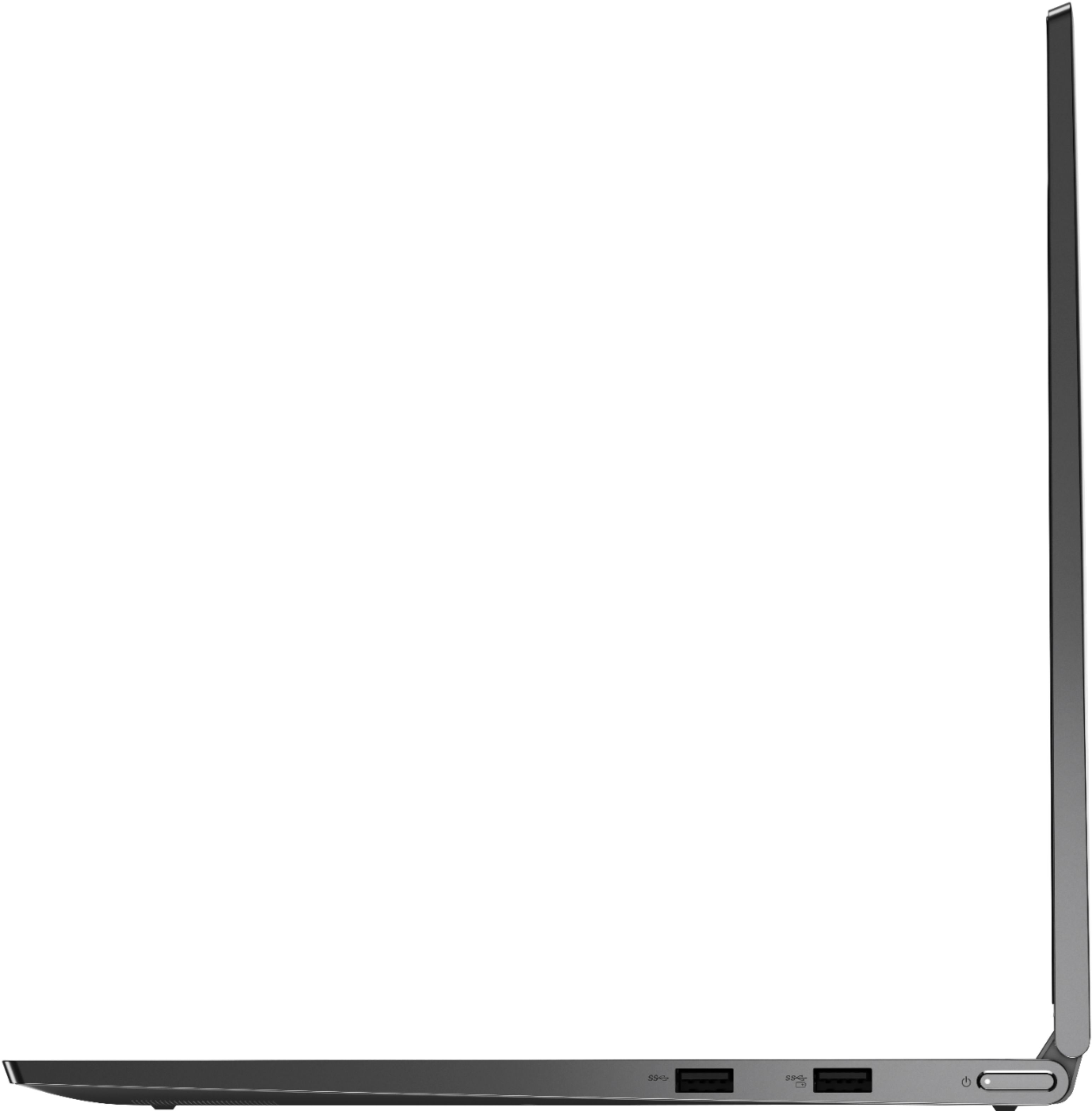
A:AnswerI guess you could get an external hard drive and connect to one of the usb ports provided. I don't know if there's space to install an internal one or if you can replace the 256GB with a larger one.