Questions & Answers
- Model:
- 83ED0001US
- |
- SKU:
- 6582538
Highly rated by customers for: Screen Quality, Battery Life, Processor Speed
$1,299.99Your price for this item is $1,299.99
Page Showing 61-80 of 95 questions
Q: QuestionDoes the USB C port support display? Basically you connect another monitor to computer?
Asked by casjon.
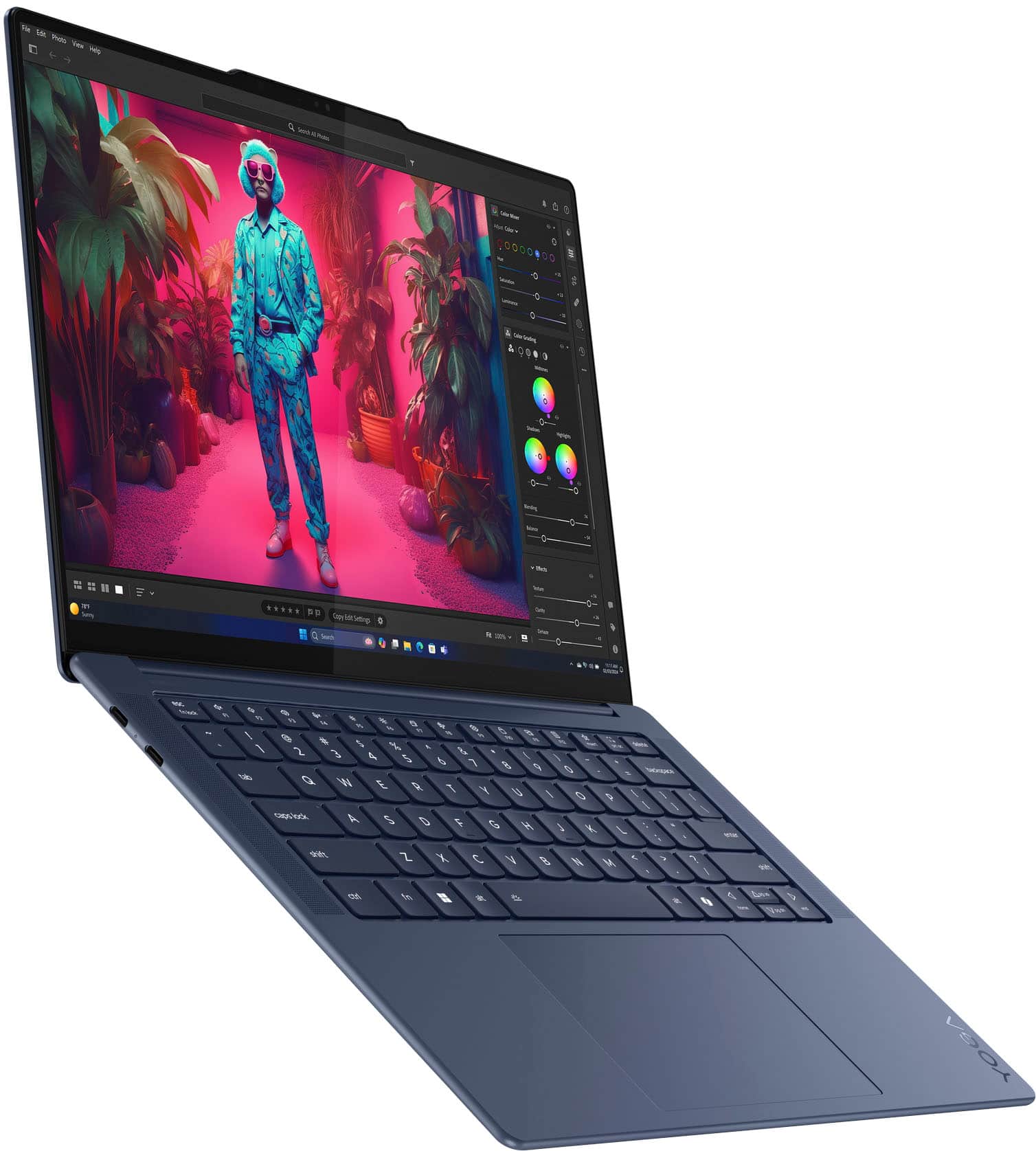
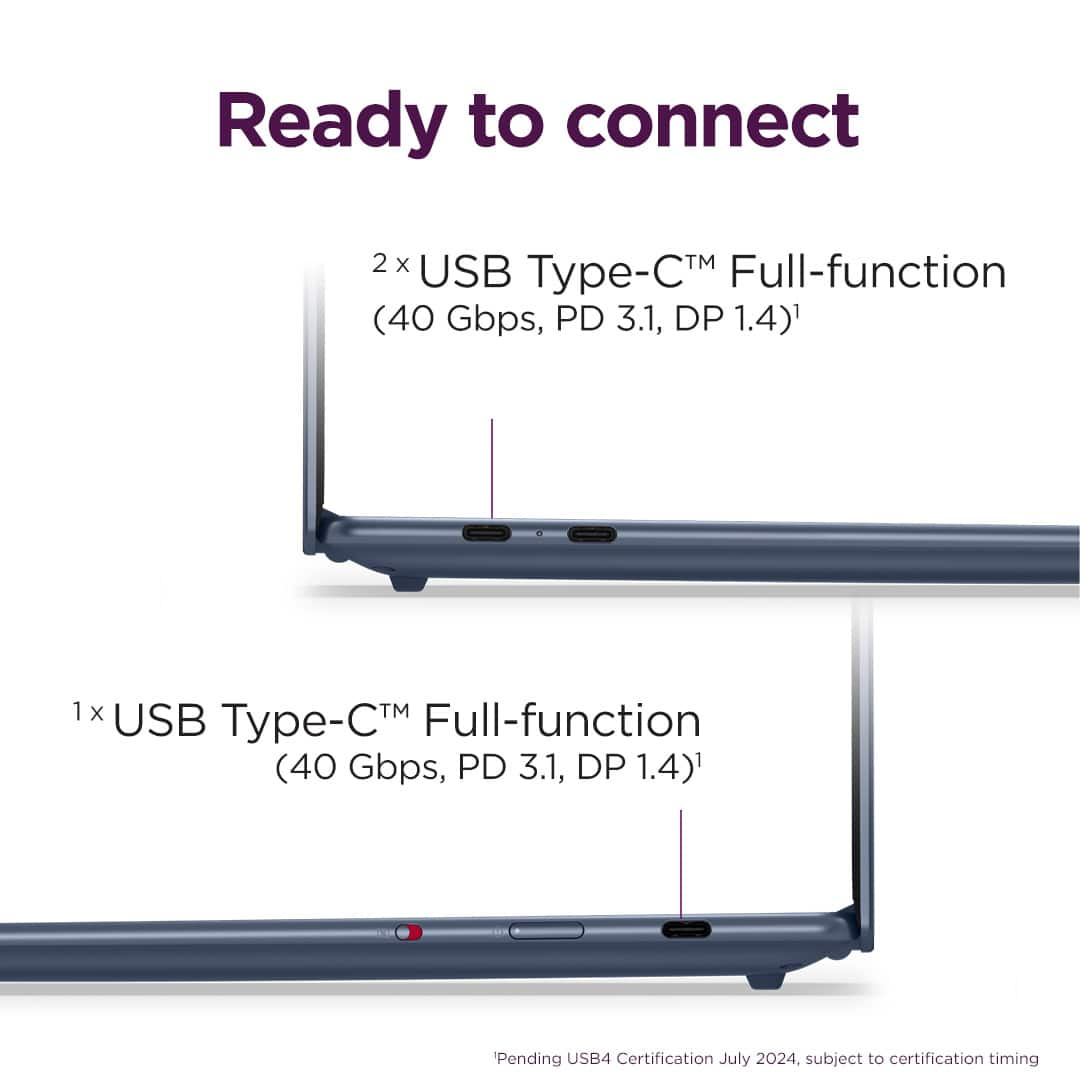
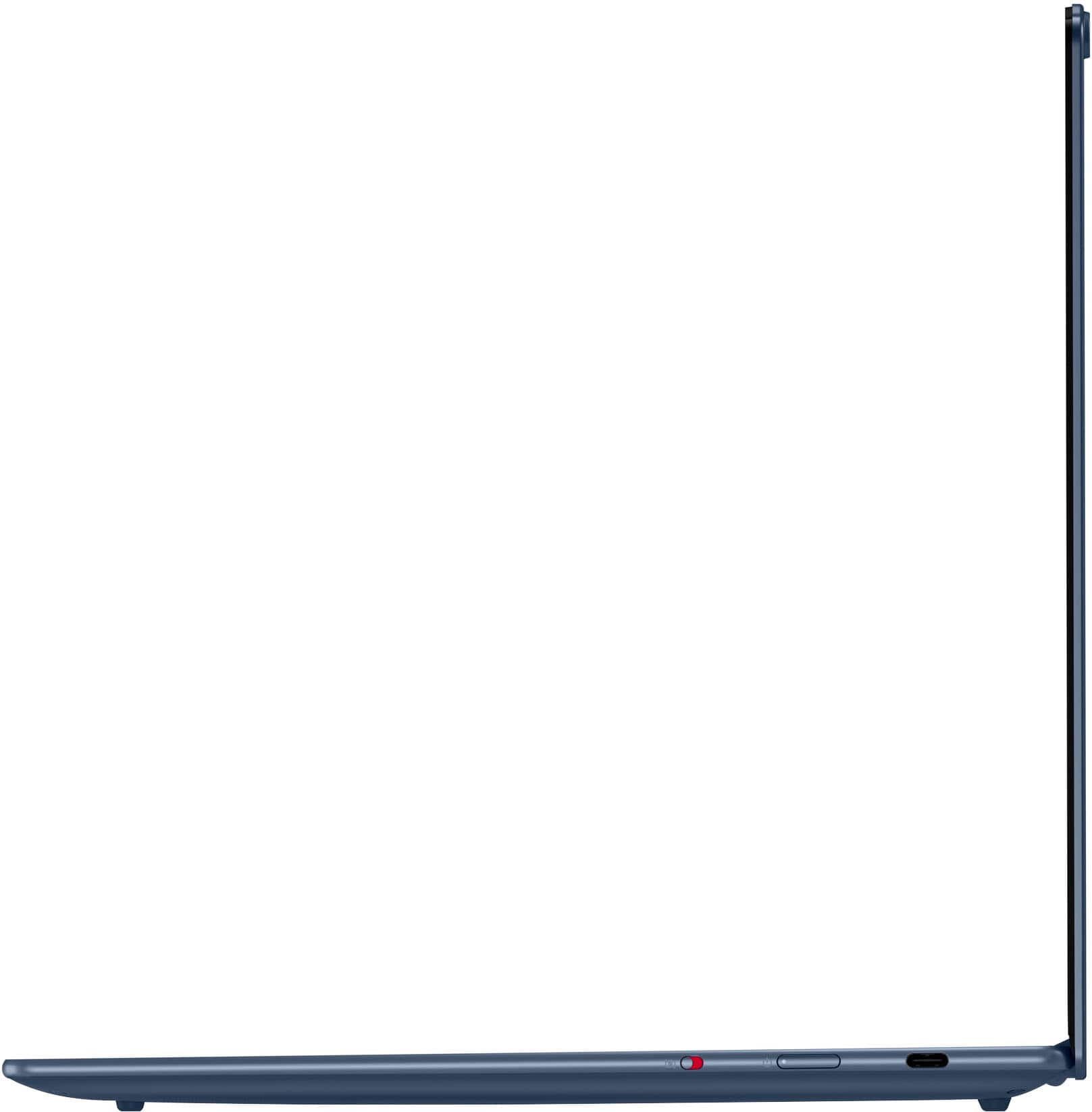
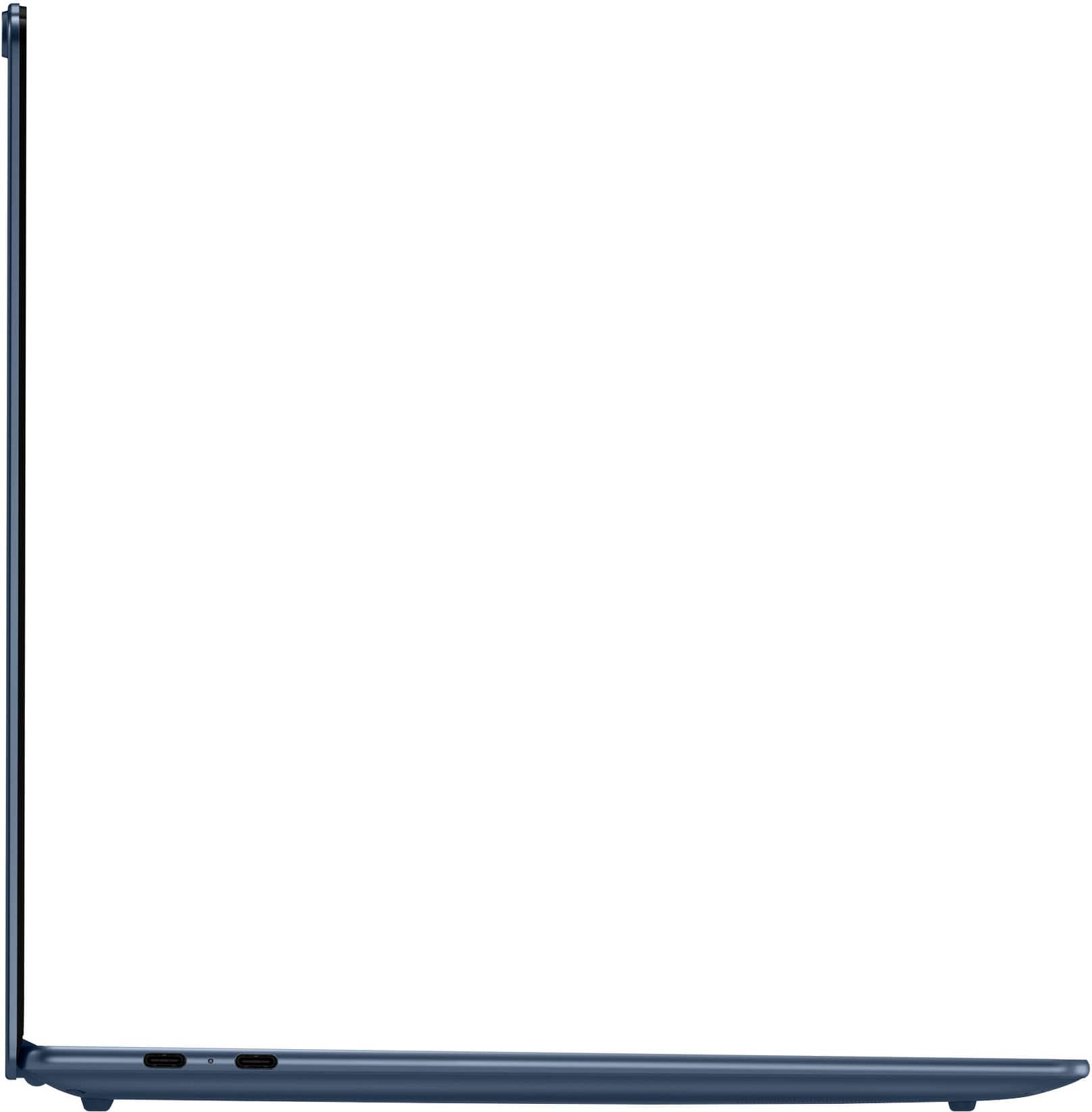
- A:Answer Hi, casjon. Yes, they can, as each USB-C (USB4) port supports USB Power Delivery 3.1 and DisplayPort 1.4.
Answered by Lenovo Product Expert

Q: QuestionDoes the laptop come pre loaded with any software other than the operating system?
Asked by Dessert007.
- A:Answer Windows
Answered by Noam
Q: QuestionWhen was it launched?
Asked by Anonymous.
- A:Answer Here’s the exact info from Lenovo’s own support Q&A on the Yoga Slim 7x: Yoga Slim 7x supports touch input but does not support pen input — the panel doesn’t have the tech for active stylus pens (so styluses like Bamboo Ink, Surface Pen, Lenovo Active Pen, etc., won’t work as intended). Best Buy What this means You can tap, swipe, and use finger gestures on the screen. Best Buy You cannot use an active pen for drawing, pressure sensitivity, handwriting, or “pen as mouse” features. Best Buy If you want stylus support (e.g., for drawing, note‑taking, or precise input), you’d need a laptop that explicitly lists pen/active‑pen support (usually with Wacom AES, Microsoft Pen Protocol, or similar hardware). Let me know if you want recommendations for similar laptops that do support styluses!
Answered by BhavaniK
Q: Questionconnect external monitor
Asked by GLMike.
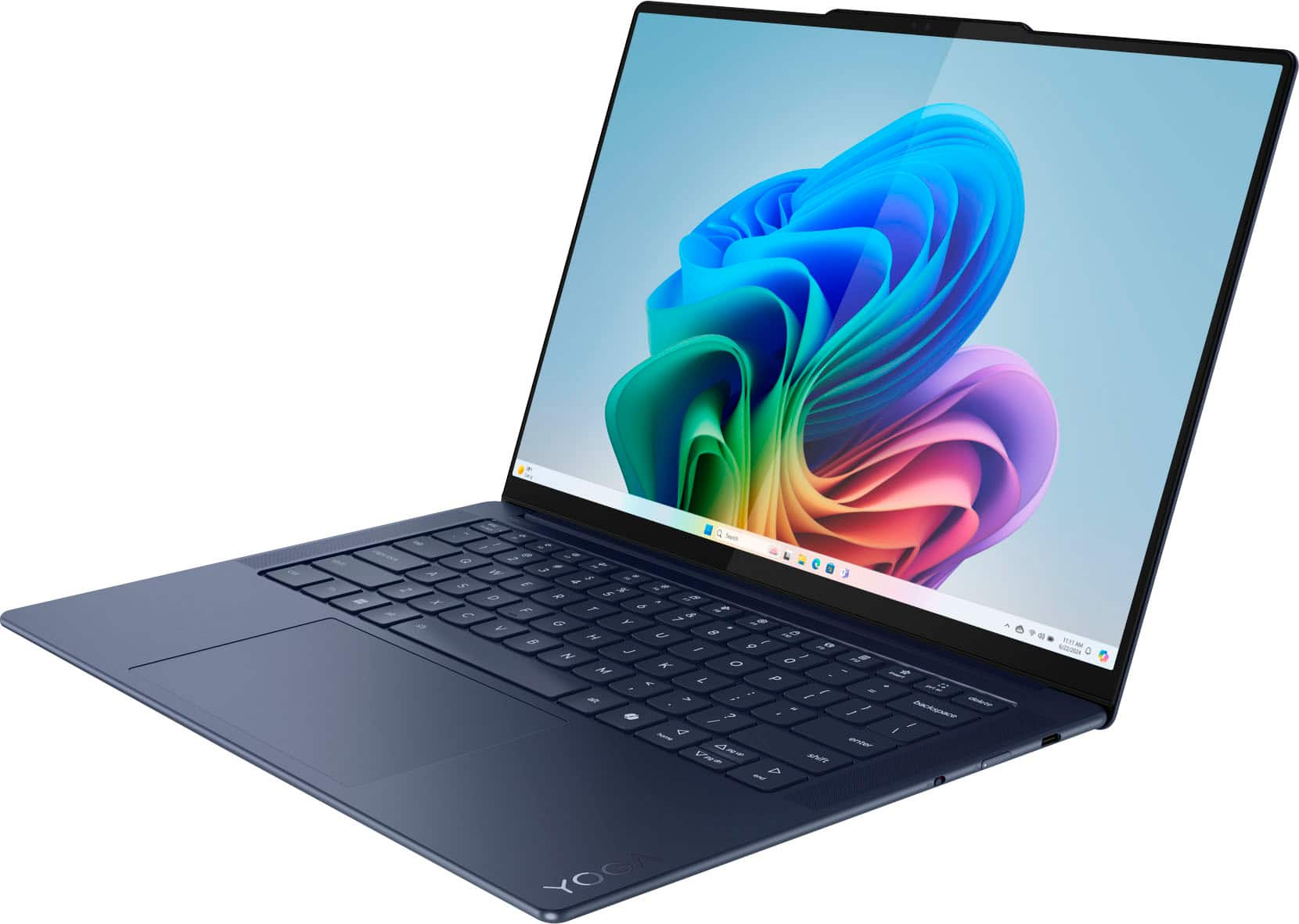
- A:Answer USB‑C / Thunderbolt: Your laptop has full-function USB‑C ports with DisplayPort Alt Mode, which can carry video to an external monitor. HDMI port: Some variants may have HDMI 1.4 built-in, but many newer models rely only on USB‑C. No other video ports (no DisplayPort or VGA natively). If you’re unsure which you have, look at the sides: USB‑C looks like a small oval port. HDMI looks like a trapezoid-shaped port labeled “HDMI.”
Answered by BhavaniK
Q: QuestionIs it good for video editing?
Asked by No.
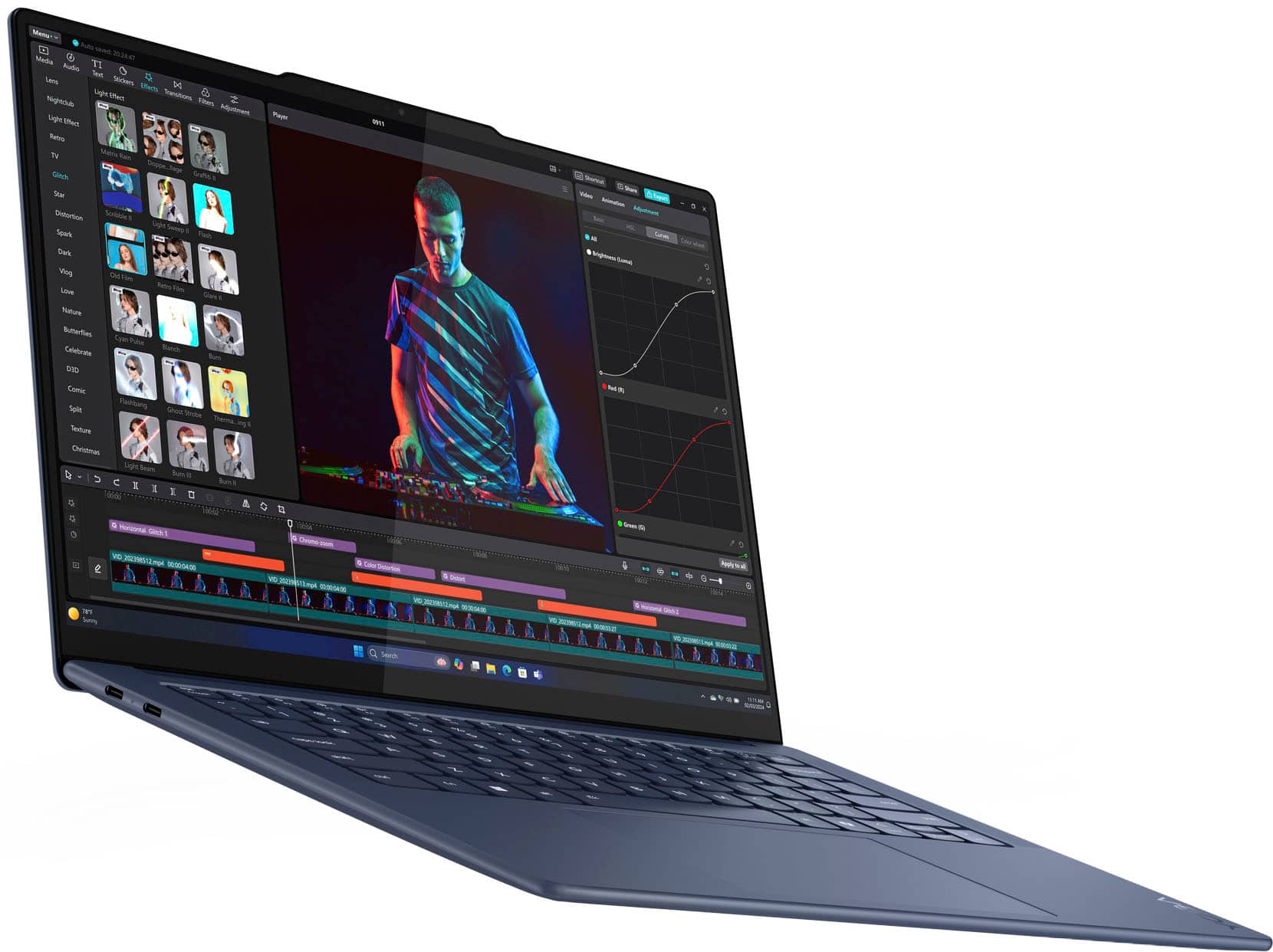
- A:Answer Light to moderate editing workflows It handles basic timeline editing and shorter clips smoothly. In tests, this laptop completed a 4K → 1080p video transcode faster than many competitors like the MacBook Air M3 and Dell XPS 14, showing surprisingly strong CPU efficiency. Tom's Guide Everyday creative tasks Works well with basic photo/video tools and general productivity. The OLED screen is great for color‑rich visuals. Lenovo Good display for reviewing footage OLED screen with excellent color quality helps you see details more accurately while editing.
Answered by BhavaniK
Q: QuestionWhat operating system does it come with
Asked by Alan.
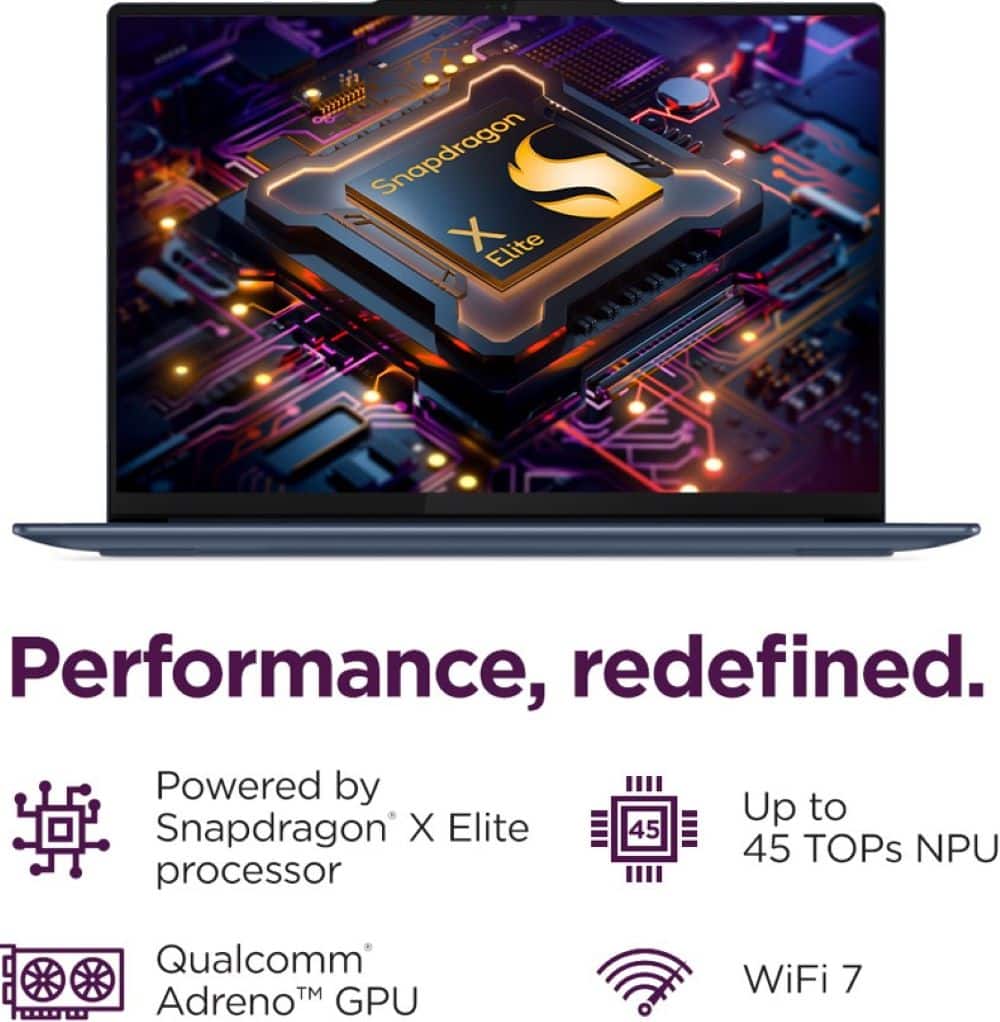
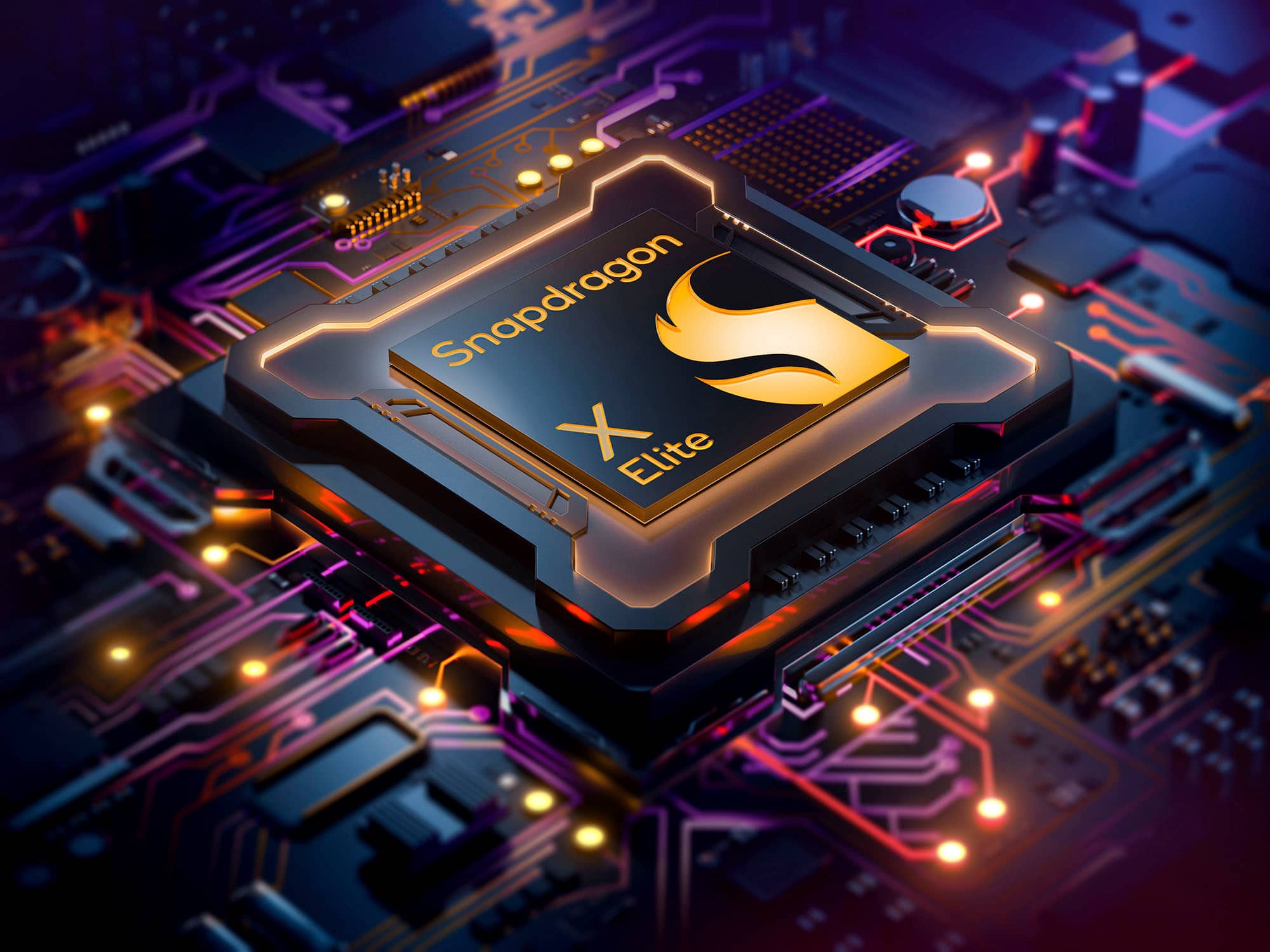
- A:Answer the Lenovo Yoga Slim 7x Copilot PC Laptop comes with Windows 11 pre‑installed. Specifically, it ships with Windows 11 for ARM (Windows 11 on ARM), since this model uses the Qualcomm Snapdragon X Elite processor, which is an ARM‑based chip. LenovoWhat that means for you: Windows 11 is the operating system you’ll see when you first power it on. Lenovo Because it’s an ARM‑based device, the Windows installation is the ARM edition of Windows 11, not the typical x86/Intel version — but it still looks and works like regular Windows 11.
Answered by BhavaniK
Q: QuestionHow can I turn off the function that allows the laptop to start up when opening the laptop (“Flip to Start”)? Looked online and it says to do it Lenovo Vantage, but it isn’t there on my version of Lenovo Vantage.
Asked by LeoA.
- A:Answer Shut down the laptop completely (do not use sleep or hibernate). Power it on and immediately press F2 repeatedly as soon as the Lenovo logo appears. This opens the BIOS/UEFI menu. Navigate to Configuration (or a similar tab; on some ARM-based models it’s under Power). Look for “Flip to Start” or “Power on with Lid Open”. Set it to Disabled. Save and Exit the BIOS (usually F10). The laptop will now only power on when you press the power button, not when opening the lid.
Answered by BhavaniK
Q: QuestionWhy does my arrow work sometimes
Asked by Maddie.
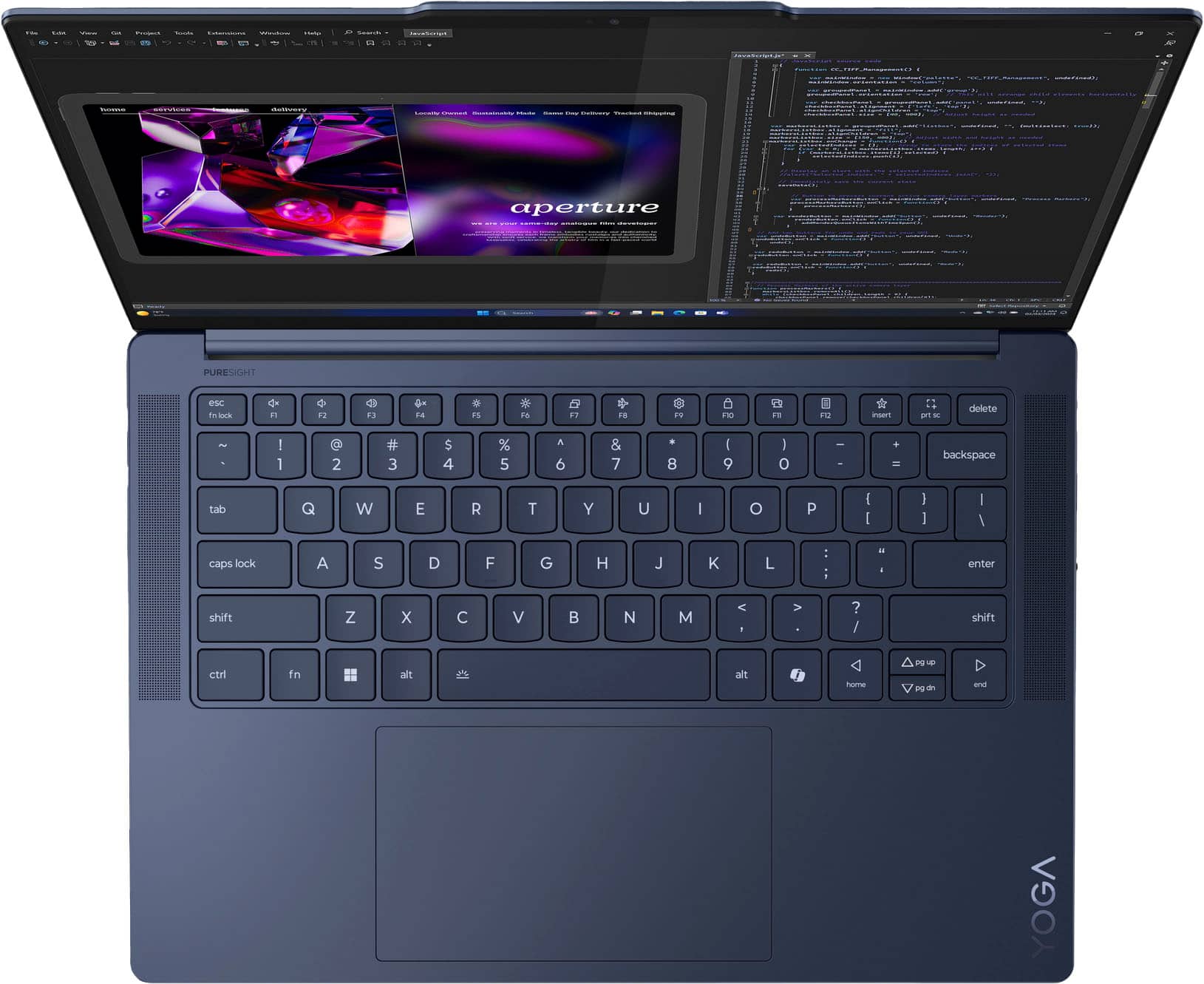
- A:Answer Touchpad glitches – common in laptops like the Yoga Slim 7x. Accidental palm touches may freeze movement temporarily. Driver issues – outdated or corrupted touchpad drivers can cause intermittent cursor problems. External mouse problems – loose connection, low battery (wireless), or cable issues. High CPU/memory load – cursor may lag or freeze if the system is busy. USB interference – multiple USB devices or hubs sometimes interfere with cursor response. Fixes: Update touchpad/mouse drivers via Windows Update or Lenovo Vantage. Disable & re-enable the touchpad in Settings → Devices → Touchpad. Test an external mouse to see if the issue persists. Clean the touchpad surface and make sure nothing is touching it accidentally.
Answered by BhavaniK
Q: QuestionWhat kind of printer do I need for this laptop?
Asked by Printer.
- A:Answer Hello Printer, and thank you for your question. Over 8,500 modern wireless printers from top vendors are compatible with Snapdragon X Series powered windows PCs. To ensure compatibility and for the most up-to-date list of supported printers, please check https://www.qualcomm.com/snapdragon/laptops-and-tablets/printers.
Answered by Snapdragon team
Q: QuestionIs the RAM expandable/ upgradable?
Asked by Cwagon13.
- A:Answer This laptop uses LPDDR5x RAM that’s soldered directly to the motherboard, so there are no memory slots you can add or replace later. Once you choose a configuration (e.g., 16 GB or 32 GB) at purchase time, that’s what you’re stuck with for the life of the machine. Most ultra‑thin laptops — especially ones with ARM‑based processors like the Snapdragon X Elite — do this to save space, improve efficiency, and optimize battery life, but it means no future RAM upgrades are possible. This is standard for this model.
Answered by BhavaniK
Q: QuestionDoes this come with a charger?
Asked by DMK.
- A:Answer Yes it does, but I bought an open box, so mine didn't.
Answered by MdJ1
Q: QuestionWhat video card does this use
Asked by Lilsagan.
- A:Answer The Lenovo Yoga Slim 7x Copilot PC Laptop doesn’t have a separate, dedicated video card like an NVIDIA or AMD discrete GPU. Instead, it uses integrated graphics built into its main processor — specifically: Graphics / Video Card Integrated GPU: Qualcomm Adreno™ GPU Integrated as part of the Snapdragon X Elite system‑on‑chip (SoC) Shares system memory (no separate video RAM) Supports DirectX 12 and handles display output and graphics tasks for the laptop. Lenovo StoryHub What This Means Good for: Everyday use (web, video streaming, Office apps) Light creative tasks Photo editing and basic video editing Casual gaming or games that run well under Windows on ARM
Answered by BhavaniK
Q: QuestionDoes this laptop have anti glare or anti reflective screen?
Asked by Cakegirl.
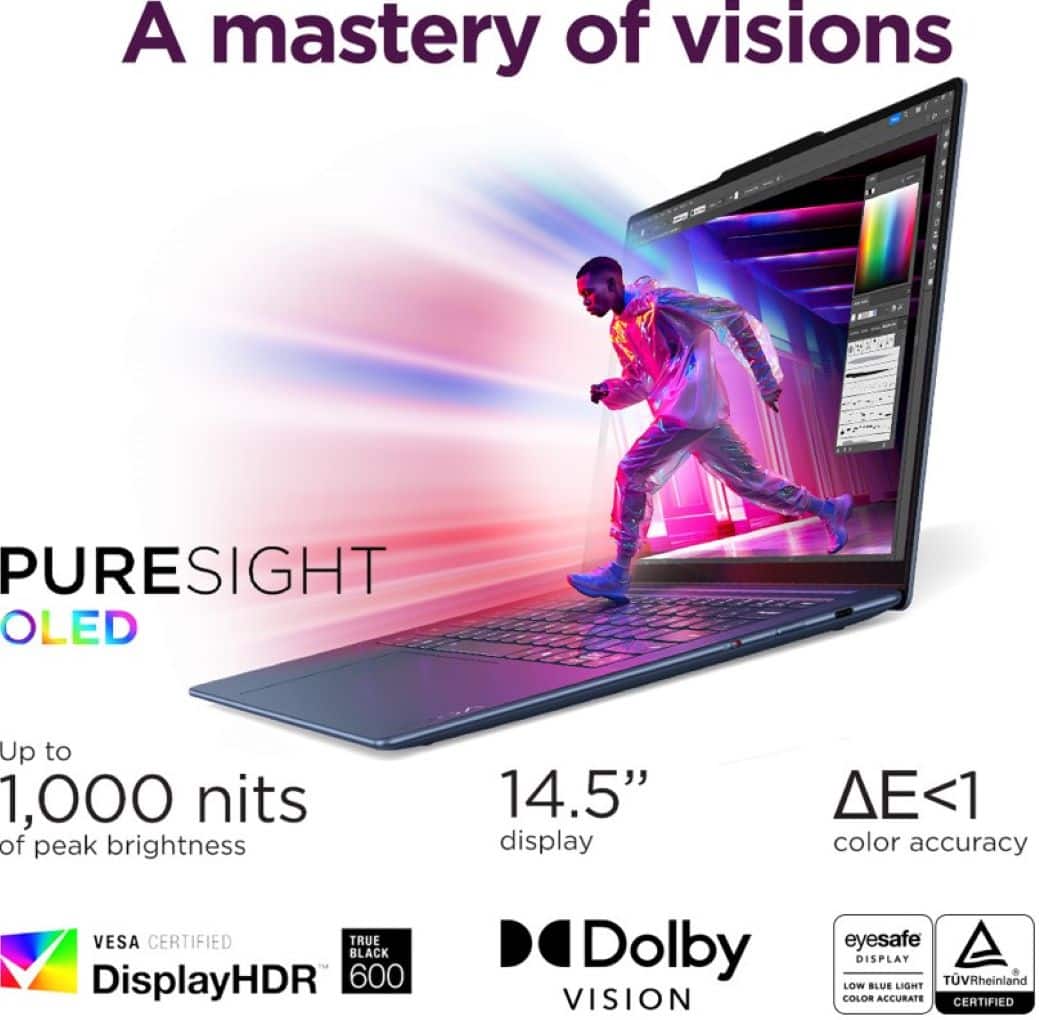
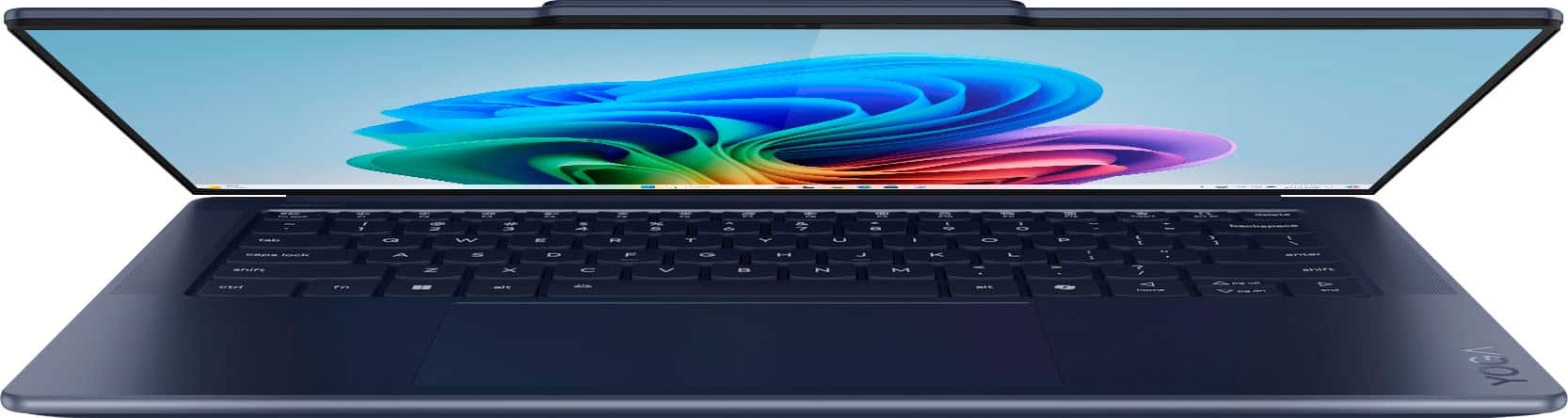
- A:Answer The OLED display looks vibrant and colorful, but you can see your reflection in it even at high brightness. This means it does not have an effective anti‑glare coating built in. Reviewers specifically said reflections remain visible unless you’re looking at a bright, light screen — and wished there were an anti‑reflective layer. Yahoo Tech A measurement of the screen’s reflectance also confirms it has a high gloss finish, which contributes to visible reflection under normal lighting. LaptopMedia What that means Glossy/OLED screen: Great for deep blacks, rich colors, and contrast — ideal for media and creative viewing. Not anti‑glare: You will see reflections in bright rooms or near windows, because the display doesn’t have an anti‑reflective surface.
Answered by BhavaniK
Q: Questiondoes it have an HDMI port for a second monitor
Asked by chi1.
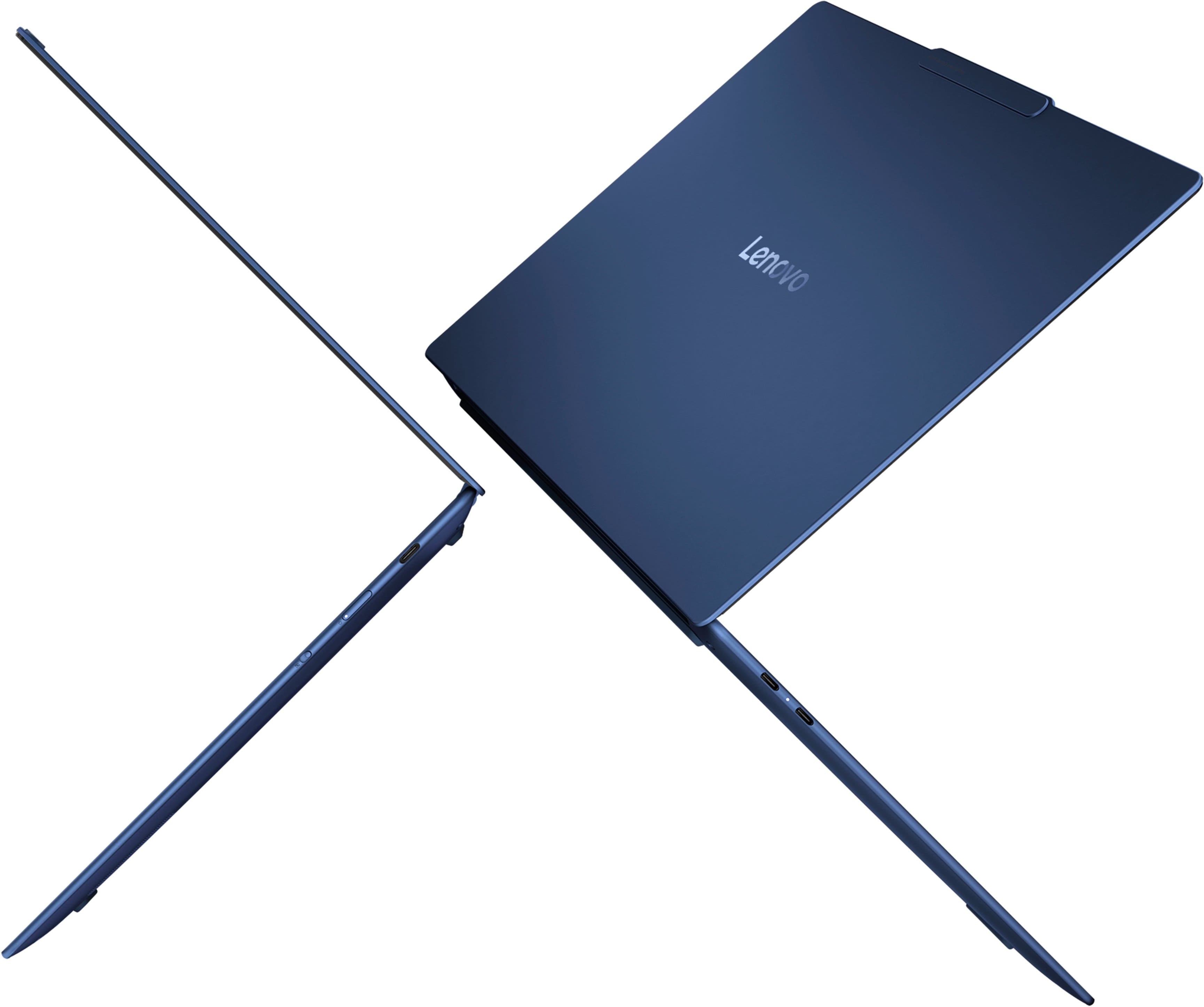
- A:Answer For the Lenovo Yoga Slim 7x Copilot PC, there is no built‑in HDMI port on the laptop itself. All of the video output ports are USB‑C with DisplayPort Alt Mode support — meaning you can still connect an external monitor, but you’ll do it through a USB‑C port or adapter rather than an HDMI port directly on the laptop. Yahoo Tech +1 What Ports It Does Have 3 × USB‑C full‑function (USB4/DisplayPort 1.4) – These can carry video, data, and power. – One of them is used for charging, leaving two free for hubs/adapters. Lenovo PSREF How to Connect an External Monitor Since there isn’t an HDMI jack: USB‑C → HDMI adapter/cable Plug a USB‑C to HDMI cable or adapter into one of the USB‑C ports. Then connect your monitor’s HDMI cable to the adapter.
Answered by BhavaniK
Q: QuestionCan I use my Windows 11 Bamboo Stylus on this laptop?
Asked by JayTizzle.
- A:Answer The touchscreen does respond to fingers It does not include the hardware digitizer required for active pen/stylus input — which is different from basic touch. Lenovo product experts confirm this model supports touch only and does not support pen input, so active pens like your Windows 11 Bamboo stylus won’t work. Best Buy What This Means Basic finger touch works fine for navigation, scrolling, tapping, etc. Active pens (pressure‑sensitive, button features, handwriting) like: Wacom Bamboo Ink Active Stylus WACOM CS321AK1 Bamboo Ink Smart Stylus Wacom Bamboo Ink Plus Stylus …will not function properly on this laptop screen — they need specialized digitizer hardware that this device doesn’t have.
Answered by BhavaniK
Q: QuestionWhat is the camera in laptop?
Asked by Anonymous.
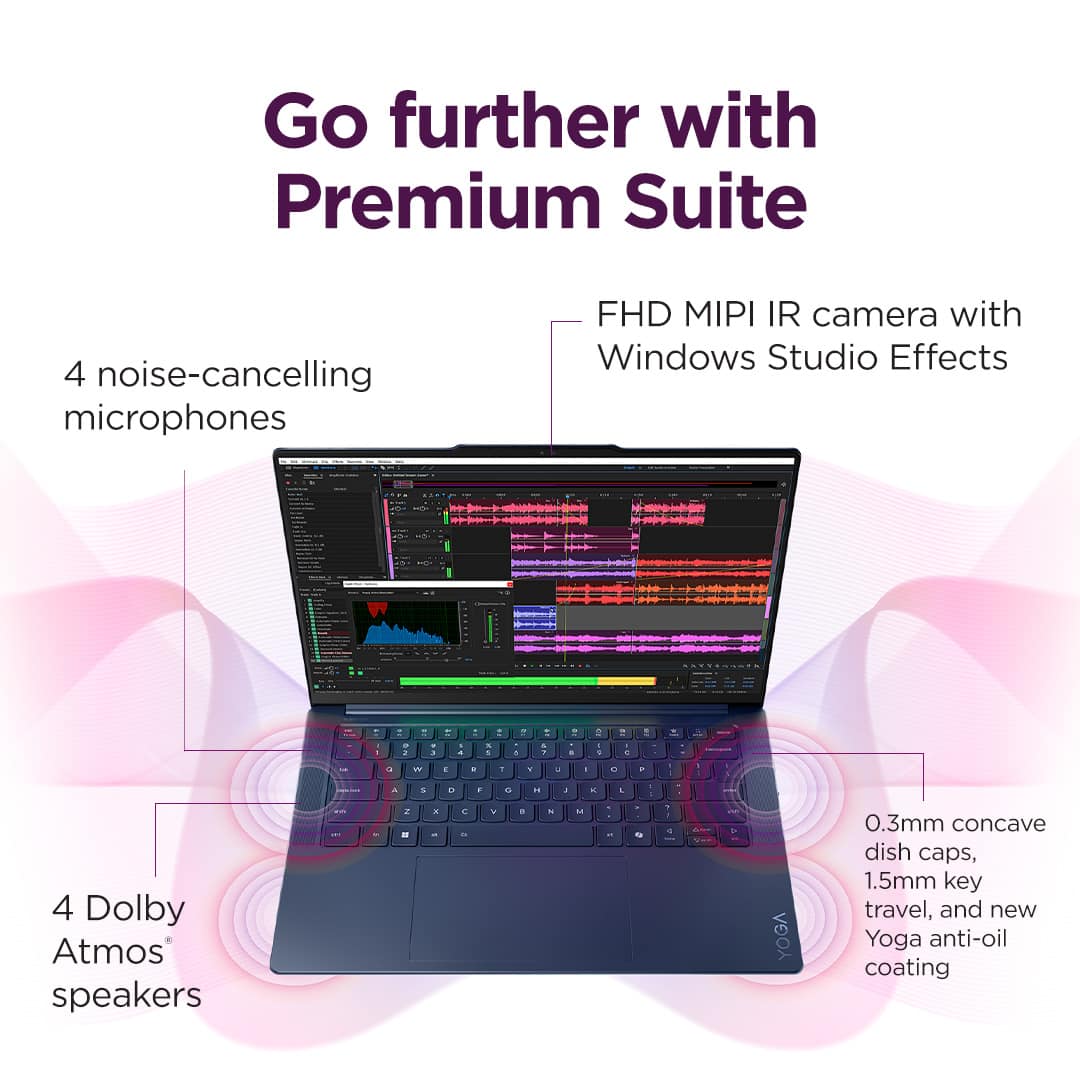
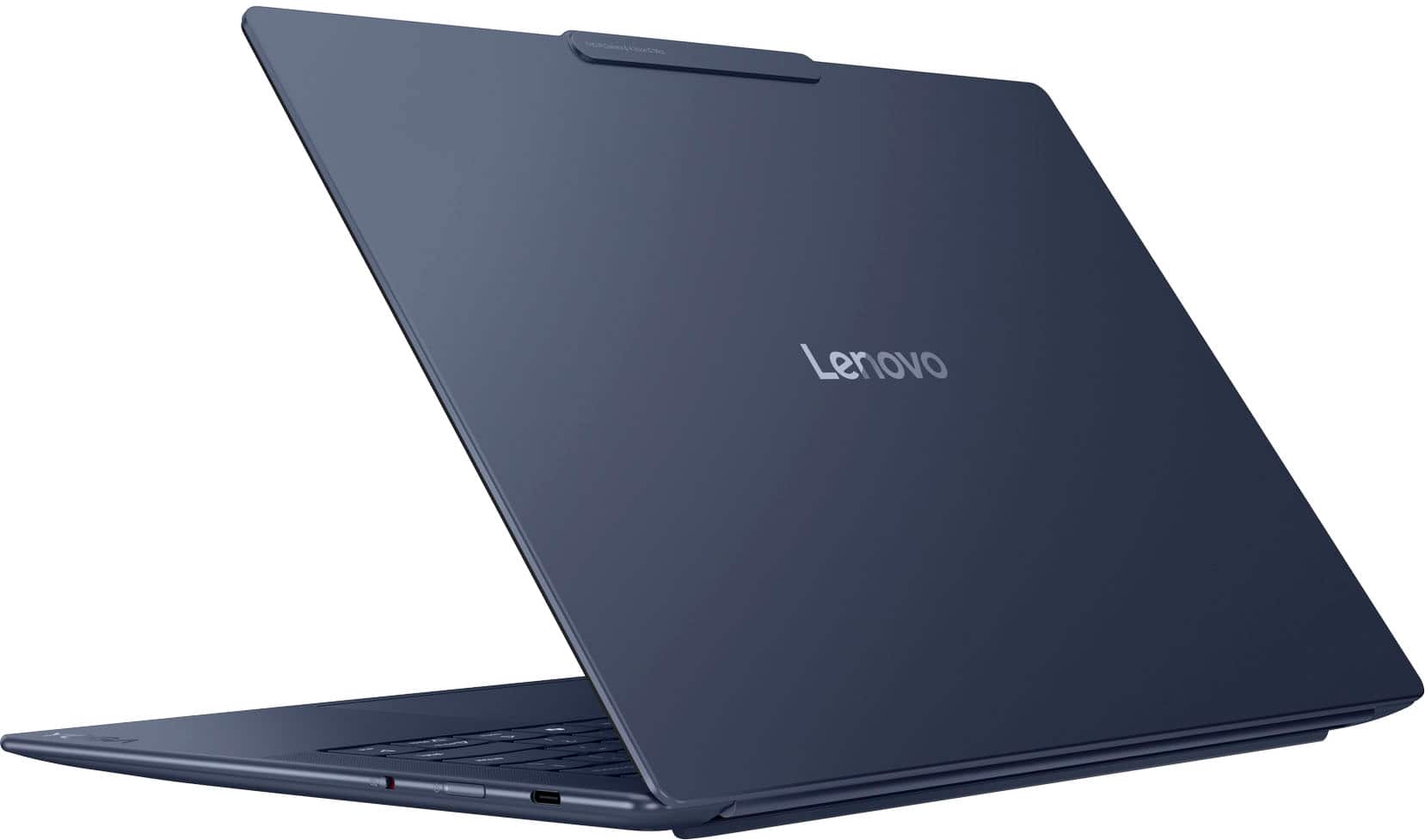
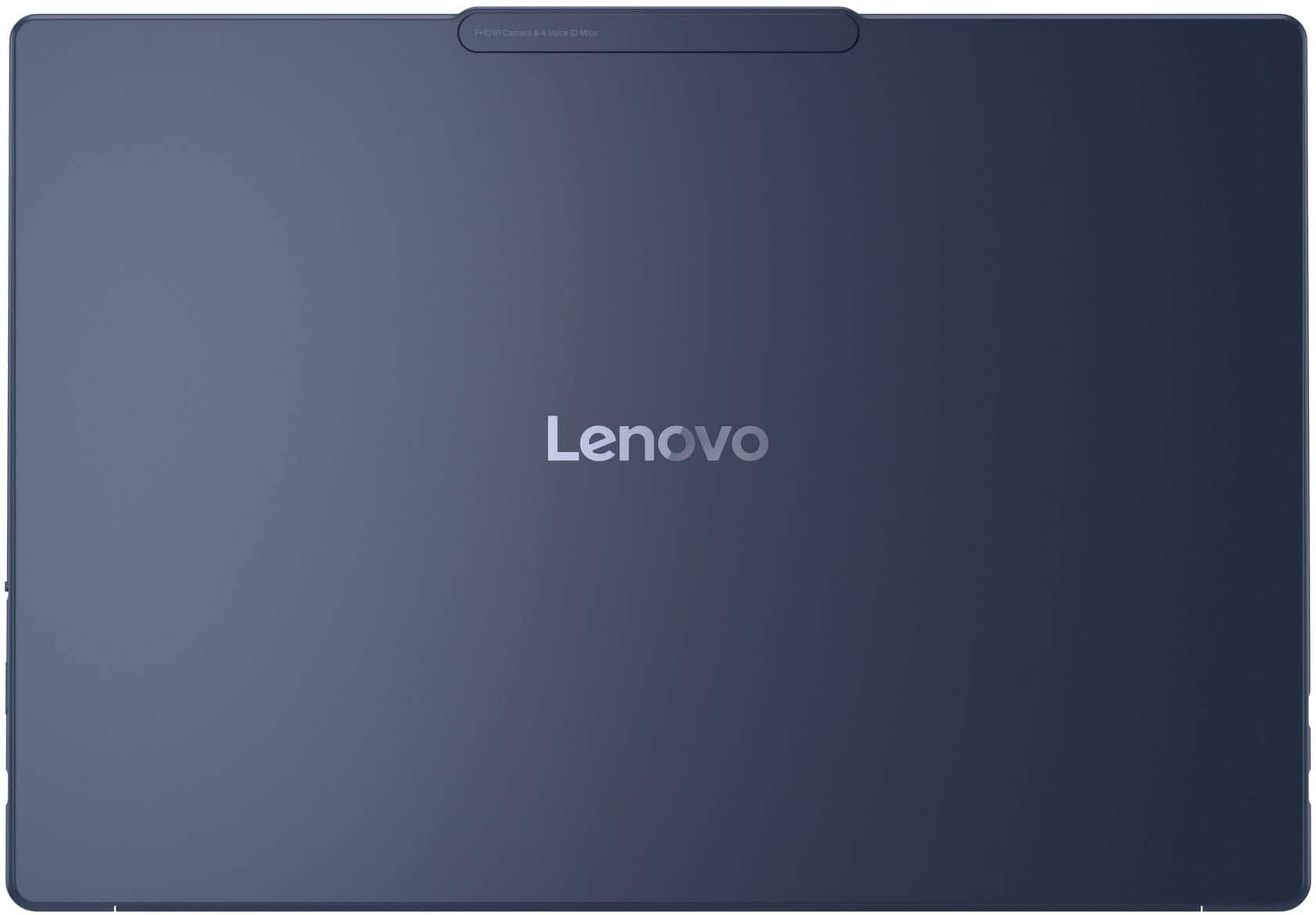
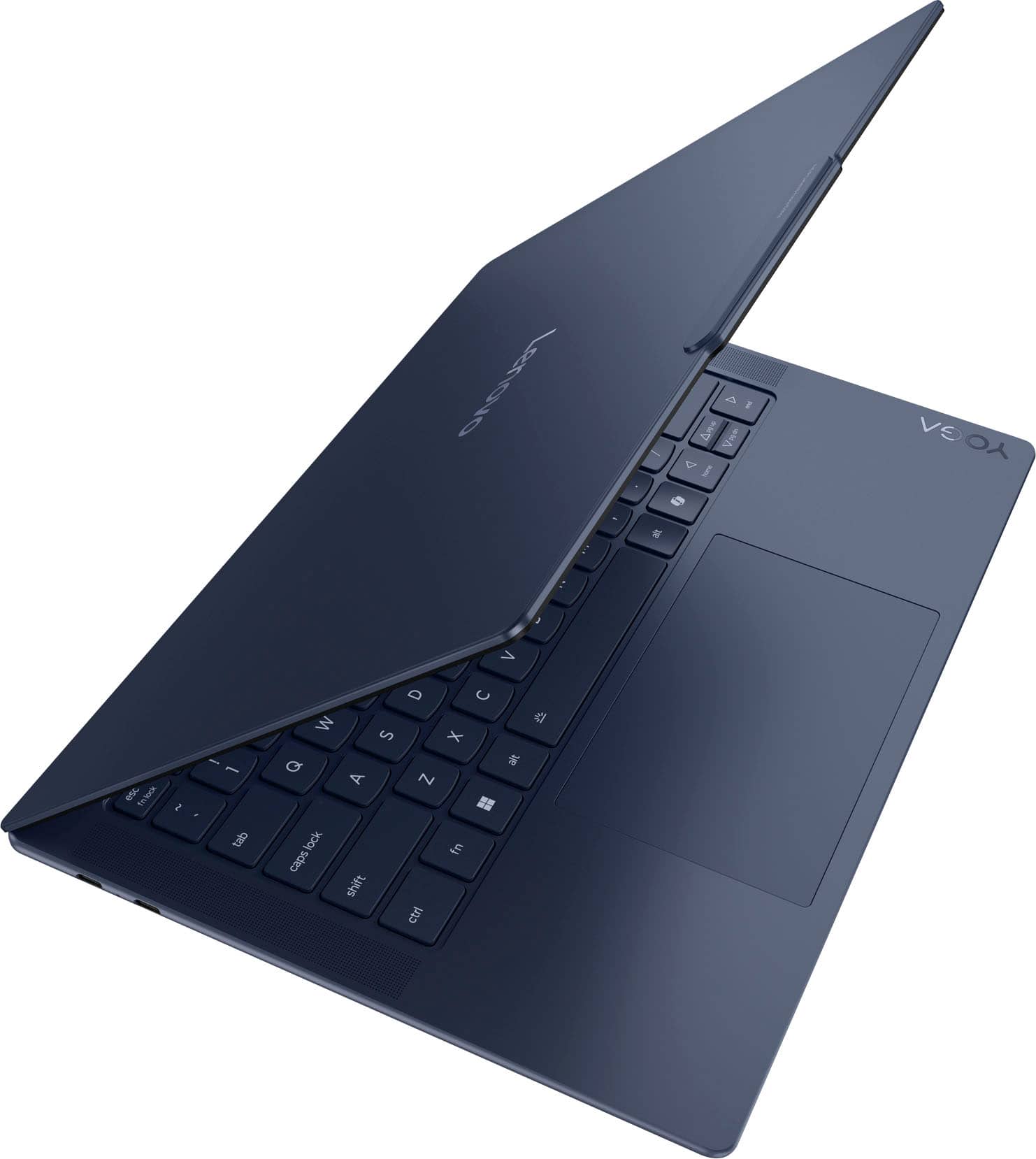
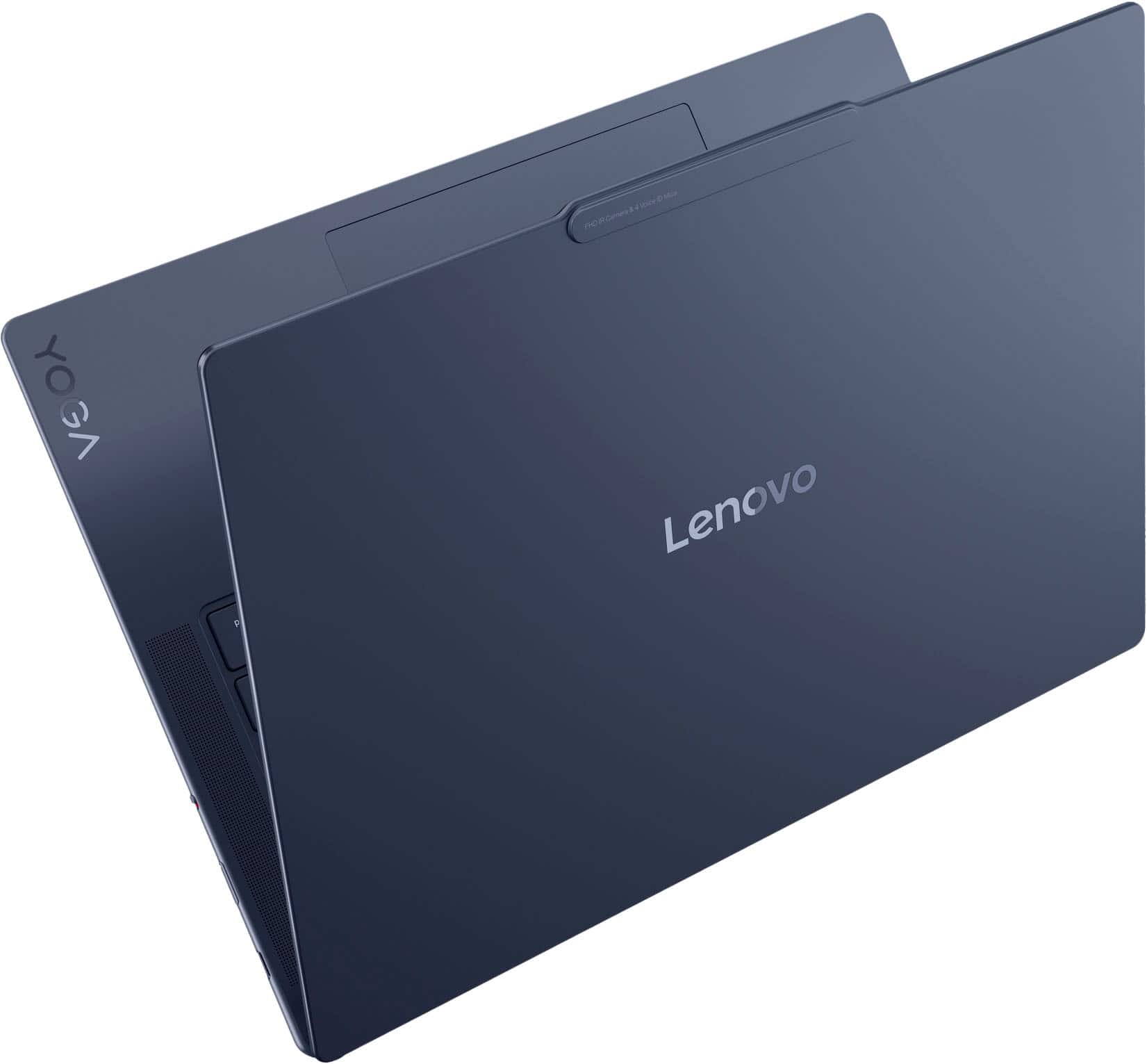
- A:Answer 1080p resolution — better than basic 720p webcams, so video calls and meetings look clearer. Infrared (IR) support — enables face recognition login through Windows Hello. Physical privacy shutter — you can slide the shutter closed to block the camera when you’re not using it. Techaeris Lenovo Creator Community Lenovo Creator Community This setup is fairly solid for most business, study, and video‑chat needs, offering clearer video and secure login compared with older 720p webcams. Lenovo StoryHub If you want tips on improving video quality (lighting, background, apps, etc.), just let me know!

Answered by BhavaniK
Q: QuestionWould this be a good starter laptop for an auto cad technician student?
Asked by danika2154.
- A:Answer Yes I would say so
Answered by RiderD
Q: Questionis this Headset capable?
Asked by DF.
- A:Answer This laptop does not include a built‑in 3.5 mm headphone/microphone combo jack (no standard audio port on the sides). Tom's Guide You can still use headsets via: Bluetooth audio — pair any Bluetooth headset or earbuds wirelessly. USB‑C adapter — use a USB‑C → 3.5 mm adapter with a built‑in DAC (digital‑to‑analog converter) to plug in wired headphones. Best Buy Note: Not all USB‑C audio adapters support both audio output and mic input — check whether the adapter specifically supports headset (mic + audio) if that’s important to you.
Answered by BhavaniK
Q: QuestionWhat is max resolution for the webcam?
Asked by Magoo.
- A:Answer Maximum Webcam Resolution: 1920 × 1080 pixels (1080p) — Full HD video quality for video calls and conferencing. pcworld.com What That Means in Real Use Clearer than older 720p webcams — you’ll get sharper video in meetings and calls. tomsguide.com Works well with services like Zoom, Teams, and Meet at 1080p where supported. IR camera support additionally enables Windows Hello face sign‑in (but IR is separate from the regular webcam).
Answered by BhavaniK
Top Rated
- $729.00Your price for this item is $729.00$899.99The comparable value for this item is $899.99
- $969.99Your price for this item is $969.99$999.99The comparable value for this item is $999.99
- $680.00Your price for this item is $680.00$849.99The comparable value for this item is $849.99
- $1,049.99Your price for this item is $1,049.99
- $549.99Your price for this item is $549.99$949.99The comparable value for this item is $949.99
- $1,349.99Your price for this item is $1,349.99$1,549.99The comparable value for this item is $1,549.99
- $999.99Your price for this item is $999.99$1,349.99The comparable value for this item is $1,349.99
- $779.99Your price for this item is $779.99$849.99The comparable value for this item is $849.99
- $565.00Your price for this item is $565.00$749.99The comparable value for this item is $749.99
- $2,399.99Your price for this item is $2,399.99
- $859.00Your price for this item is $859.00$1,349.99The comparable value for this item is $1,349.99
- $1,099.99Your price for this item is $1,099.99
- $1,099.99Your price for this item is $1,099.99$1,529.99The comparable value for this item is $1,529.99
- $1,299.99Your price for this item is $1,299.99$1,499.99The comparable value for this item is $1,499.99
- $744.00Your price for this item is $744.00$1,049.99The comparable value for this item is $1,049.99
- $699.00Your price for this item is $699.00$899.99The comparable value for this item is $899.99
- $897.99Your price for this item is $897.99$1,099.99The comparable value for this item is $1,099.99
- $1,299.99Your price for this item is $1,299.99$1,699.99The comparable value for this item is $1,699.99
- $798.00Your price for this item is $798.00$1,249.99The comparable value for this item is $1,249.99
- $999.99Your price for this item is $999.99$1,599.99The comparable value for this item is $1,599.99