Black Friday is hereShop new DoorbustersShop now

Main Content

Questions & Answers

Your price for this item is $169.99
Page Showing 101-120 of 246 questions
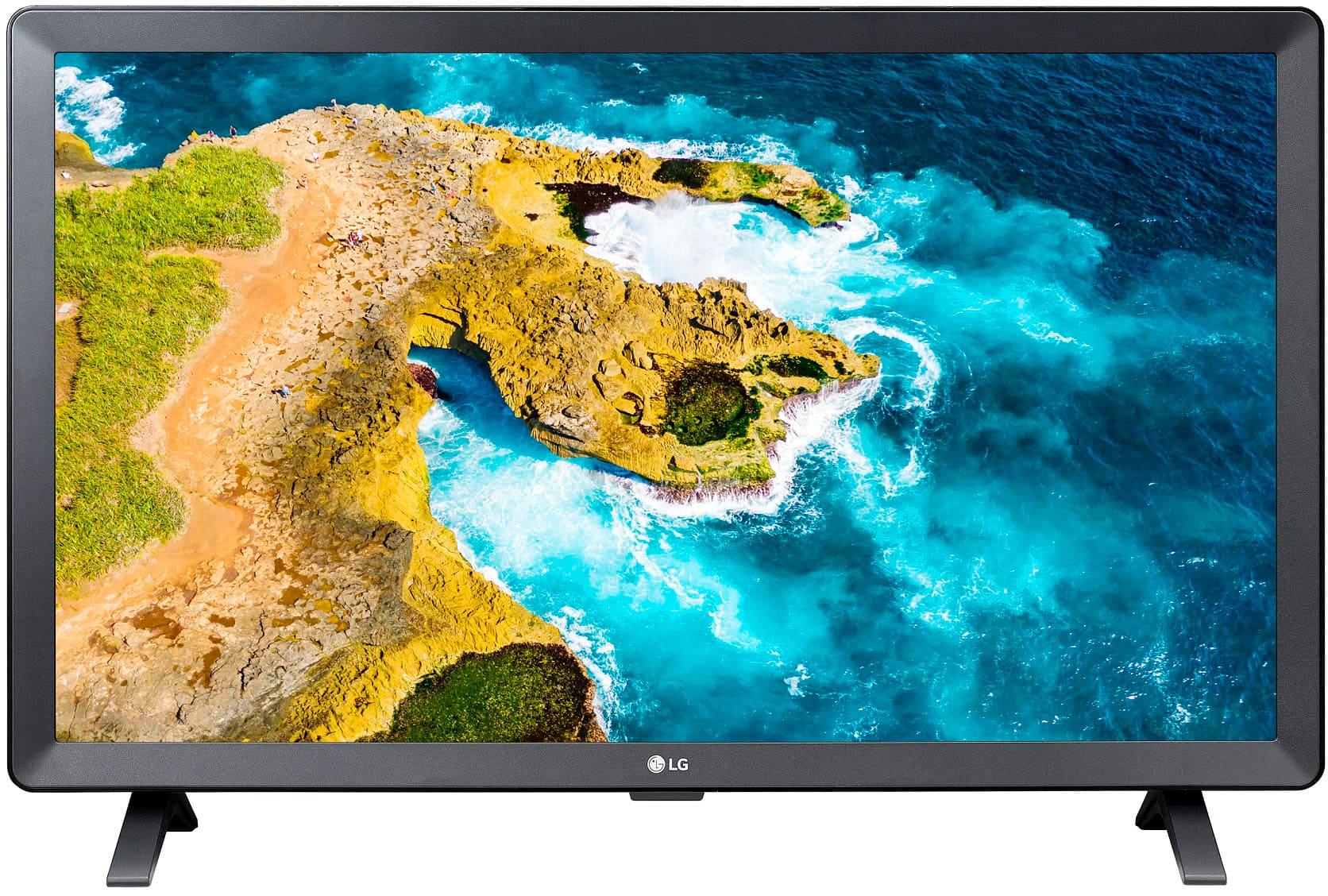
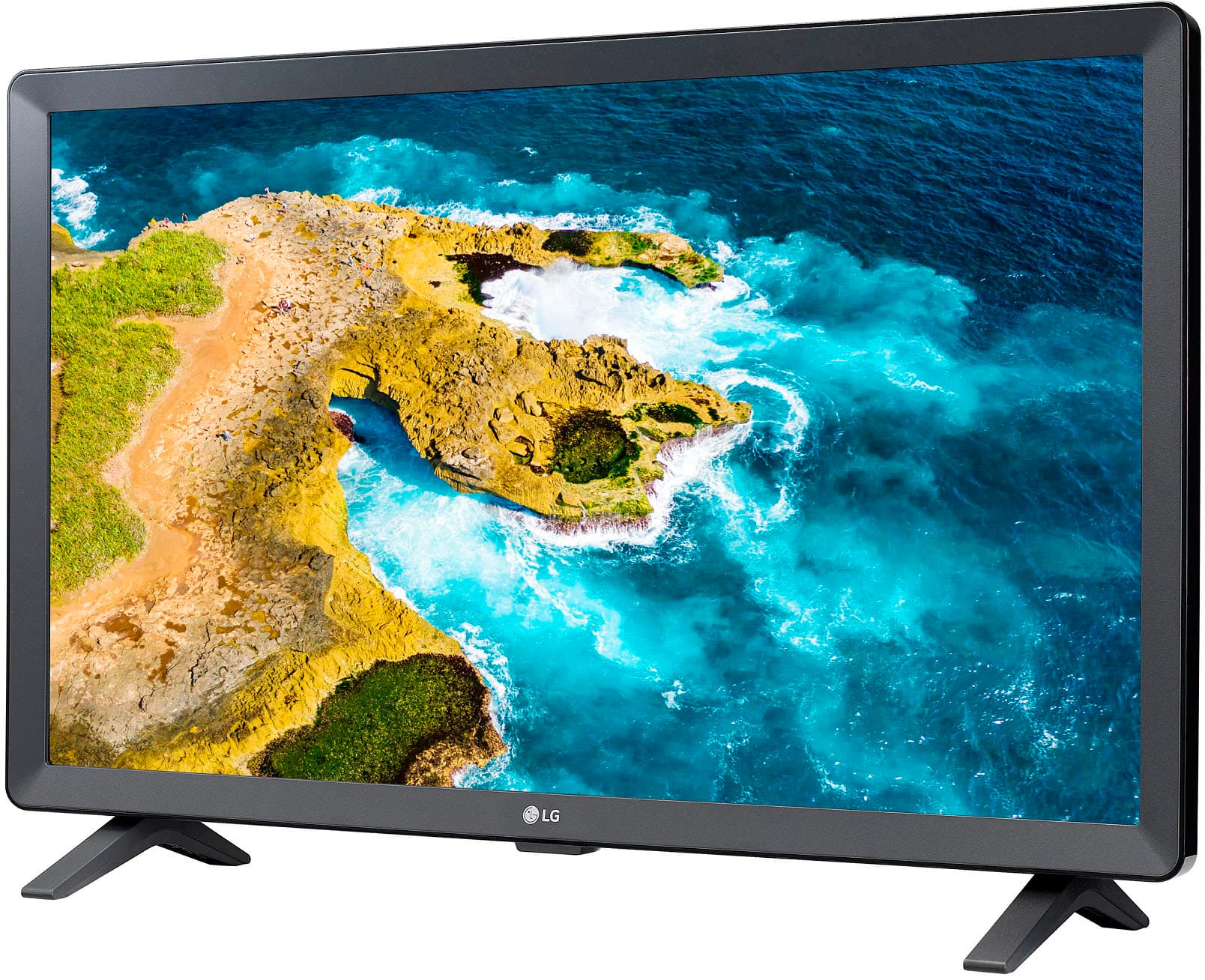
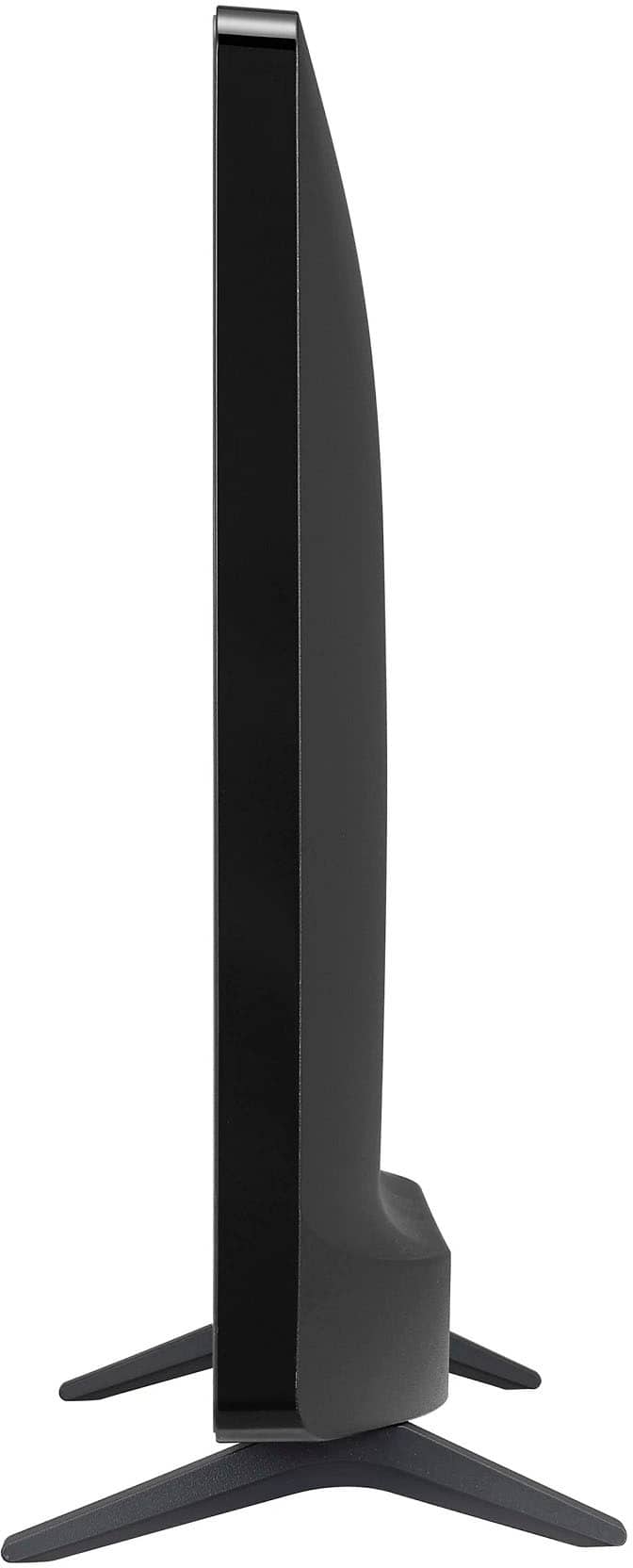
  • Questionwhat is the stand width

    Asked by Anonymous.

    • Answer Exactly 24"

      Answered by DJRS

  • QuestionDoes this TV have Bluetooth capability for wireless headphones?

    Asked by Lou.

    • Answer The LG 24” Class LED HD Smart TV with webOS (2022), Model # 24LQ520S-PU does not support Bluetooth...^Ivan.

      Answered by LG Digital Customer Care

  • Questionwhere can I get a manual ?

    Asked by TFOLEY4.

    • Answer Hello there. Thank you for reaching out about the LG 24LQ520S-PU. You can download the Owner's Manual directly from our official website here: https://www.lg.com/us/support/product/lg-24LQ520S-PU.AUS If you need further assistance with your monitor, please send us a private message on social media @LGUSSupport, and we'll be happy to help. —Renzo

      Answered by LG Digital Customer Care

  • QuestionDoes the TV have RC cable ports

    Asked by Cecie.

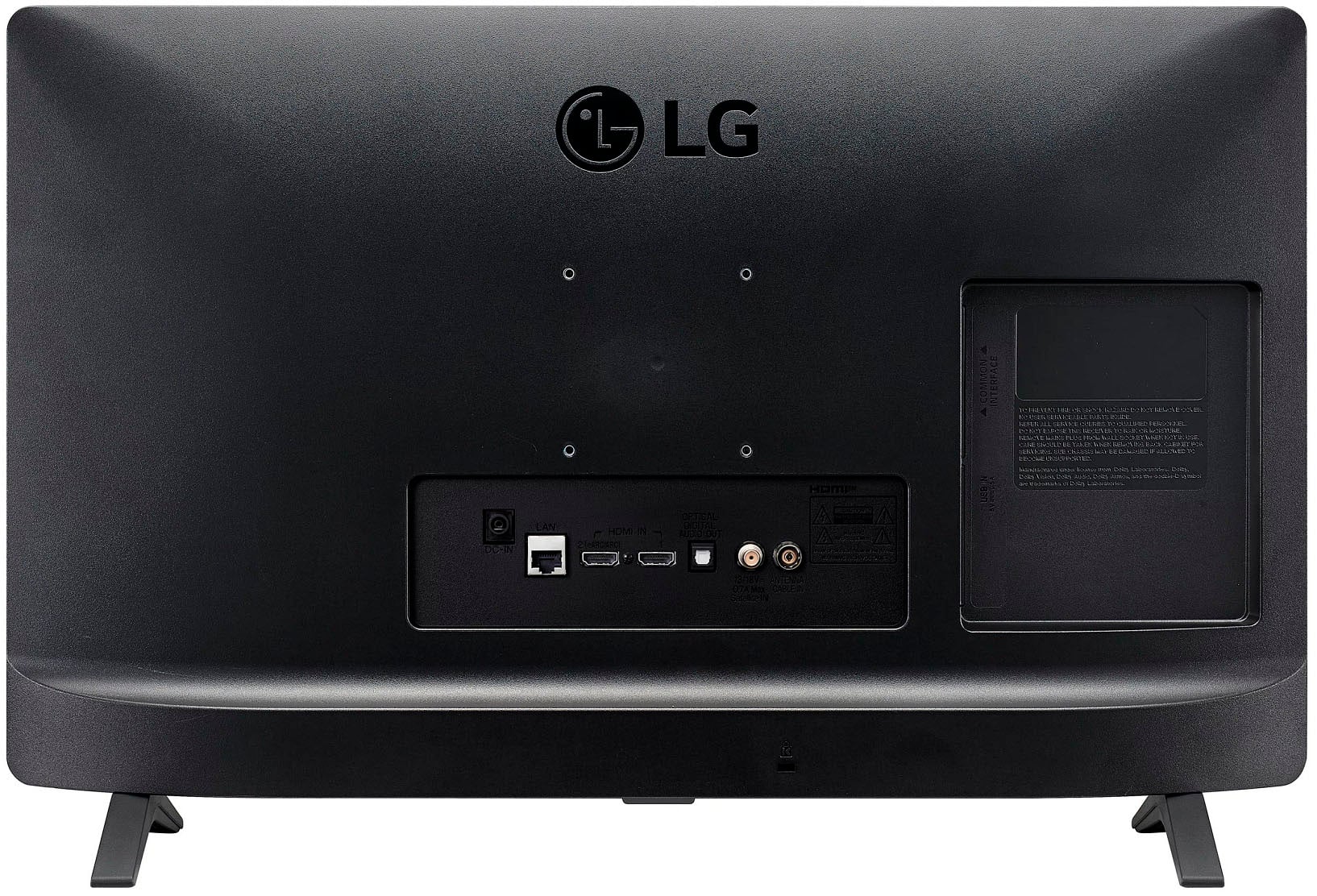
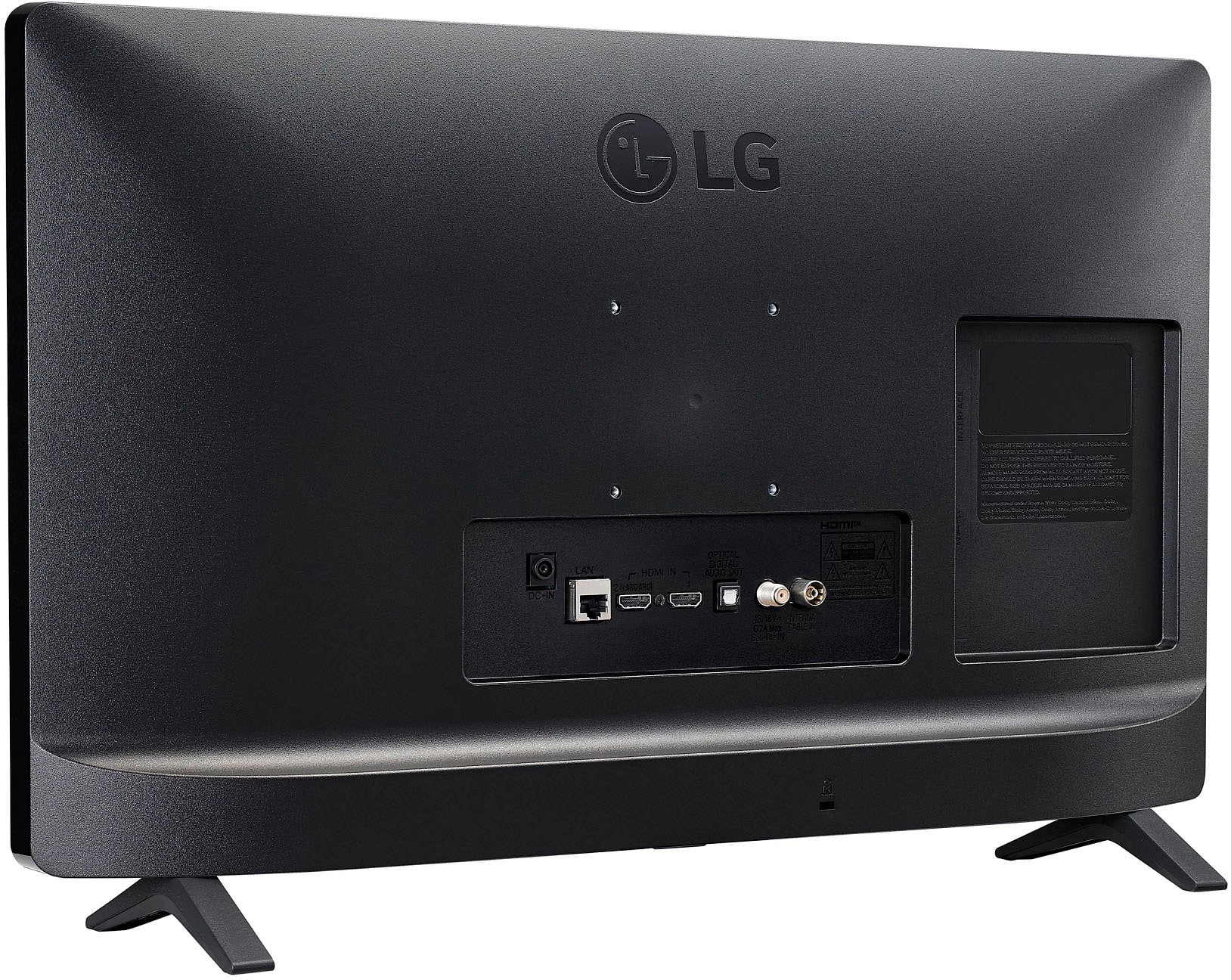
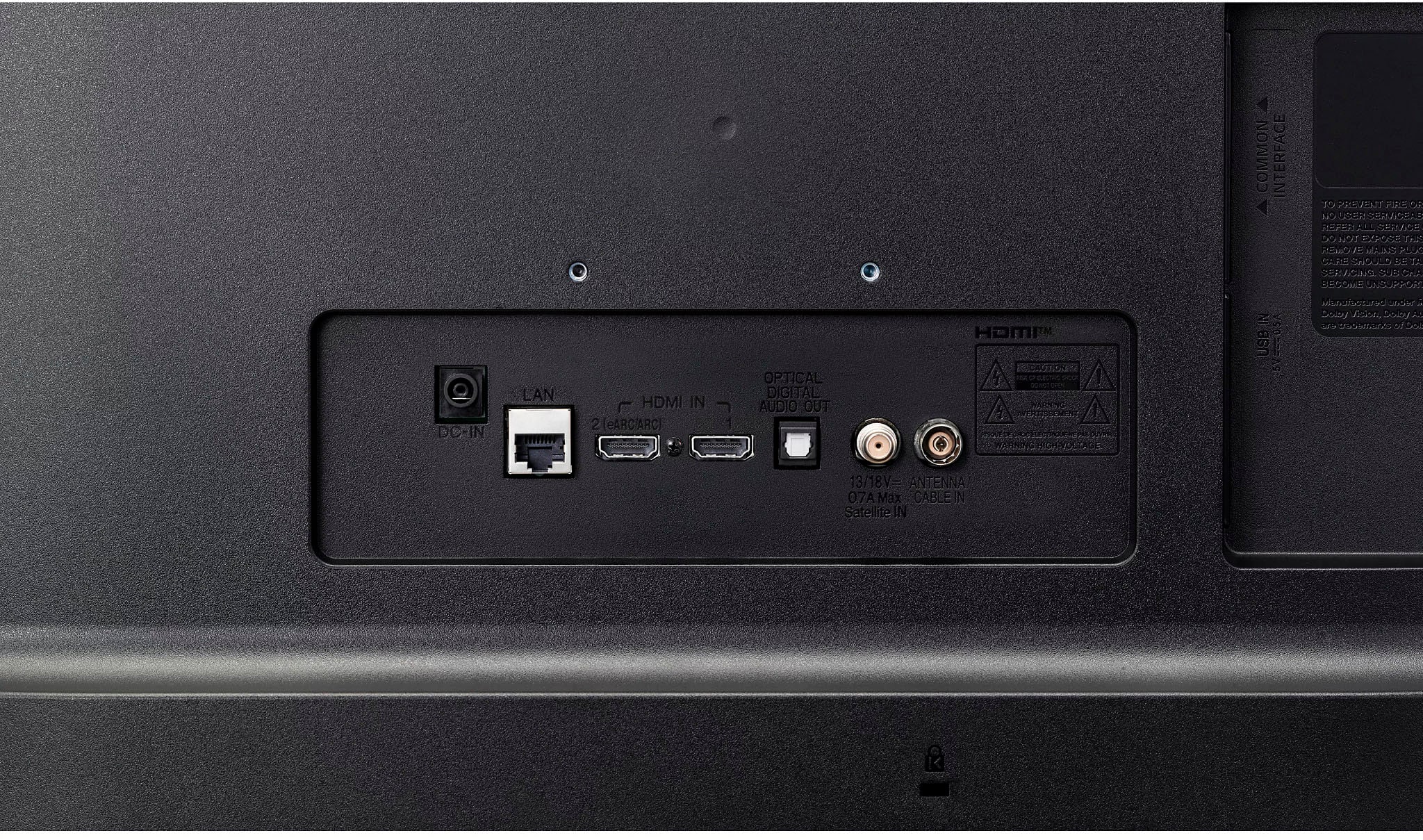
    • Answer Hi there, Cecie. Thank you for your question. The LG 24LQ520S-PU monitor does not have RCA cable ports. However, it is equipped with HDMI ports and an optical output for audio. If you’re looking for additional connectivity options, HDMI would be the best alternative for connecting external devices. https://www.lg.com/us/monitors/lg-24lq520s-pu-hd-monitor#pdp_specs We understand your situation and would be happy to assist you further if needed. Please send us a private message on Social Media @LGUSSupport, and our team will explore additional solutions with you. —Renzo

      Answered by LG Digital Customer Care

  • Questionis this compatible with youtube tv? some comments indicate does not work

    Asked by marfow.

    • Answer Hello there, thank you for reaching out! The LG 24LQ520S-PU HD Monitor itself does not have built-in smart features, like YouTube TV, which typically requires a smart TV or a streaming device to work. However, you can connect a compatible streaming device, such as a Roku, Chromecast, or Amazon Fire Stick, to the HDMI port of the monitor and stream YouTube TV without issue. https://www.lg.com/us/monitors/lg-24lq520s-pu-hd-monitor#pdp_specs If you're having trouble with connectivity or need help with the setup, feel free to send us a private message on Social Media @LGUSSupport, and we'd be happy to assist you further. We hope this helps! —Renzo

      Answered by LG Digital Customer Care

  • QuestionWill either a Roku stick or Amazon stick work on my new 24 “ lg tv? Spectrum is my provider and I can’t get access on a Roku device so far. Is there a chance Amazon stick would even work?

    Asked by Cindy.

    • Answer Hi, Cindy. Thank you for reaching out to us. Yes, both Roku and Amazon Fire TV Stick can work with your LG TV (24LQ520S-PU) model, as long as the TV has an available HDMI port, which your model likely does. If you're unable to access Spectrum through your Roku device, it might be an issue with the app or the connection setup. Here's a troubleshooting step to try for Roku: Make sure your Roku device is fully updated to the latest software. Ensure your Roku and Spectrum app are both logged into the same Wi-Fi network. Try reinstalling the Spectrum app on Roku, as there could be an issue with the app installation. If you're still encountering issues, you can also try the Amazon Fire TV Stick, as it supports a wide variety of streaming apps, including Spectrum. For more information about the product, you may visit https://www.lg.com/us/monitors/lg-24lq520s-pu-hd-monitor. Please send us a private message on social media @LGUSSupport for further assistance if needed. ^Juvy

      Answered by LG Digital Customer Care

  • QuestionHello and Good day, does this TV, LG 24 inch, have a Place to hook Up an OTA, over the air, Antenna ? Thank You, - RichardO... = = =

    Asked by RicardO.

    • Answer Hello, RichardO. The LG 24” Class LED HD Smart TV with webOS (2022), Model # 24LQ520S-PU, has an F-Type, 75-Ohm, coaxial connector in the back labeled 'Antenna/Cable In' that can be connected to an indoor or outdoor antenna. The TV has a built-in ATSC, NTSC-M, and 256 QAM tuner...^Ivan.

      Answered by LG Digital Customer Care

  • QuestionWil this TV run the Spectrum app?

    Asked by jhmiller.

    • Answer Hi there, Jhmiller. The LG 24LQ520S-PU monitor, based on its features, includes a web browser and supports Wi-Fi for streaming and screen sharing. However, it does not explicitly mention the availability of apps like Spectrum directly in its specifications. While you can use the web browser to access streaming platforms through the internet, you would likely need a compatible device like a streaming box, gaming console, or a connected PC to run the Spectrum app. This monitor supports screen sharing via Miracast and WiDi, which could allow you to cast the Spectrum app from a compatible device to the monitor. If you'd like to ensure full compatibility with Spectrum's features and app support, it’s recommended to connect this monitor to a smart device that can run the Spectrum app, such as a streaming device or a computer. https://www.lg.com/us/monitors/lg-24lq520s-pu-hd-monitor#pdp_specs For further help or troubleshooting, feel free to reach out to us via @LGUSSupport! —Renzo

      Answered by LG Digital Customer Care

  • Questioncan it use remote speakers

    Asked by Anonymous.

    • Answer Hi there! Thank you for reaching out about the LG 24LQ520S-PU HD Monitor. Yes, you can use external speakers with this monitor! It supports audio output through the following methods: 3.5mm Headphone Jack: Connect speakers or headphones directly to the audio-out port for wired sound output. Bluetooth: If you're using Bluetooth-compatible speakers, this monitor allows wireless connection through the LG ThinQ App or directly via Bluetooth settings. For setup: Ensure the monitor and speakers are powered on. For wired speakers, plug them into the headphone jack. For Bluetooth, access the ThinQ app or the monitor’s settings menu to pair your speakers. https://www.lg.com/us/monitors/lg-24lq520s-pu-hd-monitor#pdp_specs If you have additional questions, feel free to send us a private message on social media @LGUSSupport. We're here to help! Thank you for your inquiry. —Renzo

      Answered by LG Digital Customer Care

  • QuestionIs this television BlueTooth capable - can I connect my earbuds to it?

    Asked by Bill.

    • Answer Hi there, Bill. Thank you for your question about the LG 24LQ520S-PU HD Monitor. We understand you're looking to connect Bluetooth earbuds to this television. This model does not have built-in Bluetooth capability for audio output. However, you can use a Bluetooth transmitter connected to the headphone jack or optical audio out to pair your Bluetooth earbuds. https://www.lg.com/us/monitors/lg-24lq520s-pu-hd-monitor#pdp_specs For further assistance, feel free to send us a private message on social media @LGUSSupport. We're happy to help! —Renzo

      Answered by LG Digital Customer Care

  • QuestionDo you need an account for setup ?

    Asked by Kbp1.

    • Answer Hi there! Thank you for reaching out with your question. For the LG 24LQ520S-PU monitor, you do not need an account to set it up. The setup process primarily involves connecting the monitor to your devices and adjusting the settings. You can follow the steps in the "Getting Started with your LG TV" guide for helpful instructions, though this guide is tailored to TVs, the general principles apply to setting up any LG display. Getting Started with your LG TV | LG USA Support - https://www.lg.com/us/support/tvs/getting-started) If you'd like more detailed assistance or have specific questions, please send us a private message on Social Media @LGUSSupport. Our team will be more than happy to assist you further. We appreciate your patience! —Renzo

      Answered by LG Digital Customer Care

  • QuestionCan I use xfinity streaming on this tv. Do I have to contact xfinity to get access to a new tv. Is there an xfinity app on the set to start with.

    Asked by Anonymous.

    • Answer This was difficult without a box

      Answered by user208069

  • QuestionHow can I get YouTube tv on lg smart tv 24lq52os-p

    Asked by Anonymous.

    • Answer Hi there, thank you for your question about the LG 24LQ520S-PUS monitor! To access YouTube TV on this device, follow these steps: Connect to the Internet: Make sure your monitor is connected to a Wi-Fi network. Open the LG Content Store: From the home screen, open the LG Content Store. Search for YouTube TV: In the search bar, type "YouTube TV" and find the app. Install the App: Click on the app and follow the prompts to install it. Launch YouTube TV: Once installed, you can open the YouTube TV app and sign in with your account to start watching. If you don't see the app in the LG Content Store, you can also access YouTube TV via the built-in web browser, though functionality may vary. https://www.lg.com/us/monitors/lg-24lq520s-pu-hd-monitor#pdp_specs If you need further assistance, feel free to reach out to us on social media @LGUSSupport. We're here to help! —Renzo

      Answered by LG Digital Customer Care

  • Questiondoes this work with my xfinity cable

    Asked by Anonymous.

    • Answer Hi there! Thank you for your question about the LG 24LQ520S-PU HD Monitor. Yes, this monitor is compatible with Xfinity, as you can download the Xfinity Stream app directly from the LG Content Store. This allows you to enjoy your favorite cable channels and streaming content seamlessly. https://www.lg.com/us/monitors/lg-24lq520s-pu-hd-monitor#pdp_specs If you need assistance setting up the app or have additional questions, feel free to send us a private message on social media @LGUSSupport. We're here to help! —Renzo

      Answered by LG Digital Customer Care

  • QuestionIs there an optical input for my Sonos ray soundbar?

    Asked by Sound.

    • Answer Hi there, thank you for your question about the LG 24LQ520S-PU TV! Unfortunately, this model does not feature an optical input. However, you can connect your Sonos Ray soundbar using HDMI ARC (Audio Return Channel), which provides excellent sound quality and control via your TV remote. If your soundbar and TV are compatible with HDMI ARC, this would be the best connection method. If you have any further questions or need assistance, please feel free to send us a private message on Social Media @LGUSSupport. We’re here to help! —Avril

      Answered by LG Digital Customer Care

  • Questionhello do you know if the remote has a sleep timer button on it thank you

    Asked by shamrock.

    • Answer Hello there! Thank you for your question. We understand you're looking to know if the remote for the LG 24LQ520S-PU has a sleep timer button. While the remote itself may not have a dedicated "sleep timer" button, the monitor does support a Sleep Timer feature as part of its settings. You can easily enable this feature by navigating to the settings menu, where you'll find the option to set the timer. https://www.lg.com/us/monitors/lg-24lq520s-pu-hd-monitor#pdp_specs For a more seamless experience or further assistance with this, please send us a private message on Social Media @LGUSSupport, and we'd be happy to guide you through the process. We appreciate your patience and look forward to assisting you! —Renzo

      Answered by LG Digital Customer Care

  • QuestionIf remote lost or inoperative, are their controls on set itself that can control same functions as the remote? Thanks.

    Asked by WSL.

    • Answer Yes, there's one-button (front bottom) for at least the basics of on-off, volume and channel selection.

      Answered by Crash

  • QuestionEvery time I turn on the tv, I have to reconnect my blutooth speakers. Why does this happen? Will this still happen if I am using the digital audio out port? I was considering getting a converter as my external speakers have rca inputs (and blutooth)

    Asked by BDor24.

    • Answer Hi there, thank you for sharing your experience with us! We understand that having to reconnect your Bluetooth speakers every time you turn on your LG 24LQ520S-PU monitor can be inconvenient. This issue may occur because some Bluetooth devices need to be manually reconnected after power cycles. To help with this, we recommend checking your monitor's Bluetooth settings to ensure that it's set to automatically reconnect to your paired Bluetooth speakers when turned on. Additionally, since you're considering using the digital audio out port with a converter, this would bypass the Bluetooth connection entirely, which might provide a more stable and consistent connection for your external speakers with RCA inputs. https://www.lg.com/us/monitors/lg-24lq520s-pu-hd-monitor#pdp_specs Please send us a private message on Social Media @LGUSSupport, and our team will be more than happy to assist you further and explore any additional solutions. We appreciate your patience! —Renzo

      Answered by LG Digital Customer Care

  • QuestionCan this work with Optimum TV app?

    Asked by BionicHips.

    • Answer Hi there. Thank you for your question about the LG 24LQ520S-PU. We understand you're interested in using the Optimum TV app with this model. Since the monitor includes access to the LG Content Store, you can download and install various apps, including streaming services. However, app availability can vary by region. We recommend checking the LG Content Store directly to see if the Optimum TV app is available for download. https://www.lg.com/us/monitors/lg-24lq520s-pu-hd-monitor#pdp_specs If you need further assistance, please send us a private message on social media @LGUSSupport, and we’ll be happy to assist. We appreciate your patience! —Renzo

      Answered by LG Digital Customer Care

  • QuestionWhen I turn on the tv in morning, does it go right to the station that was on when turned off, or do you have to click multiple times to get to channel

    Asked by Jr.

    • Answer The last station viewed will come up when turned on next time.

      Answered by Crash