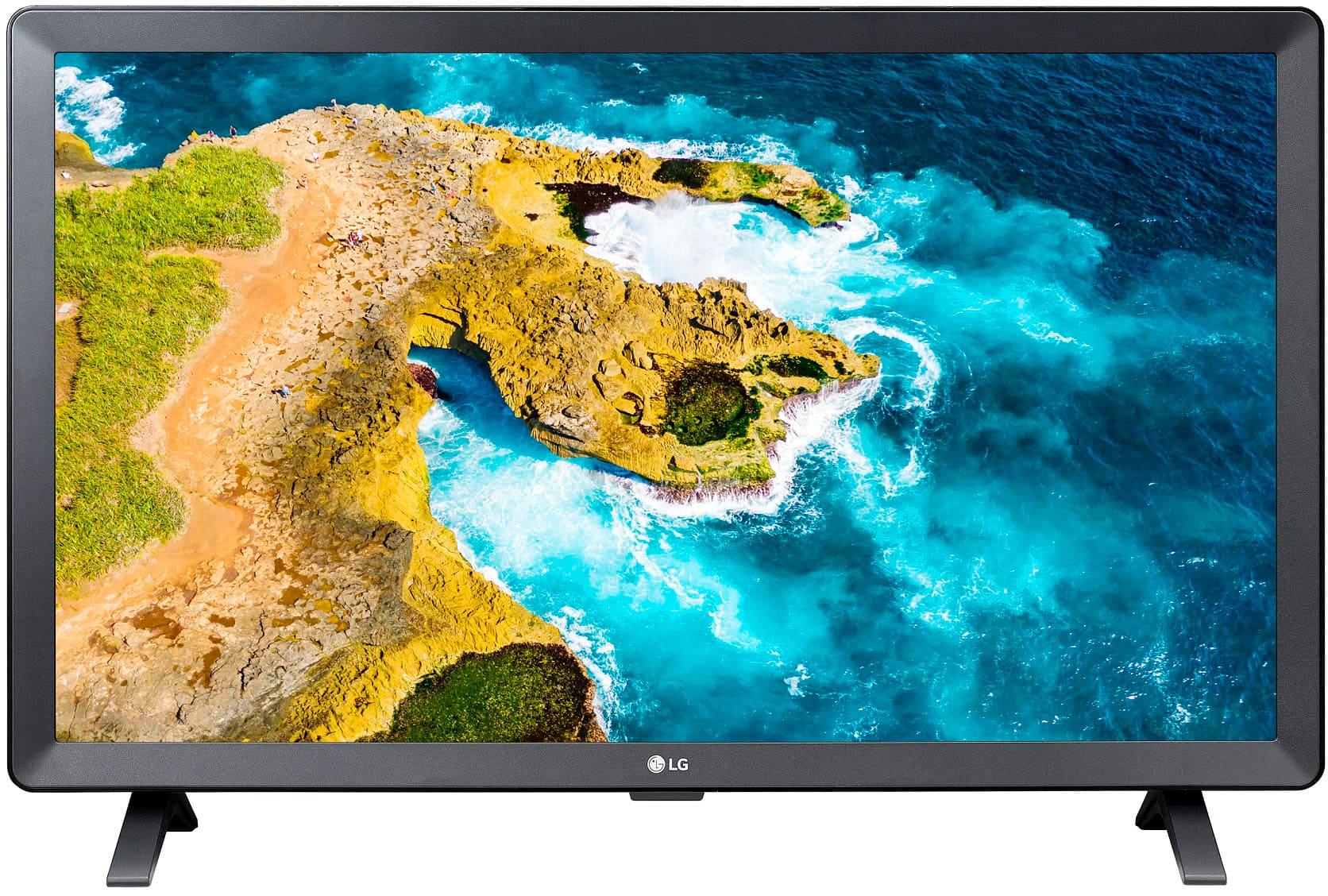
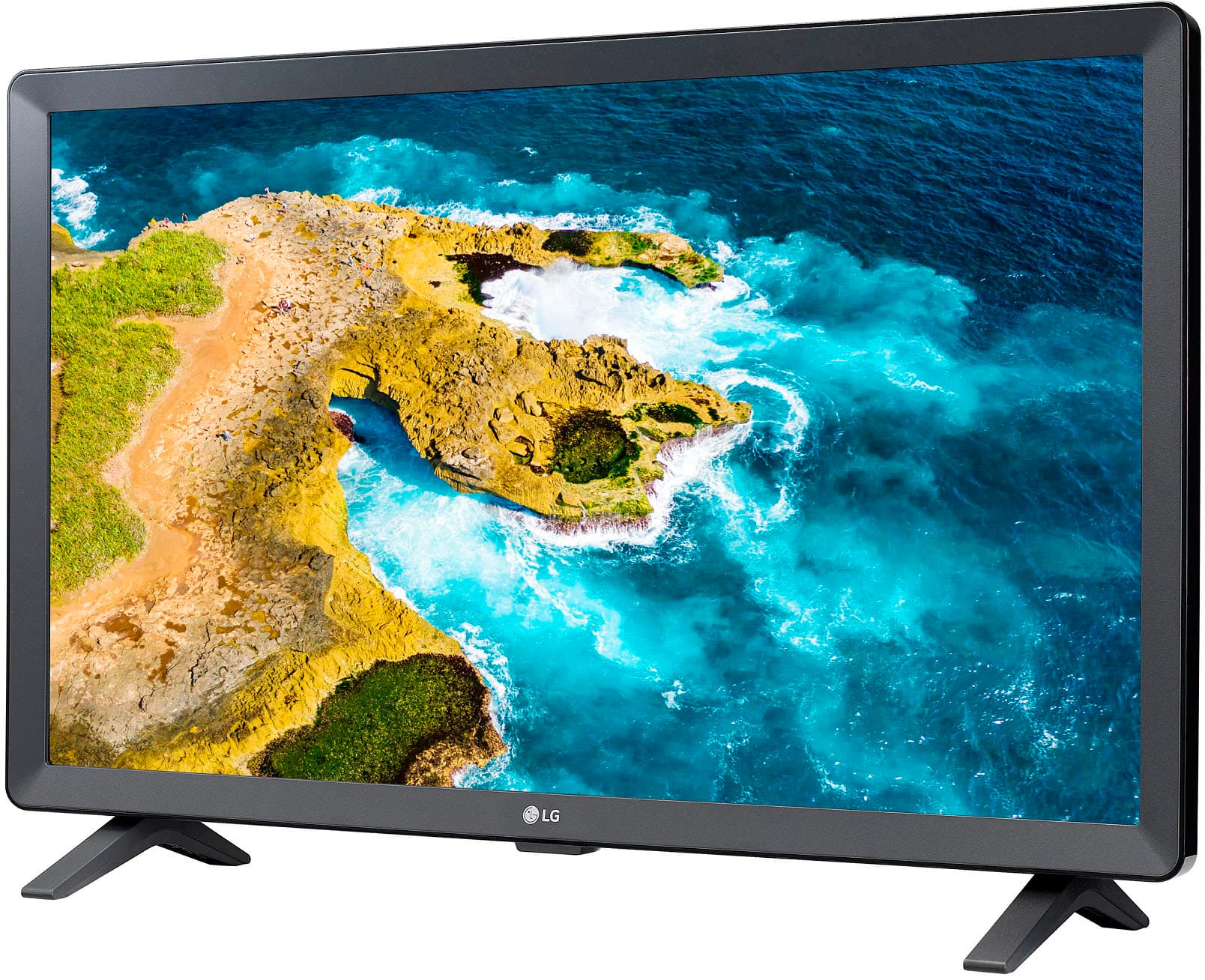
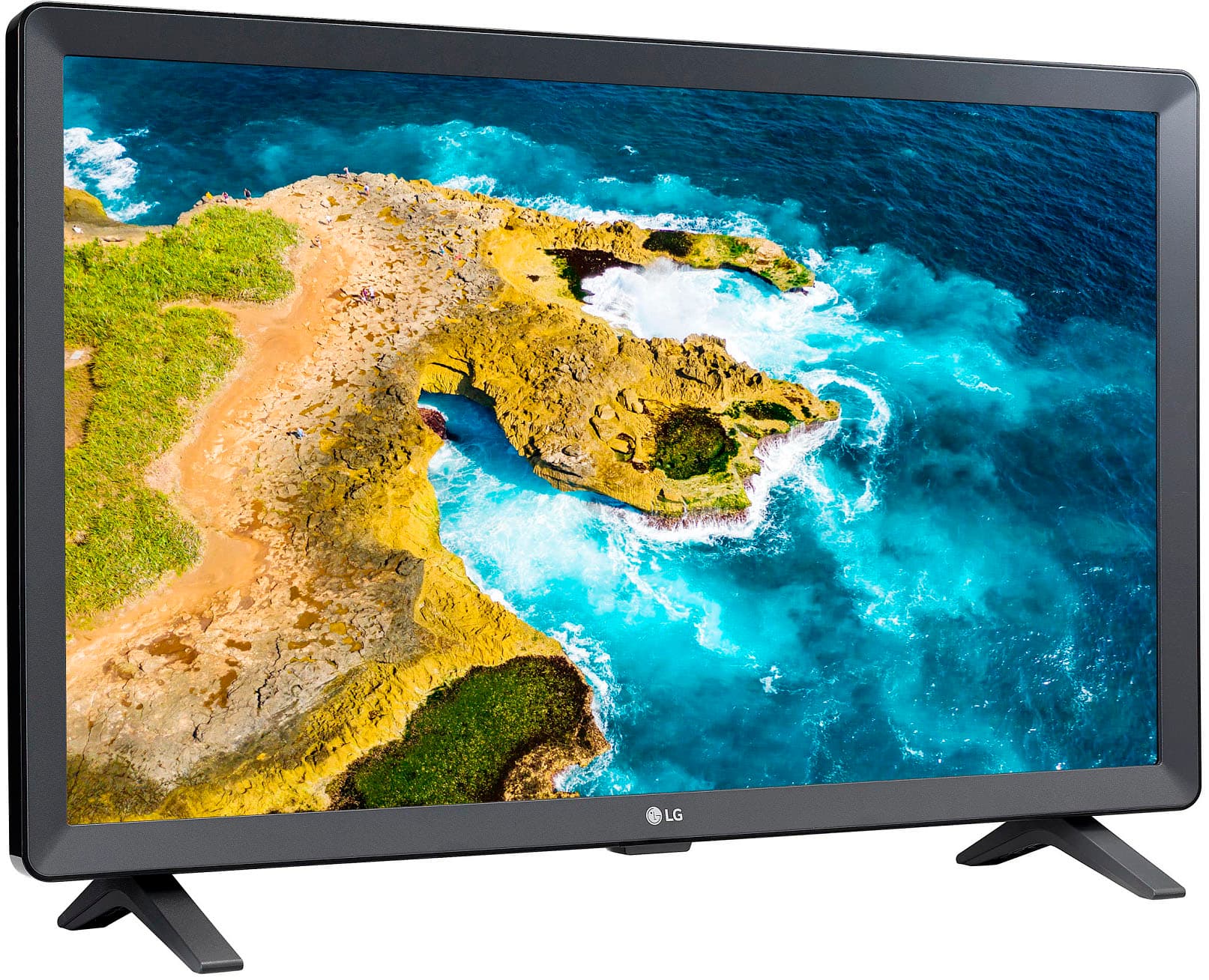
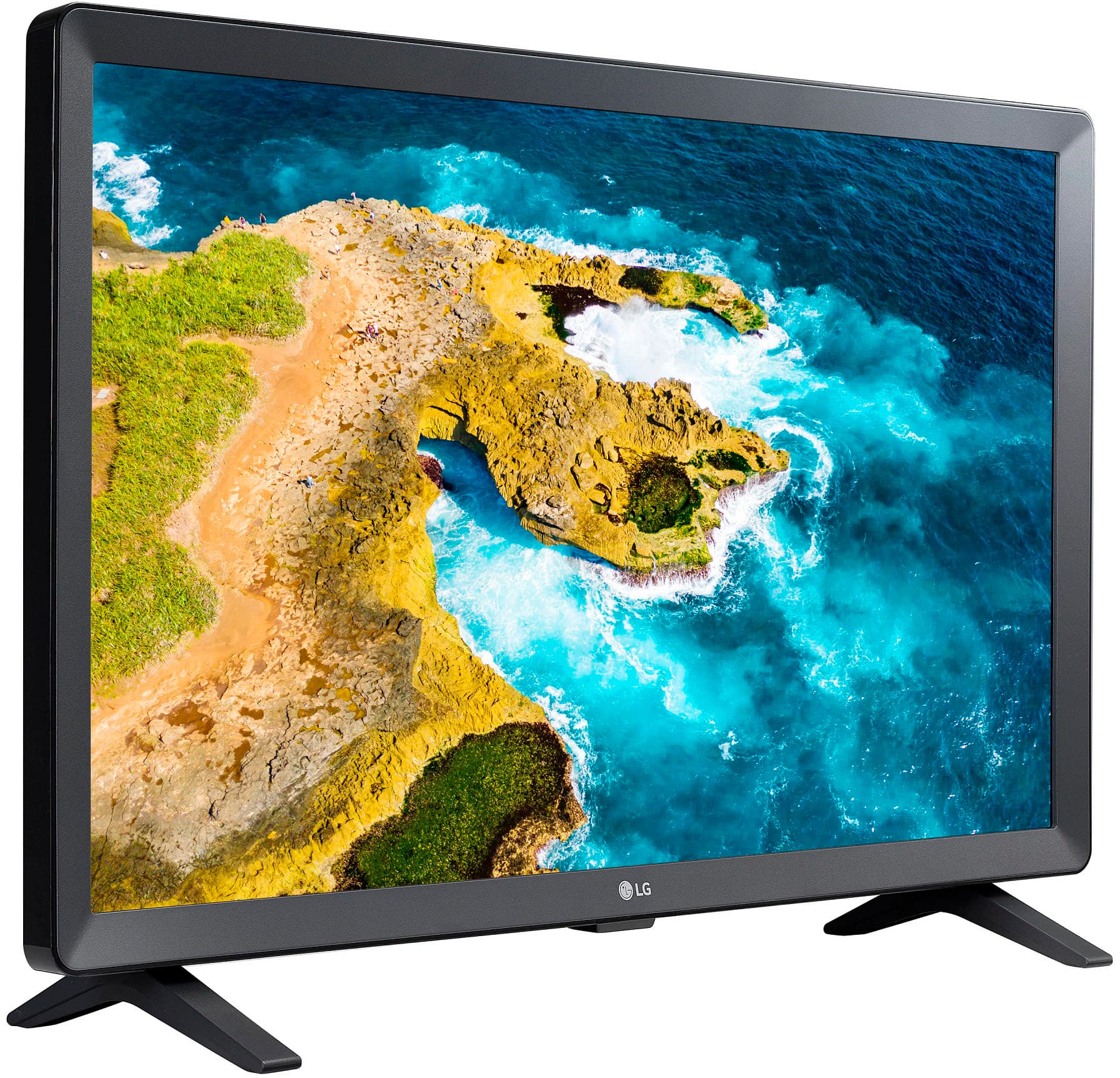
A:AnswerHello there! Thank you for sharing your inquiry about the LG - 24 Class LED HD Smart TV with webOS (2022). We understand your inquiry regarding the startup screen settings. To have your TV power on to your last used input instead of the Home screen, please navigate to Settings > General > System > Additional Settings > Home Settings and set the Power On Screen (or Home Auto Launch) to Off or Recent Input.
https://www.bestbuy.com/product/lg-24-class-led-hd-smart-tv-with-webos-2022/JJ8VPZ6YTT
For further assistance and any specific concerns you may have, please contact us on [email protected]. —Renzo
A:AnswerHello there, Piperrich. Thank you for sharing your inquiry with us. We understand your situation and appreciate your interest in using your LG 24LQ520S-PU monitor to stream your favorite content.
This monitor is designed as an HD display with some smart features, including a web browser, a launcher for recent/home apps, and access to the LG Content Store for Premium Apps & Games. However, unlike LG Smart TVs that run full webOS software with a wide variety of streaming apps, the monitor’s smart capabilities are typically more limited and may not support the complete lineup you’re used to on your Samsung device.
One troubleshooting step we recommend is to connect your monitor to Wi-Fi and navigate to the LG Content Store via the launcher. This will allow you to see the current selection of apps available for your region. Please note that availability of streaming services such as Peacock, Amazon Prime Video, or Paramount Plus depends on the app support provided by LG for this monitor model and may differ from what’s available on LG Smart TVs.
If you don’t see your preferred apps, please check if there’s a firmware update available from the monitor’s settings—updating the software sometimes expands app options. As an alternative, you might also consider using the built-in web browser for streaming, although this may not deliver the same ease of use as dedicated apps.
https://www.lg.com/us/monitors/lg-24lq520s-pu-hd-monitor#pdp_specs
Please send us a private message on Social Media @LGUSSupport if you have further questions or need additional assistance. We’re here to help you get the most out of your LG experience.
—Renzo
A:AnswerHello there. Thank you for sharing your inquiry about the LG 24LQ520S-PU HD Monitor. We understand your situation and appreciate your interest in ensuring you have the proper installation options available.
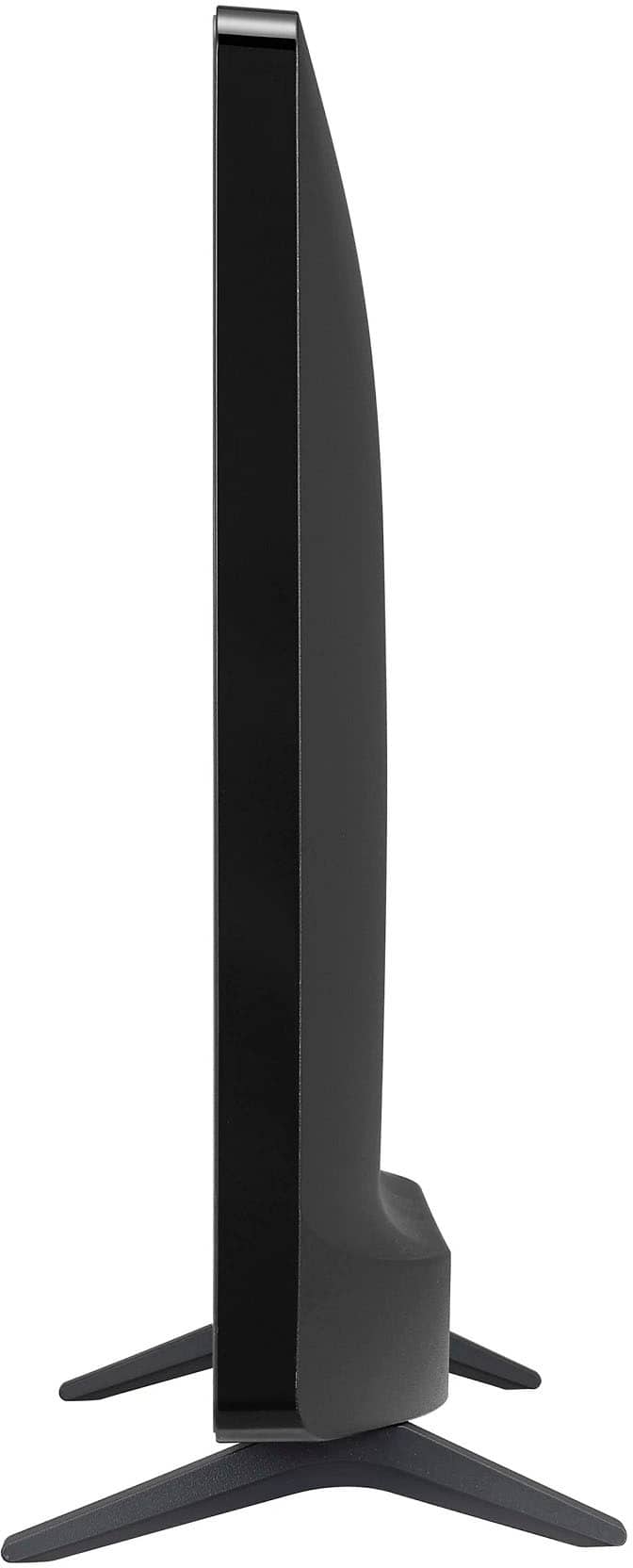
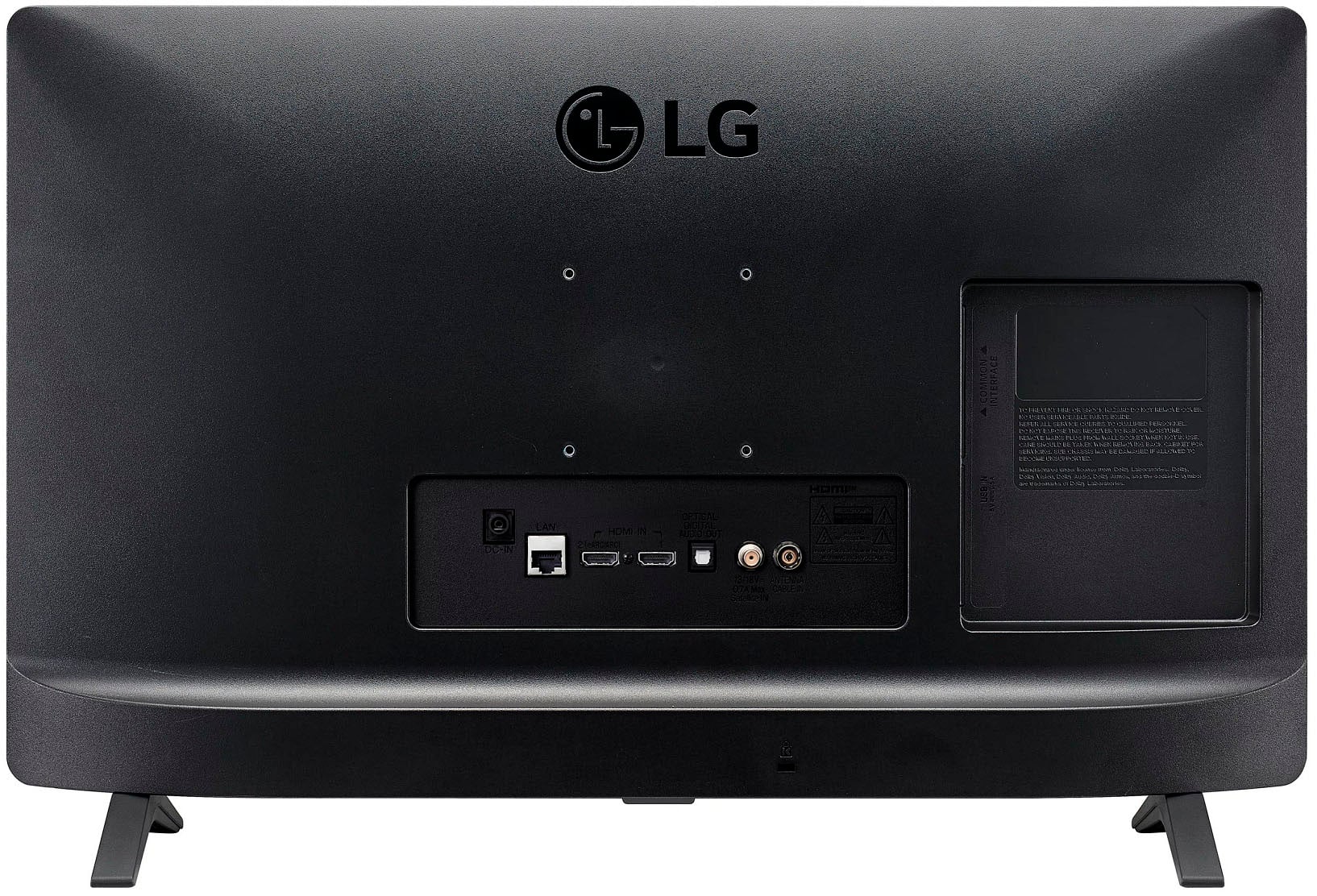
This monitor is indeed wall mountable—it comes with a VESA mounting pattern of 75 x 75. This specification allows it to be securely attached to a compatible wall mount bracket, providing a neat and functional setup.
As a troubleshooting step, we recommend verifying that your chosen wall mount bracket supports a 75 x 75 VESA pattern and is rated for the monitor’s weight.
https://www.lg.com/us/monitors/lg-24lq520s-pu-hd-monitor#pdp_specs
For further guidance or personalized assistance, please send us a private message on Social Media @LGUSSupport, and our team will be more than happy to help.
We appreciate your engagement and thank you for choosing LG.
—Renzo
A:AnswerHello there, Cyndi. We understand your inquiry regarding the compatibility of the DIRECTV STREAM app with your LG - 24 Class LED HD Smart TV with webOS (2022). We understand that being able to access your preferred streaming services directly on your TV is a top priority.
As of December 2025, the DIRECTV app has officially launched for LG Smart TVs! It is compatible with 2021 and newer models running webOS 6.0 or higher. Since your model is a 2022 unit running webOS 22, you can download the app by following these simple steps:
+1
Press the Home button on your remote and navigate to the LG Content Store or Apps.
Select the Search icon and type in "DIRECTV."
Select the app from the results and click Install.
https://www.bestbuy.com/product/lg-24-class-led-hd-smart-tv-with-webos-2022/JJ8VPZ6YTT
For further assistance and any specific concerns you may have, please contact us on [email protected]. We appreciate your patience. —Renzo
A:AnswerHello there. Thank you for reaching out about the LG 24LQ520S-PU. You can download the Owner's Manual directly from our official website here: https://www.lg.com/us/support/product/lg-24LQ520S-PU.AUS
If you need further assistance with your monitor, please send us a private message on social media @LGUSSupport, and we'll be happy to help. —Renzo
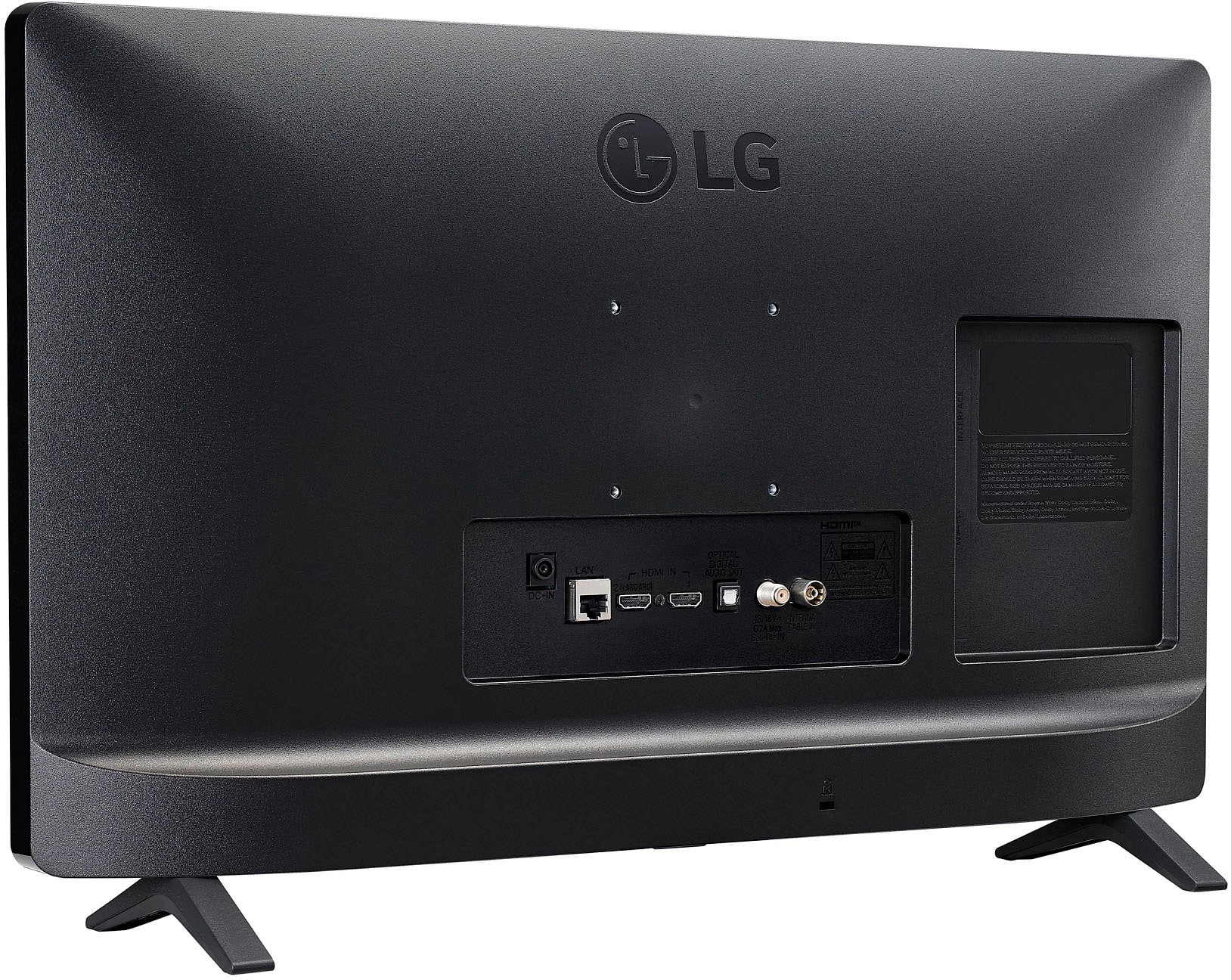
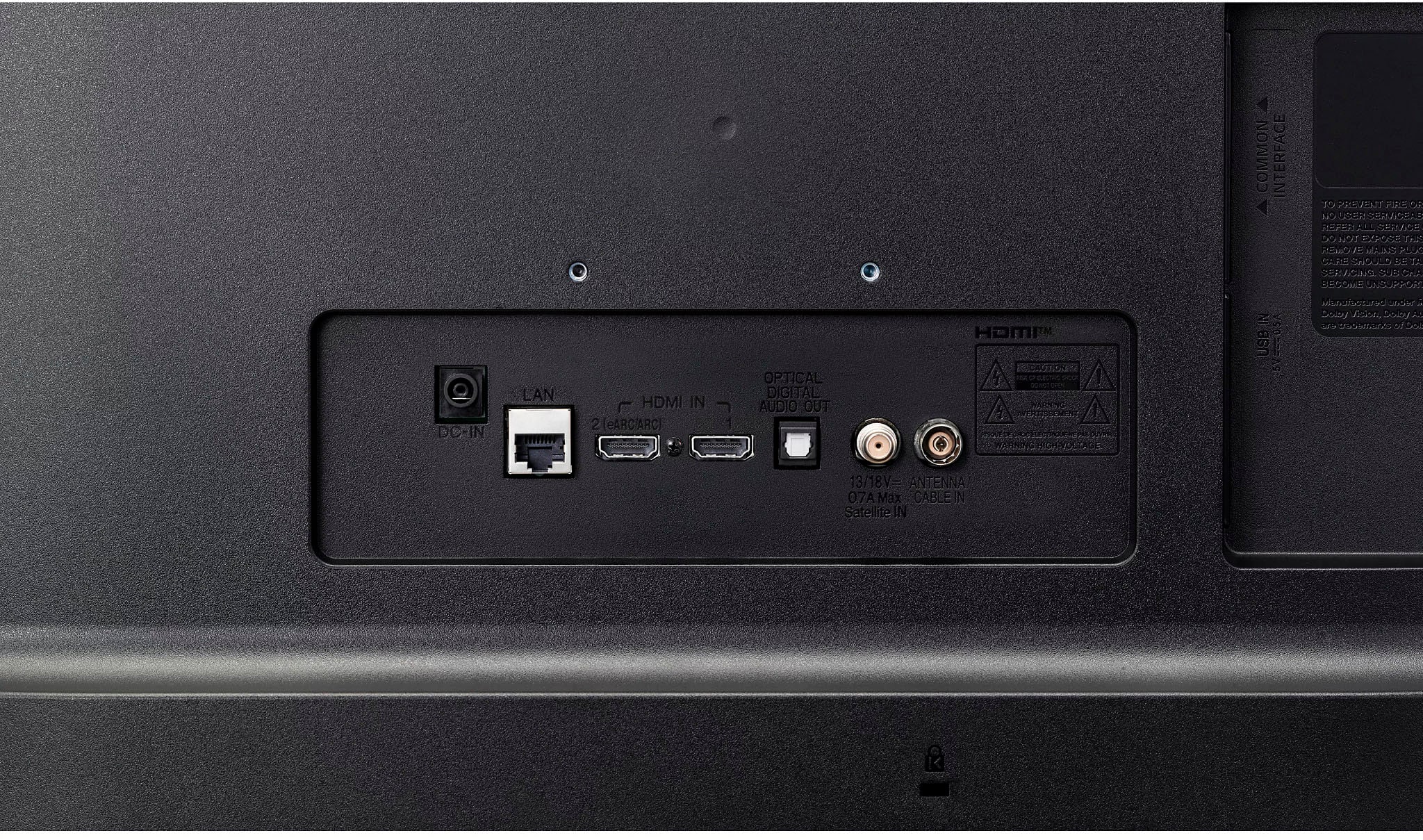
A:AnswerHi there, Cecie. Thank you for your question. The LG 24LQ520S-PU monitor does not have RCA cable ports. However, it is equipped with HDMI ports and an optical output for audio. If you’re looking for additional connectivity options, HDMI would be the best alternative for connecting external devices.
https://www.lg.com/us/monitors/lg-24lq520s-pu-hd-monitor#pdp_specs
We understand your situation and would be happy to assist you further if needed. Please send us a private message on Social Media @LGUSSupport, and our team will explore additional solutions with you.
—Renzo
A:AnswerHello there, thank you for reaching out! The LG 24LQ520S-PU HD Monitor itself does not have built-in smart features, like YouTube TV, which typically requires a smart TV or a streaming device to work. However, you can connect a compatible streaming device, such as a Roku, Chromecast, or Amazon Fire Stick, to the HDMI port of the monitor and stream YouTube TV without issue.
https://www.lg.com/us/monitors/lg-24lq520s-pu-hd-monitor#pdp_specs
If you're having trouble with connectivity or need help with the setup, feel free to send us a private message on Social Media @LGUSSupport, and we'd be happy to assist you further.
We hope this helps!
—Renzo
A:AnswerHi, Cindy. Thank you for reaching out to us. Yes, both Roku and Amazon Fire TV Stick can work with your LG TV (24LQ520S-PU) model, as long as the TV has an available HDMI port, which your model likely does. If you're unable to access Spectrum through your Roku device, it might be an issue with the app or the connection setup.
Here's a troubleshooting step to try for Roku: Make sure your Roku device is fully updated to the latest software.
Ensure your Roku and Spectrum app are both logged into the same Wi-Fi network.
Try reinstalling the Spectrum app on Roku, as there could be an issue with the app installation.
If you're still encountering issues, you can also try the Amazon Fire TV Stick, as it supports a wide variety of streaming apps, including Spectrum. For more information about the product, you may visit https://www.lg.com/us/monitors/lg-24lq520s-pu-hd-monitor.
Please send us a private message on social media @LGUSSupport for further assistance if needed. ^Juvy
A:AnswerHello, RichardO.
The LG 24” Class LED HD Smart TV with webOS (2022), Model # 24LQ520S-PU, has an F-Type, 75-Ohm, coaxial connector in the back labeled 'Antenna/Cable In' that can be connected to an indoor or outdoor antenna.
The TV has a built-in ATSC, NTSC-M, and 256 QAM tuner...^Ivan.
A:AnswerHi there, Jhmiller. The LG 24LQ520S-PU monitor, based on its features, includes a web browser and supports Wi-Fi for streaming and screen sharing. However, it does not explicitly mention the availability of apps like Spectrum directly in its specifications.
While you can use the web browser to access streaming platforms through the internet, you would likely need a compatible device like a streaming box, gaming console, or a connected PC to run the Spectrum app. This monitor supports screen sharing via Miracast and WiDi, which could allow you to cast the Spectrum app from a compatible device to the monitor.
If you'd like to ensure full compatibility with Spectrum's features and app support, it’s recommended to connect this monitor to a smart device that can run the Spectrum app, such as a streaming device or a computer.
https://www.lg.com/us/monitors/lg-24lq520s-pu-hd-monitor#pdp_specs
For further help or troubleshooting, feel free to reach out to us via @LGUSSupport!
—Renzo
A:AnswerHi there! Thank you for reaching out about the LG 24LQ520S-PU HD Monitor. Yes, you can use external speakers with this monitor! It supports audio output through the following methods:
3.5mm Headphone Jack: Connect speakers or headphones directly to the audio-out port for wired sound output.
Bluetooth: If you're using Bluetooth-compatible speakers, this monitor allows wireless connection through the LG ThinQ App or directly via Bluetooth settings.
For setup:
Ensure the monitor and speakers are powered on.
For wired speakers, plug them into the headphone jack.
For Bluetooth, access the ThinQ app or the monitor’s settings menu to pair your speakers.
https://www.lg.com/us/monitors/lg-24lq520s-pu-hd-monitor#pdp_specs
If you have additional questions, feel free to send us a private message on social media @LGUSSupport. We're here to help!
Thank you for your inquiry. —Renzo
A:AnswerHi there, Bill. Thank you for your question about the LG 24LQ520S-PU HD Monitor. We understand you're looking to connect Bluetooth earbuds to this television. This model does not have built-in Bluetooth capability for audio output. However, you can use a Bluetooth transmitter connected to the headphone jack or optical audio out to pair your Bluetooth earbuds.
https://www.lg.com/us/monitors/lg-24lq520s-pu-hd-monitor#pdp_specs
For further assistance, feel free to send us a private message on social media @LGUSSupport. We're happy to help!
—Renzo