Questions & Answers
- Model:
- 24MR400-B.AUSQ
- |
- SKU:
- 6560959
Q: QuestionIf I have a headset, can I talk and listen?
Asked by Jimmy.
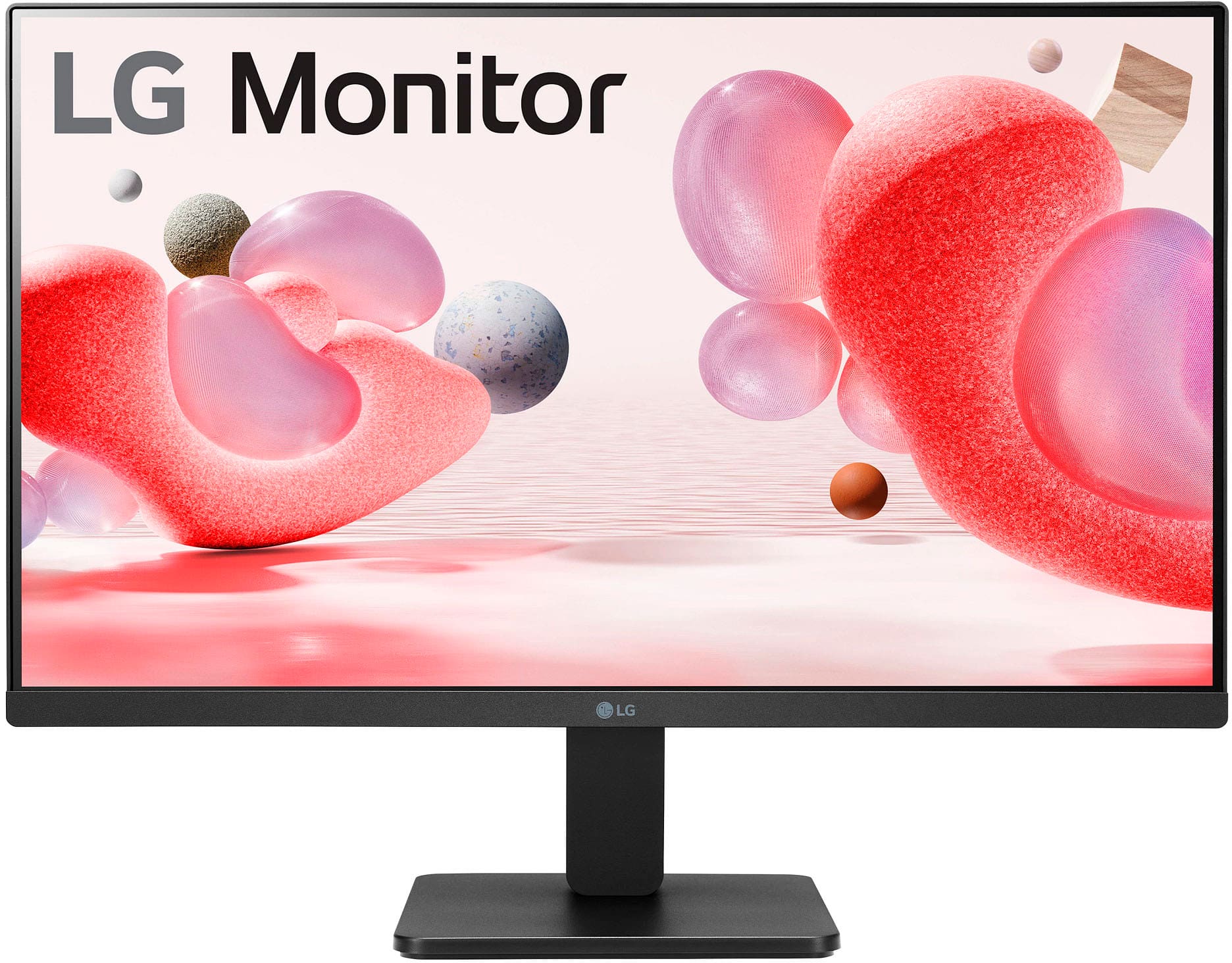
- A:Answer Thank you for your interest in the LG 24MR400-B.AUSQ model. No, the LG 24MR400-B.AUSQ is a monitor, not a TV, and it does not support voice commands. Therefore, if you have a headset connected to it, you can listen but not give verbal commands. You can download its owner's manual through this link for more information: https://www.lg.com/us/support/product/lg-24MR400-B.AUSQ. ^Cris
Answered by LG Digital Customer Care

Q: QuestionIs it 1440p
Asked by Josh.
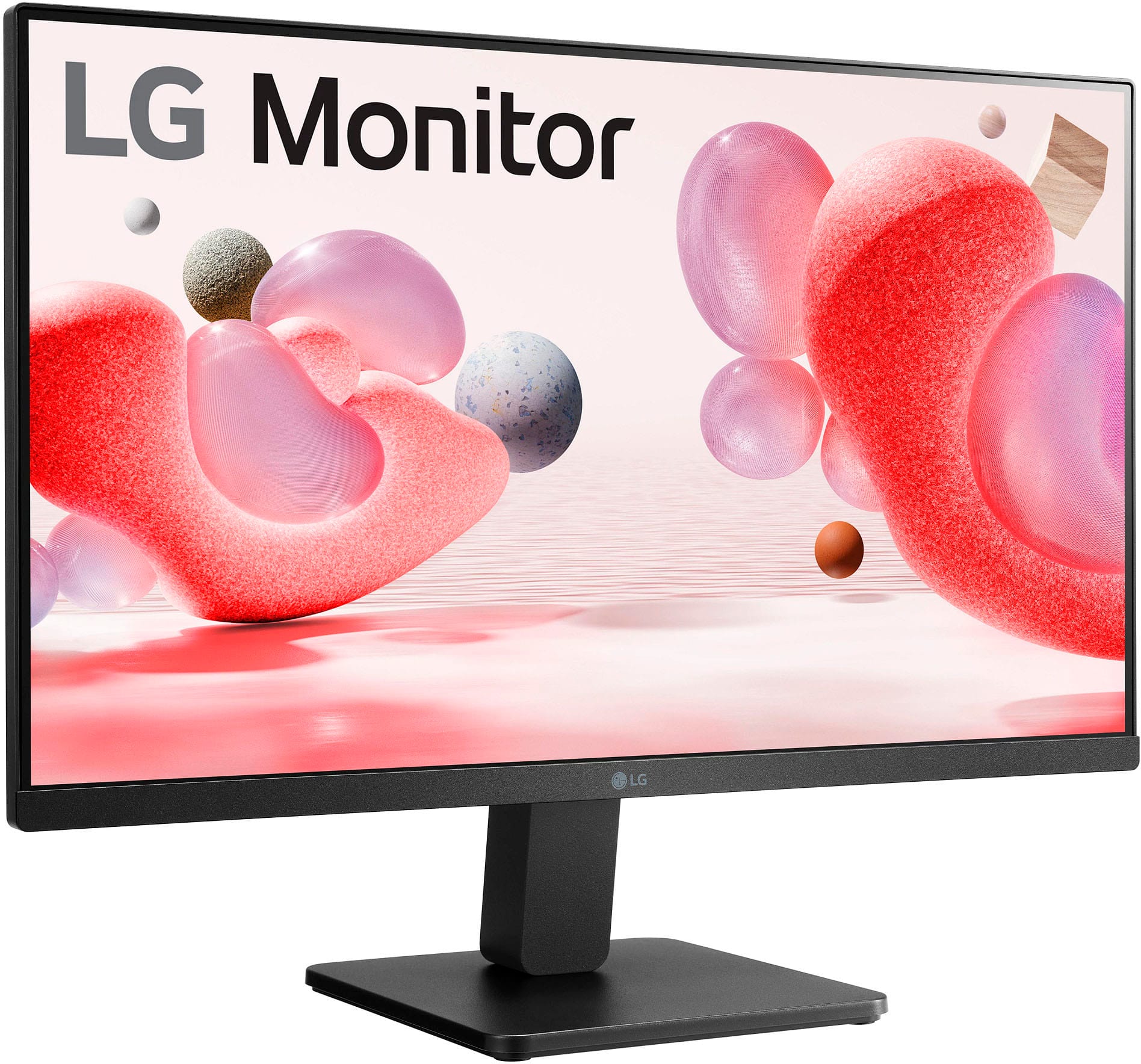
- A:Answer Thank you for your interest in the LG Monitor (24MR400-B) model. The LG 24MR400-B monitor has a Full HD (1920 x 1080) resolution, not 1440p. You can download its owner's manual through this link for more information: https://www.lg.com/us/support/product/lg-24MR400-B.AUSQ. ^Cris
Answered by LG Digital Customer Care

Q: QuestionDoes this monitor have 2 HDMI ports?
Asked by Bobby.
- A:Answer No. It only has one HDMI port.
Answered by Anonymous
Q: QuestionIs this monitor compatible with the HP Probook? And if so, what cable would I need to connect it and is that cable included or do I need to buy it separately?
Asked by Randy.
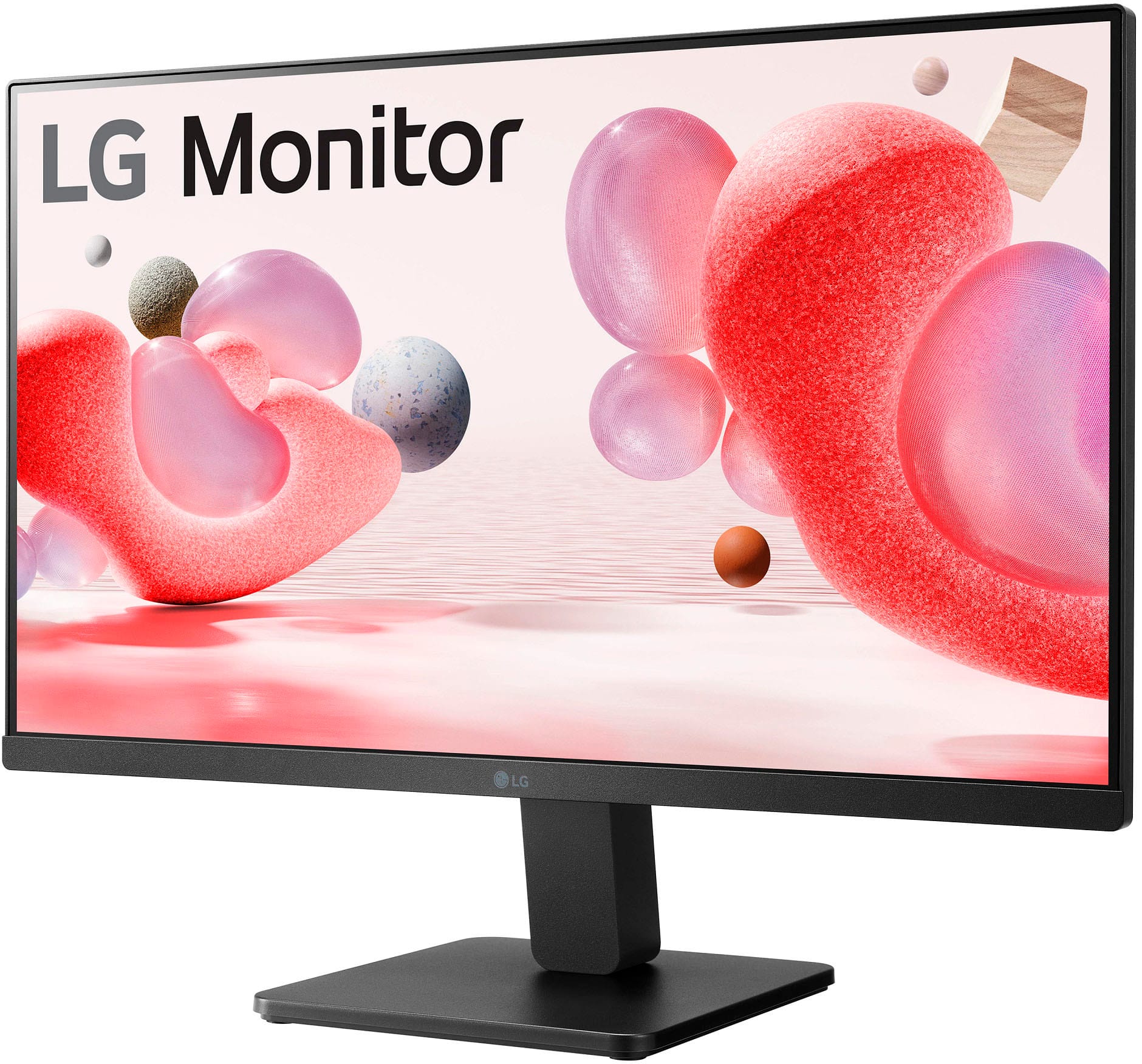
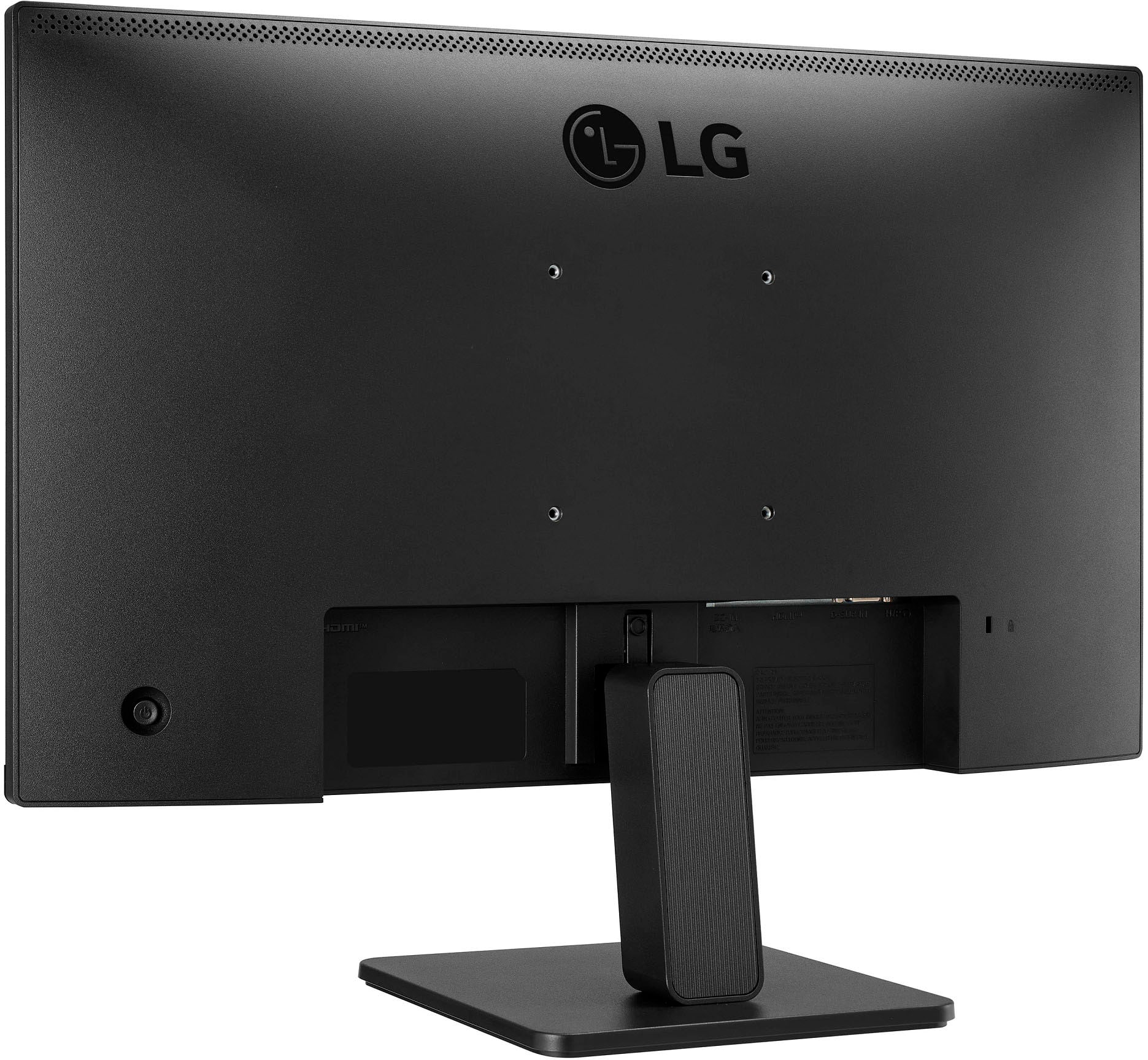
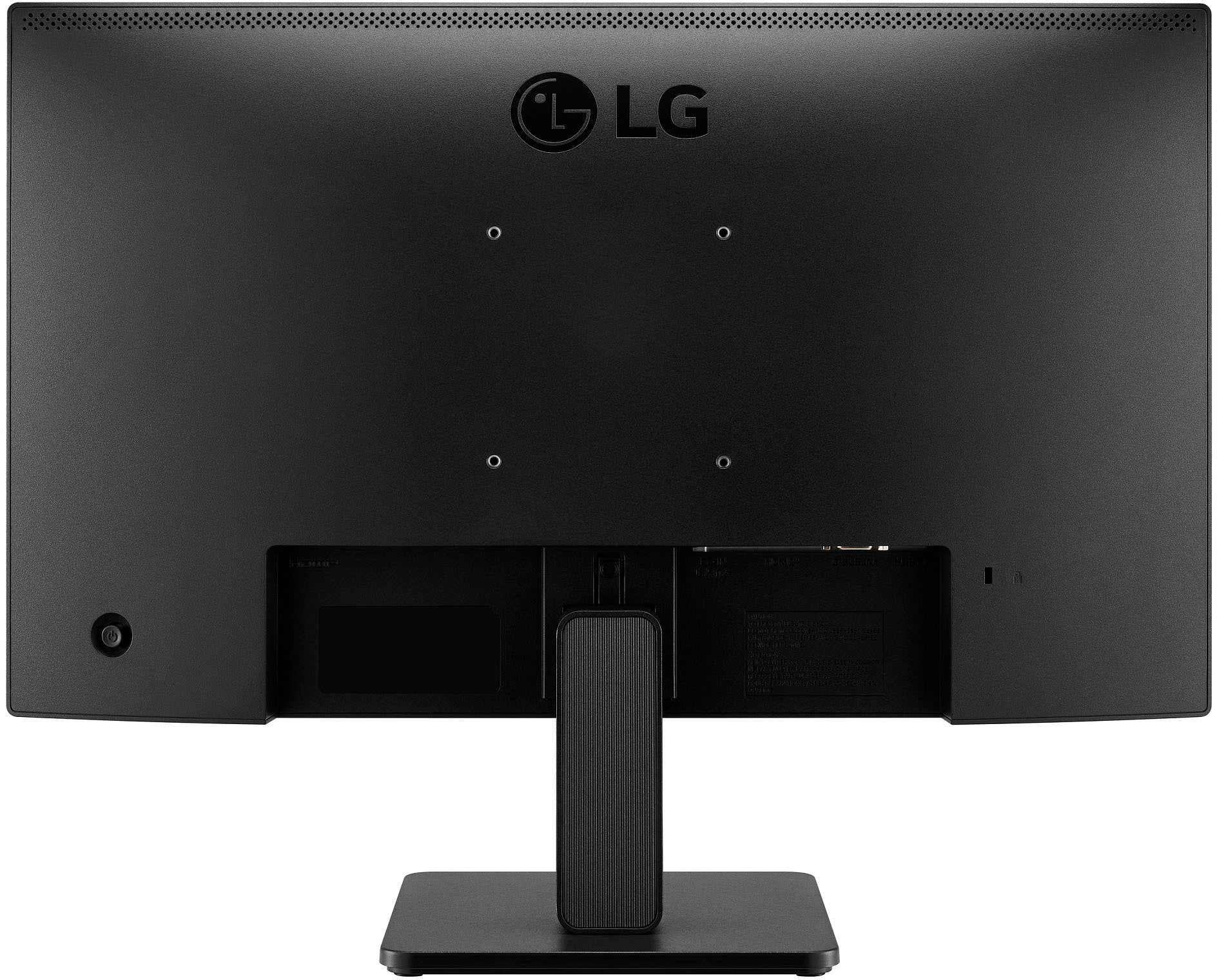
- A:Answer Thank you for your interest in the LG 24" FHD 3-Side Borderless IPS 100Hz Monitor with FreeSync™ (24MR400-B) model. Yes, you can easily connect the LG 24MR400-B.AUSQ monitor to an HP Probook using an HDMI or VGA cable. No need for a DisplayPort cable as this model doesn't have it. If your Probook has HDMI or VGA output, simply use the matching cable. However, if your laptop only has a DisplayPort output, you'll need an adapter and the corresponding HDMI or VGA cable. You can download its owner's manual through this link for more information: https://www.lg.com/us/support/product/lg-24MR400-B.AUSQ. ^Cris
Answered by LG Digital Customer Care

Q: QuestionDoes it need a pc?
Asked by SomName41.
- A:Answer Thank you for your interest in the LG 24" FHD 3-Side Borderless IPS 100Hz Monitor with FreeSync™ (24MR400-B) model. No, the LG 24MR400-B is a 23.8" IPS Full HD monitor with AMD FreeSync™ technology, which provides a smooth gaming experience and versatile design. This monitor does not require a PC to function, as it can be used with various devices such as gaming consoles, media players, and laptops that support HDMI or other compatible connections. You can download its owner's manual through this link for more information: https://www.lg.com/us/support/product/lg-24MR400-B.AUSQ. ^Cris
Answered by LG Digital Customer Care

Q: QuestionIs this monitor compatible with dell laptops,
Asked by User456.
- A:Answer Yes,I have Msi Gaming Laptop its work great with my laptop.If your laptop have Hdmi port it should or either Hdmi to Usb adapter can also work.
Answered by ShariqJ
Q: QuestionIs this a touch screen
Asked by Justme.
- A:Answer No, it is not touch screen.
Answered by Anonymous
Q: QuestionIs this monitor compatable with a 2020 Apple Macbook Air M1?
Asked by AmyVivian.
- A:Answer Thank you for your interest in the LG 24MR400-B.AUSQ model. The LG 24MR400-B.AUSQ monitor is compatible with a 2020 Apple MacBook Air M1. Most LG monitors will be compatible with a MacBook Air, although you may need an adapter depending on the model and ports of your MacBook Air. You can download its owner's manual through this link for more information: https://www.lg.com/us/support/product/lg-24MR400-B.AUSQ. ^Cris
Answered by LG Digital Customer Care

Q: QuestionIs it posible to joint two monitors to synchroize as only one image?
Asked by Liom.
- A:Answer Thank you for your interest in the LG 24MR400-B.AUSQ model. No, the LG 24MR400-B.AUSQ monitor does not have a built-in feature to synchronize two monitors as a single image. Each monitor operates independently and can display different content. However, you can use third-party software or graphics card settings to create a virtual display that spans across both monitors, effectively creating a single image or workspace. You can download its owner's manual through this link for more information: https://www.lg.com/us/support/product/lg-24MR400-B.AUSQ. ^Cris
Answered by LG Digital Customer Care

Q: QuestionI purchased two of these monitors and use them in a dual setup along with my laptop ( 3 screens total). The left monitor screen flickers (not on/off flicker but more of a static glitch) when both are set up. There is no problem with one connected.
Asked by Anonymous.
- A:Answer I had to buy a new docking station to get the picture for all three to work, but once I did they are working well. Play around with the resolution, too. A lower might do the trick.
Answered by user365061
Q: QuestionDoes this monitor come with the screws for mounting to a stand?
Asked by Dennis.
- A:Answer Thank you for your interest in the LG 24MR400-B.AUSQ model. No, the LG 24MR400-B.AUSQ monitor does not come with screws for mounting to a stand. You will need to purchase the appropriate screws separately. You can download its owner's manual through this link for more information: https://www.lg.com/us/support/product/lg-24MR400-B.AUSQ. ^Cris
Answered by LG Digital Customer Care

Q: Questiondoes it have speakers
Asked by tic.
- A:Answer Thank you for your interest in the LG 24MR400-B.AUSQ model. No, the LG 24MR400-B.AUSQ monitor does not have built-in speakers. It only has a 3-pole audio output for connecting external speakers or headphones. You can download its owner's manual through this link for more information: https://www.lg.com/us/support/product/lg-24MR400-B.AUSQ. ^Cris

Answered by LG Digital Customer Care

Q: QuestionDoes this monitor swivel? As in go in portrait orientation?
Asked by James.
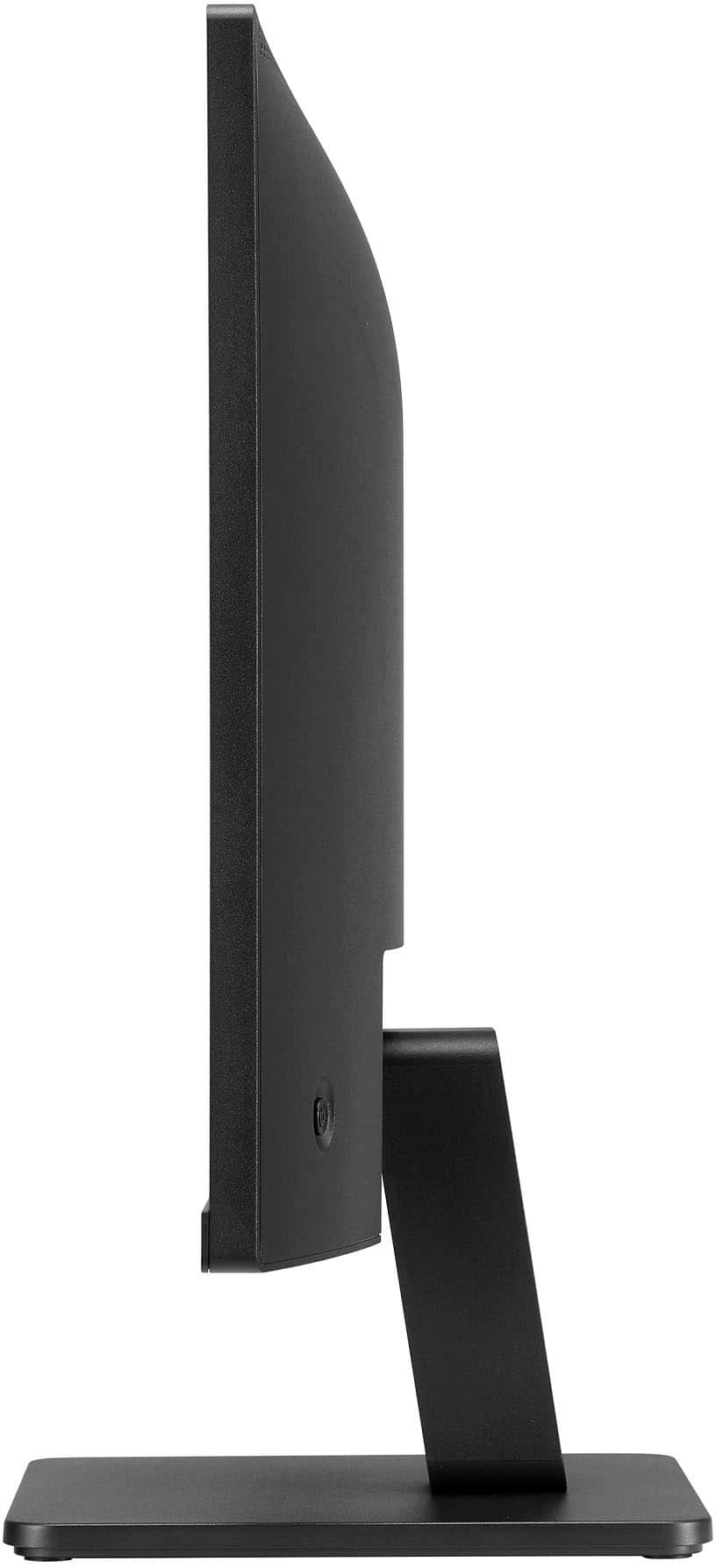
- A:Answer Thank you for your interest in the LG 24" FHD 3-Side Borderless IPS 100Hz Monitor with FreeSync™ (24MR400-B) model. No, the LG 24MR400-B monitor does not have a swivel feature that allows it to go into portrait orientation. It can only be tilted for better viewing angles. You can download its owner's manual through this link for more information: https://www.lg.com/us/support/product/lg-24MR400-B.AUSQ. ^Cris

Answered by LG Digital Customer Care

Q: QuestionHOW DO YOU GET RID OF THE POP UP THING WITH THE ARROWS ETC AND OK. i CANT USE MOUSE BECAUDE IT GOES BEHIND IMAGE NOT ON TOP/FRONT OF IMAGE. iT EVENTUALLY MOVES OUT OF WAY BUT A NUSANCE WHEN THERE.
Asked by Nomad.
- A:Answer Hi, Nomad. Thank you for reaching out regarding your LG Monitor (24MR400-B) model. We understand your concern about encountering an issue with the on-screen navigation overlay, which can sometimes be caused by certain settings or inputs. To get rid of the pop-up with the arrows and "OK" button, here are a couple of things you can try: If the pop-up is part of an on-screen menu or option, pressing the "Back" or "Exit" button on your remote might remove it. If you’re using a mouse and the pointer is appearing behind images or other elements, try using the TV’s remote control to navigate to the Pointer Settings (found under Settings > General > Pointer). You may need to adjust or disable the mouse pointer depending on your setup. ometimes, resetting the picture settings can clear out on-screen overlays that don’t disappear. You can try going to Settings > Picture and selecting Reset to Default. Make sure your TV’s firmware is up to date, as a software bug could sometimes cause issues with overlays. You can check for updates under Settings > General > About This TV > Check for Updates. For guidance, visit https://www.lg.com/us/support/help-library/lg-monitor-how-to-update-monitor-firmware--20153819322140. If the issue persists or if you need more detailed instructions, please send us a private message on social media @LGUSSupport, and we’ll be happy to guide you further. ^Juvy
Answered by LG Digital Customer Care
Q: QuestionCan I rotate this monitor long ways?
Asked by Shay.
- A:Answer Hi, Shay, thank you for your question about the 24MR400-B monitor! Yes, you can rotate the monitor to a vertical (portrait) orientation if you'd like. The monitor supports pivot adjustment, which allows you to rotate it from landscape to portrait mode. Make sure to adjust the display settings on your computer to match the new orientation for optimal viewing. If you need any assistance or have further questions, please feel free to send us a private message on Social Media @LGUSSupport. We’re happy to help! —James
Answered by LG Digital Customer Care

Q: QuestionDoes this work with the mac mini? What information do you have about EMF emissions?
Asked by MacGirl.
- A:Answer yes easy set up
Answered by Keith
Top Rated
- Black Friday Deal$279.99Your price for this item is $279.99
- Black Friday Deal$104.99Your price for this item is $104.99
- Black Friday Deal$86.99Your price for this item is $86.99
- Black Friday Deal$99.99Your price for this item is $99.99
- Black Friday Deal$259.99Your price for this item is $259.99
- Black Friday Deal$209.99Your price for this item is $209.99
- Black Friday Deal$179.99Your price for this item is $179.99
- Black Friday Deal$219.99Your price for this item is $219.99
- Black Friday Deal$79.99Your price for this item is $79.99
- Black Friday Deal$149.99Your price for this item is $149.99
- $279.99Your price for this item is $279.99$499.99The comparable value for this item is $499.99
- $69.99Your price for this item is $69.99$159.99The comparable value for this item is $159.99
- Black Friday Deal$114.99Your price for this item is $114.99
- $179.99Your price for this item is $179.99$389.99The comparable value for this item is $389.99
- Black Friday Deal$99.99Your price for this item is $99.99
- Black Friday Deal$1,449.99Your price for this item is $1,449.99
- Black Friday Deal$129.99Your price for this item is $129.99
- $139.99Your price for this item is $139.99$179.99The comparable value for this item is $179.99
- Black Friday Deal$129.99Your price for this item is $129.99
- Black Friday Deal$89.99Your price for this item is $89.99