Winter SaleEnds 1/19. Limited quantities. No rainchecks.Shop now

Skip to contentGo to Product SearchGo to Footer
Main Content

Questions & Answers

Your price for this item is $97.99
Clearance
The comparable value price is $194.99
Page Showing 81-84 of 84 questions
  • QuestionWhat are the dimensions of the stand/base?

    Asked by Wilson.

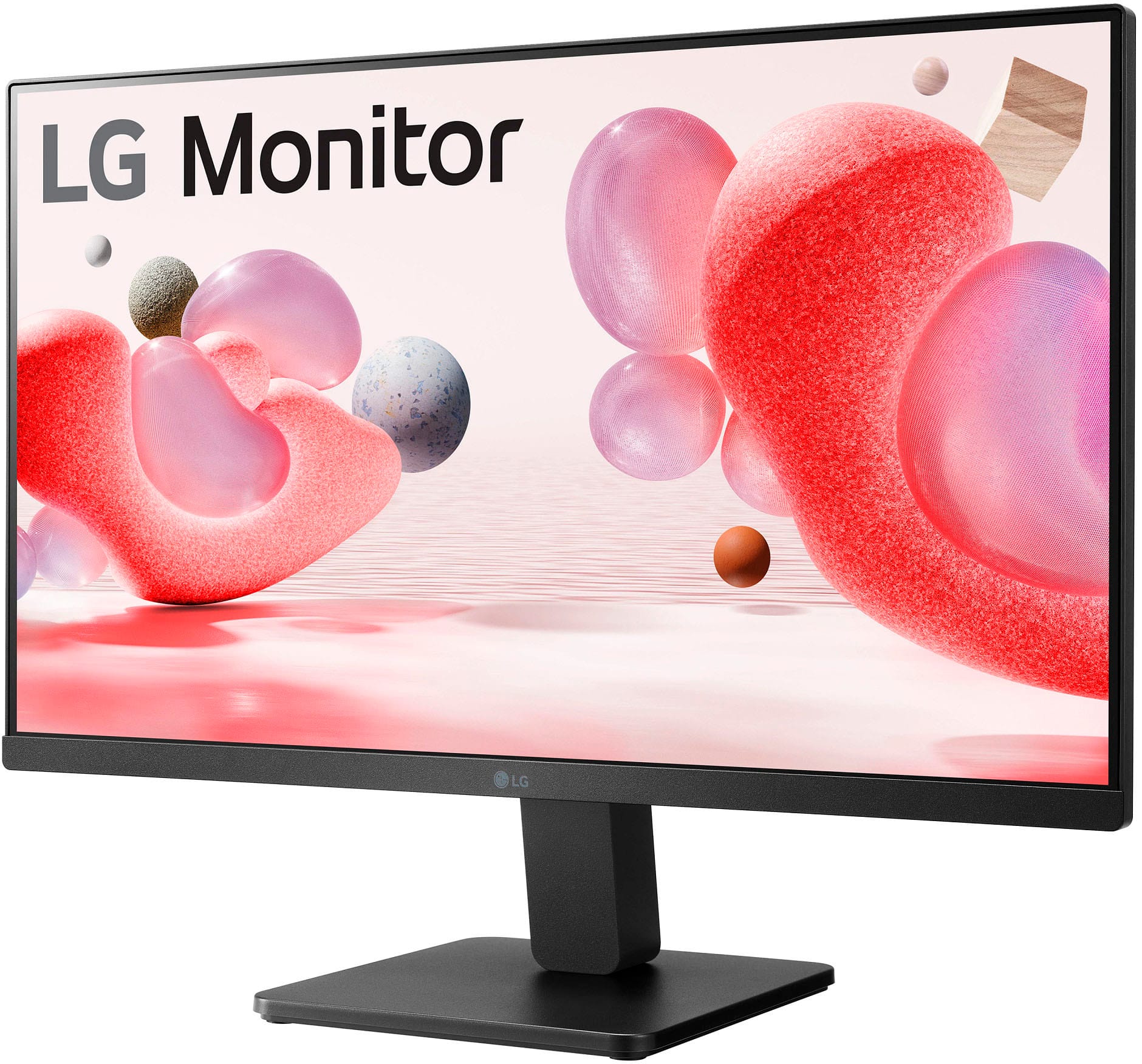
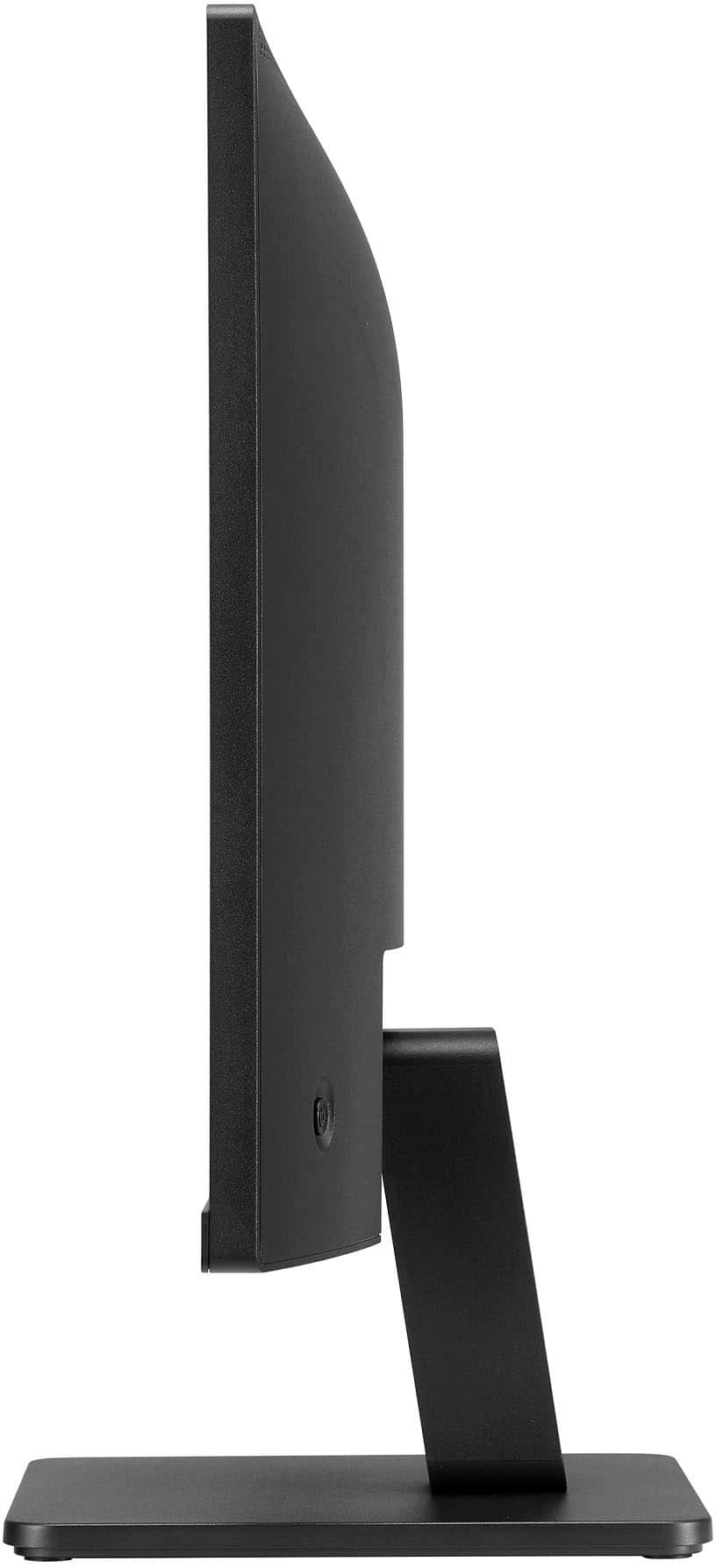
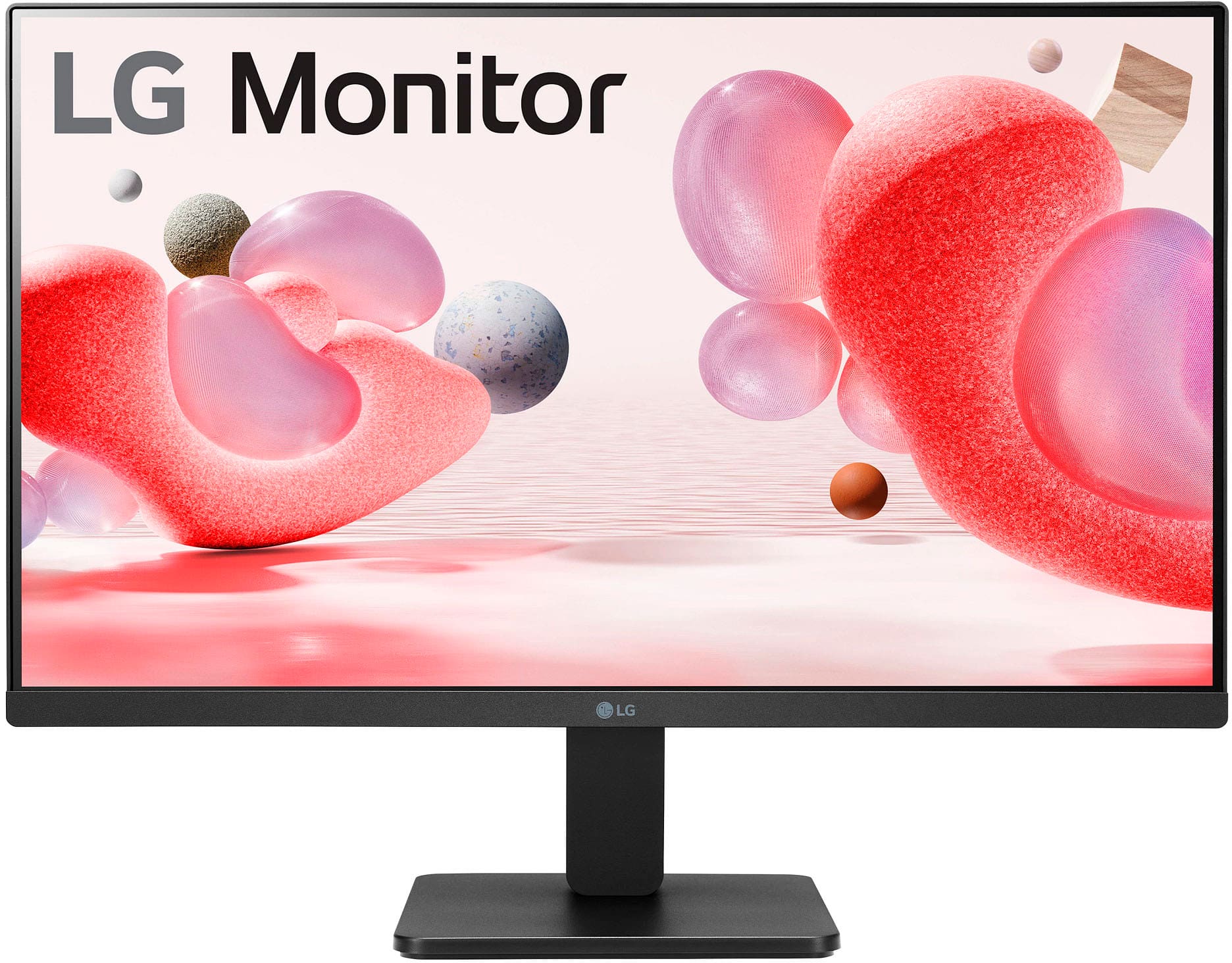
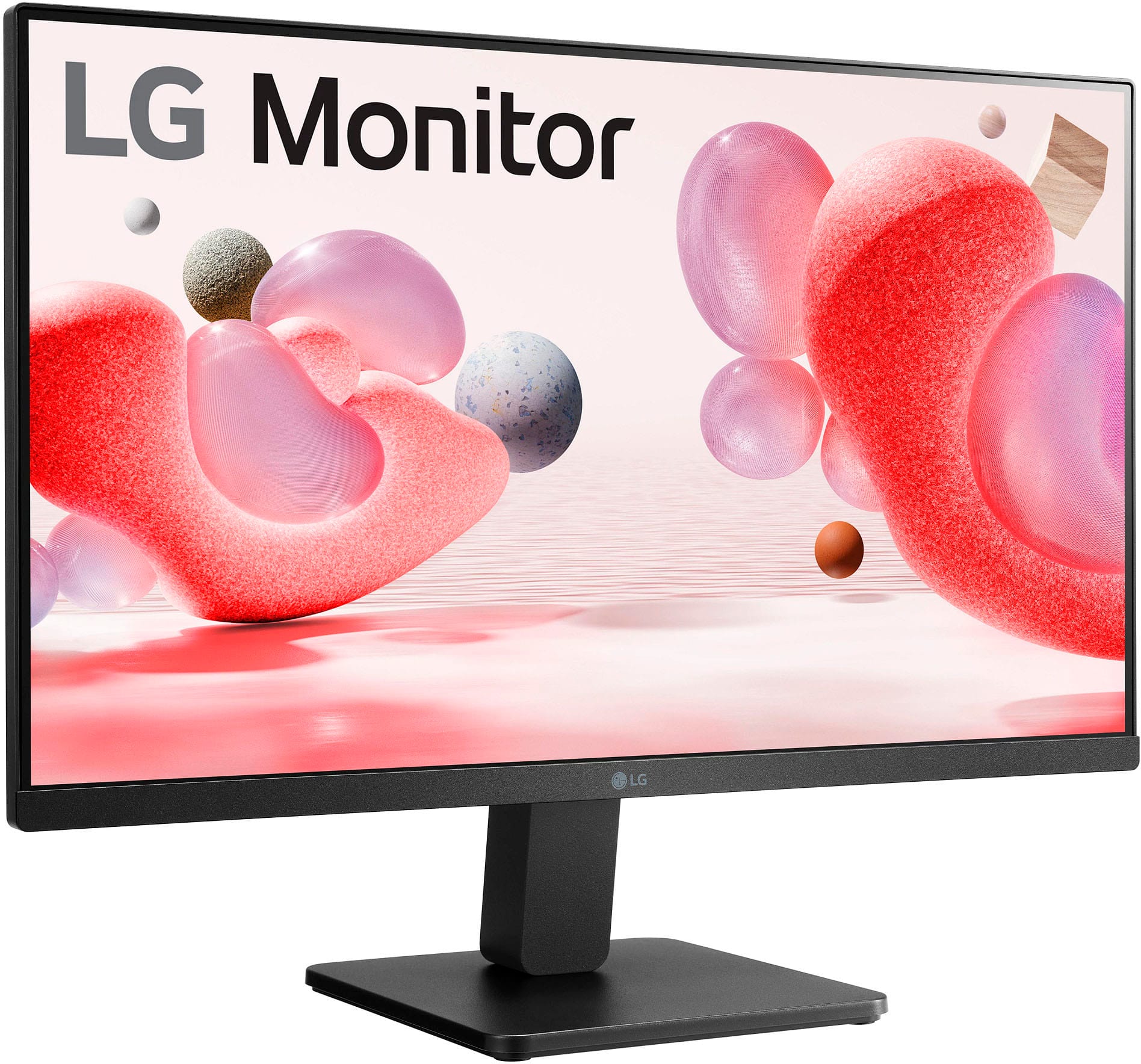
    • Answer Thank you for your interest in the LG 24MR400-B.AUSQ model. Here are the measurements for the LG 24MR400-B.AUSQ monitor stand/base: With Stand: 21.3" x 16.3" x 7.9" Without Stand: 21.3" x 12.6" x 2.0" Shipping Dimensions: 24.1" x 15.7" x 5.0" Note that the stand/base can be detached and the monitor has a borderless design on 3 sides. You can download its owner's manual through this link for more information: https://www.lg.com/us/support/product/lg-24MR400-B.AUSQ. ^Cris

      Answered by LG Digital Customer Care

  • QuestionHOW DO YOU GET RID OF THE POP UP THING WITH THE ARROWS ETC AND OK. i CANT USE MOUSE BECAUDE IT GOES BEHIND IMAGE NOT ON TOP/FRONT OF IMAGE. iT EVENTUALLY MOVES OUT OF WAY BUT A NUSANCE WHEN THERE.

    Asked by Nomad.

    • Answer Hi, Nomad. Thank you for reaching out regarding your LG Monitor (24MR400-B) model. We understand your concern about encountering an issue with the on-screen navigation overlay, which can sometimes be caused by certain settings or inputs. To get rid of the pop-up with the arrows and "OK" button, here are a couple of things you can try: If the pop-up is part of an on-screen menu or option, pressing the "Back" or "Exit" button on your remote might remove it. If you’re using a mouse and the pointer is appearing behind images or other elements, try using the TV’s remote control to navigate to the Pointer Settings (found under Settings > General > Pointer). You may need to adjust or disable the mouse pointer depending on your setup. ometimes, resetting the picture settings can clear out on-screen overlays that don’t disappear. You can try going to Settings > Picture and selecting Reset to Default. Make sure your TV’s firmware is up to date, as a software bug could sometimes cause issues with overlays. You can check for updates under Settings > General > About This TV > Check for Updates. For guidance, visit https://www.lg.com/us/support/help-library/lg-monitor-how-to-update-monitor-firmware--20153819322140. If the issue persists or if you need more detailed instructions, please send us a private message on social media @LGUSSupport, and we’ll be happy to guide you further. ^Juvy
      Answered by LG Digital Customer Care

  • Questionwhere are the control locations on this computer monitor?

    Asked by frank.

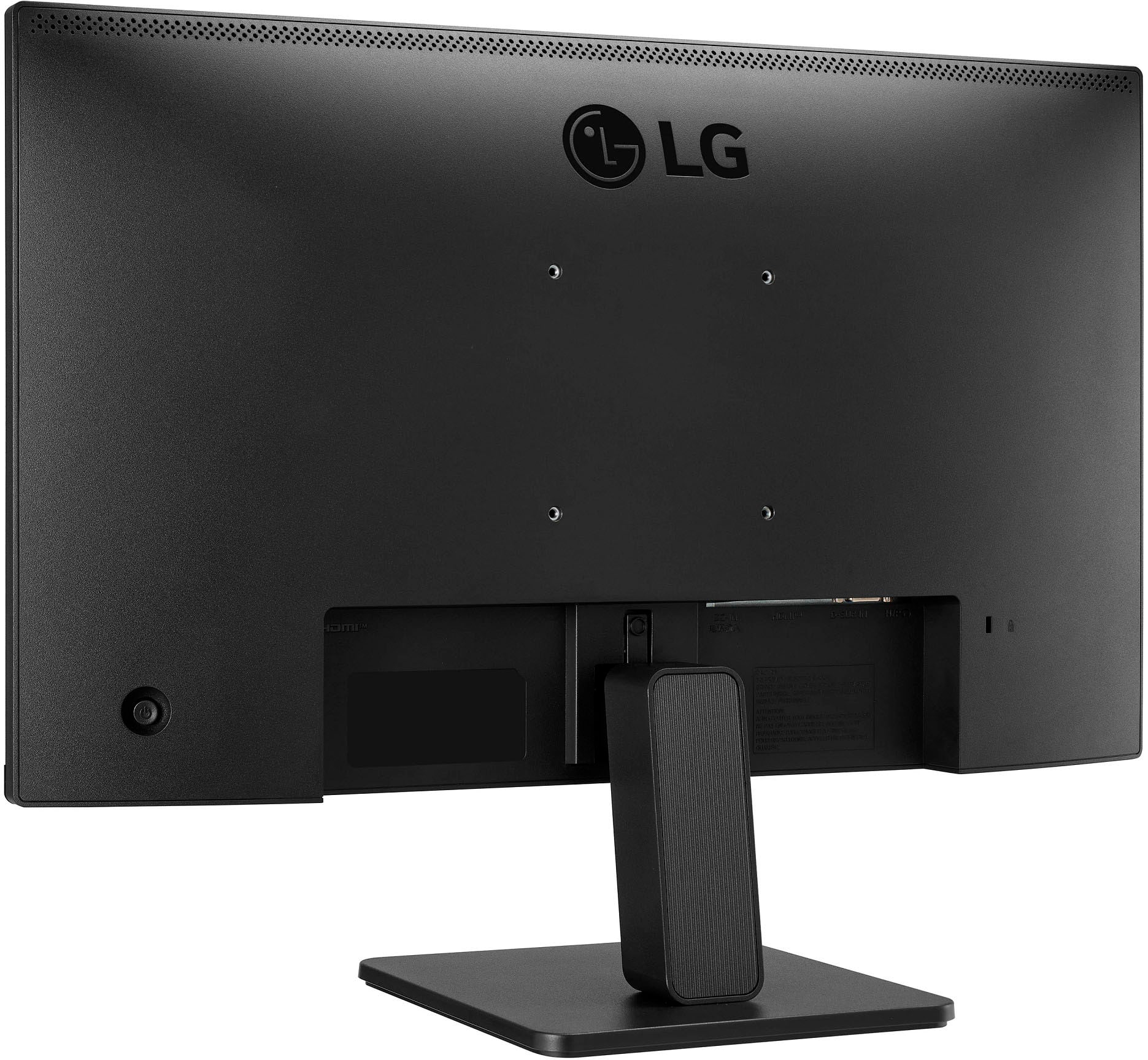
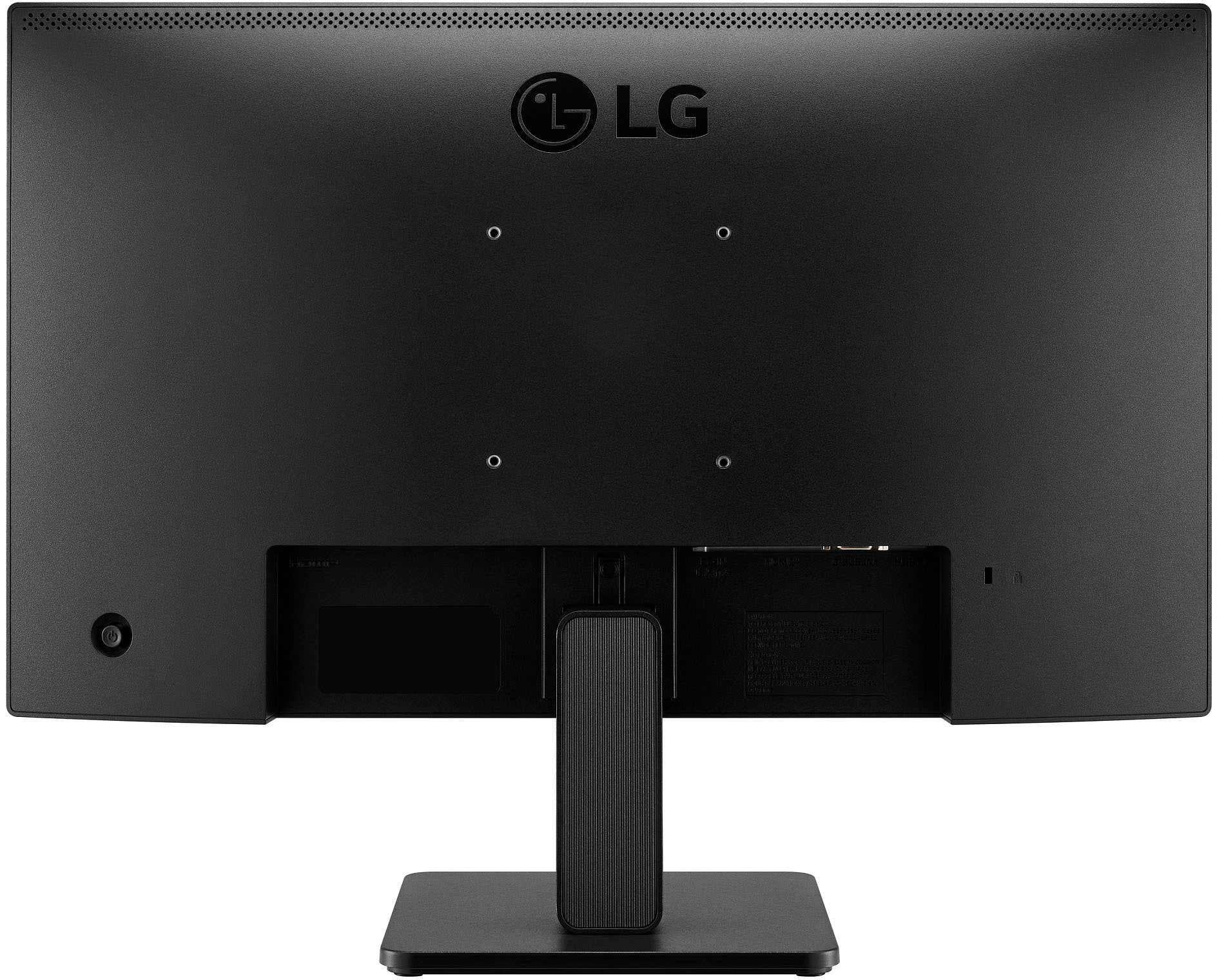
    • Answer Hello there, Frank, Thank you for your inquiry about the control locations on the LG 24MR400-B monitor. We understand how important it is to easily access the controls for your convenience. The controls are located at the right rear of the monitor. For a detailed description and visual guide, you can download the Owner’s Manual and refer to pages 9 and 10 here: LG 24MR400-B Owner’s Manual. If you need any more help, feel free to contact us on social media @LGUSSupport, and our team will be glad to assist. —Renzo

      Answered by LG Digital Customer Care

  • QuestionDo these monitors come equipped with both an HDMI cable and a power cable?

    Asked by Anonymous.

    • Answer I did discover the monitor DOES come with both an HDMI and a power cable.

      Answered by Tiger150123