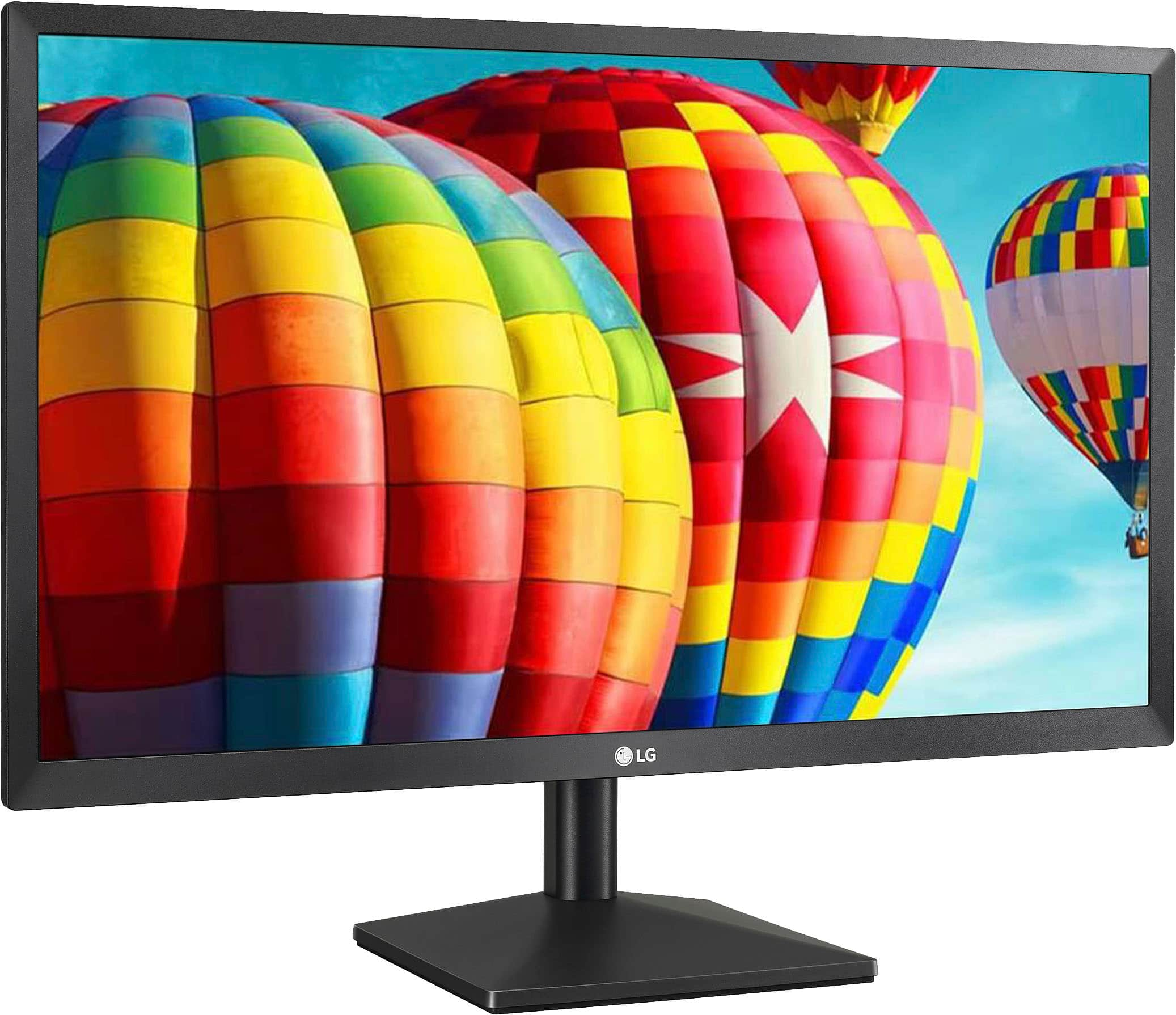
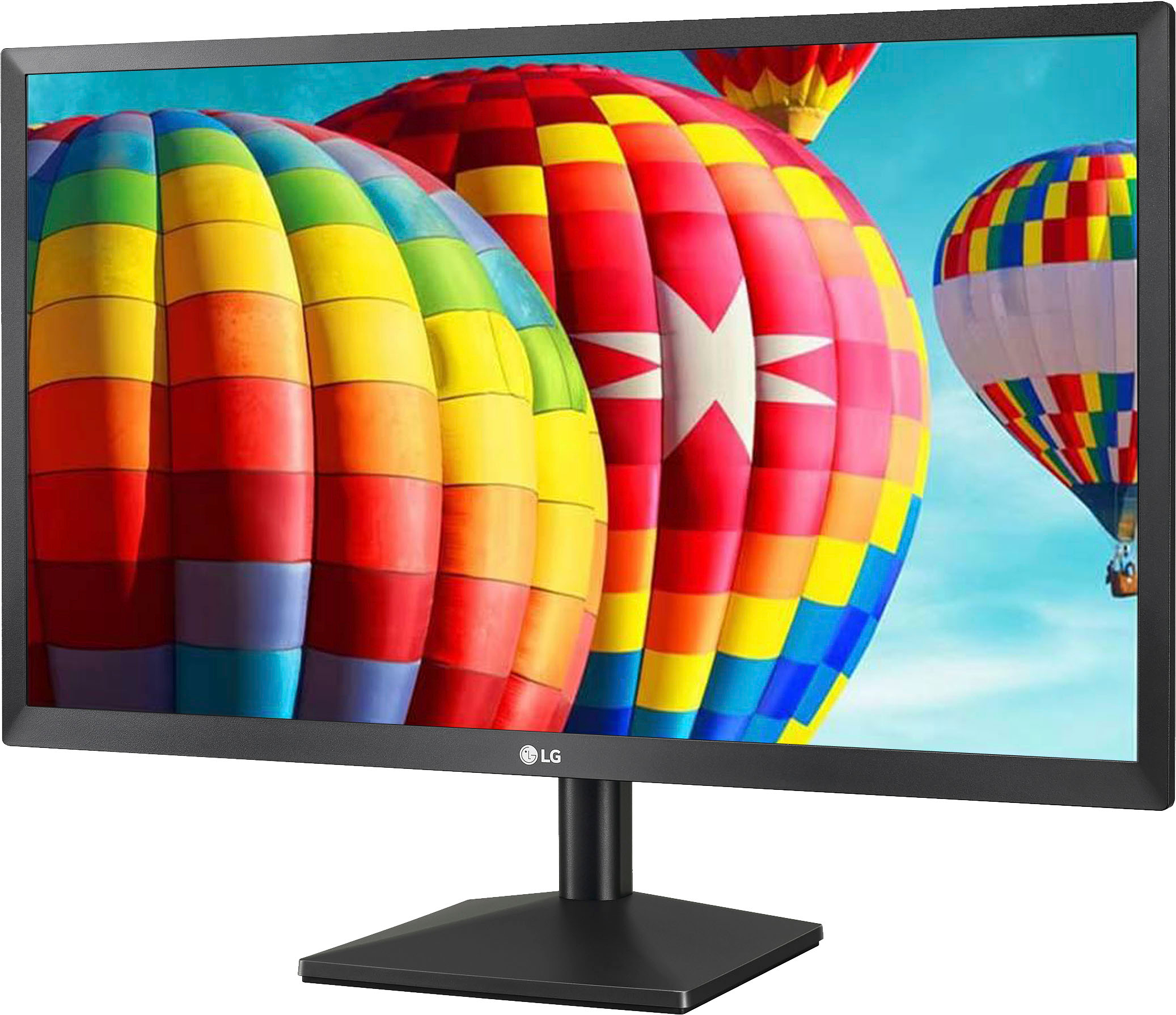
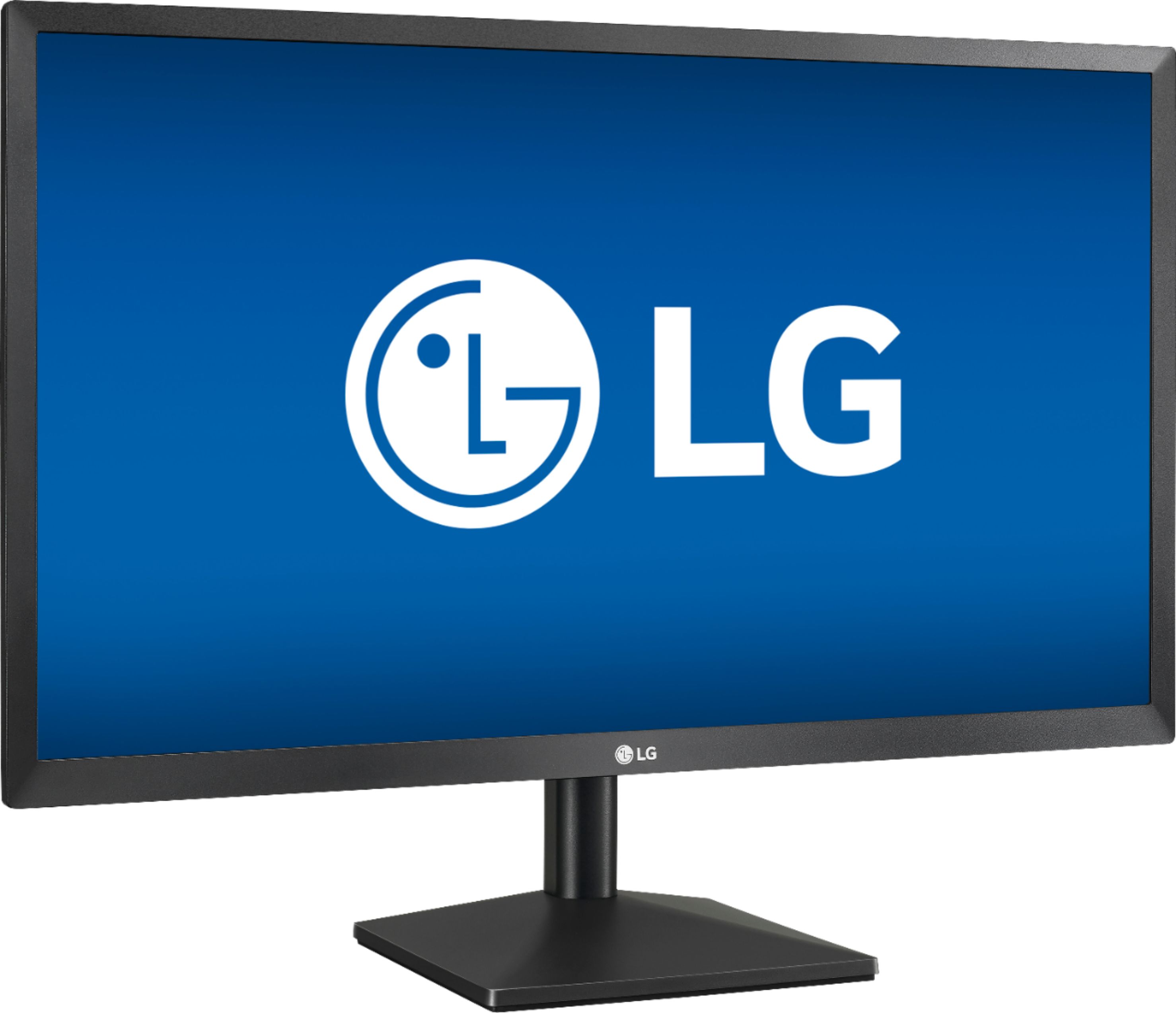
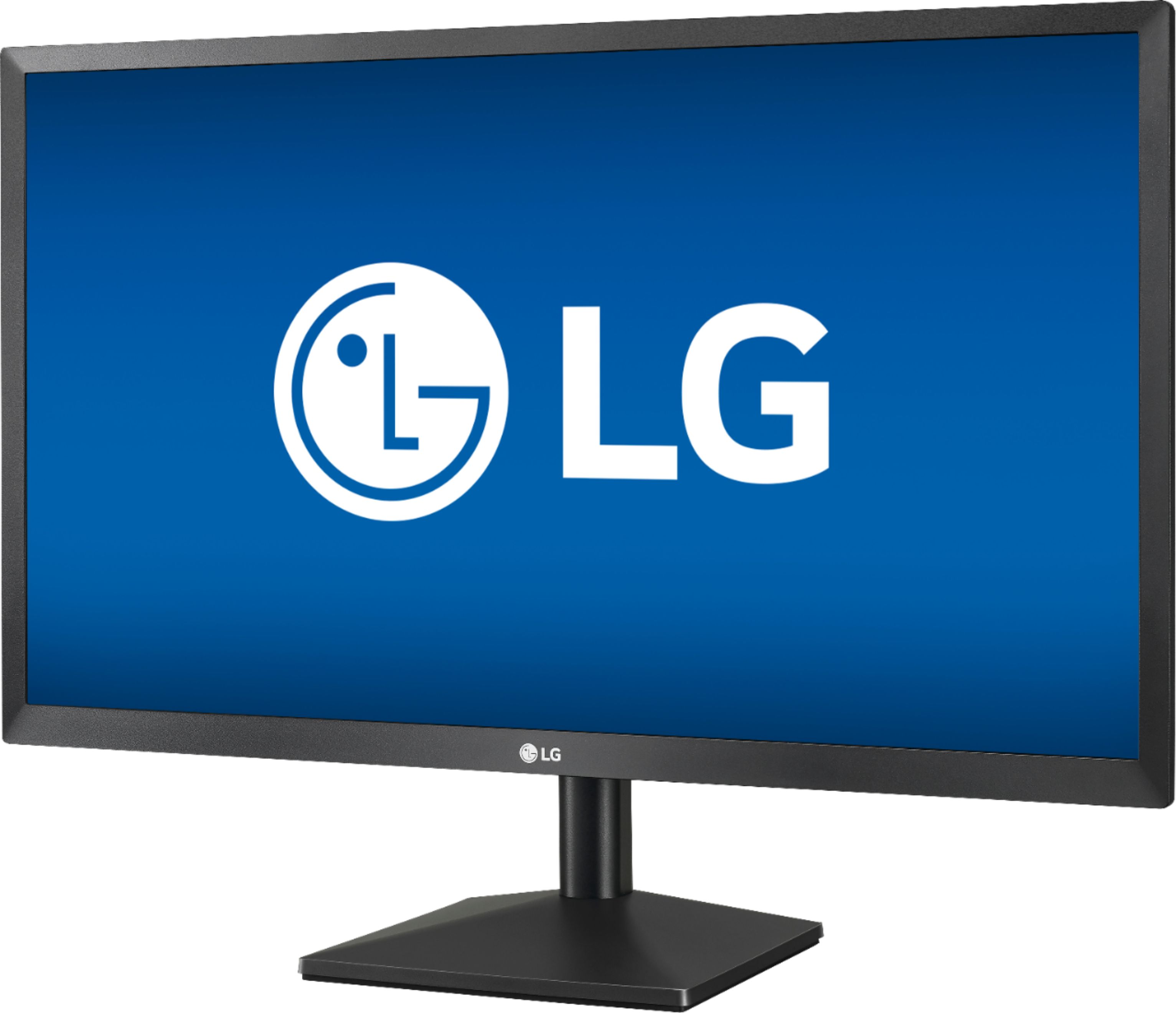
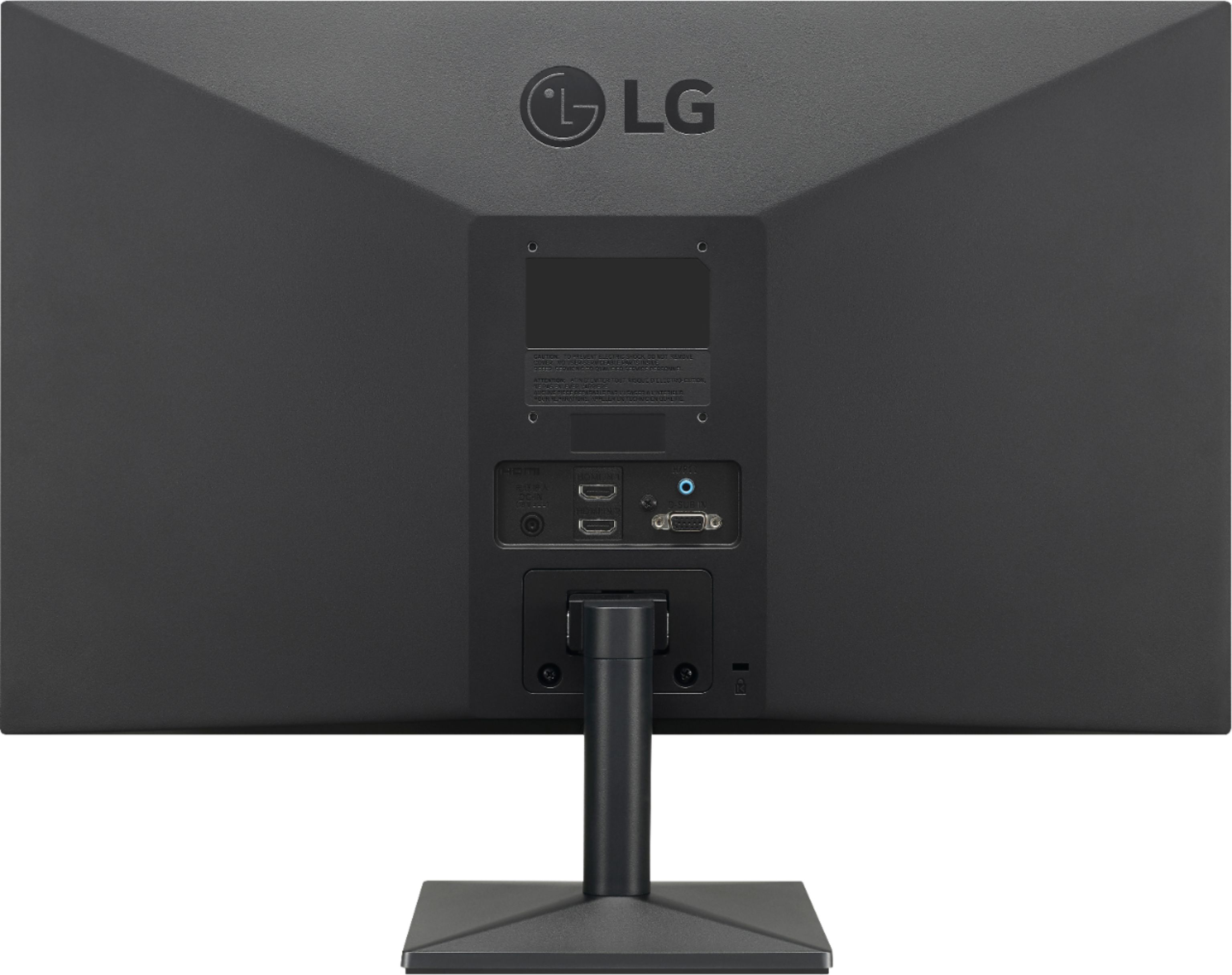
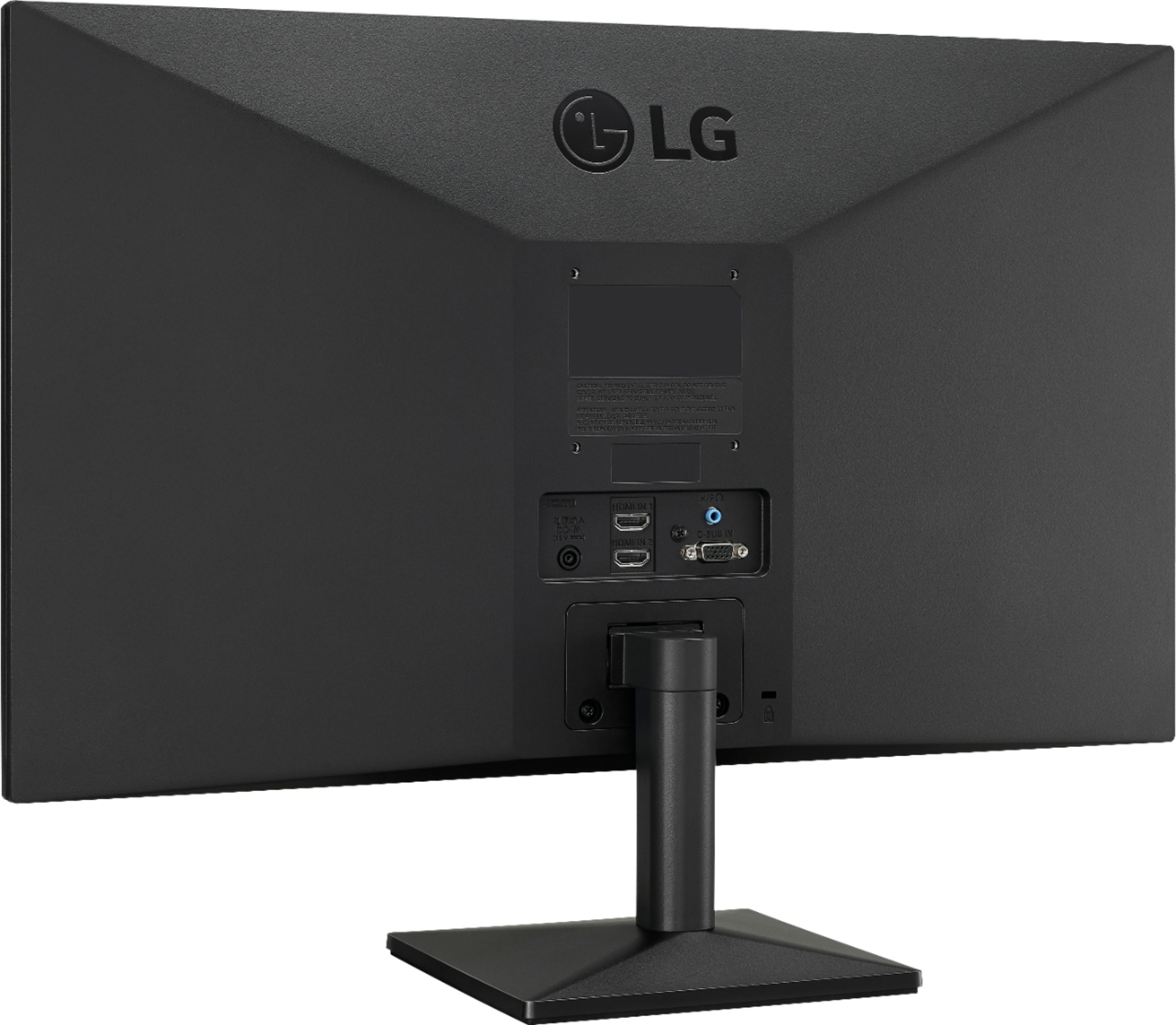
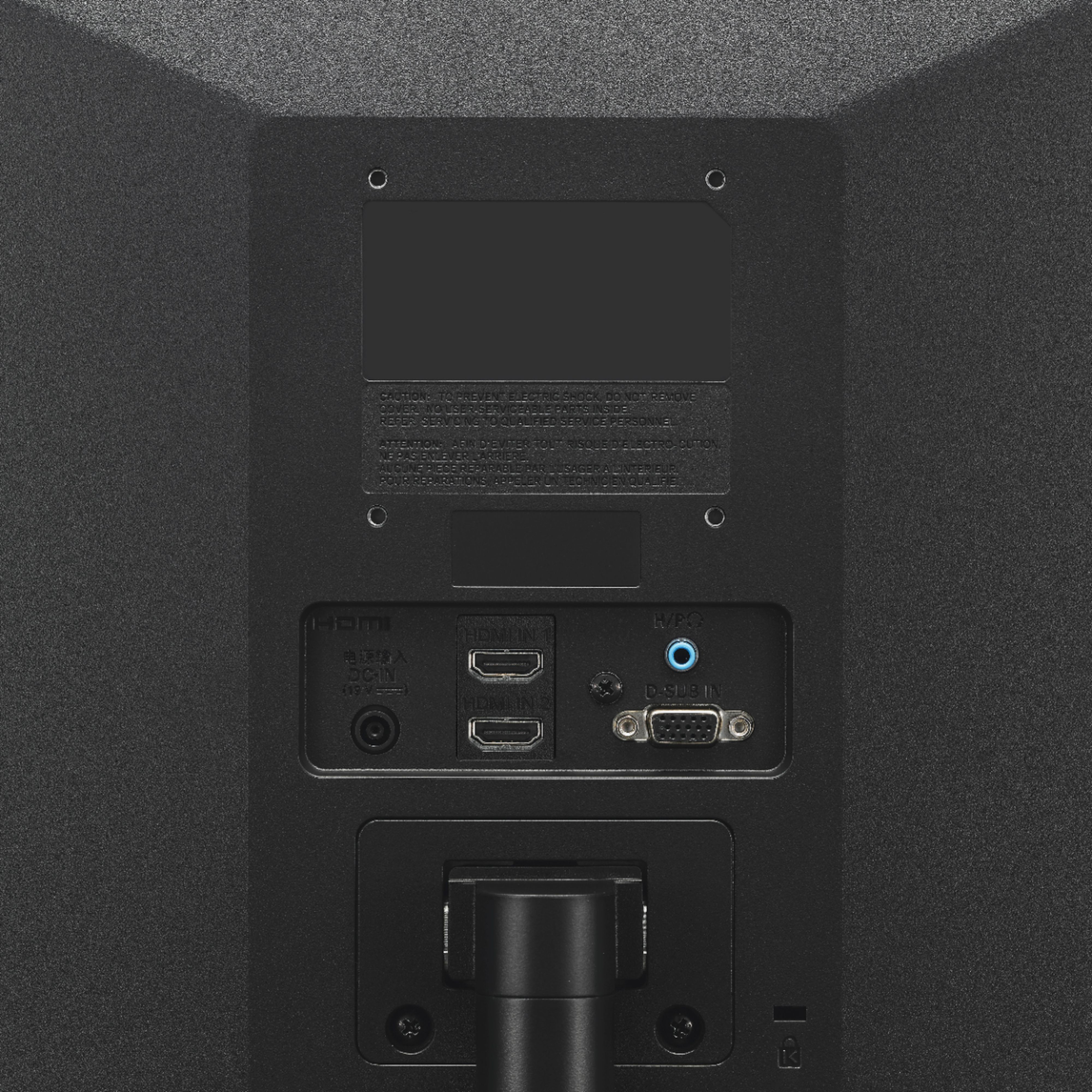
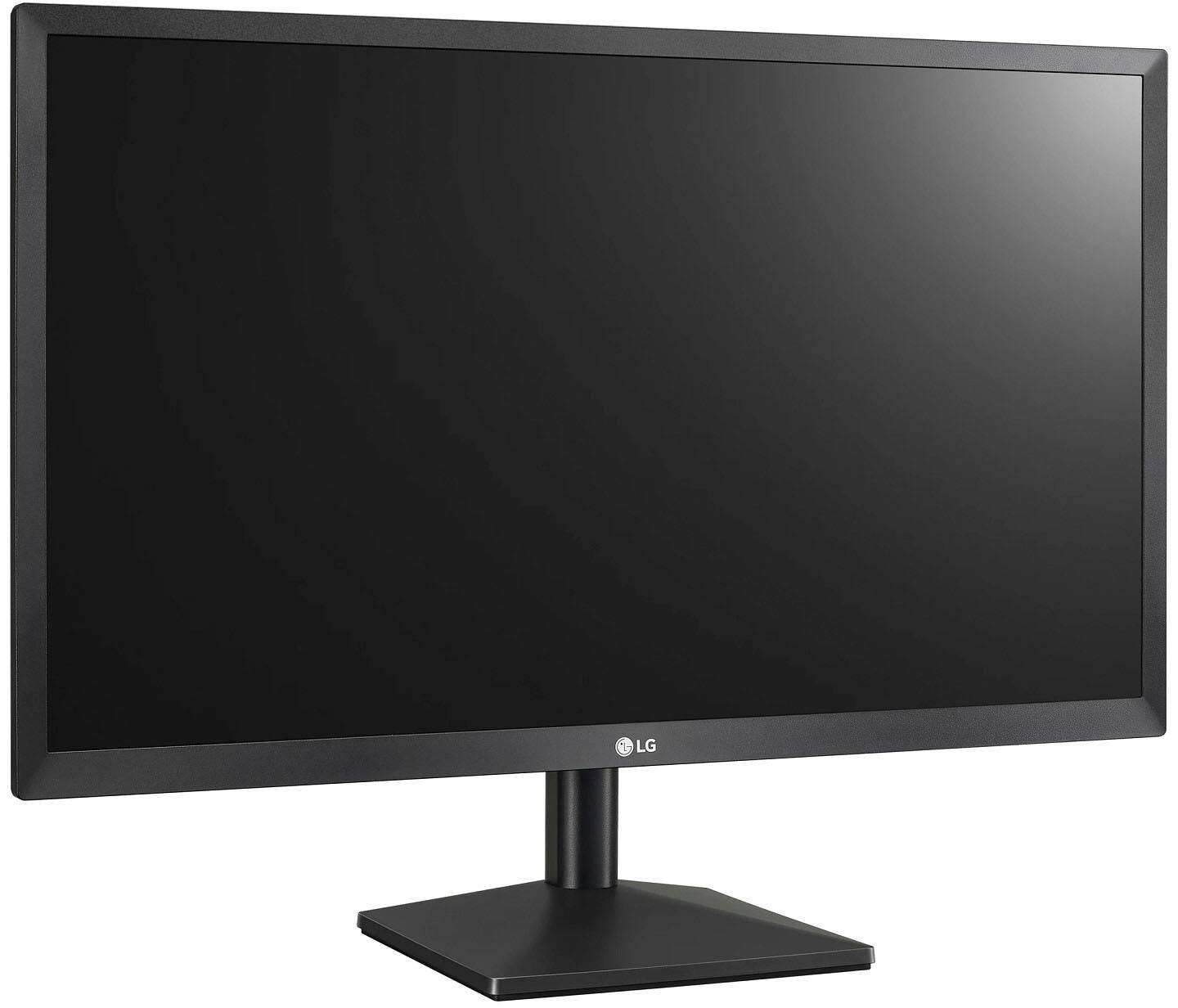
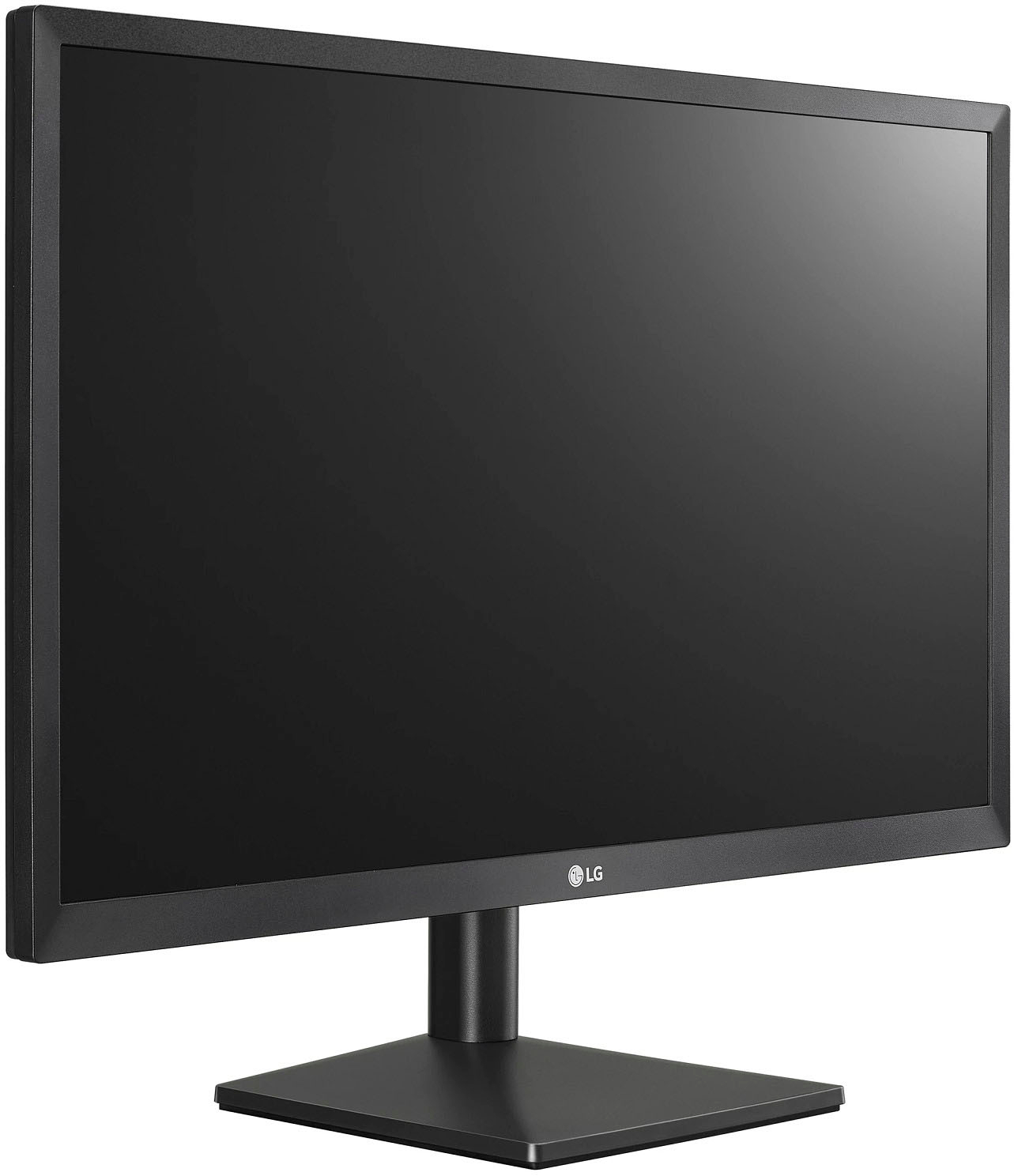
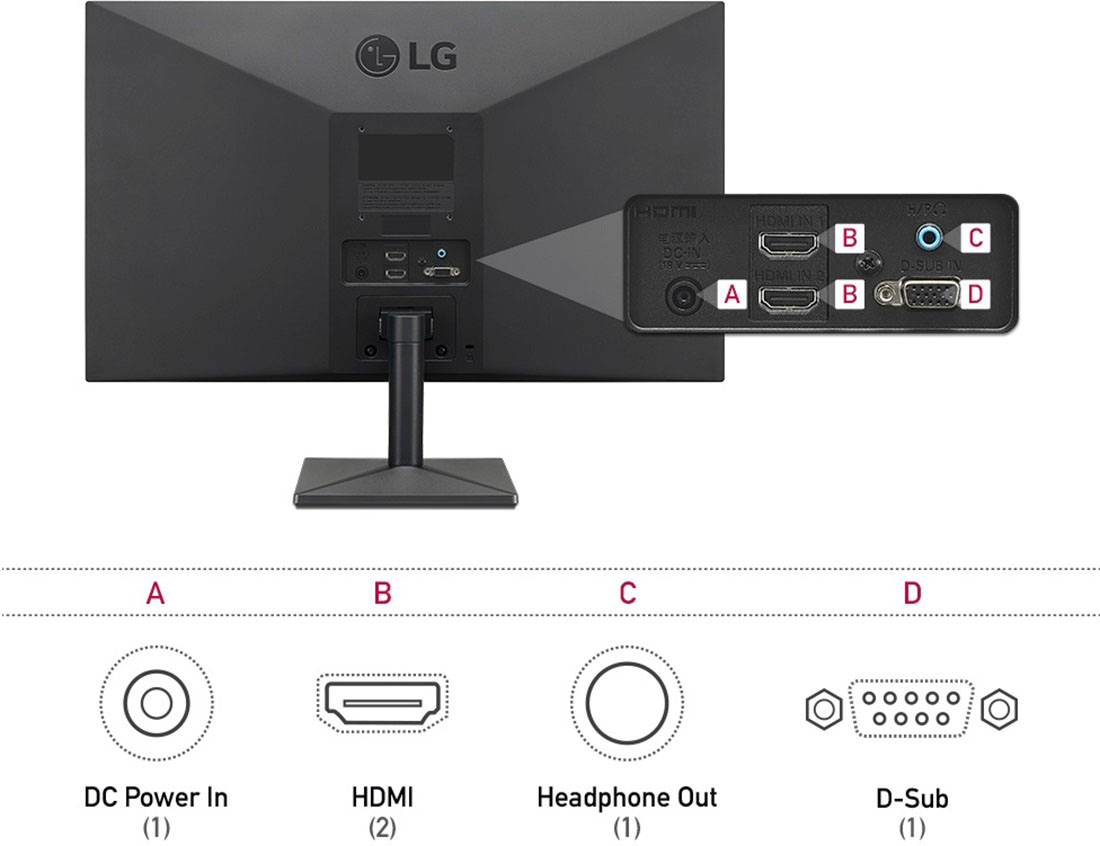
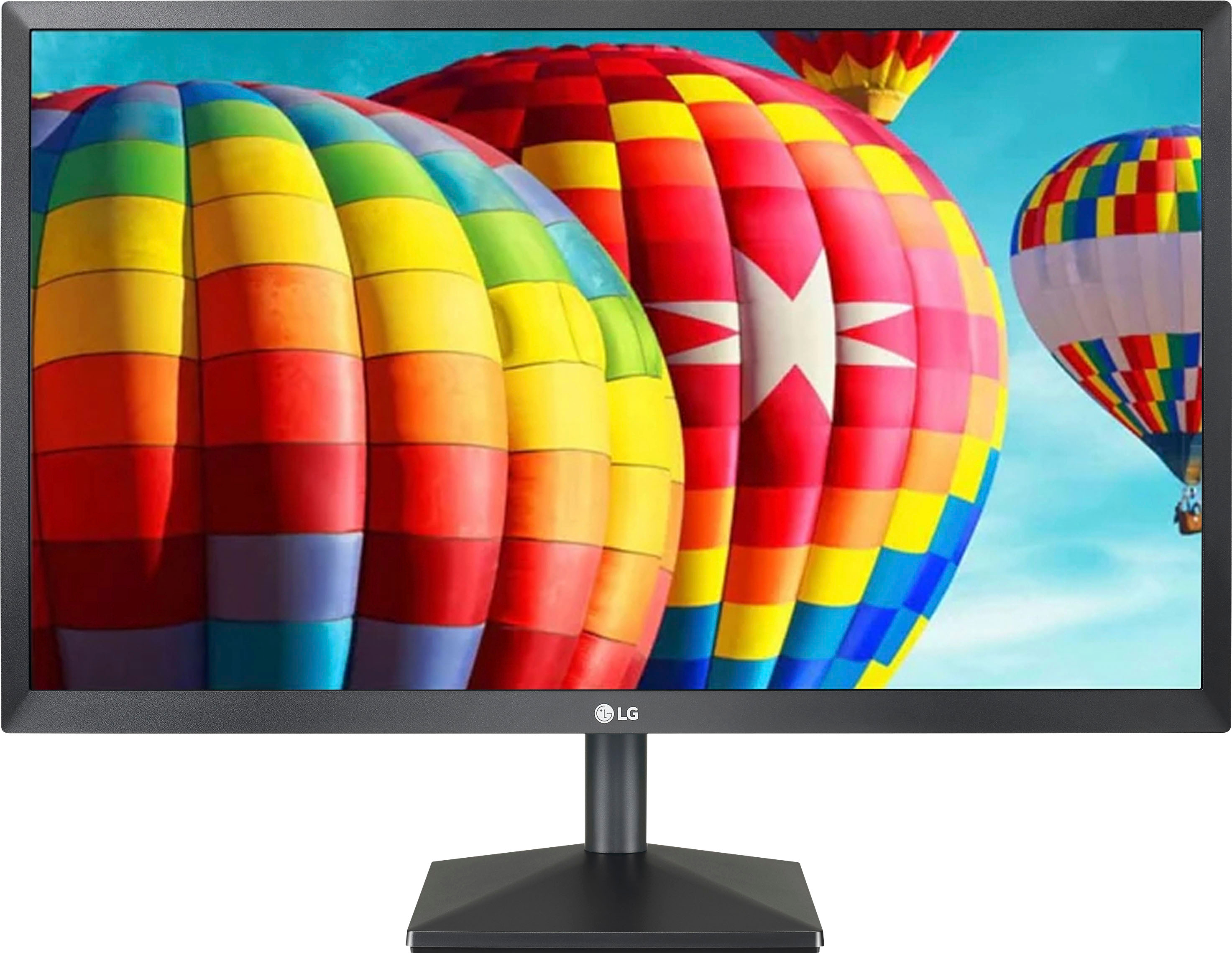
A:AnswerThat depends on which MacBook Pro you have, what its Graphics card supports and on what connectivity you have on it. The LG 24'' Class Full HD IPS LED Monitor with AMD FreeSync (23.8'' Diagonal), Model # 24ML44-B has a native resolution of 1920 x 1080 and a refresh rate of 75Hz which should be supported by your Graphics card. The monitor features 2 x HDMI ports and a 15-pin D-Sub (VGA) connector. Depending on what connectivity your MacBook Pro has, if it has HDMI ports on it, you can connect those directly to either of the HDMI ports on the monitor. If your MacBook Pro does not have HDMI ports on it, then you may need to find a conversion cable that will connect from the ports on your MacBook Pro to the HDMI ports on the monitor or use the appropriate adapters...^IFV
A:AnswerThe LG 24'' Class Full HD IPS LED Monitor with AMD FreeSync (23.8'' Diagonal), Model # 22ML44B-B has a native refresh rate of 75Hz through HDMI and a 60Hz refresh rate through the D-Sub port, that cannot be changed. You can change the refresh rate for your Graphics card to output 75Hz through the display settings on your PC/Laptop so it matches a refresh rate of 75Hz for the monitor when it is connected via HDMI if your PC/Laptop does not detect that and make an automatic adjustment. If you need assistance with that or if you don't see 75Hz you may want to consult with your PC/Laptop's manufacturer. It may be that your graphics card does not support 75Hz...^IFV
A:AnswerThe LG 24'' Class Full HD IPS LED Monitor with AMD FreeSync (23.8'' Diagonal), Model # 24ML44B-B is not an NVIDIA® G-SYNC® Compatible monitor...^IFV
A:AnswerThe LG 24'' Class Full HD IPS LED Monitor with AMD FreeSync (23.8'' Diagonal), Model # 24ML44B-B does not have a built-in microphone, a built-in camera or built-in speakers. IT has a Headphone Out (3.5 mm port) that can be connected to computer speakers...^IFV
A:AnswerHi Sunshyne. Please pardon us, but we will need clarification on what 'dual monitoring' capabilities are. If you are asking if you can do split screen on the LG 24'' Class Full HD IPS LED Monitor with AMD FreeSync (23.8'' Diagonal), Model # 24ML44B-B, you can use the split screen function in a Windows Operating System to split the screen on the monitor or download and install LG's Onscreen Control software from the monitor's support page on our site which has downloads for [Windows] OnScreen Control - version 4.78 or [Mac OS] OnScreen Control - version 3.76 which will give you split screen options...^IFV
A:AnswerThe LG 24'' Class Full HD IPS LED Monitor with AMD FreeSync (23.8'' Diagonal), Model # 24ML44B-B does not support Auto Low Latency Mode. ALLM is an HDMI 2.1 specification...^IFV
A:AnswerIf your laptop has video output, it should be able to connect to the monitor. For assistance with using a monitor, please give our computer specialists a call at 800-243-0000. ^CP
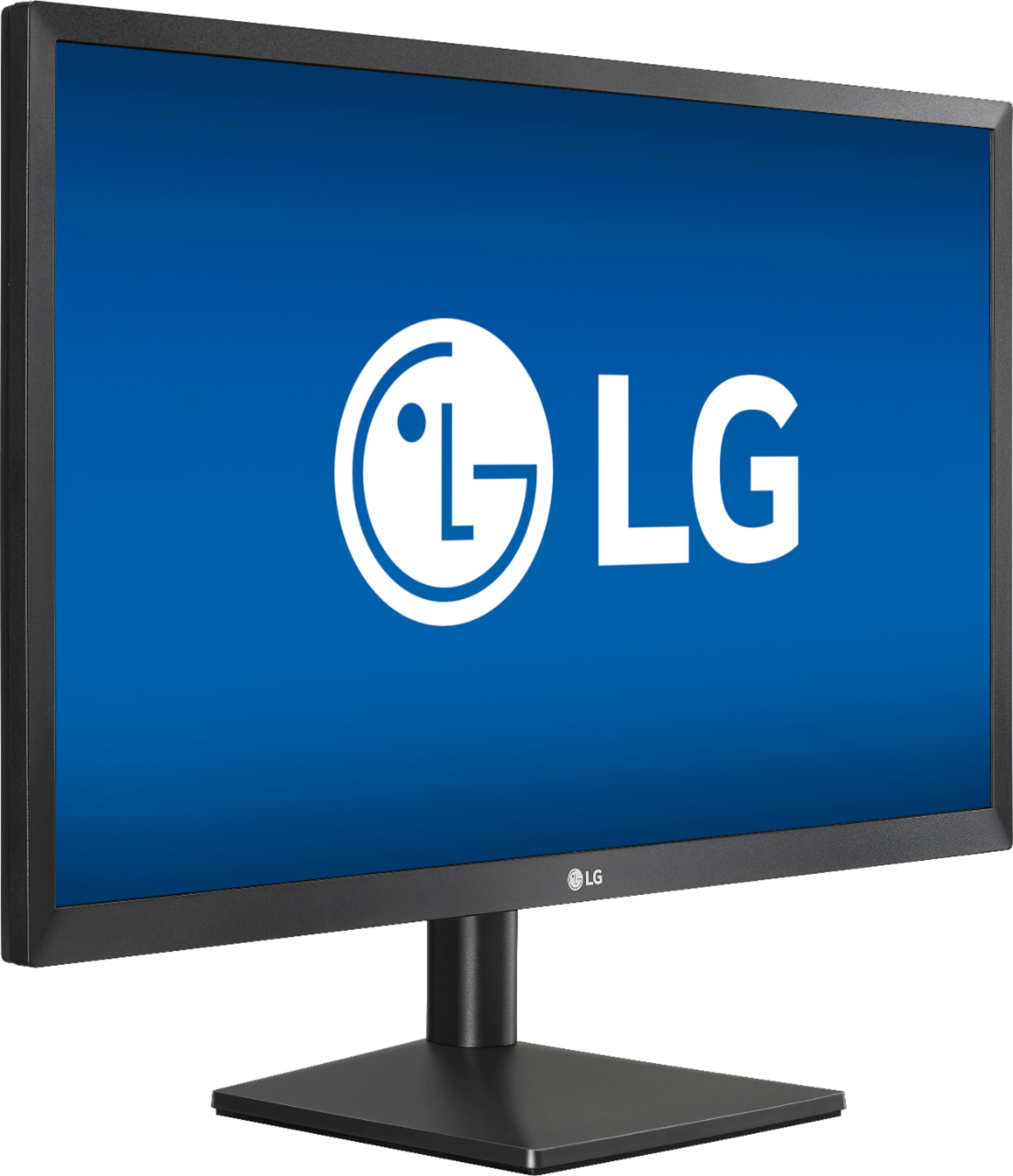
A:AnswerThe LG 24'' Class Full HD IPS LED Monitor with AMD FreeSync (23.8'' Diagonal), Model # 24ML44B-B has a native resolution of 1920 x 1080 (i.e. Full HD). It is not a 4K (i.e resolution of 3840 x 2160) monitor...^IFV
A:AnswerThe LG 24'' Class Full HD IPS LED Monitor with AMD FreeSync (23.8'' Diagonal), Model # 24ML44B-B has a native resolution of 1920 x 1080 and a native refresh rate of 75Hz.. The recommended resolution is 1920 x 1080 @ 60Hz. You have to change the refresh rate that your graphics card outputs from the display sewttings on your computer...^IFV

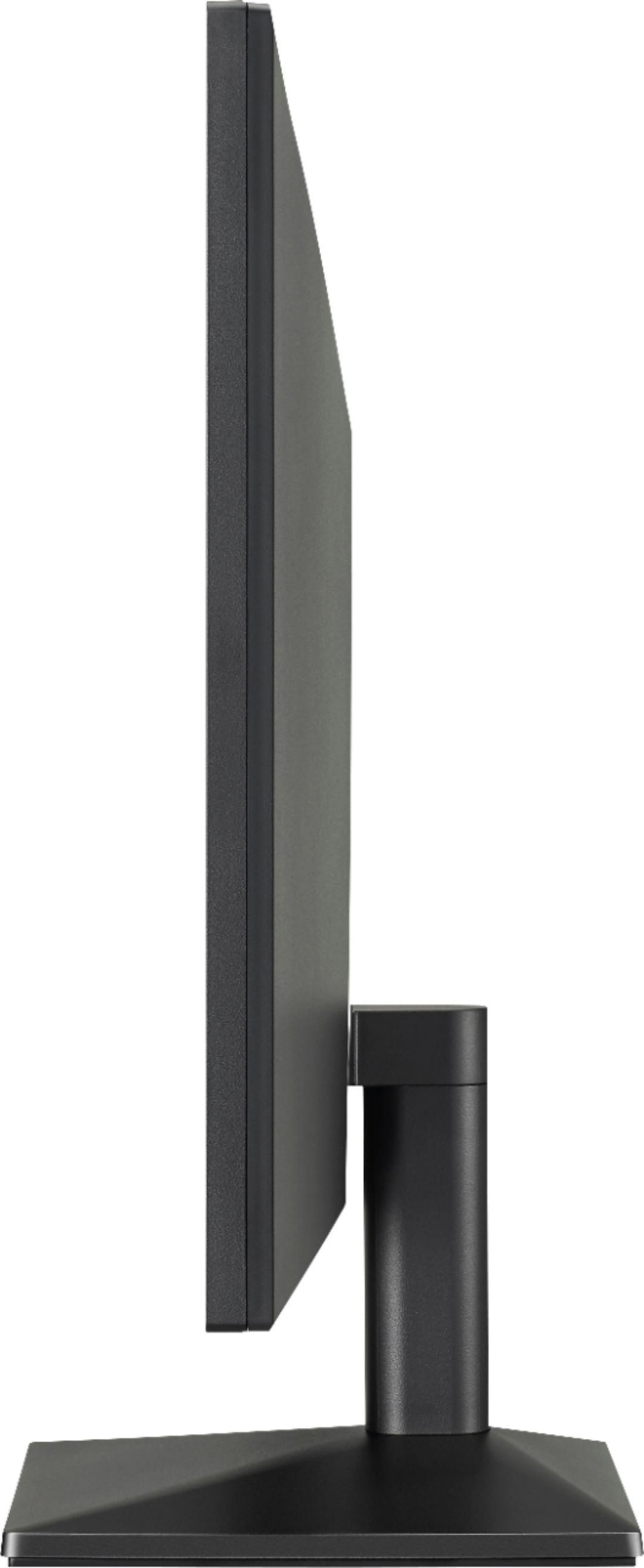
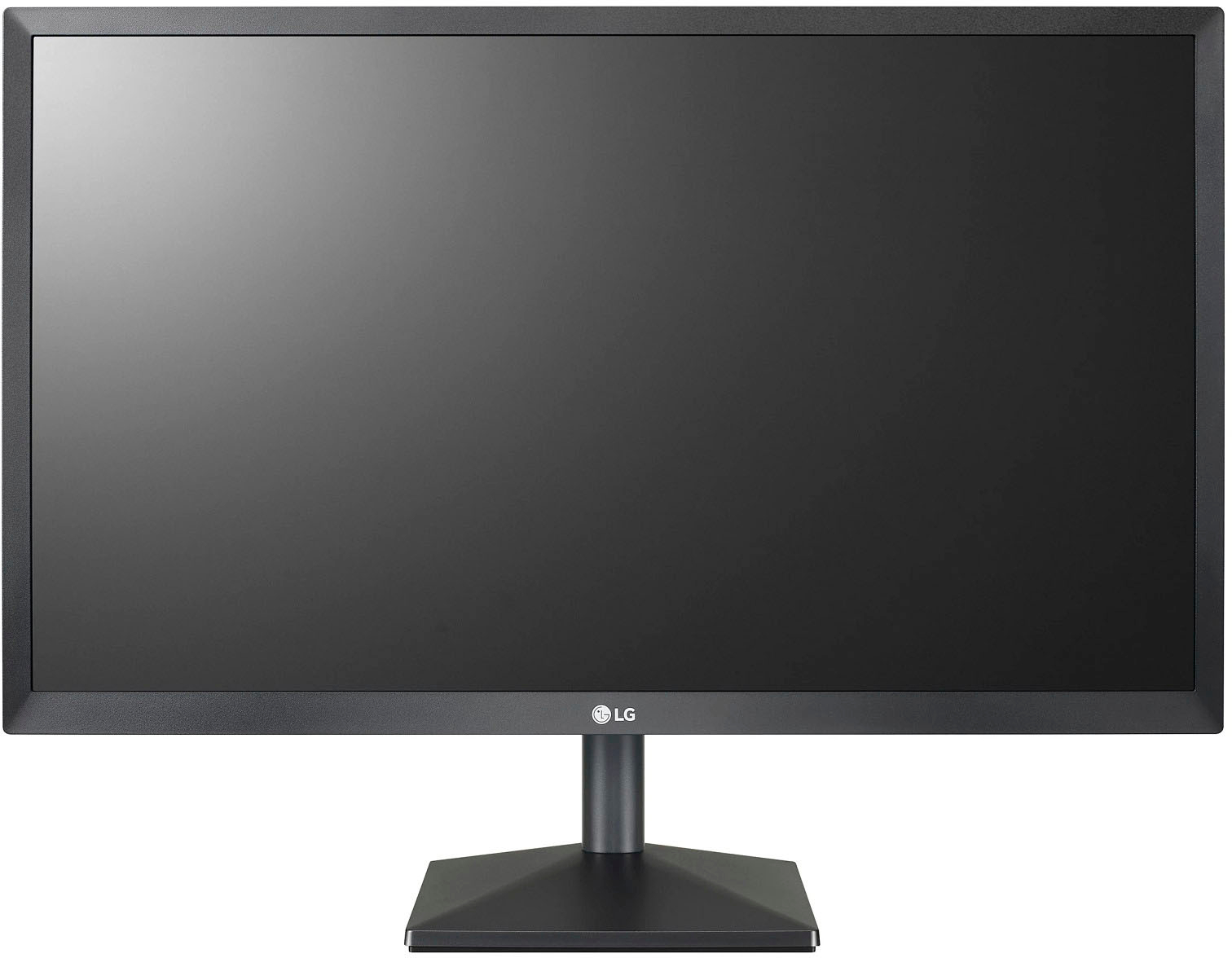
A:AnswerThe screen pivots north & south but stand height is fixed. This model has a wall mount option so I assume you could mount to a suitable piece of wood and rig up something from there to achieve the desired height.
A:AnswerIt's capable of being wall mounted as some pieces are included for that but you may have to do some modifications especially if you already have the extension arm.