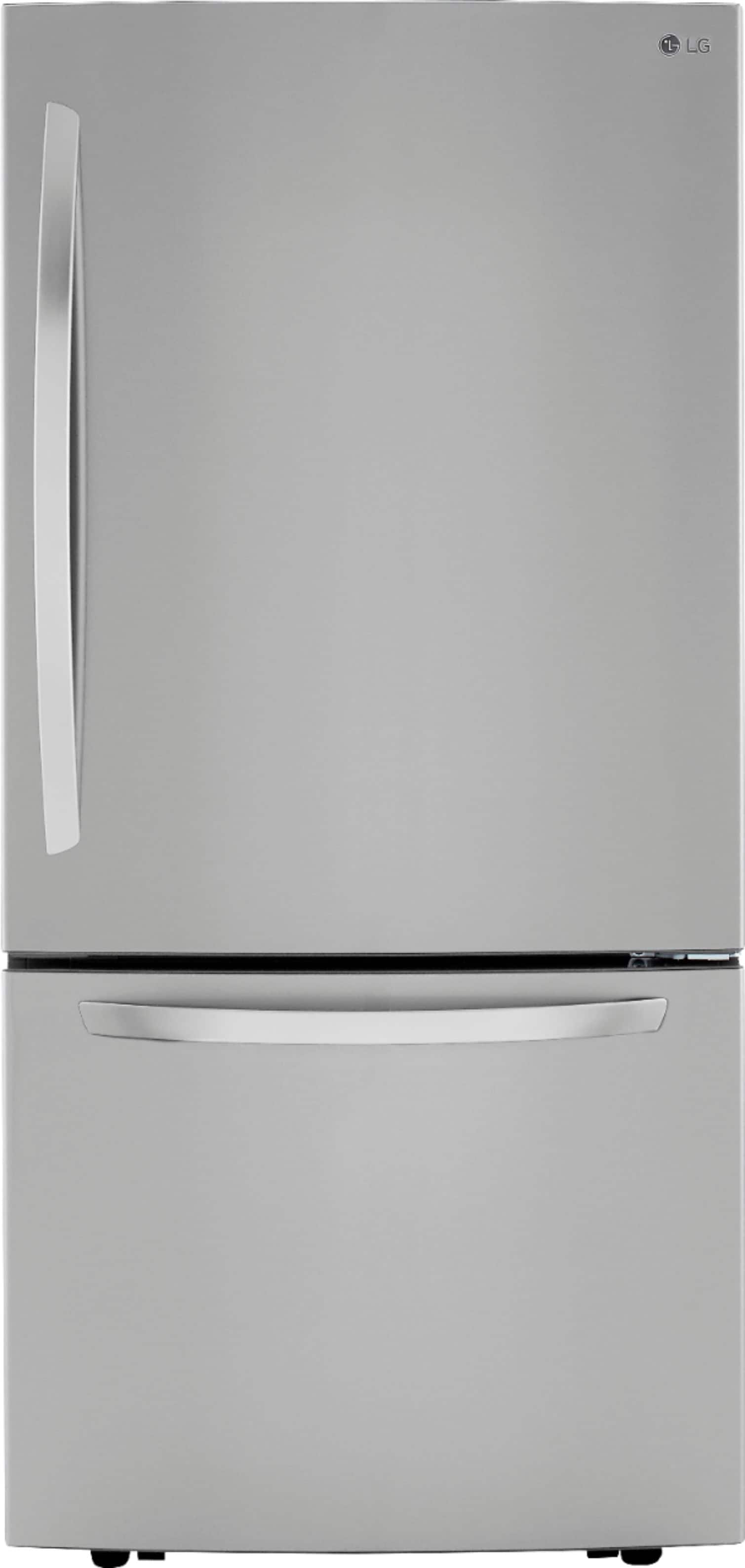
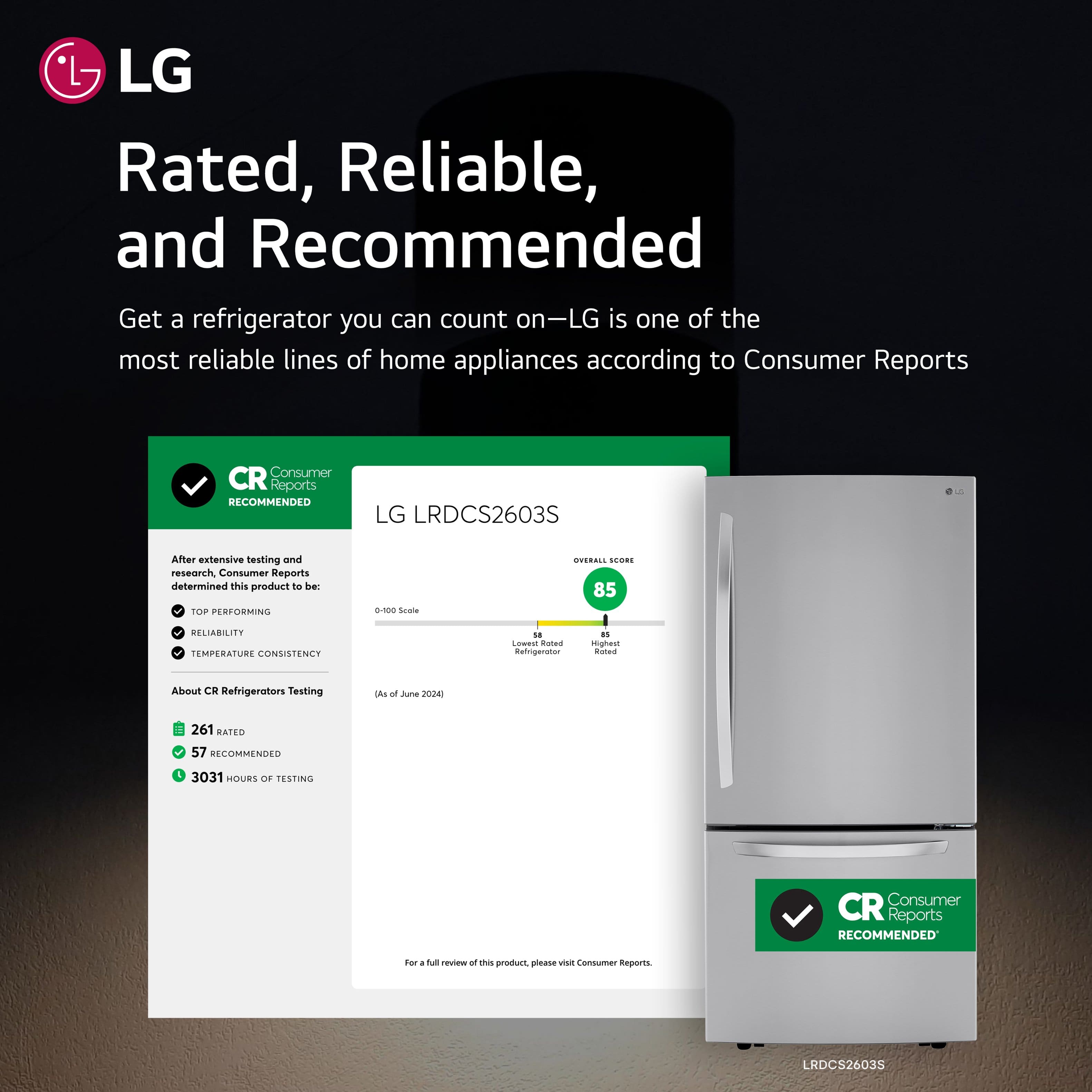
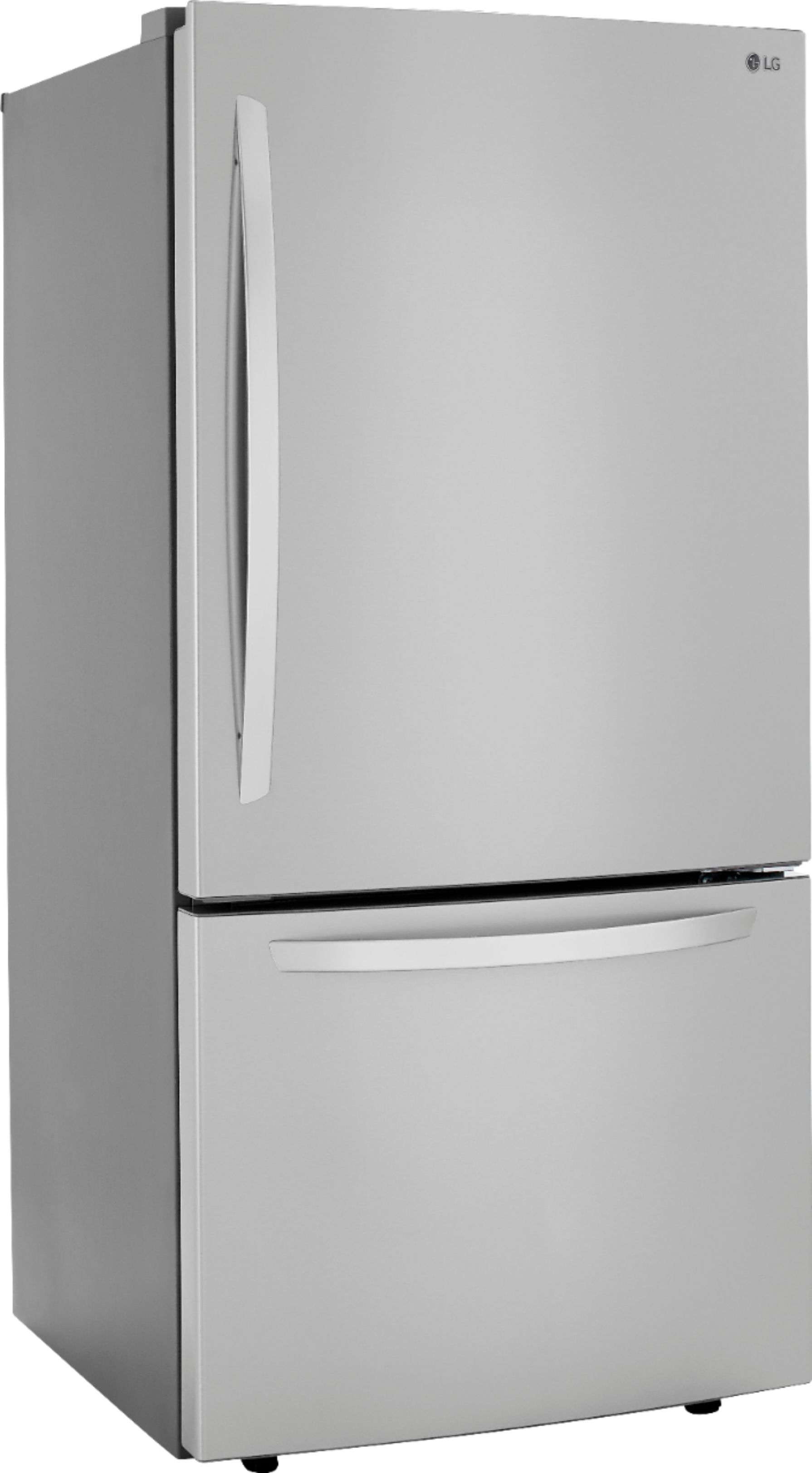
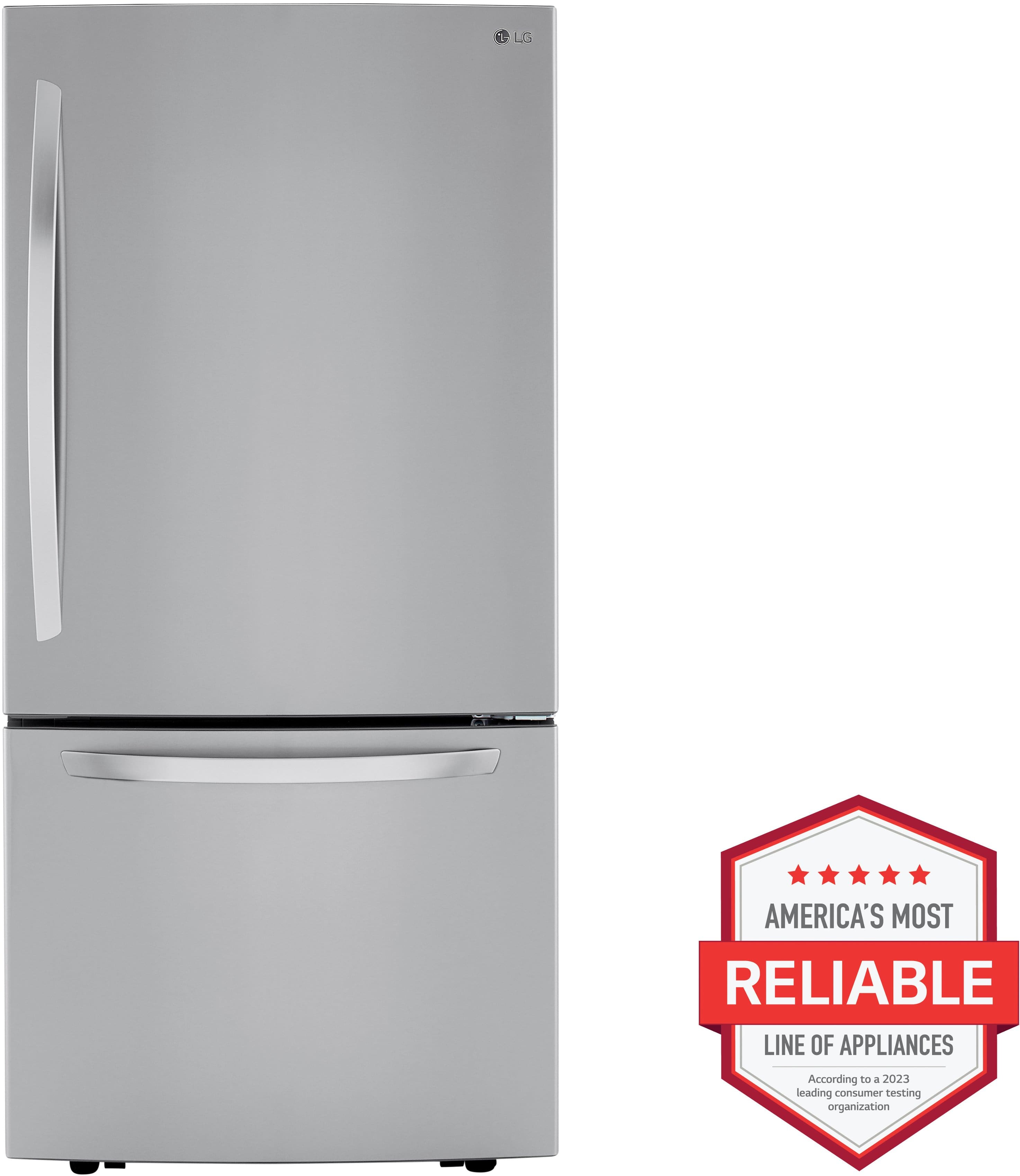
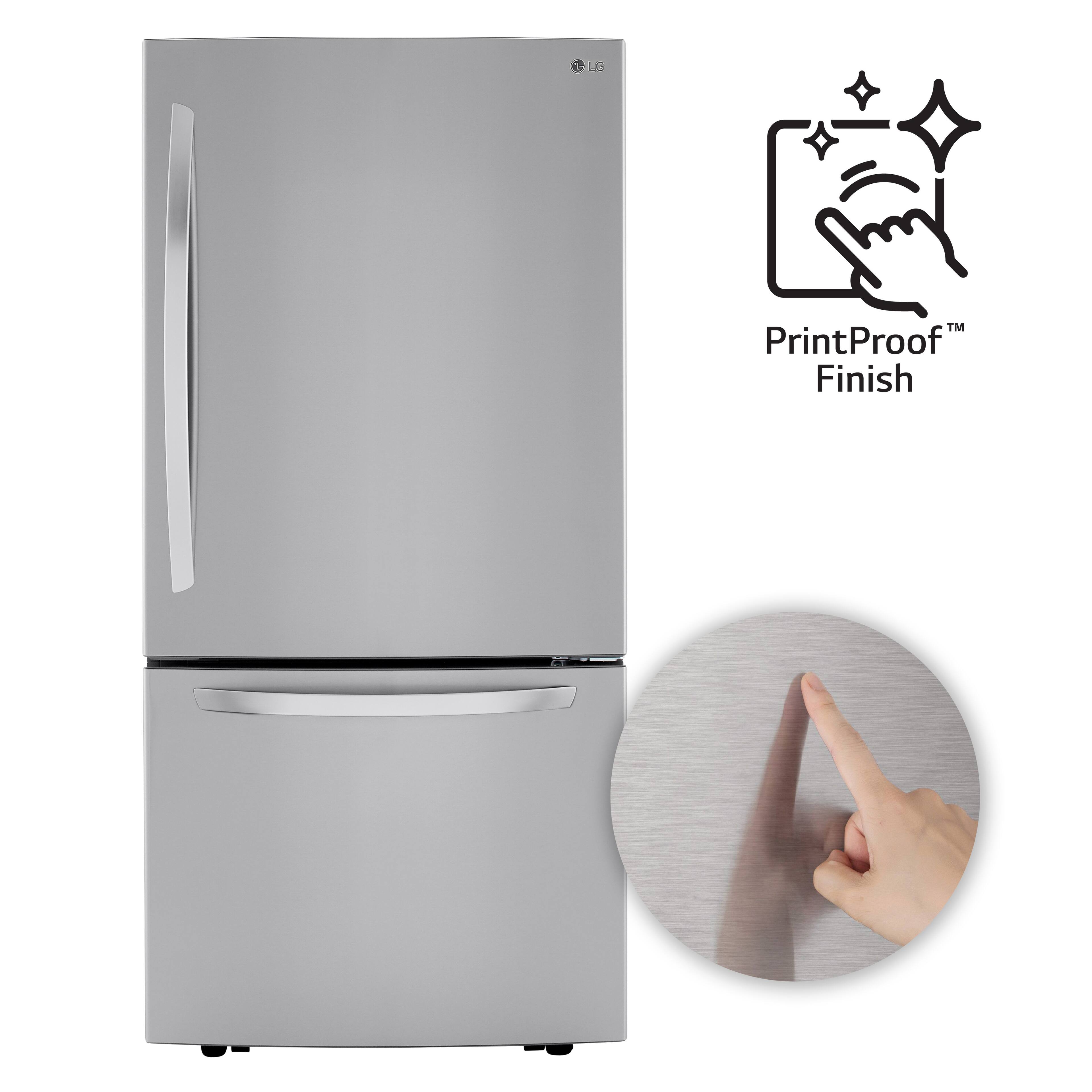
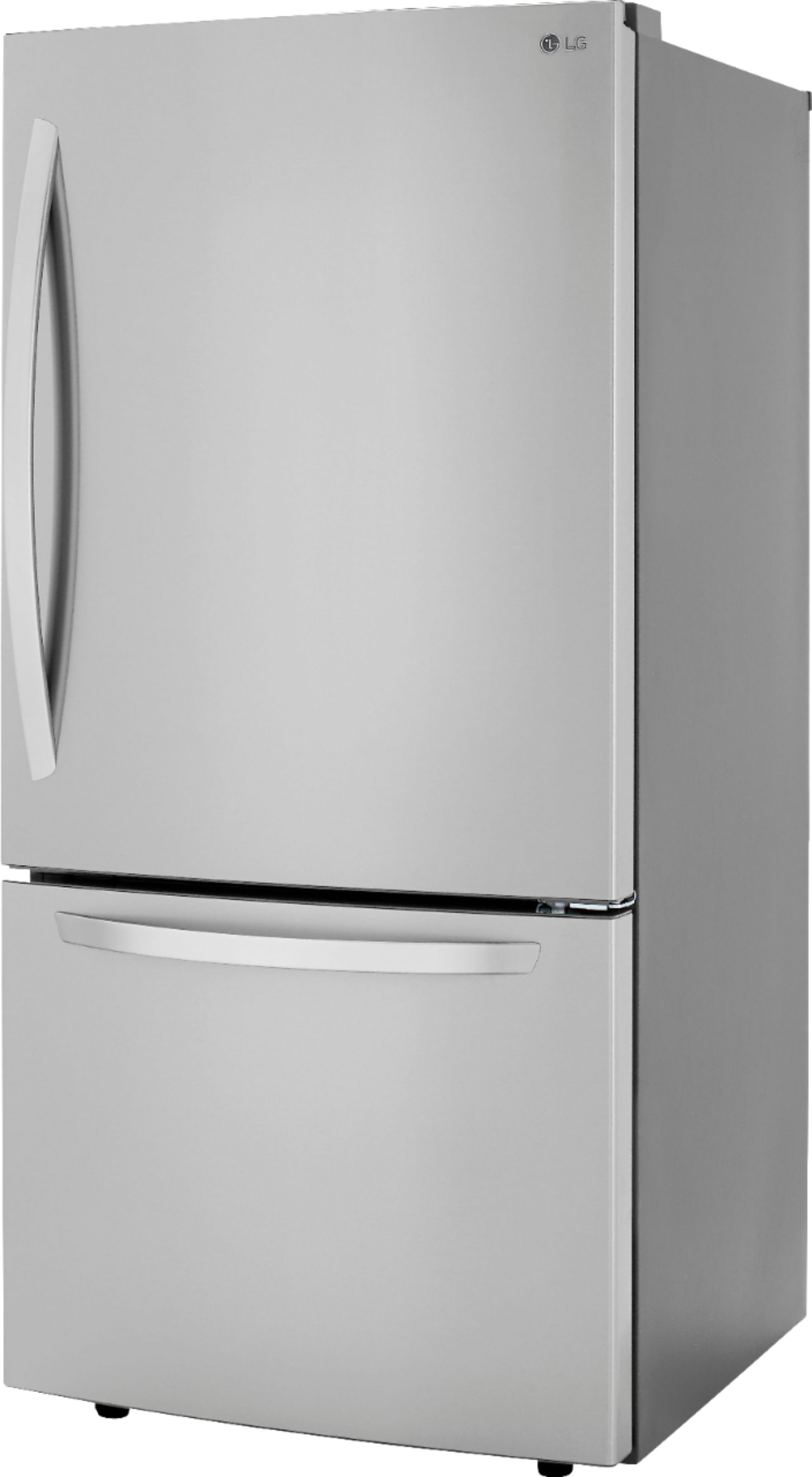
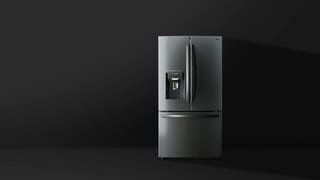
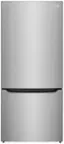
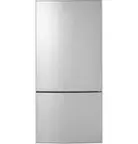
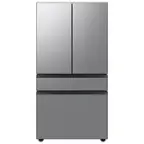
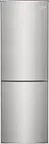
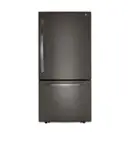
A:Answer Hi there, Ann. Thank you for your question regarding the LG LRDCS2603S Bottom Freezer Refrigerator.
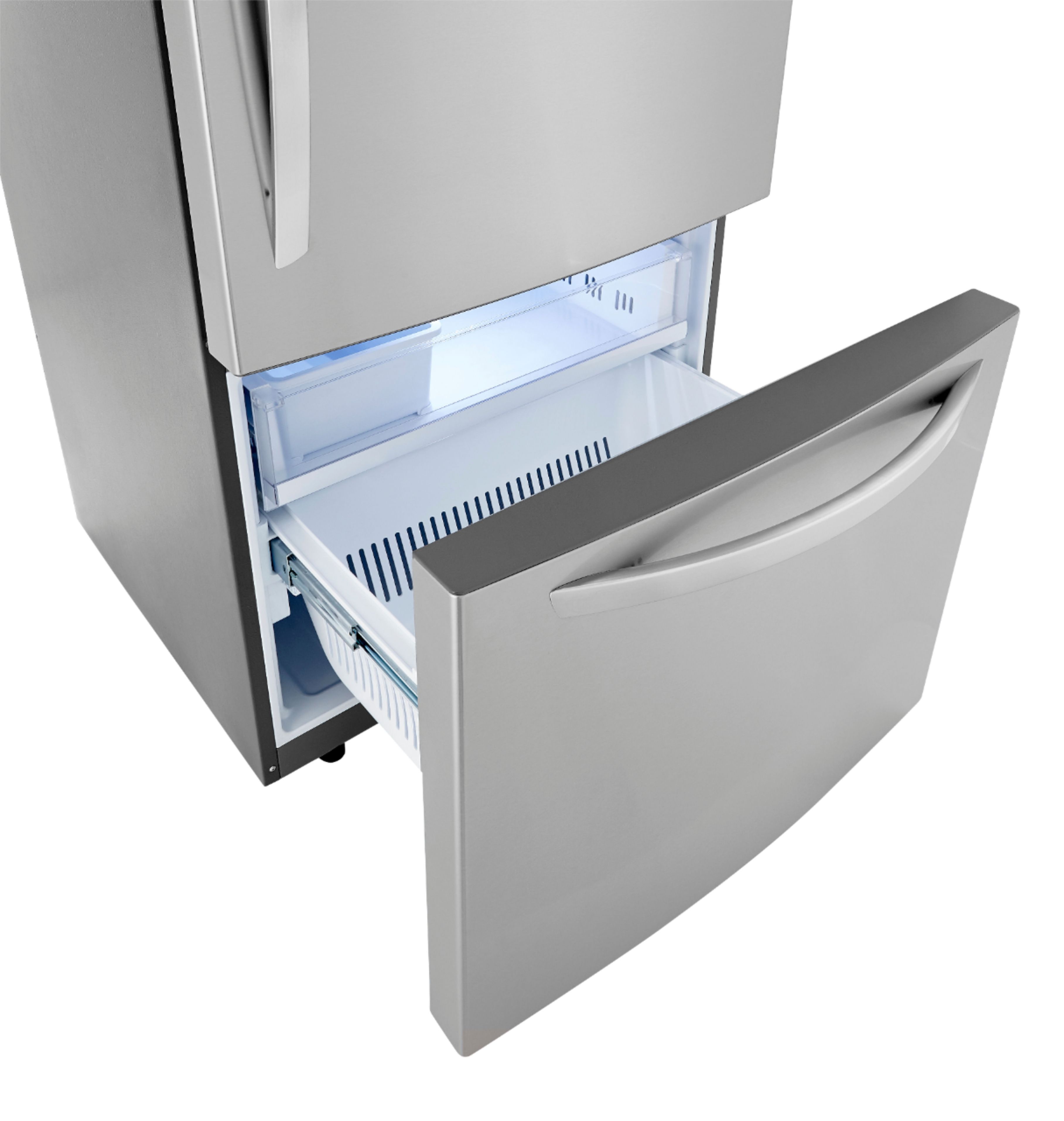
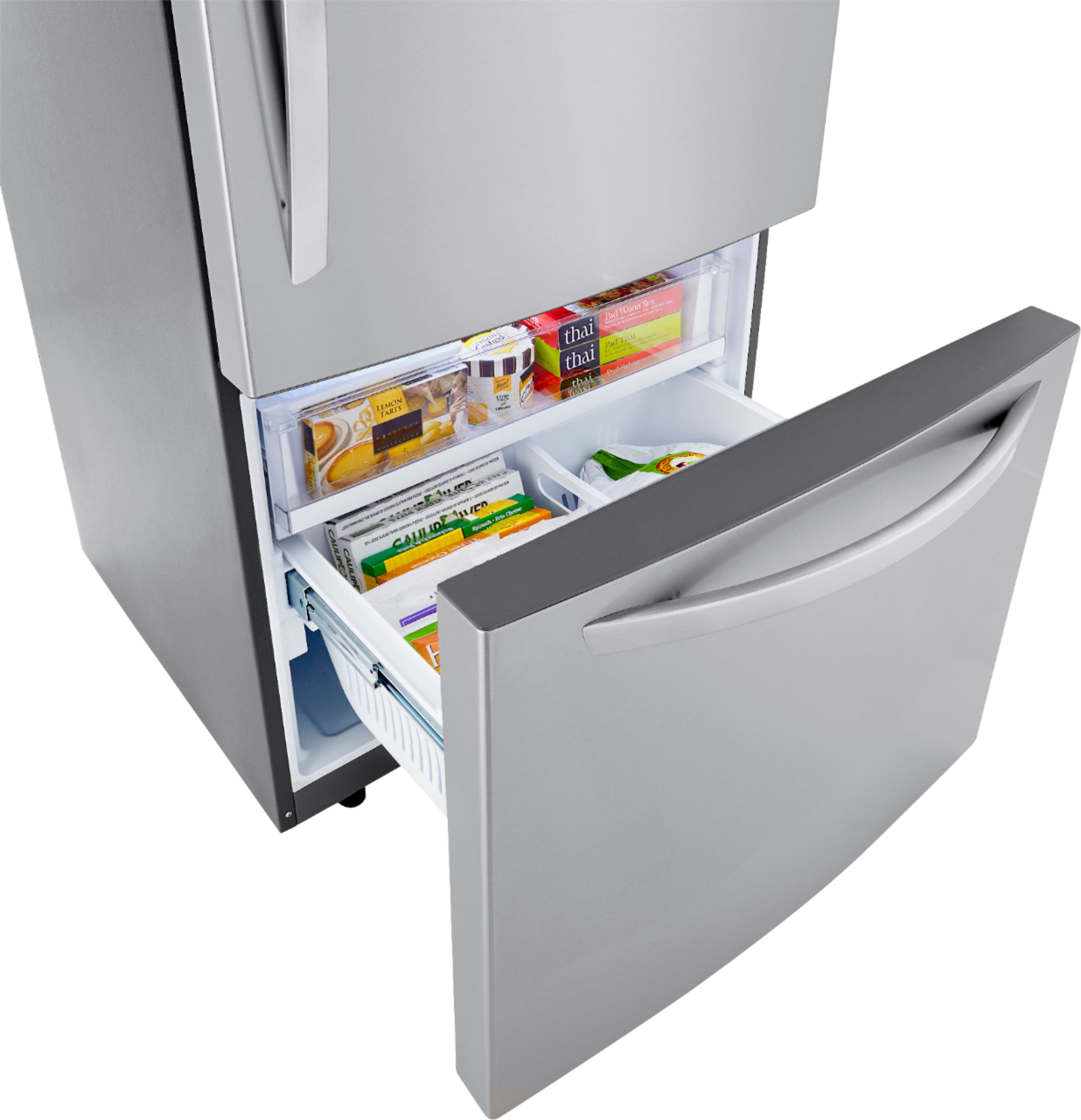
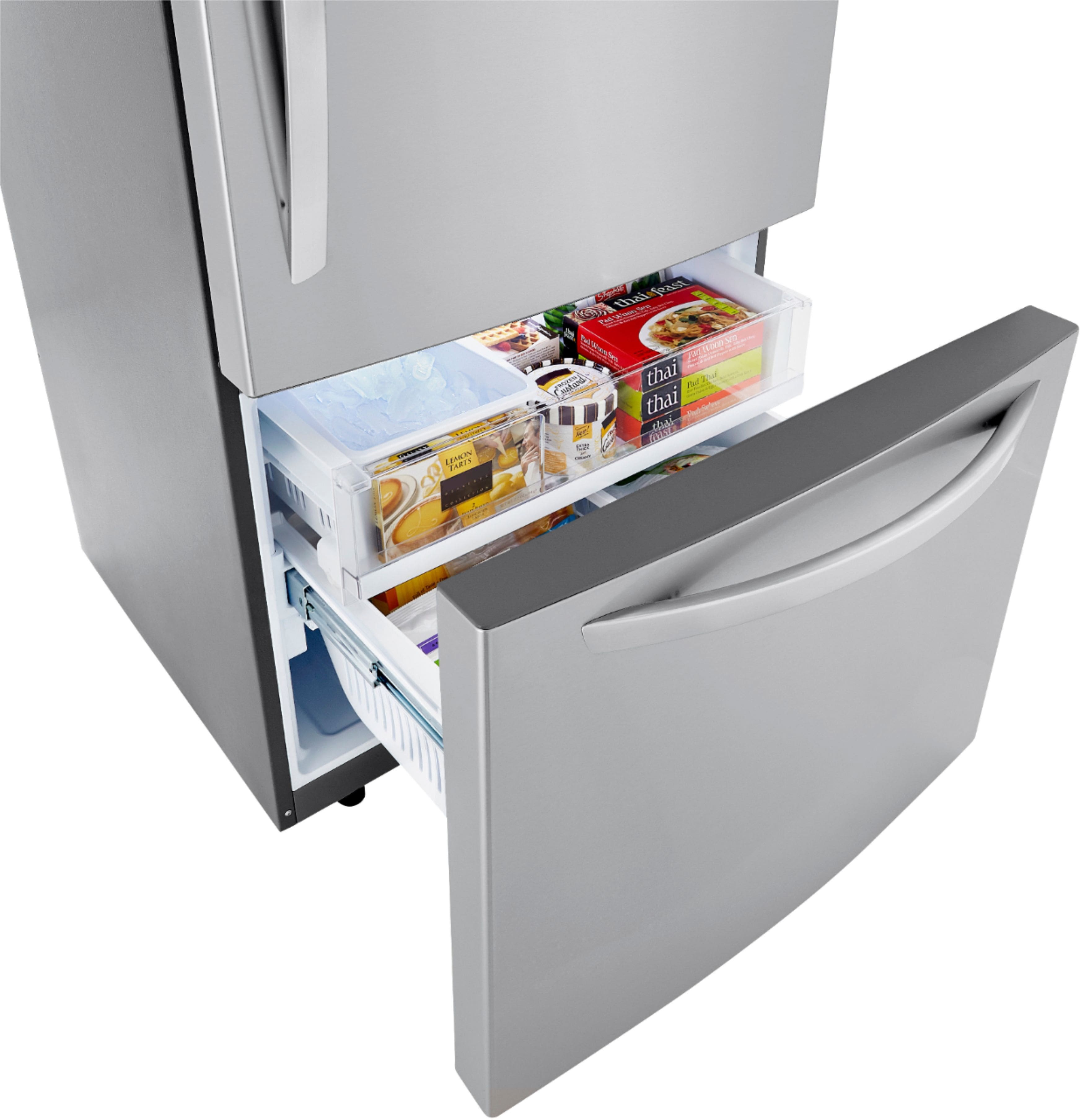
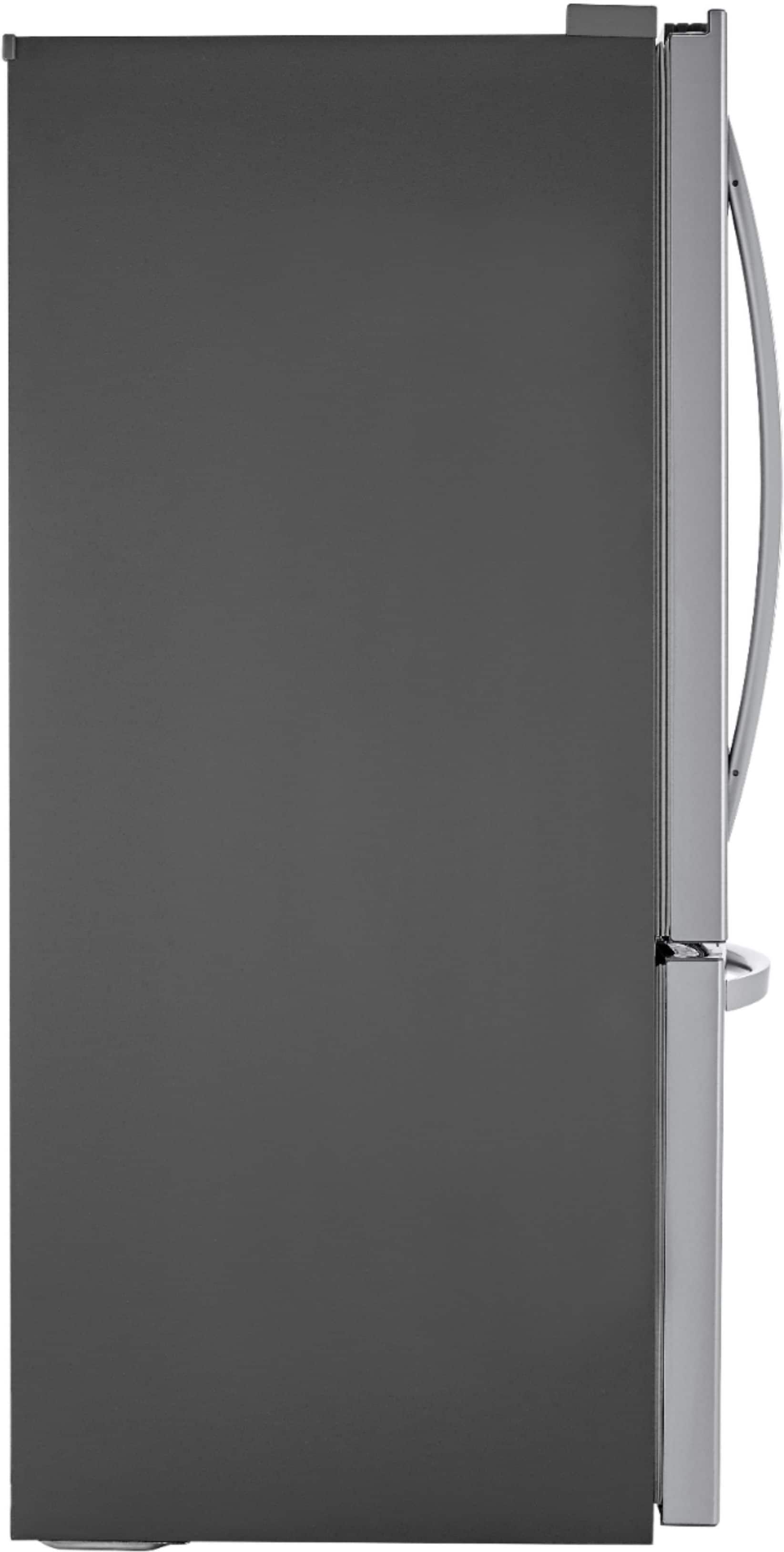
The legs of this refrigerator are designed for leveling purposes, and while they may not be completely removable, they can be adjusted to a certain extent. This can help you fit the refrigerator more snugly within your cabinet space. However, keep in mind that the refrigerator needs adequate ventilation for optimal performance, so it's essential to follow the installation clearance requirements: sides 1/8", top 1", back 1".
For the owner's manual for Leveling the Refrigerator. Download the owner's manual and refer to page 23 for installation: https://www.lg.com/us/support/product/lg-LRDCS2603S.ASTCNA0
If you have any more questions or need further assistance, feel free to send us a private message @LGUSSupport on social media!
—Renzo