Deals Worth GiftingShop now

Main Content

Questions & Answers

Page Showing 121-140 of 315 questions
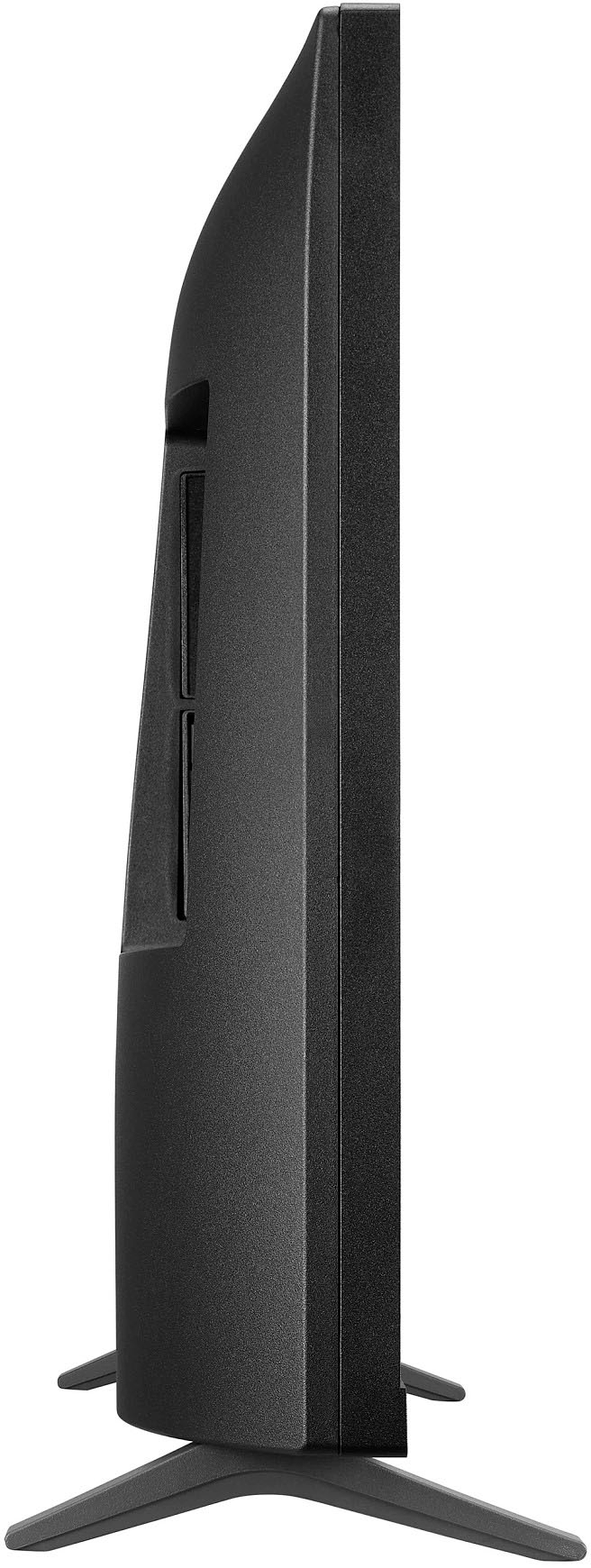
  • QuestionWhat are the length, width and hight

    Asked by Tom.

    • Answer Hello there, Thank you for sharing your experience with the LG model 27LQ625S-PU. We understand that the dimensions may not have met your expectations. Your feedback is valuable to us, and we appreciate your input. To assist you further, we recommend ensuring the unit is placed in a suitable location with ample space, as this can affect perception of size. Please send us a private message on Social Media @LGUSSupport, and our team will gladly explore any additional questions or concerns you may have. Thank you for choosing LG. —Renzo

      Answered by LG Digital Customer Care

  • QuestionHow do I set up the TV stations? I went through it initially, and I don't have some of the stations I should have. Thanks, Frank

    Asked by Frank.

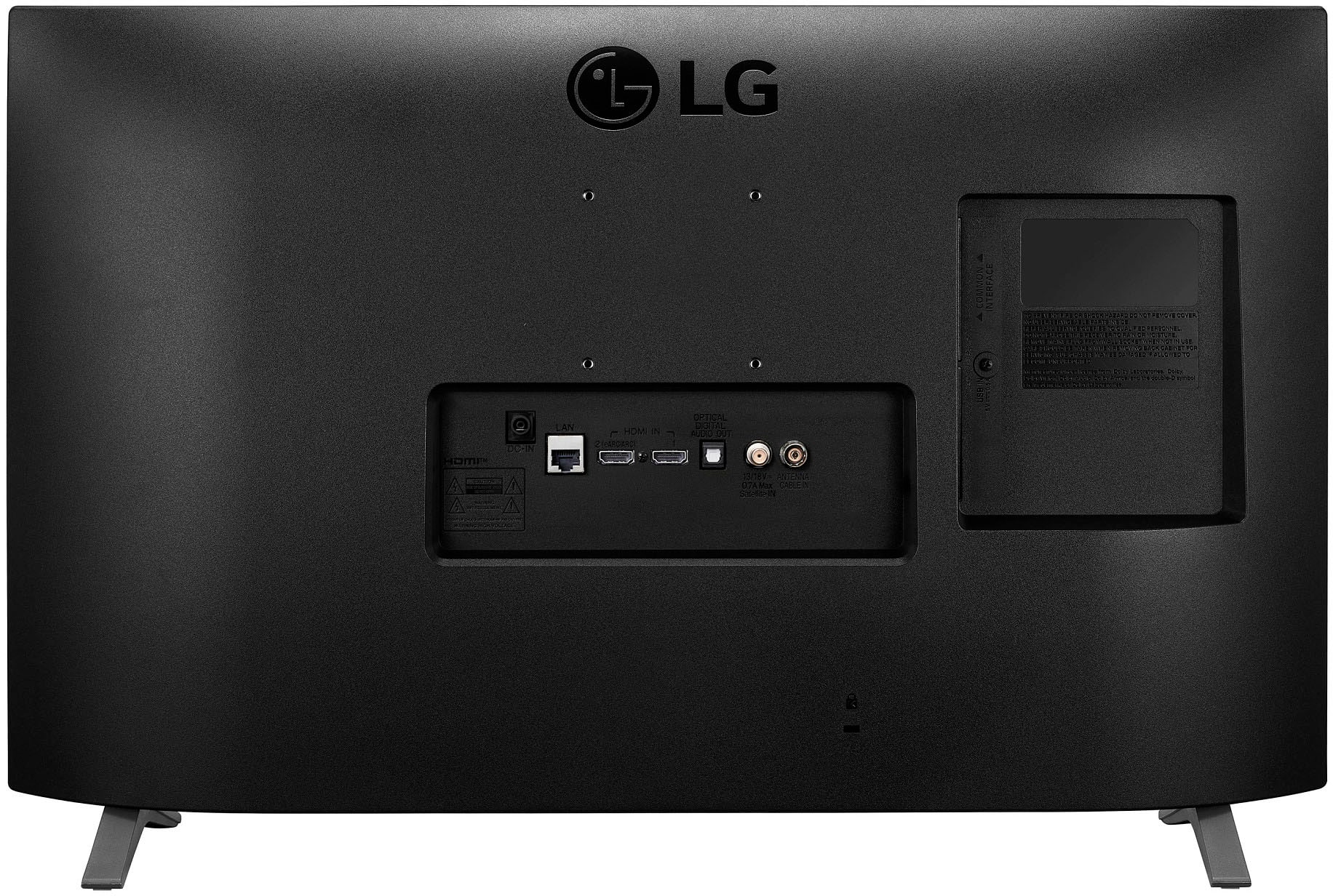
    • Answer Thank you for reaching us regarding LG Smart TV with webOS. To set up TV stations on your LG 27LQ625S-PU monitor: 1. Press the button on the back of the monitor to access the menu. 2. Go to "Channel" or "Settings" and select "Programme Tuning & Settings". 3. The monitor will automatically scan for channels. Wait for it to finish. 4. Once done, you'll see a list of detected channels in the channel menu. 5. You can organize, rename, or skip channels as needed. Note: Make sure your satellite box is properly connected and configured if you're using one. If you're still having issues, try a factory reset of the monitor. You can download its owner's manual through this link for more information: https://www.lg.com/us/support/product/lg-27LQ625S-PU.AUS. For additional assistance, please reach out to us on social media @LGUSSupport so we can help you further. ^Cris

      Answered by LG Digital Customer Care

  • QuestionWhat are the mounting screw size for 27LQ625S-P

    Asked by Mandy.

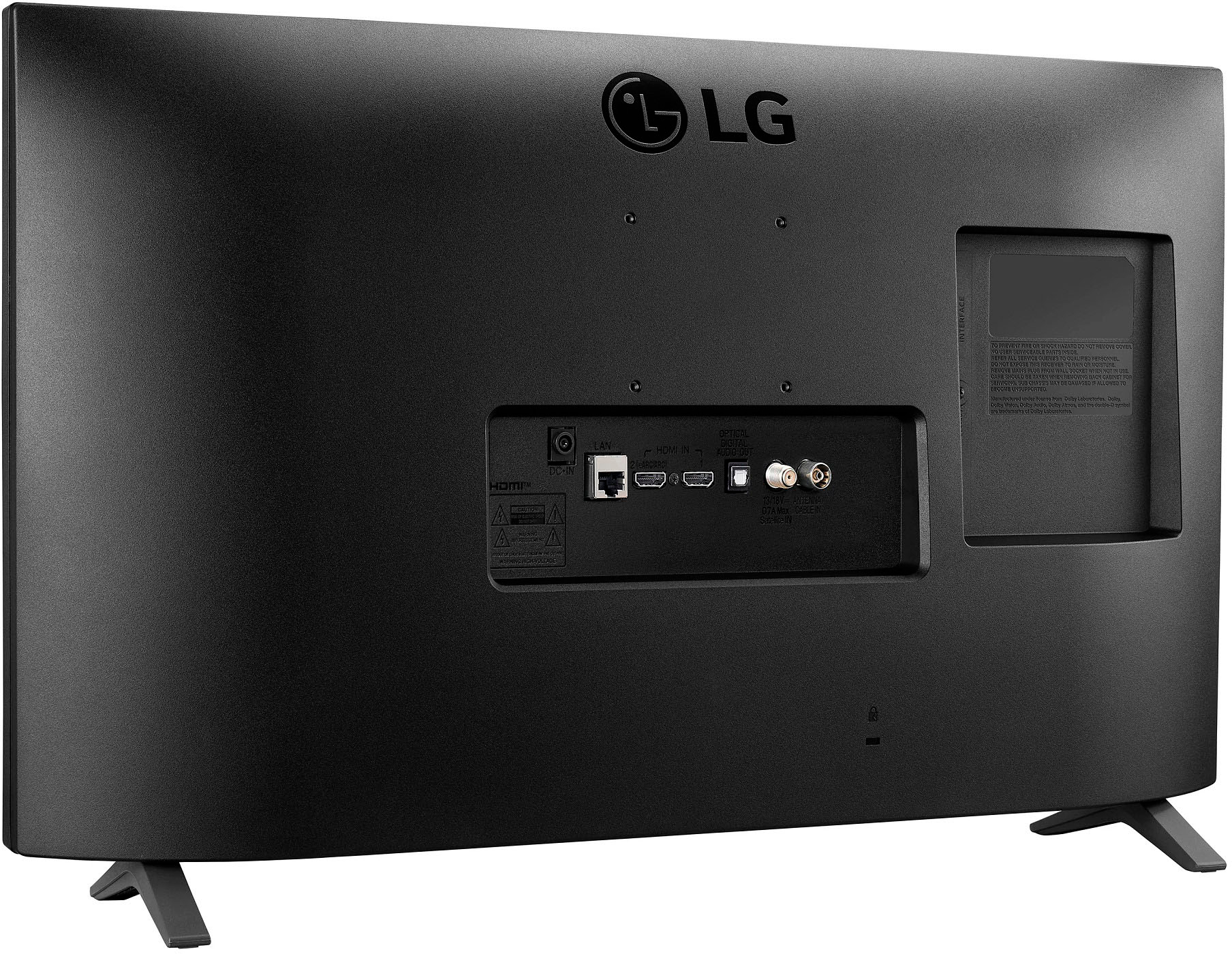
    • Answer Thank you for reaching us regarding LG Smart TV with webOS. The mounting screw size you need for wall-mounting the LG 27LQ625S-PU monitor is M4, based on its 75x75 mm VESA mount pattern size listed in the specifications. M4 screws are the standard for securely attaching VESA mounts to displays with this 75x75 mm hole configuration. You can download its owner's manual through this link for more information: https://www.lg.com/us/support/product/lg-27LQ625S-PU.AUS. For additional assistance, please reach out to us on social media @LGUSSupport so we can help you further. ^Cris

      Answered by LG Digital Customer Care

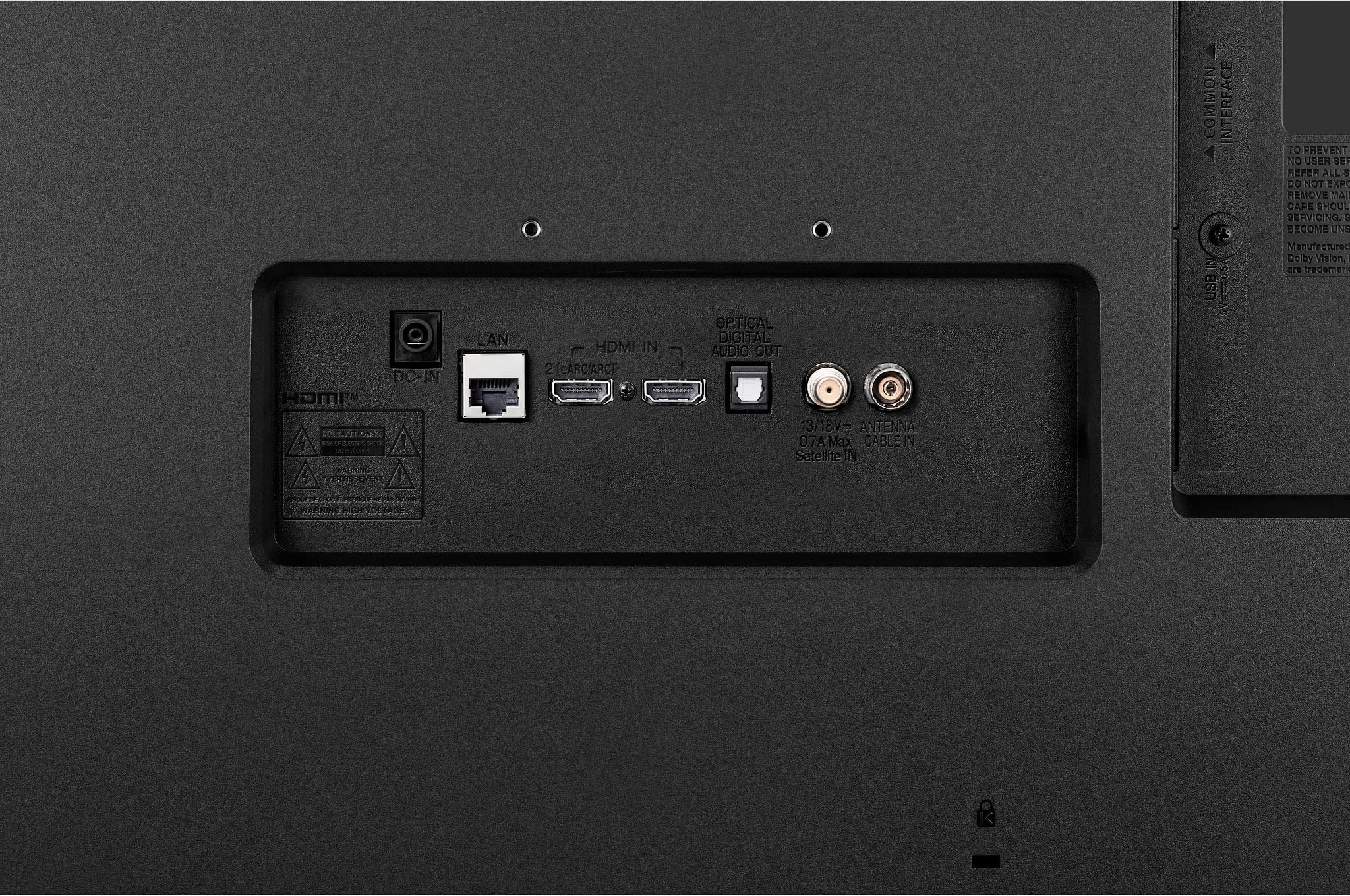
  • QuestionI have a DVD/VCR combo with RCA cables. Is there some cable I can connect the RCA cables to so that I can connect it to the tv?

    Asked by Dockie.

    • Answer Hi, Dockie. Thank you for reaching out with your question about connecting your DVD/VCR combo to your LG TV model 27LQ625S-PU. To connect RCA cables to your TV, you can use an RCA to HDMI converter. This device will allow you to connect the RCA cables from your DVD/VCR combo to the converter, and then use an HDMI cable to connect the converter to your TV. If you need further assistance or have any other questions, please send us a private message on our social media platform via @LGUSSupport. We are here to help! ^Sam

      Answered by LG Digital Customer Care

  • QuestionWhat is its power supply 110volts or 240 volts

    Asked by Anonymous.

    • Answer Hello there, thank you for reaching out about the 27LQ625S-PU monitor. This model operates on a power supply of 240 volts. If you have any further questions or need assistance, please feel free to send us a private message on Social Media @LGUSSupport. We're here to help! —Avril

      Answered by LG Digital Customer Care

  • QuestionDoes this TV have DirectTV Streaming available as an App?

    Asked by Jac.

    • Answer Thank you for reaching us regarding LG Smart TV with webOS. No, the LG 27LQ625S-PU TV does not have the DirecTV Stream app available. You can download its owner's manual through this link for more information: https://www.lg.com/us/support/product/lg-27LQ625S-PU.AUS. For additional assistance, please reach out to us on social media @LGUSSupport so we can help you further. ^Cris

      Answered by LG Digital Customer Care

  • QuestionDoes the tv come with the bolts needed for a wall mount?

    Asked by Rcshow.

    • Answer No

      Answered by Didnotpurchase

  • QuestionI have this exact model from about 10 years ago. TV is fine, but I have to turn it off/turn it on many, many times before it will click on. I've called Verizon and it's not the box. Is there any way to fix this? Otherwise, the TV is great!

    Asked by Stella.

    • Answer Hello there! Thank you for reaching out and sharing your experience with your LG TV model 27LQ625S-PU. The issue you're describing could be related to several factors, such as the power supply, internal components, or connectivity. Here are a few troubleshooting steps you can try: https://www.lg.com/us/support/help-library/lg-tv-why-does-my-tv-have-no-power--1441914332865#:~:text=Check%20the%20power%20outlet,Repair%20page%20to%20schedule%20service. -Junel

      Answered by LG Digital Customer Care

  • QuestionCAN THIS TV BE HUNG ON A WALL MOUNT?

    Asked by Anonymous.

    • Answer Thank you for reaching us regarding LG Smart TV. Yes, the LG 27LQ625S-PU TV is wall mountable. You can download its owner's manual through this link for more information: https://www.lg.com/us/support/product/lg-27LQ625S-PU.AUS. For additional assistance, please reach out to us on social media @LGUSSupport so we can help you further. ^Cris

      Answered by LG Digital Customer Care

  • QuestionWhat is width of the TV

    Asked by JIM.

    • Answer Slightly over 24 inches.

      Answered by DanaG

  • QuestionDoes this product come with a warranty since it is open-box?

    Asked by Warranty.

    • Answer Hello. We appreciate your inquiry. When it comes to the warranty for an open box item, there are specific units that still come with a warranty even if they are open box. The availability of warranty would vary based on the place of purchase. We recommend verifying this information before making a purchase to ensure clarity. If you have any more questions, feel free to reach out to us via direct message @LGUSSupport on Facebook or X.^Con

      Answered by LG Digital Customer Care

  • QuestionDoes it have wi fi connection?

    Asked by Sean.

    • Answer yes

      Answered by MichaelF

  • QuestionDoes the LG27q625s have the next generation atsc 3.0 system?

    Asked by Marty.

    • Answer Thank you for your interest in the LG Smart TV. The LG 27LQ625S-PU does not support the next-generation ATSC 3.0 system. You can download its owner's manual through this link for more information: https://www.lg.com/us/support/product/lg-27LQ625S-PU.AUS. For additional assistance, please reach out to us on social media @LGUSSupport so we can help you further. ^Cris

      Answered by LG Digital Customer Care

  • QuestionCan the xfinity streaming be used on this?

    Asked by foodiefred.

    • Answer Yes

      Answered by JohnT

  • QuestionIs the hdhomerun app on this tv

    Asked by Bruce.

    • Answer Hello, Bruce! Thank you for your inquiry. Yes, you can download the HDHomeRun app on your LG 27LQ625S-PU TV. To install this application, you can visit the following links for detailed instructions: https://www.lg.com/us/support/help-library/lg-tv-how-to-installdelete-apps-on-my-lg-smart-tv-CT10000018-20153096004539 or https://www.lg.com/us/support/help-library/lg-tv-how-to-download-smart-apps-CT10000018-20153174119431 These resources will provide you with the necessary guidance to successfully install the HDHomeRun app on your LG TV, allowing you to enjoy a wide range of movies and TV shows. We hope this helps! -Shae

      Answered by LG Digital Customer Care

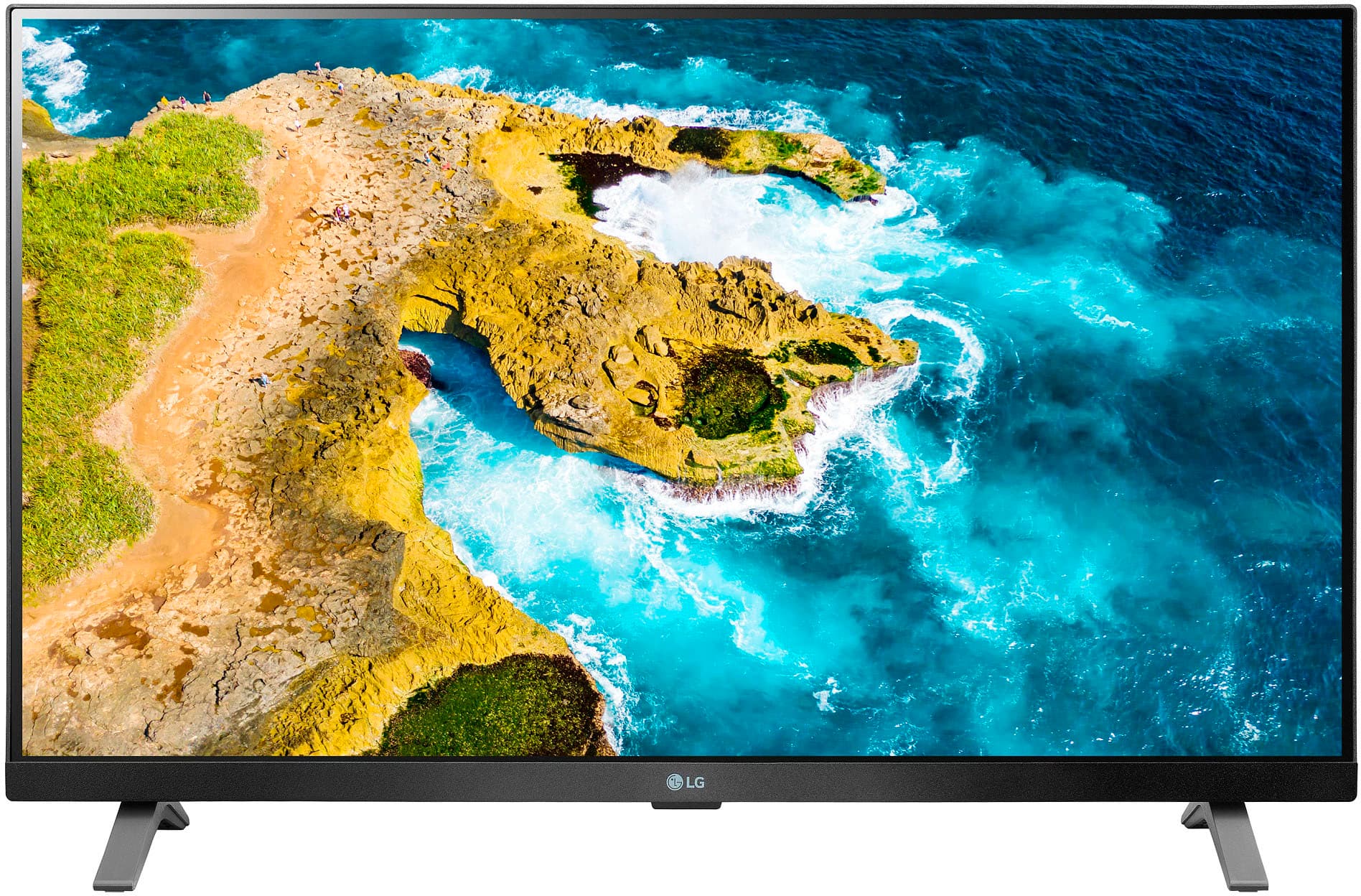
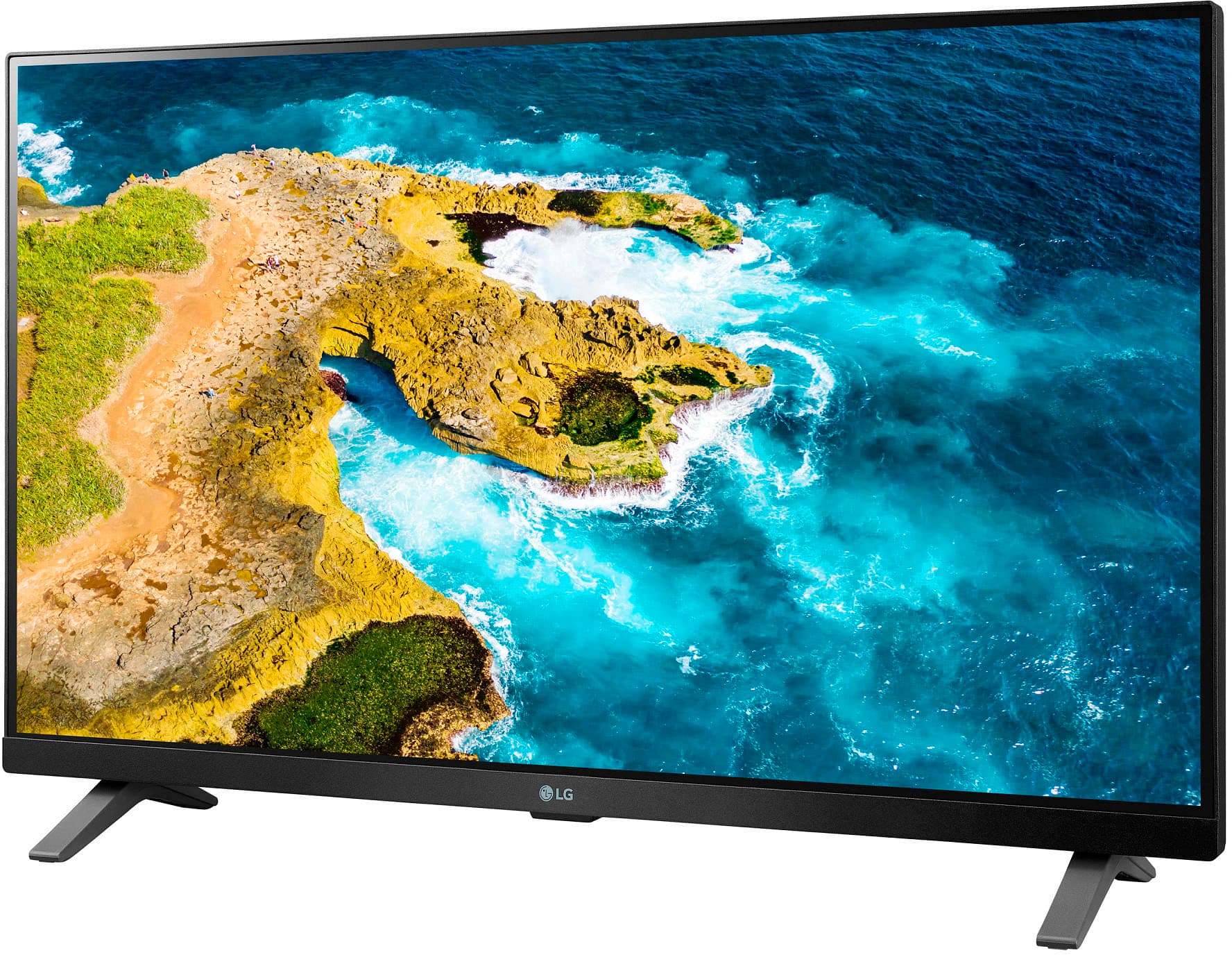
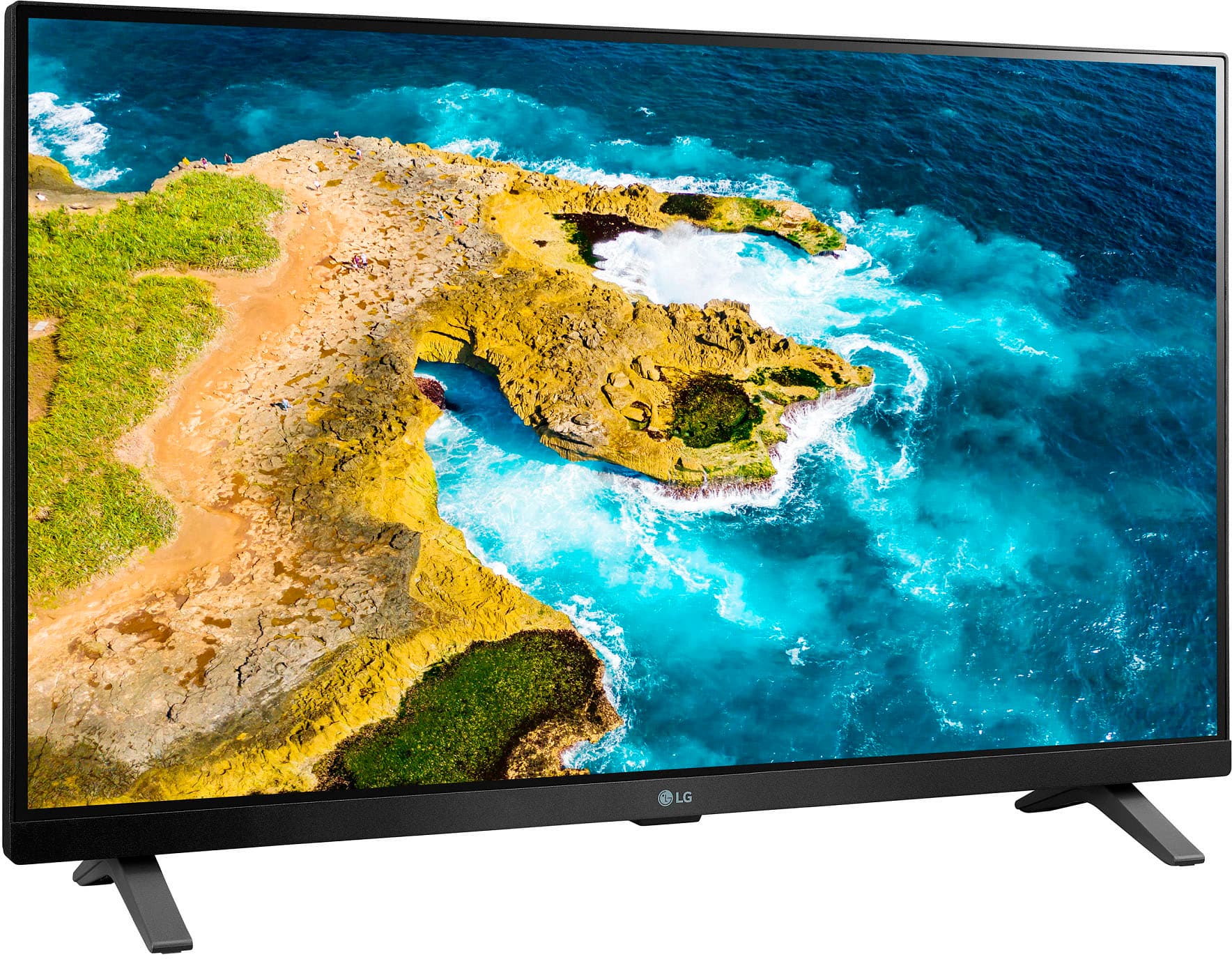
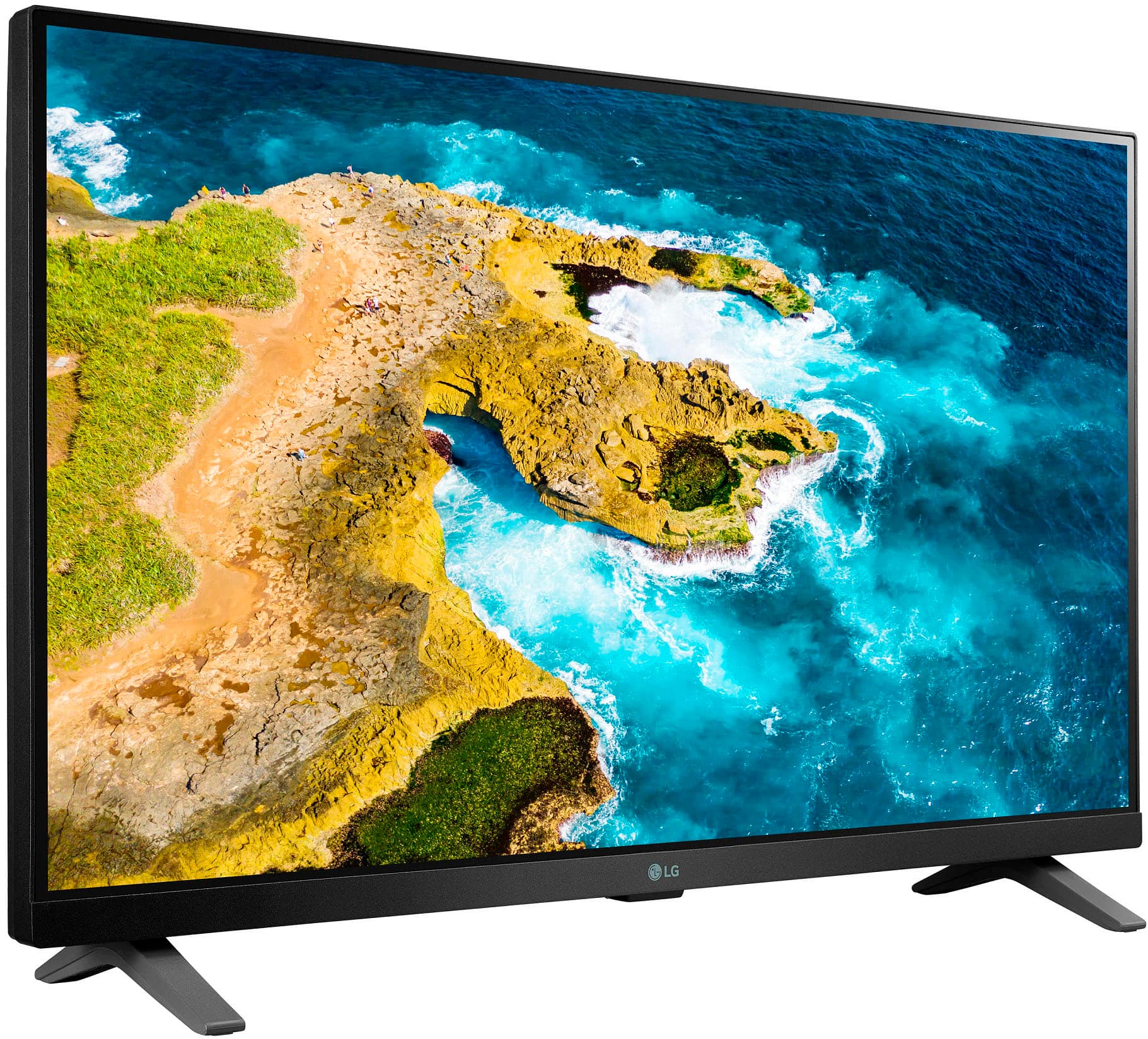
  • QuestionThe base of this tv appears wider than the top. Is this wall mountable or a built in stand for table top?

    Asked by DT.

    • Answer Hello there, thank you for your question regarding the 27LQ625S-PU TV. This model is designed with a built-in stand for tabletop use, but it is also wall-mountable. The base may appear wider for stability, ensuring the TV is securely positioned when placed on a table. If you plan to mount it on the wall, make sure to use a compatible VESA mount to ensure a proper fit. If you have any further questions or need assistance with installation options, please send us a private message on Social Media @LGUSSupport. We’re here to help! —Avril

      Answered by LG Digital Customer Care

  • QuestionDoes this have a place to attach a head set

    Asked by Chris.

    • Answer Thank you for reaching us regarding LG Smart TV. The LG 27LQ625S-PU does not have a dedicated headphone jack for wired headsets. You can download its owner's manual through this link for more information: https://www.lg.com/us/support/product/lg-27LQ625S-PU.AUS. For additional assistance, please reach out to us on social media @LGUSSupport so we can help you further. ^Cris

      Answered by LG Digital Customer Care

  • QuestionDoes this model come with a film on the screen that needs removed? Model 27LQ625S-PU

    Asked by Tippy95.

    • Answer Thank you for your interest in the LG Monitor (27LQ625S-PU) model. It is common for electronic devices, including TVs, to come with a protective film on the screen that needs to be removed. If issue persist, please reach out to us on social media @LGUSSupport so we can help you further. ^Cris

      Answered by LG Digital Customer Care

  • QuestionCan I use this tv for free air tv with out using roku? Just an antenna?

    Asked by Tina.

    • Answer Yes, the amount of channels you will receive depends on the antenna

      Answered by Bgoldy

  • Questioncan this be mounted on the wall

    Asked by Anonymous.

    • Answer Thank you for reaching us regarding LG Smart TV with webOS. Yes, the LG 27LQ625S-PU is wall mountable. You can download its owner's manual through this link for more information: https://www.lg.com/us/support/product/lg-27LQ625S-PU.AUS. For additional assistance, please reach out to us on social media @LGUSSupport so we can help you further. ^Cris

      Answered by LG Digital Customer Care