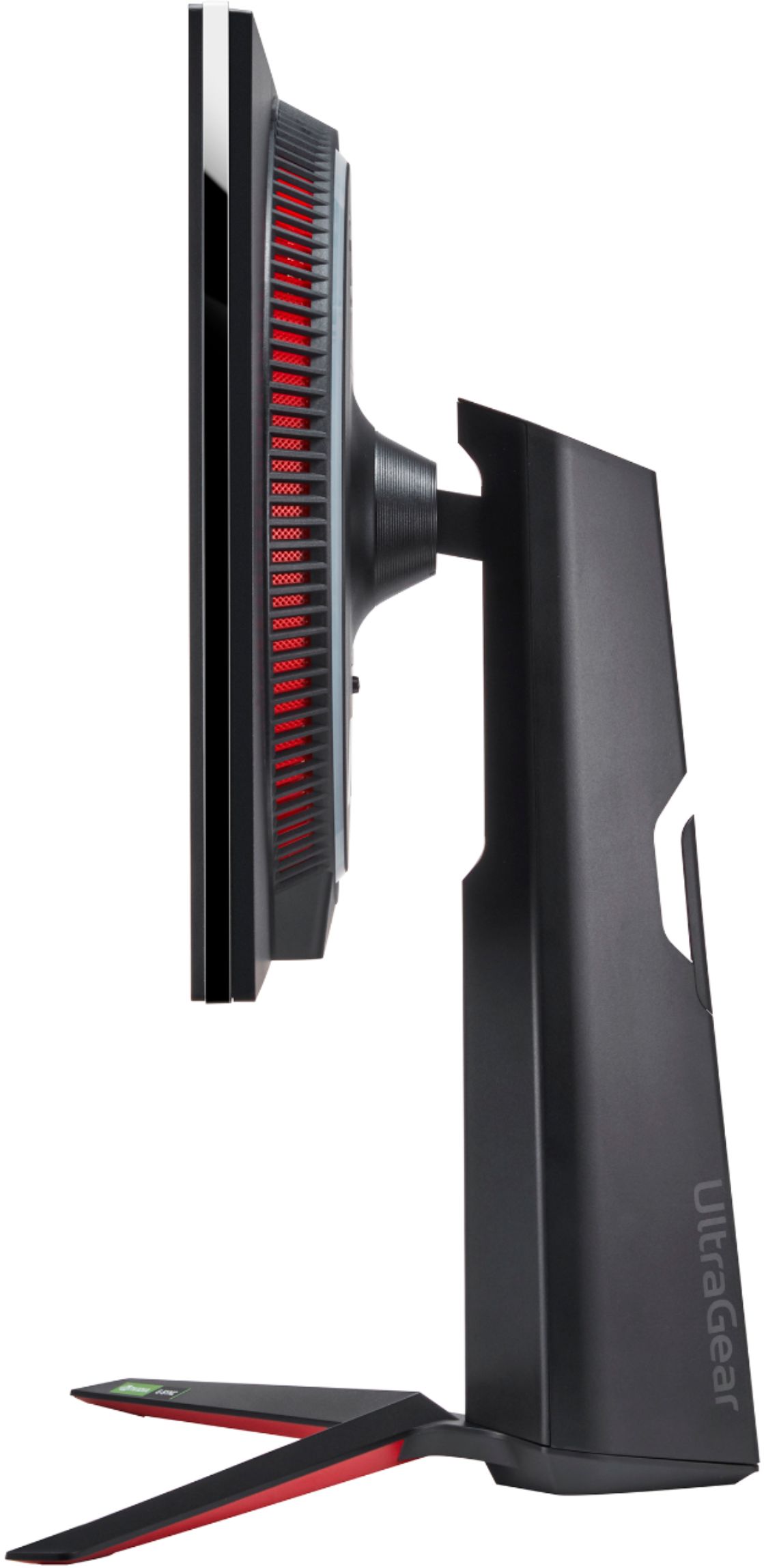
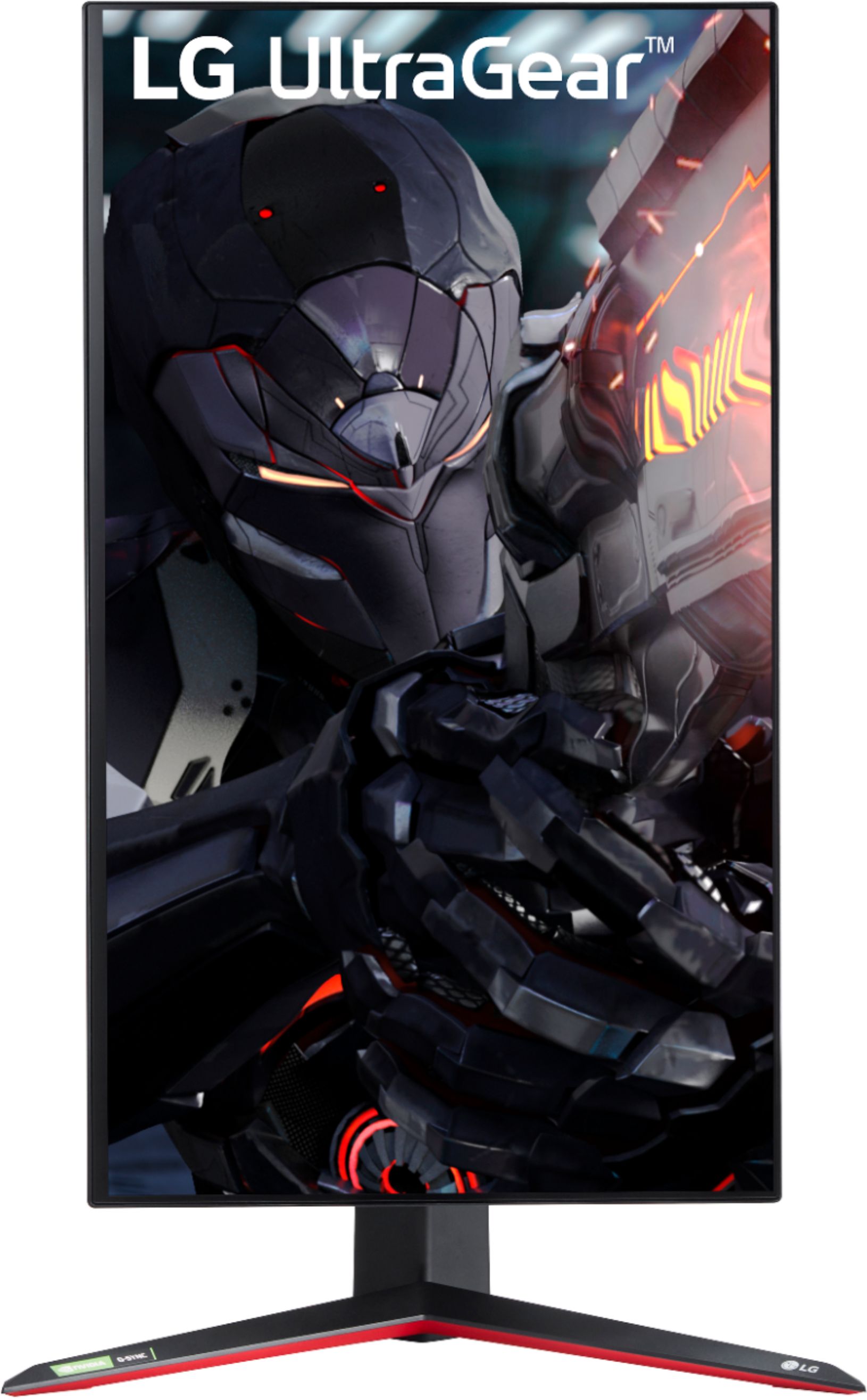
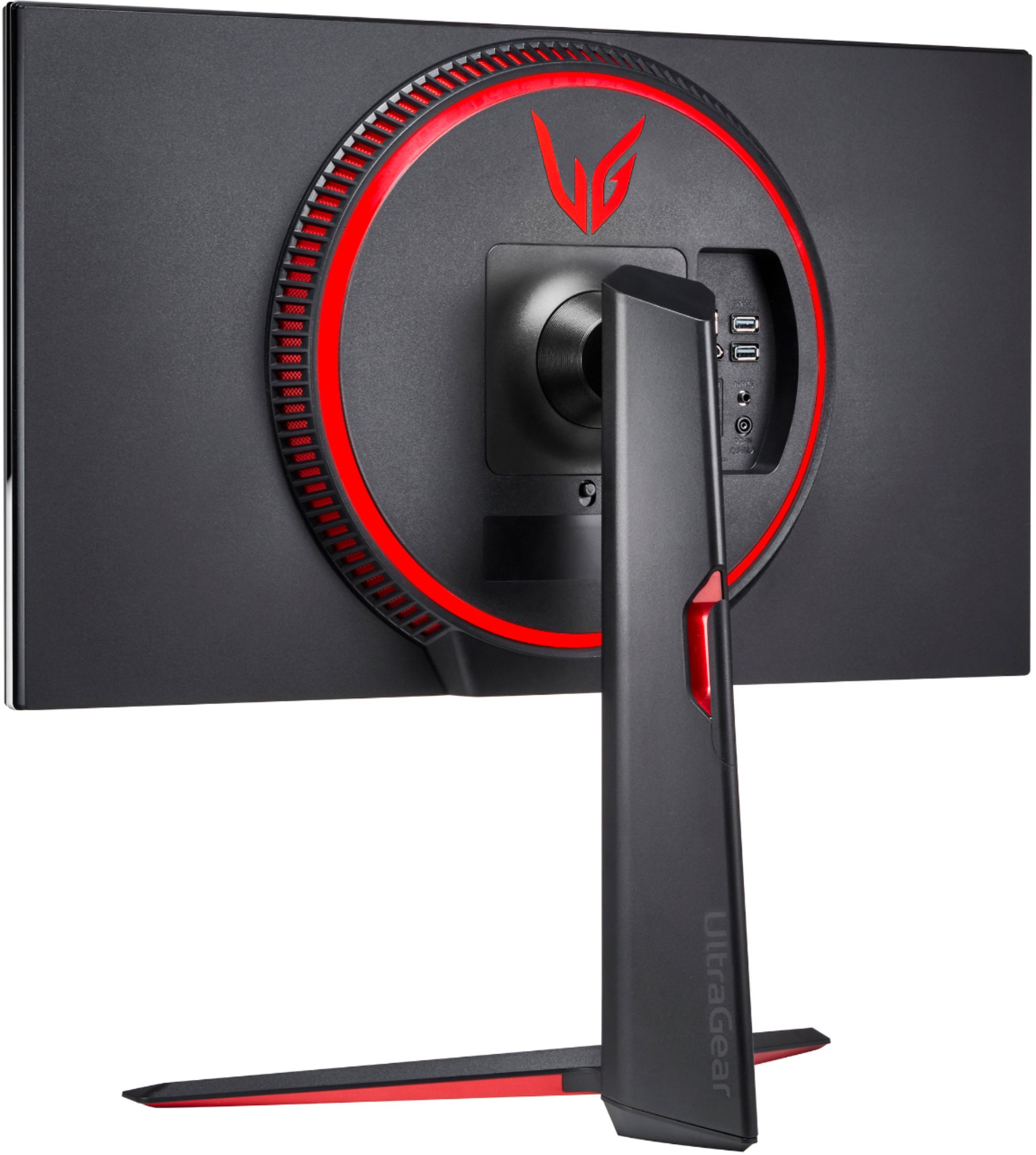
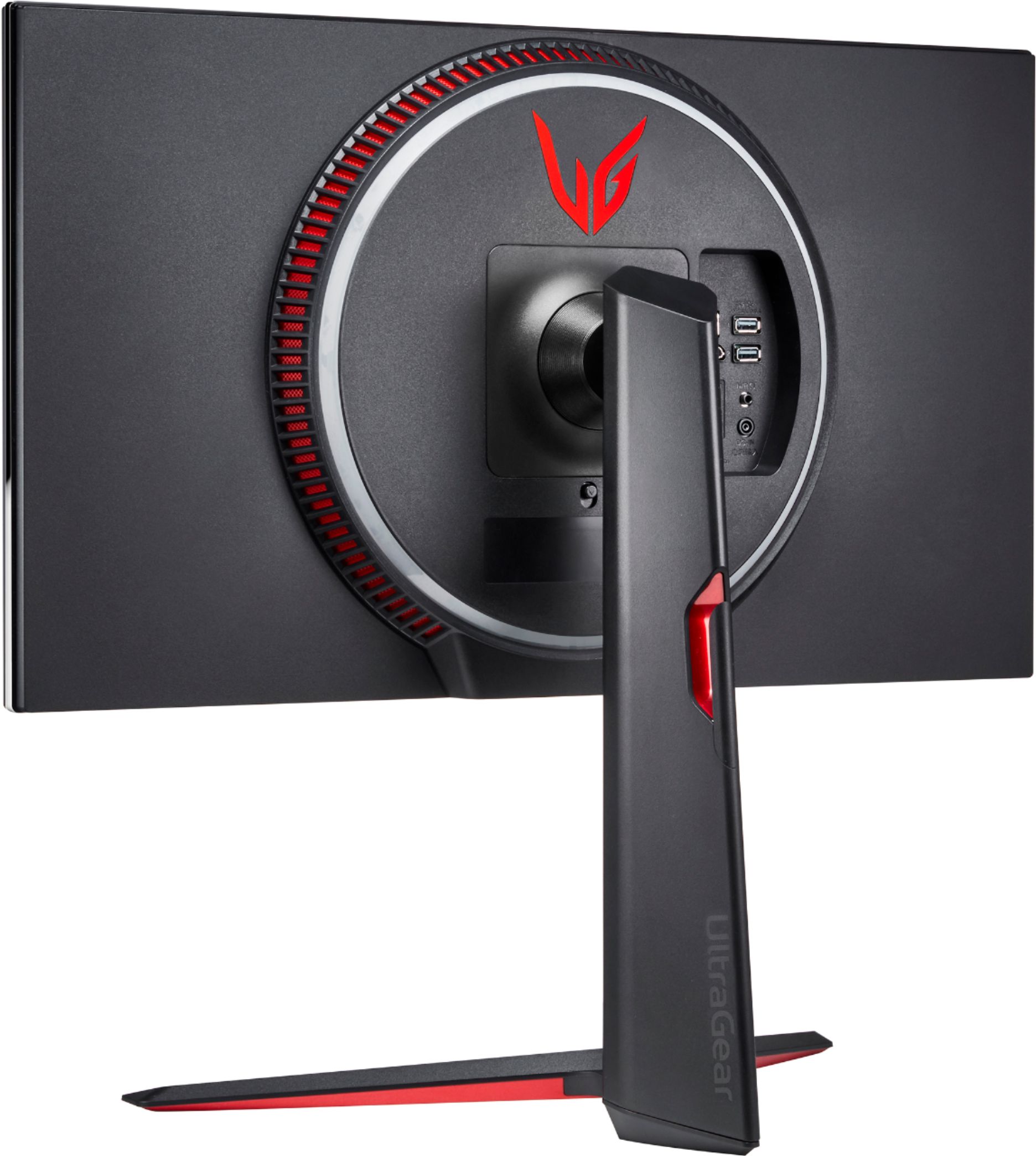
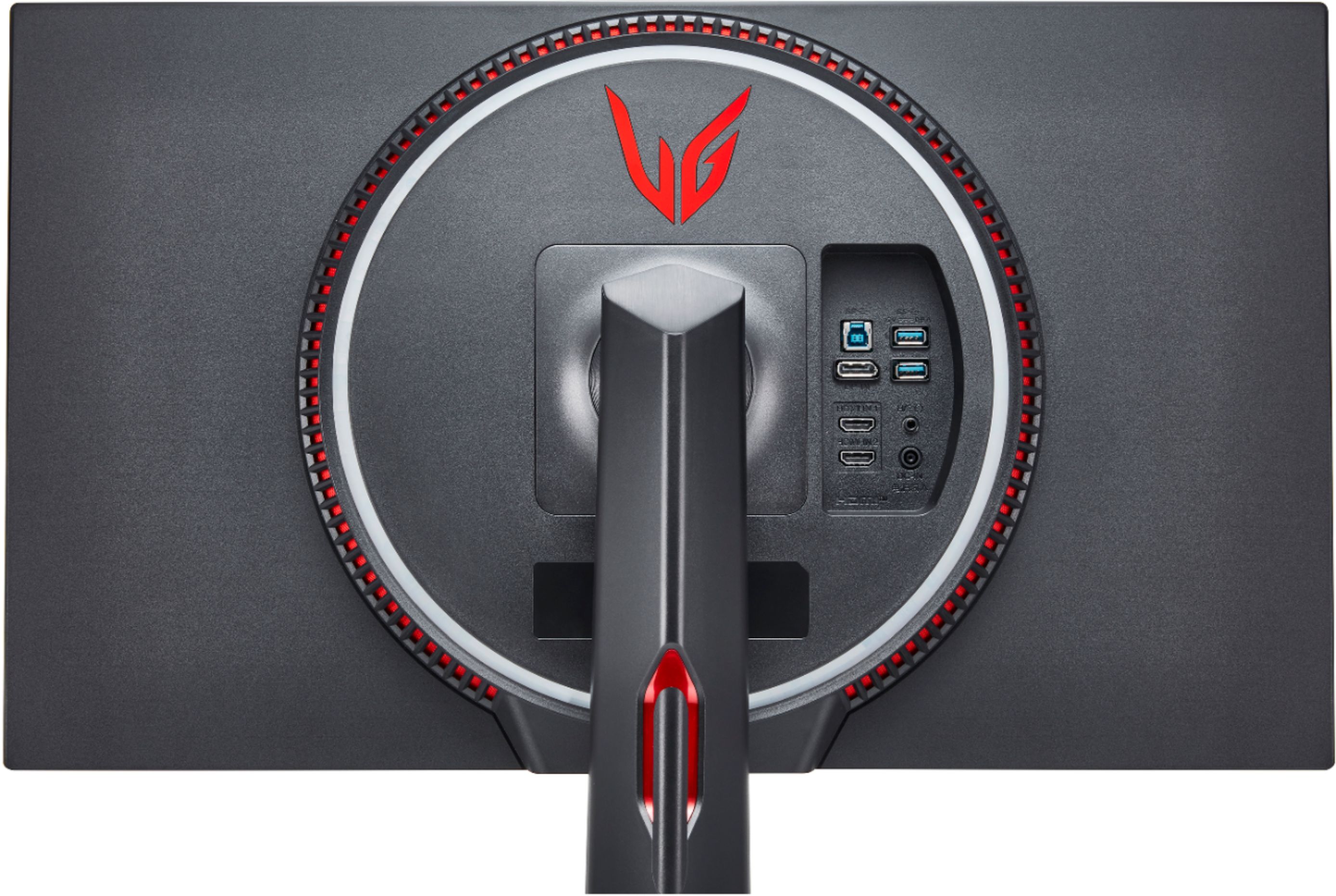
A:AnswerNot really, no. Most reviewers are clear that this is more of a PC-focused monitor, especially due to the lack of HDMI 2.1 for 4k. For PS5, it will do 1080p@120hz. For Xbox Series X, it'll do 1440p@120hz. However, without HDMI 2.1, you will not be able to do 4k@120hz. 4K@60hz is the best you can do, due to the monitor having only HDMI 2.0.
A:AnswerIt is a Gsync approved monitor. It uses AMD freesync that has been verified to work properly by Nvidia. You will be able to enable gsync via Nvidia Control Panel.
A:AnswerCheck the back of your receipt for the LG 27'' UltraGear 4K UHD Nano IPS 1ms 144Hz G-Sync Compatible Gaming Monitor, Model # 27GN950-B to review their return policy. If you are past the return policy, you will need to have the monitor repaired. You can contact our Support Center at (800) 243-0000 for assistance with how to get the monitor repaired...^IFV
A:AnswerThings I would try:
- reseat DP or HDMI 2.1 cable both on monitor and to back of PC
- make sure graphics driver is latest for nvidia 3080
- make sure monitor firmware is latest , can be updated via OnScreen Control (can dl from LG site)
I have a 2080ti and have had no issues with mine flickering when gsync is enabled, so hard to tell if its the monitor or card without more testing.
I will say this though - the first 27gn950 I bought had screen flickering down the middle, returned it and bought another one, and 2nd one did not have this issue.
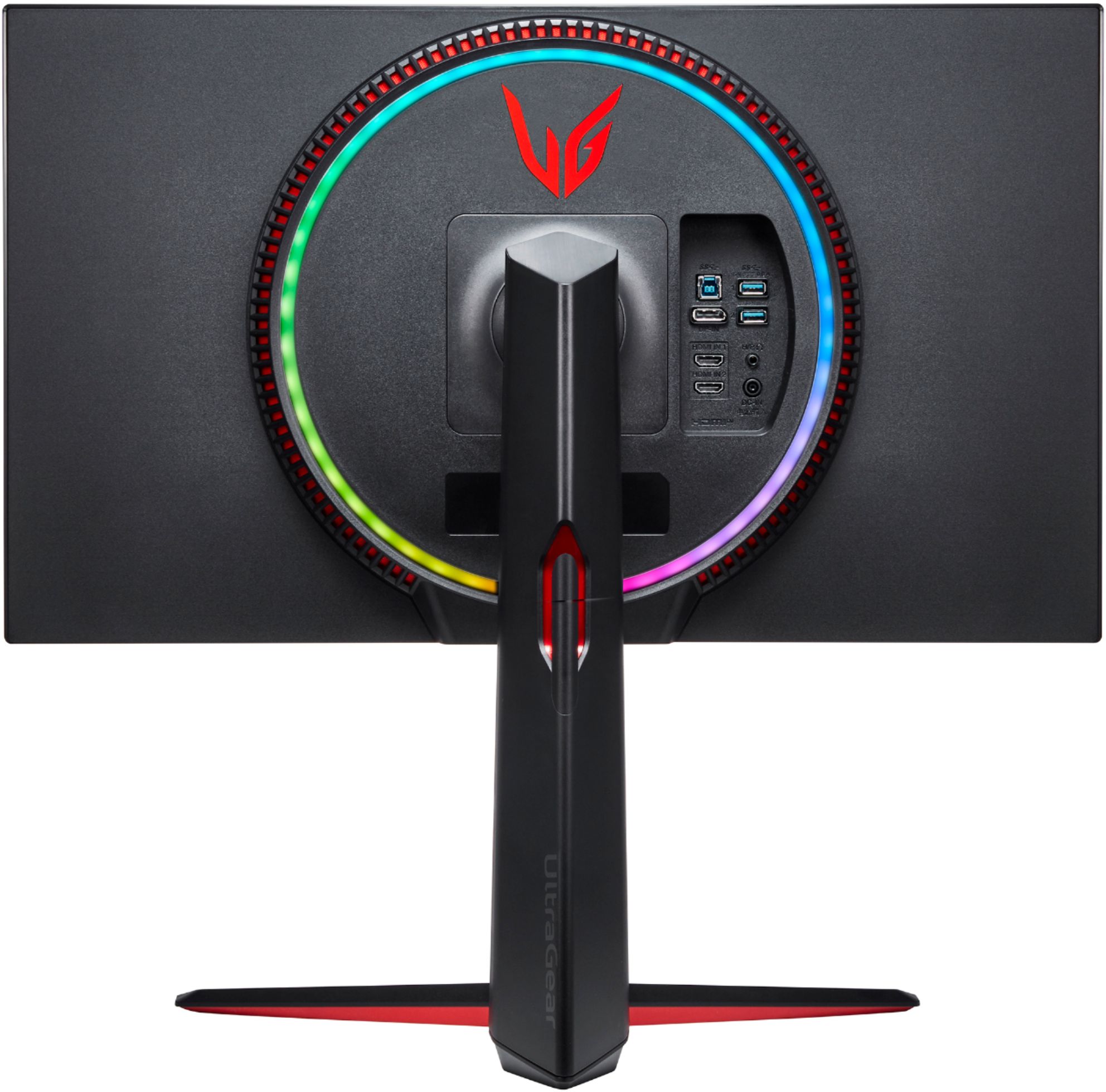
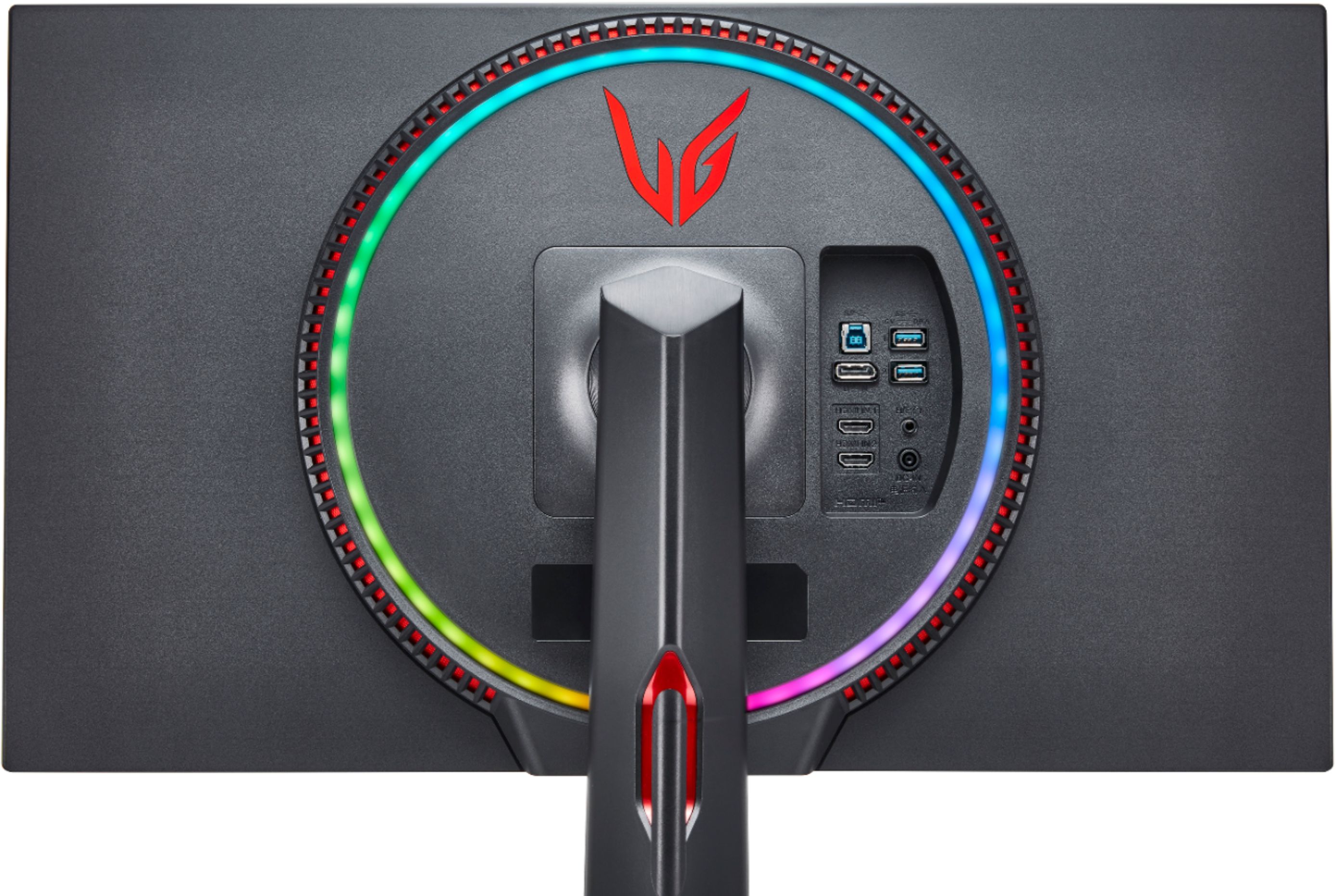
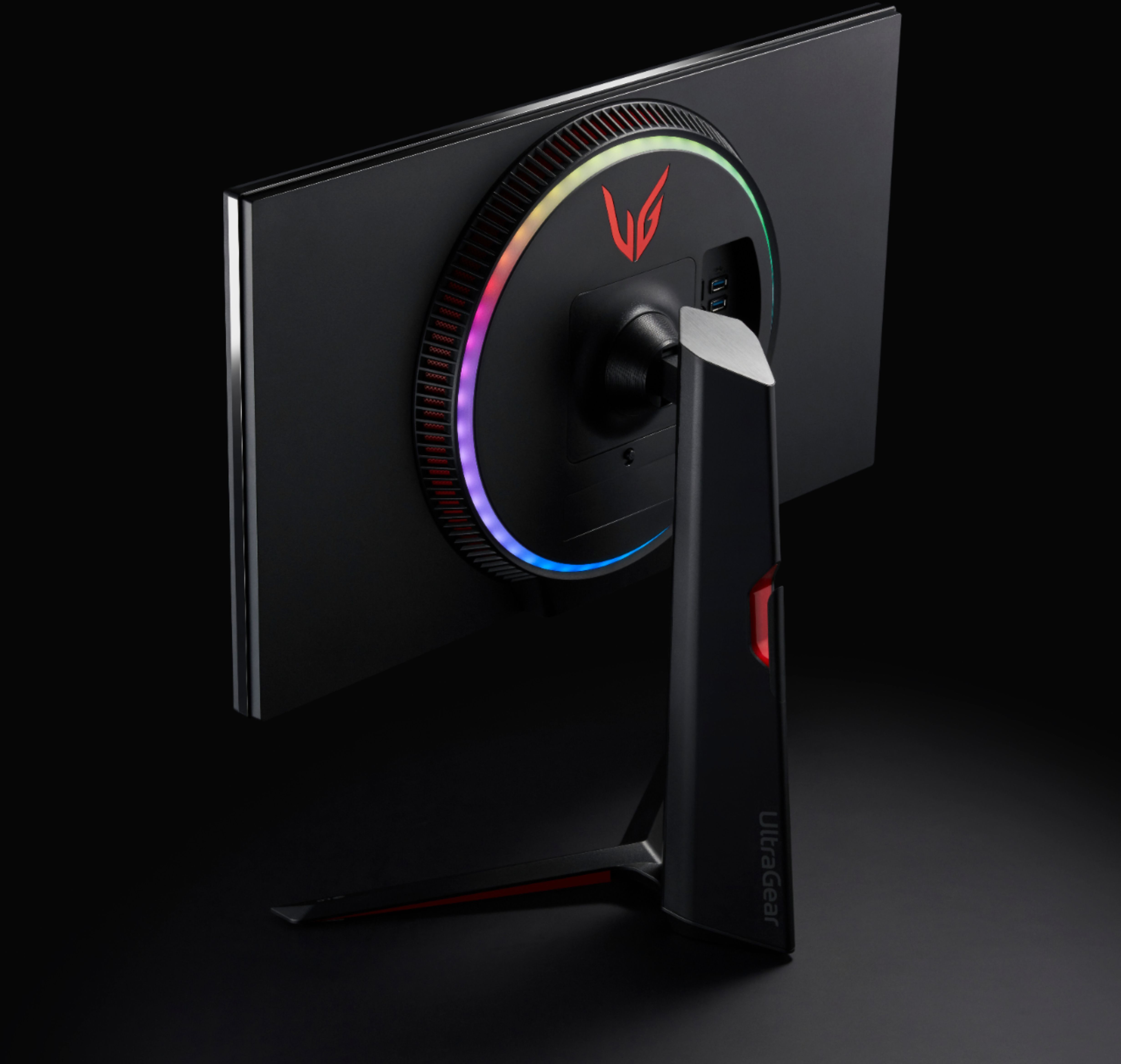
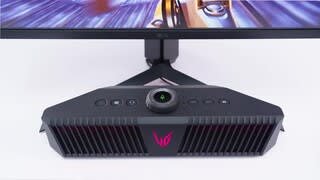
A:AnswerThere is a small scroll wheel located on the bottom of the monitor. Press it in for a few seconds until the light turns off. You should only need to hold it down for about 3 seconds. This is also how you turn back on the light.
A:AnswerThis monitor offers 4K@60hz and has HDMI version 2.0.It will work with next generation consoles but will not offer the optimal 4K@120Hz which require HDMI version 2.1. ^Daphane
A:AnswerAmazon.Ca has it listed to release on August 24 and B&H has it listed to come out Sept. 2, so I would assume somewhere between those two dates.
A:AnswerIt depends on your standards and what you consider "works". I have this monitor paired with an RTX 3090 and I get great frame rates. In your case, the RTX 3070 is about equal to the RTX-20080Ti which was my previous GPU.
Long answer longer... it depends on the types of games you play.
1) Do you play the latest and greatest AAA titles like Cyberpunk 2077 and Assassins' Creed Valhalla? If so you will struggle to push a stable 60FPS without dialing down some settings to medium.
2) Do you play older titles like Destiny 2 or Overwatch? If so, you can easily drive 75-100 FPS with an RTX 3070
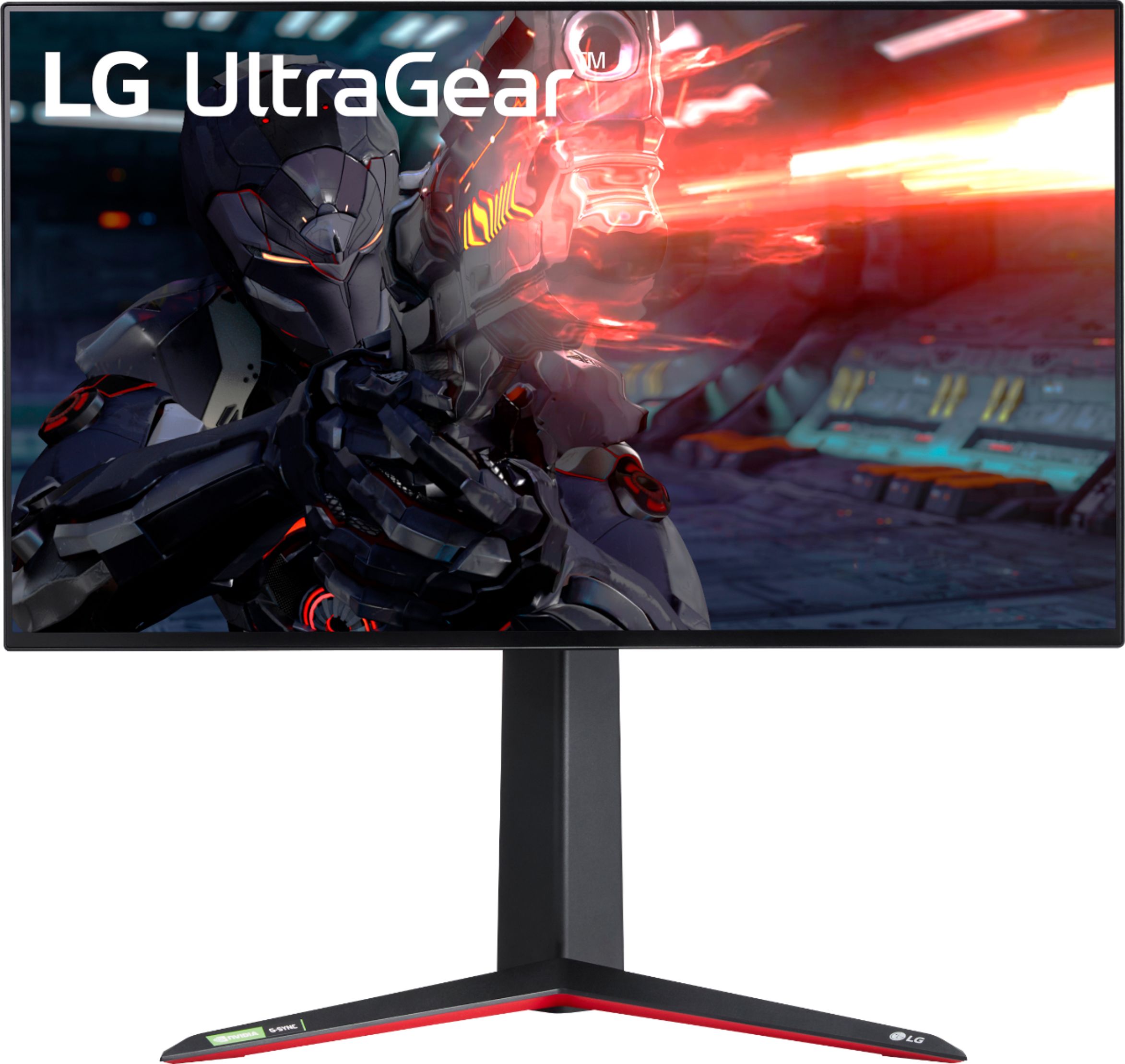
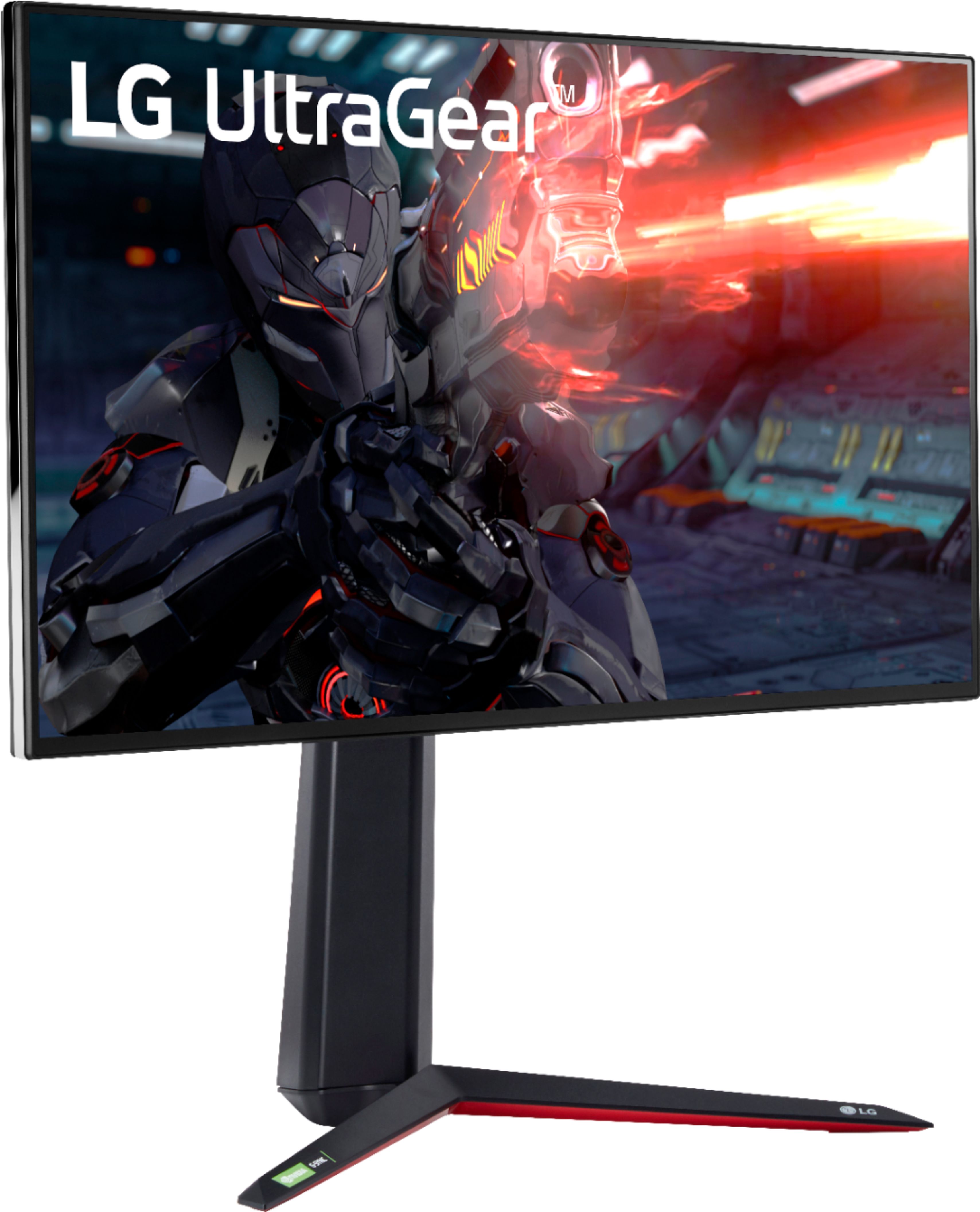
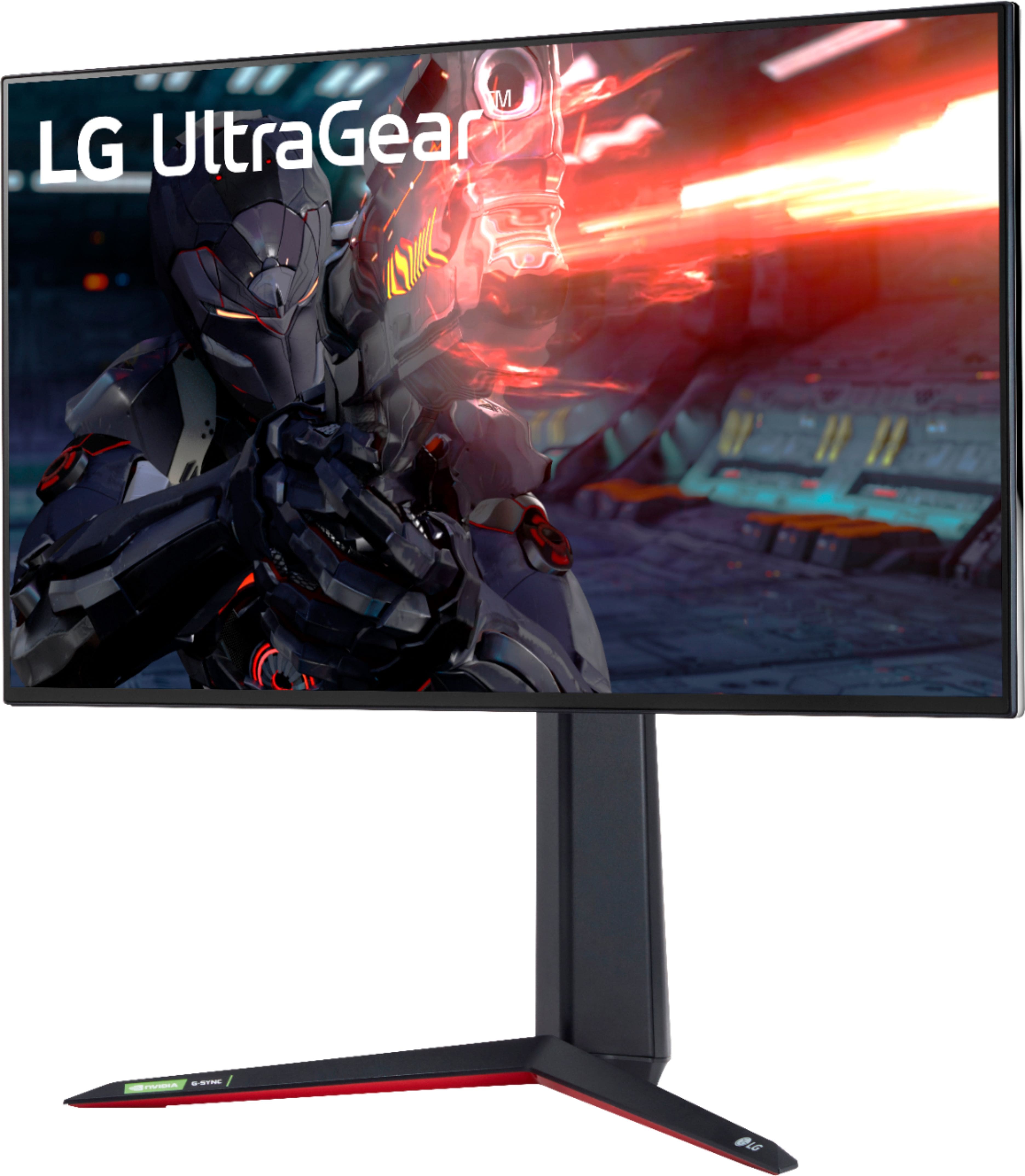
The RTX 3070 is better suited for 1440P. However, I have owned multiple gaming monitors including the HP Omen 27i which has the same IPS panel as the greatest of all time LG 27inch 1440P gaming monitor that EVERYONE raves about, and 240HZ 1080P IPS monitors among many others. I will say out of every gaming monitor I have used or seen, THIS LG 27 4k IPS monitor is the absolute best, most gorgeous, and responsive monitor I have ever used. The most striking thing is how small the bezels are. They are so small, you cannot even really see them. It creates a window effect that is truly hard to describe. That and the color and brightness are the BEST on any monitor I have ever seen. Actually looking at the screen is stunning, it is better than every other monitor in my opinion.
Fair warning here. DO NOT use this 4k monitor then go back to 1440P. That is exactly what I tried to do and wow was it bad. It is like eating a filet mignon steak and when you get half way done eating it you are handed a McDonalds cheeseburger. Once you go with this 4K monitor, it is very hard to go back to 1440P. It is not so much the insanely sharp resolution, it is the colors and brightness and HDR and vibrant display. No one really makes a premium 27inch 1440P gaming monitor with 400+ nits brightness and HDR. Using my old HP 27i Omen IPS 1440P monitor side by side with this, it is not even a comparison. This 4k monitor mops the floor.
A:AnswerThis monitor has a maximum resolution of 3840 x 2160 @ 60Hz (HDMI)/3840 x 2160 @ 160Hz (DisplayPort Overclock: On). This monitor does not have HDMI 2.1 and will not support 4K@120Hz. ^Daphane
A:AnswerWe are sorry for the delayed availability of products. We are working as quickly as possible to make our products available. We appreciate your commitment to the LG brand. Please bear with us as we navigate uncharted waters to resolve the delay. Please consult directly with the store regarding availability. Again, we apologize for the delay and any inconvenience it has caused. ^Daphane
A:AnswerHi there. Be sure that screws are fit and still with Vesa compatibility and stand should be fit in. Still suggest to use the included stand if possible.^Vanessa
A:AnswerWe would be happy to help you with your case, however we need to move to a platform that supports back and forth messaging. Please send us a private message on Facebook or Twitter using @LGUSSupport and include #VOC, your contact info and we will doing everything in our power to expedite a resolution for you. Thank you. ^Venette