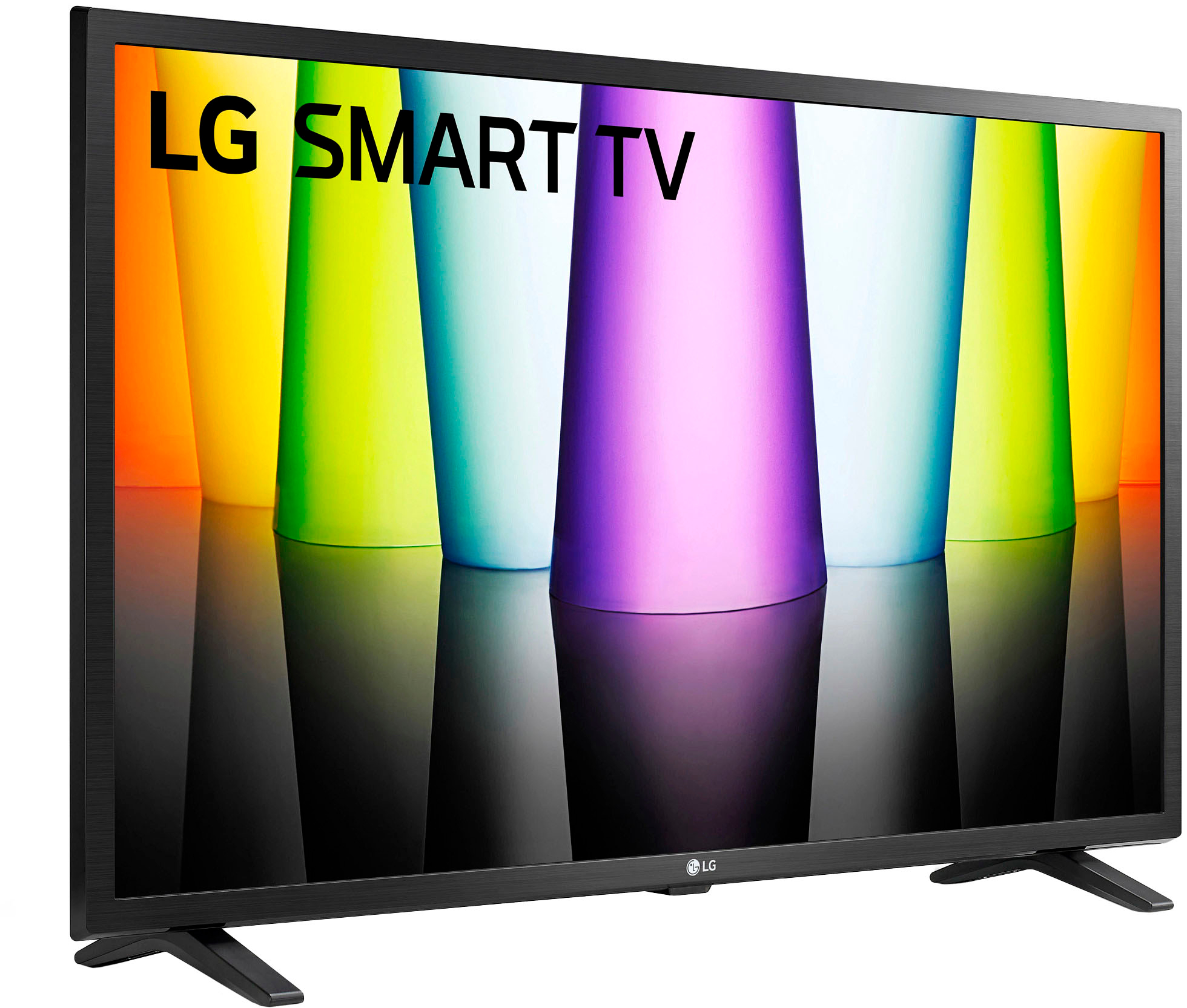
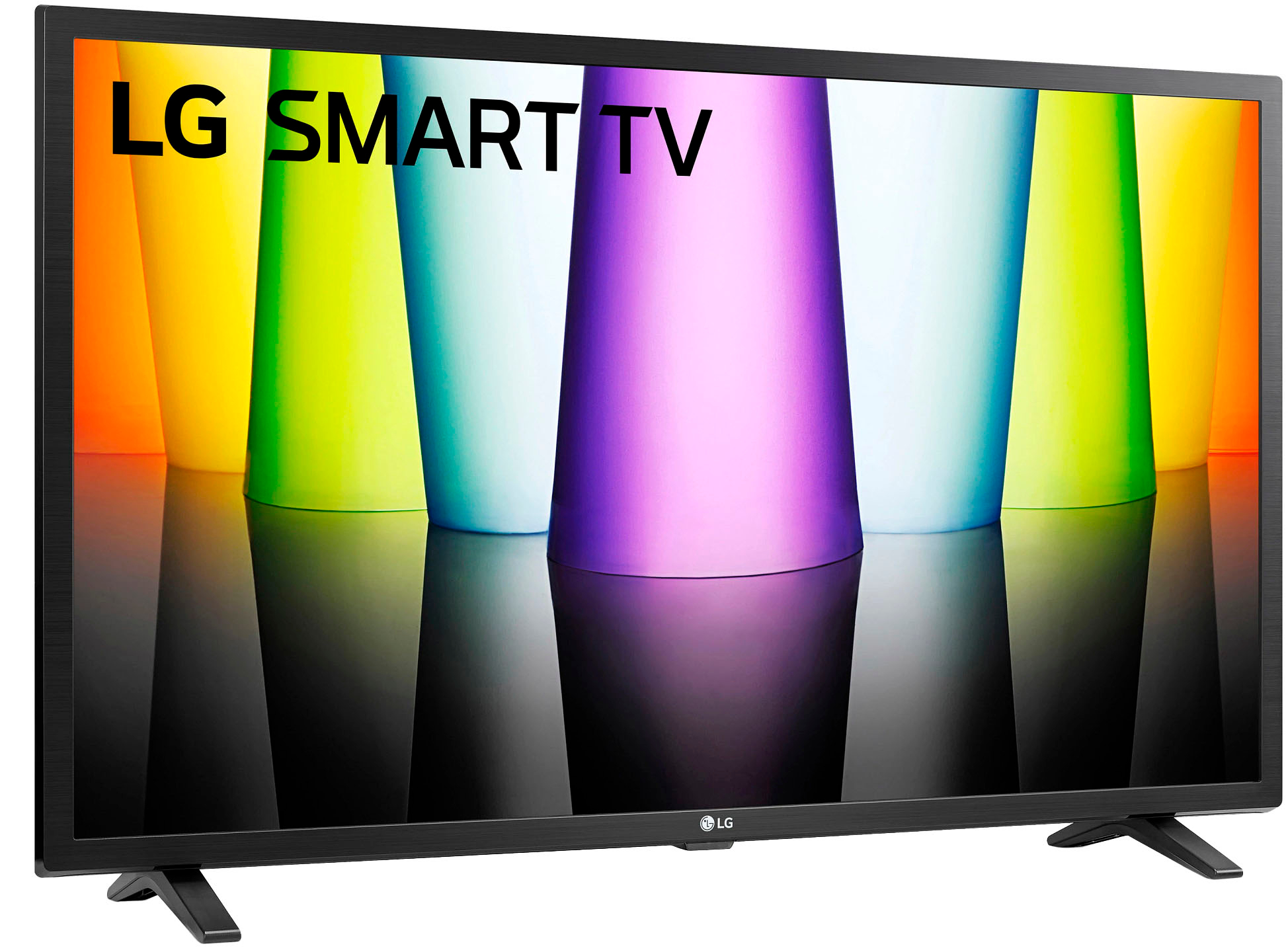
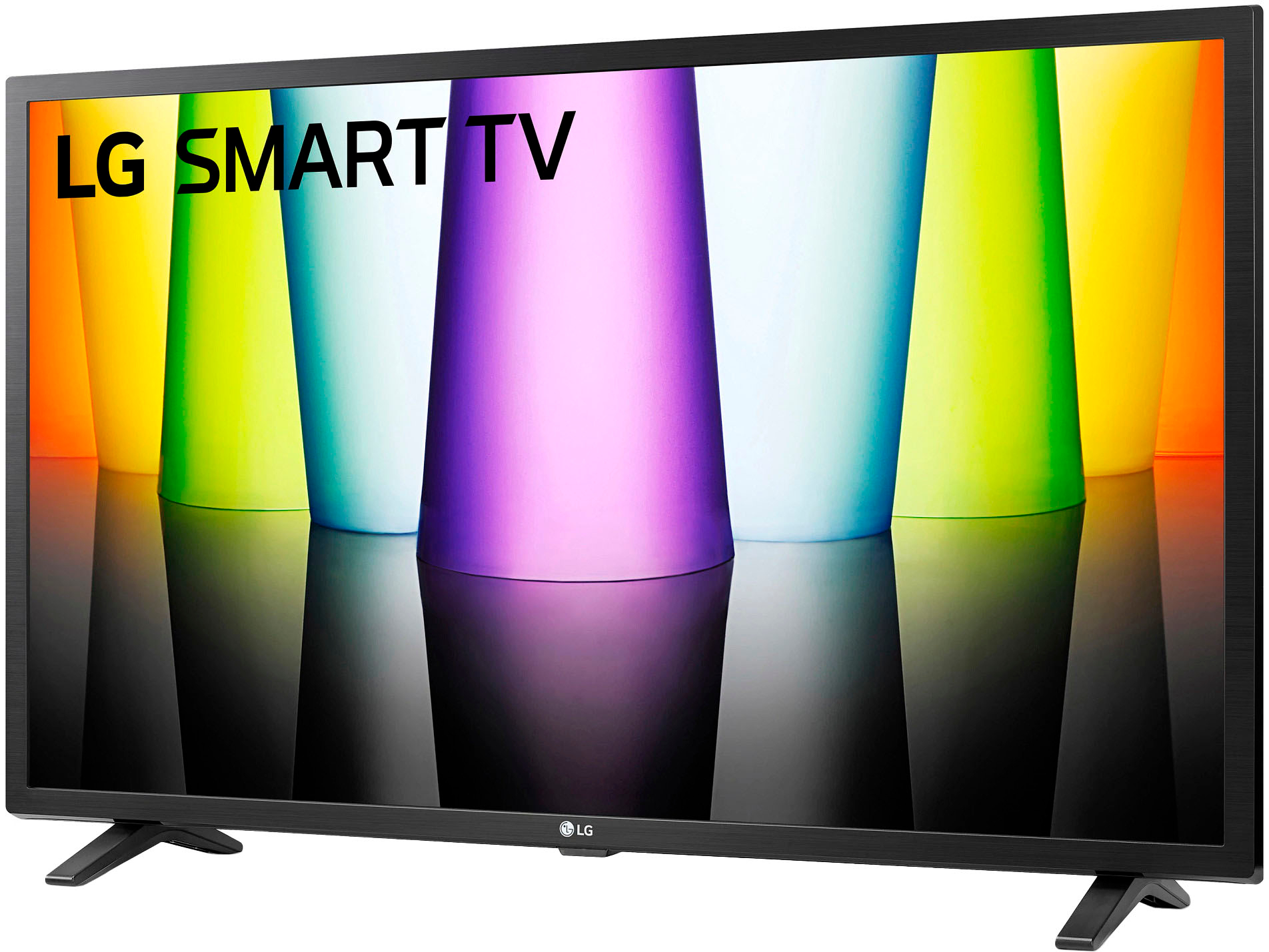
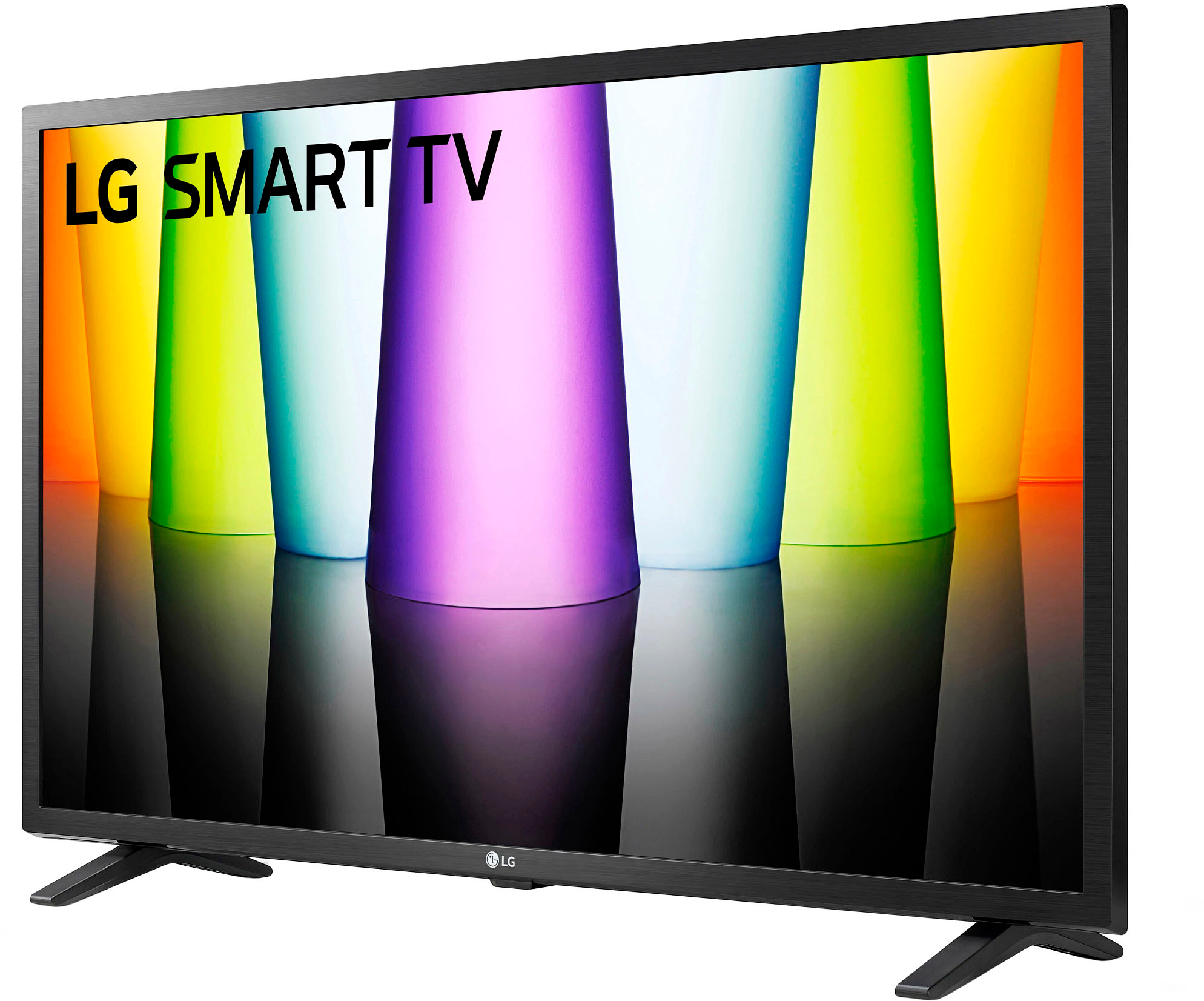
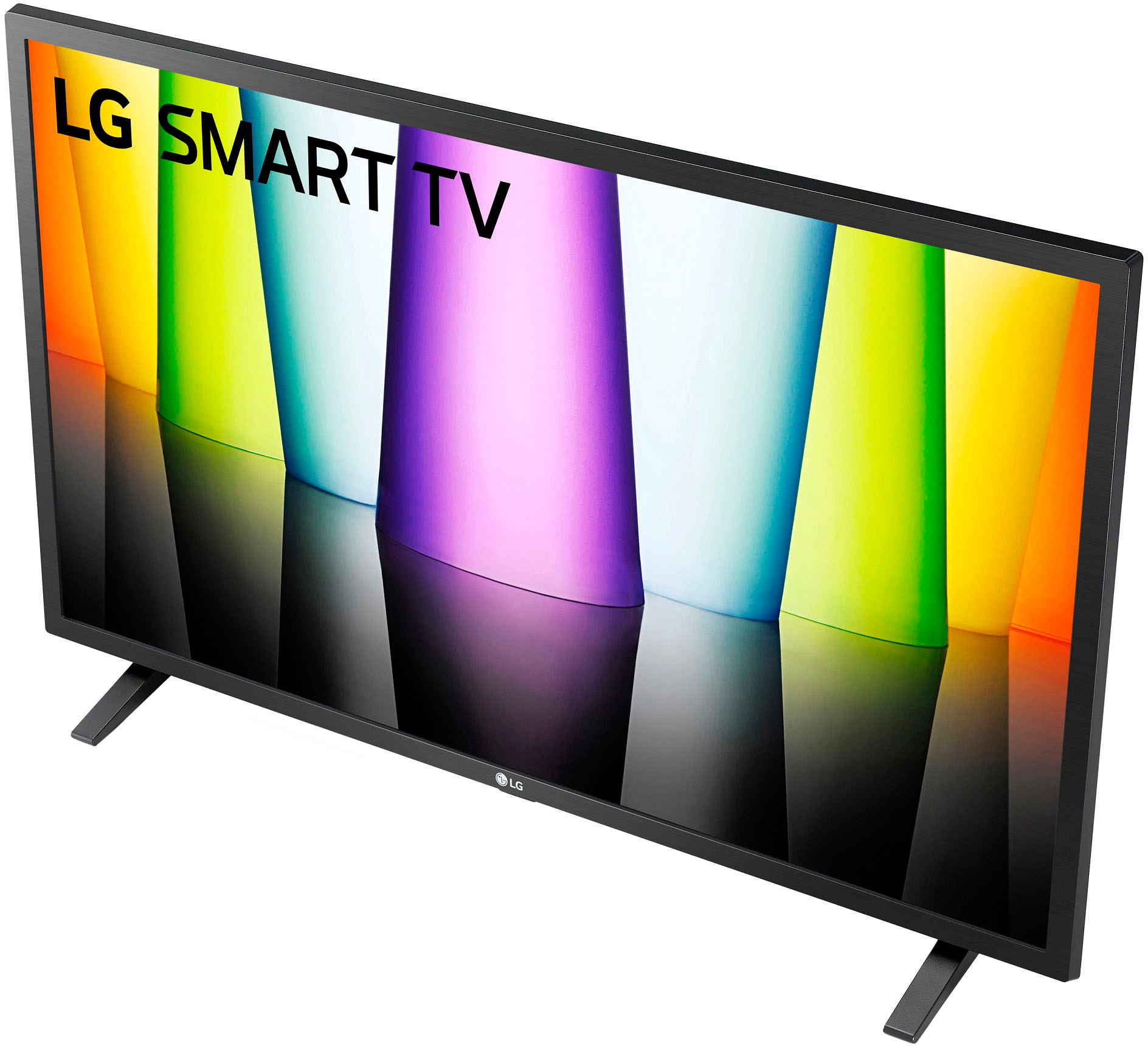
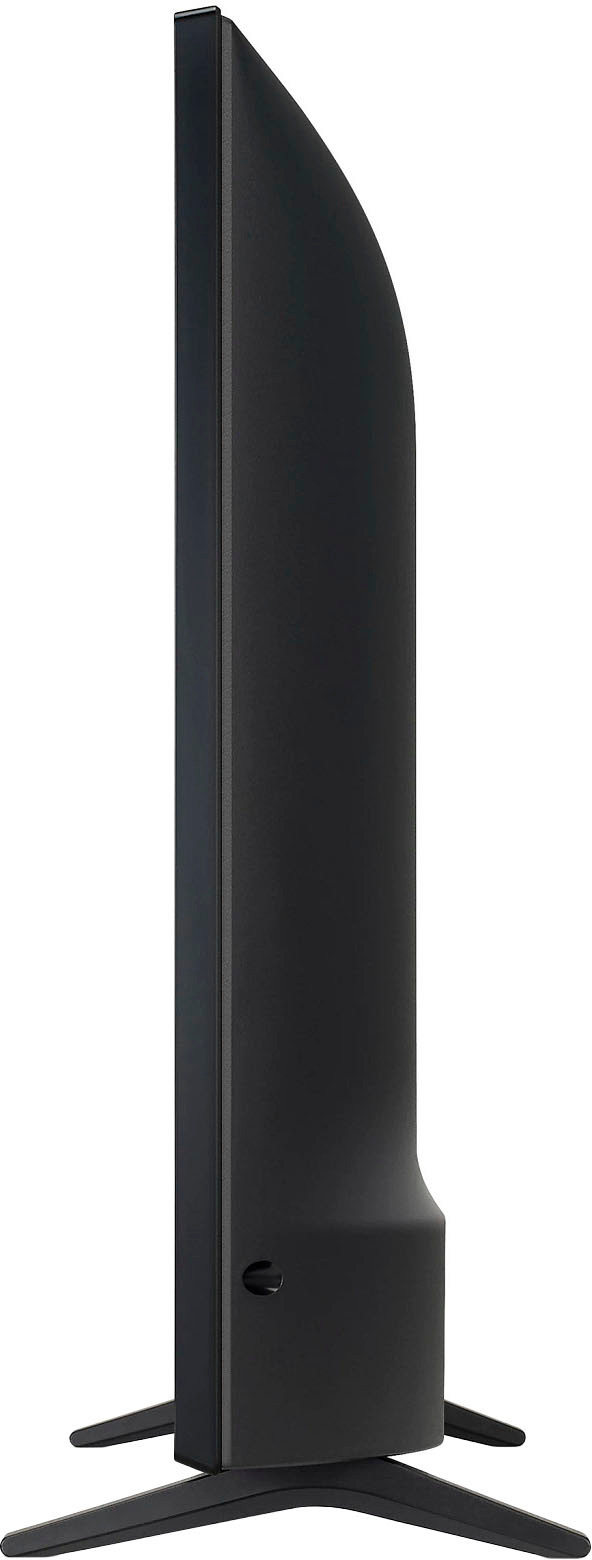
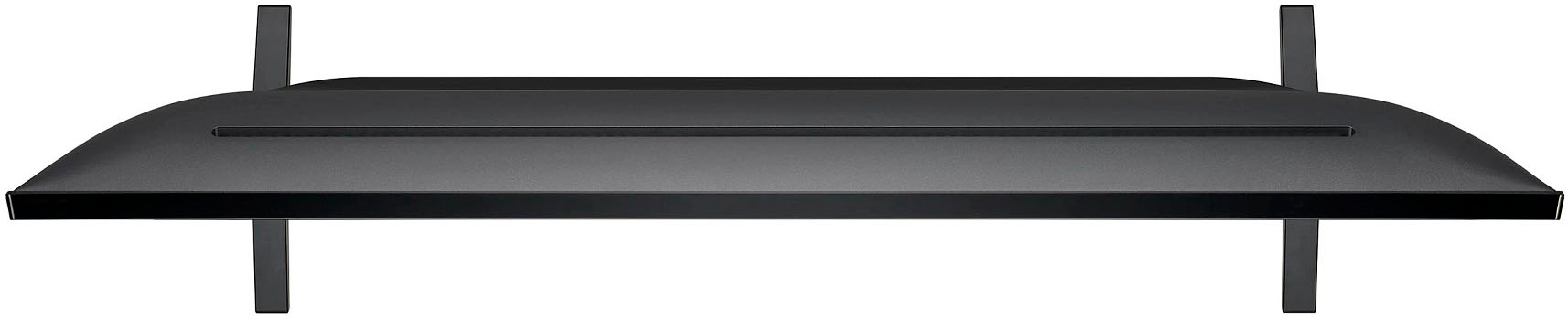
A:AnswerHello there. Product Height With Stand 18.3 inches, Product Width 29 inches, Product Depth With Stand 7.1 inches and Product Weight With Stand 10.4 pounds. Stand Width 23.9 inches, Stand Depth 7.1 inches. The stand is not adjustable stand width. ^Vanessa
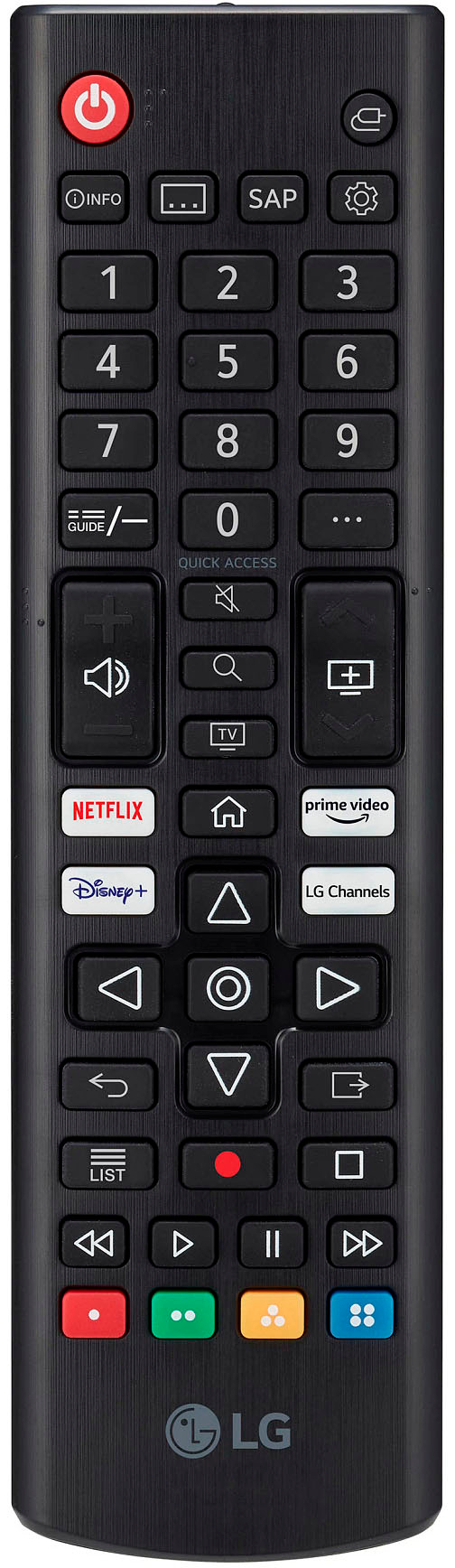
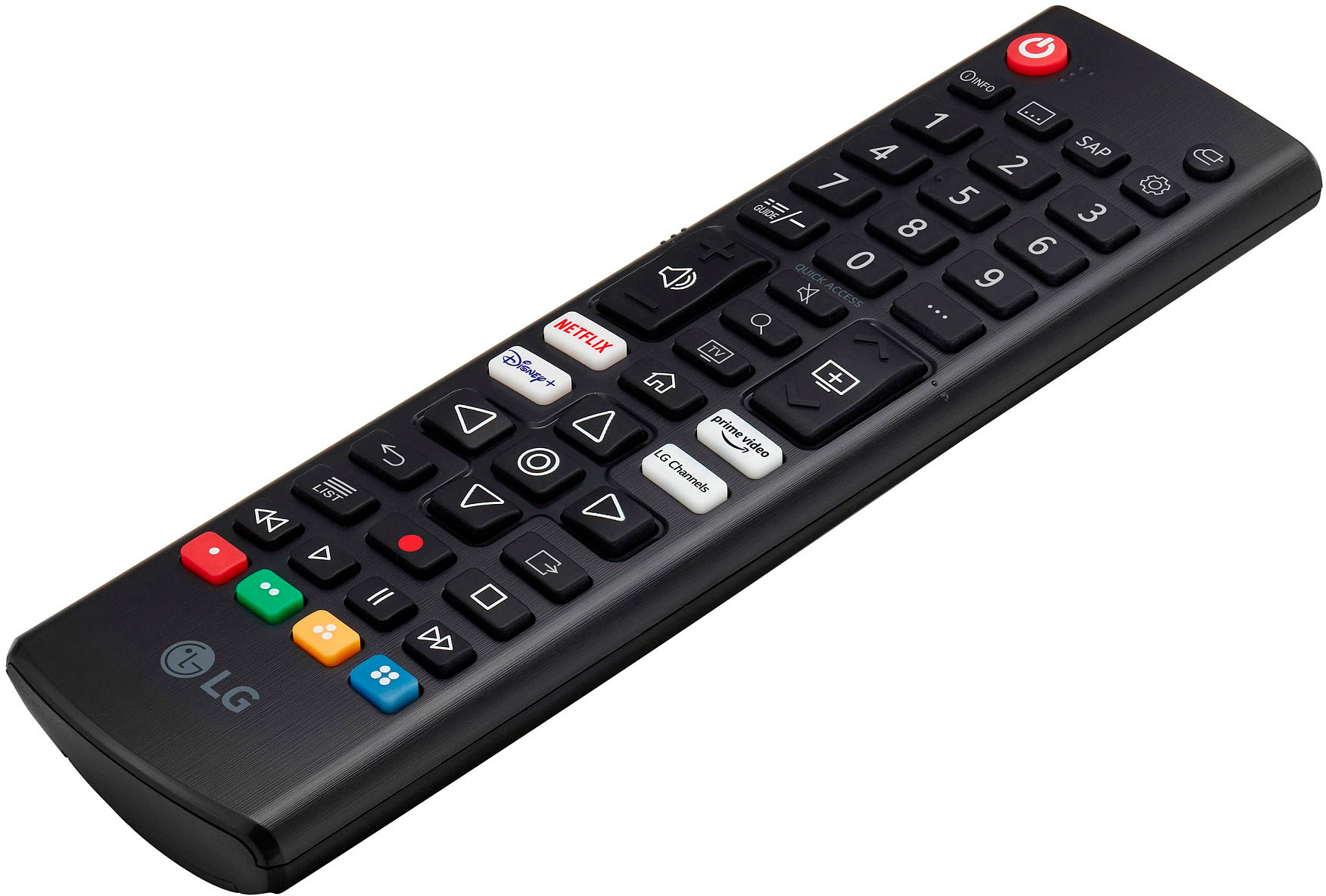
A:AnswerHi there! Thank you for your inquiry about the LG 32LQ630BPUA TV. To start, power on the TV using the physical button. Then, on your universal remote, press and hold the Setup button until the LED lights up, and enter the code for LG TVs (common codes include 10178, 11178, or 10017). If the LED turns off, test the remote functions. If this doesn't work, your TV might need the original remote to exit a special mode. Please send us a private message on Social Media @LGUSSupport for further assistance or options for a replacement remote. We appreciate your patience and are here to help! —Avri
A:AnswerThank you for reaching us regarding LG Smart webOS TV. Yes, the LG 32LQ630BPUA TV does have an audio leveling feature, which is commonly referred to as Auto Volume Control. You can download its owner's manual through this link for more information: https://www.lg.com/us/support/product/lg-32LQ630BPUA.AUS. For additional assistance, please reach out to us on social media @LGUSSupport so we can help you further. ^Cris
A:AnswerHello! Thank you for bringing this to our attention regarding the 32LQ630BPUA TV. We apologize for any confusion caused. While the box may mention Alexa capability, it's possible that this specific model might not have integrated Alexa functionality. We recommend checking the product manual on the features available with your TV model. If you have more questions or need further assistance, please send us a private message on Social Media @LGUSSupport. We're here to help! —Renzo
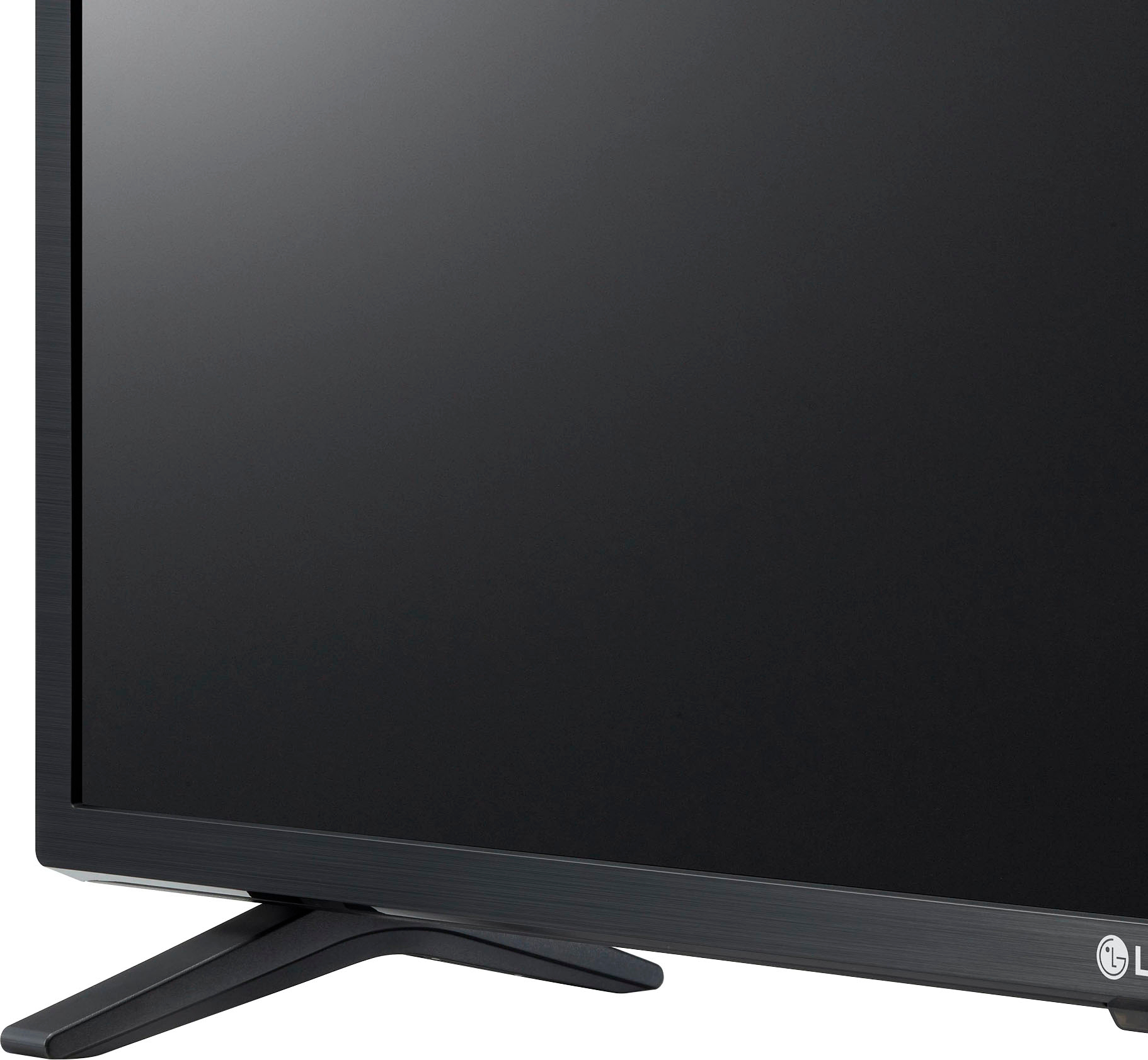
A:AnswerMaybe. The standard mount threads are provided, but the only provided stand is the feet shown. I have never seen a universal swivel stand. I mounted the TV with a full motion wall mount and have found it to be a great solution.
A:AnswerGuess from one senior (69 YO), to a fellow senior. I set mine on top of a dresser. Just need to make sure the feet of the TV are supported. You do need to connect the TV to video sources. We run ours through the WI-FI to access the Internet. Once on the Internet we use YouTubeTV, Netflix, and Amazon Prime. Though you could connect to cable.
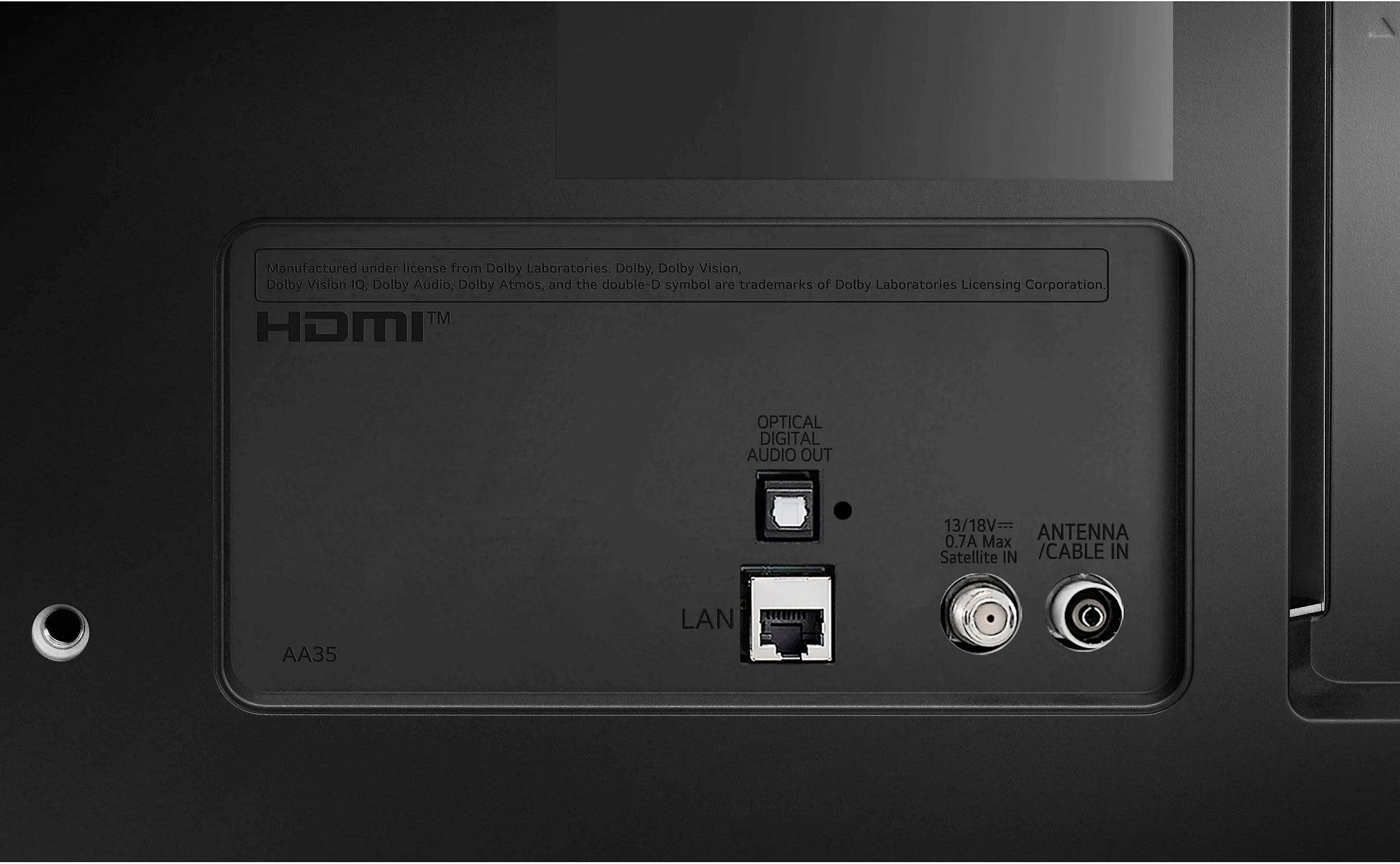
A:AnswerHi there. Thank you for reaching out. We understand that you want to use your LG model 32LQ630BPUA TV with your cable box and are curious if it needs to be connected to the internet.
You can absolutely use the LG 32LQ630BPUA TV with just your cable box and do not need to connect it to the internet for basic TV viewing. Here’s how it works:
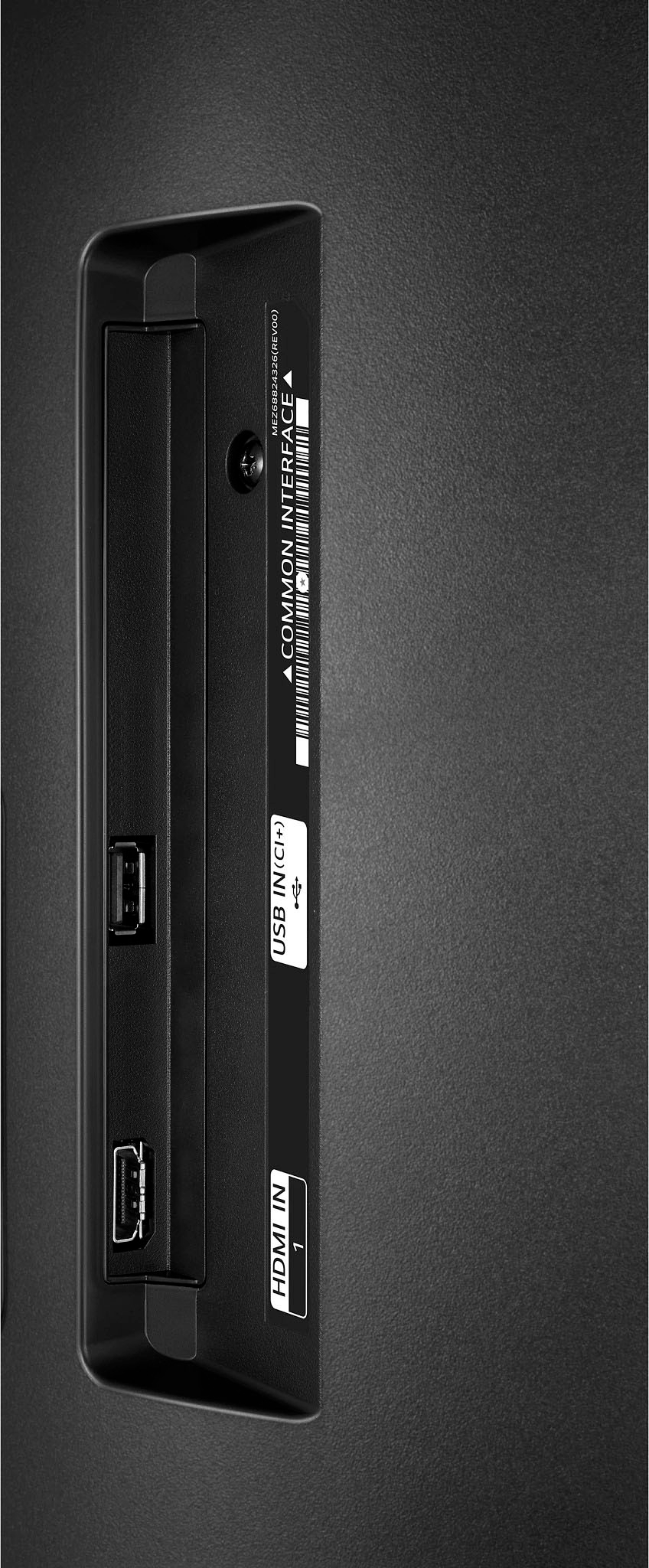
Basic TV Functionality: The TV will operate normally with your cable box connected via HDMI or other input methods without requiring an internet connection. You’ll be able to watch cable TV channels as usual.
Smart Features: The internet connection is only necessary if you want to use the TV’s smart features, such as streaming apps, web browsing, or other online services. If you’re not using these features, you can simply skip the internet setup.
If you need assistance with connecting your cable box or setting up the TV, please let us know. You can also send us a private message on Social Media @LGUSSupport for more support. We appreciate your patience. —Renzo
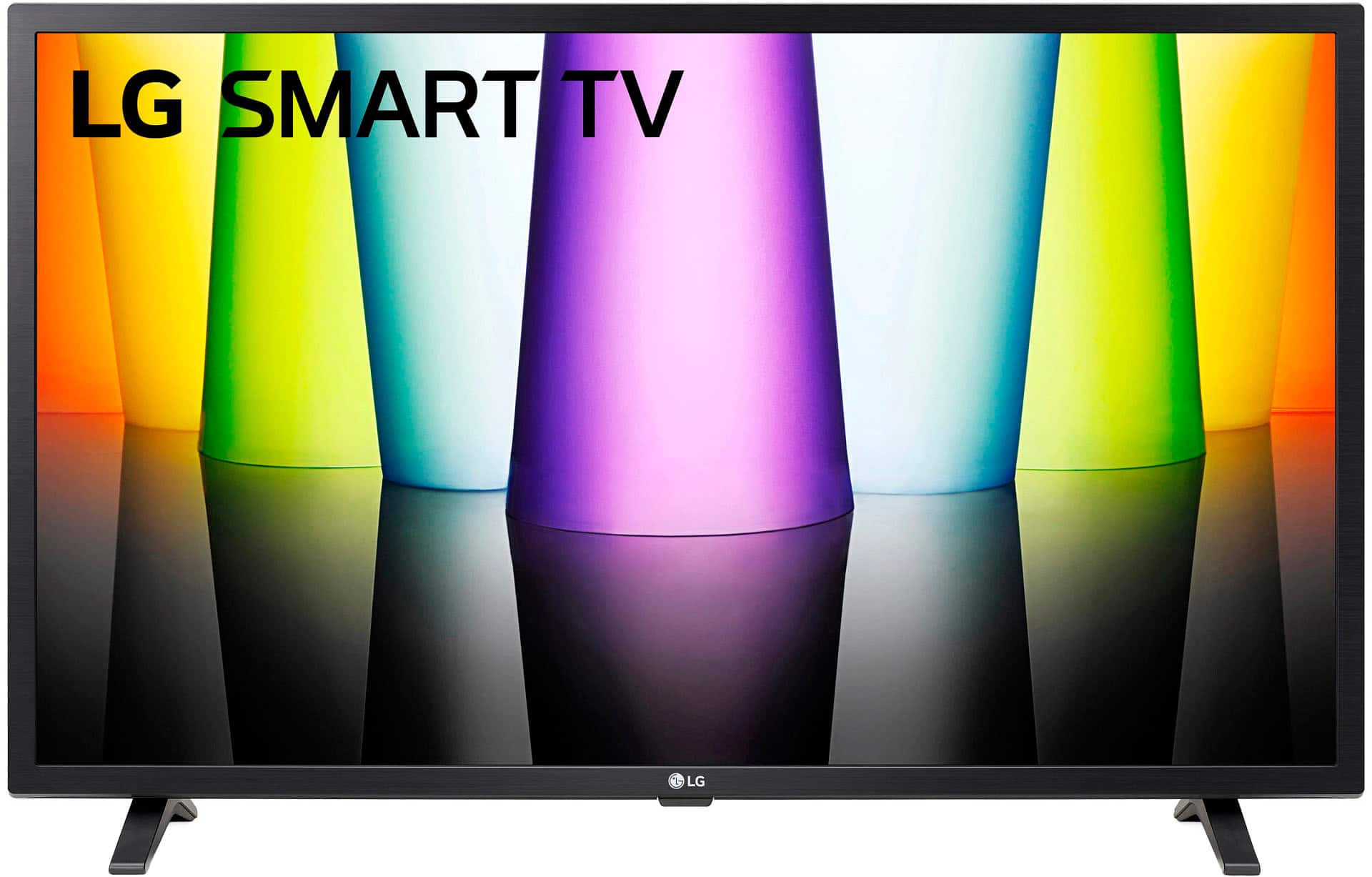
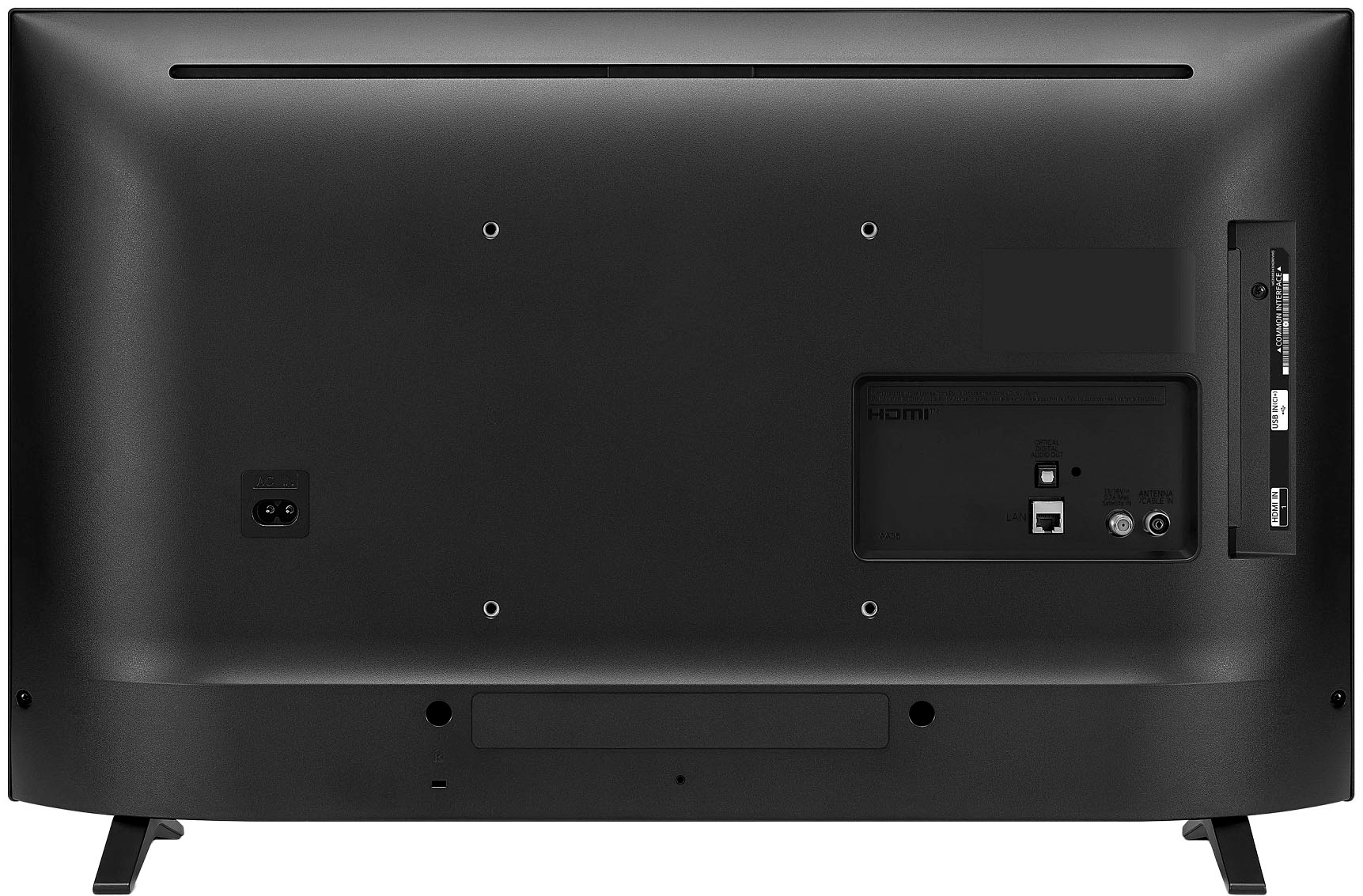
A:AnswerThank you for reaching us regarding LG Smart webOS TV. To find out the screw measurement for mounting your LG 32LQ630BPUA TV, you have a few options:
•Check the user manual that comes with your TV. It should have the screw measurements you need for mounting.
•Compare the size of your TV with a VESA size chart. This will help you determine the screw size needed for mounting.
•Purchase an LG TV screw kit from the online store. This kit will have all the tools required for mounting your TV.
•Measure the screws yourself. Use a pencil or pen to measure the vertical and horizontal distances between the screw holes in millimeters.
Keep in mind that the specific screw measurement may vary depending on the TV model and wall mount type being used. You can download this website for more information: https://www.lg.com/us/support/product/lg-32LQ630BPUA.AUS. If problem persist, please reach out to us on social media @LGUSSupport so we can help you further. ^Cris