Questions & Answers
- Model:
- OLED42C5PUA
- |
- SKU:
- 10214364
Q: Questionis the c4 48" and c5 48" have paramount + preinstalled on these units
Asked by Anonymous.
- A:Answer Hi there. We understand your inquiry about the LG OLED 48" C4 and C5 Series models and whether Paramount+ comes preinstalled. Both the 48" C4 and 48" C5 Series OLED evo TVs include Paramount+ among their Featured Streaming Services on webOS. To locate or confirm the app on your unit, try this quick troubleshooting step: Press the Home button on your Magic Remote to open the Home Dashboard. Navigate to All Apps (or “Featured Apps”)—you should see Paramount+ listed alongside Netflix, Disney+, and others. If Paramount+ doesn’t appear, go to Settings > All Settings > General > About This TV, then select Check for Updates to ensure you’re running the latest webOS version. Once updated, revisit the Home Dashboard or open the LG Content Store to find Paramount+ ready to install or launch. https://www.bestbuy.com/site/lg-42-class-c5-series-oled-evo-ai-4k-uhd-smart-webos-tv-2025/6621833.p?skuId=6621833 If you still don’t see Paramount+ or need further assistance, please send us a private message on social media at @LGUSSupport. Our team will be more than happy to explore possible solutions and get you streaming right away. We appreciate your patience and are here to help. —Renzo
Answered by LG Digital Customer Care
Q: QuestionDoes this TV have enough brightness for bright patio viewing
Asked by Al.
- A:Answer The LG 42" Class C5 Series OLED evo AI 4K UHD Smart webOS TV (2025), Model # OLED42C5PUA, is not rated for outdoor use, and it is NOT bright enough for a bright patio. While it is bright enough for indoor, well-lit rooms, it lacks the anti-reflective matte coating and intense nits of brightness required to fight direct daylight and intense glare...^Ivan.
Answered by LG Digital Customer Care
Q: QuestionMy tv internet isnt working. It says it’s connected to my WiFi and my WiFi is connected to internet, but the tv doesn’t work. All other devices connected to the same WiFi are working fine.
Asked by Anonymous.
- A:Answer Hi, there! Thank you for sharing your question to us about the LG TV (OLED42C5PUA). If the TV shows it’s connected to Wi‑Fi but apps still aren’t loading, performing a Soft Reset can help refresh the system. To do this: • Hold the Power button on your remote for about 10–15 seconds until the TV turns off and restarts on its own. For more information, you can refer on this link: https://www.lg.com/us/support/help-library/lg-tv-how-to-factory-reset-an-lg-tv--20153288828814#:~:text=Try%20This. Also, you can explore the full feature list and support details here: https://www.bestbuy.com/product/lg-42-class-c5-series-oled-evo-ai-4k-uhd-smart-webos-tv-2025/JJ8VPZTHLJ. If you need further assistance, please feel free to email us at lgdigitalcare@lg.sprinklrsupport.com. - Avril
Answered by LG Digital Customer Care
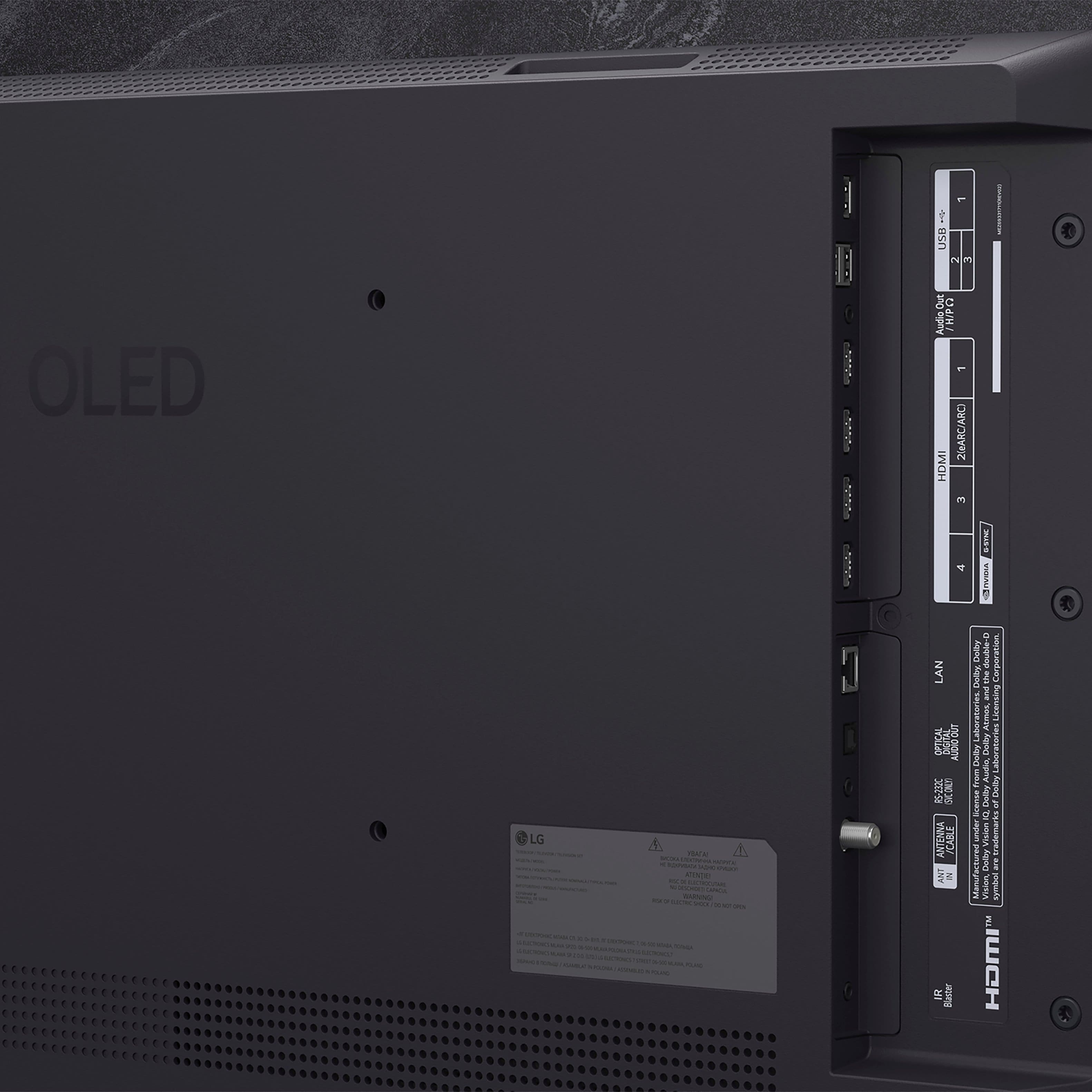
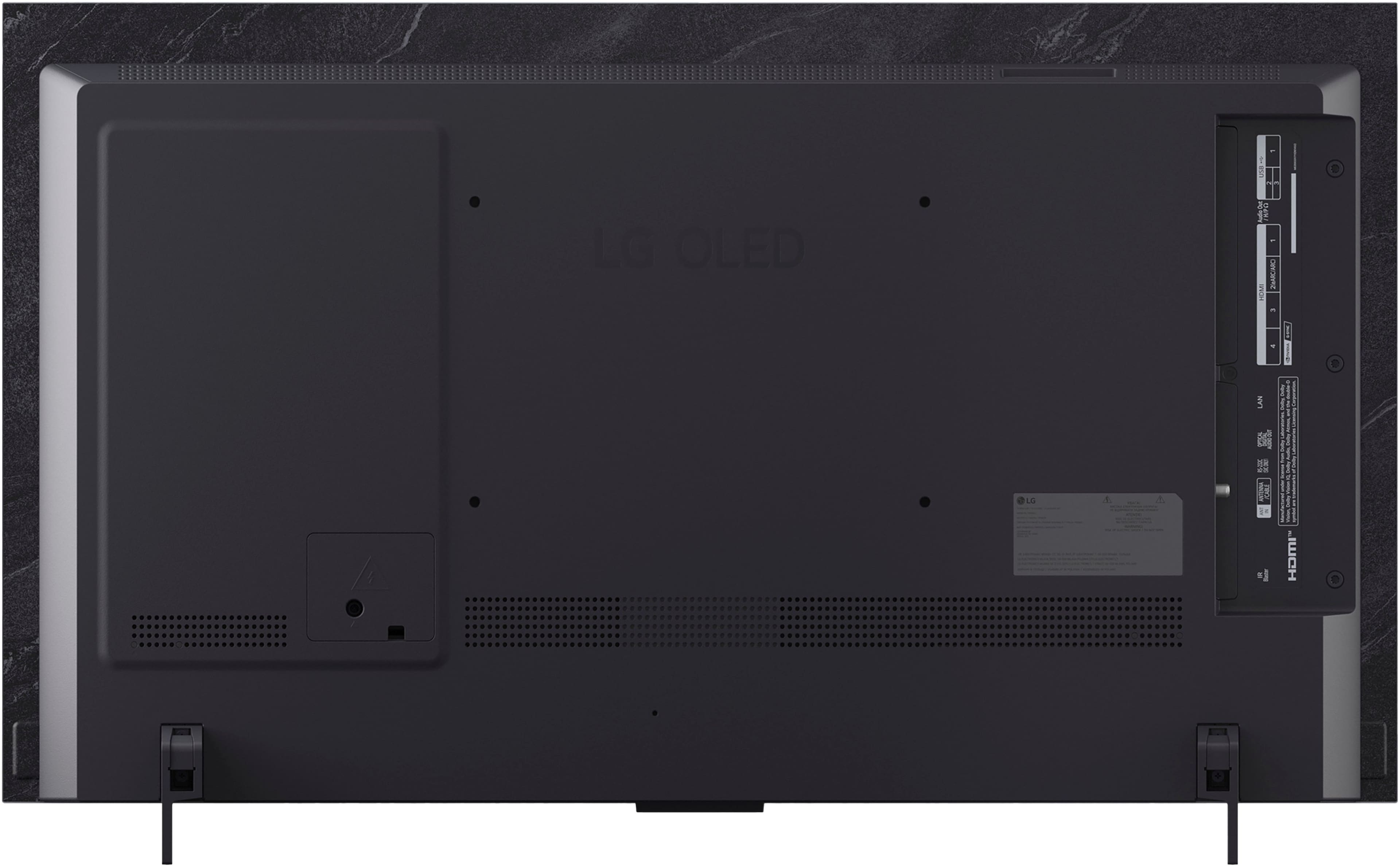
Q: QuestionIs the HDMI connector a HDMI 2.1
Asked by Suwan.
- A:Answer Hi there, Suwan! Thank you for sharing your question to us about the LG TV (OLED42C5PUA). Yes — the HDMI ports on the OLED42C5PUA support HDMI 2.1, giving you access to features like higher bandwidth, 4K gaming enhancements, and variable refresh rate depending on your connected device. You can explore the full feature list and support details here: https://www.bestbuy.com/product/lg-42-class-c5-series-oled-evo-ai-4k-uhd-smart-webos-tv-2025/JJ8VPZTHLJ. If you need further assistance, please send us an email at lgdigitalcare@lg.sprinklrsupport.com. - Avril
Answered by LG Digital Customer Care
Q: QuestionI am not very tech savy. is table top installation easy, like just plugging it in? (not wall mount)
Asked by Anonymous.
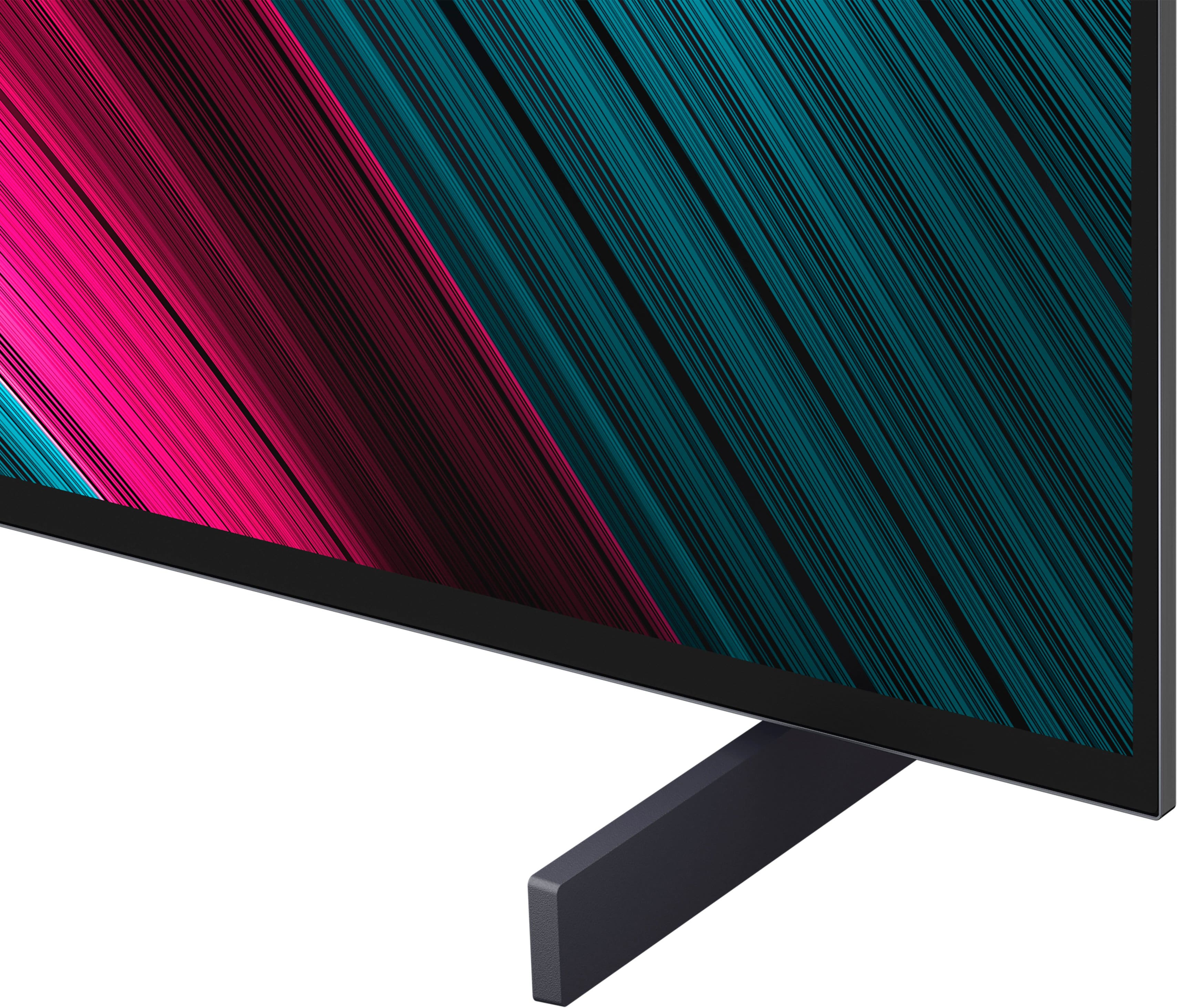
- A:Answer Hello, there! Thank you for sharing your question to us about the LG TV (OLED42C5PUA). The good news is that tabletop installation is very easy. For this model: • You’ll just attach the two stand legs with the included screws. • Set the TV on your furniture. • Plug the TV in. For more information, you can refer on this link: https://www.lg.com/us/support/help-library/lg-tv-installation-how-do-i-install-a-universal-stand--20154860103753. Additionally, you can explore the full feature list and support details here: https://www.bestbuy.com/product/lg-42-class-c5-series-oled-evo-ai-4k-uhd-smart-webos-tv-2025/JJ8VPZTHL. If you’d like us to take a closer look or need further assistance, feel free to email us at lgdigitalcare@lg.sprinklrsupport.com. - Avril
Answered by LG Digital Customer Care
Q: QuestionDoes this model have built-in Aurocast?
Asked by Robbie.
- A:Answer Hello there, Robbie! Thank you for sharing your question to us about the LG TV (OLED42C5PUA). Yes— the OLED42C5PUA, features Bluetooth 5.3 with Bluetooth LE Audio and Auracast capabilities built in. This addition gives you more flexibility with next‑gen audio broadcasting and device pairing. You can explore the full feature list and support details here: https://www.bestbuy.com/product/lg-42-class-c5-series-oled-evo-ai-4k-uhd-smart-webos-tv-2025/JJ8VPZTHLJ. If you’d like us to walk through any other features or need further assistance, feel free to email us at lgdigitalcare@lg.sprinklrsupport.com. - Avril
Answered by LG Digital Customer Care
Q: QuestionIf I hook up my Wii or PlayStation two, will the games look awful even if I use an adapter to upscale the games
Asked by Kevin77.
- A:Answer Hello there, Kevin! Thank you for reaching out about the LG TV (OLED42C5PUA). It’s great that you’re checking how classic consoles like the Wii and PlayStation 2 will look on a modern OLED screen. Older consoles output in 480i/480p, which is far lower than the 4K resolution of your OLED. Because of that, the TV will upscale the image, and the picture will look soft compared to modern games. However, using a quality HDMI adapter or upscaler can noticeably improve clarity and reduce artifacts. You can explore the full feature list and support details here: https://www.bestbuy.com/product/lg-42-class-c5-series-oled-evo-ai-4k-uhd-smart-webos-tv-2025/JJ8VPZTHLJ. If you’d like us to take a closer look at your setup or need further assistance, feel free to email us at lgdigitalcare@lg.sprinklrsupport.com. - Avril
Answered by LG Digital Customer Care
Q: QuestionCan you use Roku with the LG-42" Class C5?
Asked by wondering.
- A:Answer Hi there. Thank you for reaching out to us. We understand your inquiry regarding the compatibility of the OLED42C5PUA with Roku services and devices. The OLED42C5PUA features our advanced webOS 25 operating system, which includes a built-in App Store where you can access a wide variety of streaming content partners. If you prefer to use an external Roku streaming player, you can easily connect it to any of the four HDMI inputs located on the unit. These ports are designed to support high-quality video and audio transmission, allowing you to enjoy your preferred streaming interface alongside the exceptional picture quality of our 4K OLED display. https://www.bestbuy.com/product/lg-42-class-c5-series-oled-evo-ai-4k-uhd-smart-webos-tv-2025/JJ8VPZTHLJ If you have any further questions about connecting external devices or optimizing your smart TV settings, please contact us on lgdigitalcare@lg.sprinklrsupport.com, and our team will be more than happy to assist you further through a private message. —Renzo
Answered by LG Digital Customer Care
Q: QuestionWht is the manufacturer’s warranty for the LG 42" Class C5 Series OLED evo AI Smart TV ?
Asked by MiniFridge.
- A:Answer Hello there. Thank you for reaching out to us with your question. We understand your inquiry regarding the protection and coverage for your television. We are pleased to inform you that the LG 42" Class C5 Series OLED evo AI Smart TV comes with a limited manufacturer's warranty that covers 1 Year for both Parts and Labor from the original date of purchase. https://www.bestbuy.com/product/lg-42-class-c5-series-oled-evo-ai-4k-uhd-smart-webos-tv-2025/JJ8VPZTHLJ If you have any further questions about its features or need additional clarification on the warranty terms, please contact us on lgdigitalcare@lg.sprinklrsupport.com, and our team will be more than happy to assist you through a private message. —Renzo
Answered by LG Digital Customer Care
Q: QuestionI run my TV an average of 17 hours per day. How will the C5 stand up to this type of use?
Asked by BLS.
- A:Answer Hello there. Thank you for reaching out to us with your question. We understand your inquiry regarding how the OLED42C5PUA will perform with 17 hours of daily use. We are pleased to share that our latest OLED technology is designed with several integrated protective measures to support extensive viewing habits. The OLED42C5PUA features a comprehensive suite of OLED Care settings, including Pixel Cleaning, Screen Move, and Adjust Logo Brightness. These features are specifically engineered to work automatically in the background to maintain panel health and ensure the longevity of the pixels, even during long sessions. Additionally, the α9 AI Processor 4K Gen8 intelligently manages the display to provide optimal brightness and color accuracy while protecting the panel. https://www.bestbuy.com/product/lg-42-class-c5-series-oled-evo-ai-4k-uhd-smart-webos-tv-2025/JJ8VPZTHLJ If you have any further questions about its features or how to best configure the OLED Care settings for your specific environment, please contact us on lgdigitalcare@lg.sprinklrsupport.com, and our team will be more than happy to assist you further through a private message. —Renzo
Answered by LG Digital Customer Care
Q: QuestionWhat steps do I take for unpacking and setup?
Asked by Anonymous.
- A:Answer There really is not that much to unboxing the LG 42" Class C5 Series OLED evo AI 4K UHD Smart webOS TV (2025), Model # OLED42C5PUA, other to carefully remove it from its shipping carton, find the quick start guide which has illustrated diagrams showing how to proceed with the unboxing and attaching the supplied stand legs. LG does not have a specific official YouTube video for the 42" variant, but you can find several YouTube videos from customers showing how to unbox the TV and set it up...^Ivan.
Answered by LG Digital Customer Care
Q: QuestionCan I get Marquee Sports on this TV without needing cable.
Asked by Anonymous.
- A:Answer Hello there. We understand your inquiry regarding the OLED42C5PUA. To answer your question directly, you have multiple options to enjoy your favorite sports content without a traditional cable subscription. Because this TV operates on our webOS 25 platform, you can access the built-in App Store to search for and download supported sports streaming applications. Additionally, this model comes with Google Cast built-in and works with Apple AirPlay 2, allowing you to easily cast or mirror the Marquee Sports app directly from your compatible smartphone or tablet to the TV screen. https://www.bestbuy.com/product/lg-42-class-c5-series-oled-evo-ai-4k-uhd-smart-webos-tv-2025/JJ8VPZTHLJ If you have any further questions about its features, please contact us on lgdigitalcare@lg.sprinklrsupport.com, and our team will be more than happy to assist you. —Renzo
Answered by LG Digital Customer Care
Q: QuestionDoes this tv has blu tooth connection for sound?
Asked by JMCSac.
- A:Answer The LG - 42" Class C5 Series OLED evo AI 4K UHD Smart webOS TV (2025), Model # OLED42C5PUA, is a Bluetooth-enabled TV (Bluetooth ver. 5.3)...^Ivan.
Answered by LG Digital Customer Care
Q: QuestionHow do I connect my soundbar to the tv
Asked by Linda.
- A:Answer Hi there, Linda. Thank you for reaching out to us. We understand your inquiry regarding connecting a soundbar to your OLED42C5PUA TV. There are a few ways to connect your audio device, but using an HDMI cable is a great option. As a quick step, you can connect the soundbar to the TV's HDMI terminal that has [ARC] written on it. Then, using your TV remote, navigate to [Settings] → [All Settings] → [Sound] → [Sound Out], and select [HDMI (ARC) Connection Device]. LG TV - How to Connect a Sound Bar or Receiver - https://www.lg.com/us/support/help-library/lg-tv-how-to-connect-a-sound-bar-or-receiver--20153207557627 Your feedback is important, and we'd like to assist you further. If you have any further questions about its features or need help with other connection methods like Bluetooth or Optical, please contact us on lgdigitalcare@lg.sprinklrsupport.com, and our team will be more than happy to assist you. —Renzo
Answered by LG Digital Customer Care
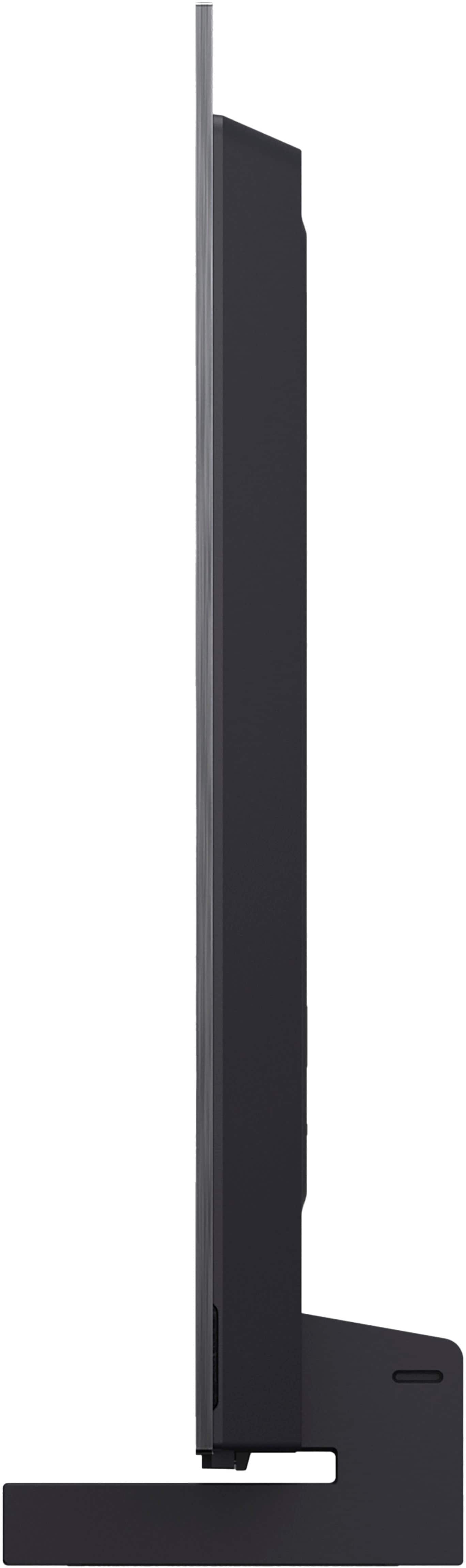
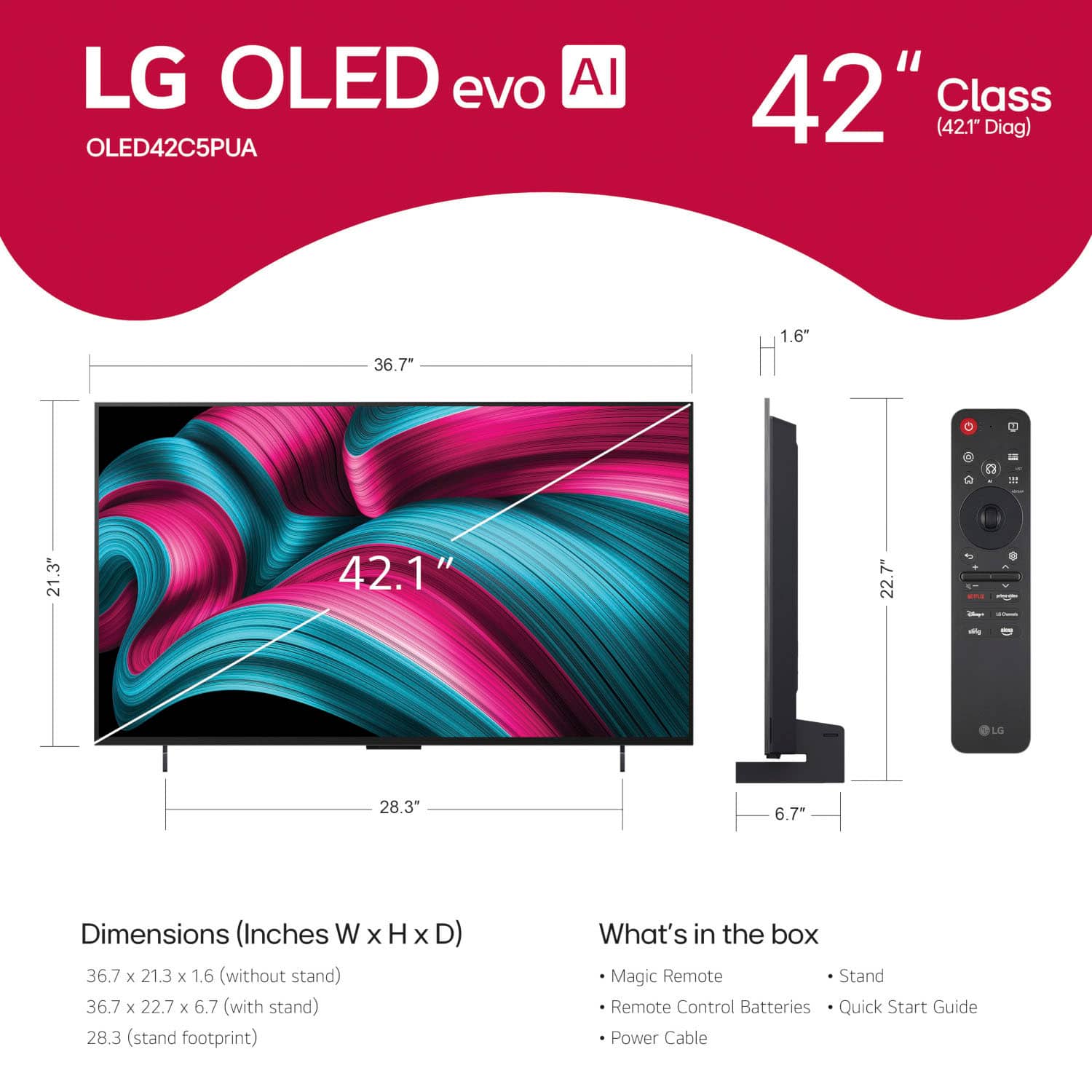
Q: QuestionHow wide is the 42" LG OLED television?
Asked by Bear.
- A:Answer The LG - 42" Class C5 Series OLED evo AI 4K UHD Smart webOS TV (2025), Model: # OLED42C5PUA, has a width of 36.8" (click on the third thumbnail image on the left with the ruler icon to view an image showing the width and height measurements)...^Ivan.
Answered by LG Digital Customer Care
Q: QuestionCan this tv be connected to an audio amplifier via HDMI eARC cable and ports?
Asked by Billy.
- A:Answer Hello there. Thank you for sharing your experience with us. We understand your inquiry regarding the connectivity options for the LG - 42" Class C5 Series OLED evo AI 4K UHD Smart webOS TV (2025). We are happy to confirm that this model is equipped with HDMI eARC (Enhanced Audio Return Channel) capabilities, specifically on HDMI Input 2. This allows you to connect the TV to a compatible audio amplifier or receiver using a single HDMI cable to transmit high-quality, uncompressed audio formats like Dolby Atmos. To ensure the best connection, we recommend using a High-Speed HDMI cable and enabling the "SIMPLINK (HDMI-CEC)" feature in the TV's settings menu, which will allow your devices to communicate and power on together seamlessly. https://www.bestbuy.com/product/lg-42-class-c5-series-oled-evo-ai-4k-uhd-smart-webos-tv-2025/JJ8VPZTHLJ Your feedback is important, and we'd like to assist you further. For further assistance and any specific concerns you may have, please contact us on lgdigitalcare@lg.sprinklrsupport.com, and our team will be more than happy to assist you. —Renzo
Answered by LG Digital Customer Care
Q: QuestionDo I need to connect my firestick to this tv for live streaming like Hulu plus, Netflix, etc.?
Asked by Coconut.
- A:Answer No
Answered by AndreG
Q: QuestionThe size of this TV is 42 inches horizontally or from corner to corner?
Asked by Pensacola.
- A:Answer The TV is 42 inches from corner to corner (36-3/4" horizontally).
Answered by Angel
Q: Questionis this tv compatible with wireless headphones ?
Asked by molly.
- A:Answer Yes
Answered by AndreG
Q: QuestionIs there a warranty on the open box item for this model?
Asked by Tim.
- A:Answer Please contact Best Buy's Customer Support to inquire about what warranty the open box LG - 42" Class C5 Series OLED evo AI 4K UHD Smart webOS TV (2025), Model # OLED42C5PUA has...^Ivan.
Answered by LG Digital Customer Care
Most-viewed items
- $449.99$449.99The price was $649.99
- $329.99$329.99The price was $469.99
- $1,399.99$1,399.99The price was $2,699.99
- $329.99$329.99The price was $489.99
- $2,199.99$2,199.99The price was $3,699.99
- $399.99$399.99The price was $699.99
- $269.99$269.99The price was $479.99
- $729.99$729.99The price was $899.99
- $1,399.99$1,399.99The price was $2,499.99
- $999.99$999.99The price was $2,299.99
- $599.99$599.99The price was $1,199.99
- $199.99$199.99The price was $349.99
- $269.99$269.99The price was $449.99
- $599.99$599.99The price was $899.99
- $209.99$209.99The price was $349.99
- $599.99$599.99The price was $999.99
- $399.99$399.99The price was $609.99
- $149.99$149.99The price was $199.99


. Independently Tested for Quality and Workmanship CheckPlus: 100 % Color Volume to DCI-P3 oi PSSEANE Intertek [www.IntertekCheck.com](http://www.IntertekCheck.com). 100% Color Fidelity and '100% Color Volume to DCI-P3' applies to 2025 OLED TVs. *LG OLED Display is verified by UL for Perfect Color measured to IDMS 11.5 Ring-light Reflection standards. *100% Color Volume is defined as the performance of display which is equal or greater than the size of DCI-P3 standard color volume as verified independently by Intertek. *The LG OLED Panel is certified by Intertek for 100% Color Fidelity, measured to IDMS 11.5 Ring-light Reflection standards.](https://pisces.bbystatic.com/image2/BestBuy_US/images/products/3661ed5e-8d92-47a9-baef-65aa6eb5dcb9.jpg;maxHeight=54;maxWidth=54;format=webp)