Skip to contentGo to Product Search
Gift Ideas
45575 Dulles Eastern Plz
Ste 188
Sterling, VA 20166
Opens at 10 am
Find Another Store
Main Content

Questions & Answers

$1,096.99
Save $3
The comparable value is $1,099.99
Page Showing 21-40 of 47 questions
  • QuestionWhat steps do I take for unpacking and setup?

    Asked by Anonymous.

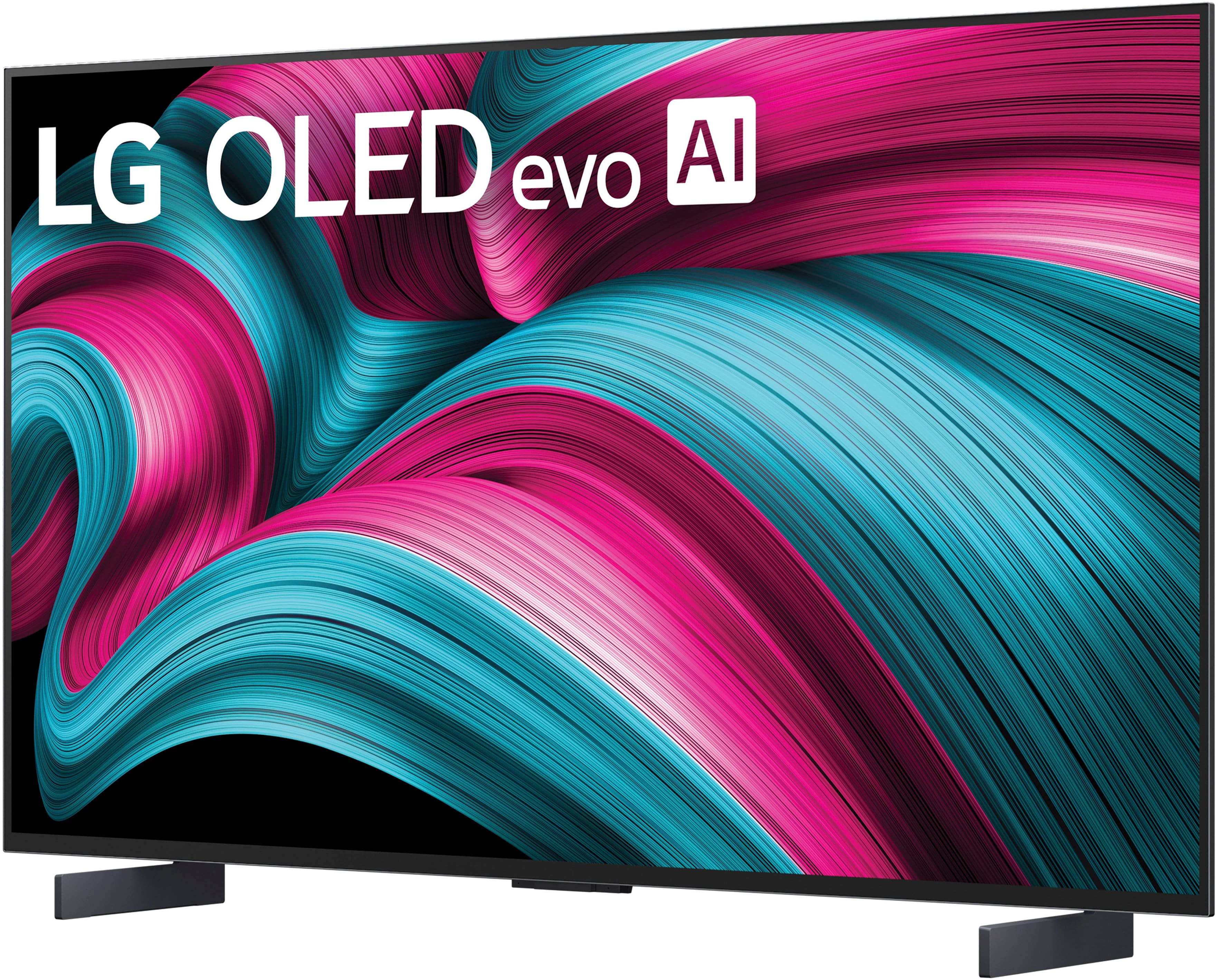
    • Answer There really is not that much to unboxing the LG 42" Class C5 Series OLED evo AI 4K UHD Smart webOS TV (2025), Model # OLED42C5PUA, other to carefully remove it from its shipping carton, find the quick start guide which has illustrated diagrams showing how to proceed with the unboxing and attaching the supplied stand legs. LG does not have a specific official YouTube video for the 42" variant, but you can find several YouTube videos from customers showing how to unbox the TV and set it up...^Ivan.

      Answered by LG Digital Customer Care

  • QuestionCan I get Marquee Sports on this TV without needing cable.

    Asked by Anonymous.

    • Answer Hello there. We understand your inquiry regarding the OLED42C5PUA. To answer your question directly, you have multiple options to enjoy your favorite sports content without a traditional cable subscription. Because this TV operates on our webOS 25 platform, you can access the built-in App Store to search for and download supported sports streaming applications. Additionally, this model comes with Google Cast built-in and works with Apple AirPlay 2, allowing you to easily cast or mirror the Marquee Sports app directly from your compatible smartphone or tablet to the TV screen. https://www.bestbuy.com/product/lg-42-class-c5-series-oled-evo-ai-4k-uhd-smart-webos-tv-2025/JJ8VPZTHLJ If you have any further questions about its features, please contact us on [email protected], and our team will be more than happy to assist you. —Renzo

      Answered by LG Digital Customer Care

  • QuestionDoes this tv has blu tooth connection for sound?

    Asked by JMCSac.

    • Answer The LG - 42" Class C5 Series OLED evo AI 4K UHD Smart webOS TV (2025), Model # OLED42C5PUA, is a Bluetooth-enabled TV (Bluetooth ver. 5.3)...^Ivan.

      Answered by LG Digital Customer Care

  • QuestionHow do I connect my soundbar to the tv

    Asked by Linda.

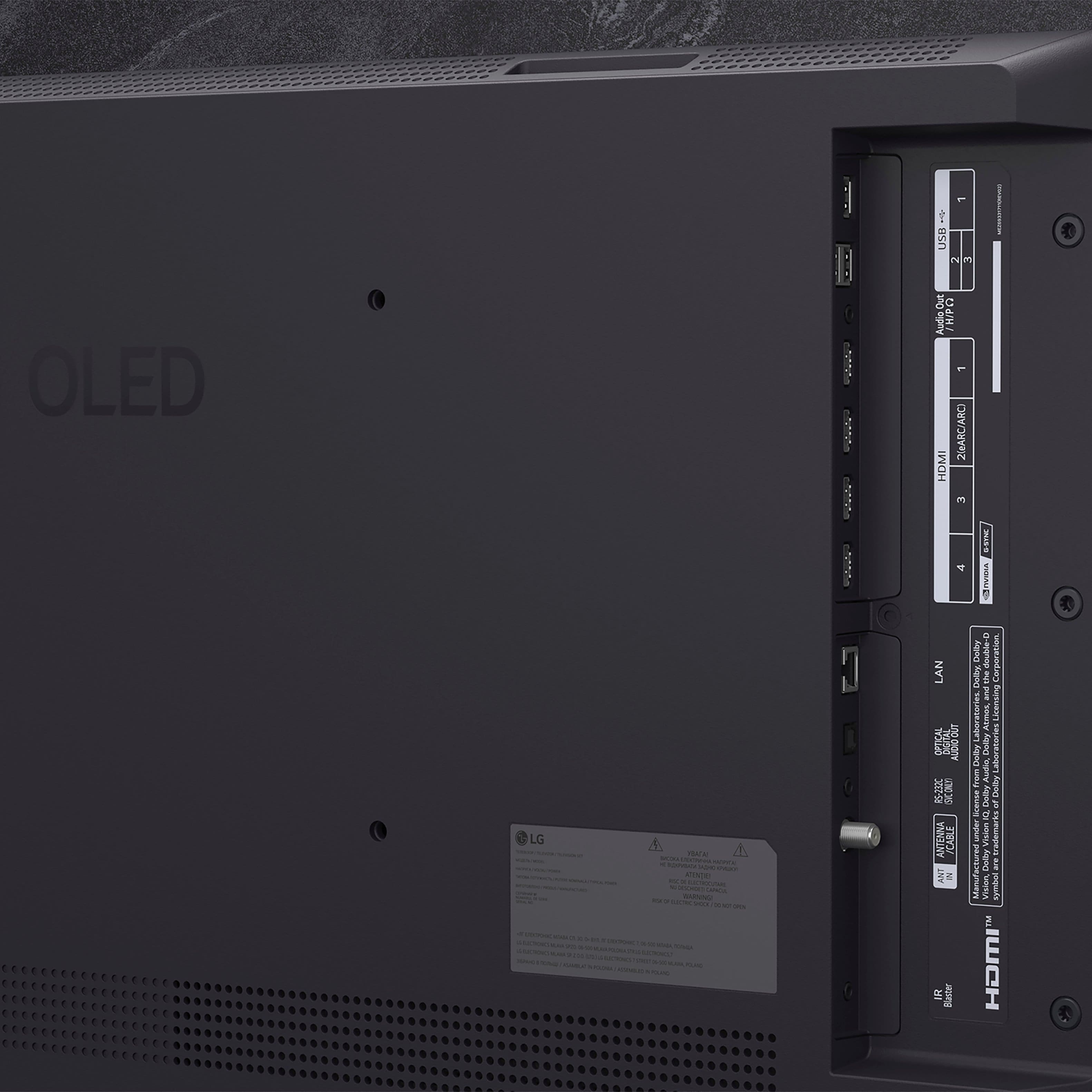
    • Answer Hi there, Linda. Thank you for reaching out to us. We understand your inquiry regarding connecting a soundbar to your OLED42C5PUA TV. There are a few ways to connect your audio device, but using an HDMI cable is a great option. As a quick step, you can connect the soundbar to the TV's HDMI terminal that has [ARC] written on it. Then, using your TV remote, navigate to [Settings] → [All Settings] → [Sound] → [Sound Out], and select [HDMI (ARC) Connection Device]. LG TV - How to Connect a Sound Bar or Receiver - https://www.lg.com/us/support/help-library/lg-tv-how-to-connect-a-sound-bar-or-receiver--20153207557627 Your feedback is important, and we'd like to assist you further. If you have any further questions about its features or need help with other connection methods like Bluetooth or Optical, please contact us on [email protected], and our team will be more than happy to assist you. —Renzo

      Answered by LG Digital Customer Care

  • QuestionHow wide is the 42" LG OLED television?

    Asked by Bear.

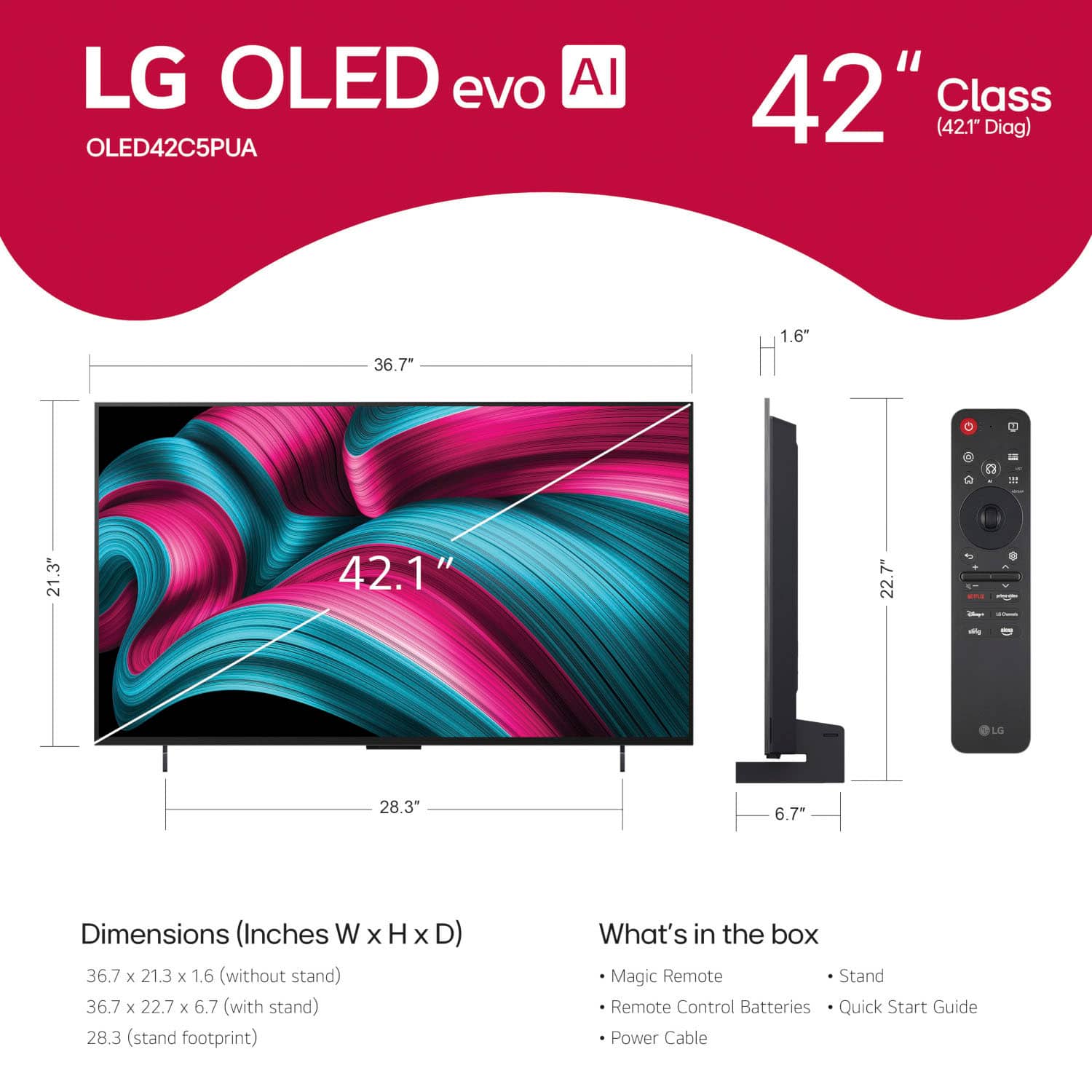
    • Answer The LG - 42" Class C5 Series OLED evo AI 4K UHD Smart webOS TV (2025), Model: # OLED42C5PUA, has a width of 36.8" (click on the third thumbnail image on the left with the ruler icon to view an image showing the width and height measurements)...^Ivan.

      Answered by LG Digital Customer Care

  • QuestionCan this tv be connected to an audio amplifier via HDMI eARC cable and ports?

    Asked by Billy.

    • Answer Hello there. Thank you for sharing your experience with us. We understand your inquiry regarding the connectivity options for the LG - 42" Class C5 Series OLED evo AI 4K UHD Smart webOS TV (2025). We are happy to confirm that this model is equipped with HDMI eARC (Enhanced Audio Return Channel) capabilities, specifically on HDMI Input 2. This allows you to connect the TV to a compatible audio amplifier or receiver using a single HDMI cable to transmit high-quality, uncompressed audio formats like Dolby Atmos. To ensure the best connection, we recommend using a High-Speed HDMI cable and enabling the "SIMPLINK (HDMI-CEC)" feature in the TV's settings menu, which will allow your devices to communicate and power on together seamlessly. https://www.bestbuy.com/product/lg-42-class-c5-series-oled-evo-ai-4k-uhd-smart-webos-tv-2025/JJ8VPZTHLJ Your feedback is important, and we'd like to assist you further. For further assistance and any specific concerns you may have, please contact us on [email protected], and our team will be more than happy to assist you. —Renzo

      Answered by LG Digital Customer Care

  • QuestionDo I need to connect my firestick to this tv for live streaming like Hulu plus, Netflix, etc.?

    Asked by Coconut.

    • Answer No

      Answered by AndreG

  • QuestionThe size of this TV is 42 inches horizontally or from corner to corner?

    Asked by Pensacola.

    • Answer The TV is 42 inches from corner to corner (36-3/4" horizontally).

      Answered by Angel

  • Questionis this tv compatible with wireless headphones ?

    Asked by molly.

    • Answer Yes

      Answered by AndreG

  • QuestionIs there a warranty on the open box item for this model?

    Asked by Tim.

    • Answer Please contact Best Buy's Customer Support to inquire about what warranty the open box LG - 42" Class C5 Series OLED evo AI 4K UHD Smart webOS TV (2025), Model # OLED42C5PUA has...^Ivan.

      Answered by LG Digital Customer Care

  • QuestionBest Buy website says it has a 120 hz refresh rate. Google/safari and a few other places list it as 144hz refresh rate. Which is it?

    Asked by Carl.

    • Answer It's both! The LG - 42" Class C5 Series OLED evo AI 4K UHD Smart webOS TV (2025), Model # OLED42C5PUA, has a native 120Hz Refresh Rate, but it also supports Ultimate Gaming with up to a 144Hz Refresh Rate. A PC/Laptop PC with a 144Hz graphic card required...^Ivan.

      Answered by LG Digital Customer Care

  • QuestionAre the internal speakers enough? Adding a soundbar or Bluetooth Speakers needed/better? Not used for gaming. How delicate are these TV's in terms of moving them, or lifting them to move - any advice? Can I plug into a Power Strip or directly into wall?:)

    Asked by CoffeeTea4me.

    • Answer Sound setup will always be better than TV speakers but pretty decent speakers on this tv all things considered

      Answered by getuponthemike

  • QuestionAre there any plans for LG to bring back support for DTS audio on their 2025 OLED TVs?

    Asked by JM.

    • Answer Hi there, JM. Thank you for reaching out to us with your question. We understand your inquiry regarding the audio codec support for the OLED42C5PUA. We are happy to provide you with the specific technical details for this 2025 LG OLED TV to help you get the most out of your home theater experience. According to the official specifications for this model, the supported audio codecs include AC4, AC3 (Dolby Digital), EAC3, HE-AAC, AAC, MP2, MP3, PCM, WMA, and apt-X. While DTS is not currently listed in the technical specifications for this specific unit, we are proud to offer advanced audio features such as Dolby Atmos, Wow Orchestra, and α9 AI Sound Pro, which provides a virtual 11.1.2 up-mix for an incredibly immersive sound experience. We are dedicated to providing a high-quality and premium audio-visual environment for all our users. We want to make sure you have all the necessary information to enjoy your favorite content with the best possible sound quality. https://www.bestbuy.com/product/lg-42-class-c5-series-oled-evo-ai-4k-uhd-smart-webos-tv-2025/JJ8VPZTHLJ If you have any further questions about its features, please contact us on [email protected], and our team will be more than happy to assist you. —Renzo

      Answered by LG Digital Customer Care

  • QuestionThis tv work with Bluetooth speakers?

    Asked by JS.

    • Answer Like ALL other LG OLED TVs, the LG 42" Class C5 Series OLED evo AI 4K UHD Smart webOS TV (2025), Model # OLED42C5PUA, is a Bluetooth-enabled TV (Bluetooth® ver. 5.3), that can be paired with Bluetooth speakers...^Ivan.

      Answered by LG Digital Customer Care

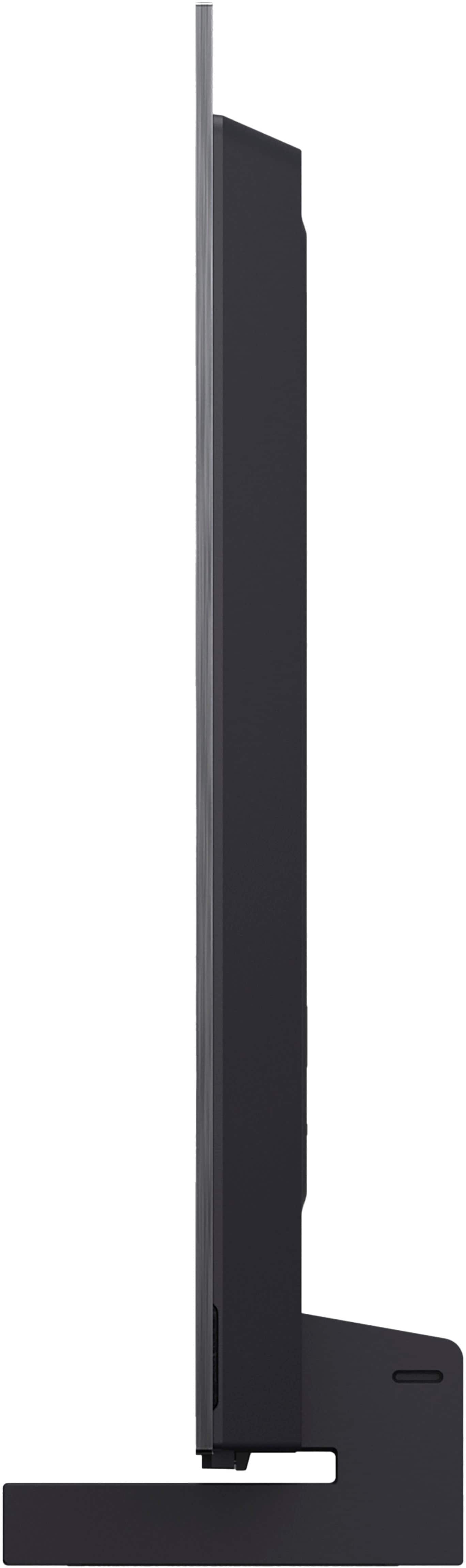
  • QuestionI need to mount this flush with the wall. Does this come with a mount that allows it to be flush. I saw an LG OLED video showing a mounting that allowed flush mounting.

    Asked by Jimbo.

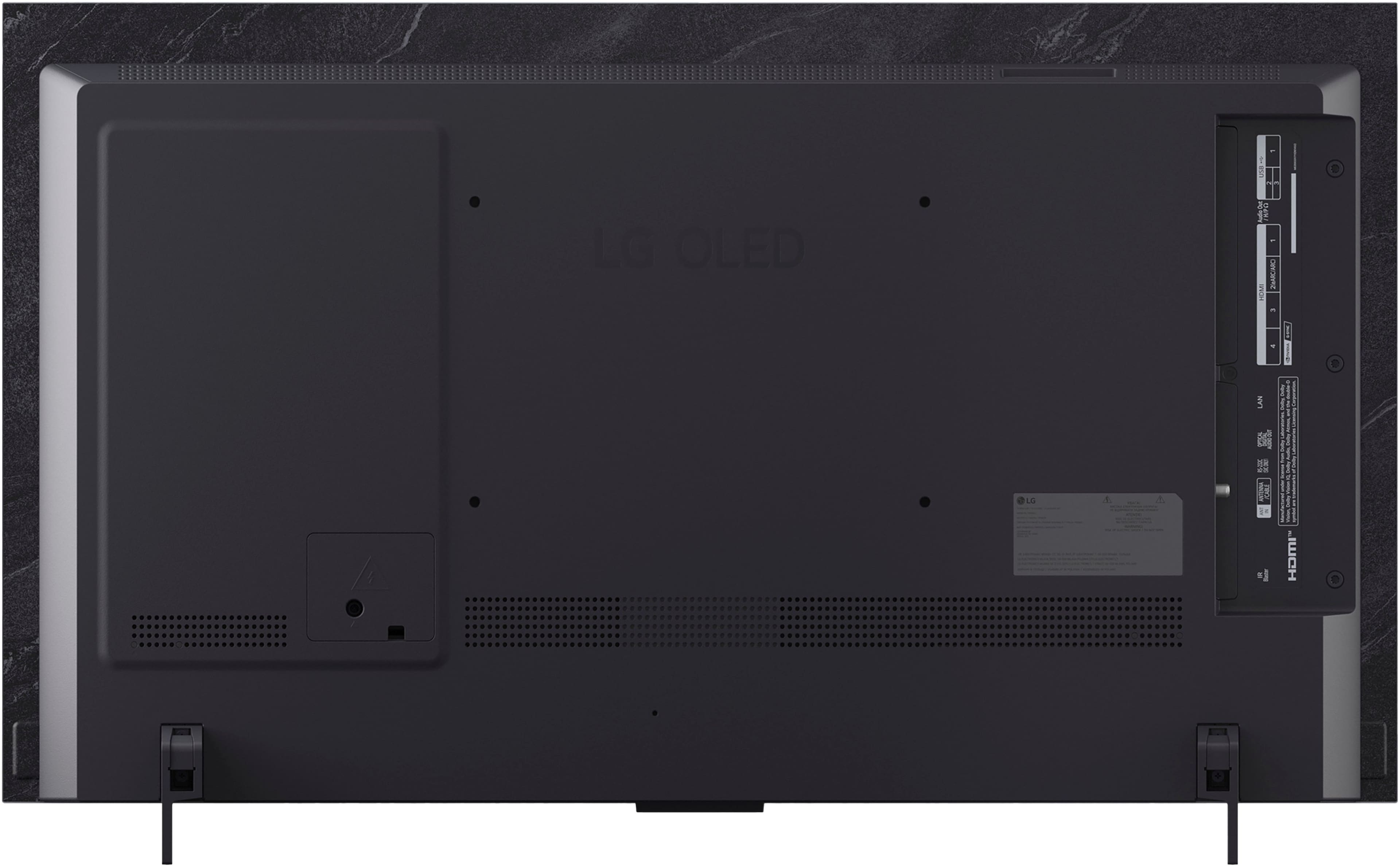
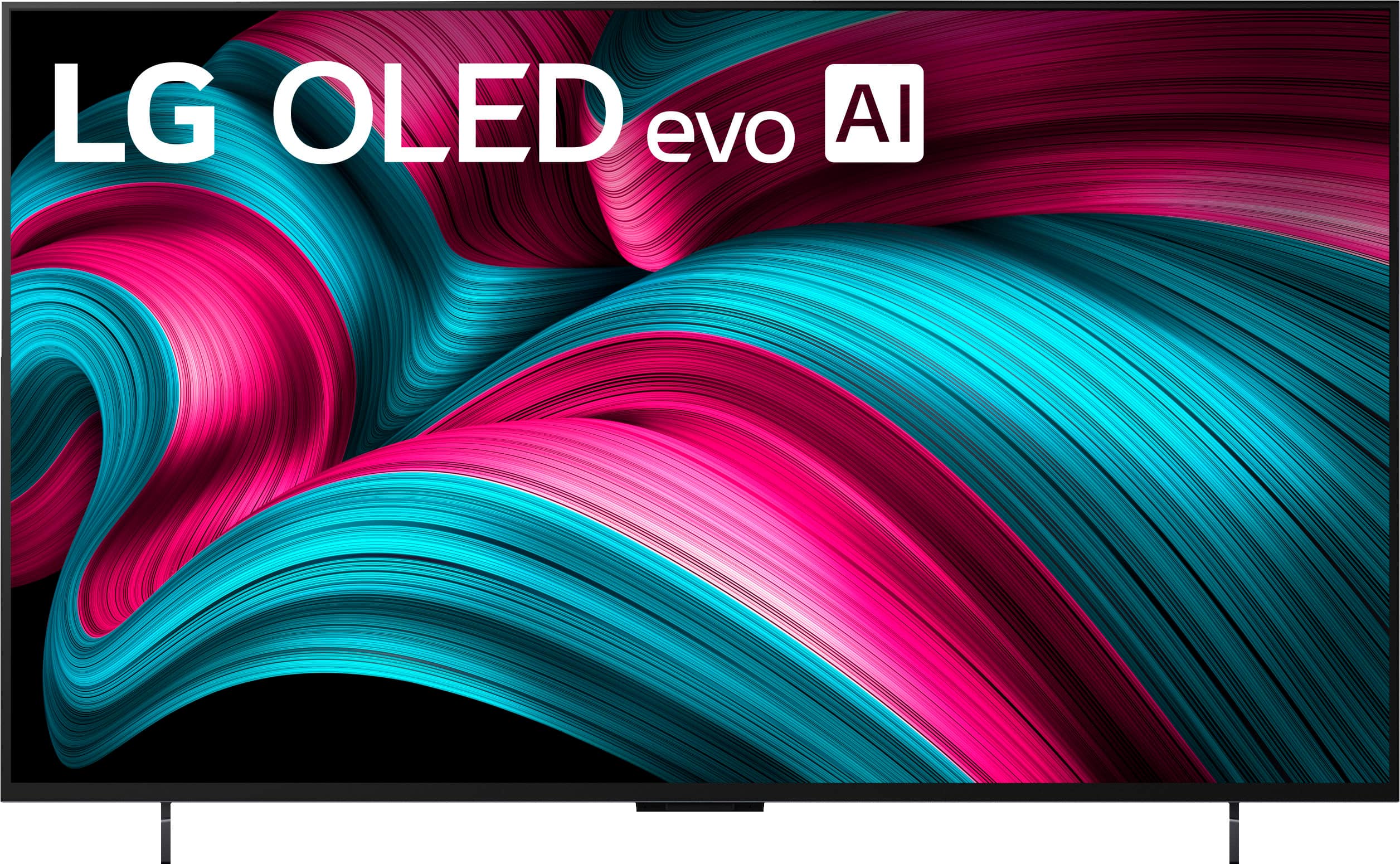
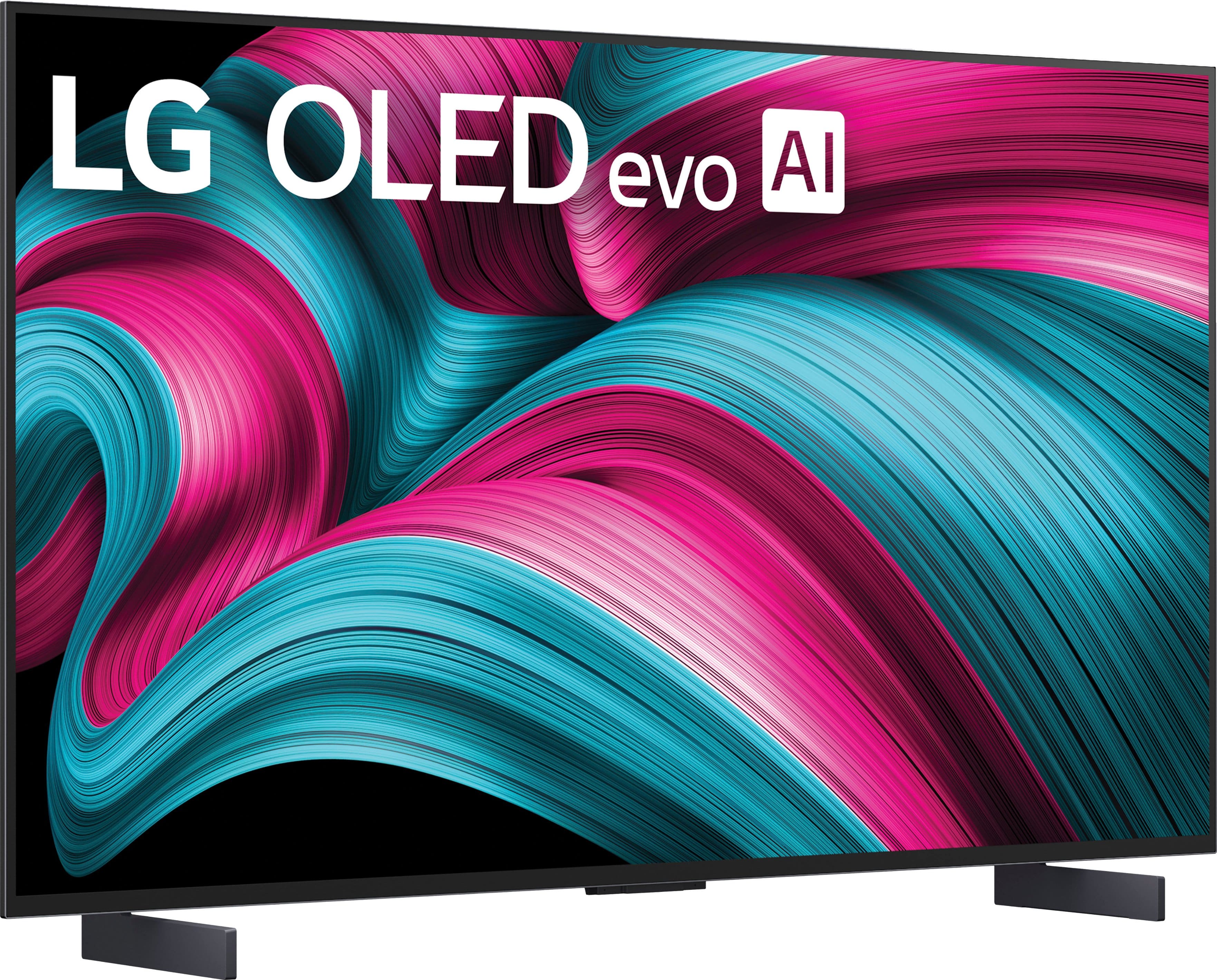
    • Answer Hi there, Jimbo. We understand your inquiry about the wall-mounting options for the OLED42C5PUA TV. The OLED42C5PUA is a C-series model and comes with a pedestal Stand as an included accessory. Unlike the G-series models, this unit typically does not include the specialized "gallery" wall mount designed for a nearly flush-to-the-wall appearance. However, the unit does support a standard VESA wall mount of 300 x 200 mm. To achieve a very slim, close-to-the-wall look, a separate, slim-profile VESA mount would need to be purchased, as it is not included in the box. https://www.bestbuy.com/product/lg-42-class-c5-series-oled-evo-ai-4k-uhd-smart-webos-tv-2025/JJ8VPZTHLJ If you have any further questions about compatible mounting solutions or the TV's dimensions, please send us a private message on Social Media @LGUSSupport, and our team will be more than happy to assist you. —Renzo
      Answered by LG Digital Customer Care

  • QuestionCan you connect this with Xfinity?

    Asked by Problems.

    • Answer Hello there. Thank you for sharing your experience with us. We understand your inquiry regarding the compatibility of your LG 42" Class C5 Series OLED TV with Xfinity. This model is compatible with Xfinity, and you can connect your service by either plugging your Xfinity cable box into one of the HDMI ports or by downloading the Xfinity Stream app directly from the LG Content Store on the TV's home screen. https://www.bestbuy.com/product/lg-42-class-c5-series-oled-evo-ai-4k-uhd-smart-webos-tv-2025/JJ8VPZTHLJ For further assistance and any specific concerns you may have, please contact us on [email protected]. —Renzo

      Answered by LG Digital Customer Care

  • QuestionIs it possible to get a swivel stand for this TV? One that I can put on a table and swivel the tv in the direction I want to watch it from. If so, can you recommend a part number?

    Asked by Nathan.

    • Answer Check amazon, you'll find many different ones. Just make sure it has the correct vesa mounting pattern.

      Answered by Anonymous

  • QuestionI see that one purchaser uses this model as a computer monitor. Does that mean I could access features such a Zoom through the TV?

    Asked by Sabsavvy.

    • Answer You can access Zoom on the LG 42" Class C5 Series OLED evo AI 4K UHD Smart webOS TV (2025), Model # OLED42C5PUA, through a connected PC/Laptop, just as you would for a computer monitor...^Ivan.

      Answered by LG Digital Customer Care

  • QuestionWill this TV work with Direct TV without any box or other device?

    Asked by Jeff.

    • Answer The LG 42" Class C5 Series OLED evo AI 4K UHD Smart webOS TV (2025), Model # OLED42C5PUA, is NOT a DirecTV Ready TV that is designed to work seamlessly with the DirecTV satellite service, and has built-in technology that allows it to receive signals directly from DirecTV satellites, eliminating the need for an extra set-top box...^Ivan.

      Answered by LG Digital Customer Care

  • QuestionDoes this TV require a cable box to receive Spectrum content?

    Asked by Anonymous.

    • Answer Hi there. Thank you for sharing your experience with us. We understand your inquiry about the LG OLED42C5PUA. This TV model has an ATSC 1.0 tuner, which allows it to receive over-the-air digital broadcasts and unencrypted QAM cable signals. However, to access Spectrum content, you will need a cable box to decrypt the channels. https://www.bestbuy.com/product/lg-42-class-c5-series-oled-evo-ai-4k-uhd-smart-webos-tv-2025/JJ8VPZTHLJ If you have any further questions about its features, please send us a private message on Social Media @LGUSSupport, and our team will be more than happy to assist you. —Renzo
      Answered by LG Digital Customer Care