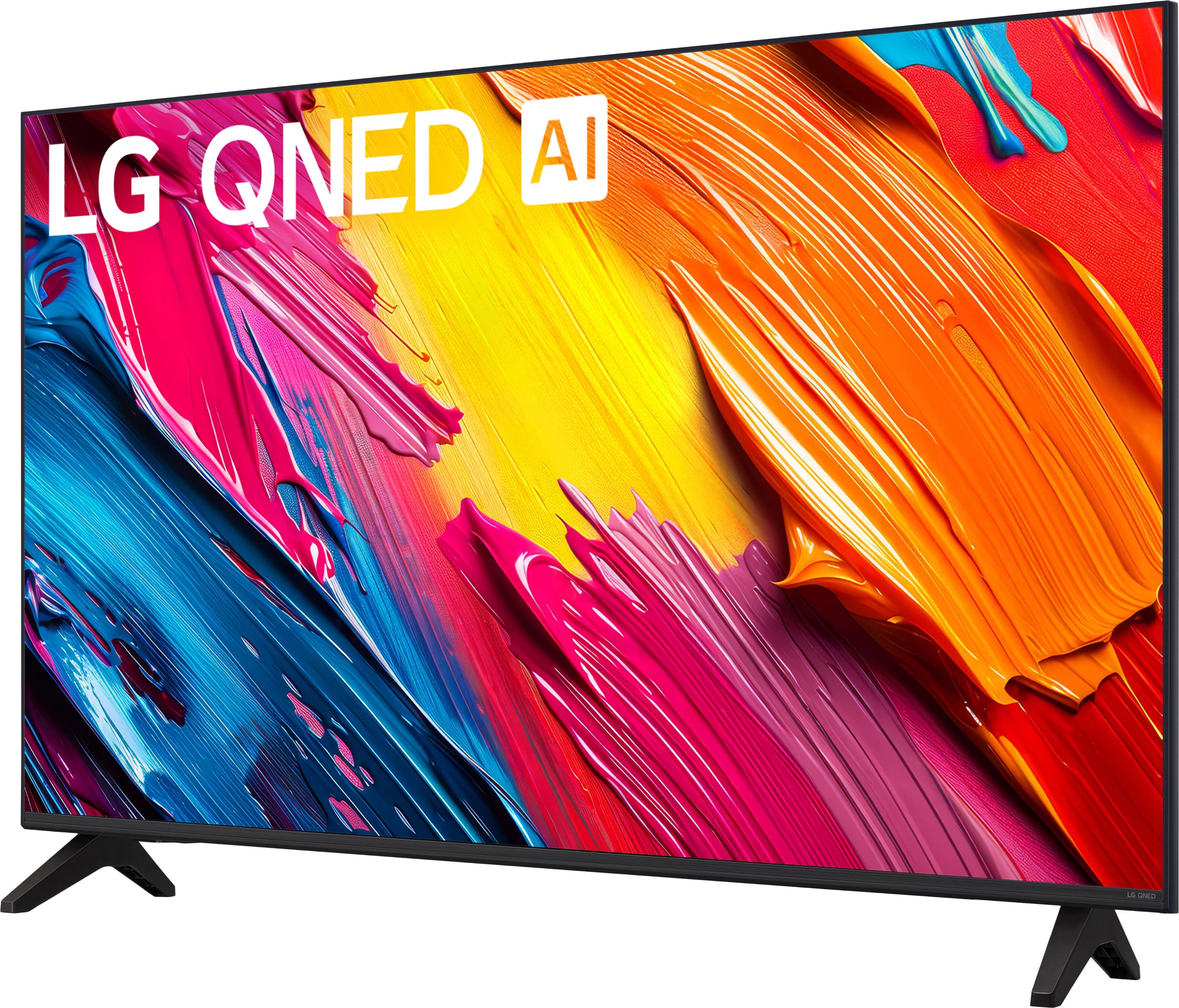

Main Content

Questions & Answers

$279.99
Save $20
The comparable value is $299.99
Page Showing 1-20 of 27 questions
  • QuestionDoes this TV have a headphone jack?

    • Answer No, this TV does not have a headphone jack.
    This question and answer was generated by AI based on customer and product data.
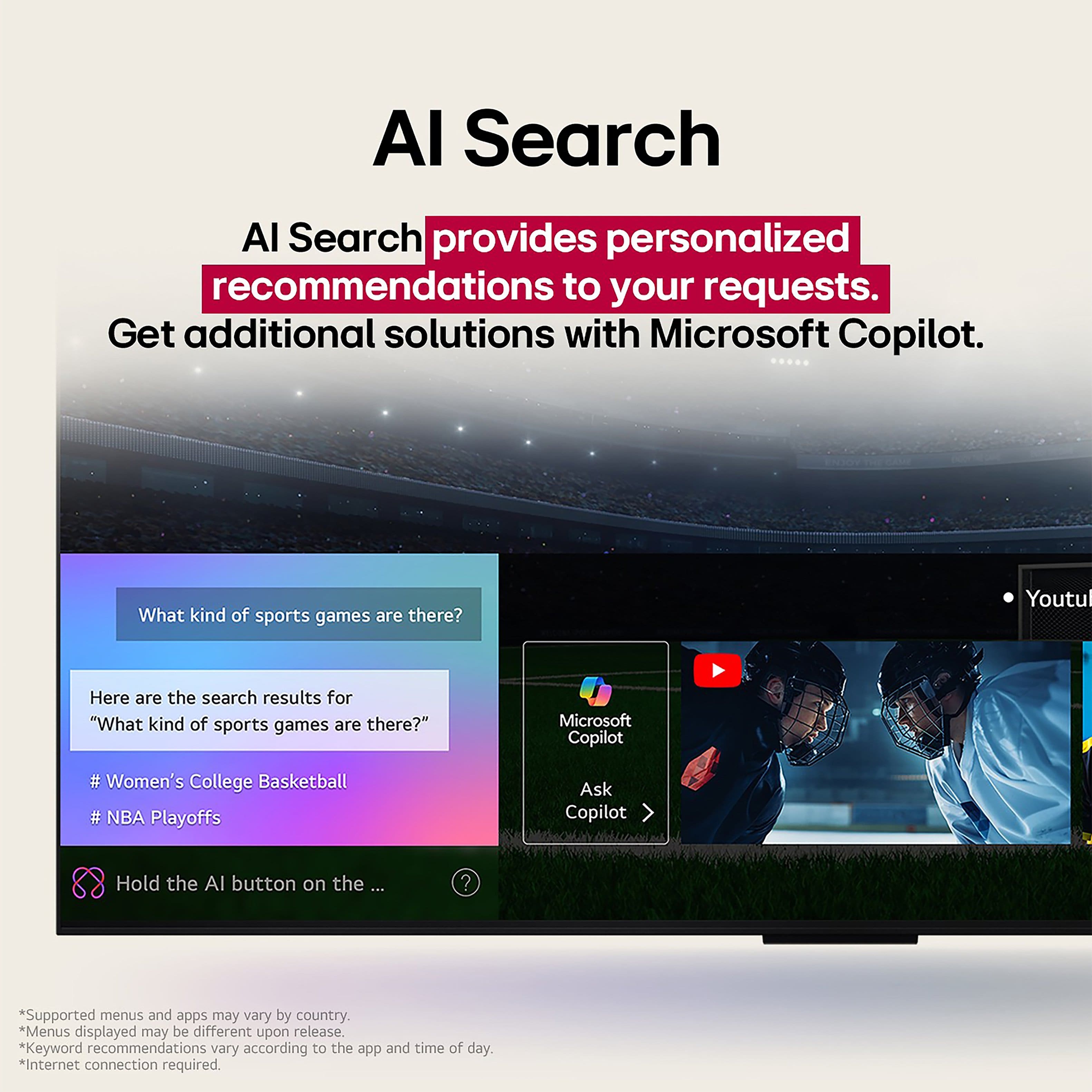
  • QuestionCan I control this TV using voice commands?

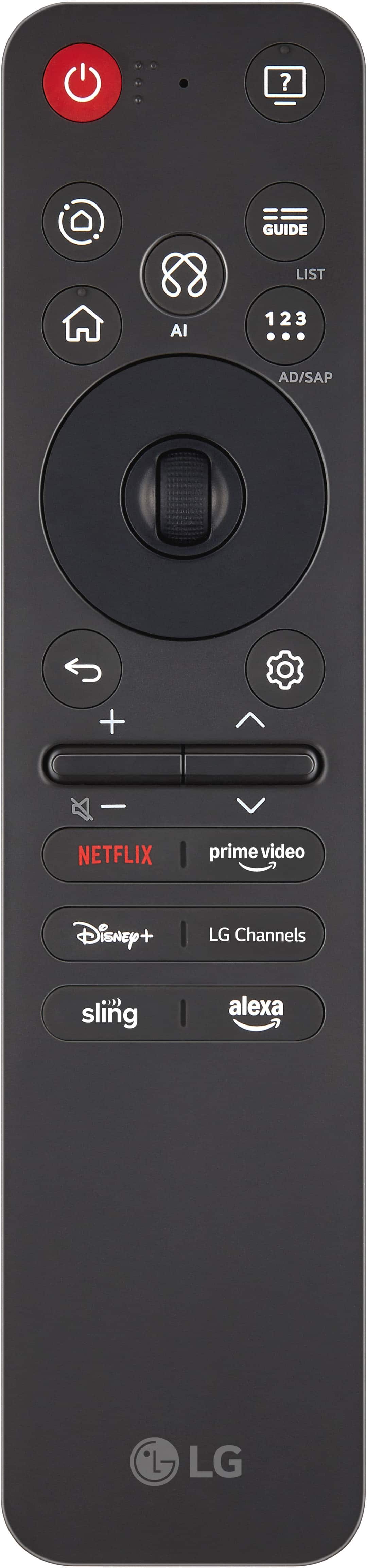
    • Answer Yes, you can control this TV using voice commands with Amazon Alexa.
    This question and answer was generated by AI based on customer and product data.

  • QuestionHow many HDMI ports does the LG TV have?

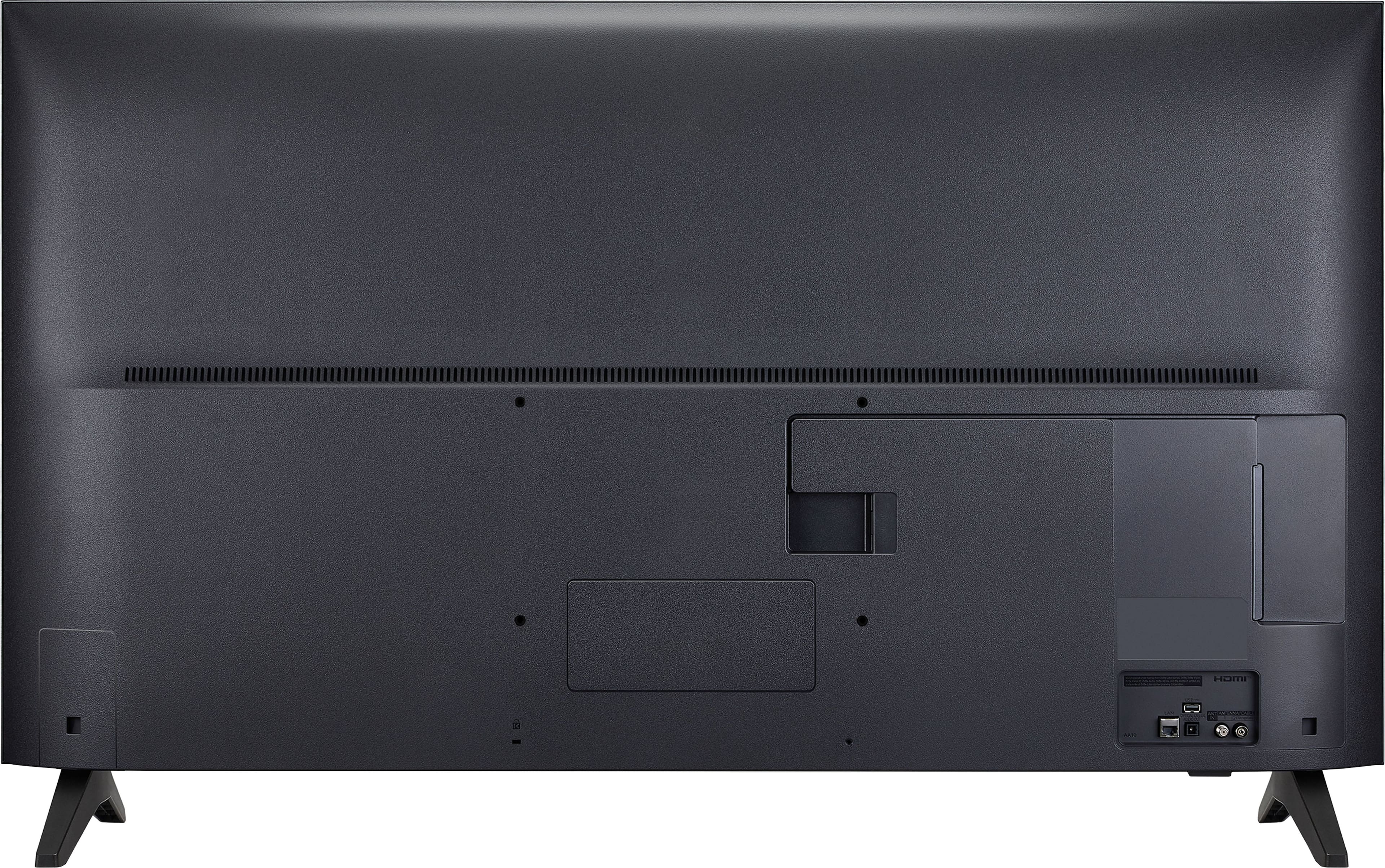
    • Answer The LG TV has a total of three HDMI ports.
    This question and answer was generated by AI based on customer and product data.
  • QuestionWhat is the refresh rate of this smart TV?

    • Answer The refresh rate of this smart TV is 60Hz.
    This question and answer was generated by AI based on customer and product data.
  • QuestionDoes this TV support high dynamic range?

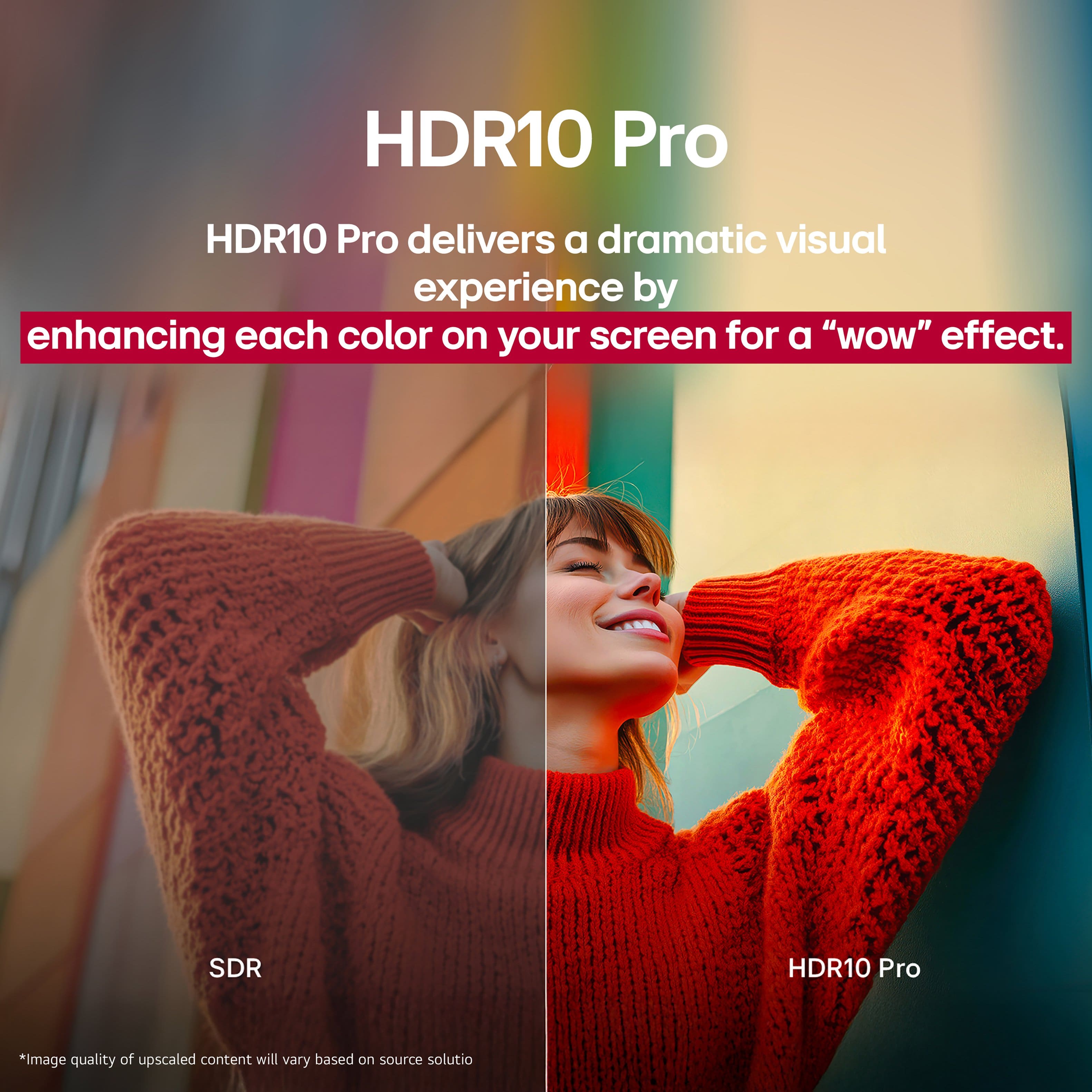
    • Answer Yes, this TV supports high dynamic range (HDR).
    This question and answer was generated by AI based on customer and product data.
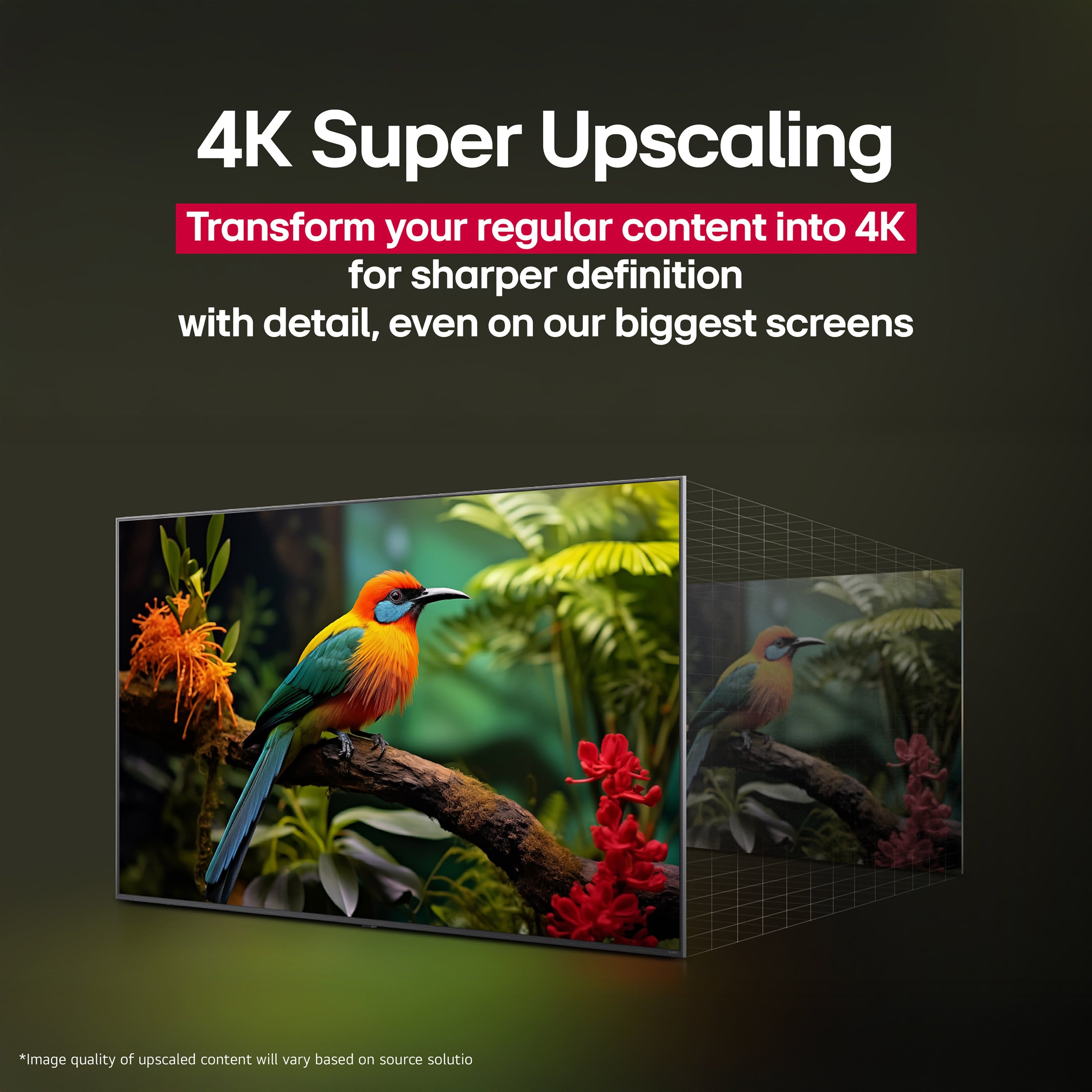
  • QuestionIs there a built-in Wi-Fi in this television?

    • Answer Yes, this television has built-in Wi-Fi connectivity.
    This question and answer was generated by AI based on customer and product data.

  • QuestionDoes this TV have screen mirroring capabilities?

    • Answer Yes, this TV has screen mirroring technology with Apple AirPlay 2.
    This question and answer was generated by AI based on customer and product data.

  • QuestionCan I plug in Roku to this Tv?

    Asked by Diana.

    • Answer This TV has three HDMI inputs. If you have a spare one after plugging in your other devices, a Roku dongle or box will plug in there and allow you to use it. The TV has its own WebOS system that allows you to add/sign in to your streaming apps, which may negate the need for the external Roku unit. We were able to get all of our streaming services to work in the TV ecosystem.

      Answered by user353352

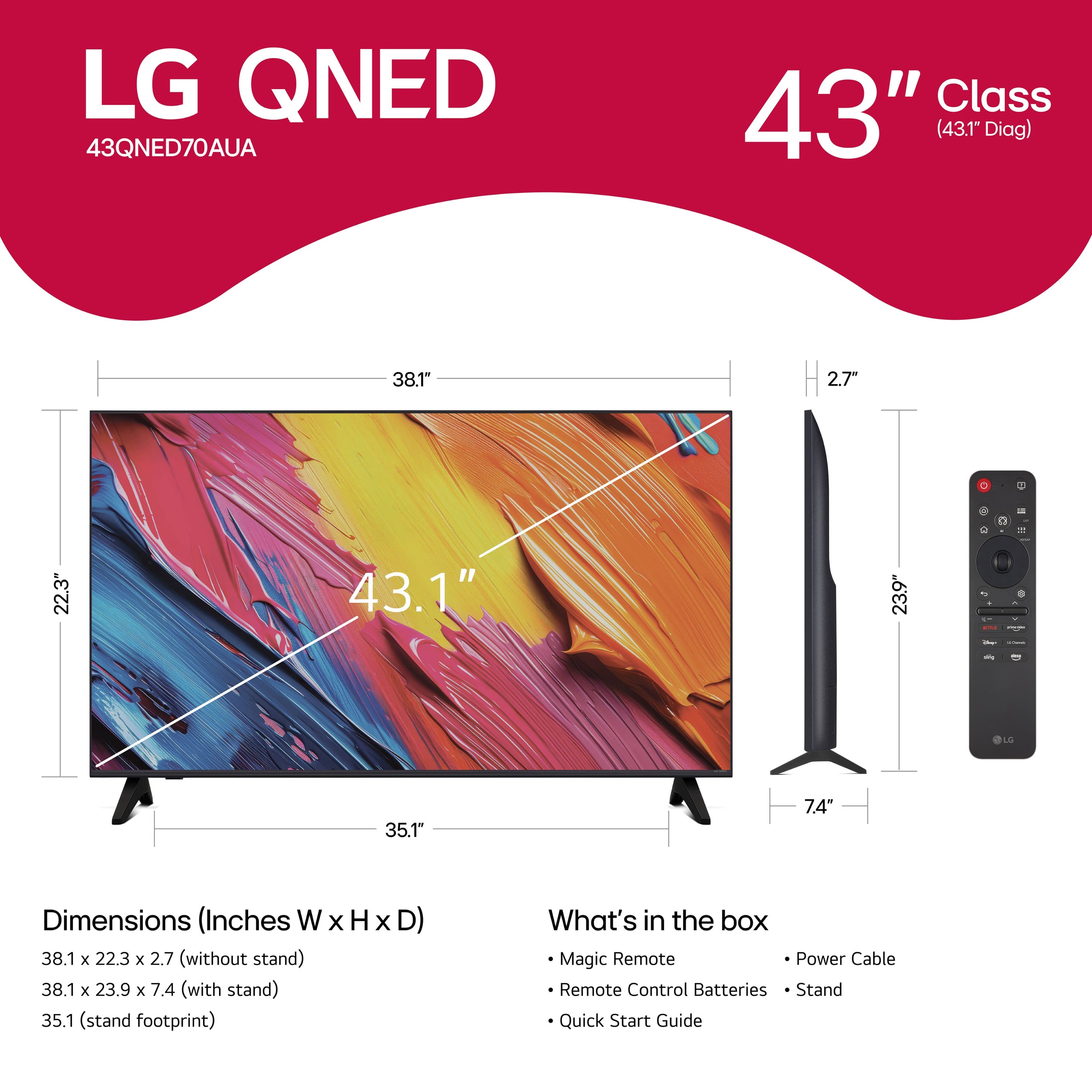
  • Questioni have a lg lk5700pua tv now in my bus and i want know if my wall mount will fit my new tv looking at the 43-class-70a-series-qned-ai-4k-uhd-smart-webos-tv-2025..

    Asked by Bobh.

    • Answer Is the LG LK5700PUA you have in your bus a 43" TV, is it the LG LK5700PUA HDR Smart LED Full HD 1080p TV - 43" Class (42.5" Diag), Model # 43LK5700PUA? If it is, it has a 200 x 200 mm VESA Mount Pattern, and the LG 43" Class 70A Series QNED AI 4K UHD Smart webOS TV (2025), Model # 43QNED70AUA, also has a 200 x 200 mm VESA Mount Pattern, so your current wall mount can be used to mount it...^Ivan.

      Answered by LG Digital Customer Care

  • Questiondo you have to be loged into the intenet to use the tv

    Asked by Anonymous.

    • Answer Hello there. Thank you for sharing your question with us. We understand your inquiry regarding whether the 43QNED70AUA requires an internet connection for use. To answer your question directly, you do not have to be logged into the internet to use the basic functions of this TV, such as watching local broadcast channels via an antenna or using external devices like a cable box or gaming console connected through the HDMI ports. https://www.bestbuy.com/product/lg-43-class-70a-series-qned-ai-4k-uhd-smart-webos-tv-2025/JJ8VPZWRPV If you have any further questions about its features, please contact us on [email protected], and our team will be more than happy to assist you. —Renzo

      Answered by LG Digital Customer Care

  • QuestionI wanted to confirm. There is no screen film, that needs to be pulled off after purchasing, correct?

    Asked by 7onefour.

    • Answer None that I found...

      Answered by whilst

  • QuestionMy LG TV keeps freezing up and then starts looking for the Dish Hopper. Dish technician looked for a solution, but still freezes up when it feels like it. Any suggestions?

    Asked by Scott.

    • Answer Hi, there. Thank you for reaching out to us regarding your LG TV (43QNED70AUA) model. We understand the importance of having a consistent, uninterrupted viewing experience. To help stabilize the connection between your Dish Hopper and your LG TV, please try the following step: Disable HDMI-CEC (SIMPLINK): Navigate to Settings > All Settings > General > External Devices > HDMI Settings and turn off SIMPLINK (HDMI-CEC). This prevents conflicts between the Dish Hopper and TV handshake that may cause freezing, ensuring stable power and control commands to the TV. Swap HDMI ports and cables: Use a High-Speed HDMI cable (Version 2.0 or higher) and connect the Dish Hopper to a different HDMI port on the TV. This helps identify if a specific port or cable is causing the signal dropout. For more guidance, visit https://www.lg.com/us/support/product/lg-43QNED70AUA.AUS. If the freezing continues after adjusting these settings, please send us an email at [email protected]. We're here to help. ^Juvy

      Answered by LG Digital Customer Care

  • QuestionCan you hook a Fire stick to this TV?

    Asked by Kandi.

    • Answer Yes you could use a Fire Stick or a Roku with this tv. You can also use the built in LG software and apps.

      Answered by MurrayK

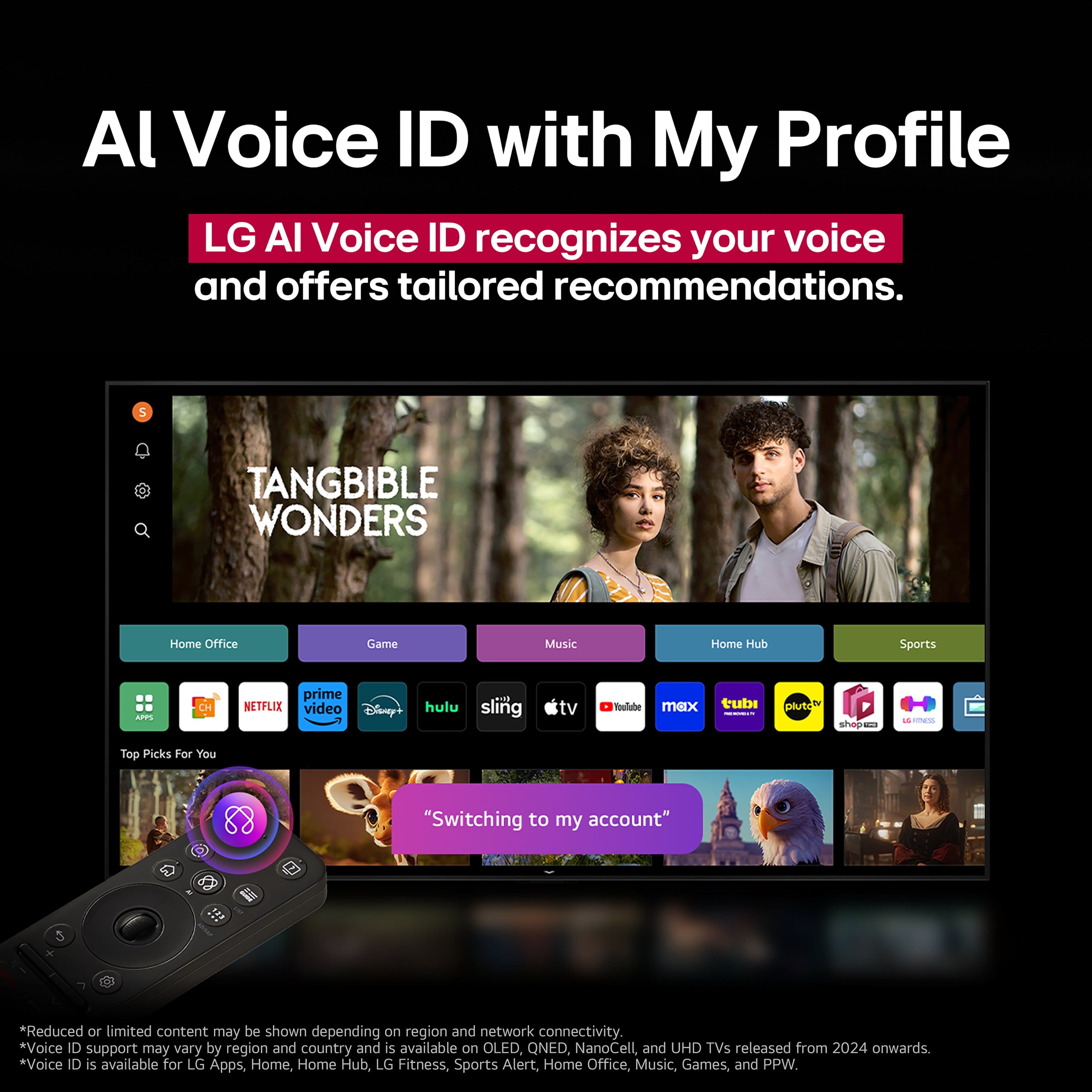
  • QuestionWhat source is used for downloading streaming apps? Is YouTubeTV app available?

    Asked by Curious.

    • Answer The LG software has a library of apps including YouTubeTV.

      Answered by MurrayK

  • QuestionDoes this have an fiber optic audio port?

    Asked by Kevbro.

    • Answer The LG - 43" Class 70A Series QNED AI 4K UHD Smart webOS TV (2025), Model # 43QNED70AUA, has an SPDIF (Optical Digital Audio Out)...^Ivan.

      Answered by LG Digital Customer Care

  • QuestionCan you use wireless headphones with this tv? Thanks

    Asked by Eddie.

    • Answer The LG - 43" Class 70A Series QNED AI 4K UHD Smart webOS TV (2025), Model # 43QNED70AUA, is a Bluetooth-enabled TV (Bluetooth ver. 5.0) that can be paired with most Bluetooth headphones/earbuds, but tee are no guarantees that it can be paired with all Bluetooth headphones/earbuds...^Ivan.

      Answered by LG Digital Customer Care

  • Questionis the comparable with apple devicesimlar to a Roku? does to require the purchase of a remote?

    Asked by Anonymous.

    • Answer This is a smart webs tv with a good remote

      Answered by Jp518

  • QuestionCan I connect and control this TV from another location miles away?

    Asked by Jimmy.

    • Answer Can you connect it from miles away? That doesn't make sense, unless you have arms that are miles long ;-) Can you control it from miles away? Yes, with the LG ThinQ app, but all you can do is control it. You can't watch it. If you're in the United States, and you're looking for ways to watch one state's local channels in another state across the country, that really can't be accomplished with a television set alone. Some sports programming is not allowed to be broadcast outside of its local market unless you subscribe to a paid service, such as NFL Sunday Ticket.

      Answered by DLMN

  • QuestionIs this a mini led panel? It doesn't state it, but the QNED would suggest it is

    Asked by Baron.

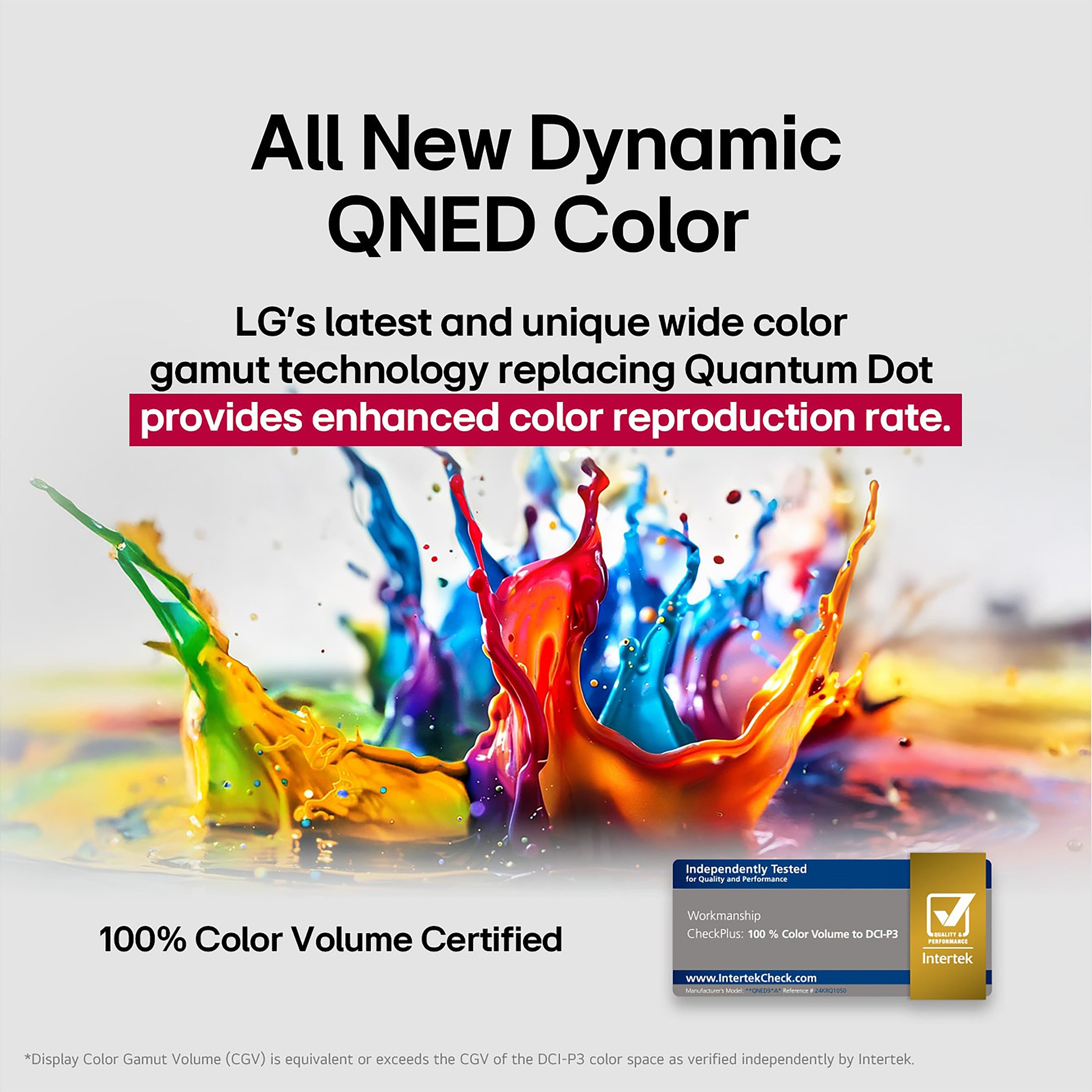
    • Answer Hi there, Baron. Thank you for sharing your question with us. We understand your inquiry regarding the panel technology of your 43QNED70AUA. To answer your question, this specific model features a Direct LED backlight rather than a Mini LED panel. The "QNED" in the name refers to the combination of Quantum Dot and NanoCell technologies used to produce richer and more accurate colors. https://www.bestbuy.com/product/lg-43-class-70a-series-qned-ai-4k-uhd-smart-webos-tv-2025/JJ8VPZWRPV If you have any further questions about its features, please contact us on [email protected], and our team will be more than happy to assist you. —Renzo

      Answered by LG Digital Customer Care

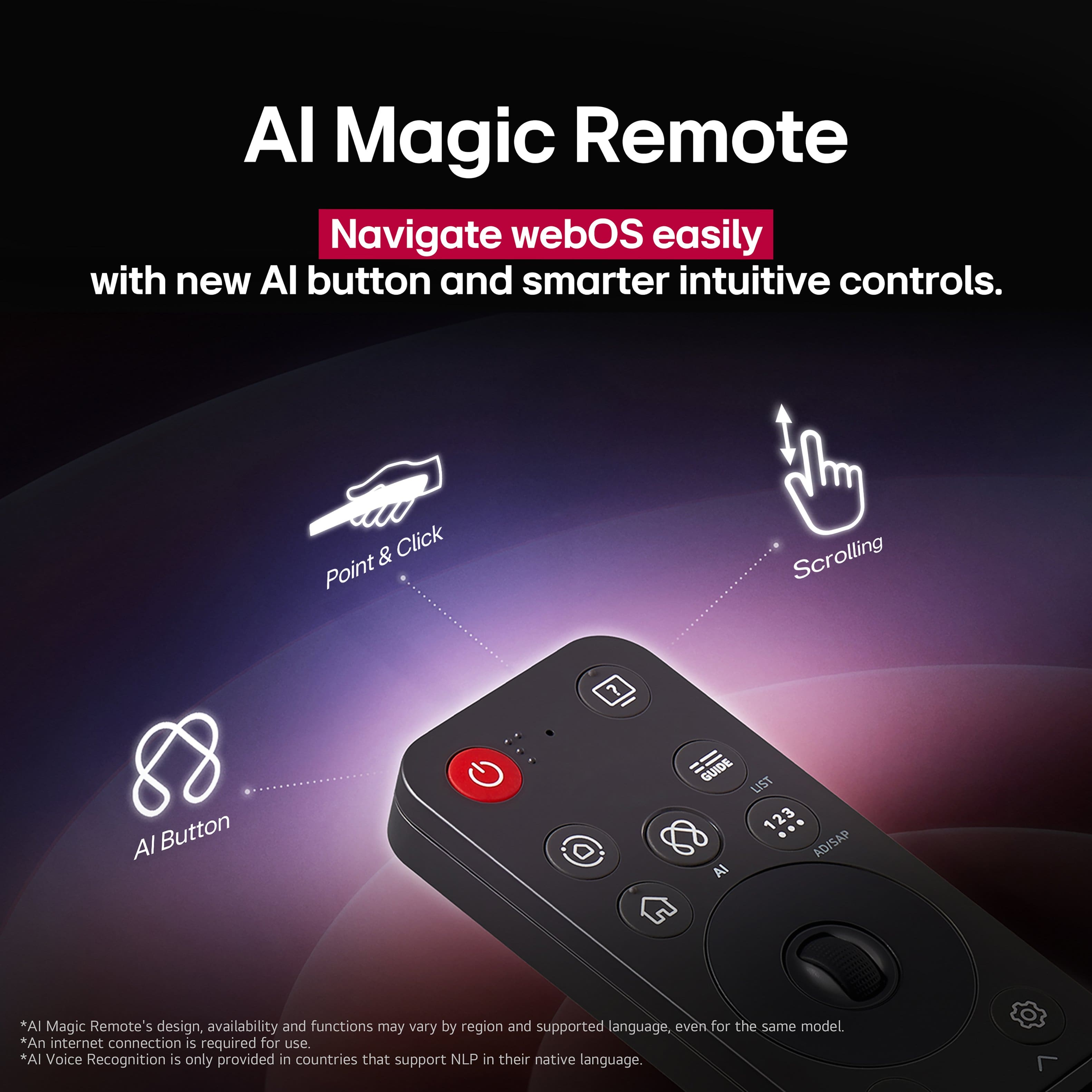
  • Questionwill this tv work with the logitech remote?

    Asked by Nicolas.

    • Answer Hello there, Nico. We understand your inquiry about whether the 43QNED70AUA television will work with a Logitech remote control. It is very useful to consolidate your home entertainment system controls into a single remote. We are happy to share that your LG 43QNED70AUA television is designed with universal compatibility in mind. The television supports multiple ways to be controlled by external devices, which makes it highly compatible with universal remotes like those manufactured by Logitech. Since this model features HDMI CEC (Simplink) for control over connected devices and has a built-in IR receiver, a properly programmed Logitech universal remote should be able to control key functions such as power, volume, and channel selection on your TV. However, since Logitech remotes often require specific programming or a database code for the TV model to ensure all functions operate correctly, we would like to offer assistance with this setup. https://www.bestbuy.com/product/lg-43-class-70a-series-qned-ai-4k-uhd-smart-webos-tv-2025/JJ8VPZWRPV If you need any troubleshooting steps for pairing or programming the remote, or if you have any further questions about the TV's connectivity features, please send us a private message on Social Media @LGUSSupport, and our team will be more than happy to assist you in getting your 43QNED70AUA to work with your Logitech remote. —Renzo

      Answered by LG Digital Customer Care








