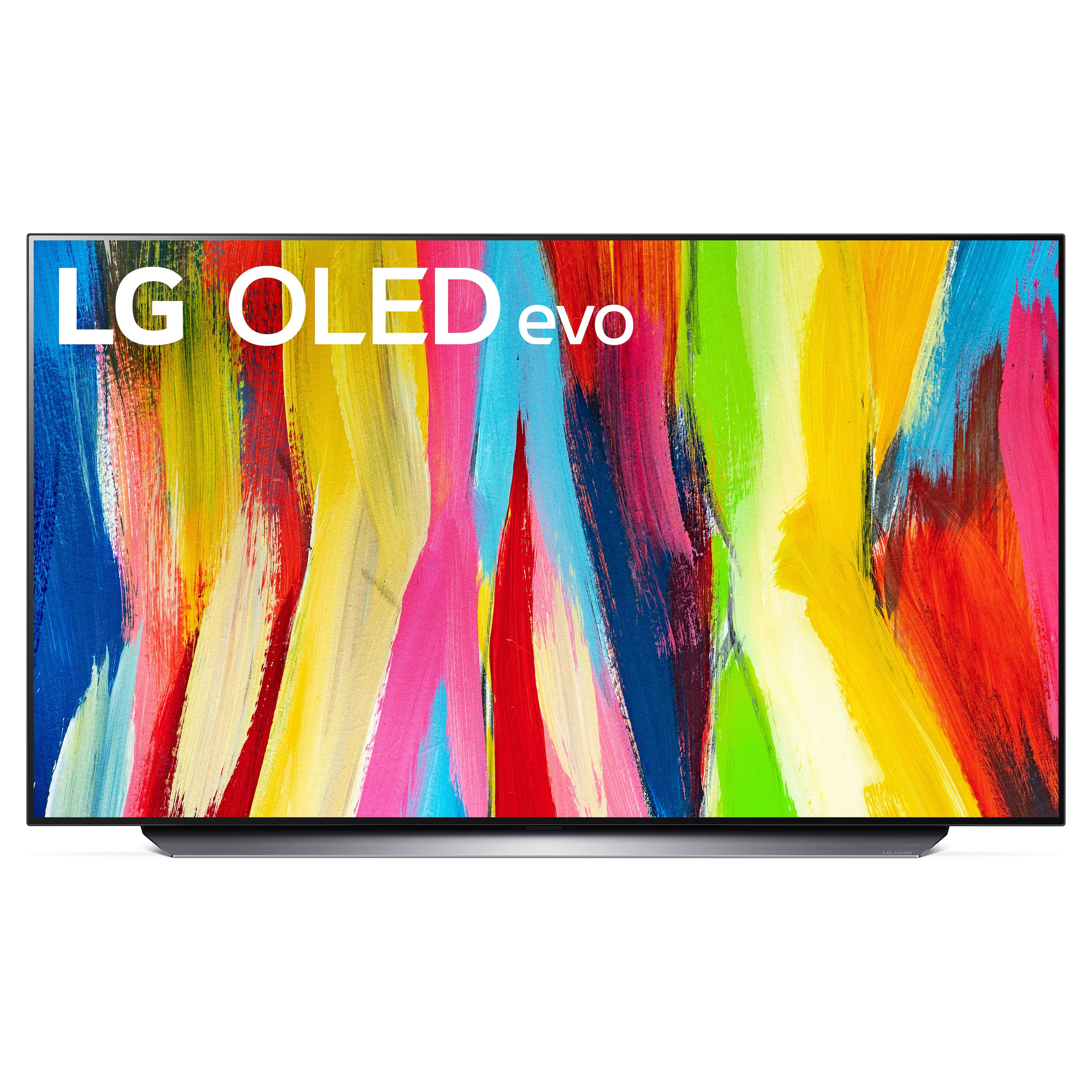
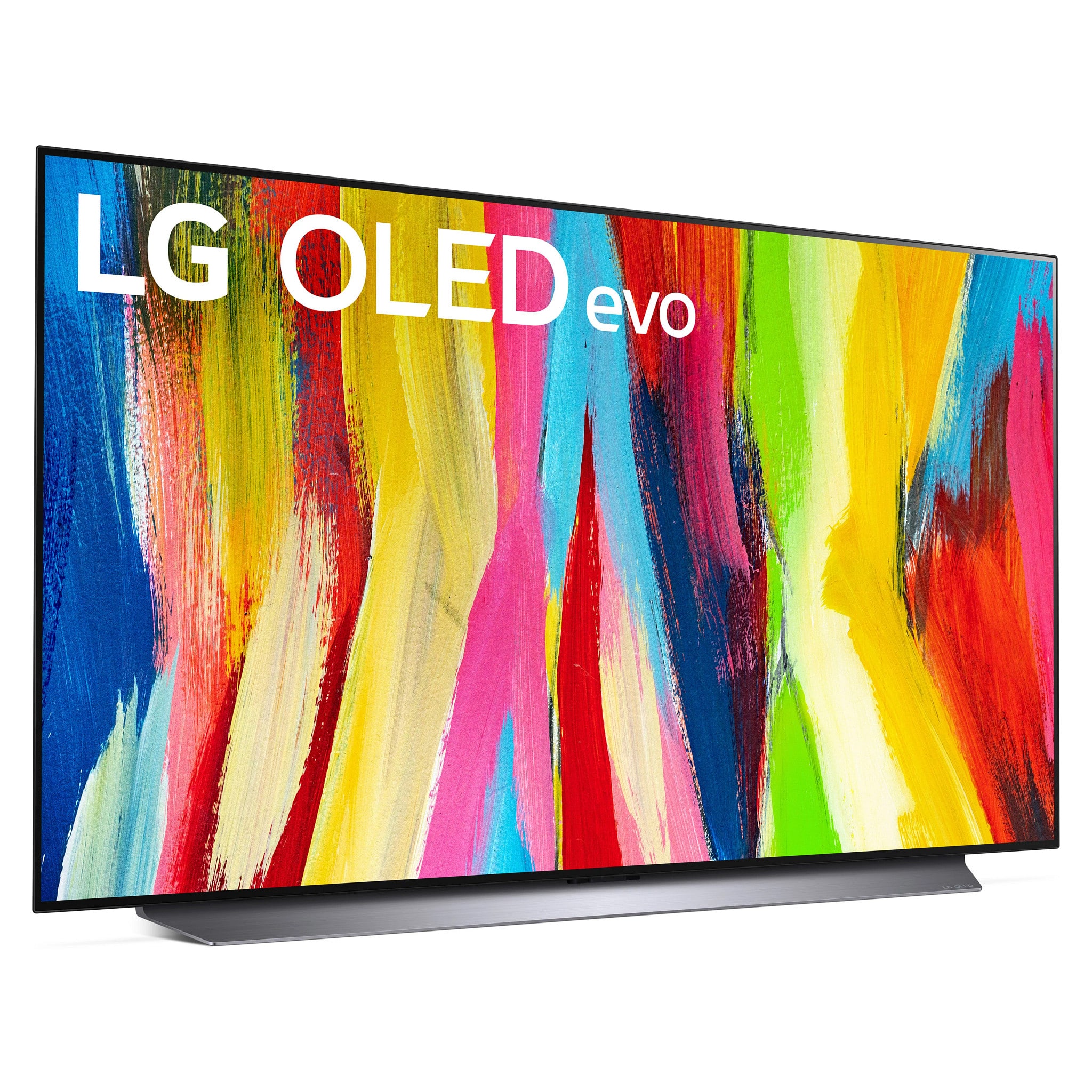
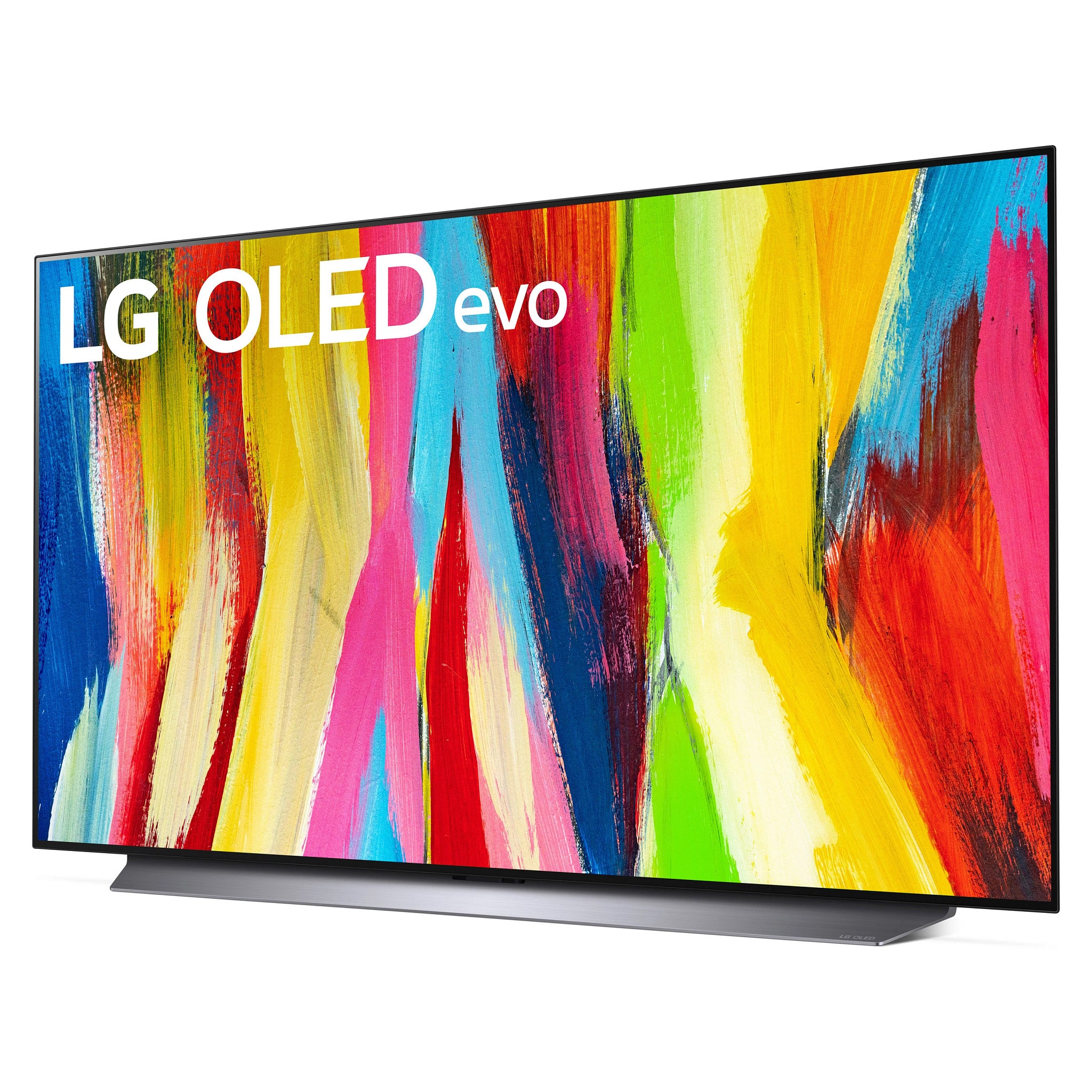
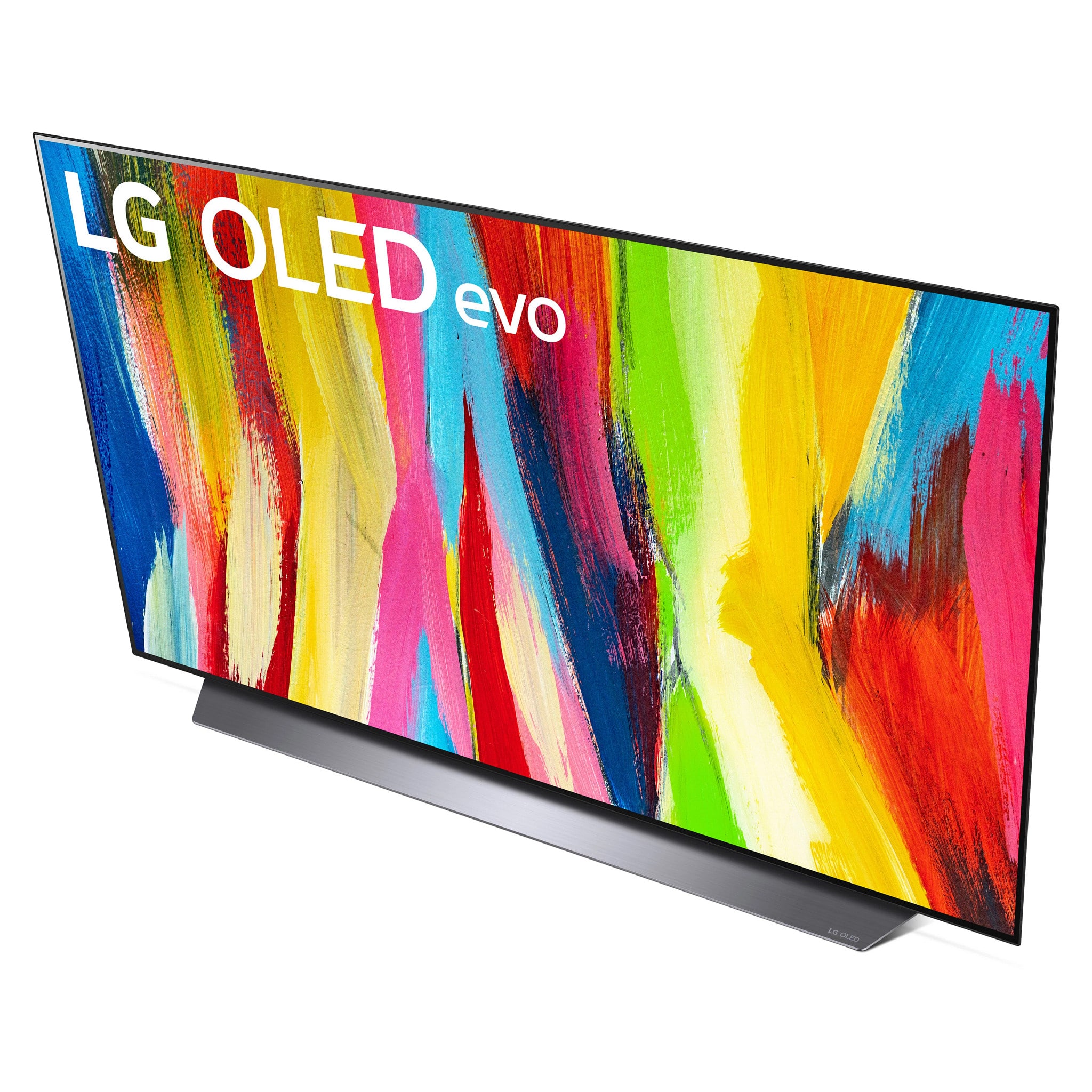
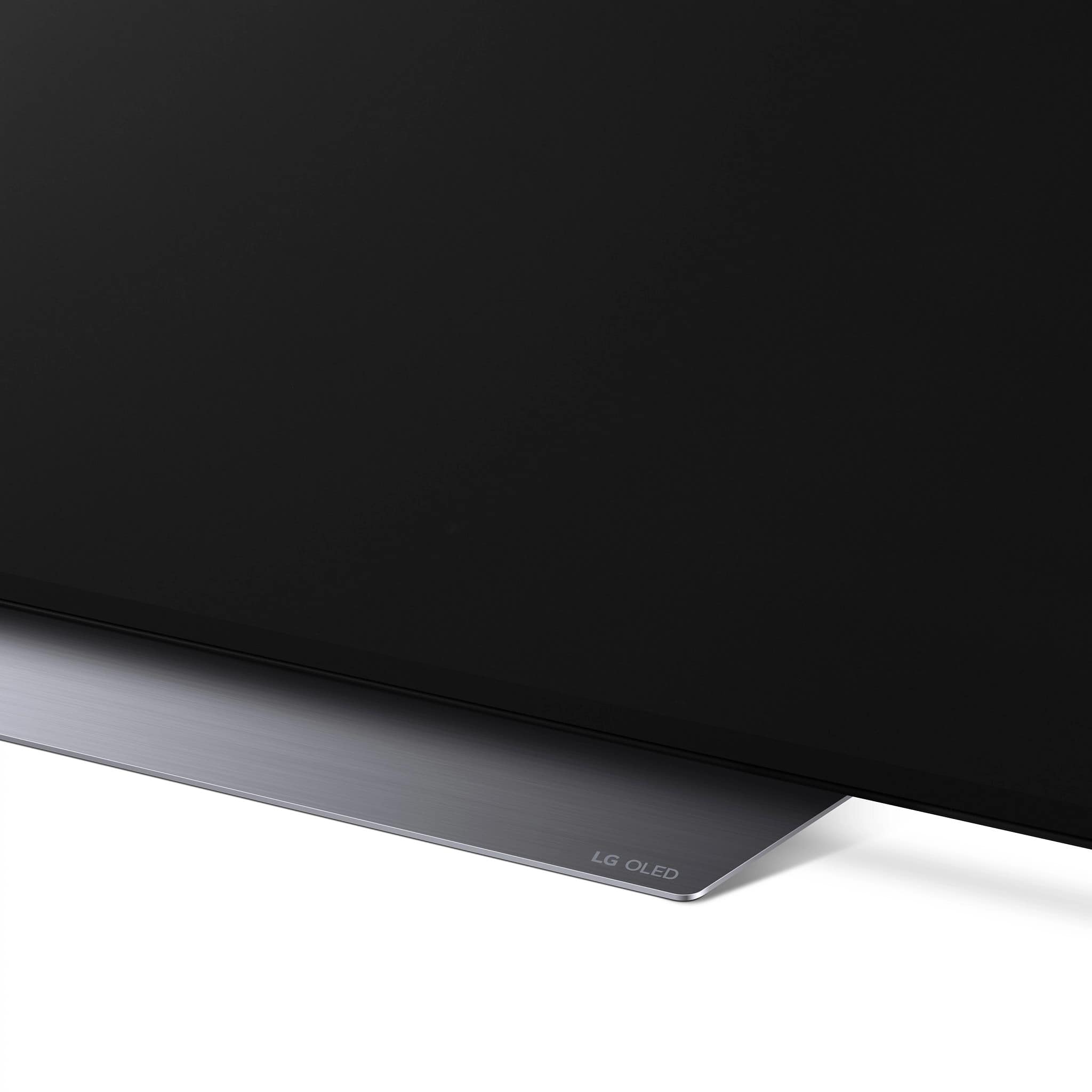
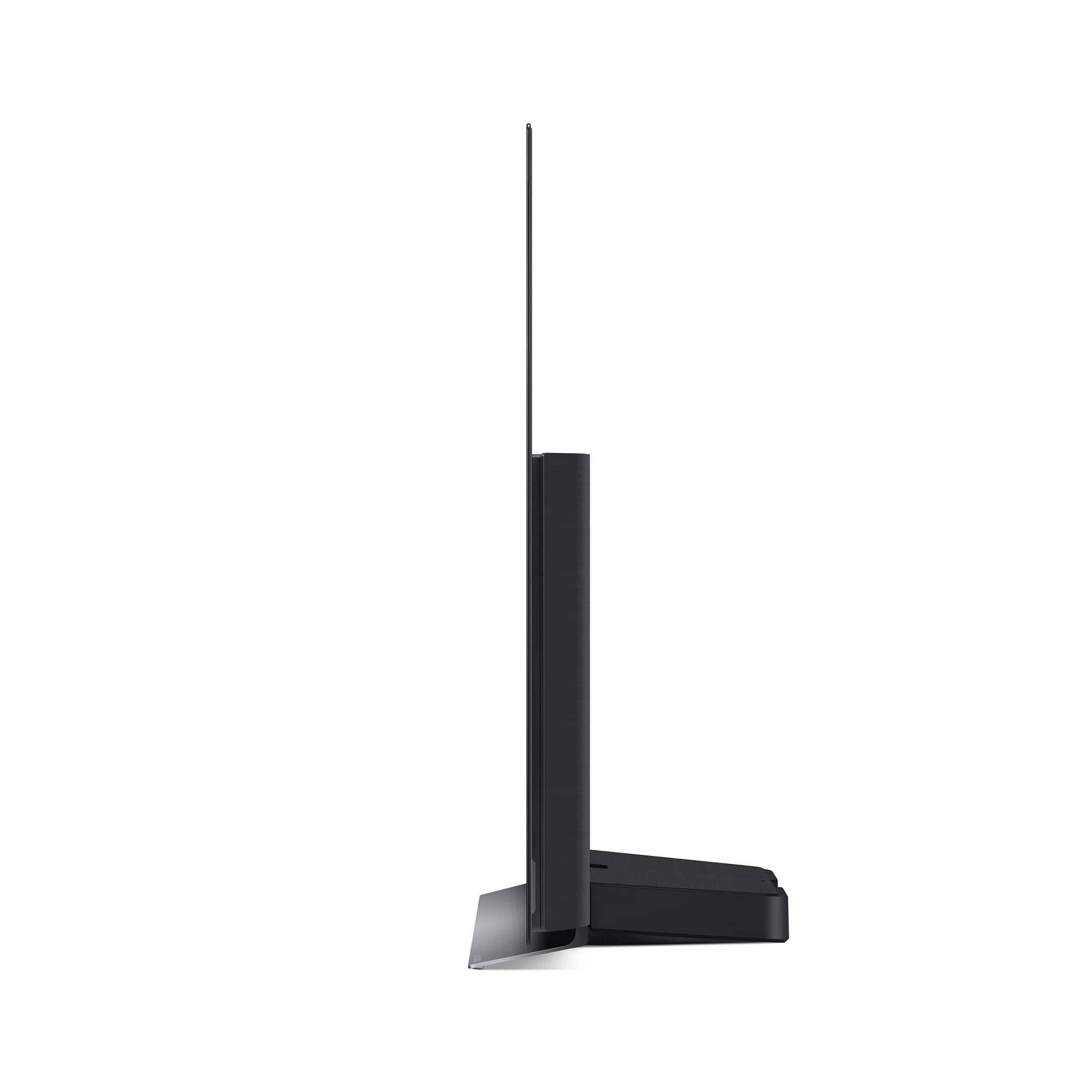
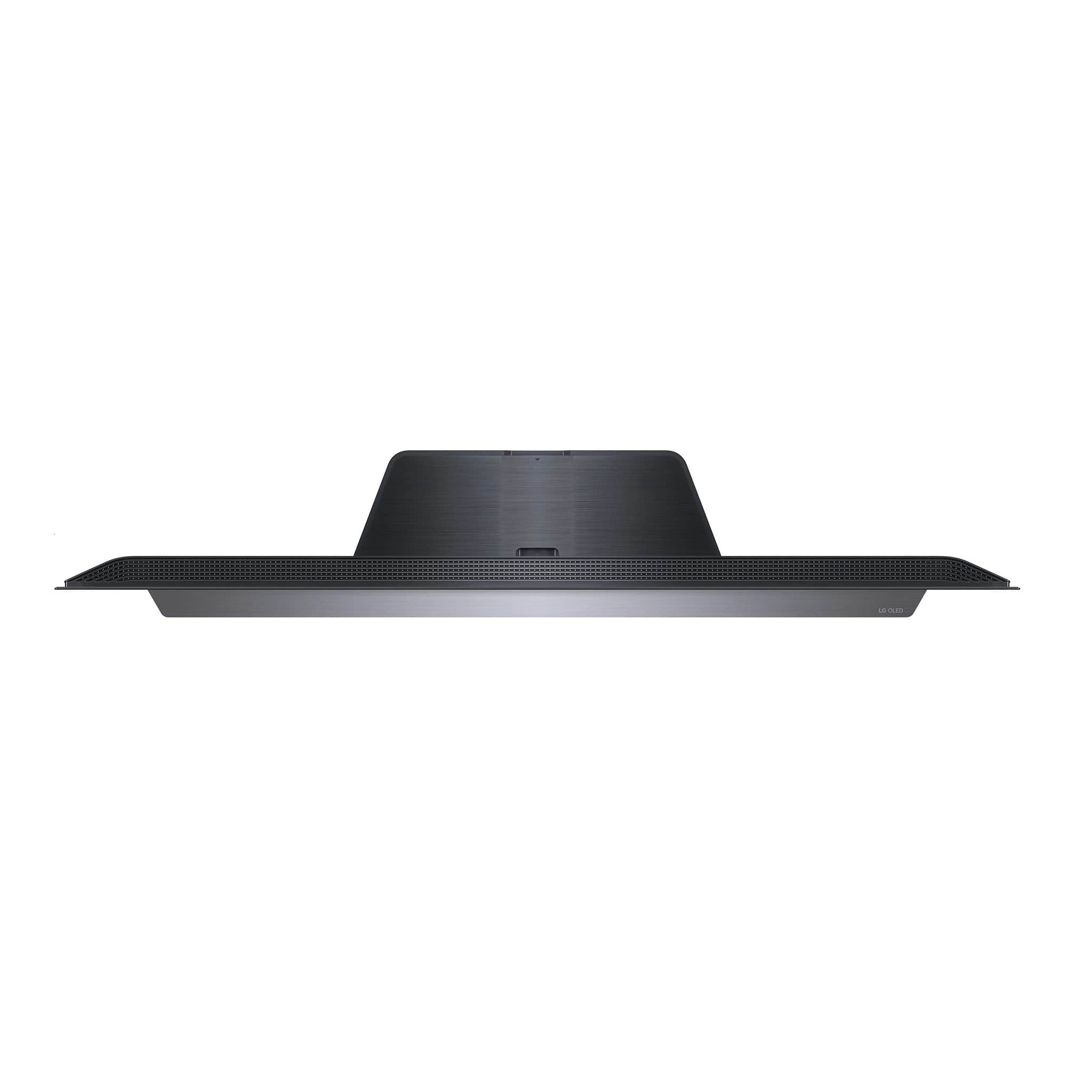
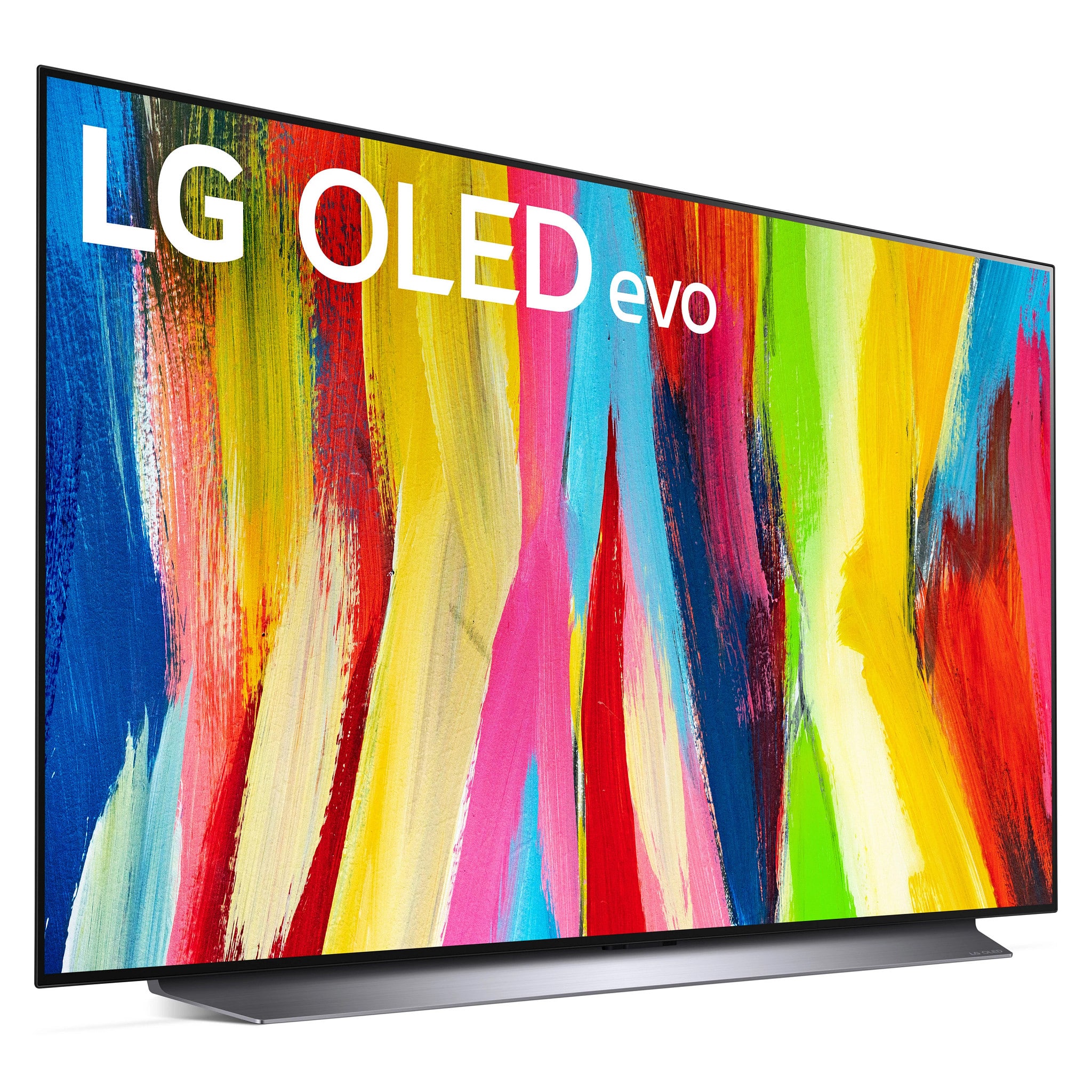
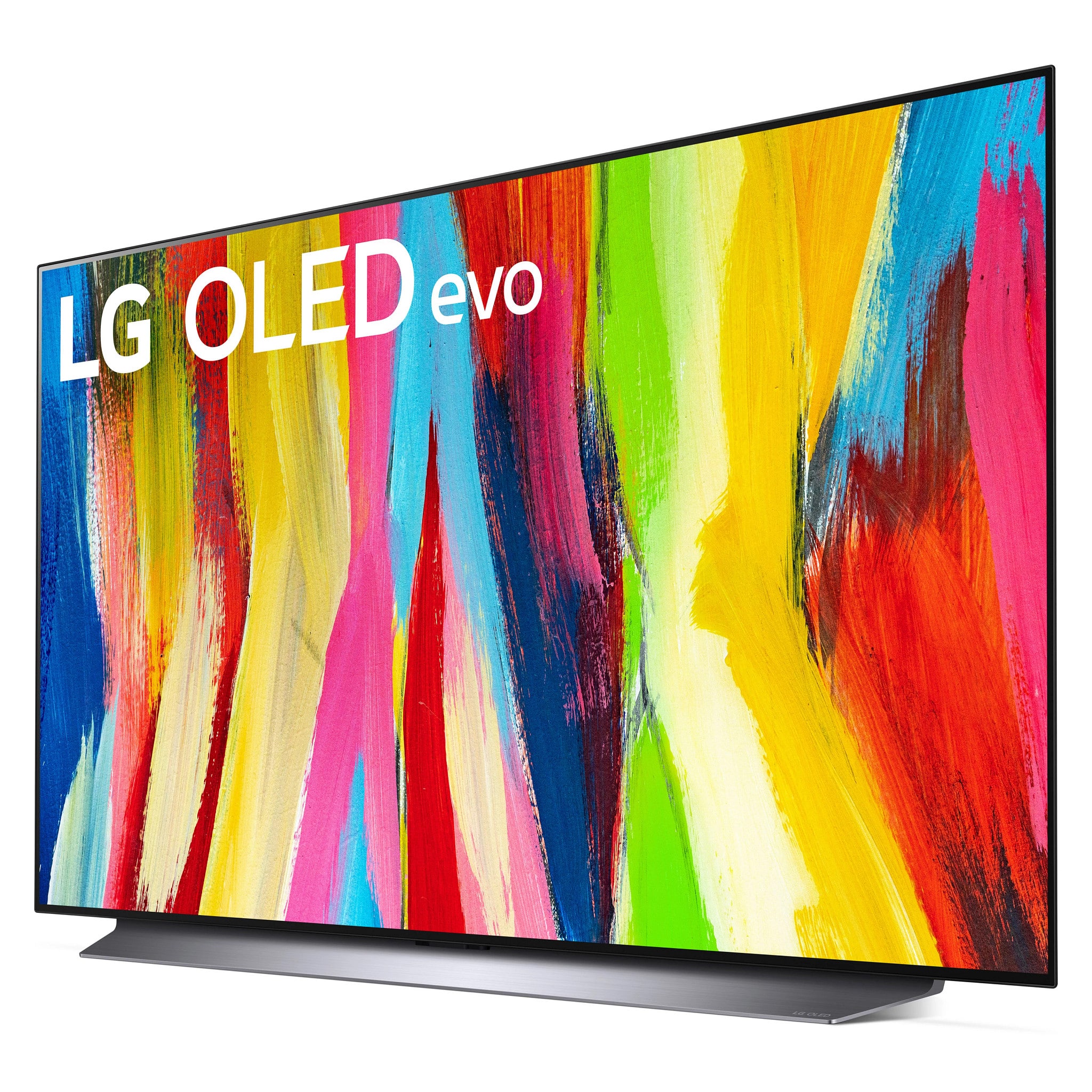
A:AnswerThe stand on this TV is ridiculous! It's like a big heavy metal blade. It gouged my soft dresser and permanently caused damage by the sharp edge.
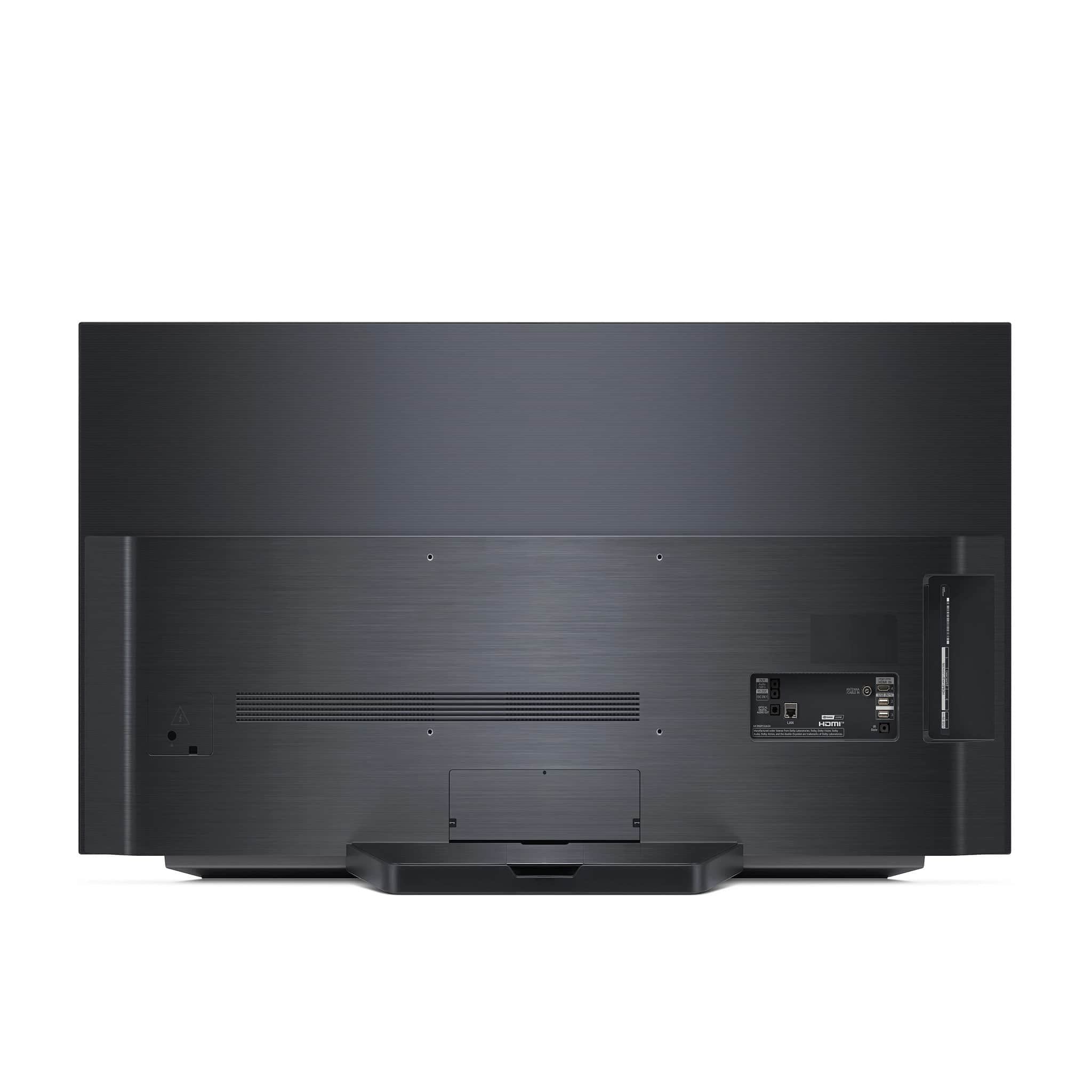
The TV itself is pretty heavy thanks to the built-in computer for the OLED. The screen is paper thin but then it has a big box on half of the back of the TV that's loaded with computer equipment. I tried to like this TV but I'm not a fan.
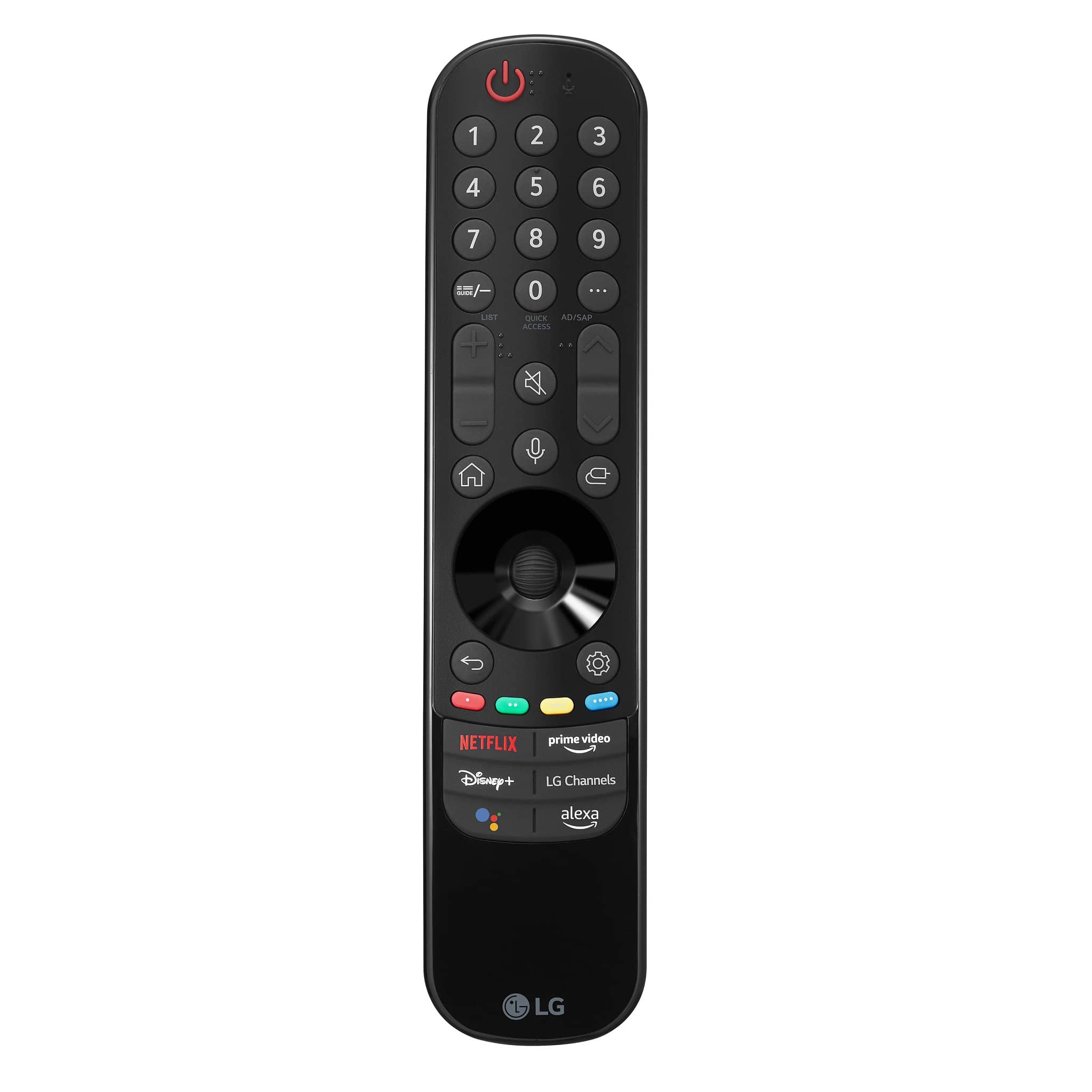
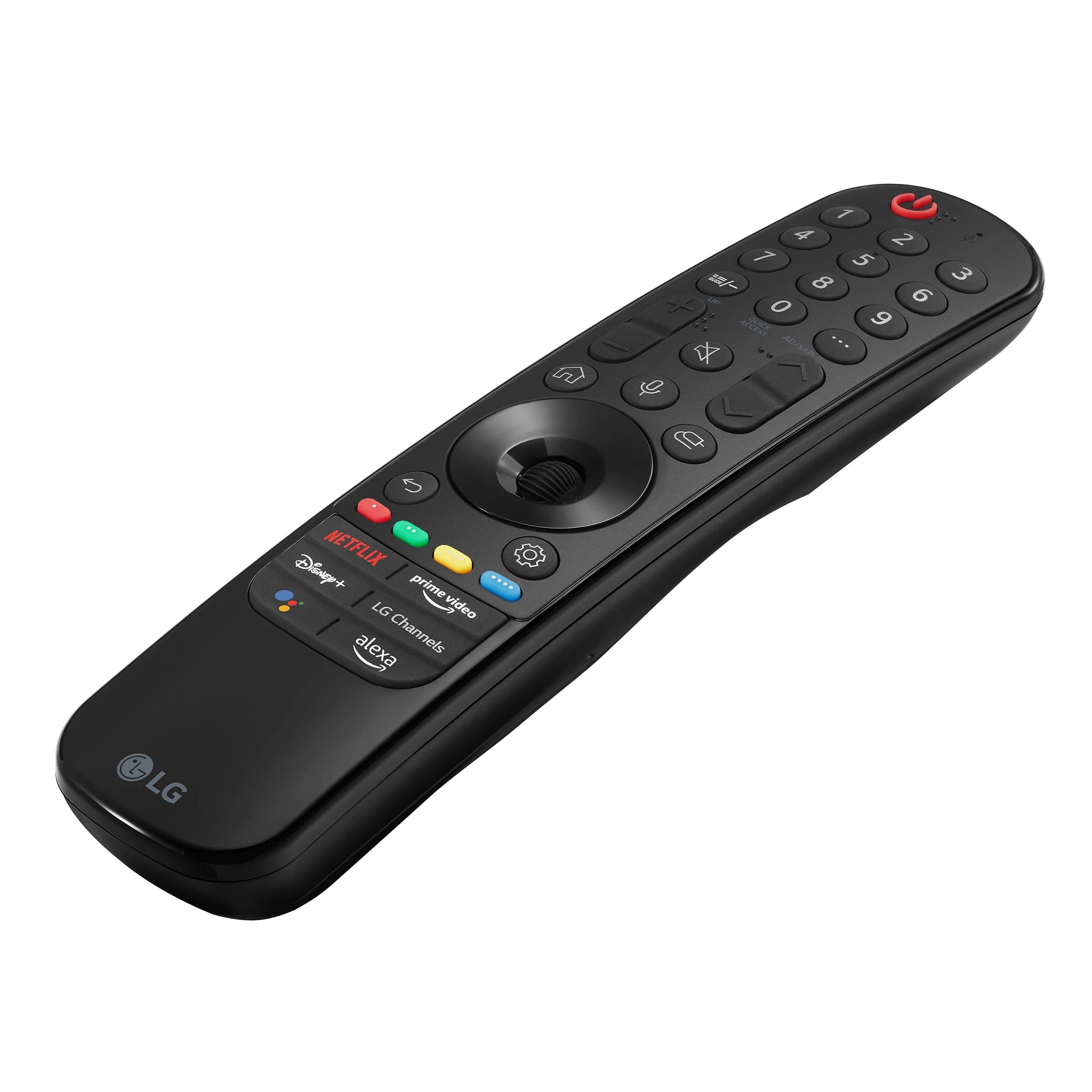
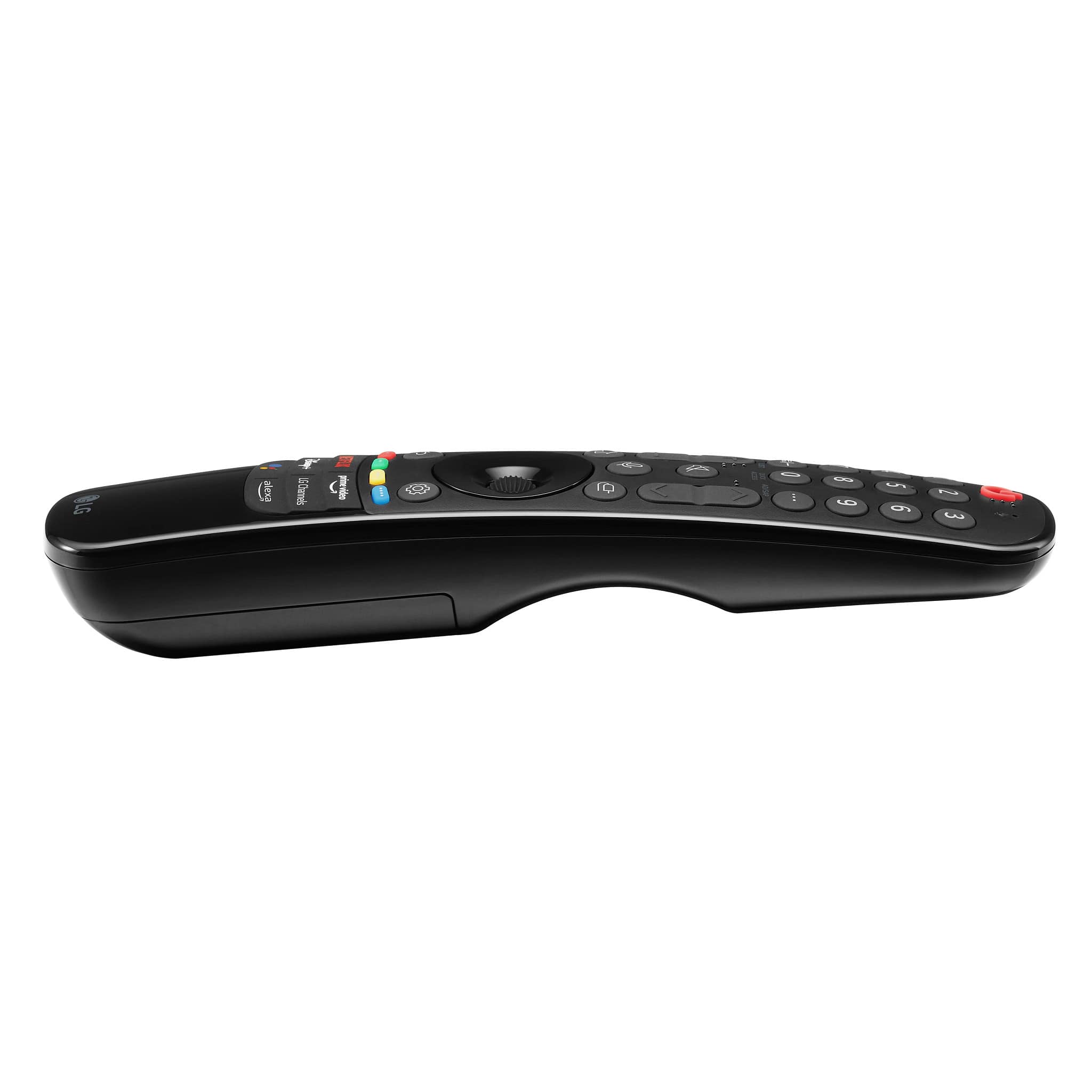
A:AnswerThat is a mountable IR blaster for remote controls. IR Blasts cant go through solid objects very well and that's where this part comes in. I use it for my Logitech harmony system. It helps the magic remote control things that are in stuff like cabinets and entertainment centers behind closed wooden doors.
It plugs into the TV and you can mount them in the open like on the side of an entertainment center and if you use a remote that doesn't go to the C2 OLED it will take that Remotes radio blast and Re-Route it through HDMI to control whatever device you were trying to control provided its connected to the TV.
A:AnswerFollow-up question: My sound bar is connected with a fiberoptic line, so can the wireless headphones work simultaneously with the "wired" sound bar? My older LG OLEG only permits one sound source, either the bluetooth or the sound bar, not both.
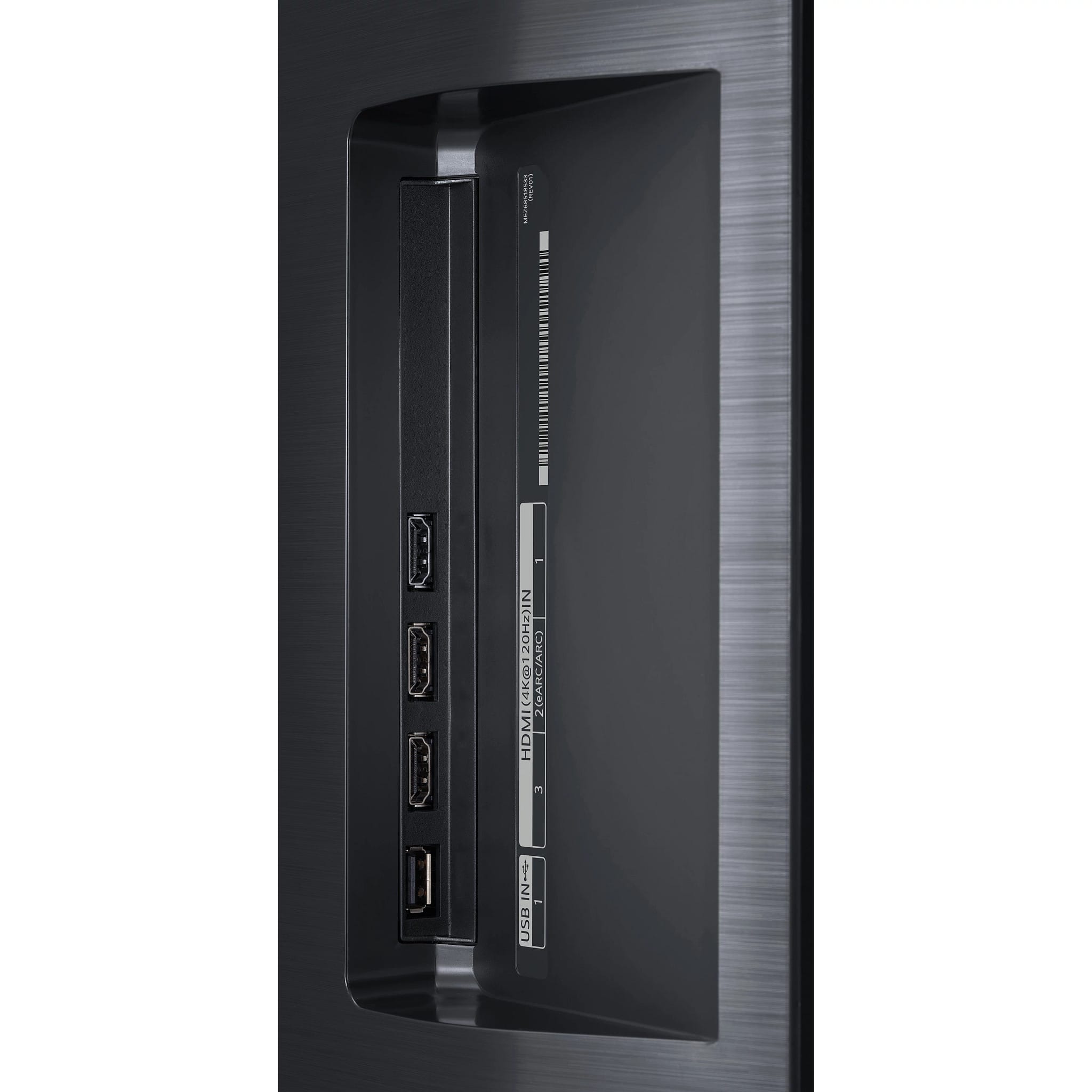
A:AnswerYes, you can. To achieve the 4k 120hz, your graphics card will need hdmi 2.1 such as the rtx 3000 series or the Radeon 6000 series. I am personally running mine was an Radeon 6800XT and it’s amazing.
You can use hdmi 2.0 on an older graphics card but you’ll be tapped out at 4k 60hz.
A:AnswerThank you for your interest in the LG LG C2 48 Inch Class 4K OLED evo w/ ThinQ AI (OLED48C2PUA) model. The LG OLED48C2PUA TV is currently sold out, and there are no rain checks available. The product is advertised because it may be restocked in the future due to limited availability. If you want to buy this TV, you may have to wait for it or look at other options. You can download its owner's manual through this link for more information: https://www.lg.com/us/support/product/lg-OLED48C2PUA.AUS. ^Cris

A:AnswerNo, it won't work as the LG phones home all the time and refuses to work if it can't. Use it as a monitor on a computer you control (search for the FBI warning on smart TVs)
A:AnswerHello, If the Game Dashboard still isn’t showing any that VRR has been enabled, then you need to select the Game Optimizer option located on the dashboard. In the Game Optimizer menu, make sure that the “VRR & Gsync” setting is enabled. Please check if both TV and game console firmware are all updated. If not resolved, please call our customer service at 1-800-243-0000 or reach out to our Social media Support in Facebook @LGUSSupport. ^Vanessa
A:AnswerWe would be happy to help you with your case, however we need to move to a platform that supports back and forth messaging. Please send us a private message on Facebook or Twitter using @LGUSSupport and include #VOC, your contact info and we will doing everything in our power to expedite a resolution for you. Thank you. ^Venette
A:AnswerYou could place a big, sturdy Lazy Susan under the TV stand, though you're not easily going to find one that's as big as 33 inches in diameter (the stand on the 48 inch LG C2 is 33 inches wide), so you might have to buy a Lazy Susan metal swivel plate (available at many hardware stores) and then use a saw to cut out a big circular piece of wood and attach that to the swivel plate. If you don't have 33 inches diameter of free space where you're placing the TV, it might be stable enough if a few inches of the left and right ends of the TV's stand overhang the edges of a smaller circular piece of wood (but use the biggest swivel plate you can find, for stability), though don't take any risks that might make the TV unstable. I did this with a 42 inch TV made by a different manufacturer, and it works fine, allowing me to get to the ports on the side and in the rear of the TV relatively easily.