Skip to contentGo to Product Search
Main Content

Questions & Answers

$1,266.49
Page Showing 21-40 of 49 questions
  • QuestionIs this tv compatible with Victory+ app?

    Asked by Anonymous.

    • Answer Hi, there! Thanks for reaching out about your LG TV (OLED48C5PUA). Based on the supported device list from Victory+, LG Smart TVs are included as compatible devices, which means your TV should be able to access the Victory+ app. You can explore the full feature list and support details here: https://www.bestbuy.com/product/lg-48-class-c5-series-oled-evo-ai-4k-uhd-smart-webos-tv-2025/JJ8VPZTKRW. If you’d like us to take a closer look or need further assistance, feel free to email us at lgdigitalcare@lg.sprinklrsupport.com and our team will be glad to help. - Avril

      Answered by LG Digital Customer Care

  • QuestionDoes this TV have a slow motion app l crochet 🧶 and sometimes l just need the picture to slow down 🤗🧶

    Asked by Jenny.

    • Answer Hi there, Jenny! Thanks for reaching out about the LG TV (OLED48C5PUA). This TV doesn’t include a built‑in slow‑motion app, but you can adjust playback speed if the app you’re using (like YouTube) offers that feature. here’s a simpler step‑by‑step way to slow them down on YouTube: • Open the YouTube app and play your video. • Tap the "Settings" icon. • Select "Playback Speed". • Choose "0.5x or 0.75x" to slow it down. You can explore the full feature list and support details here: https://www.bestbuy.com/product/lg-48-class-c5-series-oled-evo-ai-4k-uhd-smart-webos-tv-2025/JJ8VPZTKRW If you need further assistance, feel free to email us at lgdigitalcare@lg.sprinklrsupport.com. – Avril

      Answered by LG Digital Customer Care

  • QuestionIs there internet browser on this tv

    Asked by Bob.

    • Answer They’re all built-in you just have to register and log

      Answered by NancyC

  • QuestionDoes the stand bolt down to the table top?

    Asked by ODIE.

    • Answer Mine is in the cabinet and my daughter set it up for me so I don’t think so but I don’t know for sure

      Answered by NancyC

  • QuestionCan I get peacock an paramount on the remote an app an YouTube?

    Asked by Cody.

    • Answer Peacock, YouTube, and Paramount + are preinstalled apps on the LG - 48" Class C5 Series OLED evo AI 4K UHD Smart webOS TV (2025), Model # OLED48C5PUA. YouTube TV is compatible with the webOS 25 TV Platform (Operating System) the TV runs on, so it can be downloaded and installed on the TV...^Ivan.

      Answered by LG Digital Customer Care

  • QuestionWhat is the full web browser on this item?

    Asked by DAM.

    • Answer The full web browser for the LG - 48" Class C5 Series OLED evo AI 4K UHD Smart webOS TV (2025), Model # OLED48C5PUA, or for any TV, is an application designed to render desktop-style websites, stream video, and function via a remote control on Smart TV operating systems like Android/Google TV or Fire TV., and the webOS 25 TV operating system that this TV runs on...^Ivan.

      Answered by LG Digital Customer Care

  • QuestionDoes this 48" TV come with auracast?

    Asked by Cookiepatti.

    • Answer Yes. I answered my own question.

      Answered by DonnaK

  • Questioncan it be mounted on the wall?

    Asked by Nick.

    • Answer Yes, with separate wall mount kit.

      Answered by RJMc

  • QuestionHow do you get the option game optimizer to open under settings? It is not lit up for us to click on it.

    Asked by Packy.

    • Answer It should just pop up when press the settings button when you have a connected console or Pc if its not check the updates on the tv its self. If that dont work out do a hard reset on the tv.

      Answered by Truthfully94

  • QuestionWill a Sonos soundbar fit with the TV on a stand? Does the stand adjust for height?

    Asked by Charlie.

    • Answer The stand does not adjust for height.

      Answered by Bestbuyfan

  • QuestionCan you put a crosshair on screen like a red dot of xbox gameing. Like monitors have

    Asked by Anonymous.

    • Answer Hi there. Thank you for reaching out to us. We understand your inquiry regarding the gaming features of the OLED48C5PUA. Yes, this TV features the Game Optimizer dashboard, which typically allows you to enable a crosshair overlay on the screen to enhance your gaming experience, similar to gaming monitors. https://www.bestbuy.com/product/lg-48-class-c5-series-oled-evo-ai-4k-uhd-smart-webos-tv-2025/JJ8VPZTKRW If you have any further questions about its features, please contact us on lgdigitalcare@lg.sprinklrsupport.com, and our team will be more than happy to assist you. —Renzo

      Answered by LG Digital Customer Care

  • Questionwhat camera do you recommend for zoom calls on TV?

    Asked by Anonymous.

    • Answer Hi there. Thank you for reaching out to us with your question. We understand your inquiry regarding a camera recommendation for your OLED48C5PUA. According to the specifications, your TV is "USB Camera Compatible," which allows you to connect a camera for video calls. For the best experience, we recommend using the LG Smart Cam designed for our TVs, or a standard USB webcam, to utilize the Home Office and Zoom features. https://www.bestbuy.com/product/lg-48-class-c5-series-oled-evo-ai-4k-uhd-smart-webos-tv-2025/JJ8VPZTKRW If you have any further questions about its features or compatible accessories, please contact us on lgdigitalcare@lg.sprinklrsupport.com, and our team will be more than happy to assist you. —Renzo

      Answered by LG Digital Customer Care

  • Questionmanual?

    Asked by Anonymous.

    • Answer Hello there. Thank you for reaching out to us. We understand your inquiry regarding the Owner's Manual for your OLED48C5PUA. You can find the full documentation and downloadable manual for your unit at the following link: https://www.lg.com/us/support/product/lg-OLED48C5PUA.AUS. If you have any further questions about its features, please contact us on lgdigitalcare@lg.sprinklrsupport.com, and our team will be more than happy to assist you. —Renzo

      Answered by LG Digital Customer Care

  • QuestionCan this tv work with my desktop gaming pc through HDMI?

    Asked by Greg.

    • Answer Hi there, Greg. We understand your inquiry about connecting your desktop gaming PC to the LG OLED TV, model OLED48C5PUA, via HDMI. Yes, this TV is fully compatible with a desktop gaming PC through its HDMI inputs. The TV features four HDMI inputs that support the latest standards, including 4K at 120Hz, VRR (Variable Refresh Rate), and ALLM (Auto Low Latency Mode), which are excellent for PC gaming. Simply connect your gaming PC's graphics card to one of the TV's HDMI ports. https://www.bestbuy.com/product/lg-48-class-c5-series-oled-evo-ai-4k-uhd-smart-webos-tv-2025/JJ8VPZTKRW If you have any further questions about optimizing your PC's display settings on the TV or utilizing its gaming features, please contact us on lgdigitalcare@lg.sprinklrsupport.com, and our team will be more than happy to assist you. —Renzo

      Answered by LG Digital Customer Care

  • QuestionDoes this TV have a camera?

    Asked by Tetelestai.

    • Answer The LG 48" Class C5 Series OLED evo AI 4K UHD Smart webOS TV (2025), Model # OLED48C5PUA, does not have a built-in camera. You can connect USB cameras like the Amcrest : AWC496, AWC195-B Logitech : BRIO, C920, C920c, C920e, C920s, C920x, C922 Pro, C922x, C925e, C930c, C930e, or the LG Smart Cam which have been tested for compatibility with our TVs to the USB input port and use them immediately by selecting Open Camera. You can also use the camera of a smart device connected with LG ThinQ on the device...^Ivan.
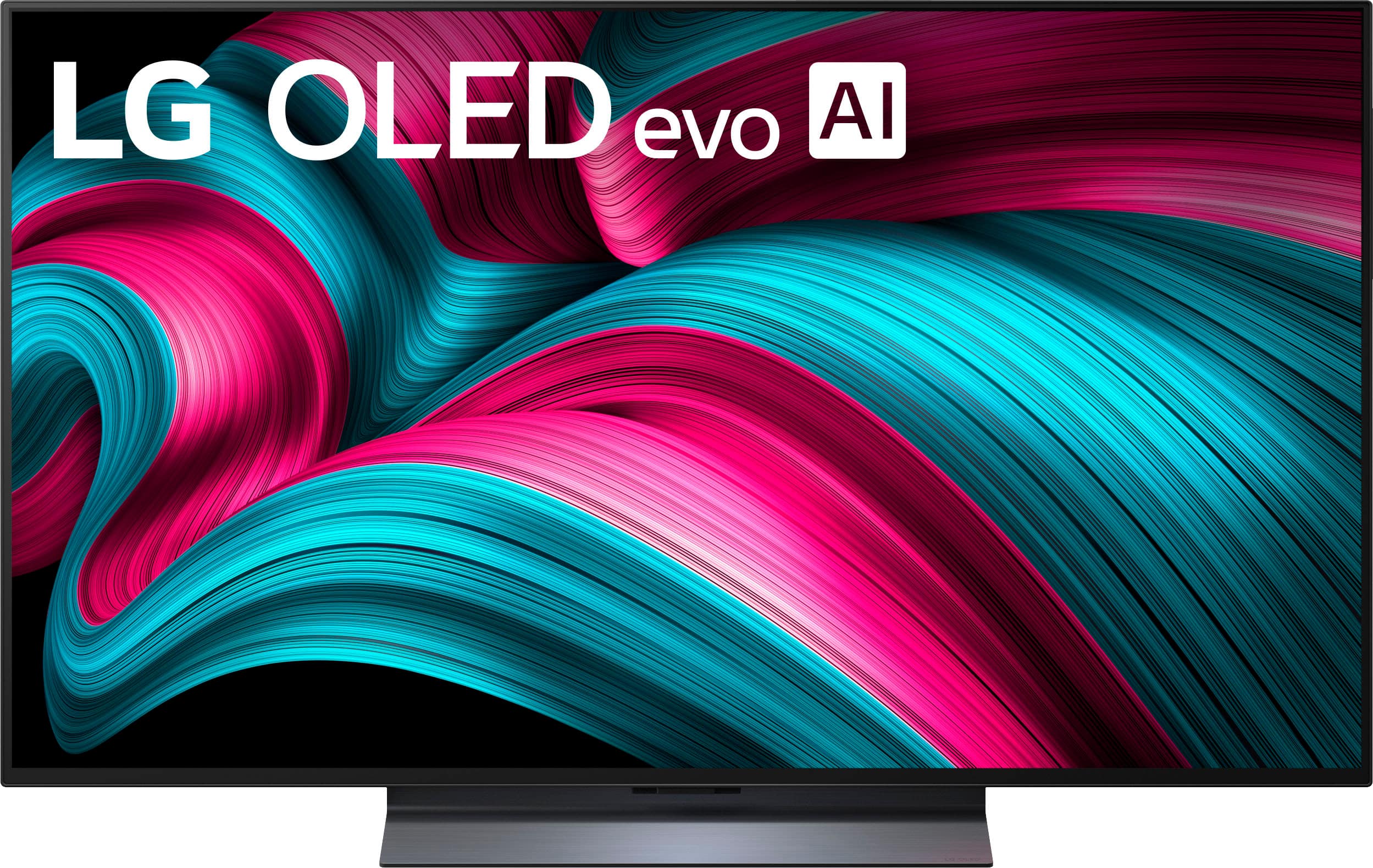
      Answered by LG Digital Customer Care

  • QuestionCan the TV screen for this model swivel on its stand?

    Asked by Eddie.

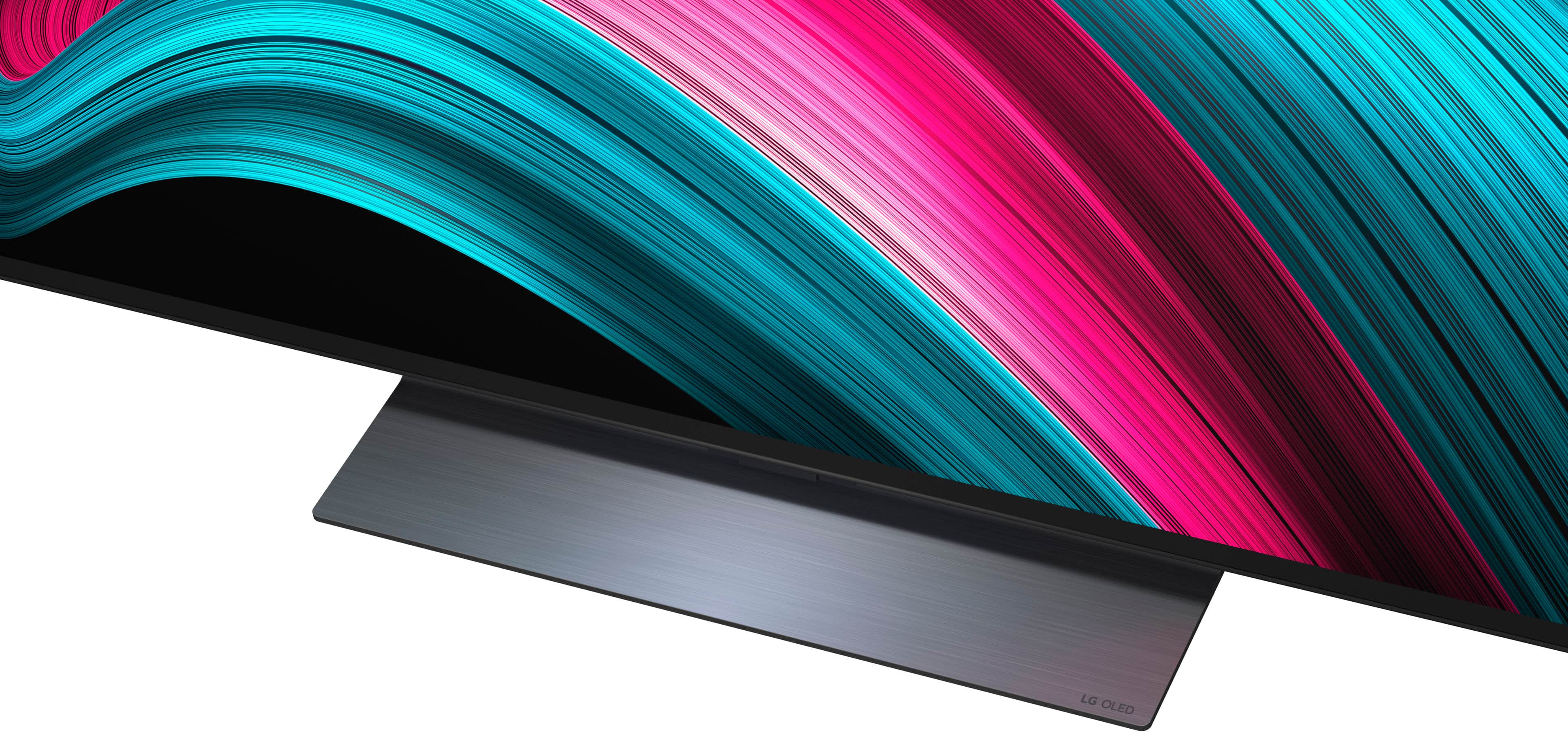
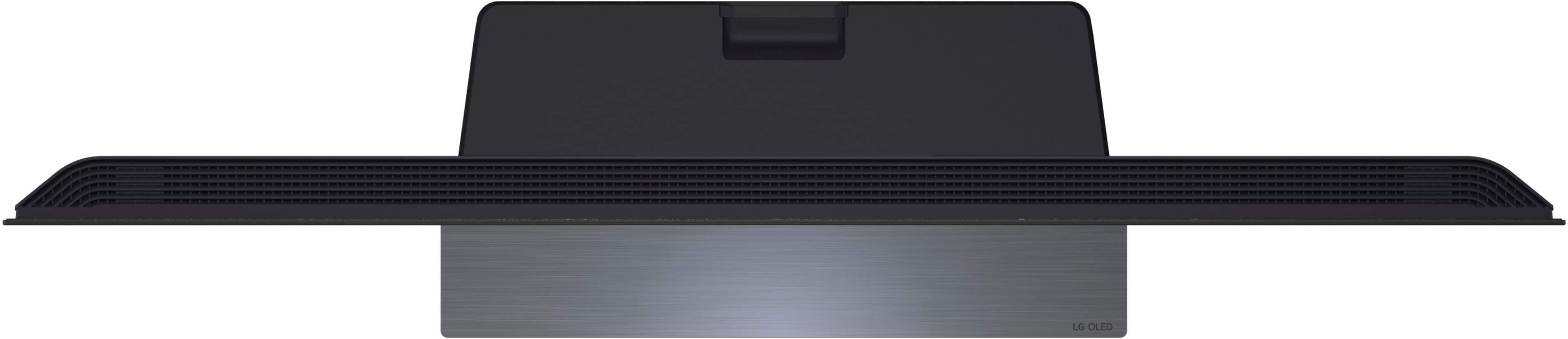
    • Answer Hi there, Eddie. Thank you for reaching out to us with your question about the OLED48C5PUA model. We understand your inquiry regarding the TV stand's movement. The stand that is included with the OLED48C5PUA is a fixed pedestal design and does not feature a swivel function. This unit is intended to be positioned in a stationary manner on the surface where it is placed. We are here to provide assistance and clarify any other feature or specification questions you might have about your unit. https://www.bestbuy.com/product/lg-48-class-c5-series-oled-evo-ai-4k-uhd-smart-webos-tv-2025/JJ8VPZTKRW Please send us a private message on Social Media @LGUSSupport, and our team will be more than happy to assist you further. —Renzo

      Answered by LG Digital Customer Care

  • QuestionDoes tv have free view

    Asked by Albi.

    • Answer Hello there, Albi. Thank you for reaching out to us. We understand your inquiry regarding free viewing options on the LG OLED evo C5 4K Smart TV (Model # OLED48C5PUA). To answer your question, this TV features LG Channels, which provides access to a wide variety of free internet-based channels. Additionally, it includes a built-in ATSC 1.0 Tuner, allowing you to receive free local over-the-air broadcasts by connecting an external antenna. https://www.bestbuy.com/product/lg-48-class-c5-series-oled-evo-ai-4k-uhd-smart-webos-tv-2025/JJ8VPZTKRW If you have any further questions about its features, please send us a private message on Social Media @LGUSSupport, and our team will be more than happy to assist you. —Renzo

      Answered by LG Digital Customer Care

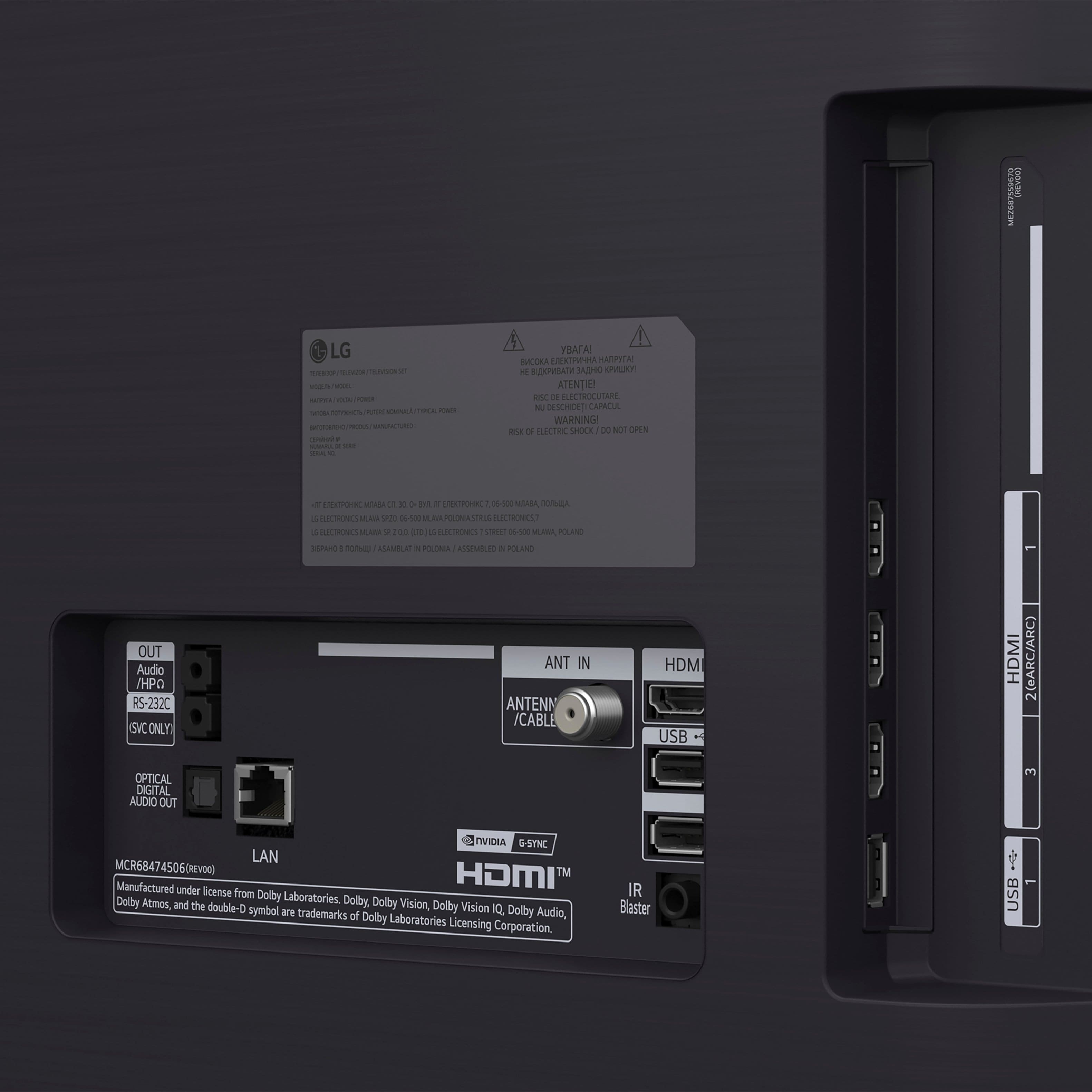
  • QuestionWhere is the 4th HDMI port located? I only see 3 in the photo of the back of the TV.

    Asked by MaryLou.

    • Answer Hi there, MaryLou. Thank you for sharing your experience with us. We understand your inquiry about the location of the fourth HDMI port on your LG OLED48C5PUA TV. This model does indeed feature four HDMI ports. While some may be visible in a main cluster, the fourth port is often located on the side or bottom edge for easier access once the TV is in place. We understand your inquiry, and we'd like to assist you further. https://www.bestbuy.com/product/lg-48-class-c5-series-oled-evo-ai-4k-uhd-smart-webos-tv-2025/JJ8VPZTKRW If you have any further questions about its features, please send us a private message on Social Media @LGUSSupport, and our team will be more than happy to assist you. —Renzo

      Answered by LG Digital Customer Care

  • Questionwhat are the dimensions of the stand base?

    Asked by FastyZoomy.

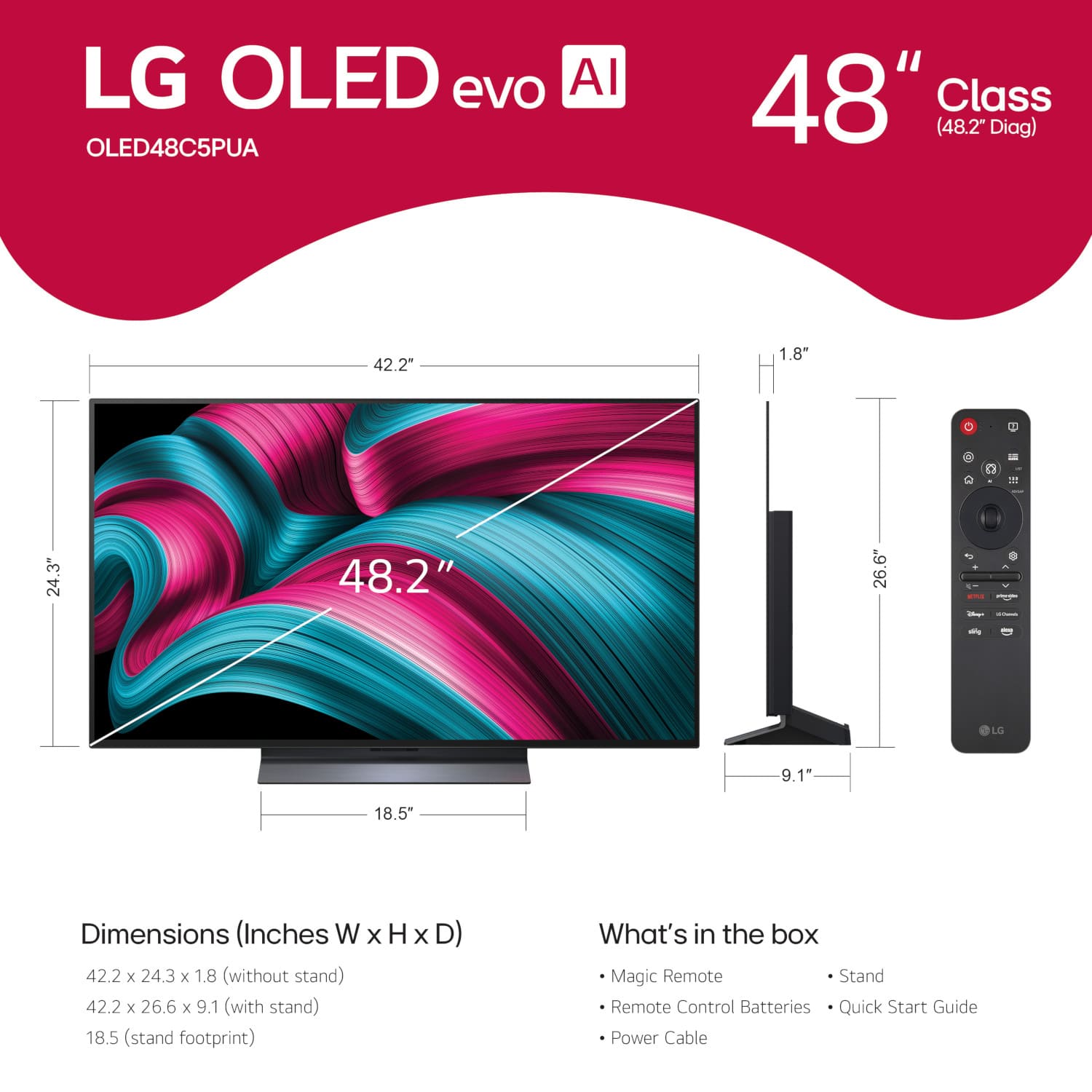
    • Answer The stand base for the LG 48" Class C5 Series OLED evo AI 4K UHD Smart webOS TV (2025) Model # OLED48C5PUA, has a width of 470 mm (18.5), and a depth of 230 mm (9.055")...^Ivan.

      Answered by LG Digital Customer Care

  • QuestionDoes this tv have the Spectrum tv app?

    Asked by Meli.

    • Answer The Spectrum TV app is compatible with the webOS 25 TV Platform that the LG 48" Class C5 Series OLED evo AI 4K UHD Smart webOS TV (2025), Model # OLED48C5PUA runs on, and it can be downloaded and installed on the TV through the LG Content Store (App Store) feature on the TV...^Ivan.

      Answered by LG Digital Customer Care