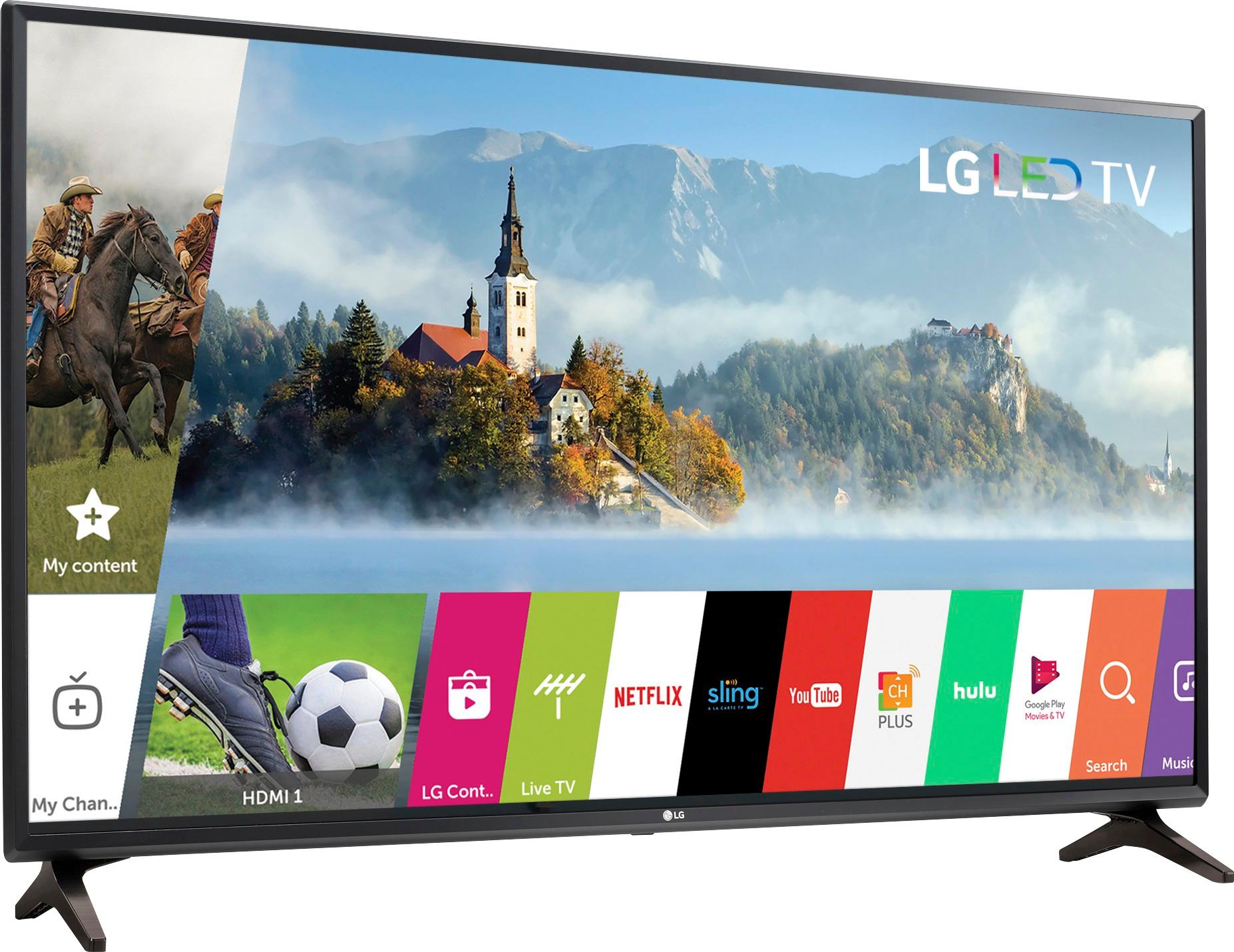
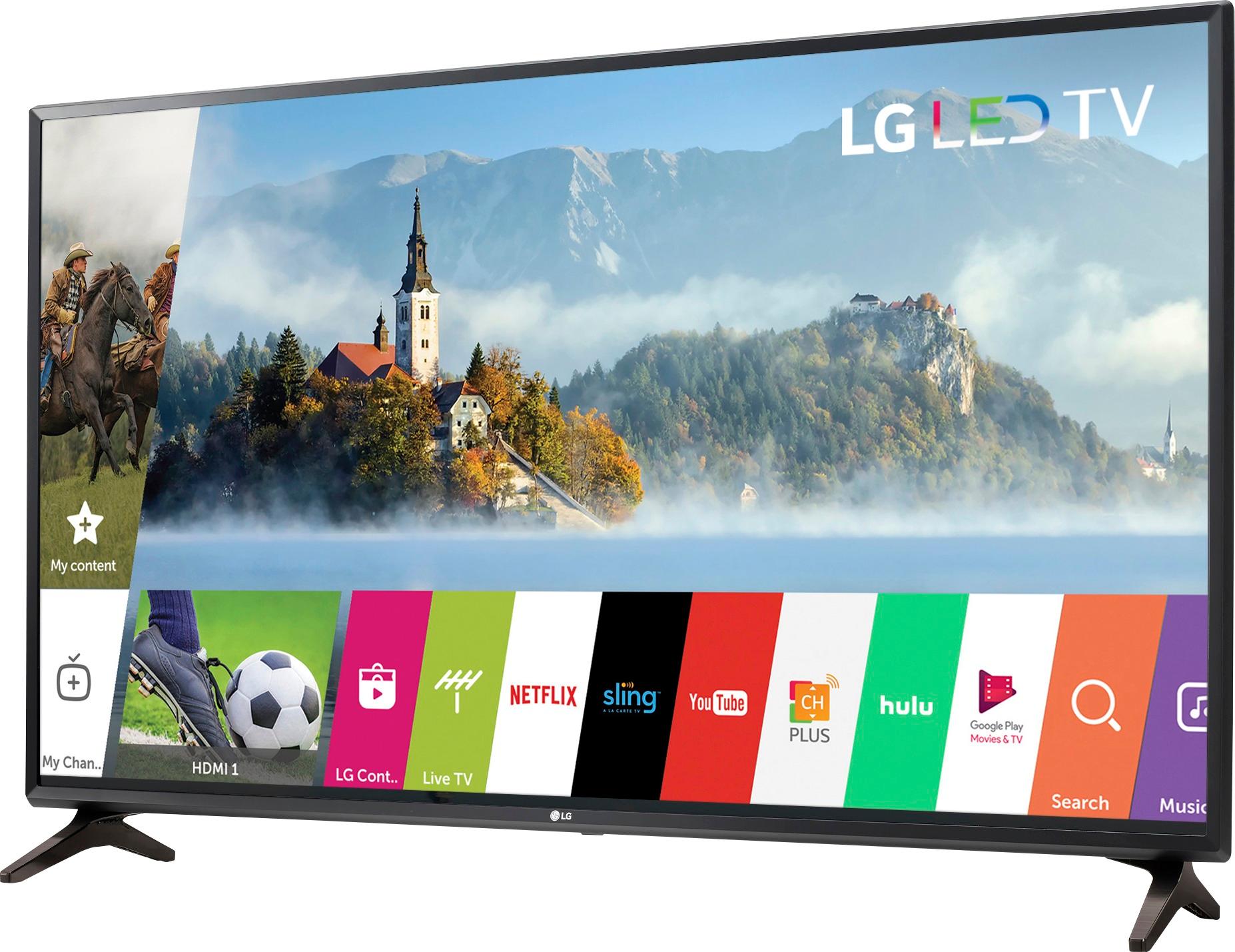
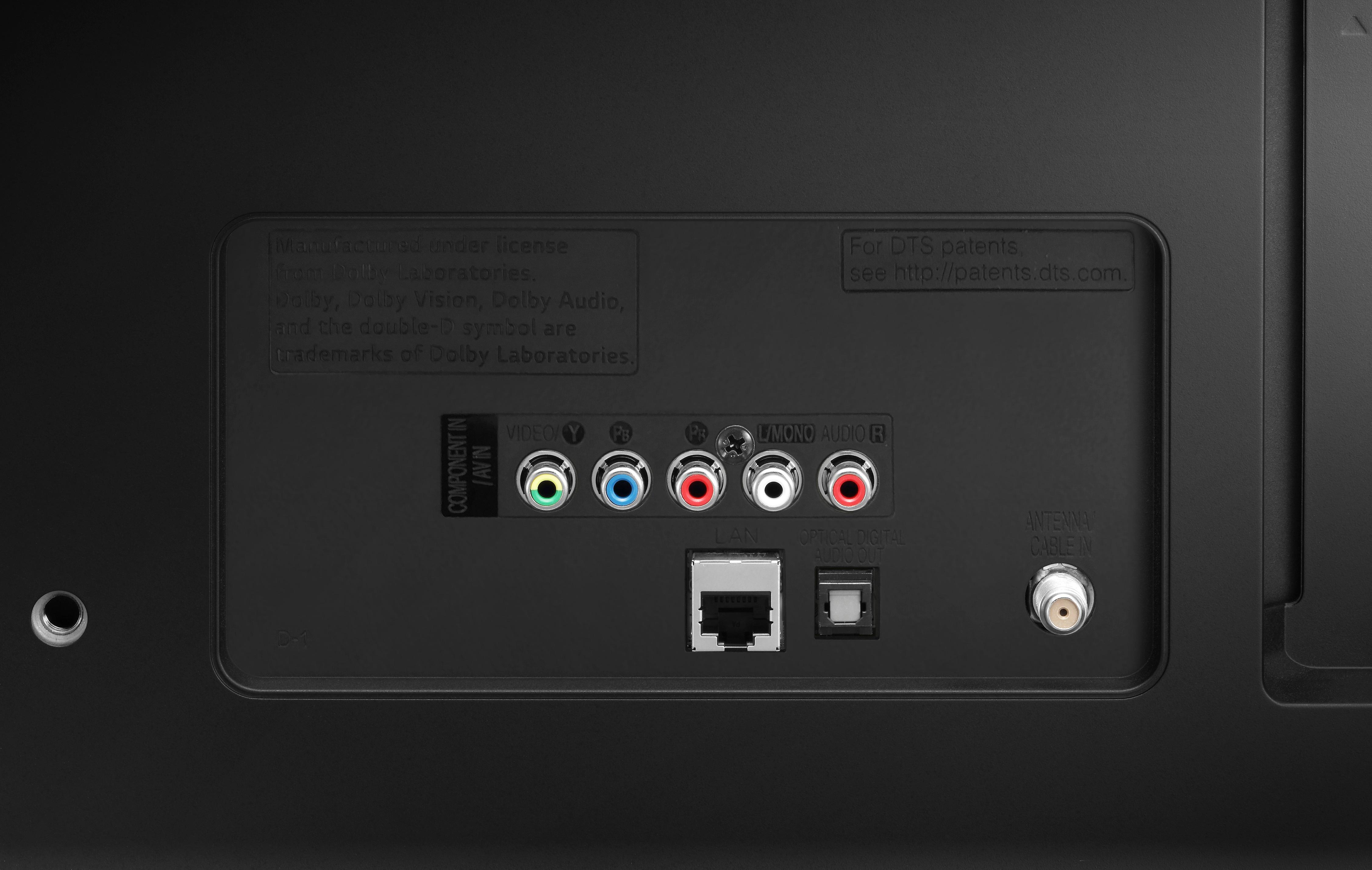
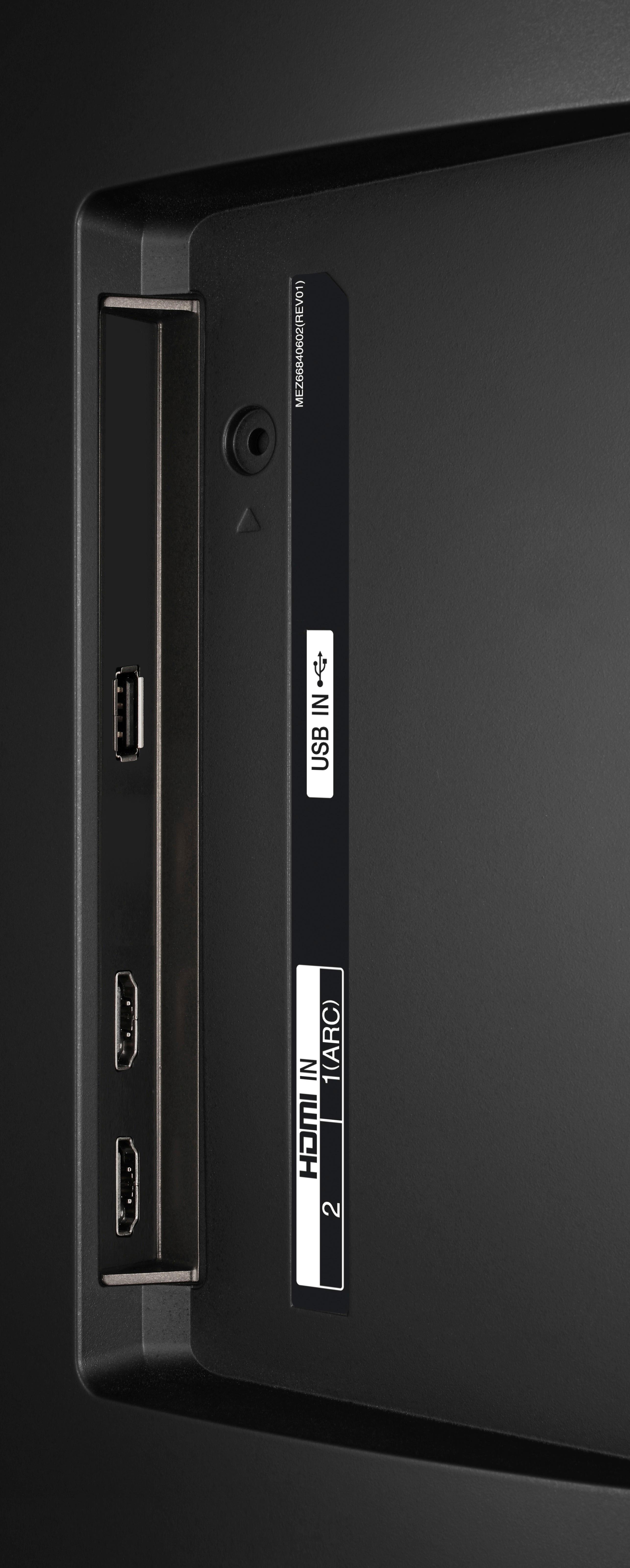
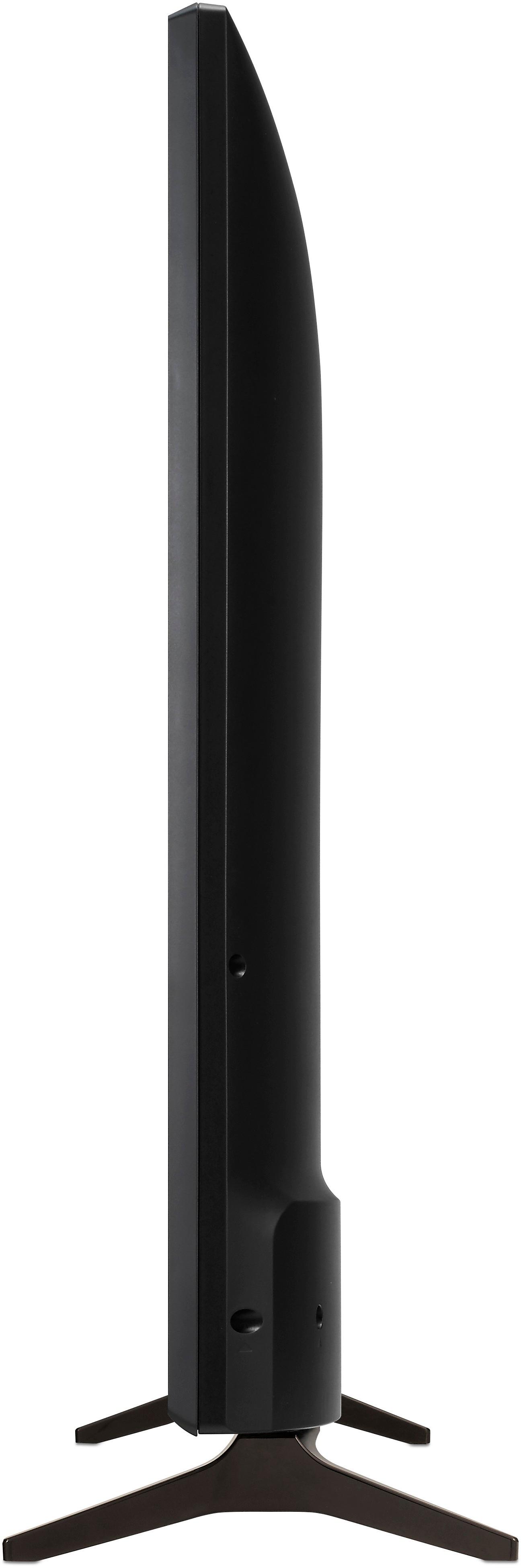
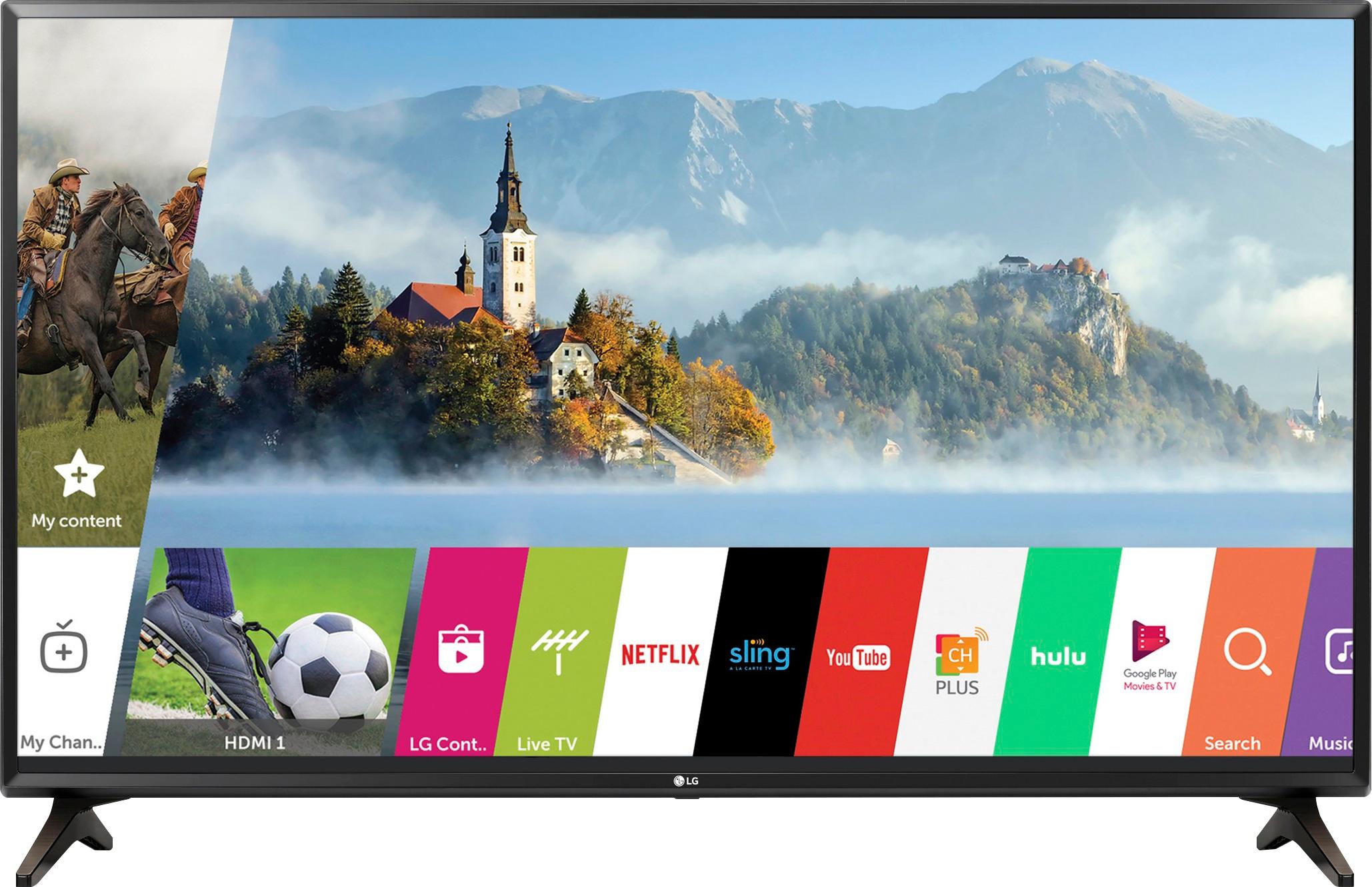
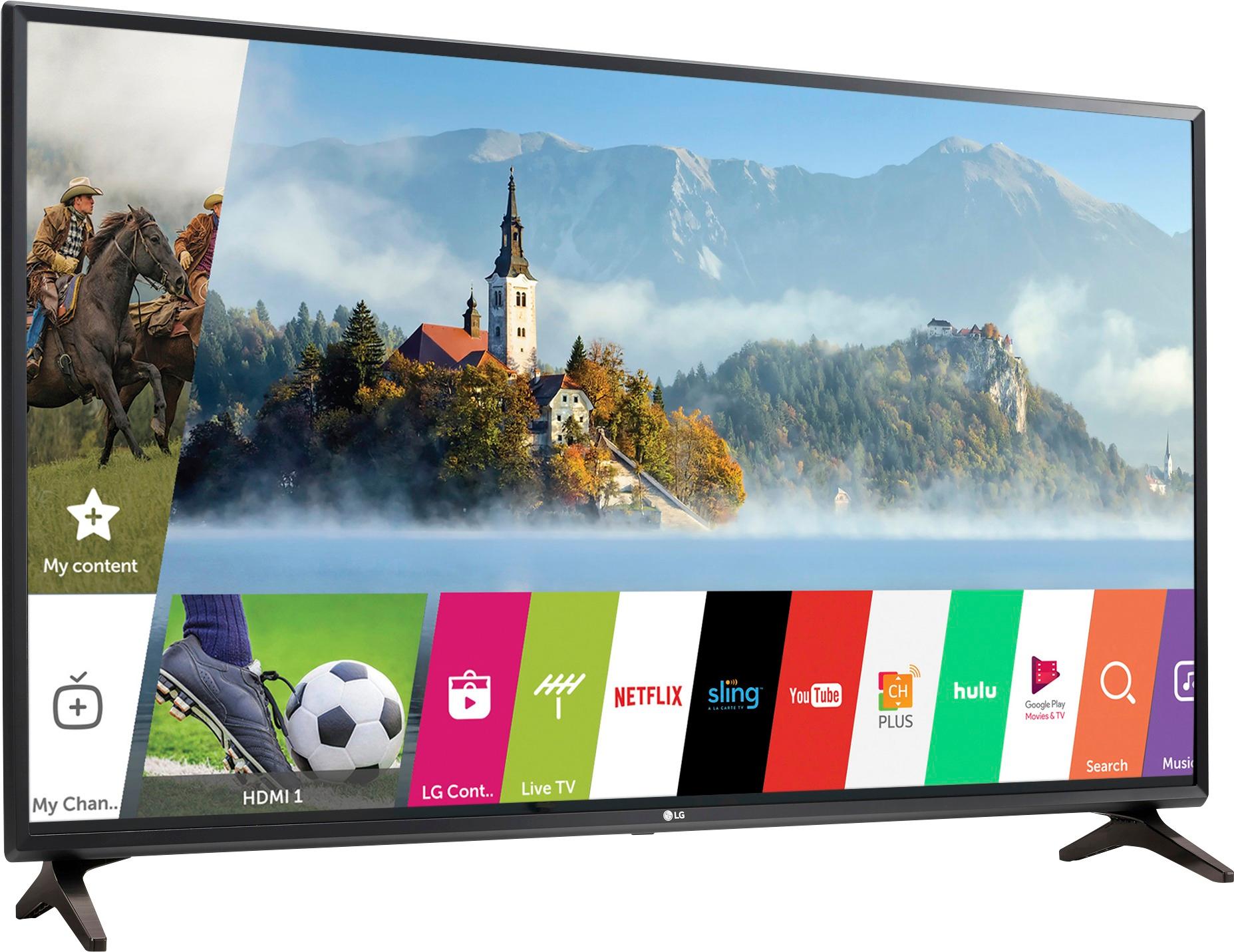
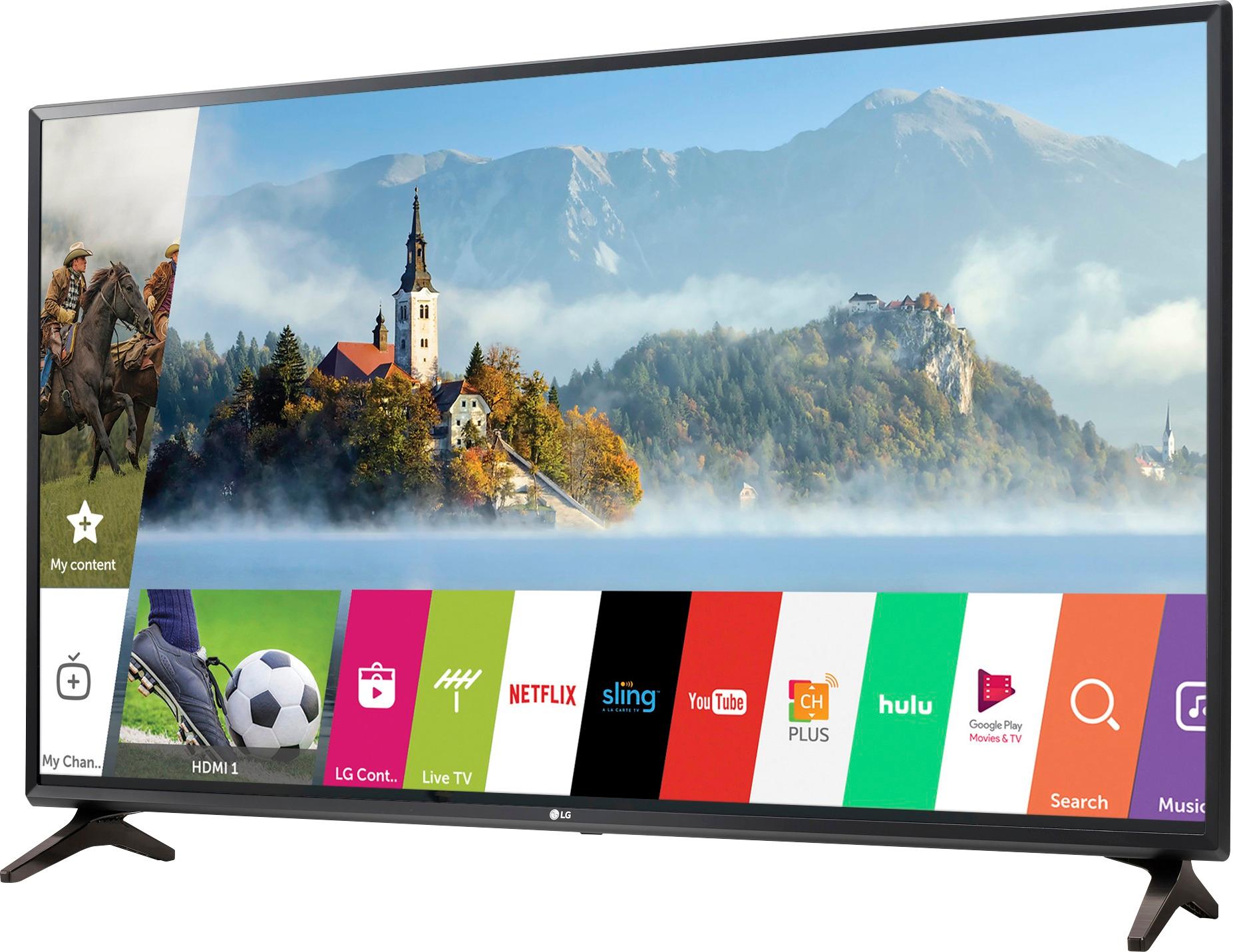
A:Answer Regrettably, we do not have information for any hard drive that is accessible over the ethernet jack. However, you can connect a USB storage device (USB HDD, USB Flash Drive) to the USB port on the LG Full HD 1080p Smart LED TV - 49" Class (48.5" Diag), Model # 49LJ550M. A USB storage device that has a built-in automatic recognition program or uses its own driver might not be recognizable and if you use a USB extension cable, the USB storage device may not be recognized or may not work properly. Only USB storage devices formatted with the FAT32 or NTFS file system provided by Windows OS can be used and it is recommended that you use an external USB HDD with a rated voltage of 5V or less and a rated current of 500 mA or less and that you use a USB flash drive of 32 GB or less or a USB HDD of 2 TB or less. PC's cannot be connected to the USB port and they will not be recognized. Video files stored on a USB storage device that does not support High Speed may not be played properly. Supported Video codecs are: VC-1 Advanced Profile (except for WMVA), VC-1 Simple and Main Profiles (file extensions: .asf and .wmv), Xvid (except for 3 warp-point GMC), H.264/AVC, Motion Jpeg, MPEG-4 (.avi file extension), H.264/AVC, MPEG-4, HEVC (.mp4, .m4v and .mov file extensions), MPEG-2, MPEG-4, H.264/AVC, VP8, VP9, HEVC (.mkv file extension), H.264/AVC, MPEG-2, HEVC (.ts, .trp, .tp and .mts file extension) MPEG-1, MPEG-2 (.vob file extension) and the RV30, RV40 (.rm and .rmvb file extensions)...^IFV