A:AnswerWe have developed a help library article that can help troubleshoot the network connectivity app you are experiencing located here: http://www.lg.com/us/support/product-help/CT10000018-1426626051711 If you're still experiencing issues, head to our support page on Twitter, @LGUSSupport or on facebook at www.facebook.com/LGUSA and our specialists will be happy to look into it. ^CP

A:AnswerIf theyre bluetooth put them in pairing mode and on the smart hub on the tv scroll to the right until you see where it says bluetooth. After you click that the tv should start finding the headset and you would then select them and youre set to go!
A:AnswerInformation regarding how to connect a bluetooth headset to your 49SK8000PUA can be found in the User Guide under Tour List of Settings>Sound>Sound Out http://kr.eguide.lgappstv.com/manual/w18/atsc/Apps/w4.0_u02/u_enga/settings.html ^CP

A:AnswerWe are sorry to see you are having this issue. We would be happy to look into the problem with getting the remote control to operate your TV. Please take a moment, at your convenience, to contact us directly via Twitter @LGUSSupport or Facebook https://www.facebook.com/LGUSA/ or you can give us a call at 800-243-0000. ^CP

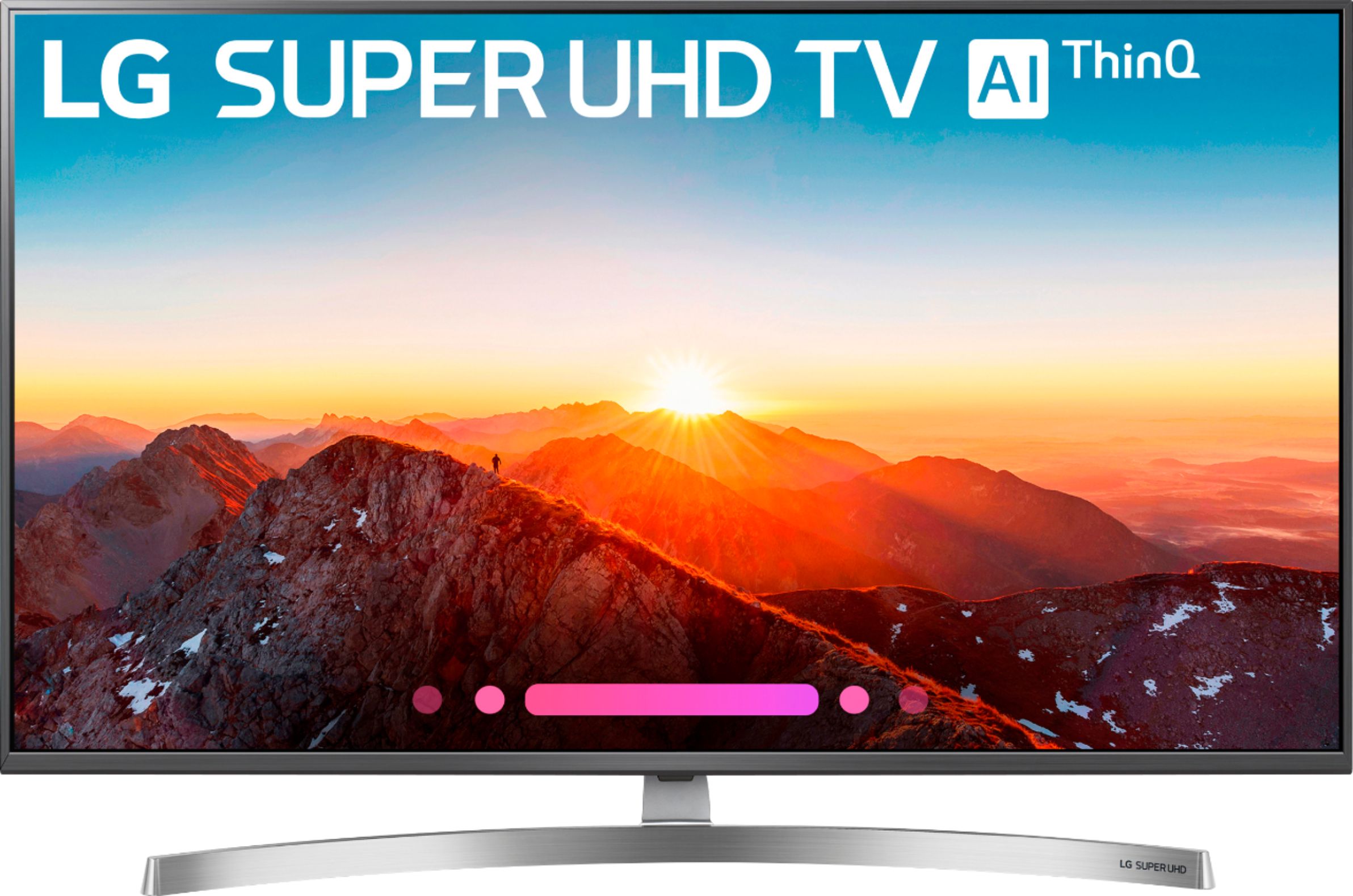
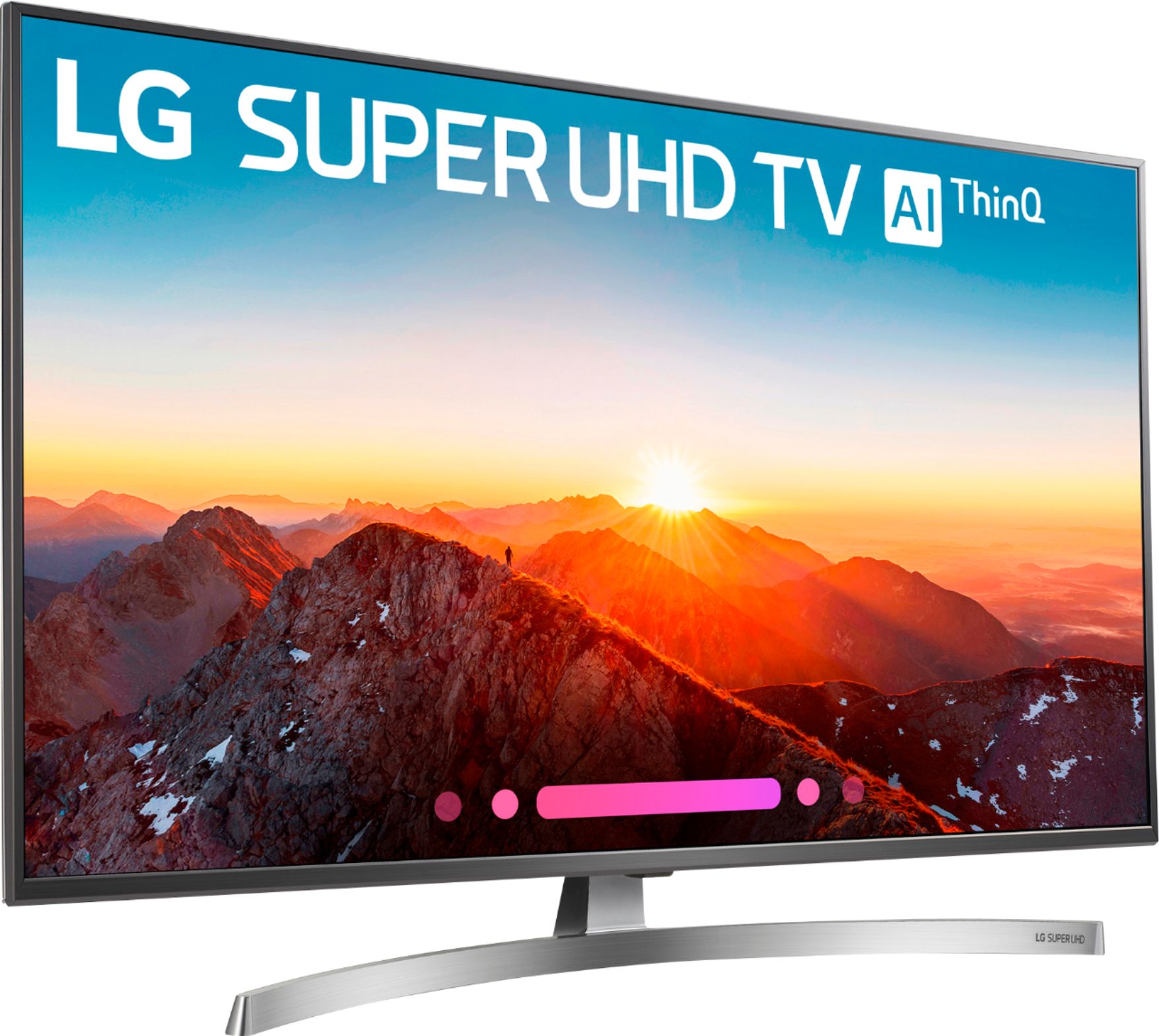
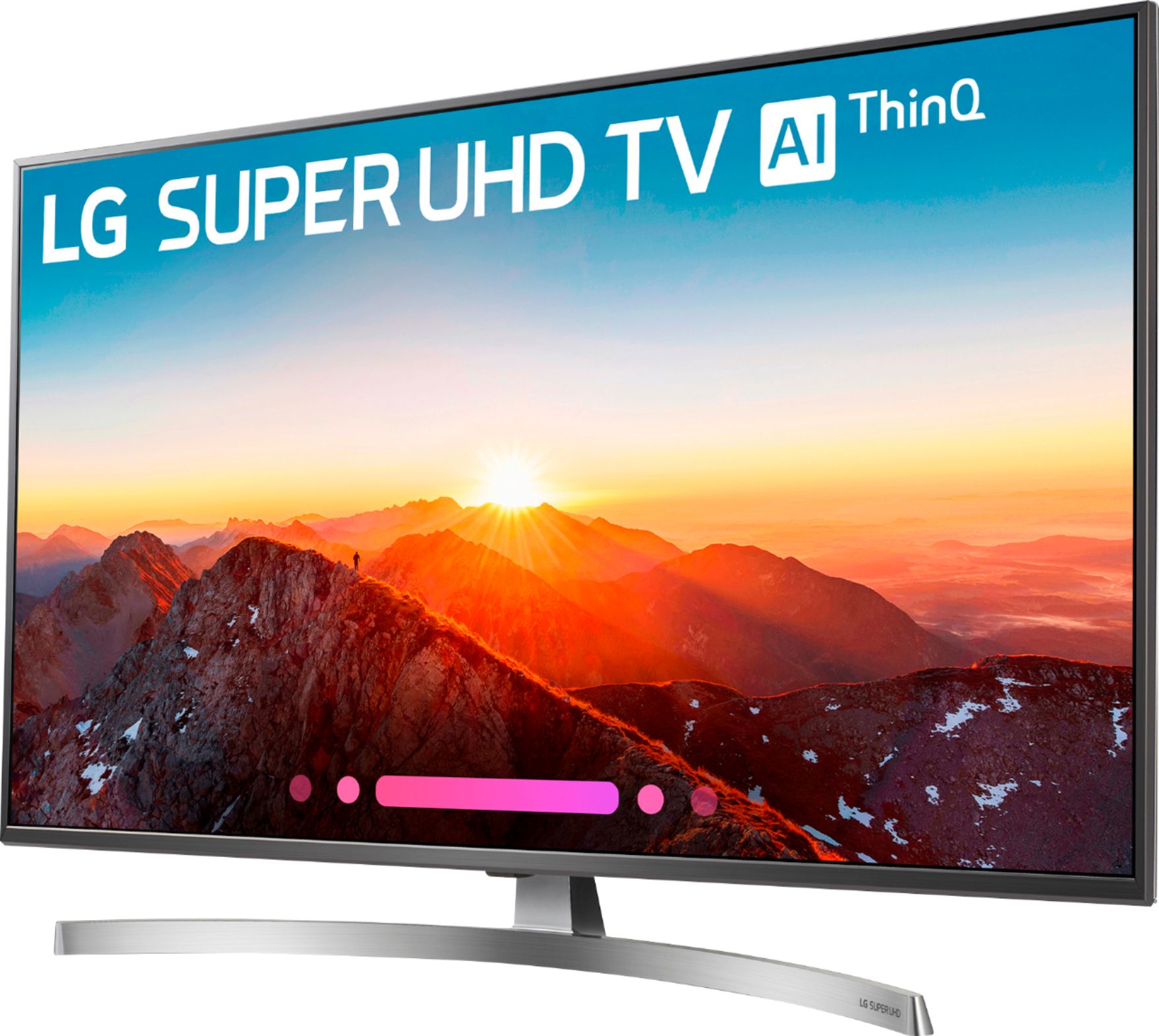
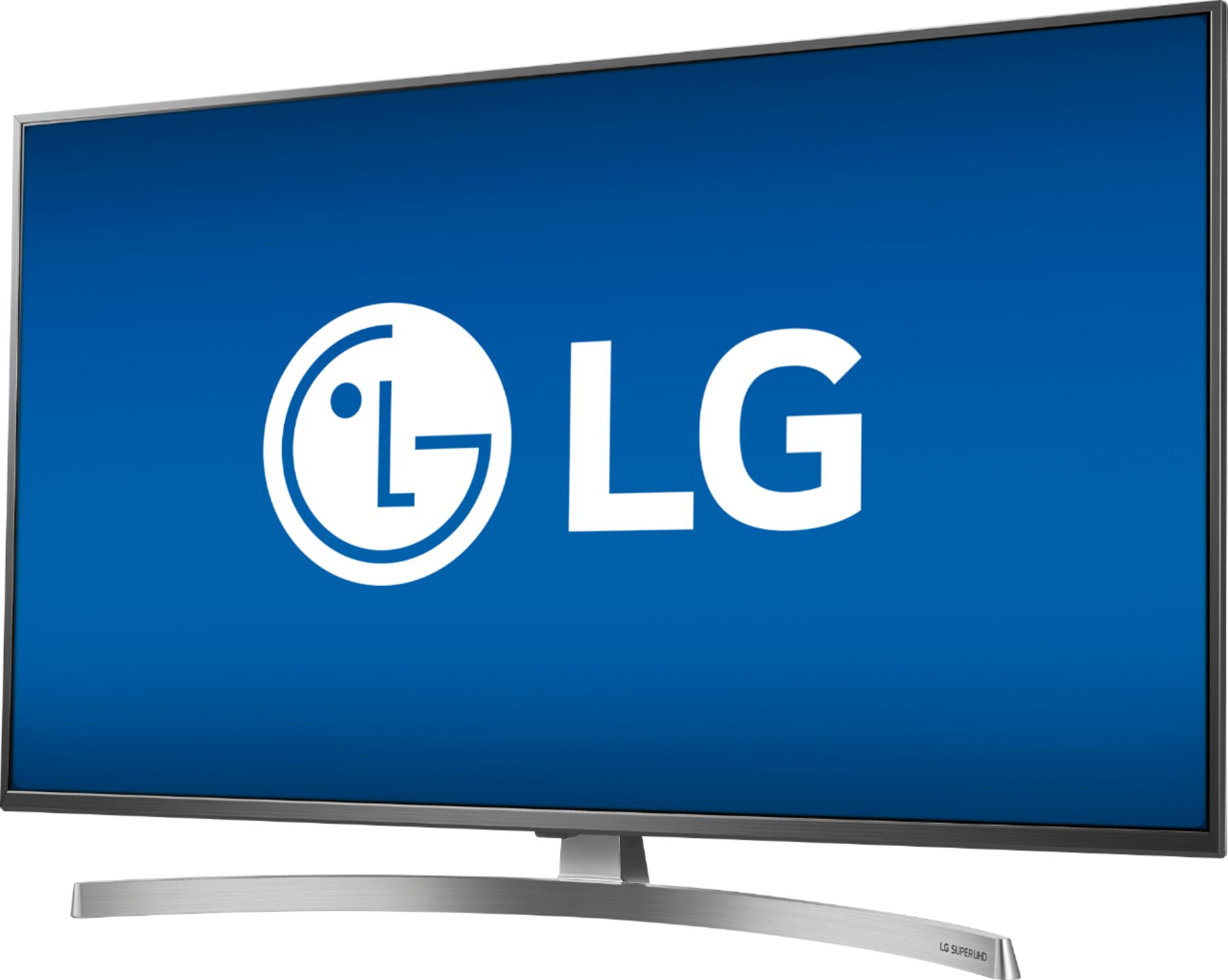
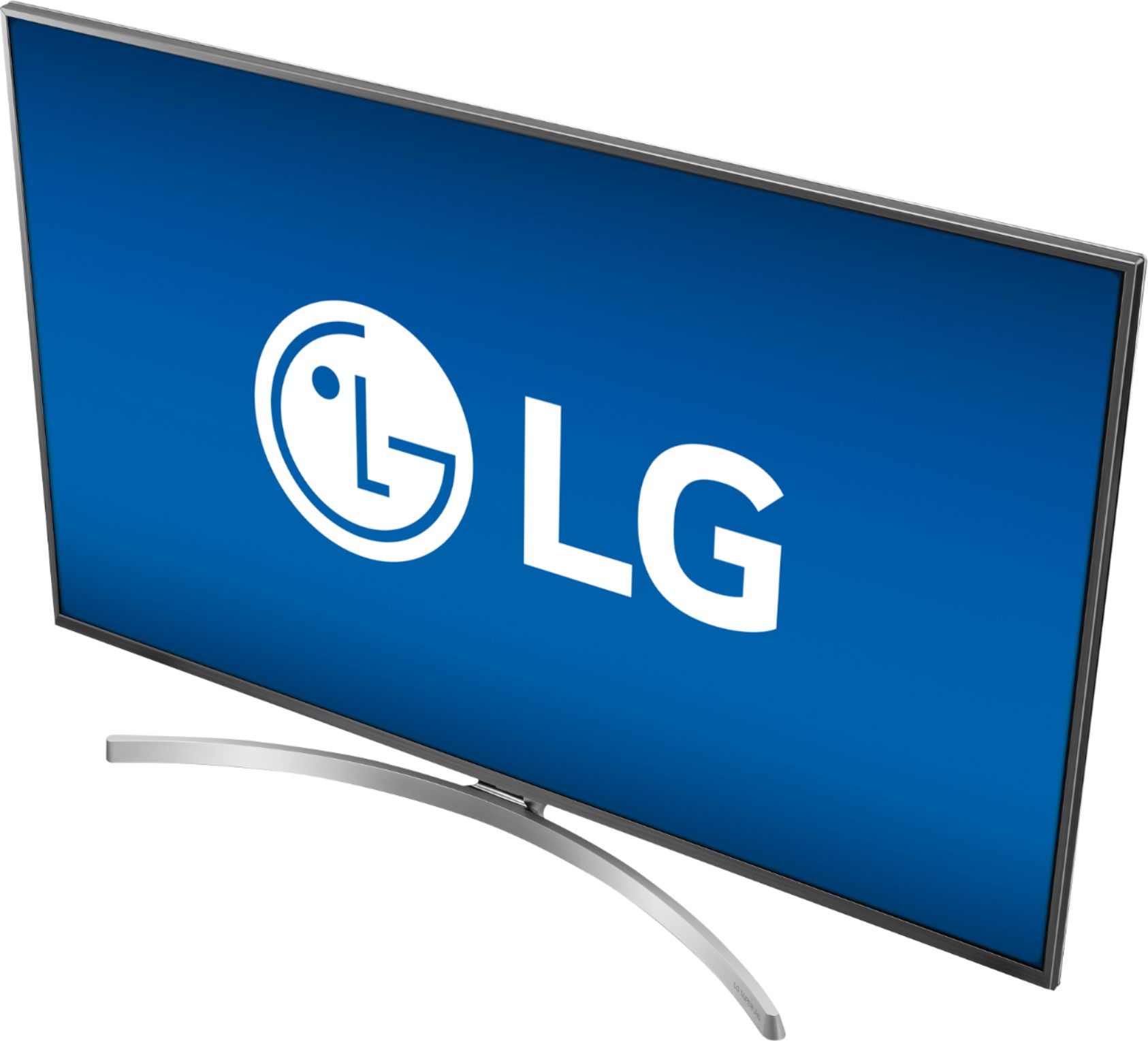
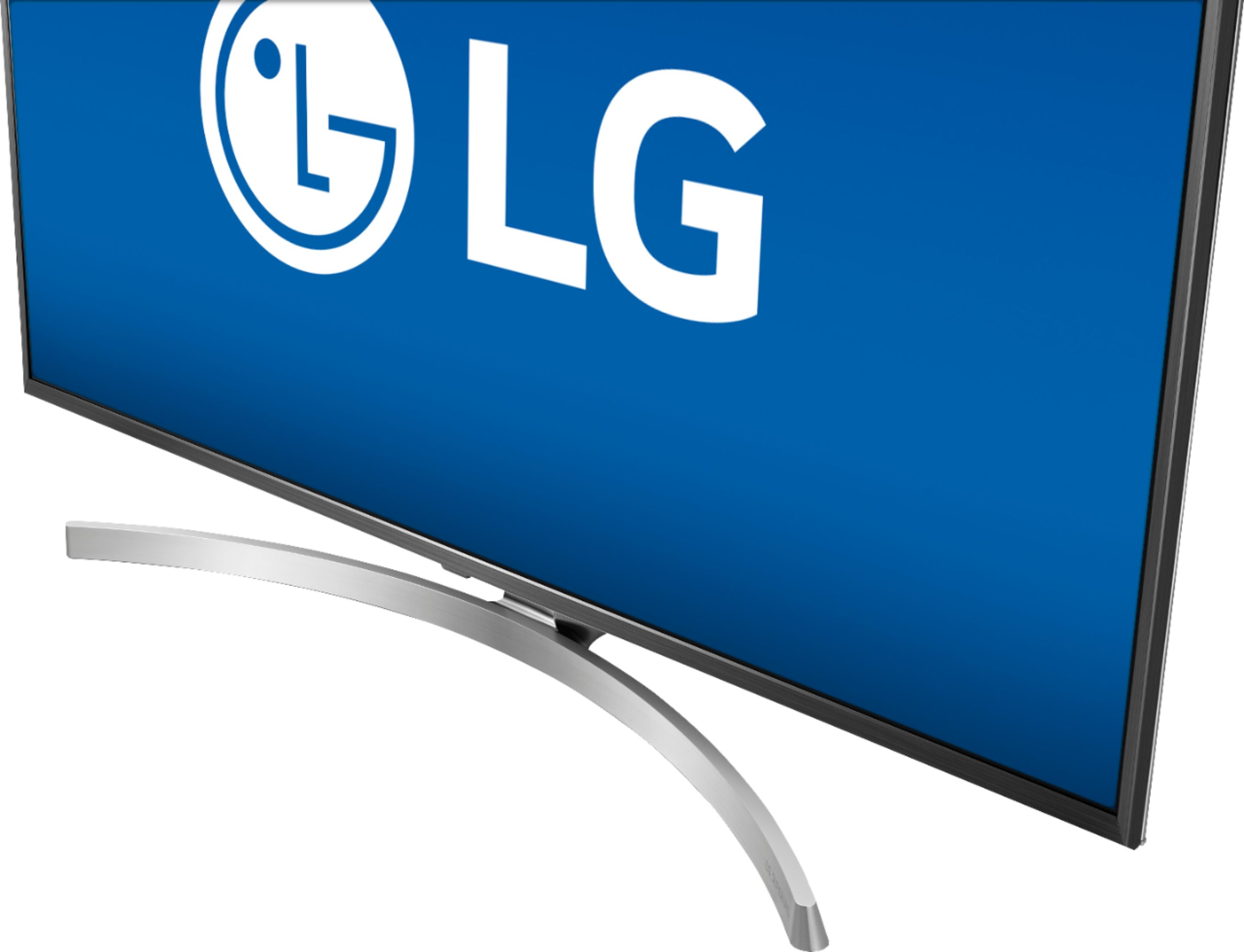
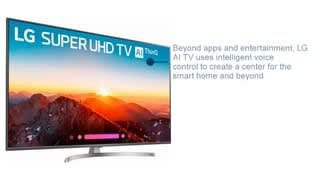
A:AnswerThe 49SK8000PUA features a Nano Cell™ Display that improves color accuracy with its expanded color gamut to deliver truer colors and deeper black levels at a wide viewing angle. Enjoy a more lifelike picture with superior depth, sharpness, and remarkably accurate color. Originally developed for LG OLED TVs—the Best TV Ever—and now available on LG SUPER UHD TV with AI ThinQ®, the α7 Intelligent Processor enhances 4K HDR content for a truly cinematic experience. ^CP