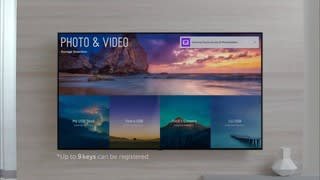
A:AnswerThe only film mine had on it was around the outside frame and where the energy efficiency sticker laid. There is no other film- unfortunately that sounds like a defect.
A:AnswerI just bought the same tv. I had Verizon Fios and the picture wasn’t the best after install but I was changing cable providers a few days later...went with Comcast Xfinity. As soon as the hook up to Xfinity was complete I immediately saw the difference! Picture quality was amazing. My first suggestion would be to change out the cable box. I had the same Fios cable boxes since 2002 and the picture quality may be improved with a newer box. I was switching to Xfinity regardless because of issues with Verizon.
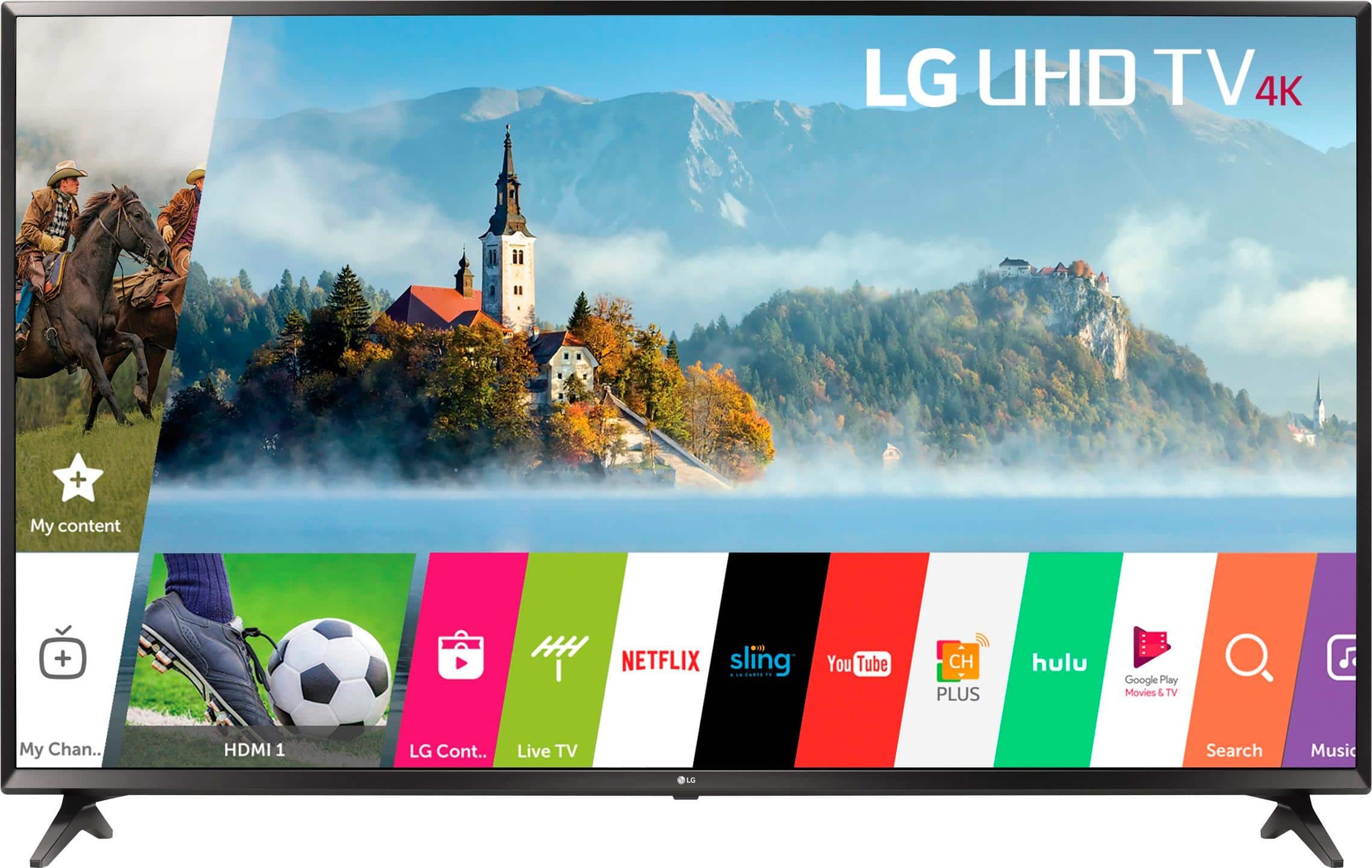
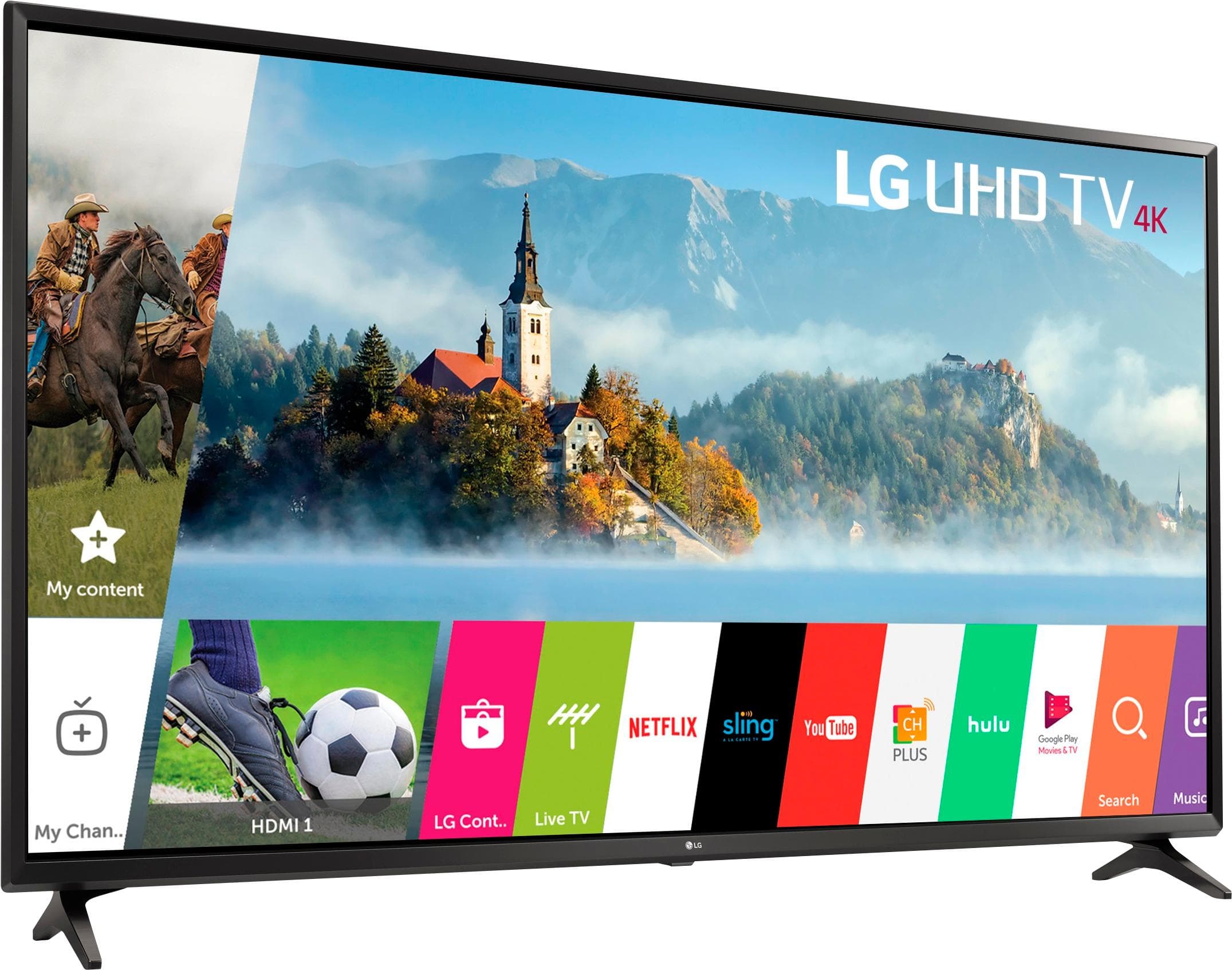
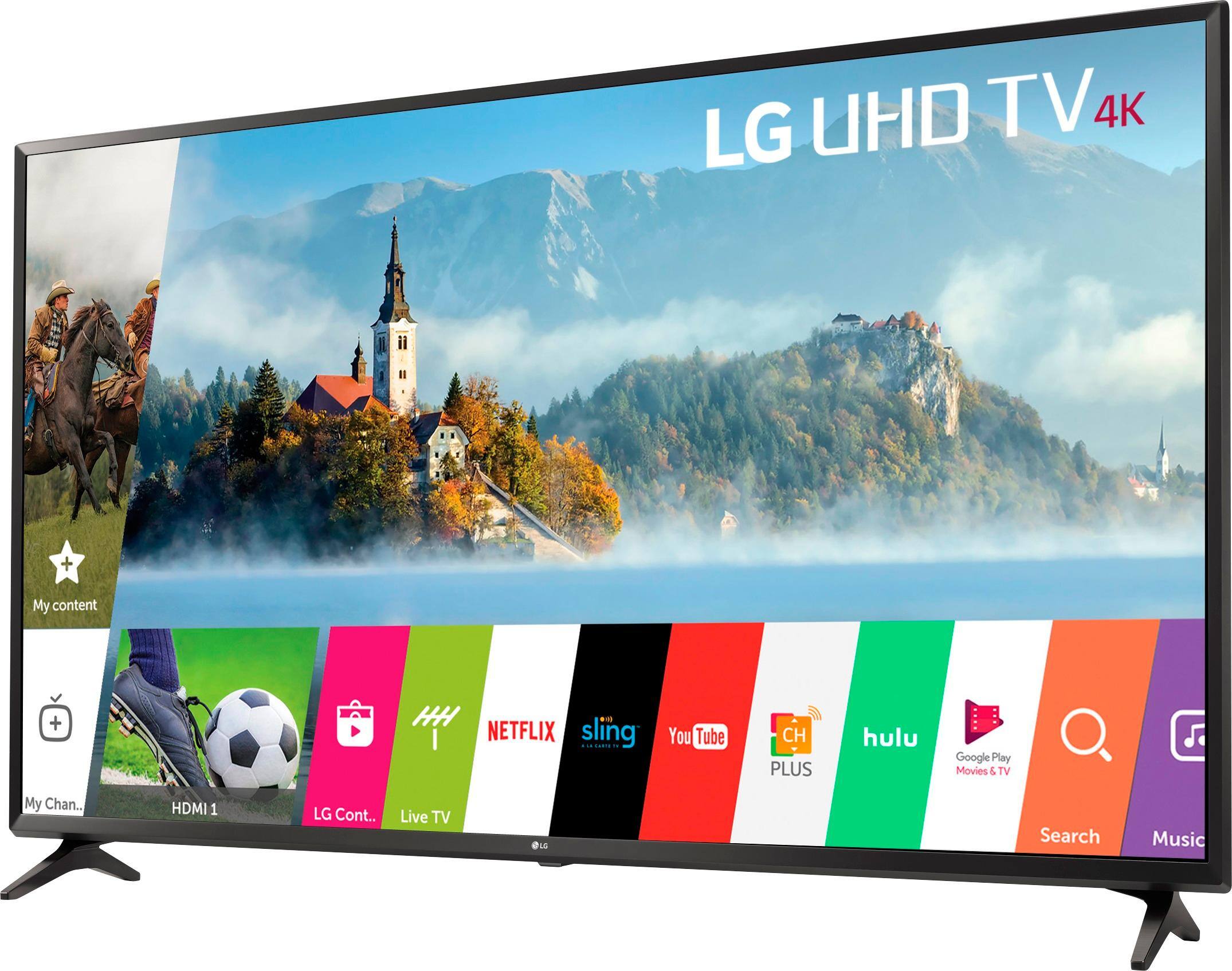
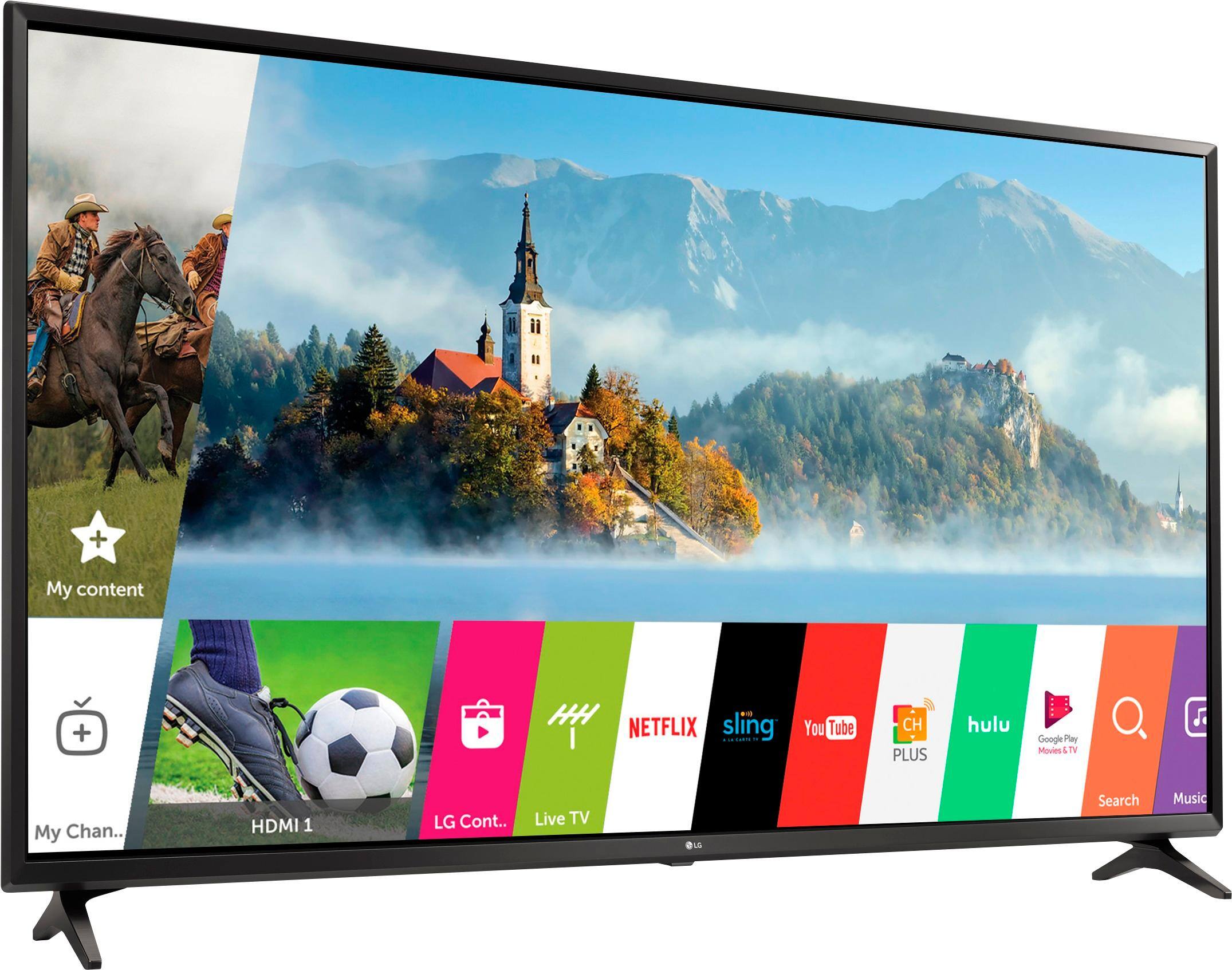
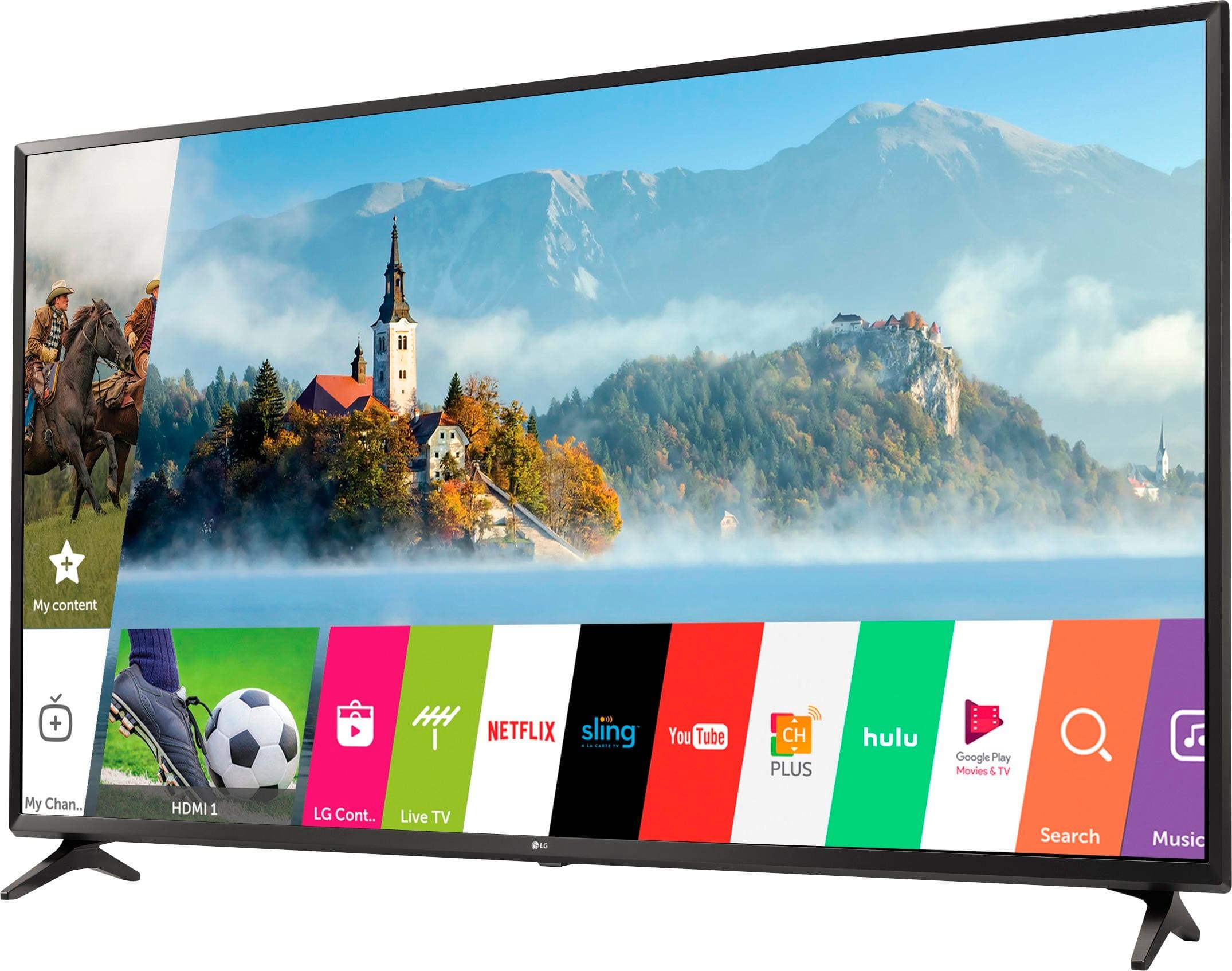
A:AnswerHi MikeK. Thank you for choosing the LG 4K UHD HDR Smart LED TV - 49" Class (48.5" Diag), Model # 49UJ6300. The Geek Squad services can be found by scrolling down to the bottom of the product information page and clicking on Customer Service > Geek Squad Services > then clicking on the TV&Home Theater icon under "Choose Your Geek Squad Service Category". You can then scroll down to INSTALL & SET UP and click on TV Connect & Setup. You will find the pricing for 50" and Smaller TV Connect & Setup with a description of what is included in the setup...^IFV
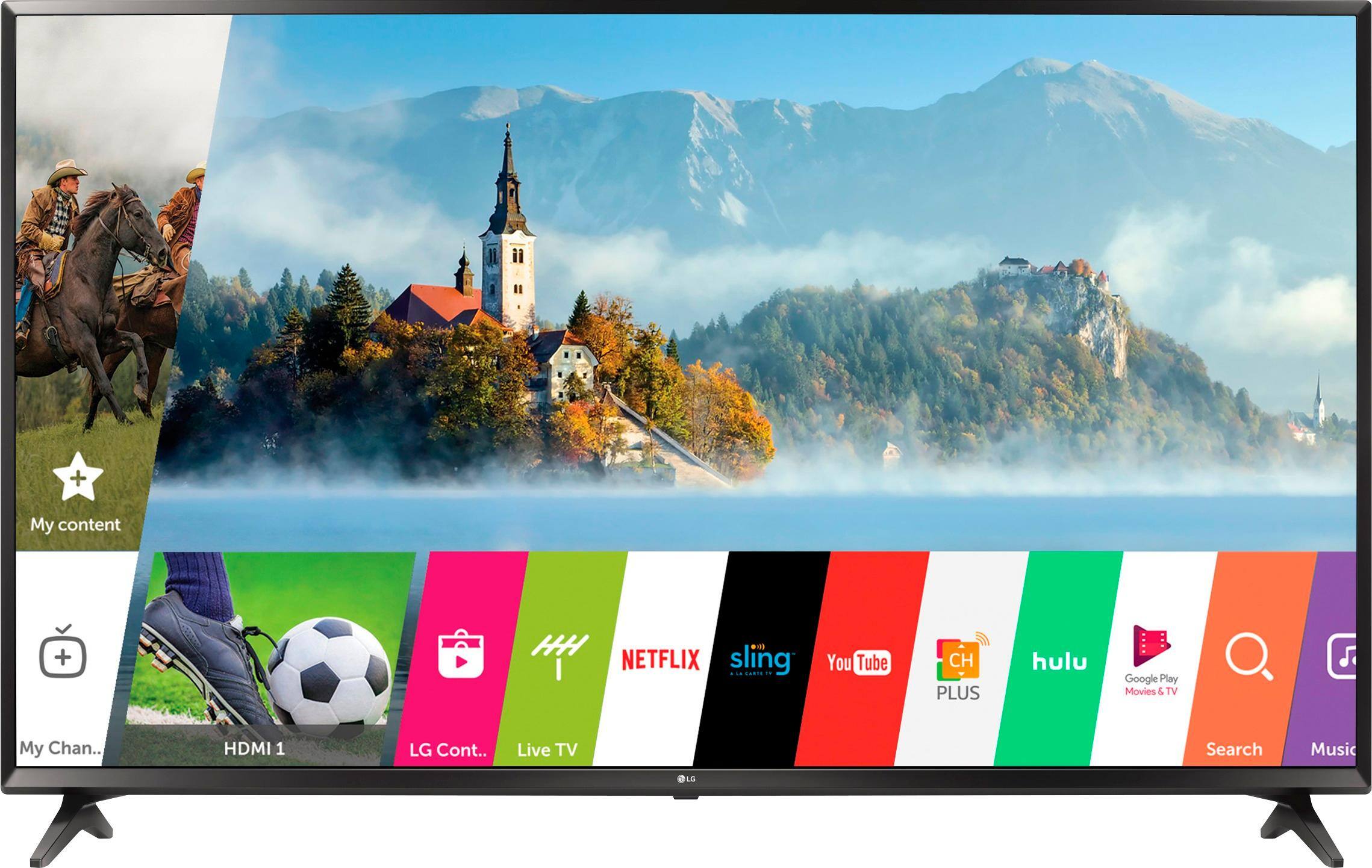
A:AnswerLG recently took the YouTube app off this TV when you try to update it for some unknown reason. I got this TV two days ago and I'm a bit mad about it. And no it doesn't include a sound bar, you would have to get one.
A:Answerthe app is included but you need a membership. And just FYI I have not been able to use any of the apps with the new TV, it does not appear to be compatible with WIFI
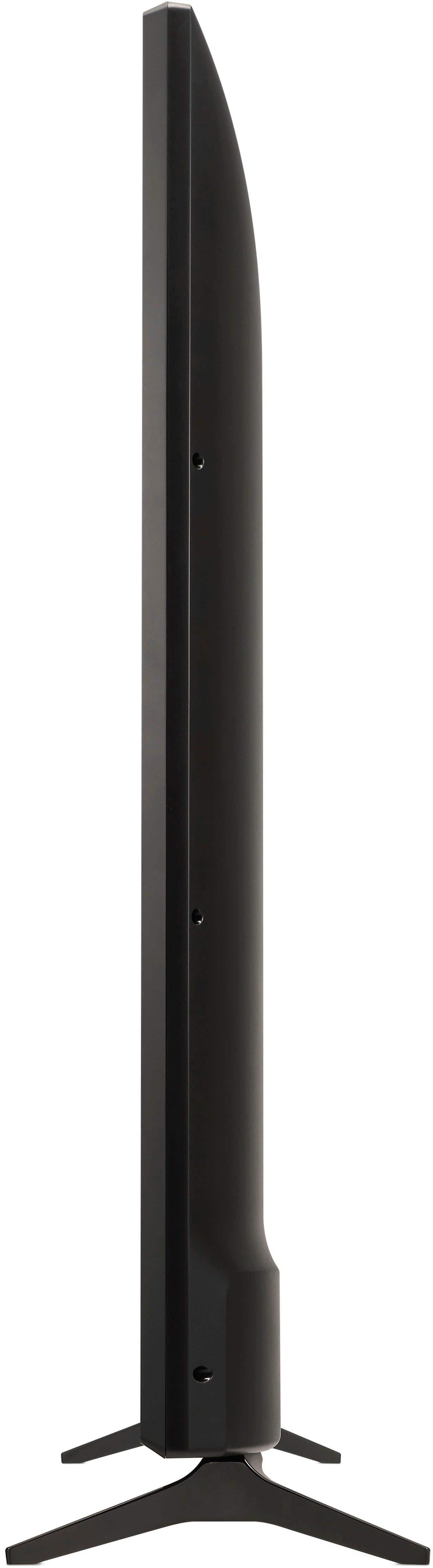
A:AnswerI measured this box and it was 46" wide, 30.5" long, and 6.5" thick. I didn't attempt it inside a 2017 Honda accord because when we measured the accord it was too large for the car so I used a minivan.
A:AnswerIt is not normal for the stand legs to be wobbly for the LG 4K UHD HDR Smart LED TV - 49" Class (48.5" Diag), Model # 49UJ6300 when they have been attached correctly. If the stand legs are wobbly, the legs are either on the wrong way or the screws need to be secured more firmly...^IFV
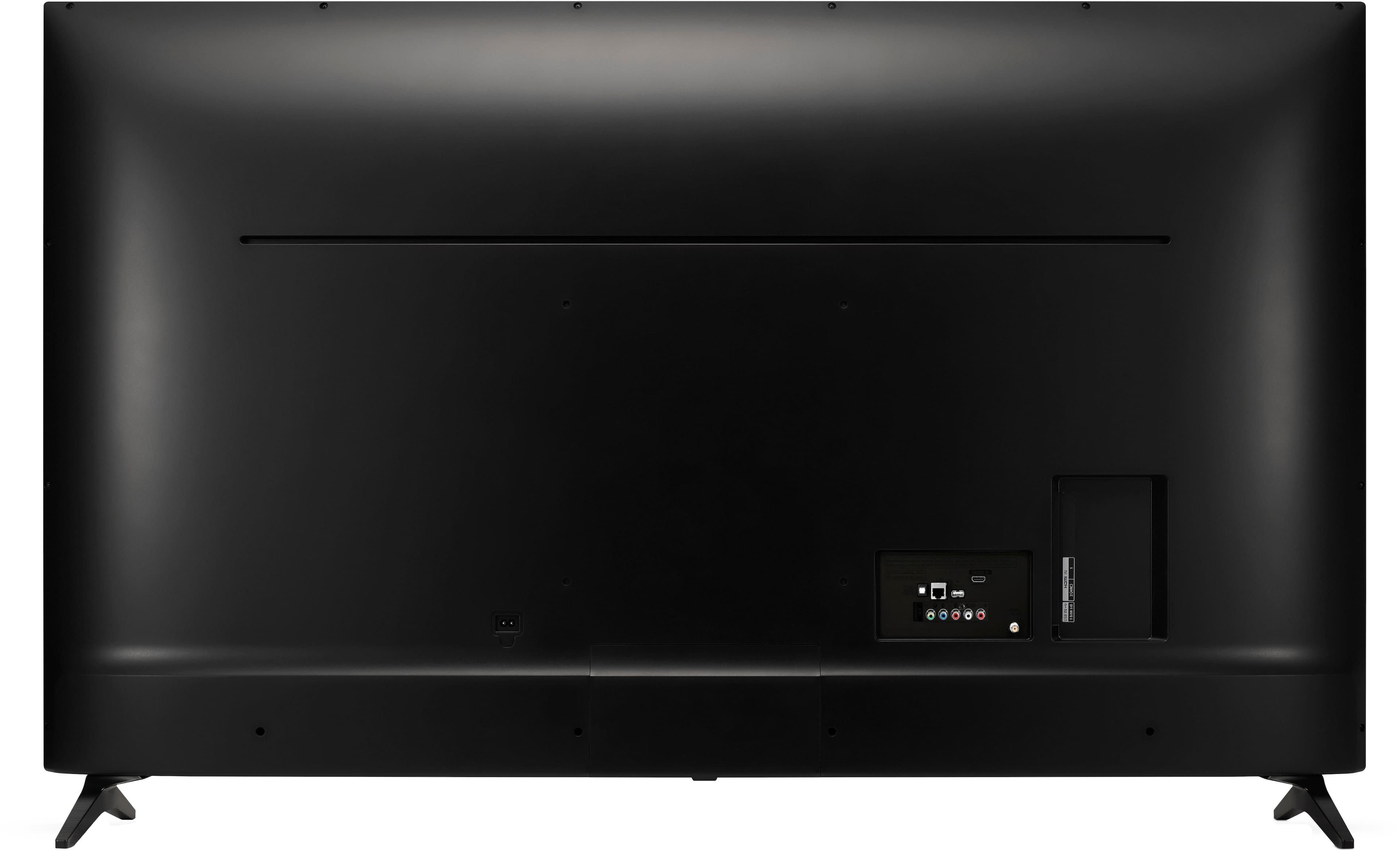
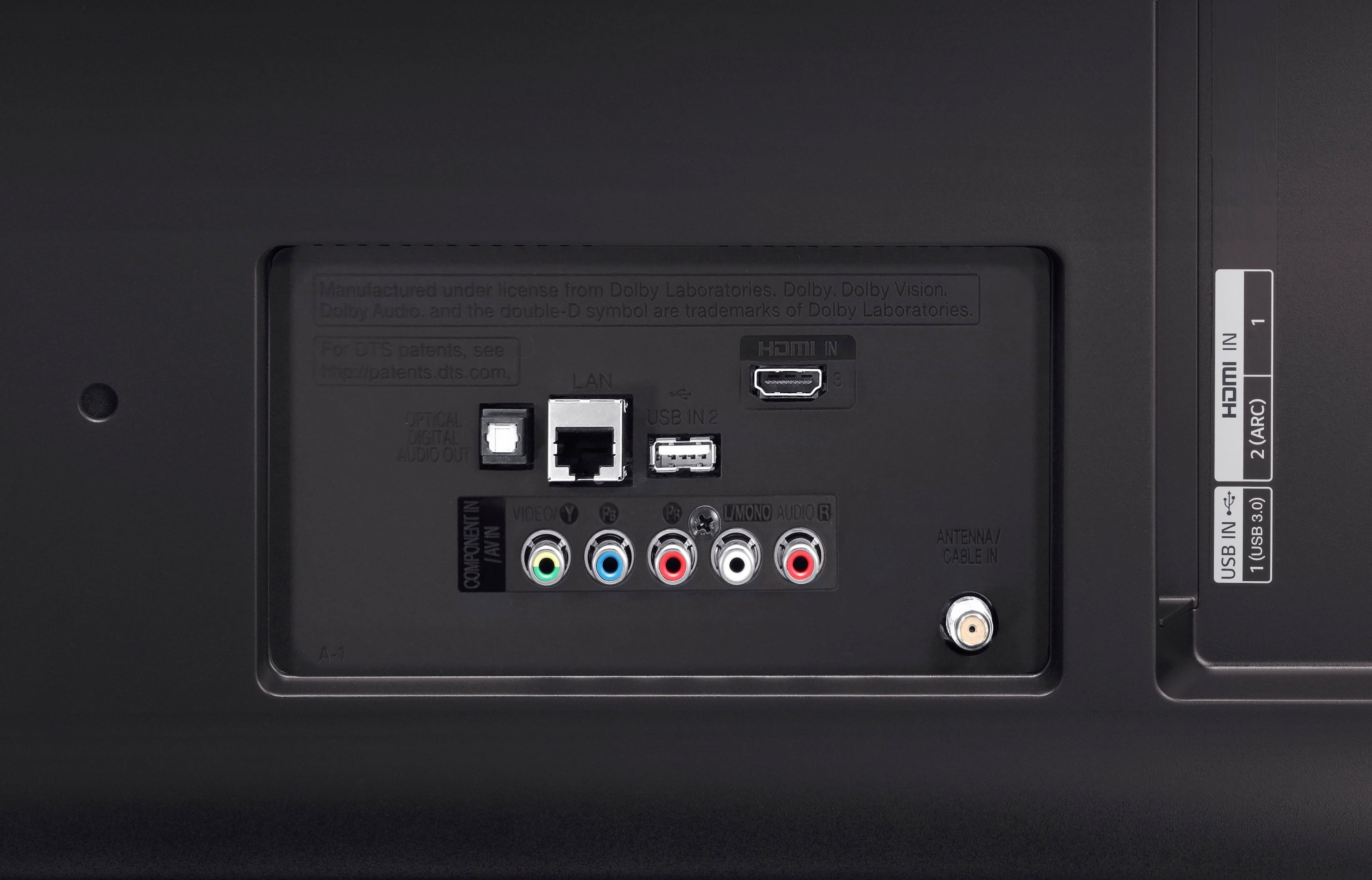
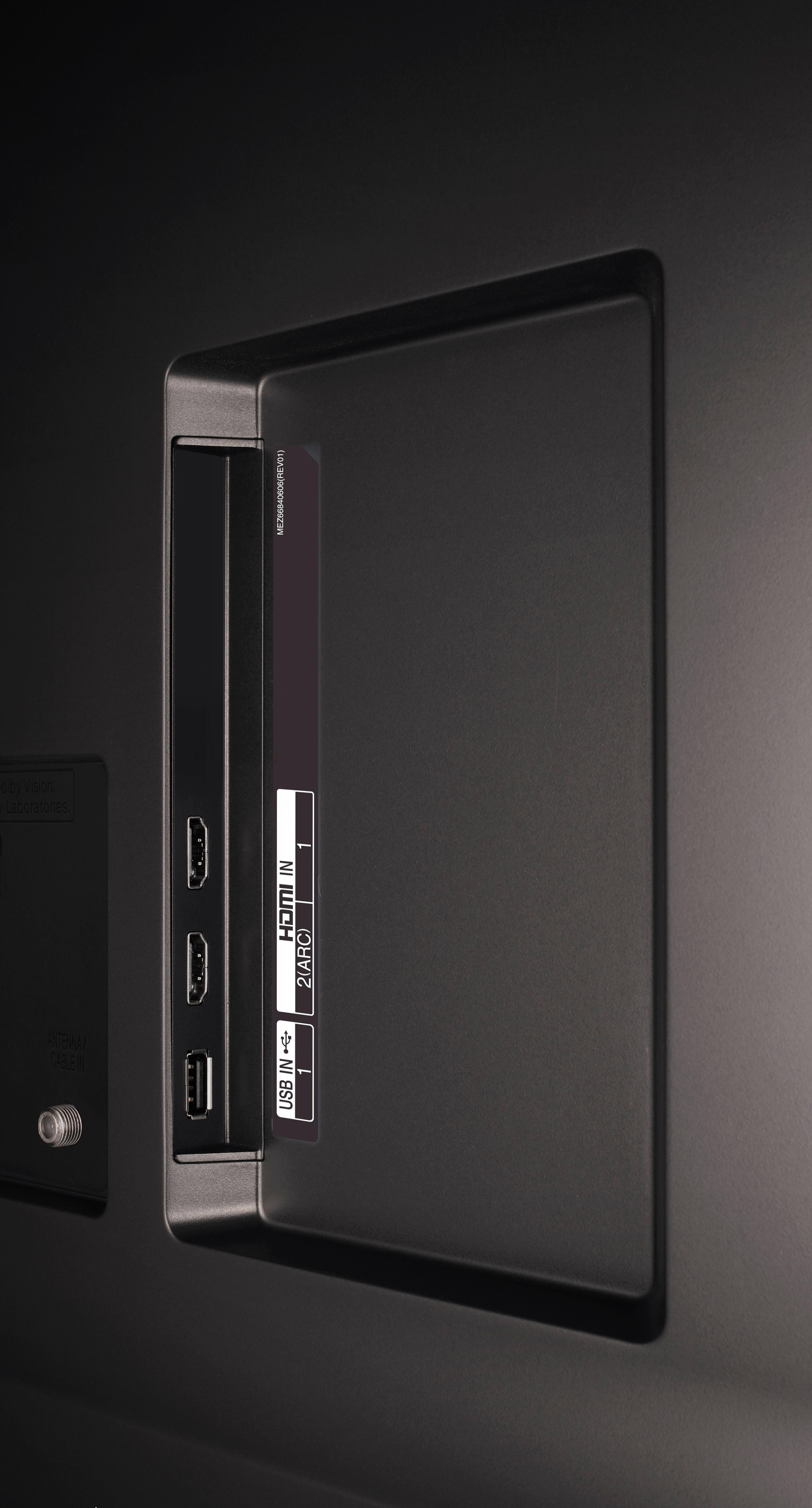
A:AnswerAny audio signal sent into the TV, regardless of which port is used can be re-routed through the HDMI ARC or Optical Output. It would work the same way a USB Flash drive does when it is connected to the USB port and the only difference being that one source is through the HDMI port while the other would be through the USB port. So if you connect your Flash-Drive HDMI to the TV, you can go into the settings menu and navigate to 'Sound Out' where you can configure the digital sound output setting you want the audio signal to be output from. ^CP
A:AnswerTo get the best picture quality out of your TV head to our help library and follow the troubleshooting found in this article: http://www.lg.com/us/support/product-help/CT10000018-20150350133130-poor-picture-quality ^CP