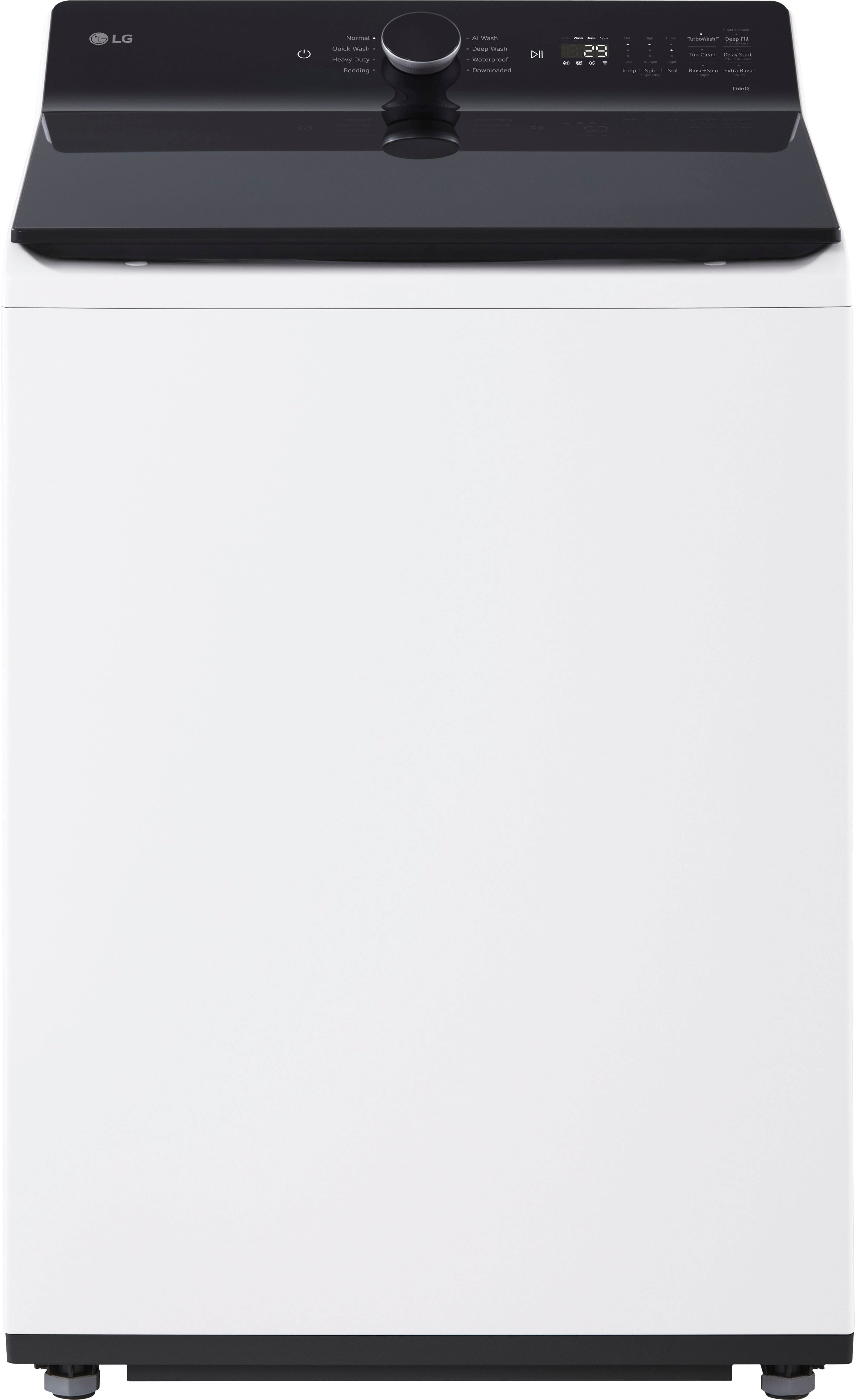
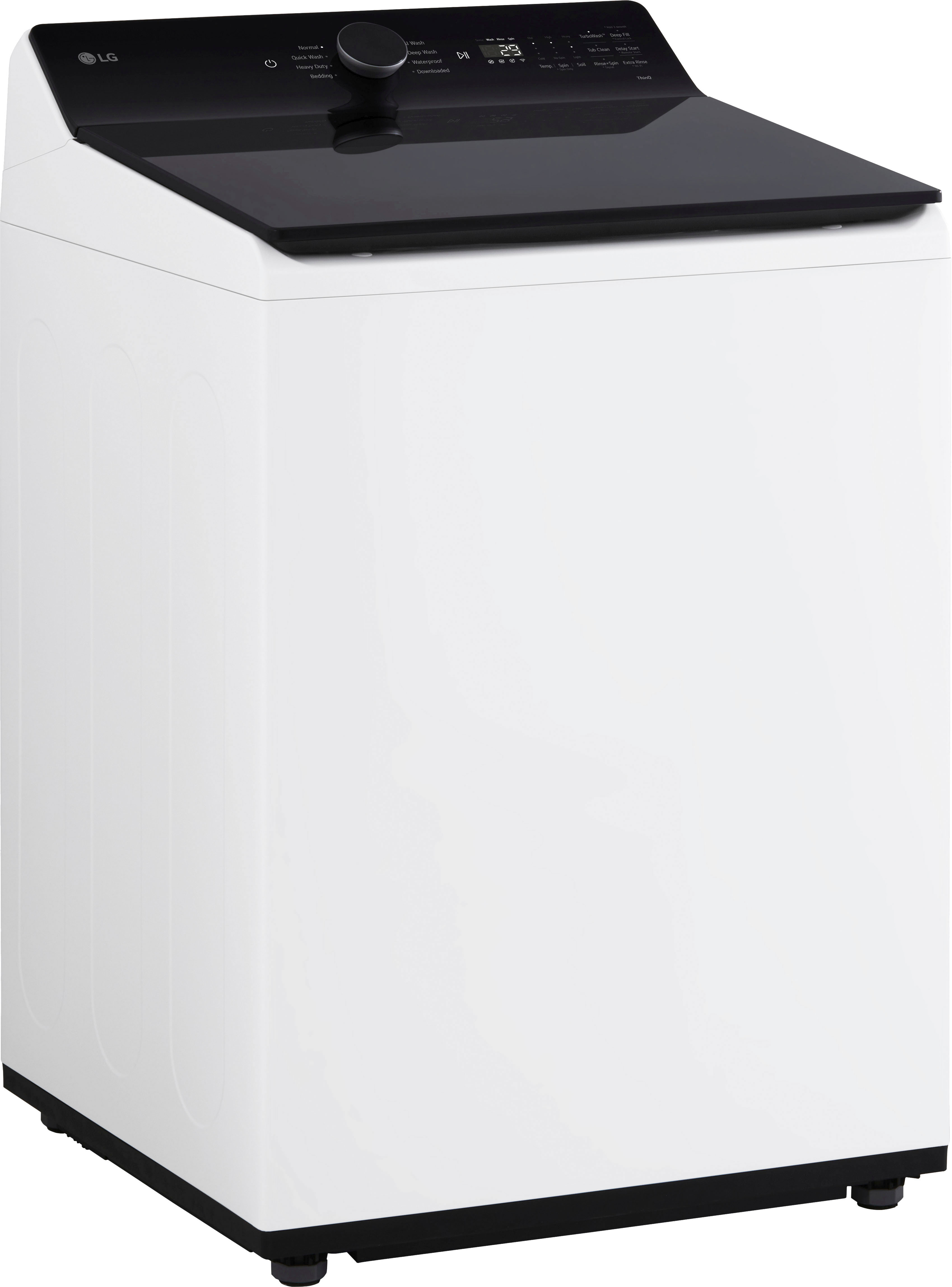
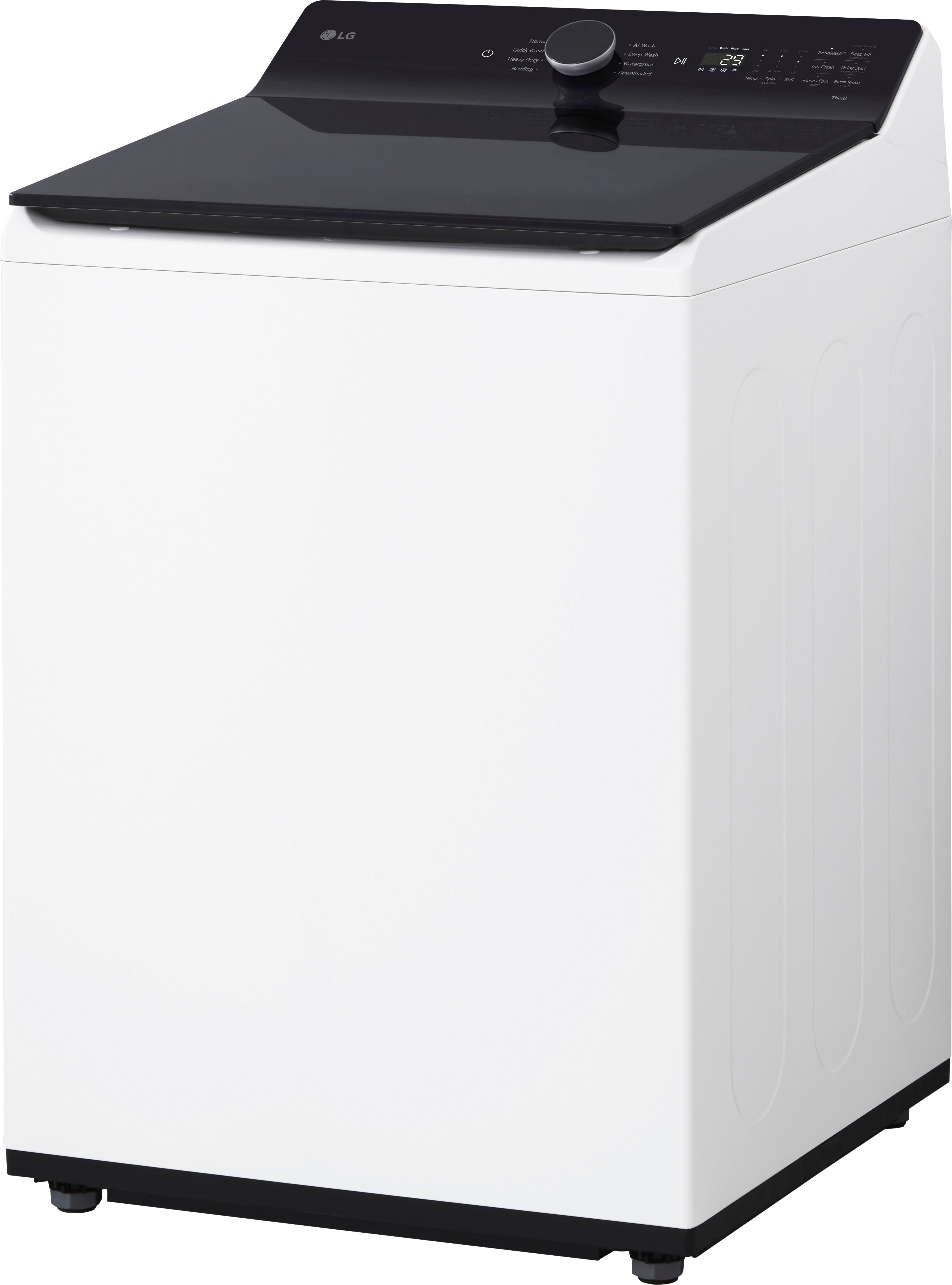
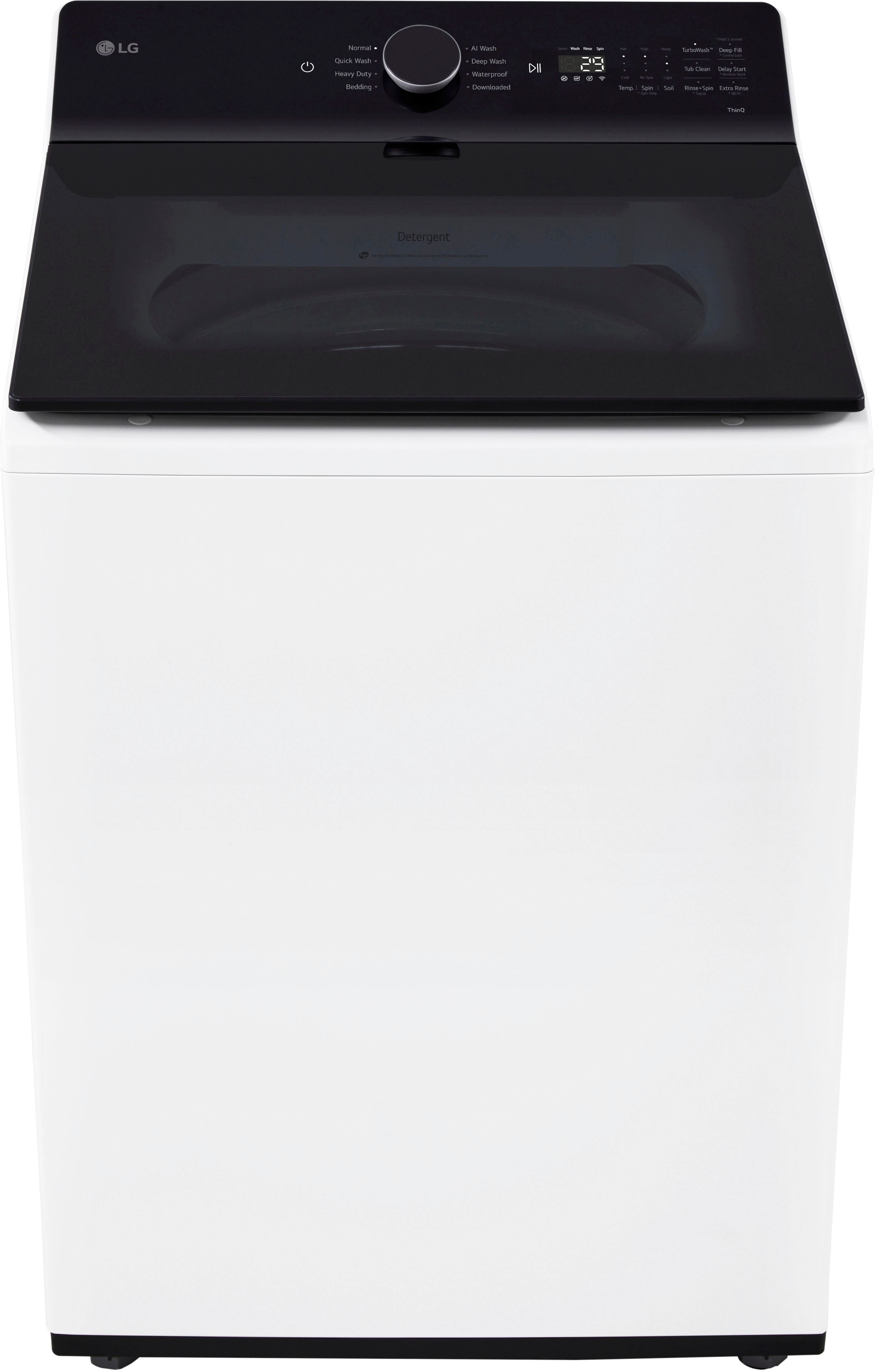
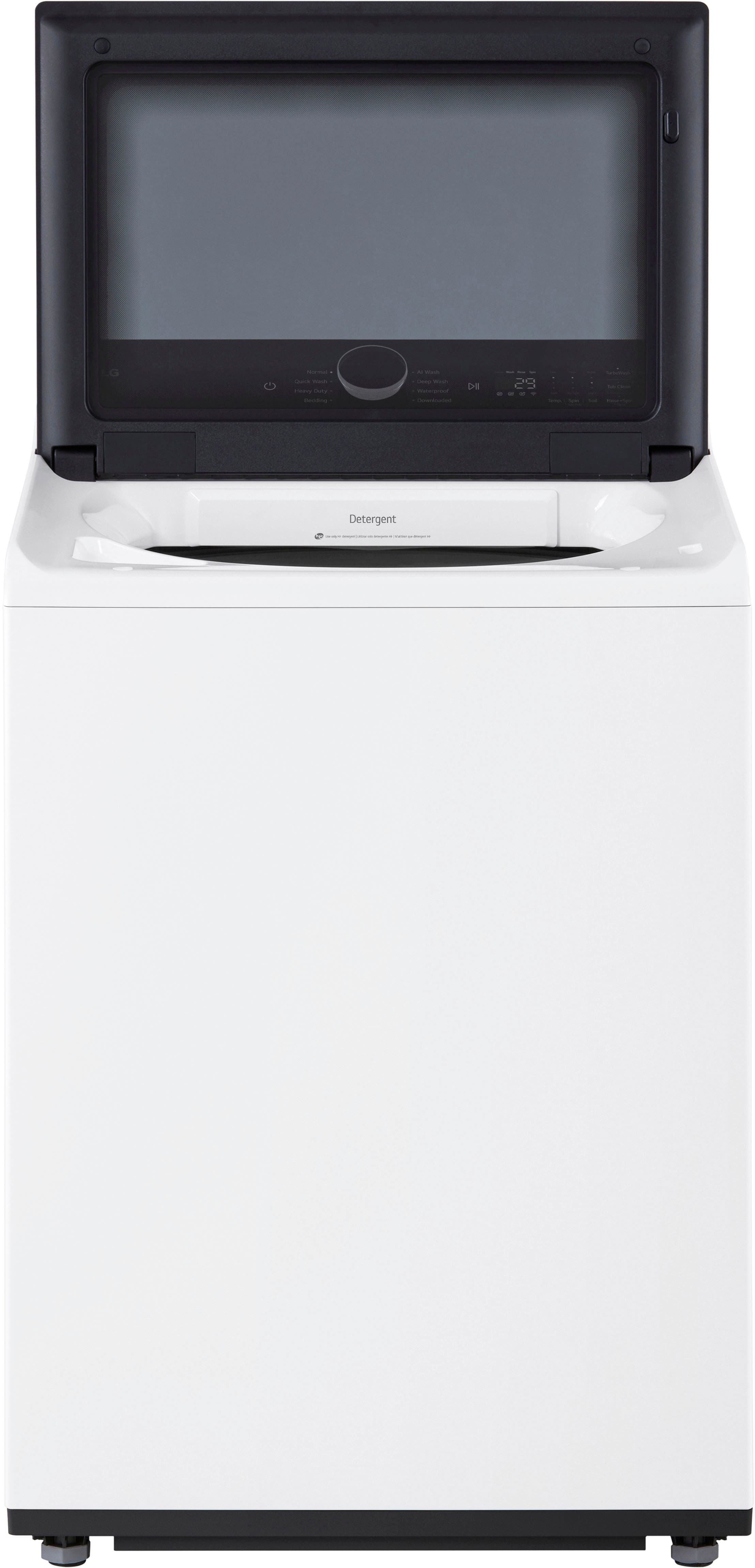
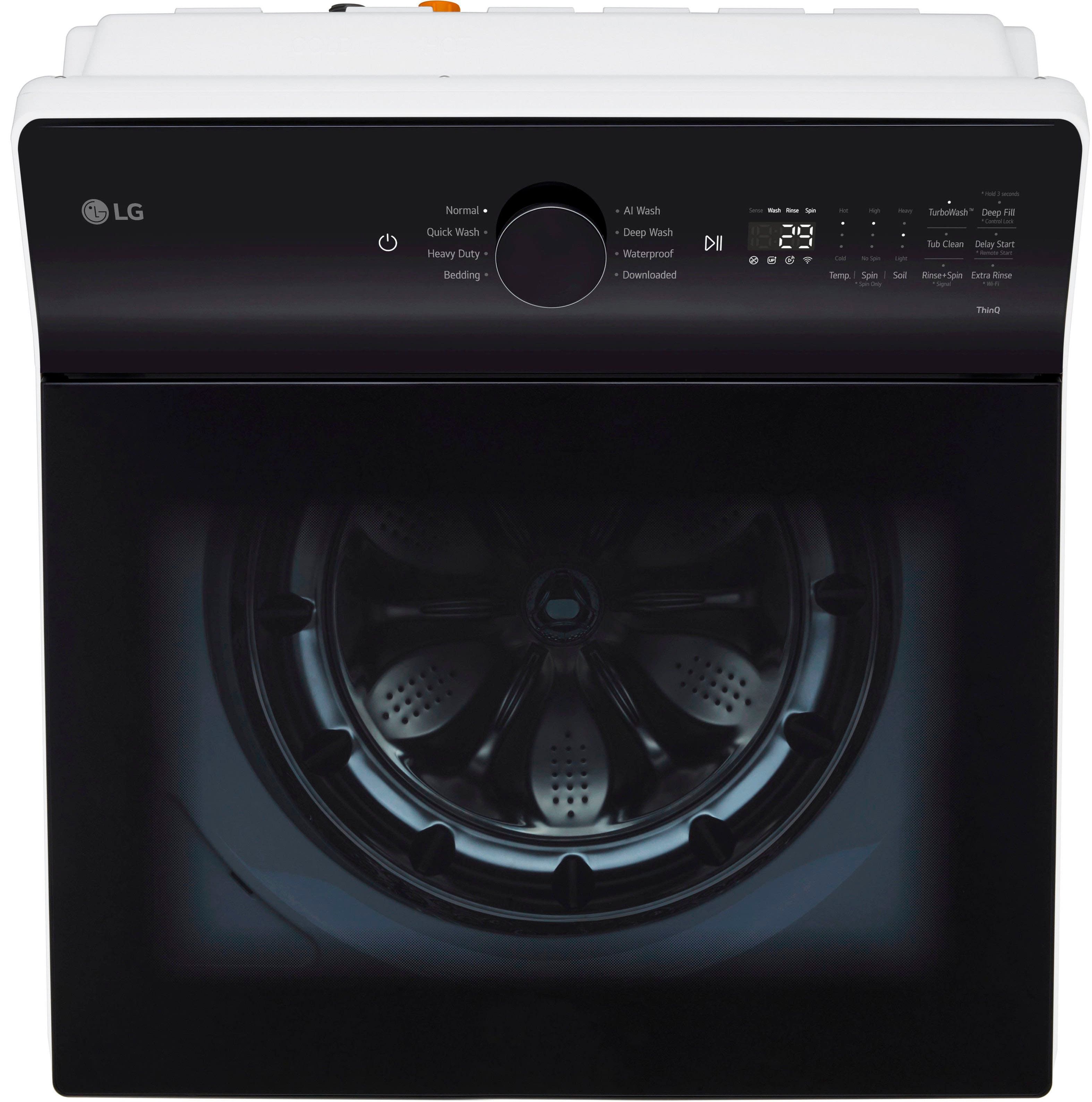
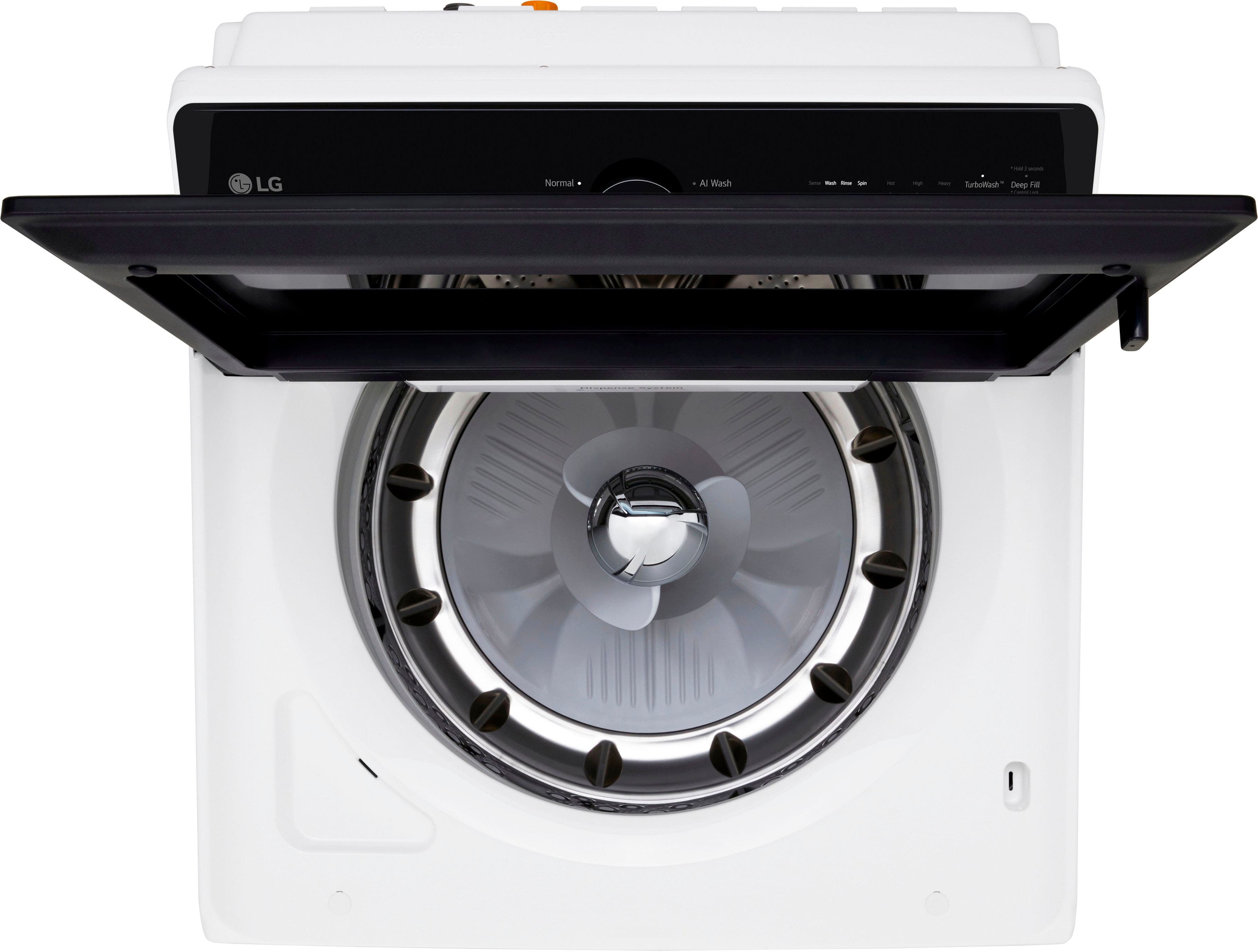
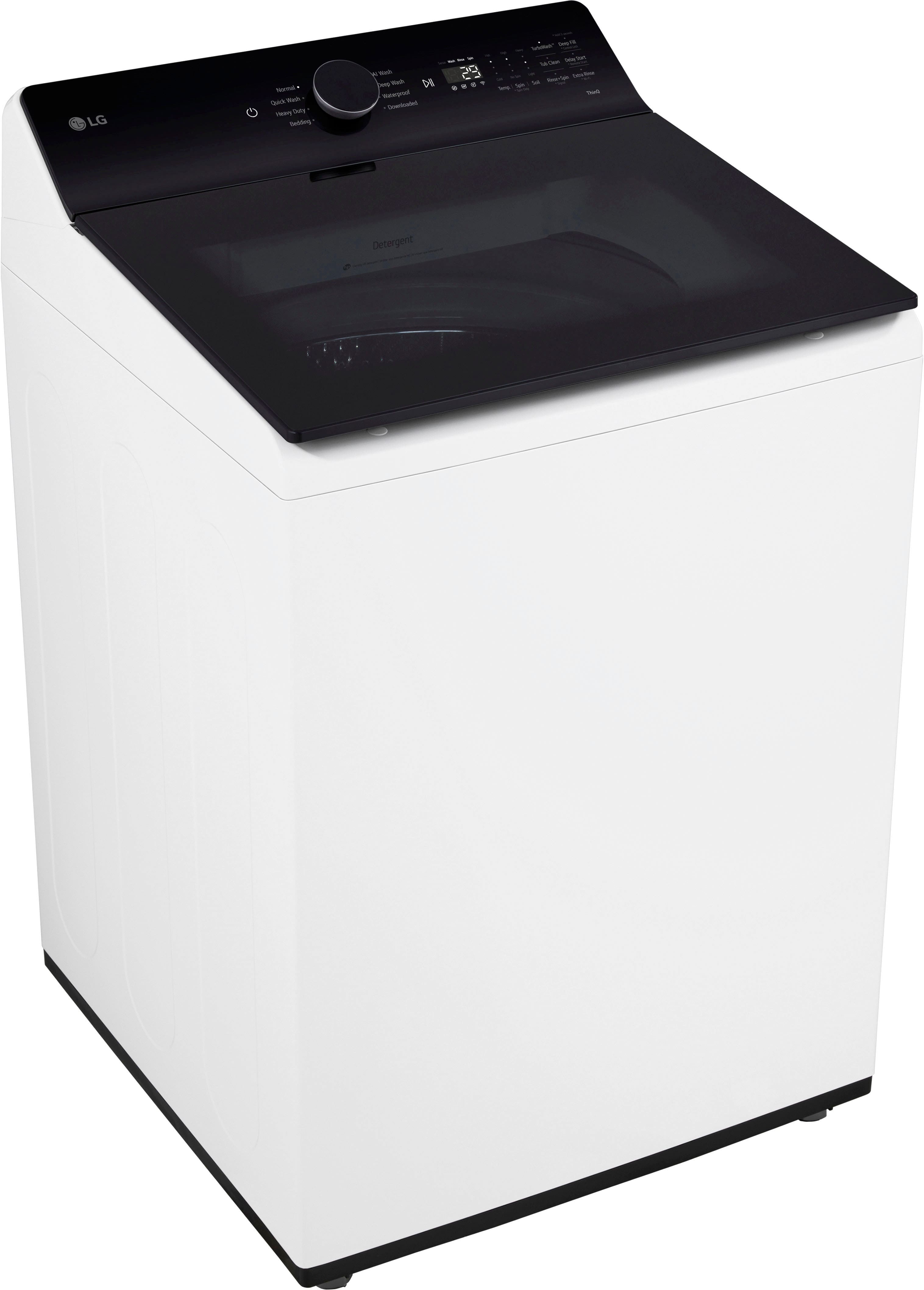
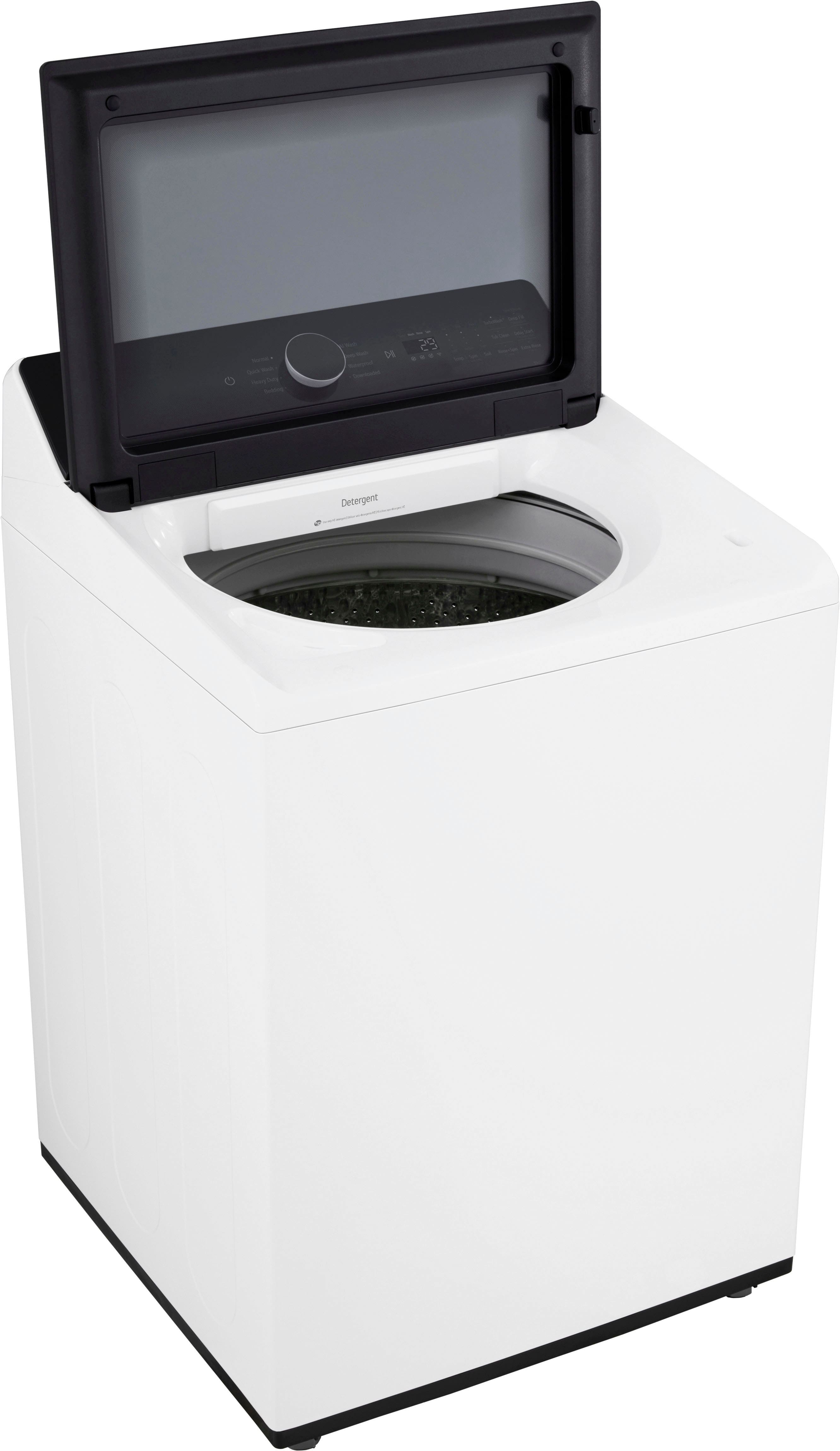
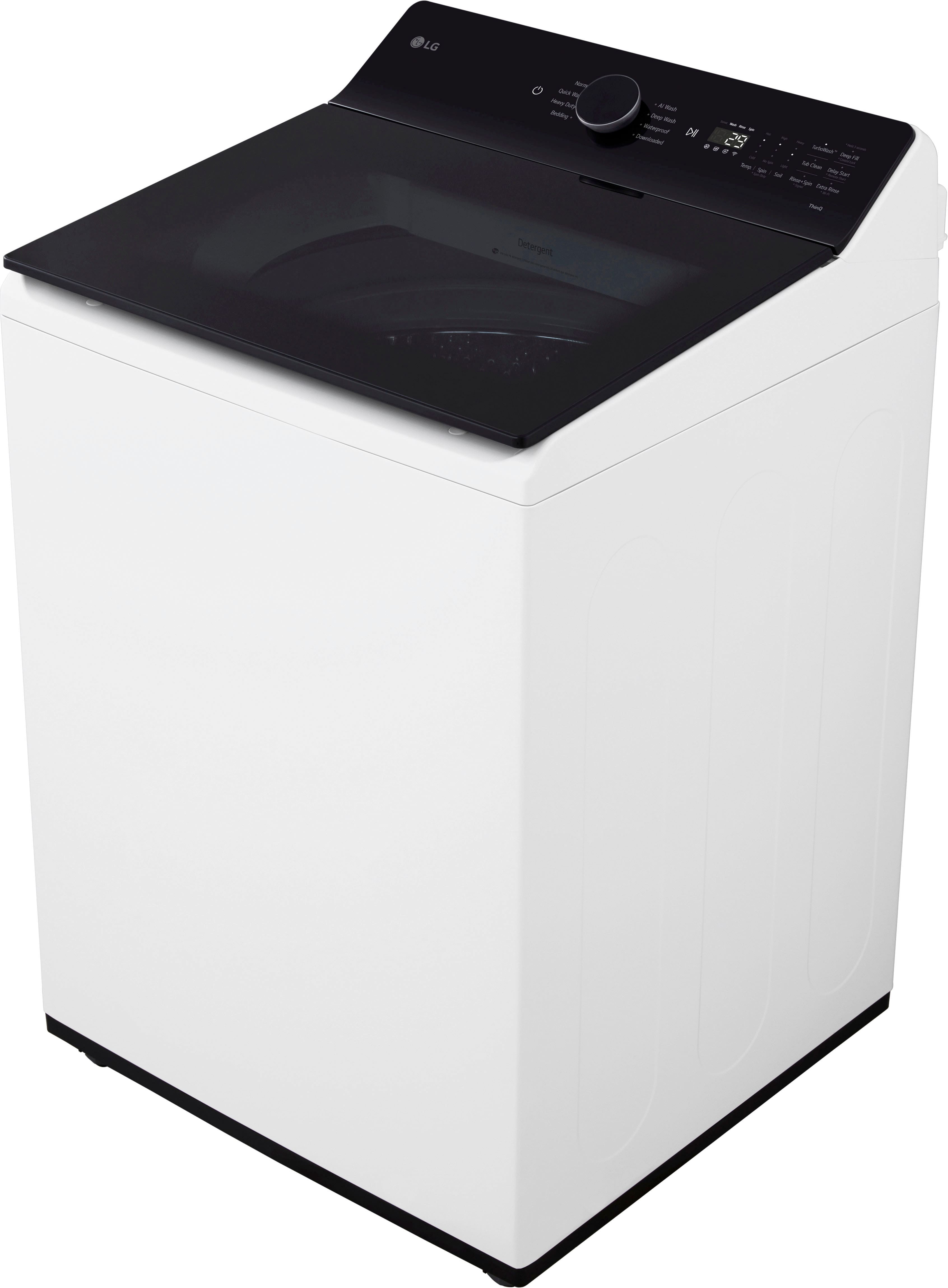
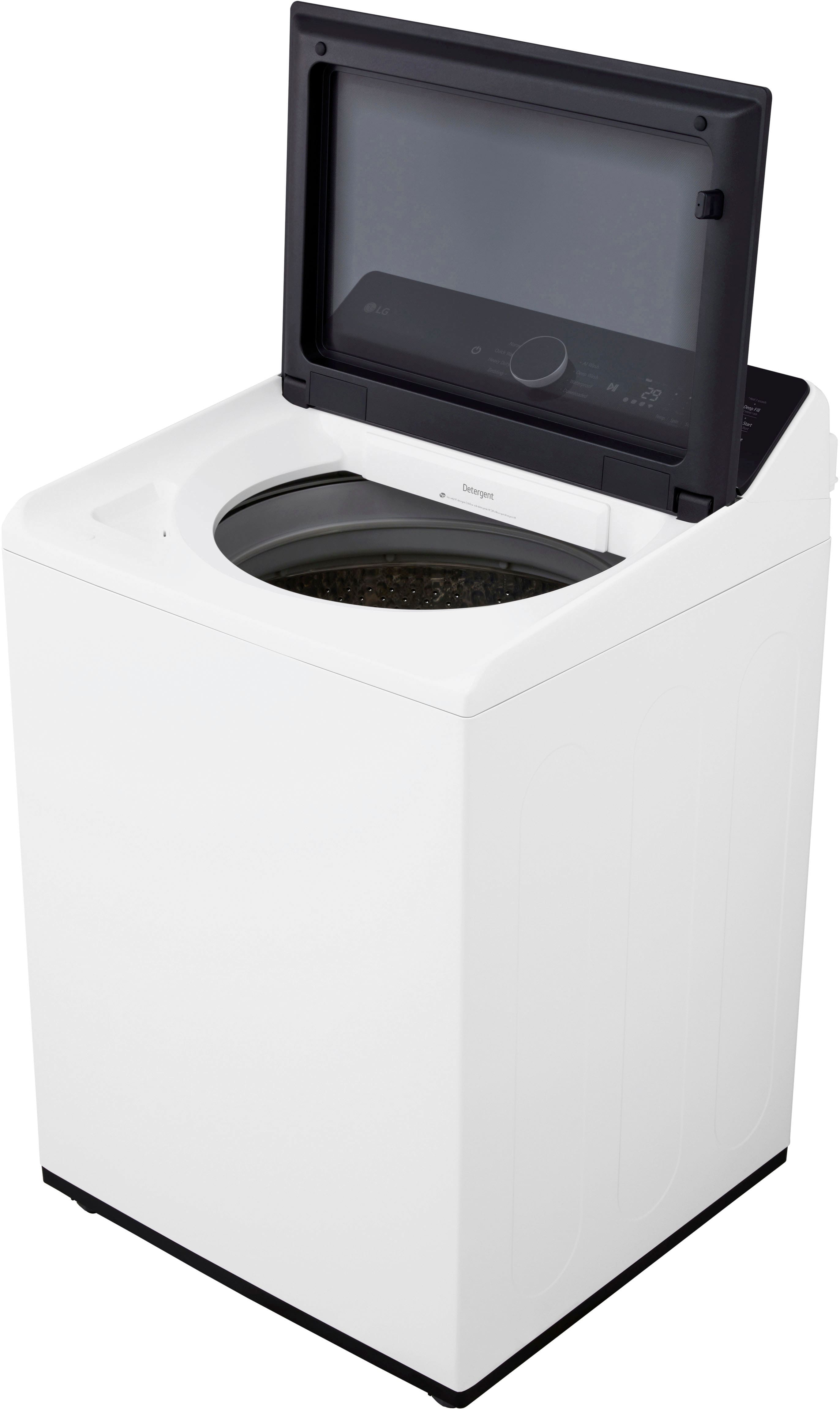
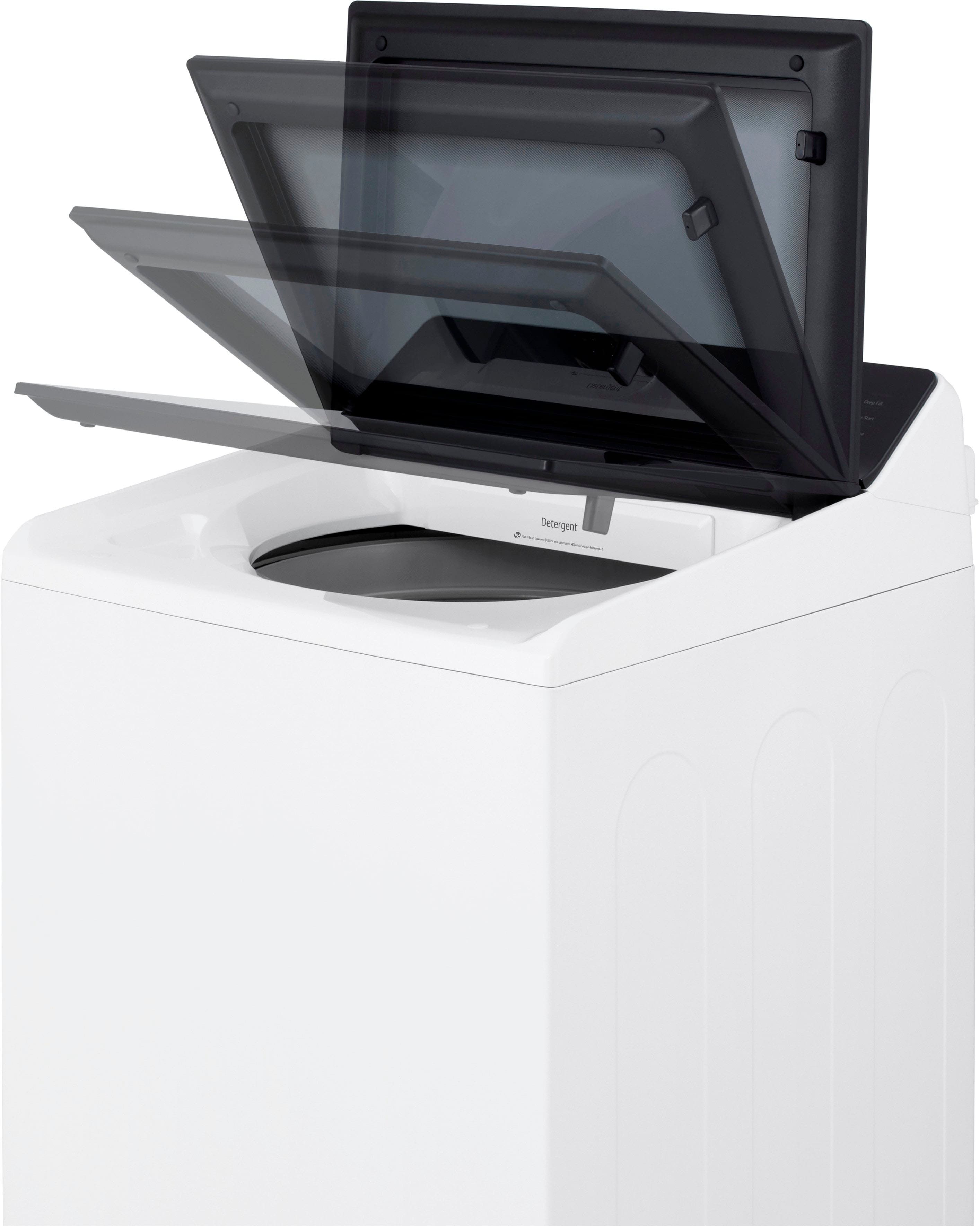
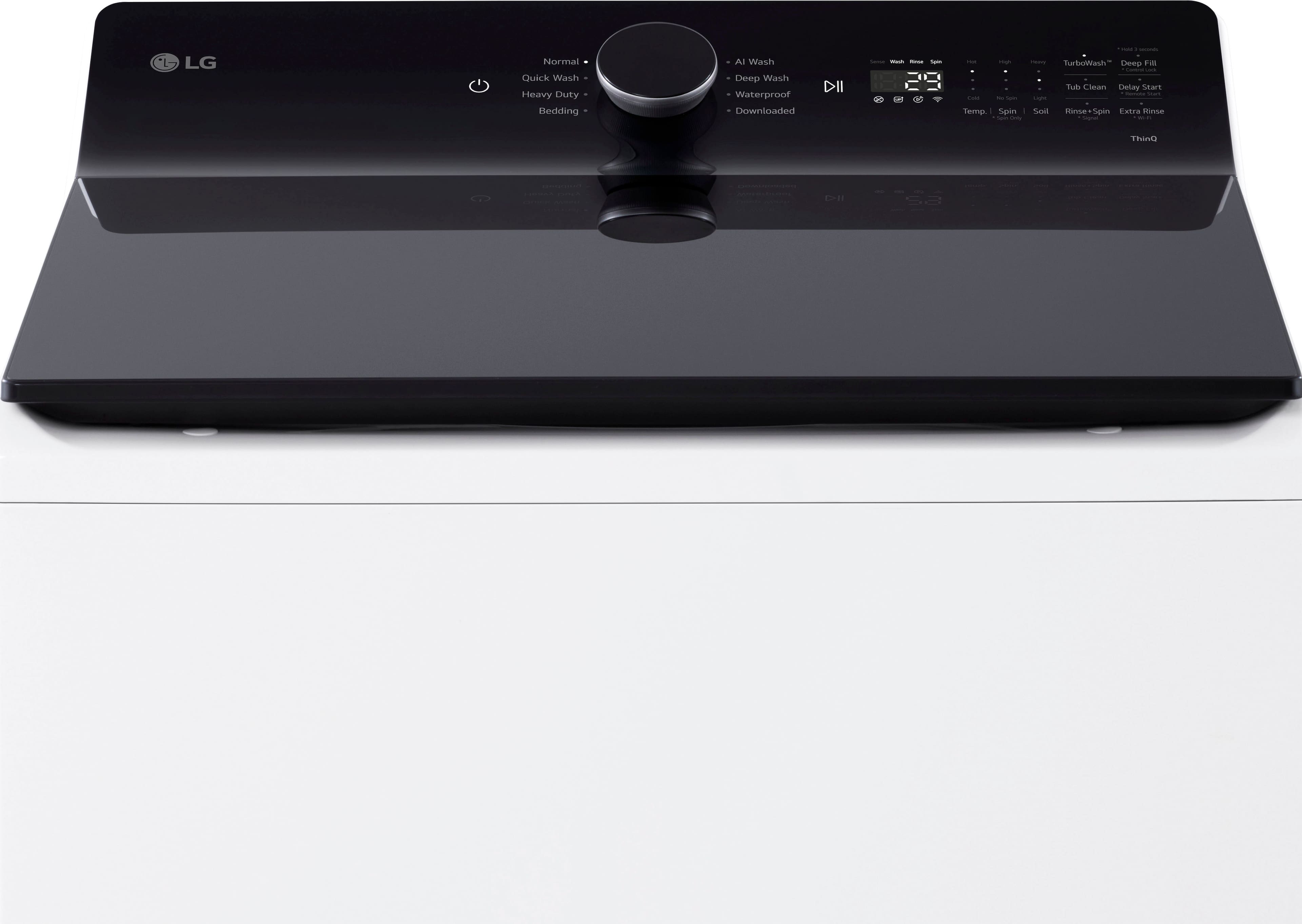
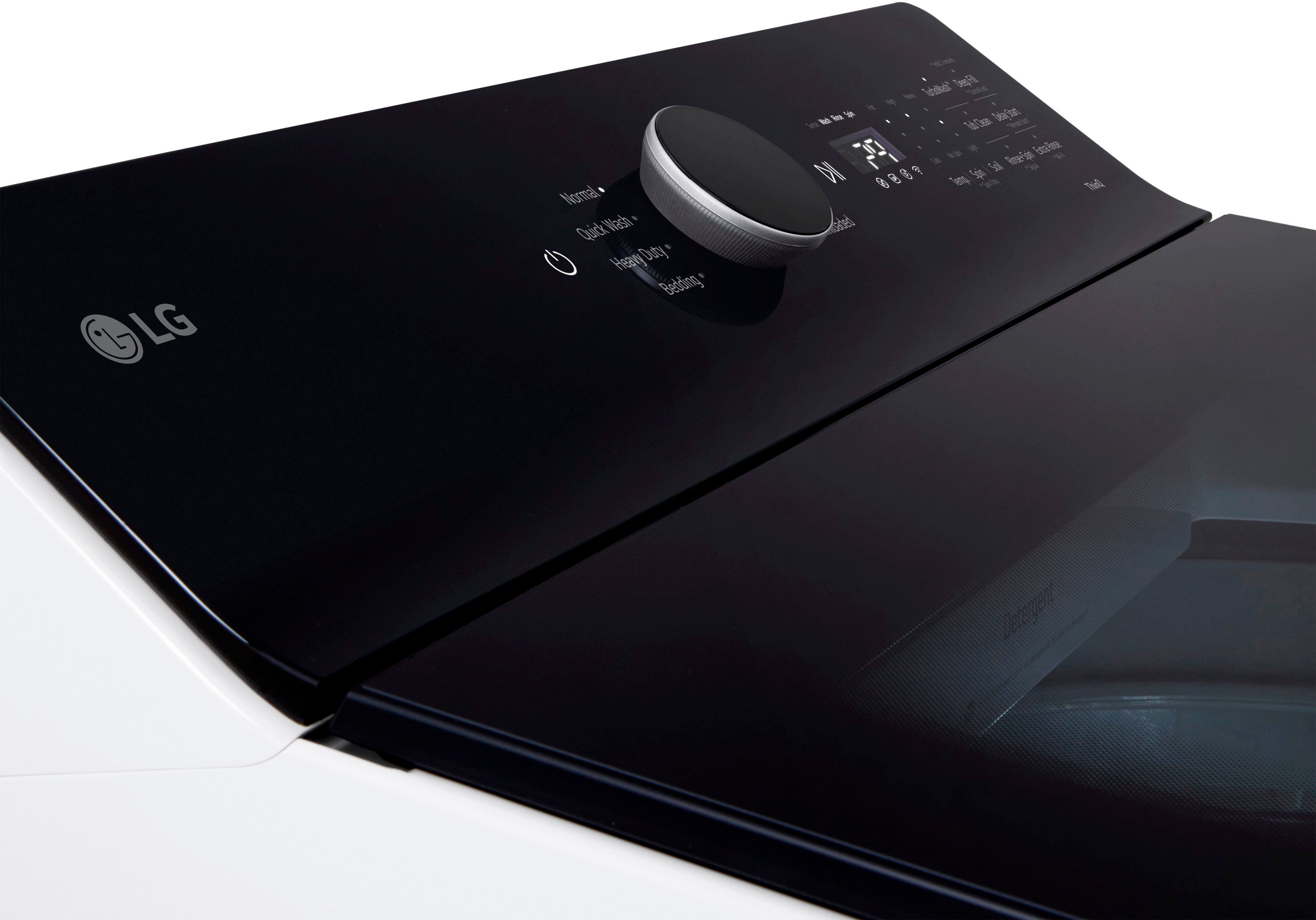
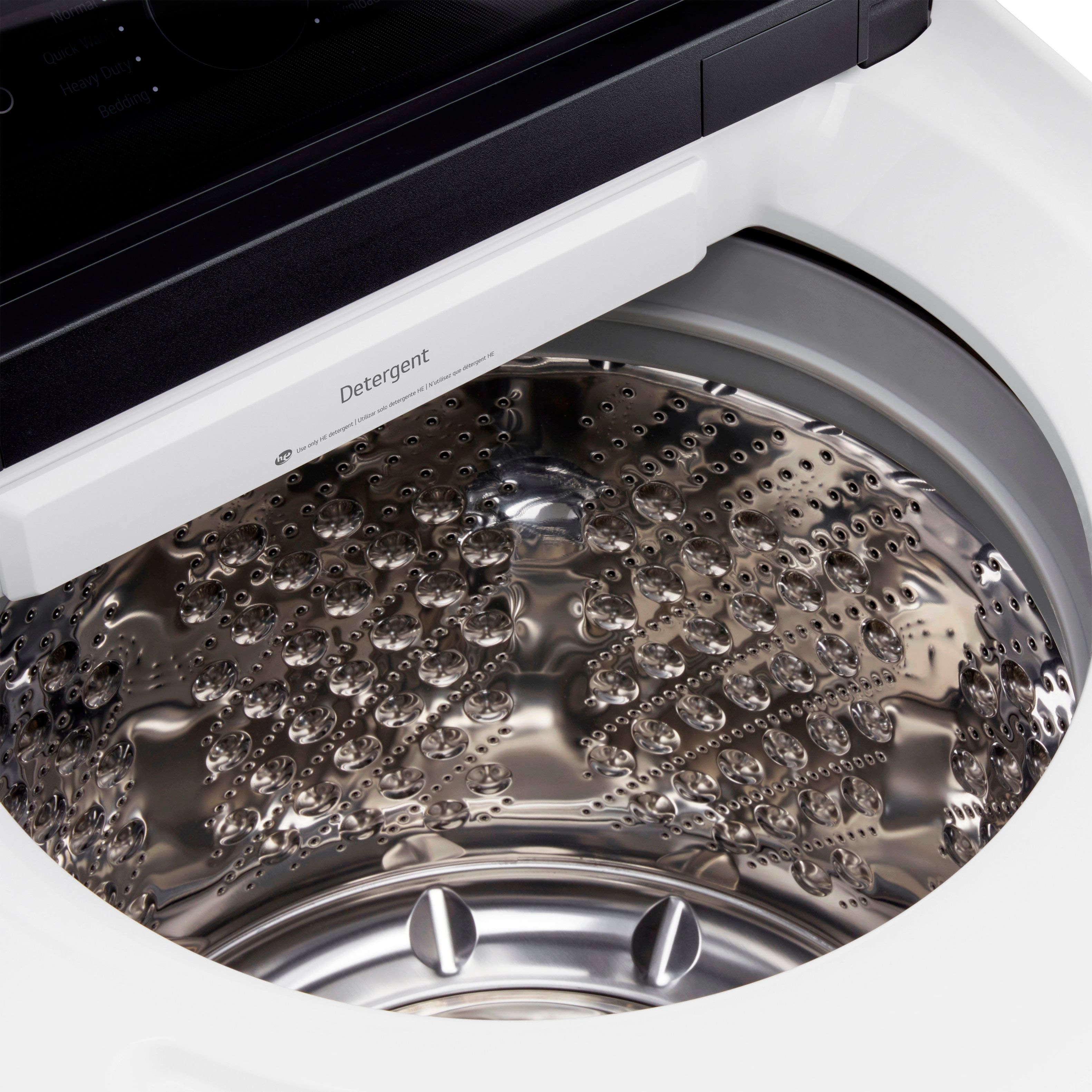
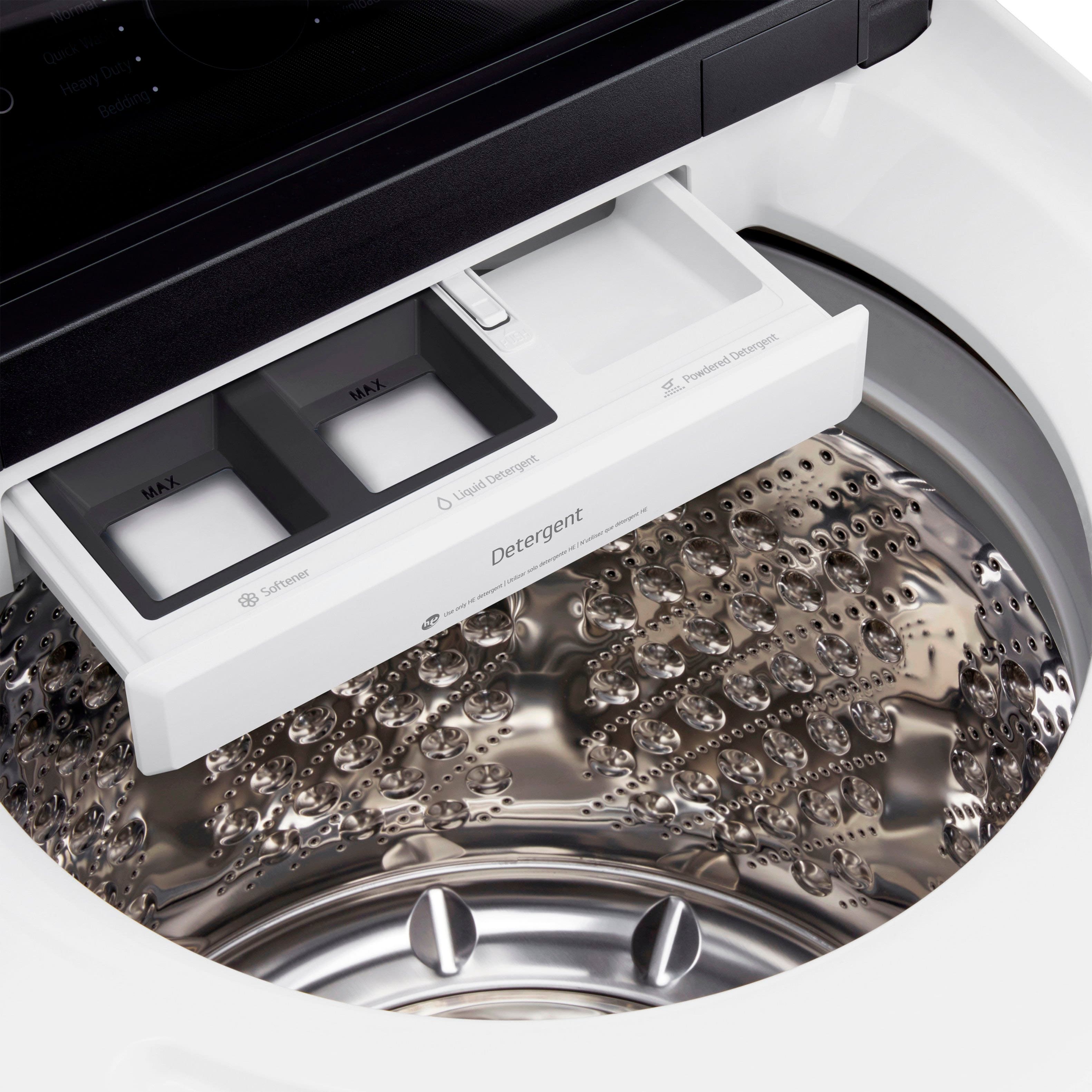
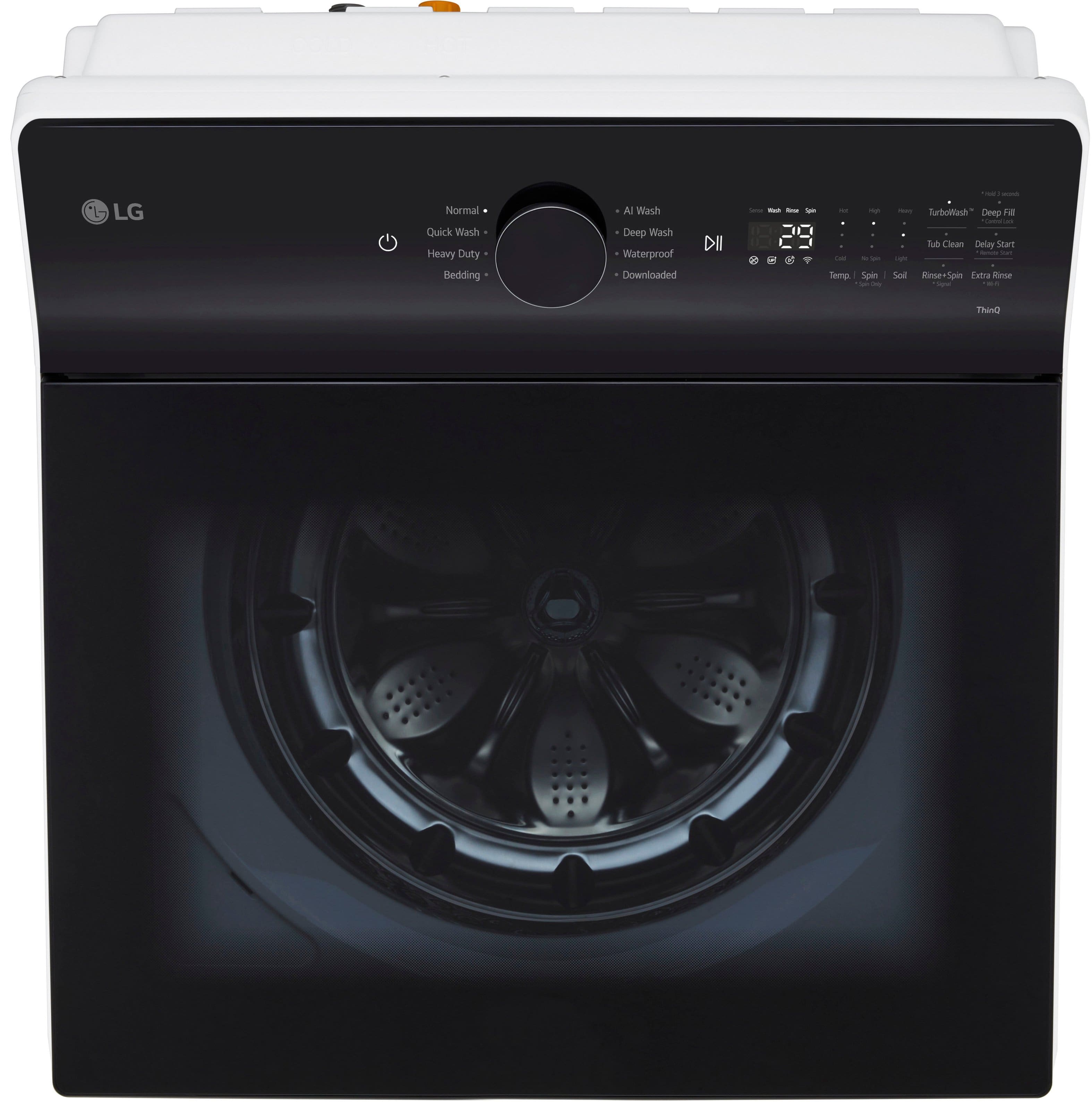
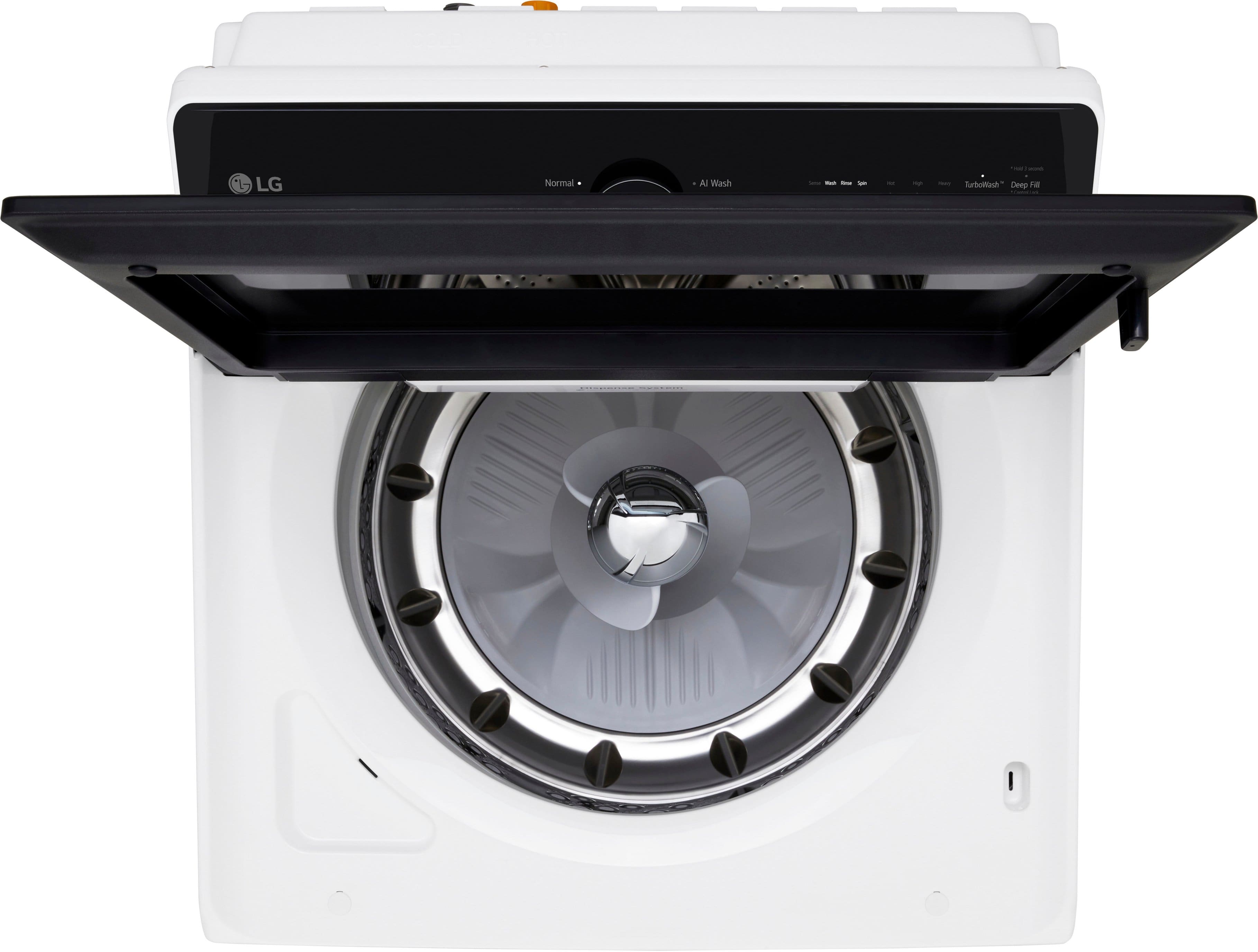
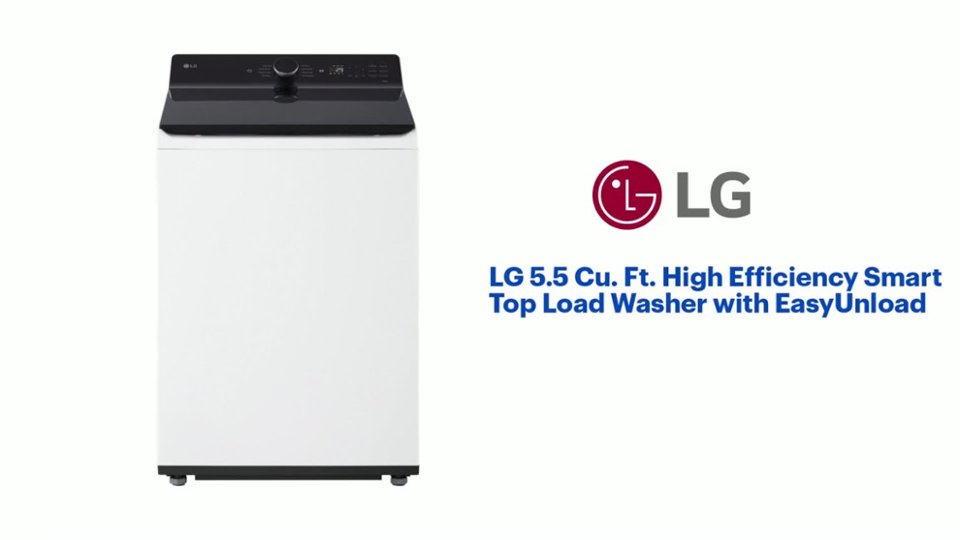
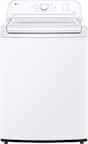
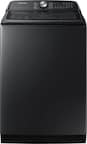
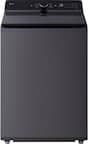
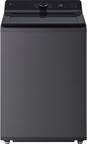
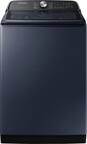
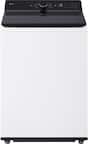
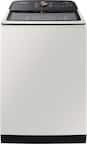
A:AnswerThere are no filters in the ENERGY STAR® Certified LG 5.5 cu. Ft. Mega Capacity Smart Top Load Washer with Impeller, EasyUnload™ & AI Sensing, Model # WT8400CW, that require changing or cleaning...^Ivan.
A:AnswerHi there, Charisse. Thank you for reaching out! We understand that your LG WT8400CB top-load washer has stopped and the lid won’t open, even after unplugging and plugging it back in.
It sounds like the washer may have activated its safety lock, which is a feature designed to protect you and your home while the machine is in use. To resolve this issue, please follow these troubleshooting steps:
Make sure the washer is powered off.
Wait for about 1 to 2 minutes to allow the safety lock to release.
Press and hold the "Start/Pause" button for 5 seconds to unlock the lid.
If the lid still won’t open, try unplugging the washer again and waiting for about 5 minutes before plugging it back in.
LG Washer - Recovering From a Locked Washer - https://www.lg.com/us/support/help-library/lg-washer-recovering-from-a-locked-washer--1374087376882
If the issue persists or the washer doesn't turn on, please send us a private message on Social Media @LGUSSupport. Our team will be happy to assist you further and explore additional solutions.
We appreciate your patience as we work to resolve this for you! —Renzo

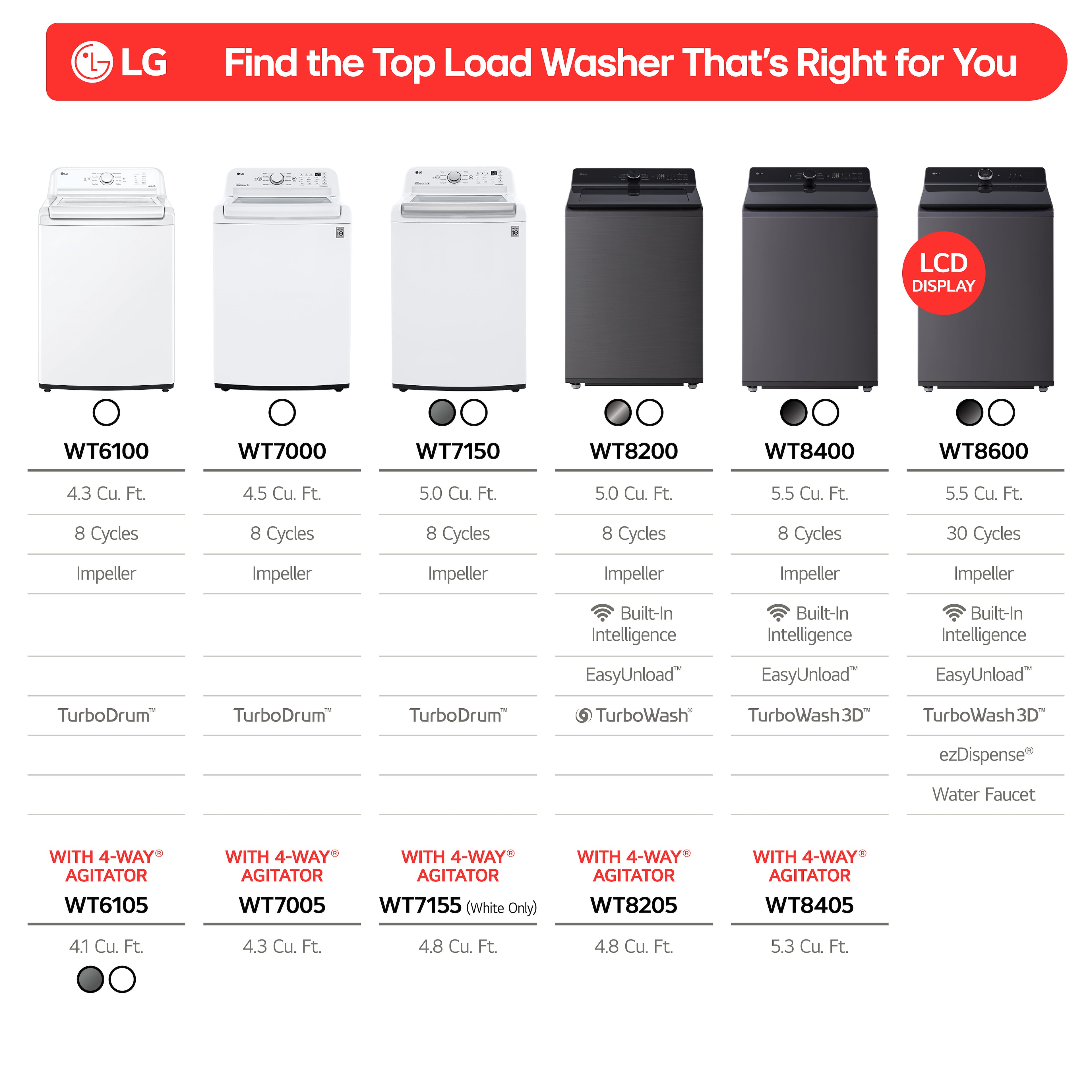
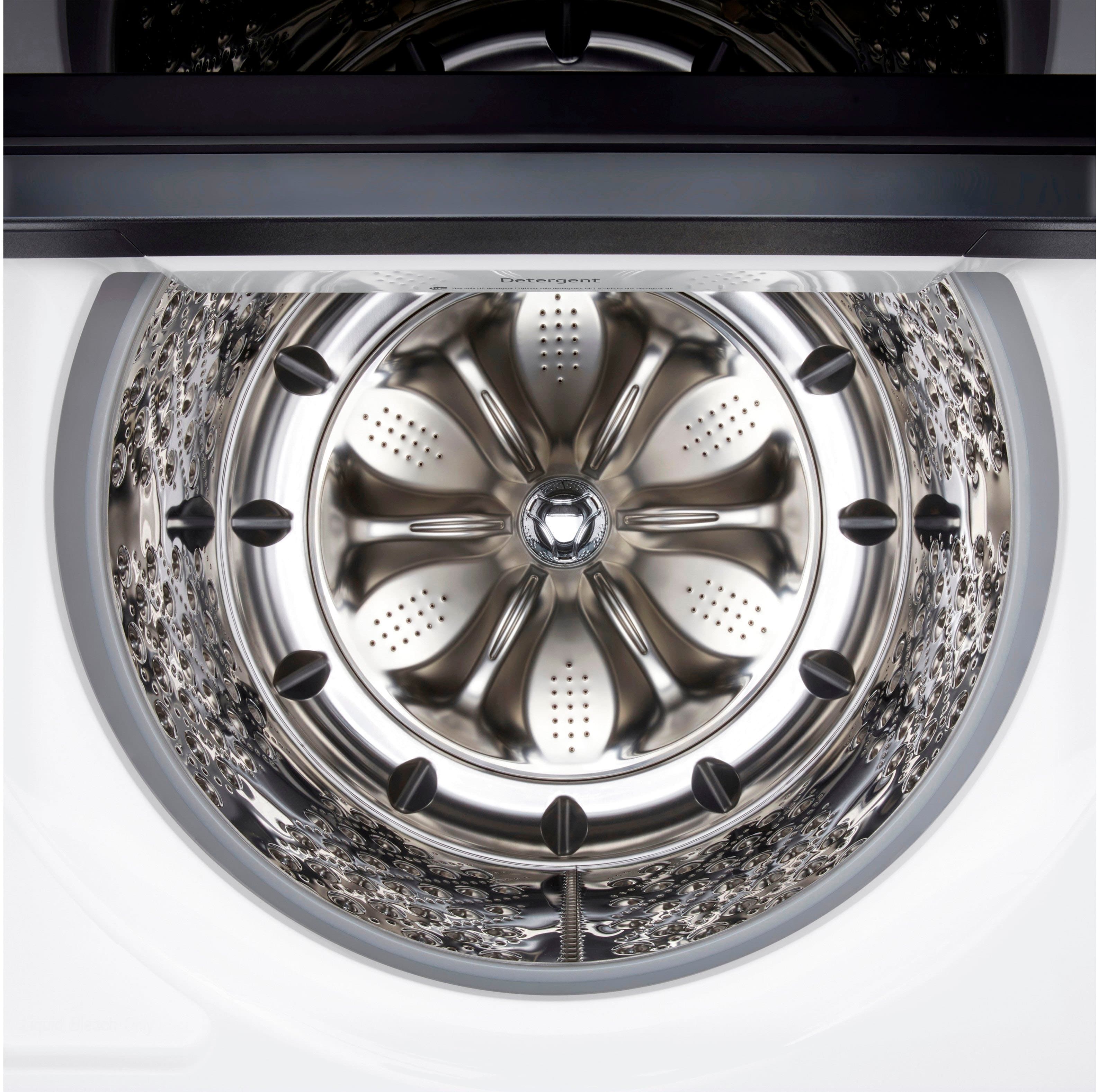
A:AnswerThank you for reaching us regarding LG Washer. No, you cannot purchase an agitator separately for the LG WT8400CW top load washer. This model comes equipped with an impeller, not an agitator. You can download its owner's manual through this link for more information: https://www.lg.com/us/support/product/lg-WT8400CW.AEWETUS. For additional assistance, please reach out to us on social media @LGUSSupport so we can help you further. ^Cris
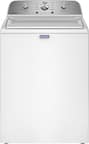
A:AnswerHello there. Thank you for your question regarding the WT8400CW washer.
To change the water temperature in the pre-programmed wash cycles on the WT8400CW model, follow these steps:
Manual Selection on the Washer: While you can't directly change the temperature setting for pre-programmed cycles via the app, you can manually adjust it on the washer itself. Here’s how:
Turn on the washer.
Select the wash cycle you want to use.
Use the temperature button on the washer's control panel to adjust the water temperature to your preference.
Using the ThinQ App: The app allows you to customize wash cycles, but it may restrict changing the pre-programmed cycles' settings to ensure optimal performance. To address this:
Check if the app needs an update.
Restart your washer and your smartphone if the problem continues.
-Renzo