A:AnswerReset the connection via settings. You will need to re-enter the router information again. If you are in need of further assistance, please reach out to our support team on Twitter via @LGUSSupport or on Facebook at https://www.facebook.com/LGUSA or call at 800-243-0000. ^Daphane
A:AnswerLG TVs do not support the Spectrum TV app. You can access the app via a Roku device to hook up to your tv or gaming console like an Xbox One. ^Daphane
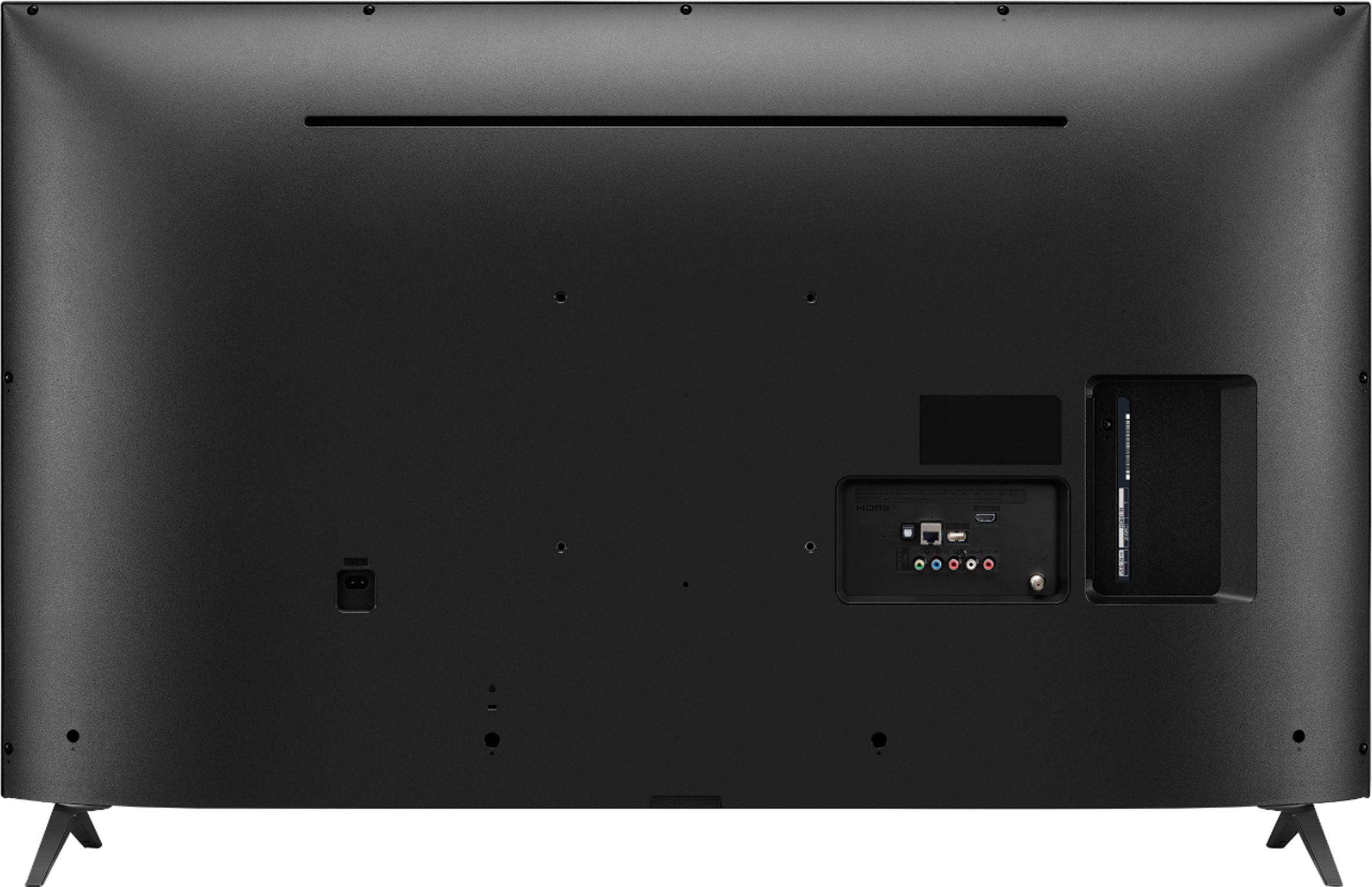
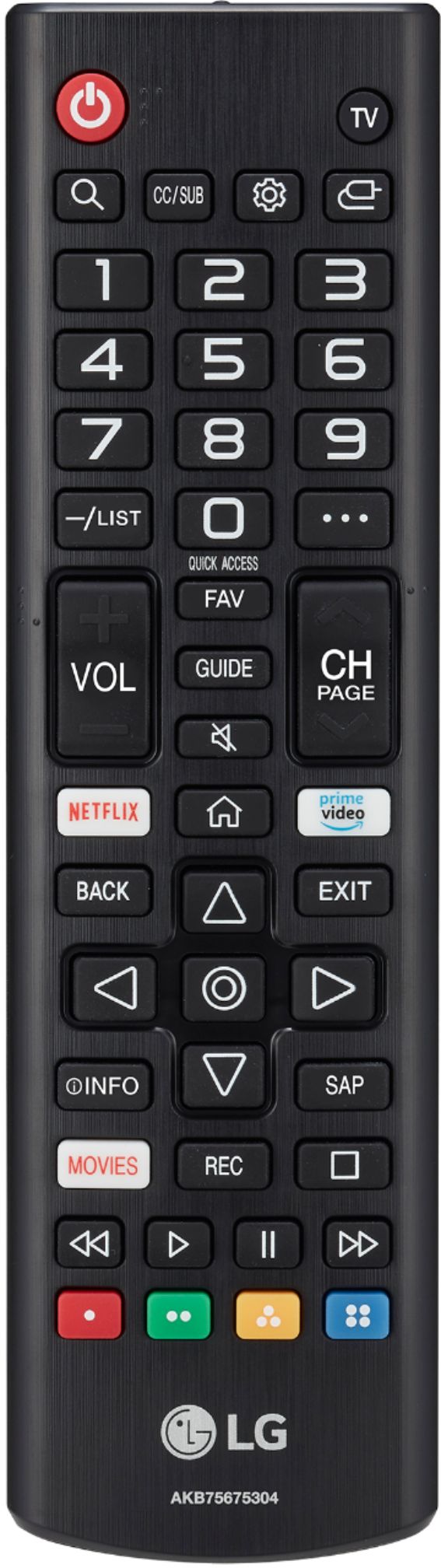
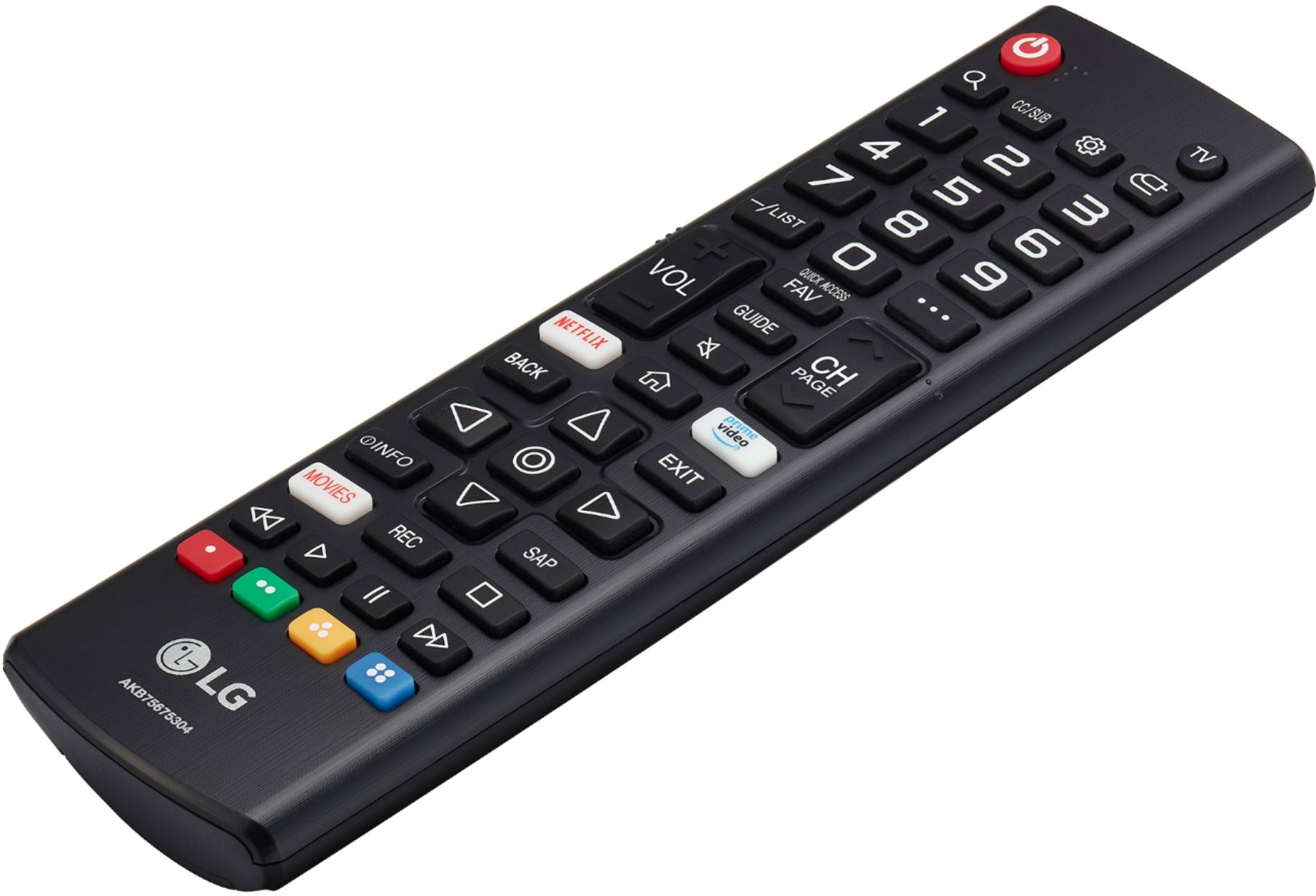
A:AnswerYou may be able to use the Magic Remote by incorporating a Bluetooth dongle. Please see the link for assistance setting it up. ^Daphane https://www.lg.com/us/support/products/documents/AN-MR500%20owner%20manual.pdf
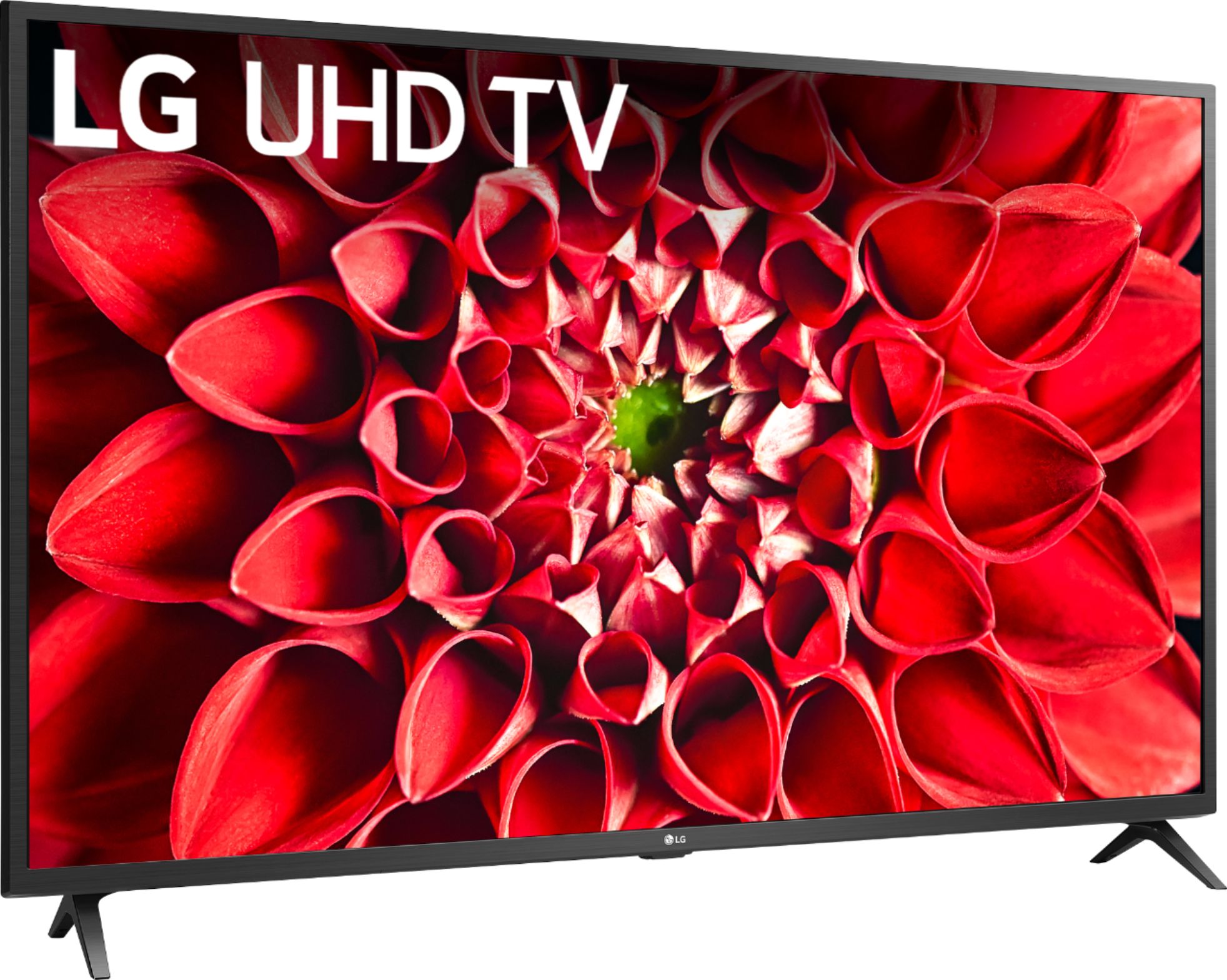
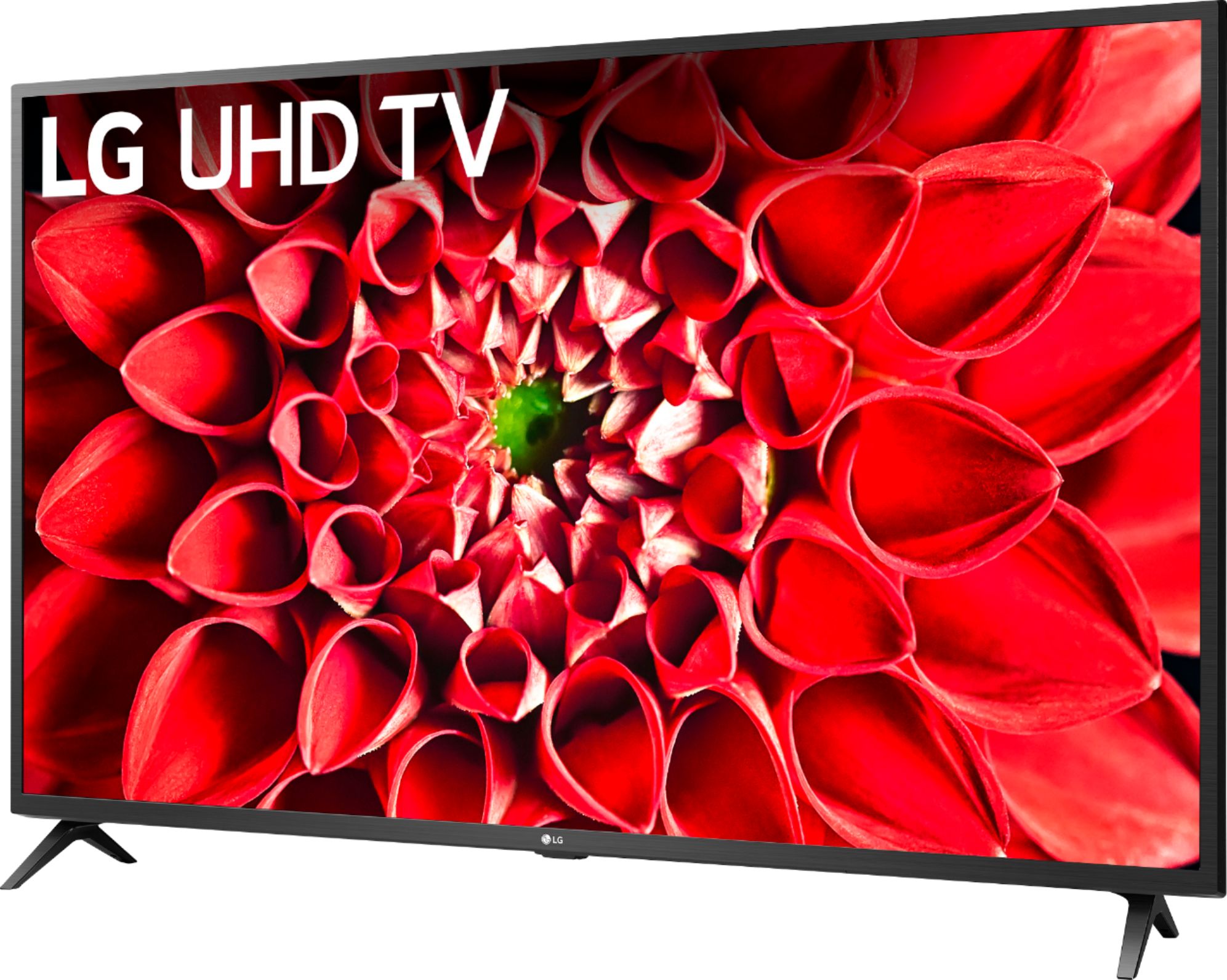
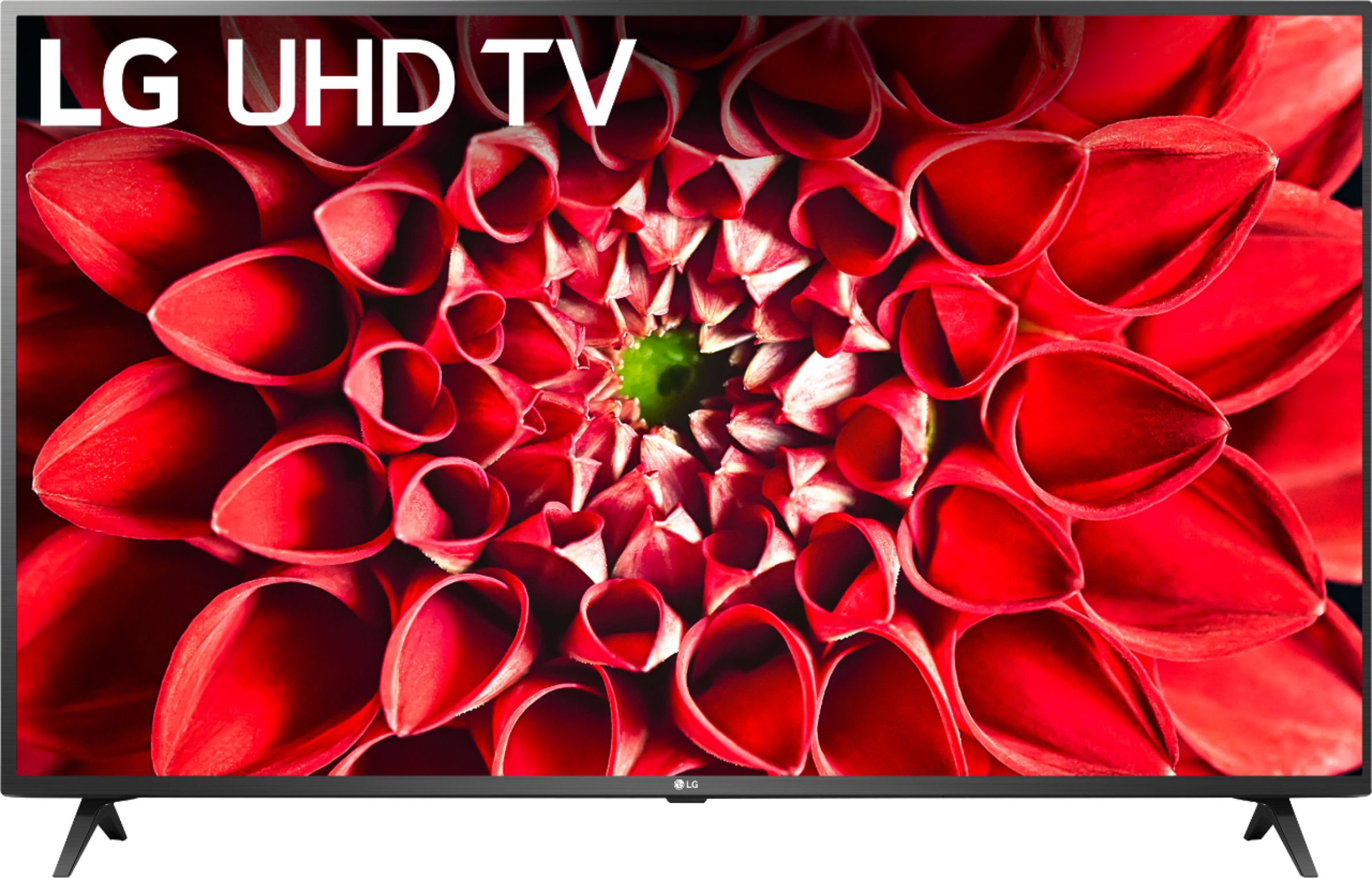
A:AnswerThe LG UHD 70 Series 50 inch 4K Smart TV, Model # 50UN7000PUC supports Apple's AirPlay 2 which lets you effortlessly share movies -including Dolby Vision titles-, TV shows, photos and more on the TV right from your iPhone, iPad or Mac. You can even play music on the TV and other AirPlay 2-compatible speakers in your home at the same time - all in sync...^IFV
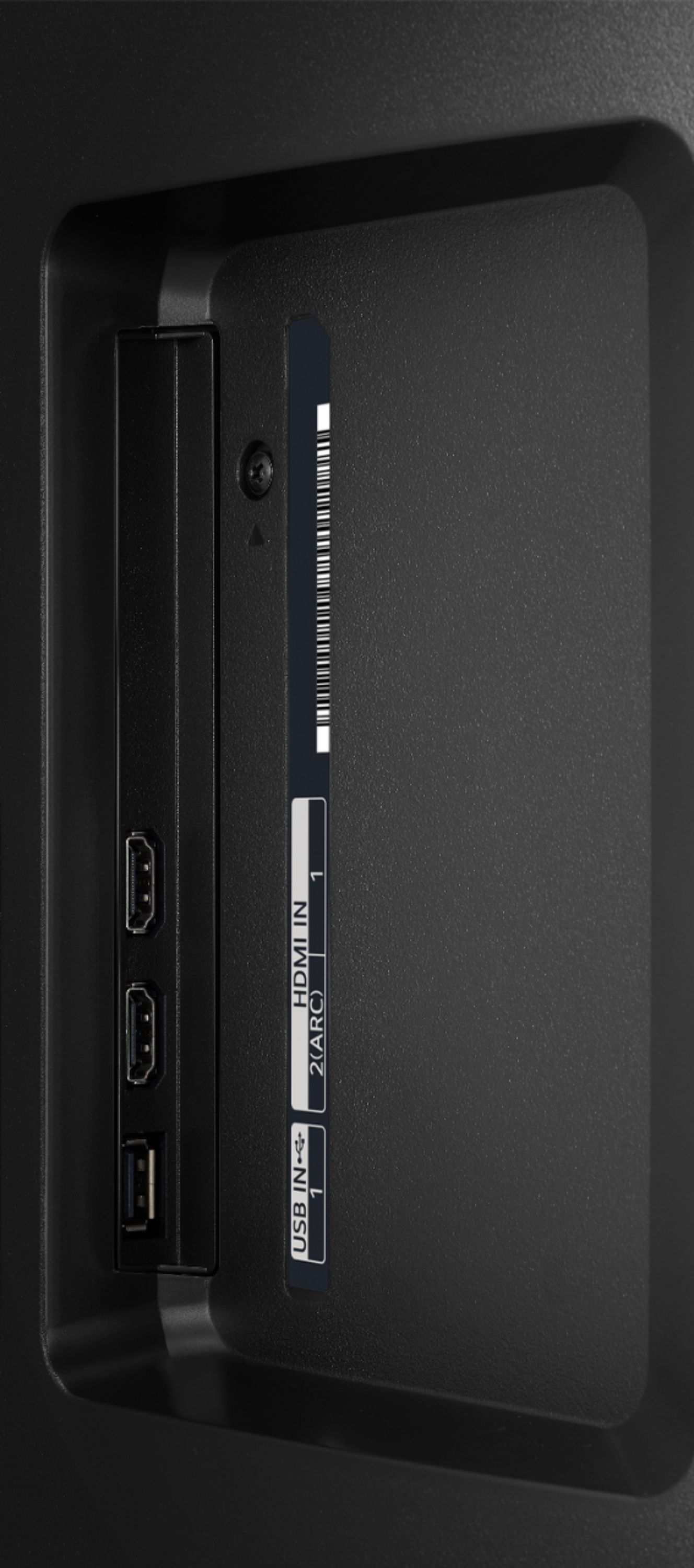
A:AnswerYou can use a ROKU streaming device. You can use your Marantz AV receiver as long as connectivity can be supported using the available inputs on the TV. You will need to contact the manufacturer or refer to your owner's manual regarding the remote operating the LG brand. ^Daphane
A:AnswerI think one should always avoid pinching any screen. I actually unboxed it, attached the legs and set it on my tv shelf myself. It’s only a 50”. Pretty light compared to my LG OLED (which two of us unboxed, attached base and set up on shelf). If you have someone to help, I guess it would be safer for you people to unbox…..
Good luck.
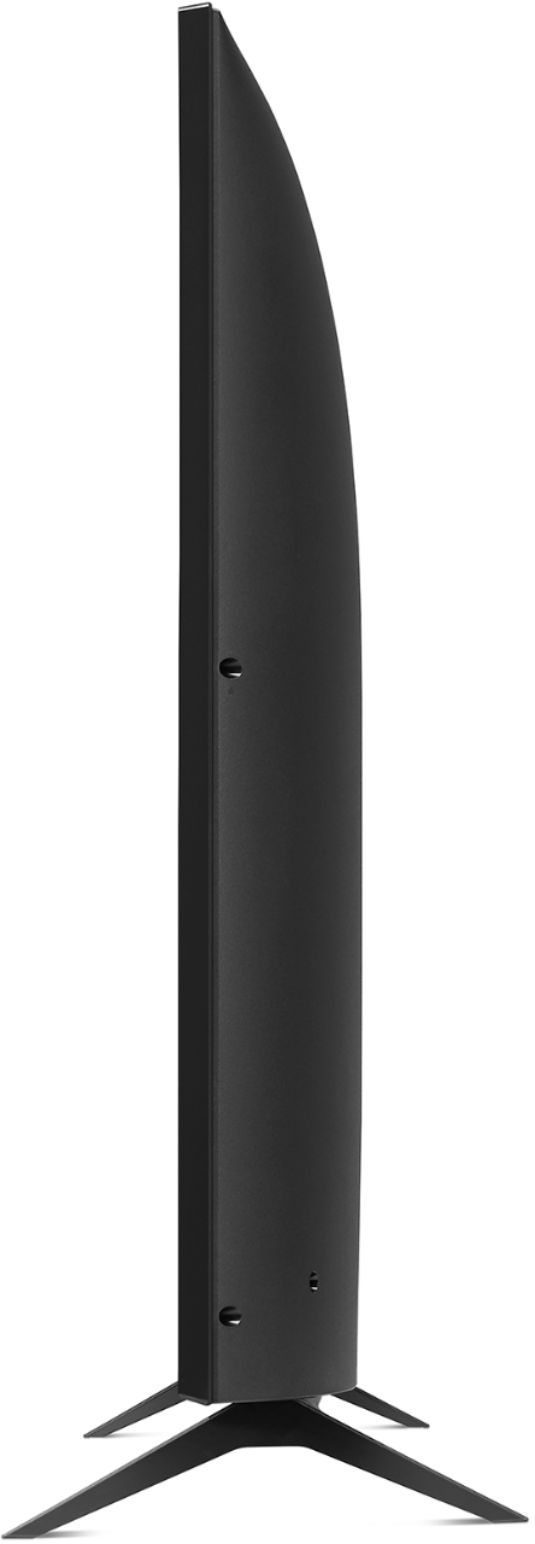
A:AnswerThis unit comes with a table top stand. The stand feet have a width of 40.9" and a depth of approximately 6". To wall mount this TV the VESA Mont interface pattern is 200 x 200 (W x H). ^Daphane
A:AnswerThis TV has a webOS platform. Our webOS platform offers over 600 apps including streaming content and games - including over 180 free streaming channels via the LG Channels (on select models) app. For a complete listing of available apps, please visit: https://us.lgappstv.com/main/tvapp. You will need to connect a 3rd party device to access ROKU programming. ^Daphane
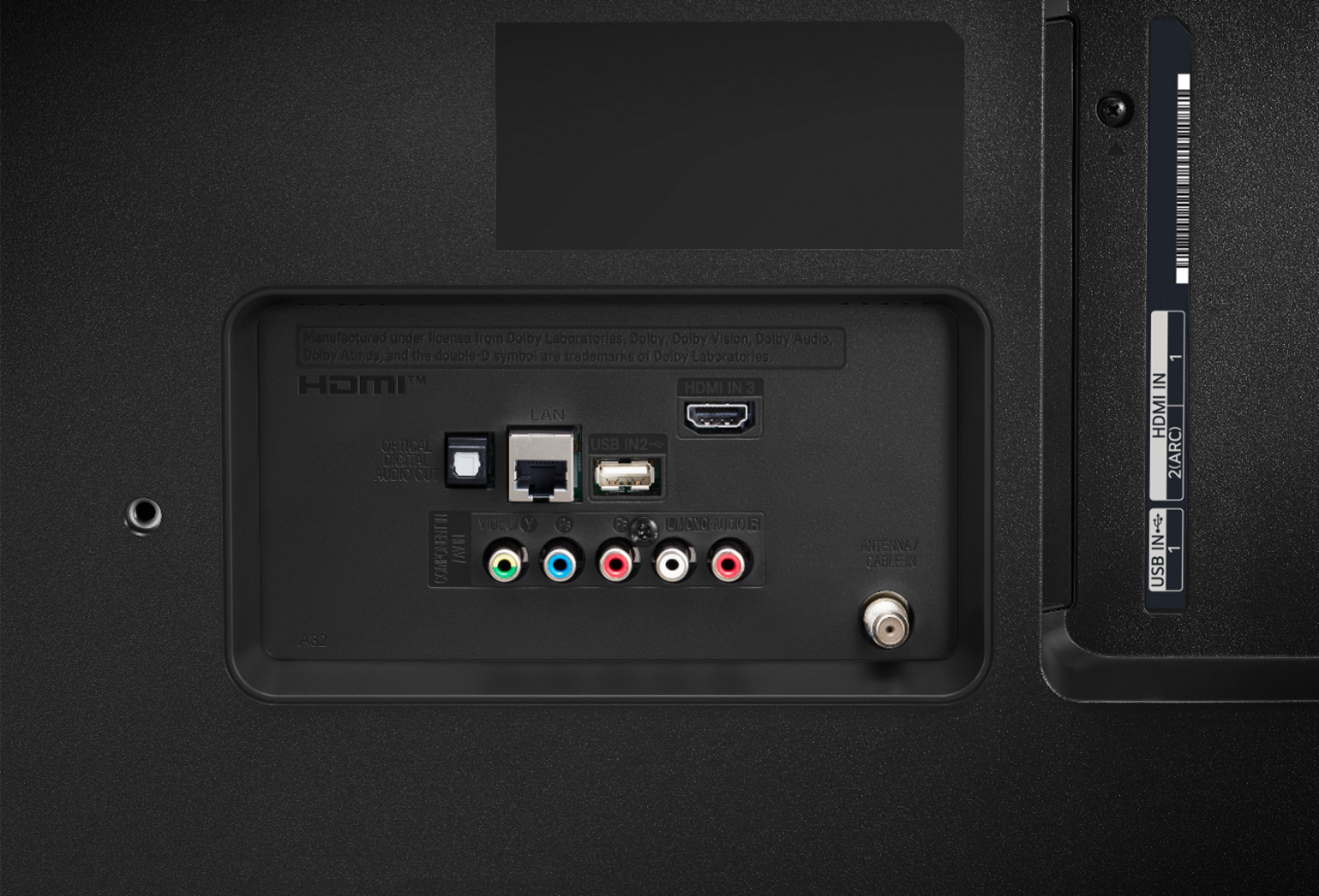
A:AnswerYes, Very easy to hook up an OTA coaxial antenna cable to the antenna in the connector. Best Buy has many different OTA antennas in stock. You will need to do a search to determine how far away you are from the TV broadcast station to determine the strength of the antenna needed. If you go to a Best Buy store I am sure any salesperson can look up this information on the internet and advise you on the best antenna to purchase.
A:AnswerThis TV offers a refresh rate of TruMotion 120 (Native 60Hz) and features ALLM (Auto Low Latency Mode) and HGiG available after software update. ^Daphane
A:AnswerNo, there is similar functionality that allows you to view content from your phone or other portable devices via Miracast or Apple Airplay. ^Daphane