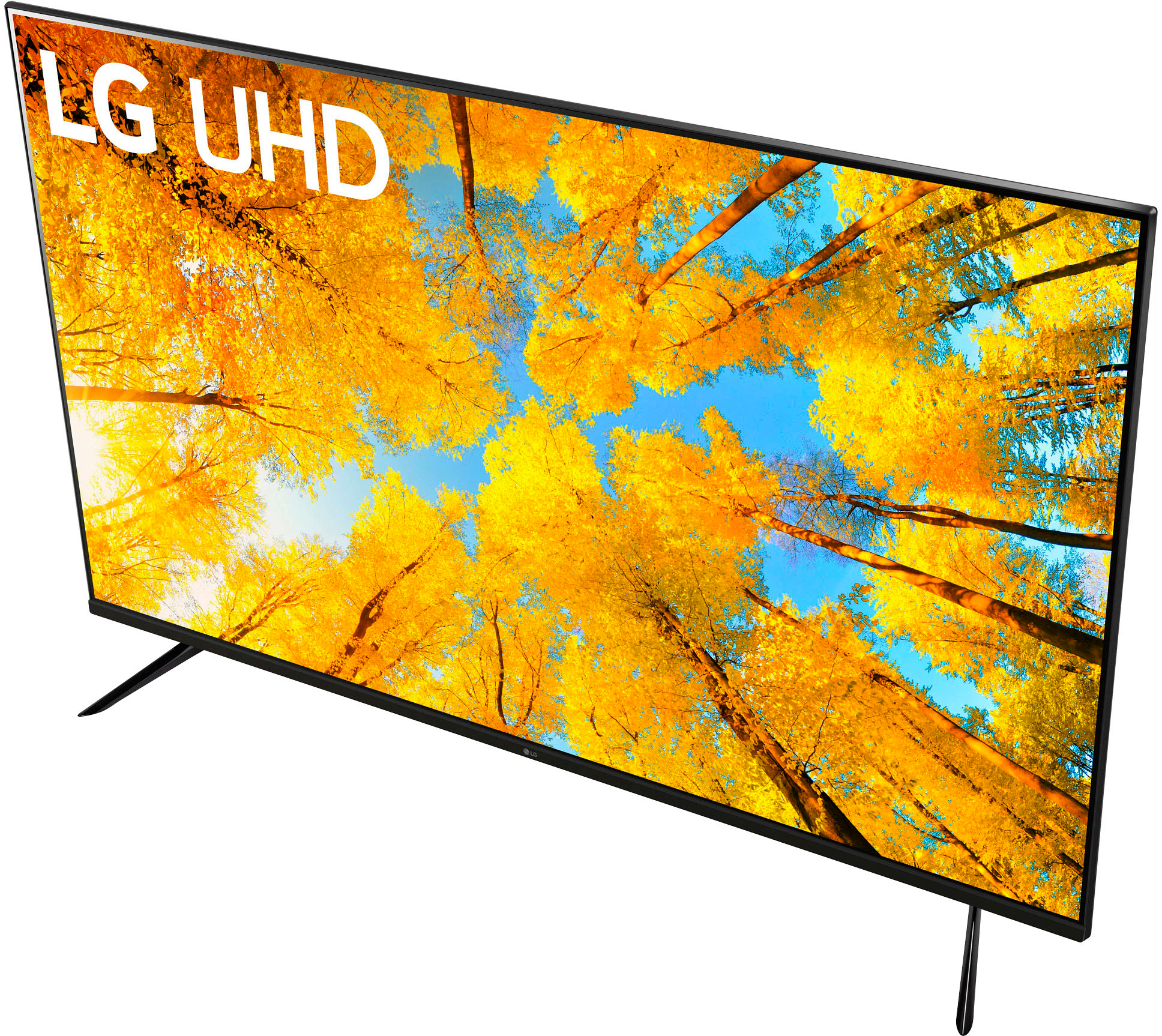
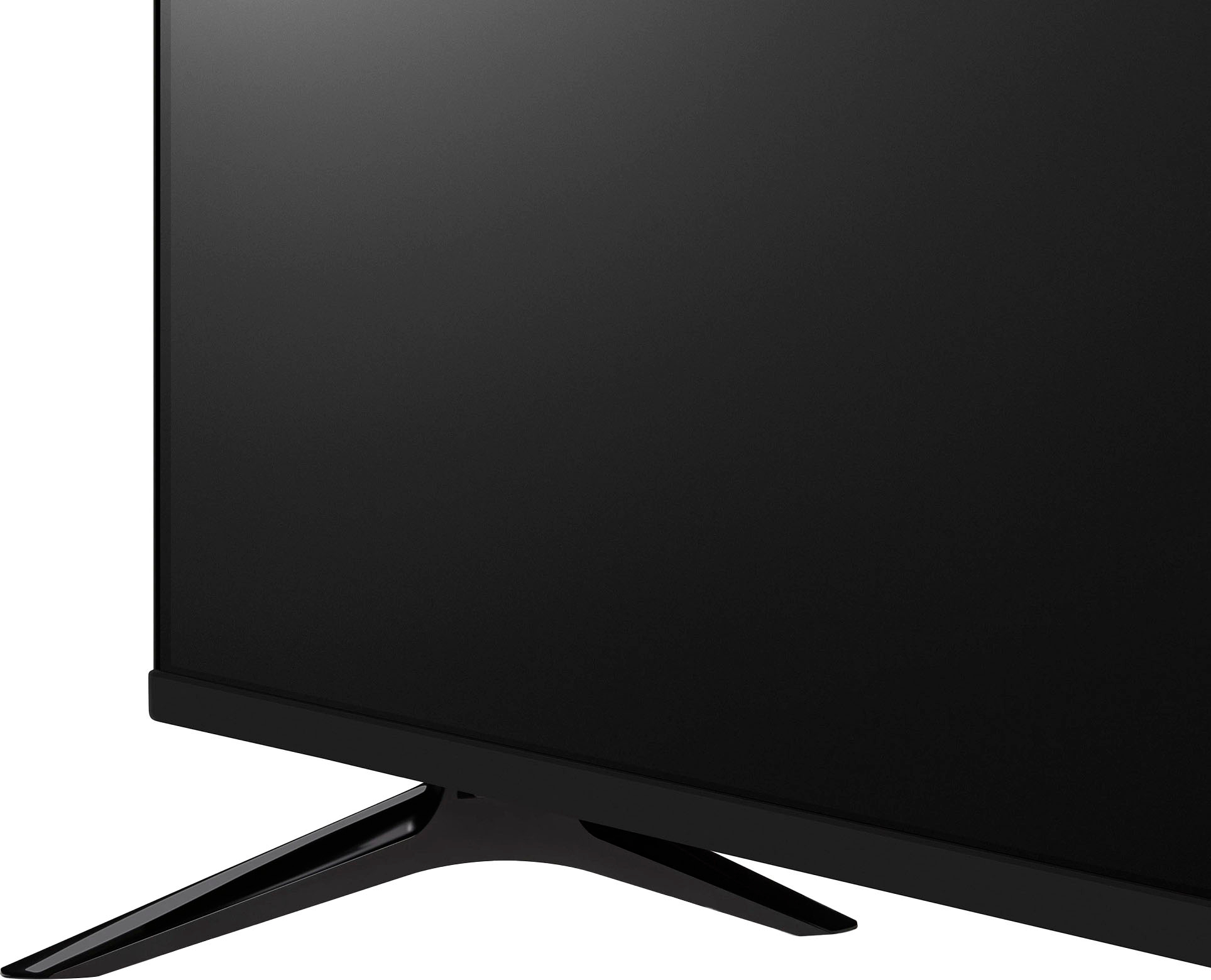
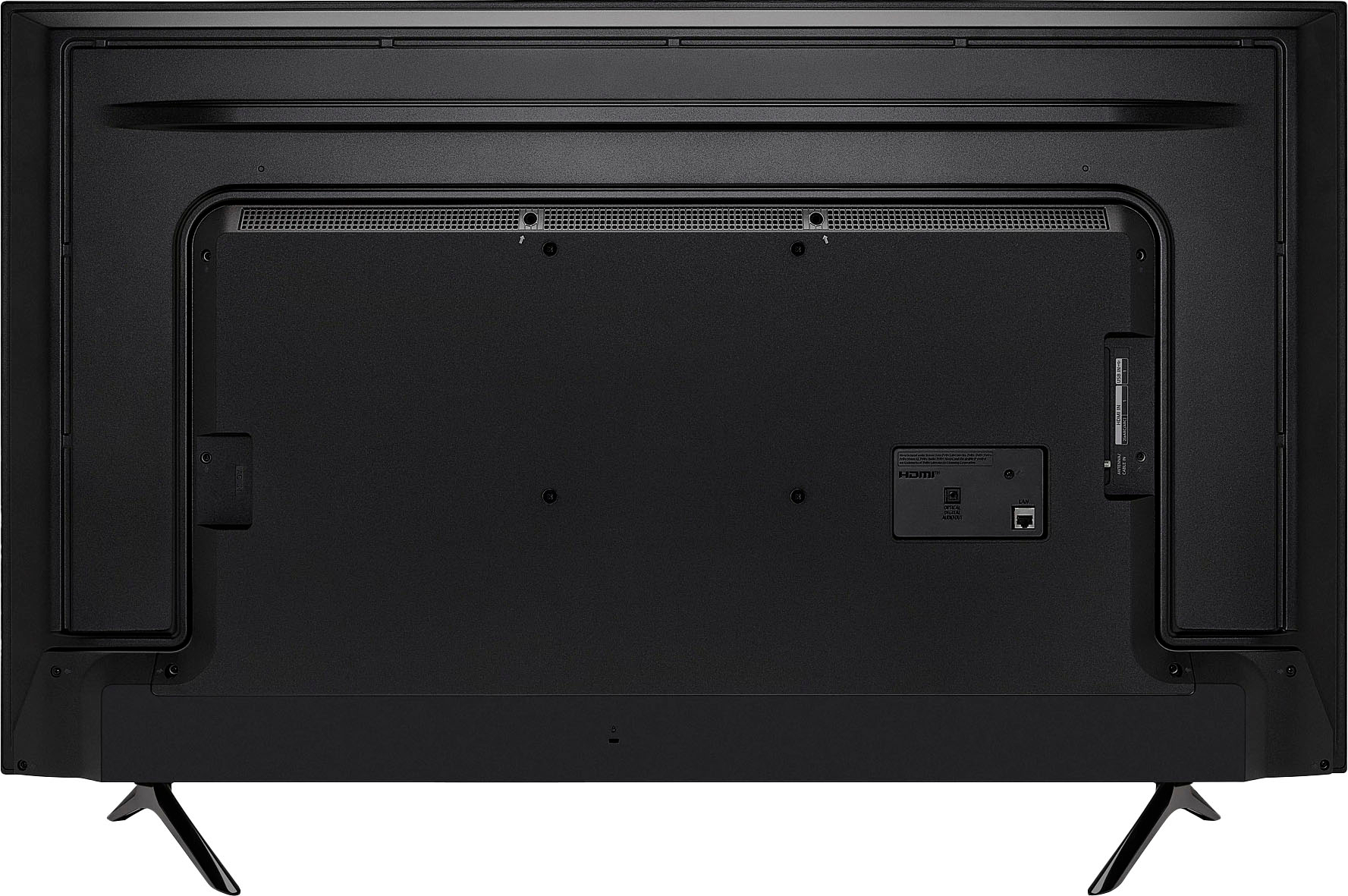
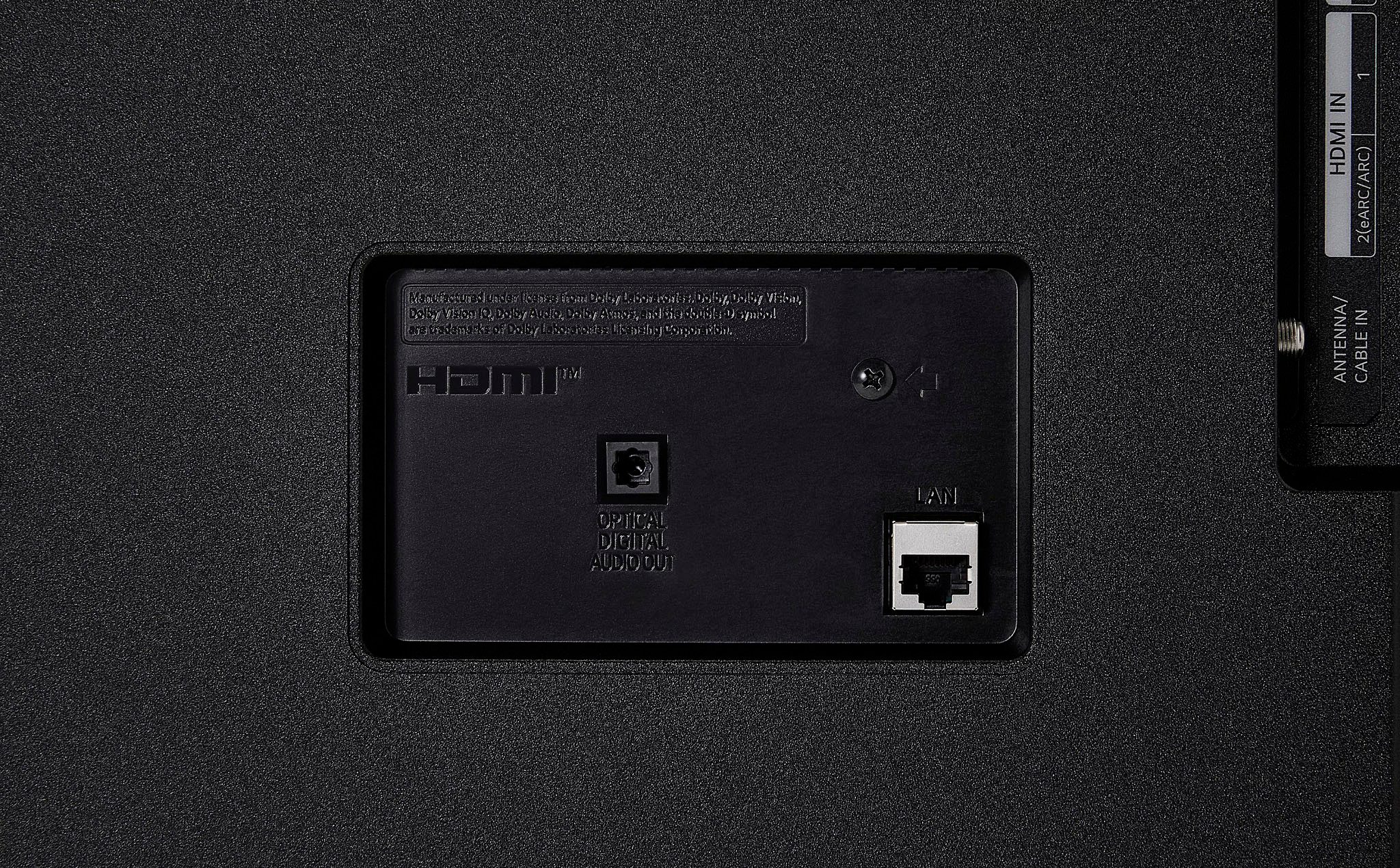
A:AnswerThank you for reaching us regarding LG Smart webOS TV. The LG 50UQ7570PUJ TV is equipped with 802.11ac/WiFi 5 wireless networking capabilities, which means it can connect to both 2.4 GHz and 5 GHz Wi-Fi networks. You can download its owner's manual through this link for more information: https://www.lg.com/us/support/product/lg-50UQ7570PUJ.AUSQ. For additional assistance, please reach out to us on social media @LGUSSupport so we can help you further. ^Cris
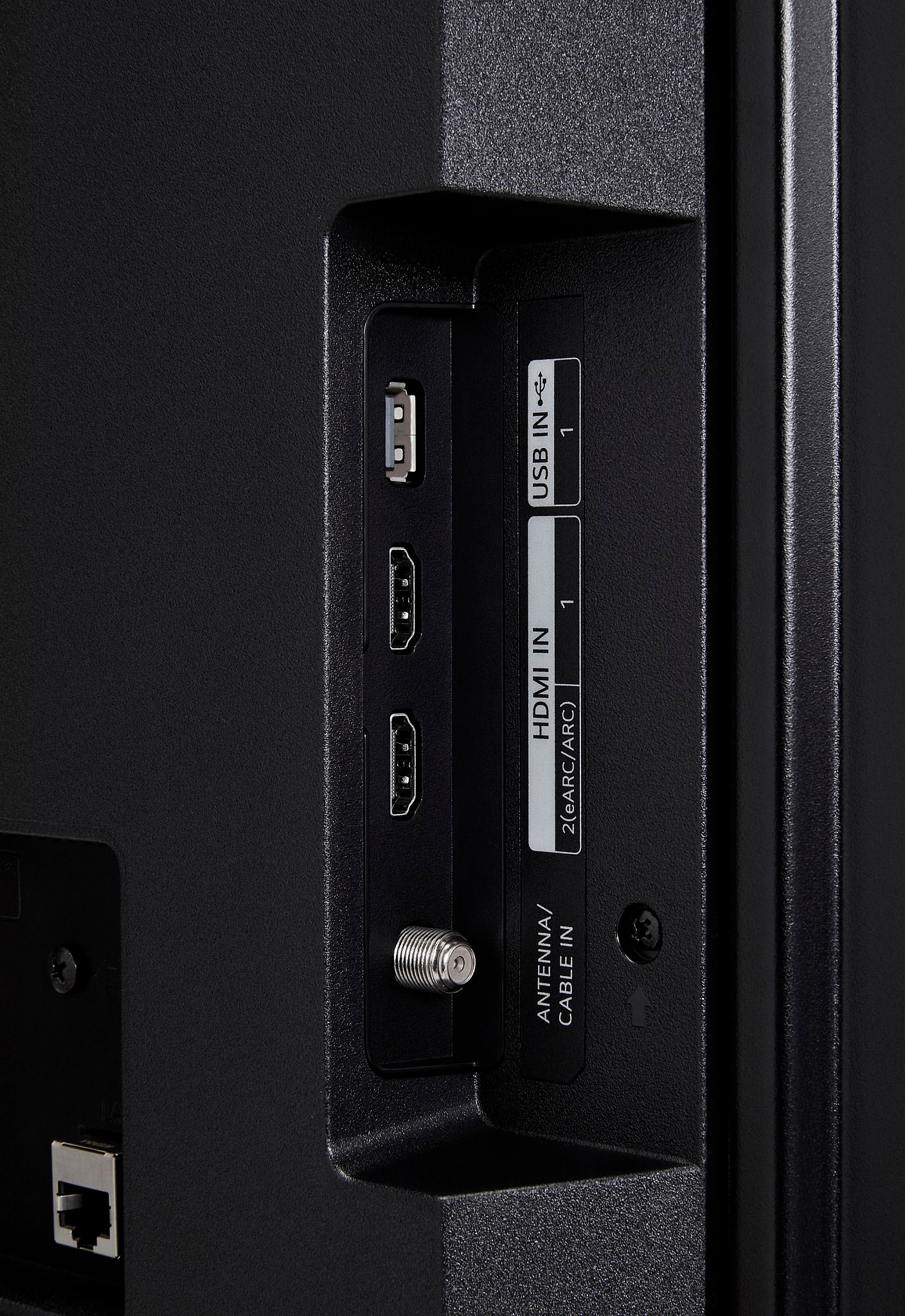
A:AnswerHello there! Thank you for your question about the 50UQ7570PUJ TV. Yes, this model is compatible with Amazon Firesticks and should function properly when connected. You can easily plug the Firestick into one of the HDMI ports, and it will work seamlessly with your TV, allowing you to enjoy a wide variety of streaming content.
If you have any more questions or need assistance with your TV setup, please feel free to reach out via private message on Social Media @LGUSSupport. We’re here to help! —Avril
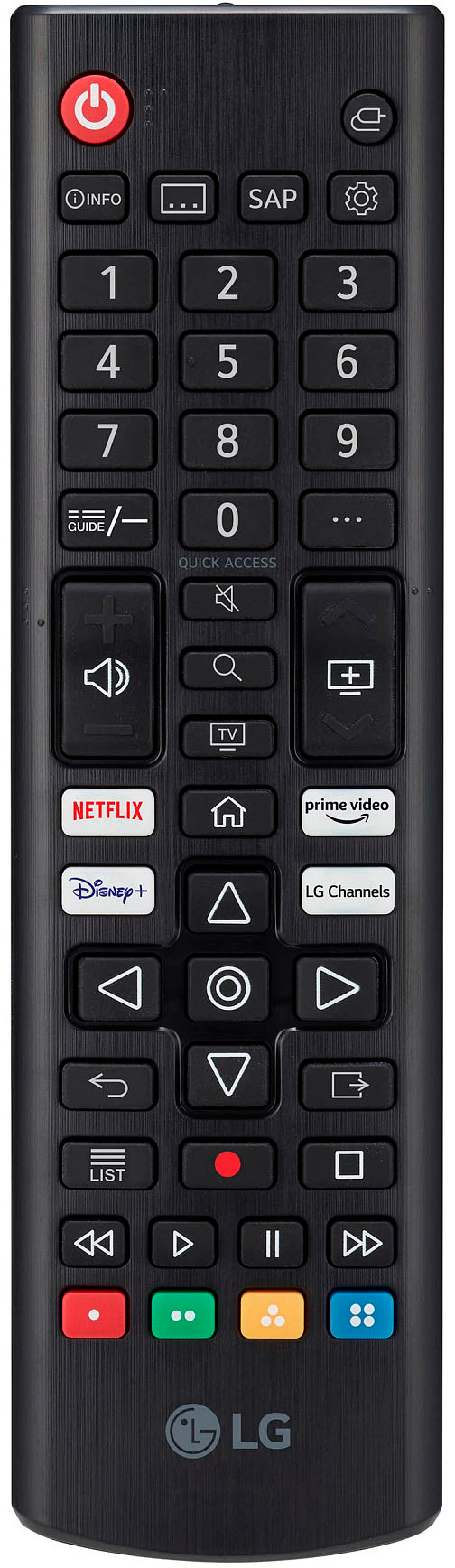
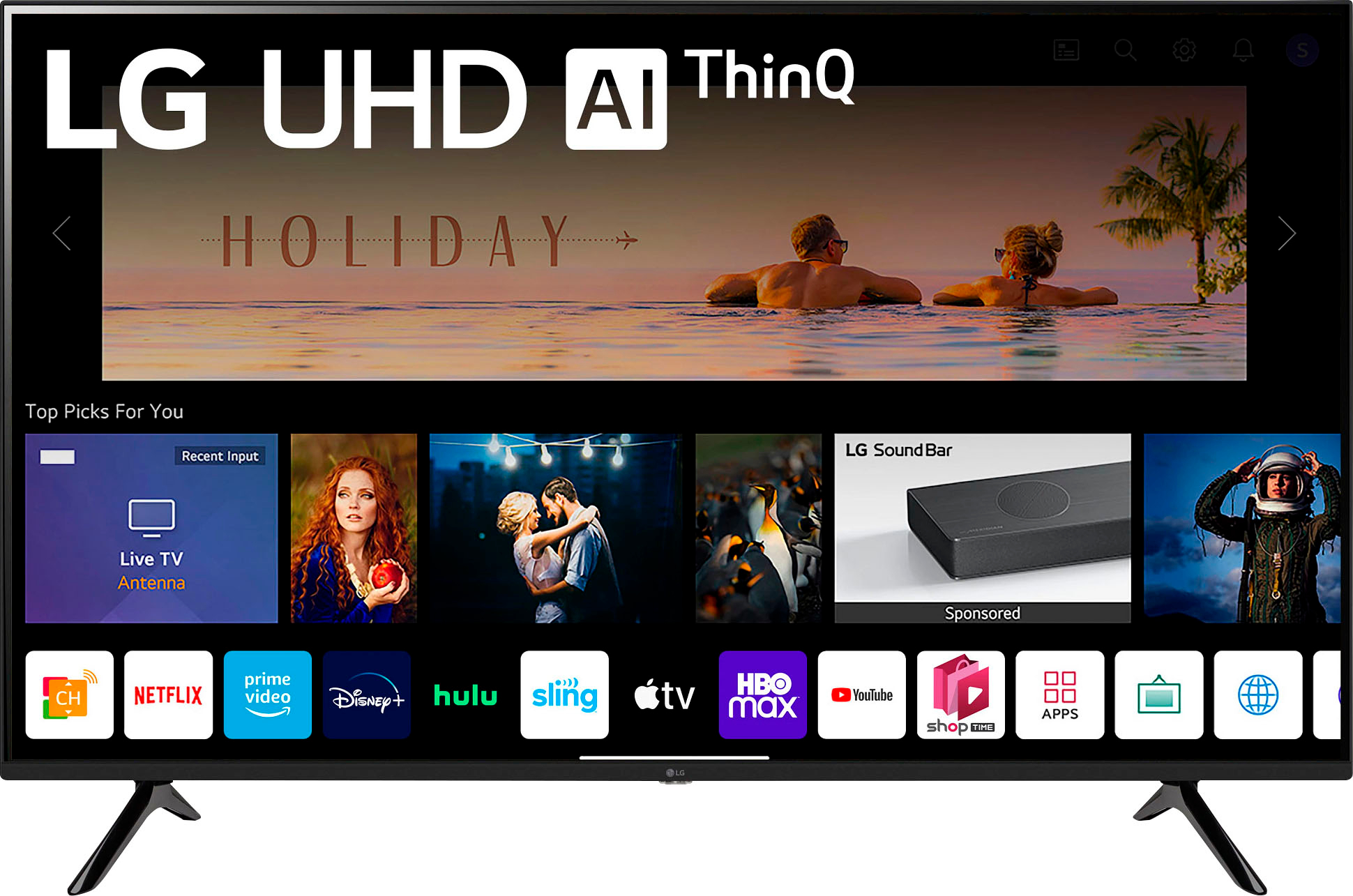
A:AnswerHi there! Thank you for your inquiry about the 50UQ7570PUJ TV. This model comes with a range of pre-installed streaming apps that allow you to access popular pay streaming services directly from your television. Some of the well-known streaming companies you can expect to find include Netflix, Hulu, Amazon Prime Video, Disney+, and YouTube, among others.
To start streaming, you’ll need to create accounts with these services if you haven’t already. Depending on the service, you may be required to subscribe to a monthly plan to access their content. Once you have your accounts set up, simply navigate to the respective app on your TV and log in to start enjoying your favorite shows and movies.
If you have any further questions or need assistance with your streaming setup, please feel free to reach out via private message on Social Media @LGUSSupport. We’re here to help! —Avril
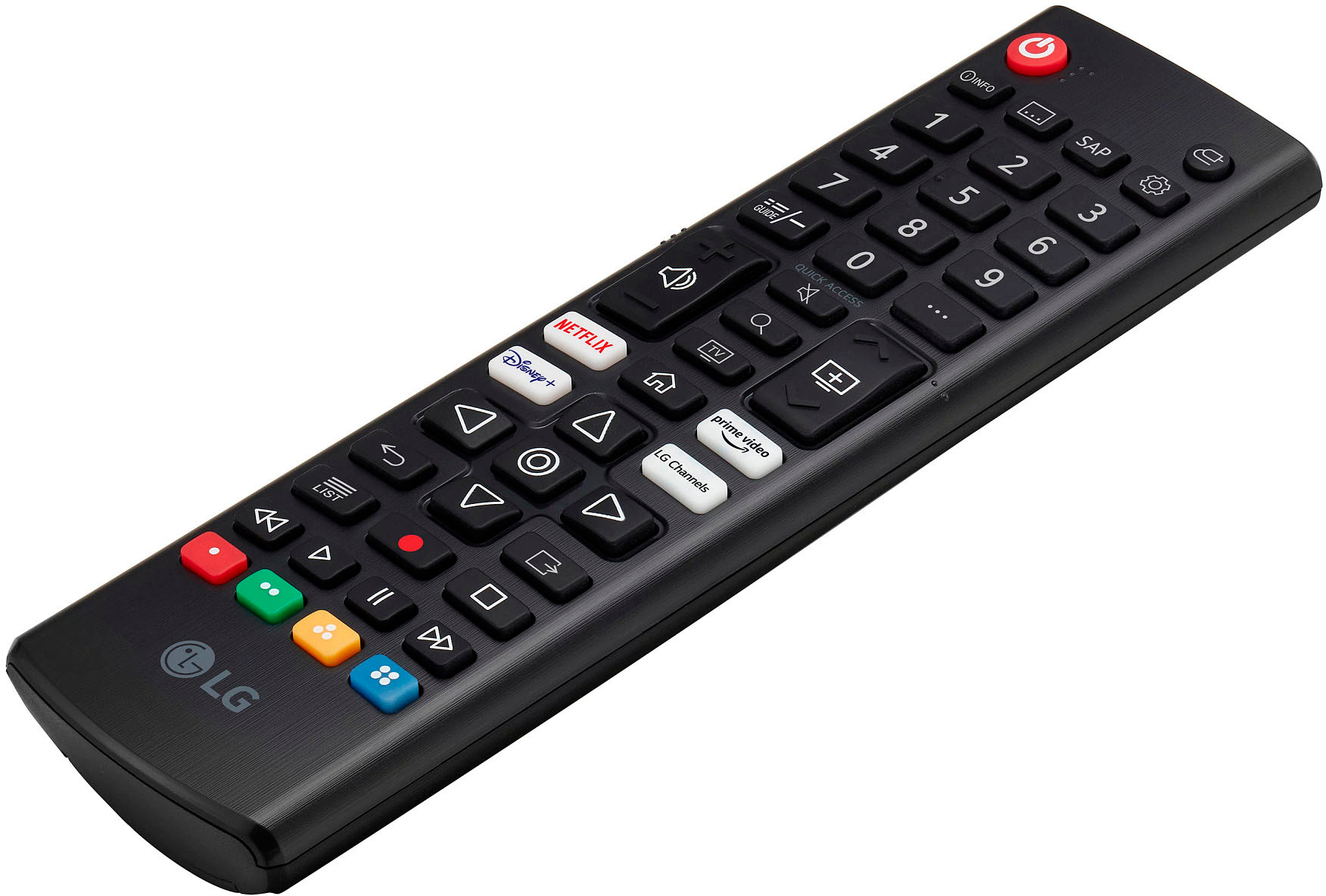
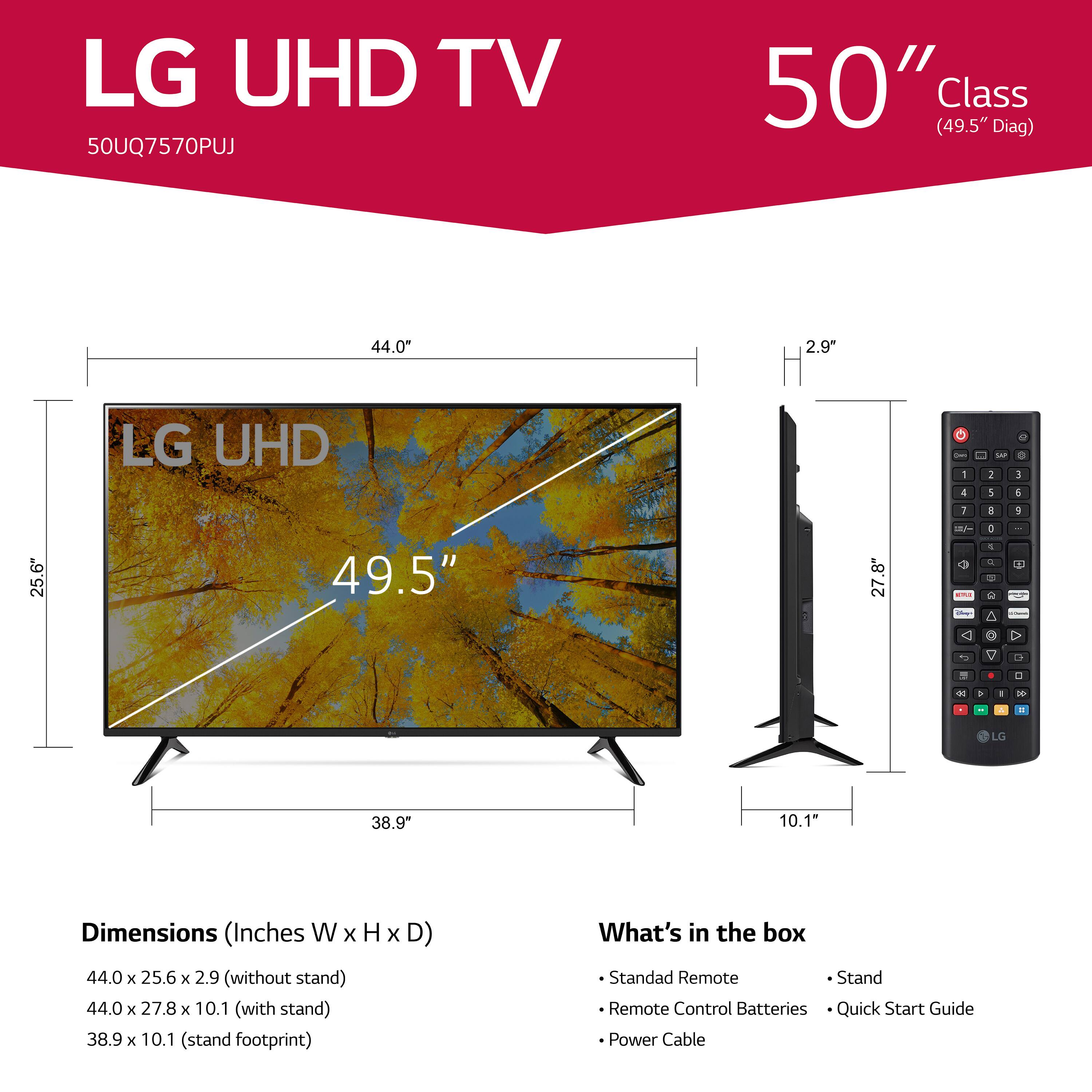
A:AnswerHello there! Thank you for your question about the 50UQ7570PUJ TV. When you purchase this model, it typically comes with the following accessories: a remote control, batteries for the remote, a power cord, and a quick start guide to help you with the setup process. You should be able to set up the TV fully with what’s included in the box.
If you plan to mount the TV, you will need a compatible wall mount bracket, which is not included. Make sure to choose a wall mount that is compatible with the TV's VESA mounting pattern. Additionally, depending on your setup, you might need HDMI cables to connect other devices, such as a cable box, gaming console, or streaming device.
If you have any further questions or need assistance with your setup, please feel free to reach out via private message on Social Media @LGUSSupport. We’re here to help! —Avril
A:AnswerAs some one else answered definitely check the HDMI cables. The pins inside each HDMI connection are very tiny and slim. If one Is bent just a little it will not work. If the HDMI cable is the problem, that is an easy fix. You do not need to buy the real expensive cables. The ones I use are very inexpensive and in fairness to Best Buy they sell there own brand. Also check to see if the TV is HDCP 2.2, if it is you will need and HDMI HDCP 2.2 cable. HDCP 2.2 is a new Copyright Protection being used. If you want the best quality, picture and sound HDCP 2.2 is the way to go, if your TV is HDCP 2.2 capable you will matching HDCP2.2 in every device you want to connect for your viewing or home theater. If you are not sure about your TV contact LG and they can tell you if your TV is 2.2 compliant or not. Good luck. Joe
A:AnswerHi there! Thank you for your inquiry about installing the 50UQ7570PUJ TV in a wall enclosure on your outdoor covered patio. Yes, you can install this TV in a suitable enclosure designed for outdoor use, but it's essential to ensure that the enclosure is well-ventilated and protects the TV from moisture and extreme temperatures.
Make sure to follow the manufacturer's guidelines for installation and mounting to maintain the integrity of the unit. If you have any further questions or need assistance with the installation process, please feel free to reach out via private message on Social Media @LGUSSupport. We’re here to help! —Avril
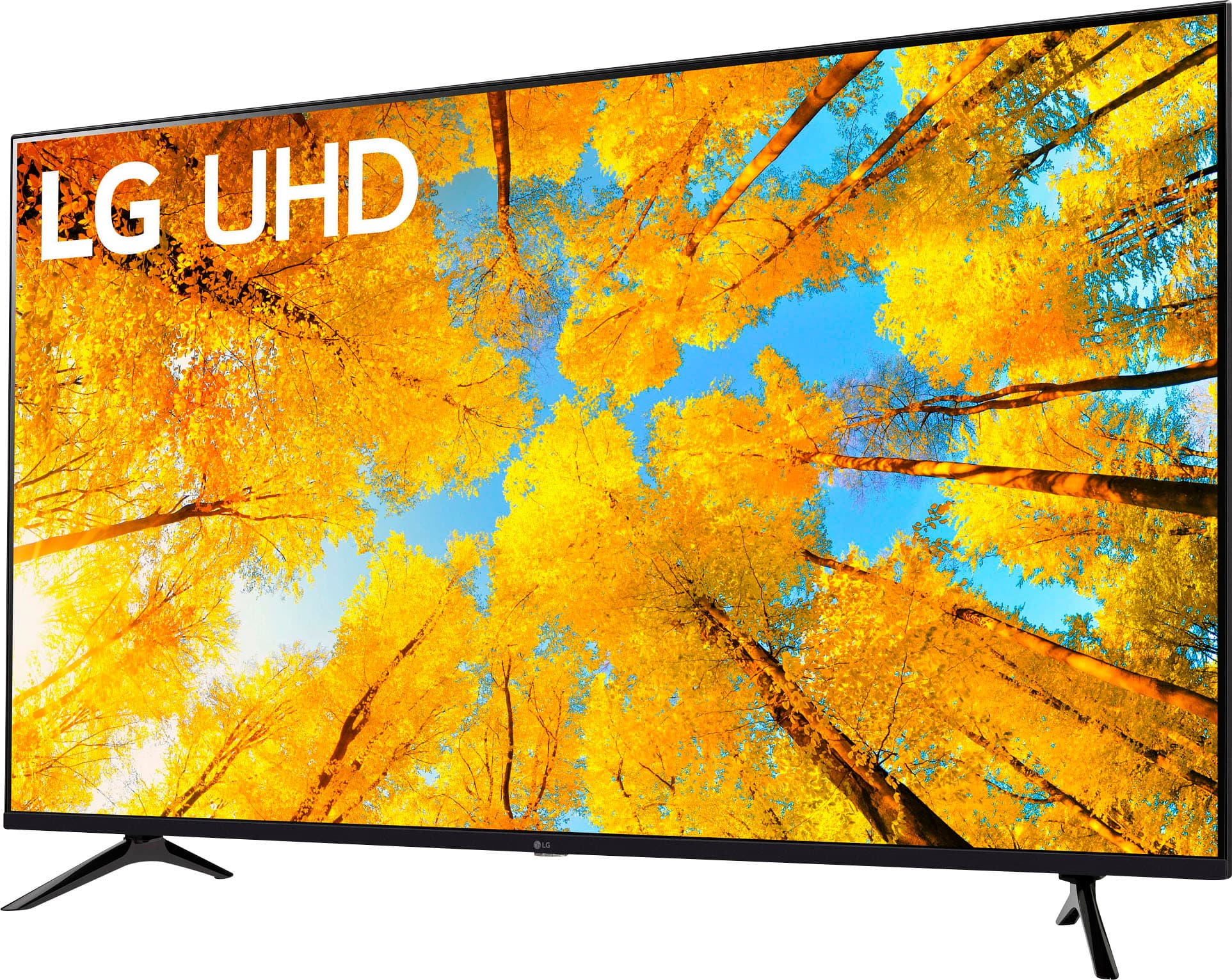
A:AnswerI’ll be honest with you after I got the Xbox series X and PlayStation five I am going to upgrade from this TV. It plays great while gaming but with those two new consoles with a better TV and 120hz would be amazing. But overall it’s a good TV. One thing is my Wi-Fi no longer works on the TV so I have it connected through ethernet and it works well.
A:AnswerHi, there. The model 50UQ7570PUJ has a Hulu app. To check the other available apps on your TV model, you may visit the LG Content Store link: https://us.lgappstv.com/main/appSearch. ^Jayne
A:AnswerThe ESPN app is not compatible with the webOS 22 TV Platform that this LG 50 Inch Class UQ7570 PUJ series LED 4K UHD Smart webOS 22 TV runs on. If you only want to watch ESPN and don't feel the need to sign up to a streaming service for other channels, you can also simply download and sign up for the ESPN App on your Roku device. ESPN Plus works with a wide range of devices and subscribers can watch ESPN+ in the ESPN+ tab of the latest version of the ESPN App, on Roku, Chromecast, FireTV, XBOX One, or Playstation 4...^Ivan
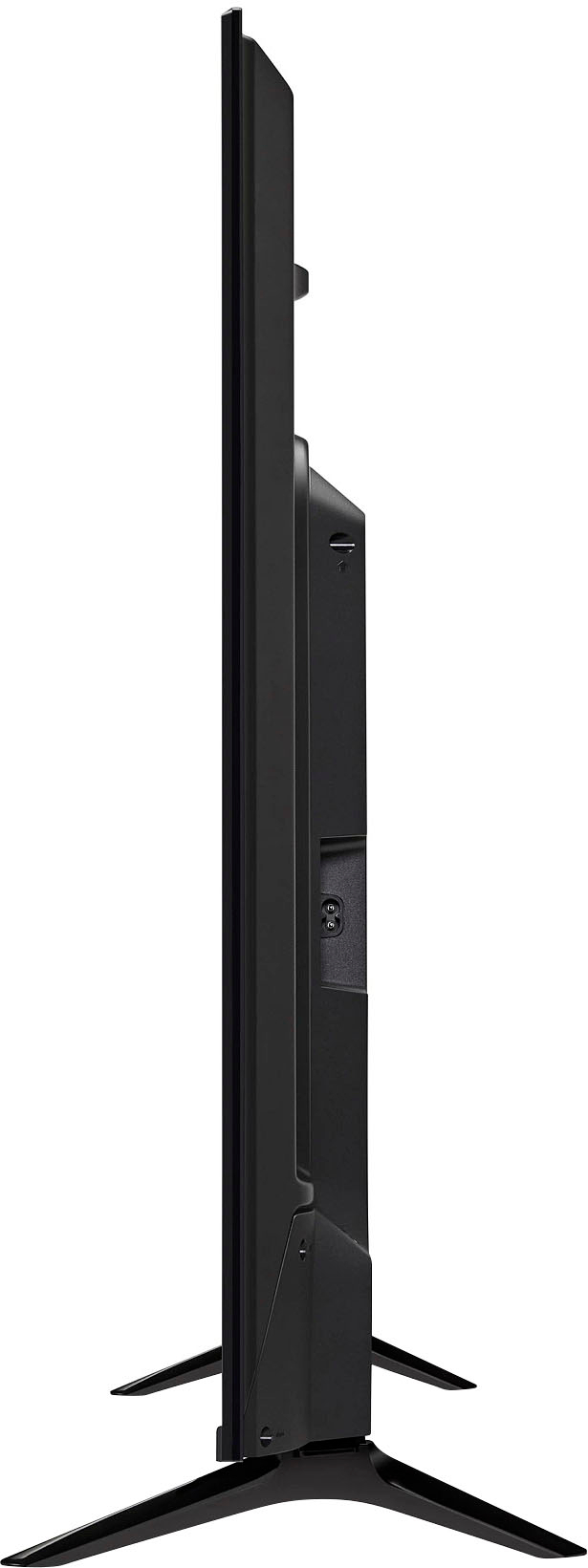
A:AnswerThe LG 50 Inch Class UQ7570 PUJ series LED 4K UHD Smart webOS 22 TV, Model# 50UQ7570PUJ, offers impressive dimensions both with and without the stand. Here are the detailed measurements:
Dimensions with Stand (WxHxD): 44" x 27.8" x 10.1".
Dimensions without Stand (WxHxD): 44" x 25.6" x 2.9".
Stand Width: 38.9".
Packaging Dimensions: 49.4" x 30.1" x 5.8".
These measurements provide you with a comprehensive understanding of the TV's size and dimensions, allowing you to plan and accommodate it effectively in your desired space. `Alice