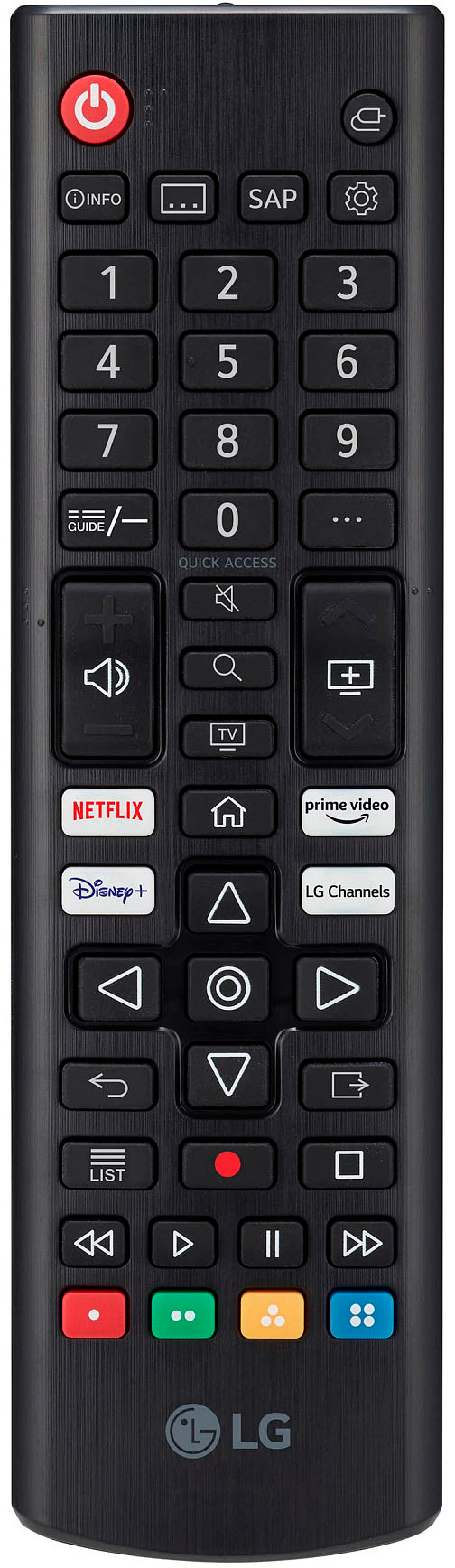
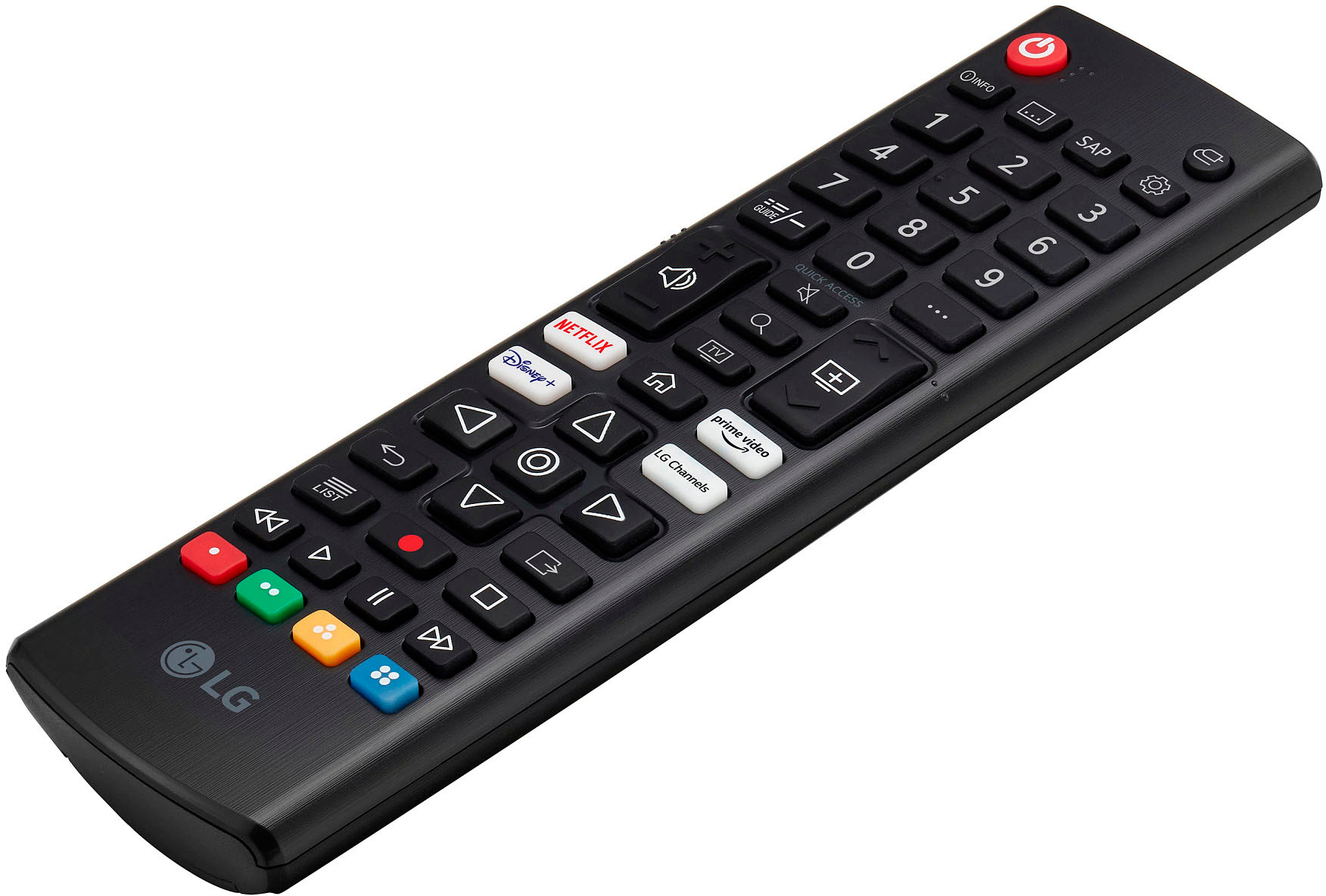
A:Answer Hi, Yes, you can change font on LG TV and subtitles. Please check this settings Follow the steps that best match your TV menu options: Select Device Preferences → Accessibility → Captions → Streaming & other content → Display → Text size. Select Accessibility → Captions → Streaming & other content → Text size.or this settings ; To enlarge the subtitles on an LG TV, go to the Settings menu using the remote. Verify that captions are set to On in the Accessibility section. For subtitle size, navigate to the Digital Caption option. From there, you can change settings, including size, color, and background. ^Vanessa