

Early Black Friday DealsNew Doorbusters every Friday.Shop now

Skip to content
Gift Ideas
26 Cypress St
Williston, VT 05495
Opens at 9 am
Find Another Store
Main Content

Questions & Answers

Your price for this item is $279.99
Clearance
The comparable value price is $429.99
Page Showing 1-20 of 46 questions
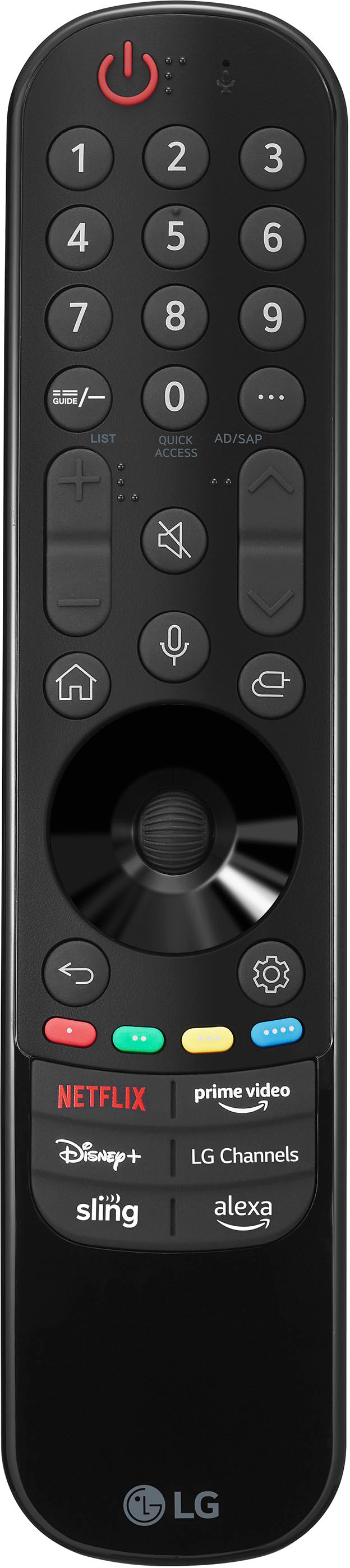
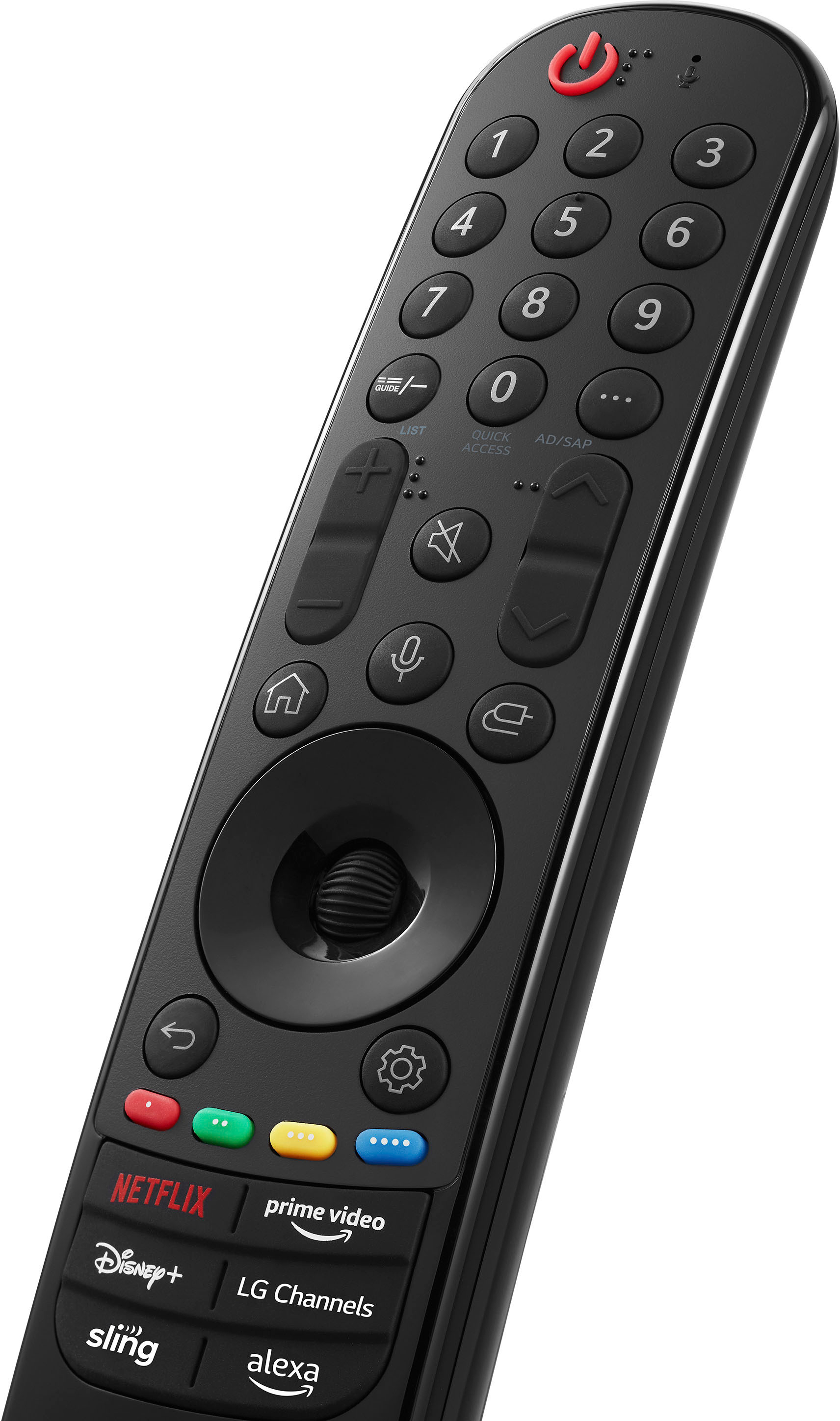
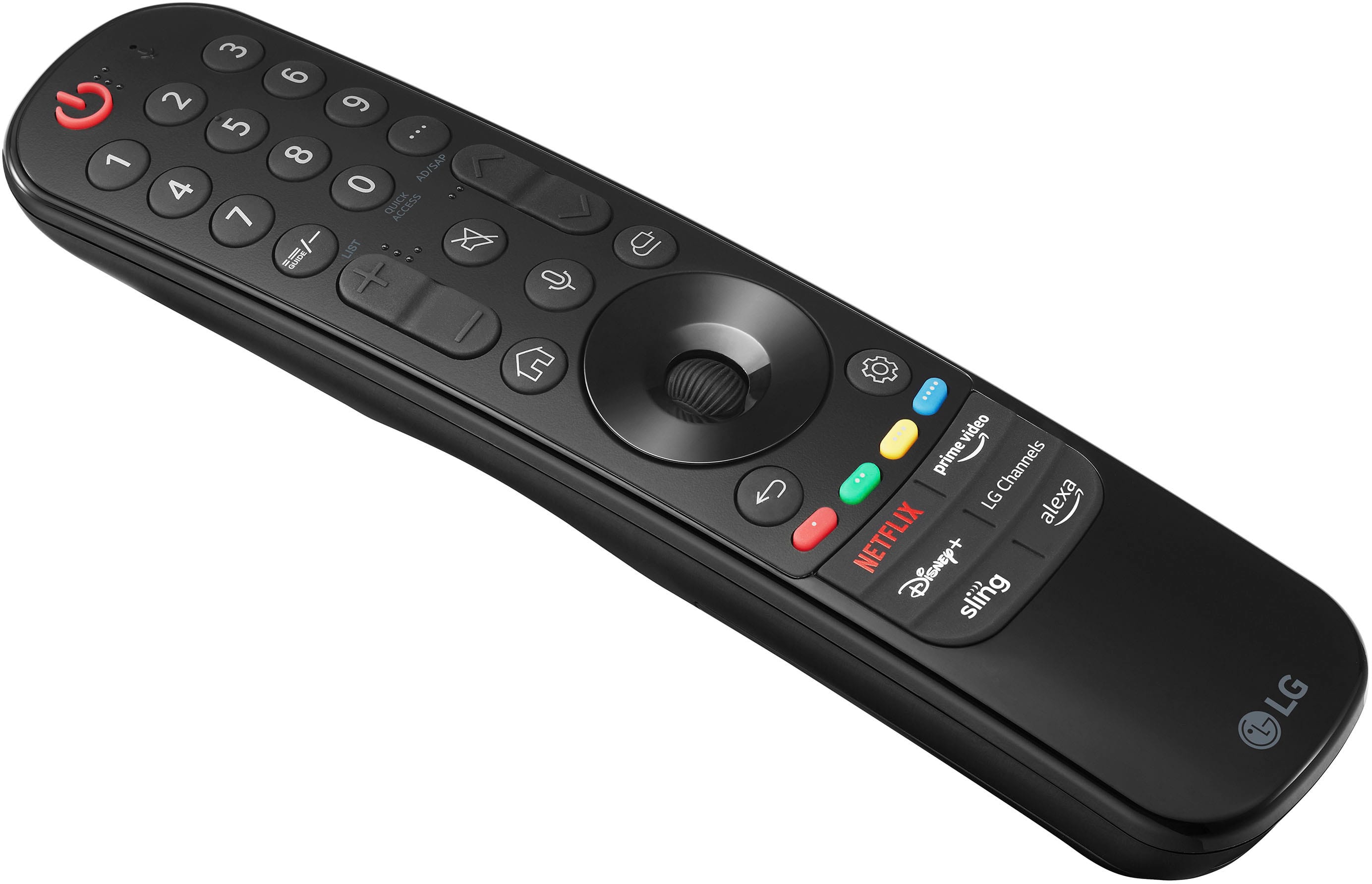
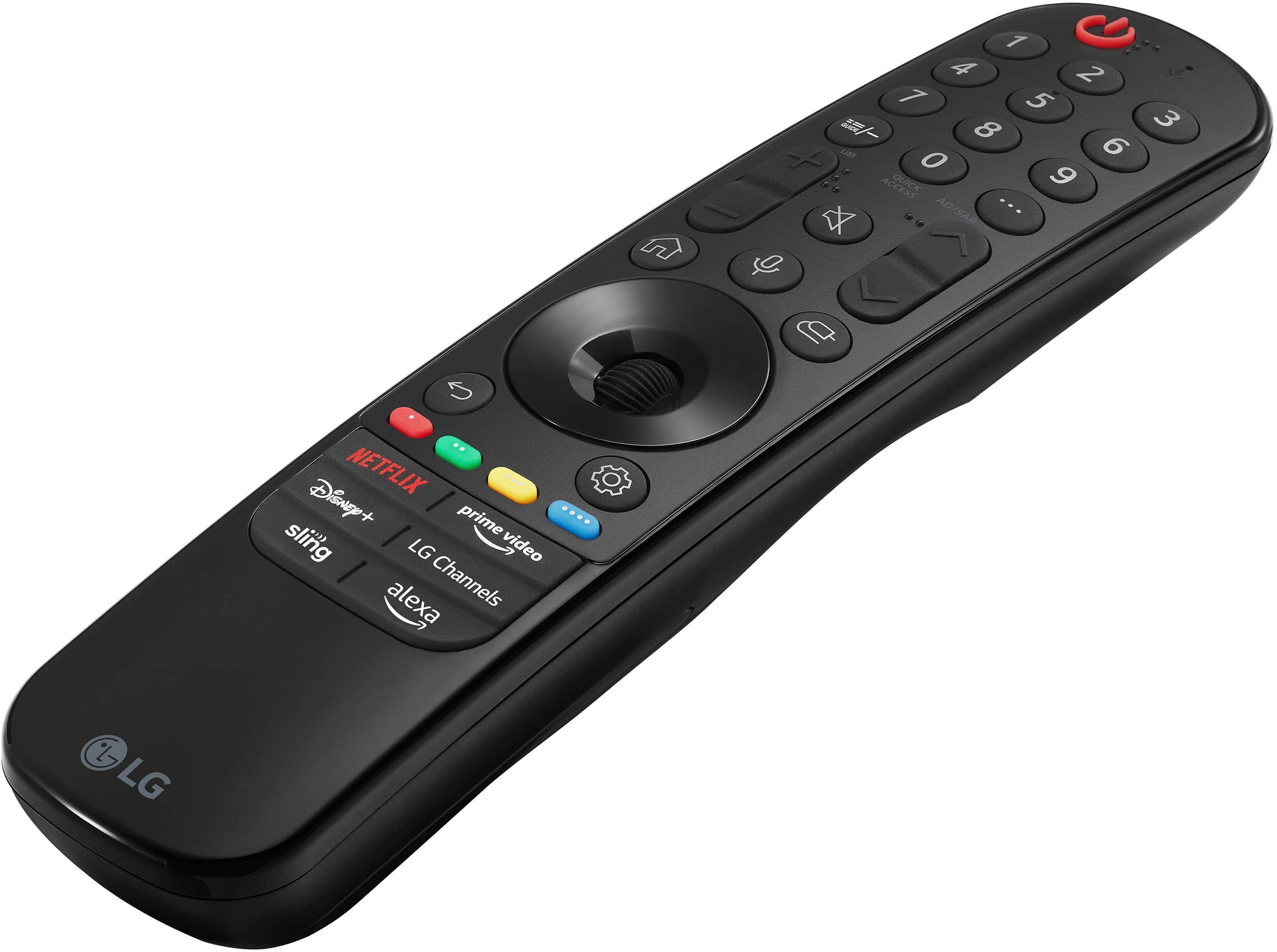
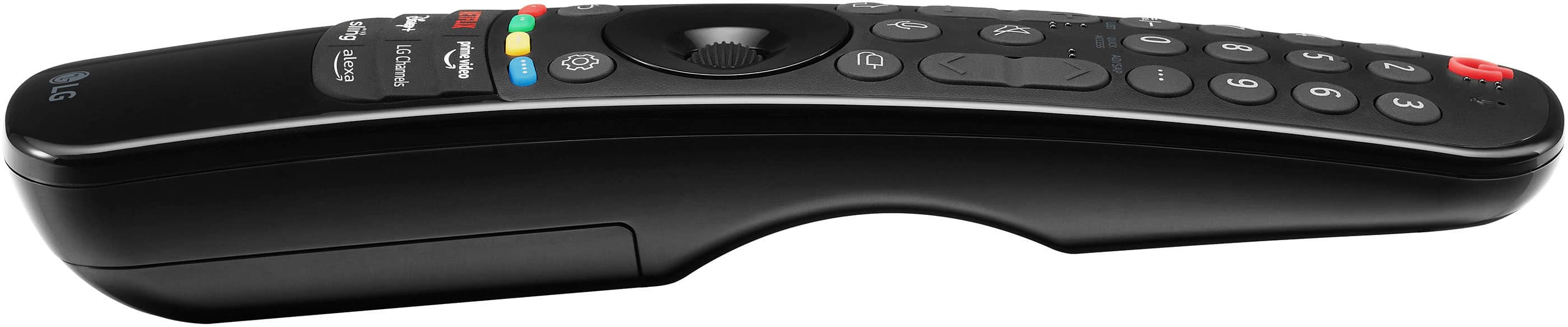
  • QuestionWhat type of remote control comes with this LG TV?

    • Answer This LG TV includes the Magic Remote.
    This question and answer was generated by AI based on customer and product data.
  • QuestionWhat is the screen size of this LG TV?

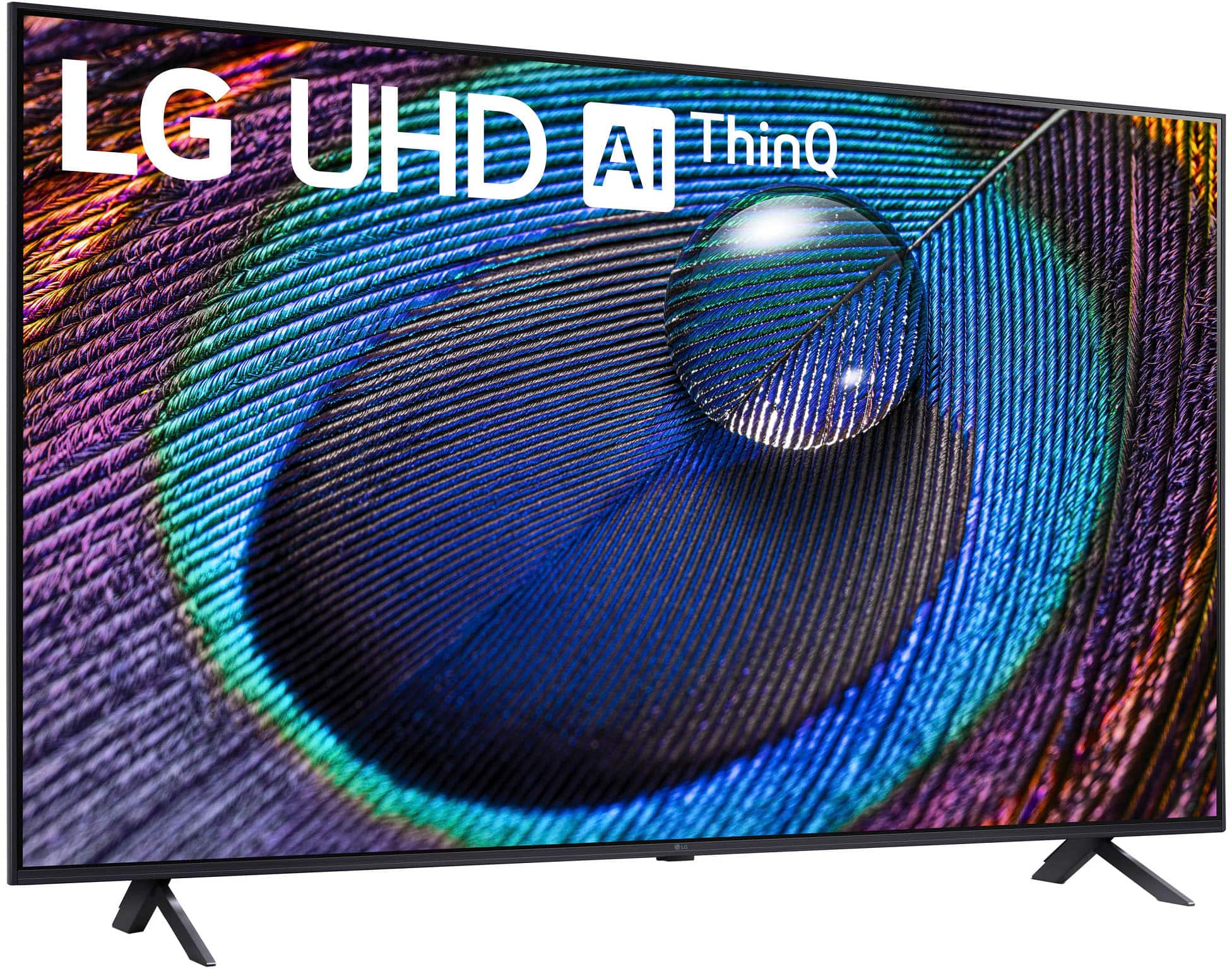
    • Answer The screen size of this LG TV is 49.5 inches.
    This question and answer was generated by AI based on customer and product data.
  • QuestionCan I connect this TV to WiFi?

    • Answer Yes, this TV supports WiFi connectivity.
    This question and answer was generated by AI based on customer and product data.
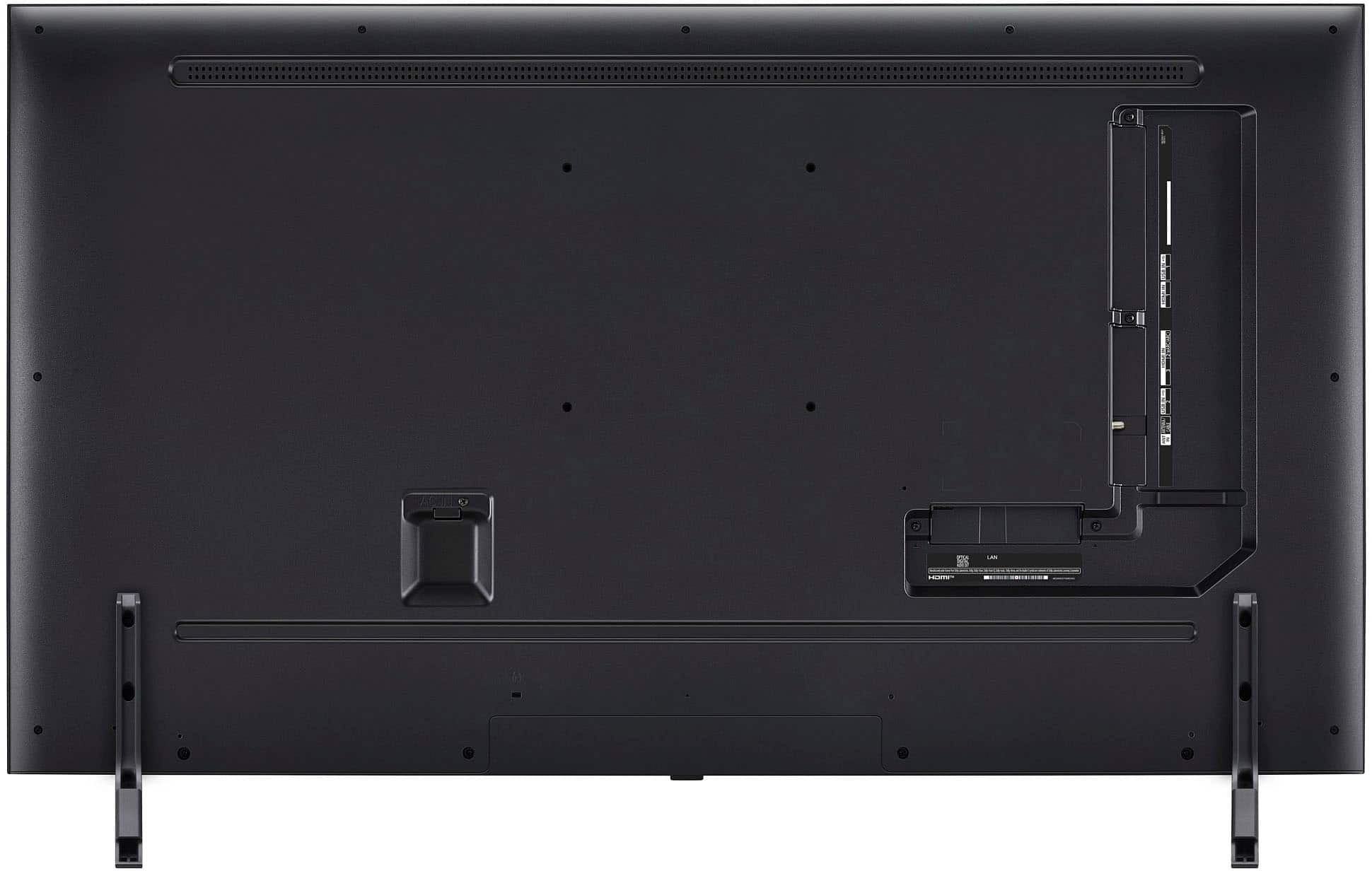
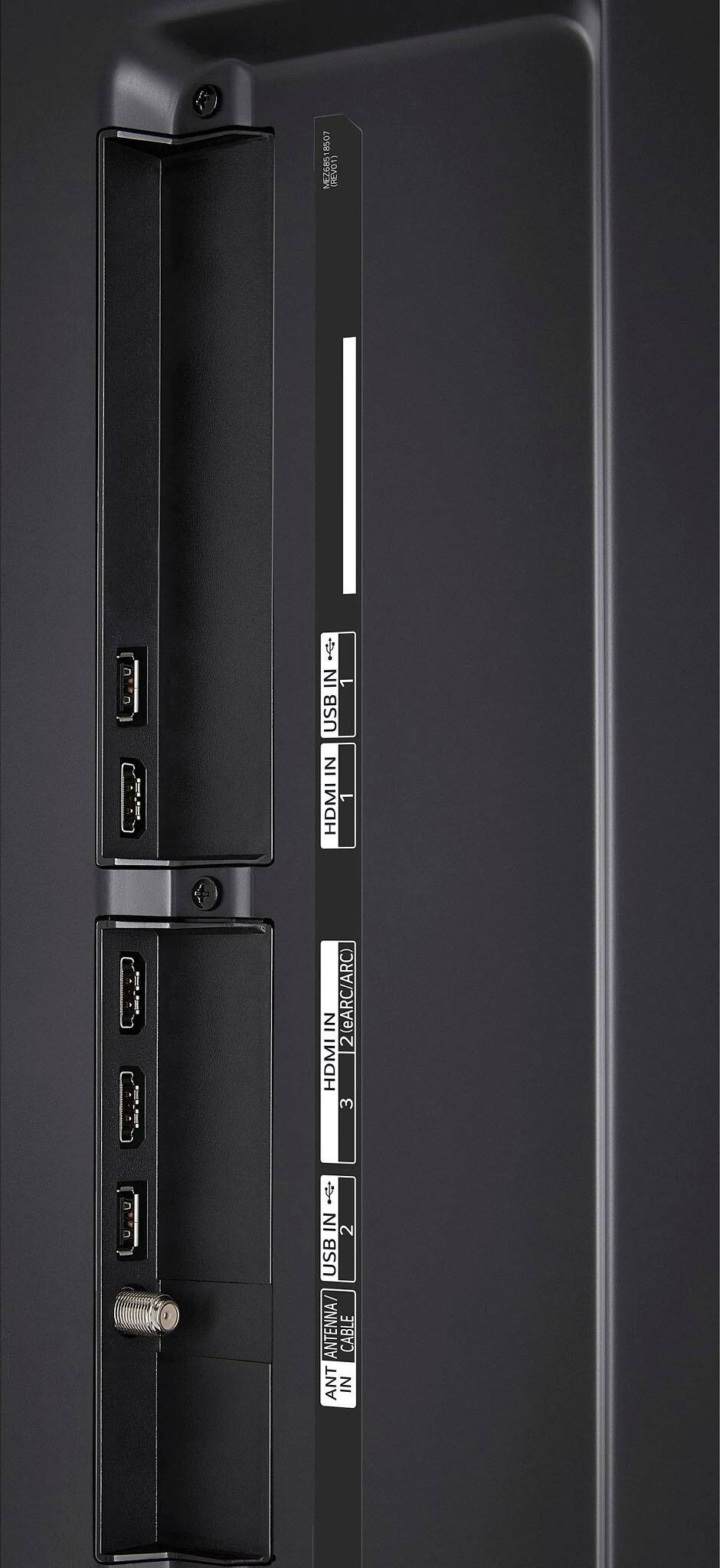
  • QuestionHow many HDMI ports does this TV have?

    • Answer This LG TV has a total of 3 HDMI ports.
    This question and answer was generated by AI based on customer and product data.
  • QuestionDoes this TV have built-in speakers?

    • Answer Yes, the LG TV has built-in speakers.
    This question and answer was generated by AI based on customer and product data.

  • QuestionDoes this TV support HDR?

    • Answer Yes, this TV supports HDR10 for enhanced contrast and visuals.
    This question and answer was generated by AI based on customer and product data.
  • QuestionWhat is the operational temperature range for this TV? The room where I'll be using this unit can get very hot in the summer.

    Asked by RadioBoy.

    • Answer Hello there! The operational temperature range for the LG TV model 50UR9000PUA is typically between 0°C (32°F) and 40°C (104°F). It is important to keep the TV within this temperature range to ensure optimal performance and longevity. If the room where you'll be using the unit can get very hot in the summer, try to ensure proper ventilation and consider using fans or air conditioning to maintain a safe temperature. If you have any further questions, feel free to ask! -Junel

      Answered by LG Digital Customer Care

  • Questiondoes this tv support other streams services such as Rinku is there an app store ?

    Asked by Tims.

    • Answer Hi! This is not a Roku TV, you will have to connect it separately. ~Rita

      Answered by LG Digital Customer Care

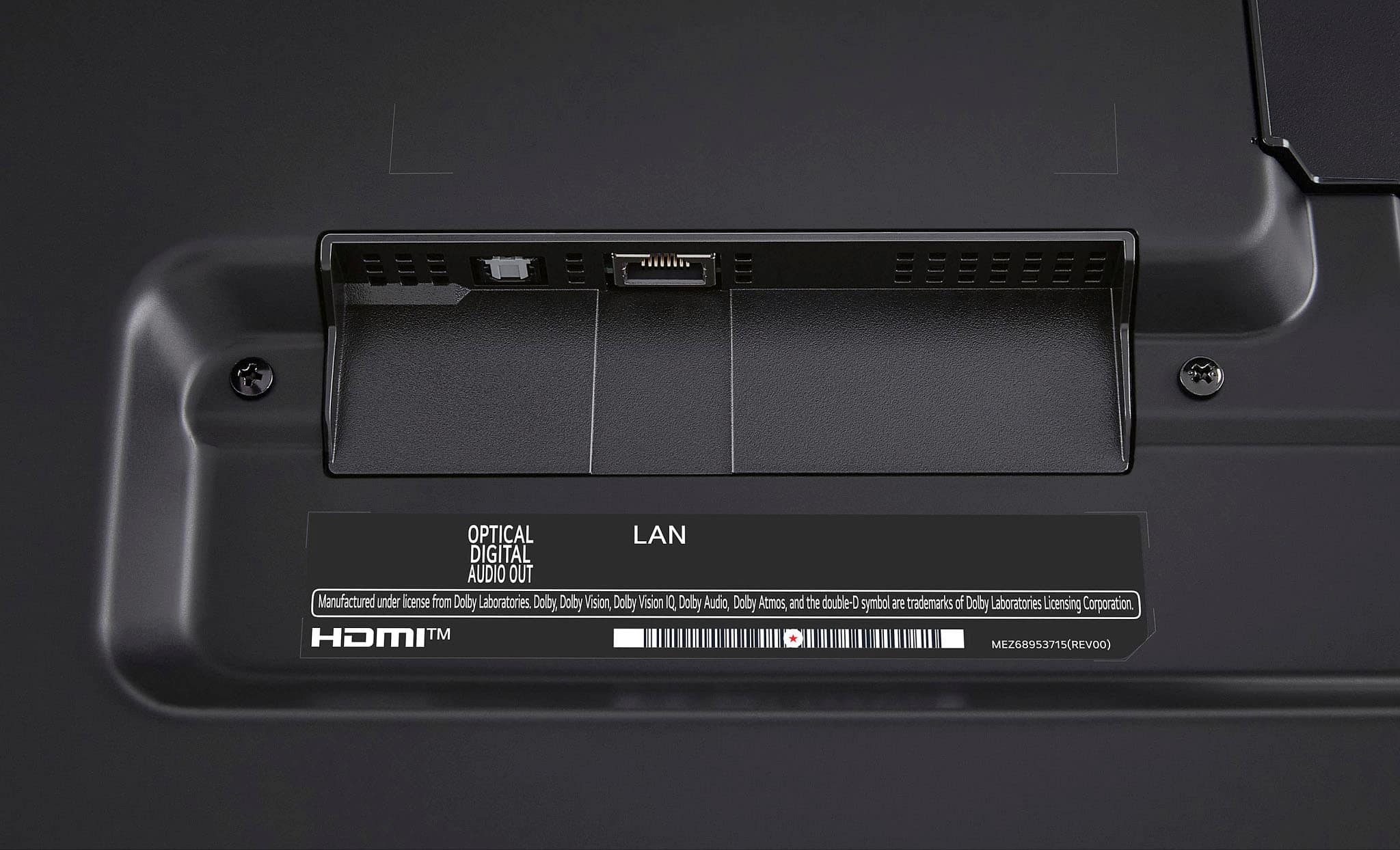
  • QuestionIs the Optical output Toslink compatible? Thank you.

    Asked by Ironman.

    • Answer Yes, Any device that supports TOSLINK can also support digital optical cables since they are one and the same. We have included a link to show you step-by-step how it's done with the LG TV. https://tinyurl.com/5aeze7z5. Please let us know if you need additional assistance we can be reached on one of our social media platforms or by calling our Customer Service 800-243-0000.~Tanisha

      Answered by LG Digital Customer Care

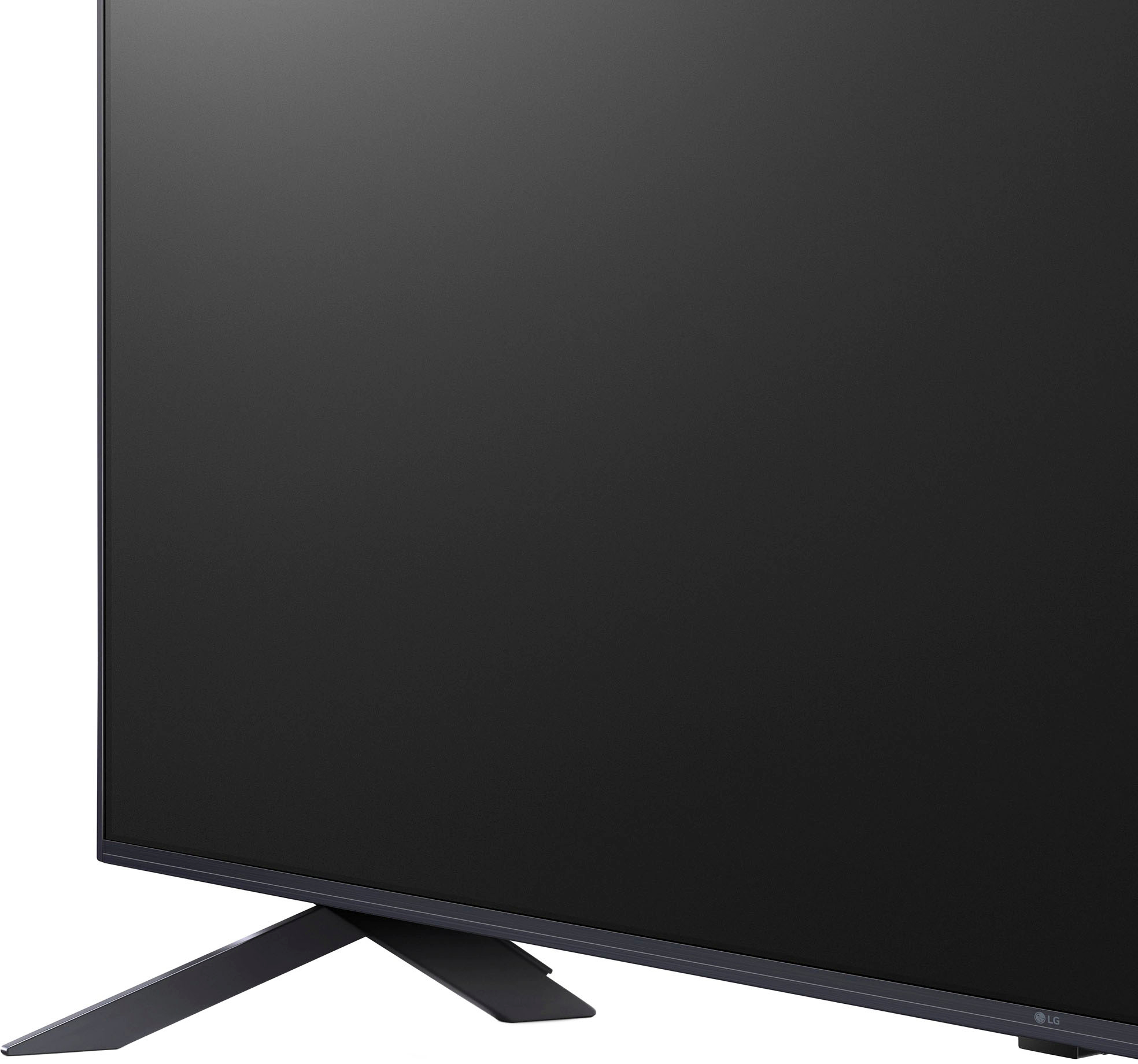
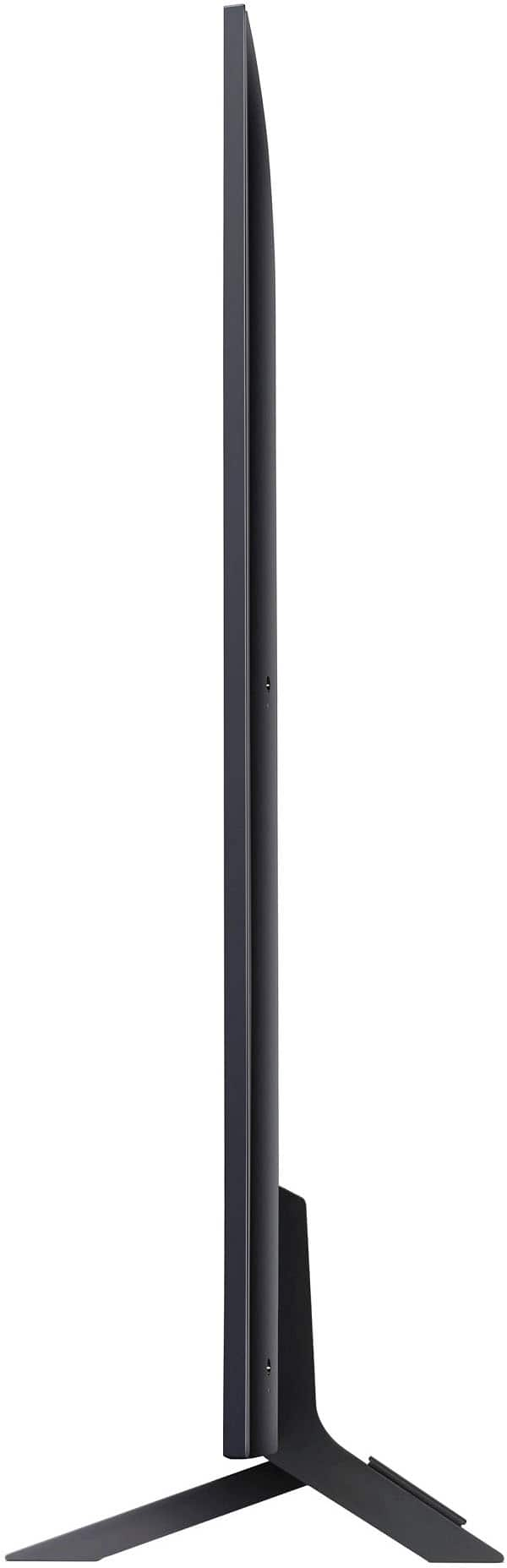
  • QuestionHow deep are the feet (front to back)?

    Asked by Dave.

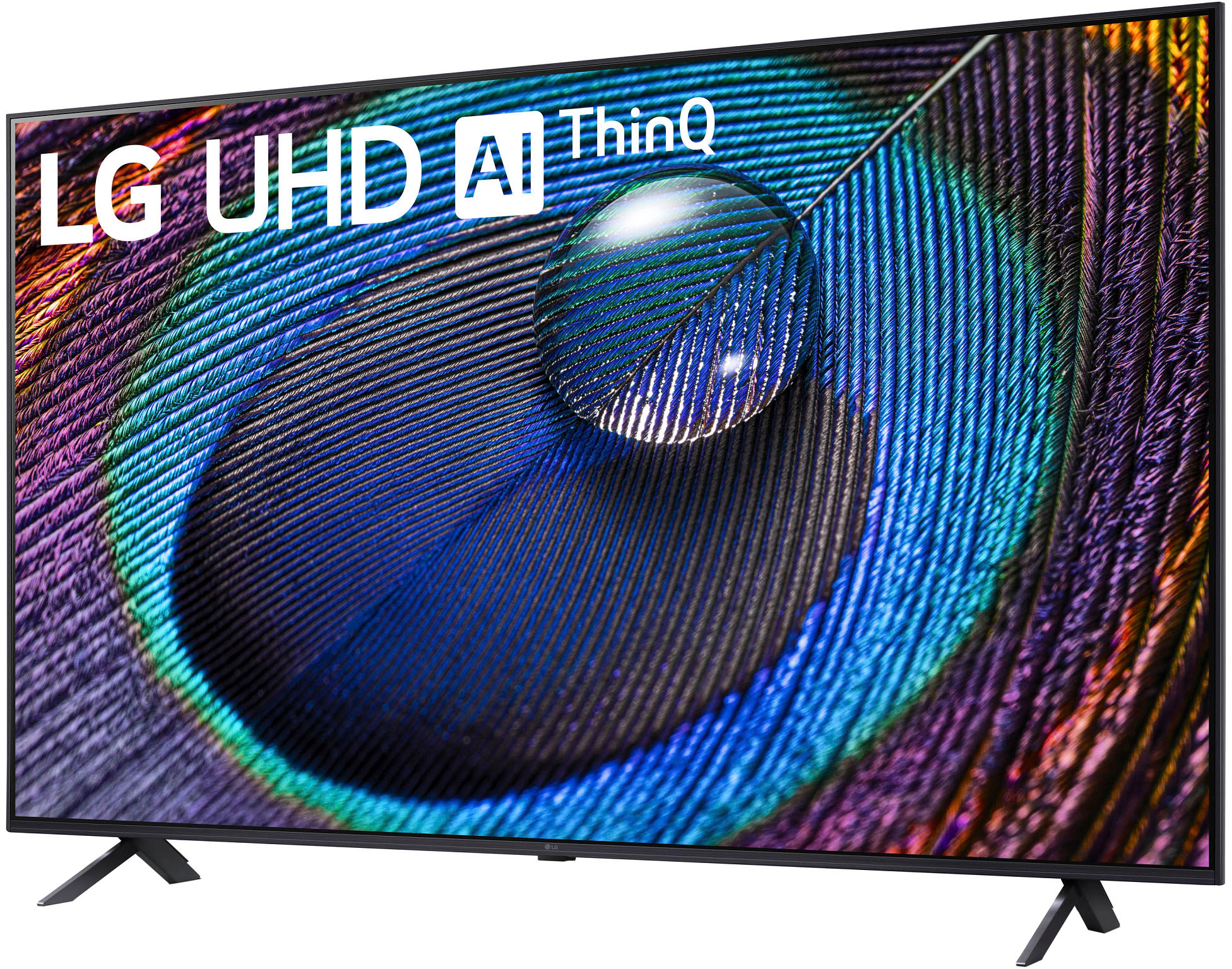
    • Answer Hello there, Dave. Thank you for reaching out with your question regarding the depth of the feet for the LG 50UR9000PUA. We understand that knowing the exact dimensions can be important for setting up your TV, and we're happy to assist! The depth of the feet (front to back) for this model is 10.1 inches. This is based on the overall TV dimensions with the stand. If you're planning to place the TV on a specific piece of furniture or in a tight space, this measurement should help you ensure a perfect fit. https://www.lg.com/us/tvs/lg-50ur9000pua-4k-uhd-tv#pdp_specs Should you need any further details or have additional questions, please don’t hesitate to reach out via private message on Social Media @LGUSSupport. Our team will be happy to assist you further. Thank you for choosing LG! —Renzo

      Answered by LG Digital Customer Care

  • QuestionWhat's the height and width of a 50" tv?

    Asked by dave.

    • Answer Hello there, Dave. Thank you for your question! We understand that you're looking for the height and width of the LG 50UR9000PUA 50" TV. Here are the dimensions for the TV: With Stand: Width: 44.2 inches Height: 28.3 inches Depth: 10.1 inches Without Stand: Width: 44.2 inches Height: 25.7 inches Depth: 1.2 inches These dimensions should help you with the placement or installation of the TV. If you need further assistance, feel free to send us a private message on Social Media @LGUSSupport, and we'd be happy to help you! https://www.lg.com/us/tvs/lg-50ur9000pua-4k-uhd-tv#pdp_specs We appreciate your time, and we hope this helps! —Renzo

      Answered by LG Digital Customer Care

  • QuestionIs this Bluetooth

    Asked by Jeff.

    • Answer Hello there, Jeff. Thank you for your question about the 50UR9000PUA model! Yes, this TV is equipped with Bluetooth functionality, allowing you to connect wireless devices such as headphones, soundbars, and other audio equipment for a more convenient viewing experience. If you have any further questions or need assistance with anything else, please feel free to send us a private message on Social Media @LGUSSupport, and we’ll be happy to help. We appreciate your patience and look forward to assisting you! —Avril

      Answered by LG Digital Customer Care

  • QuestionThe feet are too wide apart for the table I’m putting it on. Is there a center mount that is compatible or recommended?

    Asked by Anonymous.

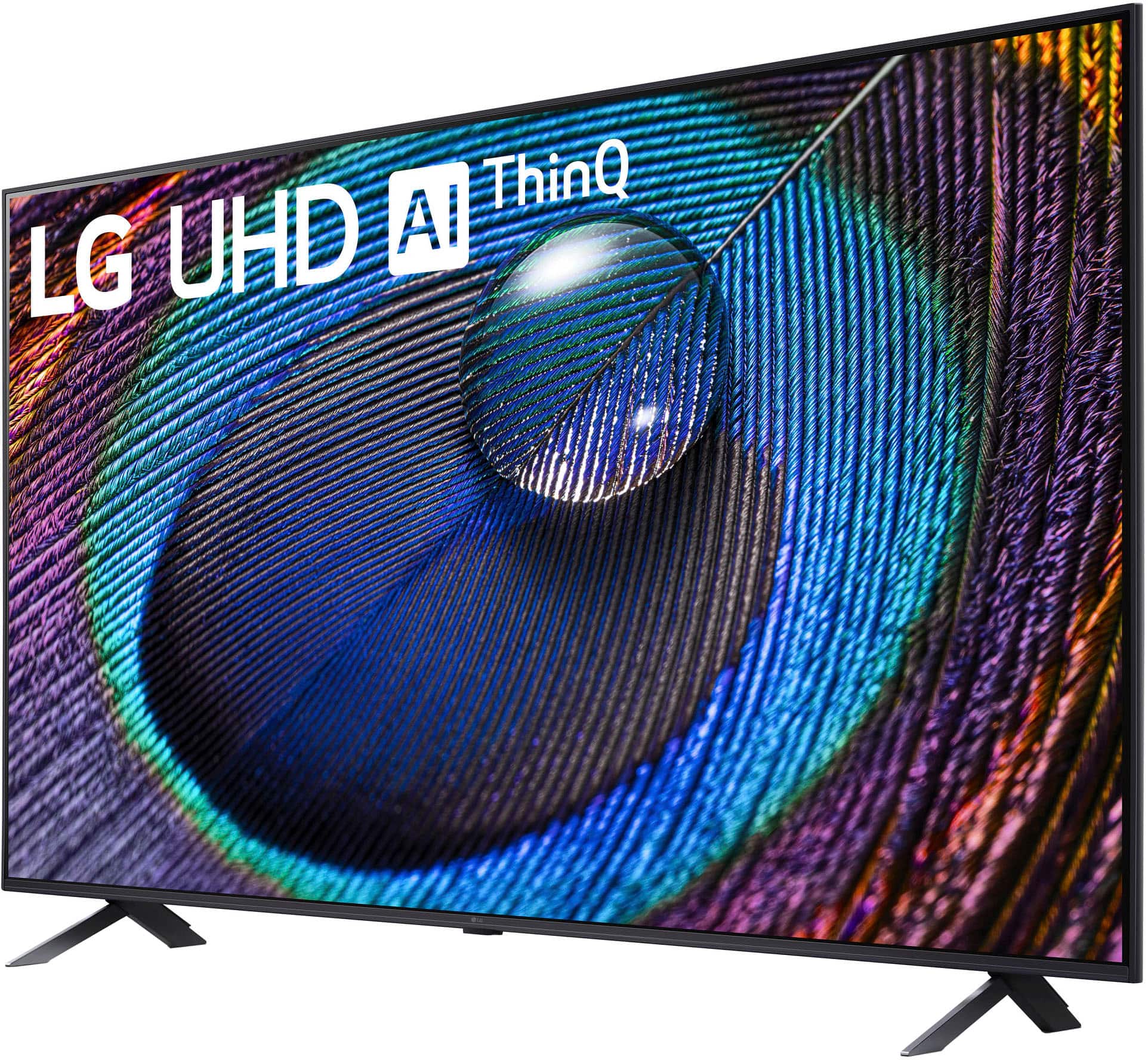
    • Answer Hi there! Thank you for reaching out with your question. For the 50UR9000PUA model, if the feet are too wide for your table, you can use a compatible VESA wall mount bracket as an alternative. This will allow you to mount the TV securely on the wall or a custom stand with a compatible VESA pattern. If you need further assistance in selecting the right mount or have other questions, please send us a private message on Social Media @LGUSSupport. Our team will be more than happy to help you find the best solution. We appreciate your patience and understanding. —Avril

      Answered by LG Digital Customer Care

  • QuestionHow do you set up tv

    Asked by Anonymous.

    • Answer Thank you for reaching us regarding LG Smart webOS TV. You can follow this step to set up your LG 50UR9000PUA TV, follow these steps: 1. Unbox the TV and connect the power cable and any devices (like cable boxes or game consoles). 2. Press the Power button on the remote to turn on the TV. 3. Press the OK button on the remote to connect it to the TV. 4. Choose your language, country, and time zone. 5. Connect to Wi-Fi or plug in an Ethernet cable for a wired connection. 6. Accept the Terms and Conditions by scrolling down, selecting "Select All," and then "Agree." 7. The TV will find any connected HDMI devices or antennas. 8. Choose your TV source (antenna, cable, or satellite) and enter your ZIP code. 9. Select if the TV is on a stand or wall-mounted. 10. Enable any AI features you want, like AI Picture Pro and AI Sound Pro. 11. Sign in to your LG account using the remote or a web browser. 12. Pick which apps to install on your TV. 13. If using an antenna or cable, the TV will scan for channels. 14. Once set up, you’ll reach the home screen or your selected TV source. You can download its owner's manual through this link for more information: https://www.lg.com/us/support/product/lg-50UR9000PUA.AUS. For additional assistance, please reach out to us on social media @LGUSSupport so we can help you further. ^Cris

      Answered by LG Digital Customer Care

  • QuestionWe recently bought a 50” LG Flat screen tv. We are supposed to get 3 months of Disney+ free. How do we access that?

    Asked by Bill.

    • Answer Hi Bill! We understand this may have been part of a Best Buy promotion. Please reach out to Best Buy support here: https://www.bestbuy.com/support. If you have further questions or concerns, please reach out to us on social media (@LGUSSupport)! ^Chris

      Answered by LG Digital Customer Care

  • QuestionWhat is the warranty on this TV?

    Asked by Trim.

    • Answer Thank you for your interest in the LG Smart webOS TV. The LG 50UR9000PUA 4K UHD Smart TV comes with a 1-year parts and labor warranty from the manufacturer. You can download its owner's manual through this link for more information: https://www.lg.com/us/support/product/lg-50UR9000PUA.AUS. If problem persist, please reach out to us on social media @LGUSSupport so we can help you further. ^Cris

      Answered by LG Digital Customer Care

  • Questionwhat are cool things about this

    Asked by eli.

    • Answer Thank you for your interest in the LG Smart webOS TV. The LG 50UR9000PUA is a decent budget-friendly 4K TV best suited for moderately-lit rooms, watching TV shows, sports, or using as a PC monitor. You can download its owner's manual through this link for more information: https://www.lg.com/us/support/product/lg-50UR9000PUA.AUS. If problem persist, please reach out to us on social media @LGUSSupport so we can help you further. ^Cris

      Answered by LG Digital Customer Care

  • QuestionHow much does 50” weigh

    Asked by LC.

    • Answer Thank you for your interest in the LG Smart webOS TV. The LG 50UR9000PUA 50-inch 4K UHD Smart TV weighs 28.7 lbs without the stand, and 29.5 lbs with the stand. You can download its owner's manual through this link for more information: https://www.lg.com/us/support/product/lg-50UR9000PUA.AUS. ^Cris

      Answered by LG Digital Customer Care

  • QuestionDoes it support Crunchyroll

    Asked by Jeff.

    • Answer Thank you for your interest in the LG Smart webOS TV (50UR9000PUA) model. The LG 50UR9000PUA TV is compatible with the Crunchyroll app and you can easily access the anime streaming service directly on the TV. You can download its owner's manual through this link for more information: https://www.lg.com/us/support/product/lg-50UR9000PUA.AUS. ^Cris

      Answered by LG Digital Customer Care

  • QuestionDoes this TV support chromecasting or just screen mirroring?

    Asked by Doomia.

    • Answer We appreciate your interest in the LG TV (50UR9000PU) model. This TV supports Chromecast, allowing you to stream content directly from your phone, tablet, or laptop to the TV. This feature enables you to cast a wide range of entertainment and apps to the TV for a more immersive viewing experience. You can download its owner's manual through this link: https://www.lg.com/us/support/product/lg-50UR9000PUA.AUS. ^Juvy

      Answered by LG Digital Customer Care